
Our readers keep the lights on and my morning glass full of iced black tea. As an Amazon Associate, I earn from qualifying purchases.
Specs are compiled from manufacturer listings and verified buyer reviews and can change over time — please confirm the key details on the product page before buying.
A 24-inch 1080p monitor is the smart size for most desks — big enough to spread out your work, small enough to fit anywhere. The real question is which one gives you smooth movement, accurate colors, and ports that actually match your computer, all without paying for features you will never use. This guide cuts through the spec-sheet noise to help you pick the right one for your setup, whether that means a home office, a gaming corner, or a dual-screen work station.
I’m Min — the founder and writer behind Gadgets Feed. This guide is built by comparing the manufacturers’ published specifications and the patterns across verified customer reviews, so you get each pick’s real strengths and trade-offs instead of marketing spin.
From fast 144Hz panels to color-accurate workhorses, these are the 24 inch 1080p monitor picks that deliver on their promises for work, play, and everything between.
Our Picks at a Glance
How To Choose The Best 24 Inch 1080P Monitor
Before you click buy, there are a few numbers and terms that decide whether a monitor feels great or just okay. Here is what actually matters when you sit down in front of it every day.
Refresh Rate: The Smoothness Factor
Refresh rate is how many times per second the screen draws a new image, measured in hertz (Hz). Standard office monitors run at 60Hz, which is fine for email and documents. But if you play games or just hate the feeling of a sluggish cursor, a 120Hz or 144Hz panel makes motion look fluid and reduces the blur you see when things move fast. If you only work in spreadsheets and browsers, you do not need to pay extra for a high refresh rate.
Panel Type: How You See It Matters
Most modern monitors use IPS (In-Plane Switching) panels. The plain-English benefit is that colors stay accurate and bright even when you are not staring straight at the screen — so a colleague leaning over to look at your work still sees it correctly. IPS is the safe choice for any desk. Some monitors use VA panels, which offer deeper blacks and higher contrast but can shift in color when viewed from an angle.
Connectivity: Matching Your Computer
Before you choose, check what ports your laptop or PC has. HDMI is the most common connection and is present on almost everything. DisplayPort (DP) is another modern option that carries high refresh rates easily. VGA is an older, analog connection that some legacy desktops still use — it is a helpful extra to have, but you will rarely need it. If you use a MacBook, USB-C output matters most, as it carries both video and power over one cable.
Quick Comparison
| Model | Best For | Refresh Rate | Brightness | Connectivity | Amazon |
|---|---|---|---|---|---|
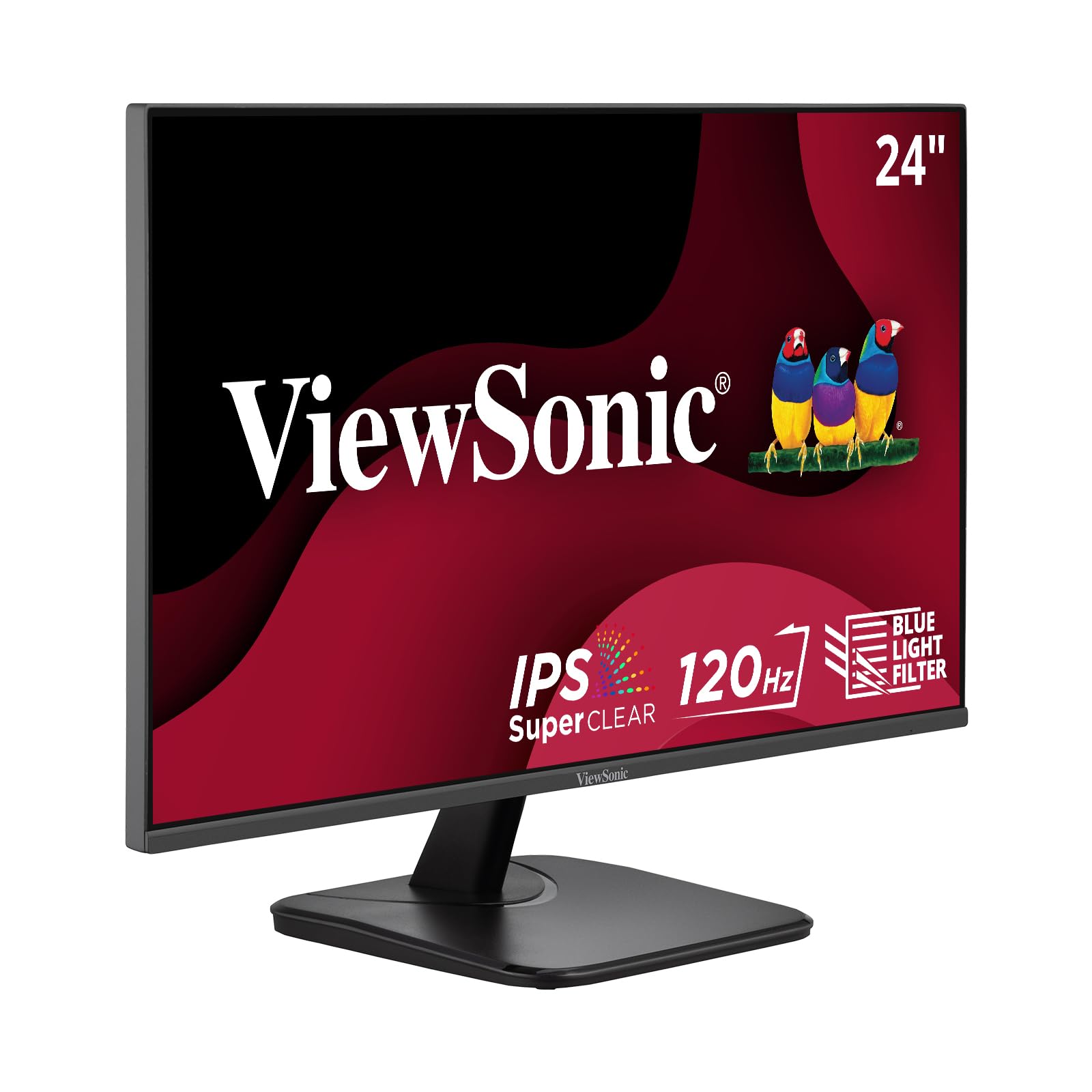
| ViewSonic VA2456A-MHD★ Best Overall | All-round home office | 120Hz | 250 cd/m² | HDMI, DP, VGA | Amazon |
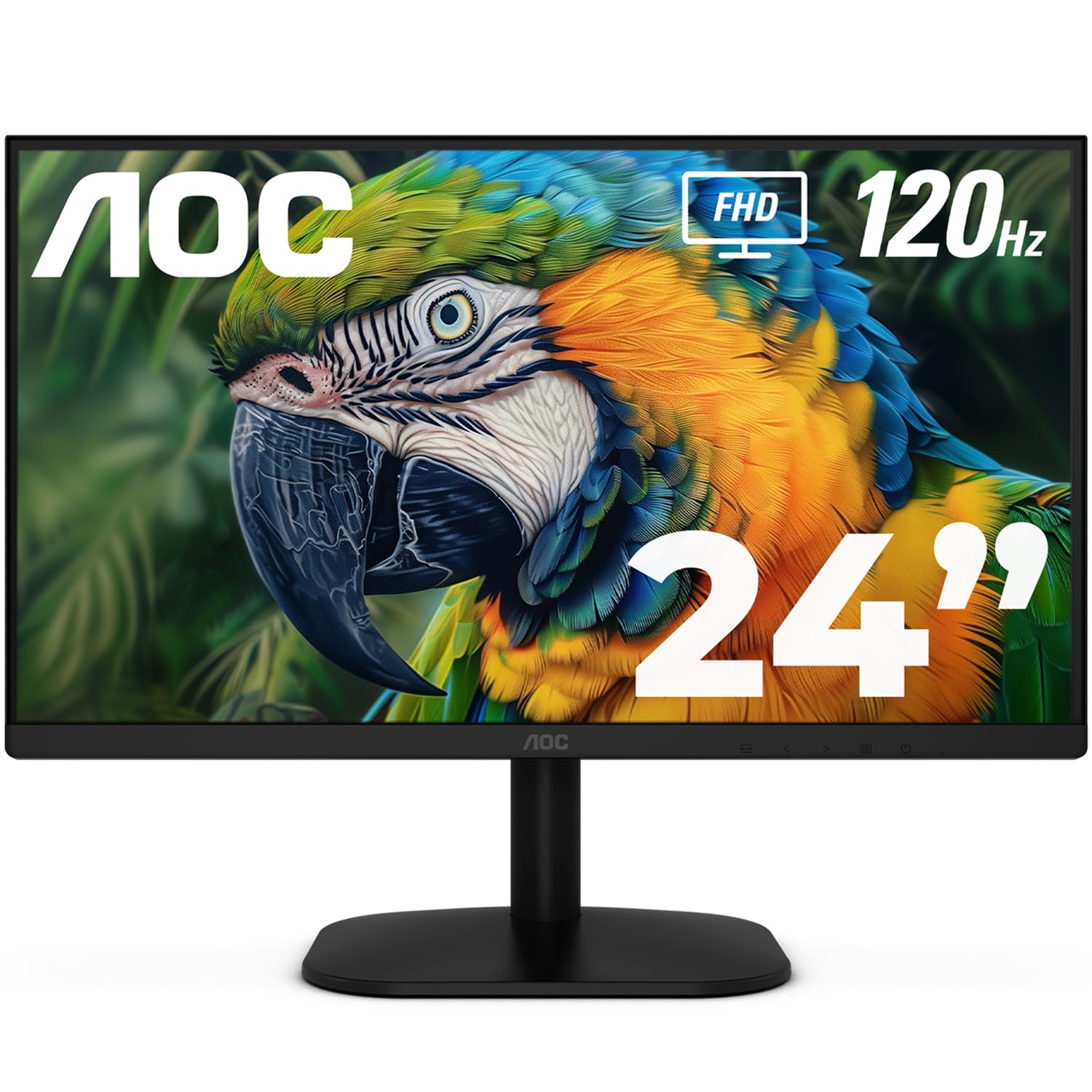
| AOC 24B35H3Best Value | Budget value | 120Hz | — | HDMI, VGA | Amazon |
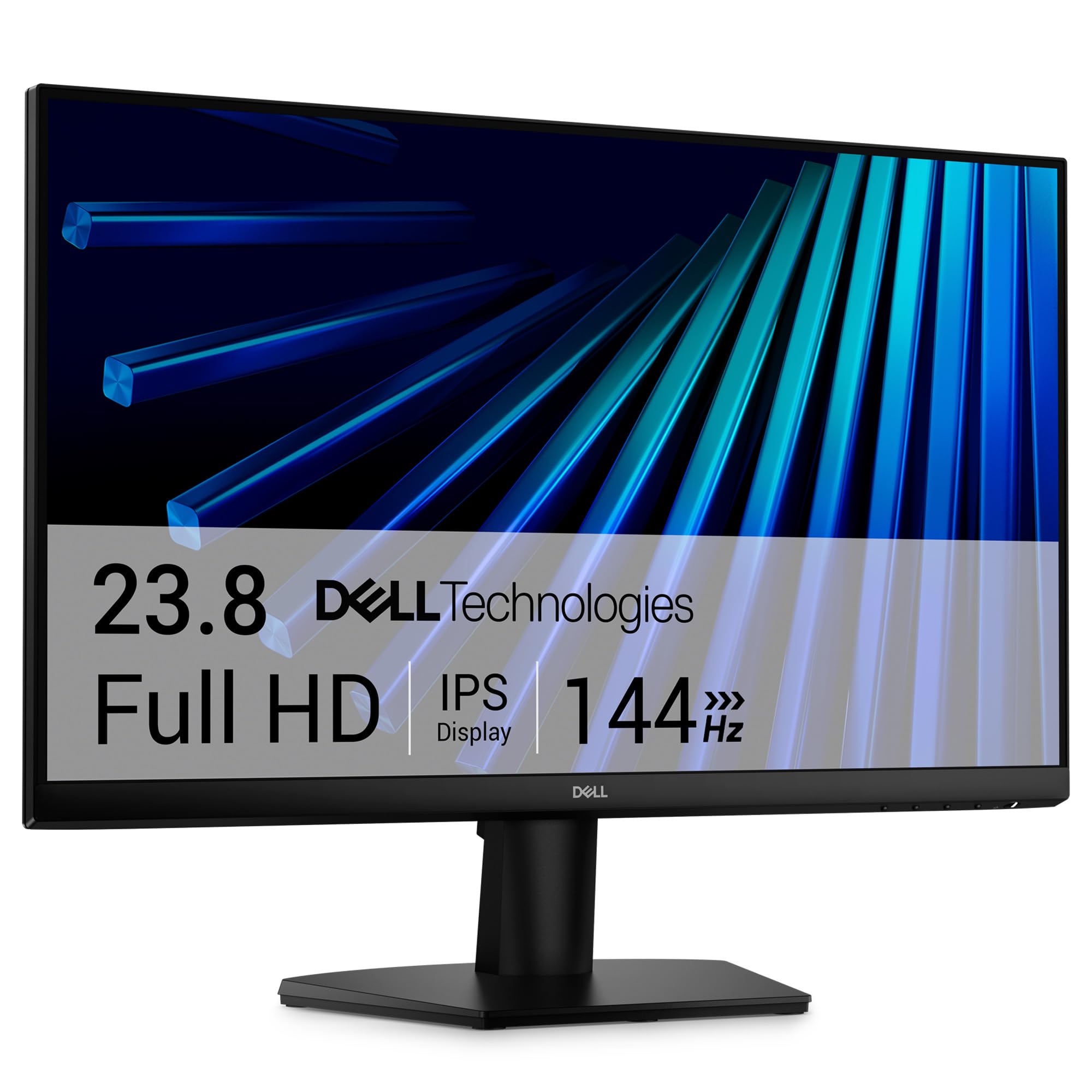
| Dell SE2426HPerformance Pick | Fluid everyday motion | 144Hz | 300 cd/m² | HDMI | Amazon |
| ViewSonic VA2448-MH | Smooth budget work | 120Hz | 300 cd/m² | HDMI, VGA | Amazon |
| Samsung S32GF | Brand trust & color | 120Hz | 250 cd/m² | HDMI | Amazon |
| Amazon Basics 24-inch | Barebones reliability | 75Hz | — | HDMI, DP, VGA | Amazon |
| LG 24U411A-B | Work & casual play | 120Hz | 250 cd/m² | HDMI, VGA | Amazon |
| LG 24G411A-B | Gaming on consoles | 144Hz (O/C) | 250 cd/m² | HDMI, DP | Amazon |
| Dell S2425HSM | Adjustable comfort | 144Hz | 300 cd/m² | HDMI | Amazon |
| ASUS TUF VG249QL3A | Competitive gaming | 180Hz | 350 cd/m² | HDMI, DP | Amazon |
| ASUS ProArt PA247CV | Photo & color work | 75Hz | — | USB-C, DP, HDMI | Amazon |
In‑Depth Reviews
1. ViewSonic VA2456A-MHD
Our pick — over 4.5★ from 400+ verified ratings; the strongest balance of quality and price.
The desk staple that pairs a smooth 120Hz panel with the rare luxury of DisplayPort daisy-chaining.
This is the pick that wins people over on build quality and sharpness — what the crowd responds to is how a modestly priced screen can still look this clean at 1920 x 1080. The IPS panel delivers accurate colors from wide angles, so you see consistent brightness whether you are head-on or leaning sideways to point something out to a coworker. At 1500:1 contrast ratio, it beats the 1000:1 of many rivals for deeper blacks in dark scenes.
Connectivity is the standout story here. You get HDMI, DisplayPort, and VGA inputs, which covers modern laptops and older desktops alike. Even better, the DisplayPort-out lets you daisy-chain a second monitor with a single cable between them — a genuinely tidy way to extend your workspace without a nest of wires. The 120Hz refresh rate delivers fluid scrolling and responsive casual gaming., and the eye-care tech — Flicker-Free plus a Blue Light Filter — prevents eye fatigue during marathon spreadsheet sessions.
You get a monitor that buyers report lasts for years — one owner reports “After 6 months, they are still working great,” and another has used ViewSonics daily for over 30 years, claiming a decade or more of use. The built-in speakers are serviceable but not great, so plan for separate ones for serious listening. Setup uses a rocker switch that takes a moment to learn, but the picture quality and price keep this at the top of the list.
What wins people over
- Crisp, sharp Full HD picture with accurate IPS colors
- Daisy-chain DisplayPort for a cleaner multi-monitor desk
- Flicker-free and blue-light filter for long sessions
What you give up
- Built-in speakers are basic, not for music or movies
- 250 nits brightness is fine indoors but not for sunny rooms
- Rocker-switch menu takes a little getting used to
Reach for this if: you want one dependable monitor that handles office work, casual gaming, and a tidy multi-screen setup without fuss.
Look elsewhere if: you need a color-critical screen for photo editing — the sRGB coverage is good but not the factory-calibrated standard of a dedicated pro panel.
2. AOC 24B35H3
Two-for-one potential at a price that makes a dual-screen setup feel like a bargain.
If you are building a home office on a budget, this AOC is the one people call “two for the price of one” — it is cheap enough that outfitting two desks with matching screens costs less than one premium panel. The 24-inch Full HD (1920 x 1080) IPS panel gives you wide 178° viewing angles, so colors hold up from any seat in the room.
The 120Hz refresh rate ensures smooth scrolling and video playback., and Adaptive Sync (AMD FreeSync) cuts down on screen tearing when you watch fast-moving content. Color coverage is strong for the price: 100% sRGB and 84% NTSC gamut means web pages and photos look vibrant and true. A tilt-adjustable stand plus VESA mount compatibility gives you flexibility — stick it on the included stand or bolt it to an arm. You get HDMI, VGA, and a 3.5mm earphone out for private listening.
The recurring gripe is simple: “only downside is it not having a display port.” There is no DisplayPort here, so if your graphics card only outputs DP, you will need an adapter or cable trick. Some owners also found the refresh rate stuck at 60Hz until they adjusted settings in Windows — check your display properties if things feel sluggish. For the money, owners say the picture quality is surprisingly good, with one calling it a great gaming monitor as a gift for a younger sibling.
Smart-money move: this is the pick if you want a smooth 120Hz IPS panel and are happy to work with HDMI or VGA connections. It is a perfect companion screen for a laptop.
Who it beats: anything pricier that lacks the 120Hz smoothness — you get the fluid feel without the premium bill.
The catch: no DisplayPort and a tilt-only stand; plan for HDMI and a desk that does not need height adjustment.
3. Dell SE2426H
Dell’s 144Hz panel outpaces the 120Hz field for motion that feels genuinely faster on screen.
This is the speed-focused pick in the 24-inch class — a 144Hz refresh rate beats the 120Hz of the ViewSonic above by a clear 20% margin. That means smoother scrolling, more fluid video, and a perceptible edge in fast-paced games. The 1ms MPRT (Moving Picture Response Time) cuts motion blur so moving objects stay sharp instead of smearing.
You get a brighter screen in daylight — the IPS panel at 300 nits is a step above the 250-nit panels on many rivals. Dell’s TÜV Rheinland 3-star eye comfort certification ensures low blue-light output., so the blue-light filter cuts eye strain without dulling the display’s color accuracy.. Thin bezels boost the view, and the included HDMI cable gets you up and running in minutes — owners describe setup as “super easy” and the color as “vivid.” The 178°/178° viewing angle means consistent color from any position.
What wins people over here is Dell’s reliability and the picture quality for the money — the crowd praises it as excellent value with a clear picture that is gentle on the eyes during extended use. It is a strong everyday home-office monitor, though hardcore gamers may want a higher-end panel. One owner noted it is “not for gaming” in the competitive sense, favoring it as an everyday workhorse instead.
Speed for the desk: if your day mixes spreadsheets with a quick game at lunch, the 144Hz plus 1ms response gives you both without compromise.
Best suited to: anyone who wants a faster-than-average refresh rate for daily work and casual play, backed by Dell’s build quality.
Think twice if: you need DisplayPort or USB-C connectivity — this panel is HDMI-only, so check your device’s output first.
4. ViewSonic VA2448-MH
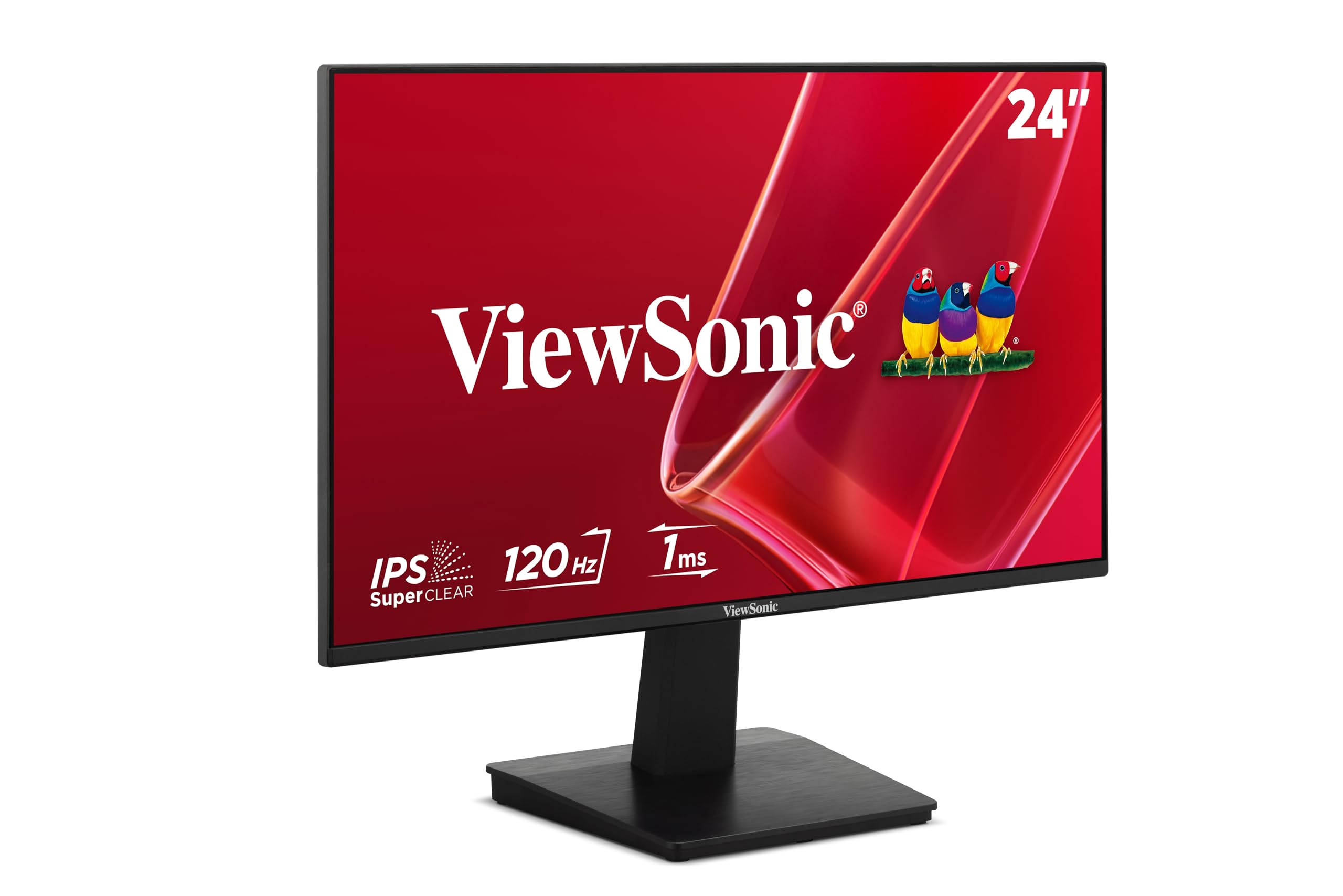
A brighter-than-usual 300-nit panel that works from the start with speakers you rarely get at this price.
This ViewSonic delivers the same trusted brand as the top pick but brightens things up — it runs 300 nits compared to the VA2456A-MHD’s 250, so it handles sunnier rooms a little better. The 120Hz refresh rate keeps everyday scrolling and streaming fluid, and the IPS panel holds color consistency across wide viewing angles. It is a reliable 1920 x 1080 workhorse for a home office or study space.
You get HDMI and VGA inputs, which gives you flexibility for modern laptops and older desktop towers. Owners highlight that it “recognized the monitor with no issues” and needed no fiddling — the screen works right from the start. The narrow bezel earns praise for a clean, wide viewing experience, and it is large enough to see all your browser tabs at once. Built-in speakers are a bonus at this price point, though the sound quality is the one thing owners mention as a weakness.
You get value with a trusted name — owners call it “great value for money” with a crisp image and no distortion. It also works with a Roku for streaming, so it does double duty as a small TV. The stand is tilt-adjustable and the screen is VESA-ready if you want to mount it.
Why it earns its spot
- Brighter 300-nit IPS panel for daylight rooms
- Plug-and-play setup with HDMI and VGA
- Built-in speakers you did not expect at this price
Keep in mind
- Speakers are weak for music — fine for alerts and calls
- No DisplayPort for newer GPU setups
Choose this if: you want a reliable ViewSonic with a slightly brighter screen and do not need DisplayPort.
skip it if: sound quality is a priority — plan on external speakers or headphones.
5. Samsung S32GF
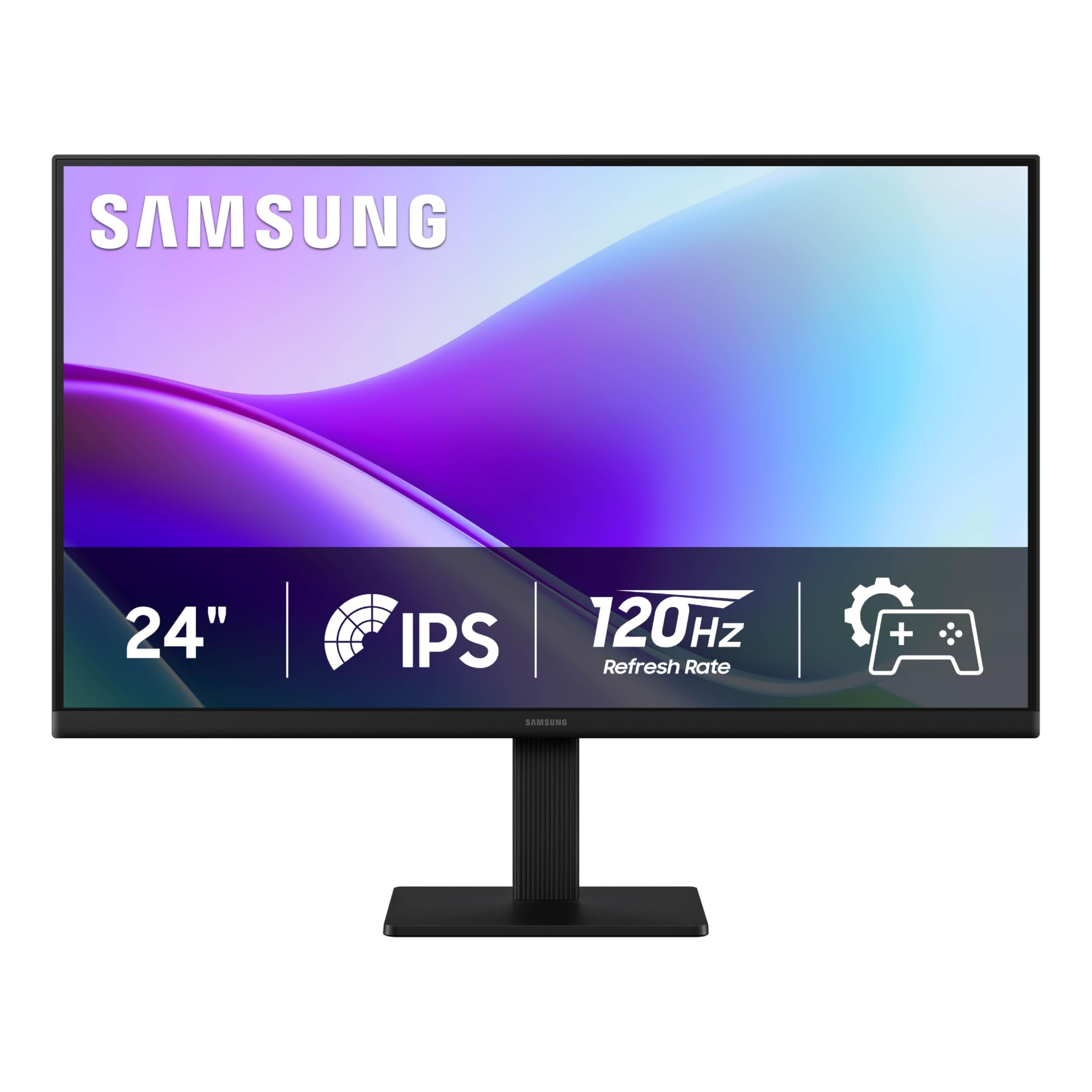
Samsung’s 120Hz IPS screen that owners say was “much better than expected” for the money.
Here is a monitor that over-delivers on first impressions. The IPS panel produces vivid colors that stay bright and clear across the whole screen, even at an angle. The 120Hz refresh rate reduces lag and motion blur for games and videos, and the super-slim design with ultra-thin bezels looks modern on any desk.
Owners call the picture quality “crisp” and the size “terrific” — one upgraded from an older 24-inch and found it a big step up, immediately planning to order a second. The connectivity includes a long HDMI cable in the box, so setup took about five minutes. It handles gaming, study, and streaming well, with a night-vision mode offering low and high brightness settings for dark rooms.
Two honest quirks: the power switch sits on the back and needs a firm press, and there is no height adjustment on the stand. The power button placement drew some mixed reactions, but nobody found it a dealbreaker. One owner did report occasional random blackouts lasting a few seconds — worth knowing, though rare in the broader feedback. There are no built-in speakers, so you will need separate audio.
The trade-off: you get Samsung’s color quality and a slim look, but you trade away a flexible stand and built-in sound.
Reach for it if: you want a trusted brand with bright, wide-angle IPS color and a slick, thin profile.
Look elsewhere if: you need height adjustment, speakers, or a front-mounted power button.
6. Amazon Basics 24-inch

The no-nonsense 75Hz workhorse with a tilting stand and every port you realistically need.
If you want a monitor that just works and costs as little as possible, this Amazon Basics panel is the no-frills answer. It runs a 75Hz refresh rate, which is smoother than the older 60Hz standard and perfectly fine for office work, webinars, and video calls. The 1920 x 1080 IPS panel delivers rich color that you can view accurately from all angles — owners call the screen “crisp.”
The connectivity is the real highlight here: you get VGA, HDMI 1.4, and DisplayPort, which covers nearly any computer old or new. The included stand tilts from -5 to 23 degrees, and it is VESA wall-mount ready with a 100x100mm hole pattern. Setup takes under five minutes, and it is Energy Star certified to keep power use down. For a backup Mac or a second work screen, customers note it is a “great bargain.”
The trade-offs are predictable at this price. The built-in speakers are present but weak — owners describe them as “poor but present” — though one found they improve after some burn-in and raising the sampling rate. The screen can look slightly washed out until you push the contrast up, and there is no audio output port. For a barebones daily driver, owners are clear: “just buy the thing.”
The dependable side
- HDMI, DisplayPort, and VGA cover old and new devices
- Tool-free tilting stand and VESA mount ready
- Energy Star certified for lower power draw
The honest limits
- Speakers are basic — external audio is a smarter bet
- 75Hz refresh, so not a gaming panel
Best for: a reliable, inexpensive screen for email, documents, and video calls — the definition of a no-regrets office buy.
Not for: gamers or anyone who wants punchy built-in sound.
7. LG 24U411A-B
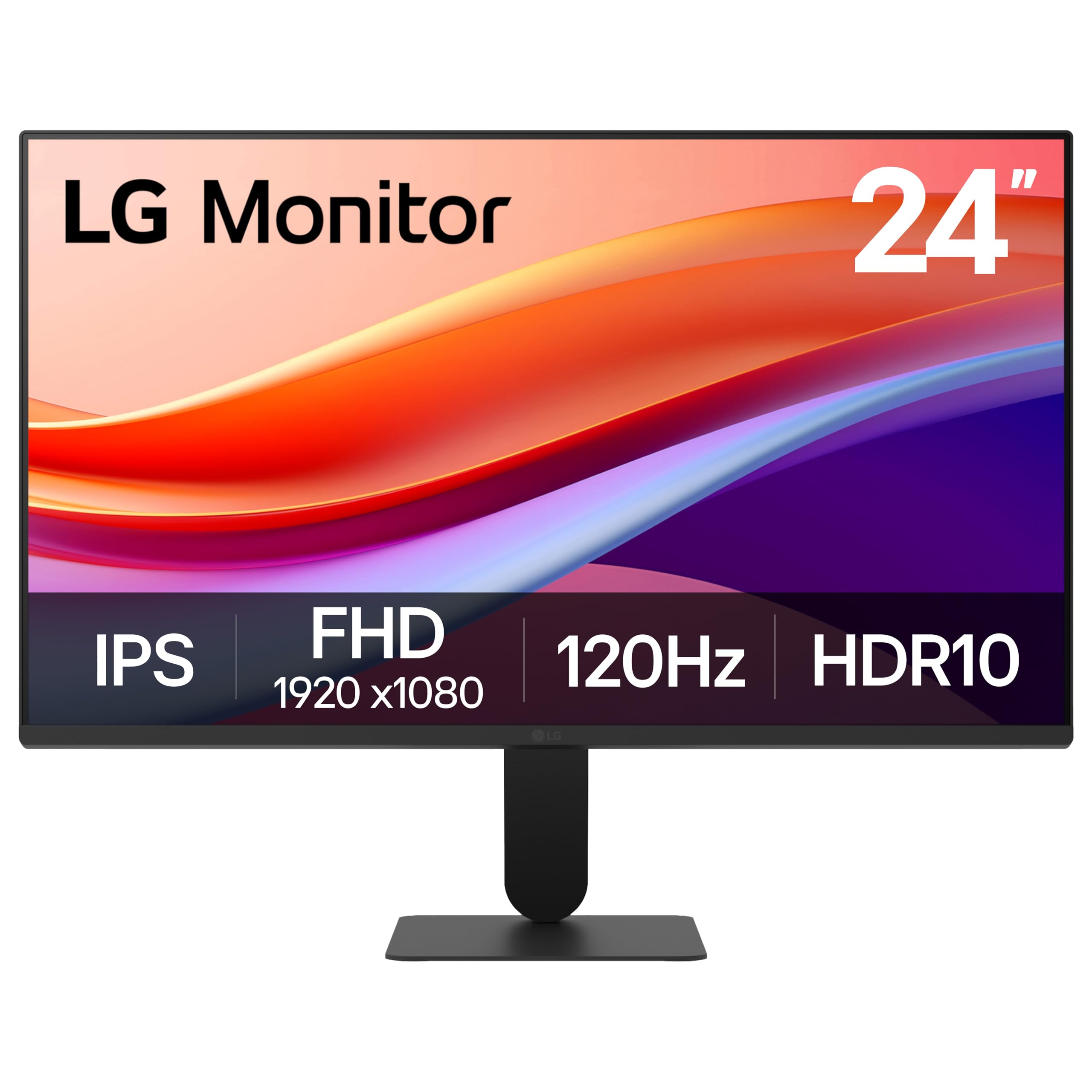
A 120Hz IPS panel with HDR10 and a 99% sRGB gamut — a smooth all-rounder for work and casual play.
This LG brings a generous feature set to the everyday monitor. The 120Hz refresh rate delivers fluid motion for work and games, while HDR10 support and up to 99% sRGB color gamut coverage produce rich, vivid colors across a wide spectrum. The virtually borderless 3-side design looks sleek on a desk and works great in dual-monitor setups. Owners praise it as a “great value 1080p 120Hz” screen.
The eye-care features are well thought out. Reader Mode lowers blue light levels for comfortable document reading, and Flicker Safe eliminates screen flicker to reduce eye strain during long sessions. The tilt-adjustable stand moves from -5° to 20° so you can find a comfortable angle. Black Stabilizer brightens dark scenes for gaming, and Dynamic Action Sync cuts input lag for faster reactions. The Switch app lets you split the screen into up to 6 sections for multitasking.
The honest gaps: there are no built-in speakers — you get a headphone out instead — and the adjustability is tilt-only, so no height change. One owner found the stand a bit lacking and the menu knob annoying, though the metal stand on a newer model earned praise for being wobble-free. Colors can look slightly green-tinted or oversaturated from the start, but the 3 color plus 6 hue/saturation adjustments let you fix that to your taste.
What stands out: HDR10 and 99% sRGB at this price tier is rare — you get richer color than most 24-inch office panels without paying pro prices.
Reach for this if: you want smooth 120Hz motion, good color coverage, and a clean borderless look for work or dual-screen setups.
Pass if: you need built-in speakers or a height-adjustable stand — this is tilt-only and silent.
8. LG 24G411A-B UltraGear
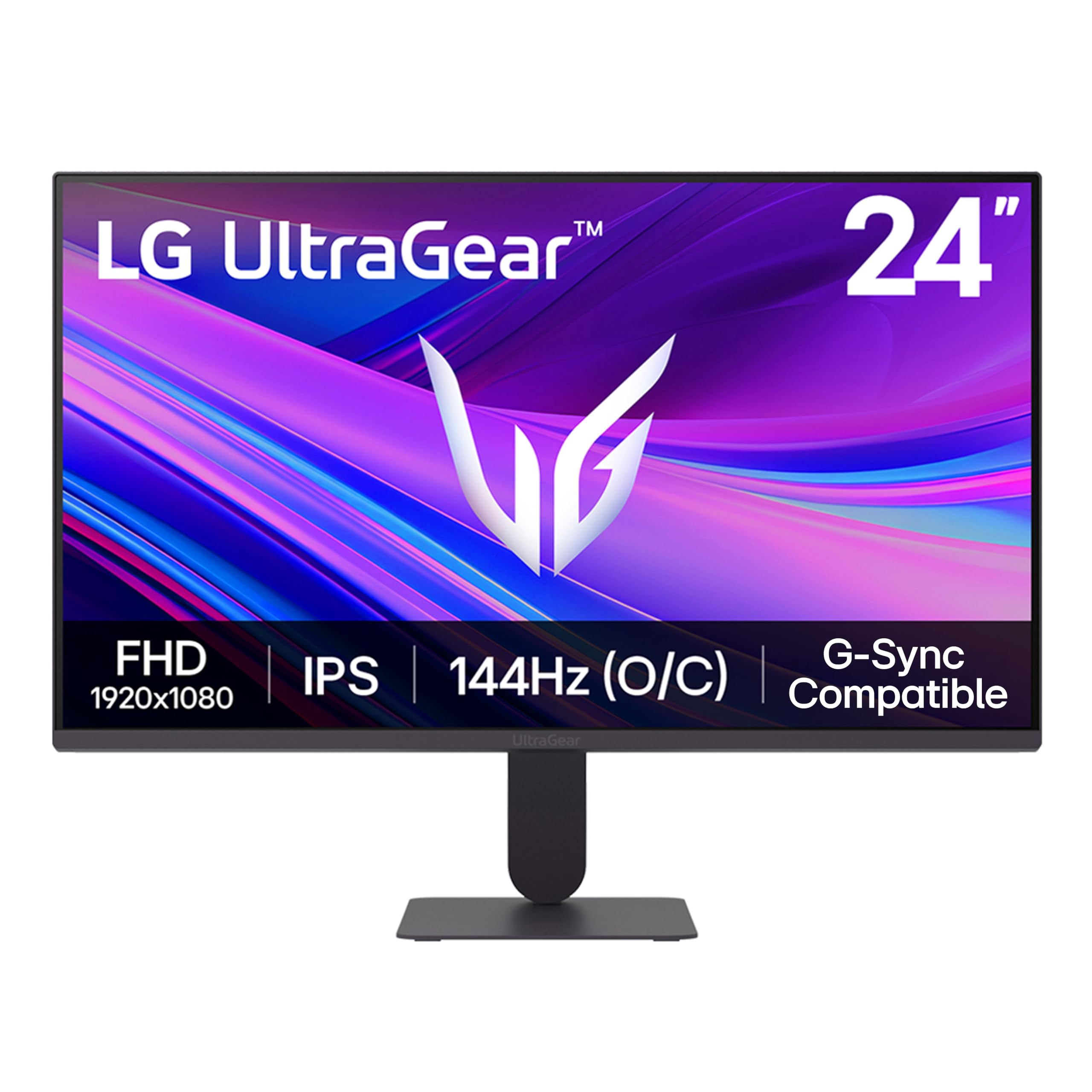
The console-ready 144Hz UltraGear that PS5 owners say runs “very smooth” right from the start.
This is LG’s gaming-focused UltraGear, and it is built for fast play. The 120Hz native refresh rate overclocks to 144Hz for that extra headroom, and 1ms MBR (Motion Blur Reduction) keeps fast-moving action sharp without ghosting. It supports both NVIDIA G-Sync Compatible and AMD FreeSync, so tear-free gameplay works whether your GPU is Nvidia or AMD. Owners running a PS5 confirm it drives 120Hz smoothly and look “great for PS5 and daily use.”
The color story is strong for gaming: HDR10 with up to 99% sRGB gamut coverage, and the IPS panel delivers rich tones. Gaming extras include Dynamic Action Sync to cut input lag, Black Stabilizer to brighten dark scenes so you spot enemies hiding in shadows, and an on-screen Crosshair for first-person shooters. The slim stand and ultra-thin bezels keep the focus on the action.
The known weak spot is the stand — it “jiggles badly” per one owner, and several describe it as weak. Many owners simply swap to a VESA monitor arm, which is an easy fix. Brightness runs a typical 250 nits, and one owner noted occasional random blackouts, though the broader crowd sees it as “quality exceeds price.” If you plan to mount it on an arm anyway, this is one of the best gaming values in the 24-inch class.
Built for the win
- 144Hz overclocked with 1ms MBR for sharp, fast motion
- Supports both G-Sync and FreeSync — GPU agnostic
- Console-friendly at 120Hz on PS5
The honest trade-off
- Stand quality is weak — plan for an arm mount
- 250-nit brightness is average, not dazzling
Choose this for: competitive gaming on a budget, especially on console or with a mid-range GPU.
Think twice if: you do not want to buy a monitor arm — the included stand is its weakest link.
9. Dell S2425HSM
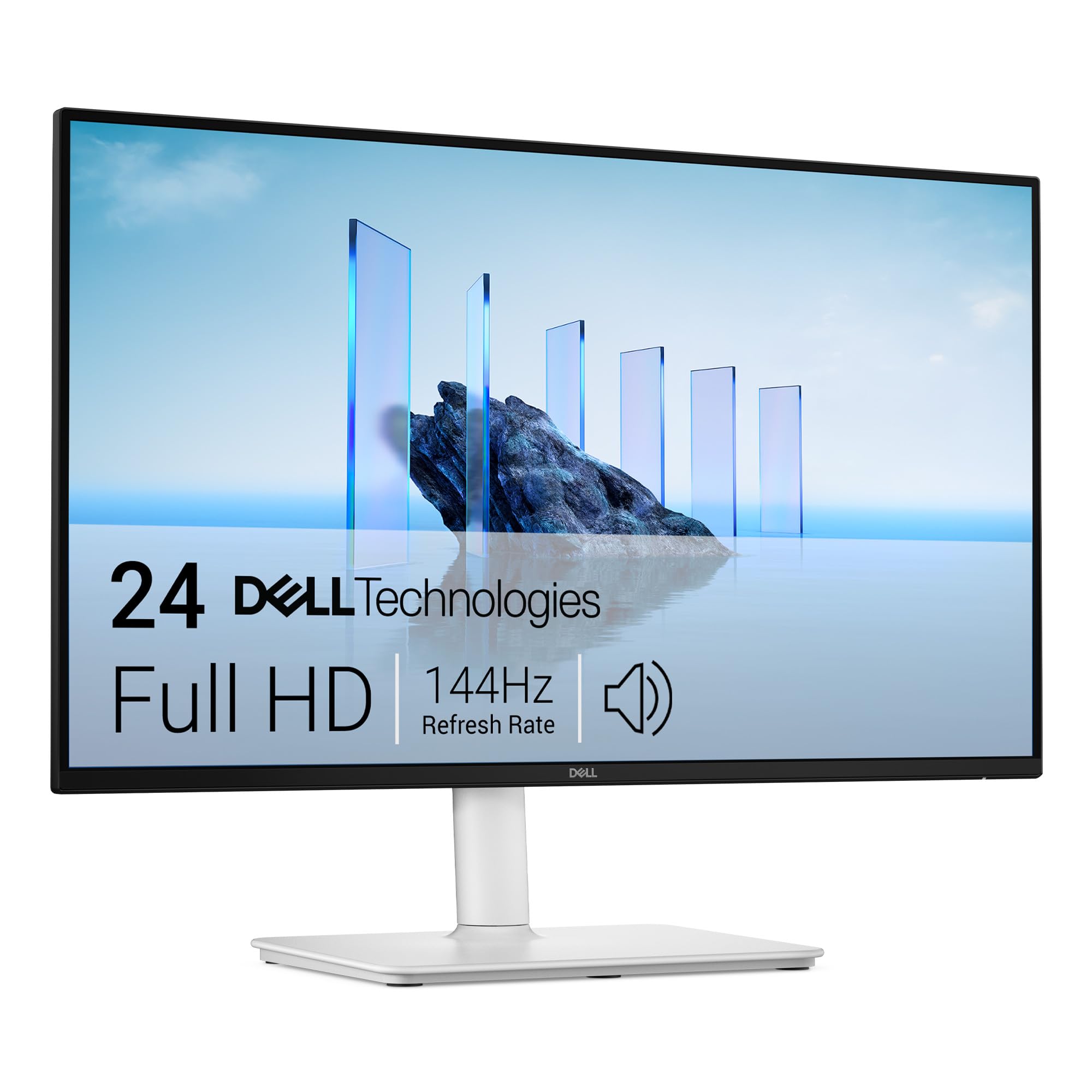
The ergonomics king — height, pivot, swivel, and tilt — wrapped around a fast 144Hz panel with real speakers.
This Dell Plus model is the pick when your neck and posture matter as much as the picture. The stand offers height, pivot, swivel, and tilt adjustment, so you can position the screen exactly where your eyes need it — a rarity at this price. The 144Hz refresh rate with 1ms MPRT (Moving Picture Response Time) keeps motion smooth and tear-free across work, gaming, and streaming. At a 1500:1 contrast ratio, it holds deep blacks for richer visuals.
Unlike most budget panels with token speakers, this one has integrated dual 3W speakers that owners genuinely like — one called them “great speakers” and another said they “work well” — delivering a wider range of frequencies than the usual tinny drivers. The 4-star TÜV-certified panel filters blue light while preserving color fidelity. Owners say it is “perfect right from the start” with a clear picture that is “easy on the eyes.”
The one limitation is connectivity: it is HDMI-only, with no DisplayPort or USB-C. A MacBook Pro owner who tested several monitors noted the Dell had “great speakers” and caused “no eye strain,” but ultimately chose a different panel with USB-C for single-cable charging. If your laptop uses USB-C power delivery, this Dell will need an adapter or a separate power cable.
The comfort story: full ergonomic adjustment plus genuinely usable speakers makes this the best pick for long workdays at a desk.
Best for: office workers who sit long hours and want to dial in perfect posture without buying a separate stand.
Skip if: you rely on a single USB-C cable to your laptop — this monitor has HDMI only.
10. ASUS TUF Gaming VG249QL3A

The fastest 24-inch panel in this lineup — a 180Hz Fast IPS screen built for serious, competitive players.
This is the monitor gamers actually want when they say “fast.” At 180Hz, it leads this entire list — refresh rate is the reason serious players pick it over the 144Hz and 120Hz panels above for smoother, more responsive motion. The 1ms (GTG) response time keeps fast-moving frames clean, and ASUS ELMB (Extreme Low Motion Blur) further cuts ghosting. It supports both FreeSync Premium and G-SYNC Compatible for tear-free play on any GPU.
The image quality earns consistent praise — owners call the display “excellent” with vivid colors and darker-than-expected blacks for an IPS panel. The stand is the other standout: it is height, swivel, pivot, and tilt adjustable, which is a premium feature at this level. On-screen extras like Shadow Boost brighten dark areas without overexposing bright spots, and the 350-nit brightness is the brightest in this comparison, handling bright rooms well.
The honest notes: built-in speakers are weak, so external audio is the smart move, and the box ships with only an HDMI cable despite the advertising suggesting otherwise — plan to buy a DisplayPort cable for full 180Hz on PC. One owner flagged a warranty process as “worthless” after a screen issue, though the repair was eventually completed. For pure gaming performance per dollar, owners still call it “phenomenal” and a “Honda Accord” — average, reliable, and dependable.
The competitive edge
- 180Hz + 1ms response for top-tier smoothness
- Full ergonomic stand — height, pivot, swivel, tilt
- Brightest panel here at 350 nits
What to know
- Only an HDMI cable included — buy a DisplayPort cable
- Speakers are weak; plan for separate audio
Grab this for: competitive gaming where every millisecond counts and you want a fully adjustable stand right in the box.
Pass if: you are on a strict budget or prefer plug-and-play without buying extra cables.
11. ASUS ProArt PA247CV

The color-accurate creative panel that charges your laptop through USB-C while it displays — a true one-cable desk setup.
This is the pro-grade choice for people who care about color accuracy above all else. The 24-inch Full HD (1920 x 1080) IPS panel covers 100% sRGB and 100% Rec. 709 color gamuts, and it arrives factory calibrated to Calman Verified standards with an excellent Delta E < 2 accuracy — meaning colors are true to life straight from the start. Owners use it as a “photo editing monitor” and a “Rec 709 color grading monitor,” praising its accuracy for the price.
The connectivity is where this panel justifies its premium position. USB-C with 65W Power Delivery lets you connect a laptop with one cable that carries video and charges the machine simultaneously. You also get DisplayPort, HDMI, and a USB 3.1 hub with extra ports for peripherals. The included quick-release stand adjusts for tilt, swivel, pivot, and height, and the screen supports daisy-chaining over DisplayPort for multi-screen setups.
Owners are pleased with the “great docking setup for MacBook Pro” — two monitors driven via USB-C with no dock needed. The caveats: the speakers are weak, and one owner flagged that ASUS does not include calibration software despite expectations — you would need a third-party tool like a Spyder for advanced tuning. The stand also has limited height range, which some found caused neck strain over long days.
The creative advantage
- Factory-calibrated Delta E < 2 accuracy for true colors
- USB-C with 65W power delivery — one cable for video and charge
- Full ergonomic stand and daisy-chain support
The expectations check
- Speakers are weak for a pro panel — use headphones
- No calibration software included despite desires
Reach for this if: you edit photos or video and want a color-true screen plus a single USB-C cable to your laptop.
Look elsewhere if: you mostly game or stream — you would pay for color accuracy you do not need.
Understanding the Specs
Refresh Rate (Hz)
This is how many times per second your screen redraws the image. A 60Hz monitor is standard for office work. Jumping to 120Hz or 144Hz makes scrolling, mouse movement, and video feel noticeably smoother — and it is essential for fast-paced gaming where you want to see every frame. The ASUS TUF at 180Hz is the fastest in this list and the clearest choice for competitive players.
Panel Type (IPS)
IPS, or In-Plane Switching, is the panel technology used in almost every monitor here. The real-world benefit is that colors stay accurate and bright even when you view the screen from the side. This matters when you share your screen with a coworker, or simply move your head while working. IPS is the safe, quality choice for any desk.
Brightness (nits/cd/m²)
Brightness tells you how luminous the screen can get, measured in nits or cd/m². A brighter panel, like the 350-nit ASUS TUF or the 300-nit Dell models, handles sunlit rooms more comfortably without you squinting. A 250-nit panel is fine for a typical indoor office but can look dim near a bright window. The ViewSonic VA2456A-MHD runs 250 nits.
Adaptive Sync (FreeSync / G-Sync)
Adaptive Sync matches the monitor’s refresh rate to your graphics card’s frame output, eliminating screen tearing — the visible horizontal split you sometimes see during fast motion. AMD FreeSync works with AMD GPUs, while G-Sync Compatible supports Nvidia cards. The LG 24G411A-B supports both, making it a safe bet regardless of your hardware.
FAQ
Is a 24 inch 1080p monitor good for everyday use?
What is the difference between 120Hz and 144Hz refresh rate?
Does a 1080p monitor look sharp at 24 inchesinches?
Can I mount these monitors on a wall or arm?
Which monitor is best for a MacBook with USB-C?
Do I need a 144Hz or 180Hz monitor for office work?
Will a 24 inch 1080p monitor work with a PS5?
What does the contrast ratio number mean?
Why do some monitors have DisplayPort and others only HDMI?
Are built-in monitor speakers good enough for video calls?
Final Thoughts: The Verdict
For most people, the 24 inch 1080p monitor winner is the ViewSonic VA2456A-MHD because it pairs a smooth 120Hz IPS panel with the rare convenience of DisplayPort daisy-chaining, all at a price that makes it the crowd favorite — 4.7 stars across 400+ owners — for its sharp picture and lasting build. If you want the fastest possible motion for competitive gaming, grab the ASUS TUF VG249QL3A with its class-leading 180Hz refresh rate and full ergonomic stand. And for color-critical photo editing with a single USB-C cable to your laptop, the ASUS ProArt PA247CV is the one to reach for, with its factory-calibrated Delta E < 2 accuracy.
How We Picked
We do not accept paid placement. Every pick is matched to a real buyer and a real use-case; we do not hands-on test units.
Sources & Methodology
Specifications: manufacturer listings and product documentation. Review insights: verified customer reviews, as of August 2026. Pricing: not shown on this page (it changes often); check the current price via the retailer link.
As an Amazon Associate, Gadgets Feed earns from qualifying purchases. This does not affect which products we feature.