
Our readers keep the lights on and my morning glass full of iced black tea. As an Amazon Associate, I earn from qualifying purchases.
Specs are compiled from manufacturer listings and verified buyer reviews and can change over time — please confirm the key details on the product page before buying.
When your gaming laptop’s power brick dies, panic sets in — a misfit charger can mean a dead machine or worse. We sorted through the reliable replacements that actually deliver the juice your rig needs while staying affordable or your hardware.
I’m Min — the founder and writer behind Gadgets Feed. This guide is built by comparing the manufacturers’ published specifications and the patterns across verified customer reviews, so you get each pick’s real strengths and trade-offs instead of marketing spin.
Here is how to pick a safe, powerful 180w laptop charger that matches your model and lasts.
Our Picks at a Glance

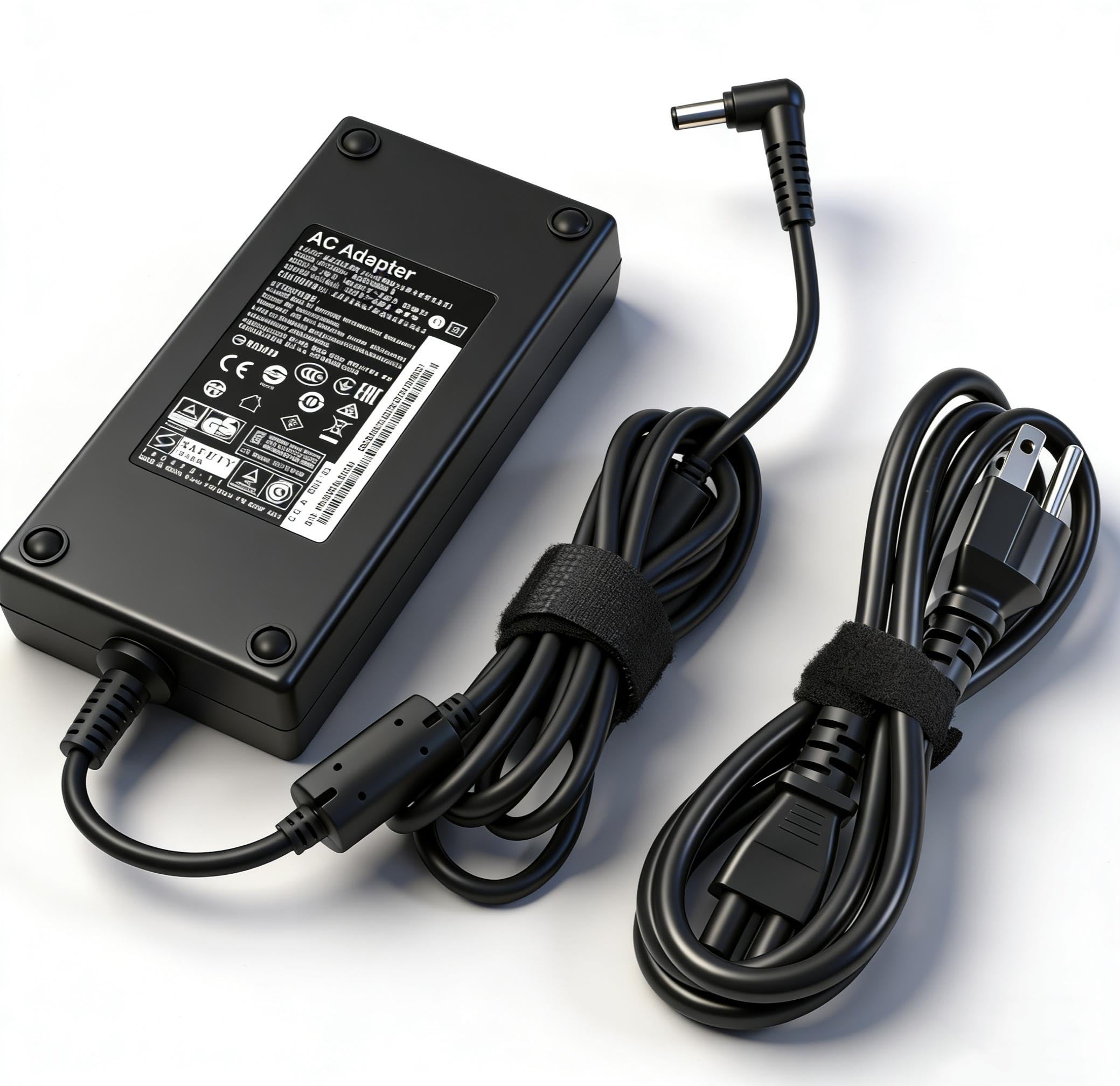
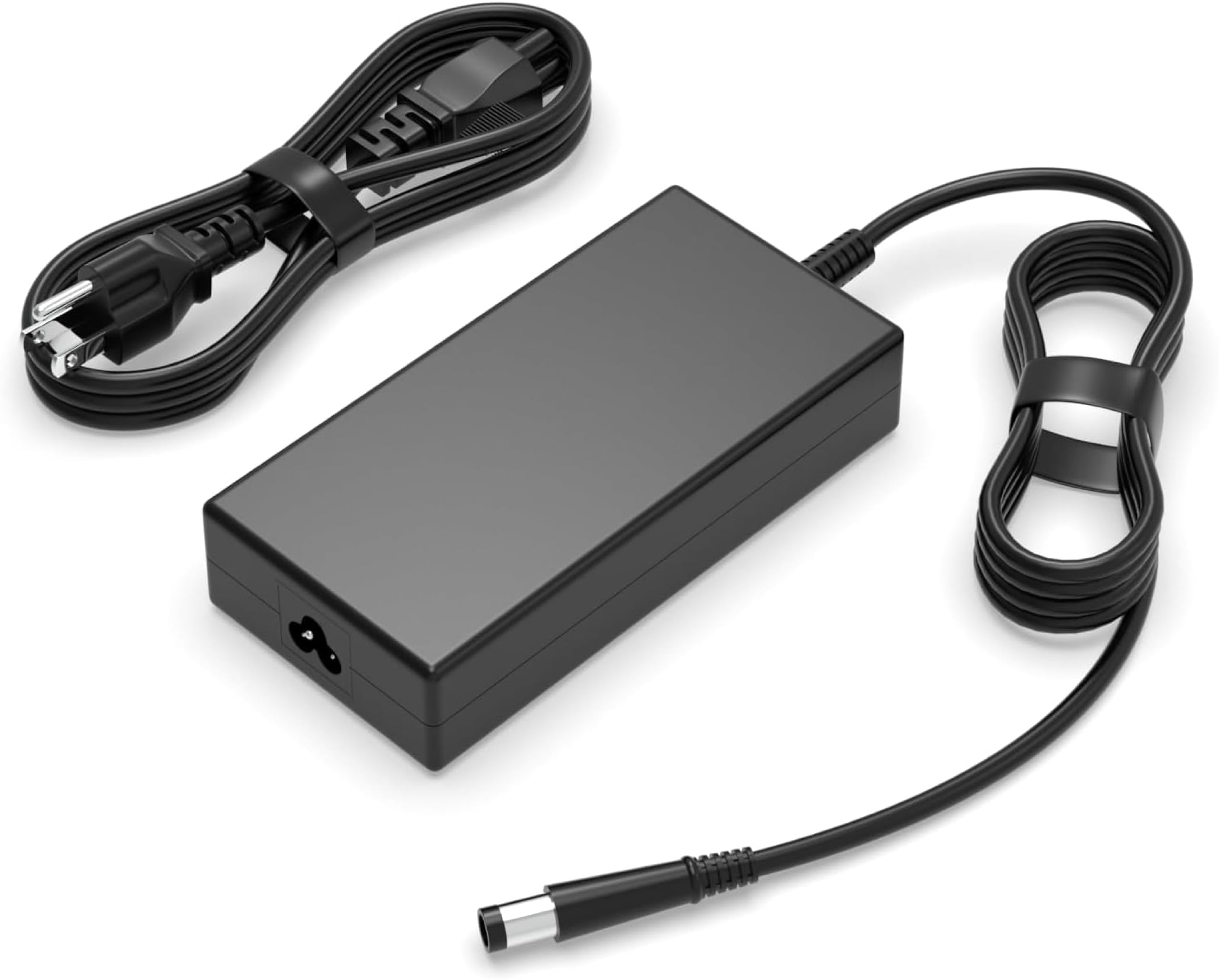
How To Choose The Best 180W Laptop Charger
Matching a replacement charger to a gaming laptop is about three things: the wattage, the voltage and amps, and the physical plug. Get any of them wrong and the charger either won’t fit or won’t safely power your machine under load.
Start With the Plug Size, Not the Brand
Most 180-watt bricks for ASUS, MSI, Acer, and Dell use a round barrel tip, but the diameter varies. A 5.5mm x 2.5mm tip fits many ASUS ROG and MSI models, while Dell often uses a 7.4mm x 5.0mm connector. Measure your original charger’s tip before ordering — a loose fit can cause arcing and heat.
Check the Voltage and Amperage Labels
These chargers commonly output 19.5V at 9.23A for a total of 180W. That voltage must match your laptop’s input exactly (19.5V is standard for most gaming rigs), and the amperage needs to be equal to or higher than what the original put out. A lower amp rating means the charger struggles under heavy gaming loads.
Look for Built-In Protections
A safe replacement guards against short circuits, overcurrent, overvoltage, and overheating. Certifications like CE, FCC, and ROHS indicate the unit passed basic safety testing. Some models add temperature monitoring and an AI chip that adjusts power based on your device’s heat.
Quick Comparison
| Model | Best For | Output Power | Connector Tip | Amperage | Amazon |
|---|---|---|---|---|---|
| DTDR 180W ADP-180MB F★ Best Overall | ASUS ROG Gamers | 180W (19.5V) | 5.5mm x 2.5mm | 9.23A | Amazon |
| LVYATUO 180W MSI ChargerPremium Pick | Older MSI & Stealth | 180W (19.5V) | 5.5mm x 2.5mm | 9.23A | Amazon |
| DJW 180W Dell ChargerTop Performer | Dell Alienware & Inspiron | 180W (19.5V) | 7.4mm x 5.0mm | 9.23A | Amazon |
| BULL-TECH 180W Acer Charger | Acer Nitro & Predator | 180W (19.5V) | 5.5mm x 1.7mm | 9.23A | Amazon |
| DONGERDI 180W MSI Charger | MSI GF63 / GF65 Thin | 180W (19.5V) | 5.5mm x 2.5mm | 9.23A | Amazon |
| LVYATUO AC Adapter (MSI) | MSI GF / GS / GE Series | 180W (19.5V) | 5.5mm x 2.5mm | 9.23A | Amazon |
| HSXIRQA 240W Dell Charger | Dell G15 / G16 Power Users | 240W (19.5V) | 7.4mm x 5.0mm | 12.3A | Amazon |
| DONGERDI 150W/180W ASUS | ASUS ROG Zephyrus & TUF | 180W Max Output | 6.0mm x 3.7mm | 9A | Amazon |
In-Depth Reviews
1. DTDR 180W 19.5V 9.23A ADP-180MB F
Our pick — over 4★ from 500+ verified ratings; the strongest balance of quality and price.
The ASUS ROG life-saver that passes itself off as the factory brick.
This is the pick for owners of ASUS ROG machines like the G750JM, G751JM, G750JS, and G75VW whose original adapter gave up. It pushes a full 180W at 19.5V and 9.23A through a 5.5mm x 2.5mm plug, which is the exact barrel size those gaming models accept. The design mirrors the official ASUS brick so closely that buyers report running it on two G750JS laptops side by side without a second thought.
Its sturdy build and close resemblance to the official ASUS brick earn consistent praise. It arrives with a high-quality AC cable, and the unit has built-in safeguards against overcharging, short circuiting, overheating, and spark — plus it monitors temperature intelligently. Owners note it runs warm during heavy sessions but not excessively hot, matching the thermal behavior of the original supply. It even works for MSI models needing 180W, 150W, or 120W, so it doubles as a household spare.
There are two honest caveats. A small number of units arrived with a loose-fitting connector, so check the fit the moment it arrives. And durability reports are mixed — most units last for months of daily use, but an occasional one fails early, so keep your receipt handy. The compatibility list is broad, but this exact tip does NOT fit plug sizes of 4.5mm x 3.0mm or 6.0mm x 3.7mm.
What Owners Love
- Mimics the official ASUS brick in look, feel, and heat output
- Full 180W output with 9.23A for demanding ROG models
- Multi-safeguard protection against short circuits and overheating
Watch For
- A few units have a loose connector fit
- Durability is mixed over many months
- Only a 30-day period before replacement options tighten
Who it fits: ASUS ROG owners wanting a drop-in replacement that behaves like the original.
The catch: Verify the 5.5mm x 2.5mm tip fits snugly on arrival, since a rare unit has a loose barrel.
2. LVYATUO Charger Compatible with Msi Charger 180W
A sturdier cord than factory, built for the MSI legacy lineup.
If your MSI machine is from the GT60, GT70, GE60, GS60, or GS63VR generation, this 180W charger (19.5V at 9.23A) covers an enormous slice of that catalog. The compatibility list is genuinely long — it spans GT, GX, GX60, GP, GE, GS, and even Prestige and Workstation lines like WS60 and WT70. That makes it a smart spare to keep around if you own more than one MSI model.
The cable is the standout here. Owners mention the cord is noticeably sturdier than the one their original charger shipped with — one owner’s factory cord broke in multiple places and even started smoking, while this replacement held up fine. The unit includes a power indicator light and ships with two extra barrel adapters so you can fine-tune the fit to your specific laptop.
It runs on universal voltage (100–240V at 50–60Hz), so it travels well internationally with just a plug adapter. Protection against short circuit, overcurrent, overvoltage, and overheating is baked in. Durability has a slight asterisk — it works great for most, but a rare unit failed within three weeks, so it’s worth buying with a return window in mind.
Sturdier than stock: The cable alone feels tougher than most factory cords, and the extra tip adapters make fit easy.
One caution: A few units have failed early, so keep your warranty slip.
Reach for this if: you own an older MSI GX/GT/GS model and want a rugged replacement cord.
Look elsewhere if: you need a charger for a laptop demanding more than 180W.
3. DJW 180W Laptop Charger Compatible with Dell Precision Alienware
The Dell-family workhorse with certified safety and a wide net.
This one casts a broad net over the Dell ecosystem — compatible with Alienware 13/15/17, Inspiron G3/G5/G7, and even some OptiPlex all-in-ones. It outputs 19.5V at 9.23A for 180W through a 7.4mm x 5.0mm connector, the standard Dell gaming barrel. Owners who run HP Elitebook 8460P units have also found it solves a quirky issue: it stopped their PSU from tripping sensitive GFCI circuit breakers.
Safety is the headline feature. It’s CE-, FCC-, and ROHS-certified, and it bundles protection against overvoltage and short circuits. The package includes one AC cord and one adapter, backed by a 12-month warranty with 30-day returns and 24/7 email support. Customers note it charges older Dell laptops well and runs cooler than the original adapter did.
The honest limit: it’s built for laptops, not handhelds. Testing on a Steam Deck showed it wouldn’t charge the device, so don’t expect it to power phones or consoles. Value for money is strong, with functionality and quality ranking as the two biggest positives in owner feedback. If you need 180W for a Dell gaming laptop, this is a certified, no-drama route.
The Strong Points
- CE, FCC, and ROHS certified for safety
- Runs cooler than the OEM Dell brick per owners
- 12-month warranty with 24/7 email support
The Limitations
- Will not charge a Steam Deck or most handhelds
- Mixed reports on long-term durability
Best suited for: Dell Alienware, Inspiron, and Precision owners who want a certified replacement with a real warranty.
Not for: anyone hoping to charge handheld gaming consoles with the same brick.
4. BULL-TECH 180W Laptop Charger Replacement for Acer Nitro 5

The budget rescue for Acer Nitro and Predator owners after a pet attack.
This charger exists for one very specific, very common emergency: your puppy or cat chewed through the original cord. It outputs 19.5V at 9.23A for 180W and also fits 19V 7.1A 135W machines, covering Acer Nitro 5 AN515-51, Predator Helios 300 G3-571/G3-572, and the VN7-593G / VN7-793G Aspire lines. The connector is a slender 5.5mm x 1.7mm barrel, so double-check that before buying.
Buyers replacing a Dell charger were pleasantly surprised it worked perfectly for their laptop, and several noted they didn’t have to spend double on a brand-name unit. It includes safeguards against short circuits, overvoltage, overcurrent, and overheating. It’s a simple, budget-friendly replacement for Acer Nitro and Predator laptops.
The one real mismatch risk: some MSI owners found the barrel too large for their laptop and the charger wouldn’t seat properly. This underscores how crucial tip size is — measure your original plug before committing. For Acer Nitro and Predator users, it’s a reliable, pet-proof backup.
Best for Acer owners: The price and build quality make it a smart spare for Nitro 5 and Predator Helios laptops.
Fit-check required: Some MSI laptops had a barrel that was too large — confirm 5.5mm x 1.7mm first.
Grab it if: you own an Acer Nitro 5 or Predator Helios and want a cheap, solid replacement.
Pass if: you’re shopping for an MSI model without verifying the thin 5.5mm x 1.7mm tip.
5. DONGERDI Laptop Charger 180W 150W 120W Fit for MSI GF63 GF65 Thin

A faster charge than your stock 120W brick, with bonus tip adapters.
MSI GF63, GF65, and Stealth users get a real upgrade here. This charger pushes 180W at 19.5V and 9.23A through a 5.5mm x 2.5mm barrel, and reviewers point out it charges their GF65 Thin faster than the original 120W adapter did. It also covers GF75, GS63, GS65, GS73, GS75, and even the Gigabyte G6 and Razer Blade 15. The box includes a 5.5mm x 2.5mm to 4.5mm x 3.0mm adapter for broader fit.
The cable is thicker than factory cords for durability, and a charging light on the brick confirms power flow. Owners of the Gigabyte G5 MD and G6 reported flawless performance over months of use, calling it a reliable replacement at a fair price. The 100–240V input with FCC and CE marking means it’s safe for home and travel use.
The compatibility list looks great on paper, but several buyers found the adapter didn’t fit their specific devices — so check your tip size against the 5.5mm x 2.5mm barrel before ordering. Some also noted the connector sits slightly loose and may detach if the laptop gets moved. It performs well for MSI models with a 5.5mm x 2.5mm barrel.
The Upsides
- 180W output charges GF65 faster than the 120W stock brick
- Thicker cable and a charging indicator light
- Includes a tip adapter for 4.5mm x 3.0mm laptops
The Downsides
- Some buyers found the connector didn’t fit their device
- A slightly loose barrel on some units
Choose this for: MSI GF63/GF65 Thin owners who want faster charging than the stock brick provides.
skip it if: your MSI model uses a different barrel diameter than 5.5mm x 2.5mm.
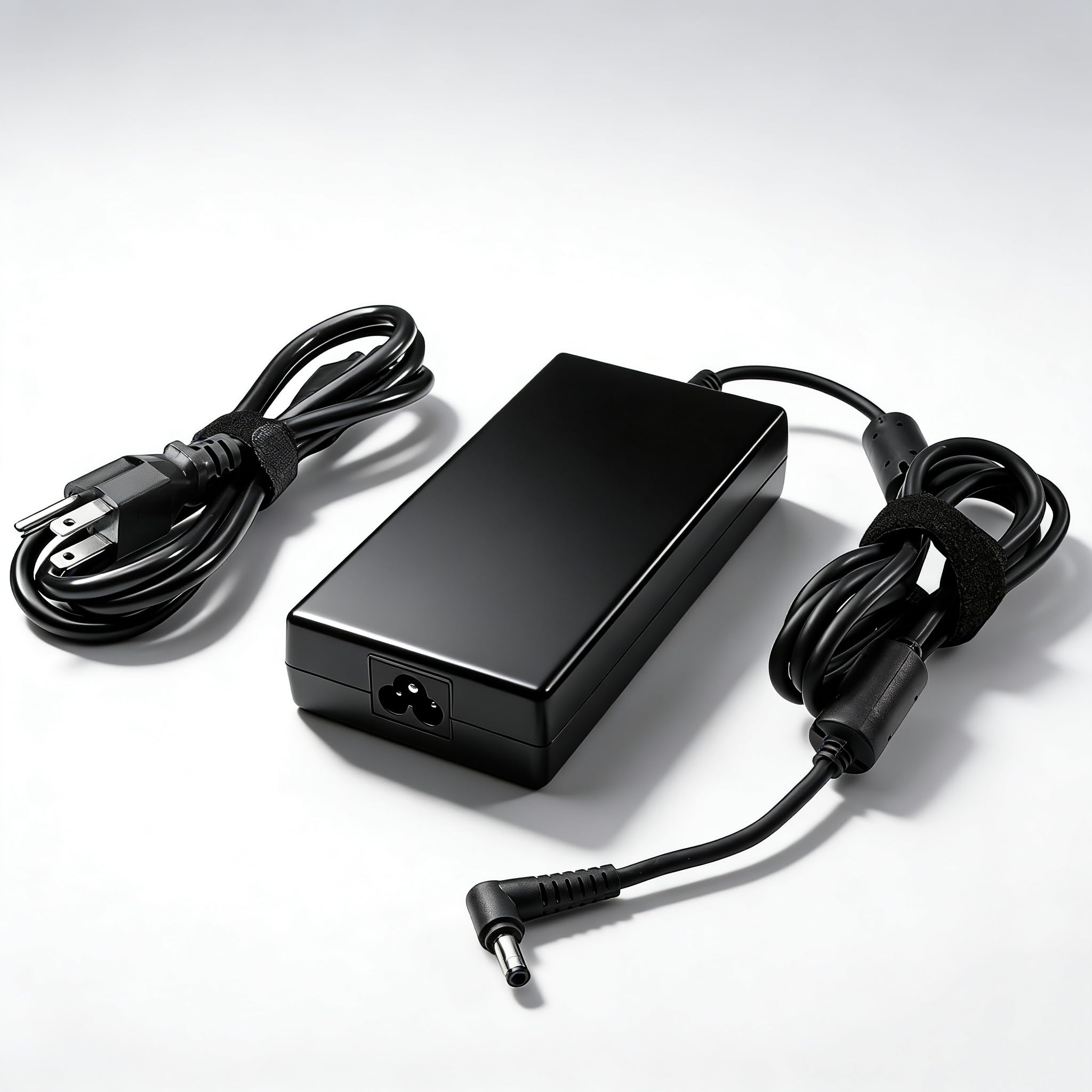
6. LVYATUO AC Adapter Fit for MSI Gaming Laptop Charger 180W
A fast-charging MSI all-rounder that surprises owners with its speed.
For MSI laptops in the GF63, GS66, GS65, GE72, GF65, GF75, and GS75 families, this 180W adapter at 19.5V and 9.23A is a proven fast-charge companion. Shoppers say being genuinely surprised at how quickly their machines top up — one noted their 20V 9A laptop didn’t notice the slight voltage difference and charged perfectly. The 5.5mm x 2.5mm connector is the standard MSI barrel.
It ships with a power indicator light and multiple attachments for flexibility. The build is compact and easy to carry, with protection against short circuit, overcurrent, overvoltage, and overheating. An MSI GF65 Thin owner confirmed it fits via the 5.5mm x 2.5mm tip and charges exactly like the original, running warm only as expected under load.
The durability record has some rough patches. While most units charge flawlessly for months — one worked great on an MSI Thin15 B12UC for a month — a minority of buyers report units breaking shortly after arrival, and battery life complaints surfaced in a few cases. It’s a great value fast-charger if you get a good unit, so buy with a return window.
Fast charging, low cost: Owners repeatedly note the surprising charge speed and fair price versus OEM parts.
Quality lottery: A small share of units die early, so test it immediately on arrival.
Reach for it if: you want a budget 180W charger that charges your MSI noticeably fast.
Be careful if: you need maximum long-term durability — a few units failed soon after purchase.
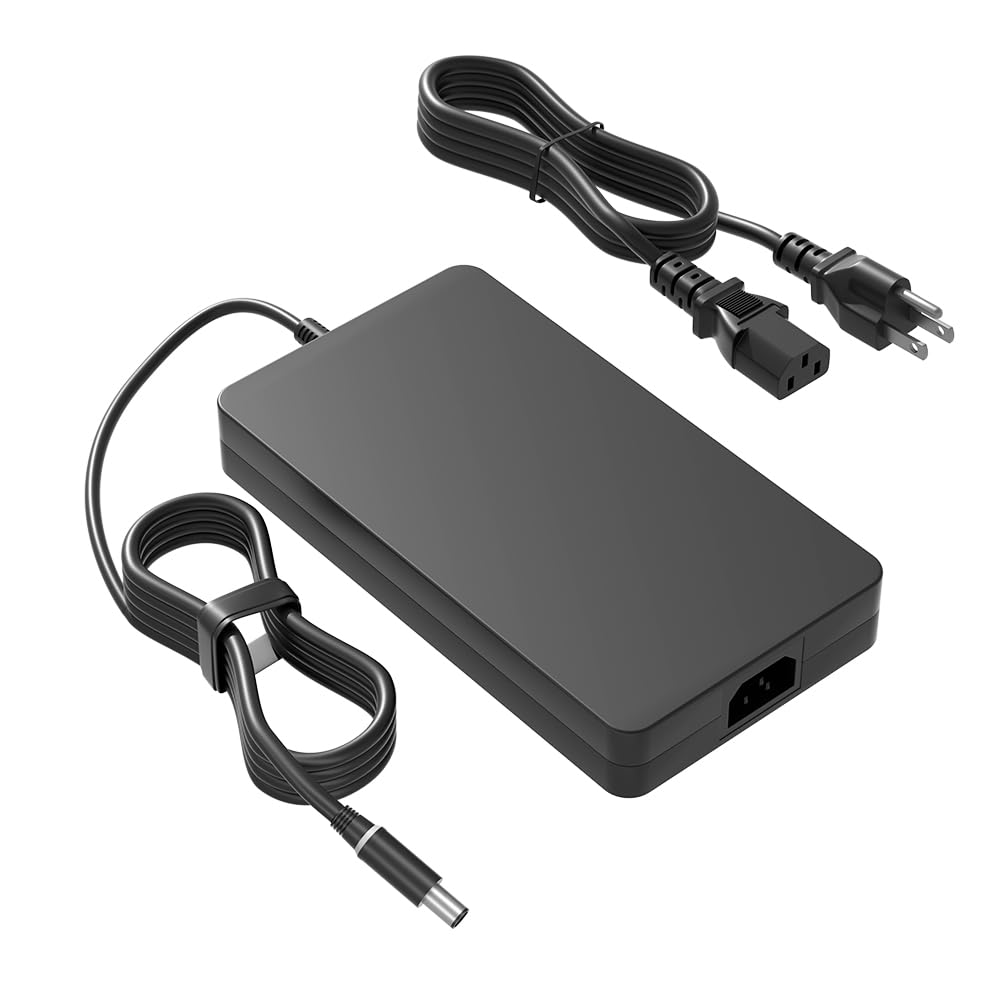
7. HSXIRQA 240W 180W 130W Laptop Charger Fit for Dell G15 G16
The power-hungry Dell G-series fix with room to spare at 240W.
If you own a Dell G15, G16, G7, G5, or G3 and want a charger with headroom, this HSXIRQA unit delivers up to 240W at 19.5V and 12.3A — and it’s fully compatible with the 180W, 150W, and 130W Dell machines too. That makes it the versatile option for households with multiple Dell gaming laptops, since one brick can serve several models. The 7.4mm x 5.0mm barrel is the standard Dell gaming connector.
An AI chip monitors temperature and battery status to reduce heat and extend battery life. The unit is made with heat-resistant, flame-retardant materials and protects against overcurrent, short-circuit, and overheating. Dell G15 5515 and G3 15 owners mention it charges their batteries quickly and matches stock performance exactly.
The trade-off is size: customers note the brick is larger than Dell’s normal replacement. Durability is solid so far under heavy use, with some owners buying it twice for two different laptops. It’s ideal for gamers with multiple Dell laptops needing one high-wattage charger.
Why It Stands Out
- 240W output covers 180W, 150W, and 130W Dell laptops
- AI chip adjusts power for less heat and safer charging
- Flame-retardant materials for extra protection
The Trade-Off
- Brick is larger than Dell’s standard replacement
- Mixed feedback on overall build quality
Perfect for: Dell G15/G16 owners who want one high-wattage charger for multiple laptops.
Accept this if: you don’t mind a bulkier brick for the extra power headroom.
8. DONGERDI 150W 180W Charger Fit for Asus Rog Zephyrus G14
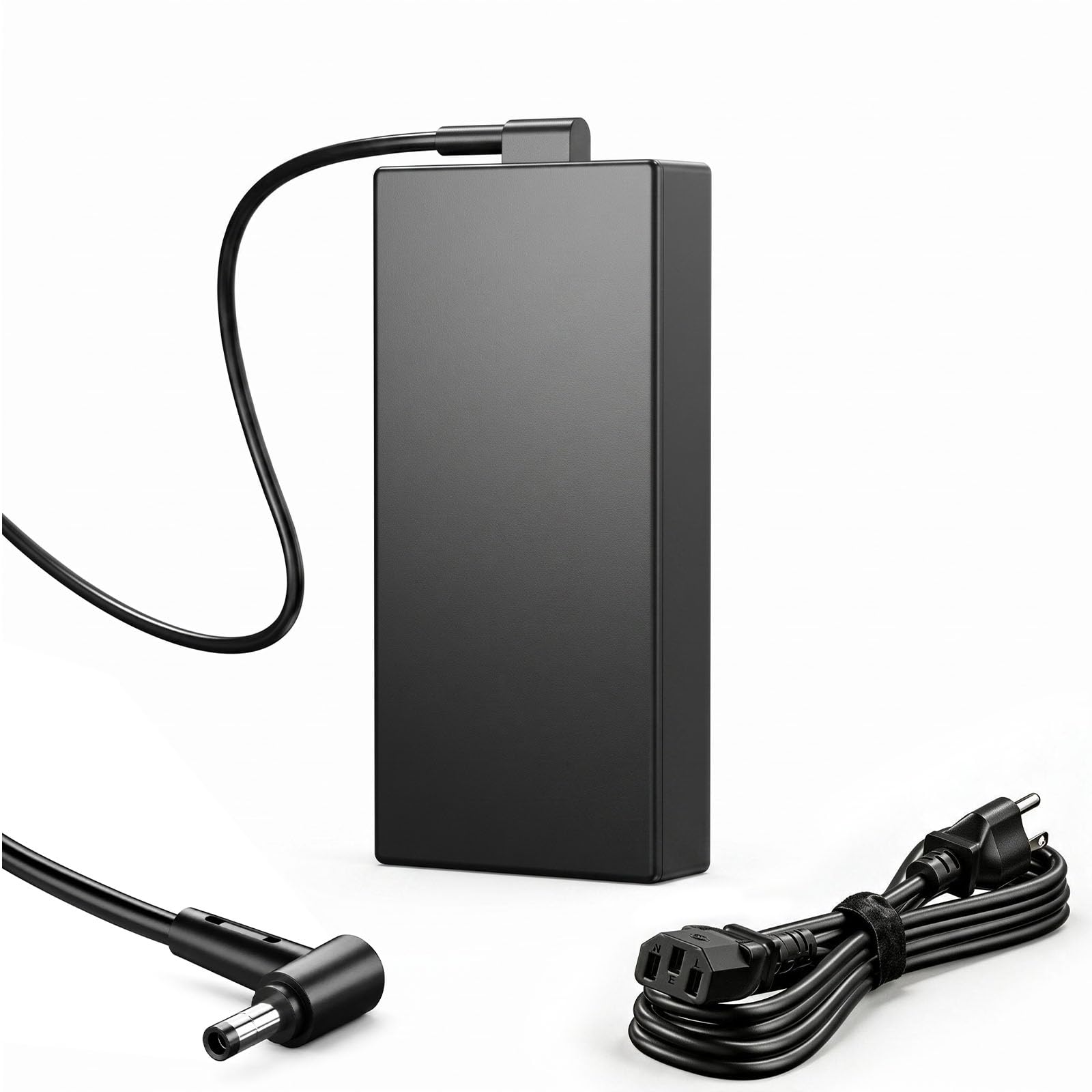
The entry-level ASUS ROG/TUF charger that gets the basics right.
This is the budget-friendly route for ASUS ROG Zephyrus G14, G15, GA502, GA401, Strix, and TUF F15/F17 owners. It delivers up to 180W output through a 6.0mm x 3.7mm round connector, and it’s built with protection against short circuit, over current, over voltage, and temperature issues. The 9-foot total power cord gives you flexible placement around a desk or couch.
Owners consistently praise its sturdy build and accurate description. A TUF F17 owner confirmed it worked perfectly with no complaints, and another noted it doesn’t overheat and is far better priced than OEM parts. The 100–240V universal input means it travels well, though the right-angle cable design drew a minor complaint from a few buyers.
The reliability record is where you need to be careful. While some units work great for months, others stopped working after a few months or broke within five months. The good news: when one buyer had issues, the seller contacted them directly and sent a replacement. It’s a budget-friendly option, though longevity varies.
Solid and cheap: Build quality and accurate description are the highlights, with a sturdy 9-foot cord.
Mixed longevity: Some units fail within months, though the seller replaced one that died.
Best for: ASUS ROG Zephyrus and TUF owners on a tight budget who want a working 180W replacement.
Think twice if: you need a charger that will survive years of heavy daily use.
Understanding the Specs
Connector Tip Size
This is the single most important spec — the metal barrel that plugs into your laptop. Common sizes are 5.5mm x 2.5mm (ASUS ROG, MSI), 7.4mm x 5.0mm (Dell), and 6.0mm x 3.7mm (some ASUS Zephyrus models). Measuring your original charger’s tip with a ruler before ordering prevents the most common replacement failure.
Voltage and Amperage (19.5V / 9.23A)
Voltage must match your laptop exactly — 19.5V is standard for most gaming rigs. The amperage (9.23A) multiplied by voltage equals wattage (roughly 180W). A replacement can have equal or higher amps than the original, but never lower, or the charger will struggle under heavy gaming loads and run hot.
FAQ
Will a 180W charger work on a laptop that needs 150W or 120W?
How do I measure the connector tip size on my old charger?
Can I use a 180W charger on a laptop that needs 240W?
Is it safe to leave a 180W laptop charger plugged in overnight?
Why does my new 180W charger run warm during gaming?
What is the difference between a 180W and a 240W laptop charger?
Are generic 180W chargers as good as OEM replacements?
How long should an aftermarket 180W laptop charger last?
Final Thoughts: The Verdict
Across the board, the 180w laptop charger winner is the DTDR 180W because it behaves exactly like the original ASUS brick at a fraction of the cost, with broad model support. If you want certified safety and a real warranty for a Dell, grab the DJW 180W. And for gamers needing power headroom across multiple Dell laptops, the HSXIRQA 240W is the one to reach for.
How We Picked
We do not accept paid placement. Every pick is matched to a real buyer and a real use-case; we do not hands-on test units.
Sources & Methodology
Specifications: manufacturer listings and product documentation. Review insights: verified customer reviews, as of August 2026. Pricing: not shown on this page (it changes often); check the current price via the retailer link.
As an Amazon Associate, Gadgets Feed earns from qualifying purchases. This does not affect which products we feature.