
Our readers keep the lights on and my morning glass full of iced black tea. As an Amazon Associate, I earn from qualifying purchases.
Specs are compiled from manufacturer listings and verified buyer reviews and can change over time — please confirm the key details on the product page before buying.
You want a 24.5-inch gaming monitor for one reason: speed without the desk space a bigger screen eats up. This size is the standard for competitive shooters because your eyes see the whole screen at once, keeping your reactions sharp. Your real choice depends on how many frames per second your graphics card can push, and whether you value richer colors or the fastest possible response.
I’m Min — the founder and writer behind Gadgets Feed. This guide is built by comparing the manufacturers’ published specifications and the patterns across verified customer reviews, so you get each pick’s real strengths and trade-offs instead of marketing spin.
Every panel here balances speed, color, and ergonomics differently, so we have matched each one to the right type of player to find the best 24.5 inch gaming monitor for your setup and your favorite titles.
Our Picks at a Glance

How To Choose The Best 24.5 Inch Gaming Monitor
For esports, 24.5 inches hits the balance: a clear field of view with high pixel density. Before you buy, match the monitor’s refresh rate to what your PC can actually output, and weigh color accuracy against raw response time.
Refresh Rate vs. Your Graphics Card
The refresh rate, measured in Hertz (Hz), is how many times the screen updates per second. A 240Hz panel shows a new frame 240 times a second, but you only benefit if your graphics card can push out that many frames. If you have a mid-range card, a 180Hz or 240Hz screen is often the smart buy; if you are chasing every millisecond in esports, you need the highest rate your GPU can sustain.
Panel Types: IPS vs. TN
In-Plane Switching (IPS) panels (a screen technology that keeps colors accurate from wide angles) give you the best colors and a 178° viewing angle, so games and desktop work look vibrant from any position. Twisted Nematic (TN) panels (an older screen type) were the esports standard, offering the fastest response times but weaker colors when viewed from the side. Newer Fast IPS and Fast TN panels narrow that gap, so your choice is really about visual richness versus absolute motion clarity.
Adaptive Sync and Ergonomics
Adaptive Sync technologies like AMD FreeSync and NVIDIA G-Sync stop screen tearing by syncing the monitor’s refresh to your GPU’s output. Look for a stand that offers height, tilt, and pivot adjustment so you can line the screen up with your eye level to reduce neck strain during long sessions.
Quick Comparison
| Model | Best For | Refresh Rate | Response Time | Panel Type | Amazon |
|---|---|---|---|---|---|
| Alienware AW2523HF★ Best Overall | Elite Esports Smoothness | 360Hz | 0.5ms GtG | Fast IPS | Amazon |
| ASUS TUF VG259QMR5AStudio Sharp | Blazing Overclocked Speed | 310Hz | 0.3ms GTG | Fast IPS | Amazon |
| KTC H25T7-3Vivid Value | Vivid Color and Speed Balance | 240Hz | 1ms MPRT | Fast IPS | Amazon |
| Acer Nitro KG251Q Z1biip | Budget High-Speed Entry | 280Hz | 1ms | LCD | Amazon |
| ASUS TUF VG259Q3A | Reliable All-Rounder | 180Hz | 1ms GTG | Fast IPS | Amazon |
| Acer Nitro KG251Q M3biip | Solid Value and Clarity | 180Hz | 1ms VRB | IPS | Amazon |
| SANSUI ES-G25F6Q Pro | High-Refresh QHD Sharpness | 300Hz | 1ms OD/MPRT | Fast IPS | Amazon |
| BenQ Zowie XL2540X+ | Pro Motion Clarity | 280Hz | — | Fast TN | Amazon |
In‑Depth Reviews
1. Alienware 25 Gaming Monitor AW2523HF
Our pick — over 4.5★ from 550+ verified ratings; the strongest balance of quality and price.
A 360Hz Fast IPS panel with 0.5ms GtG response for elite esports smoothness.
If your game library is Call of Duty, CS2, and Valorant, this is the monitor that sets the pace. Its 360Hz refresh rate delivers a frame rate that feels almost precognitive, and the 0.5ms gray-to-gray (GtG) response time (the speed a pixel takes to change colors) keeps fast-moving targets razor sharp. It beats the KTC H25T7-3 on speed by a significant margin — 360Hz vs 240Hz — which is exactly the gap you want when an enemy appears at the edge of your screen.
Colors hold up their end too, with sRGB 99% coverage and HDR content support, so your games look vivid even while the motion stays fluid. The redesigned hexagonal base is a thoughtful touch for esports players, freeing up desk space so your mouse and keyboard have room to move without bumping the stand. A built-in retractable headset hanger keeps your gear tidy and off the mat.
Owners who migrated from a 4K 120Hz panel report zero stutter or flicker, noting the color needs some adjustment from the start — plan to spend a few minutes in the menu dialing it in. The frame rate and clarity earn heavy praise, and the general consensus is that it is a massive upgrade that does not break the bank. It is a clear step up for anyone ready to leave 1080p 144Hz gaming behind, delivering a motion clarity that feels almost precognitive in fast shooters.
Esports Credential: 360Hz and 0.5ms GtG make it one of the fastest IPS screens available at this size, with FreeSync Premium for tear-free play.
Setup Note: Owners should expect to tweak the color profile on day one; the out-of-box preset is not perfect for everyone.
Best for: The competitor who wants the highest frame rate and smoothest motion a 24.5-inch Fast IPS panel can deliver.
Keep in mind: You need a powerful graphics card to actually push 360 frames per second in most titles.
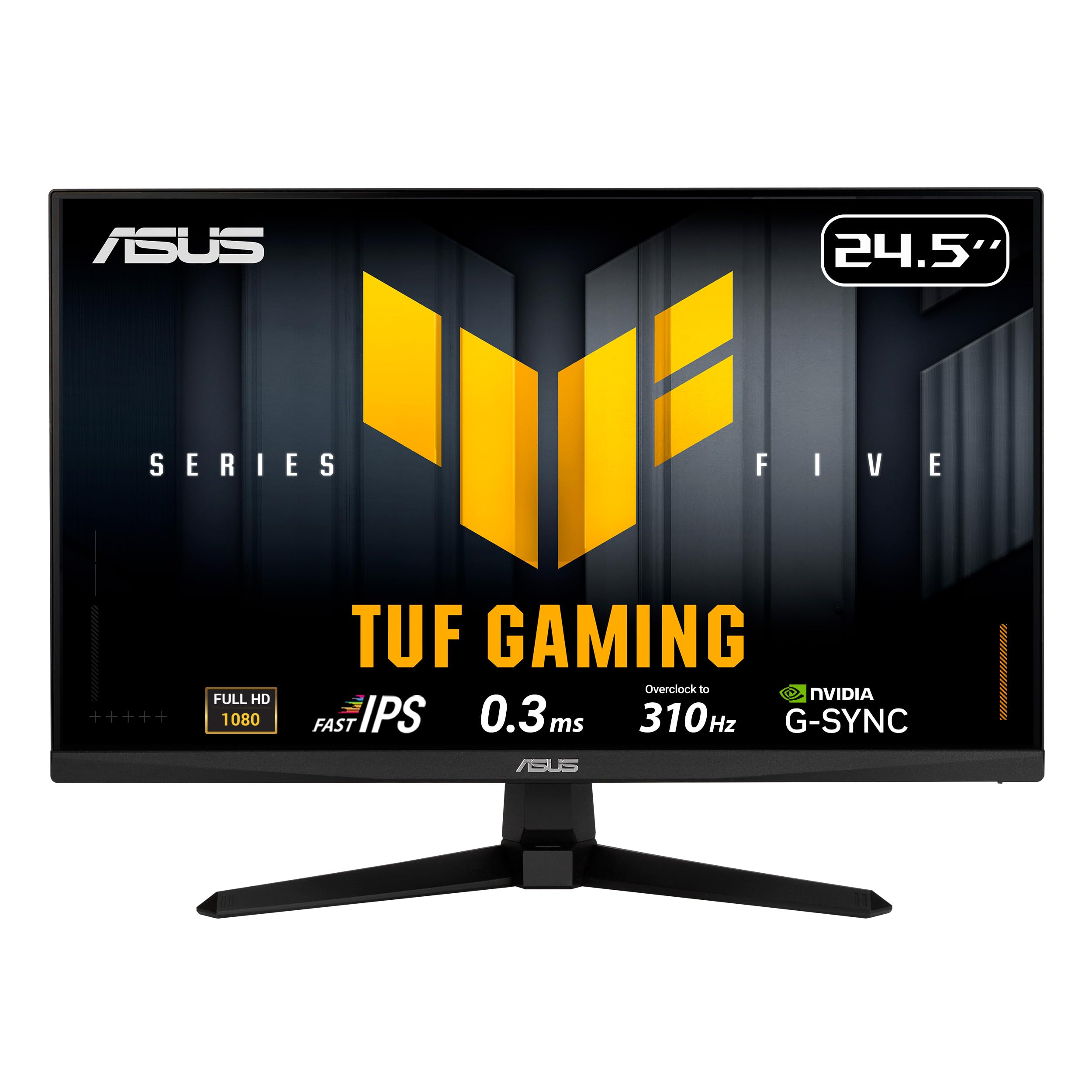
2. ASUS TUF Gaming VG259QMR5A
An overclocked 310Hz Fast IPS panel with 0.3ms GtG response for near-instant motion.
If you refuse to leave performance on the table, the ASUS TUF Gaming VG259QM is your pick. It drives a 24.5-inch Full HD (1920×1080) Fast IPS panel to an overclocked 310Hz refresh rate, and its 0.3ms gray-to-gray (GtG) response time (the time a pixel takes to shift shades) is the fastest on this list, so motion stays crisp. ASUS Extreme Low Motion Blur Sync (ELMB SYNC) lets you run motion-blur reduction alongside variable refresh rate, cutting ghosting without sacrificing smoothness.
It pairs AMD FreeSync Premium with G-Sync compatibility, so it plays nice with both AMD and NVIDIA graphics cards for tear-free gaming. The A.I. Assistant features, including Dynamic Crosshair and Dynamic Shadow Boost, give you a competitive edge in dark corners of maps. To keep colors accurate, it covers 99% sRGB, which also makes it a reasonable pick for light content creation on the side.
Buyers report the picture quality is sharp and smooth, and the adjustable stand is easy to install and configure. The main gripe is that the stand is not height adjustable, so you might need a monitor arm or a stack of books to get it to eye level. Despite that, owners regularly call it amazing quality for the price and the perfect gaming monitor for the size, with a low defect rate noted across purchases.
Speed and Features
- 0.3ms GTG response is elite for spotting fast-moving enemies
- DisplayWidget Center lets you adjust settings with a mouse
Ergonomics Catch
- Stand lacks height adjustment for perfect eye-level alignment
Reach for this if: You want near-flagship speed at a mid-range price and own an NVIDIA or AMD card.
Consider the catch: You may need to add a VESA arm to get the screen to the ideal viewing height.
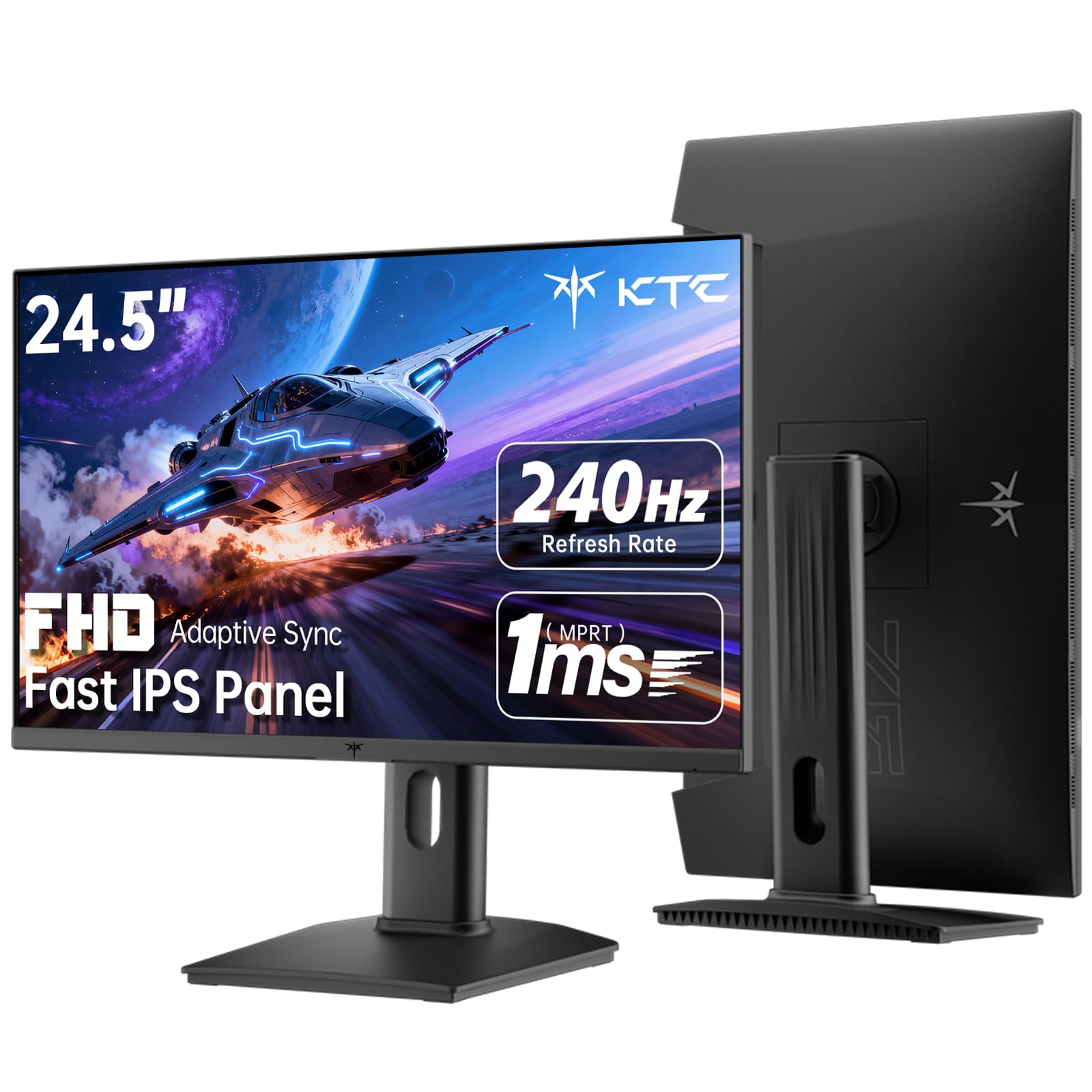
3. KTC 24.5 Inch 240Hz Gaming Monitor H25T7-3
A 240Hz Fast IPS panel with 114% sRGB gamut and 350 cd/m² brightness for vivid colors.
Pick the Dell S2522HG if you want high refresh rates but refuse to watch washed-out colors. It pairs a 240Hz refresh rate with a 1ms MPRT response time (a measure of how quickly a pixel changes to reduce motion blur) on a Fast IPS panel. Its color gamut of 114% sRGB is a standout — noticeably richer than the 99% sRGB on the Alienware AW2523HF above — and its 40% brightness advantage (350 cd/m² vs 250 cd/m²) makes it punchier than budget rivals in bright rooms. HDR400 support plus a 1000:1 contrast ratio gives scenes real depth.
The fully adjustable stand is where it pulls ahead of many competitors: you get pivot, tilt, and height adjustment so you can rotate to vertical for coding or documents, then switch back for gaming. It also comes with flexible ports including HDMI 2.0×2, DisplayPort 1.4×1, and USB 2.0×1, plus a 100×100mm VESA mount if you prefer an arm. Low blue light and flicker-free tech are built in for marathon sessions.
Owners consistently praise the crisp text, solid colors, and ghost-free motion, making it a favorite for both gaming and daily productivity. The practical, ergonomic stand and the eye-friendly design earn steady thumbs-up from people using it as a main screen or a secondary display. It delivers excellent performance for the price, which explains its popularity.
Color Champion: 114% sRGB gamut and 350 cd/m² brightness make this the best-looking budget 240Hz panel here.
Ergonomic Winner: Full pivot, tilt, and height adjustment are rare at this price point.
Pick this for: Gamers who want silky 240Hz motion and the best color pop a 24.5-inch screen can offer.
skip it if: You relentlessly chase the absolute max frame rate — the Alienware is faster.
4. ASUS TUF Gaming VG259Q3A

A 180Hz Fast IPS all-rounder with built-in speakers and under 18W power draw.
Not everyone needs 360Hz; for most players, the 180Hz refresh rate here is a strong balance of speed and affordability. This 24.5-inch Full HD (1920×1080) Fast IPS monitor delivers a 1ms GTG response time with ASUS Extreme Low Motion Blur (ELMB) to cut ghosting, so fast action stays clear without the premium price tag. It is also remarkably efficient, sipping under 18W in normal use and dropping below 0.5W in power-saving mode.
One feature that stands out for convenience is the pair of built-in 1.5W x 2 stereo speakers — rare at this tier, and handy for keeping your desk clutter-free. Shadow Boost brightens dark areas without washing out bright spots, a real advantage when you are clearing a shadowy corner. The 99% sRGB coverage keeps colors looking natural for everyday browsing and work between matches.
Reviewers consistently say the picture is crisp and vibrant, with a solid, adjustable stand that helps you find a comfortable eye level. The bundled Asus Display Widget software makes it easy to tweak settings from your desktop. A few note that the built-in speakers are adequate but not amazing, and that the headphones do not mute the speakers automatically — a minor quirk if you switch between audio devices often.
Everyday Strengths
- Built-in speakers save desk space and money
- Eye-care tech and blue light filter for long sessions
Audio Quirk
- Speakers keep playing when headphones are plugged in
Choose this for: A balanced, reliable daily driver that games well and handles work and media with built-in audio.
Watch out for: The headphone and speaker audio mix quirk if you switch between them regularly.
5. Acer Nitro KG251Q M3biip

A 180Hz IPS panel with 99% sRGB coverage and proven multi-year reliability.
This Acer Nitro is for the player who values a rock-solid, dependable screen that just works. It combines a 24.5-inch Full HD (1920×1080) IPS panel with a 180Hz refresh rate and 1ms VRB response time, delivering smooth motion without the color shifting you might expect from a budget panel. With 99% sRGB coverage, HDR10 support, and a 1000:1 contrast ratio, the picture stays sharp and vibrant whether you are gaming or streaming.
The Zero-Frame design means slim borders, so if you run two of these side by side, the gap between them is minimal — owners have bought multiples for this exact reason. It supports VESA mounting (100 x 100mm) and offers a tilt range of -5° to 15°, and the blue light eye protection is a hit with people who game late into the night. Ports include one DisplayPort 1.2 and two HDMI 2.0, with an HDMI cable included.
Long-term owners mention using it for two years with zero problems, calling it the best quality-to-value ratio they have found. The clarity impresses, though a few note the 24.5-inch size feels smaller than expected if you are coming from a larger display. It is a fantastic starter or secondary gaming monitor that has proven its reliability over time.
Reliability King: Multi-year ownership reports with zero failures point to a screen built to last.
Eye Comfort: Blue light eye protection is a standout for night-time gamers.
Best for: Gamers who want a proven, long-lasting IPS screen with plenty of connectivity.
Size note: If you are upgrading from a 27-inch monitor, expect this to feel more compact.
6. Acer Nitro KG251Q Z1biip

A true 280Hz LCD panel with 1ms response that delivers esports speed on a budget.
If you want esports-level speed without the esports-level price, this Acer Nitro is the smartest play on the list. It delivers a genuine 280Hz refresh rate with a 1ms response time, which is faster than the ASUS VG259Q3A above and costs significantly less. AMD FreeSync Premium kills screen tearing, and the 1920×1080 Full HD resolution in a 16:9 aspect ratio keeps the picture sharp for fast-paced titles like OSU! and CS2.
The ZeroFrame design trims the bezels so you get more screen real estate, and it shines for multi-monitor setups where you want an almost uninterrupted view across displays. Customers note that it handles high frame rates flawlessly, with very low latency and HDR that looks surprisingly good for the price. It even works with G-Sync, broadening its compatibility with NVIDIA cards.
The trade-offs are expected at this price: the stand offers minimal tilt and no height adjustment, and the extra-thin plastic build feels lightweight. A few owners mention that while the picture is sharp, the default colors are mediocre until you tweak them via AMD software. Still, the consensus is clear — it is the best budget 280Hz monitor out there, especially for a first gaming screen.
Budget Speed
- True 280Hz refresh for a fraction of premium prices
- G-Sync compatible despite not being listed
Cost Cuts
- Stand lacks height adjustment; minimal tilt only
- Default colors need adjustment for best results
Reach for this if: You are on a tight budget but still want genuinely fast, tear-free 1080p gaming.
Plan for: Some time in the settings to get the colors dialed in the way you like.
7. SANSUI ES-G25F6Q Pro
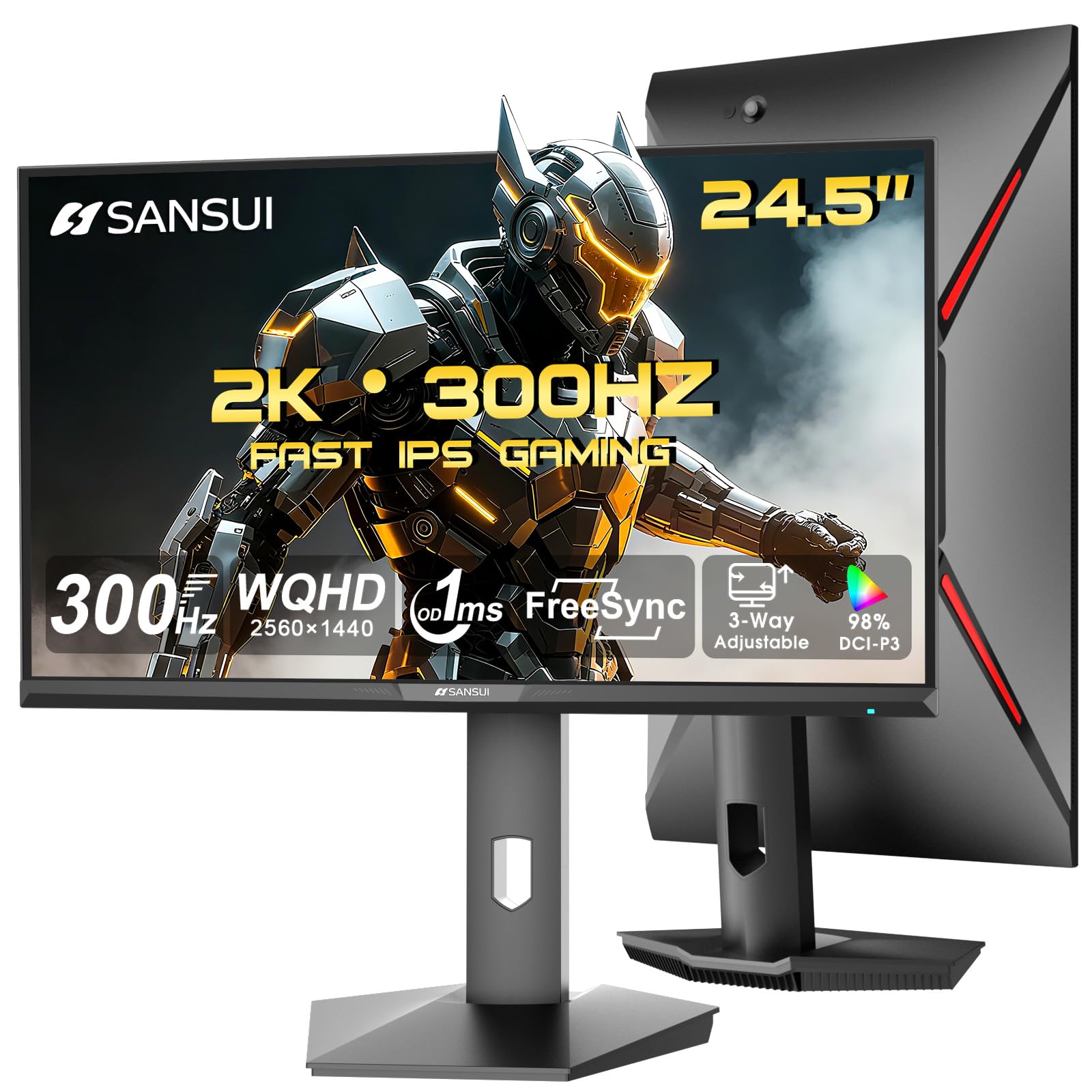
A 300Hz Fast IPS panel with QHD 2560×1440 resolution for sharp, fast gaming.
This is the pick for players who want the extra detail of a higher resolution without sacrificing speed. At 24.5 inches, it packs a QHD 2560×1440 resolution — noticeably sharper than the 1080p panels on the Alienware and Acer above — while still hitting a 300Hz refresh rate with a 1ms OD/MPRT response time. You get the crisp text and fine detail of 1440p for work, plus the blazing speed for competitive gaming.
Connectivity is a highlight: two HDMI 2.1 ports and two DisplayPort 1.4 ports, all capable of up to 300Hz, with one DisplayPort cable included. The color gamut reaches 130% sRGB with 350 nits of brightness and HDR support, making images vivid and punchy. The ergonomic stand offers pivot, swivel, height, and tilt adjustments, so you can dial in the perfect viewing position, and an audio jack is included for wired headsets.
The build quality impresses for the price, with a 178° viewing angle and VESA 100×100mm mount support (a standard hole pattern for attaching a monitor arm) adding flexibility. Buyers overwhelmingly report crisp picture quality, vibrant colors, and an easy setup process. A small number mention needing to tweak settings initially, but the value is clear: high-end QHD performance at a cost that undercuts most rivals, backed by a 30-day money-back guarantee and lifetime technical support.
Resolution Advantage: QHD 1440p at 300Hz delivers a sharper image than any 1080p competitor here.
Port Richness: Dual HDMI 2.1 plus dual DP 1.4 gives you flexible, high-bandwidth connections.
Best for: Gamers who want the visual clarity of 1440p but still demand a 300Hz refresh rate.
Trade-off: Plan to tweak brightness and sharpness from the start for the best picture.
8. BenQ Zowie XL2540X+
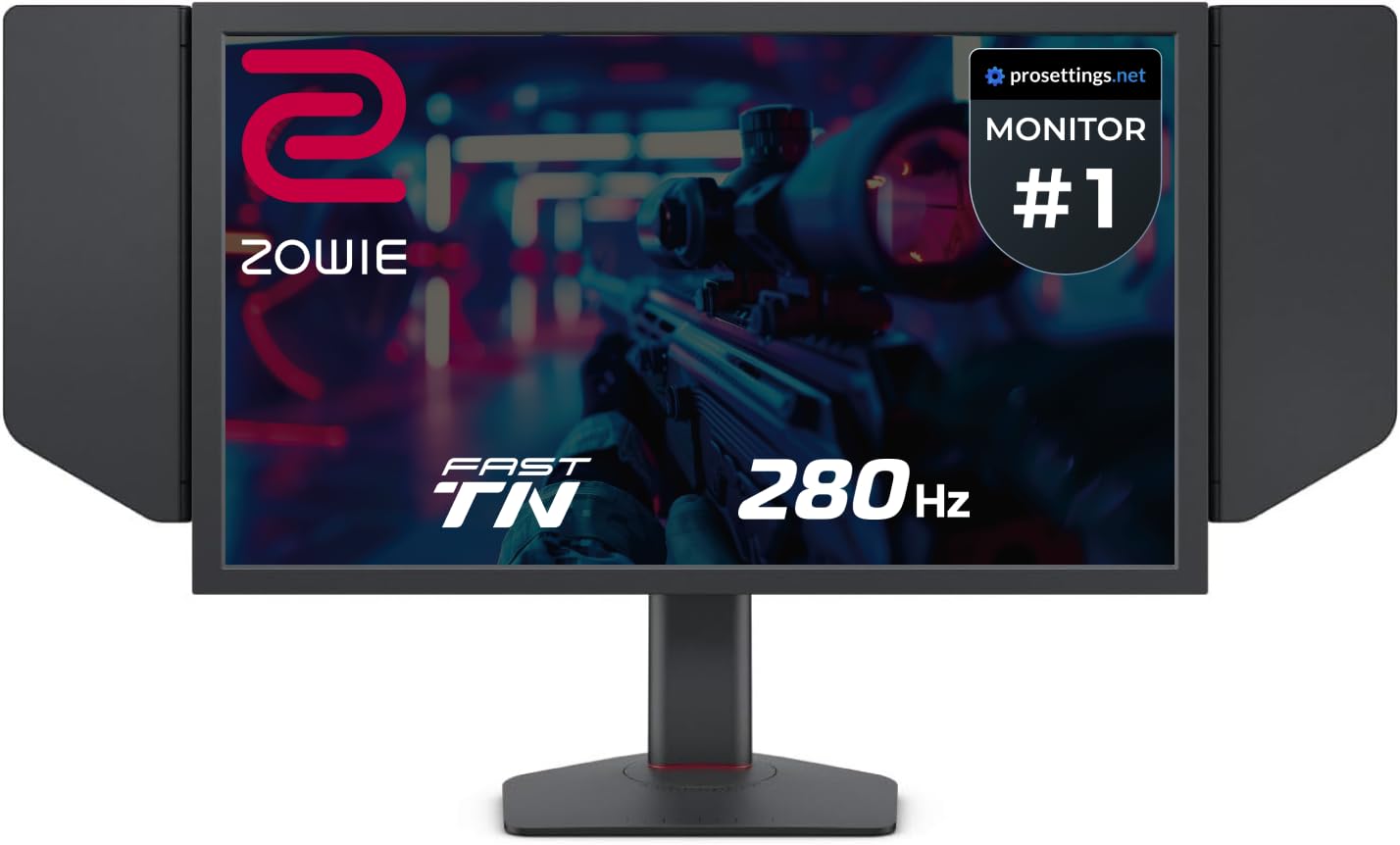
A 280Hz Fast TN panel with calibrated colors and DyAc-style motion blur reduction for pro play.
When absolute motion clarity matters more than viewing angles, this Zowie is the specialist. It uses a newly developed Fast TN panel that delivers a 280Hz refresh rate — DisplayPort runs at 280Hz while HDMI tops out at 240Hz — and the panel design reduces overshoot for cleaner images in fast motion. For players who have experienced both, this panel offers a certain sharpness and clarity that even high-end IPS and OLED screens do not quite match.
The XL2540X+ comes calibrated from the start, meaning you can unbox it, plug it in, and play. The Auto Game Mode automatically switches color modes between different games and scenarios, optimizing the visual output without you touching a menu. It includes the classic Zowie DyAc-style motion blur reduction, though owners note that playing without it actually produces lower input lag for competitive play.
Comfort gets serious attention: the new height adjustment mechanism uses an industrial-grade bearing design for smoother, easier positioning. The native FHD resolution matches what most pro players actually use, and the build quality feels genuinely substantial. While TN panels traditionally have weaker colors off-angle, this latest generation earns rave reviews for its rich, vibrant output — the panel is so good that even former IPS and OLED owners are converts for competitive play.
Motion Clarity Leader: Fast TN panel technology provides the sharpest, clearest images for rapid on-screen action.
Zero Setup: Comes calibrated from the start, so you can start playing immediately.
Pick this if: You are a tournament-level player who prioritizes motion clarity and input lag above all else.
Not for: Casual users who need wide viewing angles for watching content from the side.
Understanding the Specs
Refresh Rate (Hz)
This is how many times your monitor redraws the image each second. A 144Hz screen feels smooth, but a 240Hz or 360Hz screen makes motion feel almost real-time, which is a huge advantage in fast-paced shooters. Higher is better, but only if your graphics card can produce that many frames — otherwise you are paying for speed you cannot use.
Response Time (ms)
This measures how quickly a pixel can change from one color to another, usually listed in milliseconds (ms). Lower numbers, like 1ms or 0.5ms, mean less blurring or “ghosting” behind fast-moving objects. For competitive gaming, look for 1ms or faster so that quick movements stay crisp and readable.
Panel Technology (IPS vs TN)
IPS panels offer wider viewing angles and better color accuracy, making them great all-rounders for gaming and work. TN panels respond faster but historically had weaker colors; the newest “Fast TN” panels close much of that gap. Fast IPS panels deliver the best of both worlds for most players — high speed with great colors.
Adaptive Sync (FreeSync / G-Sync)
Screen tearing happens when your graphics card and monitor are out of sync. Adaptive Sync technologies — AMD FreeSync or NVIDIA G-Sync — dynamically match the monitor’s refresh rate to your GPU’s output to eliminate tearing. Many monitors support one or both, so check compatibility with your graphics card brand.
FAQ
Is a 24.5-inch monitor good for gaming?
Does a 240Hz monitor need a powerful graphics card?
What is the difference between G-Sync and FreeSync?
Is a QHD 1440p monitor better than a 1080p monitor at 24.5 inches?
What does response time mean for gaming?
Can I mount a 24.5-inch gaming monitor on a desk arm?
Are TN panels worse than IPS panels?
Why does my monitor have screen tearing?
Is a higher refresh rate worth it over a higher resolution?
How do I get the best colors out of my new monitor?
Final Thoughts: The Verdict
For most competitive players, the 24.5 inch gaming monitor winner is the Alienware AW2523HF because its 360Hz refresh rate and 0.5ms response time deliver the smoothest possible motion. If you want the sharpest image, grab the SANSUI ES-G25F6Q Pro for its QHD 1440p detail at 300Hz. And for the best pure value, the Acer Nitro KG251Q Z1biip hits a genuine 280Hz at a price that redefines the budget tier.
How We Picked
We do not accept paid placement. Every pick is matched to a real buyer and a real use-case; we do not hands-on test units.
Sources & Methodology
Specifications: manufacturer listings and product documentation. Review insights: verified customer reviews, as of August 2026. Pricing: not shown on this page (it changes often); check the current price via the retailer link.
As an Amazon Associate, Gadgets Feed earns from qualifying purchases. This does not affect which products we feature.