
Our readers keep the lights on and my morning glass full of iced black tea. As an Amazon Associate, I earn from qualifying purchases.
Specs are compiled from manufacturer listings and verified buyer reviews and can change over time — please confirm the key details on the product page before buying.
Choosing a budget computer monitor used to mean squinting at a dull, fuzzy screen and hoping the colors were close enough. That is no longer true. Today, entry-level panels pack refresh rates and color coverage that would have cost triple just a few years ago, if you know which numbers actually matter and which are just marketing noise.
I’m Min — the founder and writer behind Gadgets Feed. This guide is built by comparing the manufacturers’ published specifications and the patterns across verified customer reviews, so you get each pick’s real strengths and trade-offs instead of marketing spin.
Your desk setup deserves a screen that feels premium while staying affordable, so this roundup of the best budget computer monitor options focuses on the specs that improve your daily comfort and workflow.
Our Picks at a Glance


How To Choose The Best Budget Computer Monitor
Before you click buy, you need to understand that a monitor is a multi-year purchase. Unlike a phone you upgrade every couple of years, this screen will sit on your desk for a long time. That means the small spec differences between models become big daily-experience differences.
Refresh rate: more than just gaming
Refresh rate is how many times per second the screen redraws its image, measured in Hertz (Hz). A standard 60Hz panel updates 60 times a second. A 100Hz or 120Hz panel updates faster, which makes scrolling through long documents feel smoother and reduces the eye fatigue you get from constant stuttering. For gaming, this is the difference between a fluid experience and one that feels choppy.
Panel type: how you view the screen matters
The panel technology determines color accuracy and viewing angles. IPS (In-Plane Switching) panels offer consistent colors from wide angles, so you see the same image whether you are sitting directly in front or off to the side. This is the technology most budget buyers should prioritize for everyday work because it avoids the color shifting you get with cheaper TN panels.
Connectivity: check your ports before you buy
Look at the back of your computer and count what cables you have. HDMI is the modern standard and most budget monitors include at least one port. VGA is an older connection still useful for legacy office desktops. DisplayPort is common on gaming gear. If your laptop only has USB-C and the monitor lacks that port, you may need an adapter, so check the connection list carefully.
Quick Comparison
| Model | Best For | Refresh Rate | Contrast Ratio | Panel Type | Amazon |
|---|---|---|---|---|---|
| Dell 27 SE2725HM★ Best Overall | Office productivity + eye comfort | 100Hz | 1000:1 | IPS | Amazon |
| Amazon Basics 24 InchBest Value | Value + built-in speakers | 100Hz | 2000:1 | IPS | Amazon |
| AOC 24B35H3Gamer’s Value | Best 120Hz value for gamers | 120Hz | — | IPS | Amazon |
| Dell 24 SE2426H | Fast 144Hz for dual use | 144Hz | 1000:1 | IPS | Amazon |
| ViewSonic VS2447M | High contrast + 3-year warranty | 100Hz | 3000:1 | IPS | Amazon |
| ViewSonic VA2448-MH | ViewMode presets + versatility | 120Hz | 1500:1 | IPS | Amazon |
| Samsung 24″ S3 S32GF | Gaming modes + slim design | 120Hz | 1000:1 | IPS | Amazon |
| Sceptre Curved 27-inch | Curved immersion + wide color | 100Hz | 1,000,000:1 | VA | Amazon |
| LG 24G411A-B | Esports speed + console gaming | 144Hz | 1500:1 | IPS | Amazon |
| LG 24U411A-B | Borderless design + student work | 120Hz | 1500:1 | IPS | Amazon |
| Samsung 32″ Flat | Massive screen for spreadsheets | 75Hz | 4000:1 | VA | Amazon |
In‑Depth Reviews
1. Dell 27 Monitor SE2725HM
Our pick — over 4.5★ from 800+ verified ratings; the strongest balance of quality and price.
The 27-inch desk upgrade that makes long workdays genuinely easier on your eyes
This Dell is the pick for anyone who lives in spreadsheets, documents, and web tabs. The jump to a 27-inch screen feels substantial next to smaller panels, and at 1920 x 1080 resolution you get room to see full pages without squinting. The 100Hz refresh rate delivers less flicker and smoother scrolling, so your eyes track text more comfortably during marathon sessions.
The eye-care story is the headline here. ComfortView Plus stays on to cut blue light without dulling colors, keeping the image accurate and easier on your eyes. A small footprint with a built-in power supply and cable holder keeps your desk tidy, and you can tilt the panel or attach it to a compatible VESA mount for a cleaner setup. As buyers report: “Perfect screen size for scrapbooking/blogging; reliable startup, accurate colors, nighttime mode, tilt feature.”
The matte anti-glare finish earns consistent praise for cutting reflections, and the dead-center 100x100mm VESA placement balances well on monitor arms. Note this panel connects via HDMI and VGA only, so if your laptop is USB-C-only you will need an adapter. There are no built-in speakers either, which matters if you want audio without external speakers.
Why owners stay loyal
- Quality and picture clarity are the most-praised traits, with over 100 owners highlighting build and image quality
- Easy to set up and connect to laptops in minutes
- Vivid, accurate colors that hold up for photo and blog work
The honest trade-offs
- No USB hub or USB-C port, so you may need extra cables or a dock
- No speakers built in
Reach for it if: you want a larger, eye-friendly screen for daily productivity and don’t mind a simple HDMI/VGA connection setup.
Look elsewhere if: you need USB-C connectivity, built-in speakers, or a display that prioritizes gaming speed over comfort features.
2. Amazon Basics 24 Inch Monitor
The 23.8-inch workhorse that makes you double-check the price tag
This Amazon Basics panel is the definition of getting more than you paid for. The 1080p resolution delivers crisp, clear text and graphics for everyday office work, and the IPS screen keeps colors stable from wide viewing angles. Its contrast ratio of 2000:1 doubles the 1000:1 you find on many rivals, so blacks look deeper and images have more punch.
The built-in speakers are the surprise win here. Owners routinely note the audio is far better than expected for a monitor in this class, which means you can skip external speakers for casual video calls and YouTube. It is plug-and-play, connects via HDMI, VGA, or DisplayPort, and the weight of just 6.6 pounds makes it easy to move around. As owners mention: “For the money, I can’t believe it looks as good as it does.”
One important first step: remove the protective film with the date code from the panel surface before use, since it protects against shipping scratches. The rear USB ports need a USB-B to A cable, which is sold separately, and the tilt is fixed rather than height-adjustable. Sound volume is a mixed point, with some owners boosting it through an equalizer, so audiophiles will still want dedicated speakers.
What wins people over
- Quality is the top praise, with over 120 owners calling out solid build and image
- Value for money is the second most-discussed point, with nearly 100 buyers noting the price-to-performance ratio
- Easy setup with all needed cords included
What to know before buying
- Speakers are mixed — fine for casual use, weak at high volume
- Fixed tilt limits ergonomic adjustments
Grab it if: you want a dependable everyday monitor with speakers and a higher contrast ratio, all at a rock-bottom price.
skip it if: you need height adjustment, loud audio, or a panel aimed at serious gaming sessions.
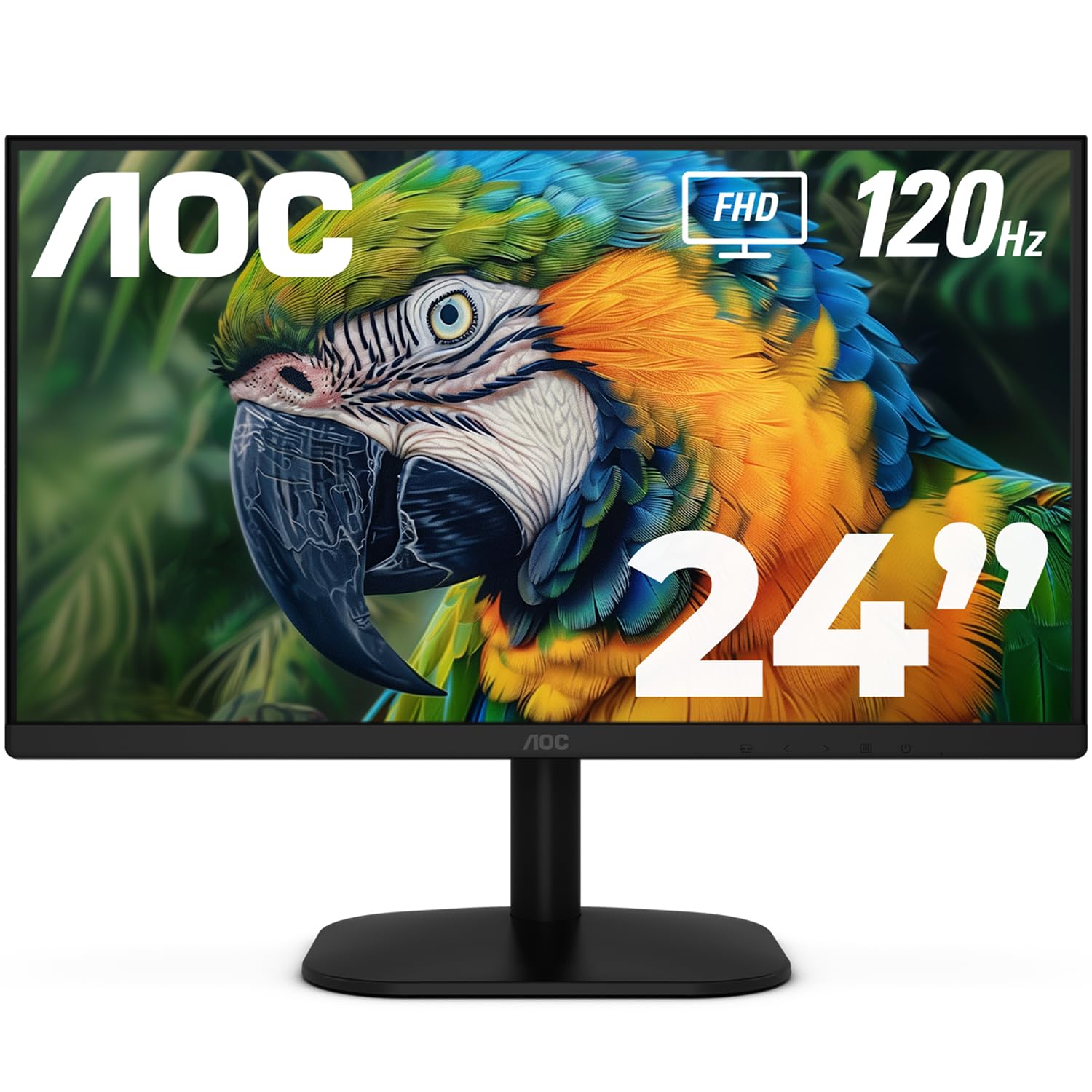
3. AOC 24 Inch Computer Monitor 24B35H3
The 120Hz dual-monitor companion that makes work feel as smooth as play
This AOC is the answer for anyone building a two-screen setup without spending big. The 24-inch Full HD IPS panel offers wide 178° viewing angles, so colors stay consistent whether you are looking straight on or from the side. The 120Hz refresh rate delivers visibly smoother motion than a standard 60Hz screen, and with Adaptive Sync technology it reduces screen tearing and stuttering during gameplay and video.
Your photos, games, and videos will look vibrant and true-to-life instead of washed out, thanks to a panel that covers 100% sRGB and 84% NTSC color gamut (the standard color ranges for digital displays). Flicker-Free technology and a Low Blue Light mode reduce eye strain during long remote work sessions with multi-window snapping. Thin bezels line up nearly smoothly for a clean dual-monitor setup.
The honest catch is connectivity: this model has one HDMI and one VGA port, with no DisplayPort. As customers note: “Great monitor, only downside is it not having a display port.” The stand is tilt-only, though VESA compatibility lets you mount it on an arm if you prefer better positioning. An occasional unit arrives with a dead pixel, which is a risk at this price tier.
Where it earns its place: refresh rate beats the more expensive-feeling options above it, and the color coverage matches panels costing more.
Where it falls short: the missing DisplayPort limits modern GPU hookups, and the tilt-only stand may frustrate ergonomics purists.
Best for: budget gamers and remote workers who want smooth 120Hz motion and wide color without paying a premium.
Not for: anyone whose graphics card relies on DisplayPort or who demands height-adjustable ergonomics.
4. Dell 24 Monitor SE2426H

The 144Hz Dell that pulls double duty for gaming and home-office work
This Dell splits the difference between work and play better than most budget panels. The 144Hz refresh rate with 1ms MPRT (Motion Picture Response Time, which measures how fast pixels change) delivers smooth, tear-free motion, while the IPS panel keeps colors consistent across a wide 178° viewing angle. You get strong color accuracy whether you are editing photos or watching a stream.
Eye comfort is a genuine feature, not an afterthought. The TÜV Rheinland 3-star certification confirms the panel cuts blue light without sacrificing color accuracy. At 300 nits of brightness (a measure of how bright the screen can get), it stays clear even in brighter rooms, and the ultra-thin bezels boost the viewing area on a modest desk. Setup is simple, and the included HDMI cable lets you go from box to working in minutes.
The trade-off is connectivity: this model is HDMI-only, with no VGA or DisplayPort, so check your computer’s outputs first. It is not built for competitive esports setups, and some owners note the stand offers tilt but limited height adjustment. For a home-office desk that also wants casual gaming, this hits a strong balance.
The winning combo: a fast 144Hz refresh rate with IPS color accuracy and certified eye comfort, all in a compact 23.8-inch frame.
The main catch: HDMI-only input limits older or multi-monitor connection options.
Choose this if: you want one monitor that handles Excel by day and casual games by night without compromise.
Think twice if: you need a DisplayPort connection or a taller, height-adjustable stand.
5. ViewSonic VS2447M

The high-contrast 24-inch screen backed by a rare 3-year warranty
If deep blacks and punchy images matter to you, this ViewSonic brings a contrast ratio of 3000:1, which comfortably beats the 1000:1 found on many budget rivals. That means dark scenes in movies and shadows in games show more detail instead of looking like gray mush. The 24-inch 1080p IPS panel keeps colors consistent from wide angles, and the 100Hz refresh rate smooths out everyday scrolling and streaming.
Flicker-Free technology and a built-in Blue Light Filter keep your eyes comfortable during study or office hours. When you watch high-definition video or play games, AMD FreeSync (a technology that syncs the monitor’s refresh rate with your graphics card) eliminates screen tearing. The HDMI and VGA inputs connect to both modern laptops and older desktop PCs, and the 3-year limited warranty with US-based support offers confidence that most budget panels do not provide.
Owners consistently praise the bright, sharp, clear picture, with some noting it is especially suitable for aging eyes. The trade-offs are modest: the color may not match a specific older monitor some buyers were replacing, and a small number of units have reportedly stopped working after a few days, so check your return window promptly. The included power cord draws some negative feedback, meaning the cable quality is a weak point.
The standout spec: a 3000:1 contrast ratio at this price is rare and delivers visibly richer visuals.
The reassurance: a 3-year warranty backs the panel, which is uncommon in the budget tier.
Best for: students, professionals, and anyone who watches a lot of video and wants strong contrast plus warranty protection.
Not ideal for: gamers needing high refresh rates or buyers who dislike the feel of the included power cable.
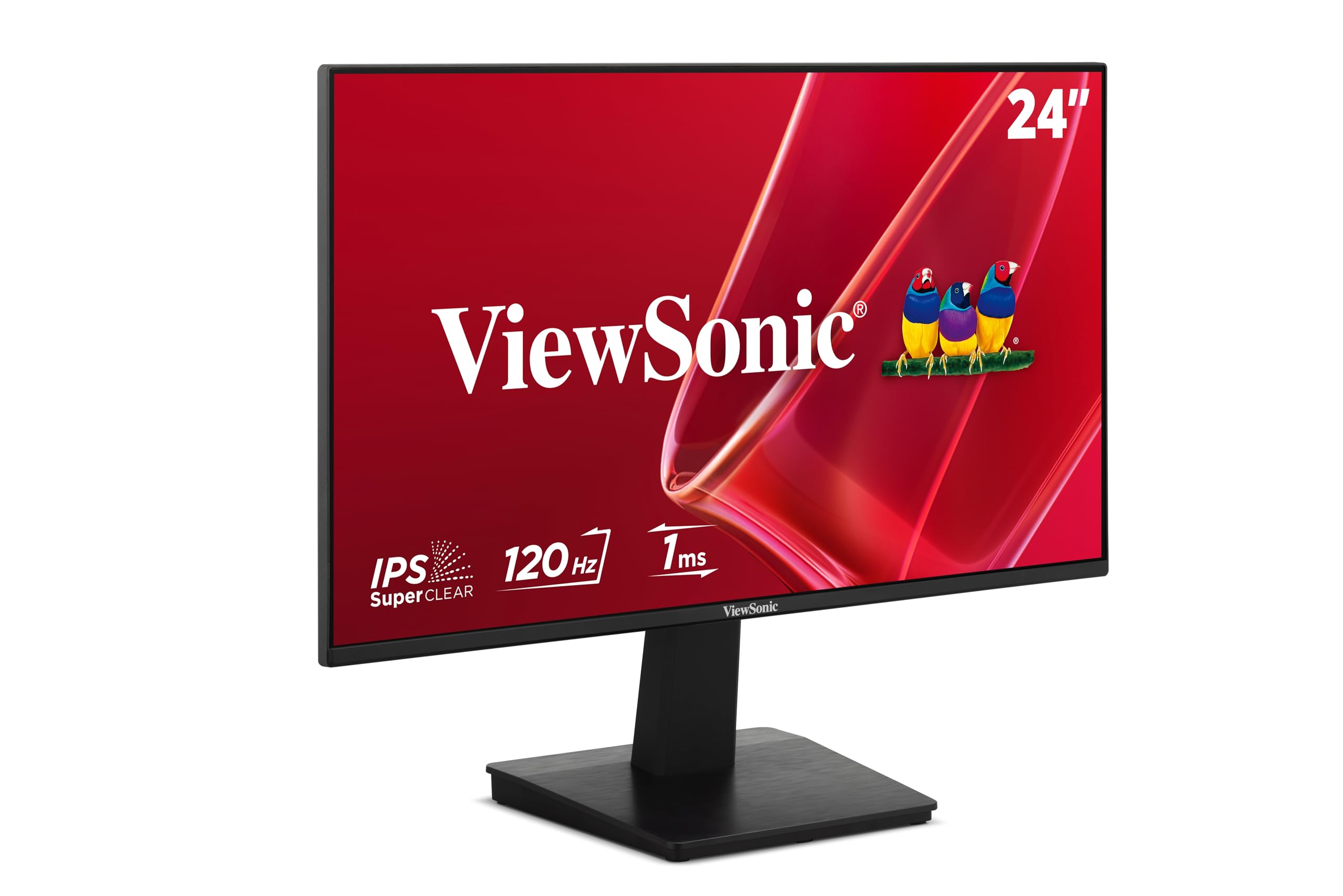
6. ViewSonic VA2448-MH
The 120Hz screen with preset modes that adapt to whatever you are doing
You can switch between Game, Movie, Web, Text, and Mono modes with a few clicks, thanks to ViewSonic’s ViewMode presets. Each preset adjusts the gamma curve (the brightness of mid-tones), contrast, and brightness to suit the task, so a spreadsheet looks different from a film on the same panel. That flexibility makes it among the most adaptable budget monitors around.
The 24-inch 1080p IPS panel delivers consistent colors and wide viewing angles, while the 120Hz refresh rate makes everyday motion feel fluid. Flicker-Free technology and a Blue Light Filter cut eye fatigue during long study or work sessions. The 3.5mm audio output, HDMI, and VGA inputs give you solid connectivity for modern laptops and older desktops alike, and the anti-glare screen cuts reflections in bright rooms.
Owners describe the image as crisp with no distortion, and setup is genuinely plug-and-play. The built-in speakers get mixed feedback, with some finding them adequate for casual use and others wanting more volume. At 300 nits brightness, it stays visible in most lighting conditions. This is the pick for someone who wants one monitor that adapts to many different tasks.
Why it wins: the ViewMode presets are a unique practical feature you will actually use daily.
Where it’s average: speakers are serviceable but not impressive, and the stand offers tilt only.
Best for: students and professionals who switch between documents, web, and entertainment throughout the day.
Skip if: you need loud speakers or a height-adjustable stand for strict ergonomics.
7. Samsung 24″ S3 S32GF

The slim 120Hz Samsung that stays sharp from any seat in the room
This Samsung keeps colors bright and clear across the entire screen, even when you change angles, thanks to its IPS panel. The vibrant output makes it a pleasure for gaming, video, and creative projects. At 120Hz, motion blur and lag drop noticeably, so fast-paced moments in games and action scenes stay crisp instead of smearing.
Gamers get optimizable settings per genre, letting you adjust color and image contrast instantly for clearer scenes. Game Picture Mode adjusts any game to fill the screen with detail. A super slim design with ultra-thin border bezels gives your desk a sleek, modern look, and Reduced blue light and flicker keep long sessions comfortable. It is lightweight and works great on a dual monitor stand.
The design is a genuine standout, owners note it is very light and thin. The power switch placement on the back draws some mixed reactions, as it can take a firm press to open the menu. There are no built-in speakers, and there is no height adjustment, so check your desk setup. For document work and Excel, the image quality is solid, though it is not meant for high-precision graphics work.
The headline: a 120Hz IPS panel with per-genre game settings in a frame slim enough to travel.
The minor gripes: the rear power button feels awkward at first, and speakers are absent entirely.
Choose this if: you want a slim, stylish screen for mixed gaming, study, and streaming with strong colors.
Look past it if: you need built-in audio or a height-adjustable stand.
8. Sceptre Curved 27-inch Prime Gaming Monitor

The 27-inch curved panel that brings gaming immersion without the premium price
You get a more rich feel than a flat display, because this Sceptre’s 1500R curved VA panel (a curvature rating that pulls the screen edges toward you) wraps your field of view. The 27-inch size gives you a big canvas for gaming, work, and streaming, and the 1ms response time keeps fast action sharp. At 100Hz, motion stays smooth, and the 100% sRGB color gamut delivers vibrant, accurate hues for creative work.
Blue-Light Shift lowers blue light output to ease eye strain during extended use. Two HDMI ports and one DisplayPort give you plenty of connection options, and built-in speakers plus an audio out jack keep your desk uncluttered. Custom gaming modes for FPS and RTS titles adjust the picture for peak performance depending on what you are playing.
Owners are repeatedly surprised at how good the quality is for the price, calling the colors vibrant and accurate and the text sharp. The contrast ratio of 1,000,000:1 is dramatic on paper, though real-world VA performance is excellent for dark scenes. The recurring gripe is the sound quality of the built-in speakers, which several owners find unsatisfactory, and the stand lacks height adjustment. An occasional unit feels larger than expected once measured side to side.
What wins people over
- Quality is the top praise, with over 140 owners highlighting build and display
- Value for money is second, with 80+ buyers calling it an affordable curved option
- Curved screen is easy on the eyes and great for video editing and writing
What holds it back
- Speaker quality is the most common negative, with several finding it weak
- Stand is not height-adjustable, and power-on can be slow
Best for: gamers and streamers who want curved immersion and big-screen presence without a big budget.
Not for: audio purists who expect decent built-in speakers or buyers needing a height-adjustable stand.
9. LG 24G411A-B UltraGear

The 24-inch esports contender that plays as smoothly as screens twice the price
This LG UltraGear is built for competitive speed. It runs at a 120Hz native refresh rate that overclocks to 144Hz, and the 1ms MBR (Motion Blur Reduction) keeps fast-moving action sharp with minimal ghosting. NVIDIA G-Sync Compatible and AMD FreeSync both work here, so gameplay stays tear-free whether you are on an Nvidia or AMD graphics card.
The IPS display delivers up to 99% sRGB color gamut with HDR10 support, so games and videos look rich and vivid. Dynamic Action Sync reduces input lag so you react faster, and Black Stabilizer brightens dark scenes so you can spot enemies hiding in shadows. The Switch app lets you split your screen into up to six sections for multitasking, and the ultra-slim bezel keeps the focus on the action.
Owners rate the value highly, with some saying the crisp picture quality is comparable to 4K resolution at a fraction of the cost. It works great with PS5 at 120Hz, making it a strong console companion. The honest downside is the stand, which several owners describe as weak and jiggly, so an aftermarket mount is a common upgrade. Brightness is rated at 250 nits, which some find a touch dim, and random blackouts are occasionally reported.
The performance edge: a 144Hz overclocked panel with both G-Sync and FreeSync support makes this the smoothest option here for fast games.
The weak link: the stand quality is the most common complaint, with a replacement mount often recommended.
Best for: competitive gamers and PS5 owners who want high refresh rates and tear-free play on a budget.
Skip if: you plan to use the included stand as-is, or you need higher brightness for a very bright room.
10. LG 24U411A-B

The virtually borderless 120Hz LG that disappears into your workspace
This LG is the entry-level pick that looks more expensive than it is. The 3-side virtually borderless design creates a clean, modern look that works beautifully in dual setups or a clutter-free workspace. The 24-inch Full HD IPS panel delivers sharp, vibrant visuals from virtually any angle, and at 120Hz the motion stays smooth whether you are working or gaming.
The 1ms Motion Blur Reduction keeps fast-paced gameplay crisp by minimizing blur and ghosting, and HDR10 support with up to 99% sRGB color gamut coverage delivers rich, vivid color across a wide spectrum. Reader Mode reduces blue light for comfortable document reading, and the tilt-adjustable display moves from -5° to 20°. Dynamic Action Sync minimizes input lag, and Black Stabilizer brightens dark scenes for gaming.
Owners praise the anti-glare screen as a blessing, especially when pairing with a Mac mini for simple plug-and-play setup. The “Switch app” splits your screen into up to six sections for multitasking. The trade-off is the stand, which some find flimsy with occasional missing screws, and there is no height adjustment. HDMI is the sole connectivity port, so check your computer’s outputs. Brightness at 250 nits is adequate but not exceptional.
The visual win: a 120Hz IPS panel with HDR10 and a borderless design that makes it a great value centerpiece.
The practical catch: HDMI-only input and a stand that some replace with a VESA mount.
Grab it if: you are a student or remote worker who wants a clean-looking, smooth-scrolling screen for daily tasks.
Pass on it if: you need DisplayPort input or a rock-solid height-adjustable stand.
11. Samsung 32″ Flat Computer Monitor

The 32-inch flat screen that replaces two smaller monitors on a single desk
If you are tired of squinting at small screens, this Samsung delivers a massive 32-inch canvas. At 1920 x 1080 resolution, you get a huge image display that makes spreadsheets, databases, and multitasking far more comfortable. The three-sided borderless design lines up nearly smoothly in multi-monitor setups for a virtually gapless view.
AMD FreeSync keeps the monitor and your graphics card in sync to reduce image tearing during movies and games. The 75Hz refresh rate is a step up from standard 60Hz panels, making every frame move more smoothly. A contrast ratio of 4000:1 delivers deep blacks and rich detail, which is excellent for watching video. Game Mode adjusts games to fill the screen with vivid color and contrast, and eye comfort technology reduces strain during extended use.
Owners love the size for average use like browsing, YouTube, and email, with several buying multiple units for extended views of non-graphic content. It works great with a MacBook Pro. The honest limitation is that 1080p on a 32-inch screen means lower pixel density, so text is not as razor-sharp as on smaller panels. Colors are also a mixed point, with some finding them less vibrant than expected. The included cables run slightly short for a far monitor position.
The size advantage: a 32-inch screen with a 4000:1 contrast ratio (the difference between the brightest white and darkest black) gives you rich viewing that smaller budget panels cannot match.
The resolution reality: 1080p on this large a screen shows softer text than you get on a 24-inch panel.
Best for: anyone who wants maximum screen real estate for work spreadsheets, databases, and casual entertainment.
Think twice if: you need razor-sharp text up close or expect highly vibrant colors from the start.
Understanding the Specs
Refresh Rate (Hz)
This number tells you how many times per second your screen redraws the image. A 60Hz panel updates 60 times a second, which is fine for basic tasks. A 100Hz or 120Hz panel updates faster, making scrolling, video, and games feel noticeably smoother and easier on your eyes over long sessions. If you game, prioritize the highest number your budget allows because it directly reduces motion blur and stutter.
Contrast Ratio
Contrast ratio describes the difference between the brightest white and the darkest black a screen can show. A higher ratio like 3000:1 or 4000:1 means deeper blacks and more detail in dark scenes. A 1000:1 ratio is the standard baseline you will see on many IPS panels, and it looks fine for most office work. If you watch a lot of movies or play dark games, a higher number will visibly improve the image.
FAQ
What refresh rate should I choose for a budget monitor?
Is an IPS panel worth it over a VA or TN panel?
Will a budget monitor work with my MacBook?
Do I need built-in speakers on a monitor?
What does VESA mount compatibility mean?
Is a higher contrast ratio always better?
How long will a budget computer monitor last?
Can I use a budget monitor for console gaming?
What is the difference between 1080p on a 24-inch versus a 32-inch screen?
Which ports do I actually need on a budget monitor?
port is useful for older office desktops, and DisplayPort suits modern gaming GPUs. Check the back of your computer first, then pick a monitor whose ports match, or budget for an adapter. The AOC’s missing DisplayPort is the most common buyer complaint, so double-check your GPU outputs.
Final Thoughts: The Verdict
Across the board, the budget computer monitor winner is the Dell 27 SE2725HM because it pairs a larger 27-inch screen with a 100Hz refresh rate and certified eye comfort, making daily work genuinely more pleasant. If you want smooth motion for gaming on a tight budget, grab the AOC 24B35H3 with its 120Hz panel and wide color coverage. And for maximum screen real estate at a value price, the Samsung 32-inch is the one to reach for.
How We Picked
We do not accept paid placement. Every pick is matched to a real buyer and a real use-case; we do not hands-on test units.
Sources & Methodology
Specifications: manufacturer listings and product documentation. Review insights: verified customer reviews, as of August 2026. Pricing: not shown on this page (it changes often); check the current price via the retailer link.
As an Amazon Associate, Gadgets Feed earns from qualifying purchases. This does not affect which products we feature.