
Our readers keep the lights on and my morning glass full of iced black tea. As an Amazon Associate, I earn from qualifying purchases.
Specs are compiled from manufacturer listings and verified buyer reviews and can change over time — please confirm the key details on the product page before buying.
When you shop for a 1TB SSD, the real question is how fast you want your computer, game console, or old laptop to feel. A drive that copies a 50GB game in seconds instead of minutes changes how you work and play every day, so this guide breaks down the top performers by speed, interface, and the specific job each one does best.
I’m Min — the founder and writer behind Gadgets Feed. This guide is built by comparing the manufacturers’ published specifications and the patterns across verified customer reviews, so you get each pick’s real strengths and trade-offs instead of marketing spin.
Whether you are upgrading a sluggish desktop or expanding your PlayStation 5, finding the right 1tb ssd means matching the drive’s interface and speed to your system’s capabilities.
Our Picks at a Glance


How To Choose The Best 1TB SSD
Buying a 1TB SSD is a great way to breathe new life into an old computer or give your gaming rig the space it craves. But before you click buy, you need to match the drive to your machine’s slots and speed, because the fastest drive in the world is useless if your system cannot use it.
Interface: NVMe vs. SATA
The interface is the highway your data travels on. SATA drives are the older, slower road—they top out around 550 MB/s, which is still a massive jump from a mechanical hard drive. NVMe drives are the expressway, using the PCIe lanes to hit speeds in the thousands of MB/s. If your motherboard or laptop has an M.2 slot that supports NVMe, that is the performance path; if you are upgrading a very old machine with only a 2.5-inch bay, a SATA drive is your reliable choice.
Form Factor: The Physical Shape
Storage comes in two main physical shapes. A 2.5-inch drive is a small, flat rectangle that fits into a dedicated bay in most desktops and older laptops—it uses SATA cables or a simple slot. An M.2 drive is a tiny stick, about the size of a stick of gum, that plugs directly into the motherboard. M.2 drives are the modern standard for new PCs and laptops, and they enable the highest speeds.
Matching Speed to Your System
Think about what you will do with the drive. For general use and reviving an old laptop, a SATA SSD (a drive that connects via the standard SATA port) is plenty fast and budget-friendly. For gaming, video editing, or running large programs, an NVMe drive (a drive that plugs directly into your motherboard’s M.2 slot) with a Gen4 interface (around 5,000–7,400 MB/s) is the balance. If you have a brand-new, high-end motherboard, a Gen5 drive (up to 11,000 MB/s) is the latest, most future-proof option—but it costs more and runs hotter.
Quick Comparison
| Model | Best For | Interface | Max Read Speed | Form Factor | Amazon |
|---|---|---|---|---|---|
| WD_BLACK SN850X★ Best Overall | High-end gaming & workstation | NVMe PCIe Gen4 | 7,300 MB/s | M.2 2280 | Amazon |
| Crucial P510Future-Proof Pick | Ultra-fast Gen5 performance | NVMe PCIe Gen5 | 11,000 MB/s | M.2 2280 | Amazon |
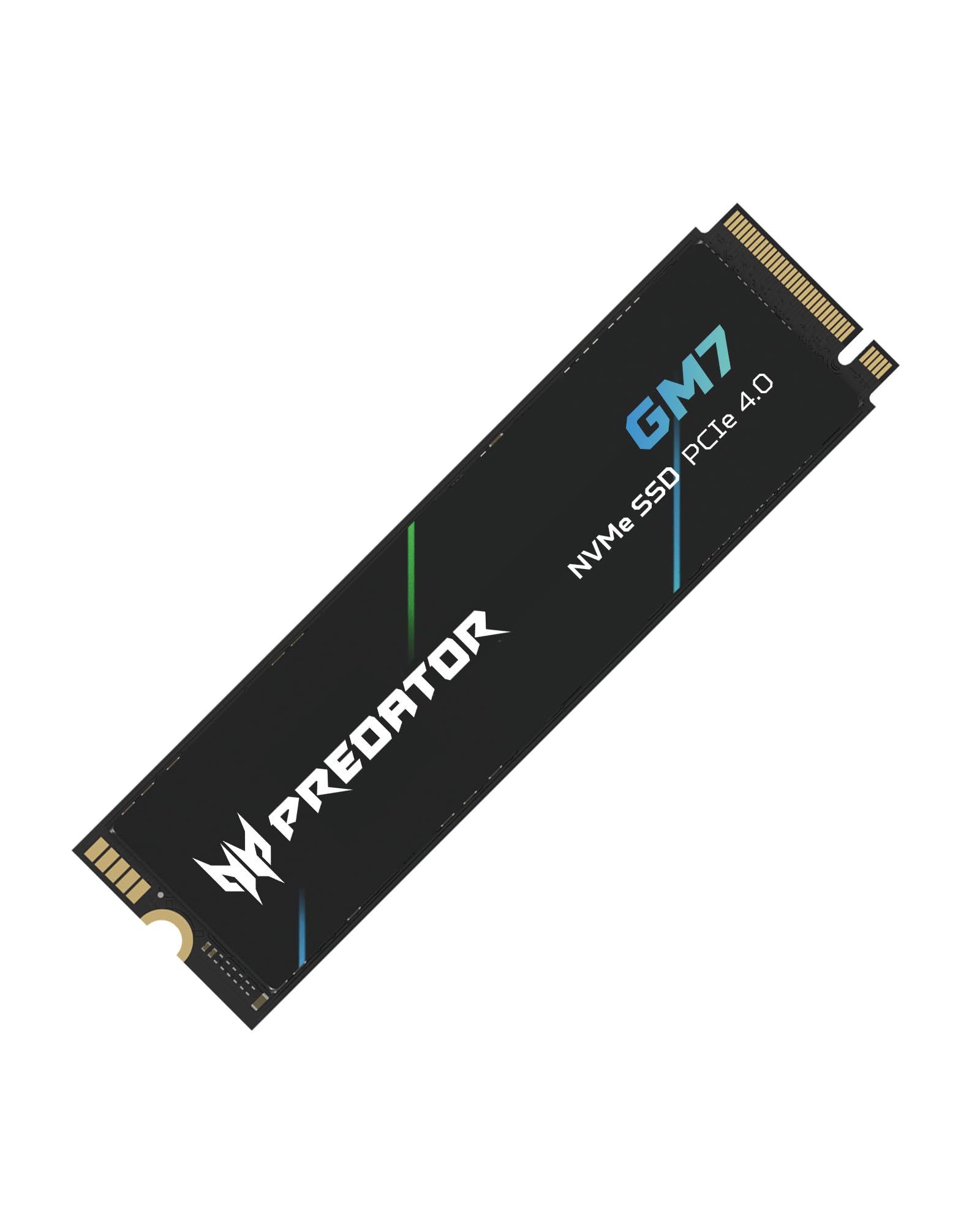
| Acer Predator GM7PS5 Powerhouse | PS5 & enthusiast builds | NVMe PCIe Gen4 | 7,400 MB/s | M.2 2280 | Amazon |
| Samsung 990 Pro | Premium reliability & PS5 | NVMe PCIe Gen4 | 7,450 MB/s | M.2 2280 | Amazon |
| WD_BLACK SN850P | Official PS5 expansion | NVMe PCIe Gen4 | 7,300 MB/s | M.2 2280 | Amazon |
| TEAMGROUP MP44L | Great value Gen4 speed | NVMe PCIe Gen4 | 5,000 MB/s | M.2 2280 | Amazon |
| RONGSHU SATA SSD | Budget laptop & desktop upgrade | SATA III | 550 MB/s | 2.5-inch | Amazon |
| Crucial BX500 | Reviving old PCs | SATA III | 540 MB/s | 2.5-inch | Amazon |
| Vansuny SATA III | Entry-level HDD replacement | SATA III | 500 MB/s | 2.5-inch | Amazon |
In‑Depth Reviews
1. WD_BLACK SN850X 1TB NVMe SSD
Our pick — over 4.5★ from 17,500+ verified ratings; the strongest balance of quality and price.
Delivers 7,300 MB/s read speeds, setting the standard for Gen4 gaming and creative workloads.
Its 7,300 MB/s read speed cuts game load times to seconds, eliminating long waits. With read speeds up to 7,300 MB/s and write speeds up to 6,300 MB/s, it shatters the speeds of budget drives—it is a staggering 14.6x faster on paper than a typical 500 MB/s SATA drive. For the full size of your Steam, Xbox, and Epic libraries, the 1TB capacity keeps your most-played titles at instant access.
Owners consistently report that the WD_BLACK Dashboard software is simple to understand, and the drive stays remarkably cool during intense 4K gaming sessions, with temperatures never exceeding 35 degrees. Performance is the thing everyone raves about—it is by far the most-discussed strength here. The compatibility is solid too, working with laptops, motherboards, and Sony PlayStation 5 consoles.
The main trade-off is that this drive demands a Gen4 slot to stretch its legs. It runs warm without a heatsink, so a little airflow or a dedicated cooler helps sustained workloads. For gamers and video editors running a modern system, this remains the crowd favorite—4.8 stars across 17,000+ owners.
Why It Wins
- Blistering 7,300 MB/s read speeds for near-instant game loads
- Simple, intuitive WD_BLACK Dashboard software
- Compatible with laptops, PCs, and PS5
What To Note
- Runs warm without a heatsink, needing good airflow
- Requires a Gen4 motherboard slot for full speed
Grab it if: you have a Gen4-capable PC or PS5 and want the elite gaming experience.
The catch: you’ll need to ensure your motherboard has a Gen4 slot and adequate cooling to unleash its full potential.
2. Crucial P510 PCIe Gen5 NVMe 1TB SSD
Reaches 11,000 MB/s read speeds, the fastest interface for Gen5-capable systems.
If you are building a top-tier system, this is the fastest interface available today. Leveraging PCIe 5.0, the Crucial P510 delivers up to 11,000 MB/s read and 8,500 MB/s write speeds—noticeably quicker than even the 7,300 MB/s of the WD_BLACK SN850X above. This translates to faster game load times, bootups, and smoother multitasking for gamers and creatives.
The 1TB capacity provides ample space for AAA games, apps, and media. A major plus for this drive is its comprehensive bundle: it includes Acronis True Image cloning software for easy data recovery and transfers, plus a one-month Adobe Creative Cloud All-Apps subscription. This makes it an “affordable upgrade” by Gen5 standards, balancing superior functionality with a savvy buyer’s budget.
One notable owner experience describes a 7-year-old computer being “transformed into a rocket,” highlighting just how much of an impact this drive can have, even on an older system. It is built with advanced G8 NAND and thermal control, ensuring stable performance. The main consideration is that you need a motherboard with a Gen5 slot to get those headline speeds; otherwise, it works, but it will run at Gen4 levels.
Speed Demon
- class-leading 11,000 MB/s Gen5 read speed
- Backward compatible with Gen4 systems
- Includes Acronis cloning software and Adobe bundle
Keep In Mind
- Requires a Gen5 slot for full performance
- Premium price tier for top-end speed
For the enthusiast: this is the pick if you have a new Gen5 motherboard and want the absolute fastest data transfers available.
Think twice if: your system only supports Gen4, as you will not see the advertised 11,000 MB/s speeds.
3. Acer Predator GM7 1TB SSD
Offers 7,400 MB/s read speeds and 1.03 TB usable storage, exceeding its 1TB label.
With read speeds up to 7,400 MB/s and write speeds up to 6,500 MB/s, it is built for enthusiasts who want to ace their games and handle content creation without a hitch.
The Predator GM7 utilizes HMB (Host Memory Buffer) and SLC Cache to push next-level performance, enabling faster game loads and file transmissions. Performance is the top praise here, with owners noting it meets advertised speeds even with many programs open. It also supports TRIM, and the Biwin Intelligence software helps manage the drive with features like data migration and drive cloning.
It is important to note that this drive does not come with a heatsink included. Several PS5 owners recommend adding a low-cost heatsink for optimal temperature control under heavy loads. While a few found it slightly pricey, its reliable performance and extra storage capacity make it a strong value in a market where prices can spike.
Console King
- Offers 1.03 TB of usable storage after formatting
- Excellent 7,400 MB/s read speeds for fast loads
- Effective HMB and SLC Cache technology
Before You Buy
- No heatsink included—plan to add one
- Performance can be limited by heat without extra cooling
Reach for this if: you want a high-capacity, high-speed drive for your PS5 or a desktop and do not mind adding a small heatsink.
Look elsewhere if: you prefer a drive that is ready to install from the start with a pre-attached cooler.
4. Samsung 990 Pro 1TB Gen4 NVMe SSD

Combines 7,450 MB/s read speeds with a 600TBW endurance rating for long-term dependability.
When you need a drive you can trust with your most important games and files, the Samsung 990 Pro is the name that comes up again and again. It delivers read speeds up to 7,450 MB/s and write speeds up to 6,900 MB/s, putting it right at the top of the Gen4 class. More importantly, owners frequently note it operates at lower temperatures even when running maxed out.
Reliability is the most-cited strength, and the endurance ratings back it up: this drive is rated for 600TBW (Terabytes Written) and a 1.5 million hour MTBF (Mean Time Between Failures). This means it is engineered to handle heavy daily writes for years. It also comes with the free Samsung Magician software, which tune performance and keeps the drive up to date with the latest firmware.
The 990 Pro earns its spot for mainstream PCs, laptops, and the PS5 because it uses PCIe Gen 4.0 x 4 connectivity (a fast data pathway that supports up to 7,000 MB/s). Buyers report it can move over 1TB of data in just a few minutes, making large game migrations a quick task. This is a premium drive, and the price reflects that, but for many, the confidence of a Samsung PRO drive is worth it.
Built To Last
- Industry-leading 600TBW endurance rating
- Fast 7,450 MB/s read speeds
- Includes Samsung Magician optimization software
The Cost Of Trust
- Sits at the premium end of the price spectrum
- Speed gains over other Gen4 drives are marginal in everyday use
Choose this for: maximum confidence and durability for a workstation or gaming PC you plan to keep for years.
skip it if: you are on a strict budget, as you can get comparable Gen4 speeds for less from other brands.
5. WD_BLACK 1TB SN850P NVMe M.2 SSD

The officially licensed PS5 SSD with a pre-installed heatsink for tool-free, low-maintenance installation.
As the officially licensed PS5 SSD, it guarantees a perfect fit and smooth operation. It is the officially licensed M.2 SSD for PlayStation 5 consoles, meaning you can install it with no concern about whether it will work. WD_BLACK engineered an tune heatsink specifically for the PS5’s M.2 slot, so it fits perfectly and stays cool for uninterrupted gameplay sessions.
Installation wins people over, with owners praising the tool-free setup and smooth integration. The drive offers a generous 1TB of space, which translates to room for 10-12 average-sized games, and it plays directly from the drive at read speeds up to 7,300 MB/s. This eliminates the need to constantly transfer or delete games from your console’s internal storage.
Owners mention it is silent and delivers the same speed as the console’s internal drive, making it a true must-have for anyone with a large game library. While there are occasional reports of PS5 crashes, the overwhelming consensus, backed by thousands of owners, is that this drive is dependable and worth the money for the convenience it provides.
Console Ready: The integrated heatsink (a metal plate that draws heat away) and official licensing make this the most low-maintenance SSD option for PS5 owners. It is the definition of plug-and-play.
Strictly Console? While it works with PCs, the tune design and licensing are tailored for the PS5, making it a specialized choice for console gamers.
6. TEAMGROUP MP44L 1TB SLC Cache NVMe SSD

Delivers 5,000 MB/s read speeds, offering Gen4 performance at a value price.
This drive proves you do not need to spend top dollar for excellent NVMe performance. The TEAMGROUP MP44L offers sequential read/write speeds up to 5,000/4,500 MB/s, which is more than double the performance of a PCIe Gen3 interface. For a budget build, this is a fantastic way to get a responsive, lightning-fast system while staying affordable.
Performance and speed are the top praises, with one owner noting it transferred a 50GB game in about 10 seconds. Its M.2 2280 form factor supports the next-generation platforms of both Intel and AMD, fitting both desktops and notebooks. The drive uses a clever design—a conductive graphene coating on aluminum foil—that is less than 1mm thick, which helps with heat dissipation and prevents mechanical interference during assembly.
A 5-year or TBW (Terabytes Written, a measure of how much data you can write before the drive wears out) limited warranty provides solid confidence. Owners have found it works perfectly with a variety of motherboards, including MSI boards, and it runs cool. The only mixed feedback is heat performance; some systems see temperatures below 55°C, while others run hot, so ensuring good case airflow is wise.
Bang For Buck
- Fast 5,000 MB/s read speeds for a budget drive
- Great compatibility with Intel and AMD platforms
- Comes with a 5-year limited warranty
Watch Out For
- Heat performance can vary depending on your system’s airflow
- Not the absolute fastest Gen4 drive available
Best for: budget builders and upgraders who want a huge speed boost from an HDD without paying for top-tier flagship models.
Look elsewhere if: your case has poor ventilation, as you may need to monitor its temperature under heavy loads.
7. RONGSHU 1TB SATA SSD 2.5-inch
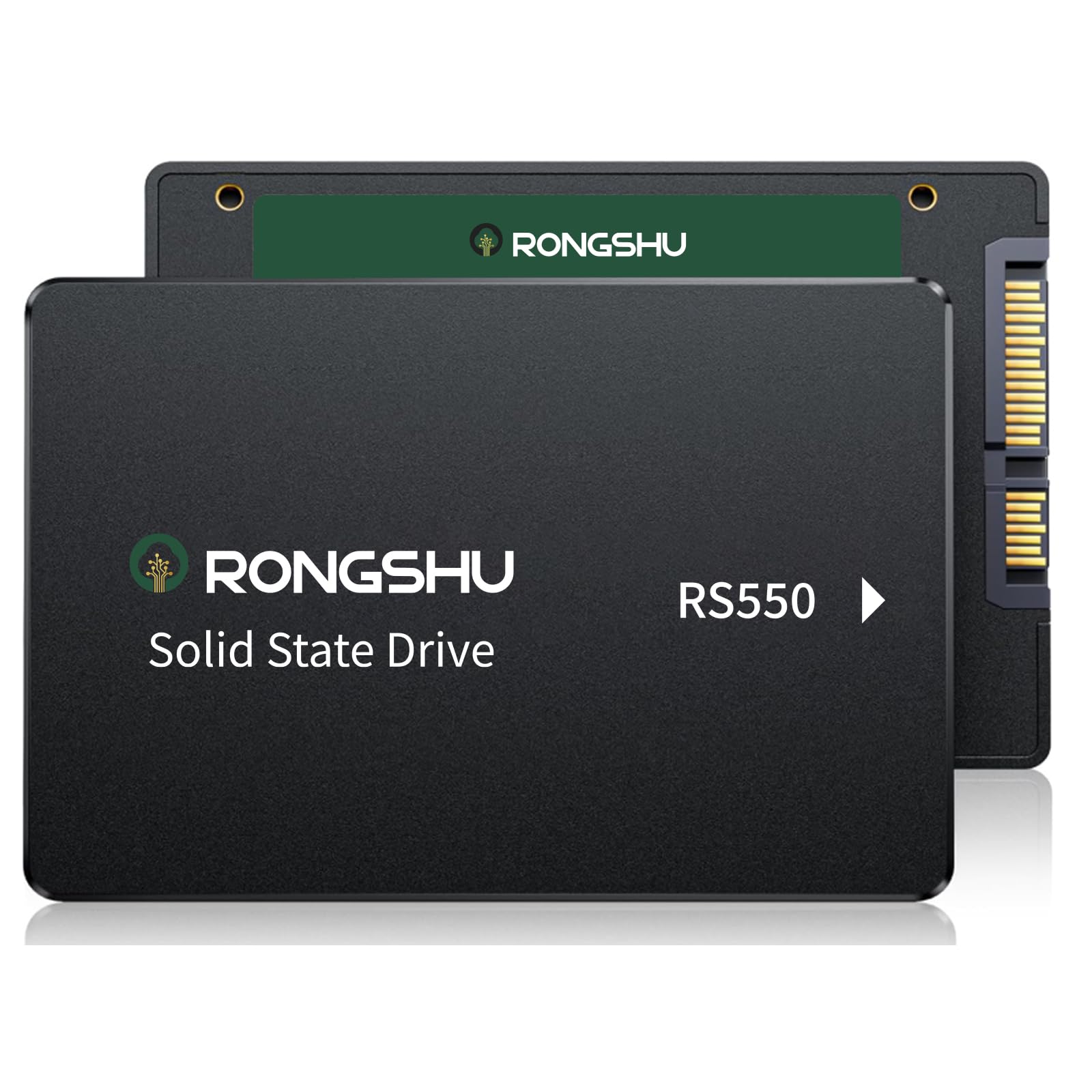
The fastest, cheapest way to resurrect a slow, frustrating computer.
If your old laptop or desktop is struggling just to boot up, this drive is the remedy. It delivers a staggering performance boost over traditional mechanical hard drives—more than 3 times the performance—which dramatically improves boot times, file transfers, and game loading. One owner with an old HP laptop saw disk usage drop from a constant 100% to just 3-5% after installing it.
With read speeds up to 550 MB/s, this SATA III drive is a massive upgrade for any machine with a standard 2.5-inch drive bay. It uses advanced 3D NAND TLC flash technology, which offers higher endurance and reliability than older QLC flash drives. It also features low power consumption and quiet operation, making it ideal for daily use.
Compatibility is a huge plus, as it works with Windows 11, 10, 8, Vista, XP, macOS, and Linux. Installation is straightforward for anyone, even self-described non-techies, and it works well for simple tasks like recording video from cameras. It is the smart, budget-friendly choice for giving an older system a new lease on life.
Instant Rejuvenation: Owners constantly describe their computers going from “unusable” to “great” instantly, making this the most effective upgrade for the money.
Keep Expectations In Check: This is SATA speed, so it will not match the multi-thousand MB/s of NVMe drives, but the jump from an HDD is still night and day.
8. Crucial BX500 1TB 3D NAND SATA SSD

A dependable, proven SATA drive from a brand trusted by millions.
When you want a SATA SSD with a track record, the Crucial BX500 is a top-tier choice. It is built on trusted Micron 3D NAND, and its reliability is the most-cited praise from a huge community of owners. It lives up to its promise of booting up faster, loading files quicker, and improving overall system responsiveness.
With read speeds up to 540 MB/s, it is 300% faster than a typical hard drive. This translates to a computer that feels brand new, with owners noting their 5-year-old, sluggish laptops have been “given a new life feeling.” It is also 45x more energy efficient than a typical hard drive, which helps improve battery life in laptops and keeps power consumption low.
The 1TB capacity provides ample space for a full OS install and a large game or media library. It offers universal compatibility with any desktop or laptop that accepts a standard 2.5-inch, 7mm SATA drive, and comes with a 3-year limited warranty. Whether you are upgrading an old machine or building a budget rig, the BX500 is a safe, reliable bet.
Why It’s A Classic
- Exceptional reliability backed by thousands of positive reviews
- 540 MB/s speeds make old PCs feel new again
- 45x more energy efficient than a typical HDD for better battery life
The Only Limit
- SATA interface caps its speed well below NVMe options
- Not the right choice if your system has a free M.2 slot for faster storage
Reach for this if: you want a proven, no-drama upgrade for a SATA-only laptop or desktop.
Think twice if: you are building a new system with an M.2 slot, where an NVMe drive is the better use of your budget.
9. Vansuny 1TB SATA III SSD

A simple, fast upgrade for older systems and smart home hubs.
This is an easy, versatile way to swap out a slow spinning hard drive in an older computer or even a compatible device like a smart home base. Quality is the top praise, with owners finding it to be a solid, functional drive. It offers read/write speeds up to 500/450 MB/s, a noticeable jump over any mechanical drive for faster data transfer and application startup.
It uses advanced 3D NAND flash technology and a premium ABS casing for good heat dissipation, shock resistance, and silent operation. One owner installed it in a Eufy HomeBase 3, noting it was “quick and easy” and recognized by the app. It supports major operating systems, making it a flexible choice for a secondary drive or a main OS drive for an older PC.
Reliability receives mixed feedback—while many report it functions flawlessly, a portion of owners mention it can fail after a couple of months of use. This is the key consideration for this budget drive. It is best suited for non-critical storage, older systems, or devices where a drive failure is an inconvenience rather than a disaster, making it a good value for the price.
Simple & Effective
- Good value for a budget HDD replacement
- Easy plug-and-play installation in most systems
- Works well in devices beyond PCs, like smart home hubs
Honest Caveat
- Reliability is the most-discussed aspect, with some units failing after a couple of months
- Best for non-critical data or older setups, not primary high-stakes storage
Perfect for: an entry-level upgrade where budget is the priority and the data is not irreplaceable.
Look elsewhere if: you need a drive for critical files or a main OS where long-term reliability is non-negotiable.
Understanding the Specs
NVMe vs. SATA
This is the single most important spec. NVMe (Non-Volatile Memory Express) is a protocol designed for flash storage, using the PCIe bus to reach speeds of thousands of MB/s. SATA (Serial ATA) is the older interface, capped at around 550-600 MB/s. For a new PC or gaming system, an NVMe M.2 drive is the clear choice; for upgrading a legacy desktop or laptop, a 2.5-inch SATA drive is the standard, reliable route.
Form Factor & Physical Size
Form factor dictates fit. M.2 2280 refers to a small, stick-like drive that is 22mm wide and 80mm long, which plugs directly into a motherboard slot—common in modern laptops, desktops, and the PS5. The 2.5-inch form factor is a larger, rectangular drive that fits into a dedicated bay and connects via SATA cables or a connector, typical of older laptops and desktops. You must check which slot your device has before buying.
Read & Write Speed (MB/s)
Read speed is how fast your system pulls data from the drive—the number that affects boot times and game loads. Write speed is how fast the drive saves new data, which impacts file transfers and saving large projects. A 500 MB/s SATA drive is a huge upgrade from an HDD, but a 7,000+ MB/s Gen4 NVMe drive is in a different league for heavy multitasking and professional workloads.
Capacity & Physical Space
While all these drives are 1TB, it is worth knowing that actual usable space is always a bit less after formatting. For instance, some drives show around 1.03 TB or 900 GB of usable space after formatting. For gaming, 1TB generally holds 10-20 modern AAA games. For everyday use, it is ample space for an OS, applications, and a large media library.
FAQ
Is a 1TB SSD enough for gaming?
What is the difference between an M.2 SSD and a 2.5-inch SSD?
Will a PCIe Gen4 SSD work in a Gen3 slot?
Can I use any NVMe SSD in my PlayStation 5?
Do I need a heatsink for my SSD?
Is a SATA SSD still worth buying?
How long does a 1TB SSD last?
What does 3D NAND TLC mean?
Will an SSD drain my laptop battery?
Final Thoughts: The Verdict
The best overall 1tb ssd is the WD_BLACK SN850X because it combines elite-level performance with the reliability and software support that gamers and creators demand. If you have a new Gen5 motherboard, the Crucial P510 is the speed king at up to 11,000 MB/s. And for the budget-conscious ready to fix a slow old laptop, the Crucial BX500 is the proven, reliable workhorse that delivers the most noticeable upgrade for the least money.
How We Picked
We do not accept paid placement. Every pick is matched to a real buyer and a real use-case; we do not hands-on test units.
Sources & Methodology
Specifications: manufacturer listings and product documentation. Review insights: verified customer reviews, as of August 2026. Pricing: not shown on this page (it changes often); check the current price via the retailer link.
As an Amazon Associate, Gadgets Feed earns from qualifying purchases. This does not affect which products we feature.