
Our readers keep the lights on and my morning glass full of iced black tea. As an Amazon Associate, I earn from qualifying purchases.
Specs are compiled from manufacturer listings and verified buyer reviews and can change over time — please confirm the key details on the product page before buying.
If your PC takes minutes to start and games load at a crawl, the fix is almost always the same: swap your old hard drive for a 500 GB NVMe SSD. You want a drive that boots Windows in seconds, loads games fast, and fits your machine—here are the best 500 GB NVMe SSD options, judged on real-world speed (the number that decides boot times and game loads), heat, and compatibility with laptops, desktops, and the PlayStation 5.
I’m Min — the founder and writer behind Gadgets Feed. This guide is built by comparing the manufacturers’ published specifications and the patterns across verified customer reviews, so you get each pick’s real strengths and trade-offs instead of marketing spin.
From the blazing-fast Gen4 drives to the reliable value picks, we reveal the best 500 GB NVMe SSD for your specific machine and budget in plain English.
Our Picks at a Glance


How To Choose The Best 500 GB NVMe SSD
Before you buy, answer three questions: will it fit your machine, how fast does it move data, and does it run cool enough to sustain that speed. Check your motherboard or laptop’s user manual for an M.2 slot (a small, rectangular connector on the board) and a PCIe Gen4 or Gen3 port (the data highway that connects the drive to your CPU)—that tells you which drives will work.
Speed: What 5,000, 6,600, or 7,300 MB/s Actually Means
S speed ratings measure how many megabytes can transfer every second. A drive rated at 5,000 MB/s will copy a large video file and boot Windows much faster than an older drive — making programs open in the blink of an eye. The number on the box is theoretical, but for everyday tasks, a faster rated read speed translates directly to snappier performance.
Compatibility: The M.2 2280 Form Factor
All the drives here use the M.2 2280 stick form factor, which is the standard size for laptops and desktops. Some have a built-in heatsink (a metal or graphite layer) that keeps performance crisp under heavy load, while others rely on your motherboard’s cooler. For a PS5, you need one with a heatsink designed to fit its slot.
Quick Comparison
| Model | Best For | Read Speed | Interface | Form Factor | Amazon |
|---|---|---|---|---|---|
| Samsung 970 EVO Plus★ Best Overall | Top Overall / Reliability | 3,500 MB/s | PCIe Gen3 x4 | M.2 2280 | Amazon |
| Fikwot FX910PS5 Ready | PS5 with Heatsink | 7,300 MB/s | PCIe Gen4 x4 | M.2 2280 | Amazon |
| WD Green SN3000Budget Champion | Budget Upgrade | 5,000 MB/s | PCIe Gen4 x4 | M.2 2280 | Amazon |
| ADATA Legend 860 | Creator Workflows | 6,000 MB/s | PCIe Gen4 x4 | M.2 2280 | Amazon |
| SanDisk Optimus 5100 | Creator / Laptop Slim | 6,600 MB/s | PCIe Gen4 x4 | M.2 2280 | Amazon |
| TEAMGROUP MP44L | Budget Gaming PC | 5,000 MB/s | PCIe Gen4 x4 | M.2 2280 | Amazon |
| Crucial P310 | Handheld Consoles | 6,600 MB/s | PCIe Gen4 x4 | M.2 2280 | Amazon |
| Kingston NV3 | Old Laptop Revival | 5,000 MB/s | PCIe Gen4 x4 | M.2 2280 | Amazon |
| WD Blue SN5100 | Premium Everyday Speed | 6,600 MB/s | PCIe Gen4 x4 | M.2 2280 | Amazon |
In‑Depth Reviews
1. Samsung 970 EVO Plus SSD 500GB
Our pick — over 4.5★ from 60,500+ verified ratings; the strongest balance of quality and price.
The legendary PCIe Gen 3 endurance king that still wins on trust.
Buyers report boot times that are near-instant, with game loads dropping from 30-40 seconds down to under 10. Its V-NAND and PCIe Gen 3.0 x4 interface deliver up to 3,500 MB/s reads and 3,300 MB/s writes, staying competitive against newer Gen4 drives.
For gamers and 4K & 3D content designers, Samsung’s Dynamic Thermal Guard automatically watches the heat and keeps performance from dropping when you push it hard. It includes AES 256-bit Full Disk Encryption and a 5-year limited warranty or 600 TBW endurance.
Unlike the Fikwot FX910’s 7,300 MB/s peak, this drive tops out at 3,500 MB/s — a real gap for huge file transfers, but one that rarely matters for booting and gaming. The compatibility is worth noting: it needs an NVMe M.2 slot, and a few owners found it doesn’t work with the PS5, so check your motherboard before you order.
Why owners swear by it
- Near-instant boot and game loads under 10 seconds
- Runs cool with no throttling under sustained load
- 5-year warranty and 600 TBW endurance rating
The honest trade-offs
- Slower peak speed than current Gen4 rivals at 3,500 MB/s
- Not compatible with the PS5
- Needs a separate M.2 screw kit for installation
Pick this for: a desktop or laptop user who values proven reliability and near-instant boot speeds over the absolute peak transfer rate.
Think twice if: you specifically need a PS5 upgrade or move massive 4K files all day — Gen4 drives lead there.
2. Fikwot FX910 M.2 SSD 500GB NVMe SSD
The PS5-focused speed demon that slides in with the included screwdriver.
Built for hardcore gamers, this Gen4 drive reaches up to 7,300 MB/s reads and 6,200 MB/s writes — a massive leap in bandwidth compared to the Samsung 970 EVO Plus’s 3,500 MB/s. Its high-conductivity graphite heatsink sustains near-peak speeds during heavy PS5 loads.
Owners mention it slips right into an extra M.2 slot and auto-configures with no drama, and the kit includes a screwdriver for PS5 installation. HMB and SLC cache accelerate game loading and multitasking.
It also supports TRIM, S.M.A.R.T., and AES-256 encryption, plus a 5-year service promise with 24/7 support. The trade-off is the brand is newer than Samsung or WD, so long-term endurance data is thinner. Customers note it comes with a screw and screwdriver, which is a rare convenience.
What wins people over
- Up to 7,300 MB/s reads — near top-tier speed
- Included heatsink and screwdriver for PS5
- Easy auto-configuration in the PlayStation 5
Points to check
- Newer brand with less long-term reliability data
- Requires an offset mount not always included
- No printed installation instructions in some units
Reach for it if: your PS5 is full and you want a fast, straightforward expansion that ships with the cooling and tools you need.
Look elsewhere if: you prefer a brand with decades of endurance testing — the Samsung is the safer long-haul bet.
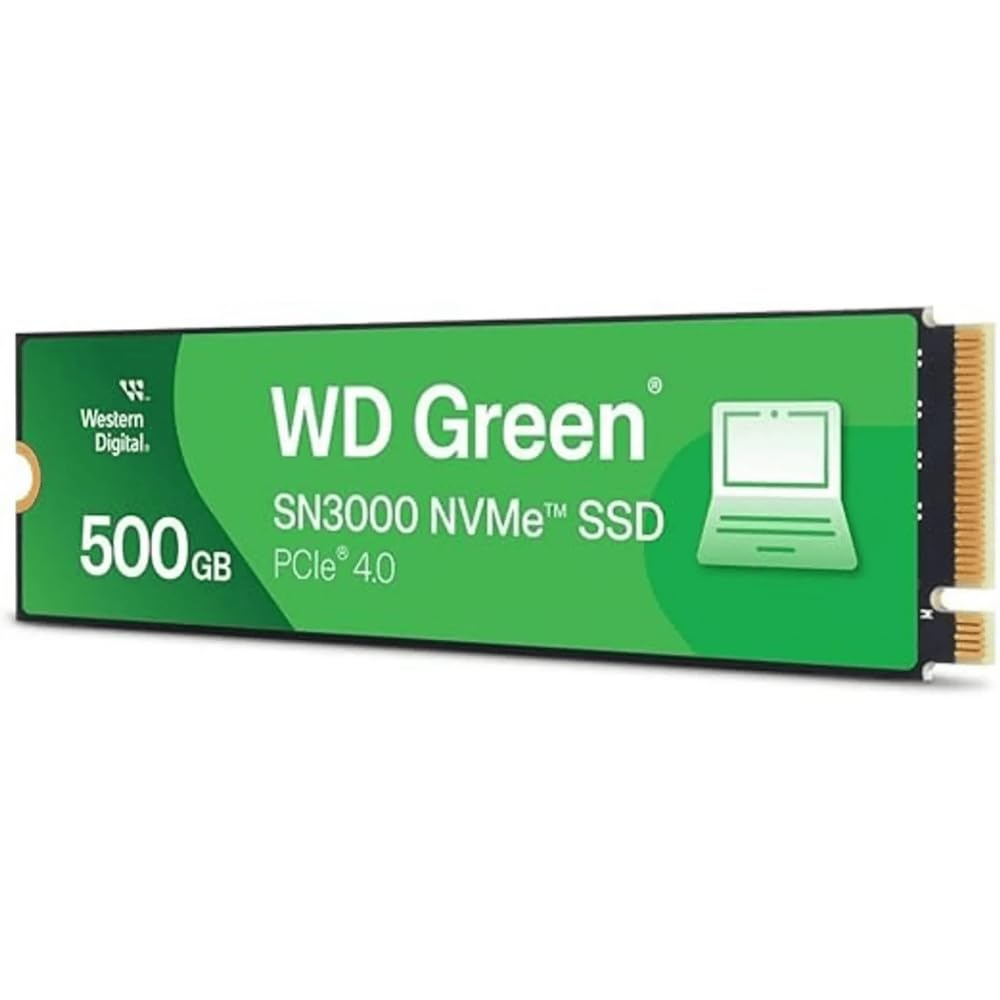
3. Western Digital 500GB WD Green SN3000 NVMe SSD
The slim, single-sided Gen4 drive that gave an old MacBook new life.
This WD Green hits up to 5,000 MB/s reads on a PCIe Gen4 interface, and its single-sided M.2 2280 design (with chips on just one side of the stick) makes it a clean fit for thin laptops. Reviewers point out it slid easily into a MacBook Pro Retina 15-inch Mid 2015 via an NVMe adapter and “brought new life” to the machine.
The WD Green SN3000 comes with NVMe and Western Digital nCache 4.0 technologies for smoother multitasking, plus free downloadable Acronis True Image for Western Digital to move your old data over. It’s an entry-level pick with genuine value that owners describe as a “best performance upgrade for your money.”
Be aware that the usable capacity shows up around 465 GB because some space is reserved for the drive’s own management. It’s a good fit for a desktop or laptop upgrade, but it lacks the heavy-load game-tuning features of the Fikwot or ADATA.
A trusted brand: owners note WD reliability from the start with “excellent reliability right from the start” — a recurring theme across reviews.
Keep in mind: expect around 465 GB usable space, not the full 500 GB.
4. ADATA Legend 860 PCIe Gen4 x4 M.2 500GB
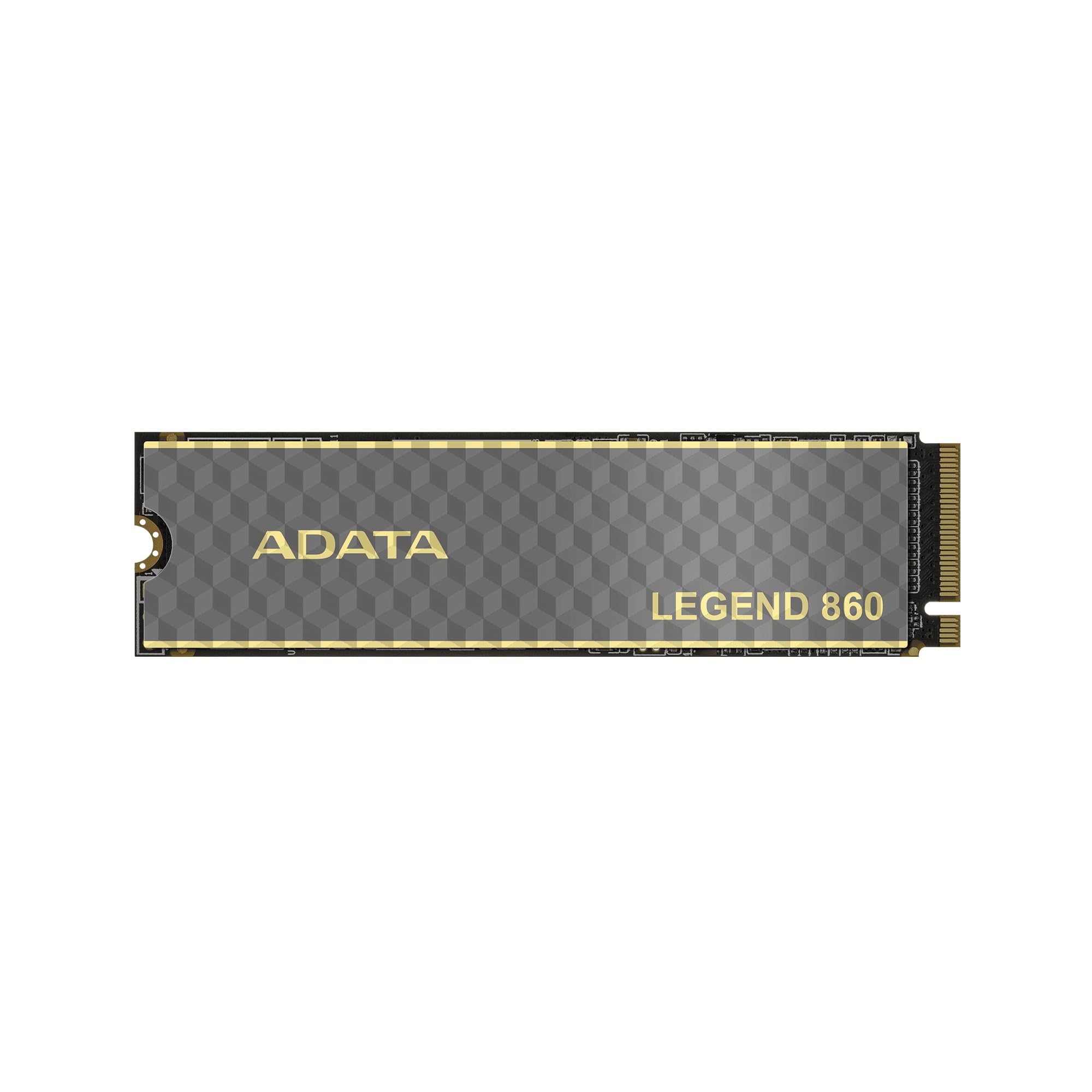
A creator-grade drive that claims triple the speed of older Gen3 models.
ADATA positions the Legend 860 for “mid-to-high-end productions” like film and television animation, machine learning, and product modeling. Its 6,000 MB/s reads and 5,000 MB/s writes make it a step up for heavy workflows, and it’s backward compatible with PCIe 3.0 platforms for flexible upgrades.
Shoppers say it is a solid, no-fuss component for customer builds, with one noting it was the cheapest 512GB option available at the time and “got the job done.” The drive slips into the PS5’s slot and provides “smooth and no-lag gaming” for triple-A titles, so you can play demanding games without stutter.
Its SLC cache and HMB speed up caching, while LDPC error correction ensures accurate file transfers. This one sits in the same price ballpark as the Fikwot but trades the heatsink for a flatter, bare design that relies on your motherboard’s cooler.
Solid performer: reviews describe it as “completely functional” and exactly as described, ideal for builds where proven reliability matters over flashy features.
Note: without an included heatsink, it’s less suited to a cramped PS5 slot than the Fikwot.
5. SANDISK 500GB Optimus 5100 NVMe SSD
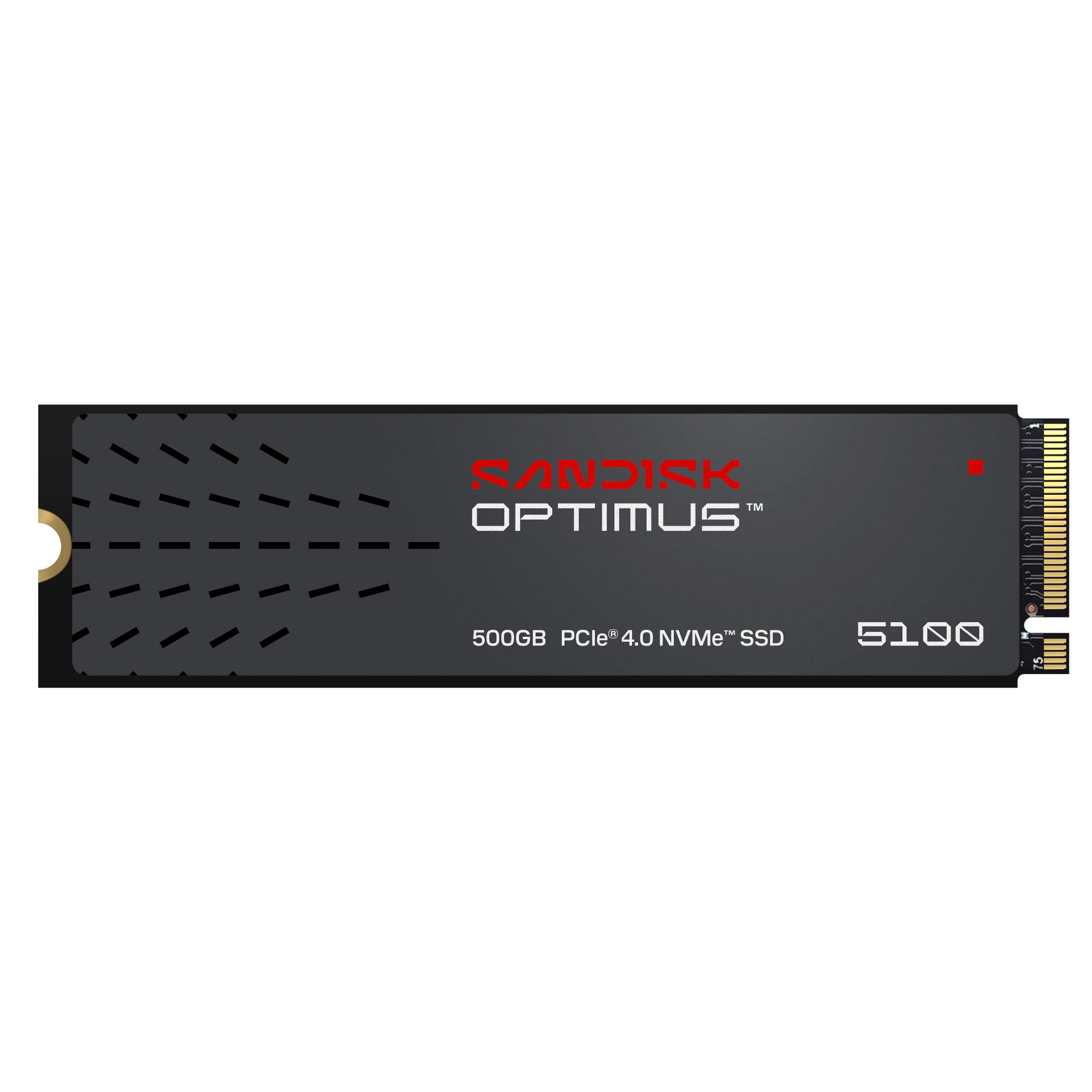
A power-sipping 6,600 MB/s drive built for creators on the go.
Sandisk built the Optimus 5100 with a power-efficient architecture, so you get fast performance without draining a laptop battery — a key edge for travel. It hits up to 6,600 MB/s reads on the 500GB model, and buyers report boot times under 10 seconds, describing the upgrade as taking a PC “from a turtle to a jackrabbit.”
This drive is made for 4K videos and high-resolution images, with capacities stretching to 4TB. Its M.2 2280 form factor works in a Beelink expansion dock for a Mac Mini M4, and it’s recognized instantly by Mac OS, per owners. You also get the SANDISK Dashboard app to monitor performance and check for updates.
One quirk: owners note it doesn’t come with an extra M.2 screw, so you may need to track one down. It’s a strong pick for the slim laptop crowd, though the Samsung 970 EVO Plus has a far longer track record for pure endurance.
Standout strengths
- Boots in under 10 seconds
- Power-efficient design extends laptop battery life
- Instant recognition in Mac docks and older laptops
Watch for
- No mounting screw included in the box
- 500GB fills fast if you store 4K video libraries
Choose for: a slim laptop or Mac mini dock user who wants fast performance without draining battery on the road.
Pass if: you need a bundled heatsink or mounting hardware — this is a bare, minimal bundle.
6. TEAMGROUP MP44L 500GB SLC Cache NVMe SSD

The budget gaming choice that moved a 50GB game in about 10 seconds.
TEAMGROUP’s MP44L delivers 5,000 MB/s reads and 3,700 MB/s writes on a PCIe Gen4 x4 interface, making it a strong value pick for a budget gaming PC. Owners mention transferring a 50GB game in about 10 seconds and running it perfectly with an MSI board right from the start.
A conductive graphene coating on aluminum foil and an onboard M.2 heatsink keep speeds steady during long gaming sessions. The 5-year or TBW (Terabytes Written, the total data you can write before the drive wears out) limited warranty protects your purchase on a low-cost part.
One owner who runs a 10-year-old computer says it “works great” and adds “I don’t have to buy another computer for a long while yet.” Heat performance gets mixed feedback: some report temperatures staying below 55°C (131°F), while others mention it runs hot—so ensure your case has good airflow to keep it cool.
Why it earns its place
- Fast Gen4 speed at a budget-friendly price
- Graphene label and heatsink help manage heat
- Simple plug-and-play install in older MSI boards
Things to know
- Runs warm in tight cases without airflow
- Check your BIOS support before buying for older systems
Best for: budget builders reviving an older desktop who want noticeable speed without spending premium money.
skip it if: your machine has poor cooling — this drive likes a breath of air to stay cool.
7. Crucial P310 500GB SSD

The Gen4 pick that powers handheld consoles like the ROG Ally X.
Crucial’s P310 delivers 6,600 MB/s reads and 5,000 MB/s writes, targeting gamers and home users who want quick game loads and smooth multitasking. It’s explicitly compatible with handheld gaming consoles like the ROG Ally X, Lenovo Legion Go, and AYANEO Kun, while staying backward compatible with PCIe Gen3 systems.
Customers note it works perfectly in GMKtec mini PCs and the PS5, with file transfers that feel almost instant and applications “launching in the blink of an eye.” The drive uses advanced G8 NAND and thermal control to sustain high speeds under load, backed by Micron’s trusted quality.
It includes a 1-month Adobe Creative Cloud All-Apps trial, which is a nice bonus for creators. A recurring owner note is that it’s a straightforward install in a laptop like the HP ProBook with immediate recognition. Compared to the Fikwot FX910’s 7,300 MB/s peak, the P310 is a touch slower on paper but backed by a far larger reliability reputation.
Reasons to grab it
- Works in handheld consoles and PS5
- Near-instant app launches and file transfers
- Trusted Micron G8 NAND for reliable Gen4 performance
Reasons to pause
- Lacks a bundled heatsink for PS5 use
- Peak speed trails the Fikwot’s 7,300 MB/s
For you if: you own a handheld console or want a versatile drive that moves between laptop, desktop, and PS5 without fuss.
Think twice if: you need the absolute top transfer rate and a heatsink included — the Fikwot leads there.
8. Kingston NV3 500GB M.2 2280 NVMe SSD

The no-nonsense Gen4 drive that made a 7-year-old laptop run like new.
Kingston’s NV3 keeps things simple: high speed, low power, and a 5-year limited warranty. It hits up to 5,000 MB/s reads and 3,000 MB/s writes on a Gen 4×4 interface, and reviewers point out it worked perfectly in a Dell Inspiron 3670, replacing a slow HDD without any BIOS changes.
The bundle includes Acronis cloning software, which means you can copy your whole operating system and files onto the new drive without reinstalling Windows. One owner with a 7-year-old laptop says “installation was a breeze” and the machine “runs so much faster.”
It works with a Mac in a hub for a Mac Studio, per reports, with “no issues with heat at all.” The main note from owners is about market pricing—storage costs have climbed recently—but the drive itself lands on “a good spot on the price/performance/capacity graph.” For reviving an old desktop or laptop, this pairs speed with simplicity, so you get a fast boot without complex setup.
Simple and effective: shoppers say “no nonsense. Fast. Reliable. Decently priced.” — a direct summary of what this drive is about.
Reality check: peak speed is Gen4 entry-level, so heavy 4K editors may want the Crucial or WD Blue instead.
9. WD Blue SN5100 500GB NVMe SSD
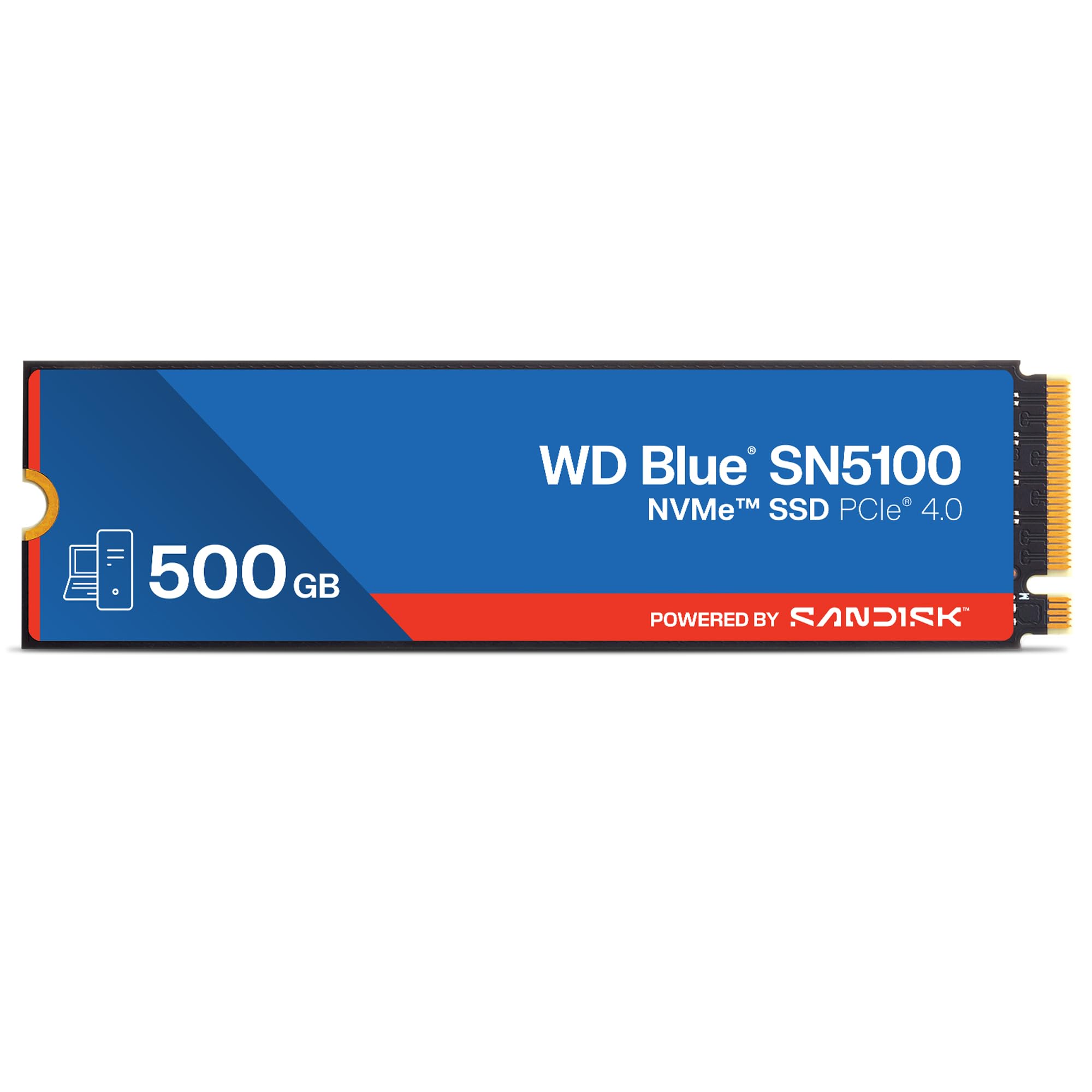
The premium everyday drive with speeds to 6,600 MB/s and a 5-year warranty.
WD Blue SN5100 brings PCIe Gen 4.0 speeds up to 6,600 MB/s reads (with the 1TB-2TB models reaching 7,100 MB/s), and the 500GB version still feels far faster than a SATA drive. One owner who games says they “don’t even notice a difference when loading from this than the WD Black,” which is high praise from a serious player.
It’s built with Sandisk 3D CBA NAND and nCache 4.0 technology to copy large files quickly, plus a 5-year limited warranty for confidence. The bundle includes Acronis True Image for Sandisk so you can migrate your data easily. Owners say it ran well in an old Dell Inspiron 15 3000 and “worked well” with a Windows 11 laptop revival.
This is the premium-tier pick here — a clear step up from the WD Green SN3000’s 5,000 MB/s, and it runs smooth without overheating in a laptop, per reports. It’s the drive to choose if you want Western Digital’s reliability with the faster Gen4 transfer rates.
Why it’s worth the step up
- 6,600 MB/s reads — a tier above the WD Green
- Runs cool without overheating in laptops
- 5-year limited warranty and Acronis migration tool
Consider before buying
- More expensive than entry-level Gen4 drives
- 500GB fills quickly if you store large project folders
Pick it for: a premium everyday upgrade where you feel the speed difference immediately and value a long warranty.
Look elsewhere if: budget is your first concern — the WD Green or Kingston deliver solid speed for less.
Understanding the Specs
Sequential Read Speed
This is the headline number (like 5,000 or 6,600 MB/s) that shows how fast the drive reads large files in a single line. It defines boot times, game loads, and big file copies. A Gen4 drive at 6,600 MB/s moves data noticeably faster than a Gen3 drive at 3,500 MB/s when working with large files.
SLC Cache and HMB
SLC cache is a fast, temporary writing zone that keeps transfers quick until it fills; HMB (Host Memory Buffer) borrows a slice of your system’s RAM to speed up the drive’s own caching. These matter for sustained file writes and keeping performance high during big transfers.
FAQ
Will a 500 GB NVMe SSD fit my laptop or desktop?
Do I need a Gen4 or Gen3 NVMe drive for my PC?
Which of these drives works with the PlayStation 5?
How much usable space will I actually see on a 500 GB drive?
Do I need a heatsink on my new NVMe SSD?
How long will a 500 GB NVMe SSD last?
Is the WD Green SN3000 different from the WD Blue SN5100?
Do these SSDs come with cloning software?
Final Thoughts: The Verdict
Across the board, the best 500 gb nvme ssd winner is the Samsung 970 EVO Plus because its proven reliability, near-instant boot speeds, and 5-year warranty make it the safest bet. If you’re upgrading a PS5, grab the Fikwot FX910 with its included heatsink. And for premium everyday speed, the WD Blue SN5100 is the one to reach for.
How We Picked
We do not accept paid placement. Every pick is matched to a real buyer and a real use-case; we do not hands-on test units.
Sources & Methodology
Specifications: manufacturer listings and product documentation. Review insights: verified customer reviews, as of August 2026. Pricing: not shown on this page (it changes often); check the current price via the retailer link.
As an Amazon Associate, Gadgets Feed earns from qualifying purchases. This does not affect which products we feature.