
Our readers keep the lights on and my morning glass full of iced black tea. As an Amazon Associate, I earn from qualifying purchases.
Specs are compiled from manufacturer listings and verified buyer reviews and can change over time — please confirm the key details on the product page before buying.
The 10-inch tablet market is crowded with similar-looking specs, but the real differences show up in display quality, RAM, and battery life. You see “10.1 Inch, 24GB RAM” on a listing, but the real question is what that means when you actually use it. This guide focuses on what actually matters for daily use—streaming, work, and kids—so you can pick a tablet that fits your needs without overspending. We focus strictly on what the screen size, storage, and battery really deliver in practice.
I’m Min — the founder and writer behind Gadgets Feed. This guide is built by comparing the manufacturers’ published specifications and the patterns across verified customer reviews, so you get each pick’s real strengths and trade-offs instead of marketing spin.
Choosing the right screen and memory combo can be tricky, but this breakdown of the 10 inch tablet computer market simplifies your decision with honest assessments and clear guidance.
Our Picks at a Glance
How To Choose The Best 10 Inch Tablet Computer
Before buying, focus on the specs that affect real-world performance: display resolution, physical RAM, and battery capacity. A 10-inch tablet sits between a phone and a laptop, so match your choice to your primary daily tasks.
Screen: Resolution and Refresh Rate
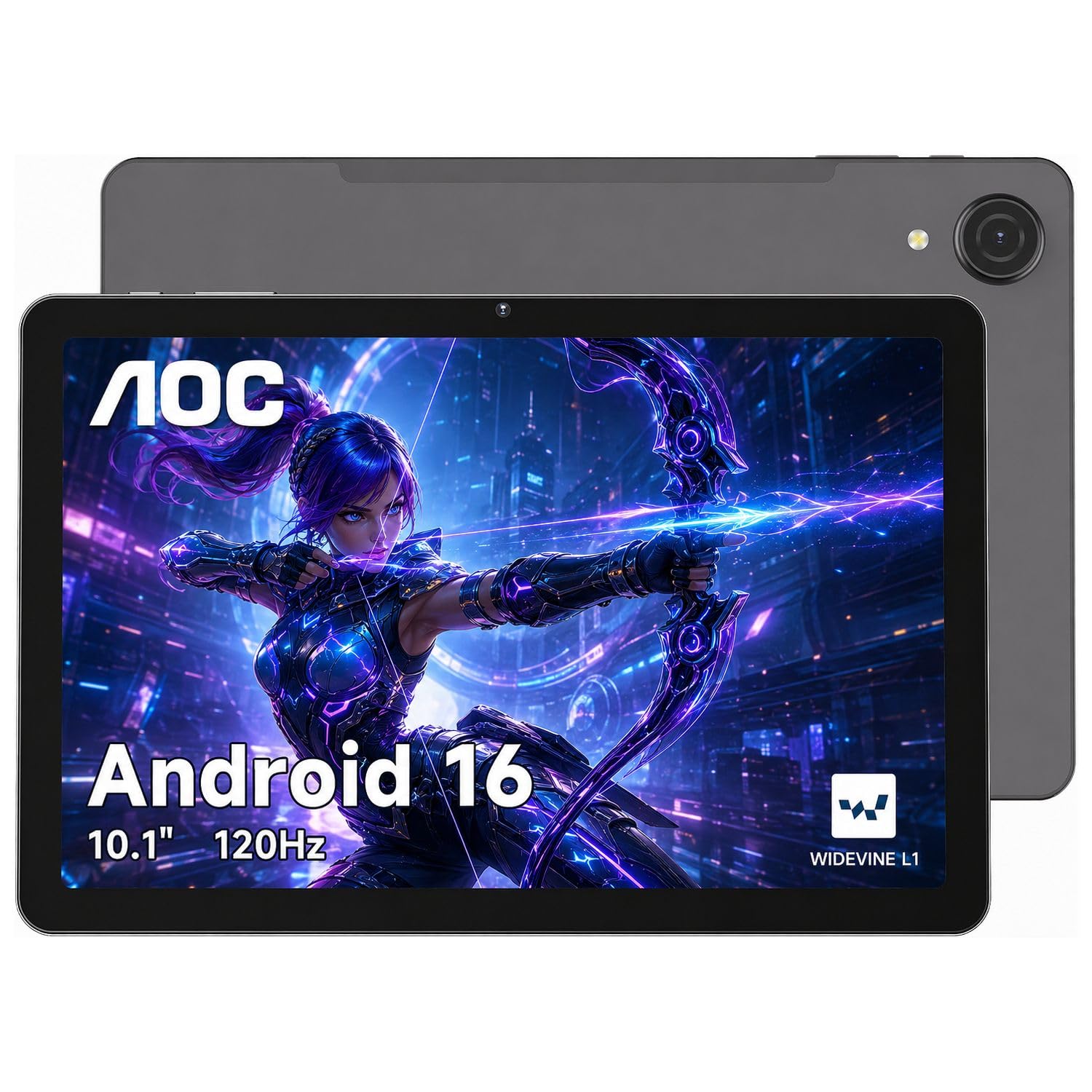
Display quality is the first thing you’ll notice, so prioritize resolution and refresh rate over processor specs. A 10.1-inch screen with a 1280×800 resolution is typically sharp enough for casual use, but a 1920×1200 (Full HD) panel like the TCL offers a much crisper picture for reading text and watching movies. If you do a lot of scrolling, a 120Hz refresh rate on the AOC and TABWEE tablets makes everything feel fluid and responsive, whereas a standard 60Hz screen might feel slightly less smooth to your finger.
RAM and Storage: The Real Numbers
When you see a RAM figure like “24GB (3+21),” only 3GB is actual hardware; the rest is virtual memory borrowed from storage. For demanding apps, more physical RAM (4GB or 8GB) performs better. For storage, 64GB is the bare minimum for a few apps and offline videos; 128GB is more comfortable, and most tablets here support an additional microSD card (usually up to 1TB) so you can expand later without paying a premium upfront.
Battery and OS: Match Your Use Case
Your operating system choice determines whether you get a media-focused device or a portable PC. Android tablets (like the Fire HD 10 and URAO) excel at entertainment, apps, and streaming, with battery capacities around 6000mAh to 8000mAh giving you roughly 8 to 13 hours of use. A Windows tablet (like the Fusion5) acts as a mini-laptop, running full desktop software like Microsoft Office, but that power often comes with shorter battery life. Decide if you need a media player for streaming or a portable PC for desktop software.
Quick Comparison
| Model | Best For | Display | RAM | Storage | Amazon |
|---|---|---|---|---|---|
| AOC M10★ Best Overall | Overall performance & streaming | 10.1″ 120Hz | 4GB | 128GB | Amazon |
| AobanteBest Value | Budget value with big RAM | 10″ 60Hz | 18GB | 128GB | Amazon |
| JeazansAll-In-One Kit | Full 2-in-1 bundle | 10.1″ 60Hz | 24GB | 64GB | Amazon |
| Evermyth Kids | Young kids & parental controls | 10.1″ 60Hz | 24GB | 64GB | Amazon |
| URAO | Fast charging & general use | 10.1″ 60Hz | 36GB | 128GB | Amazon |
| URAO Kids | Rugged kids case & simple UI | 10″ 60Hz | 24GB | 64GB | Amazon |
| TABWEE | AI features & extended warranty | 10″ 120Hz | 12GB | 128GB | Amazon |
| JUEDUR | Long battery & drop-proof case | 10″ 60Hz | 30GB | 128GB | Amazon |
| Amazon Fire HD 10 | Ecosystem & entertainment | 10.1″ 1080p | 4GB | 32GB | Amazon |
| TCL TAB 10 Gen 4 | Full HD clarity & reading | 10.1″ 1080p | 4GB | 128GB | Amazon |
| Fusion5 Windows | Full Windows laptop replacement | 10.1″ 1080p | 8GB | 64GB | Amazon |
In-Depth Reviews
1. AOC M10 Tablet
Our pick — over 4.5★ from 1,500+ verified ratings; the strongest balance of quality and price.
The everyday Android that makes scrolling feel as smooth as a flagship phone.
The full HD cert for streaming is where this tablet wins you over. With Widevine L1 certification and a 6000mAh battery, you can settle in for a long flight knowing your movies will play in sharp 1080P HD and the charge will likely outlast your playlist. The 10.1-inch IPS screen’s high brightness keeps it readable even when you’re parked outside on a sunny day.
It pairs that streaming focus with genuinely smooth multitasking. The 120Hz refresh rate keeps the whole interface fluid, and the Helio G88 octa-core processor helps with split-screen usage—so you can have a video lecture on one half while taking notes on the other. You get 4GB of physical RAM with virtual expansion up to 16GB total, and a 128GB base storage that expands to 1TB via microSD.
The modern design extends beyond looks. The ultra-slim metal body is lightweight enough for a backpack, and Face ID lets you open up it instantly without fumbling for a password. The camera quality is passable for video calls, and while the speakers are on the weaker side for music, it’s a trade-off most buyers accept for the price.
Smooth Operator
- 120Hz display feels silky in daily use
- Widevine L1 for HD streaming on Netflix and similar apps
- Slim, premium metal chassis
Know Before You Buy
- Speaker quality is weak; headphones recommended
- Finding US-fit cases designed specifically for this model is hard
Pick it for: A balanced all-rounder where smooth streaming and responsive multitasking are your top priorities.
Swap it if: You need booming speakers—you will likely want earbuds with this one.
2. Aobante 10 Inch Tablet
Surprisingly quick setup for a budget Android with a massive memory footprint.
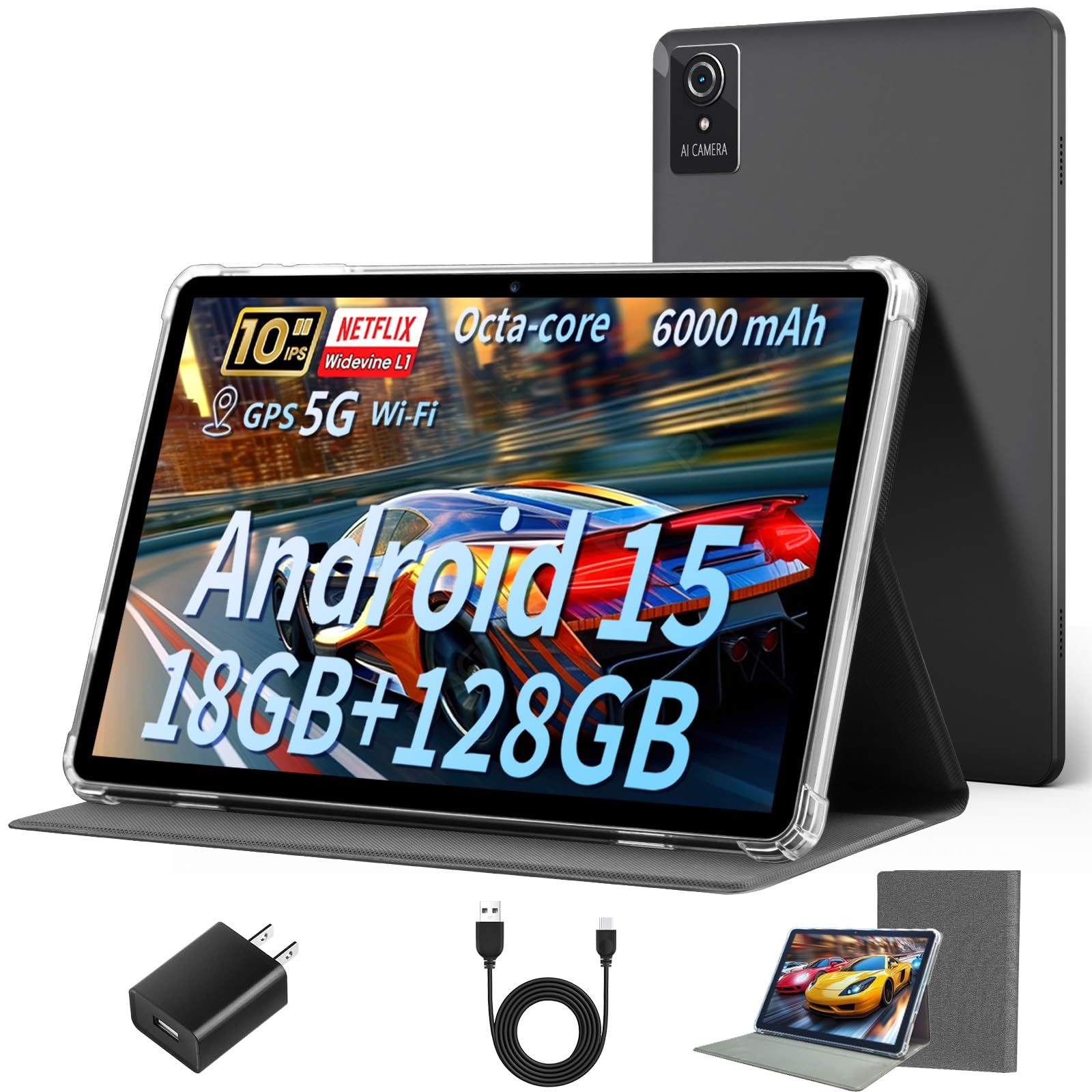
This is the tablet that proves you don’t need to spend a fortune for a smooth modern experience. It comes with 18GB of combined RAM (6GB physical + 12GB virtual) and 128GB of storage, which is double the base storage you see on the Jeazans tablet. It keeps multiple apps open without stalling, so toggling between documents, web browsing, and a game feels fluid.
Connectivity is a real step up at this price point. Wi-Fi 6 support means faster, more stable connections on modern routers, and Bluetooth 5.4 handles your wireless headphones and keyboards. The 10-inch IPS display delivers crisp, clear colors for streaming, and its 6000mAh battery is rated for about 6 hours of mixed use.
Buyers agree it’s a solid build for the money, reporting setup can take less than 5 minutes to connect to Wi-Fi and get going. The main points of contention are battery consistency—some find it solid while others see it dip over months—and a camera that’s serviceable but not great.
Made For Everyday
- Wi-Fi 6 for faster, more reliable internet
- Solid build quality praised by owners
- 128GB storage doubles its closest rival
Reality Check
- Battery life gets mixed feedback; some units degrade
- Camera quality is a weak point
Reach for this if: You want the smoothest modern connection (Wi-Fi 6) on a strict budget with plenty of storage for apps and movies.
Look elsewhere if: All-day, predictable battery life is your absolute deal-breaker—this one is a mixed bag.
3. Jeazans Android 16 Tablet Bundle
A tablet that arrives as a ready-to-work laptop with keyboard, mouse, stylus, and case.
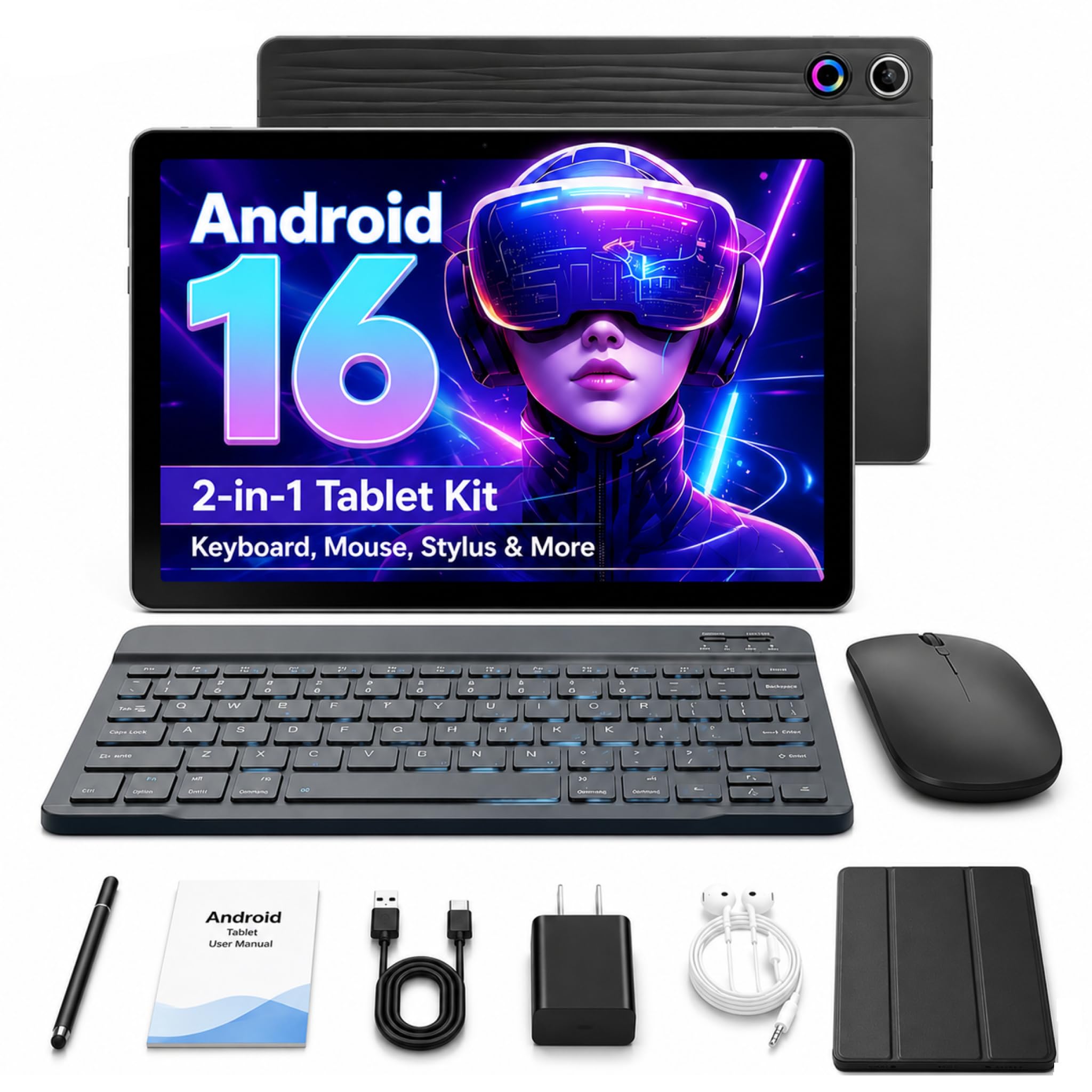
This bundle is a complete workstation kit from the start, turning the 10.1-inch tablet into a 2-in-1 laptop. You get a responsive Bluetooth keyboard, a silent wireless mouse, a capacitive stylus for note-taking, and a folding leather case with 360-degree protection and multiple viewing angles. It’s a complete productivity kit for students or remote workers who need a portable desk.
Under the hood, it runs Android 16 with 24GB of combined RAM (3GB physical + 21GB virtual) and 64GB of storage, expandable by 1TB via microSD. For comparison, its 64GB is half the storage of the Aobante’s 128GB, so you may need that expansion card sooner. Despite the lower base storage, owners highlight the bright, sharp display and decent battery for the price.
You get everything in the box, so you won’t need to buy extra accessories, and the one-year brand warranty plus 24/7 technical support add confidence. However, a few buyers report the Wi-Fi can struggle, and some describe battery life as “kinda weak,” so it’s best for light to moderate daily tasks rather than heavy gaming sessions.
Complete Package: The value is in the accessories—a full keyboard, mouse, stylus, and protective case are included, making it a true laptop alternative right from the start.
The Trade-off: The 64GB storage is half of the Aobante, so plan on a microSD card sooner, and battery life is a common complaint among owners.
4. Evermyth Kids Tablet
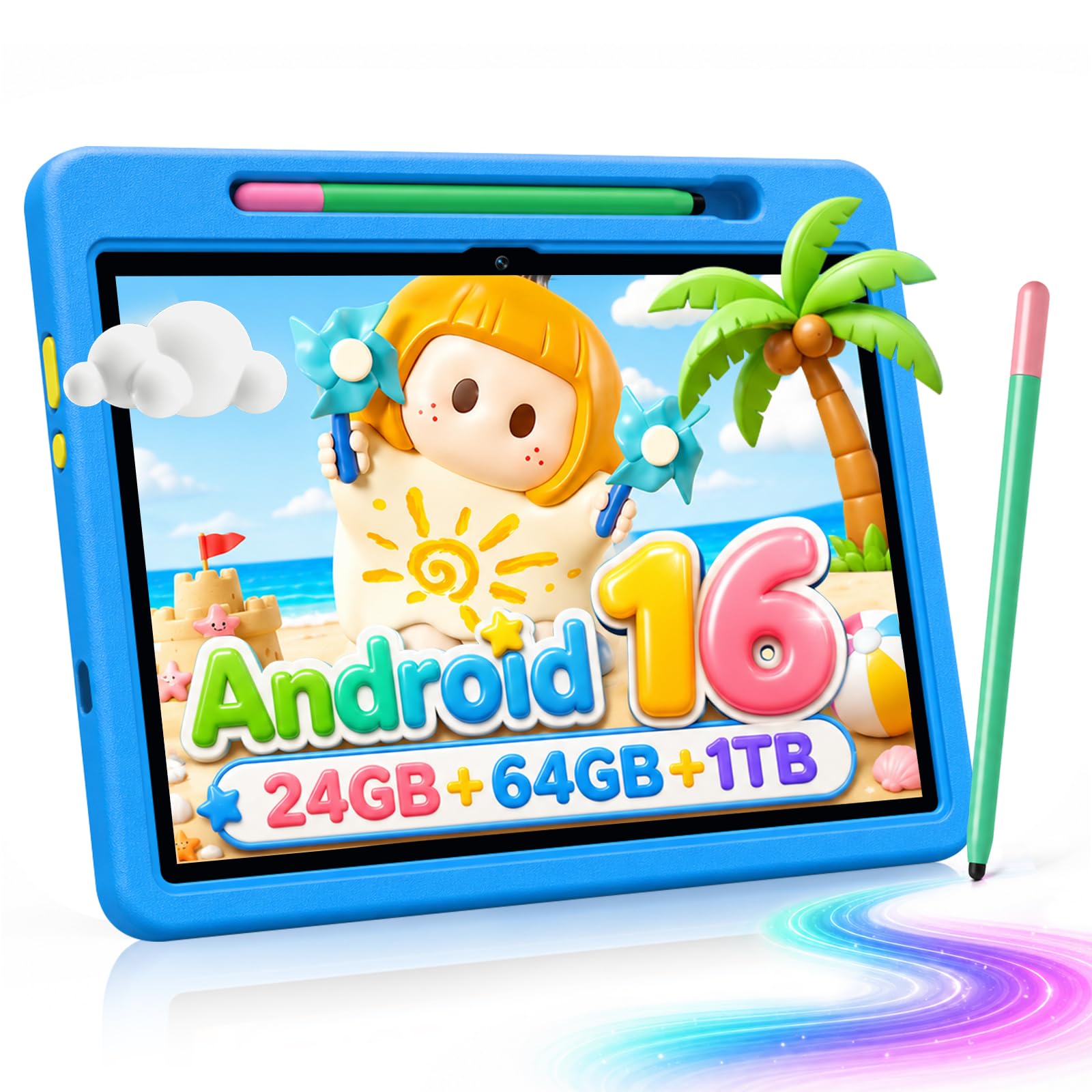
A drop-proof case built for ages 3 to 12 gives you parental confidence.
This is a dedicated kids’ tablet designed around the UKIDOZ Kids Space, which comes preloaded with age-appropriate educational content, learning games, and picture books. The built-in parental controls let you set screen time limits, manage which apps are accessible, and filter content—giving parents the ability to create a safer digital environment without hovering.
Hardware is tuned for little hands. The 10-inch screen is lightweight at 1.1 pounds, making it easy for young children to hold, and the included premium case features a 180-degree adjustable stand with anti-slip, anti-scratch, and drop-resistant protection. A stylus is included for drawing, and the responsive touch screen makes navigation easy for toddlers.
Performance is smooth for its purpose, powered by an A333 processor up to 1.8GHz with 24GB RAM and 64GB of storage, expandable to 1TB. The 6000mAh battery delivers all-day power for cartoons and games, and the 5MP front and 8MP rear AF cameras are fine for capturing kids’ creations. As a gift for a 3-12 year old, it consistently makes parents happy.
Parent-First Design: The UKIDOZ space and granular parental controls are the headline here, giving you genuine control over screen time and content without constant monitoring.
An Honest Fit: Storage is agile at 64GB base, so if your child downloads many games or offline videos, you’ll need a microSD card (up to 1TB) to expand.
5. URAO 10.1 Inch Tablet
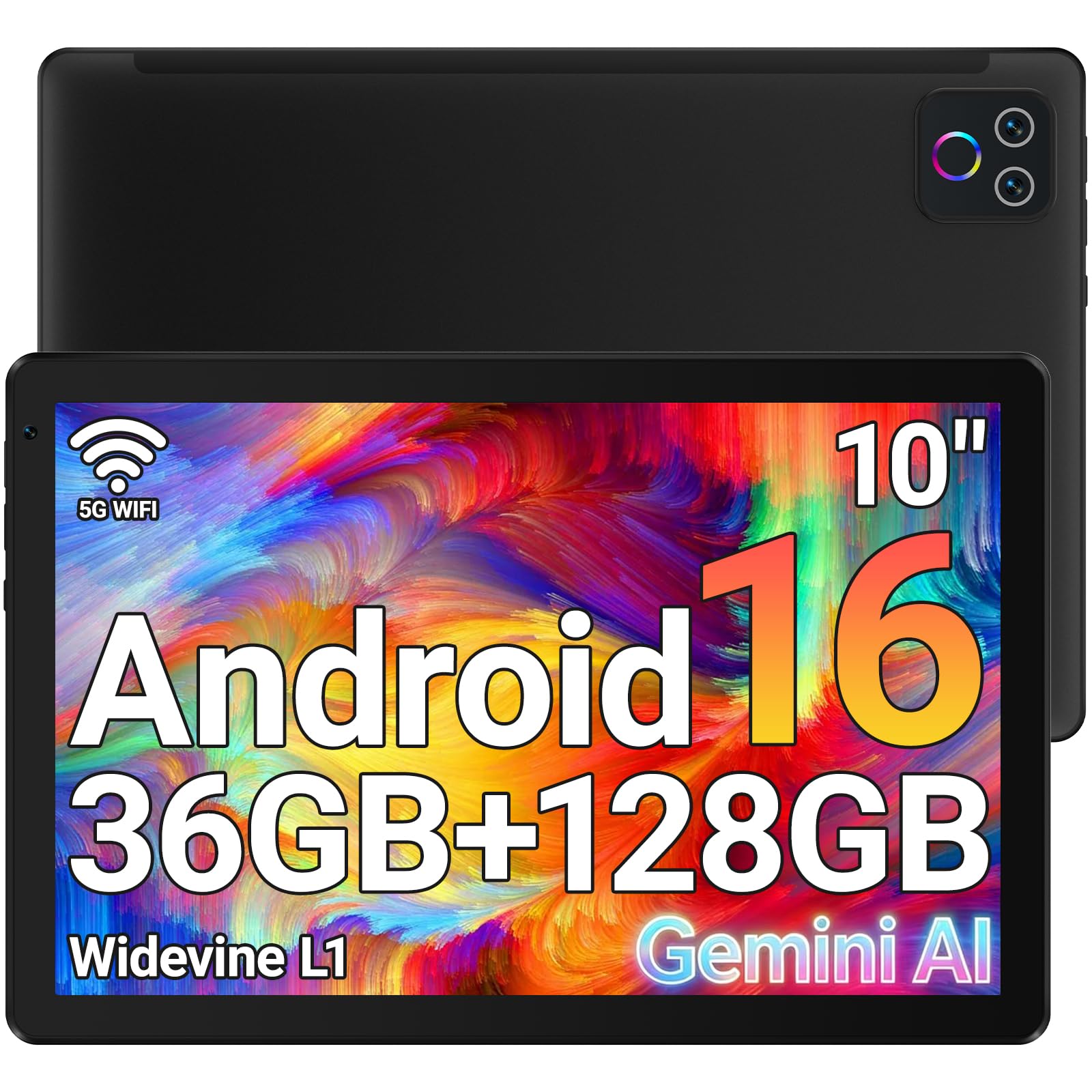
The battery champ that talks a big game on speed and fast charging to back it up.
The headline feature here is the massive 36GB of combined RAM (6GB physical + 30GB virtual), which handles heavy multitasking with ease. This tablet is built to keep up with demanding users, offering 128GB of storage that expands up to 1TB via a TF card not included. It’s a strong setup for those who keep lots of apps and media on hand.
Battery life is where it truly shines. Impressively, the 18W fast-charging technology can fully charge the tablet in 1.5 hours, a claim that owners confirm as reaching 100% in under an hour. The low-power CPU and large capacity battery allow for up to 8 hours of mixed use—reading, watching shows, or playing games—and a standby time of up to 3 days.
The 1280×800 IPS display includes low blue light technology to reduce eye strain during long sessions, and the front 5MP and rear 8MP cameras handle video calls and online learning well. Wi-Fi 6 and Bluetooth 5.4 keep connections fast and stable. It’s a performance-oriented budget pick that consistently earns praise for its speed and value.
Built For Stamina
- 18W fast charging gets you to full in about 1.5 hours
- Up to 8 hours of battery life for daily use
- Massive 36GB RAM for heavy multitasking
Know The Limits
- Screen caps at 1280×800, not Full HD
- No GPS built in
Grab it if: You value a quick top-up and long hours of media consumption on a budget-friendly device.
Pass it by if: You need crisp Full HD resolution for detailed work—this stays at 1280×800.
6. URAO Kids Tablet
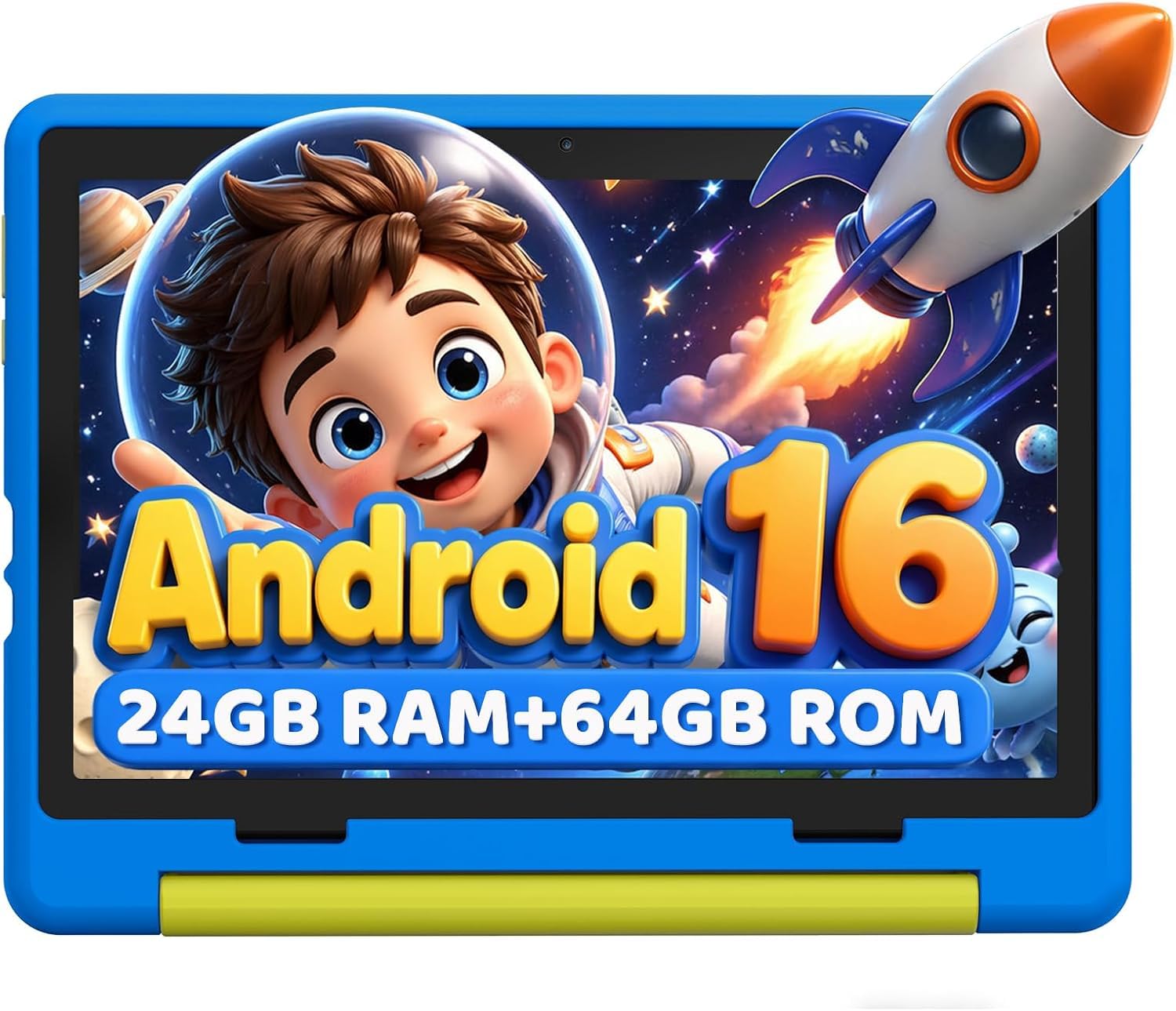
A shockproof silicone shell and screen-time limits make this a low-maintenance first tablet.
This 10-inch kids tablet leans heavily into durability and parental control. The included food-grade silicone case is designed to absorb falls and collisions, with an adjustable bracket providing various viewing angles for comfortable use. It’s sized for kids aged 3-12 and built to survive the rough-and-tumble of daily use.
Parental controls are front and center, letting you create individual profiles for your children, customize screen time limits, and approve content from safe websites. The 1280×800 IPS screen uses low blue light technology with a dedicated reading mode, reducing flicker that can irritate young eyes during long sessions.
Inside, it runs Android 16.0 with 24GB RAM and 64GB of storage, expandable via microSD. The 6000mAh lithium polymer battery provides at least 6 hours of usage. However, the 3.2-star average is a caution flag—while many find it great for kids’ entertainment, a notable buying experience reports slow Wi-Fi that makes even simple downloads take 6-10 minutes, and some users found it sluggish compared to an aging Fire tablet.
Durability First: The rugged, food-grade silicone case and adjustable stand are its defining features, designed to keep the tablet safe from drops.
An Honest Fit: Performance is a gamble—it’s great for basic apps and learning games, but Wi-Fi speeds and processing power have frustrated some owners.
7. TABWEE 10 Inch Tablet
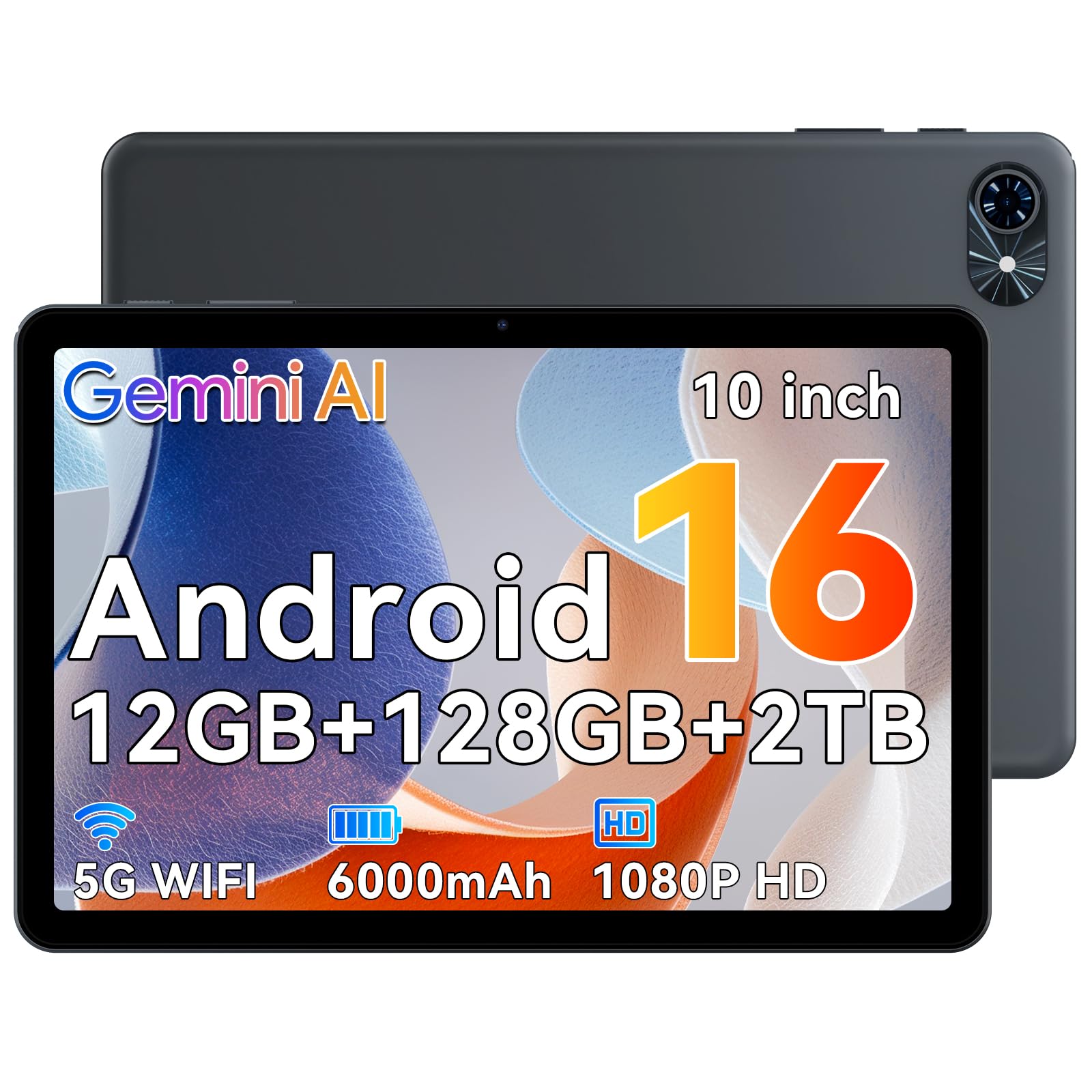
A smooth 120Hz display with Google’s Gemini AI built in for a smarter, faster daily driver.
This tablet brings a premium-feeling screen and a smart assistant to the mid-range. The 10-inch HD display with a 120Hz refresh rate keeps scrolling silky smooth, and the AI-powered dual cameras support Google Lens, so you can scan textbook pages into editable notes or identify objects and landmarks from the screen. It’s a genuinely useful tool for students.
The built-in Gemini AI can help you extract text from handouts, translate content, and even auto-summarize meeting notes, making it a productivity booster. Under the hood, it pairs 12GB of high-speed RAM (4GB + 8GB expansion) with 128GB of storage, expandable up to 2TB—the most storage headroom by far in this list. The 6000mAh battery is rated for up to 550 hours of standby.
Where it really stands out is the included warranty: a full 2-year manufacturer warranty plus an additional 2-year extended coverage gives you 4 years of total protection with US-based support. Most buyers praise the large display and battery life, though some note the performance can feel a little slow with heavy gaming, so it’s better suited to everyday tasks and apps.
Smart & Smooth
- 120Hz refresh for fluid scrolling
- Gemini AI with Google Lens for document scanning
- 4-year combined warranty with US support
Consider This
- Performance is mixed; heavy games can lag
- Limited frame of reference with fewer owner reviews
Choose it for: Students and professionals who want AI assistance and a smooth screen, backed by an unbeatable warranty.
skip it if: You’re a mobile gamer needing peak graphics performance—this leans toward productivity and media.
8. JUEDUR R500 Tablet

A massive 8000mAh battery and a 360-degree shockproof case built for family life.
The standout feature here is the 8000mAh battery—significantly larger than the typical 6000mAh found in most rivals—that gives this tablet longer usage and standby time for all-day family entertainment. The 10-inch design with 30GB of combined RAM (8GB physical + 22GB virtual) and 128GB storage handles multiple apps with speed, and storage expands up to 1TB via TF card.
Protection is a key selling point. It comes with a 360-degree rotatable folding shockproof case made from premium, environmentally friendly EVA material, providing excellent protection from bumps and drops while offering comfortable viewing angles. Parents will appreciate the built-in Family Link parental controls, allowing you to manage app access, set usage limits, and even track location.
The 1280×800 IPS screen supports Widevine L1, so you can watch FHD and UHD content on Netflix, Prime Video, and Hulu. Pure performance is generally praised—buyers highlight smooth operation and bright display—but battery life is the recurring question, with a few noting it lasts around 3 hours under heavy use rather than the full day.
Family Fortress: The 360-degree drop-proof EVA case and Family Link controls make it a durable, manageable choice for households with kids.
Watch The Draw: That huge battery is rated for mixed use—some owners see only about 3 hours during demanding app sessions.
9. Amazon Fire HD 10

The entertainment tablet that ties straight into Prime Video and Alexa with a 13-hour battery.
If you live in the Amazon ecosystem, this is the 10-inch tablet that makes the most sense. The 10.1-inch 1080p Full HD display brings brilliant color to shows and games, and the 13-hour battery lets you binge-watch nearly all day. It’s built for relaxation—streaming, reading, and gaming without constantly hunting for a charger.
Performance is a solid step up from earlier generations, described as 25% faster, with 4GB of RAM, 32GB of storage, and expandable storage up to 1TB via microSD (sold separately). The strengthened aluminosilicate glass is durable, and it’s a lightweight, portable design. The 5MP front-facing camera handles video calls on Zoom or social content creation.
Alexa is fully integrated, so you can ask it to read your last book, control smart home devices, or answer questions hands-free. Amazon Kids offers easy-to-use parental controls, and the Made for Amazon Stylus Pen (sold separately) offers 4,096 levels of pressure sensitivity for natural writing. The main caveat is the Amazon Appstore—it’s not the full Google Play Store—which some users find slow or limiting.
Built For Streaming: A 13-hour battery and Full HD display make it the entertainment-focused pick, especially if you use Prime Video, Kindle, and Alexa.
Know The Lock-in: The Amazon Appstore has fewer apps than Google Play, and some users find it slower and buggier than expected.
10. TCL TAB 10 Gen 4
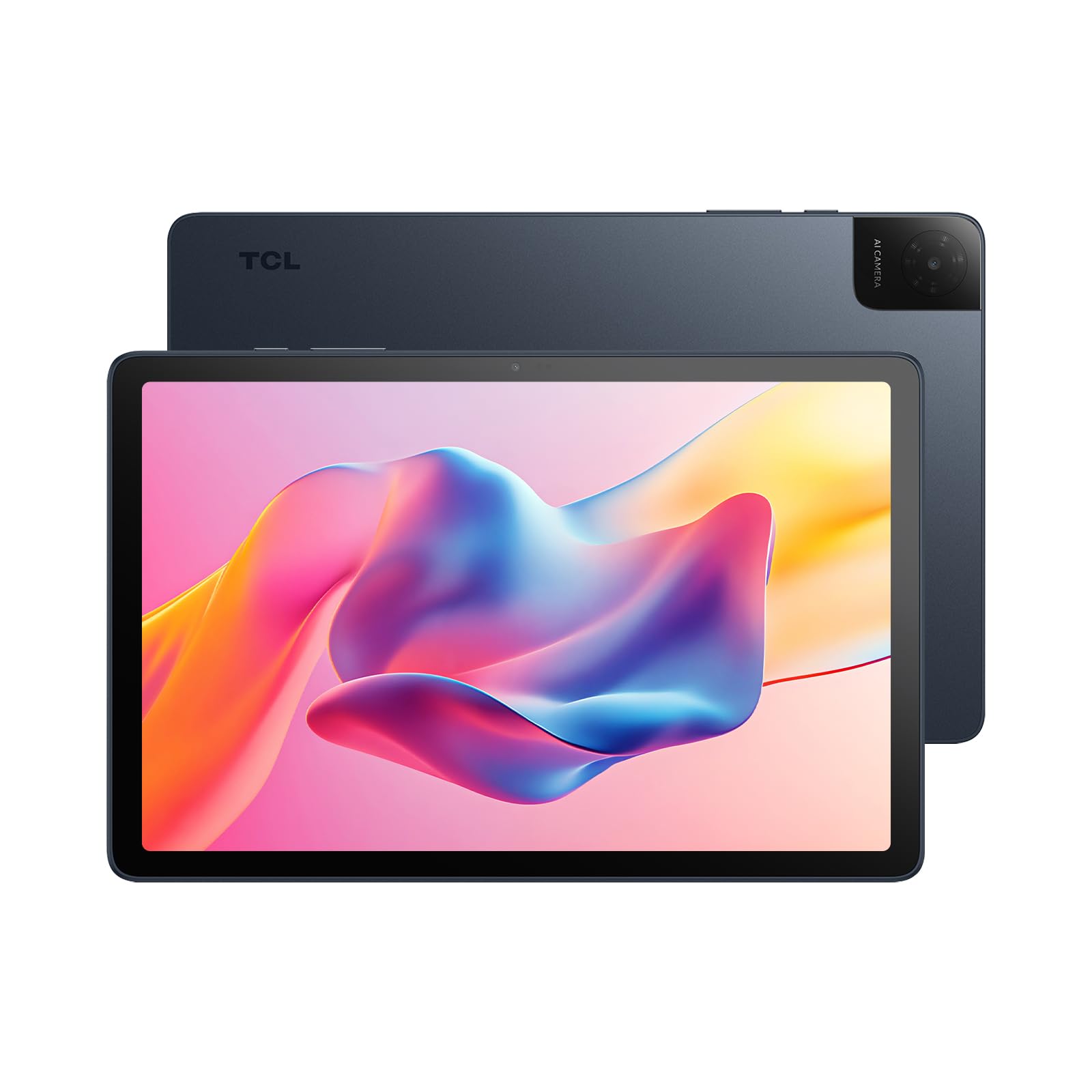
The crispest screen in the lineup with a Full HD 1920×1200 panel that’s a joy for reading.
The TCL TAB 10 Gen 4 is the pick for anyone who cares most about display clarity. It features a 10.1-inch IPS Full HD display with 1920×1200 resolution—leapfrogging the standard 1280×800 panels on most rivals—and a 16:10 aspect ratio that’s comfortable for reading and browsing. TCL’s NXTVISION enhancement technology and dual speakers with Sound Booster make content look and sound richer.
Reading is a genuine highlight. The matte finish screen reduces glare, and owners rave about the amazing inked reading mode, which makes long sessions comfortable on the eyes. It’s significantly sharper than the 1280×800 fire tablets, making text look crisp and detailed. This clarity is its biggest selling point.
Performance is reliable without being flashy. The octa-core processor with TCL NXTURBO optimization keeps everyday tasks smooth and efficient, with 4GB of physical RAM plus 8GB of expandable RAM for multitasking. It includes 128GB of internal storage, expandable up to 1TB via microSD, and the slim, lightweight metal design weighs just 0.87 lb with a profile of 0.30 inches for comfortable portability.
A Screen to Love
- Full HD 1920×1200 is the sharpest in this lineup
- Matte, anti-glare finish with an amazing inked reading mode
- Slim 0.30-inch metal build at just 0.87 lb
Speed Quirks
- Slow startup boot time, though sleep mode solves it
- Battery life and speed have mixed reviews
Buy it for: A superior Full HD display for reading, streaming, and everyday browsing in a premium-feeling metal design.
Think twice if: You need instant wake-on power—the boot time is slow until you rely on sleep mode.
11. Fusion5 Windows 11 Tablet

A true Windows PC in your hand, running full desktop apps on a 10.1-inch screen.
This is not an Android tablet—it’s a full Windows 11 PC that fits in a backpack. The Fusion5 FWIN232 Plus runs the complete Windows 11 package on an Intel N5100 Quad-Core processor with 8GB of RAM, which means it can run real desktop software like Microsoft Office, cloud apps, and even HD video editing tools. For field work or students who need specific Windows programs, this is a genuine laptop replacement.
Connectivity is highly flexible. It has a full-size USB 3.0 port, a Micro HDMI port for connecting to external displays, a USB-C port, and dual cameras. The 10.1-inch Full HD display makes it great for watching movies, working on documents, or studying. You also get 5G Wi-Fi and Bluetooth 4.4 for wireless accessories.
The trade-off for that desktop power is battery life and weight. The 18-watt-hour battery is rated for about 6 hours, but real-world use often lands closer to 4.5 hours, and it only charges via the included 12V adapter. Buyers warn that running multiple apps can make it feel sluggish, and some report reliability issues after months of use, though the 12-month full USA warranty covers you at a US service center.
Desktop Freedom
- Runs full Windows 11 desktop software like Office
- Multiple ports: USB 3.0, Micro HDMI, and USB-C
- 8GB RAM handles real multitasking
Power Trade-Offs
- Battery life is realistically around 4.5 hours, not 6
- Can lag with multiple heavy apps running
Pick it if: You need a true portable Windows computer for specific software, field work, or full desktop browsing.
Avoid it if: Your priority is all-day battery life and media consumption—this leans laptop, not entertainment.
Understanding the Specs
Decoding RAM: Physical vs. Virtual
When a listing says “24GB RAM (3+21),” the first number is physical memory soldered to the board, and the second is virtual memory that borrows space from your storage. More physical RAM (4GB or 8GB) keeps demanding apps snappy without slowing down. Big combined numbers look impressive, but they don’t replace the responsiveness of true hardware memory.
Widevine L1 for HD Streaming
This is a certification that tells streaming apps like Netflix and Prime Video they can send you high-definition (1080P FHD) content. A tablet with only Widevine L3 certification will be limited to standard definition, making movies look soft on a 10-inch screen. If crisp streaming matters to you, check for “Widevine L1” in the specs.
FAQ
What does the refresh rate mean on a 10-inch tablet?
Why is there a difference between physical and virtual RAM?
Can these 10-inch tablets connect to a keyboard and mouse?
Is a 10.1-inch screen big enough to replace a laptop?
What is Widevine L1 and why do I need it?
Should I get an Android tablet or a Windows tablet?
How long does a 6000mAh tablet battery last?
Can I use a 10-inch tablet for taking notes in class?
Final Thoughts: The Verdict
For most buyers, the 10 inch tablet computer winner is the AOC M10 because its 120Hz display and Widevine L1 certification deliver a premium streaming experience that rivals tablets costing far more. If you want a full productivity kit with a keyboard and stylus included, grab the Jeazans 2-in-1 bundle. And for a sharp screen that makes reading a pleasure, the TCL TAB 10 Gen 4 is the one to reach for.
How We Picked
We do not accept paid placement. Every pick is matched to a real buyer and a real use-case; we do not hands-on test units.
Sources & Methodology
Specifications: manufacturer listings and product documentation. Review insights: verified customer reviews, as of August 2026. Pricing: not shown on this page (it changes often); check the current price via the retailer link.
As an Amazon Associate, Gadgets Feed earns from qualifying purchases. This does not affect which products we feature.