
Our readers keep the lights on and my morning glass full of iced black tea. As an Amazon Associate, I earn from qualifying purchases.
Specs are compiled from manufacturer listings and verified buyer reviews and can change over time — please confirm the key details on the product page before buying.
You want a 2K 120Hz monitor that fits your gaming style and your desk without overspending. This guide ranks the top 2K 120Hz monitors by refresh rate, panel type, and value.
I’m Min — the founder and writer behind Gadgets Feed. This guide is built by comparing the manufacturers’ published specifications and the patterns across verified customer reviews, so you get each pick’s real strengths and trade-offs instead of marketing spin.
We’ve separated the fastest esports screens from the most color-accurate displays, so you can find the perfect 2k 120hz monitor for your setup without overpaying for features you’ll never use.
Our Picks at a Glance



How To Choose The Best 2K 120Hz Monitor
You are looking for a 27-inch (or bigger) screen that shows 2560×1440 pixels and refreshes the image at least 120 times every second. This combination delivers sharp 1440p detail and fluid motion for responsive gaming.
Refresh Rate and Response Time
Refresh rate, measured in hertz (Hz), is how many times the screen draws a new image each second. A 120Hz monitor shows twice as many frames as a standard 60Hz screen, which makes fast camera panning look far smoother. Response time, measured in milliseconds (ms), is how quickly a pixel changes color, and a lower number (like 1ms) means less ghosting or blur behind fast-moving objects.
Panel Types: IPS, VA, and OLED
IPS panels offer the best all-around color accuracy and wide viewing angles, which makes them the most popular choice for both work and play. VA panels give you deeper blacks and higher contrast but can suffer from ghosting in dark scenes. OLED panels, found on premium models, deliver perfect blacks and instant response times but cost more than the alternatives.
Adaptive Sync Technology
Screen tearing happens when your graphics card sends frames faster than the monitor can display them, splitting the image across the screen. Adaptive sync—either AMD FreeSync or NVIDIA G-Sync—matches the monitor’s refresh rate to your GPU’s frame output to eliminate that tearing. Most modern monitors support one or both, so check which one matches your graphics card before you buy.
Quick Comparison
| Model | Best For | Refresh Rate | Panel Type | Brightness | Amazon |
|---|---|---|---|---|---|
| Alienware AW2725DM★ Best Overall | Best Overall Value | 180Hz | Fast IPS | 400 cd/m² | Amazon |
| Dell S2725DSMBest for Work | Work & Multimedia | 144Hz | IPS | 350 cd/m² | Amazon |
| Samsung Odyssey G5 (G53F)High Refresh | High Refresh Rate | 200Hz | IPS | 300 cd/m² | Amazon |
| KTC 32″ 2K 120Hz | Large Screen Value | 120Hz | IPS | 350 cd/m² | Amazon |
| KTC H32T13 | Budget 32″ Immersion | 120Hz | IPS | 350 cd/m² | Amazon |
| Samsung Odyssey G5 (G50F) | Adjustable Esports | 180Hz | IPS | 300 cd/m² | Amazon |
| LG 27GR83Q-B | 240Hz Esports | 240Hz | IPS | 400 cd/m² | Amazon |
| LG 27G640A-B | 300Hz Competitive | 300Hz | IPS | 400 cd/m² | Amazon |
| MSI MAG 271QP QD-OLED | Perfect Contrast | 280Hz | QD-OLED | 1000 nits Peak | Amazon |
In‑Depth Reviews
1. Alienware 27 Gaming Monitor AW2725DM
Our pick — over 4.5★ from 450+ verified ratings; the strongest balance of quality and price.
This mid-range pick balances vivid colors, fast refresh, and a sturdy stand—so you get smooth gameplay without a shaky base.
The AW2725DM earns its place at the top by pairing a smooth 180Hz refresh rate with a 1ms gray-to-gray response time, so fast motion stays sharp without ghosting. It hits a bright 400 cd/m², which is 14% brighter than the 350 cd/m² on the Dell S2725DSM, making it easier to see details in well-lit rooms. Both G-Sync and FreeSync are supported, so it plays nicely with NVIDIA and AMD graphics cards alike.
Its defining strength is balancing 180Hz speed with everyday usability. It covers 95% of the DCI-P3 color space and carries VESA DisplayHDR 400 certification, which means colors look rich and vivid whether you are gaming or watching films. The stand adjusts for height, tilt, swivel, and pivot, so you can position the screen exactly how you like it without buying a separate arm.
Buyers report it runs smoothly with a 16GB 5060 Ti graphics card, and one owner wrote: “I play a lot of baldur’s gate 3 and my computer isn’t until 9 with an RTX 5080.” It earns 4.6 stars across 400+ owners, who praise the build quality and strong value for the price.
What wins people over
- 180Hz on a Fast IPS panel makes competitive games feel extremely fluid
- 400 cd/m² brightness and 95% DCI-P3 give punchy, vibrant colors
- Full ergonomic stand—height, pivot, swivel, tilt—comes included
Things to weigh
- Some units have arrived with scratches around the ports
- There’s no built-in speaker, so budget for separate audio
Reach for it if: you want one monitor that handles fast esports titles and colorful single-player games equally well, right from the start.
Look elsewhere if: you need built-in speakers or want the deepest possible blacks that only OLED delivers.
2. Dell 27 Plus QHD Monitor S2725DSM
A sharp 1440p all-rounder with genuinely useful speakers and a rock-solid stand.
The S2725DSM is the rare monitor that works just as hard at the office as it does at home. It runs at 144Hz with a 1ms Moving Picture Response Time, which keeps scrolling documents and fast-paced video looking smooth. The 1,500:1 contrast ratio gives it a 50% contrast advantage over the Alienware’s 1,000:1, so dark scenes and text-heavy pages show more depth and separation.
Its most surprising feature is the pair of integrated 3W speakers, which buyers consistently say sound far better than typical monitor built-ins. You also get a 4-star TÜV-certified display that cuts harmful blue light without washing out the colors, so long work sessions are easier on the eyes. The stand adjusts for height, tilt, pivot, and swivel, giving you full control over your viewing angle.
It’s a proven workhorse, with repeat buyers purchasing it for multiple clients. One long-time user said: “I replaced a 12 year old Dell monitor with this model and I’m pleasantly surprised.” The standout trait is image quality: a crisp 2560×1440 resolution on a bright, even panel.
An office favorite: the 1,500:1 contrast makes text look crisp and blacks look deeper than most IPS panels in this price range.
The honest trade-off: at 350 cd/m² it’s not the brightest screen for sun-drenched rooms, though it suits typical indoor lighting well.
3. Samsung 27″ Odyssey G5 (G53F) Series
A blazing 200Hz refresh rate that outpaces the rest of the mid-range field.
The G53F is built for one thing above all: speed. Its 200Hz refresh rate beats the Dell S2725DSM’s 144Hz by a 39% margin, which means the screen draws a new frame nearly 56 more times every second. That extra fluidity is a genuine advantage in fast shooters where you need to track moving targets with minimal blur. The 1ms MPRT response time pairs with AMD FreeSync Premium to keep motion clean and tear-free.
The IPS panel holds a wide 178° viewing angle, so colors stay consistent even when you are not sitting dead-center. HDR10 support adds brighter highlights and more nuanced shadows, and the Black Equalizer feature lifts visibility in the darkest corners of a map. The Virtual Aim Point overlays a crosshair to help you line up shots in games that don’t provide one.
The consensus among owners is that this is a high-quality display that looks noticeably sharper than 1080p, with vivid, accurate colors. It pairs well with modern builds—one reviewer noted it keeps up easily with a 5060 Ti GPU. Value for money is the second most-mentioned strength, cementing its place as a strong mid-range pick.
Why it stands out
- 200Hz refresh rate is the fastest in the mid-range tier
- IPS panel keeps accurate colors across a 178° viewing angle
- FreeSync Premium reduces screen tearing and input lag
What to expect
- The stand only tilts—no height adjustment without a VESA arm
- A small number of units have reportedly failed within a month
Choose it for: competitive gaming where a 200Hz panel gives you a real edge over 144Hz rivals.
Think twice if: you need height adjustment from the start and don’t want a separate monitor arm.
4. KTC 32 Inch 2K Monitor 120Hz
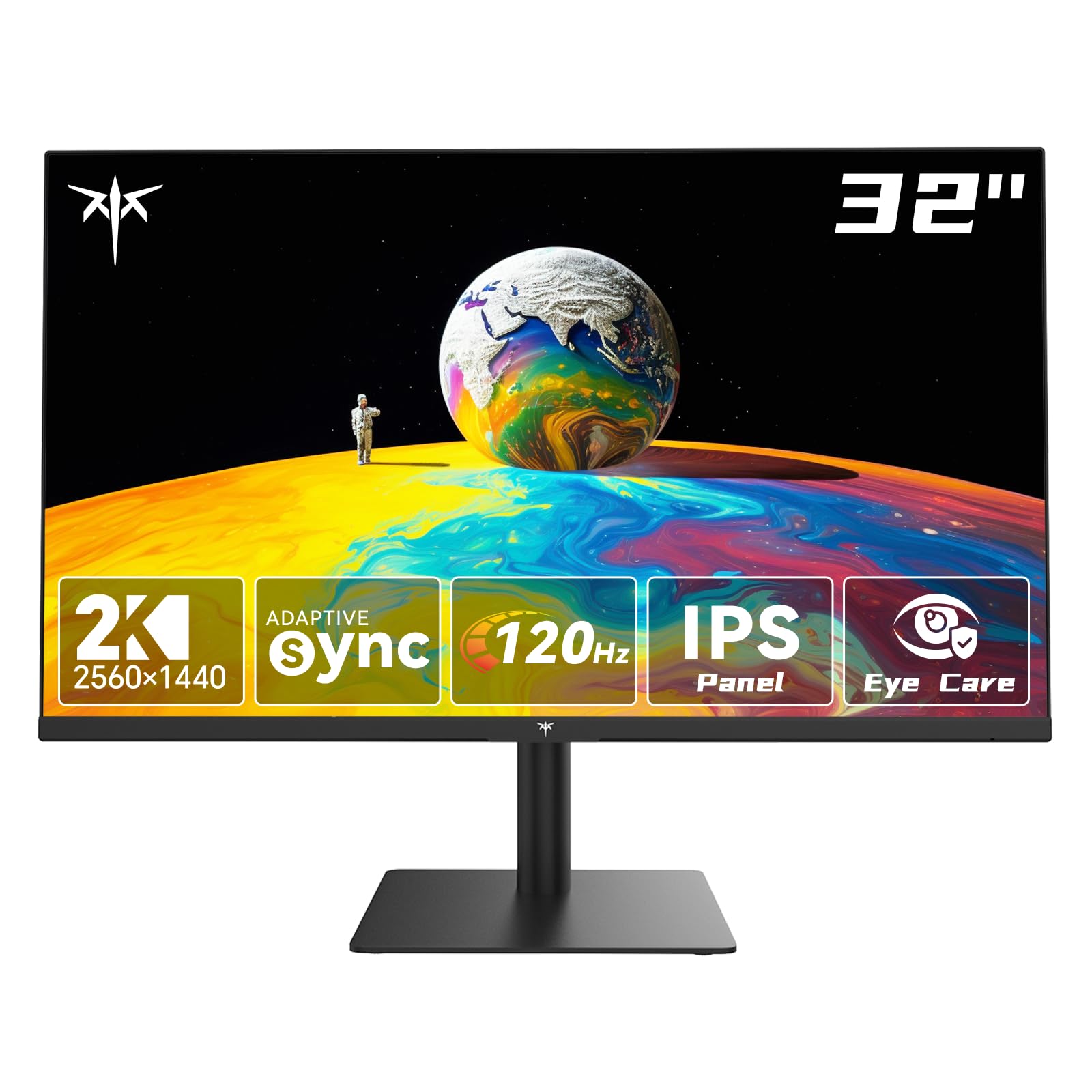
A roomy 32-inch IPS screen that gives you a big canvas without a big-ticket price.
If you want a larger desktop canvas, this KTC delivers a 32-inch IPS panel with a 2560×1440 resolution at a smooth 120Hz refresh rate. The 350 cd/m² brightness keeps the picture vibrant for work spreadsheets, creative apps, and games alike. A 109% sRGB color gamut covers a wide range of hues and supports 16.7 million colors for vivid, natural-looking images.
Ultra-thin bezels make the screen feel bigger and let you line up multiple monitors side by side for a smooth multi-display setup. G-Sync (Nvidia’s anti-tearing tech) and FreeSync (AMD’s version) both reduce motion blur and screen tearing. You get two HDMI 2.0 ports, a DisplayPort 1.4, and a headphone jack, plus tilt from -5° to 15° and full VESA mount compatibility.
For home-studio owners, this is a genuine bargain—buyers describe it as crisp and responsive in audio-editing work, with no dead pixels, artifacts, or eye fatigue. Long-shift workers also praise it for its bright, even screen and natural colors that make text easy to read for hours.
A flexible workhorse: the 120Hz refresh suits every task from DAW timelines to general productivity without the premium markup.
A fair caveat: the picture quality is excellent for the price, but one long-term owner reported a failure around the 3-year mark—so longevity is the gamble you take at this tier.
5. KTC 32 Inch 2K 120Hz Monitor H32T13
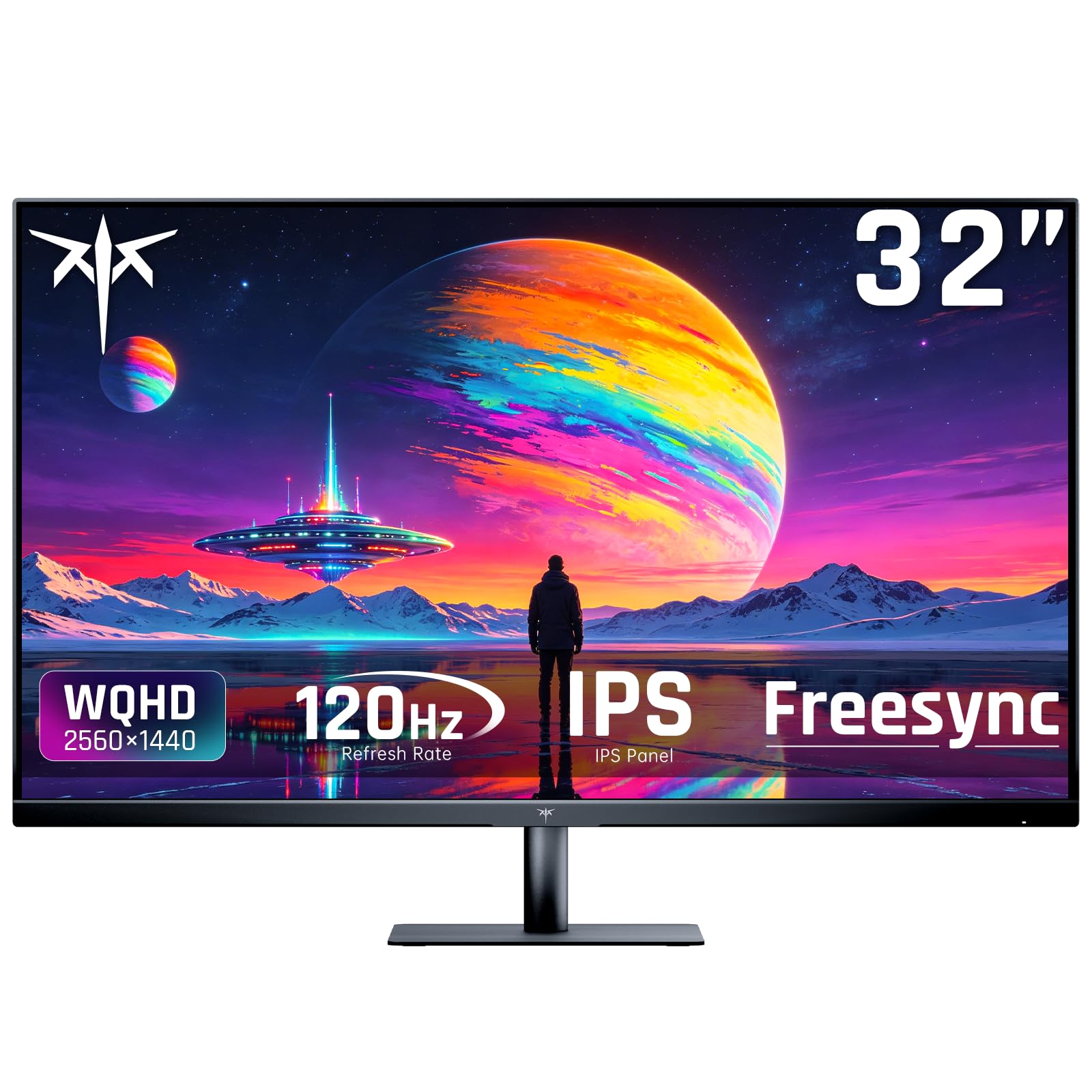
Proof that a big 1440p screen with buttery motion doesn’t have to empty your wallet.
The H32T13 is the budget-focused sibling in this list, and it proves you don’t need to spend a fortune for a large, smooth display. It packs a 32-inch IPS panel with 1440p resolution and a 120Hz refresh rate, which is plenty smooth for most games and everyday use. The 1,000:1 contrast ratio and 1.07 billion colors keep the picture looking rich and detailed.
It is built for convenience, with HDMI, DisplayPort, and Mini DisplayPort inputs so you can connect laptops, PCs, and Macs without hunting for adapters. Five picture presets—Game, Movie, Web, Text, and Mono—let you switch the look instantly depending on what you’re doing. Flicker-free technology and a blue light filter help reduce eye fatigue during long sessions, and the VESA mount supports a 100mm x 100mm wall or arm setup.
The value proposition is strong for budget-conscious buyers. One impressed owner noted it “plugged right in as a working 3rd monitor on my late 2013 27″ iMac,” highlighting how easy it is to set up. For the price-conscious gamer, buyers consistently call it an excellent budget pick with beautiful, bright colors that look great at 2560×1440.
The strengths
- 120Hz refresh and 1440p make a clear upgrade over standard 1080p screens
- Multiple ports, including Mini DisplayPort, cover nearly any device
- VESA-compatible for easy wall or arm mounting
The trade-offs
- A small inactive border sits between the bezel and the active screen area
- HDR performance is limited at this brightness level
Best for: anyone who wants maximum screen size and smooth motion for the lowest possible outlay.
skip it if: you are upgrading from a decent IPS panel—this shines brightest for those coming from older, smaller displays.
6. Samsung 27″ Odyssey G5 (G50F) Series
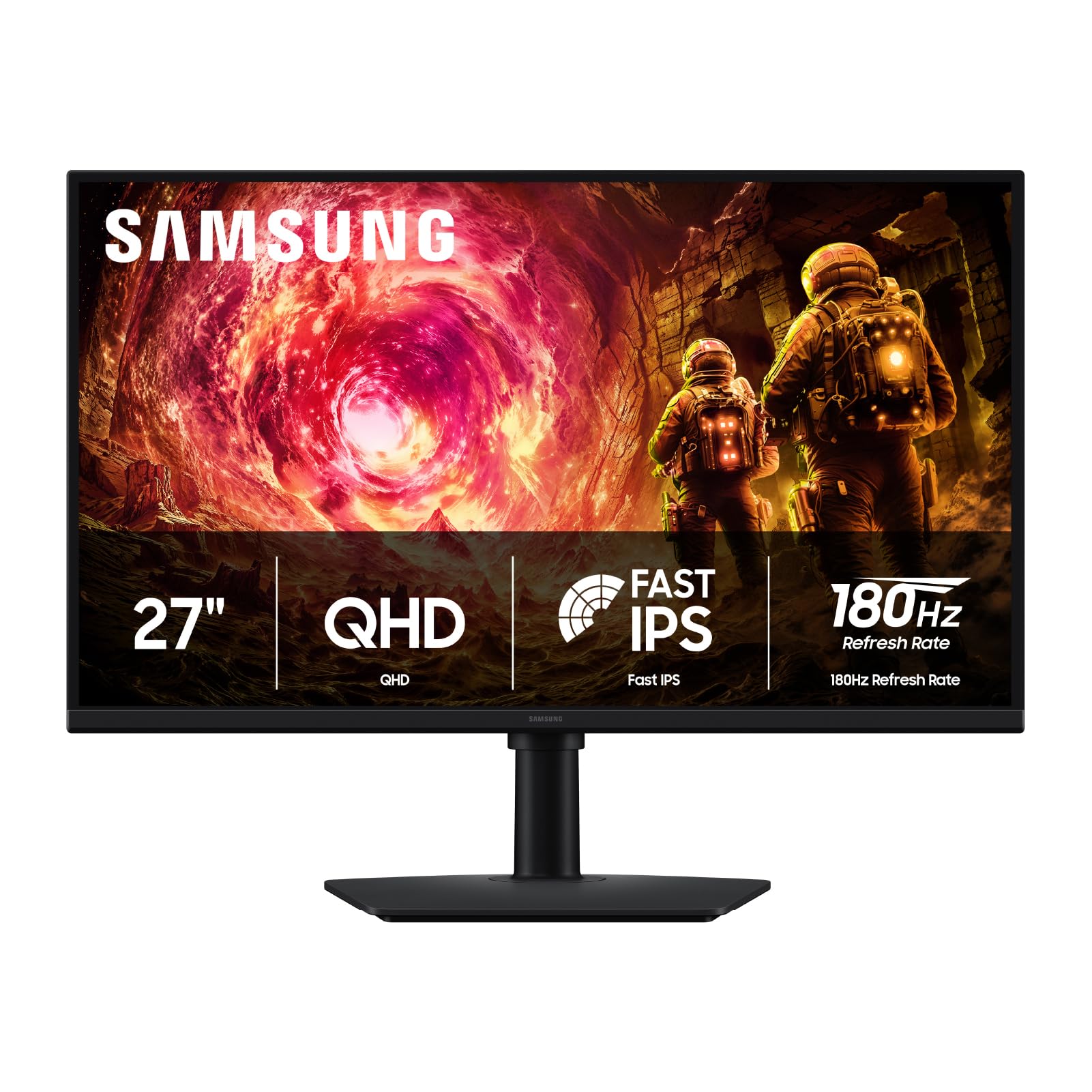
The Odyssey G5’s faster sibling with a proper ergonomic stand for marathon play.
This G50F variant of Samsung’s Odyssey G5 line hits 180Hz with a 1ms (GtG) response time, putting it in the same speed class as the Alienware pick. Where it separates itself is the Ergonomic Stand, which adjusts for height, tilt, swivel, and pivot—so you can dial in the perfect position for long sessions. It’s also G-Sync compatible, which is a plus if you run an NVIDIA card.
The 27-inch IPS panel delivers pin-sharp QHD resolution with a wide 178° viewing angle, keeping colors crisp from various viewpoints. HDR10 support adds brighter highlights and deeper shadows, while the Black Equalizer helps you spot enemies hiding in dark corners. The Auto Source Switch+ feature instantly jumps between connected devices, so you can move from PC to console without fiddling with menus.
Owners rate this as a solid 9/10 for gaming, praising the deep, accurate colors and zero visible IPS glow or black smearing in games and movies. It works from the start with MacOS on Apple Silicon, making it a versatile pick for mixed setups. The 99% color gamut and excellent resolution are the traits that earn it the most praise.
A gamer’s workhorse: the height-adjustable stand plus 180Hz makes it a complete package for desk-bound players who value comfort.
One limitation: it offers only a single HDMI and single DisplayPort, so a multi-device setup will need a switcher.
7. LG 27GR83Q-B Ultragear 27″ QHD

A 240Hz IPS panel that feels borderline unfair in fast-paced shooters.
Stepping up to 240Hz, this LG Ultragear is built for players who take competitive gaming seriously. At 240 frames per second, the screen refreshes twice as fast as a standard 240Hz panel’s 120Hz cousin, and the 1ms (GtG) response time keeps fast motion sharp without smearing. It’s officially validated as NVIDIA G-Sync Compatible and also supports AMD FreeSync Premium, so it pairs cleanly with virtually any modern GPU.
The color performance is a big part of the appeal, covering up to 95% of the DCI-P3 color gamut and earning a VESA DisplayHDR 400 certification. Brightness hits 400 cd/m², which matches the Alienware and gives HDR content a bit more punch. The stand supports tilt, height, and pivot adjustments, and the 4-pole headphone jack with DTS Headphone:X delivers spatial 3D audio for gaming headsets.
Buyers describe it as a great 1440p monitor for both competitive and casual gaming, with sharp, smooth, responsive performance and vivid IPS colors. The build quality earns consistent praise, particularly the sturdy adjustable stand and intuitive knob controls. The G-Sync implementation works well with no visible tearing or input lag.
The competitive edge
- 240Hz refresh rate gives a visible smoothness advantage over 144Hz screens
- Official G-Sync compatibility plus FreeSync Premium covers all GPUs
- 95% DCI-P3 coverage and DisplayHDR 400 keep colors vivid
What to watch
- Some owners have reported stuck pixels on arrival
- There are no built-in speakers, so plan your audio separately
Grab this for: ranked play where every extra frame of smoothness helps you react faster.
Consider the risk: the occasional stuck-pixel report makes it worth checking the panel carefully during the return window.
8. LG 27G640A-B Ultragear 27″ QHD

A blistering 300Hz panel with USB-C connectivity that serious players will love.
At the very top of the refresh-rate ladder sits this LG at 300Hz, offering the smoothest motion of any IPS panel in this lineup. A 1ms (GtG) response time minimizes ghosting, and the combination is perfect for high-speed competitive gaming where every millisecond counts. It brings both AMD FreeSync Premium and NVIDIA G-Sync compatibility, so you get tear-free visuals on PC and next-gen consoles.
The connectivity is a stand-out feature, with dual HDMI 2.1 ports, DisplayPort 1.4, and a USB Type-C port that delivers 15W of power to charge a laptop while it’s plugged in. The 27-inch IPS panel covers up to 95% of the DCI-P3 color gamut and earns a VESA DisplayHDR 400 certification, delivering rich hues and bright highlights. The slim-profile stand offers height, tilt, swivel, and pivot adjustment, letting you fine-tune your setup.
Buyers praise the screen quality, noting top-tier refresh rates and no dead pixels from the start. The 300Hz performance at 1440p is described as crisp and fluid, with a wide brightness range that suits both dark and bright rooms. It’s an exceptional value proposition for a panel with this level of speed.
The speed king
- 300Hz refresh is the fastest in this list for buttery-smooth esports
- USB-C with 15W power delivery simplifies laptop setups
- Full ergonomic stand with height, tilt, swivel, and pivot
Keep in mind
- Built-in speakers are weak, so external audio is recommended
- The included DisplayPort cable has been faulty for some owners
Best suited for: competitive gamers with a powerful GPU who want the smoothest possible 1440p experience.
Be ready for: a separate speaker setup, since the internal sound is the weakest link here.
9. MSI MAG 271QP QD-OLED X28
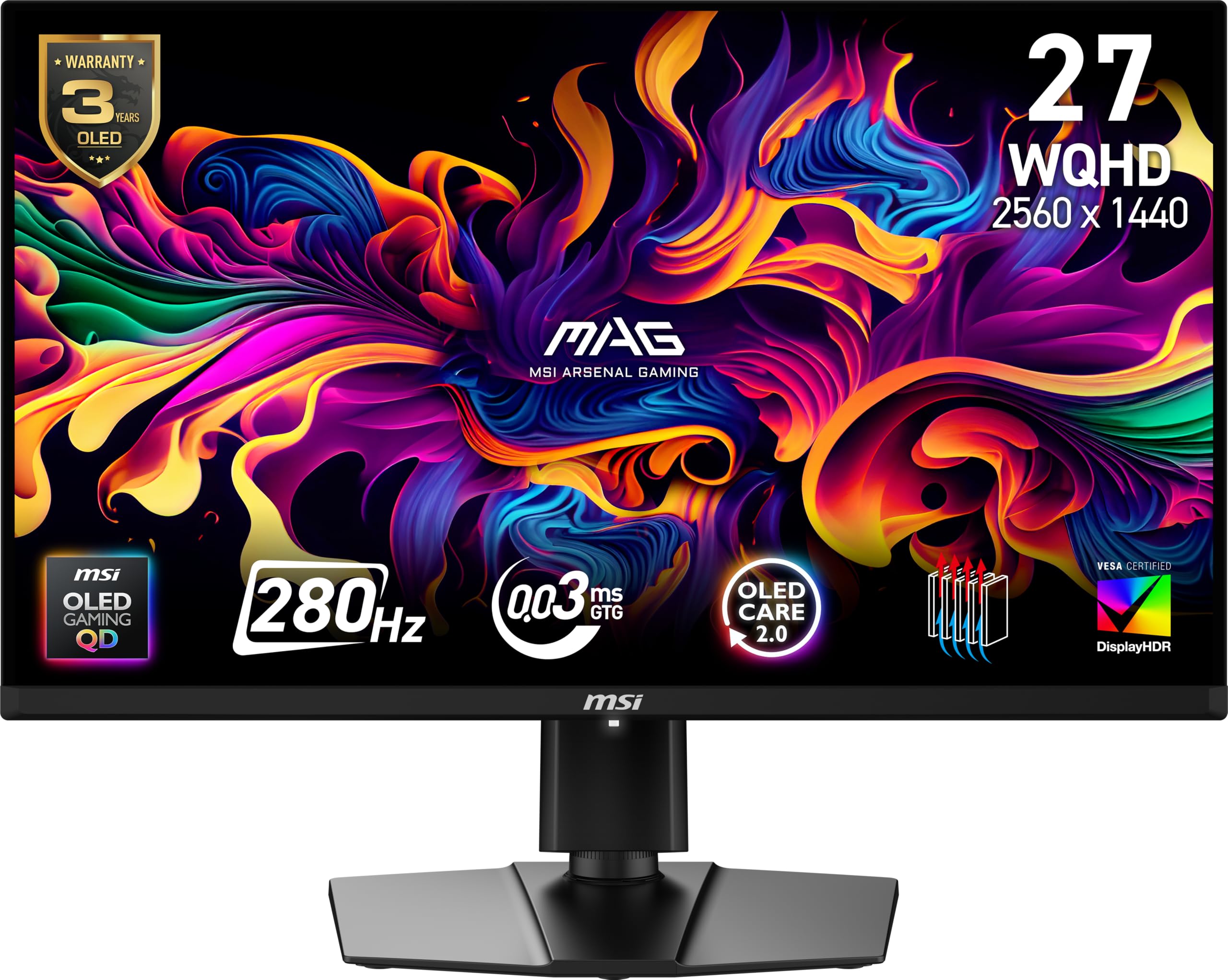
The OLED benchmark that makes every other panel’s blacks look gray by comparison.
This is the premium pick, and the jump in panel technology is immediately obvious. The Quantum Dot OLED panel delivers a 1,500,000:1 native contrast ratio—that’s 1,500 times the contrast of the Dell’s 1,500:1—so blacks are truly black and colors are incredibly rich. It’s VESA DisplayHDR True Black 400 certified, with up to 1000 nits peak brightness for stunning HDR highlights.
Speed is equally impressive, with a 280Hz refresh rate and an almost impossibly fast 0.03ms (GtG) response time. The 10-bit panel displays 1.07 billion colors with extreme Delta E ≤2 color accuracy, making this as good for photo editing as it is for gaming. An elite graphene heatsink (fanless) keeps the panel cool and adds durability, while MSI’s OLED Care 2.0 software helps prevent burn-in.
Connectivity is future-proof, with DisplayPort 1.4a, HDMI 2.1 CEC ports, and USB Type-C with 15W Power Delivery—all supporting full WQHD at 280Hz. Buyers describe it as one of the best displays for its price, with amazing colors, a beautiful picture, and buttery-smooth response in games. The text and image clarity is excellent for productivity too, making this a true do-everything display.
Why it’s worth the leap
- 1,500,000:1 contrast delivers true black levels no IPS can match
- 0.03ms response time is effectively instant, eliminating ghosting
- 280Hz refresh plus 10-bit color covers both gaming and creative work
The honest catch
- The glossy screen can cause reflections in bright rooms
- It’s the highest-priced pick here, reserved for those who want the best
Go with this if: you want a single monitor that delivers both elite gaming speed and reference-grade color accuracy.
Pass on it if: you’re on a strict budget or your room has uncontrolled glare from windows.
Understanding the Specs
Refresh Rate (Hz)
Refresh rate is how many times your monitor draws a new image each second. A standard office monitor runs at 60Hz, but gaming monitors here start at 120Hz and go up to 300Hz. Higher numbers mean smoother motion—especially when you pan the camera quickly in a game. Most people see diminishing returns above 144Hz, but competitive players notice the difference at 240Hz and beyond.
Panel Technology
IPS panels give you the best all-around balance of color accuracy, viewing angles, and response time, which is why most picks here use them. OLED panels use self-emitting pixels to produce perfect blacks and can switch colors almost instantly, but they cost a premium and need software to prevent burn-in. VA panels offer deep contrast but can blur in dark scenes, so they’re less common in this price-focused category.
Adaptive Sync
G-Sync (NVIDIA) and FreeSync (AMD) are technologies that stop screen tearing by syncing the monitor’s refresh rate to your graphics card’s frame output. If you have an NVIDIA card, look for G-Sync compatibility; if you have an AMD card, FreeSync is the match. Many premium monitors support both, giving you flexibility if you ever switch GPU brands.
HDR and Color Gamut
HDR (High Dynamic Range) lets a monitor show brighter highlights and deeper shadows for a more lifelike picture. The certification—like DisplayHDR 400 or True Black 400—tells you how well it performs. Color gamut, measured as a percentage of DCI-P3 or sRGB, shows the range of colors the screen can display. A higher percentage means more vivid, accurate colors for gaming and creative work alike.
FAQ
What cable do I need to get 144Hz or 240Hz on my monitor?
Will a 2K monitor work with my Mac or laptop?
Is a 120Hz monitor worth it if I don’t game competitively?
What is the difference between G-Sync and FreeSync?
Can a console run a 2K 120Hz monitor at full speed?
Is an OLED monitor worth the extra cost over IPS?
What does response time (ms) actually mean for gaming?
Do I need a powerful graphics card to use a 1440p 120Hz monitor?
How important is the stand adjustability on these monitors?
What is the difference between a 27-inch and 32-inch 2K monitor?
Final Thoughts: The Verdict
For most people, the 2k 120hz monitor winner is the Alienware AW2725DM because it blends a smooth 180Hz Fast IPS panel, vibrant colors, and a full ergonomic stand into one crowd-pleasing package. If you want built-in speakers and a work-first screen, grab the Dell S2725DSM. And for the absolute best image quality with true blacks, the MSI MAG 271QP QD-OLED is the one to reach for. The Alienware’s 4.6-star rating across 400+ owners makes it the safest bet for most setups, but your choice should match your primary use case.
How We Picked
We do not accept paid placement. Every pick is matched to a real buyer and a real use-case; we do not hands-on test units.
Sources & Methodology
Specifications: manufacturer listings and product documentation. Review insights: verified customer reviews, as of August 2026. Pricing: not shown on this page (it changes often); check the current price via the retailer link.
As an Amazon Associate, Gadgets Feed earns from qualifying purchases. This does not affect which products we feature.