
Our readers keep the lights on and my morning glass full of iced black tea. As an Amazon Associate, I earn from qualifying purchases.
Specs are compiled from manufacturer listings and verified buyer reviews and can change over time — please confirm the key details on the product page before buying.
Buying an RX 590 in 2025 means weighing low prices against real reliability risks. These cards deliver 1080p gaming on a budget, but some units fail within months. We compared specs and owner reviews to find which RX 590 models hold up for daily use.
I’m Min — the founder and writer behind Gadgets Feed. This guide is built by comparing the manufacturers’ published specifications and the patterns across verified customer reviews, so you get each pick’s real strengths and trade-offs instead of marketing spin.
We break down the three most common RX 590 models so you can pick a 590 graphics card that delivers smooth frames without packing a shocking surprise.
Quick Picks
- Kelinx RX 590 8GB Graphics Card — Top Performer
- 51RISC Radeon RX 590 GME — Flexible Display Pick
- AISURIX RX 590 8GB — Best Multi-Monitor Value
How To Choose The Best 590 Graphics Card
Finding a good RX 590 is less about peak performance and more about reliability. They are all based on the same AMD architecture, so the real differences are in clock speeds, cooling, and how well they run on your specific system.
Memory Clock Speed vs. Core Clock
In this tier, the memory clock speed (measured in MHz) often matters as much as the GPU clock. A higher memory clock means the card can feed data to the processor faster, which helps in modern games at high resolutions. Don’t just look at the core clock number; check both.
Check Your Power Supply
These cards draw serious power. Most need a single 8-pin connector, and the manufacturer usually recommends a 450W power supply or higher. Before you buy, pop open your case and check what cables your PSU has. Nothing is worse than getting a new GPU home only to find you can’t plug it in.
The “Real” RX 590 Problem
There is a catch in this market. Some cards sold as RX 590 models are actually using the older RX 580 core. They aren’t bad cards, but they aren’t the true 12nm Polaris 30 chip you might expect. Knowing which one you’re buying sets your expectations for performance and power draw.
Quick Comparison
| Model | Best For | GPU Clock Speed | Memory Clock Speed | Outputs | Amazon |
|---|---|---|---|---|---|
| Kelinx RX 590 | Raw performance & value | 1667 MHz | 1667 MHz | HDMI / DP | Amazon |
| 51RISC RX 590 GME | Specific output needs | 1340 MHz | 1340 MHz | HDMI / DP / DVI-D | Amazon |
| AISURIX RX 590 | Multi-monitor setups | 1450 MHz | 7000 MHz | 2x DisplayPort / HDMI | Amazon |
In‑Depth Reviews
1. Kelinx RX 590 8GB Graphics Card
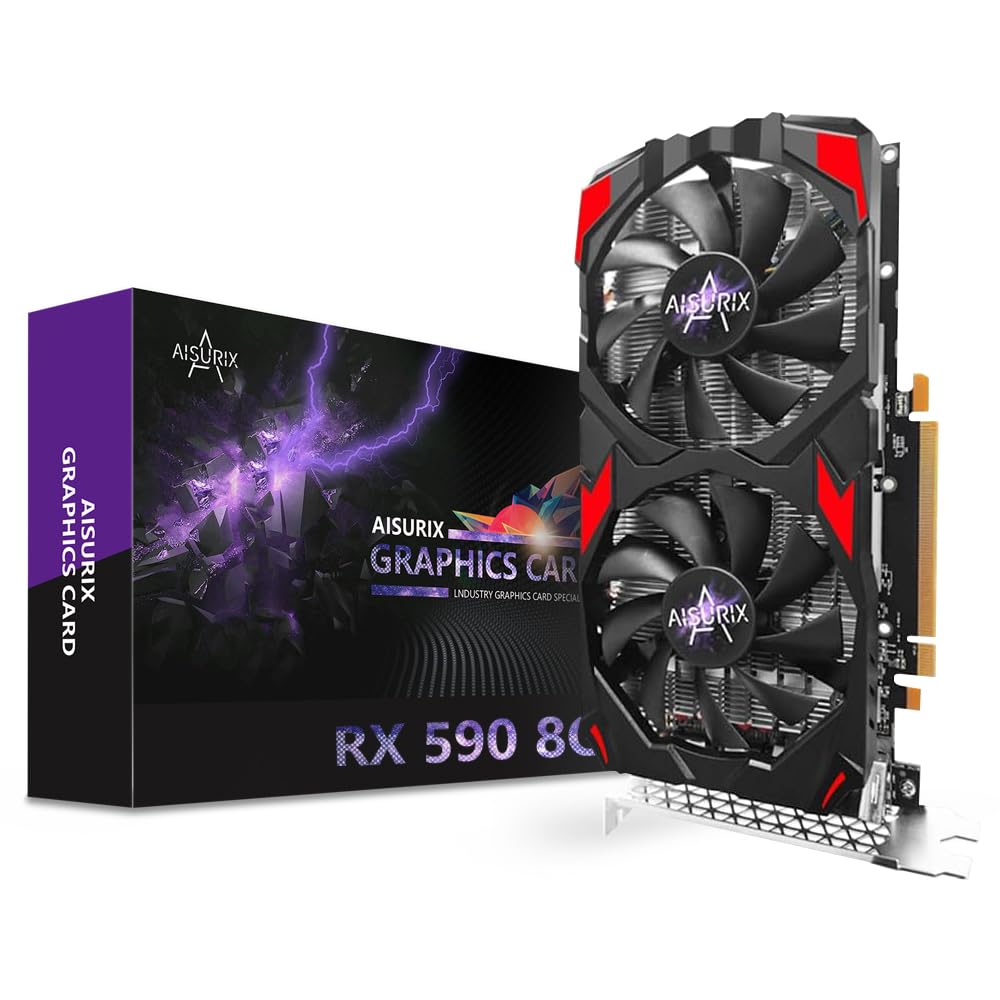
The crowd favorite that throws raw clock speed at 1080p gaming without flinching.
The Kelinx leads this list on pure specs, with a GPU clock speed of 1667 megahertz. That is 15% higher than the AISURIX card, which translates to a tangible edge in frame rates for fast-paced shooters and AAA titles at 1080p. It uses a dual-fan design with aluminum fins and copper heat pipes, and the smart fan control stops the fans entirely under light loads, so it runs silent while you browse or watch videos.
The 8GB of GDDR5 memory is a solid base for modern games, and it even pushes up to 4K resolution for media consumption and everyday desktop work. You get DisplayPort and HDMI outputs for connecting a high-refresh monitor or a second screen, and it needs just a single 8-pin power connector. Buyers report that performance is the thing everyone raves about, along with the cost-effectiveness. It’s a card that runs fast and is easy to install, with a few owners noting it works well with Linux on a Ryzen 7 system, handling video and streaming quietly.
There is a real trade-off here, though. The most-discussed aspect is reliability, and it’s a negative one. The review pages sum it up: “Starting to fail after 2 months of moderate use.” This is not a card for heavy, prolonged stress. It handles Minecraft at 120+ FPS and Fortnite in the 60-90 range on low settings, but pushing it hard can cause green screens and restarts. Think of it as a great entry-level card for light to moderate gaming, not a workhorse.
What Wins People Over
- The fastest GPU clock of the three at 1667 MHz
- Fans stop spinning entirely at low load for silent operation
- Excellent value for a brand-new 8GB card
The Recurring Grievance
- Reliability concerns with some failing after a couple of months
- Performance drops if you push settings above medium
Reach for this if: you want the fastest clock speeds and best raw value for 1080p gaming on a budget.
Look elsewhere if: you plan to run demanding games at high settings for hours daily, as longevity is the gamble here.
2. 51RISC Radeon RX 590 GME
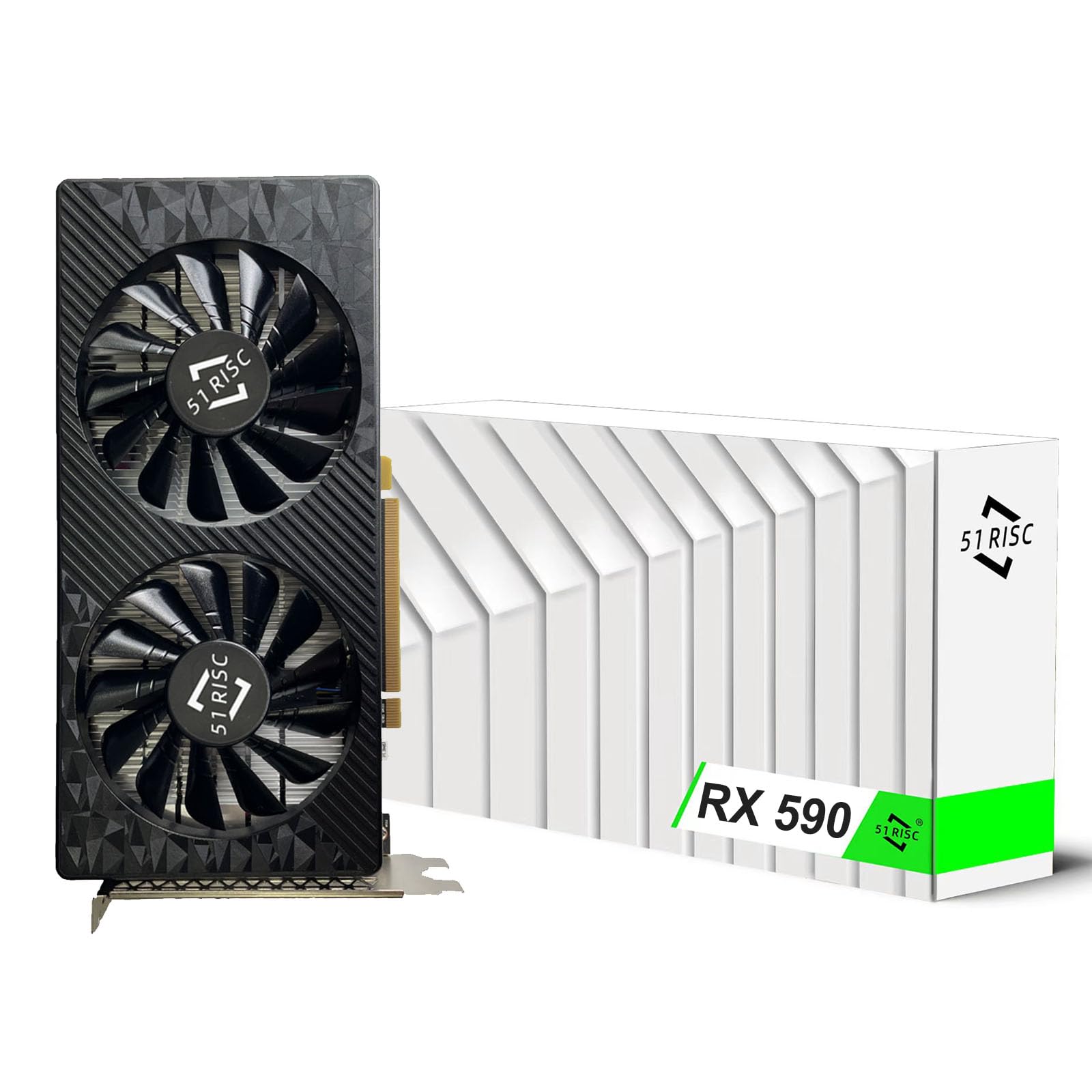
The compatibility king for older systems needing a specific power header or display port.
The 51RISC stands out for its versatility in connectivity, not its raw speed. It offers a range of outputs including HDMI, DisplayPort, and a DVI-D, which is rare in this tier. More importantly, it runs on a single 6-pin PCIe power header. That makes it a lifesaver for older machines that lack the modern 8-pin connector, like the Xeon-based workstation owners mention using successfully with a 4K TV. It has a base clock of 1340MHz, the lowest of the three, so expect solid but not spectacular frame rates.
Here’s the honest catch: this is not a “true” RX 590. The review pages call it “basically a golden sample RX 580,” using the older 14nm Polaris 20 die rather than the 12nm Polaris 30 core in a genuine 590. Don’t buy it expecting a huge leap over the 580. What you get instead is a stable, well-cooled card with dual fans that handles games like Battlefield V and Doom Eternal without overheating. The 8GB of GDDR5 memory on a 256-bit bus keeps things moving.
Reliability here is a mixed bag, which is the most mentioned aspect. Some systems hit the “constantly rebooting” problem, though the review pages note that after a 2025 driver update, using Hibernate mode in power settings helps it work better. This card is best for a specific user: someone with an older PC who needs DVI-D output or a 6-pin connector and wants a cheap, capable card for a 4K TV or light gaming.
Best for legacy rigs: Its single 6-pin power requirement and DVI-D output make it the only pick here for older power supplies and monitors.
The honest read: It’s a high-end RX 580 in disguise, so set your expectations for performance accordingly, and be ready to tweak power settings if you hit instability.
Pick it if: you have an older system with a 6-pin connector or need DVI-D to match an aging monitor.
skip it if: you want the fastest true RX 590 performance, since this one uses the older RX 580 core.
3. AISURIX RX 590 8GB
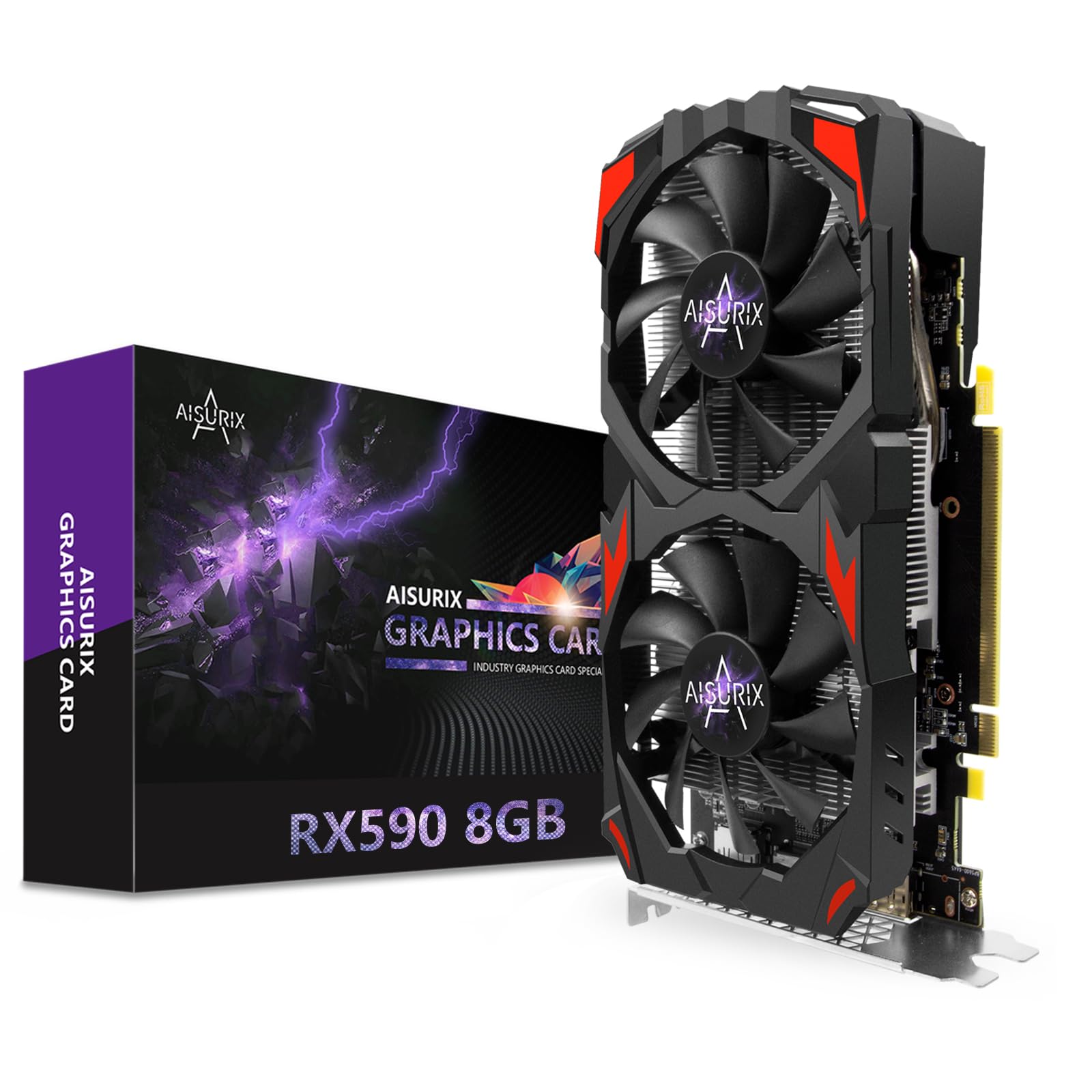
The quiet workhorse with a blazing fast memory clock for productivity and light gaming.
The AISURIX takes a different angle: its memory clock speed is a massive 7000 MHz, which dwarfs the Kelinx’s 1667 MHz by a 5.2x gap. This means data moves to the processor incredibly fast, which helps in open-world games and demanding desktop tasks. The GPU clock runs at 1450 megahertz, a solid middle ground. It features dual 90mm fans and copper heat pipes to keep temperatures low, and customers note the noise level is impressively low for a card in this class.
For connectivity, it skips DVI entirely and offers 2x DisplayPort and 1x HDMI, supporting up to two monitors simultaneously. That makes it a strong pick for a productivity setup where you want a second or third screen without spending extra. It’s also a favorite for Linux users; the review pages note it works well on a Dell workstation running Linux Mint, handling Steam and various games fine. It runs on a PCI Express 3.0 interface and is best suited for 1080p gaming.
There is a notable risk here. Reviewers point out that “Installation was easy and it worked fine at first, but stopped working after three months.” The lack of customer support is a recurring complaint, with one owner saying it is “non existent.” It also has the lowest review count of the three, so the long-term picture is less clear. This is a budget pick for flexible multi-monitor setups, not a card to rely on for years of heavy gaming.
Where It Shines
- The 7000 MHz memory clock is the fastest here, great for data-heavy tasks
- 2x DisplayPort makes multi-monitor productivity easy
- Quiet cooling with dual 90mm fans
The Big Hesitation
- Some units stop working after a few months
- Customer support is reportedly missing when you need help
Choose it if: you need a quiet card for a multi-monitor Linux or productivity workstation.
Think twice if: you want reliability and support, as this has the highest risk of early failure.
Understanding the Specs
GPU Clock Speed
This is the speed of the main processor on the card, measured in MHz. A higher number, like the Kelinx’s 1667 MHz, means the card can process frames faster, which usually translates to higher frame rates in games. For a 590, anything above 1400 MHz is respectable for 1080p play.
Memory Clock Speed
This is the speed of the video RAM, and it’s a separate spec from the GPU clock. The AISURIX card’s 7000 MHz memory clock is a prime example of why this matters. It dictates how fast textures and assets load. If you play games with huge open worlds or do video editing, a high memory clock helps the card keep up without stuttering.
FAQ
Will an RX 590 card run on a 450W power supply?
Is the 51RISC RX 590 GME a true RX 590?
Can I use these cards for a multi-monitor setup?
What power connector does the 51RISC RX 590 GME need?
Can these cards run games at 4K resolution?
How reliable are these budget RX 590 cards?
Does the Kelinx RX 590 have fan stop technology?
Which card is the best upgrade for an older Dell workstation?
Final Thoughts: The Verdict
If you want one dependable pick, the best 590 graphics card is the Kelinx RX 590 because it offers the fastest clock speeds and the strongest value for 1080p gaming. If you need specific outputs or a 6-pin connector for an older PC, grab the 51RISC RX 590 GME. And for a quiet multi-monitor workstation, the AISURIX RX 590 is the one to reach for. Check your power supply and pick the model that fits your system’s needs.
How We Picked
We do not accept paid placement. Every pick is matched to a real buyer and a real use-case; we do not hands-on test units.
Sources & Methodology
Specifications: manufacturer listings and product documentation. Review insights: verified customer reviews, as of August 2026. Pricing: not shown on this page (it changes often); check the current price via the retailer link.
As an Amazon Associate, Gadgets Feed earns from qualifying purchases. This does not affect which products we feature.