
Our readers keep the lights on and my morning glass full of iced black tea. As an Amazon Associate, I earn from qualifying purchases.
Specs are compiled from manufacturer listings and verified buyer reviews and can change over time — please confirm the key details on the product page before buying.
On a 32-inch 1440p screen, the first thing you notice is the shape and the pace, not the resolution. A 27-inch flat panel is fine, but a 32-inch curved display wraps around your vision, and a 170Hz or 180Hz refresh rate (how many times the screen updates per second) makes every mouse swipe feel instant instead of floaty. This guide compares the real contenders across that exact balance — 2560×1440 resolution, 31.5- to 32-inch curved panels, and refresh rates from 100Hz all the way up to 300Hz — so you can pick the one that matches your GPU, your desk, and your budget without overpaying.
I’m Min — the founder and writer behind Gadgets Feed. This guide is built by comparing the manufacturers’ published specifications and the patterns across verified customer reviews, so you get each pick’s real strengths and trade-offs instead of marketing spin.
One honest note before the list: because sizes vary slightly between brands, the picks here hover around the 32-inch mark, some landing on 31.5 inches to fit the same rich curved form factor. The best 1440p 32-inch monitor for you is the one whose refresh rate and panel tech match the games you play and the graphics card you own.
Our Picks at a Glance
How To Choose The Best 1440p 32-Inch Monitor
A 1440p 32-inch monitor hits the balance between sharp pixels and gaming performance. Four specs decide whether it feels great or feels like a compromise: the panel type, the refresh rate, the contrast ratio, and the stand.
Panel Type: VA vs IPS vs Fast IPS
The panel is the screen technology itself. VA panels (used by most curved picks here) deliver deep blacks and high contrast, which makes dark game scenes look rich. IPS and Fast IPS panels offer wider viewing angles and more accurate colors, which helps creative work but often costs you that deep black level.
Refresh Rate and Adaptive Sync
Refresh rate, measured in Hz, is how many times the screen redraws per second. A 60Hz screen shows 60 frames a second, but 170Hz or 180Hz shows far more, which makes fast motion smoother. Adaptive Sync (AMD FreeSync or Nvidia G-Sync) matches the monitor’s refresh to your graphics card’s output so you do not see horizontal screen tearing during gameplay.
Contrast Ratio and Color Gamut
Contrast ratio (like 3000:1) tells you how much difference exists between the darkest black and brightest white a screen can show. A higher number means deeper blacks. Color gamut, measured as a percentage of sRGB or DCI-P3, tells you how many colors the panel can reproduce — important if you edit photos or just want vibrant games.
Quick Comparison
| Model | Best For | Refresh Rate | Contrast Ratio | Color Gamut | Amazon |
|---|---|---|---|---|---|
| KOORUI 32″ Curved★ Best Overall | Best Overall Value | 170Hz | 3000:1 | 95% DCI-P3 | Amazon |
| KTC H32S5High Contrast Pick | High Contrast Gaming | 180Hz (OC 185Hz) | 5000:1 | 99% sRGB | Amazon |
| ZZA 32″ CurvedSpeed King | Extreme Refresh Rate | 300Hz | 3000:1 | 120% sRGB | Amazon |
| ViewSonic VX3218C-2K | FPS & RTS Modes | 180Hz | 3500:1 | 72% NTSC | Amazon |
| ASUS TUF VG32WQ3B | Lowest Response Time | 180Hz | 1000:1 | 90% DCI-P3 | Amazon |
| LG UltraGear 32G600A | Full Ergonomic Stand | 180Hz | 3000:1 | 99% sRGB | Amazon |
| Samsung Odyssey G50D | Fast IPS Clarity | 180Hz | 1000:1 | 99% sRGB | Amazon |
| Samsung ViewFinity S6 | Work & USB-C Charging | 100Hz | 1000:1 | — | Amazon |
| ASUS ROG Strix XG32WCMS | Ultra-Fast VA Gaming | 280Hz | 4000:1 | 95% DCI-P3 | Amazon |
| LG 32GP750-B | Flat IPS for Color Work | 165Hz | 1000:1 | 99% sRGB | Amazon |
In-Depth Reviews
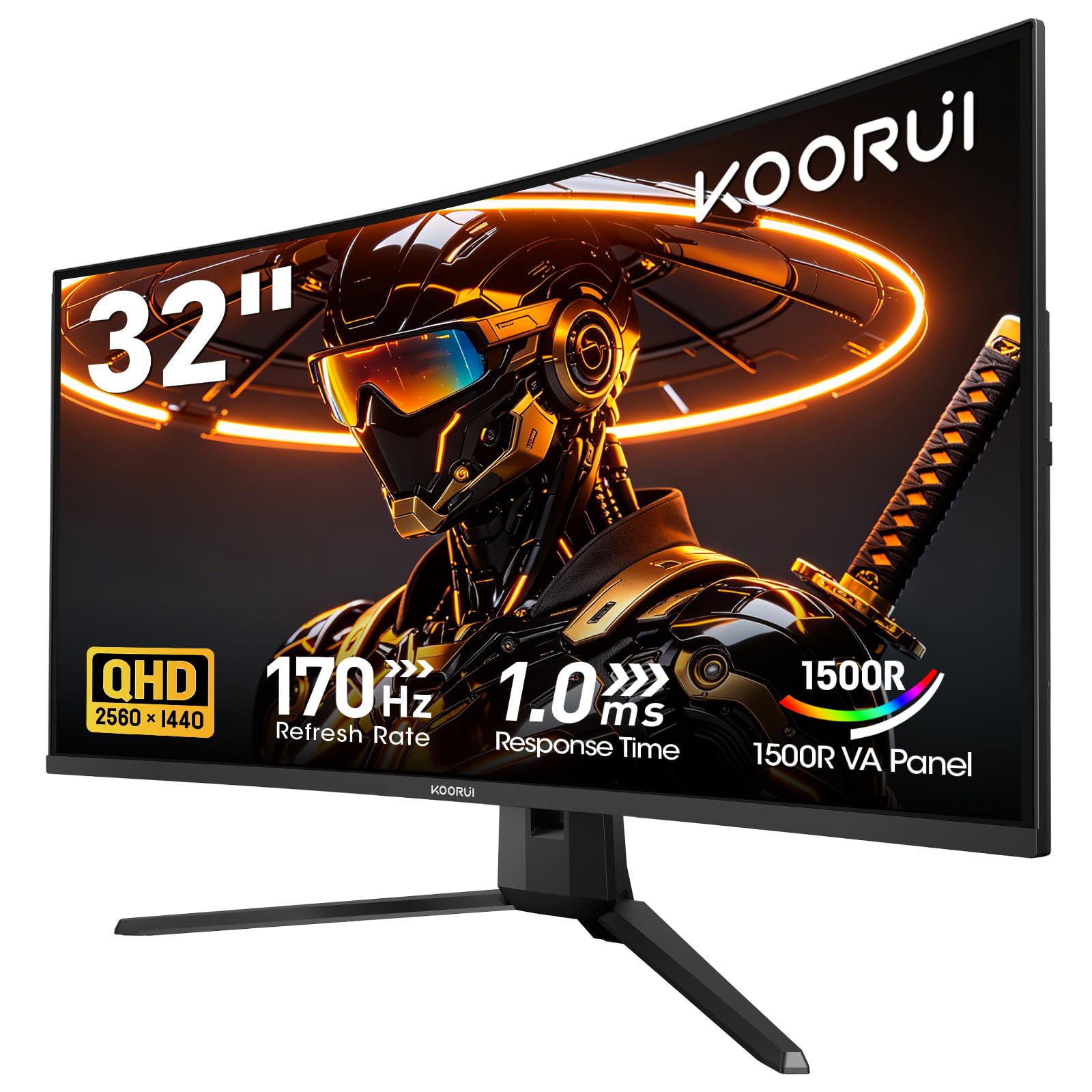
1. KOORUI 32 Inch Curved Gaming Monitor
Our pick — 4.5★ from 6,000+ verified ratings; the strongest balance of quality and price.
The affordable curve that three years of happy gaming buyers still recommend.
Buyers report this monitor lasting for years, not just months. The 32-inch QHD (2560×1440) VA panel with a 1500R curvature wraps the action around you, and the 170Hz refresh rate with 1ms response time keeps fast shooters fluid. Owners mention: “Had this for three years, works great. Cheap, great quality, works like hell to give you a clear picture.”
Colors punch above the price point with a 3000:1 contrast ratio, HDR10, 300-nit brightness, and 95% DCI-P3 coverage, so dark scenes stay deep and vibrant detail survives in daytime games. The included DisplayPort cable open up the full 1440p at 170Hz, while HDMI 2.0 tops out at 144Hz for that resolution — a detail note if your console is your main driver. It is flicker-free and has a low blue light mode, which makes long evening sessions easier on your eyes.
Weighing in at a surprisingly strong value compared to the KTC above at 5000:1 contrast, the KOORUI still shines for its overall balance. The stand only offers tilt from -5° to 20°, so you will want a VESA 100x100mm arm if you need height adjustment.
rich curve value
- 170Hz refresh with 1ms response for smooth competitive play
- 3000:1 contrast and HDR10 make dark scenes look rich
- 75×75 VESA compatible for easy arm mounting
limited refresh rate
- Stand only tilts; no height or swivel adjustment
- No built-in speakers, so plan for headphones or external audio
- HDMI tops out at 144Hz for 1440p, not the full 170Hz
budget curved pick: you want the most proven, well-rounded 1440p curved gaming monitor without spending premium money.
if you need speed: the tilt-only stand means you should budget for a monitor arm if you care about perfect ergonomics.
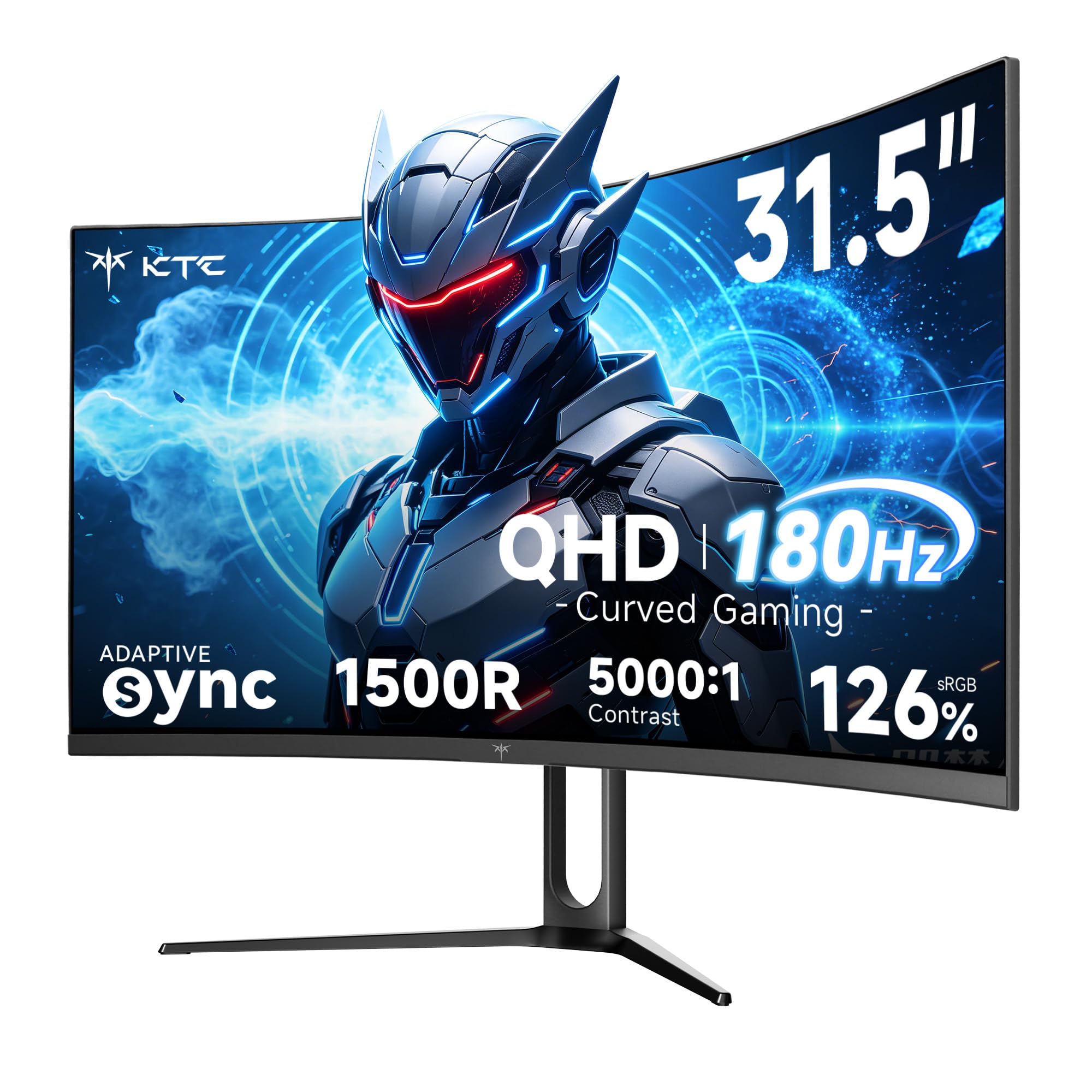
2. KTC 32 Inch Curved Gaming Monitor (H32S5)
The dark-scene specialist that out-contrasts almost everything else on this list.
If you play horror games, watch movies in dim rooms, or just hate washed-out blacks, this is the panel to beat. Its 5000:1 contrast ratio is a full 67% higher than the KOORUI’s 3000:1, which means the difference between shadows and highlights is dramatically more pronounced — enemies hiding in darkness actually stay hidden until they move.
The 180Hz refresh rate (overclockable to 185Hz) pairs with 1ms MPRT response time and Adaptive Sync, so motion stays fluid without ghosting. The color gamut hits 126% sRGB with 1.07 billion colors, beating the KOORUI’s 99% sRGB by 27% — a gap you will notice in vibrant games and streams. Connectivity is generous with 2x HDMI 2.0 and 2x DisplayPort 1.4, and the VESA 100mm x 100mm mount keeps wall setups easy.
Owners upgrading from 1080p note it runs brighter than expected with clean text and no dead pixels from the start. The honest catch shows up in the accessories: the base is not height-adjustable, and the DisplayPort and power cables run short, so position your surge protector and PC within reach. The three-year warranty with support responses within 12 hours offers real confidence here.
value seeker: gamers who prioritize deep blacks and high contrast over everything else, without jumping to a premium price.
if you need height: you need a height-adjustable stand from the start or have a desk layout that demands long cables.
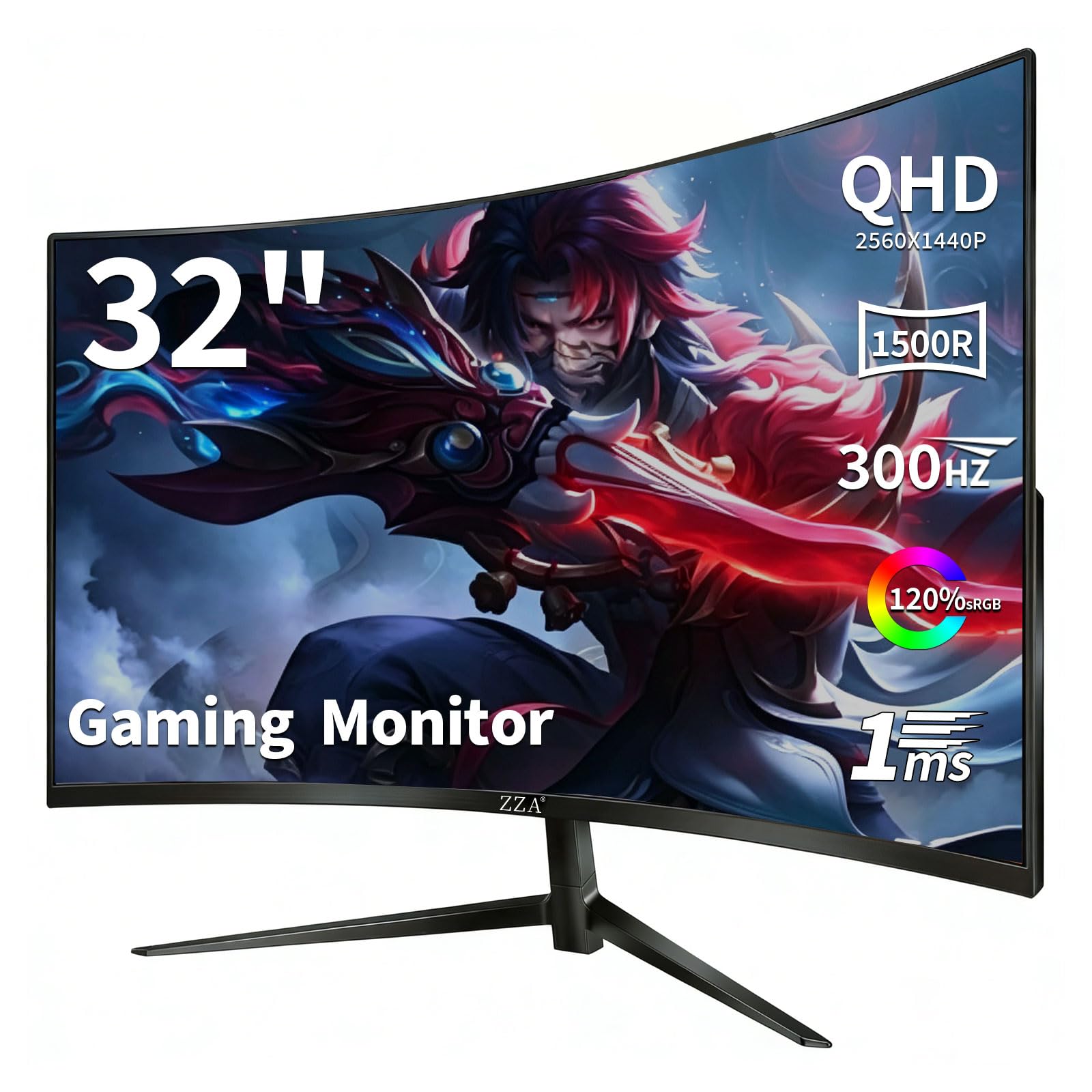
3. ZZA 32 Inch Curved Gaming Monitor 300Hz
The 300Hz outlier built for esports players who need every frame.
This is the fastest panel in the lineup by a wide margin. Its 300Hz refresh rate is 76% higher than the KOORUI’s 170Hz, which is the difference between seeing an enemy peek a corner and reacting before they land a shot. The 1ms GTG response and 1500R VA curve keep motion blur and ghosting out of intense FPS and racing games.
The QHD (2560×1440) resolution delivers 78% more pixels than Full HD, and the 120% sRGB gamut with HDR10 support makes colors pop for both gaming and content creation. Connectivity covers current-gen consoles with 2x HDMI 2.1 (up to 144Hz) and 2x DisplayPort 1.4 (up to 300Hz), so a PS5 and a PC can stay plugged in simultaneously without swapping cables. AMD FreeSync Premium eliminates screen tearing, and the adjustable tilt stand plus 100x100mm VESA mount keep setup flexible.
Reliability is a gamble: some customers note failures within months, while others praise the color and setup. At 13.2 pounds, it sits heavier than most competitors on a desk arm, so check your mount’s weight limit. This is the pick for players who chase maximum refresh on a budget, not for those who need bulletproof long-term reliability.
competitive gamer: competitive shooters and racing sims where 300Hz gives you a measurable reaction-time edge.
for color work: you want a monitor you never think about again — the reliability reports are mixed.
4. ViewSonic VX3218C-2K 32 Inch 1440p Curved Gaming Monitor

A curved 1440p screen with pre-set modes that switch instantly for each game type.
What makes this ViewSonic stand out is its arsenal of pre-set customizable visual modes — dedicated FPS, RTS, and MOBA profiles that adjust the picture on the fly so you do not have to dig through menus mid-match. The 32-inch QHD (2560×1440) VA panel with 1500R curve and thin bezels delivers a solid gaming image, backed by a 180Hz refresh rate and 1ms MPRT response time over DisplayPort.
FreeSync Premium keeps gameplay tear-free, while Flicker-Free technology and a Blue Light Filter reduce eye fatigue during long sessions. The picture quality gets consistent praise, with owners calling out how much monitor you get for the money — one noted the extra 400 pixels over a typical 1080p panel make text and textures noticeably sharper. Connectivity is straightforward with HDMI and DisplayPort inputs, and the 3.5mm audio out gives you a headphone hookup if your desk setup needs it.
The recurring complaints are specific: the included speakers are weak enough that most owners bypass them, and the stand lacks height adjustment, which is why monitor arms come up often in owner feedback. The picture itself earns high marks, but the ergonomics and audio are where you will likely add accessories.
sharp 1440p clarity: players who flit between different game genres and want one-click visual profiles for each, without chasing the highest refresh numbers.
limited connectivity: plan on a monitor arm and external speakers, since the stock stand and built-in audio are the weak links here.
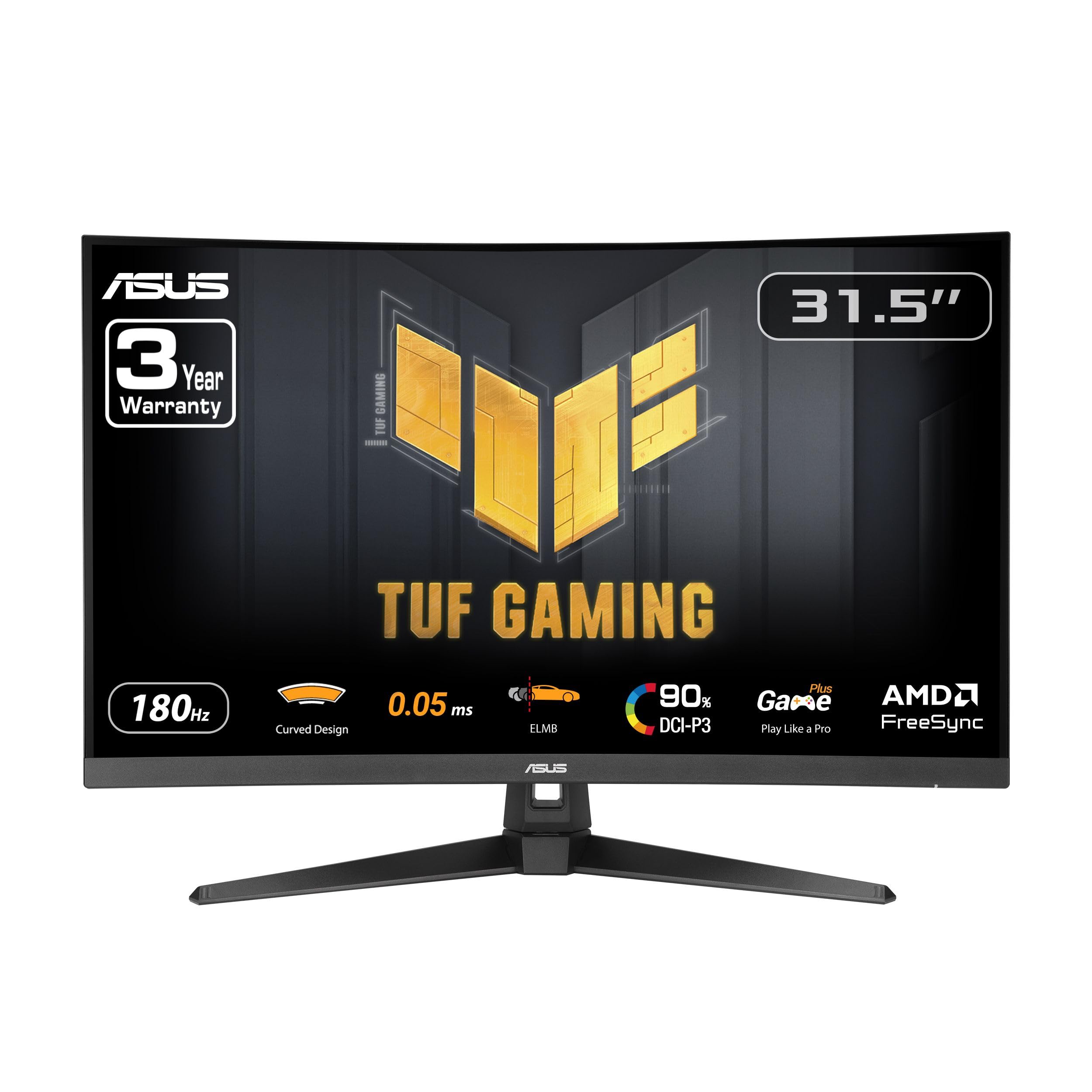
5. ASUS TUF Gaming VG32WQ3B 31.5″ 1440P Curved
The 0.5ms response-time specialist that blurs the line between gaming and work.
This is the fastest response time on the list — 0.5ms (GTG, or grey-to-grey, the time a pixel takes to change color) — which means almost zero ghosting or motion blur during fast camera pans. ASUS Extreme Low Motion Blur (ELMB) technology further sharpens moving objects, and the 31.5-inch QHD (2560×1440) VA panel with a 1500R curve (a curve radius of 1500mm, wrapping around your field of view) keeps the image rich.
A 180Hz refresh rate pairs with FreeSync to deliver tear-free gameplay, while Shadow Boost brightens dark areas without over-exposing bright spots — a genuine advantage in shooters where enemies hide in shadows. The 90% DCI-P3 color gamut makes the image vivid enough for both gaming and creative side projects. Owners consistently describe it as a “massive monitor with great colors” that easily handles both business tasks and long gaming sessions, noting the smooth 180Hz refresh and that the stand includes good cable management.
The spec sheet that raises eyebrows is the 1000:1 contrast ratio, which is lower than the VA competitors here like the KTC’s 5000:1 — so blacks are good, not spectacular. The 3-year warranty and boxed DisplayPort cable, L-shaped screwdriver, and power cord keep setup simple from the start.
durable gamer: you want the lowest response time for competitive play and a clean, cable-managed desk setup.
if space is tight: deep, inky blacks for dark-room movie watching matter more to you than response time.
6. LG UltraGear 32G600A-B 32-inch QHD Curved

The only curved pick here that lets you adjust height, tilt, and swivel from the box.
Most curved gaming monitors make you buy a separate arm just to get the screen to eye level. Not this one. The LG UltraGear comes with a height, tilt, and swivel adjustable stand, which owners specifically call out as a reason it fits a home office with a standing desk so well — one buyer found the 32-inch curved screen sufficient to comfortably view in split screen instead of buying two monitors.
Under the curve sits a 32-inch QHD (2560×1440) VA panel with an aggressive 1000R curvature, the tightest bend on this list, which pulls the edges of the screen into your peripheral vision for deeper immersion. The 180Hz refresh rate and 1ms response time keep motion sharp, while AMD FreeSync prevents tearing. HDR10 and up to 99% sRGB coverage deliver vivid color for gaming, streaming, or multitasking.
LG layers in gaming extras like Dynamic Action Sync to cut input lag, Black Stabilizer to brighten dark scenes, and a Crosshair overlay for FPS accuracy. A few owners note the screen reads slightly smaller than 32 inches, and the 3000:1 contrast is solid but not top-tier. If ergonomics are your priority, this is the one.
motion clarity: anyone who shares the monitor between work and play and refuses to settle for a tilt-only stand.
for tight budgets: you already own a monitor arm and would rather spend on a higher contrast panel.
7. Samsung Odyssey G50D 32-Inch QHD Fast IPS

The flat-screened Fast IPS option that wins over buyers who dislike curved panels.
Not everyone wants a curved screen, and this Samsung is the strongest flat 32-inch argument on the list. Its Fast IPS panel delivers clear colors and a wide 178° viewing angle, so the image stays accurate even when you are not sitting dead-center. The 180Hz refresh rate and 1ms (GtG) response time keep gameplay ultra-smooth, and VESA DisplayHDR 400 certification adds deeper blacks and brighter whites in supported content.
The QHD resolution packs 1.7x the pixel density of Full HD, making text and textures pin-sharp. Both AMD FreeSync and Nvidia G-Sync compatibility keep your monitor and graphics card in sync to eliminate tearing, which matters if you run an Nvidia GPU. The stand swivels, tilts, and adjusts in height — a full ergonomic package that owners praise — and Eye Saver Mode reduces blue light for extended sessions.
Samsung’s gaming cred here is strong, and reviewers point out it works smoothly with laptops and looks great for gaming and movies. The one caution is the 1000:1 contrast ratio (the difference between the brightest white and darkest black), which is typical for IPS and lower than the VA panels above, so blacks are decent rather than deep. If you prefer a flat screen for color work and wide viewing angles, this is your pick.
fast IPS pick: you want Fast IPS color accuracy and a flat screen with a fully adjustable stand for work and play.
if you want deep curve: you play mostly in dark rooms and want the deep blacks only high-contrast VA panels deliver.
8. Samsung ViewFinity S6 (S60UD) 32″ QHD

The work-first monitor that charges your laptop and controls two PCs with one keyboard.
This is the only pick here built for productivity first and gaming second. The USB-C port delivers simultaneous 90W charging and data transfer — plug in one cable and your laptop charges while the screen displays it. A built-in LAN port provides Ethernet for laptops that lack one, and Daisy Chain support lets you run two monitors from a single source.
The QHD (2560×1440) resolution with a 100Hz refresh rate reveals hidden detail through higher pixel density while reducing stutter. HDR10 adds deeper contrast for more realistic color. The built-in KVM switch is the killer feature for multi-PC setups: it lets you connect and control two sources at once with a single keyboard and mouse, with split screen, Picture-in-Picture, or Picture-by-Picture modes for efficiency.
The Easy Setup Stand requires no tools or screws, and the screen pivots 90 degrees for reading long documents with less scrolling, plus TÜV-certified Intelligent Eye Care reduces flicker and excessive blue light. Owners praise the image quality and the USB-C charging perk that creates a clean single-cable laptop desk. Connectivity is mixed: some report a finicky USB-C hub, and the 100Hz panel won’t satisfy hardcore gamers.
workhorse monitor: you run a laptop docked via USB-C, manage two computers, and value desk simplicity over gaming refresh rates.
for gaming: you need high refresh for competitive gaming or rely heavily on the USB hub working flawlessly.
9. ASUS ROG Strix XG32WCMS 32″ 1440P USB-C
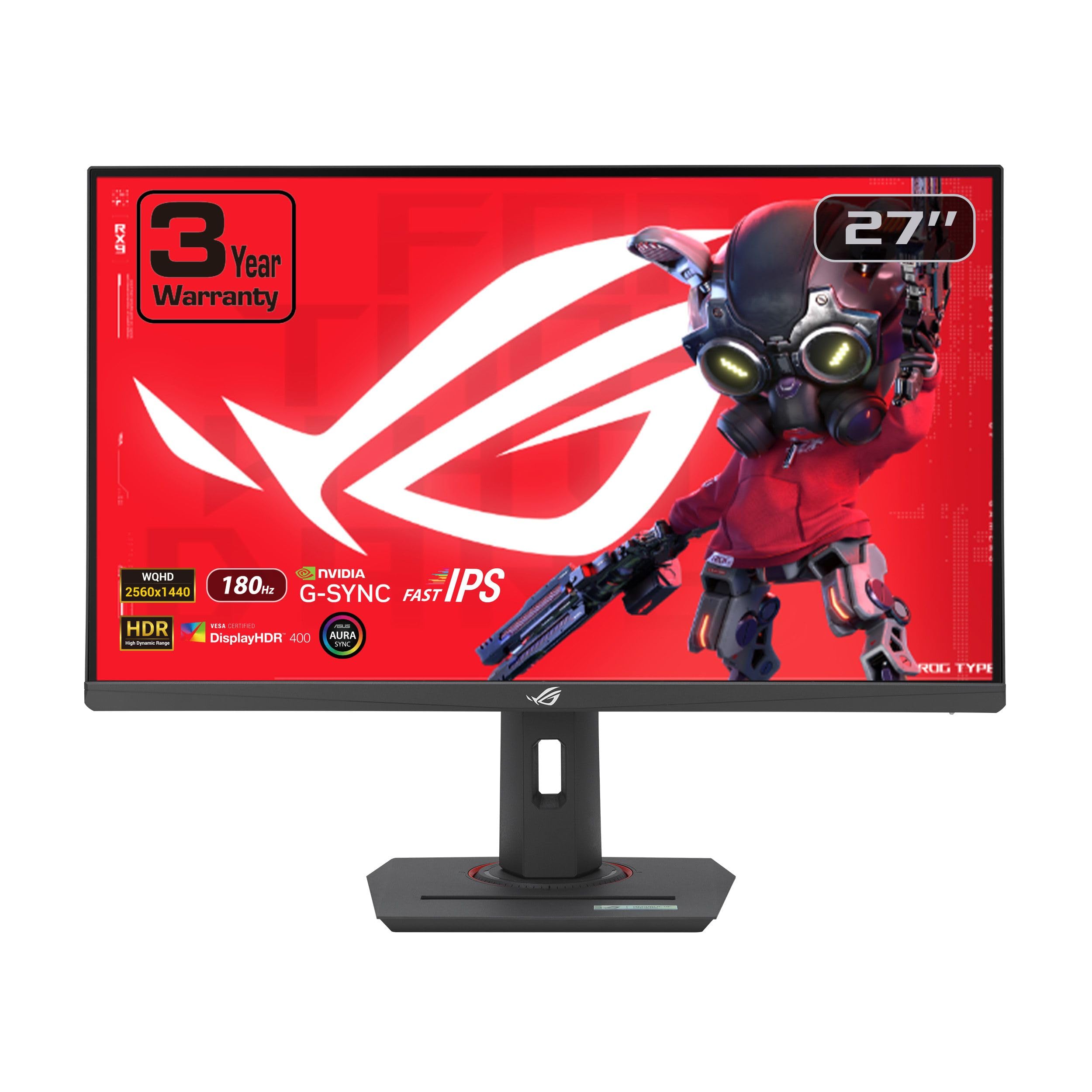
The 280Hz VA that pairs esports speed with the deep blacks IPS can’t match.
This is the second-fastest panel in the lineup and the fastest VA panel here, at 280Hz native refresh. The ASUS Fast VA technology delivers a 1ms (GTG) response time, so you get the speed of an esports display with a 4000:1 contrast ratio — VA’s signature deep-black advantage for spotting enemies in dark corners. ASUS Extreme Low Motion Blur Sync (ELMB SYNC) runs ELMB together with variable refresh rate to kill both ghosting and screen tearing at once.
The 95% DCI-P3 color gamut with advanced gray-scale tracking ensures smoother color transitions, and DisplayWidget Center lets you adjust monitor settings with a mouse instead of fiddling with buttons. The 31.5-inch curved form factor aids aiming and immersion, per owners. Connectivity includes DisplayPort 1.4, HDMI, and USB-C, with a tripod socket for mounting a webcam or phone above the screen.
Buyers call this “the most underrated gaming monitor” and praise its uniform backlight and low input lag, noting the VA panel’s response equals or betters IPS with superior contrast. One owner couldn’t hit 280Hz at max resolution without an OSD overdrive setting, and reliability is mixed with some units failing within a day. At this price, you are paying for the speed and contrast combination, not bulletproof longevity.
laptop companion: competitive players who want near-300Hz speed on a VA panel with deep blacks, plus a webcam tripod mount.
if budget conscious: the high-refresh setup can require tweaking, and reliability reports are genuinely mixed.
10. LG 32GP750-B 32 Inch QHD IPS Ultragear

The flat IPS workhorse with a matte screen that owners rave about for zero glare.
This flat 32-inch IPS monitor is the pick for buyers who want accurate color, a 165Hz refresh rate, and no curve at all. The IPS panel delivers crisp, vibrant colors from wide 178° viewing angles, and the matte screen finish is a major talking point — owners specifically praise how easy it is on the eyes with no glare, even in bright rooms. VESA DisplayHDR 400 compatibility (a brightness standard for high dynamic range) and 99% sRGB coverage (a color space standard) improve textures and natural light in games.
Nvidia G-Sync and AMD FreeSync Premium compatibility virtually eliminate screen tearing with either GPU brand, and the 1ms (GtG) response keeps fast action sharp. Customized game modes include two FPS profiles and one RTS profile, so you can tune per title. LG’s Dynamic Action Sync cuts input lag, Black Stabilizer brightens dark scenes to reveal hidden enemies, and the Crosshair feature enhances FPS accuracy. The tilt, height, and pivot adjustable stand is fully ergonomic.
The response time and color accuracy earn glowing owner feedback, with several calling it the best monitor they have used and noting it works flawlessly with Nvidia GPUs right from the start. The 1000:1 contrast is standard IPS, and a few shoppers say dead pixels or brightness that could be higher. For a flat, color-accurate 32-inch gaming screen with strong ergonomics, this is a proven value.
bright display: you do creative work or prefer a flat, matte-finish IPS screen with full ergonomic adjustment and Nvidia support.
if you want slim: you want a curved rich panel or the deepest possible blacks for dark-room viewing.
Understanding the Specs
Refresh Rate (Hz)
This is how many times the screen redraws its image every second. A 60Hz screen shows 60 frames per second, but a 170Hz or 180Hz screen shows far more, which makes fast motion look fluid instead of choppy. Higher is better for competitive shooters and racing games, but your graphics card must be strong enough to actually pump out those frames to benefit.
Contrast Ratio and Panel Type
Contrast ratio (like 3000:1) measures the difference between the darkest black and the brightest white a screen can show — more means deeper blacks and more dramatic scenes. VA panels typically offer the highest contrast, while IPS and Fast IPS panels trade some of that depth for wider viewing angles and more accurate colors.
Color Gamut (sRGB / DCI-P3)
Color gamut is the range of colors a display can reproduce, usually listed as a percentage. Higher percentages mean more vibrant, realistic colors in games, movies, and photo editing. Keep in mind these numbers represent the panel’s potential — the actual look depends on the monitor’s factory calibration and your settings.
Adaptive Sync (FreeSync / G-Sync)
Screen tearing happens when your graphics card and monitor refresh at different rates, creating a visible horizontal split in the image. Adaptive Sync technology syncs the two so both work in tandem, removing that tearing. AMD FreeSync and Nvidia G-Sync are the two main versions, and many monitors support both, so check the spec for compatibility with your GPU.
FAQ
Is 1440p worth it on a 32-inch monitor?
What refresh rate should I get for gaming on a 32-inch monitor?
What is the difference between VA and IPS panels?
Can my graphics card run a 1440p monitor at high refresh rates?
What does the 1500R curve mean and why does it matter?
Do I need a DisplayPort cable to reach full refresh rate on these monitors?
Do these monitors have built-in speakers?
Will a 32-inch monitor fit on my desk with a monitor arm?
Is a curved screen better than a flat screen for 32-inch monitors?
What does HDR10 mean on a gaming monitor?
Final Thoughts: The Verdict
The best 1440p 32-inch monitor for most buyers is the KOORUI 32″ Curved, because it delivers 170Hz, a 3000:1 contrast ratio, and years of proven owner satisfaction. If you want the deepest blacks for dark-room gaming, grab the KTC H32S5 with its 5000:1 contrast. For fast-paced competitive play where every frame counts, the ZZA 300Hz is the one to reach for.
How We Picked
We do not accept paid placement. Every pick is matched to a real buyer and a real use-case; we do not hands-on test units.
Sources & Methodology
Specifications: manufacturer listings and product documentation. Review insights: verified customer reviews, as of August 2026. Pricing: not shown on this page (it changes often); check the current price via the retailer link.
As an Amazon Associate, Gadgets Feed earns from qualifying purchases. This does not affect which products we feature.