
Our readers keep the lights on and my morning glass full of iced black tea. As an Amazon Associate, I earn from qualifying purchases.
Specs are compiled from manufacturer listings and verified buyer reviews and can change over time — please confirm the key details on the product page before buying.
You need one brick that charges your laptop fast, tops up your phone and tablet at the same time, and still fits in your bag. This guide covers seven high-power adapters rated at 96W or above (we included 100W and 140W models because they do the same job), so you can pick the one that matches your daily routine before you spend.
I’m Min — the founder and writer behind Gadgets Feed. This guide is built by comparing the manufacturers’ published specifications and the patterns across verified customer reviews, so you get each pick’s real strengths and trade-offs instead of marketing spin.
Find out which 96W USB-C Power Adapter earns the top spot for fast laptop charging and multi-device convenience, based on real buyer feedback and head-to-head specs.
Our Picks at a Glance

How To Choose The Best 96W USB-C Power Adapter
Before you pick, match the adapter’s wattage to what your laptop actually demands. A 96W brick will fast-charge a 14-inch MacBook Pro, while a 15-inch or 16-inch model may need closer to 140W to charge quickly under heavy use. If your laptop’s charger is rated at 96W or less, a 100W or 140W adapter covers you with headroom to spare.
Single port vs multi-port
Decide if you want a dedicated laptop charger or a hub that also charges your phone and earbuds. Multi-port adapters with 2 to 4 outputs let you carry one brick, but they split the total wattage across devices. A 140W adapter feeding three devices at once delivers less to each than it would to one alone.
GaN technology and heat
Gallium Nitride (GaN) is the semiconductor that lets chargers run faster, cooler, and smaller than older silicon-based bricks. If you charge aggressively or leave the adapter plugged in all day, GaN’s cooler operation protects both the charger and your device. Foldable prongs help the brick slide into a bag without scratching or snagging.
Quick Comparison
| Model | Best For | Max Wattage | Ports | Weight | Amazon |
|---|---|---|---|---|---|
| Apple 96W USB-C Power Adapter★ Best Overall | Genuine Apple single-device charging | 96W | 1 x USB-C | 10.2 oz | Amazon |
| Belkin 100W Compact GaN ChargerBest Value | Fast charging from the start | 100W | 1 x USB-C | — | Amazon |
| imokin 140W 4-Port GaN Charger | Charging three devices at once | 140W | 3 x USB-C + 1 x USB-A | 10.93 oz | Amazon |
| Baseus PD3.1 140W Charger | Traveling with foldable prongs | 140W | 3 x USB-C + 1 x USB-A | — | Amazon |
| Anker Nano 100W Charger | Powering laptop, phone, and earbuds together | 100W | 3 x USB-C | — | Amazon |
| Dell 100W AC Adapter | Dell XPS and Latitude owners | 100W | 1 x USB-C | — | Amazon |
| Apple 140W USB-C Power Adapter | Large MacBook Pro owners | 140W | 1 x USB-C | 9.6 oz | Amazon |
In‑Depth Reviews
1. Apple 96W USB-C Power Adapter
Our pick — over 4.5★ from 400+ verified ratings; the strongest balance of quality and price.
The original that set the bar for reliable, low-maintenance laptop charging.
This is the charger Apple pairs with your 14-inch MacBook Pro (2021 or later) for fast charging. Hook it up with a USB-C to MagSafe 3 Cable or USB-C Charge Cable and you get up to a 50 percent charge in around 30 minutes. That claimed speed holds up in the real world, where buyers report a full 10-100% charge in 1 hour and 47 minutes.
Owners consistently call it reliable, fast, and unmistakably authentic Apple. The biggest recurring complaint in the review pages is that you have to buy the USB-C cable separately — the box contains only the brick. Functionality and build quality earn the most praise in the review data, which tells you the core job is done exactly right.
At 10.2 ounces, it is heavier than the 140W Apple adapter below, but the weight buys a solid, durable feel. The honest trade-off is that a 96W brick can run lukewarm under a heavy load, and during intensive tasks it may drain the battery slightly instead of charging. This is expected behavior for a 96W adapter under sustained load, not a defect.
fastest Apple wattage
- Genuine Apple build with the familiar reliability
- Fast charging speed verified by buyers
- High-quality materials that last
bulky single port
- USB-C cable sold separately
- Runs lukewarm under heavy load
- Single port limits multi-device use
max speed: you want the exact charger Apple designed for your 14-inch MacBook Pro and you already own a USB-C cable.
one device: you plan to charge a phone and laptop from one brick, because this has just a single port.
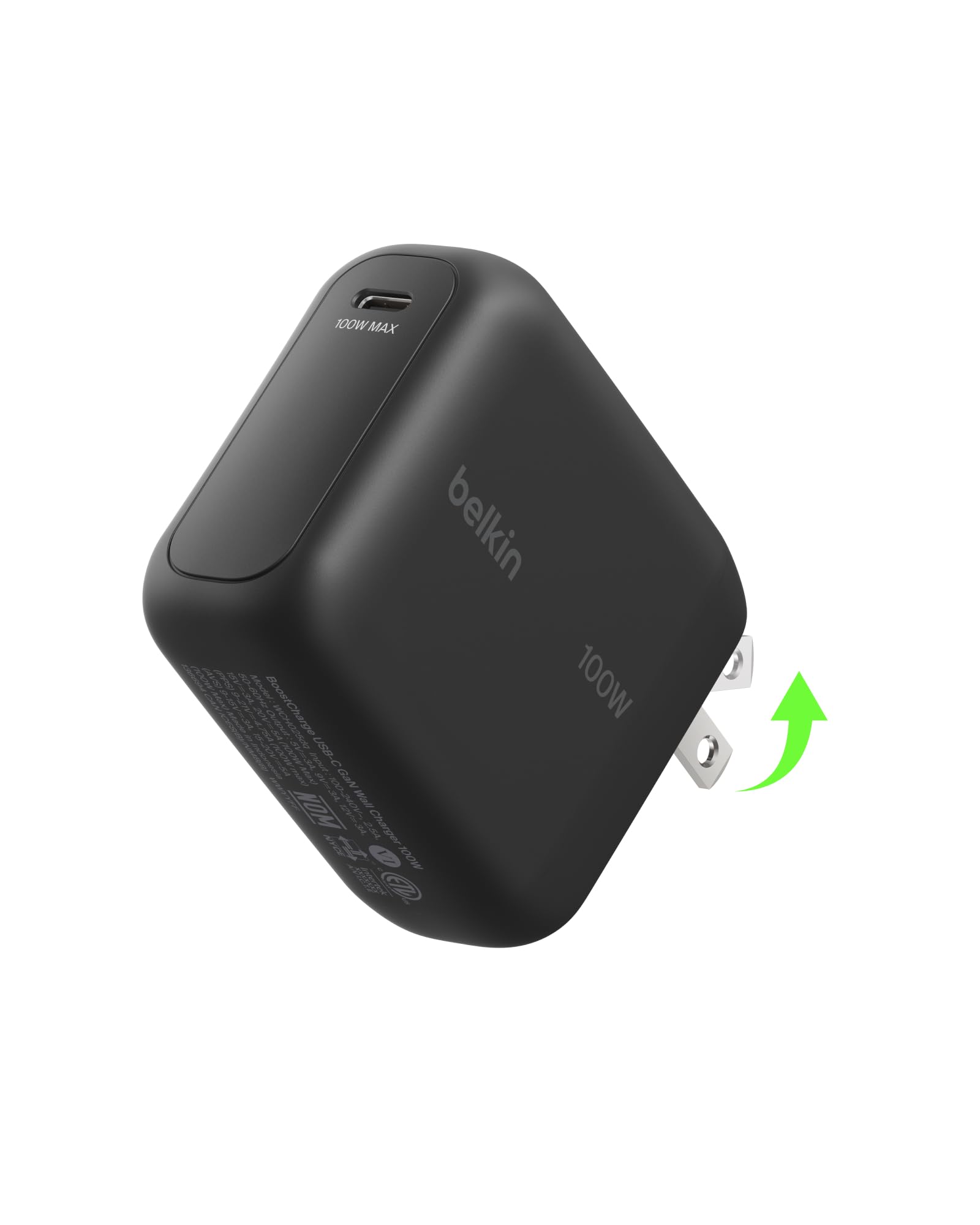
2. Belkin MacBook Charger, 100W Compact GaN USB C Charger Block
A fast, cable-included brick that keeps your gear cool while it charges.
Unlike the Apple brick above, this Belkin arrives with a 5-foot USB-C to USB-C cable, so you can start charging the moment it is unpacked. It pushes up to 100W, enough to rush a Chromebook or MacBook Air 13″ from 0-50% in just 20 minutes. Buyers describe it as “really fast charger that works great on my phone, iPad, and laptop,” which matches its standout reputation for charging speed in the review data.
Inside, GaN power (gallium nitride, a chip that runs cooler than older silicon) plus an over-heat protection system keeps the surface temperature down, so you can charge without the brick burning your hand. Belkin’s 8-point SmartProtect safety net guards against over-voltage, short circuits, surges, and signal interference. This safety suite is ideal for a charger that stays plugged in near your bed or desk.
It is 33% smaller than the original 96W MacBook charger, and the foldable prongs protect your bag while traveling. The 5 A amperage here is the highest in this lineup. Value for money comes through strong in owner feedback — enough that several buyers admit to buying a second unit after the first impressed them.
compact GaN power: anyone who wants a fast, single-device charger with the cable included and strong safety protections.
pricey for specs: it has a single USB-C port, so it cannot charge your laptop and phone at the same time.
3. imokin 140W USB C Charger Block, 4-Port GaN PD3.1 PPS
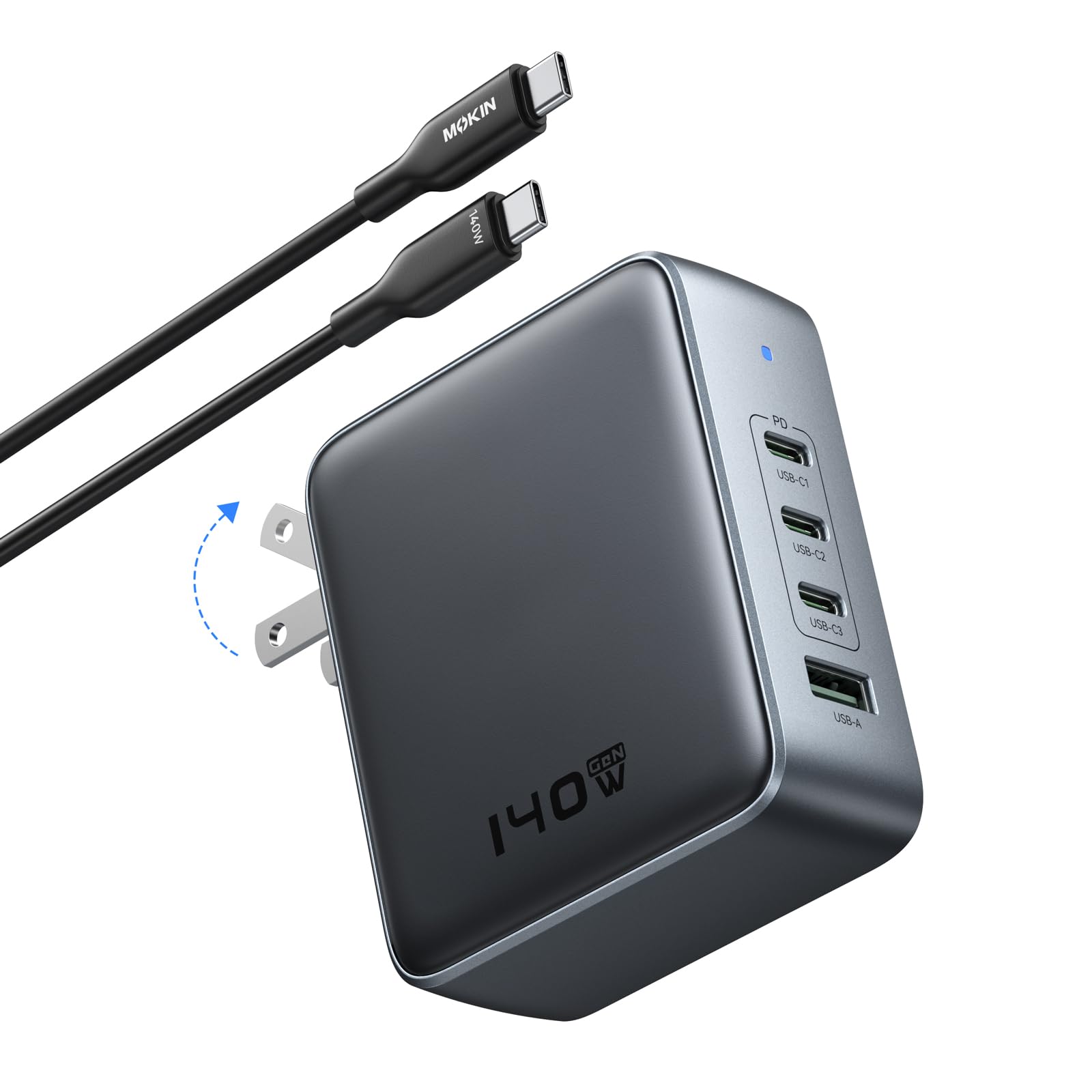
Plug in three things at once and still get blazing speed on each.
With 3 USB-C ports and 1 USB-A port, this is the adapter for gadget-heavy travelers. A single USB-C connection can draw the full 140W and charge a MacBook Pro 16″ to 56% in 30 minutes.
Upgraded GaN III technology keeps the body compact and cool while minimizing energy loss. The safety system adds continuous temperature monitoring and output control, protecting devices from overheating and overcharging. Owners confirm it charges a power bank without heating up and stays cool even under load.
Buyers love the included 3.9 ft USB-C cable and the 18-month replacement warranty. The one honest note from the review pages is that it is compact but still a large brick — a bottom wall outlet is handy so it does not cover the second socket. Owners also advise reading the small chart that shows each port’s power output when you charge solo versus multiple devices.
multi-device: families or professionals who keep a laptop, phone, and earbuds plugged in together all day.
trusted names: you only ever charge one device, because a four-port brick is more than you need.
4. Baseus PD3.1 140W USB C Charger PPS Fast Charger
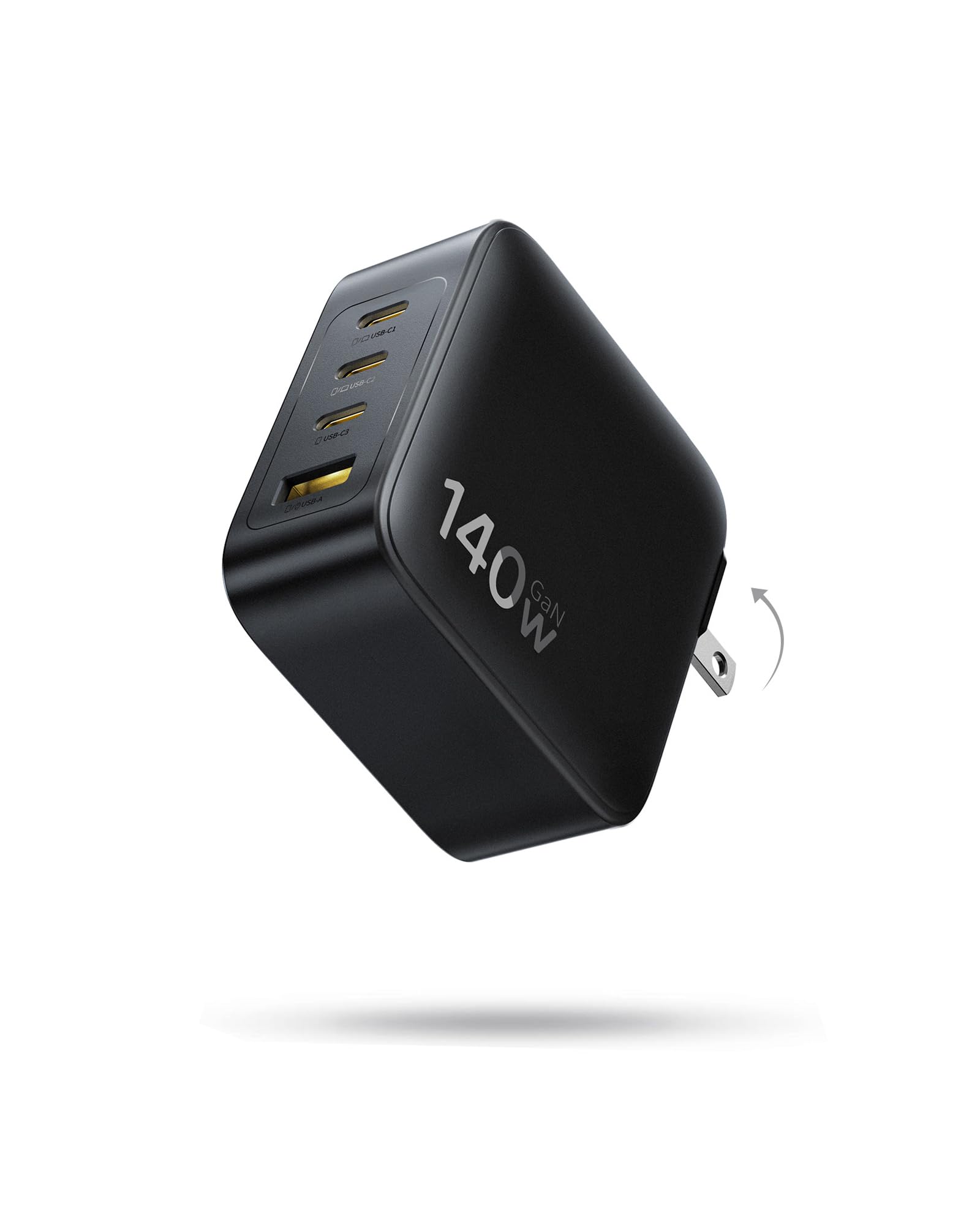
A compact 140W brick that fast-charges two laptops at the same time.
Most multi-port chargers split wattage awkwardly, but this Baseus turns that trick into a feature. Its two USB-C ports each deliver up to 70W when used together, so you can fast-charge two MacBooks simultaneously. Used alone, a single port hits the full 140W and takes a MacBook from 0% to 100% in about 97 minutes. Charging performance is the most-praised aspect in the review data by a wide margin.
The GaN-powered design runs cool with an up to 90% conversion rate, and the foldable prongs mean it slides into a backpack without scratching anything. It is approximately 35% smaller than Apple’s 140W power adapter, which makes it a genuine one-brick-for-everything travel companion. Owners note it stays cool enough that their current-reading cables show no overheating even above 100W.
Reliability and power are the other two aspects buyers single out most, alongside strong value for money. The one recurring note in the reviews is a mixed verdict on heat — most owners say it stays cool, while a minority notice it running warm under sustained heavy load. This is the trade-off for packing 140W into a compact frame.
PD3.1 fast charge
- Two USB-C ports each deliver 70W — charge two laptops at once
- Compact size with foldable prongs for travel
- High reliability and power praised by owners
hefty footprint
- Runs warm under sustained heavy output for some owners
- Built-in cable not included
5. Anker Nano 100W MacBook Charger, 3-Port Fast Compact GaN

The CES award-winner that charges a laptop, phone, and earbuds at once.
Plug into either USB-C port and you pull a full 100W, enough to run a MacBook Pro at speed while the other ports handle your iPhone and AirPods. The included 5 ft cable is built for a 5,000+ bend lifespan with a built-in E-Marker chip, so it correctly negotiates high power delivery.
GaN II technology shrinks this to 34% smaller than an original 96W MacBook power brick, and the CES 2022 Innovation Award honors the design. The review data shows overwhelming praise for build quality and reliability, with many buyers calling it their sole charger for travel. One owner sums up the sentiment: “Anker or bust.”
The honest caveat in the review pages is durability — a subset of owners mention a unit failing after roughly 50 days to three months of use. This is not the majority experience, but it is common enough to keep the 18-month warranty in mind. A few also note it is heavy enough to sag slightly in loose wall outlets.
daily carry: you want one compact brick that powers your laptop, phone, and earbuds from a single outlet.
heavy loads: the thought of an occasional early failure bothers you — the warranty covers it, but it is a real pattern.
6. Dell 100W Laptop Charger USB C Type C GAN AC Adapter
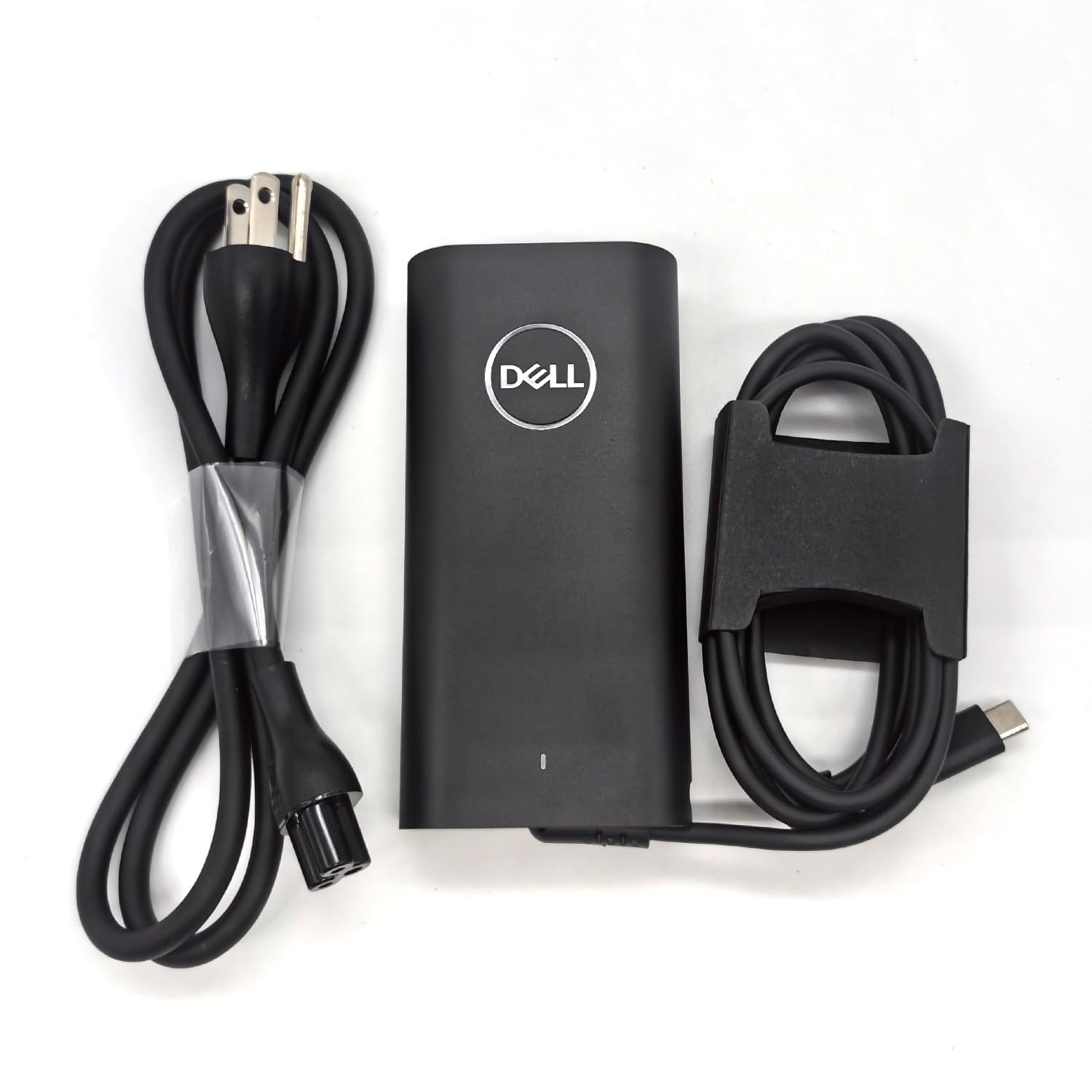
The genuine Dell brick your XPS 14 9440 was built to use.
If you own a Dell XPS 14 9440 or Latitude 9440, this is the exact original adapter they are designed around. It outputs 100W at 5A-20V, plus stepped-down profiles of 45W, 27W, and 15W for smaller devices. The 3-foot power cord and non-retail packaging keep the price down while delivering the genuine Dell part number DA100PM220 that matches your laptop’s spec.
Owners verify it charges their XPS 14″ 9440 fast and report the “real deal” markings. The versatility impresses too — one buyer uses it not just for Dell laptops but for Nikon camera gear, flashes, lighting, headlamps, and flashlights, noting it charges extremely fast and never even gets warm. This indicates clean, efficient power delivery.
The single honest warning from the review pages applies to any replacement charger: check your laptop’s wattage requirements before buying. A 100W adapter is right for the XPS 14 9440, but a larger gaming laptop may need more. The cable is permanently attached, so there is no swappable cord if it ever wears out.
Dell reliability: Dell XPS 14 9440 and Latitude 9440 owners who want the genuine original part, not a third-party clone.
bulky design: you need multi-port charging or a detachable cable, because this is a single-port design.
7. Apple 140W USB-C Power Adapter
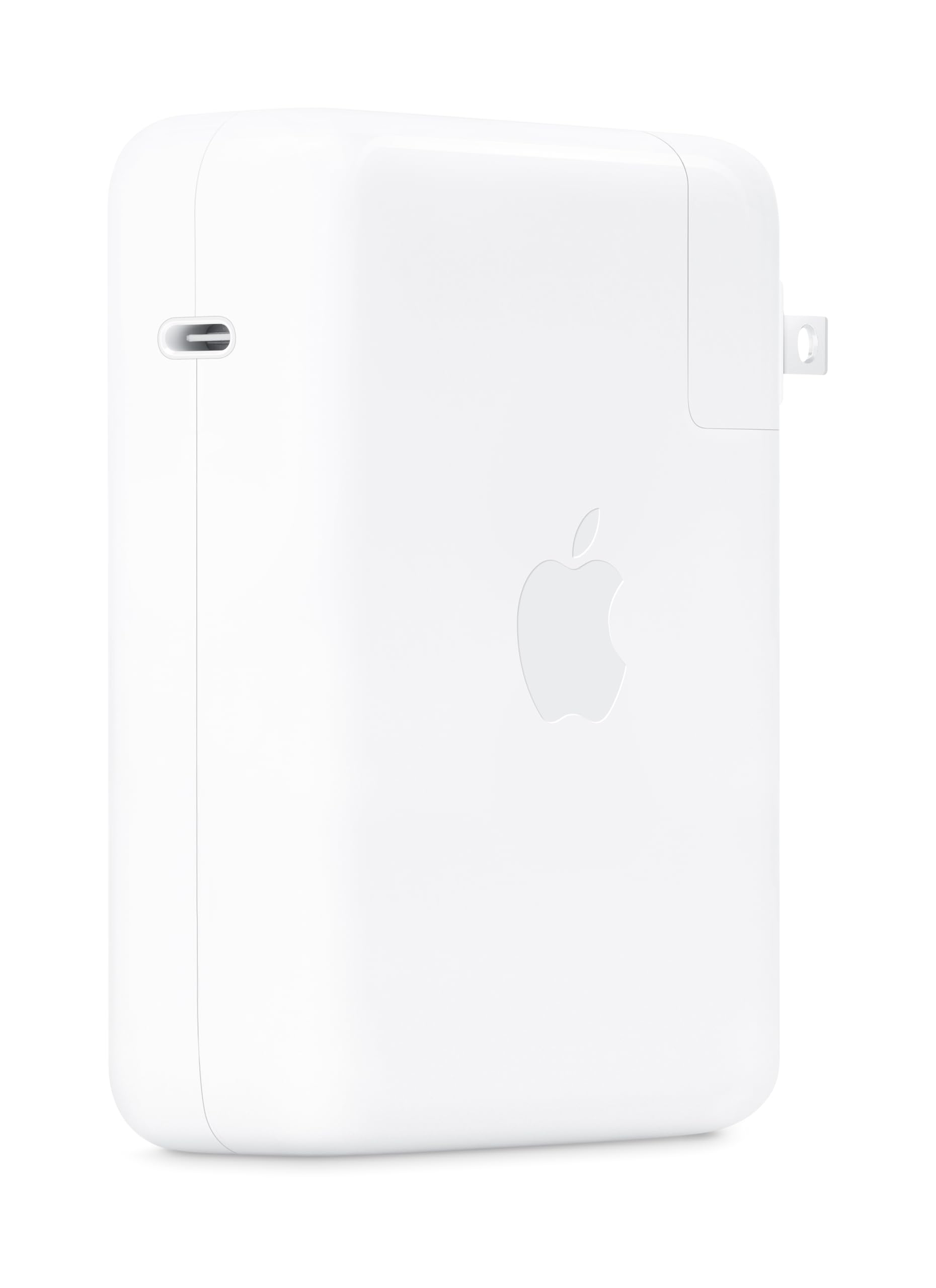
The heavyweight champ for 16-inch MacBook Pro owners who charge fast.
Apple recommends this 140W adapter for the 16-inch MacBook Pro (2021 or later) with a USB-C to MagSafe 3 Cable, reaching 0 to 50 percent in around 30 minutes. This is the scenario the 96W model above cannot fully cover. At 9.6 ounces, it is actually lighter than the 96W Apple brick despite delivering 46% more wattage — a notable engineering achievement.
Owners consistently rank quality, reliability, and charging speed near the top of what they love. The heat management specifically impresses: customers note it stays cool even while powering a 10-in-1 docking station with a MacBook Pro, iPad Pro, external hard drive, and USB devices all connected at once. One owner notes it runs far cooler than a competing Anker 140W model, and another confirms it solved trackpad lag by providing a proper grounding pin.
The honest mixed note in the reviews is value for money — many say it is worth the cost, while others find it pricey. This reflects the premium Apple build, with the cable sold separately. It is also a single-port brick, so it cannot share power across multiple devices.
max power: 16-inch MacBook Pro owners who want genuine Apple quality, fast charging, and cool operation.
budget buyers: multi-device households, because this single-port adapter leaves your phone and earbuds waiting.
Understanding the Specs
Wattage and USB-C PD
Wattage tells you how much power an adapter can deliver, and higher is better up to what your device accepts. USB-C Power Delivery (PD) is the protocol that lets a charger and device negotiate the right voltage, so a 140W brick will safely charge a phone that only needs 20W. Match the adapter’s wattage to your laptop’s original charger rating — going higher gives headroom, going lower means slow charging under load.
GaN vs Silicon
Gallium Nitride (GaN) is a semiconductor that switches power more efficiently than traditional silicon, which lets manufacturers build smaller bricks that run cooler. A GaN charger can often deliver the same wattage as a silicon brick in a fraction of the volume. If you plan to leave the charger plugged in all day or push it hard, GaN’s cooler operation protects both the adapter and your devices.
Ports and Multi-Device Charging
A single-port adapter dedicates all its wattage to one device, which is ideal for pure laptop charging. A multi-port adapter splits the total wattage across whatever is plugged in, so a 140W brick feeding three devices delivers less to each than it would to one alone. Look for the port-by-port power chart on the listing so you know exactly what you get when charging solo versus multiple devices at once.
Foldable Prongs and Weight
Foldable prongs let the charger sit flat in a bag without scratching other gear, which matters if you travel often. Weight matters when you carry the brick daily — a 140W model with four ports can weigh about the same as a 96W single-port adapter, which makes the multi-port version a smarter travel choice. Check whether a cable is included, because some genuine-brand bricks sell the cord separately.
FAQ
Will a 140W adapter damage my phone or smaller devices?
Can I use a 100W charger on a laptop that came with a 96W adapter?
What is the difference between 96W and 140W charging?
Do I need a special cable for fast charging at these wattages?
How do I know if a third-party charger is safe for my laptop?
Why does my charger get warm during use?
Is it better to buy one big multi-port charger or separate chargers for each device?
Can a USB-C laptop charger power accessories like cameras or flashlights?
What should I check before ordering a replacement laptop charger?
Final Thoughts: The Verdict
For most buyers, the 96w usb-c power adapter winner is the Apple 96W because it is the exact charger your 14-inch MacBook Pro was designed to use, and buyers rank its functionality and build quality above everything else. If you want a cable included and a value price, grab the Belkin 100W. And for multi-device charging on the go, the imokin 140W 4-port is the one to reach for. The crowd favorite here is the Anker Nano across 900+ ratings, but the Apple 96W holds a higher score — so choose based on your port needs, not just popularity.
How We Picked
We do not accept paid placement. Every pick is matched to a real buyer and a real use-case; we do not hands-on test units.
Sources & Methodology
Specifications: manufacturer listings and product documentation. Review insights: verified customer reviews, as of August 2026. Pricing: not shown on this page (it changes often); check the current price via the retailer link.
As an Amazon Associate, Gadgets Feed earns from qualifying purchases. This does not affect which products we feature.