
Our readers keep the lights on and my morning glass full of iced black tea. As an Amazon Associate, I earn from qualifying purchases.
Specs are compiled from manufacturer listings and verified buyer reviews and can change over time — please confirm the key details on the product page before buying.
When you shop for a 2TB internal hard drive, you need one that fits your exact job—a desktop, a security system, or a server that runs nonstop. The right drive keeps your PC fast, your room quiet, and your data safe. The wrong one can fail early or slow down your whole system.
I’m Min — the founder and writer behind Gadgets Feed. This guide is built by comparing the manufacturers’ published specifications and the patterns across verified customer reviews, so you get each pick’s real strengths and trade-offs instead of marketing spin.
Here is the plain-English breakdown of the best 2tb internal hard drive options ranked by performance, reliability, and real buyer experience.
Our Picks at a Glance


How To Choose The Best 2TB Internal Hard Drive
Your choice depends on what you store, how hard the drive works, and how much noise you can handle. A drive great for archiving photos may not suit a 24/7 security camera system.
Match the drive to the job
Desktop drives like the Seagate BarraCuda and WD Blue are the everyday workhorses. They are built for standard computing where the drive gets breaks. Surveillance and enterprise drives — like the Toshiba MG03ACA200 — are designed to run around the clock, which matters if you are recording video or running a server that never powers down.
Speed and cache decide the feel
Rotation speed is how fast the platters spin. A 7200 RPM drive moves data noticeably quicker than a 5400 RPM one, so large video files transfer faster. The cache is the drive’s short-term memory — a 256MB cache lets the drive hold more data before writing it, which smooths out performance. More cache and higher RPM mean a snappier drive, but often a louder one.
Quick Comparison
| Model | Best For | Rotation Speed | Cache | Interface | Amazon |
|---|---|---|---|---|---|
| Seagate BarraCuda 2TB★ Best Overall | Everyday desktop & gaming | 7200 RPM | 256MB | SATA 6Gb/s | Amazon |
| WD Black 2TBTop Performer | Gaming & creative pros | 7200 RPM | 64MB | SATA 6Gb/s | Amazon |
| WD Blue 2TBBest Value | Quiet daily storage | 5400 RPM | 64MB | SATA 6Gb/s | Amazon |
| Toshiba MG03ACA200 | 24/7 server & surveillance | 7200 RPM | 64MB | SATA 6Gb/s | Amazon |
| Seagate Barracuda ST2000DM001 | Budget desktop upgrade | 7200 RPM | 64MB | SATA 6Gb/s | Amazon |
| HP/Hitachi Ultrastar 7K3000 | RAID & CCTV systems | 7200 RPM | 64MB | SATA 3.0Gb/s | Amazon |
| Hiseeu 2TB Surveillance | Security camera systems | IntelliPower (5400~7200) | 64MB | SATA 6Gb/s | Amazon |
| MDD Desktop 2TB | Value desktop storage | 7200 RPM | 64MB | SATA 6Gb/s | Amazon |
| MDD Surveillance 2TB | Budget CCTV DVR | 7200 RPM | 32MB | SATA 3.0Gb/s | Amazon |
In-Depth Reviews
1. Seagate BarraCuda 2TB Internal Hard Drive HDD
Our pick — over 4.5★ from 105,000+ verified ratings; the strongest balance of quality and price.
The desktop workhorse with the biggest cache in this lineup.
This drive fits nearly every PC build because it balances speed, capacity, and reliability. Its 7200 RPM spin speed (how fast the platters rotate) moves files quickly, and the 256MB cache (a small memory buffer) holds four times more data than the 64MB on most rivals, so everyday tasks feel smoother. It holds a 4.7-star average across over 105,000 reviews, the top rating in this guide.
Owners consistently point to performance and value as the reasons they chose it, and the installation story is a win for beginners: it works from the start with no required software downloads. You can use the free Seagate DiscWizard tool to migrate or clone data from an old drive, which buyers report makes the swap nearly painless. Builds scale too — Seagate sells a range of capacities and form factors, so this 2TB model sits comfortably in a music, video, photo, or gaming rig.
The trade-off is the same one that shadows most fast platter drives: the noise level is a coin flip. For every owner who calls it super quiet, another finds it very noisy. It also is not the drive to boot your operating system from — several owners mention it is too slow for Windows as the main OS and works best as roomy secondary storage for games and files. Fit it in a desktop or a NAS like the UGREEN and it stays cool and compact, as one owner put it.
Why it wins
- Biggest cache of the group at 256MB for smoother transfers
- Free DiscWizard cloning software included
- Compatible with desktop PCs and NAS enclosures
Who should pass
- Noise level splits opinion — not the pick for silent builds
- Too slow to run your OS; keep an SSD for boot
The early pick: reach for this one if you want one dependable 2TB drive for a desktop or NAS that balances speed, capacity, and price.
Keep an eye on: if total silence matters more than performance, a lower-RPM drive will serve you better.
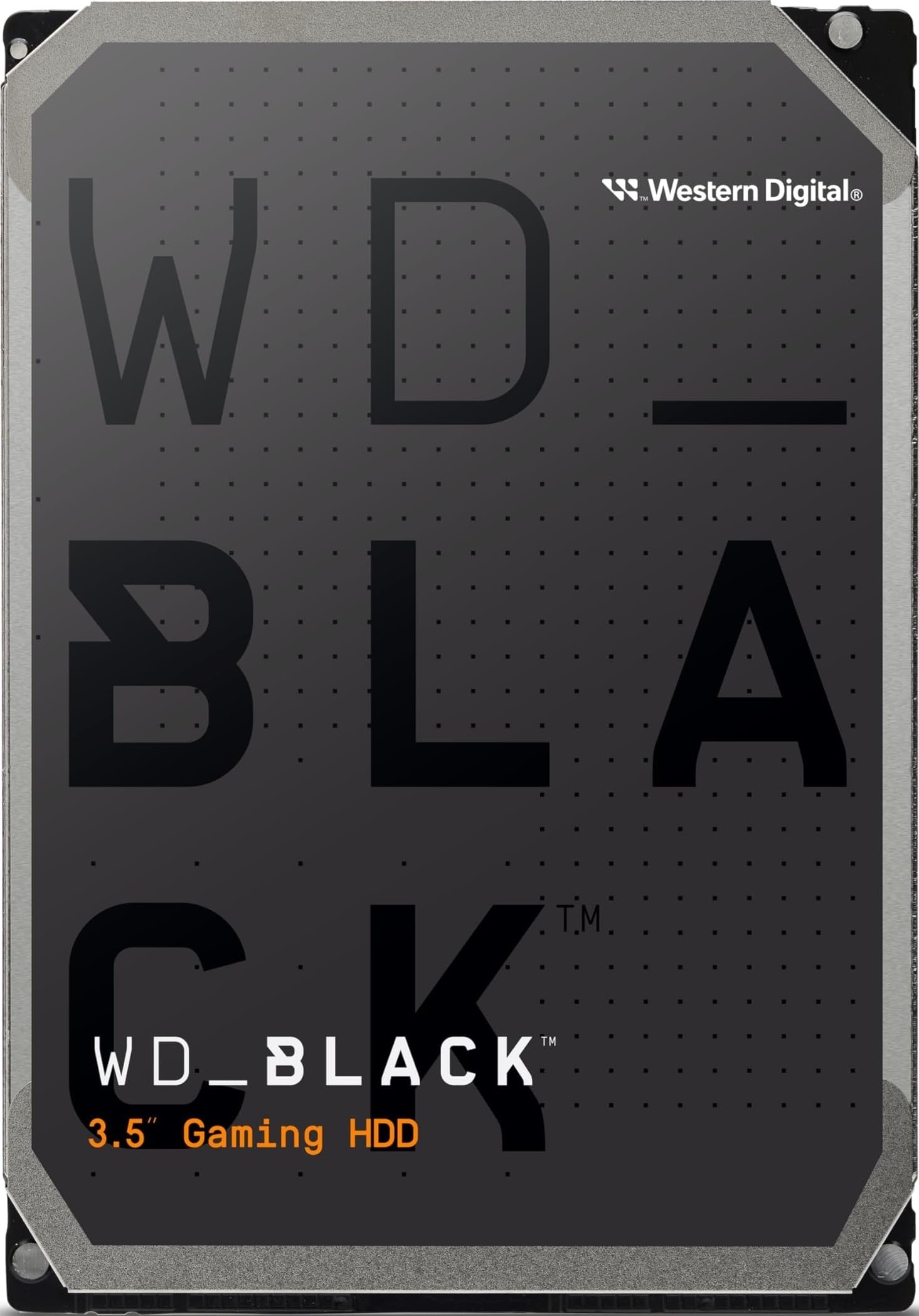
2. Western Digital 2TB WD Black Performance Internal Hard Drive HDD
The premium pick built for gamers and heavy creators.
For video editing or a large game library, this 2TB drive earns the nickname “a reliable beast for creatives” from owners. Its 7200 RPM speed (platter rotation rate) keeps timelines scrubbing and game levels loading fast. Western Digital’s StableTrac (a spindle lock) and Dynamic Cache (adaptive memory) are designed to boost reliability and performance. It also comes with an industry-leading 5-year limited warranty.
Customers note it is quiet and cool even with several case fans running, and it holds up under demanding use that would strain a cheaper drive. It arrives as a bare OEM drive with no cables, so you will format it yourself through Windows Disk Management — a small step that several owners flag as the one bit of extra homework. Many use it in external docking stations over USB 3.0 or eSATA for backup duties, and the speed difference over a lower-spec drive is immediately noticeable.
The honest catch is the premium you pay for that performance tier. It is the priciest drive in this lineup, and for pure archival storage you do not need that cost. But for the person who wears out standard drives, this is the one that keeps pace.
Who it beats: the everyday Seagate on sustained workflow speed and the confidence of that 5-year warranty.
The premium tax: you pay more upfront for the Black name, and it only pays off if you actually push it hard.
3. Western Digital 2TB WD Blue PC Internal Hard Drive
The quiet everyday companion that sips power and stores plenty.
If your 2TB drive is for photos, videos, and documents rather than heavy gaming, this WD Blue is the value pick owners keep coming back to. Its 5400 RPM class spin keeps it calm and quiet, and in real-world use buyers find its performance lands close to a 7200 RPM drive — so you give up little speed while gaining a quieter room. The 64MB cache and free Acronis True Image WD Edition cloning software round out a genuinely friendly package for a desktop upgrade.
Value for money and storage capacity are what people single out most, with plenty of room for large media libraries. Installation is straightforward, and several reviewers point out drives lasting over five years of steady service. On a Mac Pro, one owner cloned a 750GB drive over and found the new unit booted fine with faster seek times.
There is a caveat worth knowing: this is a bare drive with no screws or cables, and it arrives unformatted, so you will partition it in Disk Management before it shows up. In a dead-silent room you may also hear the occasional head tick during big file copies, which makes it less ideal for a media center next to the couch.
The reliable daily driver: you trade peak speed for quiet, low-power operation and the trust that comes with a well-worn model.
Reach for the Black instead if: your 2TB drive will live inside a gaming rig that demands constant fast access.
4. TOSHIBA MG03ACA200 2TB Enterprise Hard Drive

An enterprise drive that runs nonstop for servers and surveillance.
This Toshiba is built for the jobs that never stop — 24/7 operation is literally its design mission. With a 7200 RPM spin and 64MB cache over SATA 6.0Gb/s, it handles a FreeNAS backup box or a main Windows drive with the kind of steady reliability that desktop drives cannot always promise. Owners specifically call out its reliability and performance as the reasons it keeps working in setups that run day and night.
It works across desktop PCs, NAS units, CCTV DVRs, and surveillance storage, which makes it the most versatile workhorse on this list for mixed duties. One owner in a Mac Pro even prefers it over the Western Digital and Seagate drives in the same machine, and after several months as a main Windows drive it showed no issues.
Two things to know before you commit. First, it is genuinely loud — buyers describe it as “ridiculously noisy,” so it belongs in a closet or server room, not an open desk. Second, it ships as a bare drive with no mounting screws, though it does include a right-angle SATA cable that several owners found handy in a tower case.
Built to be ignored: you install it, close the case, and let it run — the noise is the price of that endurance.
Think twice if: your drive sits in a quiet living room; this one is for spaces that tolerate a hum.
5. Seagate Barracuda ST2000DM001 2TB 7200RPM 64MB Cache

A renewed desktop drive with proven legs and a full warranty.
This renewed Seagate Barracuda is the budget-savvy route to a full 2TB of 7200 RPM storage. It pairs a 64MB cache and SATA 6.0Gb/s interface with a 3-year warranty, and the renewed drives that arrive scan 100 percent clean on both disks. It fits any brand of SATA NAS, RAID, server, desktop PC, or surveillance system, so it slots into nearly any bay you have.
Owners who got a good unit report it running strong a full year in, fitting right into a desktop without fuss, and arriving in like-new shape. The listing is a bare drive with no screws, cables, or accessories, and the friendly reminder to format it before use is worth heeding.
The risk with any renewed drive is the luck of the draw. A small share of buyers received units that never powered on or were never recognized by any computer they tried, and some found the seller unresponsive. It is exactly the kind of split you get with refurbished hardware — most are solid, but a few slips slip through.
The upside
- 3-year warranty backs the renewed units
- 7200 RPM speed at a budget price
- Broad compatibility across NAS, RAID, and desktops
The gamble
- Renewed condition means occasional dead-on-arrival units
- Seller support drew sharp complaints when drives failed
Best for budget builders: choose this if saving money matters more than the confidence of a brand-new unit.
Look elsewhere if: you cannot risk a dead drive; a fresh unit costs more but skips the lottery.
6. HP/Hitachi Ultrastar 7K3000 2TB 7200RPM 64MB Cache

A heavy-duty refurb that thrives in CCTV and RAID duty.
This certified refurbished Ultrastar is the enterprise-grade pick for systems that chew through data: CCTV DVRs, RAID arrays, NAS boxes, and servers. It spins at 7200 RPM with a 64MB cache and a SATA 3.0Gb/s interface, and it is tested and inspected to look and work like-new with a minimum one-year warranty. Each unit passes factory diagnostic software plus a full sector-by-sector test, so the ones that ship are verified with zero bad sectors.
In a CCTV system, shoppers say the drives “worked fine of the bat” and recommend them to friends, with reliability and value for money the standout traits. The heavy-duty build is what makes it a fit for the constant writes of security recording, where a desktop drive would wear out faster.
The noise is the first thing you will notice — it is a loud enterprise unit, and owners say so plainly. There is also a small risk with any refurbished drive: a select few buyers hit a failure that the vendor’s testing did not catch, and the support experience in those cases was poor. For most, the price-to-reliability balance is exactly why they chose it.
The CCTV specialist: this drive earns its keep where reliability under constant writes matters more than silence.
Who it is not for: quiet desktop users who want a hushed machine — look at the WD Blue instead.
7. Hiseeu 2TB Internal Hard Drive HDD 64MB Cache

The plug-and-play swap for your security camera system.
If your camera DVR just lost its drive, this Hiseeu is engineered to be the painless replacement. It runs on IntelliPower, which shifts between 5400 and 7200 RPM to cut power use and heat, and it is designed for 24/7 operation in security systems. With a 64MB cache and SATA 6.0Gb/s, it boots and records within minutes — buyers report swapping it in and being up and running in about ten minutes.
What wins people over is how quiet it runs — several buyers are genuinely surprised at the silence from a working surveillance drive. The customer support draws consistent praise, with one owner whose original drive failed getting a replacement quickly and their system recording normally again. It works for servers, PCs, Macs, RAID, and NAS beyond just Hiseeu’s own camera hardware.
The catch is a reliability split typical of budget surveillance drives: for every owner with a smooth install, another reports the drive not working for very long. The 1-year limited warranty is there, and the support team’s track record is the safety net. It is a bare single-pack unit, so screws, cables, and accessories are on you.
The camera bay filler: if your DVR is down, this is the fastest, most supported route back to recording.
Proceed with eyes open: longevity is a coin flip, and the quiet operation is the best part of the deal.
8. MDD MAXDIGITALDATA 2TB 64MB Cache 7200RPM SATA 6.0Gb/s Desktop

A reliable replacement drive at roughly half the OEM cost.
This MDD desktop drive is the value play for a straightforward swap. It spins at 7200 RPM with a 64MB cache on SATA 6.0Gb/s, and it is backward compatible, so it drops into older and newer systems alike. Buyers call it a well-built drive that restored a failing system quickly, performing flawlessly as a direct replacement for roughly half what the original equipment would cost.
Functionality and value for money are what owners mention most, with easy installation and low noise as pleasant surprises. It runs steady in a server without problems and needs no additional setup beyond formatting. A 2-year warranty adds a layer of confidence to the renewed condition.
The one sour note is packaging: one owner traced a failed unit to thin cardboard that likely damaged the drive in transit. That same drive was unrecognized after an initial boot succeeded. It is a reminder to inspect your unit on arrival, but for most buyers the drive simply works.
What you gain
- 7200 RPM speed with low reported noise
- Backward compatible for older PCs
- 2-year warranty on a renewed unit
What to watch
- Thin packaging has caused transit damage in some cases
- Renewed condition varies by unit
Grab it when: you want an affordable, drop-in desktop replacement and accept the small gamble of a renewed unit.
skip it if: you prefer a brand-new drive for critical data — the Seagate BarraCuda removes that doubt.
9. MDD MAXDIGITALDATA 2TB 32MB Cache 7200RPM Surveillance DVR

The budget DVR drive that keeps cameras rolling around the clock.
Built for constant surveillance, this MDD drive handles video streams and runs 24/7. It spins at 7200 RPM with a 32MB cache and a SATA 3.0Gb/s interface (a connection that transfers data at half the speed of the SATA 6.0Gb/s drives above), which is plenty for recording camera feeds. It ships with a 2-year warranty and is designed for quiet operation, low power draw, and cool temperatures.
Installation is genuinely simple — a couple of screws and wires — and the company’s customer support stands behind the product, replacing a defective-on-arrival unit immediately.
The honest fit note: reliability is the most-discussed trait here, and it is mixed. Some owners enjoy over a year of trouble-free recording, while others report a drive that failed within two months or made loud noises from install. The 2-year warranty and responsive support are your cushion, but if your camera system cannot afford downtime, the Toshiba enterprise drive is the safer bet.
The budget roll of the dice: it works beautifully for many DVR owners, and the warranty catches the rest.
Choose the Toshiba instead if: a failed camera drive is not a risk you want to take with a 24/7 system.
Understanding the Specs
Cache Memory
Think of the cache as the drive’s short-term scratchpad. A larger cache — like 256MB on the Seagate BarraCuda versus 64MB on most others — lets the drive hold more data before physically writing it to the platters. That means smoother transfers and less stutter when you are copying many small files at once.
Rotation Speed (RPM)
RPM stands for rotations per minute — how fast the platters spin inside the drive. A 7200 RPM drive moves data noticeably quicker than a 5400 RPM one, so large video files and game loads feel faster. The trade-off is noise and heat: faster spinning usually means a noisier drive.
FAQ
Will a 2TB internal hard drive fit in my desktop PC?
Why does my new 2TB drive show less capacity than 2TB?
Which is better for gaming, a 5400 RPM or 7200 RPM drive?
What does the cache size do for my daily use?
Is a surveillance hard drive different from a desktop hard drive?
Are renewed or refurbished 2TB drives safe to buy?
Can I use a 2TB internal drive in a NAS or security DVR?
How long does a 2TB internal hard drive last?
Why is my new drive not showing up in Windows?
Final Thoughts: The Verdict
For most people, the 2tb internal hard drive winner is the Seagate BarraCuda because it balances the biggest cache, proven reliability, and broad compatibility at a price that makes sense. If you want premium gaming speed with a 5-year warranty, grab the WD Black. And for a 24/7 surveillance or server build, the Toshiba MG03ACA200 is the one to reach for.
How We Picked
We do not accept paid placement. Every pick is matched to a real buyer and a real use-case; we do not hands-on test units.
Sources & Methodology
Specifications: manufacturer listings and product documentation. Review insights: verified customer reviews, as of August 2026. Pricing: not shown on this page (it changes often); check the current price via the retailer link.
As an Amazon Associate, Gadgets Feed earns from qualifying purchases. This does not affect which products we feature.