
Our readers keep the lights on and my morning glass full of iced black tea. As an Amazon Associate, I earn from qualifying purchases.
Specs are compiled from manufacturer listings and verified buyer reviews and can change over time — please confirm the key details on the product page before buying.
If you are tired of scrolling through spreadsheets and long documents, a 16:10 monitor gives you extra vertical space that a standard 16:9 screen simply cannot match. That extra height means more rows, more lines of code, and less time wasted moving your mouse to hit the scroll bar. This guide breaks down the best portable 16:10 options on the market, focusing on what actually matters for your daily workflow and gaming sessions.
I’m Min — the founder and writer behind Gadgets Feed. This guide is built by comparing the manufacturers’ published specifications and the patterns across verified customer reviews, so you get each pick’s real strengths and trade-offs instead of marketing spin.
Whether you are a digital nomad, a programmer, or a console gamer, finding the right 16:10 monitor means weighing resolution, refresh rate, and portability against your specific needs to avoid buyer’s remorse.
Our Picks at a Glance
How To Choose The Best Portable 16:10 Monitor
Before you pick a portable 16:10 monitor, ask yourself three things: what you’ll plug in, where you’ll use it, and whether you care more about smooth motion or raw pixel count. Decide if this screen is a travel buddy or a permanent desk upgrade before you dive into specs.
Resolution and Panel Quality
On a 16-inch panel, the jump from 1920×1200 to 2560×1600 is significant for text sharpness and photo editing. A higher resolution like QHD also gives you more on-screen real estate for side-by-side windows. Color accuracy matters too — a 100% sRGB coverage ensures what you see matches what you print or publish online.
Refresh Rate and Adaptive Sync
For gamers, a 120Hz or 144Hz refresh rate makes fast-paced action feel significantly smoother than a standard 60Hz display. FreeSync is a technology that reduces screen tearing by syncing the monitor’s refresh rate to your graphics card’s frame output. If you play console games, check that the monitor supports the refresh rate over the HDMI port you plan to use.
Connectivity and Power
The beauty of modern portable monitors is the single-cable USB-C connection that carries both video and power. However, this only works if your laptop has a Thunderbolt 3/4 port or supports DisplayPort Alt Mode over USB-C. If your device lacks this, you will need to use an HDMI cable plus a separate power source.
Quick Comparison
| Model | Best For | Resolution | Refresh Rate | Brightness | Amazon |
|---|---|---|---|---|---|
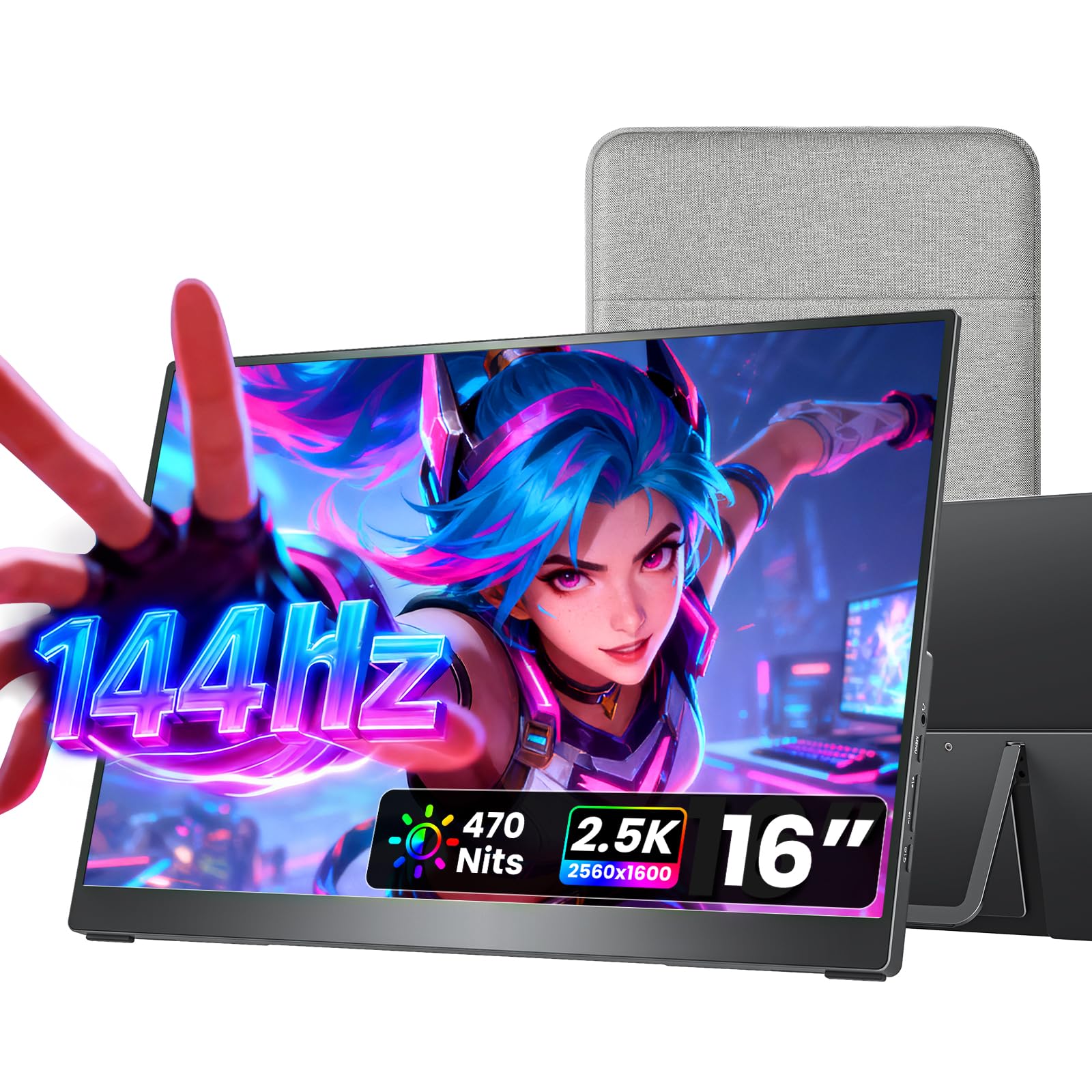
| cocopar 16″ 2.5K★ Best Overall | Best Overall | 2560 x 1600 | 144Hz | 470 cd | Amazon |
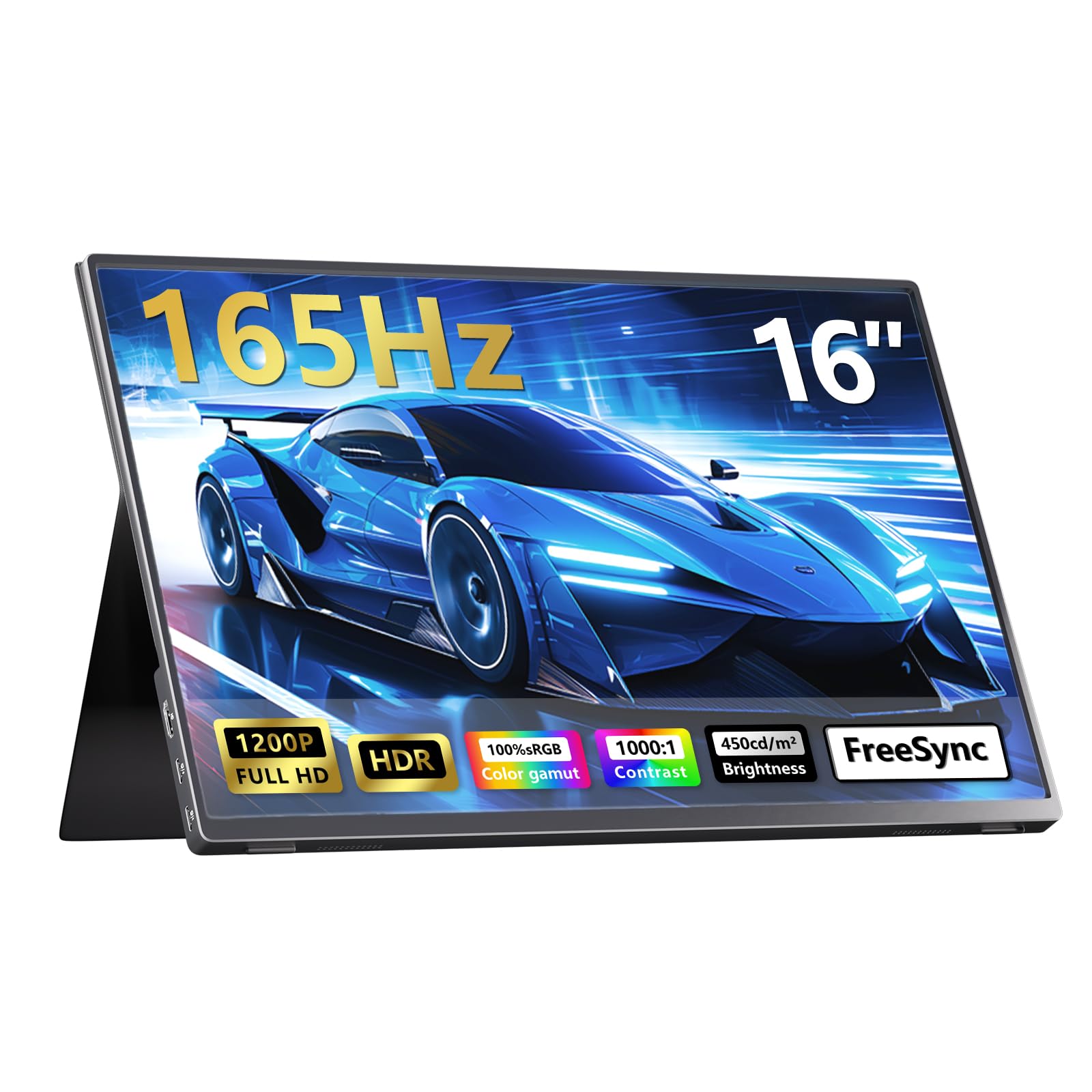
| 16″ 165Hz KPOCETBudget Gaming | Budget Gaming | 1920 x 1200 | 165Hz | 450 cd | Amazon |
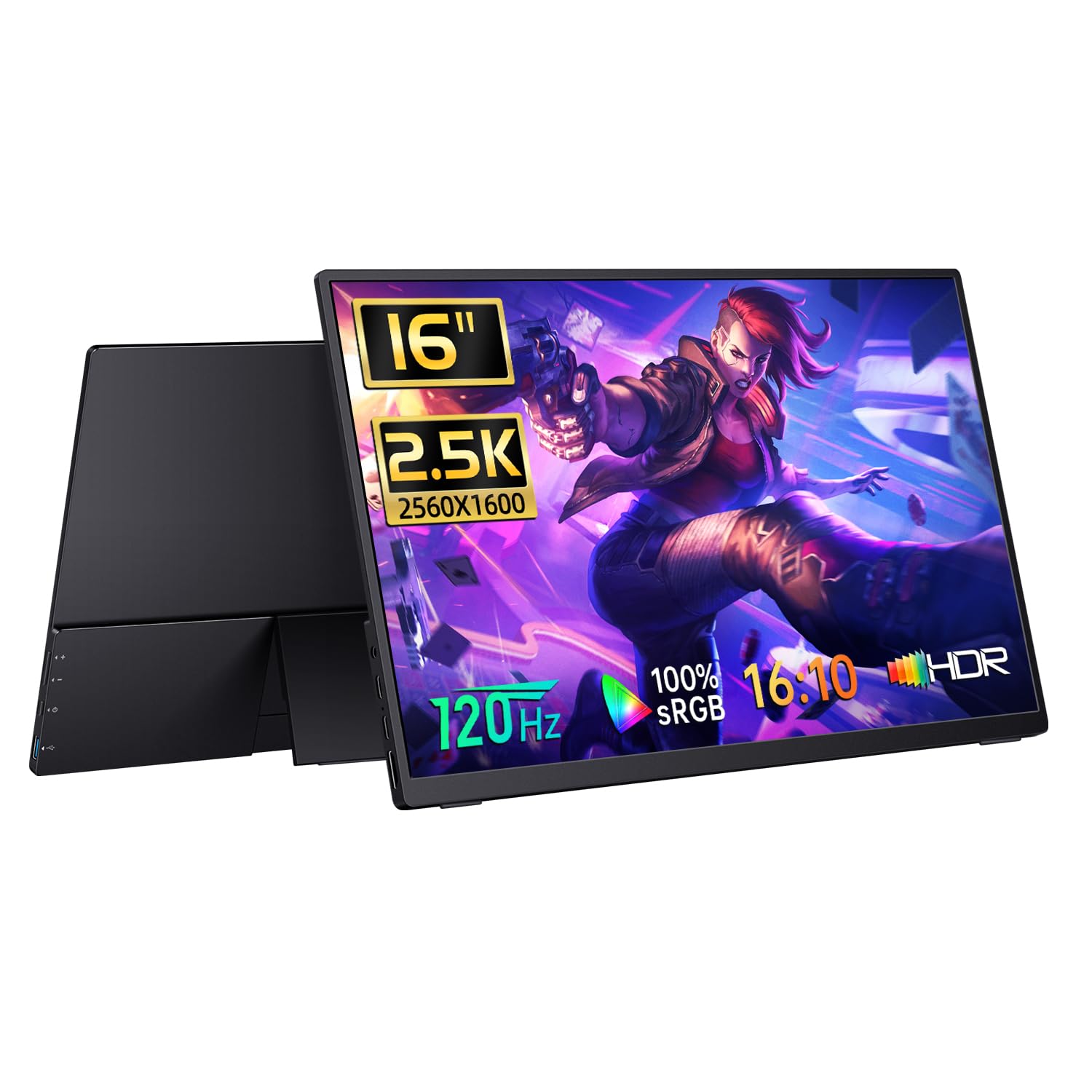
| CAPERAVE 16″ 2.5KBudget QHD | Budget QHD | 2560 x 1600 | 120Hz | 400 cd | Amazon |
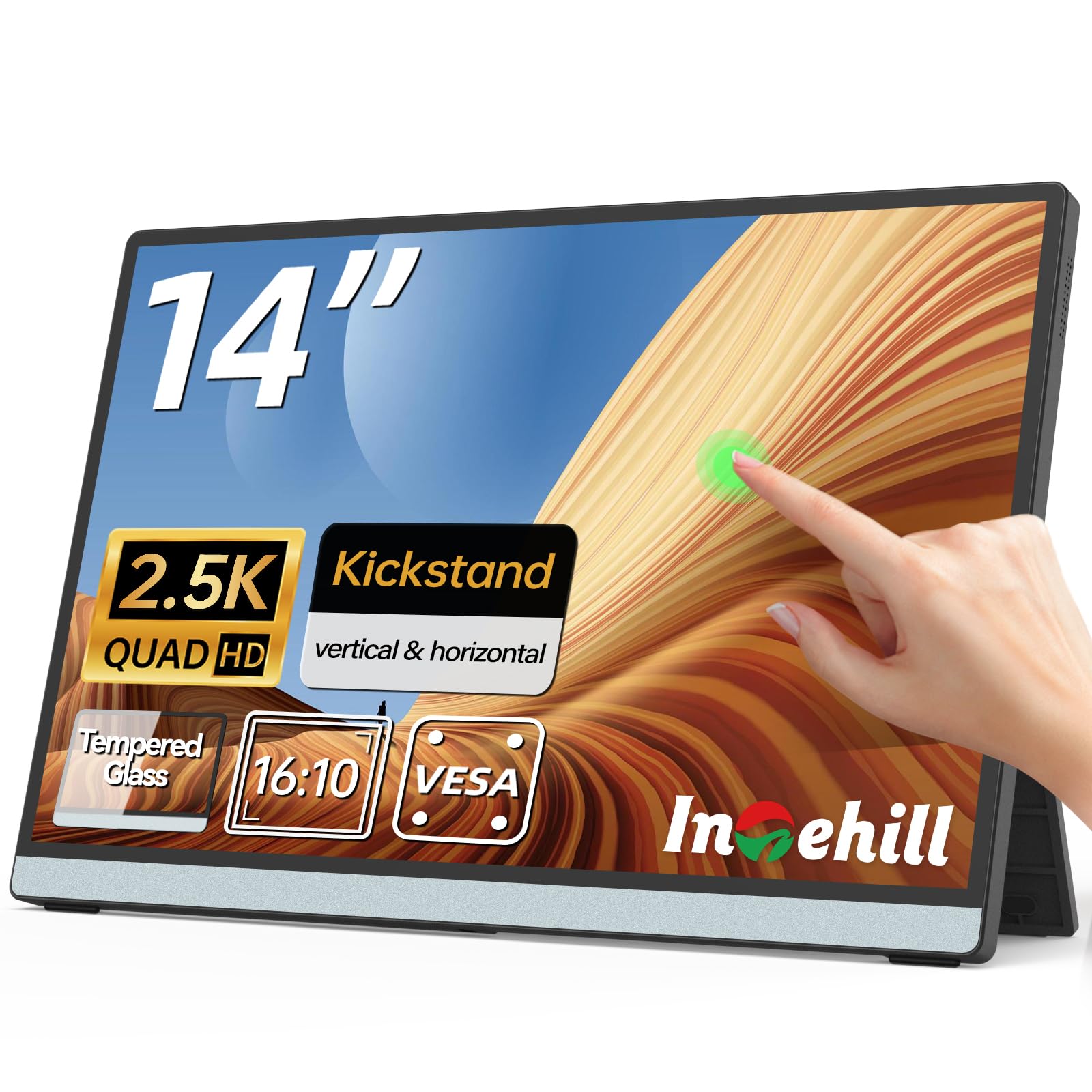
| Intehill Q14ZT 14″ | Compact Touch | 2560 x 1600 | — | — | Amazon |
| InnoView 16″ 240Hz | High-FPS Gaming | 2560 x 1600 | 240Hz | 300 cd | Amazon |
| Intehill T16PB 16″ | Touch + Productivity | 1920 x 1200 | 120Hz | — | Amazon |
| SMISEACOW 15.6″ | Triple-Screen Setup | 1920 x 1200 | — | 300 cd | Amazon |
| VisionOwl 16″ 2.5K | Premium Value | 2560 x 1600 | 144Hz | 470 cd | Amazon |
| FLYTOCCA 16″ | Detachable Extender | 1920 x 1200 | — | 300 cd | Amazon |
| EHOMEWEI Q5 16″ | Color Accuracy | 2560 x 1600 | 120Hz | 400 cd | Amazon |
| SOTSU FlipAction Pro | Premium Creator | 2560 x 1600 | 120 Hz | 400 Nits | Amazon |
In-Depth Reviews
1. cocopar Portable Monitor 16 Inch 2.5K QHD
Our pick — over 4.5★ from 6,000+ verified ratings; the strongest balance of quality and price.
The near-perfect blend of travel weight, sharp QHD pixels, and a smooth 144Hz panel.
At just 1.5 lb and 0.2 inches at its slimmest point, this is the screen you slide into a backpack and forget about until you need it. The 2560×1600 2.5K resolution gives you noticeably sharper text and more vertical workspace than a standard 1080p panel, and the 16:10 ratio means your laptop’s screen and this monitor feel like they belong together. It also delivers a 144Hz refresh rate, so fast-paced games and scrolling both feel fluid rather than choppy.
The 470 cd brightness outshines the CAPERAVE’s 400 cd, keeping the screen readable near windows or in bright coffee shops. The screen also covers 110% sRGB, giving you vivid, accurate colors straight from the start for photo editing or creative work. Buyers consistently praise the travel-friendly design and the true plug-and-play USB-C setup with MacBook Pro laptops — no drivers needed, just one cable for video and power.
That one-cable magic requires your laptop to support Thunderbolt 3/4/5 or USB-C DP Alt Mode, so check your ports before you rely on it. The built-in dual 1.5W speakers are fine for video calls in a quiet room, but they are not going to replace a decent headset. Buyers report the full brightness only kicks in when you use the included power adapter, so plan to carry it if you want maximum visibility outdoors.
What wins people over
- Featherlight 1.5 lb build with a protective fabric sleeve included
- Sharp 2560×1600 resolution with rich 110% sRGB colors
- Fast 144Hz refresh rate works for both work and play
- Full metal chassis with VESA mount holes for desk setups
What to check first
- Built-in speakers are quiet and best for quiet rooms
- Full brightness requires the included power adapter
- Needs Thunderbolt 3 or USB-C DP Alt Mode for single-cable use
Reach for this if: you want the most complete package — sharp QHD, high refresh, and a light frame — for travel and daily desk work.
Look elsewhere if: you need a touchscreen or a larger-than-16-inch display for your setup.
2. 16″ 165Hz Portable Gaming Monitor with Case
A refresh-rate king that pushes 165Hz on both HDMI and USB-C while staying affordable.
For gamers on a budget, this panel’s headline feature is its 165Hz refresh rate — faster than the 120Hz on the CAPERAVE model, which means smoother motion in fast FPS and racing titles. The 1920×1200 resolution keeps the pixel count lower, which makes hitting those high frame rates easier on your graphics card. The 3000:1 contrast ratio is a standout here, delivering deeper blacks and punchier shadows than the 1200:1 found on many competitors, so dark game scenes stay readable.
The matte IPS panel is a blessing for anyone who works near windows, killing the reflections that glossy screens suffer from. The 450 cd brightness and 100% sRGB coverage mean colors stay vivid and accurate in bright rooms, and the black metal chassis helps heat dissipate during long sessions. The complete kit in the box — power adapter, HDMI, and two USB-C cables — is a welcome touch, since many rivals ship without a power adapter.
The honest catch: there is no built-in battery, so it must stay plugged in, which makes it less ideal as a true ultralight travel companion. Some owners mention the FreeSync feature over DP Alt Mode can disconnect during games and fail G-SYNC compatibility tests, so treat adaptive sync as a nice-to-have rather than a guarantee. The stand is also a bit weak, so consider a VESA mount if you plan to use it at a desk long-term.
Best for the price: If you want the highest refresh rate for the lowest cost and mostly game from a desk, this delivers. The 165Hz over both ports is a genuine advantage over the 120Hz CAPERAVE, and the brighter 450 cd panel beats the InnoView’s 300 cd.
The fine print: Treat the FreeSync as a bonus, expect to keep it plugged in, and you have a strong value gaming monitor.
Choose it for: smooth 165Hz gaming on a budget with a bright, reflection-resistant panel.
Not for you if: you need a built-in battery for true on-the-go use without an outlet nearby.
3. CAPERAVE Portable Monitor Gaming 2.5K 120Hz
The cheapest way to get a true 2560×1600 16:10 panel with solid color performance.
If sharp text and detailed images matter more to you than the absolute highest refresh rate, this 16-inch panel delivers a 2560×1600 QHD resolution at a budget-friendly price. It also packs a 120Hz refresh rate and a 1200:1 contrast ratio, so it handles both productivity and action games comfortably. The 10-bit color depth supports over 1 billion colors, which helps gradients look smooth rather than banded in photos and video.
The 100% sRGB coverage ensures accurate colors for photo editing and graphic design on the go. At 400 cd brightness, it is slightly dimmer than the cocopar’s 470 cd, so expect to angle it away from direct sunlight for the best picture. Owners rate the screen quality and picture quality as the standout features, and it works well as a dual-monitor setup with a laptop, offering crisp images and easy setup.
Brightness feedback is mixed, so set your expectations accordingly — it is excellent for indoor use but not a winner in direct sun. The matching resolution means it pairs perfectly with an iPad Pro or Windows Remote Desktop, making it a favorite for professionals who need a second screen that actually matches their primary display’s clarity. It weighs just 0.7 inches deep, so it slips into most laptop bags without adding bulk.
Value verdict: You trade a little brightness for a lot of sharpness. The 33% higher resolution than the KPOCET’s 1920×1200 panel makes it the better pick for text-heavy work at a similar price.
The trade-off: Expect to manage reflections in bright rooms, but for indoor productivity and editing, this is a strong budget QHD choice.
Best for: students and editors who want crisp QHD detail and don’t need the highest refresh rate.
skip it if: you play competitive shooters and want maximum motion smoothness over pixel density.
4. Intehill 2.5K Portable Monitor Touchscreen 14″
A compact 14-inch touch panel that brings interactive control to your laptop workflow.
If you have ever wished your MacBook had a touchscreen, this 14-inch portable monitor delivers exactly that with 10-point capacitive touch support. You can swipe, pinch, zoom, and scroll directly on the screen, turning your laptop into a more interactive workstation. The 2560×1600 resolution with 100% sRGB and a 1200:1 contrast ratio keeps text crisp and colors rich despite the smaller 14-inch size.
The 16:10 aspect ratio offers more vertical workspace, which is a real advantage for multitasking. It is ultra-slim at 0.4 inches and weighs just 1.8 lbs, so it fits easily into a briefcase for business travel. The full-laminated tempered glass panel reduces reflections while adding durability, and the 90° tilting stand supports both landscape and portrait orientations for flexible setup.
Buyers consistently complain about the tiny on-screen menu, which is fiddly to navigate. Some owners also note you may need to dial back the color saturation for the most accurate picture. The dual USB-C and HDMI ports let it connect to most laptops, but note the hardware weight is listed at 1.4 pounds while the marketing copy says 1.8 lbs — either way, expect a light panel.
Loved for
- True 10-point multi-touch for gestures and direct control
- Compact 14-inch size that is easy to pack for travel
- Full-laminated tempered glass for sharper visuals
Consider
- On-screen menu is small and hard to navigate
- May need color saturation adjustments from the start
- Smaller 14-inch panel means less screen real estate
Ideal for: MacBook owners who want a touch interface and value a smaller, ultra-portable footprint.
Pass on it if: you need a larger screen for multi-window productivity, not just touch gestures.
5. InnoView 16″ 240Hz Portable Monitor
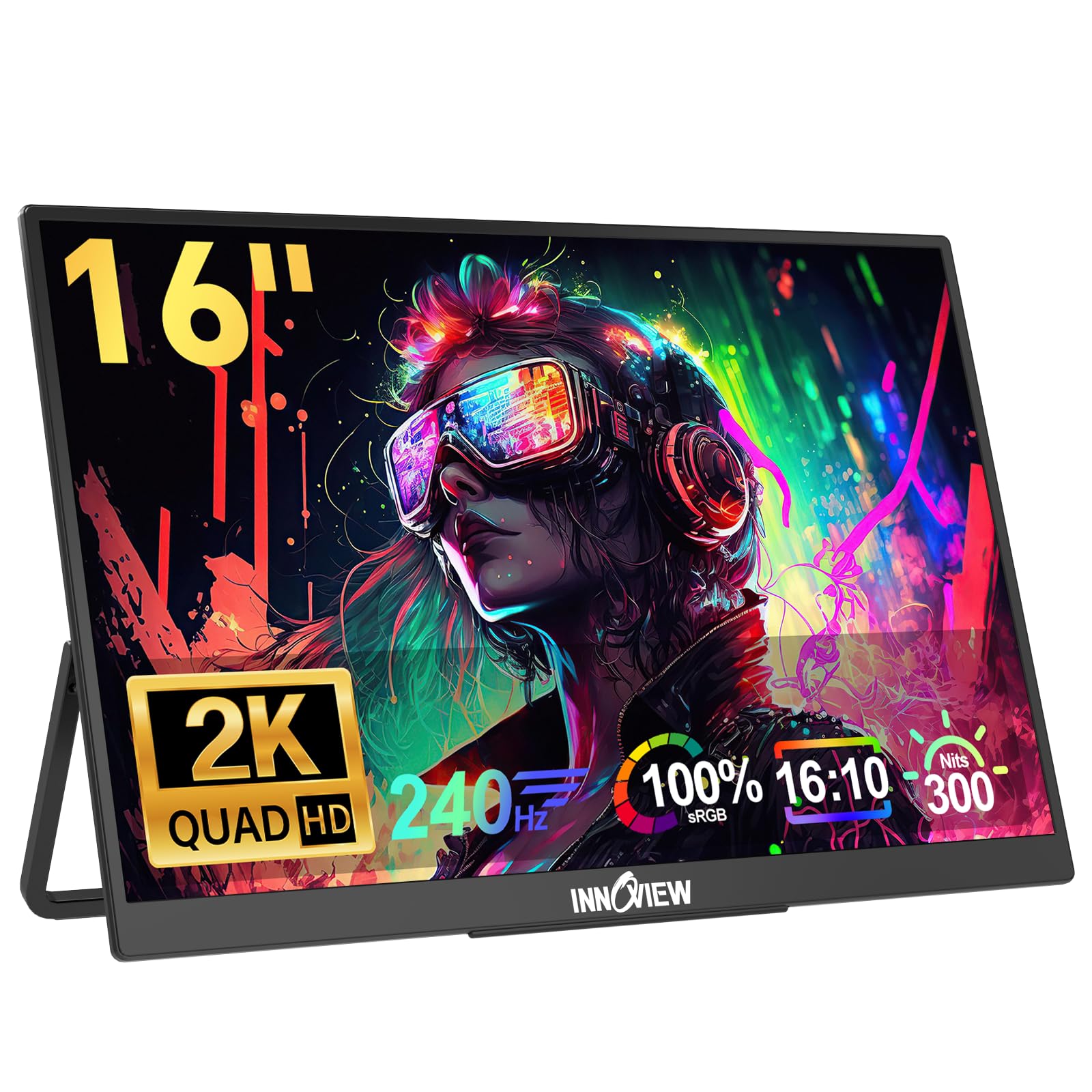
A 240Hz panel built for competitive gamers who demand the absolute smoothest motion.
This monitor screams performance, with a 240Hz refresh rate that refreshes the screen 240 times per second — a significant advantage when you are playing fast-paced shooters. Combined with a 2560×1600 2K resolution, it offers both high frame rates and sharp detail. The IPS screen with 100% sRGB coverage delivers accurate colors, making it viable for design work when you are not gaming.
For console players, it is a standout: it passes all 5 VRR tests on PS5, and the 16:9 correction works well for 1440p gameplay. The 180° adjustable Type-C and HDMI ports give you flexible positioning options, and the built-in speakers add convenience. Customers note the blue light reduction feature works well for eye care during long sessions.
The biggest caveat is the 300 cd brightness rating, which is noticeably dimmer than the 470 cd on the cocopar — owners say it is not bright enough for direct sunlight. The screen can also be picky about which USB-C cables it accepts, so a high-quality cable matters for a stable connection. Finally, the 240Hz refresh rate requires a source device with an HDMI 2.1 (or newer) port to take full advantage.
Built for the esports crowd: The 240Hz refresh rate is the headline, and it works well on PS5 with VRR. It beats the CAPERAVE and KPOCET on pure motion smoothness.
The compromise: You give up brightness and cable flexibility. The flickering reported by one owner is note as a risk, not a pattern.
Grab this for: competitive gaming where every millisecond of motion smoothness counts and you have an HDMI 2.1 device.
Think twice if: you work outdoors or rely on random USB-C cables to make connections work.
6. Intehill 16″ 120Hz Touchscreen Portable Monitor

A 16-inch touchscreen that balances a 120Hz refresh with a decidedly productivity-focused WUXGA display.
This 16-inch panel uses a WUXGA resolution of 1920×1200, which offers 12% more vertical screen space than a standard 16:9 1080p panel. That extra height is surprisingly useful for document editing, coding, and browsing, letting you see more without scrolling. You can easily switch to 16:9 when you need to watch widescreen media without the letterbox.
The 120Hz refresh rate with HDR and FreeSync support keeps gaming and video playback fluid, while the 10-point multi-touch works well on Windows for precise control. MacOS users get smooth two-finger gestures for zooming, panning, and scrolling. The mirror-finish screen uses fully laminated tempered glass to minimize reflections, and the 100% sRGB coverage with 16.7M (8-bit) colors keeps visuals accurate.
The aluminum body weighs just 2 lbs and is 0.4 inches thick, so it is easy to pack. Built around productivity, it appeals strongly to data scientists and multi-monitor users, with one owner praising it as the best price-to-quality monitor for vertical use in data work. The folding stand can be confusing at first, so a tripod or VESA mount might be worth considering for a permanent setup.
top-tier build: The aluminum construction and touch response earn consistent praise. You get a 3-year warranty on the display panel and a 1-year warranty on the touchscreen function.
The catch: At 1920×1200, it is less sharp than the 2.5K cocopar or CAPERAVE models, so it is best for productivity over pixel-perfect editing.
Perfect for: coders and data professionals who want a responsive touchscreen and more vertical space without upgrading to a full 2.5K panel.
Look past it if: you are doing serious photo editing and need the higher resolution of a QHD panel.
7. SMISEACOW 15.6″ Laptop Screen Extender
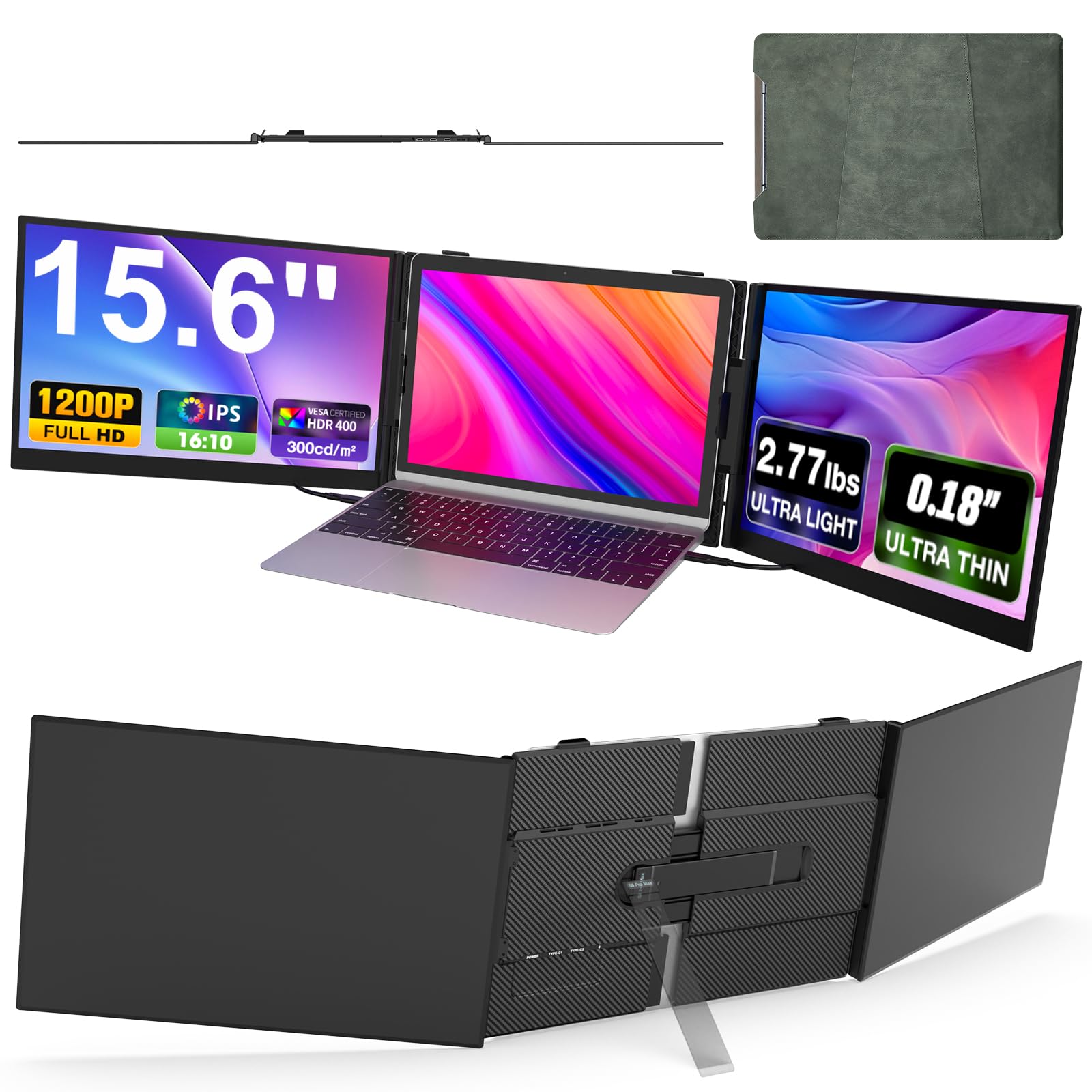
Clips onto your laptop to turn a single screen into a triple-display workstation in seconds.
Instead of carrying a separate monitor, this dual-screen extender attaches directly to your laptop, giving you three screens total for a productivity boost of up to 300%. Each 15.6-inch panel offers a 1920×1200 resolution, so you get the benefit of a 16:10 aspect ratio without needing to reconfigure your setup. The aviation-grade aluminum alloy back cover provides heat dissipation and scratch resistance.
The screens support extended, mirrored, duplicate, portrait, and landscape modes, adapting to whatever task you are doing. Each screen can adjust 180 degrees horizontally, and the 178-degree viewing angle means you can see the content clearly from different positions. It is compatible with Windows, Mac, Linux, Chrome, PS, and Xbox, and the plug-and-play design needs no driver for most systems.
The screens are extremely thin at 0.18 inches, though the total weight of 2.77 lbs adds noticeable bulk to your laptop bag. MacBooks with M1/M2/M3 chips require the included H5-T expansion cable to work, and some laptops may need an external power supply of 5V/3A or higher to avoid flickering. Owners consistently note it boosts travel productivity, and setup takes under a minute.
The productivity multiplier: For traders, video editors, and remote workers, adding two screens in a notebook-sized footprint is transformative. The sharp 1200P displays and easy attachment win consistent praise.
Know before you buy: It is heavier than a single portable monitor and requires your laptop to support dual video output, so check compatibility first.
Best for: remote workers and stock traders who need multiple screens while traveling and want a fast, integrated setup.
Not ideal if: you want a lightweight single-screen option to keep in a backpack and use with different devices.
8. VisionOwl Portable Monitor 16 Inch 2.5K QHD 144Hz
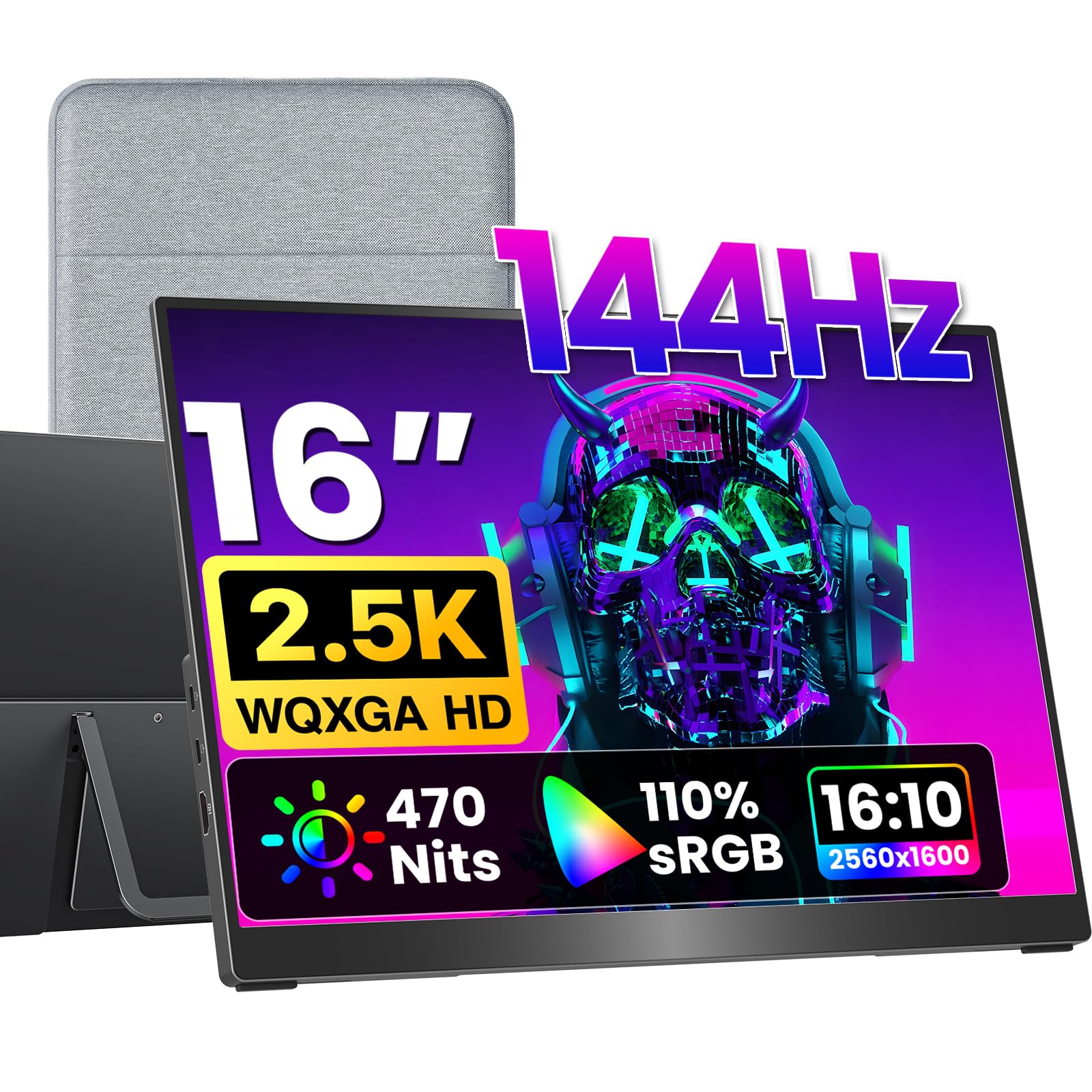
A 2560×1600 144Hz panel with premium color depth that matches MacBooks perfectly without black bars.
This monitor’s 16:10 aspect ratio matches MacBook screens, so you get smooth full-screen mirroring without the black bars you see on 16:9 panels. The 2560×1600 QHD resolution and 144Hz refresh rate deliver fluid visuals for work and gaming. The 8-bit + 2FRC IPS panel shows up to 1.07 billion colors for smoother gradients and more realistic color.
The 110% sRGB gamut and 470 nits brightness lead the class for color work, while the 1200:1 contrast ratio keeps blacks and shadows defined. At just 1.48 lbs with a slim metal body, it is easy to take anywhere. The full-size Standard HDMI port (not the fragile mini-HDMI found on some competitors) makes console connections more durable, and the dual USB-C ports handle power and video with a single cable.
For online teaching, office work, or road-warrior setups, owners find it lightweight and easy to connect, with a cover that doubles as a stand. The package includes a sleeve case, power adapter, Standard HDMI cable, and two USB-C display cables, so it is truly ready to use from the start. A small note: some users wish it had a vertical display option but note it needs a separate stand for that orientation.
Mirror-quality match: The 16:10 ratio and 2.5K resolution make it the closest portable match for a MacBook’s display, and the 470 cd brightness matches the cocopar for the brightest option here.
The small ask: For portrait mode, plan a VESA mount or separate stand, and remember touch is not included at this tier.
Choose it if: you’re a MacBook user who wants a smooth second screen with high color accuracy and a fast refresh.
Consider alternatives if: you specifically need touch input or a screen smaller than 16 inches for lighter travel.
9. FLYTOCCA 16″ Laptop Screen Extender

A dual-screen extender with rotatable, detachable panels for a dozen-plus unique configurations.
This 16-inch extender offers an 11% larger viewing area than a traditional 15.6-inch display thanks to its 16:10 aspect ratio, making documents feel more expansive. The real star is the flexibility: the dual screens rotate 235° horizontally and 90° vertically, enabling over a dozen setups from side-by-side multitasking to stacked displays for coding. You can even detach them and use them independently as separate monitors.
The 1200P resolution delivers sharp visuals, and the ultra-thin bezels create an rich edge-to-edge look. The 2000:1 contrast ratio beats the SMISEACOW’s 1000:1, delivering richer blacks for better media viewing. The magnetic design attaches easily to your laptop and folds neatly into the included carrying case.
The honest trade-off: at 9.94 pounds total, this is best for home office or stationary setups rather than everyday travel. It is also picky about compatibility — your laptop must support dual video signal output, and MacBooks with M1/M2/M3 chips need the included H5 cable plus a driver install for dual-screen function. One owner reported a frustrating warranty experience, so keep your receipt handy and test the screens early.
Flexibility champion: No other pick here offers detachable, rotatable screens with this many configurations. The crisp 1200p displays and easy attachment win consistent praise.
The reality check: Its weight and compatibility quirks make it a desk accessory first, not a travel monitor. Check your laptop’s video output capability before buying.
Best for: home-office power users who want multiple screen layouts and don’t pack their gear between locations often.
Reconsider if: you travel frequently and need something light, or if your laptop only supports a single video output.
10. EHOMEWEI Q5 Portable Monitor 2.5K 120Hz QLED
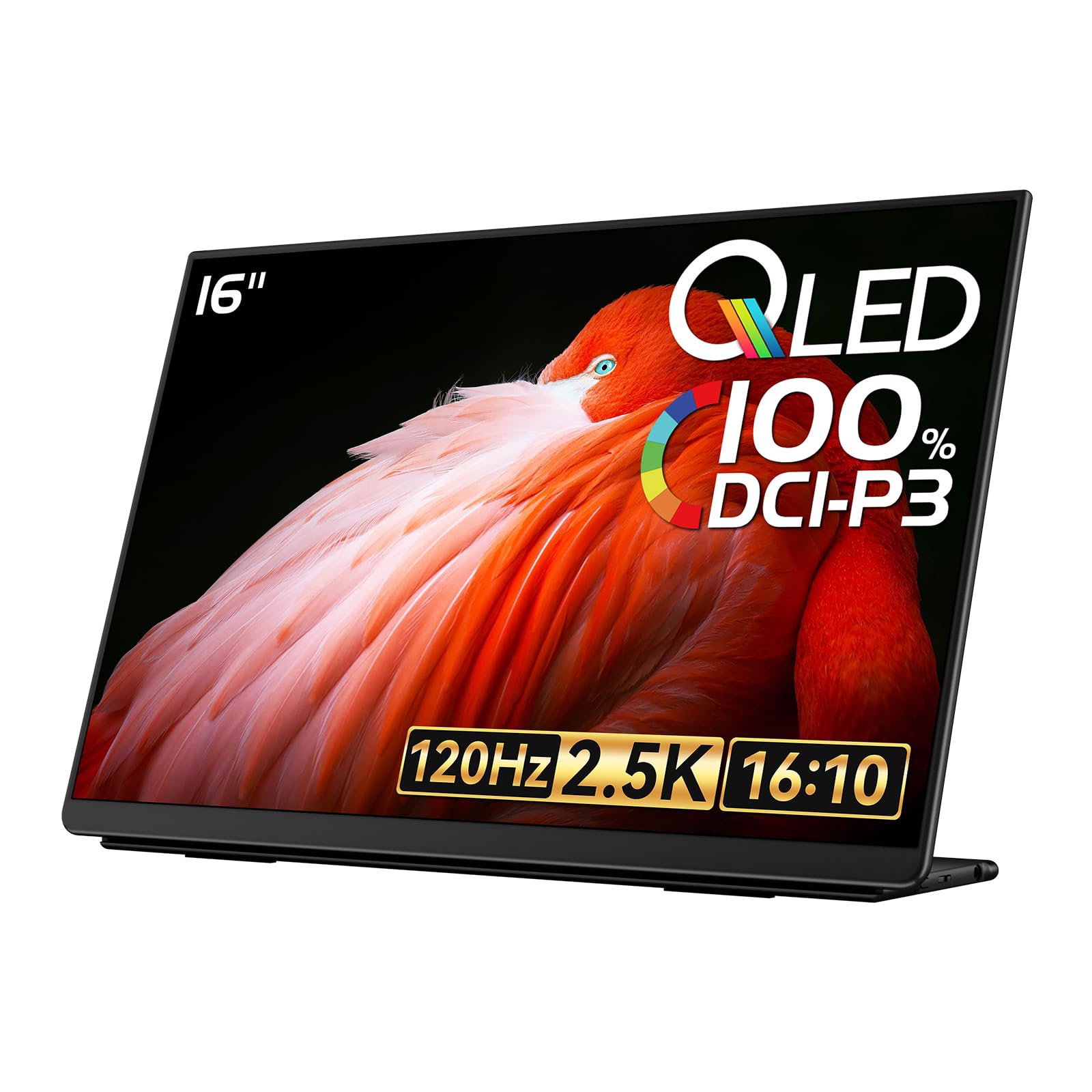
A QLED panel with professional DCI-P3 color coverage that suits creative professionals.
This monitor stands out for its color credentials — the 100% DCI-P3 gamut is a cinema-grade color space that photographers and video editors will appreciate, and reviewers point out near-perfect color accuracy that matches high-end laptop screens. The 2560×1600 QLED display with 120Hz refresh and FreeSync keeps gaming smooth while the “Hummingbird” anti-glare screen reduces reflections for comfortable outdoor-ish use. The 400 nits brightness handles most indoor lighting with ease.
The QLED panel (a type of screen that uses quantum dots for brighter colors) delivers a 1500:1 contrast ratio, which is higher than the 1200:1 on the cocopar, so you get deeper blacks for media consumption. The ultra-narrow bezels create an rich look, and at 850g (about 1.87 lbs), it stays easy to carry. The built-in bracket and PU magnetic smart shell protect the screen and double as a portable stand.
The biggest warning sign is reliability: one owner’s top monitor connection failed after 3 months, and customer support was unresponsive. Others note the instructions are misleading — it mentions a touchscreen that does not exist — and the OSD controls are confusing with only two buttons. If you prioritize color accuracy and can accept the risk, it is a strong performer, but the short-term failure reports are a legitimate concern.
The color specialist: For matching a DCI-P3 laptop screen or working in professional color spaces, this is the most accurate pick here. Connectivity earns strong praise, including reliable single-cable USB-C operation.
The risk to weigh: Mixed reliability feedback and confusing documentation mean you should verify early and be prepared to contact support if issues arise.
Pick it for: color-critical creative work where a 100% DCI-P3 gamut and accurate tones matter more than absolute reliability.
Look elsewhere if: you want a low-maintenance monitor with strong customer support and don’t need cinema-grade color.
11. SOTSU FlipAction Pro 16″ Gen 2
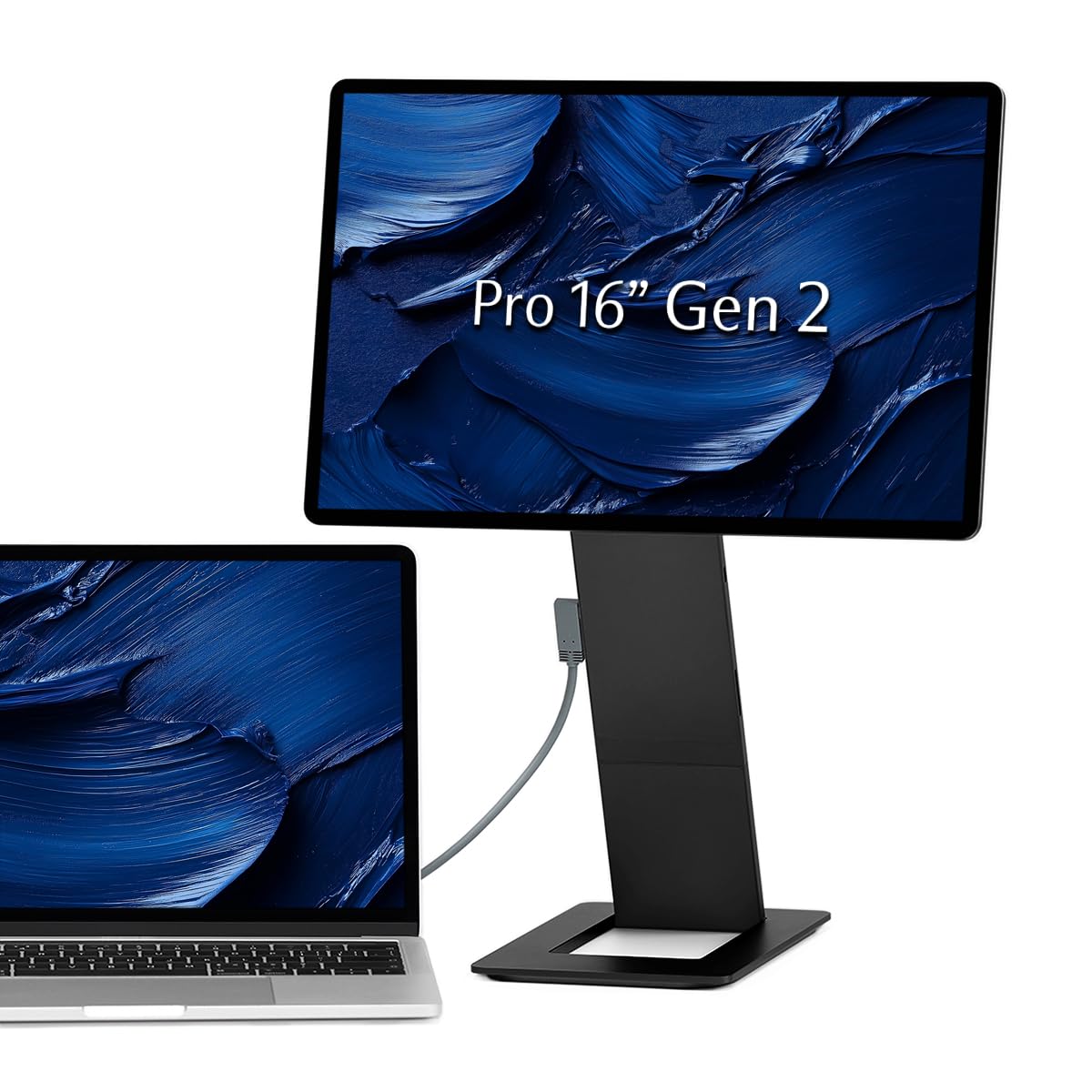
A precision-machined creator monitor with a built-in SD reader and true cinema-grade color.
This is the premium pick for photographers and video editors who demand a lot from a portable display. The 100% DCI-P3 gamut delivers cinema-grade color accuracy that owners say matches MacBook Pro displays. The integrated full SD card slot is a rare and welcome feature, eliminating the need for extra dongles when you are editing on location. The 120 Hz refresh rate keeps work and light gaming smooth.
The build quality is exceptional, with a full metal CNC construction that feels premium and durable. The dual-hinge design offers a 0° to 180° rotation range, making it perfect for raised vertical second-screen setups for coding or collaborative work. The magnetic base collapses into a slim 0.5-inch profile for travel, and the MST (Multi-Stream Transport) daisy-chain lets you connect an extra QHD or 1080p monitor for a multi-screen array.
Pass-through charging powers both the monitor and your connected laptop via a single adapter, simplifying your desk setup. The honest negatives: it is expensive, the included protective case is poor quality (owners recommend buying a 16-inch sleeve), and there is no built-in speaker. Mac users should use BetterDisplay software to fix macOS scaling issues, and one owner reported a high-pitch buzz when the screen is off but plugged in.
Worth the premium
- 100% DCI-P3 color gamut for accurate creative work
- Built-in SD card reader for photographers
- MST daisy-chain for multi-monitor setups
- Full metal CNC construction with 180° rotatable hinge
Consider carefully
- Premium price tag is hard to justify unless you travel often
- Included case is not protective and should be replaced
- No built-in speakers, so audio needs an external source
Reserved for: traveling professionals who need cinema-grade color, a rugged build, and the convenience of a built-in SD reader in one device.
Weigh the cost: If you rarely travel, a stationary OLED or larger monitor offers better value; this is a specialist tool for the mobile creator.
Understanding the Specs
Resolution and PPI
The resolution determines how many pixels fit on the screen, which directly affects text sharpness and image detail. A 1920×1200 panel like the SMISEACOW is sharp, but a 2560×1600 QHD panel like the cocopar renders finer details, making it better for photo editing and dense spreadsheets. For a 16-inch panel, higher resolution means you can fit more windows side-by-side without squinting.
Refresh Rate and FreeSync
The refresh rate measures how many times the screen updates per second, and a higher number means smoother motion. A 120Hz or 144Hz panel looks noticeably fluid compared to a standard 60Hz, especially when scrolling or gaming. FreeSync syncs the monitor’s refresh rate to your graphics card to reduce screen tearing — but verify it works over your specific cable connection, since some models only support it over certain ports.
FAQ
What does 16:10 aspect ratio mean for my daily work?
Will my laptop power a portable monitor with a single USB-C cable?
Is a 120Hz or 144Hz refresh rate worth it for a portable monitor?
What is the difference between 2.5K QHD and WUXGA resolution?
Can I use a 16:10 portable monitor with a 16:9 gaming console like PS5 or Xbox?
How important is brightness (nits) on a portable monitor?
What does 100% sRGB color gamut actually mean for me?
Is a touchscreen portable monitor worth the extra cost?
What is the difference between a laptop screen extender and a portable monitor?
How do I know if my laptop supports multiple external displays for a screen extender?
What is the total weight I should expect to carry in my bag?
Final Thoughts: The Verdict
For most people, the 16:10 monitor winner is the cocopar 16″ 2.5K because it balances sharp QHD resolution, a fast 144Hz refresh, and an ultra-light 1.5 lb frame — all at a price that makes it the crowd favorite. If you want the highest refresh rate for competitive gaming on a budget, grab the 16″ 165Hz KPOCET. And for the creative professional who needs cinema-grade color and a built-in SD reader, the SOTSU FlipAction Pro is the one to reach for. Whichever you pick, focus on resolution, brightness, and your laptop’s USB-C compatibility to find the right 16:10 screen for years of use.
How We Picked
We do not accept paid placement. Every pick is matched to a real buyer and a real use-case; we do not hands-on test units.
Sources & Methodology
Specifications: manufacturer listings and product documentation. Review insights: verified customer reviews, as of August 2026. Pricing: not shown on this page (it changes often); check the current price via the retailer link.
As an Amazon Associate, Gadgets Feed earns from qualifying purchases. This does not affect which products we feature.