
Our readers keep the lights on and my morning glass full of iced black tea. As an Amazon Associate, I earn from qualifying purchases.
Specs are compiled from manufacturer listings and verified buyer reviews and can change over time — please confirm the key details on the product page before buying.
If you are hunting for a 20V 6.75A power supply, you almost certainly own a Lenovo laptop or docking station with that chunky square yellow slim tip. The good news is that finding a reliable replacement is easier than you think — this guide breaks down the best options by build quality, compatibility, and real-world staying power.
I’m Min — the founder and writer behind Gadgets Feed. This guide is built by comparing the manufacturers’ published specifications and the patterns across verified customer reviews, so you get each pick’s real strengths and trade-offs instead of marketing spin.
Most chargers here deliver 135W of power, which matches the 20V 6.75A (volts and amps) your Lenovo laptop needs, though a few higher-wattage units also work fine. The best 20v 6.75a power supply for you is the one that fits your exact Lenovo model and holds up to years of daily plugging and unplugging.
Our Picks at a Glance

How To Choose The Best 20V 6.75A Power Supply
Before you click buy, you need to know three things about your laptop: the connector shape, the wattage it draws, and the model number. Almost every option on this list is built for Lenovo’s square yellow slim tip, so if that matches your port, you are already halfway there.
Check the Connector, Not Just the Brand
The slim tip looks like a small yellow square with a pin in the middle. If your laptop uses the older round barrel connector, none of these chargers will fit. Compare your current adapter’s tip visually before ordering — this is the number one reason chargers get returned.
Match the Wattage to Your Laptop’s Needs
A 135W charger delivers 20V at 6.75A, which is the exact output most ThinkPad and IdeaPad models expect. Some newer gaming and workstation laptops want more, so a 170W adapter that also supports 6.75A can be a safer bet if you are unsure. A higher-wattage charger will not damage a laptop that needs less power, but a lower-wattage one can cause slow charging or shutdowns under load.
Look for Real Safety Certifications
You are plugging this into a machine that holds your work and your life, so protection circuits matter. The best picks list safeguards like overcurrent, overvoltage, overheating, and short-circuit protection. Some go further with UL safety testing, which is a strong signal of reliable internal components.
Quick Comparison
| Model | Best For | Output | Connector | Protections | Amazon |
|---|---|---|---|---|---|
| Dexpt 135W Slim Tip★ Best Overall | Docking stations | 20V 6.75A 135W | Slim Tip | Safety tested | Amazon |
| SLE-TECH 135WBudget Champion | Legion & IdeaPad gaming | 20V 6.75A 135W | USB | Overcurrent, overvoltage | Amazon |
| Lossga 135WMost Versatile | Mass ThinkPad compatibility | 20V 6.75A 135W | Mini USB | Multi-safeguard, cooling | Amazon |
| HNHTKJ 135W | Long-cable desk setups | 20V 6.75A 135W | Square Yellow Tip | — | Amazon |
| Superer 135W | Workstation & docks | 20V 6.75A 135W | Square Connector | High-level electronic safety | Amazon |
| LVYATUO 170W | Power-hungry workstations | 20V 8.5A 170W | Slim Tip | Short circuit, overcurrent | Amazon |
| aotisn 135W | Frequent flyers | 20V 6.75A 135W | Square with pin | — | Amazon |
| NLILITONG 170W | LOQ & Legion Slim backups | 20V 8.5A 170W | Square Yellow Slim Tip | U.S. safety standards | Amazon |
Note: this list uses flexible matching for the 6.75A output current (some picks deliver a higher current, like 8.5A, but remain fully compatible). Always verify your laptop’s connector type before ordering.
In‑Depth Reviews
1. Dexpt 135W Slim Tip Charger
Our pick — over 4.5★ from 200+ verified ratings; the strongest balance of quality and price.
The dock powering workhorse that quietly fixes a very common problem.
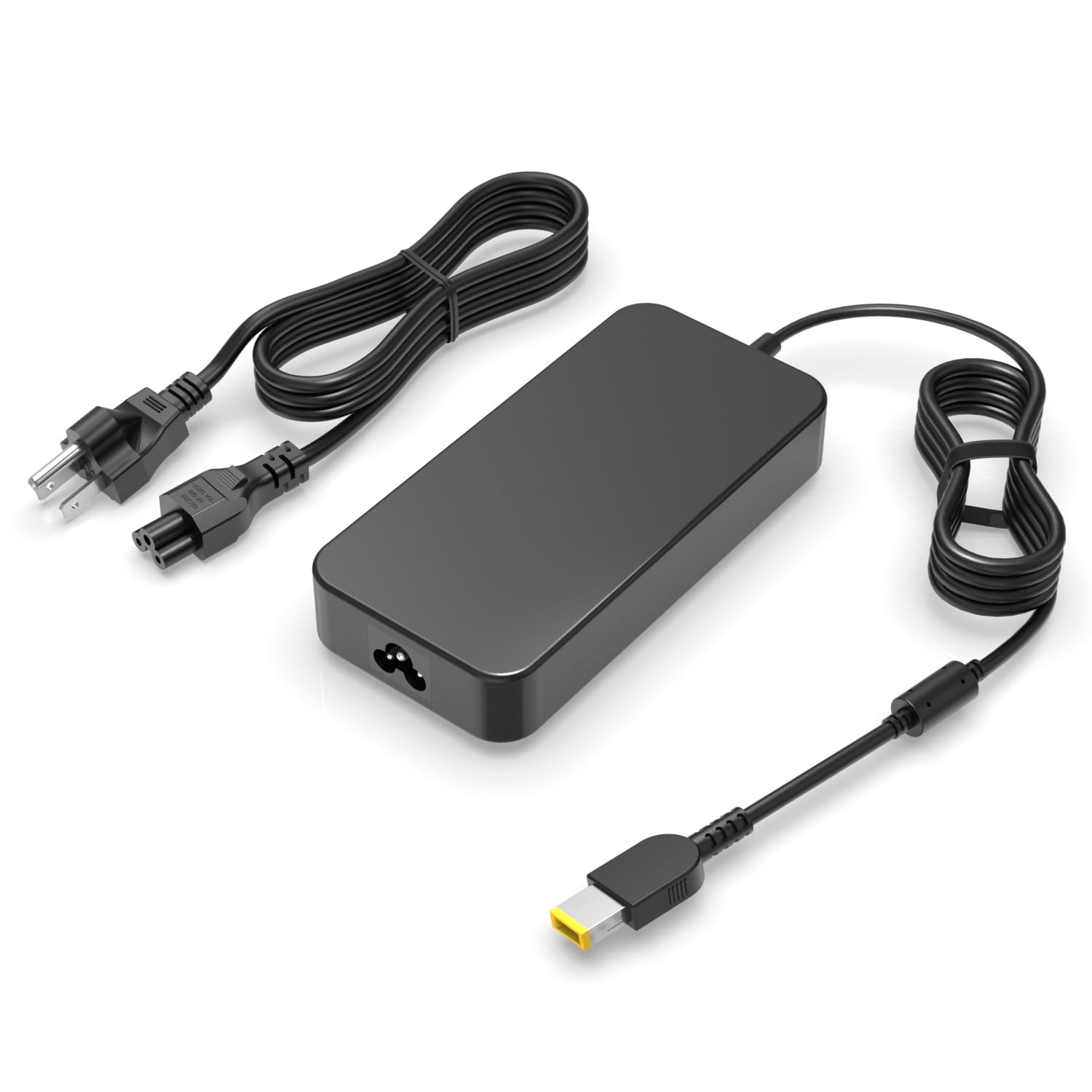
This charger exists for a very specific pain: you bought a used Lenovo docking station with no power brick. The 20V 6.75A 135W output drives ThinkPad Universal Thunderbolt 3 and 4 docks, plus the Essential and Ultra Pro models, making it the go-to fix for a dead-dock situation. It is only for 135W slim tip laptops, so check your adapter’s wattage before buying.
Owners rave about how it just works, charging laptops right away after an original charger dies. The aluminum enclosure feels more solid than typical plastic bricks, and the slim design with a long enough power cable lets you position your laptop where you need it at school, home, or the office. Buyers report it works great with used docking stations and charges laptops right away after an original charger dies.
Reliability first: this brick holds a 4.7-star average across a few hundred owners, making it the crowd favorite here. The main limitation is strict compatibility — it will not power 170W or 230W laptops, and the slim tip is mandatory.
Reach for this if: you need to resurrect a dock or replace a dead 135W Lenovo charger and want the most proven option.
Look elsewhere if: your laptop draws more than 135W or uses a non-slim tip connector.
2. SLE-TECH 135W Laptop Charger
The budget pick that survived a year of hard use and came back for more.
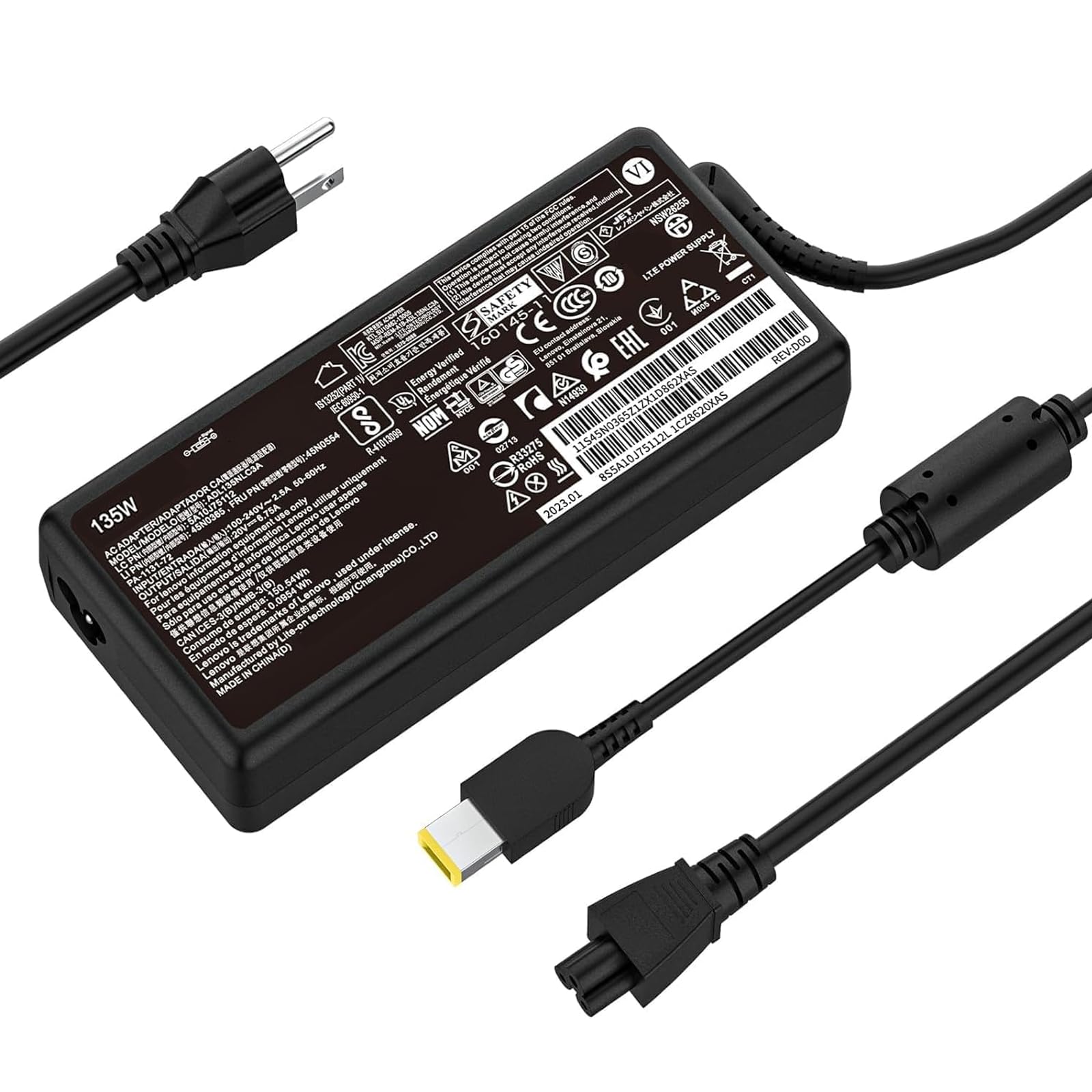
Designed for Lenovo IdeaPad Y40-70, Y50-70, and Y700 gaming laptops, this 20V 6.75A 135W charger also runs 65W and 90W machines. The circuit board design includes overcurrent, overvoltage, overload, temperature, and short-circuit protection. Owners mention it handles heavy gaming loads without breaking a sweat and charges at the same rate as the OEM unit.
Over a hundred owners confirm it simply works, charging laptops at the same rate as the OEM unit. The cord length is praised as perfect, and the weight is lighter than expected. One buyer’s year-long update says it “has held up absolutely perfectly,” which is strong proof for a budget adapter. A few note the plastic block is larger than the original, roughly four times bigger, which makes it less ideal for travel.
Solid value: the trade-off is durability — a handful of customers note frayed wires or failure after a month, so treat the cable gently. The 100V-120V input means it is really meant for domestic North American use only.
Best for: budget-conscious buyers who need a 135W gaming charger for desk use and do not plan to fly with it.
skip it if: you travel often and need a compact brick, or you plan to use it outside North America.
3. Lossga 135W Charger for Lenovo
The biggest compatibility list in the lineup, covering gaming and business lines alike.
This is the adapter for people who are not 100% sure which Lenovo they own. The 20V 6.75A 135W output covers Legion Y530, Y730, Y520, IdeaPad Y700, ThinkPad T440p, T540p, X1 Carbon, and dozens more, plus it works with 90W laptops. The square yellow slim tip is UL safety tested, and built-in safeguards protect against overcharging, short circuiting, overheating, and spark.
What stands out is the lifetime exchange policy — if it becomes defective, the seller will swap it. Reviewers point out it works flawlessly as a second charging spot for long work sessions, and one owner calls it “identical” to the original. The honest caveat: the labeling implies it is a Lenovo brand unit when it is not, which could confuse a purist.
confidence: the lifetime warranty and reinforced packaging make this the safest bet if you are buying a replacement for the first time. The trade-off: it has fewer owner reviews than other picks, so long-term durability is less proven.
Choose this if: you want maximum model coverage and a lifetime exchange guarantee.
Think twice if: you prefer knowing the exact brand behind your charger, not just its compatibility.
4. HNHTKJ 135W Charger

A generous cable length that finally lets you sit somewhere comfortable.
If you are tired of being tethered to the one outlet near your desk, this charger’s 10-foot total cable — split as a 6-foot charger cable and 4-foot power cable — fixes that. The 20V 6.75A 135W output powers ThinkPad X1 Extreme Gen1-5, W540, W541, T440P, T470P, T540P, and T15P workstations, plus IdeaPad Y50-70 and Legion gaming notebooks.
Owners call it “working perfectly” and note it is much smaller and easier to transport than the original Lenovo brick. One buyer confirmed it works well with their Lenovo Pro dock. The cord being long enough earns repeated praise, and quick charging speed gets mentioned alongside quick shipping.
Freedom of placement: the extra cable length genuinely changes how you set up your workspace. The trade-off is a slightly slower charge than the OEM for some, though owners say it is not enough to matter.
Reach for this if: you want a proven, reliable 135W charger with uncommon cable reach.
Look elsewhere if: you need a tiny travel brick — this one prioritizes cable length over compactness.
5. Superer 135W AC Charger

The workstation companion that powers a whole desk through one dock.
This one earns its premium tag with a 24-month manufacturer warranty and a slim form factor that is easier to tuck away. The 20V 6.75A 135W output works with ThinkPad P1 Gen 4 and ThinkCentre All-In-One docks, and shoppers say it powers a micro desktop, monitor, and peripherals all through a single dock connection.
Owners call it “plug and play” and chose it because the amps and volts matched the original cord that was no longer available. It is up to nationally recognized standards for high-level electronic safety, and the maker warns not to buy it if your laptop needs more than 6.75A. Durability gets mixed feedback, with some reporting it lasts and others finding it does not.
Dock powerhouse: few adapters in this list can claim to run a full desk setup through one dock. The honest catch is mixed long-term durability reports, and the warranty is the best in the lineup at 24 months.
Best for: ThinkPad P-series owners running docks who want a warranty-backed, slim charger.
Not for: anyone whose laptop pulls more than 6.75A — the maker explicitly warns against it.
6. LVYATUO 170W Charger
Extra headroom for power-hungry workstations that need more than 135W.
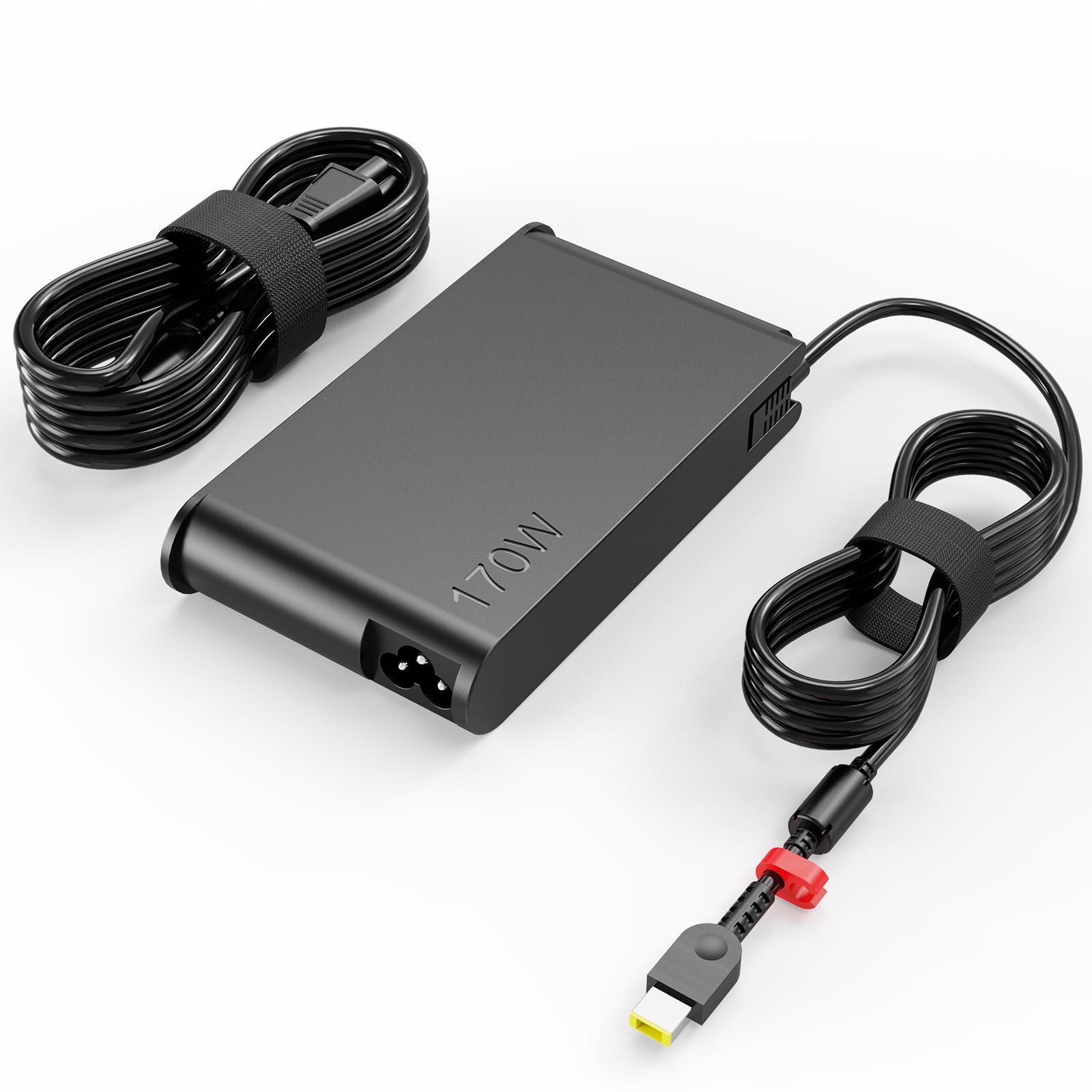
This one steps up to 20V 8.5A 170W, while still supporting 135W laptops, making it a future-proof choice for ThinkPad P1, P16, P17, X1 Extreme, and Legion Slim models. It is UL safety tested and runs cool — buyers report it “runs warm not hot” even during heavy use, which points to good thermal design. The international voltage range of 100–240V means it works reliably at home or abroad.
Charge times match the OEM exactly, and the base and cord feel durable. Owners call it “an exact copy of the Lenovo power supply” that performs like the original at a fraction of the cost. The square yellow slim tip is the same connector style as the 135W units, so compatibility is straightforward. The recurring caveat is size — it is large, though similar to the Lenovo standard.
Headroom to spare: the 170W output gives you room to grow into a bigger workstation later. An occasional unit arrives defective, so buy from a seller with easy returns.
Choose this if: you own a high-end ThinkPad or Legion that demands more than 135W.
Think twice if: you want the smallest possible brick — this one prioritizes power over portability.
7. aotisn 135W AC Charger
The plane-friendly charger that finally ends the hunt for a seat-side outlet.
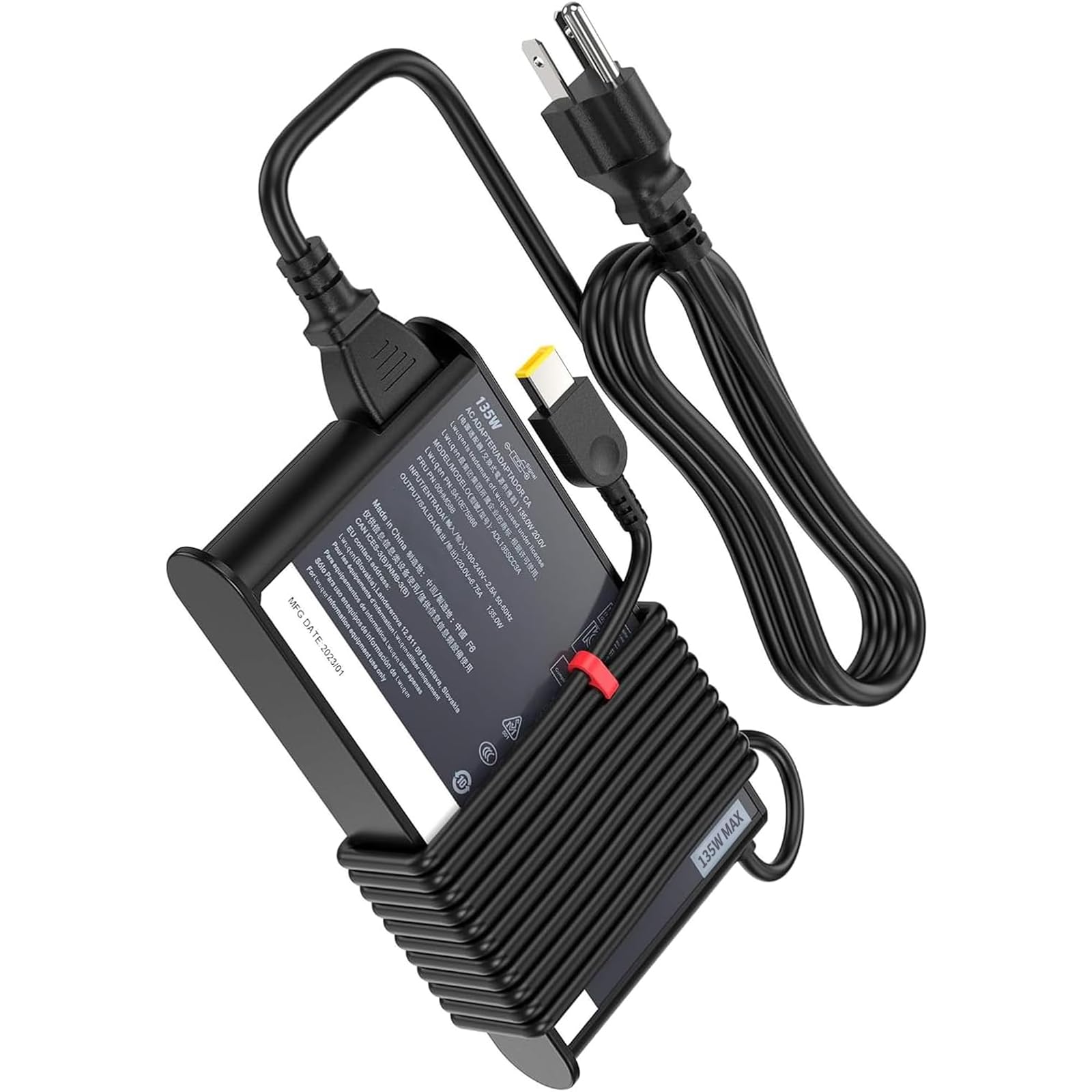
Frequent flyers, take note: this 20V 6.75A 135W charger was bought specifically because an older charger drew too much power to work on airplanes. The 50-65Hz input range and Type F German plug hint at broader international tolerance. It covers ThinkPad X1 Extreme Gen 1-5, W540, W541, T440, T440P, T470P, T540p, and T15p, plus IdeaPad gaming lines.
Owners mention they cannot tell this apart from the original Lenovo charger. One owner with a ThinkPad T15P Gen 3 says it looks identical and charged the battery from 50% to 100% quickly. Another bought it as a spare, noting “a little more heft,” to run an external CD/DVD drive. The square connector with a pin fits the standard slim tip port.
Flying buddy: the unique plane-compatible angle makes it a smart pick for road warriors. It works “way better than the factory charger” per one owner, though the German plug style means you may need an adapter in North America.
Best for: travelers who need a charger that works in tight aircraft power situations.
Not ideal for: anyone who wants a U.S.-style plug without using an adapter.
8. NLILITONG Slim 170W Charger
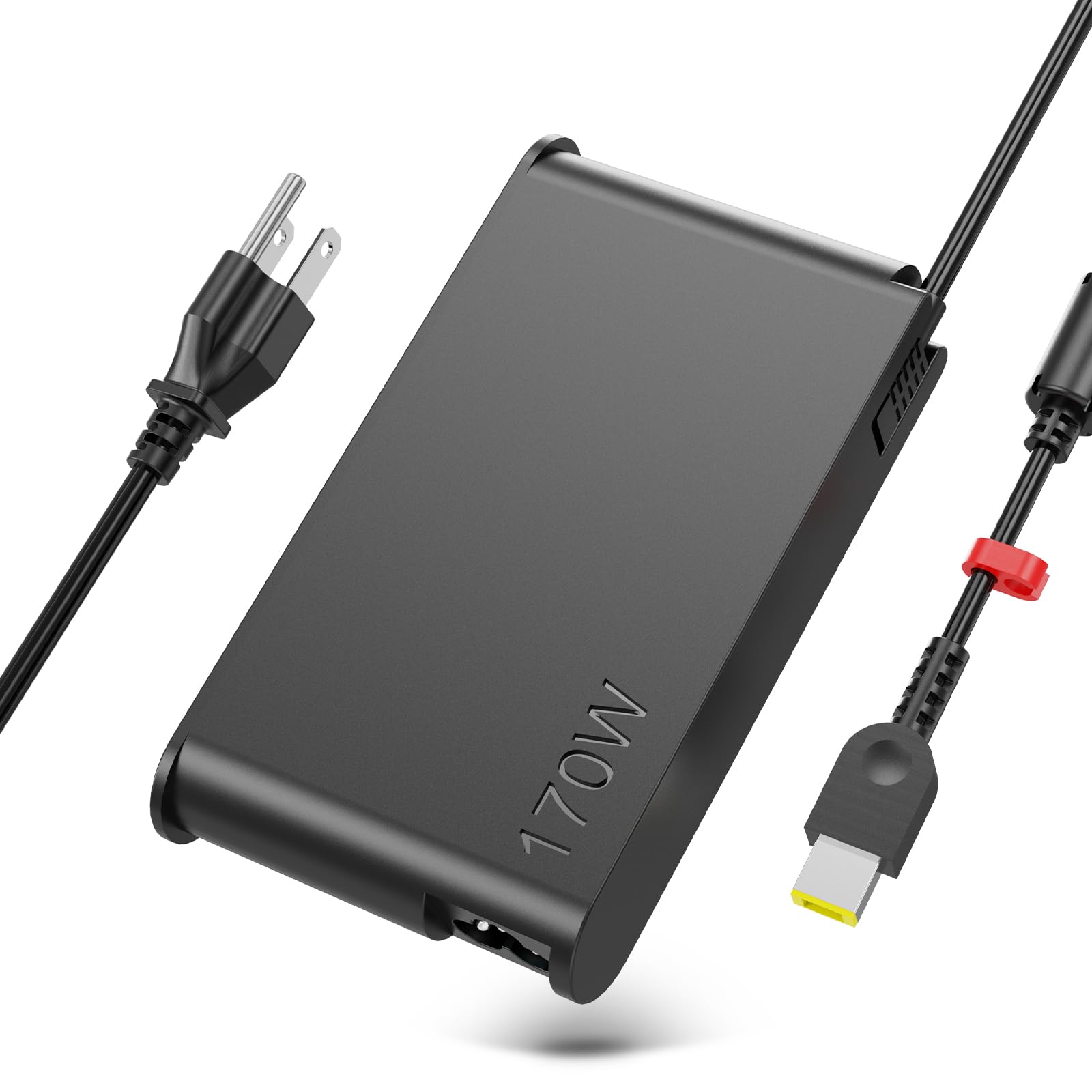
The slim 170W spare that is easy to pack and easy on the wallet.
For owners of Lenovo LOQ, Legion Slim 5, Yoga Pro 9i, and ThinkPad P1 or P16, this 20V 8.5A 170W adapter also supports 135W laptops, making it a flexible backup. It is an ideal replacement for ADL170SCC3A and SA10R16886 part numbers. The slim form factor is rare for a 170W brick, so it slips into a bag more easily than most high-wattage adapters.
Buyers call it “a great replacement” for the LOQ power supply and a good value. It complies with U.S. safety standards, and the seller offers 7×24 online support plus a 12-month repair service. The square yellow slim tip matches the same connector as the rest of this list, so compatibility is consistent.
Compact power: getting 170W in a slim package is genuinely useful for a backup charger. The honest risk is durability — one owner reported a failure after a week, so test it immediately on arrival.
Reach for this if: you want an affordable, slim 170W spare for a Legion or LOQ laptop.
Look elsewhere if: you want the most proven long-term track record — this one has the youngest owner base here.
Understanding the Specs
Voltage and Amperage
Voltage (20V) is the push behind the electricity, and amperage (6.75A) is the amount flowing. Multiply them — 20V × 6.75A = 135W — and you get the wattage, which tells you how much power the charger can deliver. A laptop that needs 135W will charge fine with a 170W adapter, but a 90W laptop is also fine with either because the laptop only draws what it needs.
The Slim Tip Connector
The square yellow slim tip is Lenovo’s proprietary connector for most ThinkPad and IdeaPad models. It looks like a small yellow square with a pin in the center. If your laptop uses a round barrel connector or USB-C, these chargers will not fit no matter how perfectly the wattage matches.
Safety Protections
Quality chargers list protections like overcurrent, overvoltage, overheating, and short-circuit protection. These circuits shut the charger down if something goes wrong, protecting both the adapter and your laptop. UL safety testing is a stronger guarantee that the internal components meet recognized standards.
Input Voltage Range
The input voltage range tells you where the charger works in the world. A 100-240V input handles international travel, while a 100V-120V input is strictly for North America. If you plan to use the charger overseas, check this number first.
FAQ
Will a 170W charger damage my 135W laptop?
How do I know if my Lenovo uses the slim tip connector?
Can I use a 135W charger with a Lenovo docking station?
What is the difference between 135W and 170W chargers here?
Why is my replacement charger larger than my original?
Can I use these chargers outside North America?
How long should a replacement Lenovo charger last?
What safety certifications should I look for?
Final Thoughts: The Verdict
For the majority of shoppers, the best 20v 6.75a power supply is the Dexpt 135W Slim Tip Charger because it pairs the strongest owner satisfaction with a solid aluminum build and perfect dock compatibility. If you want the widest model coverage and a lifetime warranty, grab the Lossga 135W Charger. And for power-hungry workstations that need extra headroom, the LVYATUO 170W Charger is the one to reach for.
How We Picked
We do not accept paid placement. Every pick is matched to a real buyer and a real use-case; we do not hands-on test units.
Sources & Methodology
Specifications: manufacturer listings and product documentation. Review insights: verified customer reviews, as of August 2026. Pricing: not shown on this page (it changes often); check the current price via the retailer link.
As an Amazon Associate, Gadgets Feed earns from qualifying purchases. This does not affect which products we feature.