
Our readers keep the lights on and my morning glass full of iced black tea. As an Amazon Associate, I earn from qualifying purchases.
Specs are compiled from manufacturer listings and verified buyer reviews and can change over time — please confirm the key details on the product page before buying.
Your laptop stalls when you bounce between a dozen browser tabs, a video call, and a spreadsheet. That lag is your system running out of memory and swapping data to the slow storage drive. Adding a 16GB stick of DDR4 laptop RAM is the single most effective fix, and this guide cuts straight to the nine modules worth your attention, sorted by what genuinely matters: 3200MHz speed, CL22 latency, and the 260-pin SODIMM form factor that fits nearly every modern laptop.
I’m Min — the founder and writer behind Gadgets Feed. This guide is built by comparing the manufacturers’ published specifications and the patterns across verified customer reviews, so you get each pick’s real strengths and trade-offs instead of marketing spin.
Focus on the speed, the latency, and the physical shape when you shop, and you will find the right 16GB DDR4 laptop RAM for your machine without overpaying for a brand name.
Our Picks at a Glance


How To Choose The Best 16GB DDR4 Laptop RAM
Buying memory is mostly about matching three things: the physical slot, the speed the motherboard supports, and the latency. Get those right and the stick is a ten-minute upgrade; get them wrong and you will be sending it back.
Start with the physical shape: SODIMM and 260 pins
Laptops use a smaller memory stick called SODIMM (Small Outline Dual Inline Memory Module), which is roughly half the length of a desktop stick. Every module in this guide uses the standard 260-pin layout, so it physically fits most modern laptops, mini PCs, and all-in-one desktops. Desktop towers use the larger DIMM sticks — buying the wrong one is the most common mistake.
Speed: 3200MHz is the target, but check what your laptop allows
All nine picks are rated for 3200MHz, which is the fastest standard DDR4 speed. Your laptop may only support 2933MHz or 2666MHz depending on the processor generation, and the module will automatically drop to that slower speed — that is normal, not a defect. A 3200MHz stick is still the right buy because it future-proofs you for a newer machine.
Latency and rank: the numbers that change how it feels
CAS latency (measured in CL) is how many clock cycles the memory waits before delivering data; lower is snappier, and CL22 is the standard for this speed class. Rank refers to how the memory chips are organized — a dual-rank (2Rx8) stick can deliver a small performance edge in some systems, but the difference is minor for everyday work. Do not overpay chasing rank; reliability and capacity matter more.
Quick Comparison
| Model | Best For | Speed | Latency | Configuration | Amazon |
|---|---|---|---|---|---|
| Crucial 16GB★ Best Overall | Reliability & mass appeal | 3200 MHz | CL22 | 1Rx8 or 2Rx8 | Amazon |
| Timetec 16GBBest Value | Value with a lifetime warranty | 3200 MHz | CL22 | 1Rx8 or 2Rx8 | Amazon |
| TEAMGROUP 16GB Kit (2×8)Gaming Pick | Gaming frame-rate gains | 3200 MHz | CL22 | 2 x 8GB | Amazon |
| Samsung 16GB (B08QR2YGKX) | OEM matching & dual rank | 3200 MHz | CL22 | 2Rx8 | Amazon |
| G.SKILL Ripjaws 16GB | Gamers wanting brand pedigree | 3200 MT/s | CL22-22-22-52 | 1x16GB | Amazon |
| Samsung 16GB (B0B86KG3JG) | Budget single-rank upgrade | 3200 MHz | — | 1Rx8 | Amazon |
| Kingston 16GB | Premium name & support | 3200 MT/s | CL22 | Single Rank | Amazon |
| TEAMGROUP Elite 16GB Single | Flexible 32GB build-ups | 3200 MHz | CL22 | 1x16GB | Amazon |
| Samsung 16GB (B08DL8FKS8) | Authentic factory-grade chips | 3200 MHz | CL22 | 2Rx8 | Amazon |
In‑Depth Reviews
1. Crucial 16GB DDR4 RAM
Our pick — over 4.5★ from 17,000+ verified ratings; the strongest balance of quality and price.
The crowd-favorite module that makes a ten-minute install feel like a brand-new laptop
This is the default recommendation for a reason: it works in almost everything and buyers report upgrading an ASUS VivoBook 15 from 8GB to 24GB in about 20 minutes, with the hardest step being the back panel. The 3200MHz speed with CL22 latency is the balance for DDR4, balancing bandwidth and responsiveness for everyday multitasking., and the non-ECC 260-pin SODIMM format fits standard laptop slots. It runs at a standard 1.2V, so it won’t stress your battery or thermals.
What wins people over is the sheer reliability — the top complaint in the review data simply doesn’t exist. Owners mention instant recognition after install, no crashes or glitches, and smoother multitasking across HP ProBooks, Acer Aspires, and ASUS ROG machines alike. Video and photo editing applications run without hiccups, and gamers note faster game loads. The stick is compatible with 13th Gen Intel Core and AMD Ryzen 7000 platforms, which covers the vast majority of modern laptops.
At 9.07 g it is featherlight, but the real value is the brand trust: it is backed by 42 years of Micron memory expertise and tested at both component and module levels. The only “gotcha” is that the rank configuration (1Rx8 or 2Rx8) may vary, which is harmless for most users but matters if you are a stickler for matching ranks in dual-channel setups. For a stress-free, guaranteed-compatible upgrade, this is the one to beat.
speed and capacity
- Works with 13th Gen Intel and AMD Ryzen 7000 laptops
- Easy install — most owners finish in under 10 minutes
- Backed by 42 years of Micron memory expertise
- Runs cool and stable with no crashes reported
check your board
- Rank (1Rx8 or 2Rx8) varies by batch — not guaranteed
- Costs more than budget alternatives for the same 3200MHz speed
top pick: you want the safest, most widely-compatible 16GB upgrade with zero guesswork.
size limits: rank varies by production batch, so purists may want to confirm before buying.
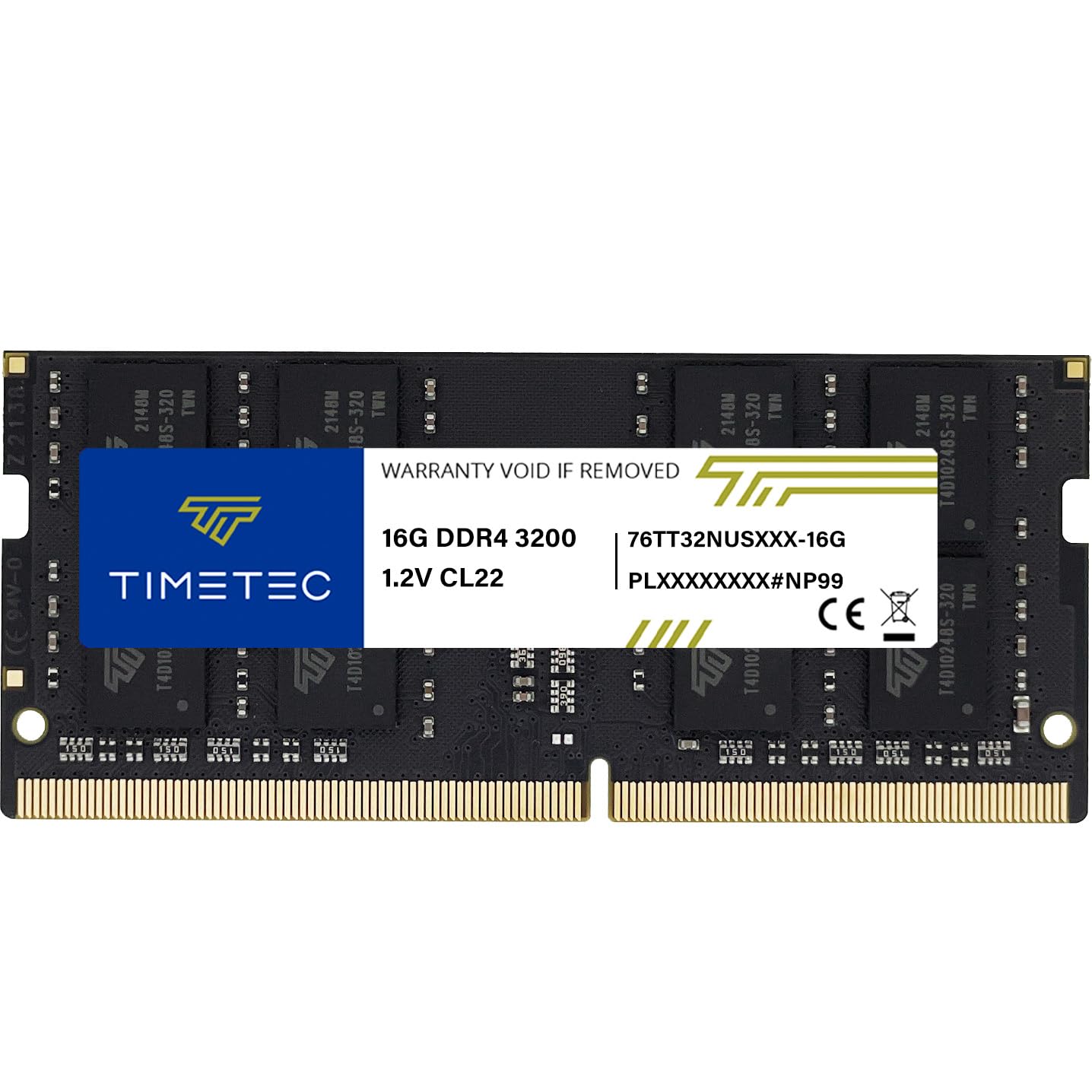
2. Timetec 16GB DDR4 3200MHz
The budget-friendly stick that punches above its weight with a lifetime warranty
This single 16GB module delivers the full 3200MHz experience at a price that undercuts the big names, and customers note it “immediately worked great from the start, no issues whatsoever.” The CL22 latency and 1.2V standard voltage match the spec sheet exactly, and the 260-pin SODIMM design fits laptops, notebooks, mini PCs, and all-in-one systems — though it is explicitly NOT for desktop DIMM slots, so check before you buy.
Owners praise the easy installation and instant recognition, whether they are refreshing an older HP or a Lenovo. One reviewer noted the memory quality as the standout feature across the board, and it is flexible enough to run in machines that only support 2933MHz or 2666MHz — the module simply downclocks to match your system. It is also a popular pick for NAS devices, with Samsung and Synology NAS owners reporting smooth operation.
The small trade-off is that the PCB color (green, black, or blue) and rank (1Rx8 or 2Rx8) vary by production batch, which matters only if you are chasing a perfect visual match or a specific rank pairing. The Timetec Limited Lifetime Warranty and US-based technical support take the sting out of that uncertainty. If you want a genuinely reliable 16GB upgrade without paying the premium name tax, this is the smart money pick.
budget performer: Full 3200MHz performance with CL22 latency and a lifetime warranty at a budget-friendly price.
casings vary: PCB color and rank vary per batch — fine for most, a deal point only for rank-matched dual-channel purists.
3. TEAMGROUP Elite DDR4 16GB Kit (2 x 8GB)
The dual-stick kit that turned a 13% average FPS gain into a reality for gamers
This is the kit for serious gamers — two 8GB sticks running in dual-channel mode, which gives your CPU faster access to memory than a single stick. Reviewers point out replacing the stock RAM in an Asus Strix G15 AE and seeing a 5-23% FPS gain (averaging 13%) across seven games, a genuine leap for a simple swap. The 3200MHz speed with CL22 latency and JEDEC compliance means it runs at advertised speeds without any BIOS tweaking on most systems.
Reliability is the most-praised aspect here, and the data backs it up: shoppers say it works perfectly with an Omen 15 4800H, runs stable in a NAS, and delivers “lightning fast” performance in work computers. The kit is also surprisingly light at 13.61 g, which is heavier than the Crucial single stick due to the second module, but still negligible in practice. A lifetime warranty and free technical support are included.
The one honest gripe in the reviews is the packaging — a few owners found the blister pack tough to open without risking the sticks. That is a minor annoyance, not a performance issue. Note that it can downclock to 2933MHz or 2666MHz if your system only supports those speeds, which is normal DDR4 behavior. For gamers who want dual-channel performance in one box, this kit is the clear winner.
dual channel boost
- Dual 8GB sticks for dual-channel performance
- Reported 5-23% FPS gain (avg 13%) in gaming tests
- Reliability is the most-praised aspect across owners
- Lifetime warranty and free technical support
heat spreader size
- Packaging is tough to open without care
- Heavier than single sticks at 13.61 g
gaming choice: gamers seeking a real frame-rate boost from a dual-channel kit — the FPS data speaks for itself.
height check: stubborn blister packaging that needs a careful hand.
4. Samsung 16GB DDR4 3200MHz SODIMM

The dual-rank module that matches what’s already inside most HP and Dell laptops
If your laptop came with Samsung memory from the factory — and many HP, Dell, and Lenovo machines do — this 2Rx8 dual-rank stick is the natural upgrade path. Buyers report it runs flawlessly in an HP Slim Desktop and an HP Pavilion Gaming Laptop, and one buyer mentioned their OEM 8GB RAM was also made by Samsung, making this a perfect match. The 3200MHz speed with CL22 latency and 1.2V standard voltage delivers the full DDR4 experience, ensuring stable performance without extra power draw., ensuring stable performance without extra power draw., ensuring stable performance without extra power draw., ensuring stable performance without extra power draw., ensuring stable performance without extra power draw., ensuring stable performance without extra power draw., ensuring stable performance without extra power draw..
Reliability and memory quality are the two most-praised aspects, and the review data shows a pattern of trouble-free installs. One owner upgraded an HP Pavilion from 8GB to 24GB by adding this single 16GB stick, and everything started up with no problems. The dual-rank configuration (2Rx8) can offer a small performance edge in some systems compared to single-rank sticks, though the difference is modest for everyday use. It is a 260-pin SODIMM, so it fits standard laptop slots and all-in-one computers.
The trade-off is price — this Samsung commands a premium over budget brands for the same 3200MHz speed and CL22 latency. That premium buys you the confidence of an OEM-grade component that is tested for dependable performance. If your system already runs Samsung memory and you want a guaranteed-compatible match, this is the stick to choose. Just confirm your laptop supports dual-rank modules before purchasing.
laptop pick: your laptop shipped with Samsung RAM and you want a dual-rank stick that blends right in.
verify slots: you pay a brand premium over comparable budget modules at the same speed.
5. G.SKILL Ripjaws DDR4 SO-DIMM 16GB

A gamer-favorite brand with tight timings that boots straight to 3200MT/s without tweaking
G.SKILL is a name gamers trust, and this 16GB single module (1x16GB) carries that reputation into laptops. The CL22-22-22-52 timings at 1.20V are the full advertised spec, and the JEDEC default profile means it runs at 3200MT/s from the start with compatible hardware — no XMP or BIOS fiddling required. The 260-pin SO-DIMM format fits laptops and small form factor PCs.
Owners mention it works reliably with AMD processors, and the memory quality is praised as excellent, with laptops starting up “super fast” after install. One owner noted the timings were good and the install was plug-and-play, while another replaced a dead competitor stick with this G.SKILL and had zero issues since. Reliability is the most-praised aspect, which matters when you are buying blind online. It is a great fit for school laptops needing more capacity or gamers wanting a snappier system.
The honest warning from G.SKILL is to not mix memory kits — running different kits together can cause stability issues. That is standard advice for any RAM, but worth flagging if you plan to add a second stick later. It is priced at a slight premium for the brand name, but the quality and reliability justify it for many buyers. The Ripjaws series is a proven choice for anyone who wants a trusted gaming brand inside their laptop.
reliable overclocker: G.SKILL’s reputation for quality with clean 3200MT/s boot speeds and tight CL22-22-22-52 timings.
timing tweaks: never mix this kit with another RAM kit — G.SKILL explicitly warns against it for stability.
6. Samsung SODIMM 16GB PC4 3200 DDR4 1Rx8

The budget-friendly Samsung that doubles your RAM without touching your wallet
This is the entry-level Samsung option — a single 16GB stick rated 1Rx8 (single rank) at 3200MHz, and it delivers the same brand reliability as the pricier dual-rank model. Customers note it works perfectly, with one buyer noting they use it as a 24GB setup with no issues at all. The 260-pin SODIMM format is compatible with laptops, notebooks, and any device that supports DDR4 SODIMM, including mini Dell desktops.
Functionality and quality are the most-praised aspects, and the reviews show a clear pattern of stable, fast performance. One buyer called it “best budget ram,” reporting easy installation and stable, very fast memory performance over a month of use. Another upgraded a 2019 Lenovo T-580 with it and enjoyed improved performance on an older machine — a great sign for those extending the life of an aging laptop.
The single-rank (1Rx8) configuration is the main difference from the dual-rank Samsung above, and it may offer marginally less performance in some memory-heavy workloads. But for the price, this is a superb value pick. The catch is that it has fewer detailed specs published than the other picks, so check your laptop’s rank support if you plan to pair it with an existing stick. If you want Samsung quality at a budget-friendly price, this is it.
compact choice: a low-cost Samsung upgrade that reliably doubles your RAM in most laptops.
density limits: single-rank (1Rx8) design, so pair it with another 1Rx8 stick for optimal dual-channel.
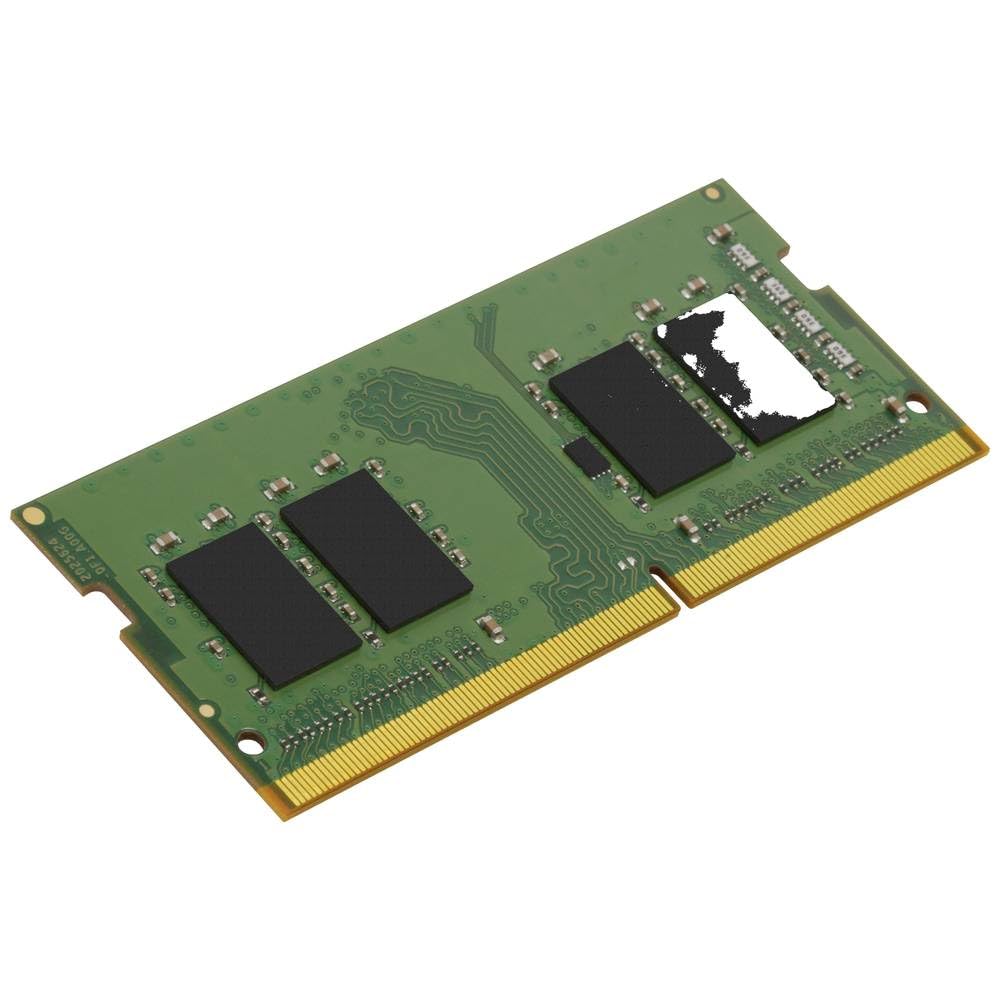
7. Kingston 16GB DDR4 3200MT/s SODIMM
The legendary name in memory with a lifetime warranty and dedicated support
Kingston is among the most trusted names in memory, and this 16GB single-rank SODIMM at 3200MT/s with CL22 latency lives up to that reputation. It is designed, manufactured, and tested to boost performance in specific brand-name computer systems, and the free technical support plus lifetime warranty add real confidence. The 260-pin form factor fits standard laptop slots.
Reviewers point out it works well across a range of machines — one upgraded an HP EliteDesk 805 G6 from 4GB to 32GB with no issues after trying other sticks, while another boosted an Inspiron 16 5620 from 12GB to 32GB without a hitch. An interesting note from the reviews: the Kingston system scan tool is helpful, but one owner found that sending results to Kingston support returned even more recommendations. That level of hand-holding is rare in the RAM world.
The trade-off is the single-rank design — fine for most users, but if you are a performance purist wanting dual-rank, look at the Samsung 2Rx8 options above. It is a premium pick, so you pay more for the brand and support than for raw specs you can find cheaper elsewhere. For those who want a bomb-proof, well-supported upgrade from a legendary name, this is a strong choice. Just run the compatibility check before you buy.
stable compatibility: Kingston’s legendary reliability and lifetime warranty with responsive, expert support.
speed overhead: single-rank design and a premium price for specs you can get cheaper from budget brands.
8. TEAMGROUP Elite DDR4 16GB Single

The single-stick TEAMGROUP that leaves room to grow into a full 32GB later
This is the single-module version of the TEAMGROUP kit above — one 16GB stick at 3200MHz with CL22 latency, designed for buyers who want to add one stick now and a second later. Shoppers say it runs at the advertised 3200MHz speed and works perfectly with devices like the Synology DS224+ NAS and Lenovo Ideapad 3. The 260-pin SODIMM format fits standard laptop slots, and it weighs just 9.34 g.
Value for money is the most-praised aspect, with owners calling it “fantastically priced” and “fantastically good memory.” One buyer fixed high RAM usage on a Zephyrus G14 (2021) by adding this stick to reach 16GB+8GB, noting smoother multitasking and gaming with negligible dual-channel loss. Another upgraded an HP 15-fd0083wm from 4GB to 16GB with zero issues and a noticeably faster laptop. The lifetime warranty and free technical support are included, matching the kit version.
The honest consideration is that a single stick runs in single-channel mode, which is slightly slower than a matched dual-channel pair for memory-heavy tasks — the aforementioned owner noted the dual-channel loss was negligible, though. The data also flags memory capacity as a mixed aspect, meaning some owners wished for more than 16GB total. If you plan to build up to 32GB over time, this is the flexible pick; if you want max performance now, buy two sticks together.
basic pick: you want one reliable 16GB stick now and the option to add a matching second later.
dual stick: single-channel mode is slightly slower than a dual-channel kit — consider buying two for peak performance.
9. Samsung 16GB DDR4 3200MHz (Rev D)

The latest revision of Samsung’s OEM-grade 2Rx8 memory, confirmed dual-rank by owners
This is the newest revision — “Rev D” — of Samsung’s OEM-grade 16GB DDR4 module, and the label tells you exactly what you are getting: 3200MHz, 2Rx8 dual-rank, 260-pin SODIMM, at 1.2V. Buyers confirmed the dual-rank configuration and accurate specs using CPU-Z, and one owner verified 3200MHz in an MSI GS66 Stealth without any XMP tweaking. The component composition is (1G x 8) x 16 chips, which is a solid, standard design.
Accuracy is the most-praised aspect, and the reviews bear that out — buyers report the specs match Samsung originals exactly, with one Thinkpad P15 Gen 2 user noting timings matched perfectly except for the dual-rank vs single-rank difference. The performance boosts are real: one owner saw an FPS jump from 100 to 135 in gaming, while another boosted a NAS and jumped their RAM from 8GB to 20GB. It works reliably for years, with one buyer reporting several years of flawless service until the laptop itself died.
The caveat is that this stick is dual-rank, so for optimal dual-channel performance you should pair it with another dual-rank stick — the data specifically notes keeping same-rank sticks side-by-side. The manufacturing origin varies (Philippines, Korea, or China), but owners mention no quality differences. It is a premium-priced, factory-grade module for those who want authentic Samsung chips with verified dual-rank performance. Check your laptop’s rank support before buying.
modern pick: verified dual-rank Samsung performance — owners confirmed the specs with CPU-Z, so no surprises.
older boards: match this with another 2Rx8 stick in the same slots for optimal dual-channel performance.
Understanding the Specs
Speed: 3200MHz and Downclocking
The 3200MHz rating is the peak speed a DDR4 module supports, but your laptop’s CPU and motherboard decide the actual speed. Many systems only support 2933MHz or 2666MHz, and the module will automatically drop to that level — this is normal behavior, not a defect. Always check your laptop’s supported memory speed before buying so you are not surprised by a slower-than-advertised result.
CAS Latency (CL22) and Rank
CAS latency (Column Address Strobe) is the delay in clock cycles before the memory delivers requested data — lower numbers mean snappier performance, and CL22 is the standard for 3200MHz DDR4. Rank refers to how the memory chips are internally organized: single-rank (1Rx8) has one set of chips, dual-rank (2Rx8) has two, and dual-rank can offer a small performance edge in some systems. Matching ranks across sticks in dual-channel mode is ideal.
FAQ
Will 16GB DDR4 laptop RAM fit in my laptop?
Why does my 3200MHz RAM run at 2933MHz or 2666MHz?
Is a 16GB stick better than two 8GB sticks?
What does CL22 latency mean in plain English?
Can I mix a 16GB stick with my existing 8GB RAM?
Will adding RAM make my laptop faster at gaming?
What is the difference between single-rank and dual-rank RAM?
Is it safe to install laptop RAM myself?
Final Thoughts: The Verdict
For most people, the winner for 16GB DDR4 laptop RAM is the Crucial 16GB because it pairs the safest compatibility with proven reliability across the widest range of laptops. If you want maximum gaming frame rates from a dual-channel kit, the TEAMGROUP Elite 2x8GB is a genuine leap forward. And for budget-conscious buyers who still want