
Our readers keep the lights on and my morning glass full of iced black tea. As an Amazon Associate, I earn from qualifying purchases.
Specs are compiled from manufacturer listings and verified buyer reviews and can change over time — please confirm the key details on the product page before buying.
Editing 4K footage on a tight budget usually means one of two things: a laptop that chokes on the timeline or one that chews through the battery before you finish the first cut. This guide sorts through the laptops that genuinely handle video work without demanding a flagship price tag, pairing raw processor power with the reality of daily editing sessions.
I’m Min — the founder and writer behind Gadgets Feed. This guide is built by comparing the manufacturers’ published specifications and the patterns across verified customer reviews, so you get each pick’s real strengths and trade-offs instead of marketing spin.
From render speeds to RAM headroom, these are the machines worth your money for serious editing work. Here is the definitive take on finding an affordable laptop for video editing that won’t leave you staring at a frozen timeline.
Our Picks at a Glance

How To Choose The Best Affordable Laptop For Video Editing
Video editing is a unique workload. It demands a processor that can chew through complex timelines, enough memory to hold your project files, and a screen that shows your colors accurately. A laptop that’s great for web browsing can be a nightmare for rendering a simple 1080p export, so you need to shop for specific components, not just a pretty chassis.
The Processor: Your Render Engine
The CPU (Central Processing Unit) determines how quickly your laptop processes edits and renders video. More CPU cores translate to faster exports and smoother playback when applying effects. A quad-core chip is the minimum, but an 8-core or 10-core processor will cut render times significantly. A high turbo boost speed (e.g., 4.9GHz) speeds up color grading and effect-heavy sequences.
Graphics: The Acceleration Key
A dedicated GPU (Graphics Processing Unit) with its own memory is essential for smooth 4K editing and fast exports. A dedicated GPU accelerates effects, smooths 4K playback, and speeds up exports in Premiere Pro and DaVinci Resolve. Integrated graphics have improved, but a dedicated GPU like an NVIDIA GeForce RTX makes editing responsive, especially with GPU-accelerated codecs.
RAM and Storage: Your Workspace
RAM and storage capacity dictate the size and complexity of projects you can handle without slowdowns. Editing software is famously RAM-hungry, so you want at least 16GB to keep your operating system, editing program, and preview files running simultaneously without bottlenecking. An SSD (Solid State Drive) is non-negotiable; it’s what makes your laptop boot in seconds and your projects load instantly. A larger SSD, like 1TB, gives you breathing room for footage without carrying an external drive.
Quick Comparison
| Model | Best For | Processor | Memory | Graphics | Amazon |
|---|---|---|---|---|---|
| Acer Aspire 5★ Best Overall | Everyday editing value | Intel i7-1165G7 | 16GB DDR4 | Intel Iris Xe | Amazon |
| NIMO 15.6 Ryzen 5Best Value DDR5 | Future-ready DDR5 | AMD Ryzen 5 6600H | 16GB DDR5 | Radeon 660M | Amazon |
| NIMO 15.6 Ryzen 7Top Performer | Powerful multitasking | AMD Ryzen 7 8745HS | 16GB DDR5 | Radeon 780M | Amazon |
| Dell 16 | Color-accurate display | Intel Core 7 150U | 16GB RAM | Integrated | Amazon |
| HP 17.3″ Laptop | Large-screen editing | Intel Ultra 5 225U | 16GB DDR5 | Integrated | Amazon |
| HP Victus 15 | Dedicated GPU power | Intel Core i5-12450H | 16GB DDR4 | RTX 3050 | Amazon |
| Acer Nitro V | AI-enhanced graphics | Intel Core i5-13420H | 8GB DDR5 | RTX 4050 | Amazon |
| MSI Thin 15 | Ray tracing on a budget | Intel Core i7-12650H | 16GB DDR5 | RTX 4050 | Amazon |
| Dell 16 Plus | Touchscreen workflow | Intel Core 7 150U | 16GB DDR5 | Intel Graphics | Amazon |
| Lenovo 16 i7 | Massive storage needs | Intel Core i7-13620H | 16GB DDR5 | Intel UHD | Amazon |
| Lenovo LOQ Gaming | Gaming-grade editing | AMD Ryzen 5 7235HS | Up to 64GB DDR5 | RTX 4050 | Amazon |
In‑Depth Reviews
1. Acer Aspire 5 A515-56-702V
Our pick — over 4★ from 150+ verified ratings; the strongest balance of quality and price.
The reliable all-rounder that proves 1080p editing doesn’t demand a gaming budget.
For editors who want a dependable daily driver without chasing the highest frame rates, the Acer Aspire 5 is the crowd favorite for a reason. It pairs an 11th Gen Intel Core i7-1165G7, which boosts up to 4.7GHz, with Intel Iris Xe graphics — a combination that buyers repeatedly confirm handles video editing software with real confidence. The 15.6″ Full HD IPS display gives you a sharp canvas for your timeline, and the build quality has won over owners who prize both laptop quality and value for money above all else.
You get 16GB of DDR4 memory (the type of RAM that handles multitasking well) to keep your editing software responsive, and you can expand it to 24GB if your projects grow. Storage comes from a fast 512GB NVMe SSD (a solid-state drive that loads files quickly), so boot times and project loads stay snappy. Buyers report this configuration “passes stress tests” and offers a superb battery, although some note that heavy editing tasks can drain the battery faster than expected and the slim design can run warm under load. The battery is a strong point for a machine in this class, rating around 8 hours of standard use.
Connectivity is well-rounded with USB-C, HDMI with HDCP support, and Wi-Fi 6 for fast transfers. There’s no Thunderbolt or USB-C charging — a minor nitpick — and the tiny pin power adapter takes getting used to. But for the price, the aluminum build, the i7 processor, and the upgradeable RAM make this the smartest first stop for any budget-conscious editor.
balanced everyday performer
- i7 chip with Iris Xe graphics handles 1080p timelines smoothly
- 16GB RAM expandable to 24GB for future-proofing
- Aluminum chassis feels more premium than the price suggests
- Buyers praise the laptop’s quality above everything else
modest graphics power
- Heavy exports drain the battery faster than expected
- No Thunderbolt or USB-C charging port
- Slim design can run warm and audible under sustained load
all-rounder: you need a do-it-all editing laptop that balances an i7 processor, 16GB of RAM, and a quality screen while staying affordable.
heavy gaming: your workflow involves long, unplugged 4K render sessions where the battery drain and thermals will become a real limitation.
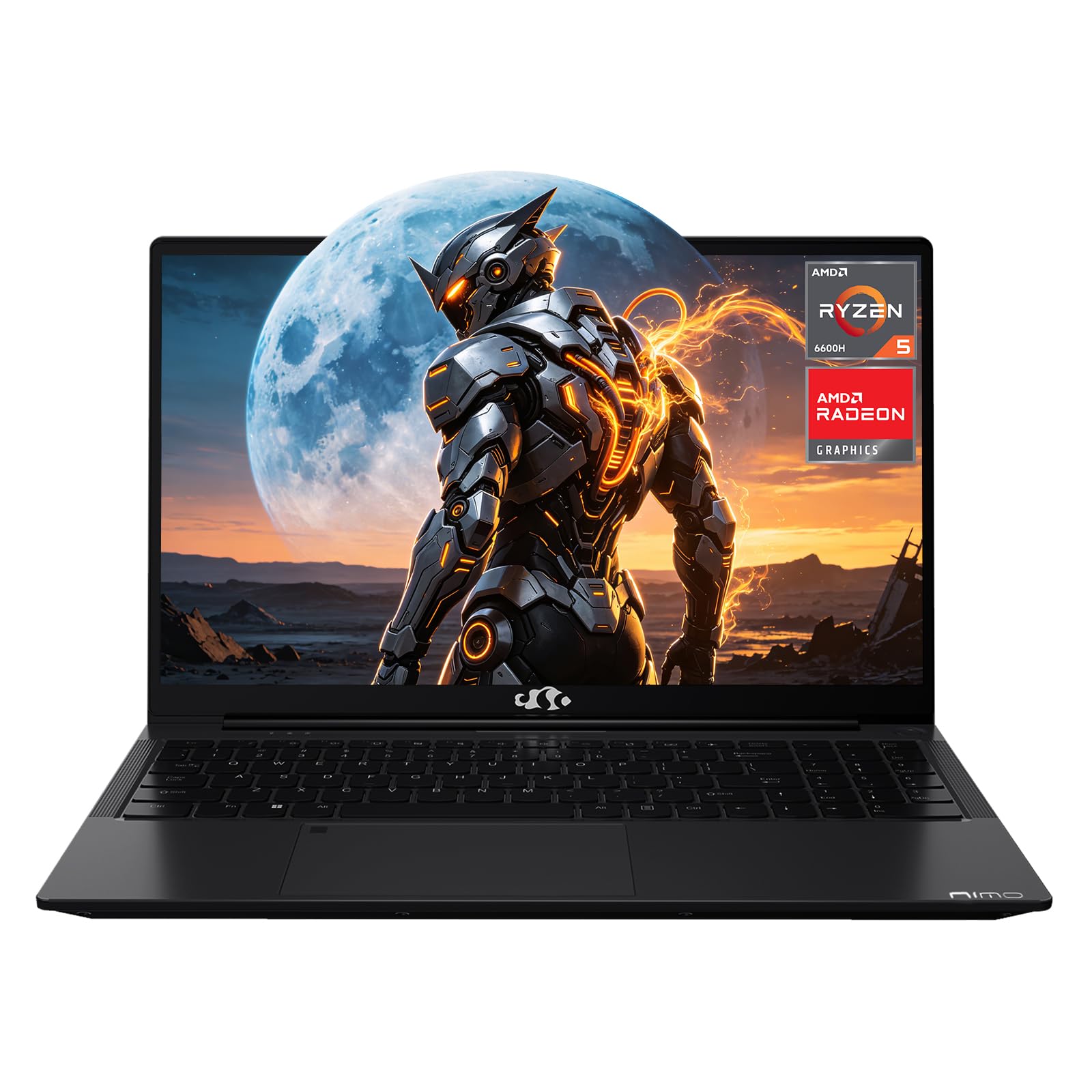
2. NIMO 15.6″ AI Creator Gaming Laptop (Ryzen 5)
A future-ready editing machine that skips old RAM tech for speedier DDR5.
This NIMO laptop takes a different path to editing performance by jumping straight to 16GB of DDR5 RAM. DDR5 is the newer, faster memory standard, and it feeds the AMD Ryzen 5 6600H processor — a 6-core chip that boosts to 4.4GHz — so multitasking across your editor, browser, and file manager feels fluid. The Radeon 660M integrated graphics handle light video work and even light gaming without stuttering, making this a versatile pick for content creators.
The 15.6-inch 1920×1080 display with its 16:9 aspect ratio is bright and clear for editing, and the backlit keyboard makes late-night cuts easier. A standout feature is the included 100W PD fast charger, which tops the 53.58Wh battery up quickly. While official battery life is listed at 9 hours, owners mention real-world usage is closer to 6 hours, and one owner experienced significantly less, so plan for that if you edit on the go. The 512GB PCIe 4.0 SSD keeps boot and load times near-instant, and it has a dual-channel memory slot for future expansion.
Ports are a highlight: you get 2x USB-C with PD and DisplayPort support, an HDMI 2.0 port, 3x USB-A, and a Micro SD reader. The fingerprint reader sits on the touchpad for one-touch Windows Hello login, and the 180° hinge lets you lay the screen flat for easy client review. It’s an affordable, feature-rich package for editors who want modern memory technology without the premium price.
creative tasks: editors who value the speed of DDR5 memory and want a laptop with an extensive port selection for a connected workflow.
intense gaming: while the dock claims 9 hours, real-world heavy editing use brings the battery closer to 6 hours, so keep the fast 100W charger nearby.
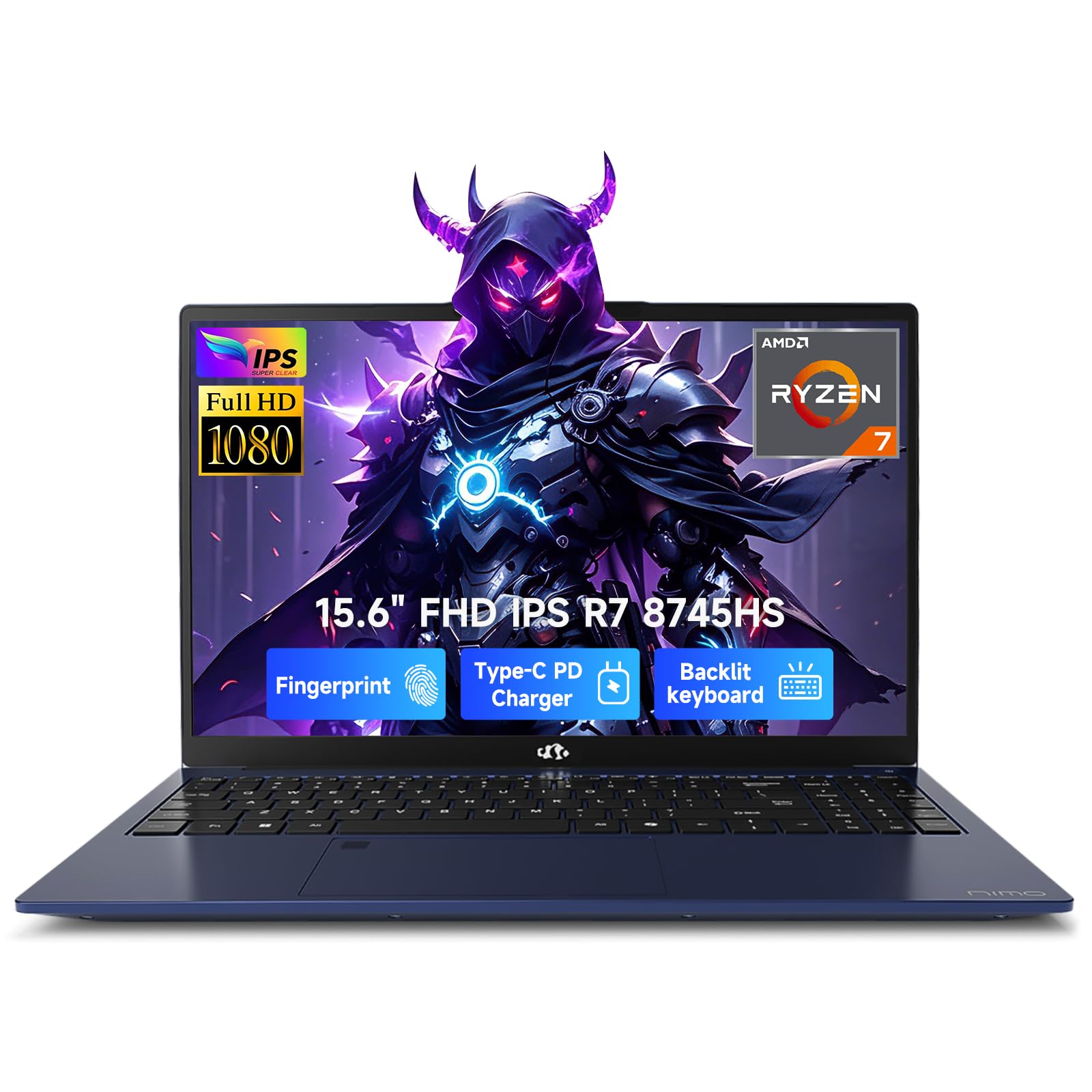
3. NIMO 15.6 Light Gaming-Creator-Laptop (Ryzen 7)
Desktop-level power in a thin metal shell, built for heavy creative work.
This is the NIMO to pick when your editing needs some serious muscle. The AMD Ryzen 7 8745HS is an 8-core processor (a chip with eight separate processing units) that hits 4.9GHz, and it’s paired with the advanced Radeon 780M integrated graphics built on RDNA 3 architecture (a modern GPU design that speeds up rendering). It beats the NIMO Ryzen 5 model on raw CPU speed — 4.9GHz versus 4.4GHz — and owners say performance is the thing they praise most, with one describing it as “comparable to a tower” for a fraction of the cost. Customers note smooth video editing, fast boots, and a machine that handles multitasking with ease.
The 16GB of expandable DDR5 RAM (up to 64GB at 5600MHz) and two M.2 SSD slots give you room to grow as your 4K library does. The 15.6-inch Full HD display with a 180° lay-flat hinge is great for presenting work, and the metal chassis weighs under 1.7kg, making it genuinely portable for a 15.6″ machine. A unique strength here is the USB4 port — this is the fastest connection standard available, allowing you to hook up external GPUs or dual 4K monitors. HDMI 2.1 support means you can output to a 4K display at 120Hz for a smooth color-grading experience.
The 100W PD charger tops the 54WH battery up quickly, reaching 50% in about 30 minutes. While official battery life is listed at 15.5 hours, reviewers point out the battery is solid but not that extreme, so expect to keep the charger handy for intensive editing sessions. The backlit keyboard and fingerprint reader round out a package that one buyer called a “great work station” — high praise for a laptop in this tier.
strong multi-core output: Owners consistently praise the performance — it’s the single most-discussed aspect — and the USB4 port makes this the most future-proof NIMO option for serious creators.
heavy workloads: you edit demanding projects, run multiple virtual machines, or want a laptop that feels as fast as a desktop for creative software.
light travel: the battery life, while solid for light use, won’t sustain intensive rendering sessions away from a power outlet.
4. Dell 16 Laptop DC16251

A 16-inch canvas with eye-friendly tech, built for long editing marathons.
The Dell 16 earns its place here through its display and comfort features, which matter more to editors than raw specs suggest. The 16″ screen with FHD+ resolution (1920×1200 pixels) and a 16:10 aspect ratio (a taller shape than standard widescreen) gives you more vertical space than a typical 16:9 panel — that extra room is gold when your timeline, preview window, and effects panel are all competing for screen real estate. The Dell ComfortView Plus technology reduces blue light emissions without washing out color, so you can edit for hours with less eye strain.
Under the hood, the Intel Core 7-150U processor boosts up to an impressive 5.4GHz, which is the highest turbo speed on this list. Paired with 16GB of RAM, owners say it delivers great speed and handles multitasking well. The FHD camera with temporal noise reduction also keeps you looking sharp on client video calls — a practical bonus for freelance editors. Adaptive thermals adjust power based on whether the laptop is on a stable surface, which helps efficiency during long renders.
Buyers have called it “the best, most advanced” Dell they’ve owned, praising the lightweight build and long battery life. There’s one honest caveat: while performance gets high marks, a few shoppers say reliability issues after a few months of use. For editors who spend hours staring at a screen, the combination of the 16″ 16:10 display, high 5.4GHz boost clock, and ComfortView Plus makes this a compelling choice.
build quality: editors who prioritize screen space, reduced eye strain, and a fast 5.4GHz processor for responsive timeline scrubbing.
budget buyers: a minority of buyers report the laptop stops working after a few months, which is rare but worth knowing before a big purchase.
5. HP Laptop (Intel Ultra 5, 17.3″ Display)

Massive screen real estate and AI-ready processing for a grand editing view.
The HP Laptop is all about screen size and modern efficiency. The 17.3-inch HD+ display is the largest on this list, giving you a cinematic editing canvas that owners mention is “perfect for working at home.” The massive screen is paired with the Intel Core Ultra 5 225U processor, a 12-core chip with Intel AI Boost that hits up to 4.8GHz. With 12 NPU TOPS (Neural Processing Unit operations per second, a measure of AI processing speed), this laptop is ready for AI-powered editing features that can automate tasks like object removal or scene detection.
The 16GB of DDR5 RAM (a fast, modern memory type) and 512GB PCIe NVMe SSD keep things responsive, and it’s built with a camera privacy shutter and TPM security (a chip that encrypts your data) for confidence. At 4.62 lb, it’s heavier than smaller laptops, but that’s the trade-off for that huge screen. The dual speakers provide clear audio for reviewing your work, and the HP True Vision 720p HD camera with noise reduction is solid for calls.
Connectivity includes Wi-Fi 6, Bluetooth 5.4, and a USB-C port with Power Delivery 3.1 and DisplayPort 1.4. Customers note great performance and reliability, though a recurring issue is missing accessories in the box — some owners received their laptop without every advertised extra. If you edit on a big screen from your home office, this HP delivers a powerful, AI-ready experience that’s tough to match on a 15-inch panel.
big screens: you want the biggest possible screen for editing timelines and value AI-assisted productivity features in a modern processor.
portable use: portability is your priority — the 17.3-inch chassis at 4.62 lb feels more like a desktop replacement than a travel companion.
6. HP Victus 15 (RTX 3050)

A gaming workhorse that brings a dedicated GPU to your editing timeline.
The HP Victus 15 is the gateway to dedicated graphics power for video editing. It’s equipped with an NVIDIA GeForce RTX 3050 with 6GB of GDDR6 memory — a real, dedicated GPU that dramatically accelerates video effects, color grading, and export times compared to integrated graphics. Paired with the 12th Gen Intel Core i5-12450H processor boosting to 4.4GHz, this is a machine that reviewers point out runs games “smoothly” and handles demanding tasks without breaking a sweat.
The 15.6-inch FHD IPS display with a 144Hz refresh rate is a boon for reviewing high-motion footage. The 144Hz panel means smoother motion playback and less blur when you’re scrubbing through action sequences. It comes with 16GB of DDR4-3200 RAM and a 512GB PCIe SSD, with support for up to 64GB of RAM and 2TB of storage if you need to expand. The backlit keyboard is comfortable for late editing sessions, and it runs Windows 11 Pro from the start.
Battery life is listed at 10 hours, though gaming and heavy editing will pull that down quickly, as with any performance laptop. The main trade-off noted by some owners is a touchpad that can stick when pressed for long periods — so keep a mouse handy for marathon sessions. If you want the undeniable performance boost of a dedicated GPU for your video work, the Victus 15 delivers it without the premium price tag.
dedicated graphics entry: The RTX 3050 with 6GB of dedicated memory is what wins owners over — quality is the most-praised aspect — making GPU-accelerated rendering a reality on a budget.
budget gaming: you want to render with a dedicated GPU, play games on the side, and enjoy a smooth 144Hz display for editing motion-heavy footage.
high-end titles: precise touchpad feel is critical to your workflow — some shoppers say occasional sticking and prefer using an external mouse.
7. Acer Nitro V 15 (RTX 4050)

AI-driven graphics and a fast panel make this a serious editing contender.
The Acer Nitro V steps up the graphics game with the NVIDIA GeForce RTX 4050 Laptop GPU (a dedicated graphics card that speeds up rendering). This is a significant leap in power, featuring 194 AI TOPS (Trillions of Operations Per Second, a measure of AI processing) and DLSS 3 technology — the latest upscaling tech that lets your laptop render at higher quality and smoother frame rates. For video editors, this means faster exports, smoother effects playback, and the ability to handle more complex timelines with ease. Acer pairs this with the 13th Gen Intel Core i5-13420H processor, boosting to 4.6GHz.
The 15.6-inch Full HD display runs at a lightning-fast 144Hz refresh rate, giving you buttery-smooth motion for reviewing footage. The Thunderbolt 4 port is a huge plus for editors — it’s the fastest connection standard, letting you transfer large 4K video files between a high-speed external drive and your laptop at breakneck speeds. Dual fans and an effective exhaust system keep the thermals in check during long renders, and the NitroSense software lets you manually adjust fan speeds and performance profiles.
One honest note: the stock 8GB of DDR5 RAM is lean for serious editing and would benefit from an upgrade to 16GB. The battery life is also short, around 3 hours on the spec sheet, and buyers report even less under gaming load. Buyers praise the game performance above all, but the “performance” aspect overall gets mixed feedback — some love it, some hit crashes or screen issues. If you’re comfortable adding RAM, the Nitro V offers fantastic GPU power and connectivity for your money.
solid gaming performance
- RTX 4050 with DLSS 3 and 194 AI TOPS for next-level rendering
- Thunderbolt 4 port for ultra-fast data transfer
- 144Hz display ensures smooth playback of high-frame-rate footage
average battery life
- 8GB RAM stock is too lean — budget for an upgrade
- Short 3-hour battery life keeps you tethered to an outlet
- Owners mention mixed reliability, including occasional crashes
midrange gaming: editors who want the latest DLSS 3 GPU tech and Thunderbolt 4 speeds and are willing to upgrade the RAM to 16GB themselves.
all-day battery: the 8GB stock memory and short battery life are its weak spots, so plan for a RAM upgrade and a nearby power outlet.
8. MSI Thin 15 (RTX 4050)

A slim and powerful machine that brings ray tracing to creative workloads.
The MSI Thin 15 lives up to its name, packing serious power into a slim chassis. It’s driven by the 12th Gen Intel Core i7-12650H, a 10-core processor that hits 4.7GHz — ideal for chewing through multi-layer edits and complex effects. This pairs with the NVIDIA GeForce RTX 4050, which brings full ray tracing to the table. Ray tracing simulates how light behaves in the real world, which is a standout for 3D work and high-end visual effects in your projects. Owners say it runs graphic design software impressively and handles games like Fortnite without breaking a sweat.
The 15.6-inch display runs at 144Hz (a refresh rate that makes motion look smooth) for smooth motion, and you get 16GB of DDR5 RAM for smooth multitasking. The 512GB NVMe SSD offers fast storage, and MSI’s Cooler Boost 5 technology keeps temperatures in check, which owners confirm — “very minimal heating” is a common theme. Face Recognition login via Windows Hello adds a modern, secure touch. The slim design means the battery life isn’t a strong suit, with several owners noting poor battery performance, so this is best used near a power source.
An interesting note from buyers: while the memory is upgradeable, some feel the 16GB is the bare minimum and wish for more. But for the price, the combination of an i7 processor, RTX 4050 graphics, and the ray tracing capability makes this a standout for creative professionals who want desktop-class features in a portable frame. Owners repeatedly call it a great value, praising the performance above all else.
portability: you want ray tracing, a powerful i7 processor, and the satisfaction of a laptop that plays anything you throw at it while handling creative software with ease.
sustained gaming: the slim build means modest battery life, so plan your editing sessions around a power outlet rather than a coffee shop table.
9. Dell 16 Plus Touchscreen
A touchscreen editing canvas with a rare top-tier owner satisfaction score.
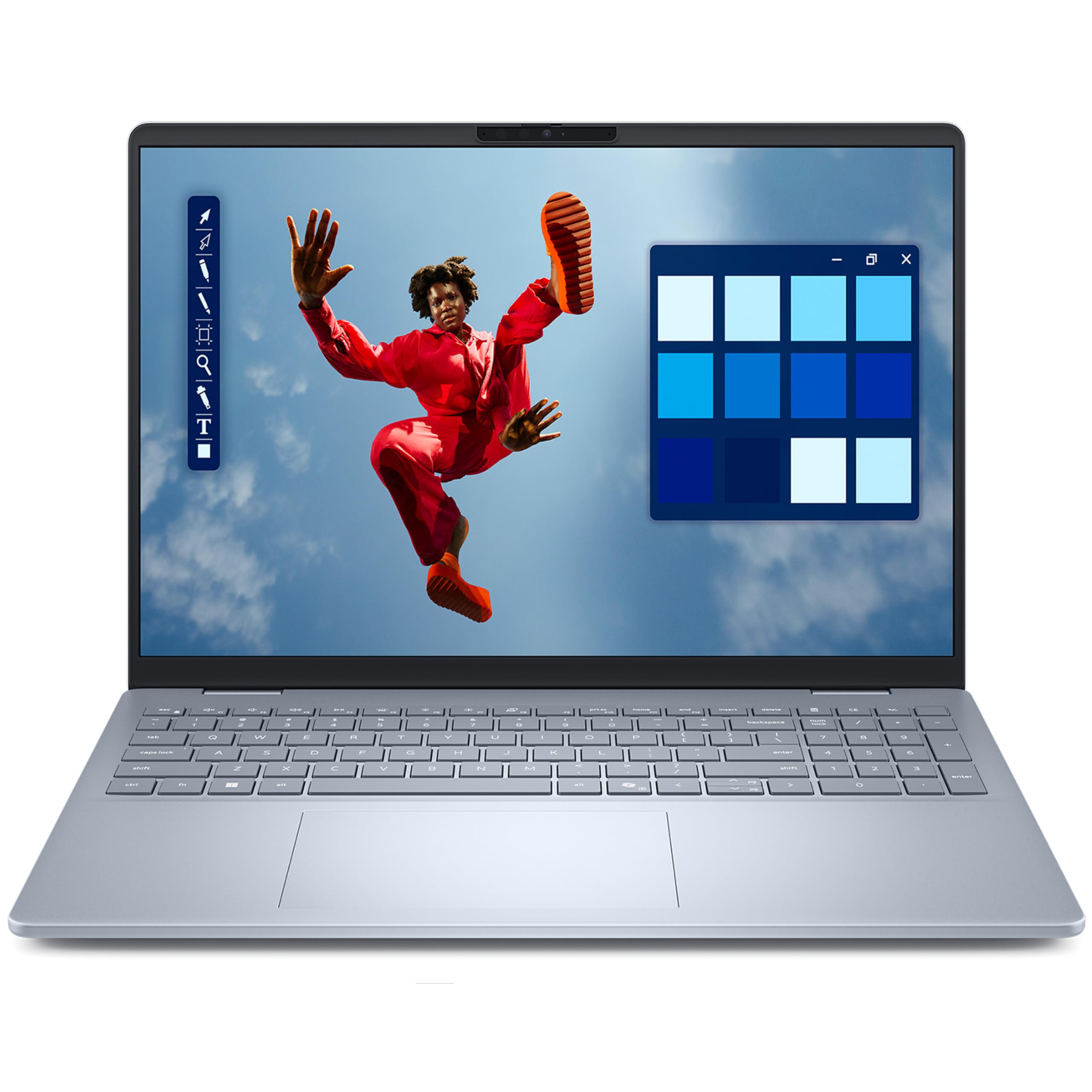
The Dell 16 Plus brings a fully interactive 16-inch IPS touchscreen to the editing world. With FHD+ resolution and wide viewing angles, this display makes it easy to tap between tracks, pinch to zoom into your timeline, and navigate your editing software with a natural touch. The touch interface is a huge advantage for editors who want to interact directly with their footage, and buyers consistently call it “perfect” for their needs.
Powering the experience is the Intel Core 7 150U processor, which hits a lightning-fast 5.4GHz turbo boost, paired with 16GB of DDR5 RAM and a 512GB SSD. This is a strong, responsive setup for multitasking across your editing suite and color grading tools. The backlit keyboard keeps you productive in low light, while the fingerprint reader offers secure one-touch login. Wi-Fi 6E and Bluetooth 5.3 deliver ultra-fast wireless for transferring files or connecting peripherals.
This laptop earns top marks from owners — a 4.9-star average is exceptional in this category. They report it arrives in perfect condition, fires up immediately, and handles the migration from older laptops with ease. It’s an ideal choice for creators, students, and professionals who value the intuitive workflow of a touchscreen and want a machine that feels premium without the premium cost.
touchscreen users: you want a highly rated touchscreen laptop that makes interactive editing easy and delivers a flawless out-of-box experience.
budget shoppers: content creators who want to pinch, zoom, and tap their way through timelines with a display that buyers rate among the best.
10. Lenovo 16 IPS FHD+ (i7-13620H)
A massive 1TB drive and a 16-inch screen for editors who hoard footage.
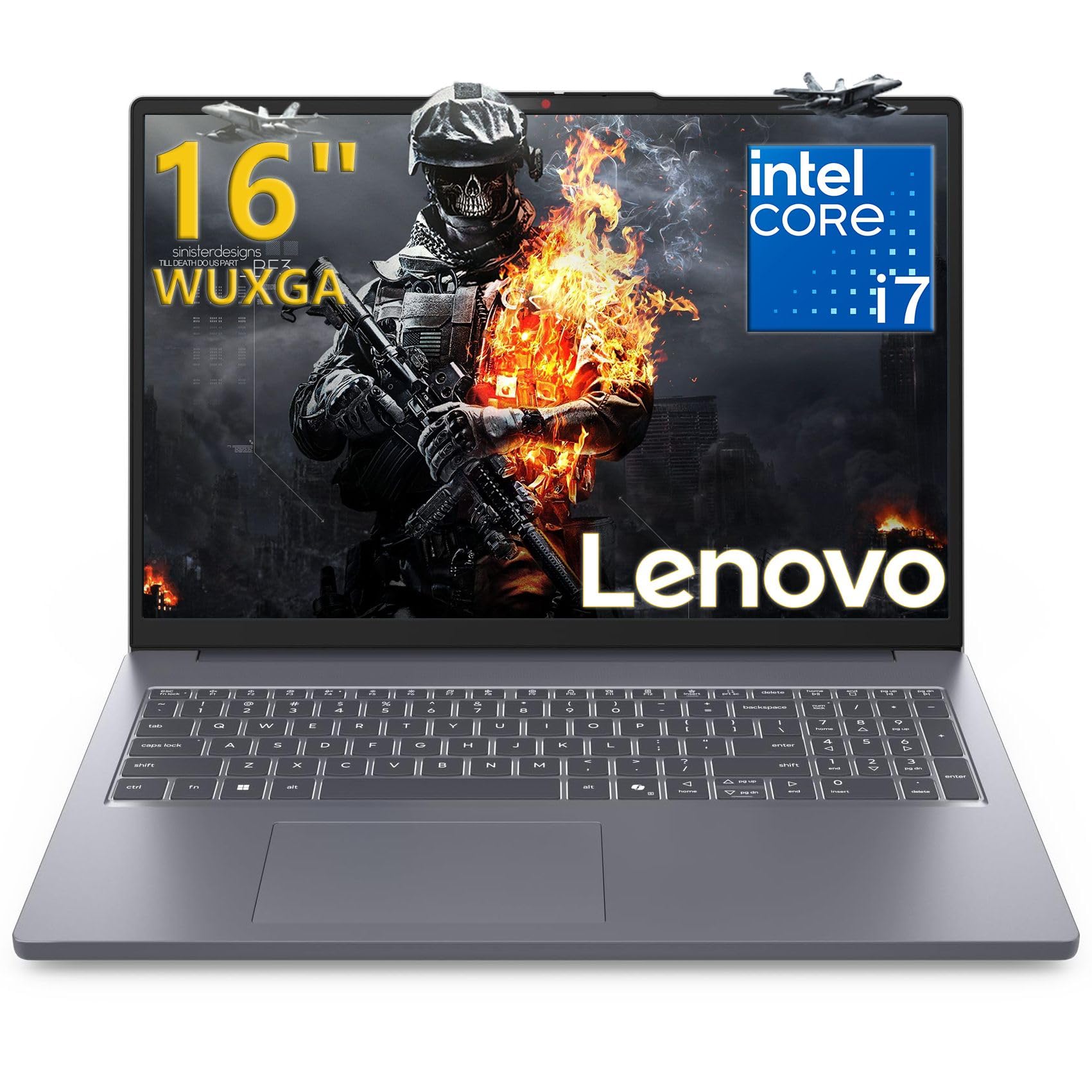
The Lenovo 16 is the answer for editors who run out of storage constantly. It ships with a huge 1TB PCIe 4.0×4 NVMe SSD — double the storage of most competitors — so you can keep your project files, raw footage, and applications all on one fast drive without reaching for an external disk. This storage is paired with the powerful Intel Core i7-13620H, a 10-core processor (6 performance + 4 efficiency cores) that boosts to 4.9GHz and delivers “exceptionally fast” multitasking for demanding creative applications. The 24MB cache keeps frequently used data close for quicker access.
The 16-inch WUXGA (1920×1200) IPS display with 300 nits brightness and an anti-glare coating keeps colors vibrant and comfortable for extended viewing. The 16:10 aspect ratio again provides that extra vertical workspace on your timeline. At just 3.70 lbs, it’s remarkably portable for a 16-inch machine, with a premium Luna Grey aluminum top cover. It also comes with Office 365 and a USB-C dock for extra connectivity, including Gigabit Ethernet.
Buyers praise the laptop’s speed, big screen, and sound system, with one noting the “dolby sound system” is a standout. It’s also earned a reputation for working flawlessly with Linux, which appeals to editors who prefer open-source tools. The only recurring note is a touchpad that’s prone to palm jumps — easily worked around with a shortcut or a mouse. With 16GB of DDR5 RAM, the massive 1TB storage, and the fast i7 chip, this is a productivity powerhouse for serious multitaskers.
productivity: you need serious storage capacity and a fast 10-core processor for projects with lots of footage and applications.
gaming: the touchpad can be sensitive to palm contact, so you might prefer a mouse for precise timeline work.
11. Lenovo LOQ Gaming Laptop (RTX 4050)
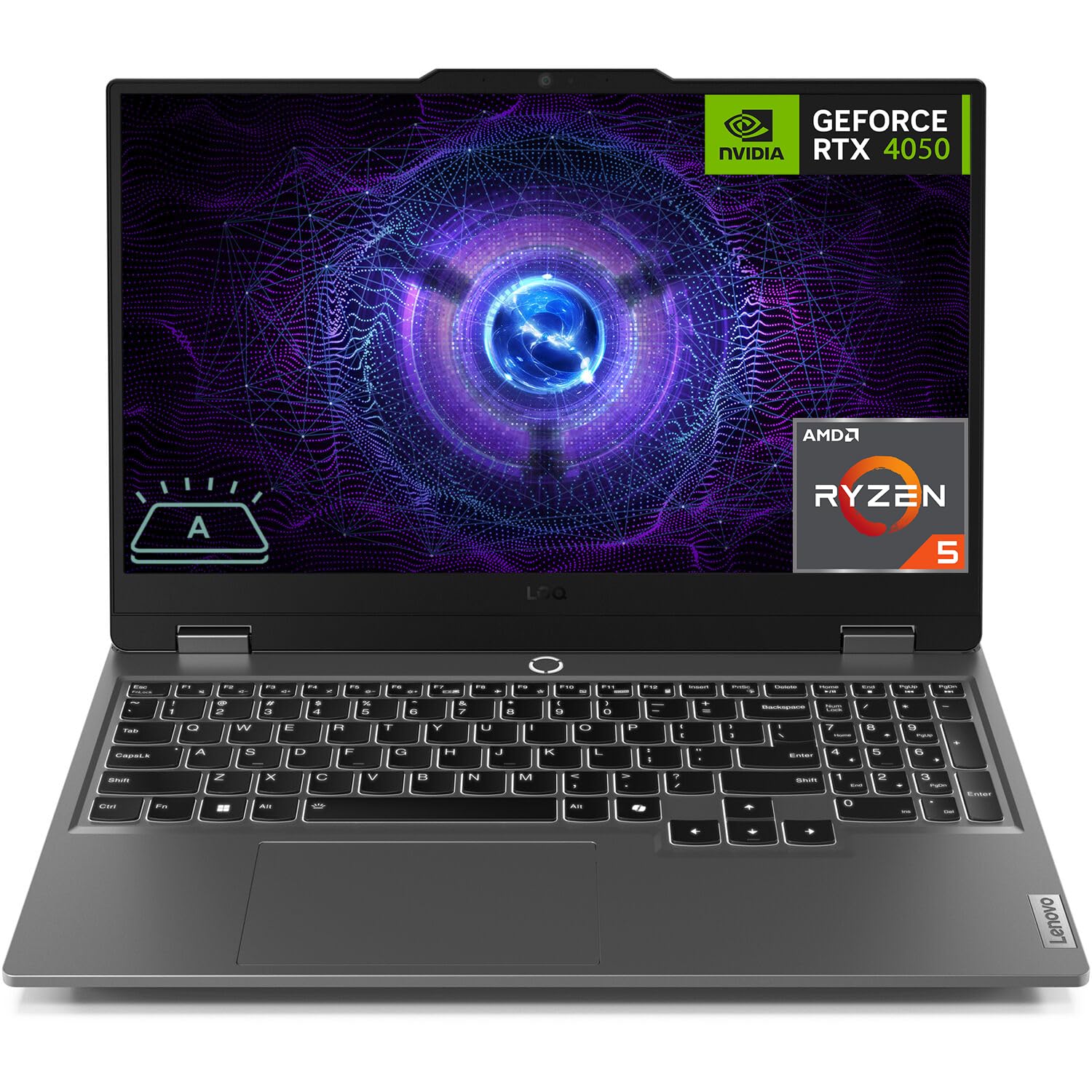
A flagship gaming laptop that doubles as a video editing powerhouse.
The Lenovo LOQ Gaming Laptop is the most complete package on this list, blending top-tier gaming DNA with serious editing capability. Under the hood is the NVIDIA GeForce RTX 4050 with 6GB of GDDR6 memory (a fast type of video memory), the same dedicated GPU found in more expensive machines, paired with the AMD Ryzen 5 7235HS processor. The Ryzen 5 boosts to 4.2GHz and pairs smoothly with the RTX 4050 for GPU-accelerated effects and fast, efficient exports. It’s a combination that customers note handles games “without effort” and delivers excellent performance and graphics.
The 15.6-inch Full HD display runs at a smooth 144Hz and includes G-SYNC technology. G-SYNC synchronizes the screen’s refresh rate with the GPU to eliminate screen tearing and stuttering, giving you buttery-smooth playback when reviewing fast-moving footage. It’s one of the few laptops on this list with this feature, making it a standout for editors who need precision. It supports up to a massive 64GB of DDR5 RAM and up to 8TB of PCIe M.2 SSD storage, so this machine can grow with even the most demanding projects.
Connectivity is gaming-grade with Wi-Fi 6, Bluetooth 5.2, and a full set of ports including USB-C, HDMI, and Ethernet. The white backlit keyboard is a stylish touch. While it’s one of the pricier options here, owners say it delivers “great value” for the performance, and the value proposition is strong for those who game and edit on the same machine. If you want a single laptop that does both flawlessly, the LOQ is the definitive choice.
value gaming: you want a top-tier RTX 4050 laptop with G-SYNC display and the potential to expand to 64GB of RAM and 8TB of storage.
premium feel: G-SYNC technology for tear-free, smooth playback — a rare and valuable feature for video editors.
Understanding the Specs
Processor Cores and Clock Speed
The CPU (Central Processing Unit) is the brain of your laptop, and its core count and clock speed directly determine how fast your videos render. More cores let your laptop handle multiple tasks simultaneously, which is crucial when editing complex timelines. The clock speed, measured in GHz (Gigahertz), tells you how fast each core processes instructions — a higher number, like 4.9GHz, means snappier performance when applying effects or exporting your final cut.
Integrated vs. Dedicated Graphics
This is the single most important decision for editors. Integrated graphics share memory with the CPU, which is fine for light work but bogs down with heavy effects. A dedicated GPU (Graphics Processing Unit) has its own memory and is designed for heavy lifting — accelerating video effects, color grading, and speeding up exports dramatically. For any serious editing work, a dedicated GPU like an NVIDIA GeForce RTX is a major advantage.
FAQ
Is 16GB of RAM enough for video editing?
Do I need a dedicated graphics card for video editing?
What is the difference between DDR4 and DDR5 RAM?
How many processor cores do I need for video editing?
Is a 144Hz display worth it for videoediting?
What does the CPU’s turbo boost speed mean for rendering?
How much storage space does a 1TB SSD actually provide?
Are integrated graphics enough for light video editing?
Final Thoughts: The Verdict
For the majority of shoppers, the affordable laptop for video editing winner is the Acer Aspire 5 because it nails the core editing recipe — a fast i7 processor, 16GB of expandable RAM, and a quality display — at a price that leaves room for other gear. If you want the latest DDR5 memory and a future-ready dual-channel slot, the NIMO Ryzen 5 is the one to reach for. And if your workflow craves a dedicated GPU for lightning-fast renders, the HP Victus 15 delivers the real-world performance that owners praise most.
How We Picked
We do not accept paid placement. Every pick is matched to a real buyer and a real use-case; we do not hands-on test units.
Sources & Methodology
Specifications: manufacturer listings and product documentation. Review insights: verified customer reviews, as of August 2026. Pricing: not shown on this page (it changes often); check the current price via the retailer link.
As an Amazon Associate, Gadgets Feed earns from qualifying purchases. This does not affect which products we feature.