
Our readers keep the lights on and my morning glass full of iced black tea. As an Amazon Associate, I earn from qualifying purchases.
Specs are compiled from manufacturer listings and verified buyer reviews and can change over time — please confirm the key details on the product page before buying.
You bought a laptop with a beautiful glossy screen, and now every overhead light, window, or lamp turns it into a mirror. You find yourself angling the lid, squinting, or moving your whole chair just to read your own work — it’s exhausting. The fix is a matte film that sits on top of your display and scatters that harsh light, so you can actually see your screen in a bright room or near a window without contorting yourself.
I’m Min — the founder and writer behind Gadgets Feed. This guide is built by comparing the manufacturers’ published specifications and the patterns across verified customer reviews, so you get each pick’s real strengths and trade-offs instead of marketing spin.
Looking for a screen protector that stops reflections without turning your display into a blurry mess? This breakdown of the best picks for an anti reflective film for laptop focuses on the matte finishes and privacy filters that actually deliver.
Our Picks at a Glance

How To Choose The Best Anti Reflective Film For Laptop
The first decision is what you actually need: a pure anti-glare film that just kills reflections, or a privacy screen that does that and also blocks side views. Privacy filters are slightly darker and have a narrow viewing window, so if you only work at home, a simpler matte film gives you a brighter screen for less fuss.
Match the Film to Your Exact Laptop Size
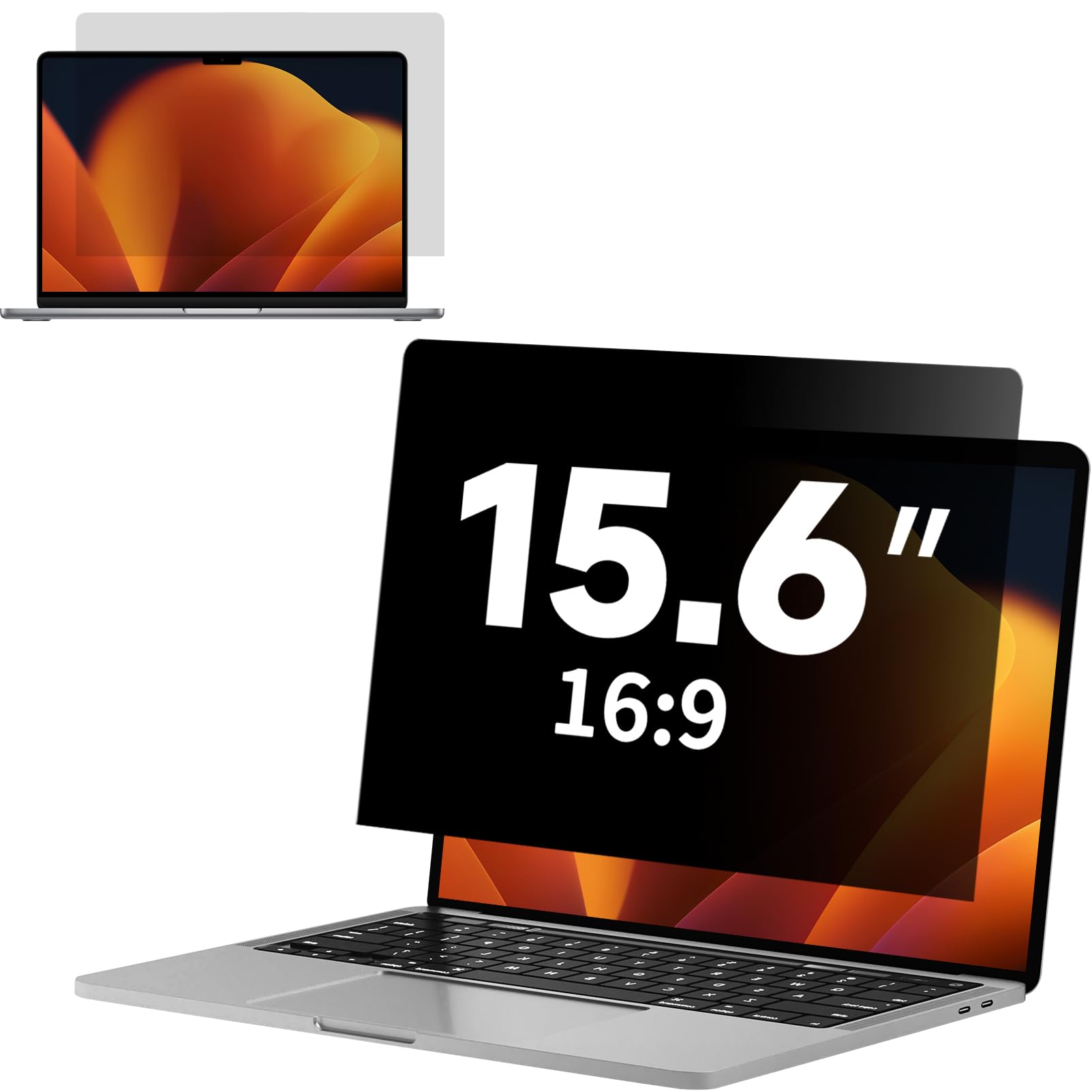
These films are cut to a specific screen size and aspect ratio — the 16:9 ratio used by most Windows laptops, or the 16:10 ratio common on newer models. A 15.6-inch film measures about 13.6 inches wide by 7.6 inches tall, and a 14-inch 16:10 film is roughly 11.8 by 7.4 inches. Measure your screen’s width and height before ordering; the diagonal size alone is not enough, because a 14-inch 16:10 and a 14-inch 16:9 need different films.
Choose Your Attachment Style: Adhesive vs Magnetic
You have two ways to attach an anti-reflective film. Adhesive and static films stick directly to the glass, are nearly invisible, and let the laptop close normally — but they take patience to install without bubbles. Magnetic filters snap onto the bezel and come off in seconds, which is great for sharing your screen or cleaning the film, but they add a slight gap and often block touchscreen use. Pick based on if you want a permanent, flush fit or a removable shield.
Quick Comparison
| Model | Best For | Fit (Screen) | Finish | Attachment | Amazon |
|---|---|---|---|---|---|
| ANTOGOO V Privacy Screen★ Best Overall | Side-view privacy + glare control | 15.6″ 16:9 | Matte | Adhesive | Amazon |
| BSPROTE Privacy ScreenTop Clarity | Highest clarity with privacy | 15.6″ 16:9 | Matte | Electrostatic | Amazon |
| Peslv 3-Pack | Budget multi-pack for eye strain | 15.6″ 16:9 | Matte | Nano-silicone | Amazon |
| F FORITO MacBook Pro 14 | MacBook Pro 14 owners | 14″ 16:10 | Matte | Silicone adhesive | Amazon |
| F FORITO 15.6 2-Pack | Crowd-favorite glare killer | 15.6″ 16:9 | Matte | Nano-silicone | Amazon |
| ANTOGOO V Magnetic 14 | Removable privacy, no adhesive | 14″ 16:10 | Matte & Glossy | Magnetic | Amazon |
| Mamol Magnetic 14 | Paper-like texture for artists | 14″ 16:10 | Glossy, Matte | Magnetic | Amazon |
In‑Depth Reviews
1. ANTOGOO V 15.6″ Privacy Screen
Our pick — over 4★ from 450+ verified ratings; the strongest balance of quality and price.
This privacy-plus-glare combo wins owners over with solid build quality above all else.
Sitting in a coffee shop with client info on screen is exactly the scenario this film is built for. Its side viewing angle of ±25° means people beside you see a dark screen, while you look straight into a clear, readable display. Buyers report that it effectively eliminates glare and provides privacy without sacrificing the head-on clarity you need to work.
The matte surface is a glare and reflection killer, and it adds a 5H hardness layer (a pencil-hardness scale where higher means more scratch resistance) so your screen shrugs off dings from keys and everyday bumps. It is also fingerprint and smudge resistant, which keeps the surface presentable after a long day of typing. Application uses adhesive on the back only, with cleaning accessories included in the box.
Out of the gate, the quality is the thing everyone raves about, with anti-glare and privacy close behind. The recurring caveat is bubbles — some owners get a flawless lay-down, others report it is impossible to avoid them entirely. Expect to spend a few careful minutes cleaning the screen first if you want a smooth result.
What wins people over
- Matte finish clears reflections and window glare
- ±25° privacy angle blocks side-onlooking eyes
- 5H hardness shields against scratches and dings
The honest trade-offs
- Bubble-free installation is a coin flip without care
- Adhesive backing is permanent once applied
Reach for this if: you work on sensitive documents in public and want one film that handles both privacy and glare.
Look elsewhere if: you hate the idea of a permanent adhesive and may want to swap the film between laptops.
2. BSPROTE 15.6″ Privacy Screen
The sharpest-looking privacy film here trades a touch of brightness for serious side-view blocking.
If crisp display quality is your priority, this film holds onto detail better than most, with a clarity rating of 99 (a scale where higher means sharper text and more accurate colors). It still narrows the viewing window to ±25° from the sides, so private documents stay hidden in a cafe, yet the view from directly behind is not blocked. Owners mention it limits side-angle visibility while keeping the front nearly as bright and clear as the original screen.
Its anti-blue light layer cuts 95% of blue light and 99% of UV light, while the matte surface reduces glare and smudges. For a privacy sheet, it sits at 5H hardness and is compatible with touchscreens, staying barely noticeable after install. The electrostatic attachment means no glue — just clean, align, and press.
Owners found the fit spot-on for an HP laptop, and touch screens stayed fully responsive. The honest limit shows in bright outdoor sunlight, where the film noticeably darkens the display; it is a solid indoor-and-public companion, not a sun-proof one. A couple of owners had to trim it slightly and noted two small bubbles crept in during application.
A clarity-first pick: leads the privacy films on image sharpness with a 99 clarity rating, and the 95% blue light cut is a genuine comfort boost for long sessions.
The catch: side visibility is not the tightest on this list, and direct sun will wash out the screen.
3. Peslv 3-Pack 15.6″ Anti Blue Light

Three films for the price of one, with big blue-light claims and a famously tricky install.
For households with several 15.6-inch laptops, this 3-pack is the most economical route, and each film blocks a hefty 99.3% of blue light. The matte, anti-glare surface uses a German-developed process with fine particles that turn harsh direct light into soft, scattered light — so a bright window no longer blinds you. The nano-silicone layer is supposed to auto-adsorb and push air bubbles out by itself.
Reality is split right down the middle. Some owners call it the best glare reduction they have worked with, praising the clarity at about 9 out of 10 with only a slight haze. Others found the stickiness unmanageable, the instructions thin, and dust bubbles impossible to remove, with the film adding grain that dulled a sharp Retina display.
The quality is the most-discussed point, and it is a mixed bag — some units impress, others underwhelm. It is also the cheapest-priced pack here, which explains the range of experiences. Take the installation slowly, work in a steamy bathroom to settle dust, and keep the included squeegee card handy.
The value play
- Three protectors, cleaning kits, and tools included
- 99.3% blue light blocking for long sessions
- Matte finish softens harsh direct light
Know before you buy
- Installation can be messy and bubbles are hard to shift
- Some customers note a grainy film over sharp displays
Best for: budget buyers who want spares or have multiple 16:9 laptops to cover at once.
skip it if: you have a high-resolution display and zero patience for finicky installation.
4. F FORITO MacBook Pro 14″ 2-Pack
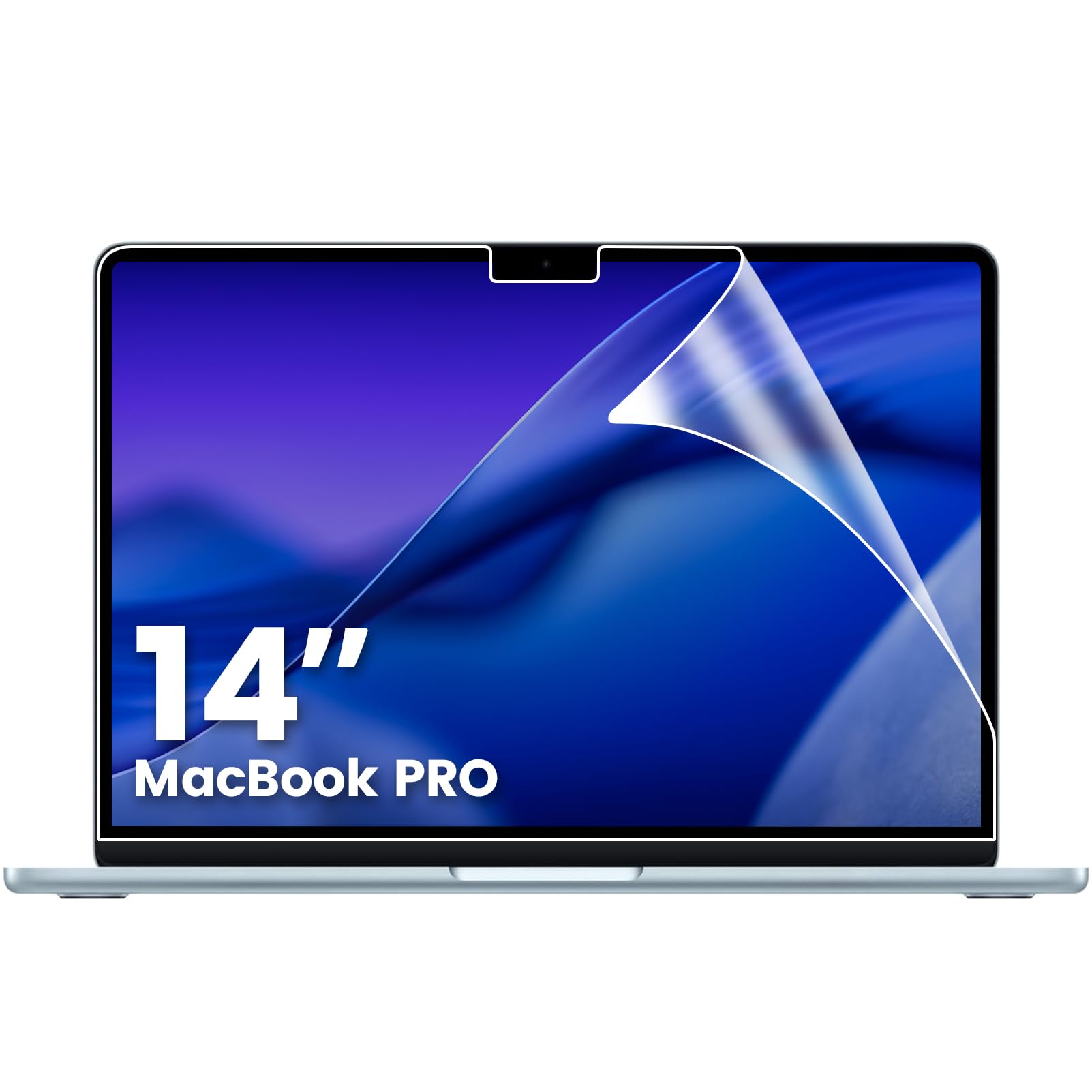
A precision-cut matte film for MacBook Pro 14 owners who refuse to give up Retina sharpness.
MacBook Pro 14 users get a film cut specifically for their machine (models A2442, A2779, A2918 and others across the M1 through M5 chips), with edge-to-edge coverage that leaves the camera and sensors fully open. The matte finish diffuses overhead lights so you stop squinting during long coding sessions, and the high-transmittance PET material preserves 98% of the original color accuracy — about as close to a true-to-life image as a matte film gets. At just 0.15mm thick, the lid still closes flush with no gap.
People praise the quality and the matte finish specifically, noting it reduces glare and fingerprints while keeping a touchscreen responsive. Installation is straightforward, and the upgraded silicone adhesive pushes air out automatically so bubbles are mostly a non-issue. You get two films plus a cleaning kit in the box, which is handy for a do-over or a second machine.
The trade-off is real but small: a matte layer slightly softens sharpness, and one owner found the film a touch undersized, leaving thin screen edges exposed. Privacy is not the job here — this is purely about reflection control and eye comfort, so do not expect side-view blocking.
Comfort without compromise: keeps 98% color accuracy and 5H scratch protection while killing the glossy mirror effect that tires your eyes.
Who it is not for: anyone wanting privacy blocking or a film that hides the screen from side glances.
5. F FORITO 15.6″ Anti Blue Light 2-Pack

The most widely tried 15.6-inch matte film on the market, beloved for its glare kill and silky texture.
With tens of thousands of owners behind it, this is the popular vote for taming reflections on a 16:9 laptop. A 9-layer blue light filter cuts eye fatigue, and the matte, paper-like finish owners call “silky” turns a glossy mirror into a glare-free workspace. Touchscreen laptops stay fully responsive, and the film keeps maximum brightness and vibrant colors coming through.
The nano-silicone layer is designed for automatic bubble absorption, and the kit is generous: two protectors, guide stickers, a cleaning cloth, wet wipes, a scraping card, and a dust removal sticker. Quality and anti-glare are the two things everyone mentions most, and both come through consistently in everyday use. Owners also give the customer service high marks, with a bent package replaced free the same day.
Installation is the sore spot, with some owners spending around an hour to get a bubble-free result; the trick is cleaning off every speck of dust first and applying top-to-bottom. Fit is the other mixed note, since the film is sized for 16:9 and some owners used it on 14-inch machines with a trim. Once it is down, the glare stops being a thought.
Why owners stick with it
- Matte finish kills glare and fingerprints
- Touchscreen performance stays unchanged
- Two films and full tool kit included
Where it trips people up
- Bubble-free application takes patience and clean hands
- The blue light filter gets mixed results from owners
Grab it if: you want the proven, most-reviewed matte film for a standard 15.6-inch Windows laptop.
Think twice if: you expect a quick two-minute install — set aside time and a clean room.
6. ANTOGOO V Magnetic 14″ 16:10
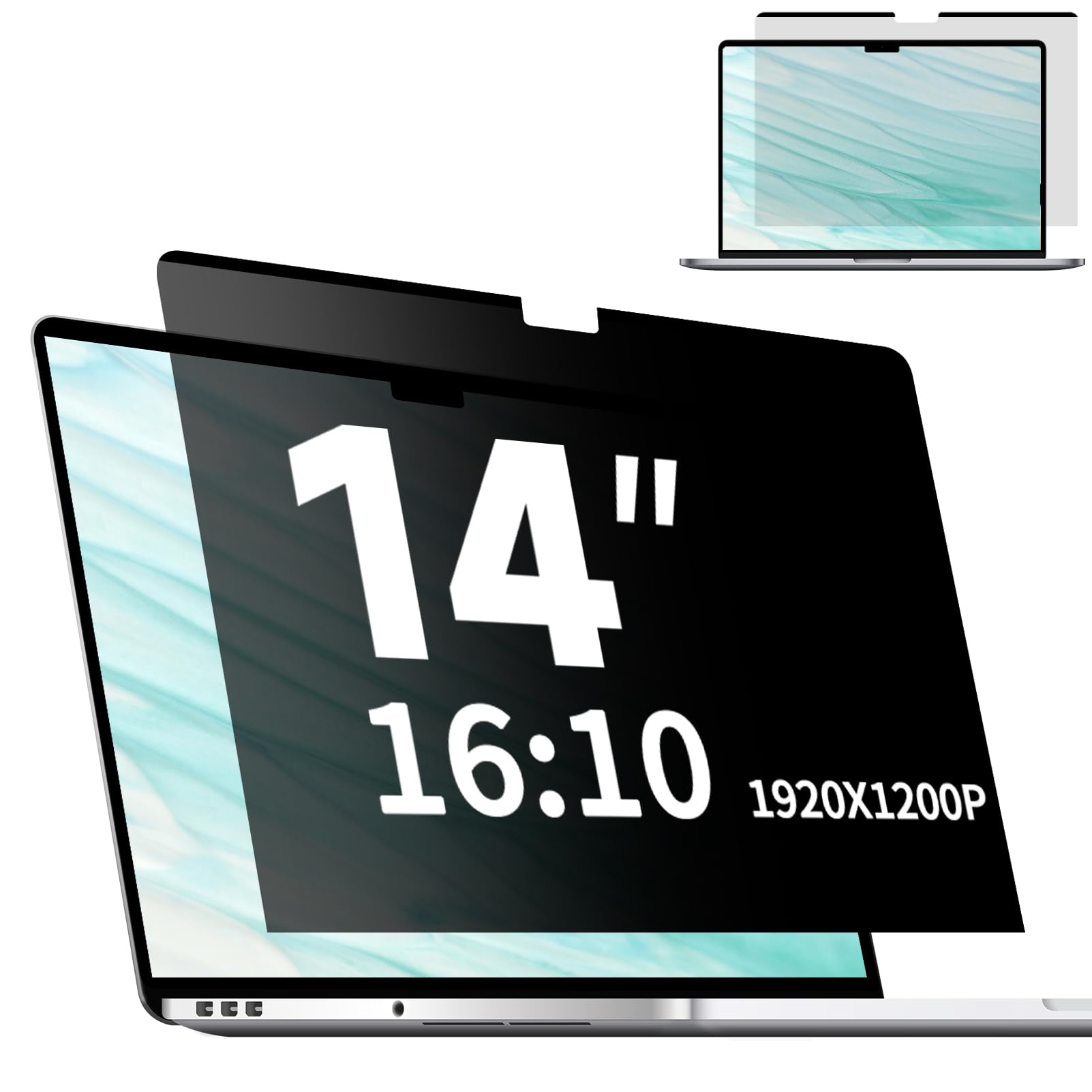
A snap-on, washable privacy shield for 14-inch 16:10 laptops that leaves no sticky residue.
If the thought of permanent adhesive makes you nervous, this magnetic filter is the answer. It clips onto the screen magnetically with a transparent strip at the bottom holding it firm, and you can pull it off for storage or cleaning whenever you like — it is washable and reattachable. It is cut for 14-inch 16:10 laptops, measuring about 11.85 by 7.4 inches, and the ±28° viewing angle keeps side glances out while you see the front clearly.
The matte surface minimizes glare, and a layered anti-blue light design reduces eye strain during long sessions. Owners call the tool-free install quick and easy, and it ships with a travel pouch so you can store it safely when it is off the laptop. The brand’s customer service also earns repeated praise — when a buyer ordered the wrong aspect ratio, the correct size was sent free, no return needed.
Know the limits before you commit: because it is a magnetic overlay, your touchscreen will stop working while it is attached. Privacy also depends on your brightness — you may need to lower it near minimum to stop side viewing entirely. And in direct sunlight, the screen loses some punch.
Flexibility first: the only pick here you can pop on and off in seconds, with anti-glare and privacy in one removable layer.
The fine print: touchscreen users lose touch function, and the tightest privacy needs a dimmer screen.
7. Mamol Magnetic 14″ 16:10

A magnetic, paper-like filter that turns your screen into a writing-friendly, privacy-shielded surface.
Artists and note-takers will feel right at home on this one. The textured matte surface has a paper-like feel that owners love for writing with a stylus, and it still narrows the viewing window to ±30 degrees so onlookers see only a darkened screen. The automatic snap-on magnetic design means no adhesive touching your laptop, and it is easy to remove and reattach as needed. It also cuts up to 97% of UV light and 65% of blue light to ease tired eyes.
The box is thorough: the privacy screen, a cleaning kit, a single-sided adhesive magnet for extra hold, a storage clip, and a large nanofiber cloth. Owners rave about the texture and say colors pop nicely, with the reduced clarity being a minor, acceptable trade. The magnets hold the top edge well on an Acer laptop, though some needed the sticky dots at the bottom to keep it flush.
Expect a learning curve: the install is rated mixed, and the instruction sheet gets some criticism. The extra texture also means audible swipes when you scroll with a finger, and stylus nibs wear faster. It sits at 3H hardness, so it protects from scratches and dust without being the toughest film here.
The creative edge
- Paper-like texture ideal for stylus writing
- ±30° privacy angle with magnetic snap-on
- Cuts 97% UV and 65% blue light
What to weigh
- Textured feel creates audible finger swipes
- Bottom edge may need the included sticky dots
Made for: digital artists and stylus users on a 14-inch 16:10 laptop who also want glance-proof privacy.
Not for: anyone who wants a perfectly smooth, glass-like glide for finger scrolling.
Understanding the Specs
Viewing Angle
This is the privacy spec. A filter with a ±25° or ±28° viewing angle means you see the screen clearly only when looking within about 25 to 28 degrees straight on. Anyone sitting at a sharper angle sees a darkened or blacked-out screen, which is exactly what you want in a crowded cafe or on a train.
Clarity Rating
Brands rate clarity on a scale that tells you how much image quality survives the film. A rating of 99 means near-invisible glass, while a lower number hints at visible haze or grain. Matte films always soften a display slightly — that is the price of killing reflections — so aim for the highest clarity number you can find if sharpness matters to you.
Hardness (H)
The H rating is a pencil-hardness scale for scratch resistance. A 5H film is noticeably tougher and shrugs off keys, zippers, and dust scrapes, while a 3H film protects from everyday marks but demands a little more care. It is a useful number if your laptop rides loose in a bag.
Attachment: Adhesive vs Electrostatic vs Magnetic
Adhesive films stick permanently with glue, static films cling without residue, and magnetic filters snap on and off the bezel. Adhesive gives the most invisible, flush fit but is a one-way trip. Magnetic is reversible and washable but adds thickness and often disables a touchscreen. Match the attachment to how permanently you want the film installed.
FAQ
Will this film fit my 15.6-inch laptop?
What is the difference between a 16:9 and a 16:10 screen filter?
Does a matte film reduce screen sharpness?
Will a privacy screen work on a touchscreen laptop?
How do I remove trapped air bubbles after installation?
Can I reuse a magnetic privacy screen on a different laptop?
Is a higher clarity rating always better?
How does blue light blocking help my eyes?
Final Thoughts: The Verdict
Across the board, the anti reflective film for laptop winner is the ANTOGOO V 15.6″ Privacy Screen because it pairs real side-view privacy with the strong build quality owners praise most. If you want the sharpest possible image without privacy blocking, grab the BSPROTE 15.6″. And for MacBook Pro 14 owners who refuse to lose Retina clarity, the F FORITO 2-Pack is the one to reach for.
How We Picked
We do not accept paid placement. Every pick is matched to a real buyer and a real use-case; we do not hands-on test units.
Sources & Methodology
Specifications: manufacturer listings and product documentation. Review insights: verified customer reviews, as of August 2026. Pricing: not shown on this page (it changes often); check the current price via the retailer link.
As an Amazon Associate, Gadgets Feed earns from qualifying purchases. This does not affect which products we feature.