
Our readers keep the lights on and my morning glass full of iced black tea. As an Amazon Associate, I earn from qualifying purchases.
Specs are compiled from manufacturer listings and verified buyer reviews and can change over time — please confirm the key details on the product page before buying.
Your photos, game libraries, and work files will live on this drive for years, so the first choice is simple: a portable 2.5-inch model that slips into a backpack, or a 3.5-inch desktop unit that needs a wall outlet but gives you more capacity per dollar. Here are the picks that balance speed, size, and reliability for your setup.
I’m Min — the founder and writer behind Gadgets Feed. This guide is built by comparing the manufacturers’ published specifications and the patterns across verified customer reviews, so you get each pick’s real strengths and trade-offs instead of marketing spin.
For backup, console storage, or travel, the right 6 tb external hard drive matches your specific needs—so you get the speed, size, and reliability you actually use.
Our Picks at a Glance


How To Choose The Best 6 TB External Hard Drive
Before you pick a drive, decide where it will live. A 2.5-inch portable draws power straight from your laptop’s USB port, so it travels easily. A 3.5-inch desktop unit needs its own power adapter, which means it stays put on a desk but gives you more storage per dollar.
Match the drive to your device
Windows PCs are the most forgiving — nearly every drive here is plug-and-play on Windows. Mac compatibility is trickier: some drives arrive formatted for Windows only, and Time Machine may auto-reformat a drive, locking it for backups alone. Check the product’s format before you buy if you live in a mixed Windows and Mac household.
Speed is about the connection, not just the drive
Look at the USB standard on both the drive and your computer. USB 3.2 Gen 1 moves data at 5Gbps, while USB 3.2 Gen 2 doubles that to 10Gbps with a USB-C connector. The drive’s internal speed also matters — a 7200RPM motor reads and writes faster than a 5400RPM one, which you will feel when moving large video files.
Gaming storage has one hard rule
On a PS5, an external drive can store and play PS4 games directly, but PS5 games must live on the console’s internal SSD. You can move a PS5 game to the external drive to free space, and copying it back is faster than re-downloading. Budget for the extra cable quality — a flimsy USB cord is the first thing to fail.
Quick Comparison
| Model | Best For | Form Factor | Connection Speed | Cache Memory | Amazon |
|---|---|---|---|---|---|
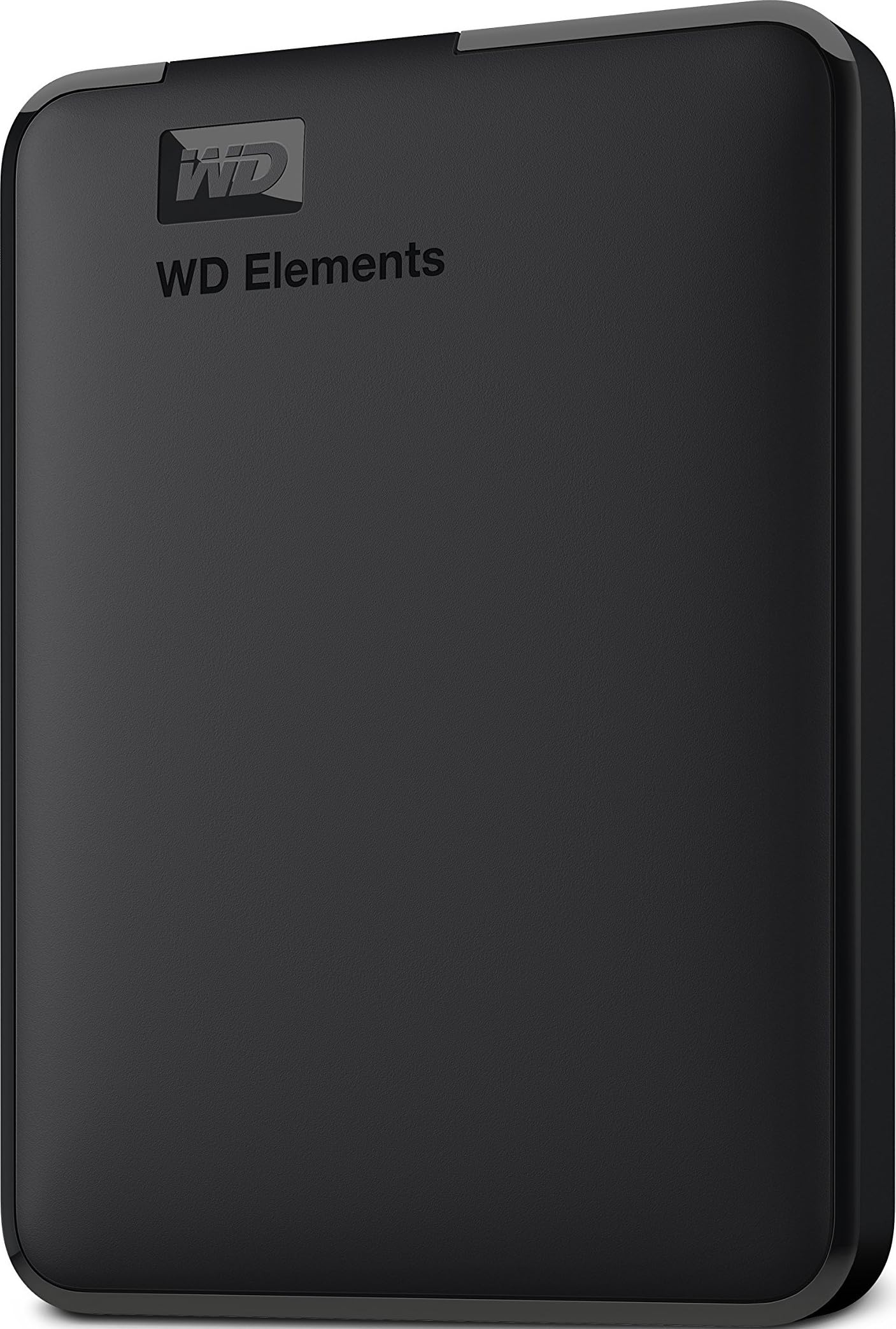
| WD 6TB Elements Portable★ Best Overall | Everyday backups on Windows | 2.5-inch | USB 3.2 Gen 1 (5Gbps) | 6 MB | Amazon |
| WD 6TB Elements DesktopTop Performer | High-capacity desk storage | 3.5-inch | USB 3.0 (5Gbps) | 6 MB | Amazon |
| Seagate Expansion DesktopQuiet Value | Quiet bulk photo and video storage | 3.5-inch | USB 3.0 | — | Amazon |
| Avolusion PRO-Z Gaming | PS5 and PS4 game storage | 3.5-inch | USB 3.0 (5Gbps) | 128 MB | Amazon |
| Avolusion PRO-H1 | Budget whole-system backups | 3.5-inch | USB 3.2 Gen 2 (10Gbps) | 64 MB | Amazon |
| WD 6TB My Passport | Portable storage with security software | 2.5-inch | USB 3.1 / USB 3.0 | 6 MB | Amazon |
| WD My Passport Ultra for Mac | Mac users wanting USB-C plug-and-play | 2.5-inch | USB-C and USB 3.1 | 6 MB | Amazon |
| SanDisk Professional G-Drive | Fast creative pro workflows | Desktop | USB-C (10Gbps) | 6 MB | Amazon |
In‑Depth Reviews
1. WD 6TB Elements Portable Hard Drive
Our pick — over 4.5★ from 165,000+ verified ratings; the strongest balance of quality and price.
The first 6TB portable that actually fits in a laptop bag and runs off USB power alone.
This is the drive that redefines what “portable” means at 6TB. It is a 2.5-inch unit, which matters because it draws power from your laptop’s USB port — no wall adapter, no hunting for an outlet. Western Digital markets it as the first 6TB 2.5-inch portable drive., and at 40% more compact than a 3.5-inch desktop unit, it disappears into a backpack. Setup is genuine plug-and-play for Windows: connect the SuperSpeed USB-A cable (5Gbps) and it just appears in File Explorer.
The thing everyone raves about is the capacity — owners consistently single out having 6TB in such a small shell, and the speed earns strong praise too. Buyers report using it for travel and photo backups, with several noting they’ve owned it for six years with zero issues. The one honest fit-note: Mac compatibility is mixed. It works, but newer Macs need a USB-C adapter, and Time Machine on Monterey may auto-reformat the drive to APFS and lock it for backups only — an Apple quirk, not a drive flaw.
For the price-to-value read, this is the volume leader for a reason. It is the crowd favorite — It holds a 4.7-star rating from over 165,000 owners. — which makes it the safest bet for most people. The plastic enclosure is nothing fancy, but it holds a reliable mechanical hard disk that has proven itself over years of daily use.
Why it wins
- True 2.5-inch portability means no power brick to carry
- Fast 5Gbps USB 3.2 Gen 1 transfers for everyday backups
- Proven reliability over years of real-world use
Watch out for
- Mac users need a USB-C adapter for newer models
- Plastic shell feels basic next to metal competitors
Reach for this if: you want maximum storage in a truly travel-friendly shell with a track record that’s hard to argue with.
Look elsewhere if: you are a Mac-only household and want zero adapter fuss from day one.
2. WD 6TB Elements Desktop Hard Drive
A desktop workhorse that trades portability for quiet, reliable, high-capacity storage.
If your drive never leaves the desk, this is the one to beat. The 3.5-inch form factor with an aluminum and glass enclosure gives it a sturdier feel than the portable Elements, and it runs cool and quiet during long backup sessions. Performance is the standout here — owners consistently rate it as working right from the start with fast data transfers. At 5Gbps over USB 3.0, it handles large video and photo libraries without drama.
Owners mention it’s ideal for creators and editors, with several noting it’s essential for backups after losing data to a failed competitor drive. The honest catch: it’s a 3.5-inch desktop unit, so it needs its AC adapter plugged into the wall — this is not a drive you toss in a bag. Mac compatibility is also mixed, with NTFS formatting limiting Mac users to read-only access unless you reformat to ExFAT for dual-OS use.
What wins people over is performance — it’s the most-praised aspect by a wide margin — backed by smooth functionality. If you want a dependable home base for your entire digital library that sits quietly in the corner, this delivers.
Best desk companion: A reliable, fast, high-capacity desktop drive for Windows users who need bulk storage that just works.
Only caveat: Mac users get read-only access on the default format, so plan to reformat if you share the drive across systems.
3. Seagate Expansion 6TB Desktop Hard Drive
A backup drive so quiet you will forget it is running until you need it.
Seagate’s Expansion line has a reputation for being the set-and-forget choice, and this 6TB model earns it. At 7″ x 1.6″ x 4.9″ and 2.59 pounds, it’s a compact desktop unit that fits on a shelf corner. The defining trait owners mention is silence — one buyer keeps it on the far corner of the desk and can’t hear it during backups. With USB 3.0 connectivity, transfers are fast enough for most home and small-business needs.
Capacity here is genuinely generous: 6TB stores millions of photos, hundreds of hours of video, or up to a million songs.. Setup is about as easy as it gets — plug it in, and Windows recognizes it immediately. Customers note it worked fine for backing up an aging computer and praise how quickly it arrived and functioned without fuss.
The honest trade-off is that longevity is unproven for some — a few owners note they don’t use it enough to gauge its lifespan. But for a straightforward, quiet, dependable backup drive at a mid-range price, this is hard to argue with.
Best if: you want a silent, simple desktop backup drive for photos, video, and music libraries and don’t need portability.
Think twice if: you plan to carry the drive between locations — this one wants to stay plugged in.
4. Avolusion PRO-Z 6TB Gaming Hard Drive for PS5/PS4

A 7200RPM game vault with double the cache of its sibling for faster console loads.
If you own a PlayStation, this 3.5-inch drive is built for you: it pairs a refurbished 7200RPM enterprise hard disk with a 128 MB cache—double the cache of the Avolusion PRO-H1 above—so saved games load faster. The white design matches the PS5 look, and owners say setup for PS4 games is genuinely easy. It works with both PS5 and PS4 consoles.
The workflow is simple: download PS5 games to the internal SSD, then move them to this drive when you’re not playing — a transfer that takes roughly 3–5 minutes per game. and beats re-downloading every time. For PS4 games, you can play directly from the external storage. As owners put it: the drive “works great for my PS5” and the ease of use is the most-praised quality.
The honest caveat involves reliability — the most-discussed aspect is mixed. A handful of units disconnect and power off, causing reformat prompts that can threaten saved data. The recurring advice from owners is simple: if the drive starts acting up, replace the cable to the PS5 first, since the included cord is the weak link.
Built for gamers
- 128 MB cache for faster game reads
- PS5 and PS4 compatible from the start
- 7200RPM enterprise drive designed for 24/7 use
Gamer’s warning
- Some units disconnect and need reformatting
- Included cable is the first thing to fail — upgrade it
Grab this if: you need serious PS4/PS5 storage expansion and want a drive that matches your console’s look.
skip it if: you’re not comfortable troubleshooting a possible cable swap down the road.
5. Avolusion PRO-H1 6TB 7200RPM External Hard Drive

A refurbished enterprise heart with the fastest connection in this budget tier.
This is the value pick done smart: a brand-new case wrapped around a refurbished, top-tier 7200RPM enterprise hard drive. The headline spec is the USB 3.2 Gen 2 connection, moving data at 10Gbps — double the speed of the standard USB 3.0 drives here, with a 64 MB cache behind it. It’s pre-formatted to exFAT, so it works with Windows and macOS from the start, plus Xbox consoles.
The value for money is what owners praise most — several call it an unbeatable price-to-quality ratio, and the drive is quiet with a smaller footprint than the photos suggest. It’s pre-formatted and ready to run, which buyers appreciate for weekly backup duty. The bundle includes a 2-year warranty, a power adapter, and the USB-C cable you need.
Reliability is genuinely mixed here, and honesty matters: one owner reports the drive stopped working suddenly just months after purchase. When units fail, they fail fast. But the good news from owners who got a healthy unit: flawless operation and a recommendation to buy another. The smart play is to treat this as a backup destination, not your only copy.
Budget backup workhorse: The fastest connection in this price tier plus a 7200RPM enterprise drive make it a compelling value for Windows backup.
Know the risk: Refurbished drives carry a reliability lottery — keep a second copy of anything irreplaceable.
6. WD 6TB My Passport Portable Hard Drive

A slim, secure portable with ransomware defense built into the included software.
If your files are sensitive, this is the portable drive to reach for. My Passport packs hardware encryption and password protection, plus device management software with defense against ransomware — so your backups are locked down even if the drive falls into the wrong hands. The 2.5-inch form factor means USB-powered portability, and the aluminum and glass enclosure feels more premium than the basic Elements line.
The quality is what owners praise most, and the 6TB capacity earns strong marks too. Buyers describe simple, easy photo transfers from their phones and use it as a dependable document backup. Setup is genuinely straightforward — connect the SuperSpeed USB-A cable and it’s ready. It’s also the first 6TB 2.5-inch portable drive., so you get usability and security in a shell that travels.
The honest coverage here: durability is the most-discussed aspect and it’s negative, with several owners reporting failures within two months and data loss after power outages. The responsible read is to treat this as a backup drive, not your only copy — the software and encryption are the real value, not bulletproof hardware longevity.
Choose this if: you want portable storage with password protection and ransomware defense for sensitive documents.
Think about: keeping a second backup elsewhere, since a few units have failed within months.
7. WD My Passport Ultra for Mac (6TB)

A sleek metal portable engineered for Mac users with true USB-C plug-and-play.
Mac owners get their own version here, and the difference is meaningful. This My Passport Ultra ships with a SuperSpeed USB-C to USB-C cable plus a USB-C to USB-A adapter, so it works with modern MacBook ports without hunting for dongles. The sleek metal design adds durability and a premium feel. It’s still a 2.5-inch portable at 6TB, small enough to carry alongside a laptop and its cables, as owners note.
Ease of use is the most-praised aspect, and it’s justified — reviewers point out it works with Time Machine on MacBook Pro without friction. The device management software includes the same ransomware defense as the standard My Passport, plus password protection and hardware encryption. It’s also genuinely port-ready for mixed setups.
Reliability is the mixed note here, and it’s the aspect owners discuss most. Some report complete failure after three months, while others had a first unit fail and a replacement work fine via Disk Utility. This is a spinning-platter hard drive, not an SSD — owners emphasize you must not move it while it’s running, since the read/write heads can crash. Treat it with care and keep a backup of your backup.
Best for Mac convenience: True USB-C plug-and-play with Time Machine support and a metal shell that travels well.
Handle with care: It has spinning platters — never move it mid-operation, and expect occasional failure requiring a warranty swap.
8. SanDisk Professional 6TB G-Drive Desktop HDD
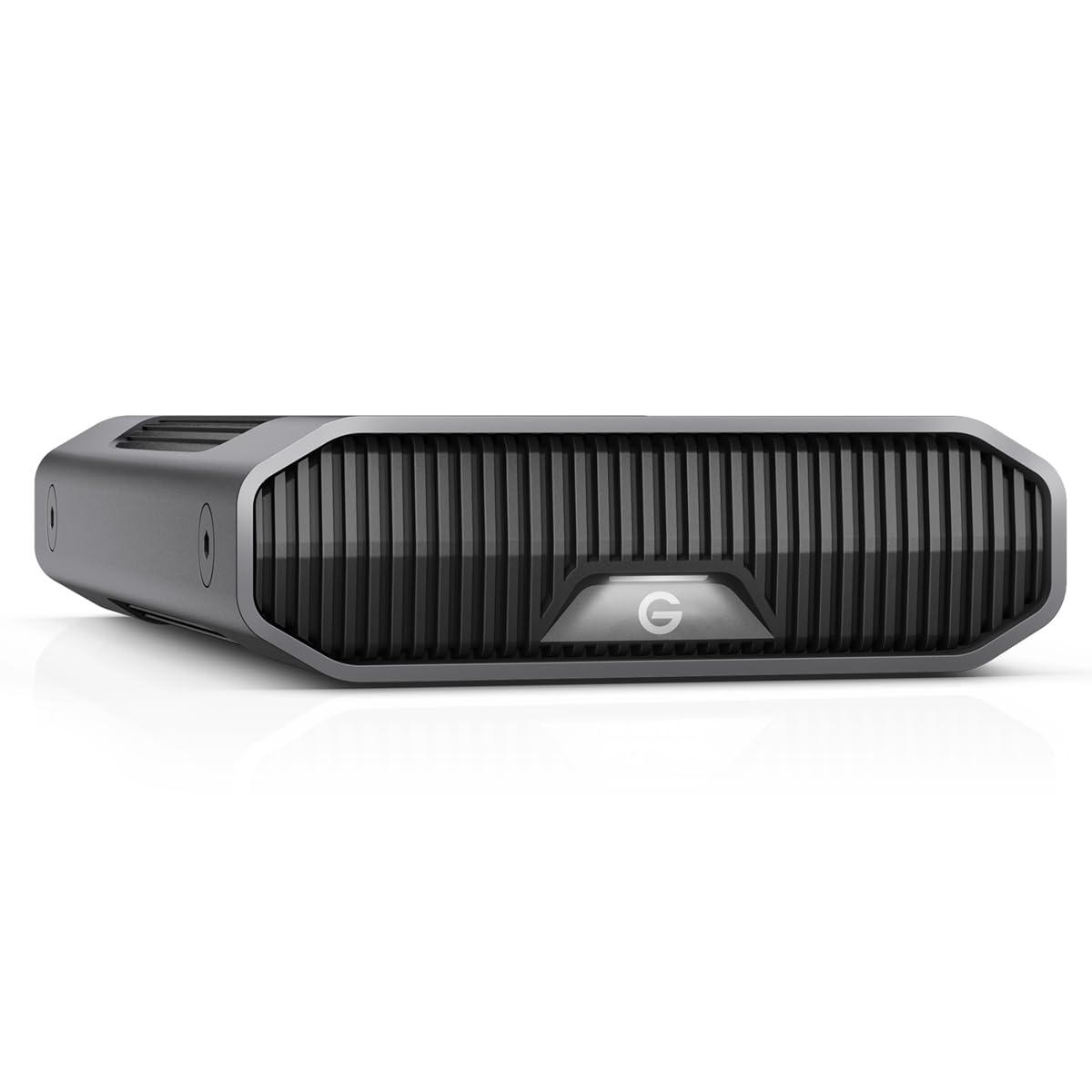
A stackable aluminum pro drive hitting 250MB/s reads and writes over USB-C.
This is the speed king for creative professionals who move massive files daily. Inside the anodized aluminum enclosure sits an enterprise-class Ultrastar 7200RPM drive, and the USB-C connection runs at 10Gbps — delivering up to 250MB/s reads and writes.. That’s roughly double what a standard 5Gbps drive manages. It’s Mac Ready and Apple Time Machine compatible, and reformatting for Windows is easy.
The build quality is what owners praise most, and it shows: the stackable, anodized aluminum design is genuinely premium, and you can adjust three modes of brightness on the LED lights. Shoppers say moving up to 2.2TB in about three hours., and the drive is sturdy enough for a professional desk setup.
Reliability is the elephant in the room — it’s the aspect owners discuss most, and it’s mixed. Some units fail within a month, and buyers report random ejection, clicking sounds, and data loss. One Mac user had it fail twice in six months. The broader pattern suggests this is a great drive when it works, but you must keep your data backed up elsewhere and be ready to use the warranty.
Reach for this if: you need pro-level transfer speeds in a premium, stackable aluminum body for demanding creative work.
Proceed with caution: Reliability reports are genuinely mixed — never keep your only copy of important files on this drive.
Understanding the Specs
Form Factor: 2.5-inch vs 3.5-inch
This is the first decision you make. A 2.5-inch drive uses a smaller platter and powers itself from your laptop’s USB port, so it’s truly portable — you can slip it into a bag and use it anywhere. A 3.5-inch desktop drive needs its own power adapter from the wall, which makes it heavier and desk-bound, but it typically offers more storage per dollar and uses a faster 7200RPM motor. If you travel with your data, go 2.5-inch. If the drive lives on a desk, 3.5-inch usually gives you more for the money.
USB Standard and Cache Memory
USB 3.2 Gen 1 moves data at 5Gbps, which covers most backup needs comfortably. USB 3.2 Gen 2 doubles that to 10Gbps over a USB-C connector, which you’ll feel when moving large video files. Cache memory is the drive’s short-term buffer — a larger cache like 128 MB lets the drive store more data before writing to the platters, which helps with small-file transfers and gaming load times. A 64 MB cache is perfectly fine for standard backups, but 128 MB gives gaming and creative work a small edge.
FAQ
Will a 6TB drive work with my PS5?
Does a 6TB external drive work with Mac?
How long does a 6TB external hard drive last?
What is the difference between a 2.5-inch and a 3.5-inch drive?
Is a 7200RPM drive faster than a 5400RPM drive?
What does the cache memory size do on an external drive?
Can I play PS5 games directly from an external hard drive?
Is a refurbished 6TB external hard drive safe to buy?
Final Thoughts: The Verdict
For the majority of shoppers, the clear pick is the 6 tb external hard drive winner — the WD Elements Portable — because it packs true 2.5-inch portability with proven long-term reliability. If you want a desk-bound workhorse with fast transfers and a sturdier aluminum build, grab the WD Elements Desktop. And for PS5 owners expanding their game library, the Avolusion PRO-Z Gaming is the one to reach for — just use a quality cable and keep a second backup of anything you can’t afford to lose.
How We Picked
We do not accept paid placement. Every pick is matched to a real buyer and a real use-case; we do not hands-on test units.
Sources & Methodology
Specifications: manufacturer listings and product documentation. Review insights: verified customer reviews, as of August 2026. Pricing: not shown on this page (it changes often); check the current price via the retailer link.
As an Amazon Associate, Gadgets Feed earns from qualifying purchases. This does not affect which products we feature.