
Our readers keep the lights on and my morning glass full of iced black tea. As an Amazon Associate, I earn from qualifying purchases.
Specs are compiled from manufacturer listings and verified buyer reviews and can change over time — please confirm the key details on the product page before buying.
Hunting for a genuinely playable machine on a tight budget means dodging a minefield of outdated processors and misleading storage numbers. The truth is that a true gaming laptop under $300 doesn’t really exist — but a handful of machines can handle older, lighter titles if you choose the right processor and know what to ignore.
I’m Min — the founder and writer behind Gadgets Feed. This guide is built by comparing the manufacturers’ published specifications and the patterns across verified customer reviews, so you get each pick’s real strengths and trade-offs instead of marketing spin.
You need to focus on the CPU, RAM, and screen resolution above all else, because those three specs decide whether a game runs at all. This guide to the gaming laptop under $300 separates the honest picks from the ones that will leave you staring at a loading screen.
Quick Picks
- MOONFISH 15.6″ Laptop — Best Overall
- BTDD 15.6″ FHD Laptop — Upgrade Pick
- Tunhail 15.6″ Laptop — Budget Champion
- MALLRACE LX15PRO Gaming Laptop — Top Performer
- XINHENGTAI 14.1″ Laptop — Compact Pick
- ASUS Vivobook Business Laptop — Brand Value
- HYPERSTRIX 15.6″ Laptop — Display Pick
How To Choose The Best Gaming Laptop Under $300
At this price point, you are buying a portable computer that can handle retro and indie titles, not a rig for the latest AAA blockbusters. The trick is to find the machine with the least amount of compromise in the areas that matter: the processor, the memory, and the display.
Processor Power is Everything
The CPU is the heart of any budget gaming attempt. Older Intel Celeron chips like the N4000 or the 4425Y are designed for basic web browsing, and they will struggle with anything more demanding than a 2D platformer. If you want any chance at playable frame rates, look for a more modern chip like the AMD Ryzen 4300U, which has a much higher turbo frequency and handles multitasking far better.
RAM is the Real Bottleneck
RAM (the memory that keeps your programs running) decides how many apps you can juggle at once. A laptop with 4GB will stutter with just a few browser tabs open, while 8GB is the bare minimum for a playable experience with a game and a voice chat app running together. the balance is 16GB, which gives you genuine headroom for multitasking without lag.
Quick Comparison
| Model | Best For | Processor | RAM | Display | Amazon |
|---|---|---|---|---|---|
| MOONFISH 15.6″ | Versatile daily driver | Intel 4425Y | 16GB | FHD IPS | Amazon |
| BTDD 15.6″ FHD | Upgrade potential | Celeron J4105 | 6GB | FHD | Amazon |
| Tunhail 15.6″ | Light online games | Celeron N4000 | 8GB | FHD IPS | Amazon |
| MALLRACE LX15PRO | Most raw power | AMD Ryzen 4300U | 16GB | FHD IPS | Amazon |
| XINHENGTAI 14.1″ | Smallest travel size | 11th Gen Intel | 4GB | 1366×768 | Amazon |
| ASUS Vivobook | Brand reliability | Pentium N6000 | 4GB | FHD IPS | Amazon |
| HYPERSTRIX 15.6″ | Color-accurate screen | Intel 4425Y | 16GB | sRGB FHD | Amazon |
In‑Depth Reviews
1. MOONFISH 15.6″ Laptop
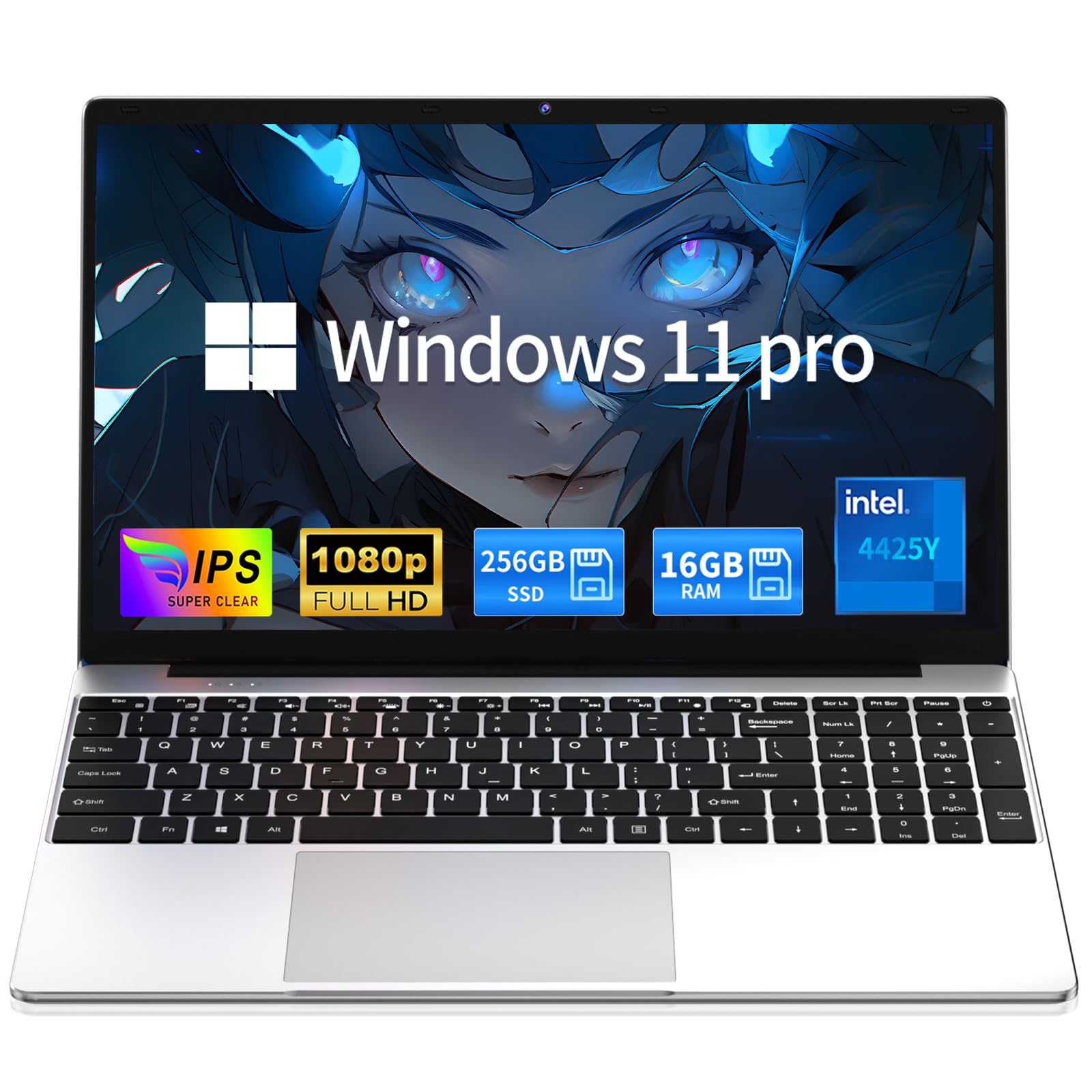
The crowd-pleaser that proves a sub-300 machine can still handle modern light games.
This MOONFISH model leads the list because it balances price, performance, and confidence better than anything else here. The 16GB of RAM and 256GB SSD (a fast storage drive) give you the multitasking headroom that cheaper 4GB machines lack, and buyers report it processes titles like Date Everything and Assassin’s Creed Unity without major issues — which is remarkable for this tier with an integrated Intel 4425Y processor (a budget chip built into the motherboard).
The 15.6-inch FHD IPS display runs at a stable 60Hz, so visuals stay clear and smooth for streaming or lighter gaming. The whole package is just 0.8 inches thin and weighs 3.5 lbs, so it slips into a backpack without weighing you down, and the 5000mAh battery supports a claimed 6 hours of life for classes or commutes.
The strongest draw is the included 2-Year Warranty and 6-Month Free Returns, backed by 24/7 online support. The main trade-off is the processor, a 4425Y with a 1.7 GHz max speed (the top speed it can reach), which is fine for everyday work but won’t push frame rates in demanding titles — and a few owners found the pre-installed Word app needed tech support to open.
big display: Students, remote workers, and casual gamers who want one machine that does everything without fuss.
power users: If your library is full of heavy AAA shooters, the weak 4425Y chip will hold you back.
2. BTDD 15.6″ FHD Laptop
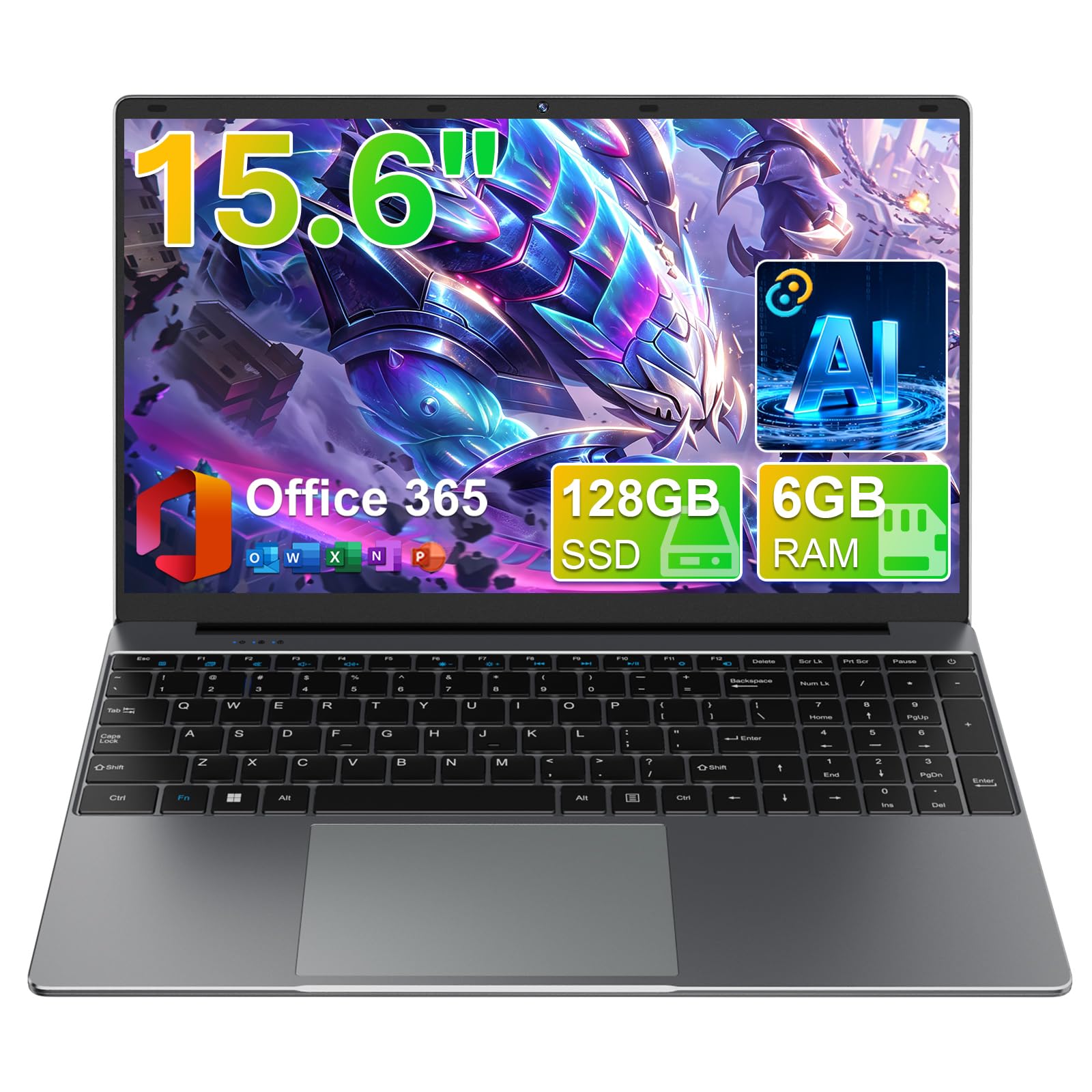
A tinkerer’s delight with built-in AI tools and a display that punches above its weight.
The BTDD makes its case with a unique feature set: a built-in AI assistant with five modes covering Chat, Write, Read, Meet, and Draw, plus a 1-year Office 365 subscription. Under the hood sits a Celeron J4105 quad-core processor with a 2.5 GHz max speed, paired with 6GB of RAM and a 128GB M.2 SSD — enough for daily tasks and very light gaming.
What really stands out is the 15.6-inch FHD display at 1920×1080 (full high definition, meaning sharp text and images) with ultra-narrow bezels, giving you a large, rich screen that feels more premium than the budget price suggests. The 180° lay-flat hinge adds real flexibility for presentations or sharing your screen with a friend on the other side of the table.
The catch is the modest 6GB of RAM and the fact that owners mention it lacks USB-A ports and Ethernet without a hub. It also supports Wi-Fi 5 and Bluetooth 4.2, which is dated but workable. One buyer called it a “great value for a jump box,” and another praised it for students handling study, browsing, and office tasks smoothly.
crisp visuals: You want built-in AI help and a sharp, bezel-less display for school or light office work.
long trips: You need lots of storage from the start — 128GB fills up fast with games and media.
3. Tunhail 15.6″ Laptop
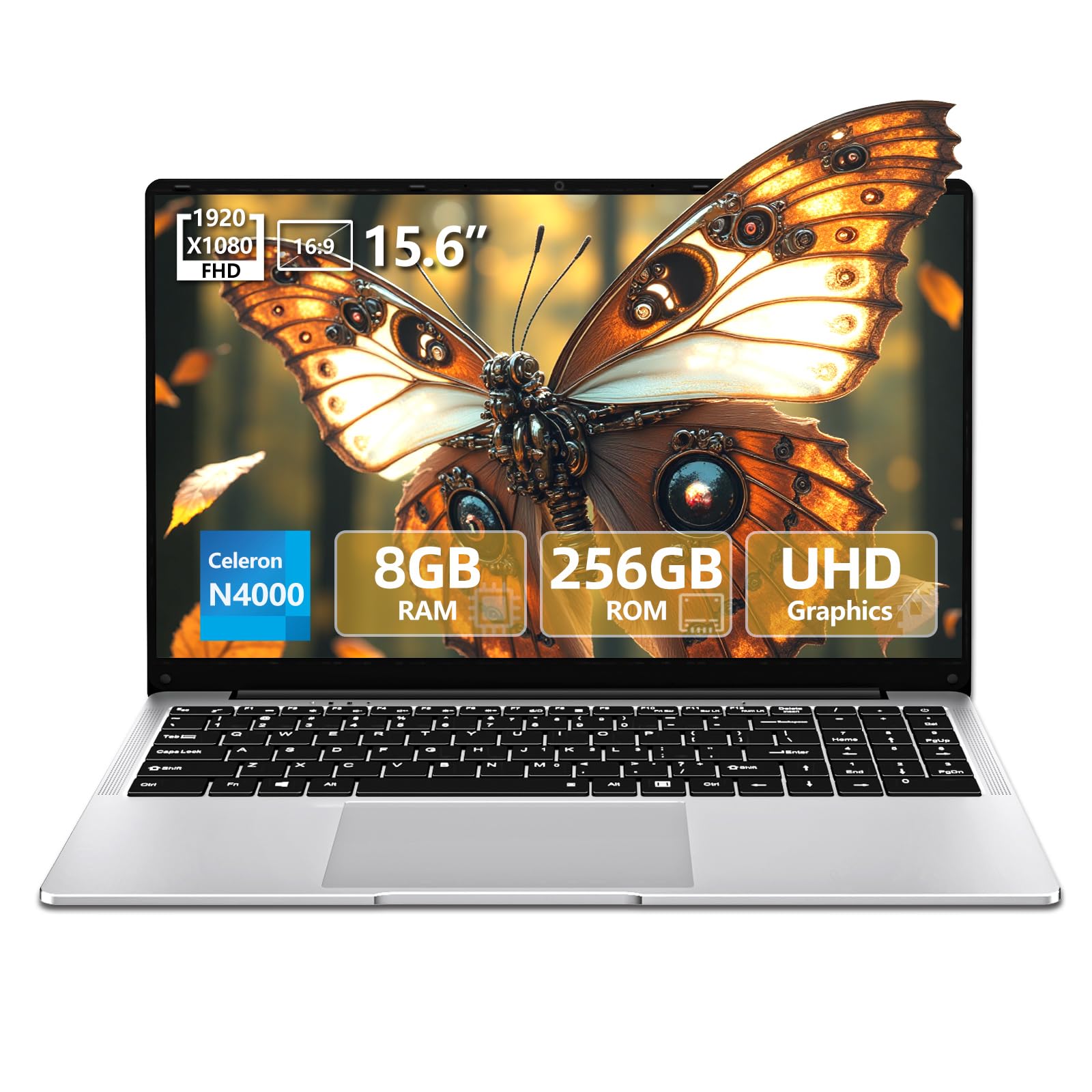
The 15.6-inch value pick that handles games like The Sims 4 without breaking a sweat.
The Tunhail strikes a solid middle ground with a Celeron N4000 processor boosting up to 2.6 GHz and a UHD 600 graphics card running up to 750 MHz. Combined with 8GB of LPDDR4 RAM and a 256GB SSD, it has noticeably more memory than the entry-level 4GB machines, which makes a real difference in everyday responsiveness.
It matches the top pick on screen size and resolution — 15.6 inches at 1920×1080 FHD IPS — beating the XINHENGTAI’s smaller 1366×768 panel by a significant 41% resolution gap. Owners say it plays simple online games well, with one buyer noting it runs The Sims 4 comfortably, though it’s not suited for demanding shooters like Fortnite or Overwatch.
Weighing just 1.5 kg with a 7.6V/5,000mWh battery claiming 8 hours of life, it’s easy to carry, and the 180° fold-flat design and TF card expansion add practical value. The 2-year warranty and lifetime customer service are a nice safety net, though a few buyers reported units completely stopping within a week — a reminder that quality control varies at this price.
tight budgets: Parents buying a first laptop for a kid, or anyone who mainly plays life-sim and indie games.
heavy tasks: Your game list includes fast-paced competitive titles that need a real dedicated GPU.
4. MALLRACE LX15PRO Gaming Laptop
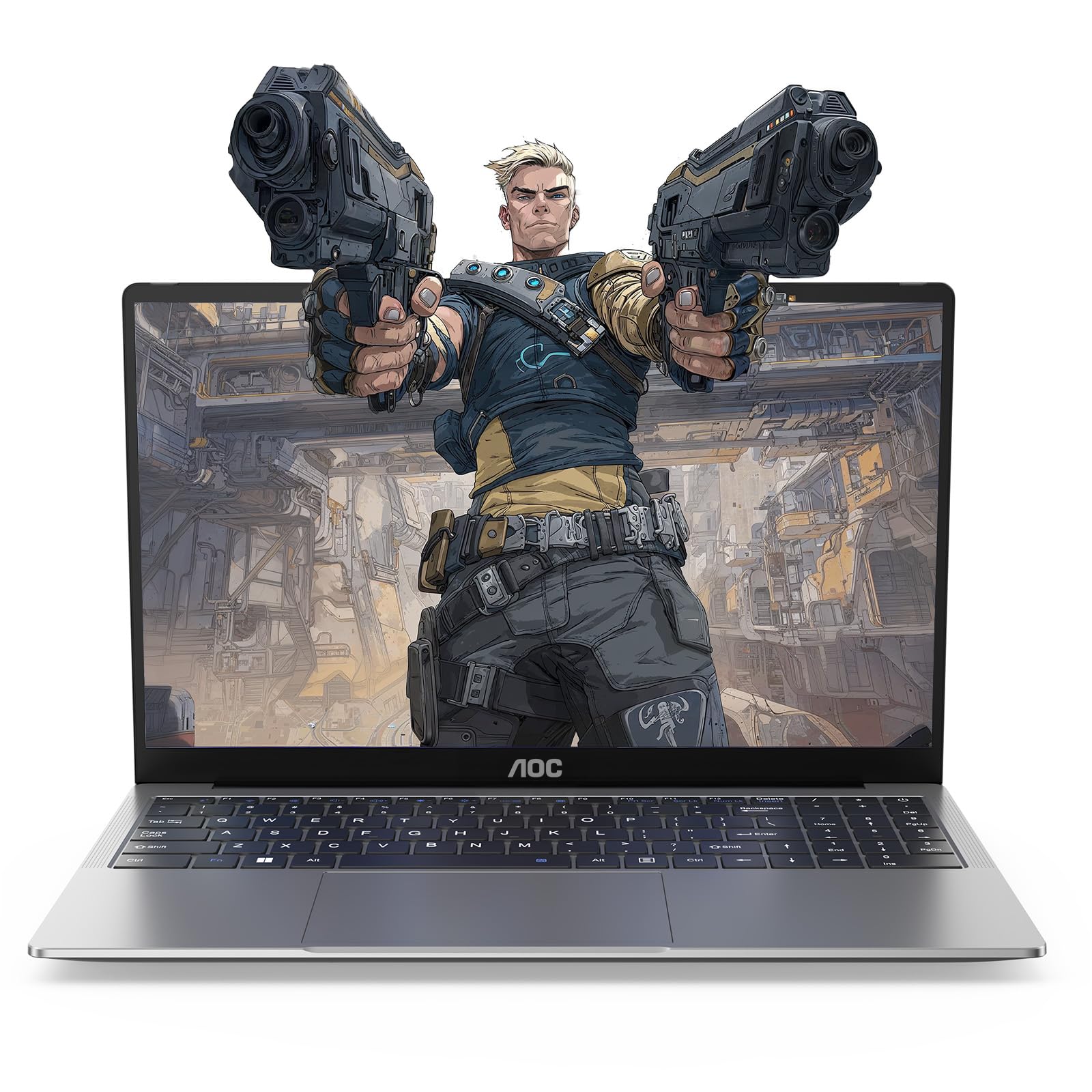
The only pick with a true modern CPU, giving it a genuine edge in raw power.
This is the one machine on the list that steps outside Intel’s budget lineup entirely. The AMD Ryzen 4300U processor with a 3.7 GHz turbo frequency (the peak speed it can hit under load) is a class above the Celeron and Pentium chips elsewhere, and the maker claims performance “much higher than N97/N355/N150/N95” — a claim that holds up in real-world use, with buyers calling it surprisingly fast and great for multitasking and Zoom calls.
It backs that CPU with 16GB of DDR4 RAM and a 512GB SSD offering transfer speeds up to 2.14GB/s, giving you double the storage of most rivals here. The 15.6-inch FHD IPS screen with a 4mm ultra-narrow bezel and 90% screen-to-body ratio looks sharp, and the 55Wh lithium-ion battery promises hours of uninterrupted use.
The honest trade-off is reliability: while some owners rave about the speed and finish, others report failing USB ports and a dead charging port within months. It also weighs 3.7 pounds with a basic plastic build and keyboard, so it doesn’t feel premium — but for pure performance per dollar, it’s the most capable gaming option in this lineup.
gamers: The best possible frame rates and multitasking power at this budget, especially for older or esports titles.
quiet work: Long-term build quality is a gamble, so a warranty and careful handling are wise.
5. XINHENGTAI 14.1″ Laptop
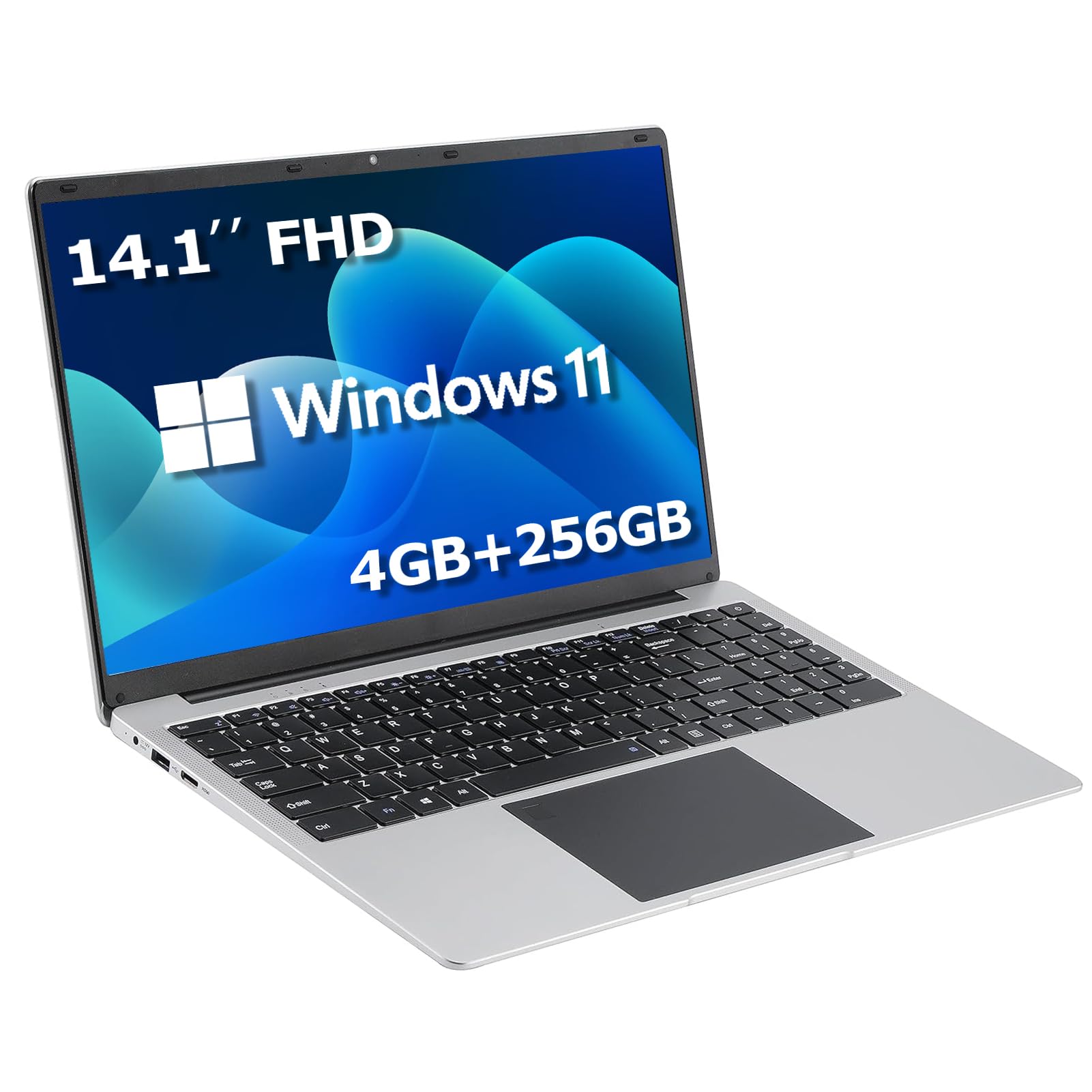
A featherweight 14.1-inch machine that boots the moment you lift the lid.
If portability is your priority, the XINHENGTAI delivers a small, thin, and light frame that buyers describe as “a little power packed unit.” Its stand-out feature is the ‘Lift and Start’ sensor technology, which boots the laptop the moment you open the lid — a genuinely convenient trick that saves time during a busy day.
However, the gaming reality here is limited. It runs 4GB of DDR4 memory and a 1366×768 IPS display, which lags significantly behind the 1920×1080 panels on the Tunhail and others — a 41% resolution gap that makes a visible difference in sharpness. Buyers call it an “excellent basic system for the price,” but it’s clear this is a work-and-browse companion, not a gaming rig.
The 256GB SSD with a claimed 2.4/5G WiFi and BT4.0 keeps things zippy for everyday tasks. But the reliability feedback is mixed, and the touchpad can be difficult to click and drag. This is the one to grab if you want the lightest carry for school or home office, and you’re not expecting to run anything heavier than a browser game.
travelers: Maximum portability and instant wake-up for browsing, documents, and light office work.
desk use: You plan to run any real games — 4GB RAM and a lower-res screen will hold you back.
6. ASUS Vivobook Business Laptop
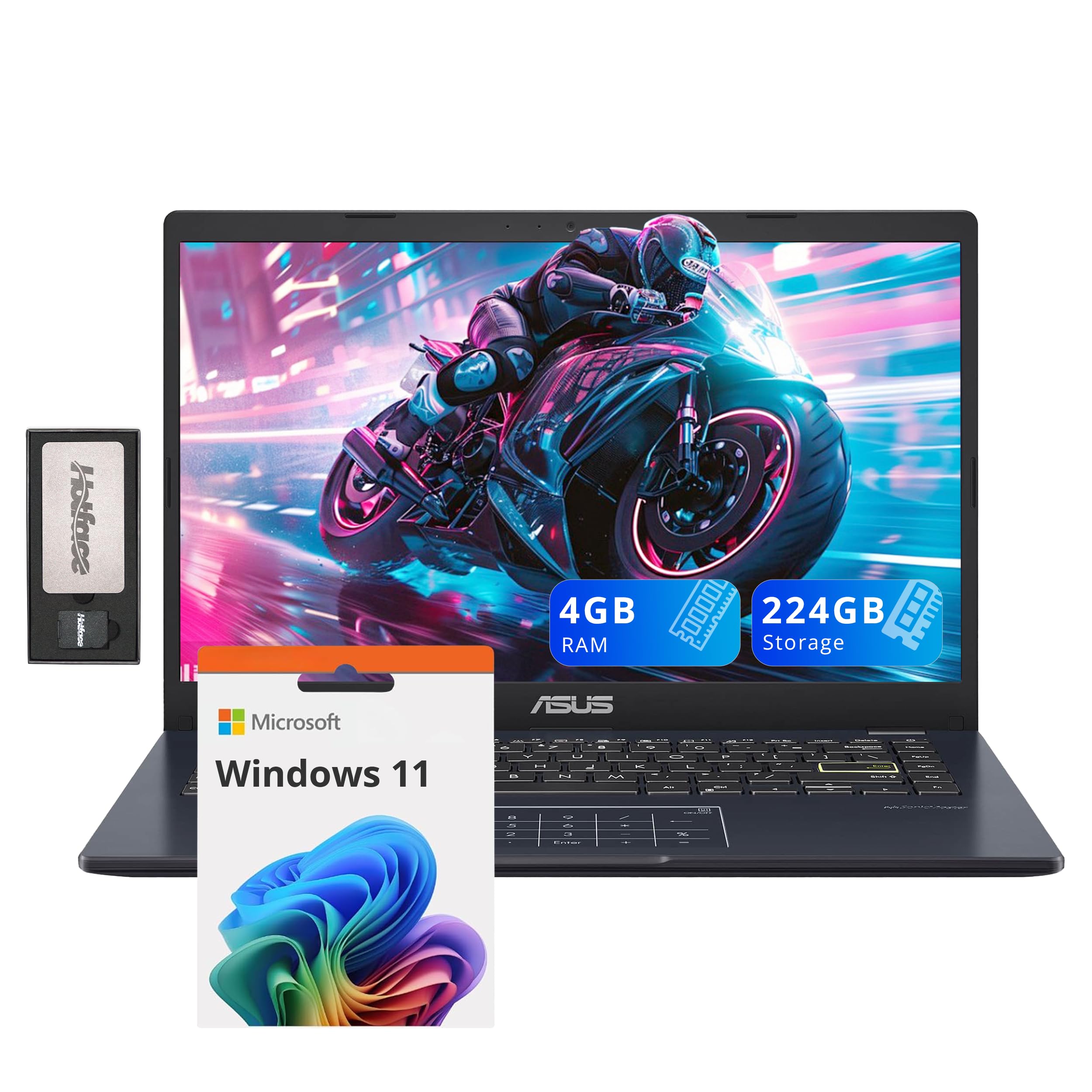
The familiar name brand that bundles a docking station, if you can live with 4GB of RAM.
The ASUS badge brings a level of build trust that the no-name brands can’t match, and the bundle is genuinely generous: a 7-in-1 Docking Station with 128GB storage, a 32GB MicroSD card, a Type-C data cable, and a 3-in-1 charging cable all in the box. It’s a strong value proposition for someone who needs multiple devices connected at once.
Spec-wise, it runs an Intel Pentium Silver N6000 with a 1.1 GHz max speed, 4GB of DDR4 RAM, and 224GB of combined storage (64GB eMMC plus the 160GB dock set). The 14-inch FHD IPS display at 1920×1080 is crisp and bright for the price, and at 2.87 lbs it’s easy to tote around.
The reality is that this machine is painfully slow for gaming — customers note it takes 3-4 minutes to load a new website, and one frustrated owner noted the 4GB model only has 50GB of usable internal storage with over half taken up by Windows itself. Owners consider it decent for basic personal use and email, but it’s aimed squarely at light productivity, not play.
office work: Basic web browsing and document work where you value the ASUS name and the included dock.
style seekers: Gaming or even moderately heavy multitasking is on your list — the speed complaints are hard to ignore.
7. HYPERSTRIX 15.6″ Laptop
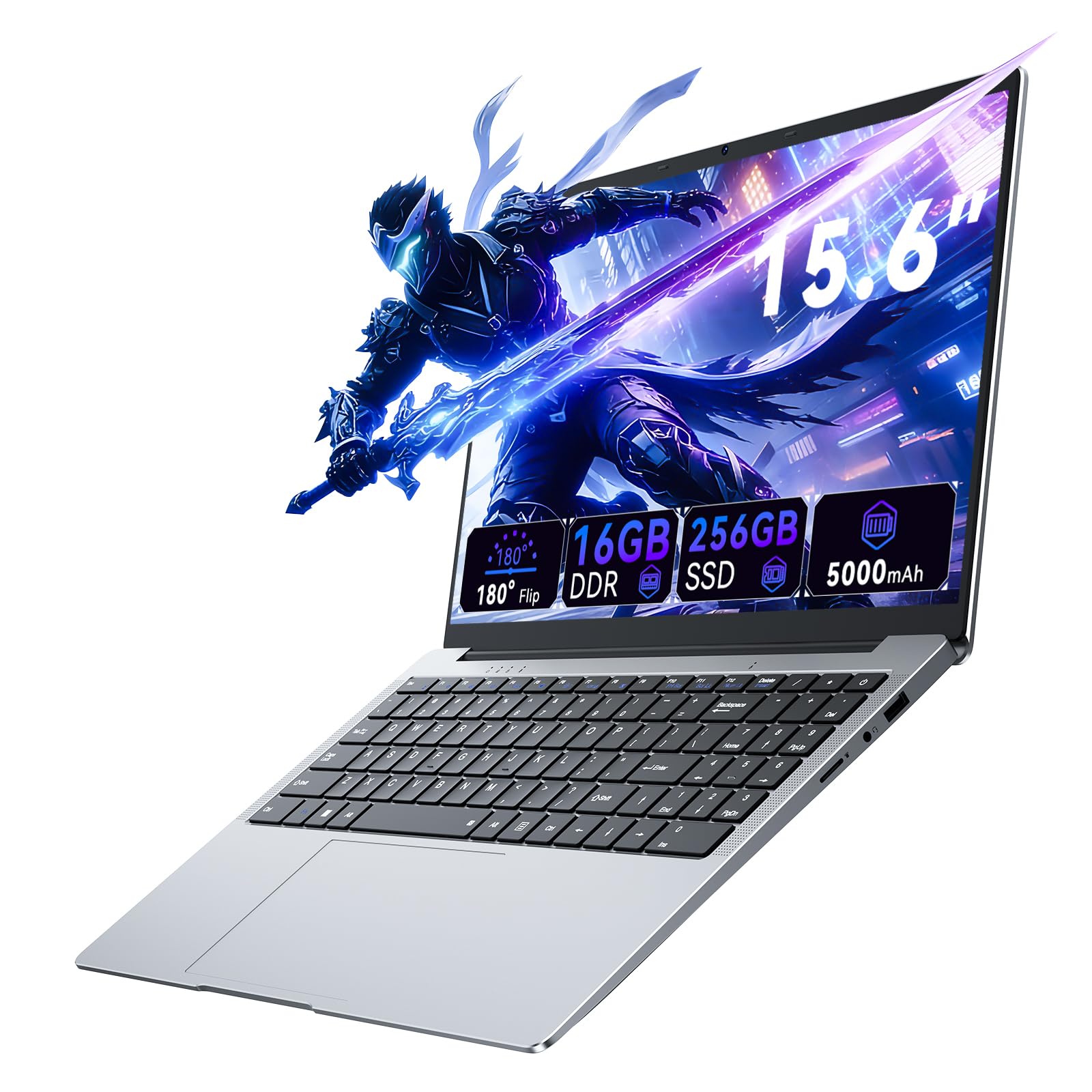
A vivid 100% sRGB screen that’s the best-looking panel in this entire lineup.
The HYPERSTRIX leads with its display: a 15.6-inch FHD 1920×1080 panel covering 100% of the sRGB color gamut with 250-nit brightness. That’s a spec you rarely find at this price, making it a tempting choice if you care about color accuracy for photo viewing, streaming, or creative work.
It pairs that screen with 16GB of high-speed DDR4 RAM and a 256GB SSD, plenty of memory for keeping many applications open at once. The Intel Celeron 4425Y processor runs at 2.13 GHz, and the battery is a 5000mAh / 38Wh / 7.6V lithium polymer unit rated for about 5 hours.
The brutal reality is that the 4425Y is a weak foundation. Buying experiences are sharply divided — one first-time student called it “perfect for those who just need something to keep their books and data,” while a gamer reported “I can’t even run a single game, it lags and spikes all the time.” That’s the spectrum you’re buying into: gorgeous screen, but severely limited processing power and a charger that some call cheap.
fast action: Visual quality matters more than speed — great for media consumption and color-sensitive work.
backpackers: Your primary goal is gaming; the weak CPU will frustrate you no matter how sharp the screen is.
Understanding the Specs
Processor Generation
The CPU dictates everything about how fast your laptop feels. Older Intel chips like the Celeron N4000 and 4425Y are tuned for low power consumption and basic tasks, which means they’ll chug on modern games. A newer AMD Ryzen processor, by contrast, offers far higher turbo frequencies and better multi-core performance, making it the single biggest upgrade you can choose at this budget.
RAM and Storage Types
RAM is your multitasking limit; 4GB will stutter with a browser and a game open, while 8GB is the workable minimum and 16GB is genuinely comfortable. Storage also has a trick: an SSD delivers fast boot-up and loading times, while eMMC is slower and often less than advertised once Windows takes its share. Check for a real SSD and a RAM number you can live with.
FAQ
Can any laptop under $300 actually run games?
Is 4GB of RAM enough for a budget gaming laptop?
What is the difference between a 1366×768 and a 1920×1080 display?
Why is the storage on some laptops less than advertised?
Is an AMD Ryzen processor better than an Intel Celeron for gaming?
What does an eMMC drive mean for gaming?
Should I trust a laptop that advertises a “gaming” label at this price?
How important is the warranty on a budget laptop?
Final Thoughts: The Verdict
Across the board, the gaming laptop under $300 winner is the MOONFISH 15.6″ because it pairs 16GB of RAM with a long warranty and proven ability to handle light modern games. If you want the absolute most processing power for esports-style titles, grab the MALLRACE with the Ryzen 4300U. And for a family buying a first laptop for a kid who loves The Sims, the Tunhail is the one to reach for.
How We Picked
We do not accept paid placement. Every pick is matched to a real buyer and a real use-case; we do not hands-on test units.
Sources & Methodology
Specifications: manufacturer listings and product documentation. Review insights: verified customer reviews, as of August 2026. Pricing: not shown on this page (it changes often); check the current price via the retailer link.
As an Amazon Associate, Gadgets Feed earns from qualifying purchases. This does not affect which products we feature.