
Our readers keep the lights on and my morning glass full of iced black tea. As an Amazon Associate, I earn from qualifying purchases.
Specs are compiled from manufacturer listings and verified buyer reviews and can change over time — please confirm the key details on the product page before buying.
You want a stylus that feels natural for your Android device, whether you’re jotting notes or sketching. Most pens here skip Bluetooth (a wireless connection) — you press a button and write — but a few add tilt sensitivity (which lets you shade like a real pencil) or an LED battery readout. Match a pen to your daily use on a phone, tablet, or both.
I’m Min — the founder and writer behind Gadgets Feed. This guide is built by comparing the manufacturers’ published specifications and the patterns across verified customer reviews, so you get each pick’s real strengths and trade-offs instead of marketing spin.
Whether you are taking notes or sketching, the best active stylus pen for android must feel natural in your hand and keep up with your strokes without lag.
Our Picks at a Glance

How To Choose The Best Active Stylus Pen For Android
An active stylus mimics a finger but with a fine tip, so it is more precise for writing and drawing. Unlike a cheap rubber-nub stylus, it uses a small powered circuit to register on the screen, which is why it needs a battery and a charge cable.
Check compatibility before anything else
Android devices differ in how they detect pens. Some Samsung tablets use special protocols, so a universal capacitive pen works only on models without a built-in S Pen. If your device uses a specific protocol, double-check the pen’s list before ordering.
Decide how much battery life you need
Most pens promise between 8 and 12 hours of continuous use on a single charge. Look for auto-off features that save power when you forget to turn the pen off, and note the charging time so you know how long you will wait.
Know what features matter for art
Tilt sensitivity lets you shade like a pencil, and palm rejection stops your hand from making accidental marks. On Android tablets, palm rejection is rare, so expect to hover your hand while writing.
Quick Comparison
| Model | Best For | Battery Life | Charging Time | Connection | Amazon |
|---|---|---|---|---|---|
| NTHJOYS Universal Stylus★ Best Overall | Everyday writing & value | ~30 hours | 80-100 min | No Bluetooth | Amazon |
| MoKo Android StylusSamsung Pick | Samsung tablets & note-taking | ~10 hours | ~30 min | No Bluetooth | Amazon |
| KECOW Dual-Tip Stylus | Two tips in one pen | 8-10 hours | 1-1.5 hours | No Bluetooth | Amazon |
| DONTEN LED Stylus | Battery tracking & speed | ~12 hours | 10 min (5 min = 2 hrs) | No Bluetooth | Amazon |
| MoKo Power Display Stylus | Comfort & LED readout | ~10 hours | 35-40 min | No Bluetooth | Amazon |
| MEKO Dual-Mode Stylus | Multi-device versatility | ~9 hrs iPad / ~7 hrs other | ~15 min | Dual mode switch | Amazon |
| Adonit Dash 4 | Palm rejection & premium build | ~15 hrs | ~1 hour | No Bluetooth | Amazon |
In‑Depth Reviews
1. NTHJOYS Universal Active Stylus Pen
Our pick — over 4★ from 6,000+ verified ratings; the strongest balance of quality and price.
A 30-hour battery life and 365-day standby make this the endurance pick for daily note-takers.
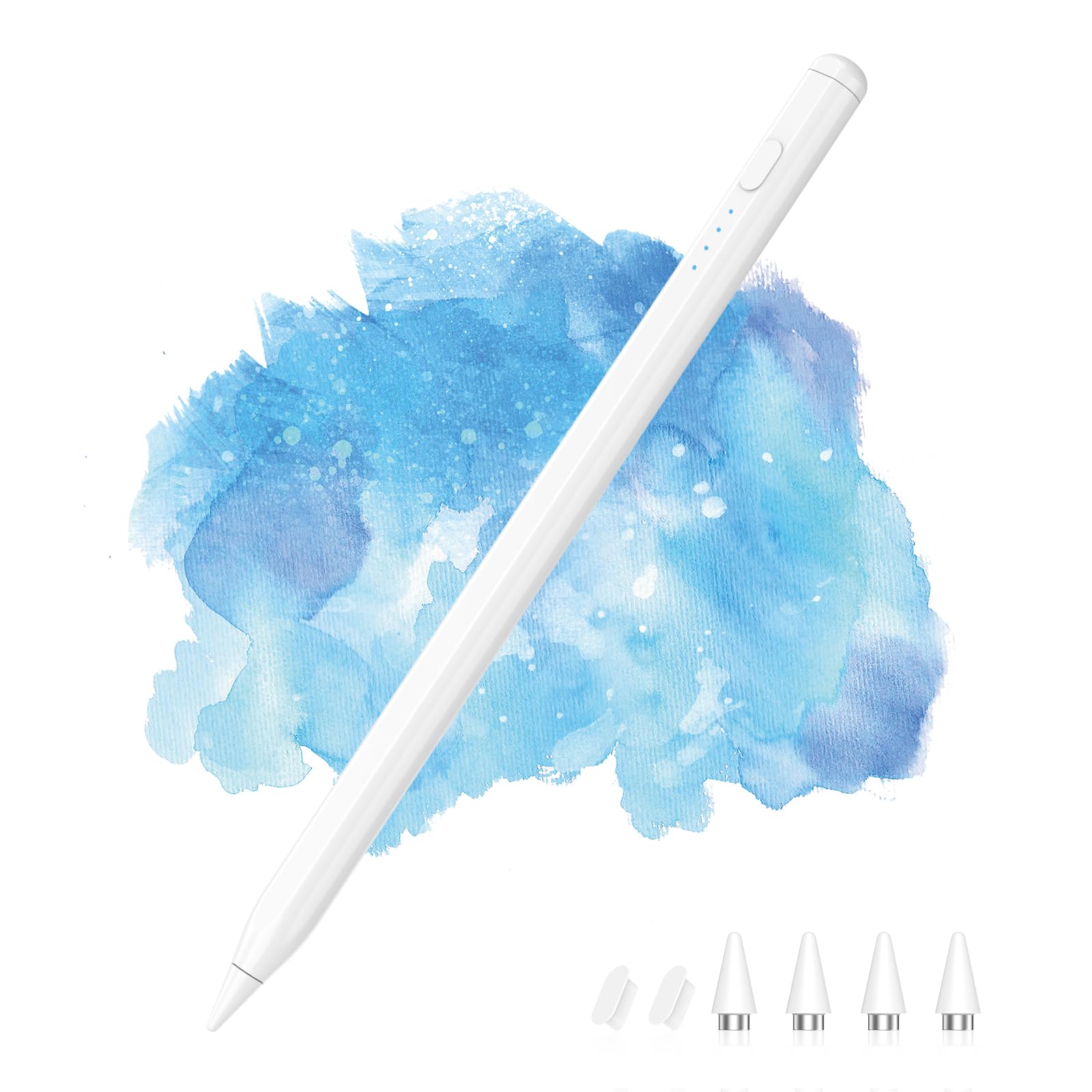
This pen’s defining trait is endurance: it runs for about 30 hours of continuous work and holds a 365-day standby, so it is ready even after months in a bag. Charging takes 80-100 minutes via the included Micro-USB cable, which you can plug into an AC adapter, power bank, or computer at 5V/0.1A. It is a featherweight at 13.61 g and just 5.7 x 0.3 x 0.3 inches, which makes it smaller than the KECOW dual-tip — a 14% difference you will notice in a tight pocket.
Quality is what wins people over here, with owners praising a solid aluminum build that survives daily drops. The 1.5 mm ultra-fine tip gives control for small text, and the magnetic cap plus pen clip keep it attached to notebooks and protect the USB port from dirt. There is no pressure sensitivity or palm rejection, so it is better for notes and jots than serious shading.
Buyers report the auto-off after 30 minutes is a nice safeguard, and the blue light confirms it is on. The straightforward design works across iPad, iPhone, Samsung, Huawei, and Android phones. A few note the tip can feel wiggly and that it may not pair with every Android tablet, so check your model before buying.
What owners love
- Exceptional battery that only needs charging once in a blue moon
- Pen clip and magnetic cap for easy carrying
- 1.5 mm tip for precise writing
Fair caveats
- Grip gets mixed reviews for wiggly feel
- Not all Android tablets are compatible
- No palm rejection or pressure sensitivity
Reach for this if: You want a dependable, budget-friendly pen for daily notes and don’t need tilt or palm rejection.
Look elsewhere if: You need palm rejection for long drawing sessions, since this model lacks it.
2. MoKo Stylus Pen for Android Touchscreen
A 30-minute USB-C charge and four LED battery lights make this a low-fuss Samsung companion.
This pen is built with Samsung users in mind, working with Galaxy Tab A9+/A9/A8 series and Galaxy phones without a built-in S Pen, plus Xiaomi, Huawei, vivo, ASUS, Acer, Dell, and Pixel devices. The catch is that it will not work on devices with MPP/USI/AES protocol screens, iOS, Surface, EMR devices, or Samsung units with an integrated S Pen. Owners mention it works flawlessly on a Galaxy Tab 11+ and a Galaxy A15 phone.
The standout here is the four LED indicator lights, each showing 25% of battery, so you always know when to recharge. A single click powers it on with no Bluetooth pairing, and it sleeps automatically after 5 minutes to save power. It charges fully in about 30 minutes via USB-C and delivers up to 10 hours of use with a 12-month standby.
Writing is lag-free and precise at the pixel level, and the tip won’t scratch the screen. The kit includes 4 replacement POM nibs and 2 dust caps, so you can twist to replace worn tips. Just note there is no palm rejection or tilt sensitivity — on a tablet you cannot rest your hand while writing.
Its edge: The magnetic side attachment and fast 30-minute charge make it a low-fuss daily companion for Samsung fans.
Who should pass: Anyone with an S Pen-enabled Samsung or a non-compatible protocol screen should skip this one.
3. KECOW Active Stylus Pen with Dual Touch Function

A 1.45mm copper tip for fine writing and a magnetic mesh end for scrolling give this pen dual functionality.
This is the only pen here with a genuine two-ended design: a 1.45 mm copper fine point for accurate drawing and a magnetic mesh end that supports zoom and text-box input. Both ends work smoothly and sensitively, which is handy when you want to switch from fine writing to quick scrolling without capping the pen. At 39 g it is noticeably heavier than the NTHJOYS at 13.61 g — a 2.9x gap — but that heft gives it a solid, pen-like feel.
Battery life lands at 8-10 hours of use from a 1-1.5 hour charge, with a smart auto-off every 30 minutes to protect the battery. It works with iPads, iPhones, Samsung devices, Amazon Fire HD 8, and any capacitive touch screen, all without drivers or Bluetooth. The white body is slim and light, feeling like a traditional pen.
Owners highlight the accuracy of the fine hard point and long charge retention. The main trade-off is writing performance: some report it can’t write neatly and occasionally stops responding, though toggling it off and on fixes the skip. It does lack palm rejection, so plan to hover your hand.
Why it stands out: The dual-tip flexibility and comfortable, weighted body make it a great value for mixed note-taking and scrolling.
The honest catch: Occasional skipping and uneven neatness in writing mean it is better for casual use than fine art.
4. DONTEN LED Battery Display Stylus Pen
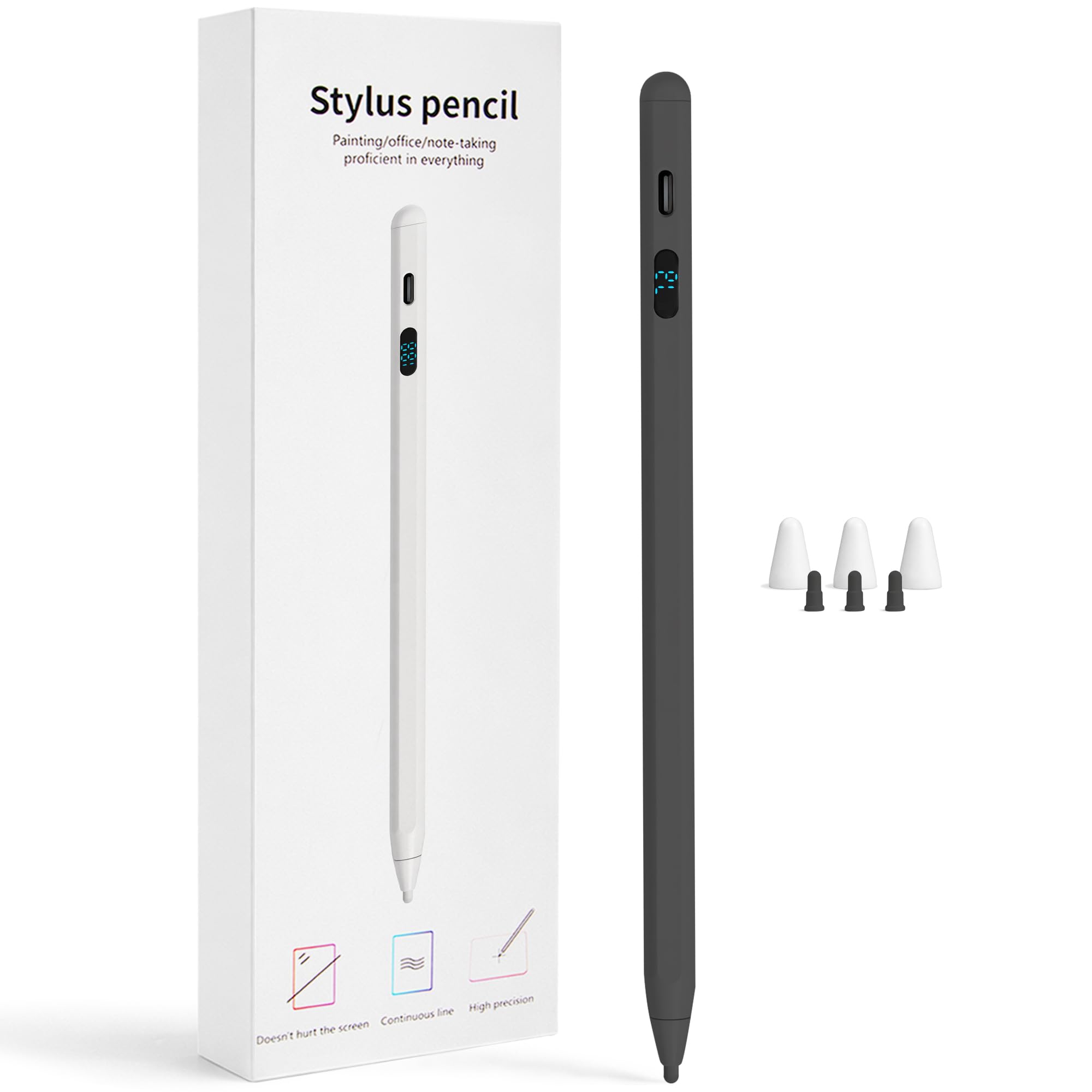
A 10-minute full charge and a 0-100% LED display make this the fastest-recharging, most transparent pick.
This pen’s headline trick is a smart LED screen that shows precise 0-100% battery, so you never guess when it will die mid-class. A quick 5-minute USB-C charge gives you 2 hours of use, and a full 10-minute charge delivers up to 12 hours of continuous writing. That makes it the fastest-recharging option in this lineup and a genuine all-day companion for school or work.
It also brings tilt sensitivity, letting you angle the pen for thick-to-thin lines like graphite, which works in Procreate, Sketchbook, Ibis Paint, GoodNotes, and Notability. No Bluetooth or drivers are needed — turn it on and it works with iPad, iPhone, Samsung Galaxy, and Android tablets. The kit includes 3 fine-point tips and 3 tip caps, so replacements are a simple pull-and-swap with no tools.
Owners praise the lightweight, comfortable hold and smooth, responsive writing with low latency. The value is strong, though a few report compatibility hiccups and uneven stroke quality on certain tablets. It is best for note-taking and moderate drawing rather than precision art.
The wins
- Fastest charge: 10 minutes for 12 hours of use
- LED display takes the guesswork out of battery life
- Tilt sensitivity for shading effects
The limits
- Some devices may not register it consistently
- Stroke quality varies by app and tablet
Best suited for: Students and frequent note-takers who need a quick top-up between classes without babysitting a charger.
Think twice if: You rely on pixel-perfect line work, as this pen is better for speed than fine art.
5. MoKo Stylus Pens with Power Display
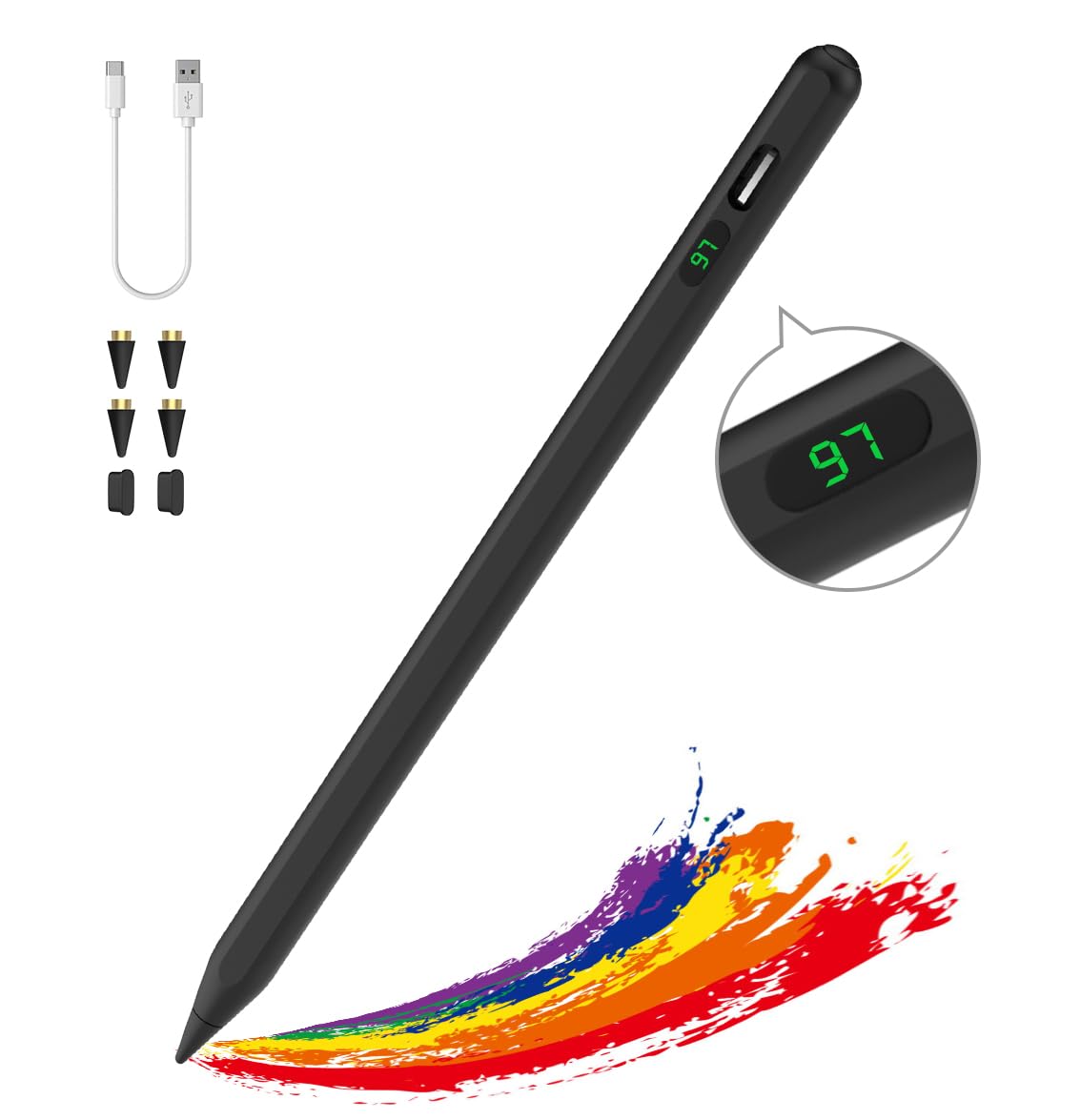
An aluminum body with a digital battery readout and a comfortable grip suits warm indoor note-taking.
This universal pen is compatible with most touch screens, including iPad, iPhone, Samsung, Huawei, Xiaomi, Lenovo, and other capacitive iOS and Android devices. It explicitly does not support Amazon Fire, Kindle, Microsoft, Chromebook, or EMR screens, so check your device first. Customers note it auto-pairs with an iPhone 14 Pro Max and a Samsung Galaxy Tab A9+, though some devices need touch sensitivity adjusted.
The LED power display shows exact remaining battery, and a Type-C port charges the built-in lithium battery in 35-40 minutes for 10 hours of continuous work. It auto-turns off after 10 minutes of inactivity to save power. The magnetic side attachment works with iPads compatible with Apple Pencil 2nd generation, though it is for storage only, not charging.
The 4 included replacement nibs offer good wear resistance and a smooth, precise glide. At 11.93 g, it is light and comfortable for long sessions. Quality is the top praise, but a few report it fails in cold weather and with gloves, and some devices don’t recognize it. For warm indoor note-taking, it is reliable.
Its strength: You get a digital battery percentage readout on the pen itself, so you never run out mid-note, and the aluminum body (a sturdy metal shell) survives drops in your bag.
The honest reality: Cold-weather inconsistency and device recognition quirks mean it shines best indoors.
6. MEKO Universal Stylus Pen
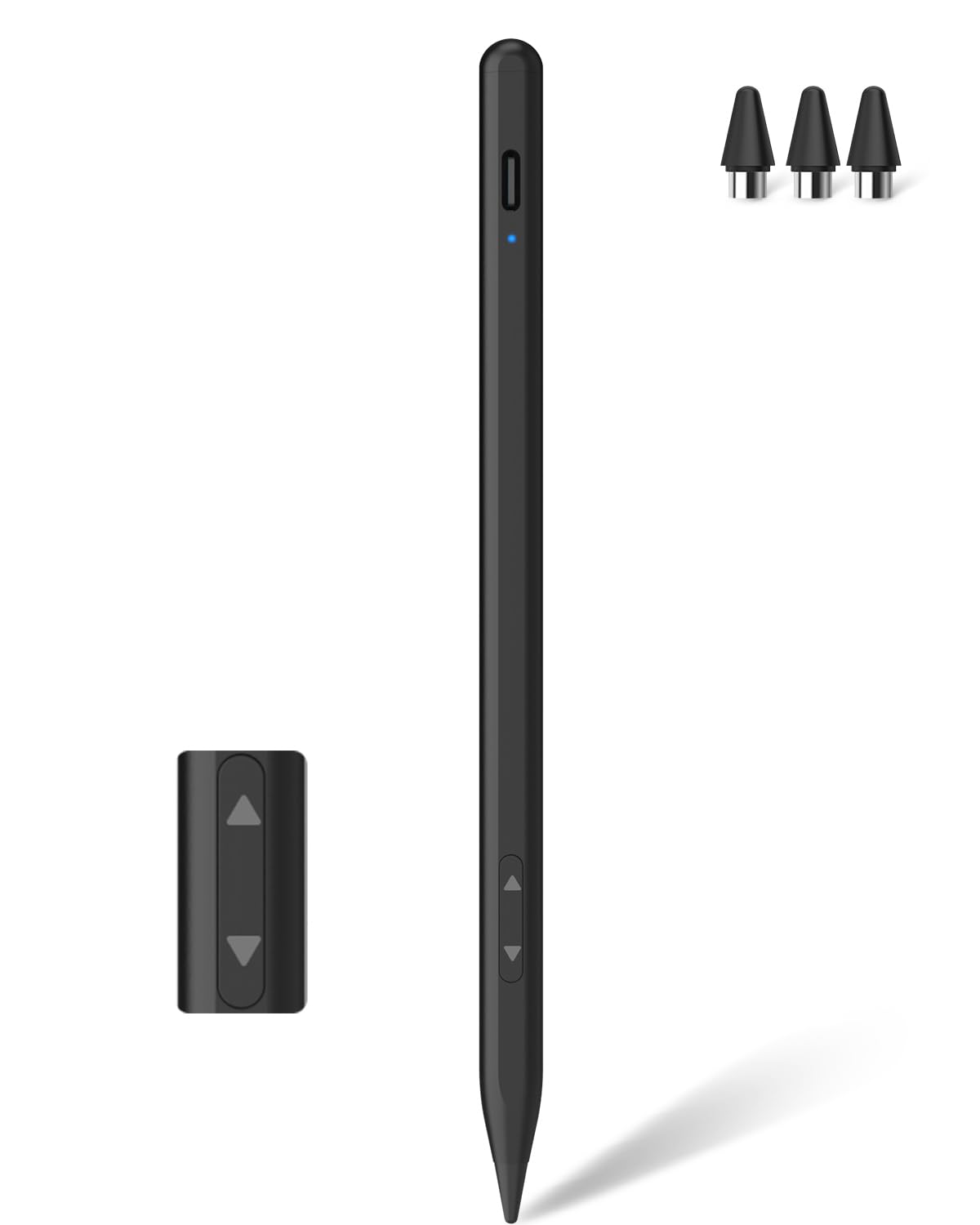
A dual-mode switch and 15-minute charge let this pen work across iPads, Androids, and consoles.
This is the most device-agnostic pick here thanks to a dual-system mode: press the button down for Other Devices Mode, which works with iPads before 2018, iPhones, Nintendo Switch, Apple Watch, Samsung, Xiaomi, Google, Motorola, and tablets. Press it up for iPad Mode, compatible with iPads from 2018-2025, which adds palm rejection so you can rest your hand naturally. Reviewers point out it works on Android, Apple, Samsung, Amazon tablets, and even a Windows laptop.
Charging is genuinely fast — a full charge takes just 15 minutes via USB-C — for up to 9 hours in iPad Mode and about 7 hours in Other Devices Mode. The premium 1.5 mm tip gives rapid response with no skips or lag, letting you write small text and draw fine lines. It does not support pressure sensitivity, but the aluminum body feels sturdy and Apple Pencil-like in hand.
Shoppers say it’s far more precise than a finger and works from the start. The one gripe: a loose rubber plug over the USB-C port (the common charging socket) can get lost, and some report wobbly lines on certain devices. If you share devices at home, this pen’s versatility stands out.
Why it wins
- Works across iPad, Android, Switch, and Windows
- 15-minute charge for a full day of use
- Palm rejection in iPad mode
Watch out for
- Loose rubber USB-C plug can be lost
- Line quality varies on some non-iPad devices
Grab this if: You juggle multiple devices — phone, tablet, console — and want one pen that covers them all.
skip it if: You need pressure sensitivity for professional digital art, since this lacks it.
7. Adonit Dash 4 Multi-Device Stylus
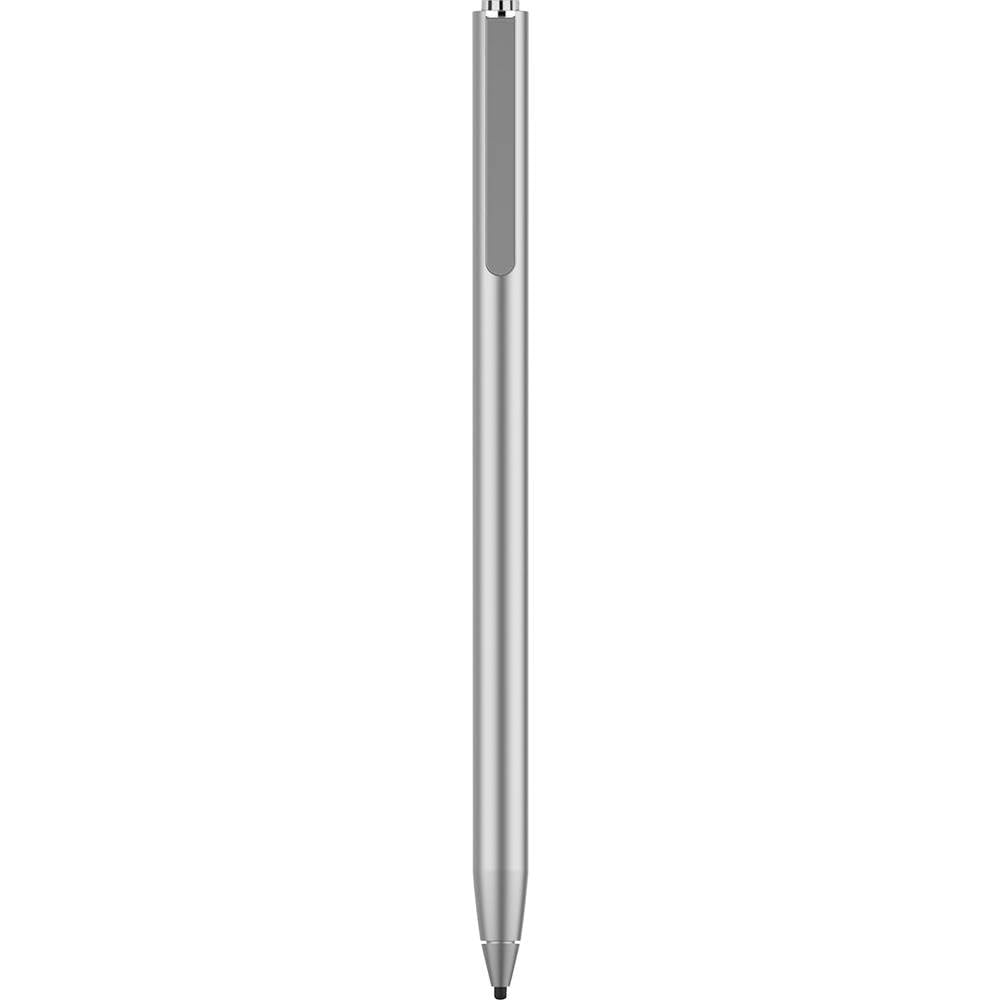
A portless metal body with magnetic USB-C charging offers a sleek, premium feel and 15-hour battery.
This is the most premium-feeling pen in the lineup, with a matte silver metal body and a completely portless design that charges magnetically via a USB-C stand. That means no loose plugs to lose — a direct answer to the MEKO’s rubber plug gripe. It runs up to 15 hours on a charge that tops up in about 1 hour, with a battery indicator that glows red at 20% and flashes at 10%.
The two-mode system is simple: click to green for any iPhone, Android, and all touch screens, or click to blue for newer iPad models, where palm rejection lets you rest your hand naturally. No Bluetooth pairing is needed — just tap and go. The package includes 2 replaceable nibs and a 12-month warranty, and it works with Amazon Fire tablets.
Owners praise the quality control and the small tip for reaching tight spots, with one noting it works well on an iPhone 16 Pro Max and Samsung S24+ for arthritic hands. The trade-offs are real: some report it stops working after a few days, and writing performance can require larger, slower strokes to stay legible. It is also the highest-priced option here, so it is for those who value design and battery life.
The appeal: You get a sleek metal build with no charging port to lose, and it lasts the longest in this guide at 15 hours — enough for a full work week of notes.
The fair warning: Reliability is mixed and writing needs slower strokes, so it is not for meticulous art.
Understanding the Specs
Battery Life & Charging Speed
Battery life tells you how long you can write between charges, ranging from about 7 hours on some multi-mode pens to roughly 30 hours on the most efficient models. Charging time matters just as much — a pen that tops up in 10-15 minutes is far easier to live with than one that needs an hour. Look for auto-off features that kick in after 5 to 30 minutes of inactivity to save power.
Palm Rejection & Tilt Sensitivity
Palm rejection lets you rest your hand on the screen while writing, but on Android it is rare and usually only available in a dedicated iPad mode. Tilt sensitivity lets you angle the pen for shading effects like a real pencil. Neither is essential for basic notes, but both matter for drawing. Most universal pens skip these to keep prices low and compatibility broad.
FAQ
Will an active stylus work on any Android tablet?
Do I need Bluetooth for an active stylus on Android?
Can I rest my palm on the screen while writing?
How long does a stylus battery last on one charge?
What does tilt sensitivity do for drawing?
Is a fine point tip better than a mesh tip?
Can I use the same pen for an iPad and an Android phone?
How do I know when my stylus needs charging?
Final Thoughts: The Verdict
Across the board, the active stylus pen for android winner is the NTHJOYS Universal Stylus because it pairs a 30-hour battery with a reliable, comfortable build at a value price. If you want the fastest charging and a battery readout, grab the DONTEN LED Stylus for its 10-minute top-up. And for multi-device households, the MEKO Universal covers everything from your tablet to your console in one pen.
How We Picked
We do not accept paid placement. Every pick is matched to a real buyer and a real use-case; we do not hands-on test units.
Sources & Methodology
Specifications: manufacturer listings and product documentation. Review insights: verified customer reviews, as of August 2026. Pricing: not shown on this page (it changes often); check the current price via the retailer link.
As an Amazon Associate, Gadgets Feed earns from qualifying purchases. This does not affect which products we feature.