
Our readers keep the lights on and my morning glass full of iced black tea. As an Amazon Associate, I earn from qualifying purchases.
Specs are compiled from manufacturer listings and verified buyer reviews and can change over time — please confirm the key details on the product page before buying.
Choosing a 15-inch digital photo frame is about turning your phone’s camera roll into a living, breathing family album that updates itself. The real question isn’t which screen is biggest—it’s which one your non-tech-savvy mom or long-distance grandparent can actually use without calling you for help. The best 15-inch frames combine a sharp Full HD display, generous storage, and an app so simple that grandparents can add photos without a manual.
I’m Min — the founder and writer behind Gadgets Feed. This guide is built by comparing the manufacturers’ published specifications and the patterns across verified customer reviews, so you get each pick’s real strengths and trade-offs instead of marketing spin.
We’ve focused on the screens that balance size, resolution, storage, and ease of use for family sharing. This is your complete look at the best 15-inch digital photo frame options to hang on the wall or prop on a side table today.
Our Picks at a Glance

How To Choose The Best 15-Inch Digital Photo Frame
Before you click buy, realize that “15-inch” actually covers screens from 15 to 15.6 inches, and that slight difference changes the bezel and the viewing experience. The bigger your price and feature spread, the more you need to focus on what the person receiving it will actually do every day—swipe, admire, or just let it run.
Resolution: The Sharpness of Your Memories
This is the spec that makes a 15.6-inch screen look either like a printed photo or a slightly blurry TV. A 1920×1080 (Full HD) panel gives you crisp, detailed images, which matters when you’re viewing from across the room. Frames stuck at 1280×800 are still decent, but you may notice softness on larger prints, especially if you’re uploading high-resolution shots from a modern phone.
Storage Capacity: Room for a Lifetime
Think about how many photos you need to store. A 32GB frame is plenty for casual users, but if you’re planning to dump years of vacations and holidays on it, a 64GB model like those from BIGASUO or KPKUE gives you breathing room for over 100,000 photos. Also check if the frame supports SD cards or USB drives for extra space and for loading photos without WiFi.
Ease of Use & Sharing: The Grandparent Factor
A frame’s ease of use matters more than its specs when the recipient is a non-techy parent or grandparent. Look for dedicated apps like Frameo or Nixplay that let multiple family members send photos directly to the frame from their own phones. Touchscreens are essential here, but the interface’s simplicity—not just the feature list—is what makes the difference between a gift they love and one they ignore.
Quick Comparison
| Model | Best For | Resolution | Storage | Display Size | Amazon |
|---|---|---|---|---|---|
| Skylight★ Best Overall | Zero-fuss gift for non-techy family | 1280×800 | 2 GB | 15 inches | Amazon |
| FRAMEOBest Value | Ultra-sharp display on a budget | 1920×1080 | 32 GB | 15.6 inches | Amazon |
| ApoloSignTop Performer | Nixplay ecosystem without the premium price | 1920×1080 | 32 GB | 15.6 inches | Amazon |
| BIGASUO | Massive storage for photo hoarders | 1920×1080 | 64 GB | 15.6 inches | Amazon |
| KPKUE | Live widgets and multimedia playback | 1920×1080 | 64 GB | 15.6 inches | Amazon |
| Humblestead | Bright display visible from across the room | 1920×1080 | 64 GB | 15.6 inches | Amazon |
| NexFoto | Google Photos integration and sleek design | 1920×1080 | 64 GB | 15.6 inches | Amazon |
| Nixplay | Premium build and multi-frame connectivity | 1920×1080 | — | 15.6 inches | Amazon |
| Pexar Starlight | Gallery lighting and anti-glare viewing | 1920×1080 | 64 GB | 15.6 inches | Amazon |
In‑Depth Reviews
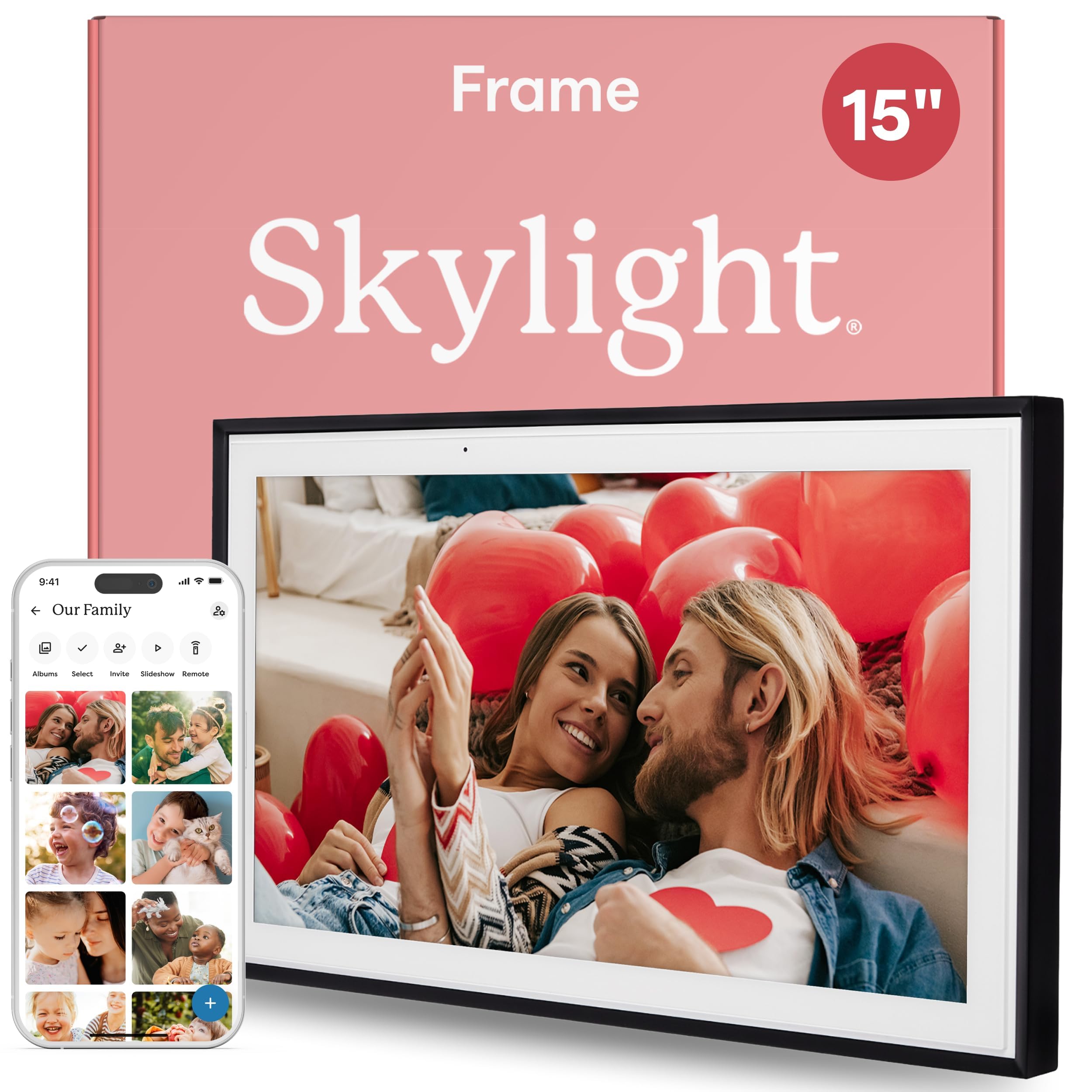
1. Skylight Digital Picture Frame
Our pick — over 4.5★ from 27,000+ verified ratings; the strongest balance of quality and price.
The gift that turns non-techy grandparents into daily photo viewers with zero frustration.
The Skylight is the crowd’s favorite for a simple reason: it’s the closest thing to plug-and-play in this category. You plug it in, connect to Wi-Fi, and the touchscreen 15-inch display with 1280×800 resolution does the rest. Its dedicated email address lets anyone send photos straight to the frame from their phone, no app required for the recipient.
Owners repeatedly call it “the best gift I have ever given my parents,” and the review pages back that up. It’s the top pick for gifts by a huge margin because it bridges the generation gap—it’s a cherished space for family not on social media. The included Gift Mode even lets you preload photos before you wrap it, so it’s ready to enjoy the moment it’s unboxed.
The trade-off is the storage: at just 2 GB, it relies on cloud-based access rather than holding a massive library on-device. That’s fine for daily rotations, but if you want to load 50,000 offline photos, this isn’t it. However, for a parent who just wants to see the grandkids’ latest pictures without a manual, this is the one that wins them over.
The winning formula: the gift appeal and easy setup are what everyone raves about, and the picture quality earns its keep. It’s the safest, most delightful hand-off to a loved one we’ve seen.
Reach for this if: you want a zero-friction gift that works immediately and makes you look like a hero.
Look elsewhere if: you need deep on-device storage for a huge offline photo archive.
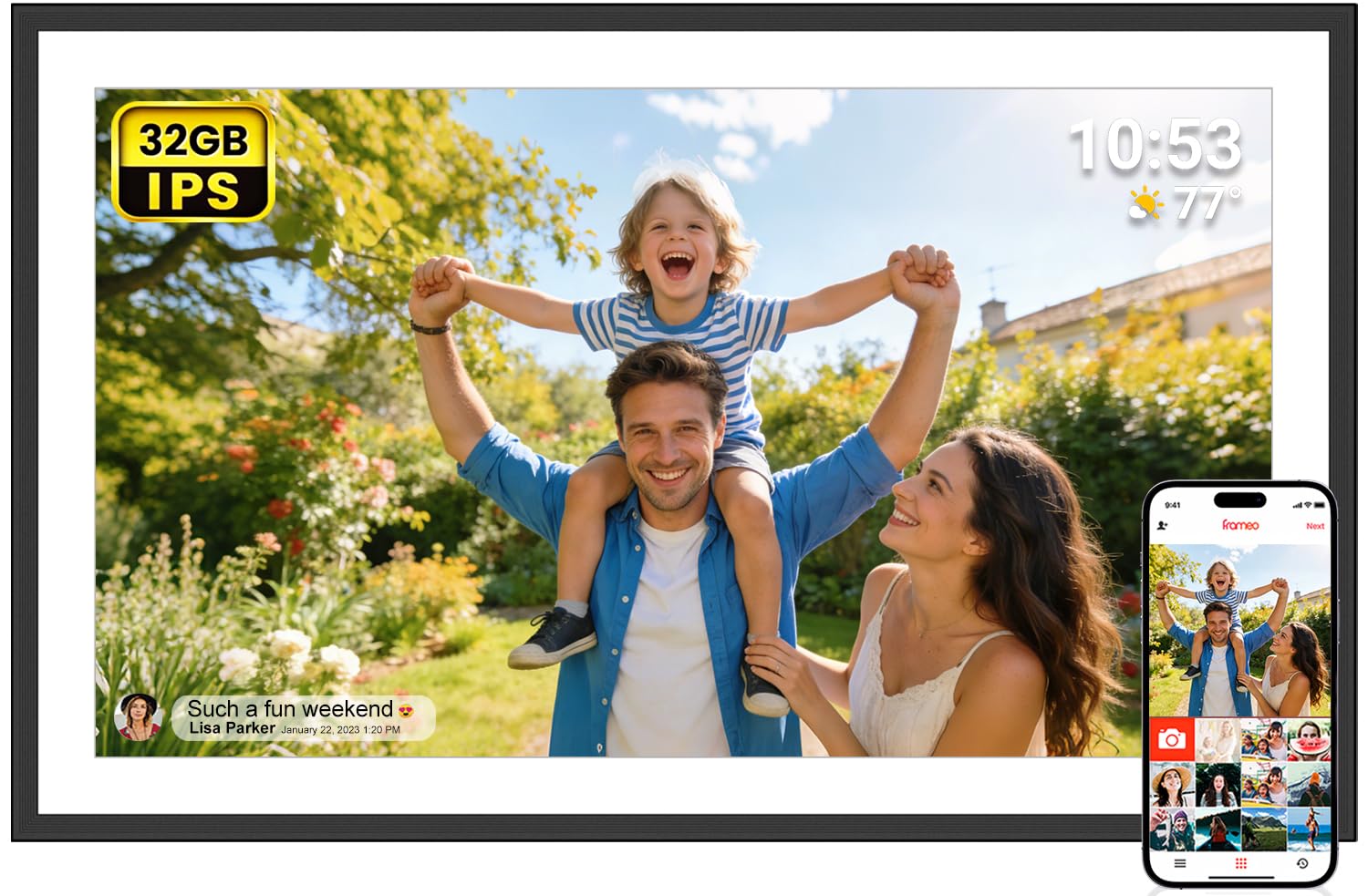
2. FRAMEO 15.6 Inch Digital Photo Frame
Serves up a 1920×1080 IPS screen that makes budget frames look like a blurry afterthought.
The FRAMEO punches far above its price tier by giving you a 15.6-inch Full HD display with a 180° wide viewing angle. On a screen this size, that 1920×1080 resolution is noticeably sharper than the Skylight’s 1280×800 panel—it renders faces and landscapes with lifelike clarity that makes it a bargain for the sharpness alone.
It uses the Frameo app, which lets you send photos and videos (up to 15 seconds) from anywhere. A “React” feature lets loved ones send emojis back to you in real time, which makes the connection feel two-way. If your recipient isn’t into apps, you can load photos via a full-size SD card, USB drive, or a USB-C computer cable—a blessing for seniors who just want to plug in and look.
Buyers report that their “90 year old mother loved looking at her family pictures every day,” and many who bought it for older relatives ended up getting one for their own office too. You get 32 GB of storage, which is 16 times the room of the Skylight, so you can load far more photos. Keep in mind it needs to stay plugged in and connected to Wi-Fi for the app features to work fully.
Sharpness king: the ease of use and the bright, clear screen are what win people over. For the price, you’re getting display quality that rivals frames costing twice as much.
Best for: buyers who want a large, gorgeous display and don’t want to pay premium prices for the privilege.
Think twice if: you need a frame that works perfectly without Wi-Fi—this one is happiest connected.
3. ApoloSign Digital Picture Frame
Delivers Nixplay’s polished ecosystem at a fraction of the brand’s usual asking price.
The ApoloSign gives you the exact 15.6-inch Full HD 1920×1080 IPS experience as the premium Nixplay, but it’s powered by the same Nixplay software. That means you get the familiar, reliable app that lets multiple users upload photos, create playlists, and even email photos directly to the frame—all with a 178° viewing angle for side viewing.
It stands out with Nixplay-SenseMe, a smart sensor that wakes the frame when you enter the room and puts it to sleep when you leave, saving power. You can also ask Amazon Alexa to pull up a specific playlist. The auto-rotate feature adjusts content whether you mount it on the wall in portrait or set it on a desk in landscape.
There’s a catch with the cloud: while the spec sheet lists 32 GB of internal memory, the free cloud storage is limited to 500MB (roughly 800 photos). Going unlimited costs a subscription, and the internal 32GB isn’t directly usable for cloud storage. It’s a great value if you’re happy with the free tier, but heavy sharers might hit the ceiling.
What owners love
- Quality that matches pricier Nixplay frames
- Easy setup with Google Photos integration
- Intuitive touchscreen that feels like a phone
The fine print
- Cloud storage limited to 500MB on the free plan
- SD card not supported for local transfers
Choose this if: you want the trusted Nixplay experience without the premium price tag.
skip it if: you plan to store a massive cloud library without paying a subscription.
4. BIGASUO 15.6″ Digital Photo Frame

Packs a massive 64GB storage that holds enough photos to last several lifetimes.
The BIGASUO is the answer for families who hoard photos. Its 64 GB of built-in storage holds up to 100,000 photos, which is 32 times the capacity of the Skylight and twice the FRAMEO’s 32 GB. You can dump years of camera rolls, vacations, and holidays onto it and never worry about running out of space.
It uses the Frameo app for instant sharing, which the kids and grandkids can use to send pictures and videos from anywhere. The 1920×1080 IPS touchscreen delivers vibrant, true-to-life colors that make every sunset and smile pop. It works great as a tabletop display or mounted on the wall, and the auto-rotate function keeps photos upright either way.
Owners love how it bridges the distance with older family members—one buyer shared that their dad, who lives miles away, can now see special moments at any time. The app makes it easy for multiple siblings and nephews to upload photos. Just remember to format any SD card or USB drive to FAT32 first, and stick to a 32GB card for reliable performance.
Space to spare: quality and easy setup are what people praise most, and the sheer capacity is the standout. It’s a no-brainer for photo collectors.
Perfect for: large families who all want to contribute photos to one shared screen.
Not for: those who prefer a cloud-based system over on-device storage—this one shines offline.
5. KPKUE Large Digital Picture Frame
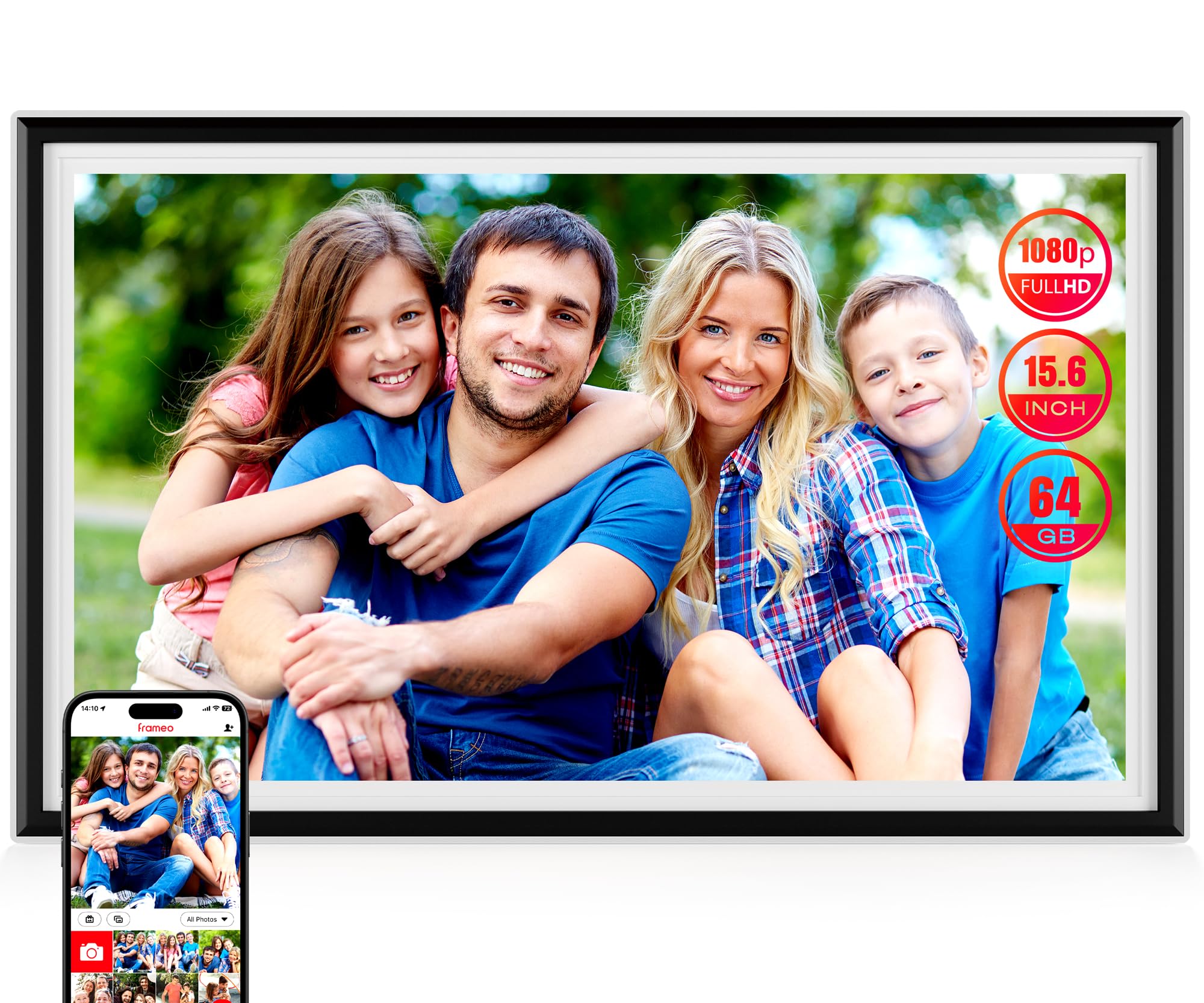
A 15.6-inch multimedia hub that shows weather, plays films, and flips your photos.
The KPKUE goes beyond a simple slideshow. Beyond the 15.6-inch 1920×1080 IPS touchscreen, it enables live widgets like time, weather, and temperature via Wi-Fi, turning it into a functional piece of home décor. It even plays feature-length films smoothly, which is rare in this category.
Storage is a highlight: 64 GB built-in holds 10,000+ photos, and you can expand via USB or SD cards up to 128 GB. It’s built to last with an impact-resistant ABS frame, a scratch-resistant FHD screen, and a removable stand. Dual speakers and a headphone jack add an audio dimension for home videos.
The encrypted app lets you send photos and micro-videos securely from anywhere, and auto-rotate adjusts content to portrait or landscape. One buyer bought it to view pictures of a late spouse and called the quality and screen size perfect for the kitchen. It’s a sentimental gift that fills homes with joy, though the app has a slight learning curve at first.
Why it stands out
- Dual speakers and headphone jack for video playback
- Expandable storage up to 128GB via SD/USB
- Live weather and time widgets
What to expect
- Setup takes a little time upfront
- Needs constant power connection
Grab this if: you want a feature-packed frame that doubles as a weather station and media player.
Pass if: you want the absolute simplest interface—this one has more settings to explore.
6. Humblestead Digital Picture Frame

A 15.6-inch screen so clear you can read the details from 15 feet away.
The Humblestead is built for visibility. Its 15.6-inch 1920×1080 IPS touchscreen is crisp and clear enough that owners note you can see it perfectly from across the room—one buyer specifically mentioned viewing it from 15 feet away. That makes it a standout for living rooms and open spaces.
It carries 64 GB of built-in storage with an expandable SD card slot, which the maker says can share 80,000+ photos. The AiMOR app allows unlimited family and friends to join and share files mutually, and batch uploads make it easy to sync from your phone. Auto-rotate adjusts between portrait and landscape, and a reserved mounting hole supports wall placement.
Owners praise its high-resolution screen and sturdy build, with one who already owned a 10-inch version for two years buying this as a second unit. The sleep function is a hit for nighttime, and photo resolution is called “excellent.” The main gripes are minor: some software pop-up ads and a lack of photo transition effects.
Room-filling clarity: the quality and ease of use are what win people over, and the size makes it a true centerpiece. It’s a reliable gift for grandparents who want to see everything clearly.
Ideal for: large rooms where the frame needs to be readable from a distance.
Consider otherwise: if you’re sensitive to occasional software pop-ups or want fancy slideshow transitions.
7. NexFoto 15.6 Inch Touchscreen Frame
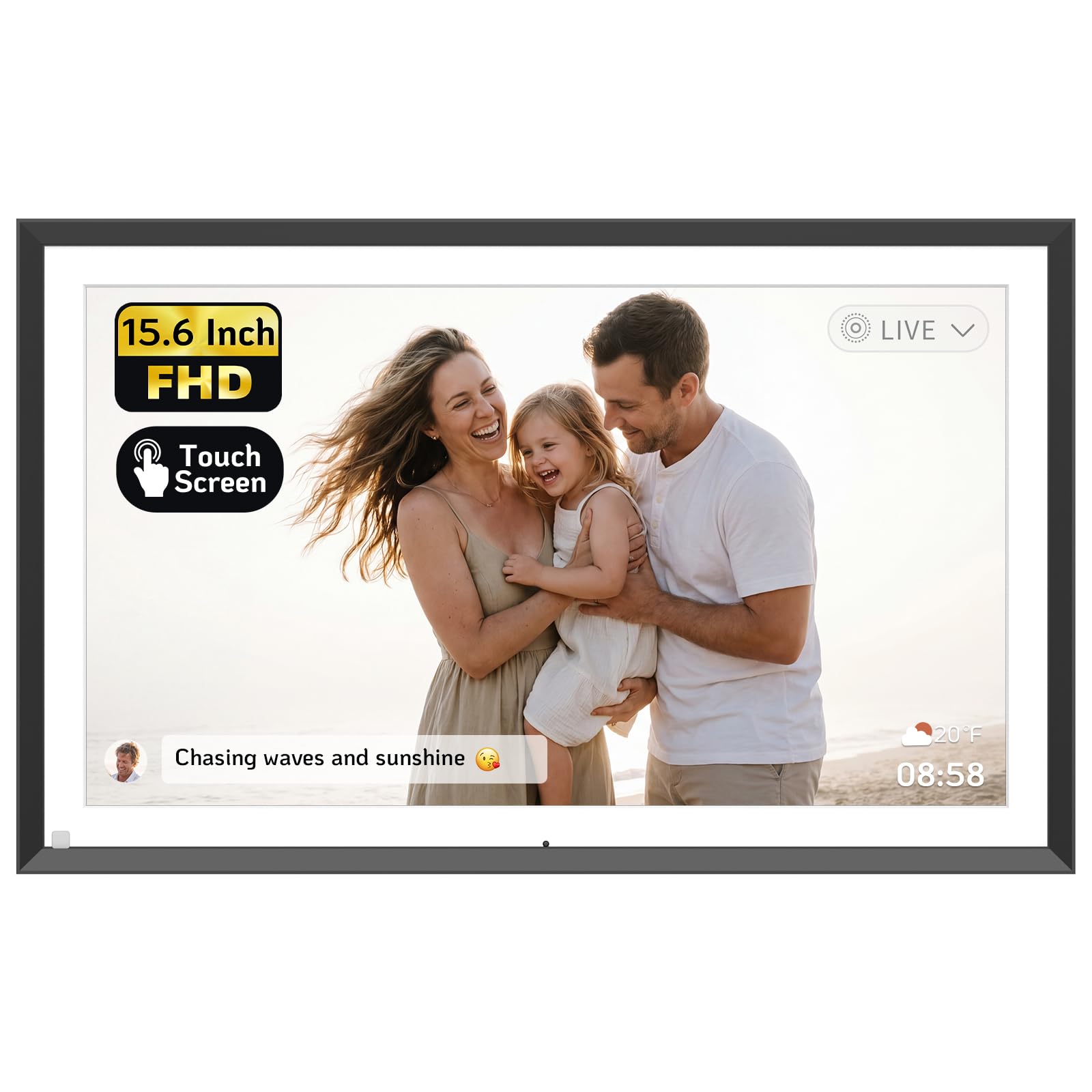
Syncing Google Photos straight to a 15.6-inch glossy touchscreen with minimal effort.
The NexFoto is the pick for Google Photos users. It lets you upload pictures from Google Photos to the frame via the NexFoto app, 50 photos at a time, which is a massive time-saver if your entire library lives there. The minimalist modern design and thin bezel blend into any décor, and it works on both 2.4GHz and 5GHz Wi-Fi bands.
The 15.6-inch 1920×1080 FHD glossy touchscreen uses IPS technology for wide viewing angles and vibrant colors. Its 64 GB internal memory is expandable via micro SD card (up to 64GB, not included). A built-in gravity sensor adjusts your pictures to the correct view whether you freestand it on a tabletop or wall-mount it.
The built-in photo editor in the app lets you preprocess photos and videos before uploading, and it supports captions, slideshow playlists, weather, calendar, clock, and sleep mode. Owners love the image quality and ease of sending images, though some note the touchscreen can lag, and the motion sensor is a mixed bag. Reliability has been called into question by a few who saw malfunctions, so consider the one-year warranty your safety net.
Slick and syncable: picture quality and photo transfer are the highlights, and the Google Photos link is a genuine convenience. It’s a stylish premium option with a few rough edges.
Buy this if: you live in Google Photos and want a frame that pulls from it directly.
Be cautious if: you demand flawless touch response—there’s occasional lag to work around.
8. Nixplay Digital Touch Screen Frame

The established premium name that keeps families connected across multiple frames flawlessly.
Nixplay is the brand many others are measured against, and this 15.6-inch touchscreen model shows why. It connects multiple digital frames together, so a photo sent to grandma’s frame in Florida can also appear on yours in Seattle. The drag-and-drop uploads work from Apple Photos, Google Photos, Facebook, and Instagram, making it the most flexible for mixed-device families.
The display is crisp and clear, with owners noting it’s “huge, clear, quality, and simple” and ideal for older or tech-illiterate folks. The guided setup is child-simple, and scheduled on/off (like 10pm-5am) works flawlessly. Cloud storage is located in the USA on secure, CCPA & GDPR compliant, encrypted servers.
This is a frame that “adds life to the room” and has been reported working perfectly even after 5 years of daily use. The catch is that some advanced features require a paid subscription, and Wi-Fi connectivity hiccups are the most common complaint. It’s priced at a premium, but the multi-frame ecosystem and build quality justify it for serious users.
The Nixplay advantage
- Connect multiple frames across households
- Drag-and-drop from Apple Photos, Google Photos, Facebook, Instagram
- Multi-lingual support in English, German, French, Japanese
What to know
- Some features need a subscription for full use
- Wi-Fi connectivity can be finicky for some
Worth it for: families who want multiple frames synced together in one private social network.
Reconsider if: you’re on a strict budget—this is an investment in the ecosystem.
9. Pexar Starlight 15.6″ Digital Picture Frame
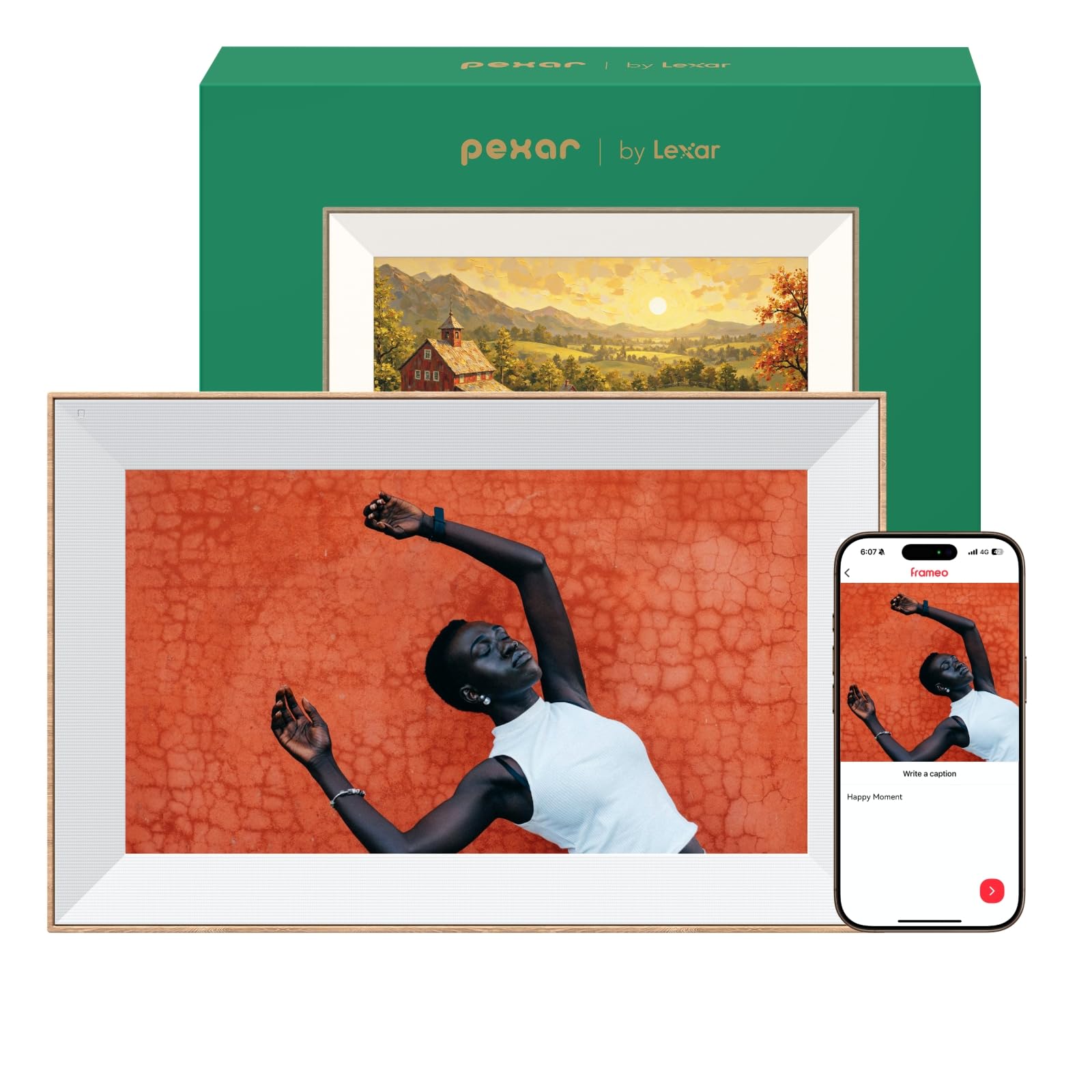
Gallery lighting from the back adds warmth that makes your photos look like framed art.
The Pexar Starlight is the most distinctive-looking frame here. Its built-in gallery lighting comes from behind the frame to add warmth and dimension to your wall display, with a special focus on your prized photos. The sleek thin-bezel design with a metal stand supports both portrait and landscape implementation.
The 15.6-inch 1920×1080 touchscreen features an anti-glare screen that reduces distracting reflections from any angle. Auto brightness adjustment keeps it comfortable day or night. With 64 GB of built-in storage, it holds more than 80,000 600KB-photos, and you can add an SD card or USB flash drive for even more. It’s GDPR-, CCPA- and PSTI-compliant for privacy.
Setup takes about one minute, letting you transfer photos and videos from your phone, SD card, or USB drive. Owners call it the “best digital frame out there,” specifically praising that it works offline without cloud fees and that the app downloads to internal memory. The dual-orientation display handles both portrait and landscape shots, and it includes weather updates, a clock, and sleep mode.
The honest downside: a couple of owners note the operating system can be brittle and prone to crashing when scrolling through large loads. The hardware is excellent, but the software isn’t the most sturdy at full capacity. Still, for a display that turns memories into gallery-worthy art, it’s a standout.
Art gallery vibes: the anti-glare and gallery lighting are what make it special, and the offline capability is a huge plus. It’s the frame you buy to make a statement.
Choose this for: a design-forward space where the frame should look like intentional art, not a gadget.
Keep in mind: the OS can occasionally crash with very large photo libraries, so manage your collection in albums.
Understanding the Specs
Resolution: Full HD (1920×1080) vs Lower
This is the single biggest factor in perceived sharpness on a 15.6-inch screen. A 1920×1080 panel gives you crisp, detailed images that hold up well from across a room, while a 1280×800 panel can look slightly soft on larger prints. If you’re uploading high-res photos from a modern phone, a Full HD screen lets you see all that detail; with a lower-res screen, the frame will downscale and you lose some clarity.
Storage & Expandability
You don’t need a huge hard drive, but you need enough to hold your collection. 32 GB is plenty for a few thousand photos, while 64 GB can hold over 100,000 standard images. If you plan to load years of videos, go bigger or pick a frame with an SD card or USB slot for expansion. Frames with less internal storage (like 2 GB) often lean on cloud services to stream content instead of storing it all on-device.
FAQ
How many photos can a 15.6 inch frame with 64GB hold?
Can someone send photos to the frame without using an app?
What is the difference between 1280×800 and 1920×1080 resolution?
Can you mount these frames on a wall?
Do these frames work without a Wi-Fi connection?
Can multiple family members add photos to one frame?
Is a subscription required for these digital photo frames?
What video formats do these frames support?
Final Thoughts: The Verdict
Every 15-inch frame here serves the same goal: keeping family close through photos. The 15-inch digital photo frame winner is the Skylight because its plug-and-play simplicity and gift appeal make it the safest, most delightful purchase for a loved one—and it’s the crowd favorite with over 4.7 stars across a massive number of owners. If you want the sharpest display for the least money, grab the FRAMEO with its 1920×1080 screen. And for the photo hoarders in your life, the BIGASUO with 64 GB of storage is the one to reach for.
How We Picked
We do not accept paid placement. Every pick is matched to a real buyer and a real use-case; we do not hands-on test units.
Sources & Methodology
Specifications: manufacturer listings and product documentation. Review insights: verified customer reviews, as of August 2026. Pricing: not shown on this page (it changes often); check the current price via the retailer link.
As an Amazon Associate, Gadgets Feed earns from qualifying purchases. This does not affect which products we feature.