
Our readers keep the lights on and my morning glass full of iced black tea. As an Amazon Associate, I earn from qualifying purchases.
Specs are compiled from manufacturer listings and verified buyer reviews and can change over time — please confirm the key details on the product page before buying.
Your data’s survival depends on the 4TB NAS drive you pick, and owners care most about two things: whether it lasts through years of 24/7 spinning and whether it stays quiet while doing it. Listings toss around phrases like “enterprise grade” and “24/7 operation,” but real owner reports show which promises hold up and which are just marketing. Here are nine 4TB options, judged by their actual specs and the patterns across thousands of verified owner experiences, so you can match one to your setup and your tolerance for risk.
I’m Min — the founder and writer behind Gadgets Feed. This guide is built by comparing the manufacturers’ published specifications and the patterns across verified customer reviews, so you get each pick’s real strengths and trade-offs instead of marketing spin.
Weighing cache size against rotation speed against reliability ratings is the core of choosing a 4tb nas drive, and this guide distills that decision into clear, plain-English picks.
Our Picks at a Glance


How To Choose The Best 4TB NAS Drive
Before you sort through specs, know that a NAS drive is built differently from a standard desktop drive. It is designed to spin 24 hours a day, handle the vibration of multiple drives sitting next to each other, and work hard during heavy file transfers without wearing out quickly.
Prioritize CMR over SMR for RAID
If you plan to run multiple drives in a RAID array (a setup that spreads or copies data across several drives for speed or safety), you want a CMR drive. CMR (conventional magnetic recording) writes data in normal, non-overlapping tracks, which keeps write speeds consistent. SMR (shingled magnetic recording) packs data more densely but slows down during rebuilds, which can be painfully slow or even problematic in a RAID setup. The drive listings will often state “CMR” right in the title.
Match Speed to Your Use Case
A 7200RPM drive spins faster, so it offers quicker data transfer and snappier performance, which matters if you are doing heavy video editing or running many users at once. The trade-off is that faster drives tend to run warmer and noisier. A 5400RPM drive is quieter, cooler, and often cheaper, and it is still perfectly capable for media streaming, backups, and typical home file storage.
Check the Workload Rating and Warranty
Drive manufacturers publish a workload rating, usually measured in TB per year, indicating how much data the drive is rated to transfer annually. A higher rating, like 180 TB/year, signals a drive built for constant, heavy use. A longer warranty, such as three or five years, is also a strong signal of the maker’s confidence in the drive’s lifespan, and it protects you if the drive fails early.
Quick Comparison
| Model | Best For | Cache | Speed | Reliability | Amazon |
|---|---|---|---|---|---|
| Seagate IronWolf (5900 RPM)★ Best Overall | Best Overall for 24/7 NAS | 64 MB | 5900 RPM | 1M hours MTBF | Amazon |
| White Label WL EnterpriseBest Value | Budget-friendly capacity | 64 MB | 7200 RPM | 1.2M hours MTBF | Amazon |
| WD BlueDesktop Favorite | Value desktop storage | 128 MB | 5400 RPM | 2-year warranty | Amazon |
| Seagate IronWolf (5400 RPM) | Reliable RAID performance | 64 MB | 5400 RPM | 1M hours MTBF | Amazon |
| Toshiba MG Series | Enterprise 24/7 operation | 128 MB | 7200 RPM | Enterprise grade | Amazon |
| Buffalo LinkStation 220 | All-in-one home NAS | Included drives | 2-bay RAID | 2-year warranty | Amazon |
| WD Red Plus (64 MB) | Quiet 24/7 NAS classic | 64 MB | 5400 RPM | 180TB/yr workload | Amazon |
| WD Red Plus (256 MB) | High-cache NAS storage | 256 MB | 5400 RPM | 3-year warranty | Amazon |
| Gigastone 4TB SSD | Silent, fast NAS cache | — | 530 MB/s | 5-year warranty | Amazon |
In‑Depth Reviews
1. Seagate IronWolf 4TB NAS Internal Hard Drive
Our pick — over 4.5★ from 11,500+ verified ratings; the strongest balance of quality and price.
The NAS workhorse that owners trust for years of 24/7 duty without complaint.
The Seagate IronWolf is the pick that keeps winning people over, and it is easy to see why once you look at how it is built. It is a CMR (conventional magnetic recording) drive, which means it is a safe choice for RAID arrays, and it spins at 5900 RPM with a 64MB cache. That 5900 RPM speed sits between the quieter 5400 RPM drives and the faster, noisier 7200 RPM models, which owners say delivers a good balance for typical NAS use like media storage and surveillance recording.
The defining feature here is the IronWolf Health Management system, a built-in tool that monitors the drive’s condition and helps you spot problems before they become data loss. This is backed by a five-year limited warranty and three years of Rescue Data Recovery Services, which is a real safety net if the drive ever fails. Buyers report running three of these in a RAID 5 setup on an Asustor NAS for over 13 months with 24/7 surveillance recording and no issues at all.
There is an honest trade-off to weigh. The 5900 RPM speed does limit transfer performance compared to 7200 RPM drives, and some owners note the drives can make an audible noise when they wake from sleep mode. The review pages sum it up: this is a drive that performs reliably for years, but it is not the fastest option on the shelf for heavy, sustained workloads.
ironwolf reliable pick
- Purpose-built for NAS with CMR technology for RAID safety
- Integrated health monitoring adds a layer of confidence
- Long 5-year warranty with 3 years of data recovery included
check rpm specs
- 5900 RPM is slower than 7200 RPM for heavy transfers
- Audible head noise on wake from sleep
nas favorite: pick this for a dependable, healthy 24/7 home or small-office NAS where reliability beats raw speed.
casual desktop: you are doing constant heavy 4K video editing, where a faster 7200 RPM drive will serve you better.
2. White Label WL 4TB Enterprise Grade
Enterprise-level speed and a huge reliability rating at a budget-friendly price.
The White Label WL drive is the budget pick that brings real enterprise credentials to the table. It spins at 7200 RPM with a 64MB cache, and it pushes a sustained sequential data rate of 171 MB/s, making it noticeably faster than the 5900 RPM IronWolf for heavy transfers. It carries a field-tested 1.2 million hour MTBF (mean time between failures, a rating of how long a drive is expected to operate before failing), which signals a design meant for 24×7 operation.
What wins people over here is the value. Owners mention picking up five of these for a Synology NAS, and a dual processor design helps it handle the demands of a busy RAID setup. The drive also includes vibration protection technology that monitors and corrects both linear and rotational vibration in real time, which matters when it is sitting next to several other spinning drives.
The catch is that the brand is a white-label product, meaning it lacks the established service infrastructure of a Seagate or Western Digital. The reliability feedback is mixed, with some owners reporting flawless operation while others mention drives failing within weeks and a warranty process that requires you to pay return shipping. This is a great value play for a home lab, but treat it as a drive where you keep good backups.
cost saver: you want enterprise-grade speed and a strong MTBF rating without spending premium money.
critical data: you want a well-known brand with a straightforward, low-hassle warranty process.
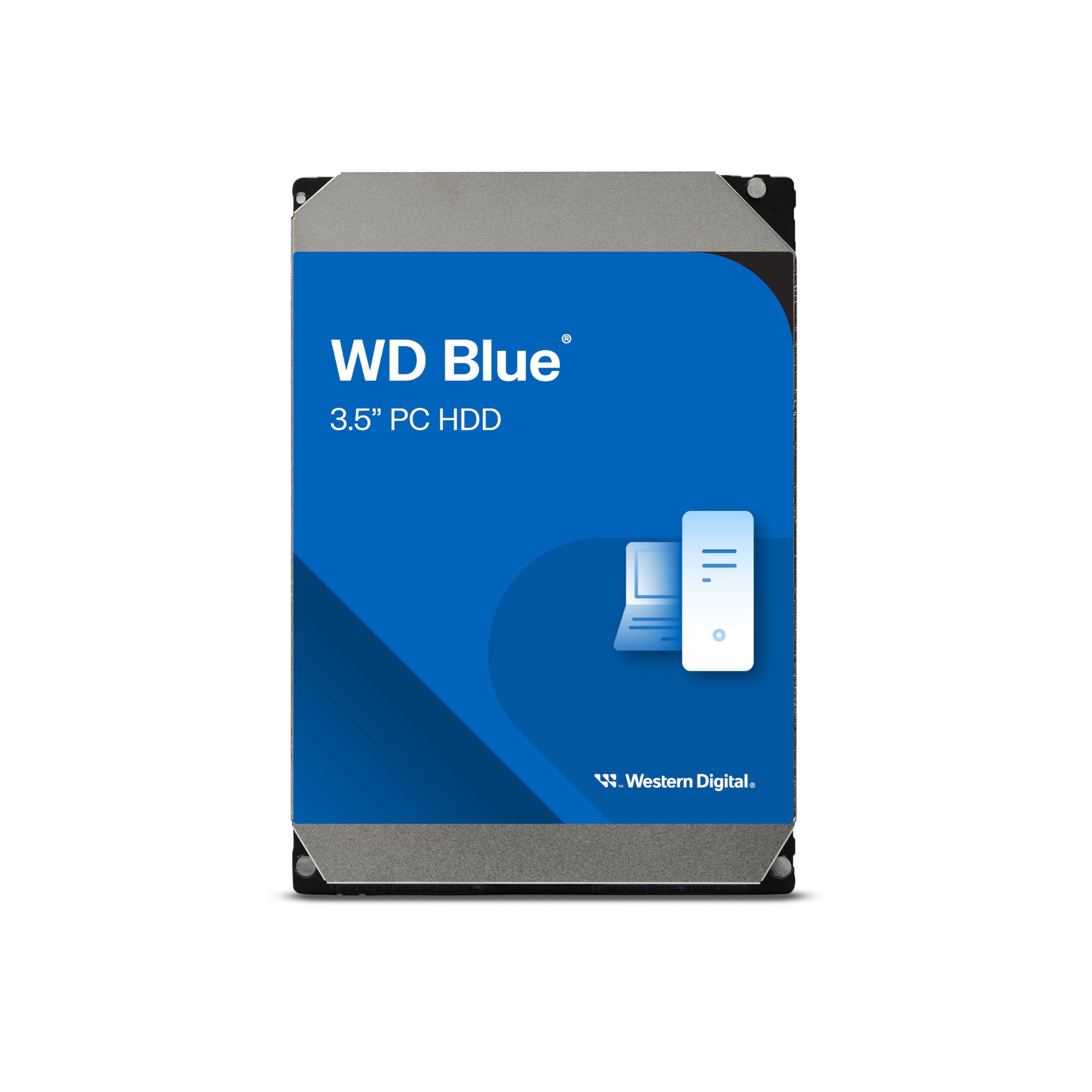
3. Western Digital 4TB WD Blue
The reliable everyday workhorse that also happens to be a crowd favorite.
Owners call the WD Blue “reliable” and “good value,” and its 4.6-star rating across 57,000+ reviews makes it among the most trusted picks here. It spins at 5400 RPM (revolutions per minute, the speed of the platters) and carries a 128MB cache (a small buffer for frequently accessed data), which is double the Seagate IronWolf’s 64MB. Its data transfer rate of 180 megabits per second is 2.8x faster than the IronWolf’s 64 megabits per second on paper, so file copies finish quicker.
This drive comes with free Acronis True Image WD Edition cloning software, which makes migrating from an old drive straightforward even for a beginner. It also uses NoTouch Ramp Load Technology, a feature that keeps the recording head off the disk surface during startup, which reduces wear over time. It runs quietly and is easy to install, making it a solid choice for a desktop PC, a media storage unit, or a basic backup drive.
The honest caveat is that this is a desktop drive, not a NAS-tune one, so it is not designed for the 24/7 vibration-filled environment of a multi-bay NAS enclosure. Some owners also report their computers occasionally don’t recognize the drive, though this is usually resolved with a reboot or alignment tweak. For a single-drive desktop setup or light NAS use, this is a standout value.
pc upgrade: choose this for everyday computing and storage where you value a proven, quiet, and budget-friendly drive.
raid arrays: for a busy 24/7 NAS, where a drive purpose-built for that workload is the safer choice.
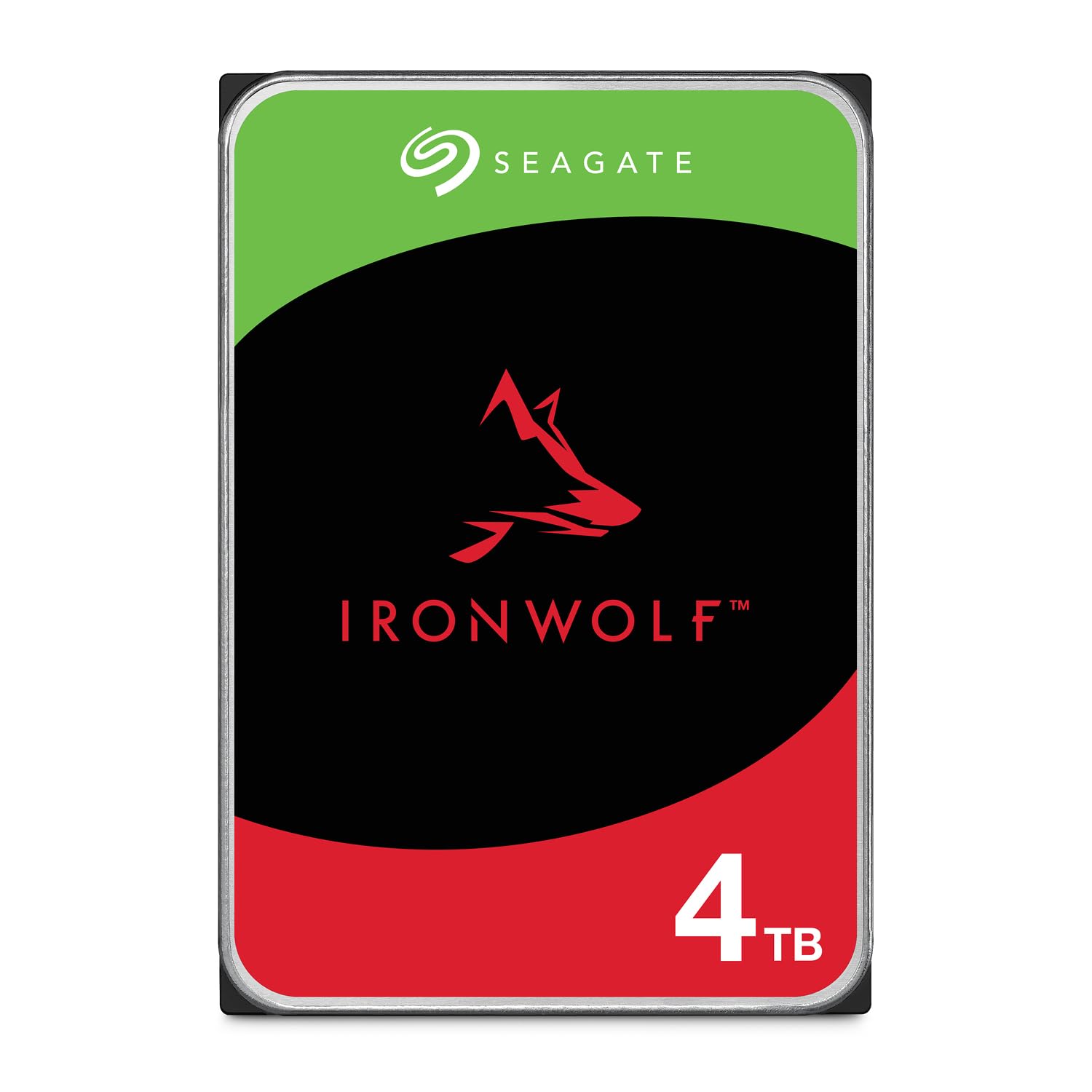
4. Seagate IronWolf 4TB NAS (5400 RPM)
The 5400 RPM IronWolf that swaps a little speed for quieter, cooler operation.
This variant of the IronWolf is the quieter sibling to the 5900 RPM model, spinning at 5400 RPM with the same 64MB cache. It is a CMR drive purpose-built for NAS enclosures with up to 8 bays, and it includes the same IronWolf Health Management system for monitoring drive health. It comes with a three-year warranty and three years of Rescue Data Recovery Services included.
Customers note this drive working exceptionally well in demanding setups, with one owner detailing how it replaced a failing Western Digital drive in an UNRAID server and ran 24/7 for a full month with zero errors. Its slightly shorter physical height also aids airflow in tight enclosures, helping keep it cool.
The trade-off is noise during active read/write operations, which owners describe as noticeable under load but nearly silent at idle. This is the pick for someone who wants the IronWolf’s reliability and health monitoring but prefers a quieter, cooler-running drive and is willing to accept a 5400 RPM speed ceiling.
silent homes: grab this if you run a Synology or UNRAID box and prioritize cool, quiet operation with rock-solid reliability.
heavy workloads: the 5400 RPM speed means large file transfers will take a bit longer than on a 7200 RPM drive.
5. Toshiba MG Series 4TB Enterprise

A true enterprise drive that owners praise for its stable platter technology.
The Toshiba MG Series is designed for the heavy lifters: servers, hyperscale storage, and 24/7 operation. It spins at 7200 RPM with a 128MB cache, and its headline feature is Toshiba Stable Platter Technology, which minimizes rotational vibration to keep the drive stable even when it is working hard. It also includes Persistent Write Cache technology for reliable data writes during unexpected power loss.
What stands out from owner reports is how this drive quietly outperforms expectations. One buyer replaced a failing Seagate IronWolf with this Toshiba and found it quieter with less vibration than both the IronWolf and the WD Red in the same pool. Another owner confirmed the drives arrived sealed and brand new, verified by Linux drive info, with only 9 hours of prior use, which addresses the common worry about buying “new” drives online.
The main concern owners raise is the noise level, with some finding it a bit noisy during operation. There is also mixed feedback on whether the drives are genuinely new or refurbished, so it is worth checking the seller. This is the right choice for a serious home lab or small business that needs enterprise-grade reliability and speed and can tolerate a bit more sound.
server duty: pick this for servers or a demanding NAS where 7200 RPM speed and enterprise stability are non-negotiable.
media storage: your NAS sits in a living space and noise is a primary concern over pure speed.
6. BUFFALO LinkStation 220 4TB NAS

A complete NAS appliance with drives included, ready for plug-and-play home backups.
Skip the hassle of buying drives, installing them, and configuring software—the Buffalo LinkStation 220 is a complete 2-bay NAS (network-attached storage, a box that shares files over your network) that ships with two 2TB hard drives already installed. It runs in RAID 1 (a setup that mirrors your data across both drives for automatic backup, giving you 2TB of usable space). You can switch it to RAID 0 to use the full 4TB, though you lose the automatic backup.
Setup is the standout feature here, with owners reporting it is visible on the network within minutes and works with all generations of Windows and macOS. It offers a subscription-free personal cloud, so you can access your videos, music, and photos from anywhere without monthly fees. It also includes SSL encryption for secure file transfers and lets you set individual access restrictions for folders, so you can share with family while keeping some data private.
The honest limitation is performance. Owners note that transfer speeds are slow, roughly 17 MB/s for single files, which is fine for backups and streaming but not for heavy editing. Some also report intermittent connectivity issues that can disrupt time machine backups. If you want a simple, reliable home backup solution with drives included, this is a strong contender; if you need fast transfer speeds, a separate NAS and drive setup will serve you better.
new users: choose this for a low-effort, all-in-one home backup solution where ease of setup beats raw performance.
advanced needs: if you need fast file transfers or extensive app support, a DIY NAS with a dedicated drive is the better path.
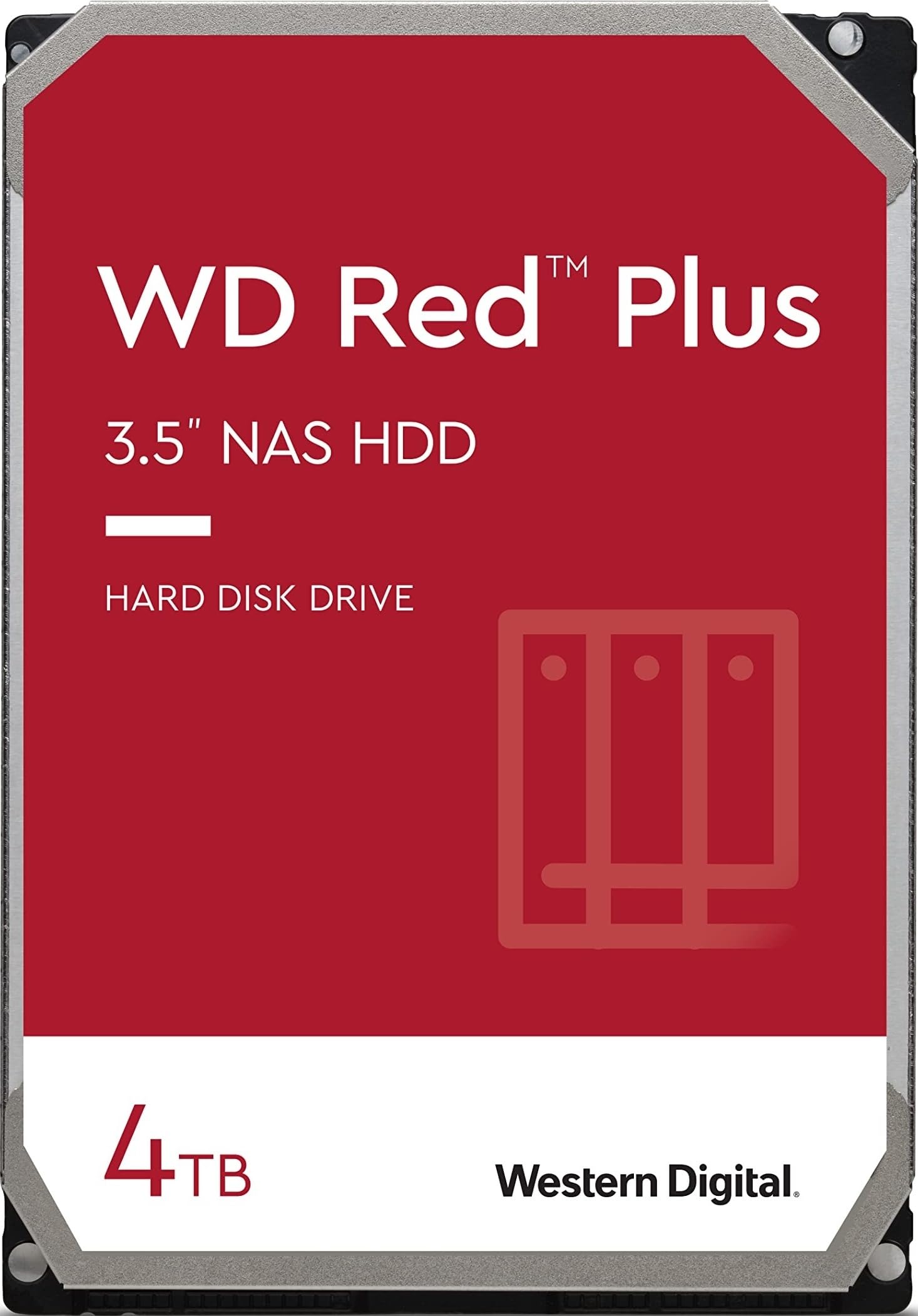
7. Western Digital 4TB WD Red Plus
The legendary quiet NAS drive that owners have trusted for a decade.
The WD Red Plus is the drive that has built a reputation over years of owner reports, and that reputation is centered on two things: quiet operation and cool temperatures. It spins at 5400 RPM with a 64MB cache, and it uses CMR technology, which is confirmed in the listing as the model to distinguish from the older SMR-based WD Red. It carries a 3-year warranty and supports up to 8 bays in a 24×7 environment.
The standout spec here is the 180 TB/yr workload rate, which is the amount of data the drive is rated to transfer annually, and it signals a drive built for constant, heavy NAS use. Owners consistently report it running cool, with one noting temperatures around 29°C (about 84°F) in a desktop setup, and others praising its quiet operation even in a media center. It also uses NASware firmware, which is purpose-built for compatibility with NAS systems.
The trade-off is that the 5400 RPM speed means it is not the fastest drive on the shelf, and it can take a few seconds to wake from sleep. Durability feedback is mixed, with most owners reporting years of flawless 24/7 operation, though a few report units failing within months. This is the pick for the owner who values silence and consistent, cool-running reliability above all else.
all-rounder: reach for this if you want a proven, cool-running NAS drive that you can barely hear, backed by a strong workload rating.
tight budgets: the 5400 RPM speed means it is not the fastest option for heavy, sustained data transfer.
8. WD Red Plus 4TB NAS (256 MB Cache)

The Red Plus with a bigger cache for smoother, more responsive NAS performance.
This WD Red Plus is nearly identical to the classic version above, but it steps up the cache from 64MB to 256MB, which is a meaningful upgrade for a busy NAS. A larger cache (the drive’s fast, temporary storage for frequently accessed data) means the drive can serve up commonly used files more quickly, reducing lag when multiple users or devices are accessing it at once. It still spins at 5400 RPM and carries the same 3-year warranty.
Owner reports are brief but consistently positive, with buyers confirming it works flawlessly in NAS RAID setups from brands like UGREEN, and noting it is quiet in operation. The CMR-based construction makes it a safe choice for RAID arrays, and the 256MB cache gives it an edge in responsiveness over the 64MB version when you are running a multi-user home or office NAS.
The main consideration is value. This drive sits at a premium price point among 4TB options, and while the larger cache is a real improvement, it may not be worth the extra cost for a simple single-user backup setup. This is the pick for a busy NAS environment where multiple users are constantly hitting the drive and every bit of responsiveness helps.
busy offices: choose this for a multi-user NAS where the larger 256MB cache keeps things snappy.
light usage: if it is just you doing occasional backups, the 64MB version delivers nearly the same experience for less.
9. Gigastone 4TB High Endurance SSD

The silent SSD alternative that trades spinning parts for blazing speed.
The Gigastone 4TB SSD stands out because it has no spinning platters—it uses solid-state flash memory (chips that store data with no moving parts) to hit sequential transfer speeds up to 530 MB/s (megabytes per second), dramatically faster than the WD Blue’s 180 megabits per second or the Seagate IronWolf’s 64 megabits per second. As a 2.5-inch SATA drive with no moving parts, it runs completely silent and shrugs off shock and vibration, so it suits a mobile setup or a case with heavy cooling fans.
This drive is positioned as a high-endurance NAS SSD, designed for heavy workloads like 4K/8K video editing, virtualization, and intensive database storage. It includes power loss protection and ECC (error correction code) for data integrity, and it is verified to work with NAS systems from Synology, QNAP, and Asustor. It carries a 5-year warranty and lifetime free technical support, a strong commitment from the maker.
The significant trade-off is heat and reliability. While some reviewers point out it running cooler than competing SSDs in a RAID 5 setup, others report drives failing from heat, with one owner noting 5 of 8 drives failed at temperatures between 90-135°F in a NAS environment. It is also the most expensive option on this list by a wide margin, and the maker itself advises it is not for server models or SAN environments. This is a niche pick for those who need absolute silence and speed and are willing to pay for it.
speed seekers: pick this for a quiet, fast home office or creative NAS setup where you want SSD performance without the noise of spinning drives.
bulk archives: the premium price and mixed heat reports mean this is not the safe, value-driven choice for a standard 24/7 NAS.
Understanding the Specs
Rotation Speed (RPM)
The rotation speed of a hard drive, measured in revolutions per minute (RPM), determines how fast the platters spin, which directly affects data read and write speeds. A 7200 RPM drive offers faster performance, ideal for heavy workloads and video editing. A 5400 RPM drive is quieter, cooler, and more energy-efficient, making it a great choice for media streaming and backups where silent operation is more valued than raw speed.
Cache Size
The cache is the drive’s built-in buffer of fast memory that holds frequently accessed data, so it can be retrieved quickly without waiting for the physical platters to spin. A larger cache, like 256MB, means the drive can handle more simultaneous requests smoothly, which is beneficial in a multi-user NAS environment. A smaller cache, like 64MB, is perfectly adequate for a single user or light backup use.
FAQ
Is a 5400 RPM NAS drive fast enough for my needs?
What is the difference between CMR and SMR NAS drives?
Will a desktop drive like the WD Blue work in a NAS?
How long can I expect a 4TB NAS drive to last?
Can I mix different brands of drives in a RAID array?
What does the workload rate, like 180 TB/yr, actually mean?
Is a NAS SSD worth the higher price over a hard drive?
Should I get a 2-bay NAS or buy separate drives for my own enclosure?
Final Thoughts: The Verdict
Across the board, the 4tb nas drive winner is the Seagate IronWolf because it pairs a solid 5900 RPM CMR design (conventional magnetic recording, a reliable data-storage method) with a health monitoring system and a 5-year warranty, all backed by years of positive owner reports. If you want a quieter, cooler 24/7 drive that’s a proven classic, grab the WD Red Plus. And for serious home labs or small businesses running 7200 RPM enterprise workloads, the Toshiba MG Series is the one to reach for.
How We Picked
We do not accept paid placement. Every pick is matched to a real buyer and a real use-case; we do not hands-on test units.
Sources & Methodology
Specifications: manufacturer listings and product documentation. Review insights: verified customer reviews, as of August 2026. Pricing: not shown on this page (it changes often); check the current price via the retailer link.
As an Amazon Associate, Gadgets Feed earns from qualifying purchases. This does not affect which products we feature.