
Our readers keep the lights on and my morning glass full of iced black tea. As an Amazon Associate, I earn from qualifying purchases.
Specs are compiled from manufacturer listings and verified buyer reviews and can change over time — please confirm the key details on the product page before buying.
If you’re shopping for a 22-inch gaming monitor, the single biggest decision you’ll make isn’t the brand — it’s the refresh rate. This number, measured in Hertz (Hz), tells you how many times the screen updates per second. A 60Hz display shows 60 frames per second, but a 144Hz or 165Hz panel shows more than double that, which translates to smoother motion and a real competitive edge in fast shooters.
I’m Min — the founder and writer behind Gadgets Feed. This guide is built by comparing the manufacturers’ published specifications and the patterns across verified customer reviews, so you get each pick’s real strengths and trade-offs instead of marketing spin.
Whether you’re on a tight budget or ready for premium specs, we’ve broken down the best 22 inch gaming monitor options to match your setup and your wallet.
Our Picks at a Glance

How To Choose The Best Gaming Monitor
Finding the right monitor for your games is about matching the screen’s capabilities to the games you play and the hardware you own. A monitor that’s perfect for a fast-paced esports title might be overkill for a strategy game, and vice-versa. Here are the key specs to weigh up.
Prioritize Refresh Rate for Smooth Gameplay
The refresh rate is the most important spec for gaming. A higher number, like 144Hz or 165Hz, means the image updates more frequently, making motion look much smoother and reducing the blur you see when you move the camera quickly. Even if your games run at 60 frames per second, a high-refresh monitor still displays them more fluidly.
Match the Panel Type to Your Priorities
The panel technology controls color and contrast. IPS (In-Plane Switching) panels are known for accurate, vibrant colors and wide viewing angles, making them great for games and general use. VA (Vertical Alignment) panels typically offer a much higher contrast ratio for deeper blacks, which can make dark scenes in games look better, but they often have slower response times.
Check for Adaptive Sync to Prevent Screen Tearing
Screen tearing happens when your graphics card sends frames faster than the monitor can display them. Adaptive Sync technology (like AMD FreeSync or NVIDIA G-Sync) syncs the monitor’s refresh rate to your graphics card’s output, which eliminates that tearing for a cleaner picture. Many monitors in this range support at least one of these standards.
Quick Comparison
| Model | Best For | Refresh Rate | Panel Type | Response Time | Amazon |
|---|---|---|---|---|---|
| Dell SE2426H★ Best Overall | Best Overall | 144Hz | IPS | 1ms | Amazon |
| Dell SE2426HGTop Performer | Ultra-Fast FPS | 240Hz | IPS | 0.5ms | Amazon |
| Amazon Basics G24Best Value | Budget Performance | 165Hz | IPS | 1ms | Amazon |
| ASUS TUF VG249QE5A | Pro Esports | 146Hz (OC) | IPS | 1ms | Amazon |
| ASUS TUF VG247Q1A | Premium Build | 165Hz | IPS | 1ms | Amazon |
| LG 24G411A-B | G-Sync Value | 144Hz (OC) | IPS | 1ms (MBR) | Amazon |
| KOORUI E2212H | Casual Gaming | 120Hz | VA | — | Amazon |
| AOC 22B2HM2 | Office & Casual | 100Hz | VA | 4ms | Amazon |
| Acer Vero 22 | Eco-Conscious | 100Hz | VA | — | Amazon |
In-Depth Reviews
1. Dell 24 Monitor SE2426H
Our pick — over 4.5★ from 300+ verified ratings; the strongest balance of quality and price.
The crowd favorite that nails the balance of speed, color, and eye comfort
You get a 144Hz refresh rate here, which is a massive step up from a standard 60Hz display for smoother motion in games and everyday scrolling. It pairs that with a 1ms response time, so fast-moving action stays sharp with less blur. The panel uses IPS technology, which delivers consistent colors across a wide 178-degree viewing angle — meaning the picture looks right even when you’re not sitting dead-center.
You get a monitor that’s ready to use in minutes, with ultra-thin bezels that let the screen dominate your desk. Buyers report crisp, clear colors with no distortions, and the TÜV Rheinland 3-star certification (an independent standard for low blue-light emission) filters out eye-straining blue light without dulling the image, so your eyes stay comfortable during marathon gaming sessions.
It has a 1,000:1 contrast ratio and 72% color gamut, which is solid for the price but not the absolute best for deep blacks. The stand offers tilt adjustment for finding a comfortable angle, and it comes with a 1.8m HDMI cable in the box, so you can get started right away.
Why It Wins
- 144Hz refresh rate for fluid, tear-free motion
- IPS panel with excellent color accuracy at wide angles
- Easy setup with a 1.8m HDMI cable included
Worth Knowing
- 1,000:1 contrast ratio isn’t the deepest for dark scenes
- Limited to tilt adjustment on the stand
Reach for this if: you want a reliable, high-refresh 1080p display for both gaming and everyday work, with eye-care features as a bonus.
Look elsewhere if: you need the absolute highest refresh rate for hyper-competitive esports.
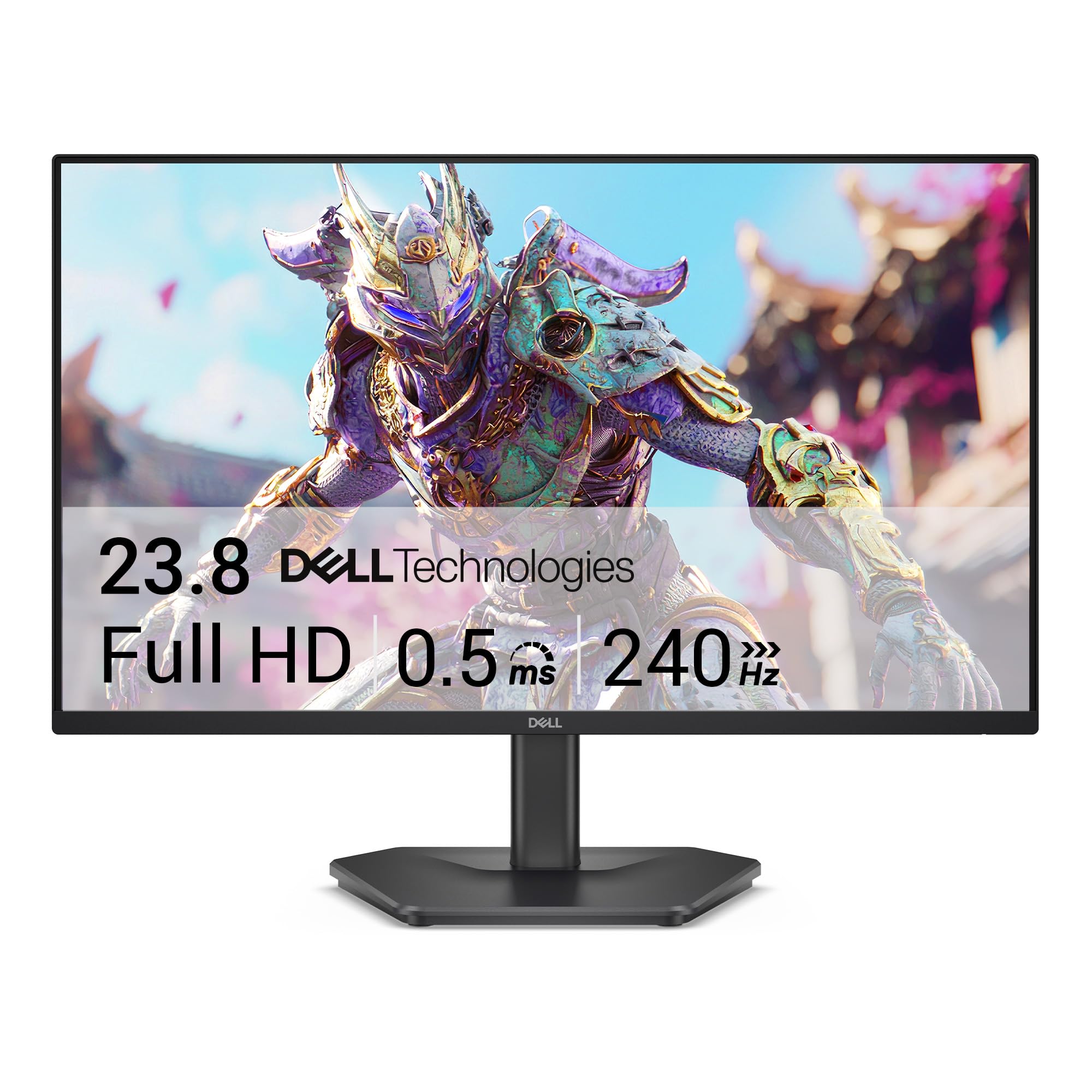
2. Dell 24 240Hz Gaming Monitor SE2426HG
A blistering 240Hz refresh rate for rivals who need every frame
This is the speed king of the lineup. The 240Hz refresh rate nearly doubles the SE2426H’s 144Hz, delivering ultra-fluid motion competitive gamers will notice instantly. It pairs that with a fast 0.5ms response time, which cuts input lag significantly and keeps the action crisp during fast flicks in FPS games.
It’s not just about speed, though. The IPS panel delivers a 99% sRGB color coverage for vivid, accurate colors, and the FreeSync Premium certification works with both PC and console to eliminate tearing and stuttering. The TÜV Rheinland 3-star certification filters blue light without dulling colors, keeping eyes comfortable during long sessions.
Connectivity is flexible with 2X HDMI and a DisplayPort 1.4, giving you options for connecting a PC and a console simultaneously. The picture quality is very good, with vibrant colors and a sharp 1920×1080 resolution that’s ideal for the 23.8-inch screen size.
Instant Verdict: The extra cost over a 144Hz monitor buys you a genuine competitive edge.
The Trade-off: You’ll need a strong graphics card to actually hit 240 frames per second in most games to see the full benefit.
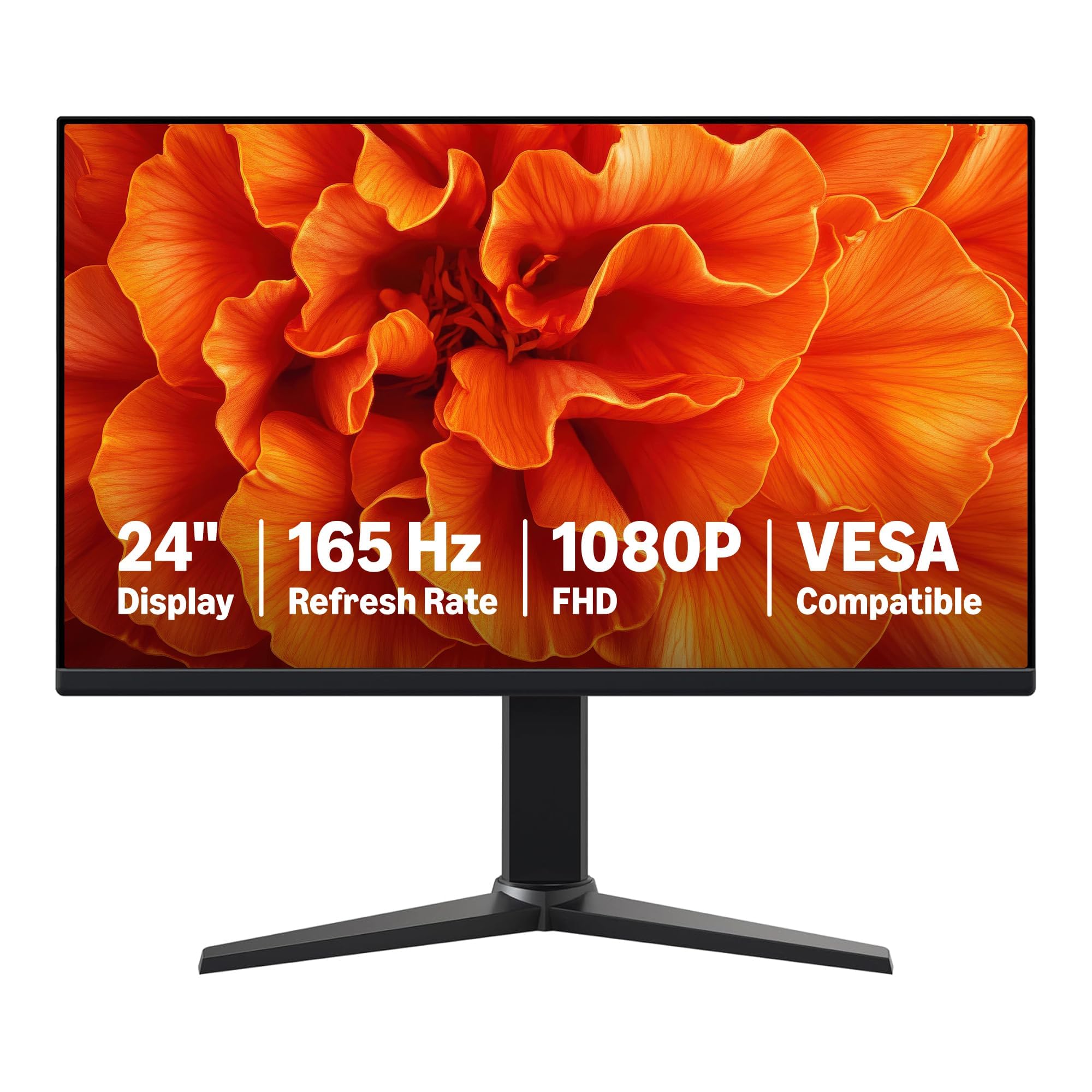
3. Amazon Basics 24 Inch Gaming Monitor
A no-frills 165Hz IPS panel that punches far above its price
This monitor’s standout feature is its 165Hz refresh rate (how many times the screen updates per second) on an IPS panel (a display type known for wide viewing angles and accurate colors) — a pairing that typically costs more. You get a sharp 1080P image with fluid motion in fast games, and the 1ms response time (the speed at which pixels change color) minimizes ghosting, so moving objects stay crisp. For the price, it’s a strong value for pure performance.
It’s a plug-and-play monitor that’s easy to connect and install, with both HDMI and DisplayPort inputs on the back. The colors look perfectly fine from the start, and at 7.7 pounds, it’s manageable to move around. The thin bezels keep the focus on the screen.
The main things to know before buying: it does not include a power cable or HDMI cable in the box, so you’ll need to factor that into your setup. Also, to hit that 165Hz maximum, you’ll need a DisplayPort 1.4 or HDMI 2.0 compatible cable and a graphics card that supports FHD output at that speed.
Smart Pick: This is an unbeatable value for gamers who want high-refresh IPS performance without paying a premium.
Heads Up: The lack of included cables in the box is a real inconvenience for first-time buyers.
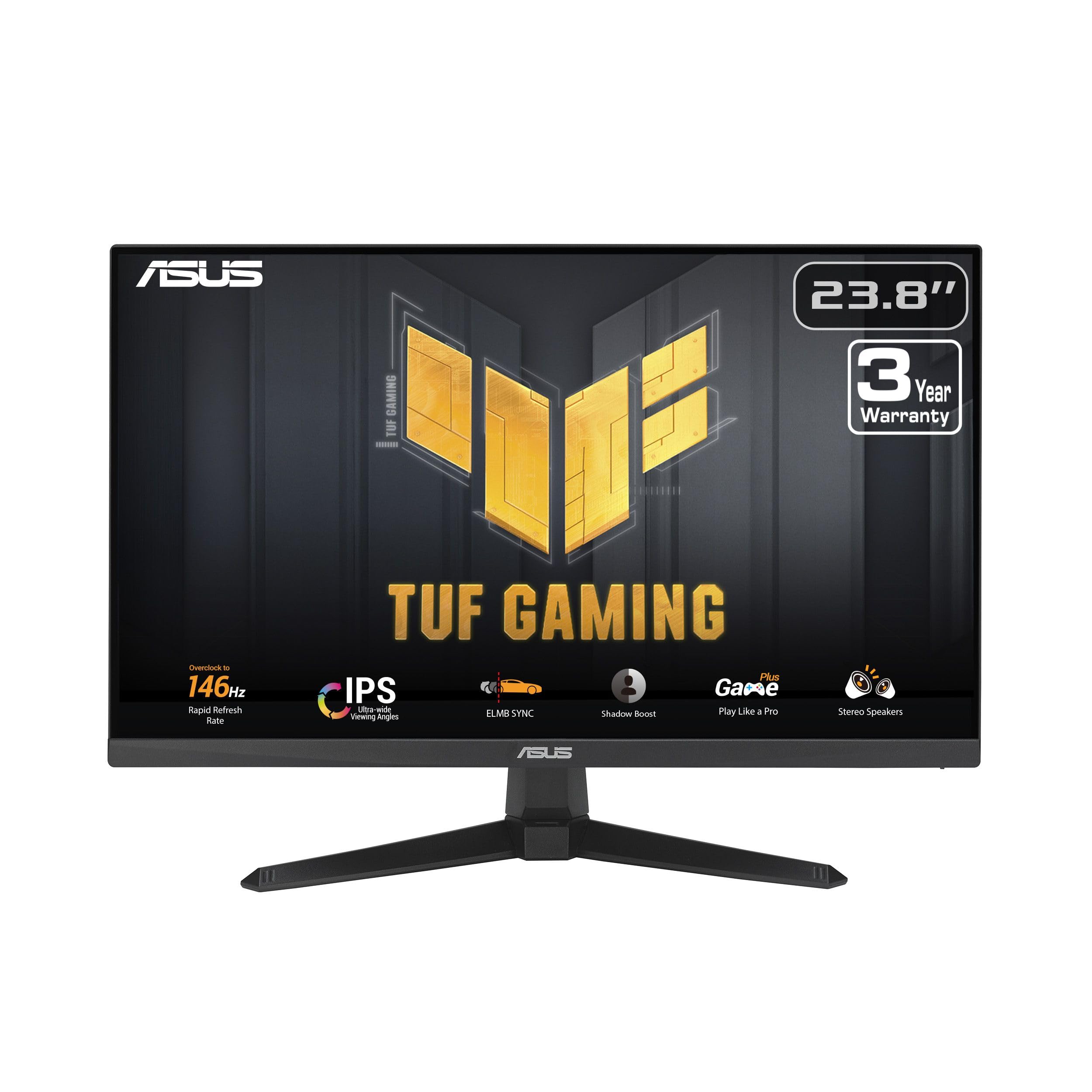
4. ASUS TUF Gaming VG249QE5A
ASUS engineering with Extreme Low Motion Blur for ghost-free action
This ASUS TUF model is built for competitive play, featuring a 23.8-inch Full HD IPS panel with a 144Hz refresh rate that overclocks to 146Hz. The standout feature is ASUS’s Extreme Low Motion Blur Sync (ELMB Sync), which lets you run motion blur reduction and variable-refresh-rate technologies at the same time — eliminating both ghosting and screen tearing simultaneously.
It’s a versatile pick for console players too. The monitor works perfectly with a PlayStation 5, delivering a clean, HD picture that reveals small details in games. The 1ms response time ensures fast load and response in-game, and the built-in speakers are a handy bonus for those who don’t want to use a headset all the time.
The Shadow Boost feature brightens dark areas without over-exposing bright ones, which helps you spot enemies hiding in shadows. The stand only tilts — there’s no height adjustment — so you may need a monitor arm for perfect ergonomics, and the VESA mount compatibility makes that an easy upgrade.
Gamer’s Choice: The ELMB Sync technology gives it a clarity edge over rivals at the same refresh rate.
The Quirk: A few owners find the on-screen menu options confusing at first, and the stand lacks height adjustment.
5. ASUS TUF Gaming VG247Q1A

A 165Hz refresh rate and a sturdy frame deliver the full TUF experience
This is the higher-spec sibling in the ASUS TUF lineup, offering a 165Hz refresh rate (which also supports 144Hz) for buttery-smooth gaming. The 1ms response time uses ASUS’s Extreme Low Motion Blur (ELMB) technology, which works with Adaptive-Sync to eliminate ghosting and keep fast-moving visuals sharp. It supports both NVIDIA GeForce and AMD Radeon graphics cards for flexible compatibility.
Colors pop right from the start, with vibrant hues and strong contrast — owners say it “looks great without selling a kidney.” The matte screen cuts glare from windows or lights while keeping colors vivid, and the built-in speakers handle casual listening fine. The adjustable stand and slim bezels give it a premium feel, though you pay more for this model than for the [Other Pick] — a trade-off note if you’re on a tight budget.
It includes both HDMI and DisplayPort cables in the box, so there’s no extra cost to get it running at full speed. One caveat: some owners mention the settings menu is a bit frustrating to navigate, and a few have noted faint lines on very bright videos. Overall, it’s a durable, high-quality monitor that owners say they love.
Premium Verdict: The best-built monitor here, with the smoothest motion and most flexible connectivity.
The Cost: You pay a premium for the ASUS brand and build quality, and the menu system takes some getting used to.
6. LG 24G411A-B UltraGear

NVIDIA G-Sync compatibility makes this a no-brainer for RTX owners
The LG UltraGear is one of the only 24-inch monitors here that’s officially NVIDIA G-Sync Compatible, which is a huge plus if you have an RTX graphics card. It delivers tear-free, low-latency gameplay with a 120Hz native refresh rate that overclocks to 144Hz. The 1ms Motion Blur Reduction (MBR) keeps fast action sharp.
It’s also a favorite for console gamers. PS5 customers note picture quality that feels near-4K, with smooth motion and the 3.5mm jack working well with a soundbar. The 99% sRGB color coverage and IPS panel deliver rich, vivid tones that make games look exactly as intended, and HDR10 support adds dynamic contrast.
Gaming features include Black Stabilizer for spotting enemies in dark scenes, a Crosshair overlay for FPS accuracy, and Dynamic Action Sync to reduce input lag. The included Switch app lets you split the screen into up to 6 sections for multitasking. The catch is the stand quality — a few owners find the factory stand jiggles easily, and brightness is average, so you may want to consider an aftermarket stand.
Team Green Pick: If you have an NVIDIA card, this is the safest bet for a stutter-free experience.
The Weak Spot: The included stand is the weakest link; budget for a replacement if it bothers you.
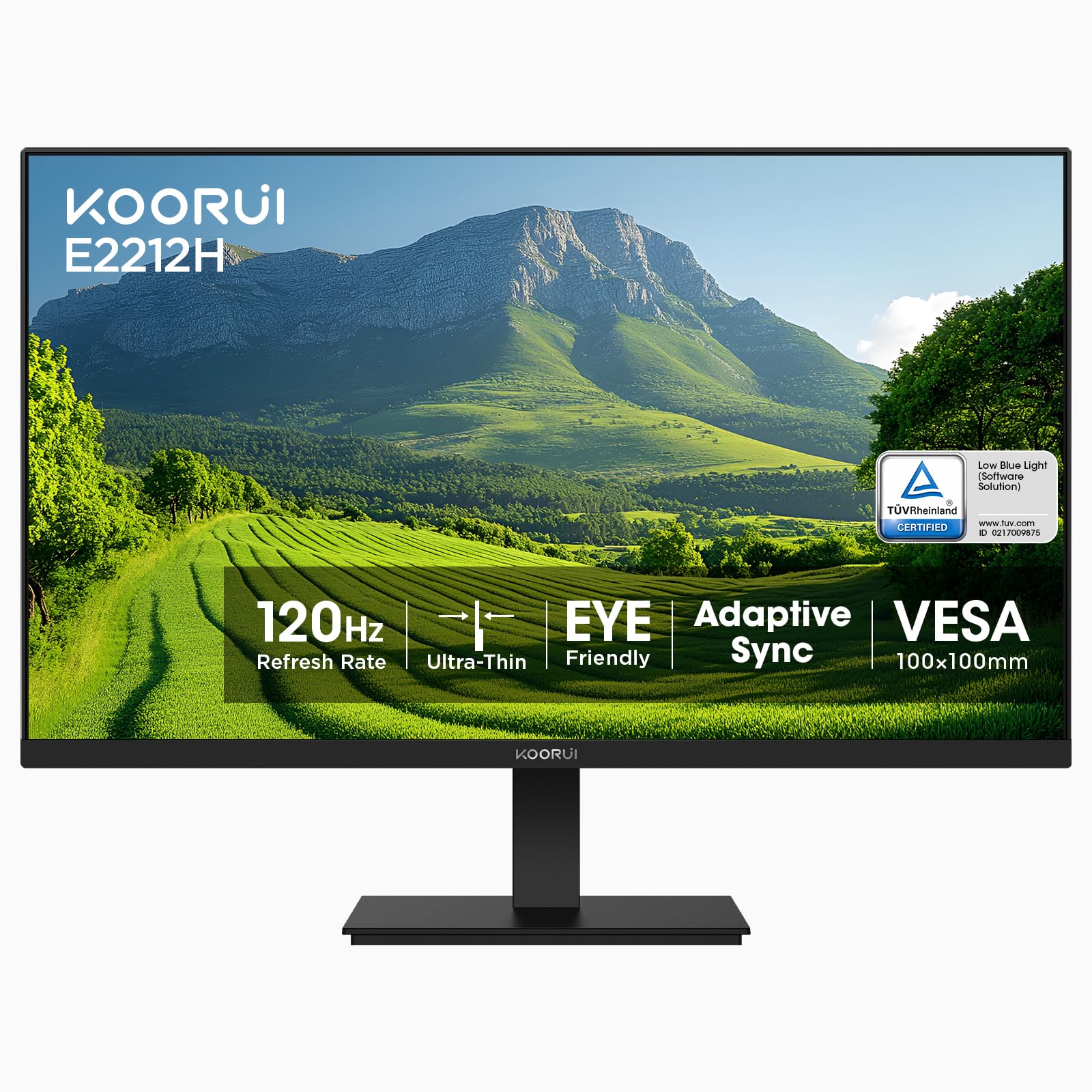
7. KOORUI 22 Inch E2212H
A 4000:1 contrast ratio brings out detail in dark game scenes
The KOORUI E2212H stands out with its VA panel and a 4000:1 contrast ratio — four times the 1,000:1 you get on the Dell SE2426H. That means blacks look much deeper and darker scenes in games and movies have more visible detail. The 120Hz refresh rate beats standard 75Hz displays, smoothing scrolling and light gaming.
It covers 99% of the sRGB color gamut and displays 16.7 million colors, which is plenty for most games and office work. TÜV Rheinland low blue light and flicker-free tech reduce eye strain, while the anti-glare screen aids visibility in bright rooms.
The slim bezel design saves space on smaller desks, and tilt adjustment ranges from -5° to 15°. Setup is quick, with an HDMI cable and stand included in the box. Just note the compatibility: it supports HDMI and VGA only — no DisplayPort — so if your PC is older and only has VGA, you’ll need to buy a separate cable, which reviewers point out.
Best For: A budget-friendly 120Hz option with exceptional contrast for dark-themed games and a comfortable workspace monitor.
Keep In Mind: Colors are a bit muted compared to IPS panels, so it’s not for color-critical photo editing.
8. AOC 22B2HM2

The space-saver with a frameless design that fits tight desks
If desk space is precious, this AOC’s 21.5-inch viewable screen and frameless design make it a perfect fit for limited areas — buyers specifically note it fits well in small spaces as a second screen. The 100Hz refresh rate upgrades standard 60Hz, making Windows use and gaming feel more fluid. It’s a great choice for a work-from-home setup where the laptop screen is just too small to read comfortably, especially for tasks like editing photos in Lightroom.
The VA panel delivers a 3000:1 contrast ratio for good depth in dark scenes, and the 100.1% sRGB coverage keeps colors looking true-to-life for casual use. It’s also eco-friendly, consuming only 13W in eco mode, and comes with features like Flicker-Free technology and a user-friendly OSD menu. The 4ms response time is a touch slower than the 1ms panels, but fine for casual gaming and video.
You get tilt adjustment, an earphone out for private listening, and VESA mount compliance for flexible installation options. The main limitation is the connectivity — just one HDMI and one VGA port, so it’s not ideal for multiple devices, and the stand offers tilt-only adjustment.
Perfect For: A budget-minded second monitor for work or a casual gaming setup on a small desk.
Not For: Pro color work like photo editing, where owners note colors aren’t fully accurate, or those needing multiple display inputs.
9. Acer Vero 22
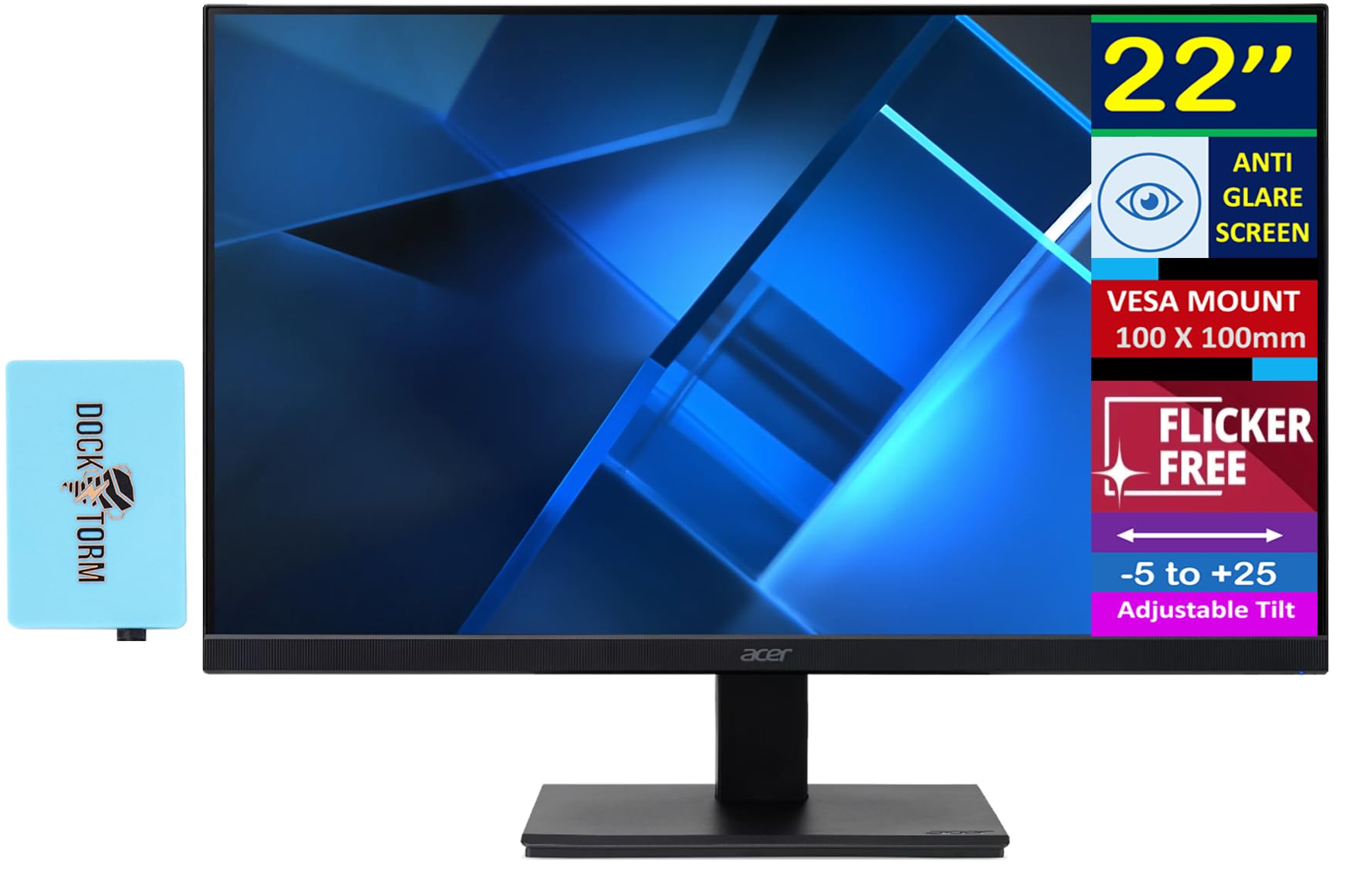
Acer’s eco-conscious line offers great colors and a 100Hz VA panel
The Acer Vero line is designed with sustainability in mind, but this 22-inch monitor doesn’t sacrifice performance. It features a 100Hz VA panel with a 3000:1 contrast ratio, delivering smooth, fluid motion for both work and play. What really impresses here is the color: 90% DCI-P3 coverage and support for up to 1.07 billion colors, with HDR10 support for enhanced depth.
For the price, the color accuracy is a standout — it goes beyond the basic sRGB coverage of most budget panels, making photos and video look more precise. The screen is easy to set up and use, and the -5 to +25 degree adjustable tilt gives you a flexible range of viewing angles. Acer Vision Care’s Blue Light Shield and Flicker-less tech reduce eye strain during extended use.
The included Docztorm Dock is a nice bonus — a portable data hub with a data sync rate up to 5Gbps. One small quirk: the power button isn’t obvious; you’ll need to check the quick start guide to find the right one. Some buyers also note the newer model is a bit dimmer than the older version even at max brightness.
Best For: Value-seekers who want superior color coverage from a 100Hz panel and appreciate eco-friendly design.
Consider This: The 100Hz refresh rate is good for casual gaming but won’t satisfy competitive players seeking 144Hz+.
Understanding the Specs
Refresh Rate (Hz)
This is how many times your screen updates its image every second. At 60Hz, the image refreshes 60 times per second. A 144Hz monitor refreshes 144 times per second, making motion look dramatically smoother and reducing the blur that can hide enemies in fast games. If your graphics card can push high frame rates, a high-refresh monitor lets you actually see them.
Response Time (ms)
This measures how quickly a pixel can change from one color to another, usually listed in milliseconds (ms). A faster response time means less ghosting or trailing behind fast-moving objects. For gaming, look for 1ms to 4ms — the lower the number, the crisper fast action will look.
Panel Type
Two main types dominate this category: IPS and VA. IPS panels give you the best color accuracy and wide viewing angles, meaning the picture looks consistent even from the side. VA panels typically offer much higher contrast ratios (like 3000:1 or 4000:1) for deeper blacks, but can have slower response times. Your choice depends on whether you value color accuracy or contrast.
Adaptive Sync
Screen tearing happens when your graphics card and monitor get out of sync. Adaptive Sync technologies — AMD FreeSync and NVIDIA G-Sync — make the monitor’s refresh rate match your graphics card’s output in real-time. This eliminates tearing and stuttering for a cleaner, smoother picture. Some monitors here are G-Sync Compatible, which is great if you have an NVIDIA card.
FAQ
Is a 144Hz monitor worth it over a 60Hz one for gaming?
What’s the difference between IPS and VA panels for gaming?
Will a 22-inch monitor work with my PlayStation 5 or Xbox?
Do I need a special cable to get 144Hz or 165Hz refresh rates?
What is Adaptive Sync or FreeSync and why do I need it?
What does 1ms response time actually mean for gameplay?
Can I wall-mount one of these monitors to save desk space?
Are these monitors good for office work, not just gaming?
Is a 22-inch screen big enough for modern gaming?
What does HDR mean on a gaming monitor?
Final Thoughts: The Verdict
For the majority of shoppers, the standout choice for a 22 inch gaming monitor is the Dell SE2426H because it delivers an unbeatable combo of 144Hz speed, IPS color accuracy, and TÜV-certified eye comfort at a crowd-pleasing value. If you crave every possible frame in competitive shooters, grab the Dell SE2426HG with its blistering 240Hz panel. And for the best outright build and feature set, the ASUS TUF VG247Q1A is the one to reach for.
How We Picked
We do not accept paid placement. Every pick is matched to a real buyer and a real use-case; we do not hands-on test units.
Sources & Methodology
Specifications: manufacturer listings and product documentation. Review insights: verified customer reviews, as of August 2026. Pricing: not shown on this page (it changes often); check the current price via the retailer link.
As an Amazon Associate, Gadgets Feed earns from qualifying purchases. This does not affect which products we feature.