
Our readers keep the lights on and my morning glass full of iced black tea. As an Amazon Associate, I earn from qualifying purchases.
Specs are compiled from manufacturer listings and verified buyer reviews and can change over time — please confirm the key details on the product page before buying.
If you are thinking about turning 3D printing into a real side income, the machine you choose decides whether you spend your evenings fixing clogs or packing up orders. The best 3D printer under $1500 for selling printed items is one that balances four things: speed, multi-color capability, reliability, and low waste. This guide breaks down ten strong contenders that fit a selling workflow, using manufacturer specs and the patterns across thousands of verified owner experiences.
I’m Min — the founder and writer behind Gadgets Feed. This guide is built by comparing the manufacturers’ published specifications and the patterns across verified customer reviews, so you get each pick’s real strengths and trade-offs instead of marketing spin.
You will see exactly which machines handle multi-material prints, which ones cut waste, and which ones just work when you have a deadline. 3d printer under $1500 for selling printed items is a crowded space, but the right pick pays for itself fast.
Our Picks at a Glance


How To Choose The Best 3D Printer Under $1500 For Selling Printed Items
Your printer is your factory. When you sell printed items, every failed print is money out of your pocket and time you cannot get back. You need a machine that prints right the first time, handles multiple colors without endless manual swaps, and does not eat your profit in wasted filament.
Speed Is Production Capacity
A printer rated at 600mm/s can finish a batch of parts while a slower machine is still warming up. Higher speed means more units per day, which directly grows what you can list and sell.
Multi-Color Sells Better
Buyers pay more for a product with two colors than for the same part in one. Machines with independent toolheads let you print mixed materials like TPU and rigid plastic in a single run, which opens up product lines you simply cannot make on a single-nozzle printer.
Waste Is Your Hidden Cost
Traditional systems purge filament between color changes. A printer that swaps toolheads instead of purging saves a large chunk of material, and that saving shows up directly in your cost per part.
Quick Comparison
| Model | Best For | Max Speed | Multi-Color | Build Volume | Amazon |
|---|---|---|---|---|---|
| Snapmaker U1★ Best Overall | Efficient production | 500 mm/s | 4 Toolheads | 270 x 270 x 270 mm | Amazon |
| Anycubic Kobra XBest Value | Budget entry value | 600 mm/s | 4 Colors | 260 mm³ | Amazon |
| FLASHFORGE AD5M ProSilent Runner | Quiet home operation | 600 mm/s | No | 220 mm³ | Amazon |
| QIDI Q2 | Engineering filaments | 600 mm/s | Up to 16 Colors | — | Amazon |
| ELEGOO Saturn 4 Ultra | High-detail miniatures | 150 mm/h | Resin Only | — | Amazon |
| Bambu Lab P1S Combo | Ecosystem simplicity | 500 mm/s | Up to 16 Colors | — | Amazon |
| Creality K1 Max | Large single prints | 600 mm/s | No | 11.81 in³ | Amazon |
| Bambu Lab P2S Combo | Beginner ease | 600 mm/s | Yes | — | Amazon |
| FLASHFORGE Creator 5 Pro | Industrial throughput | 600 mm/s | 4 Extruders | 256 mm³ | Amazon |
| Creality K2 Plus | Extra-large batches | 600 mm/s | Yes (CFS) | 350 mm³ | Amazon |
In‑Depth Reviews
1. Snapmaker U1
Our pick — 4.5★ from 100+ verified ratings; the strongest balance of quality and price.
The production workhorse that turns multi-color printing into a profitable habit.
For a seller, waste is the silent killer of margins. The U1 attacks that problem with four independent toolheads that swap in just 5 seconds instead of purging filament between colors. The review pages sum it up: “4 Tigers model: 32h vs 58h single-nozzle, saves ~350g waste.” That time and material saving is money back in your pocket on every single order.
It runs a rigid CoreXY motion system with carbon fiber X-axis rails to hit 500 mm/s across a 270 x 270 x 270 mm build volume. Automatic toolhead offset calibration and vibration compensation mean you spend less time fiddling and more time printing. Buyers report the setup takes under 20 minutes with guided instructions, and the included Snapmaker Orca software has a built-in model library.
The catch is physical: at 59 pounds, this is a heavy, serious machine, and the power supply fan runs loud even if the print itself is quiet. The glass front and back are thick, but the top is open, so you may want a DIY lid. Still, what wins people over is the quality — it is the most-praised aspect, with owners calling it top-tier for four-head multi-color work.
The Profit Case
- Four toolheads with zero purge waste — cheaper per part
- 500 mm/s speed keeps your queue moving
- Prints flexible TPU and rigid materials in one run
The Weight To Carry
- 59 pounds is a two-person lift to set up
- Loud power supply fan in a quiet room
- Open top needs a DIY enclosure for some filaments
Your production pick: if you want to sell multi-color items with the lowest waste per part, this is the machine to build a small business around.
Think twice if: you need a compact, lightweight printer — this one demands real bench space and muscle.
2. Anycubic Kobra X Multicolor
The budget machine that shocks owners with its speed and color range.
At just 20.9 pounds, this is the featherweight of the multi-color crowd — 2.8x lighter than the Snapmaker U1 above. It comes with 4 colors built in and can expand up to 19 colors by adding four ACE 2 Pro units. Owners mention ~265 hours in one month across PLA, PETG, and TPU with only one user-caused failure, confirming reliability for a busy seller.
The Kobra X cuts the filament and machine travel path by 81.25% to reach 600 mm/s, and it completes a Benchy test print in 14 minutes. Its LeviQ 3.0 auto-leveling uses a 49-point calibration for a flat first layer, and the top-mount spool holder frees up desktop space. Dual-band Wi-Fi on 2.4G and 5G plus LAN connectivity means you can watch a job from your phone.
Quality is what owners praise most, and ease of use is the second most-mentioned strength. The honest trade-off is that bed adhesion and clogging get mixed feedback — some owners had first prints fail, while others ran dozens of flawless prints. The 300°C nozzle temperature does open the door to PETG and ASA, which broadens what you can sell.
Entry-level edge: you get genuine 4-color printing at a friendly price without giving up speed — a rare combo that makes this the smartest first business machine.
Fit note: a minority of owners hit adhesion or clogging quirks, so budget a little tuning time if you are a total beginner.
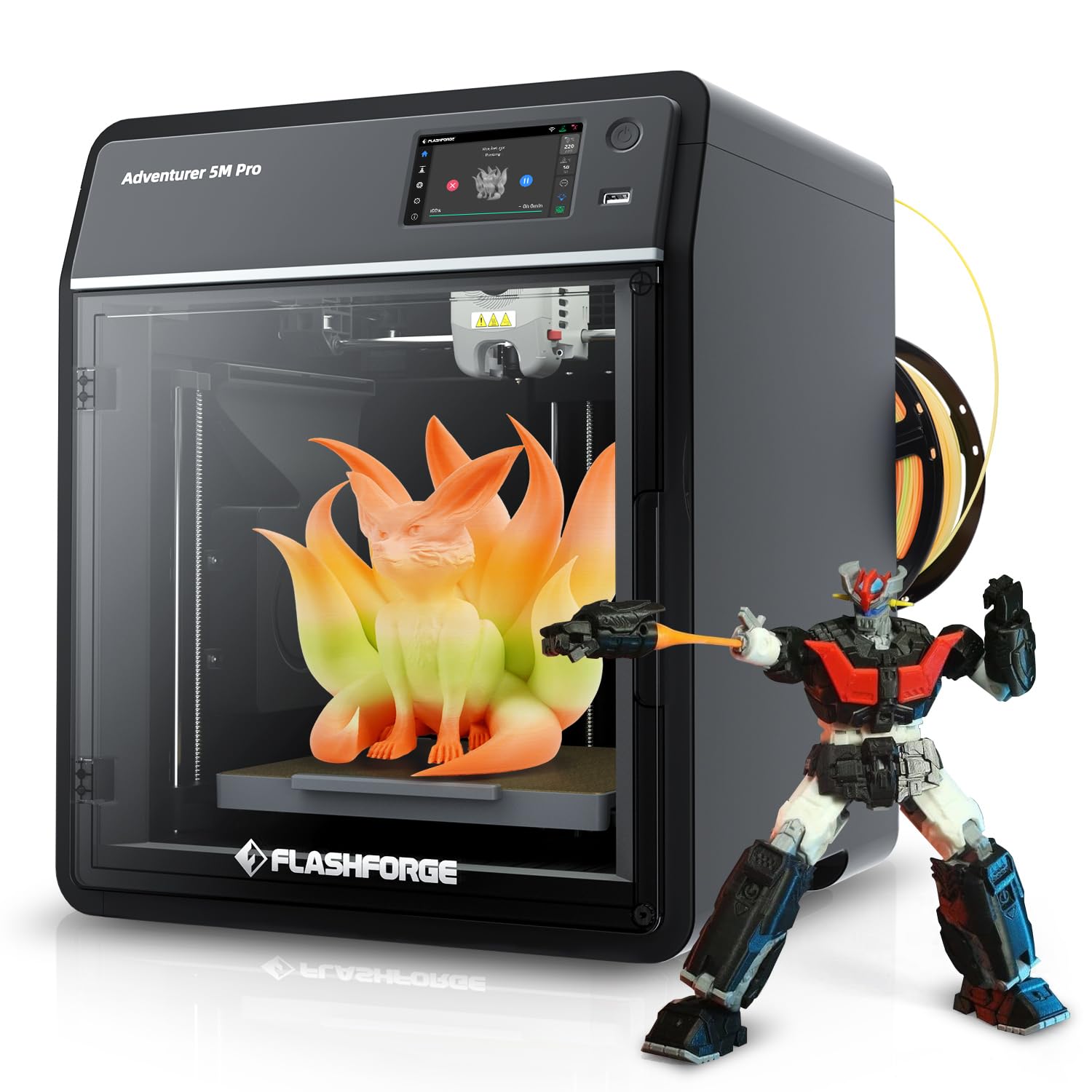
3. FLASHFORGE AD5M Pro
A quiet CoreXY printer that slipped straight into a classroom and never left.
If your shop shares space with your living room, the 50dB silence here is the standout number — it is quiet enough to run overnight without driving you crazy. It is a single-nozzle machine, so it skips multi-color, but it makes up for that with a 600 mm/s CoreXY system and a 220 x 220 x 220 mm build volume. The 280°C hotend is quick-swap between 0.4 and 0.6mm nozzles, which means you can switch from fine detail to faster, chunkier layers in seconds.
Owners note it prints fast and exceeded their expectations, with easy setup being the second-biggest praise point. One owner’s kid came home from a summer camp that used these exact machines and printed successfully from day one — a strong sign of beginner-friendliness. A built-in camera lets you check on a long job from your phone.
The durability picture is more mixed. A few customers note filament feeding issues, and one unit stopped working after 13 hours of use — an occasional failure, not a pattern. The 33-pound weight is manageable for one person to move into place.
Pick this for: a quiet home or classroom shop where 50dB noise and a simple single-nozzle workflow matter more than multi-color.
Look elsewhere if: your product line depends on multi-color sales — this machine cannot do them.
4. QIDI Q2

The engineering-grade pick that prints carbon-fiber parts, not just toys.
Most printers in this price range top out at PLA and PETG. The Q2’s 370°C nozzle and 65°C heated chamber open up PPS-CF and other carbon and glass-fiber composites — the kind of tough parts customers actually pay a premium for. A triple filtration system with a G3 pre-filter, H12 HEPA, and activated carbon keeps the air cleaner while you run those hotter materials. Owners have logged roughly 1600 hours printing engineering materials, proving its long-term durability.
The Q2 uses the nozzle itself as the leveling sensor for precise first layers, and the second-generation PTC heated chamber minimizes warping on ABS and nylon. With the QIDI BOX add-on, it reaches up to 16-color multi-material printing and dries filament while you print. Automatic bed leveling, filament run-out detection, and power-loss recovery protect long production runs.
Ease of use and print speed are the top-praised aspects. The honest note here is that the Q2’s owner base is split on print quality — some call it solid while one owner called it the worst they have owned. Service gets universal credit: support replies within 24 hours and ships free replacement parts. At 39.8 pounds, it is a solid lift but not a two-person job.
The specialist: if you want to sell durable, heat-resistant parts in PA, PC, or carbon-fiber composites, no other pick here opens that door as cleanly.
Fair warning: print quality is a mixed bag across owners, so expect to tune it for your specific filament.
5. ELEGOO Saturn 4 Ultra 16K

A resin machine that turns out miniature detail other printers cannot touch.
This is not an FDM printer — it is a resin printer, and that difference matters if you sell tabletop miniatures, jewelry, or figurines. The 16K resolution delivers smooth surfaces and lifelike textures that a filament machine simply cannot match. Smart tank heating keeps the resin at a perfect 30 °C for better fluidity, which cuts down on bubbles and layer separation in cooler rooms. Owners found the heated vat especially helpful for printing in a cold basement.
Tilt release technology lets models peel off quickly, reaching speeds up to 150 mm/h while keeping detail. Auto-leveling means you click once and go — no manual bed adjustment. A mechanical sensor detects resin residue to protect the LCD screen, and the AI camera with a built-in light gives all-day monitoring with time-lapse capture.
Owners rave about the output quality and how quiet it runs. The real trade-off is the medium itself: resin emits VOCs with a noticeable smell, and owners strongly recommend an enclosure with an external exhaust vent. Build quality gets mixed feedback, with a few reporting LCD screen or build plate issues. Reliability is also mixed, so this is a pick for detail-focused sellers who accept some maintenance.
Stunning Output
- 16K resolution captures fine detail other printers miss
- Heated vat keeps resin fluid for reliable layers
- Auto-leveling and tilt release simplify operation
The Resin Reality
- VOCs mean you need ventilation or an exhaust setup
- Mixed reliability reports on LCD and build plate
- Not for large functional parts — resin is for detail
Choose this for: a miniatures business where 16K surface detail is the selling point customers pay for.
Not your match if: you want durable functional parts — stick with an FDM machine for those.
6. Bambu Lab P1S Combo

The printer that makes multi-color feel so easy it is almost boring.
The P1S Combo pairs the enclosed P1S with the AMS multi-color system, giving you up to 16 colors without touching the machine between swaps. It hits 500 mm/s with 20,000 mm/s² acceleration, and owners say the quality rivals professional machines — one even compared it favorably to an Ultimaker S5. The enclosed design handles advanced filaments better, and auto bed leveling makes successful prints the default, not the exception.
Set up takes about 15 minutes, and the Bambu Studio software plus MakerWorld model library creates a smooth workflow from design to finished part. Owners say it could pay for itself in months of selling, and one mentioned their 9-year-old having fun with it. Quality is by far the most-praised aspect, followed by value for money.
The durability note is the recurring gripe: some units arrive with broken front handles in shipping. A few owners found the software clunky and the screen primitive, but those are minority voices against a strong consensus. The AMS filament hub is required for multi-color, and it is included in this Combo.
The easy recommendation: if you want multi-color selling without learning a complicated machine, the P1S Combo’s 15-minute setup and 16-color capability make it the lowest-friction path.
One caution: shipping damage to front handles appears now and then — inspect yours on arrival.
7. Creality K1 Max

A big-frame workhorse that runs near non-stop for production shops.
With an 11.81 x 11.81 x 11.81 inch build volume, the K1 Max is the size champion of this list for single, large prints — or you can pack the platform with a whole batch of smaller parts. It is 12 times faster than a normal 3D printer at 600 mm/s with 20,000 mm/s² acceleration. A 1-Micrometer resolution AI Lidar scans the first layer and stops the job if something is wrong, saving you from wasting hours on a failed base.
Owners describe it as a production workhorse, with one running five units to build a business. Quality is the most-praised aspect, and it is an excellent starter machine, with hands-free dual auto leveling via strain sensors in the heatbed. The CoreXY structure keeps motion stable, and a fan on the printhead with directional air ducts plus an auxiliary chamber fan speeds cooling.
The not-so-secret catch is the assembly instructions — they are the most common complaint, called weak and difficult to follow. It is not plug-and-play; owners say to check the Y-axis bearings and frame squareness before your first print. Some also note the enclosed lid can cause heat creep and clogs with PLA or TPU. If you are hands-on, this is a fantastic value; if you expect zero tinkering, look elsewhere.
Production Power
- 11.81-inch cube build volume for large or batched parts
- AI Lidar stops bad first layers before they waste time
- 600 mm/s speed, 12x faster than normal printers
Tinker Time
- Weak assembly instructions frustrate beginners
- Enclosed printing can cause heat creep clogs
- Needs frame checks and tuning before trust
Get this if: you are comfortable with machinery and want a huge build volume to run batches at 600 mm/s for a business.
skip it if: you want everything to work the moment it arrives — this one rewards patience and tinkering.
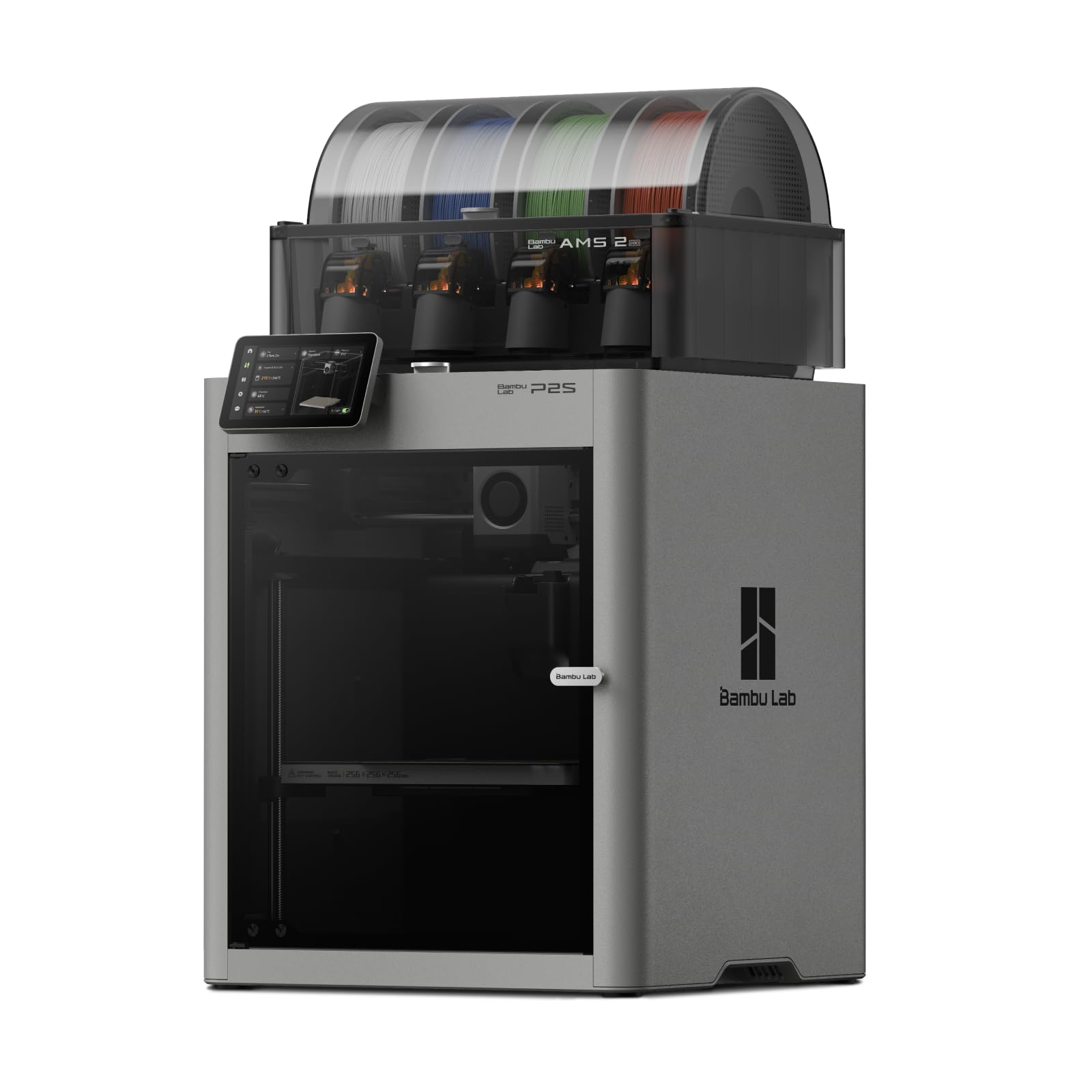
8. Bambu Lab P2S Combo
The easiest machine yet for turning a fidget-toy idea into a steady seller.
This is Bambu’s newest take on speed, hitting 600 mm/s with a PMSM Servo Extruder and Active Flowrate Compensation to keep corners sharp. The AMS 2 Pro adds multi-color and multi-material printing with built-in filament drying at up to 65 °C, so every spool is ready for flawless output. Owners who consider themselves computer-illiterate report printing within 20 minutes of unboxing.
An Adaptive Airflow System balances cooling and heat retention — crisp overhangs with cool air, or a 50 °C chamber for engineering-grade materials. A carbon filter keeps the air cleaner while printing. AI failure detection, quick-swap nozzles, and automatic calibration make professional-grade printing feel beginner-proof. It also taps into over one million models on MakerWorld for instant product ideas.
The catch shown in the data is simple: the P2S alone does not support multi-color printing — you need the Combo version with the AMS 2 Pro, which is exactly what this pick is. Owners love the ease of use, calling it the easiest printer on the market. At 46.6 pounds, it is a solid one-person lift.
For the fast starter: if you want to go from unboxing to your first sellable print in under 20 minutes, this is the quickest path on the list.
Remember: multi-color requires this Combo version — the standalone P2S cannot do it.
9. FLASHFORGE Creator 5 Pro

An enclosed printing suite that keeps engineering materials stable all year.
The Creator 5 Pro is built for serious throughput. It pairs a 65°C actively heated chamber with a HEPA13 internal recirculation filter, so you can print ABS, ASA, PC, and Nylon with consistent interlayer adhesion and minimal warping — no matter the season. The sealed enclosure recirculates and filters volatile particles and odors, making it safe enough for an office or classroom environment.
Its defining feature is four completely independent extruders. Each color gets its own dedicated nozzle, so switching colors means instant swaps with zero purging and no cross-contamination. An “outside-in” cooling mode protects prints from drafts while preventing nozzle clogging. It runs at 600 mm/s with 30,000 mm/s² acceleration, and the rigid all-metal frame plus CoreXY architecture keeps vibration out of your parts.
A 4-inch full-color touchscreen offers an intuitive interface, tool-less nozzle changes take under 30 seconds, and a flexible PEI magnetic build plate makes part removal easy. The 256 mm³ build volume is smaller than the K1 Max, so this is more about quality and material range than raw size. Owners new to printing found it flawless right from the start.
The industrial choice: if you sell parts in ABS, PC, or Nylon and need clean indoor air plus four-color capability, this sealed system is the most professional setup here.
Size note: with a 256 mm³ build volume, it is not the biggest — plan batches within that footprint.
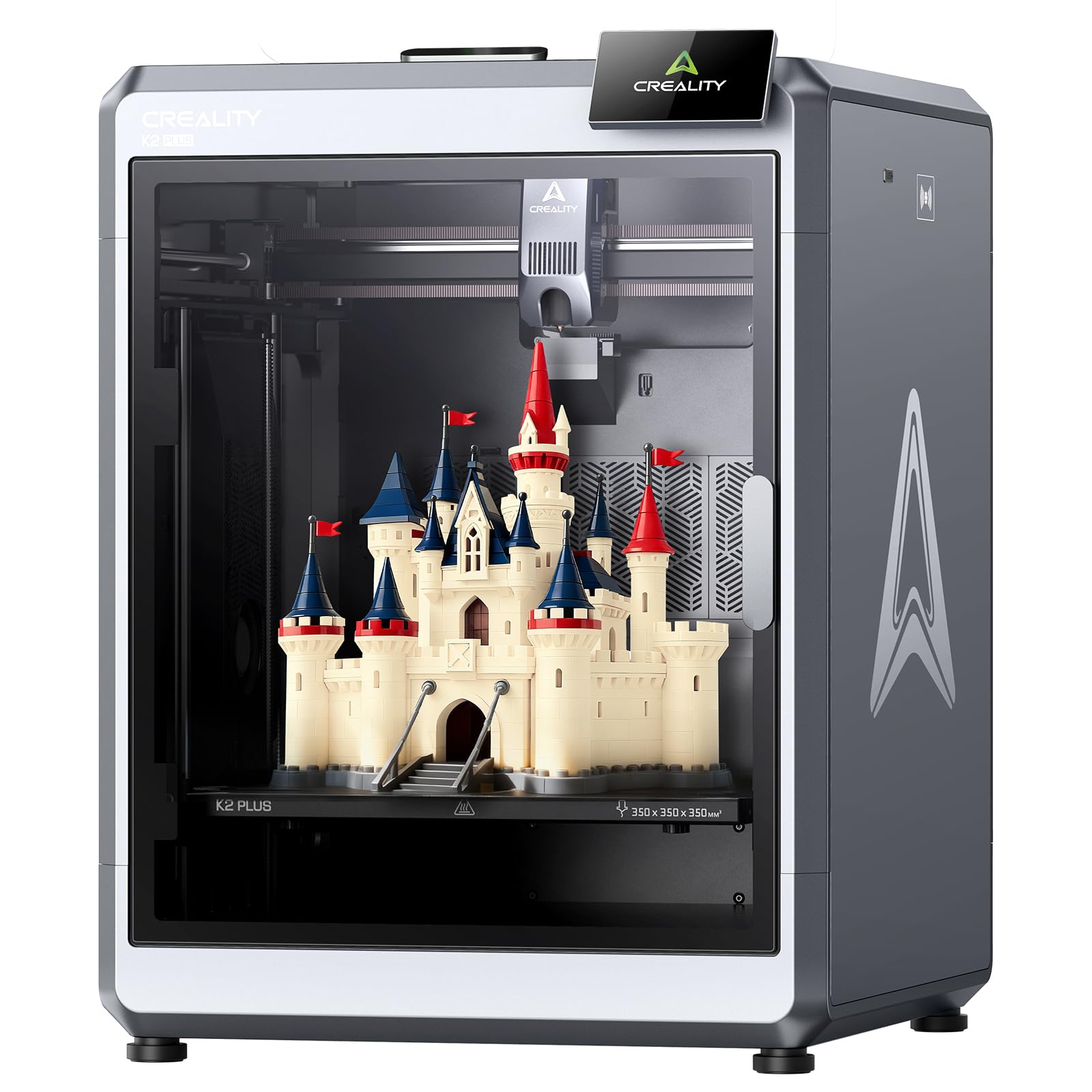
10. Creality K2 Plus
The extra-large, quiet powerhouse for sellers who batch big orders.
For sellers who need to fill a large order in one go, the K2 Plus offers a massive 350 x 350 x 350 mm creation space — the biggest build volume on this list and big enough for larger objects or larger batches. It runs at a true 600 mm/s with 30,000 mm/s² acceleration, yet operates at just 45 dB, no louder than typing on a laptop. Owners printed 24/7 for months with zero issues, calling it reliable and fun for hobbyists and kids alike.
Dual AI cameras are the automation highlight: one on the chamber side monitors for pasta faults and idling, while one on the tool head tune flow rate to prevent underfeeding or overfeeding. In total, 18 intelligent sensors keep everything monitored, and a built-in belt tension sensor checks and adjusts belt tension automatically. It comes pre-assembled and ready after installing the screen, with a power-up quick guide that runs self-tests.
Printer quality is the most-praised aspect, with ease of use second. The honest trade-off is that reliability and build quality get mixed feedback — while many reviewers point out flawless results, others describe constant failures and one returned theirs after a glass door hinge failed. Multi-color requires the separate Creality CFS, which is not included. At 99 pounds, this is the heavy one, so plan its permanent spot before it arrives.
Batch Capacity
- 350 mm³ build volume for large or batch printing
- 45 dB operation is quiet enough for a bedroom
- Dual AI cameras monitor and auto-tune prints
Heavy Considerations
- 99 pounds demands a permanent, sturdy table
- Multi-color needs the separate CFS unit
- Mixed reliability reports across owners
Grab this for: the giant 350 mm³ platform when you want to fill a full order board in one print run.
Be aware: it is the heaviest pick here at 99 pounds, and the CFS for multi-color is a separate purchase.
Understanding the Specs
Max Speed (mm/s)
This is how fast the print head moves while laying down plastic. A 600 mm/s machine finishes a batch far sooner than one capped at 200 mm/s. For selling, faster speed means more units per day. Just remember the real limiter is often the model’s complexity, not the speed rating.
Multi-Color System
Some machines swap entire toolheads, others purge filament through one nozzle. Toolhead swap systems like the Snapmaker U1’s four-head design waste almost no filament, while purging systems discard material between colors. For a seller, that waste is direct profit lost.
Build Volume
This is the largest object size the printer can produce. A 350 mm³ volume like the K2 Plus handles big parts or many small ones in one run. Smaller volumes like the FLASHFORGE AD5M Pro’s 220 mm³ still sell plenty well if your products are compact.
Heated Chamber
A chamber that heats to 65°C keeps the air warm inside the printer. This prevents warping when printing ABS, ASA, PC, or Nylon. If you plan to sell engineering-grade parts, a heated chamber is not optional — it is the difference between success and curled edges.
FAQ
Which filaments can I sell with these printers to make a profit?
Do I need the AMS or CFS for multi-color on Bambu and Creality machines?
How much does failed print waste actually cost a seller?
Is a heated chamber necessary for selling parts?
How long does setup take on these printers?
Should I buy or skip the QIDI BOX add-on?
Resin or FDM — which sells better for miniatures?
What is the quietest printer for a home selling setup?
How many colors can each multi-color printer actually print?
Which machine is the best value for a first selling business?
Final Thoughts: The Verdict
For most buyers, the 3d printer under $1500 for selling printed items winner is the Snapmaker U1 because its four-head tool changer slashes waste and setup time, which directly protects your profit per part. If you want a friendly entry into multi-color selling without a big investment, grab the Anycubic Kobra X. And for large batch orders that fill a whole build plate at once, the Creality K2 Plus is the one to reach for.
How We Picked
We do not accept paid placement. Every pick is matched to a real buyer and a real use-case; we do not hands-on test units.
Sources & Methodology
Specifications: manufacturer listings and product documentation. Review insights: verified customer reviews, as of August 2026. Pricing: not shown on this page (it changes often); check the current price via the retailer link.
As an Amazon Associate, Gadgets Feed earns from qualifying purchases. This does not affect which products we feature.