
Our readers keep the lights on and my morning glass full of iced black tea. As an Amazon Associate, I earn from qualifying purchases.
Specs are compiled from manufacturer listings and verified buyer reviews and can change over time — please confirm the key details on the product page before buying.
You want a 23.8-inch gaming monitor that fits your desk and your play style, whether that means fast refresh rates for competitive shooters, rich colors for rich worlds, or portability for a multi-desk setup. This guide cuts through the spec clutter to match you with the right panel for your specific gaming style and desk space.
I’m Min — the founder and writer behind Gadgets Feed. This guide is built by comparing the manufacturers’ published specifications and the patterns across verified customer reviews, so you get each pick’s real strengths and trade-offs instead of marketing spin.
Your perfect 23.8-inch gaming monitor balances speed, color, and ergonomics to fit your setup and your favorite games. 23.8 inch gaming monitor options here range from budget-friendly high-refresh panels to premium portable screens with pro-level color.
Our Picks at a Glance

How To Choose The Best 23.8 Inch Gaming Monitor
Before you pick, you need to decide what kind of gamer you are. A competitive player needs raw speed (high refresh rate). A story-driven gamer needs vibrant colors and contrast. A traveler needs a monitor that fits in a bag. Your choice should start with your use case.
Refresh Rate: The Smoothness Factor
Measured in Hertz (Hz), this is how many times the screen updates per second. A standard office monitor runs at 60Hz. A 144Hz or 180Hz panel updates more than twice as often, making motion look significantly smoother. For fast-paced games, this is the single most important number to check.
Panel Type and Color Coverage
Most gaming monitors use IPS (In-Plane Switching) panels, which offer the best color accuracy and viewing angles. Look for color gamut coverage like sRGB percentage — a higher number like 99% or 145% means more vivid and accurate colors, which matters for both gaming and creative work.
Portability vs. Desk Setup
Not all 23.8-inch monitors sit on a desk. Several picks here are portable monitors that run on USB-C power and include a built-in stand. If you want one screen for home and office, a portable model saves space. If you want a permanent battle station, a traditional monitor with a height-adjustable stand is better.
Quick Comparison
| Model | Best For | Refresh Rate | Resolution | Ports | Amazon |
|---|---|---|---|---|---|
| Acer SB240Y G0bi★ Best Overall | Budget desk setup | 120Hz | 1920 x 1080 | HDMI 1.4, VGA | Amazon |
| Lenovo Legion R24ePro Gaming Pick | Competitive gamers | 180 Hz | 1920 x 1080 | HDMI 2.1, DP 1.4 | Amazon |
| ASUS TUF VG249QML5ATop Performer | High-FPS esports | 240Hz | 1920 x 1080 | DP 1.4, HDMI | Amazon |
| Yodoit Portable | Travel gaming | 144Hz | 1920 x 1080 | USB-C, HDMI | Amazon |
| MNN Portable | Work-travel hybrid | 100Hz | 1920×1080 | USB-C, HDMI | Amazon |
| KTC 24M1 | Sharp 1440p detail | 240Hz | 2560 x 1440 | DP, HDMI | Amazon |
| Newsoul Portable | Color-accurate gaming | 144Hz | 1920 x 1080 | HDMI, USB-C | Amazon |
| InnoView Portable | Multi-device setups | 144Hz | 1920 x 1080 | USB-C, HDMI | Amazon |
In‑Depth Reviews
1. Acer SB240Y G0bi 23.8″ IPS Monitor
Our pick — over 4.5★ from 500+ verified ratings; the strongest balance of quality and price.
The budget-friendly desk staple that out-performs its price tag with vibrant IPS color and a smooth 120Hz panel.
This is the pick for someone building their first serious setup without overspending. The 23.8-inch Full HD (1920 x 1080) IPS screen delivers crisp visuals from wide angles, and the “zero-frame” design boost the picture in a compact footprint. At 120Hz it doubles the smoothness of a standard 60Hz office monitor, making everyday desktop use and lighter games feel notably fluid.
The 100,000,000:1 dynamic contrast ratio is a marketing figure, but it still signals deep blacks. Its 1ms (VRB) response time keeps fast-moving scenes clear of ghosting. For ports, you get one HDMI 1.4 and one VGA input, with the HDMI cable included in the box, so you can be up and running in minutes. The tilt adjusts from -5° to 15° for basic comfort.
Buyers report that the picture quality is excellent, with several noting it looks clearer than their old 1080p LCD TV, and that it runs games like Fortnite without a problem. The 250 nits brightness is fine for a typical room, though direct sunlight might wash it out. A few owners mention the panel-to-panel color consistency can vary slightly.
What Owners Rave About
- Quality is the #1 praised aspect — nearly 50 owners single out the build and performance.
- Easy assembly with a thin, sleek design that looks more expensive than it is.
- Good value for money, with multiple buyers calling it a worthwhile buy.
Honest Trade-offs
- The buttons lack clear labeling beyond the power key.
- No VESA mounting holes, so you can’t wall-mount it easily.
- Some units arrive with minor backlight bleed at the edges.
Your best bet if: you want a reliable, good-looking IPS monitor for mixed work and casual gaming on a tight budget.
Look elsewhere if: you need a fully adjustable stand or plan to wall-mount your screen.
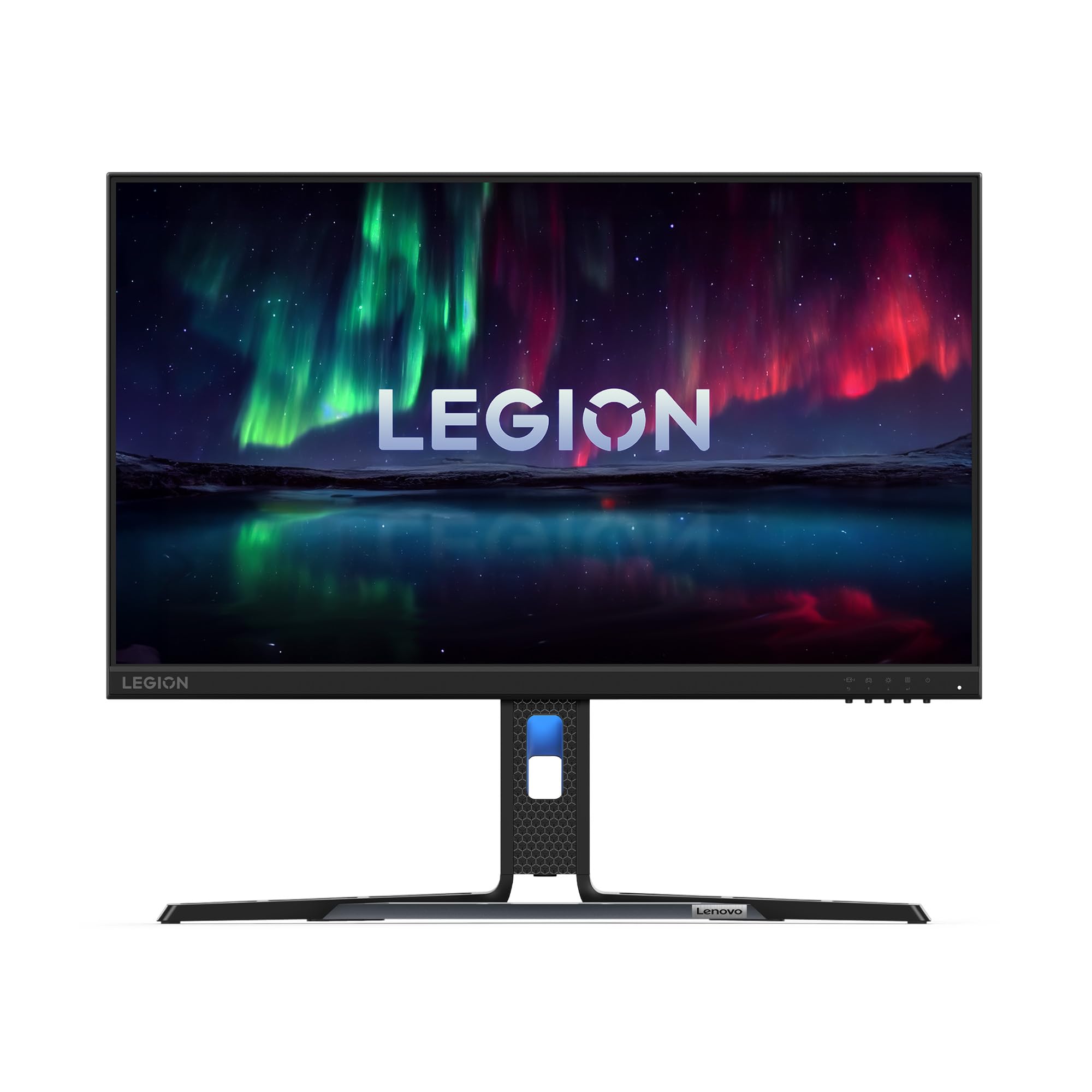
2. Lenovo Legion R24e 23.8″ Flat FHD Monitor
The esports-focused panel that beats the Acer on speed with a 50% higher refresh rate at 180 Hz.
This is the pick for competitive players who want every millisecond of advantage. The 180 Hz refresh rate is a 50% jump over the Acer SB240Y’s 120Hz, giving you noticeably smoother motion in fast-paced shooters. Its 0.5ms response time is twice as fast as the Acer’s 1ms (VRB), which means less ghosting on quick camera panning.
You get a 23.8-inch Full HD (1920 x 1080) IPS panel with a 99% sRGB color gamut and True 8-bit color depth for over 16 million colors — rich, accurate visuals that also make it a solid pick for creative work on the side. The Eye Comfort 2.0 certification filters blue light without washing out color, so long sessions are easier on your eyes. Connectivity covers HDMI 2.1 and DisplayPort 1.4, and the ergonomic stand offers lift, tilt, pivot, and swivel adjustment. The Lenovo Artery software lets you tweak game settings, frame rate, and aim point via shortcut keys.
Owners mention the stand is “nice and sturdy” and that the display port capability plus lower cost compared to other monitors made it an easy choice. A recurring note is that the stand is large and takes up desk space, and there are no built-in speakers. Gaming on it feels exceptionally smooth — the high 180 Hz rate is “good for the eyes,” as owners put it.
Why It Wins for Gaming
- The fastest refresh in our traditional desk monitor lineup at 180 Hz.
- Full ergonomic stand — height, tilt, pivot, and swivel.
- Eye Comfort 2.0 keeps blue light down without hurting color.
Know Before You Buy
- The stand is bulky and eats up a lot of desk real estate.
- No built-in speakers — you’ll need headphones or external audio.
- Only one HDMI port and one DisplayPort.
Reach for this if: you’re a competitive gamer who wants top-tier speed and a fully adjustable stand.
Think twice if: desk space is tight or you absolutely need speakers built into the monitor.
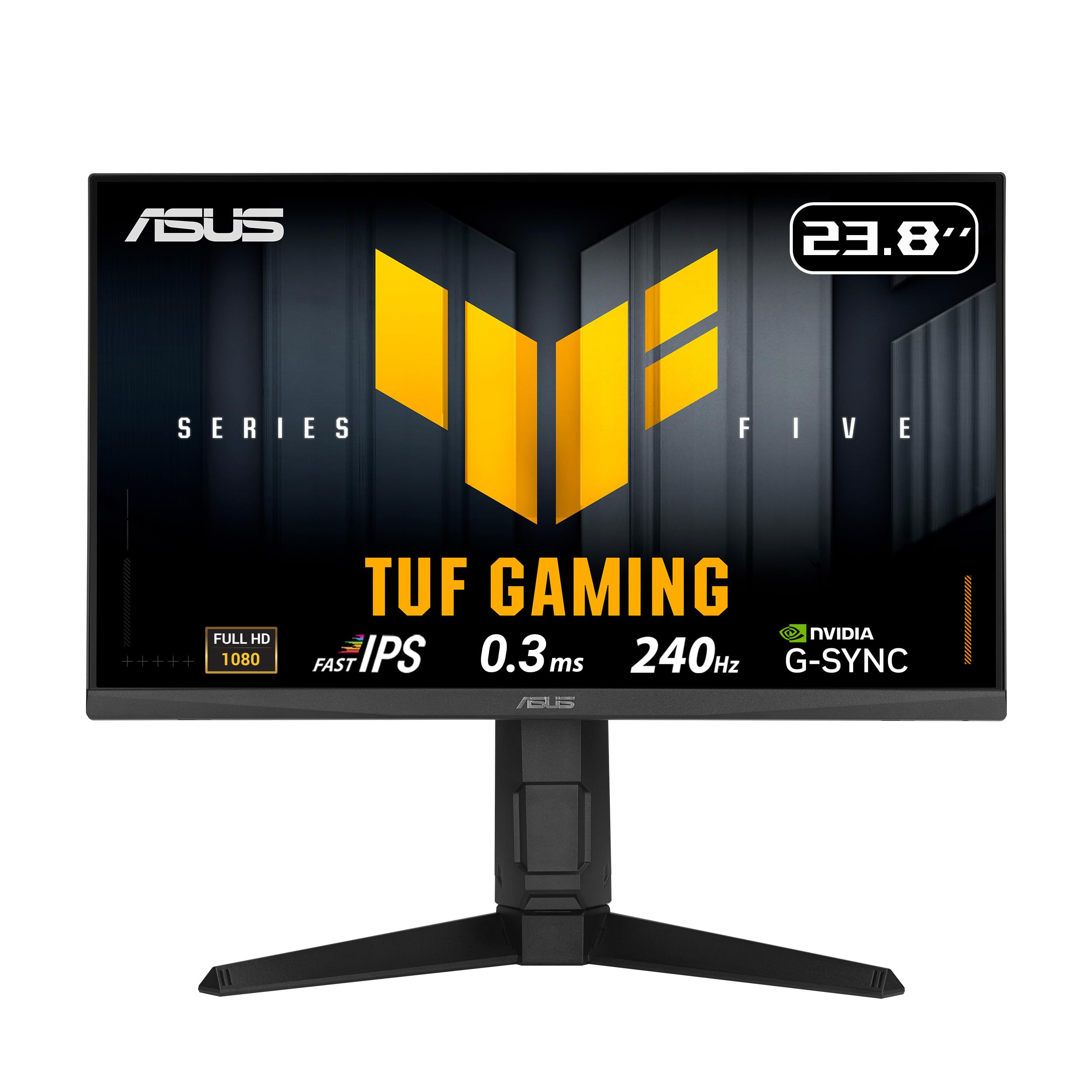
3. ASUS TUF Gaming VG249QML5A 24 Inch 1080p 240Hz Monitor
The 240Hz speed demon with pro-grade G-Sync support that makes your GPU work flawlessly.
If you’re chasing the smoothest possible esports experience, this ASUS is the one. The Fast IPS panel hits a 240Hz refresh rate with a 0.3ms (min) response time, the fastest in this lineup — beating even the Lenovo’s 0.5ms. It’s designed for high frame-rate play where every frame counts. The 23.8-inch Full HD (1920 x 1080) resolution keeps the pixel density high for sharp text and detailed game worlds.
Adaptive sync here is dual-format: FreeSync Premium and G-Sync compatible. That means it pairs smoothly with both NVIDIA and AMD graphics cards. The ASUS Extreme Low Motion Blur Sync (ELMB SYNC) technology works alongside variable refresh rate to eliminate ghosting and tearing simultaneously. With a 99% sRGB color gamut, colors stay vibrant and accurate for rich gaming or occasional content creation.
The height-adjustable stand lets you set the perfect viewing position for long sessions, and the DisplayWidget Center software gives you mouse-controlled access to monitor settings. A 3-year warranty backs it up for long-term reliability. The most common praise is how the 240Hz refresh rate makes a “huge difference” in responsiveness. Some units do arrive with backlight bleed or dead pixels, which is the biggest recurring complaint.
The Speed Advantage
- 240Hz refresh is the flagship spec for ultra-smooth competitive play.
- 0.3ms response time minimizes ghosting to near zero.
- Works with both G-Sync and FreeSync for any GPU setup.
Watch Out For
- Some customers note backlight bleed and dead pixels.
- Brightness received mixed feedback in customer reviews.
Grab this for: hardcore esports titles where 240Hz gives you a real competitive edge.
Pass if: you want a monitor for mostly work and light gaming — you’d pay for speed you won’t use.
4. KTC 24M1 240Hz Gaming Monitor (OC 260Hz)
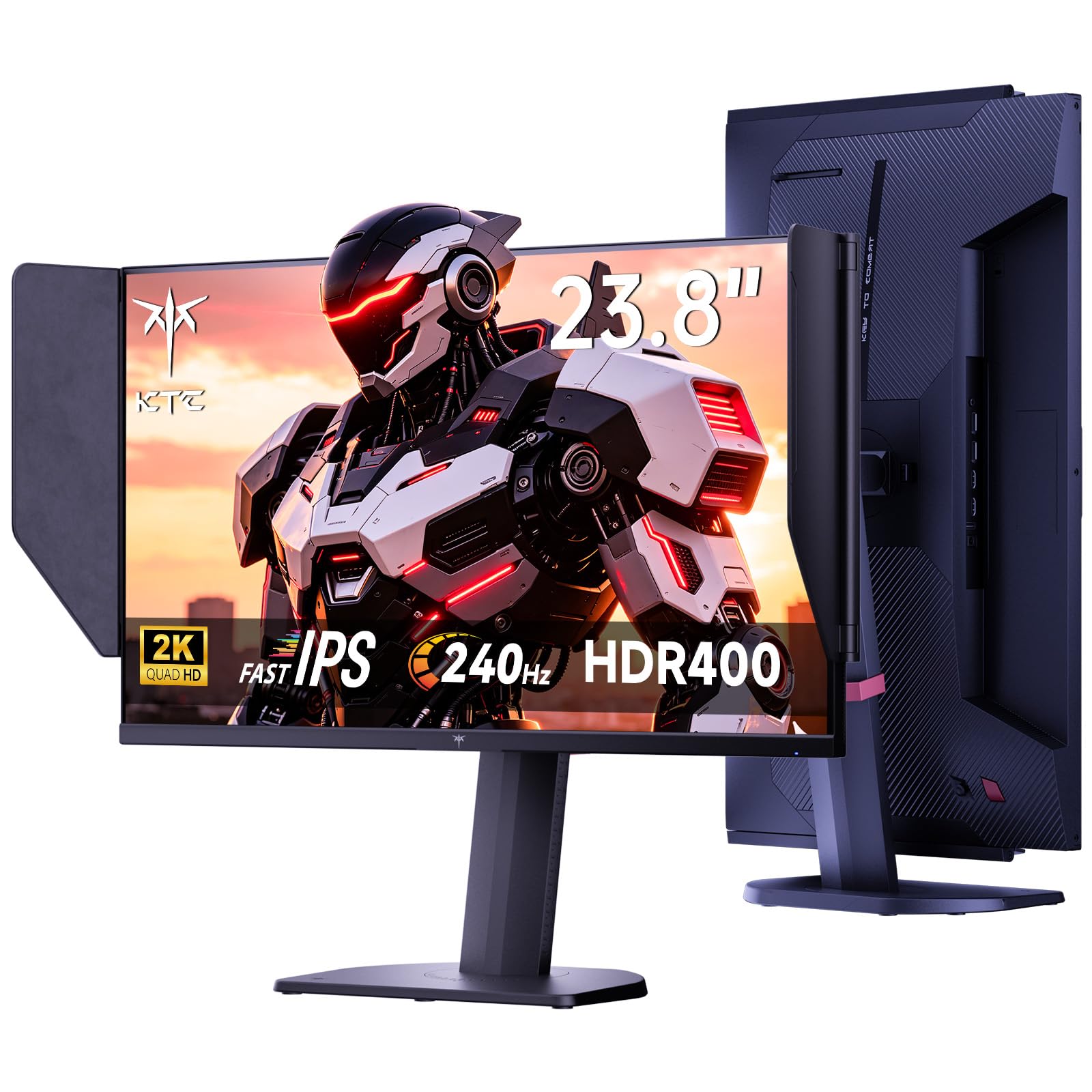
The sharpest 23.8-inch pick here with QHD 1440p detail and a 240Hz panel that overclocks to 260Hz.
The KTC breaks the mold by pairing a high refresh rate with a higher resolution. While most 23.8-inch monitors stick to 1080p, this one delivers QHD (2560 x 1440) resolution — meaning significantly sharper images and more on-screen detail. The 240Hz refresh rate supports overclocking to 260Hz, giving you the fastest motion clarity in this lineup at this sharpness level.
The Fast IPS panel covers 125% sRGB with a 1000:1 contrast ratio and 450 cd brightness, which is notably bright for vivid HDR400 content. The included monitor hood blocks ambient light to reduce screen reflections. Adaptive Sync works with both FreeSync and G-Sync to eliminate stuttering. The stand is fully adjustable — tilt, swivel, pivot, and 150mm of height adjustment — and it supports VESA wall mounting.
Owners describe it as a “budget gaming monitor with a high end feel,” praising the crisp image and deep blacks without backlight bleed. The trade-off is lifespan — a few long-term reports mention failure after around three years. HDR performance is considered weak by some standards, and the RGB lighting isn’t customizable.
Why It Stands Out
- QHD 2560×1440 resolution is far sharper than the 1080p alternatives here.
- 240Hz native, overclockable to 260Hz.
- Full ergonomic adjustment plus a hood to block glare.
The Reality Check
- Some units report stuck pixels and poor HDR performance.
- A few reviewers point out the monitor failing after roughly three years.
- The RGB lighting is not customizable.
Choose this if: you want the sharpest 23.8-inch image possible without sacrificing gaming speed.
skip it if: you want a monitor to keep for many years without risk of premature failure.
5. Yodoit Portable Monitor for Laptop 23.8″ 144Hz
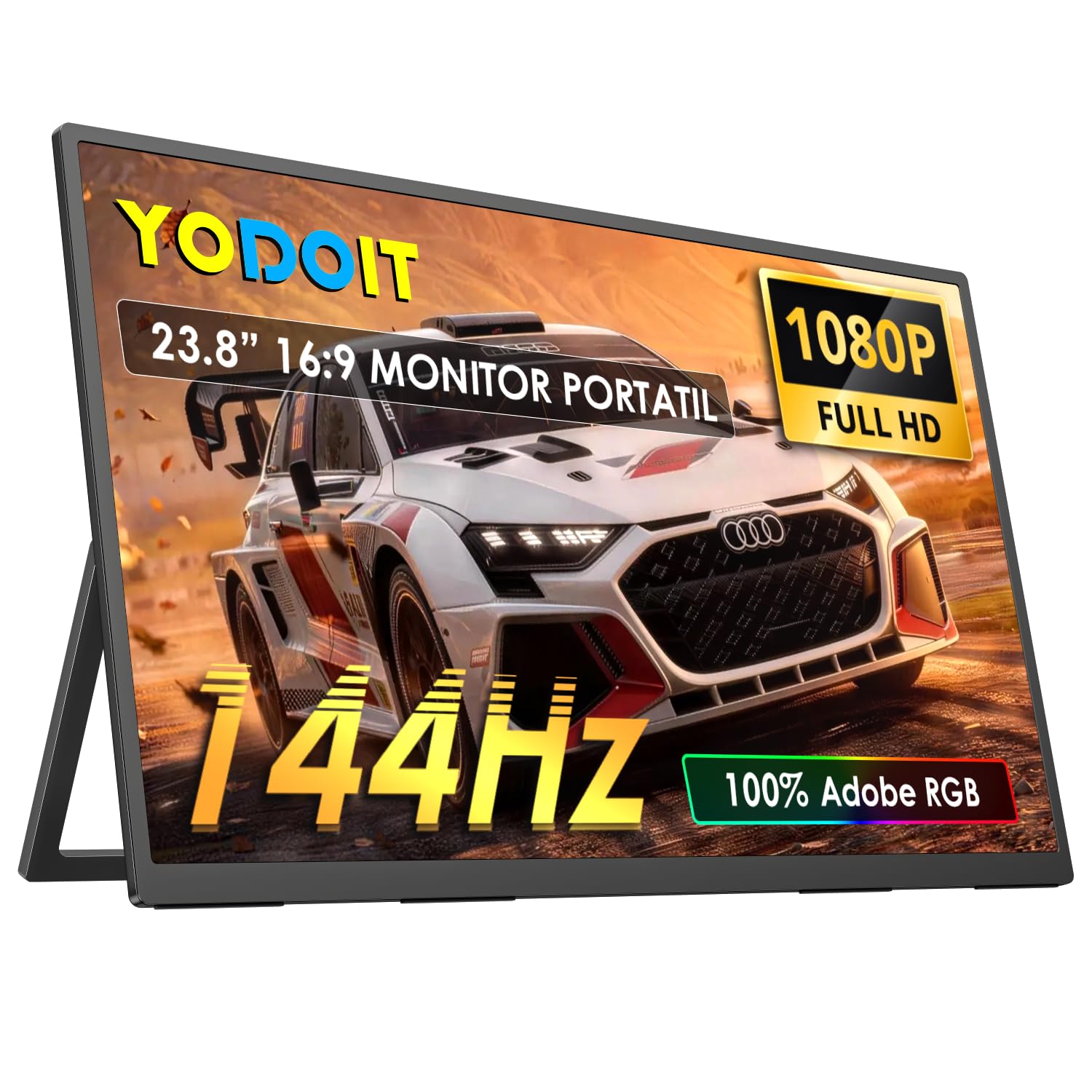
The slimmest way to get a 23.8-inch 144Hz gaming screen that travels in a backpack.
This is the pick for gamers who move between desks, hotel rooms, or a van on a road trip. At just 1.5kg (the power adapter included) and 1.2cm thin, it’s a true portable monitor that’s also big enough for rich play. The 1080p IPS panel runs at 144Hz for smooth gaming and features a 178° viewing angle so the picture stays accurate from the side.
It connects via USB Type-C or HDMI with true plug-and-play — no driver installation needed. Phones need a full-featured Type-C port to work. The 400 lm brightness with HDR support gives a punchy, vivid image, and the low blue light mode helps reduce eye strain during long sessions. Dual speakers and a built-in kickstand round out the package. HDR compatibility is wide, working with PCs, Macs, and game consoles like Xbox.
One buyer used it on a 10-hour road trip in a van and called it “perfect for travel.” A “lifesaver while traveling” is how another describes it, praising the easy connection to laptop and phone. The main caveat is ghosting can be noticeable — even dragging an icon can leave a trail. One owner also found the actual weight is 2.08 lbs, not the 1.5 lbs listed.
Built to Move
- 1.2cm thin and 1.5kg weight makes it genuinely travel-ready.
- 144Hz refresh with built-in speakers and a kickstand.
- True plug-and-play via USB-C or HDMI.
Consider Carefully
- Noticeable ghosting on fast-moving content, even desktop icons.
- The actual weight is 2.08 lbs, not the 1.5 lbs advertised.
- The attached cover can scratch easily; handle with care.
Best for: frequent travelers who need a full-size gaming screen that fits in a bag.
Not for: esports players who demand zero ghosting on fast action.
6. Newsoul 23.8” Portable Monitor 144Hz
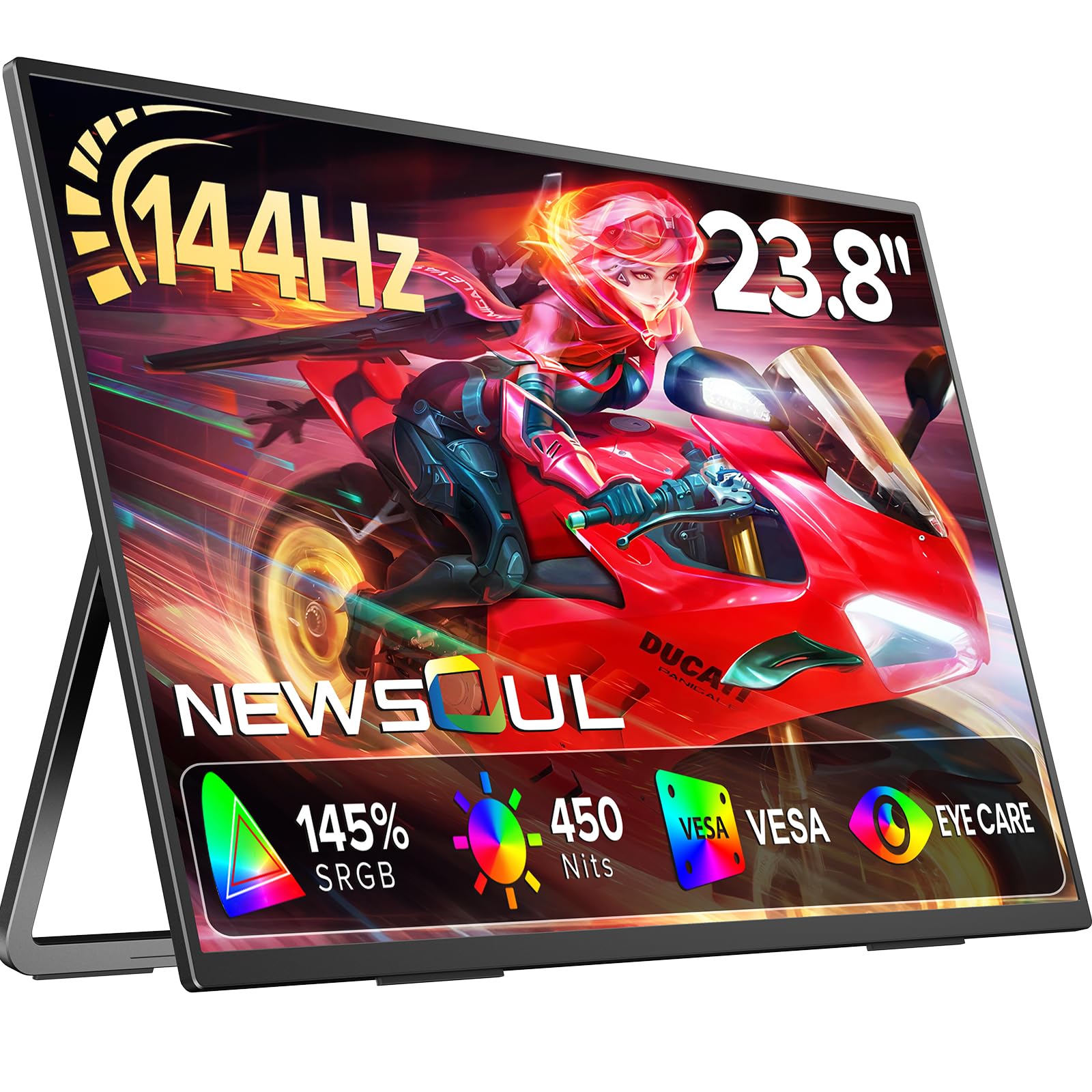
A portable screen with cinematic color depth that rivals desk monitors twice its price.
This is the pick for gamers and creators who refuse to compromise on color. The 23.8-inch A++ IPS panel covers 145% sRGB — far beyond the 99% on most desk monitors here — delivering vivid, true-to-life color. With 450 nits brightness and a 2000:1 contrast ratio, the image pops with deep blacks and bright highlights. The 144Hz refresh rate keeps gameplay fluid.
The built-in 180° adjustable stand creates a comfortable viewing posture, and it has universal VESA mount compatibility so you can attach it to a wall or monitor arm. It connects via HDMI and USB-C with plug-and-play simplicity, working with laptops, MacBooks, smartphones, Switch, Xbox, and PS4/PS5. The 3-side frameless design gives you a panoramic view with no boundary distraction.
Shoppers say the color quality is top-tier, with one calling it a “fantastic little 4K spotlight” due to its crisp 1200-nit performance (needing dimming indoors). The flat back makes VESA mounting easy, and the magnetic foldable cover is a nice touch. The trade-off: the thin border flexes and needs careful handling, and the menu navigation is confusing.
The Color Advantage
- 145% sRGB coverage is the highest color gamut in this whole list.
- 450 nits brightness and 2000:1 contrast for punchy HDR-like visuals.
- 180° stand plus VESA mounting for flexible placement.
Handle With Care
- The thin border flexes; it demands a gentle touch.
- Menu navigation is not intuitive.
- Build quality was rated as mixed in customer feedback.
Reach for this if: you’re a gamer or designer who needs the most accurate and vivid colors in a portable form.
Look elsewhere if: you need a rugged monitor that can take a beating in a bag.
7. InnoView Large Portable Monitor 23.8inch FHD 1080P 144Hz
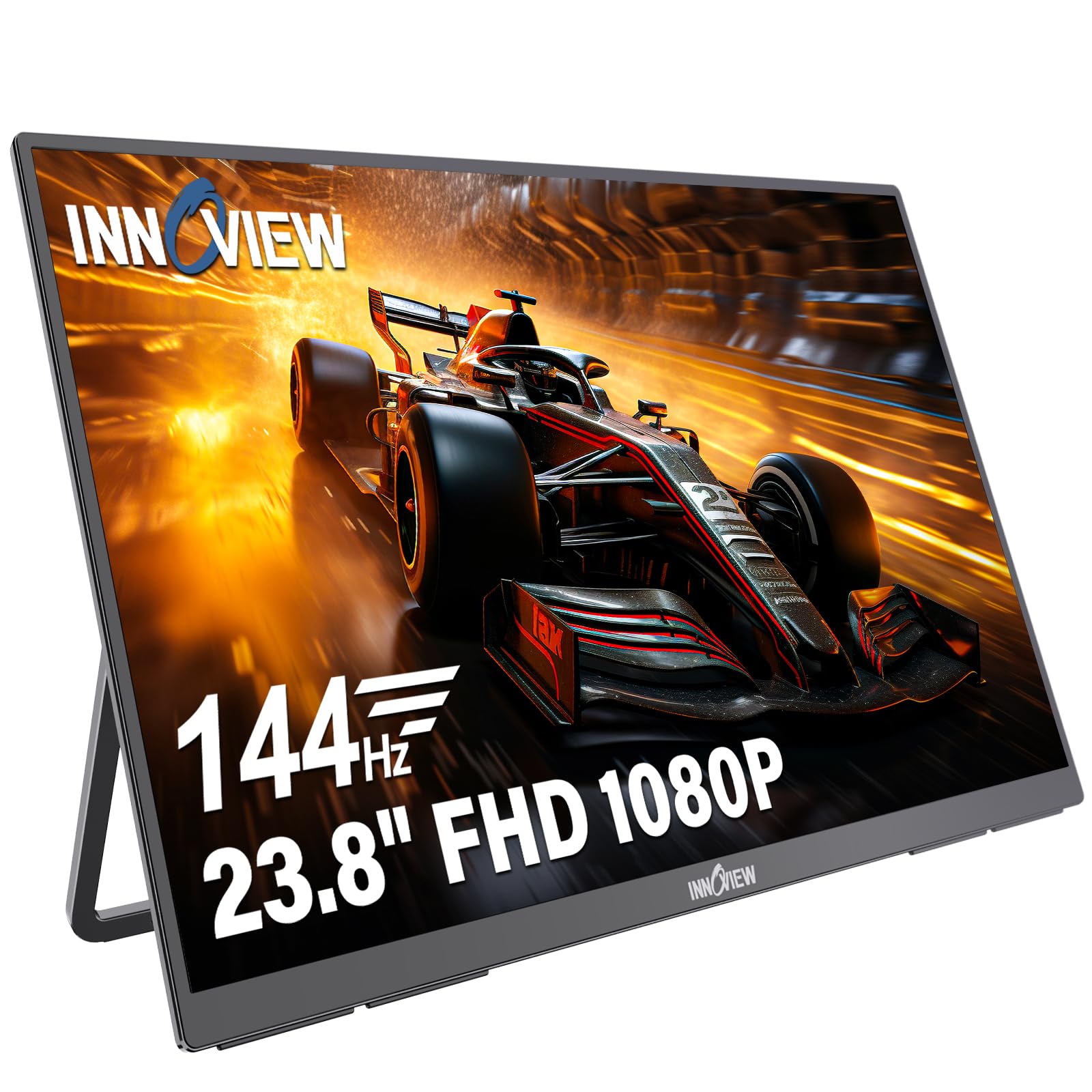
The lightweight second screen for pros that moves between home office, meeting rooms, and consoles.
This is the pick for professionals who want one flexible display for work and play. The 23.8-inch Full HD (1920 x 1080) IPS panel runs at 144Hz with 100% sRGB coverage, delivering crisp, color-accurate visuals for gaming, streaming, and multitasking. At 2.2 kg with an integrated handle, it’s easy to reposition between workspaces — though the maker notes it’s not recommended for frequent take-out use.
The 180° adjustable kickstand lets you set the perfect viewing angle, and it also supports wall or monitor arm mounting for a multi-monitor setup. Connectivity is wide: USB-C and HDMI ports work with laptops, desktops, MacBooks, tablets, PS5, PS4, Xbox, and Switch. The included cables cover video and power, and a separate Type-C cable handles power only. An 18-month warranty backs the purchase.
Buyers praise it as “perfect for programming and travel” with vivid color and great resolution. One user found it “saved me a lot of money” as a Mac Mini monitor. The built-in speakers are the weak point — sound is “just ok” and could be louder. It’s a high-value workhorse, but “may not fit some carry-ons” due to its size.
The Flexible Advantage
- 100% sRGB with 144Hz for both work and gaming.
- 180° stand plus VESA mount for any desk setup.
- Wide device compatibility across PCs, consoles, and tablets.
Keep In Mind
- Built-in speakers are weak — sound could be louder.
- Large 23.8-inch size may not fit some carry-on bags.
- Not intended for frequent take-out travel.
Ideal for: a professional who needs a portable-yet-large second screen for home office and meeting rooms.
Better options exist if: you need powerful built-in audio or a monitor that fits easily in a carry-on.
8. MNN 23.8″ 100Hz FHD IPS USB-C HDMI Portable Gaming Monitor
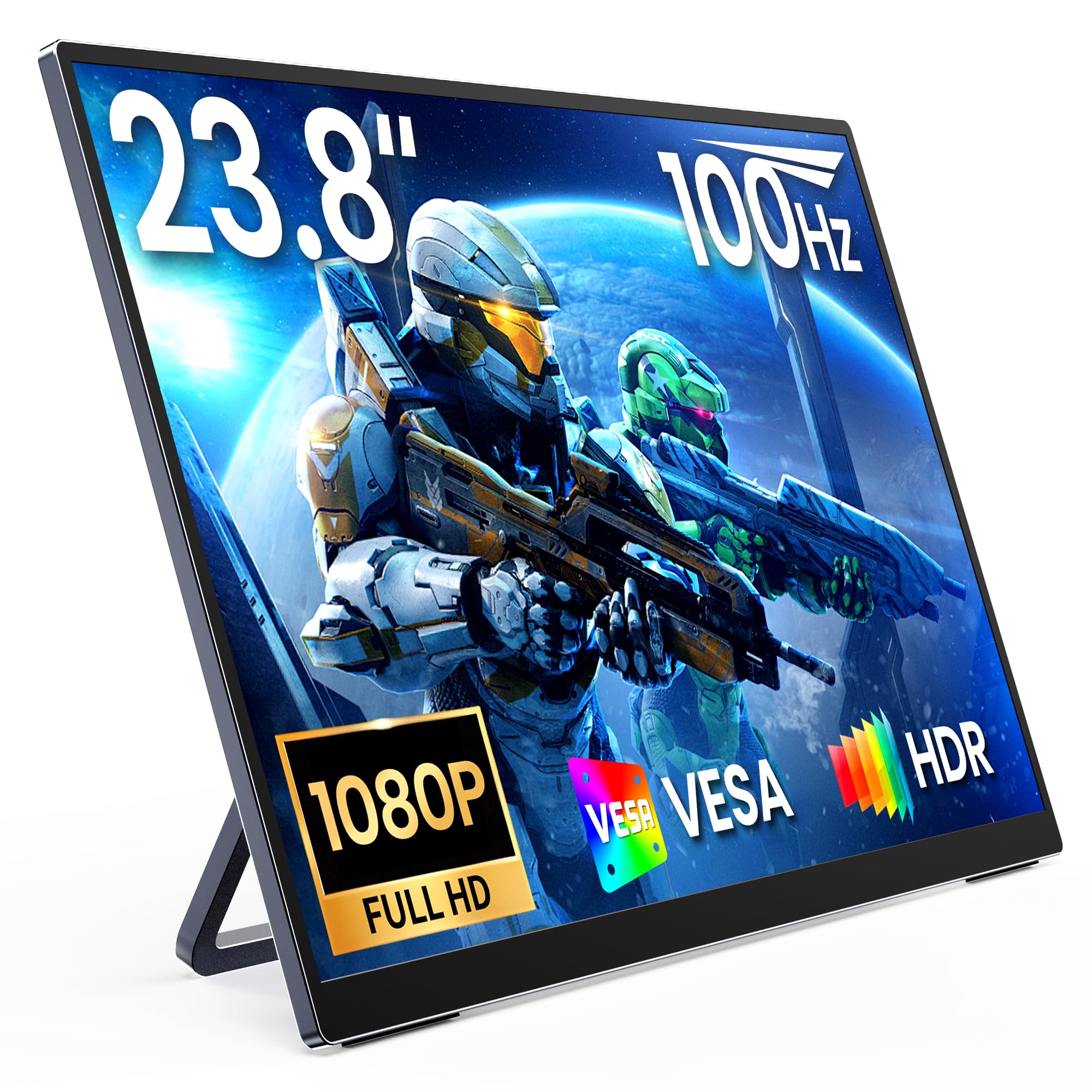
The ultra-slim, budget-friendly portable panel that turns any desk into a workspace.
This is the entry-level pick for someone who wants a large, portable second screen without spending big. The 23.8-inch IPS display with 1920×1080 resolution runs at 100Hz, which is smoother than a standard 60Hz office panel and fine for casual gaming. The ultra-slim metal body gives it a premium look while staying easy to move and saving desk space.
The built-in rear kickstand provides stable support with no extra accessories needed, so you can set up quickly at home, the office, or a temporary workspace. USB-C and HDMI ports make it compatible with laptops, PCs, smartphones, PS5, Xbox, and Switch. The 1200P resolution (the listing markets it as such) delivers sharper visuals than standard 1080p. It comes with all necessary cables in the box.
The reason it’s a crowd favorite — with the highest review volume on this list — is portability and price. Owners say it fits easily in a laptop bag and is perfect for travel. It’s praised as “incredible value for the price” with “outstanding vibrant colors” and plug-and-play setup. The main gripes are color accuracy differences from a laptop display and reliability concerns, though the vast majority report it works perfectly.
Why It’s Popular
- Ultra-slim metal body that’s easy to carry in a laptop bag.
- Integrated kickstand means zero extra setup parts.
- Perfect for travel with a mini-PC in a backpack.
The Fine Print
- Screen colors differ noticeably from a laptop display.
- Reliability received mixed feedback from a small group.
- 100Hz is the lowest refresh rate in our traditional picks.
Start here if: you’re on a budget and need a big, portable second screen for work trips.
Spend more if: you’re a serious gamer who needs speed beyond 100Hz.
Understanding the Specs
Refresh Rate (Hz)
The number of times your screen redraws the image each second. A 60Hz monitor updates 60 times per second; a 144Hz updates 144 times. Higher numbers mean smoother motion, which matters most for competitive shooters and racing games. For story games and office work, 120Hz is already a big upgrade from standard.
Response Time (ms)
How quickly a pixel changes color. Lower is better for reducing motion blur and ghosting on fast-moving images. A 1ms response is fast; 0.5ms and 0.3ms are extremely fast and best for esports. Note that some response times like “1ms (VRB)” require enabling a specific overdrive mode in the monitor’s settings.
Panel Technology (IPS)
IPS (In-Plane Switching) panels deliver the best color accuracy and widest viewing angles among affordable monitor types. This means images stay true whether you view the screen dead-on or from an angle. For gaming that also doubles as creative work, IPS is the preferred panel type.
Adaptive Sync (FreeSync / G-Sync)
This technology matches your monitor’s refresh rate to your graphics card’s frame output, eliminating screen tearing. FreeSync works with AMD cards; G-Sync works with NVIDIA cards. Some monitors support both, giving you flexibility no matter your GPU brand.
FAQ
Is 23.8 inches a good size for a gaming monitor?
What refresh rate do I actually need for gaming?
What’s the difference between a portable monitor and a desk monitor?
Will a 23.8-inch monitor work with my gaming console?
What is a 1ms response time and why does it matter?
Is a portable monitor good for a dual-screen work setup?
What does 100% sRGB mean for a gaming monitor?
Can I use a portable monitor with a single USB-C cable from my laptop?
Final Thoughts: The Verdict
For most gamers, the 23.8 inch gaming monitor winner is the Acer SB240Y G0bi because it delivers a smooth 120Hz IPS experience with excellent value — and it’s backed by a huge base of satisfied owners. If you want maximum speed for competitive play, grab the Lenovo Legion R24e for its 180 Hz refresh rate and full ergonomic stand. And for a sharp and vivid image, the KTC 24M1 is the one to reach for with its QHD 1440p resolution and 240Hz panel.
How We Picked
We do not accept paid placement. Every pick is matched to a real buyer and a real use-case; we do not hands-on test units.
Sources & Methodology
Specifications: manufacturer listings and product documentation. Review insights: verified customer reviews, as of August 2026. Pricing: not shown on this page (it changes often); check the current price via the retailer link.
As an Amazon Associate, Gadgets Feed earns from qualifying purchases. This does not affect which products we feature.