
Our readers keep the lights on and my morning glass full of iced black tea. As an Amazon Associate, I earn from qualifying purchases.
Specs are compiled from manufacturer listings and verified buyer reviews and can change over time — please confirm the key details on the product page before buying.
You can ditch the bezel line between two 1080p monitors by switching to a single 3840 x 1080 panel—it gives you the same wide workspace without the gap. The real choice depends on how much smoothness, curve, and connectivity you need, since the gap between a budget pick and a premium one is large. Here are six options, compared by refresh rate, curvature, and ports, so you can match one to your desk and your daily tasks.
I’m Min — the founder and writer behind Gadgets Feed. This guide is built by comparing the manufacturers’ published specifications and the patterns across verified customer reviews, so you get each pick’s real strengths and trade-offs instead of marketing spin.
Whether you’re gaming, coding, or trading, the right 3840 x 1080 monitor kills the bezel gap and doubles your desktop space without breaking your GPU budget.
Our Picks at a Glance

How To Choose The Best 3840 X 1080 Monitor
A 49-inch ultrawide sounds simple, but the specs quietly decide whether you get a smooth gaming experience or a frustrating one. You need to check the refresh rate, the curve radius, and the ports available before you commit.
Refresh Rate: The Smoothness Meter
The refresh rate, measured in hertz (Hz), controls how many times the screen updates per second. A 60Hz panel feels fine for office work, but for racing or shooter games you want at least 144Hz to cut down on motion blur. Just remember the rate often depends on the cable — some monitors only hit their top speed through DisplayPort, not HDMI.
Curvature: How Deep Should the Bend Be?
The curve is measured by an “R” number, such as 1500R or 1800R—the lower the number, the deeper the bend. A deeper curve like 1500R wraps around your field of view for more rich gaming, but a gentler 1800R is easier on the eyes for spreadsheet work.
Quick Comparison
| Model | Best For | Refresh Rate | Curvature | Brightness | Amazon |
|---|---|---|---|---|---|
| Gawfolk 49″★ Best Overall | High-FPS Gaming | 165Hz | 1500R | 250 cd/m² | Amazon |
| INNOCN 49C1GBest Value | Multitasking & Value | 144Hz | 1800R | — | Amazon |
| Deco Gear 49″ (B0H1VV9TCD) | Mac Users & KVM | 144Hz | 1800R | 400 cd/m² | Amazon |
| Deco Gear 49″ (B07XQGRB1F) | Multi-System Setups | 144Hz | 1800R | 320 cd | Amazon |
| CRUA 49″ DFHD | Color-Critical Work | 165Hz | 1500R | 300 cd | Amazon |
| ASUS ROG XG49VQ | Brand-Name Assurance | 144Hz | 1800R | — | Amazon |
In‑Depth Reviews
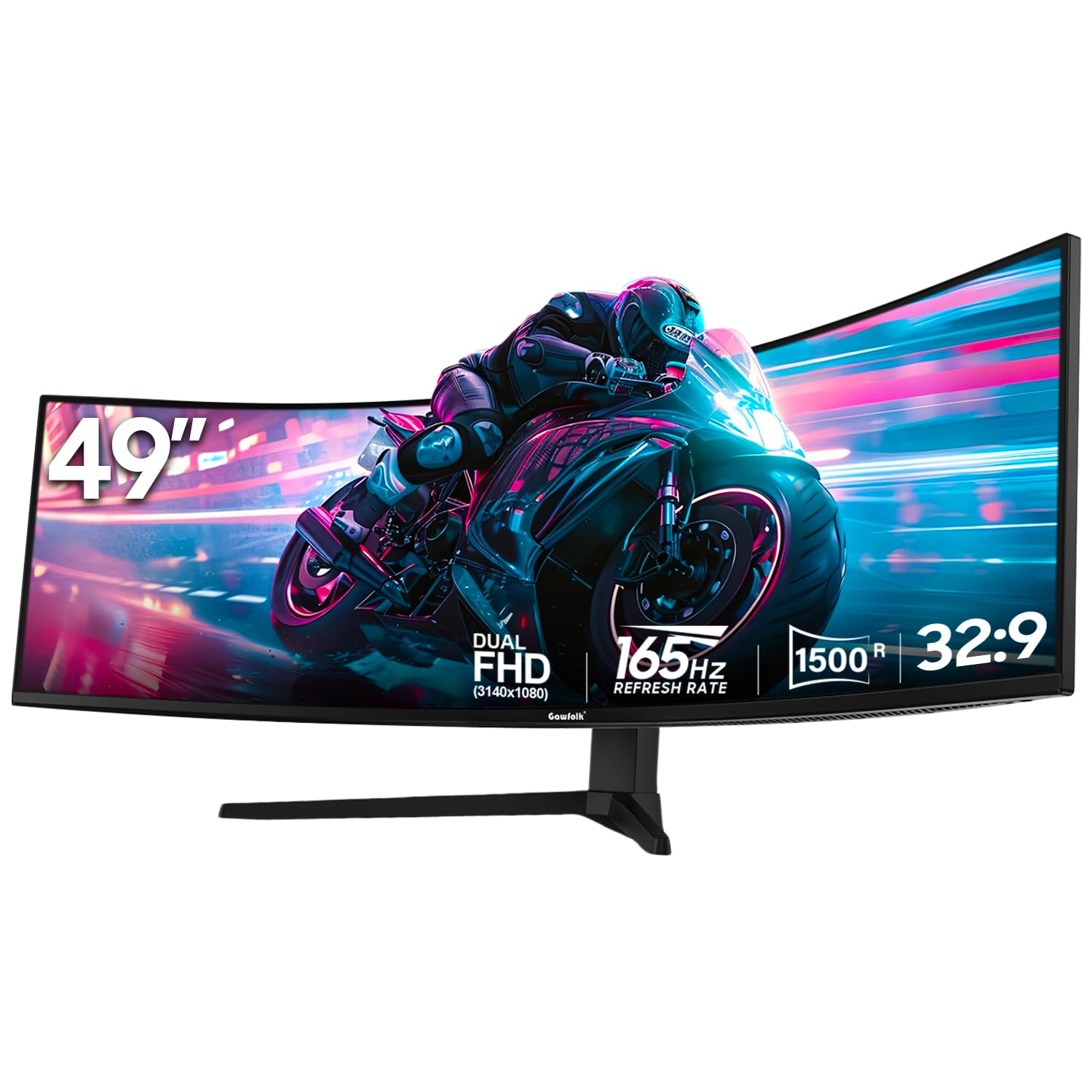
1. Gawfolk 49 Inch Ultra-Wide Curved Gaming Monitor
Our pick — over 4★ from 1,500+ verified ratings; the strongest balance of quality and price.
The fastest panel here, tuned for competitive play and split-screen work.
This is the pick for buyers who want the highest refresh rate without stepping up to a pricier brand. The 165Hz refresh rate (hitting that speed through DisplayPort) beats the 144Hz panels below, giving you a 15% smoother image in fast-moving scenes. The VA panel holds a 3000:1 contrast ratio, so dark game corners stay deep and detailed.
You get dual HDMI 2.0 ports, a DisplayPort, and a 3.5mm audio jack, so you can hook up multiple devices at once. The stand adjusts in height from 3.42 to 7.82 inches, with tilt and swivel, letting you set the screen at eye level. The anti-glare finish cuts reflections in bright rooms, and the blue light filter helps during long sessions. Buyers report the box may arrive slightly damaged but the monitor works fine; one red dot scare turned out to be a built-in “game cross” feature accidentally activated—a cool trick once you know it’s there.
The reality is this monitor is a crowd favorite — 4.4 stars across 1,500+ owners. The main catch is that the default refresh rate is 60Hz; you have to manually switch it up and use a compatible DisplayPort cable to open up the 165Hz speed. If you are on an older GPU, you won’t see the benefit.
What Wins People Over
- Highest refresh rate in this lineup at 165Hz for smooth gameplay
- Height-adjustable stand with swivel included
- Works great with Mac setups, per owner feedback
Before You Buy
- Default refresh is 60Hz until you change settings
- 250 cd/m² brightness is lower than brighter rivals
Reach for this if: you want the smoothest refresh rate for gaming on a budget-friendly frame.
Look elsewhere if: you need maximum brightness for a very sunny room, since it tops out at 250 cd/m².
2. INNOCN 49″ Curved Gaming Monitor 49C1G
The connectivity king that replaces two monitors with one USB-C cable.
If you live on a laptop, this is the ultrawide that cleans up your desk. The USB-C port delivers 65W of power delivery, so a single cable charges your laptop and carries the picture at the same time. Owners say they ditched two separate monitors because they can run two laptops side by side on this one panel, and the 32:9 aspect ratio makes that split feel natural.
The 1800R curve is gentler than the 1500R panels, which means less distortion when you’re reading spreadsheets. It runs at 144Hz through DisplayPort 1.4, and the 99% sRGB color gamut keeps photo editing honest. Beyond the usual HDMI and DisplayPort, you get a USB-C port, two USB-A ports, an RJ45 ethernet jack, and a 3.5mm audio out — plus built-in speakers, though owners admit the sound is mediocre and recommend external ones.
The dual-screen mode takes some time to learn, and a few units arrived with dead pixels that customer service resolved quickly.
Solid all-rounder: the richest port selection in this list means it handles laptops, desktops, and consoles without an adapter.
The honest caveat: the 1800R curve is less rich for pure gaming than the deeper 1500R options above, so if you’re a hardcore gamer, you might prefer one of those.
3. Deco Gear 49 Inch Curved Monitor (B0H1VV9TCD)
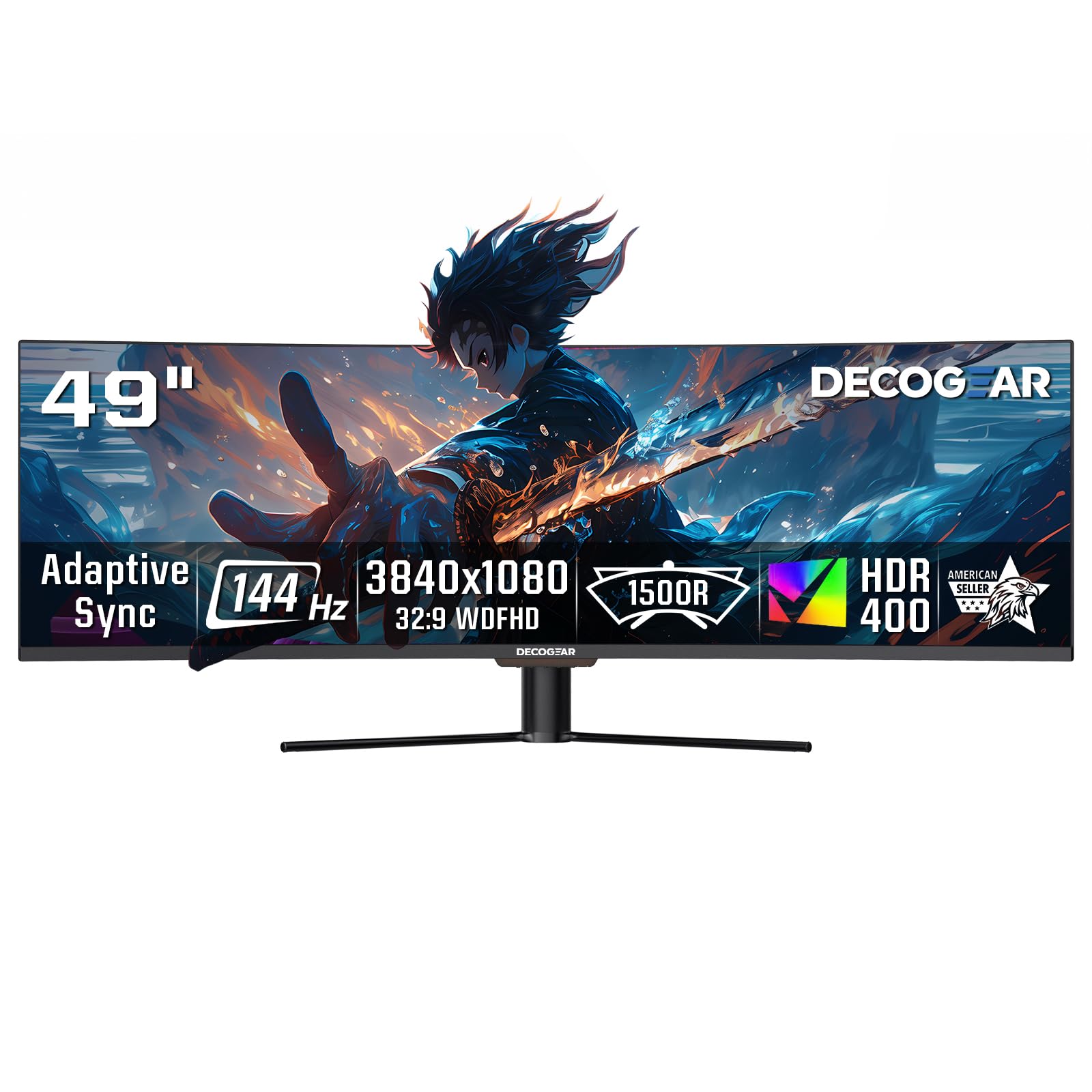
The brightest screen in the lineup at 400 cd/m², ideal for bright rooms.
This Deco Gear model stands out for one spec: 400 cd/m² brightness, which is 60% brighter than the Gawfolk option above. That extra punch makes HDR400 content pop and keeps text readable even with a window behind you. The screen quality is what wins people over — everything from crisp text to sharp colors gets constant praise, and the 49-inch size fits four to five documents side by side where a 1440p monitor only fits three.
It runs at 144Hz with a 3ms response time, and the 32:9 VA panel delivers a 3000:1 contrast ratio. The USB-C port carries 65W of power delivery, and the KVM feature lets you control two computers with one keyboard and mouse — a serious productivity boost. Note this model has no audio output port, so you plug headphones into your computer instead.
The honest trade-off is reliability. Owners love the panel, but a few report the USB-C hub failing after a few months and support being slow to respond. The 75Hz max some users see is likely a cable or settings issue, but it’s worth checking your setup. Overall it’s still 4.0 stars with 600+ ratings, driven by the fantastic picture quality.
Bright and sharp: the LED-backlit panel delivers the highest brightness here, making HDR and daytime use a treat.
Who should pass: if you need guaranteed long-term reliability and fast support, the mixed owner feedback suggests caution.
4. Deco Gear 49” Ultrawide Curved Monitor (B07XQGRB1F)
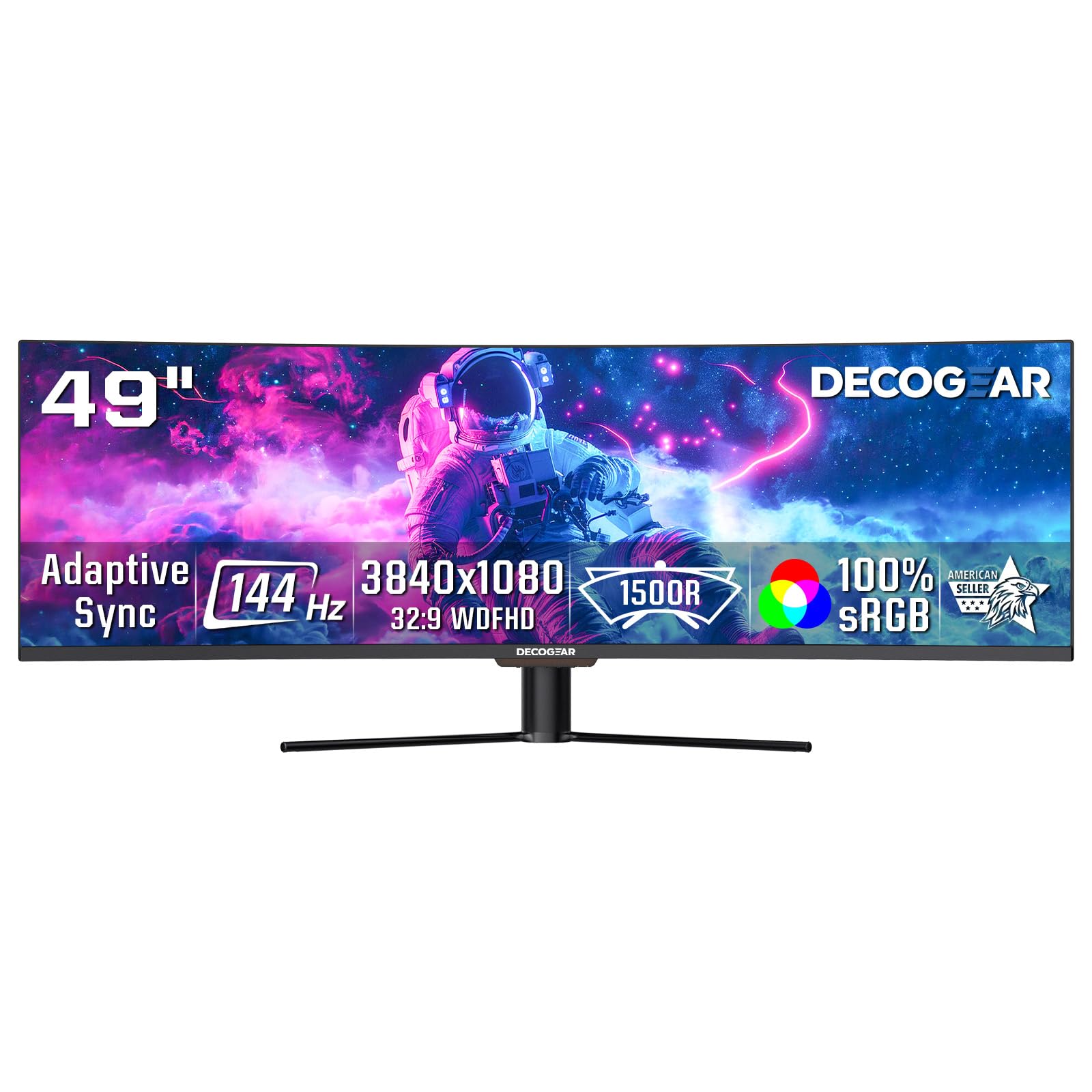
A color-accurate ultrawide with a USB hub for two-computer workflows.
This second Deco Gear model stands out for color accuracy, covering 100% sRGB and 95% DCI-P3—the widest color gamut here, tied with the CRUA. That means reds and greens stay true, which matters for photo editing and other creative work. The 1800R curve and borderless design keep the view rich without the distortion of a deeper bend.
The connectivity hub is the real story here. You get HDMI, DisplayPort, a 65W USB-C port with power delivery, dual USB-A ports, USB-B, and a dedicated audio out — which the other Deco Gear model lacks. Picture-in-Picture and Picture-by-Picture modes let you run two computers at once, and KVM support means one keyboard and mouse controls both. Owners note the HDMI and DP ports allow two computers to share the screen in a 50/50 split, which is great for multi-system setups.
One key spec to know: the resolution is 3840 x 1080, which is roughly 40% easier on your GPU than 5K ultrawide rivals, so mid-range builds push higher FPS. The trade-off is that 1080 vertical pixels look softer than a 4K panel up close, and the stand only tilts — there’s no height adjustment. A few units have arrived with vertical lines on the screen, so inspect yours early.
Why It Stands Out
- Wide 95% DCI-P3 color gamut for accurate creative work
- KVM and PiP/PBP make two-computer setups smooth
- Includes an audio out port for easy speaker hookup
Keep In Mind
- Tilt-only stand — no height adjustment from the start
- Lower sharpness than a 4K display at this size
Best for: creative pros who want accurate color and a built-in USB hub for two computers.
Think twice if: you need height adjustment from the stand, since this one only tilts.
5. CRUA 49″ DFHD 165Hz Ultrawide Curved Gaming Monitor
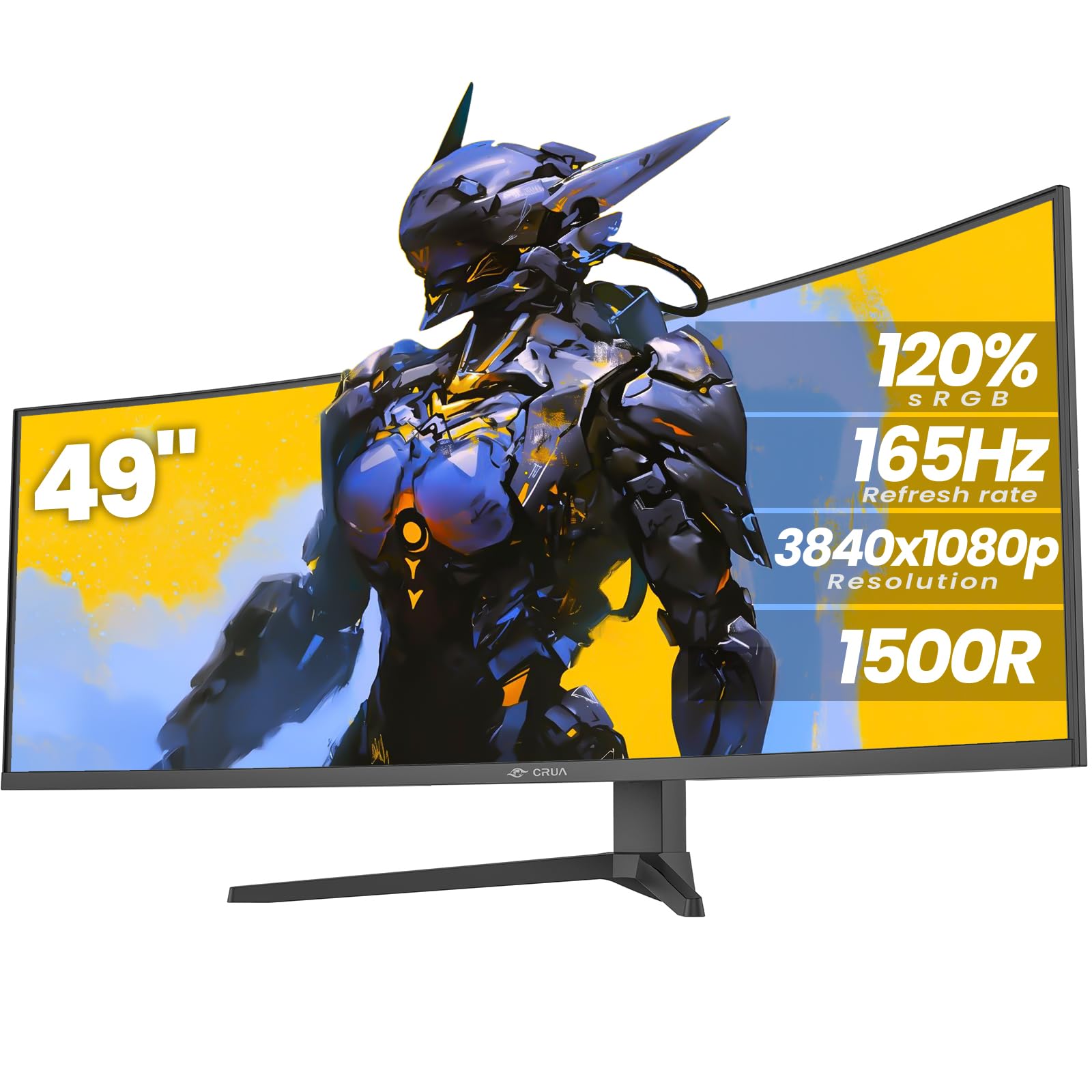
The color-rich ultrawide with a deep 1500R curve and dual HDMI 2.1 ports.
CRUA targets buyers who want vivid color and a deep curve without the brand tax. The 120% sRGB color gamut is the widest rating here, delivering up to 16.7 million colors — noticeably richer than the 72% gamut on the Gawfolk. It holds a 3000:1 contrast ratio and 300 cd/m² brightness, so games and movies have that punchy, saturated look.
It matches the Gawfolk’s 165Hz refresh rate for smooth gameplay, and the 1500R curve wraps the 49-inch panel around you for immersion. The port selection is modern: two DisplayPort 1.4 and two HDMI 2.1 inputs, plus a 3.5mm audio jack. The height-adjustable stand is a nice touch, and the flicker-free technology with blue light filter keeps long sessions comfortable. Owners replacing two 32-inch TVs say the DAW (digital audio workstation) workflow got faster with all windows visible, and shooter games benefit from the peripheral view.
The honest caveat: there are no built-in speakers, so you’ll need external ones. Some units make a cracking noise on warm-up, and there’s no HDMI cable in the box. The low review count means it’s a newer, less-proven option, but those who own it call it a great deal when on sale.
Color-focused pick: the 120% sRGB gamut with a 1500R curve delivers the most vivid, rich image in this lineup, so colors pop and the curve wraps around you.
Before you commit: you’ll need to buy an HDMI cable separately and add external speakers for sound.
6. ASUS ROG XG49VQ 49 Inch Ultrawide Curved Gaming Monitor

The trusted ROG badge with ergonomic adjustability and FreeSync 2 HDR.
This is the pick for gamers who want a proven brand name and marathon-ready comfort. The ASUS ROG XG49VQ runs at 144Hz with FreeSync 2 HDR, delivering smooth tearing-free gameplay for AMD graphics card owners. The 49-inch 1800R curved panel carries a 3840 x 1080 resolution, and the DisplayHDR 400 certification with 90% DCI-P3 coverage gives you cinematic color for games and movies.
Physical quality is the thing everyone raves about — the build feels solid, and the stand offers swivel, tilt, and height adjustment so you can dial in your perfect viewing angle. The VESA mount means you can swap in a monitor arm if you prefer. ASUS also bundles exclusive GamePlus and GameVisual overlays for crosshairs and color modes, plus flicker-free backlighting and blue light filters to reduce eye strain during long sessions. It even includes a free 3-month Adobe Creative Cloud subscription.
The trade-off is the vertical pixel count. At 3840 x 1080, the 1080 vertical pixels are noticeable up close, and some describe it as “two very small wide screens.” A few owners mention LED bleed and a plastic build, and FreeSync (adaptive sync technology) only works with AMD graphics cards—Nvidia owners should look elsewhere unless they’re fine without it. Durability is the most common complaint, but The 4.4-star rating across nearly 900 owners shows most buyers are satisfied with the performance.
The ROG Advantage
- Full ergonomic stand with height, swivel, and tilt
- DisplayHDR 400 with 90% DCI-P3 for cinematic color
- GamePlus overlays and blue light filter built in
The Real Trade-Offs
- 1080 vertical pixels look soft up close
- FreeSync is AMD-only, so Nvidia owners miss out
Grab it for: a brand-name ultrawide with a fully adjustable stand and smooth AMD FreeSync gaming.
Hold off if: you run an Nvidia GPU and want adaptive sync, since this only supports FreeSync.
Understanding the Specs
Refresh Rate (Hz)
The refresh rate tells you how many times the screen redraws each second. A 60Hz panel is fine for email and spreadsheets, but fast games look blurry. Stepping up to 144Hz or 165Hz makes motion look dramatically smoother during quick camera pans. Just check your cable — many monitors only hit top speeds through DisplayPort, not older HDMI ports.
Curvature (R Value)
The “R” number describes the curve radius in millimeters. A 1500R curve is deeper and wraps around your peripheral vision more than a 1800R curve. Deeper curves feel more rich in games, but a gentler 1800R is usually easier on the eyes for spreadsheet and coding work.
FAQ
What is a 3840 x 1080 monitor good for?
Can my computer run a 3840 x 1080 monitor?
Why is my ultrawide monitor stuck at 60Hz?
Is 144Hz or 165Hz better for gaming on an ultrawide?
What does the 1500R vs 1800R curve mean?
Do I need a special video card for a 49-inch ultrawide?
Can I use a 3840 x 1080 monitor with a Mac?
What is KVM on an ultrawide monitor?
Are built-in speakers on ultrawides any good?
Does the 3840 x 1080 resolution look sharp?
Final Thoughts: The Verdict
Across the board, the 3840 x 1080 monitor winner is the Gawfolk 49″ because it pairs the highest 165Hz refresh rate with a height-adjustable stand at a value-leading price. If you want the richest port selection and USB-C charging for a laptop, grab the INNOCN 49C1G. And for creative pros after the widest color gamut with KVM support, the Deco Gear 49″ is the one to reach for—just remember to check your cables to open up the full refresh rate on any of them.
How We Picked
We do not accept paid placement. Every pick is matched to a real buyer and a real use-case; we do not hands-on test units.
Sources & Methodology
Specifications: manufacturer listings and product documentation. Review insights: verified customer reviews, as of September 2026. Pricing: not shown on this page (it changes often); check the current price via the retailer link.
As an Amazon Associate, Gadgets Feed earns from qualifying purchases. This does not affect which products we feature.