
The jump from 1080p to 1440p is the single most meaningful upgrade you can make to your visual computing experience—doubling the pixel count over Full HD without demanding the GPU horsepower of 4K. But wading through the market of budget 1440p monitors means separating panels that deliver real color accuracy and motion clarity from those that cut corners on a cheap stand or a dim backlight. The right choice gives you crisp desktop real estate for productivity and fluid high-refresh gaming, while the wrong one leaves you wrestling with ghosting, dead pixels, or a rigid ergonomic setup.
I’m Min — the co-founder and writer behind Gadgets Feed. I’ve spent countless hours parsing technical specs and real-world user feedback on 1440p monitors, focusing on the metrics that actually impact your daily use: refresh rate variation at the budget ceiling, panel type behavior in different lighting, and the practical durability of stands and bezels you’ll interact with every day.
Whether you’re upgrading for sharper spreadsheets or smoother aim-down-sights, this guide breaks down the best options for a budget 1440p monitor by prioritizing what matters most at this price—pixel density, refresh rate stability, and panel consistency.
How To Choose The Best Budget 1440P Monitor
Buying a budget 1440p monitor is a balancing act between raw specs and the fine print. A high refresh rate listed in the title often requires a specific cable to reach—knowing the difference between HDMI and DisplayPort limits is essential. Panel type defines your experience: IPS gives wide viewing angles and consistent color, while VA offers deeper blacks and better contrast but can exhibit dark-level ghosting. Stand ergonomics—height adjustment, tilt, swivel—are the first thing manufacturers cheap out on, and a non-adjustable stand can silently sabotage your posture and viewing comfort. Finally, consider your use case: standard 16:9 27-inch monitors pack tighter pixel density than 34-inch ultrawide 1440p panels, which have the same pixel count spread across a wider curve, making them better for immersive gaming than fine text work.
Refresh Rate vs. Panel Type: The Budget Trade-Off
In the budget zone, you can’t always get both a high 180Hz refresh rate and a premium IPS panel. VA panels in this tier often hit high refresh rates while offering superior contrast (3000:1 to 5000:1) but may show motion blur in dark transitions. IPS panels maintain color accuracy from wider angles but typically have lower native contrast (1000:1 to 1300:1) and more backlight bleed. Identify your priority—competitive motion clarity or cinematic depth—then pick the panel chemistry that matches.
Ergonomics and Connectivity: The Hidden Costs
Budget monitors commonly ship with bare-minimum stands (tilt-only) and a single DisplayPort cable. If you need height adjustment or VESA mount compatibility, factor that into your selection because aftermarket monitor arms cost extra. Check the port version: HDMI 2.0 typically caps at 144Hz for 1440p, while DP 1.2 or above unlocks the full 165–180Hz advertised peak. A monitor with poor connectivity might lock you out of its highest performance tier unless you buy a separate cable.
Quick Comparison
On smaller screens, swipe sideways to see the full table.
| Model | Category | Best For | Key Spec | Amazon |
|---|---|---|---|---|
| Samsung Odyssey G5 G53F | Gaming IPS | Fast-paced competitive gaming | 200Hz / 1ms MPRT / IPS | Amazon |
| ASUS TUF Gaming VG27AQ | All-Rounder IPS | Productivity and gaming with ergonomic stand | 165Hz / 1ms MPRT / IPS | Amazon |
| ASUS TUF Gaming VG27AQL5A | Fast Response IPS | Competitive play with lowest input lag | 210Hz / 0.3ms GTG / IPS | Amazon |
| Alienware AW2725DM | Premium Build IPS | Marathon sessions with VESA DisplayHDR 400 | 180Hz / 1ms GTG / IPS | Amazon |
| LG 32GS60QC-B UltraGear | Immersive VA Curved | Cinematic single-player and sim racing | 180Hz / 1ms GTG / VA 1000R | Amazon |
| Sceptre C345B-QUT168 | Ultrawide Value | Multitasking and ultrawide gaming | 180Hz / 1ms MPRT / VA 1500R | Amazon |
| Z-Edge AG34P | High Refresh Ultrawide | Competitive ultrawide gaming | 240Hz / 1ms MPRT / VA 1500R | Amazon |
| Pixio PXC278 Wave Purple | Aesthetic VA Curved | Style-focused builds with high contrast | 180Hz / 1ms GTG / VA 1650R | Amazon |
| SANSUI 34-Inch Curved | Feature-rich VA Ultrawide | Multitasking with PIP/PBP | 200Hz / 1ms MPRT / VA 1500R | Amazon |
In‑Depth Reviews
1. Samsung Odyssey G5 G53F

The Samsung Odyssey G5 G53F balances the crucial specs for a budget 1440p monitor: a genuine 200Hz refresh rate over DisplayPort paired with a 1ms MPRT response time on an IPS panel. Its 178-degree viewing angles keep color consistent off-axis—a significant advantage over VA panels for side-by-side desktop viewing. The Black Equalizer pulls detail out of dark game environments without washing out brighter areas, while Auto Source Switch+ automatically detects your active device for seamless transitions between a PC and a console.
At QHD 2560×1440, the 27-inch screen delivers a pixel density of roughly 109 PPI, providing noticeably sharper text and finer detail than 1080p without requiring the heavy GPU load of 4K. AMD FreeSync Premium (not just basic FreeSync) includes LFC support to maintain smooth frame delivery when framerates dip below the refresh floor. The stand is limited to tilt adjustment only—a typical corner cut at this price tier that may push you toward VESA mounting.
Users consistently report vibrant color reproduction straight out of the box with minimal calibration needed, and no dead pixels on arrival. The main criticism targets the cheap-feeling stand and a broken cable management loop on some units, but the panel performance—clean motion, no ghosting, rich saturation—makes this the most well-rounded pick for someone who wants both high-refresh gaming and accurate IPS color in a single budget package.
Why it’s great
- 200Hz refresh rate and FreeSync Premium for tear-free gaming up to high framerates
- IPS panel delivers wide viewing angles and consistent color across the screen
- Auto Source Switch+ simplifies multi-device setups
Good to know
- Stand is tilt-only with no height adjustment
- Some units report a broken cable management loop
- HDR10 implementation lacks the brightness for true HDR impact
2. ASUS TUF Gaming VG27AQ

This 27-inch QHD IPS monitor has been a staple recommendation in the budget 1440p space for years, and for good reason: it offers a fully ergonomic stand with height, swivel, pivot, and tilt adjustments—a rare find at this tier. The 165Hz overclocked refresh rate and 1ms MPRT response time ensure fluid motion, while Extreme Low Motion Blur Sync (ELMB Sync) reduces ghosting during fast scene transitions. Pairing this with G-Sync Compatible support gives NVIDIA GPU users a tear-free experience without a premium price hike.
The IPS panel covers 99% sRGB and maintains consistent color from extreme angles, and the Shadow Boost feature lifts details in dark scenes without overexposing bright areas. Users with multi-monitor setups appreciate the thin bezel design, and the 3-year warranty adds peace of mind for long-term ownership. The contrast ratio sits at the typical IPS level of 1000:1, so blacks appear more gray in a dark room compared to VA alternatives.
Customer reviews consistently highlight the vivid colors, sturdy build, and the absence of dead pixels on delivery. The built-in speakers are weak—adequate for system sounds but not for media consumption. Some units exhibit minor backlight bleed in corners, though this is within normal IPS behavior. For users who need a fully adjustable stand and reliable 1440p gaming performance, the VG27AQ remains a benchmark pick.
Why it’s great
- Full ergonomic stand with height, swivel, pivot, and tilt adjustment
- G-Sync Compatible and FreeSync support for a tear-free experience
- ELMB Sync reduces motion blur without introducing flicker
Good to know
- Contrast ratio is standard IPS: blacks appear gray in dark rooms
- Built-in speakers are weak and tinny
- HDR10 support has minimal real-world impact due to 350-nit brightness
3. ASUS TUF Gaming VG27AQL5A

The VG27AQL5A pushes the budget 1440p envelope with a 210Hz overclocked refresh rate and a staggeringly low 0.3ms GTG response time—the lowest on this list. The Fast IPS panel maintains good color gamut (130% sRGB) while enabling this near-instantaneous pixel transition, which eliminates visible ghosting even during the fastest competitive shooters. ASUS’s Extreme Low Motion Blur Sync can run simultaneously with variable refresh rate, a feature that isn’t available on many cheaper monitors where ELMB disables FreeSync.
Build quality mirrors the VG27AQ line with a height-adjustable stand, but the AQL5A adds built-in speakers and the DisplayWidget Center software for adjusting settings with a mouse instead of finicky on-screen buttons. The 1300:1 contrast ratio is slightly higher than typical IPS panels, though still behind VA’s deeper blacks. The monitor also includes a 3-year warranty and a free 3-month Adobe Creative Cloud subscription, adding value for creative users on a tight budget.
User feedback praises the uniform backlight glow with no edge bleeding—a common issue on cheaper IPS screens—and the clean motion handling. The speakers are described as usable but poor, and the 4-zone dynamic backlight feature is widely considered a gimmick. For competitive gamers who prioritize response speed above all else, this ASUS delivers the fastest pixel response available at this price tier.
Why it’s great
- 0.3ms GTG response time eliminates motion blur effectively
- 210Hz refresh rate provides a competitive edge in fast games
- ELMB Sync works simultaneously with VRR for sharp tear-free motion
Good to know
- Speakers are usable but weak compared to external solutions
- 4-zone dynamic backlight is a minor feature with limited impact
- Requires DisplayPort to reach 210Hz; HDMI caps at a lower rate
4. Alienware AW2725DM

The Alienware AW2725DM brings premium brand build quality—an adjustable stand with height, swivel, pivot, and tilt—into the budget 1440p category. The 27-inch QHD IPS panel runs at 180Hz with a 1ms GTG response and covers 95% DCI-P3 for vibrant, color-accurate visuals. The VESA DisplayHDR 400 certification means it can reach 400 nits peak brightness, offering genuine highlight pop without the full cost of HDR-focused monitors.
NVIDIA G-SYNC and AMD FreeSync support covers both GPU ecosystems, and the dedicated console mode optimizes timing for PlayStation and Xbox inputs. A hardware-based low blue light solution reduces eye strain without adding a yellow tint—superior to software-based blue light filters that wash out color. The monitor includes both DisplayPort 1.4 and HDMI cables in the box, ensuring you can hit the full 180Hz immediately without a separate purchase.
Customer reviews highlight the durable stand, excellent picture quality, and the fact that the panel has no dead pixels or backlight bleed. Some note that the full 180Hz requires DisplayPort (HDMI caps at 144Hz), and there is no USB-C input or built-in speakers. The screen uses an anti-glare coating that manages reflections well. For buyers who value a polished out-of-box experience with a sturdy, adjustable stand, this Alienware is a strong contender.
Why it’s great
- VESA DisplayHDR 400 provides 400-nit peak brightness for HDR content
- Full ergonomic stand with height, swivel, pivot, and tilt
- 10-bit color depth for smooth gradients and accurate color
Good to know
- No built-in speakers or headphone jack
- 180Hz only via DisplayPort; HDMI limited to 144Hz
- Anti-glare coating may appear slightly grainy to some users
5. LG 32GS60QC-B UltraGear

The LG UltraGear 32GS60QC-B brings a 32-inch VA panel with a 1000R curve to the budget 1440p market—the steepest curvature available, designed to wrap the screen around your peripheral vision for deep immersion. The 3000:1 contrast ratio delivers true blacks that IPS panels struggle to match, making dark scenes in games and movies look rich and dimensional. The 180Hz refresh rate and 1ms GtG response time keep motion smooth, and AMD FreeSync prevents tearing.
At 32 inches and 1440p, the pixel density is lower (roughly 92 PPI) than a 27-inch 1440p panel, so text looks slightly less sharp up close—a trade-off that favors immersive gaming over spreadsheet clarity. The VA panel can exhibit some ghosting in very dark transitions depending on the response time setting, though most users find the default Fast mode balances blur and overshoot well. The stand offers only tilt adjustment, and the joystick power-off function is reported as finicky by multiple users.
Reviews praise the display quality and the immersive curve, especially for sim racing and single-player RPGs. The monitor lacks USB ports and the stand is basic, but the panel performance and size for the price are compelling. If deep blacks and a cinematic field of view matter more than pixel density, this LG delivers VA contrast that no IPS at this price can match.
Why it’s great
- 1000R curve provides deep immersion and wraps around peripheral vision
- 3000:1 VA contrast ratio delivers black levels unmatched by budget IPS
- 99% sRGB coverage provides vibrant and accurate color
Good to know
- 32-inch 1440p has lower pixel density than 27-inch 1440p panels
- Stand is tilt-only and lacks height adjustment
- VA ghosting can appear in dark transitions at certain response time settings
6. Sceptre C345B-QUT168

The Sceptre C345B-QUT168 brings ultrawide 3440×1440 resolution to the budget tier, offering a 34-inch 1500R curved VA panel that effectively replaces a dual 1080p monitor setup. The 21:9 aspect ratio provides roughly 30% more horizontal screen space than a standard 16:9 QHD panel, which is transformative for productivity workflows with multiple windows open side by side. The 180Hz refresh rate (with 1ms MPRT response) keeps motion smooth, and the 99% sRGB color gamut produces solid color saturation for the price.
The VA panel delivers a 1,000,000:1 dynamic contrast ratio (3000:1 static typical of VA) for good black depth, though the 280-nit brightness is modest for brightly lit rooms. The monitor includes dual DisplayPort and dual HDMI ports, along with built-in speakers and a back cover LED light for aesthetic flair. The stand offers tilt adjustment only, and the single bottom button that controls power and menu navigation is frequently criticized as awkward to use.
Customer feedback after extended use is largely positive, with users praising the sharpness, color, and immersive curve for gaming and multitasking. Some units have reported backlight bleed and dead pixels after the return window, and the horizontal lines visible at close viewing distances are a noted downside. For those who want ultrawide workspace without a premium price, the Sceptre offers the best price-to-screen-real-estate ratio on this list.
Why it’s great
- Ultrawide 21:9 resolution provides workspace equivalent to two monitors
- 180Hz refresh rate with 1ms MPRT for smooth gaming on a wide canvas
- Dual DisplayPort and HDMI inputs simplify multi-device connections
Good to know
- 280-nit brightness is lower than the rest of the field
- Single button for power and OSD menu is awkward to use
- Some units exhibit backlight bleed or dead pixels after a month of use
7. Z-Edge AG34P
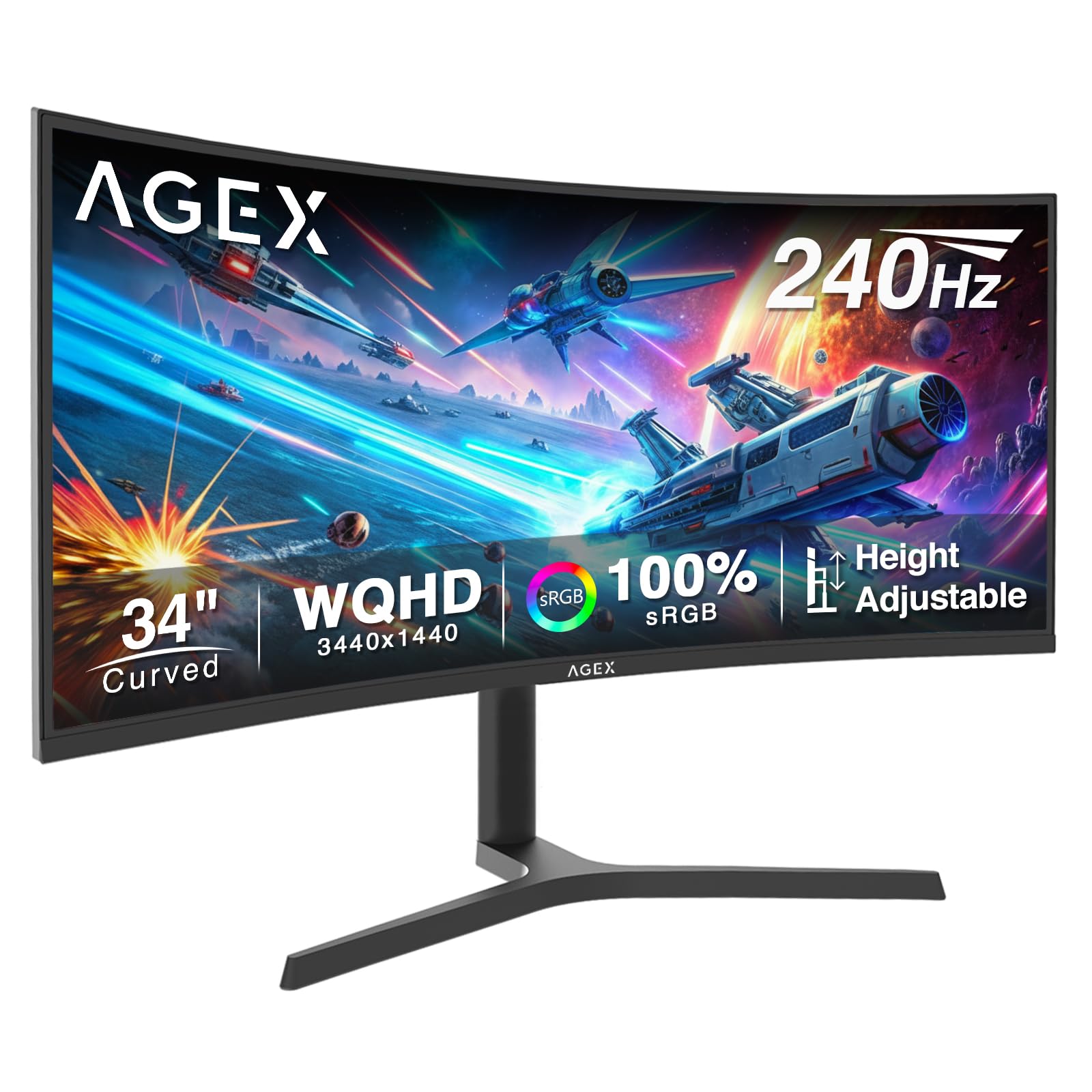
The Z-Edge AG34P is the only ultrawide monitor on this list to offer a 240Hz refresh rate, making it the clear choice for competitive gamers who want the widest field of view without dropping to 60Hz. The 34-inch VA panel with 1500R curvature delivers 3440×1440 resolution and a 4000:1 contrast ratio for deep blacks. With FreeSync support and a 1ms MPRT response time, motion stays smooth and tear-free even during fast-paced shooters like Valorant or Overwatch.
The monitor includes Picture-in-Picture and Picture-by-Picture modes, which allow simultaneous display from two inputs—useful for streaming setups or monitoring a work PC alongside a gaming rig. The stand offers height, tilt, and swivel adjustment—a welcome upgrade over the tilt-only stands of many budget competitors. Port selection includes two HDMI 2.1 and two DP 1.4 ports, with the 240Hz peak achievable only via DisplayPort.
User reviews are consistently positive, noting the crisp colors, smooth 240Hz motion, and solid build quality. Some users point out the lack of built-in speakers and a wish for a smaller power plug. The height adjustment mechanism is a standout at this price point. For those who want the highest refresh rate available on a budget 1440p ultrawide, the Z-Edge AG34P sets the pace.
Why it’s great
- 240Hz refresh rate is the highest available on a budget ultrawide
- Height-adjustable stand with tilt and swivel for ergonomic setup
- 4000:1 contrast ratio for deep blacks and rich cinematic visuals
Good to know
- No built-in speakers
- Power plug is larger than some users prefer
- 240Hz requires DisplayPort; HDMI 2.1 may not reach full rate
8. Pixio PXC278 Wave Purple
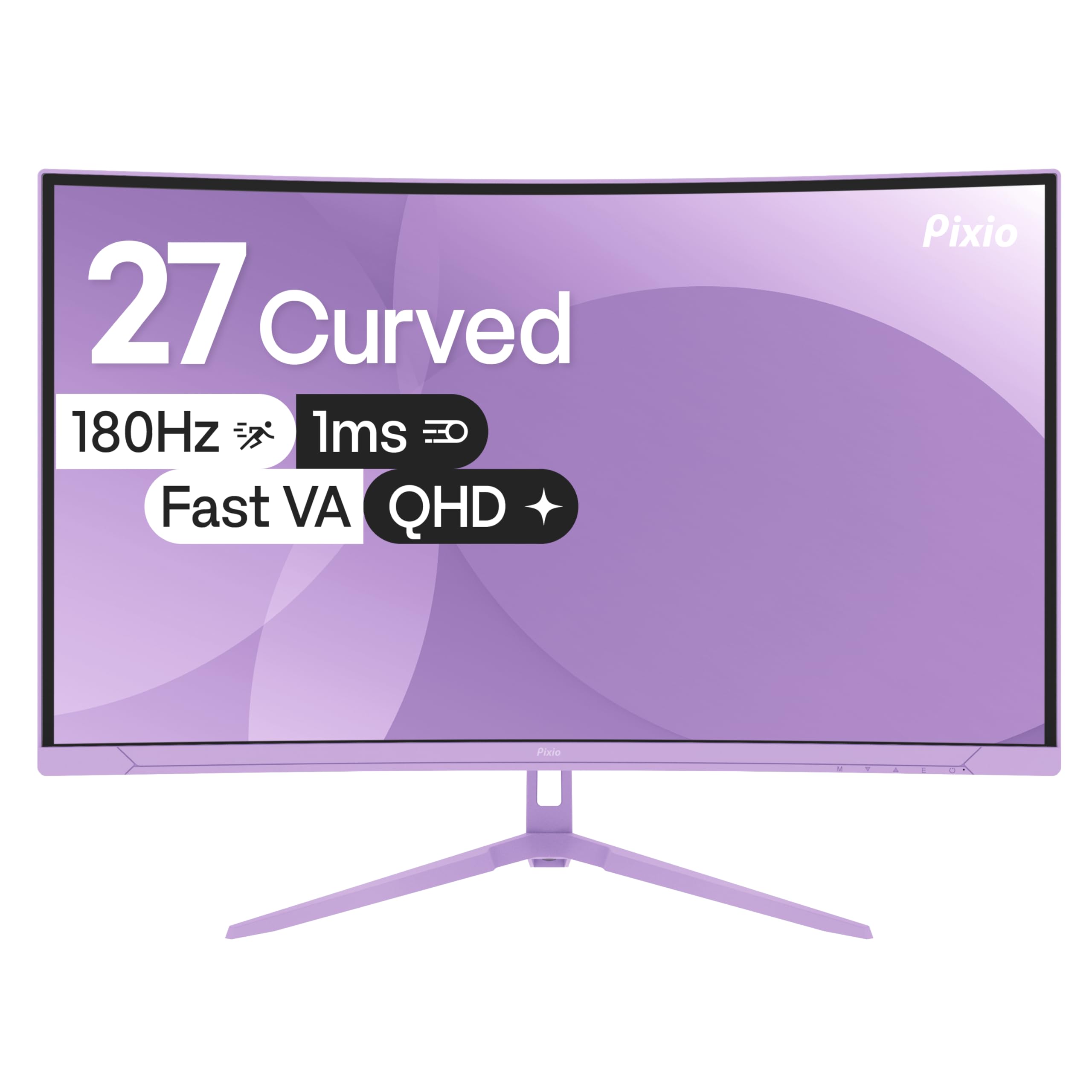
The Pixio PXC278 Wave Purple stands out visually with a distinctive purple/blue color scheme that complements themed gaming setups. Beyond aesthetics, the 27-inch VA panel uses a 1650R curvature and delivers a 5000:1 contrast ratio—the highest on this list—for exceptional black depth that makes IPS look washed out by comparison. The 180Hz refresh rate and 1ms GTG response time ensure snappy motion, and Adaptive Sync works with both FreeSync and G-Sync Compatible GPUs.
The brightness peaks at 350 nits, which is above the Sceptre but below the Alienware, and the 108.69% sRGB coverage provides vibrant color. The monitor includes built-in speakers, though user feedback describes the sound quality as grainy and only acceptable for basic system sounds. The stand offers tilt adjustment and includes a VESA adapter for monitor arm mounting. The OSD joystick is conveniently placed for easy menu navigation.
Reviews praise the build quality, sharp display, and smooth high refresh rate. The purple aesthetic garners strong positive reactions from users building themed setups. Some users note confusion about missing Bluetooth toggle for connecting devices (this is a monitor, not a smart hub) and the speakers are best considered a bonus rather than a feature you’ll rely on. If VA contrast and unique style are your priorities, this Pixio delivers both.
Why it’s great
- 5000:1 contrast ratio provides deep blacks that IPS panels cannot match
- Distinctive purple aesthetic for themed gaming setups
- G-Sync Compatible and FreeSync support for tear-free gaming
Good to know
- Built-in speakers are grainy and only suitable for basic sounds
- Stand is tilt-only with no height adjustment
- Some users misidentify lack of Bluetooth as a missing feature
9. SANSUI 34-Inch Curved
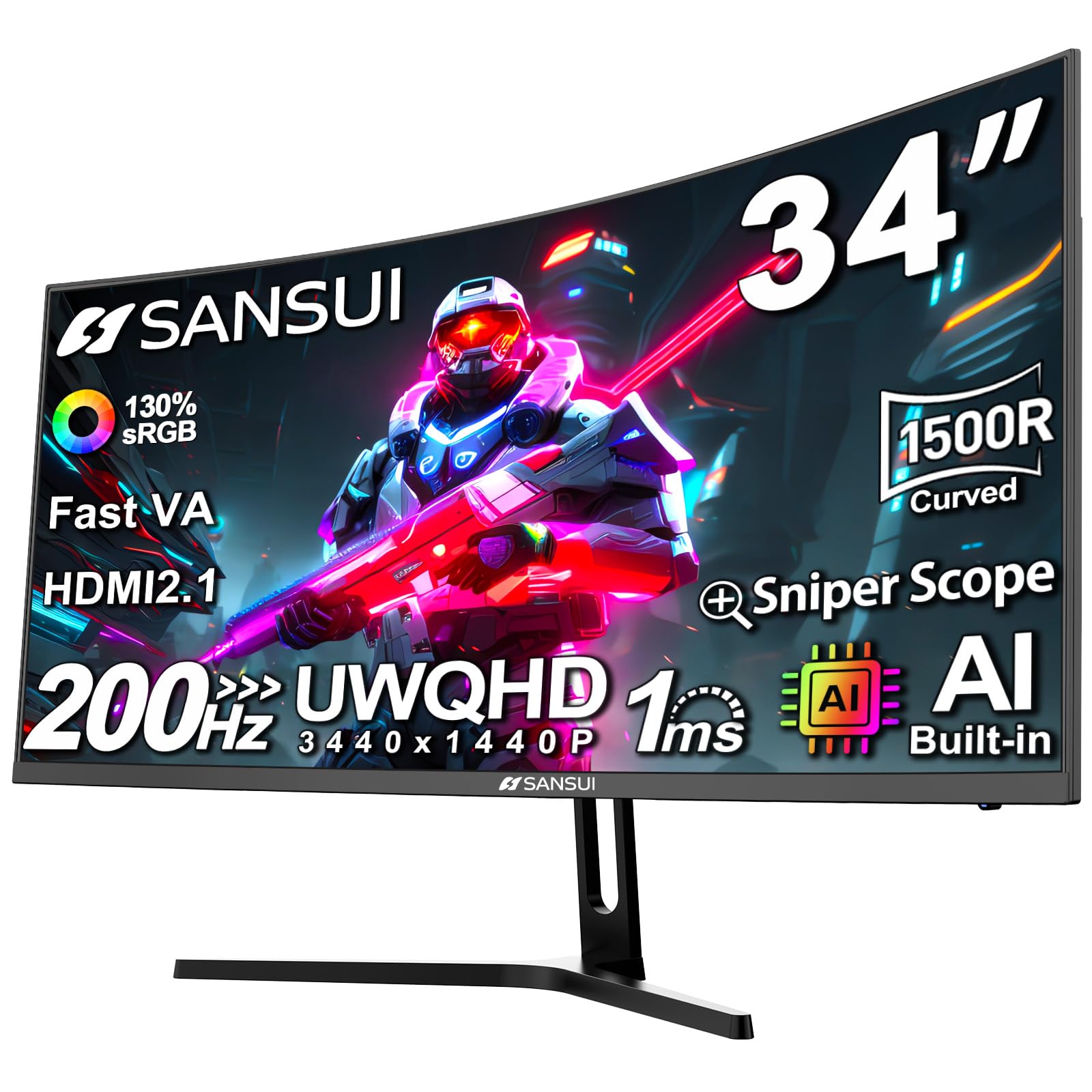
The SANSUI 34-inch curved monitor delivers a 3440×1440 ultrawide resolution with a 200Hz refresh rate on a Fast VA panel with a 1500R curve. The 3000:1 contrast ratio provides solid black levels, and the 300-nit brightness is sufficient for most indoor lighting conditions. A standout feature is the Picture-in-Picture and Picture-by-Picture support, allowing simultaneous display from two sources—ideal for monitoring game chat or streaming software on the same screen as your gameplay.
The monitor includes AI-assisted features like AI Crosshair, AI Blue Light Reduction, and Sniper Scope for gaming convenience. The stand offers tilt adjustment and supports VESA 100x100mm mounting. Port selection is generous with two HDMI 2.1 ports and one DP 1.4 port, and the DisplayPort cable is included in the box. Notably, the monitor lacks built-in speakers, so you will need an external audio solution.
Customer feedback highlights the excellent color reproduction, brilliant picture quality, and the exceptional value for the price. Some users mention the monitor runs warm during extended use, and the stand lacks swivel and height adjustment. For users who want a large ultrawide with PIP/PBP functionality and a high 200Hz refresh rate without breaking into the premium tier, the SANSUI is a smart feature-packed option.
Why it’s great
- PIP/PBP support allows dual-source display on a single ultrawide screen
- 200Hz refresh rate on a 34-inch VA panel for smooth ultrawide gaming
- AI-assisted features like AI Crosshair enhance in-game utility
Good to know
- No built-in speakers require an external audio setup
- Stand offers tilt only—no height or swivel adjustment
- Monitor runs warmer than some comparable models
FAQ
Can a budget 1440p monitor run at its highest refresh rate with HDMI?
Is a VA panel or IPS panel better for a budget 1440p monitor?
Should I buy a 27-inch or 32-inch 1440p monitor?
What is the most important spec to check on a budget 1440p monitor?
Final Thoughts: The Verdict
For most users, the budget 1440p monitor that strikes the best balance is the Samsung Odyssey G5 G53F because it delivers a genuine 200Hz IPS panel with FreeSync Premium and wide viewing angles at a price that doesn’t compromise motion clarity. If you need a fully ergonomic stand for all-day work and play, grab the ASUS TUF Gaming VG27AQ. And for a 240Hz ultrawide experience that pushes the refresh-rate ceiling in this budget tier, nothing beats the Z-Edge AG34P.