
Our readers keep the lights on and my morning glass full of iced black tea. As an Amazon Associate, I earn from qualifying purchases.
Specs are compiled from manufacturer listings and verified buyer reviews and can change over time — please confirm the key details on the product page before buying.
You want a screen that fits in your backpack but still lets you run two documents side by side or see the full game map. An 18-inch portable monitor hits that balance between a cramped 15.6-inch laptop screen and a desk-bound 24-inch display. This guide sorts the genuinely useful picks from the spec-sheet hype, focusing on refresh rate, color accuracy, and how each one actually travels.
I’m Min — the founder and writer behind Gadgets Feed. This guide is built by comparing the manufacturers’ published specifications and the patterns across verified customer reviews, so you get each pick’s real strengths and trade-offs instead of marketing spin.
Most listings here are the sold size closest to 18 inches (17.3 or 18.5), which serves the same purpose for travel, gaming, or office work. A great 18 inch portable monitor balances a big, bright panel with a body slim enough to slip into your everyday bag without a second thought.
Our Picks at a Glance

How To Choose The Best 18 Inch Portable Monitor
Before you add one to your cart, there are three decisions that define your experience: how smooth you need the picture, how bright the screen gets, and whether one cable is enough to run it.
Refresh Rate: Smoother Than You Think
Refresh rate is how many times per second the screen redraws the image. A 60Hz panel looks fine for emails, but when you scroll or game, you see 100Hz or 120Hz monitors feel noticeably more fluid. For gamers, this is the difference between tracking a moving target smoothly or seeing a blurry trail.
Brightness and Color: What “Nits” Actually Means
Brightness is measured in nits (candela per square meter). A 300-nit panel handles a coffee shop, but 350 to 400 nits is better near a bright window. Color gamut tells you how many colors the panel can show — 100% sRGB is standard for office work, while 125% or 120% sRGB covers a wider, richer range for creative projects.
Connectivity: The Single-Cable Question
Many modern panels run video and power through one USB-C cable, but only if your laptop supports Thunderbolt 3 or USB 3.1 with DisplayPort Alt Mode. If your device lacks that, you will need to plug in both HDMI and a separate USB-C power cable, which means an extra charger in your bag.
Quick Comparison
| Model | Best For | Refresh Rate | Brightness | Weight | Amazon |
|---|---|---|---|---|---|
| Newsoul PM185★ Best Overall | Best Overall — Sharp 120Hz gaming and work | 120Hz | 350 nits | 2.4 lbs | Amazon |
| EVICIV E18Top Performer | Top Performer — Fast 1ms response for competitive play | 120Hz | 350 nits | — | Amazon |
| Acer PM191QPremium Pick | Premium Pick — Trusted brand, slim 0.54-inch body | 100Hz | — | 2.49 lbs | Amazon |
| Cocopar CMZPT8 | Best Value — 2-year warranty, 350 nits brightness | 100Hz | 350 nits | 2.2 lbs | Amazon |
| iProda B0CT2 | Best for Travel — 120Hz in a slim, bag-friendly body | 120Hz | 300 nits | — | Amazon |
| Usparkle B0GGB4 | Most Portable — 2.31 lb build with smart cover stand | 120Hz | 400 nits | 2.31 lbs | Amazon |
| HGFRTEE B0D811 | Best Touchscreen — Responsive touch for interactive work | 100Hz | 400 nits | — | Amazon |
| HotYeah B0FFTD | Compact Pick — 2.36 lb, 0.28-inch thin with 180° stand | 100Hz | 300 nits | 2.36 lbs | Amazon |
| Ingnok B0C6F1 | Best for Creatives — 100% sRGB exact color accuracy | — | 300 nits | 2.51 lbs | Amazon |
| InnoView B0BJP8 | Budget Champion — Big 18.5-inch panel, 3 mounting options | 100Hz | 300 nits | 3.3 lbs | Amazon |
In-Depth Reviews
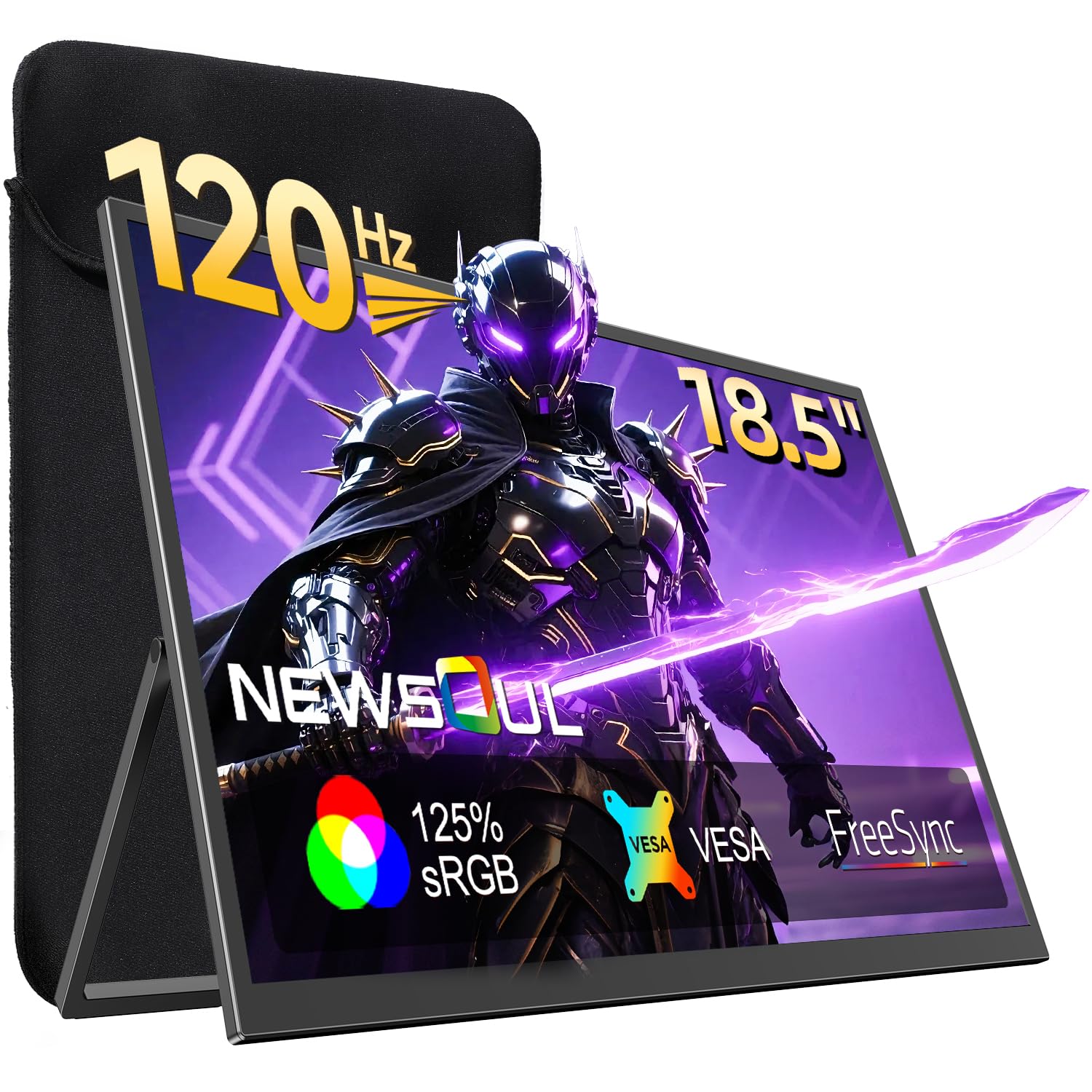
1. Newsoul Portable Gaming Monitor (PM185)
Our pick — over 4.5★ from 500+ verified ratings; the strongest balance of quality and price.
A 120Hz panel that pairs with a 15-inch laptop for fluid gaming and work.
This is the crowd favorite — 4.6 stars across 500+ owners — and it earns that reputation with a 120Hz refresh rate that makes both gaming and everyday scrolling feel genuinely fluid. The 350-nit brightness (brightness measured in nits, the standard unit for screen luminance) keeps the 1920 x 1080 resolution readable even in a bright room, and the 2000:1 contrast ratio makes blacks look deep instead of washed out. It sits at 0.27 inches slim and 2.4 pounds light, so it slides into a small carry-on without a second thought.
What wins people over is the build quality — the predominant praise across owners — coupled with a display that buyers call crisp, clear, and colorful. The included protective case doubles as a stand, and the 180° adjustable stand plus VESA mount (the standard 75x75mm hole pattern for attaching to arms or wall brackets) gives you real flexibility on a desk. It connects through HDMI and USB-C with plug-and-play setup, no drivers needed, and works with MacBooks, Switch, and PS5.
The honest trade-off: adjustability gets mixed feedback, and one owner noted screen bleed and poor black levels at the budget end. Buyers report it pairs well with a 15″ laptop, and the sturdy fold-out stand holds firm. If you want one cable to do everything, note that single USB-C will power it, but you may want the included separate power for maximum brightness.
What Owners Love
- True 120Hz refresh rate for smooth gaming and work
- Thin 0.27-inch profile with a protective magnetic case
- Vivid 125% sRGB color with 2000:1 contrast
- Plug-and-play via USB-C or HDMI
What To Watch
- Stand adjustability earns mixed reviews
- Needs external power for full brightness in some setups
Confident verdict: Reach for this if you want a true 120Hz screen that travels well and handles both work and play without compromise.
Think twice if: You expect flawless black levels in a dark room — the panel shines in bright, colorful content instead.
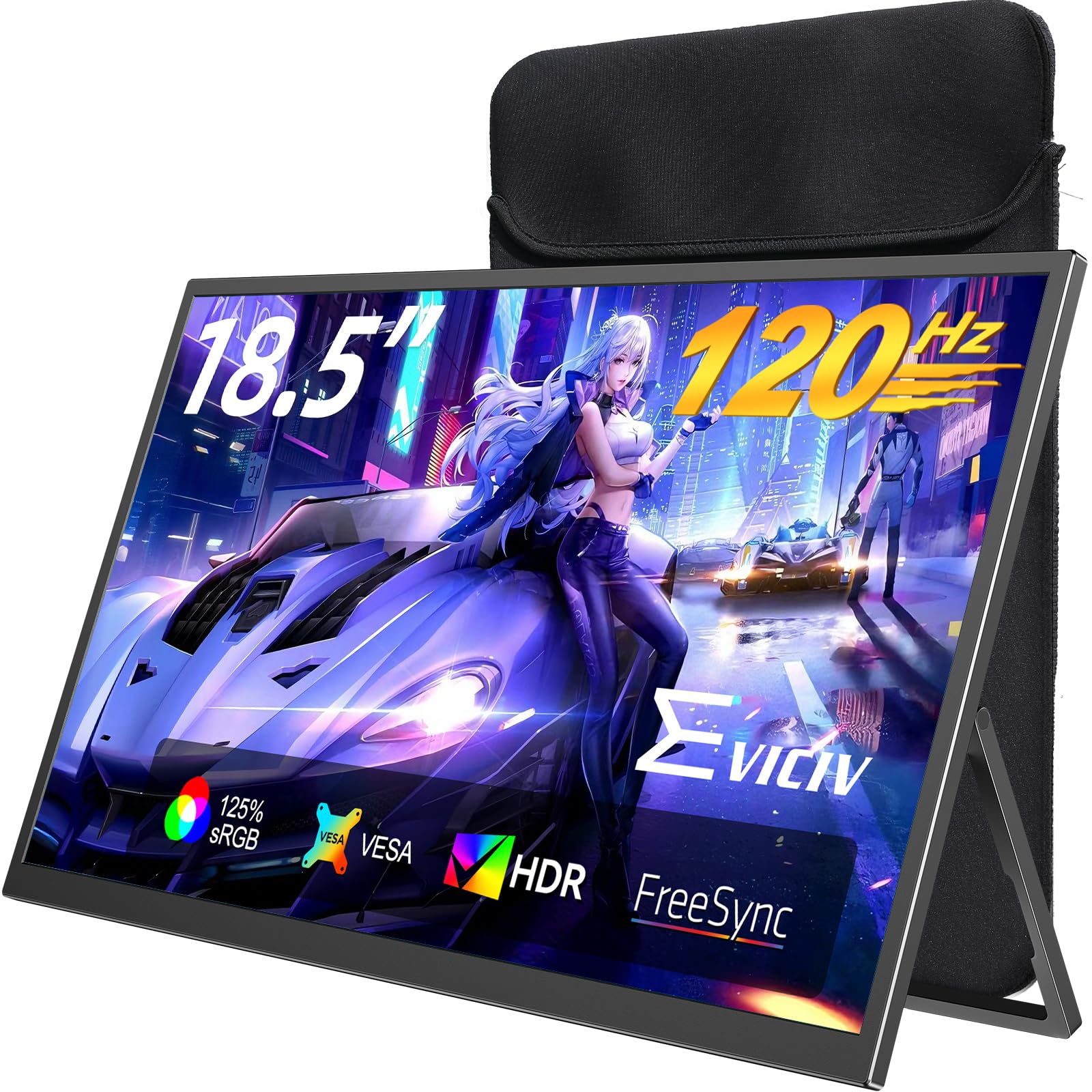
2. EVICIV Portable Gaming Monitor
A 1ms response time that keeps fast action crisp with no ghosting.
For competitive players, the EVICIV feels different the moment you plug it in. Its 120Hz refresh rate (how many times the screen updates per second) pairs with a 1ms response time (the speed at which a pixel changes color), so fast action stays crisp with no ghosting — the sharpest-feeling panel on this list for fast-paced titles. The 125% sRGB coverage (a color space standard) and 2000:1 contrast ratio deliver a 350-nit picture (a brightness unit) that is bright, rich, and rich.
Owners mention the picture quality is the most-praised aspect by far, and it works flawlessly with a Raspberry Pi, Windows 10, and a wide range of laptops. It uses a 16:10 aspect ratio (width to height), giving you a touch more vertical space for documents, though black bars appear on 16:9 video content. The included sleeve case has multi-layer shock-absorption foam, so it survives the bumps of a backpack.
The catch: it is not a true single-cable monitor for everyone. One owner flagged that it uses micro-USB rather than full USB-C as advertised, and the single-angle stand is limited. Touchscreen functionality is a highlight, working great with Windows 11, but it does not support iPad. For gamers who prioritize speed, this is the pick; for creatives needing color-perfect editing, look to the Ingnok below.
The Speed Advantage
- 1ms response time minimizes motion blur
- 120Hz with FreeSync (syncs the screen to your graphics card to stop tearing)
- Sleeve case with shock-absorption foam
- VESA 75×75 mount with screws included
The Real Limits
- Touchscreen lacks iPad support
- 16:10 ratio means black bars on widescreen video
Who it beats: This outruns the Newsoul on raw response time — 1ms vs the standard 5ms-plus on most portables — for competitive shooters.
Who it does not: If you need full-color accuracy for design work, the 2000:1 contrast is good but the color gamut is not the widest here.
3. Acer PM191Q Ebmiuux
A trusted brand with a 100Hz panel that reduces eye strain.
If brand confidence matters to you, the Acer PM191Q delivers what you expect from a major display maker: a clean 1080p IPS panel (in-plane switching, giving wide viewing angles and consistent color) with a 100Hz refresh rate at 2.49 pounds. The 0.54-inch thin body feels premium in hand, and the single USB-C cable carries display, data, and power to a compatible laptop. That one-cable simplicity is the standout feature for desks already a tangle of wires.
What wins owners over is the monitor quality — the top-praised aspect — paired with sharp color rendering and a thin profile. It plays nicely with both laptops and phones, and is called perfect for a Mac mini. The Adaptive-Sync support (matching the refresh rate to your graphics card to stop screen tearing) makes games and video feel smooth, and the 2000:1 contrast ratio gives it deeper blacks than many rivals in this class.
The honest trade-off: at 18.5 inches, it is too large for regular travel in a standard backpack — customers note it barely fits. It is better framed as a desktop second monitor that you occasionally move. One owner mentioned the included HDMI cable does not support the full VRR (variable refresh rate) experience, so you may want an HDMI 2.1 cable for that. No protective case is included, so budget for a sleeve if you do carry it.
Why It Feels Premium
- Single USB-C cable for video, data, and power
- Adaptive-Sync with FreeSync for tear-free gaming
- 2000:1 contrast ratio for deeper blacks
- Trusted Acer build quality at 0.54-inch thin
The Fit Note
- Too large for regular travel backpacks
- No protective case included
Reach for this if: You want a reliable, plug-and-play second screen for a home office desk and value a household brand name.
Look elsewhere if: Your plan is to carry it in a backpack daily — the 18.5-inch size fights that use case, and a 15.6-inch might serve you better.
4. Cocopar 18.5 Inch Portable Monitor

A 2.2-pound panel backed by a 2-year replacement warranty.
At 0.17 inches at the slimmest point and just 2.2 pounds, the Cocopar is among the lightest 18.5-inch panels here, yet it packs a 350-nit brightness and 100Hz refresh rate. The 120% sRGB color gamut makes photos and video look vibrant, and the matte screen cuts glare so you can work near a window. It is a rare case where you do not give up brightness for portability — 350 nits is genuinely usable in daylight.
What buyers rave about is the screen quality — the most-praised aspect — and the reliability that comes with a 2-year replacement warranty (not repair, full replacement, which is outstanding for this category). The adjustable kickstand flips to 180° for landscape or portrait, and the padded case is included. It connects via two USB-C ports and one HDMI, supporting Thunderbolt 3/4 with a single original USB-C cable.
The trade-off: at 18.5 inches it adds significant screen space over a 15.6-inch model, but one owner notes it is too large for a laptop bag — the included case solves storage for travel. It requires a manual orientation change in your OS for portrait mode, which is minor but worth knowing. This is the pick for photo editors who want accuracy and a safety net.
What Justifies The Price
- 2-year replacement warranty, not repair
- 350 nits brightness with anti-glare matte finish
- 2.2 pounds and 0.17-inch slimmest point
- Thumb-wheel brightness adjustment
The Honest Limits
- Case solves storage but the panel is large for bags
- Portrait orientation requires manual OS setting
Who should pick this: You want a bright, accurate screen for photo editing with the confidence of a 2-year replacement warranty.
The single caveat: If you are strictly a traveler, the added size over smaller panels may be more than you want to haul.
5. iProda 18.5 Inch Portable Monitor

A 120Hz display that fits a laptop bag and works for couch browsing.
The iProda is the travel-first choice, and buyers confirm it: it fits a laptop bag, and owners use it for couch browsing via screen mirroring. The 1080p FHD panel runs at 120Hz, double the smoothness of a standard 60Hz laptop screen, and the 178° viewing angle means the picture holds from any seat on the plane. At 300 nits it is not the brightest here, but it holds up indoors and in moderate light.
What wins people over is the quality — the most-praised aspect at 25 mentions — and the crisp graphics that make text clear and readable for long work sessions. It is plug-and-play with HDMI and USB-C, working with phones, laptops, Xbox, Switch, and PS4. The ultra-slim body and built-in speakers keep the setup simple, and the eye-care flicker-free tech reduces strain.
The honest gripe: it is about 1 inch too big for some standard backpacks, so it does not fully fit — measure your bag before you buy. Sound quality gets mixed reviews, with owners finding it limited. Note the connectivity caveat: if your USB-C port is not USB 3.1 or Thunderbolt 3, the provided USB-C cable only charges and does not transmit video — you will need HDMI for those cases.
The Travel Strengths
- 120Hz refresh is double a standard laptop screen
- 178° viewing angle holds from any position
- Ultra-slim and lightweight body
- Plug-and-play with no drivers needed
What To Verify
- Runs about 1 inch too wide for some backpacks
- USB-C cable only charges unless your port is Thunderbolt 3
Reach for this if: You want a high refresh rate for gaming on the go, and your bag has a little extra width to spare.
Look elsewhere if: Your backpack is snug — measure first, because a tight fit is the one recurring complaint from owners.
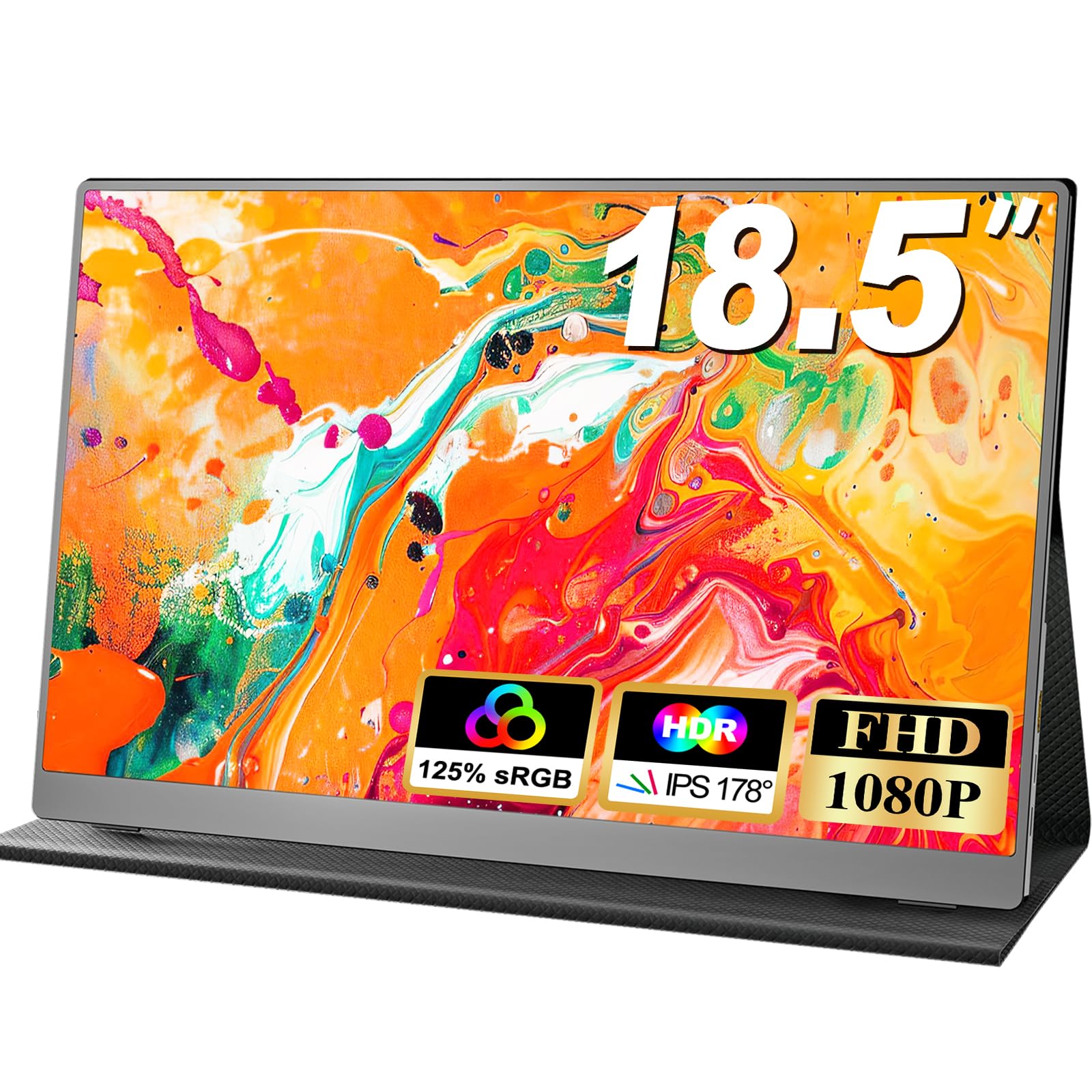
6. Usparkle 18.5 Inch Portable Monitor
A 400-nit panel at 2.31 pounds that fits a tote bag.
The Usparkle leads this list on brightness — 400 nits (the unit for screen luminance) is the highest among these picks, which means you can actually see it in a sunlit café or near a window. It pairs that with a 120Hz refresh rate and 125% sRGB color, so it pulls double duty as both a work screen and a gaming display. At 2.31 pounds and 0.23 inches slim, owners say it slips into a tote bag right alongside their laptop.
What wins people over is the portability — the most-praised aspect with the highest count in this product’s data — and the picture quality that owners compare to their gaming PC display. The dual USB-C ports and HDMI connect to laptops, tablets, phones, and consoles like PS3/4/5 and Xbox, with Thunderbolt 3/4/5 support for single-cable power and display. The smart cover doubles as a durable stand and protective case, and the 75x75mm VESA mount adds desk flexibility.
The one thing to know: the highest praise comes with a note that maximum brightness may require a second power source. One owner flagged that it “seems for maximum brightness, it requires additional power source,” so plan for that if you want the full 400 nits. The included two USB-C-to-USB-C cables are a genuine convenience, and the built-in speakers are decent for the size.
The Portability Wins
- 400 nits is the brightest panel in this roundup
- 2.31 pounds with a smart cover that doubles as a stand
- Thunderbolt 3/4/5 single-cable support
- Two full-featured USB-C cables included
Planning Ahead
- Full 400-nit brightness may need a separate power source
- Built-in speakers are adequate, not room-filling
Who it suits best: Remote workers who want the brightest possible screen that still fits in a tote bag with their laptop.
The trade-off: Expect to keep a charger handy if you want every nit of that 400-nit brightness in daylight.
7. HGFRTEE 18.5 Inch Portable Monitor

A responsive touchscreen that turns your second display into a tablet.
For anyone who wants to tap, swipe, and drag directly on their external display, the HGFRTEE is the one. The touch sensitivity is the most-praised aspect here — owners single it out as working well, and one notes it is “lightweight and perfect for my computer size.” The 18.5-inch 1080p IPS panel runs at a 100Hz refresh rate with 120% sRGB and a 400-nit brightness, which is genuinely high for a portable panel. The 8-bit color depth (16.7 million colors) keeps gradients smooth in photo work.
It connects with two full-featured Type-C ports and one HDMI port, and reviewers point out Samsung Dex (the phone-to-desktop mode) works out-of-the-box with a single USB-C cable carrying both display and touch. The lightweight PU stand adjusts to your ideal angle, and the blue-light filter plus flicker-free tech makes long sessions easier on the eyes. It is built for travelers, students, and engineers who want interactivity on the go.
The honest note: power requirements get mixed feedback — one buyer found the USB-C jack must be connected for power, so this is not always a one-cable setup. The compatibility claim is not universal either: one owner found it does not work with iPad or iPhone despite claims, and it needs a separate PD adapter for full function. If your laptop supports USB-C DisplayPort Alt Mode, this is a great interactive panel; verify before buying if you use an Apple tablet.
The Touch Advantage
- Responsive touchscreen praised across owners
- 400 nits brightness with 100Hz refresh
- Samsung Dex works out-of-box via single USB-C
- Flicker-free with blue-light filter
The Compatibility Check
- Power requirements vary — some setups need a separate adapter
- iPad and iPhone support is not reliable
Reach for this if: You want a touchscreen second display for interactive work, and your laptop has modern USB-C video output.
Look elsewhere if: You rely on iPad support or want a guaranteed single-cable power solution.
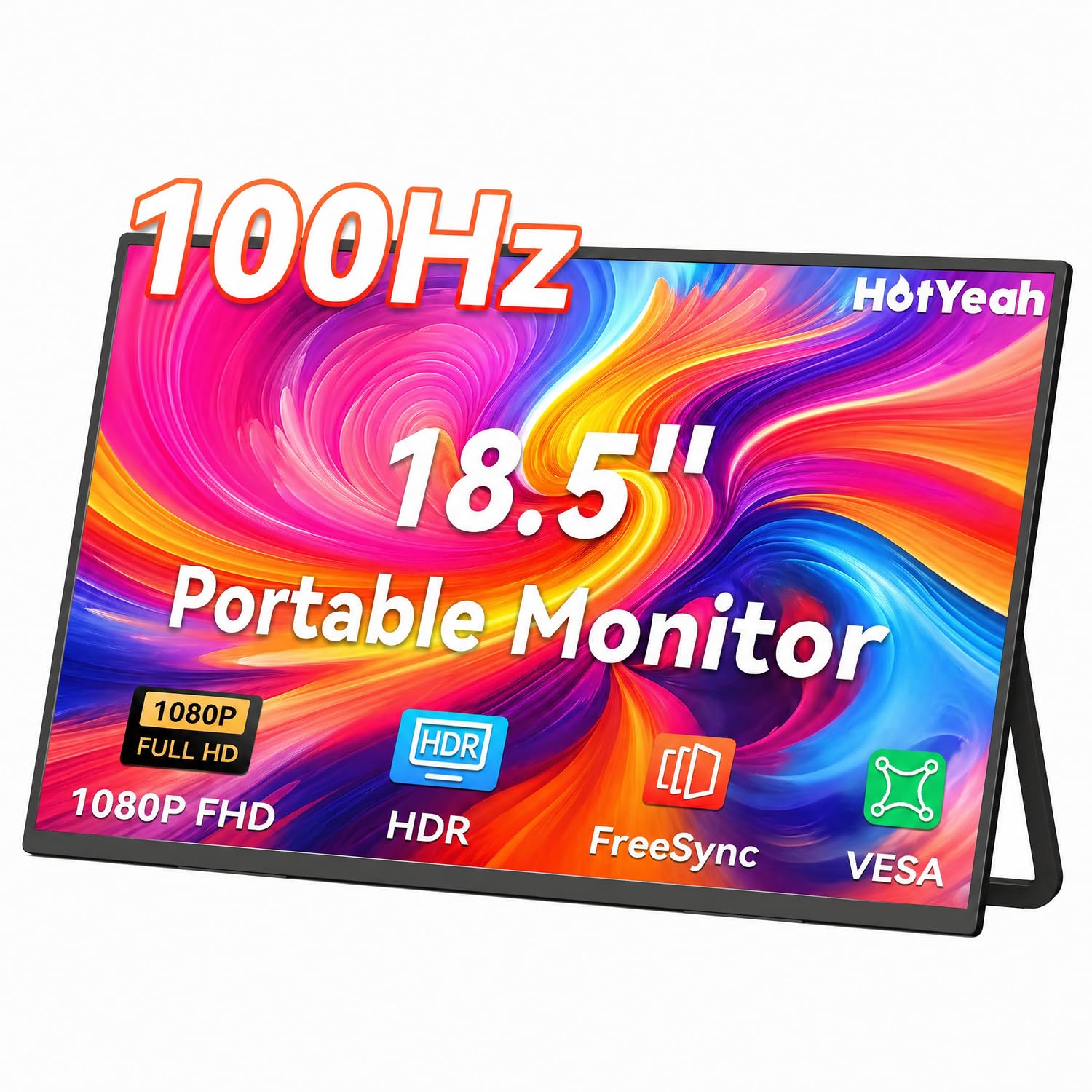
8. HotYeah 18.5 Inch Portable Monitor
A 0.28-inch thin panel with a durable metal stand for travel.
The HotYeah is the compact traveler’s dream: 2.36 pounds, 0.28 inches thin, and a U-shaped metal kickstand that is anti-slip, anti-drop, scratch-resistant, and water-resistant. The 1080p IPS panel runs at 100Hz with a 125% sRGB gamut and an anti-glare matte finish, so it is comfortable for long work sessions without the glare bouncing off a glossy screen. The 178° viewing angle keeps the picture accurate from any seat.
What wins owners over is the screen quality — the top-praised aspect at 53 mentions — and the connectivity, which is the second-most-discussed positive. It connects through two full-featured USB-C ports and one HDMI, working with laptops, phones, tablets, Switch, PS5/PS4, Xbox, and even Wii. The auto-rotate feature switches between landscape and portrait without touching your device settings, ideal for coding or long documents. Check pricing and current availability on Amazon for the latest details.
The honest trade-off: reliability is genuinely mixed — the highest-count aspect in the data is reliability at 78 mentions, split between owners who report it works perfectly and some who say it stopped working. A 1-year warranty with 24/7 online support backs it up, but the intermittent reports are worth knowing. One owner noted the tight protective cover risks corner damage when removed, so handle it with care.
The Travel Build
- 2.36 pounds and 0.28 inches thin
- Metal kickstand adjusts to 180°
- Auto-rotate between landscape and portrait
- Anti-glare matte screen reduces eye strain
The Mixed Reports
- Reliability is split — some shoppers say failures
- Tight protective cover can risk corner damage
Who it suits: Travelers who want the most protective metal stand and a thin profile that slips into any backpack.
The honest caution: The mixed reliability reports mean the 1-year warranty is worth registering — treat the cover gently.
9. Ingnok 18.5 Inch Portable Monitor
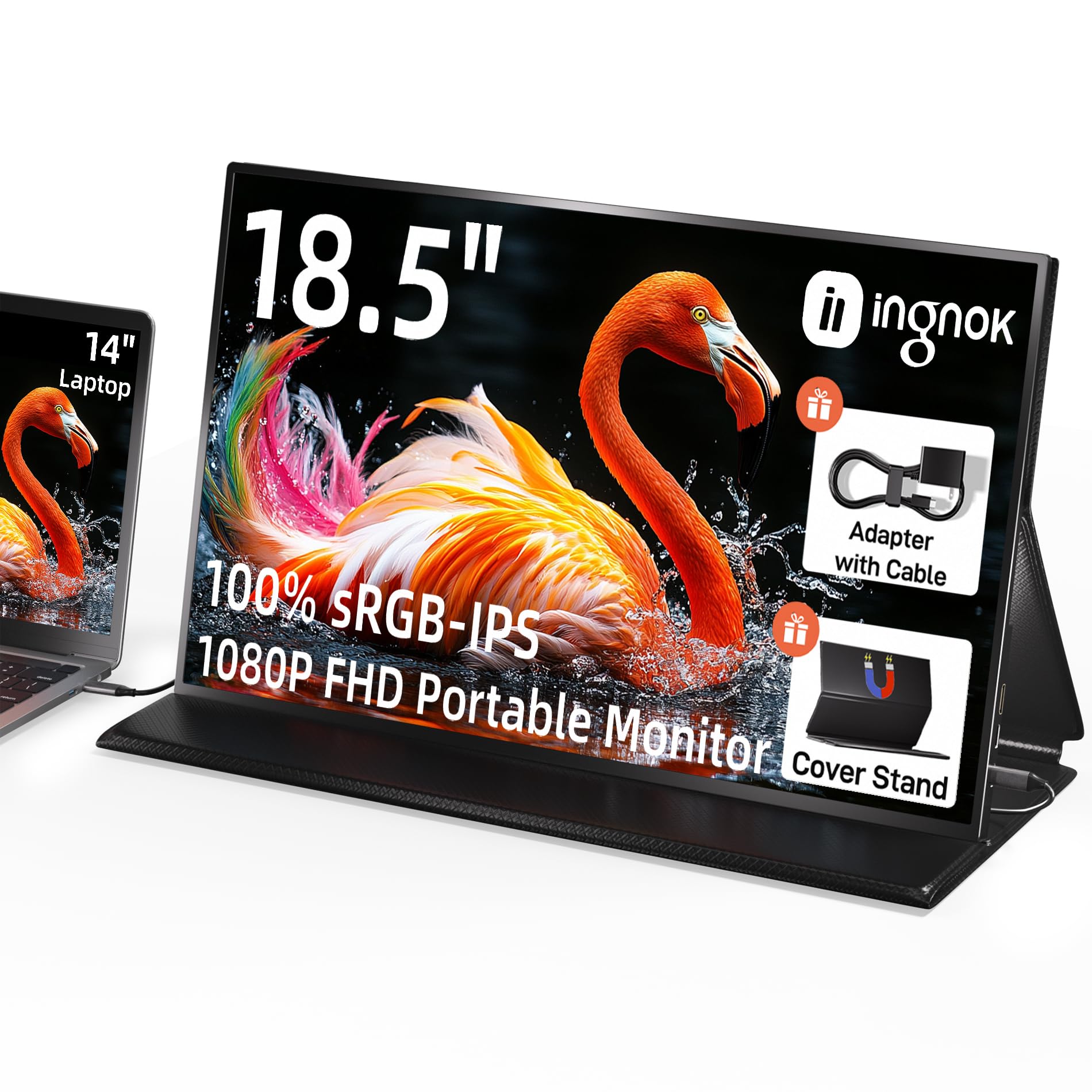
An 8-bit color-accurate panel for work where color has to be right
For photo editors and designers, the Ingnok is built around one promise: 100% sRGB color accuracy with 8-bit color depth (16.7 million colors), so what you see is what you get in your final export. The 18.5-inch 1080p IPS screen weighs 2.51 pounds and measures 0.33 inches at its thinnest point, fitting in a suitcase for travel. It is the most-reviewed product here with a strong reputation among owners.
What wins people over is the screen quality — the most-praised aspect by an enormous margin at 150 mentions — and the portability that lets owners carry it in a backpack alongside a Surface Pro. It connects with dual USB-C ports and a Mini HDMI port, working with MacBooks, laptops, PCs, Xbox, and PS5. If your device supports Thunderbolt 3/4 or a full-featured USB-C port, one cable is all it takes. The smart cover doubles as a stand, and the 75x75mm VESA holes allow wall or desk mounting.
The honest caveats: brightness is mixed in owner feedback — one buyer found it dim at default settings and had to adjust, and the 300-nit panel washes out in direct light. The built-in speakers are weak, so plan for external audio. One owner noted settings reset on power-off, so you may re-adjust brightness each session. This is the pick for accuracy over brightness — a trade-off most creatives will accept happily.
The Creative Credentials
- 100% sRGB with 8-bit, 16.7 million colors
- Screen quality praised by the most owners in this roundup
- Survived 12 flights in a backpack without issue
- Dual USB-C and Mini HDMI connectivity
The Creative Trade-Offs
- 300-nit brightness washes out in direct light
- Settings reset on power-off; weak built-in speakers
Who should pick this: You edit photos or design and need reliable color accuracy in a panel that survives real travel.
The single caveat: If you work in bright sunlight, the 300-nit panel will leave you hunting for shade.
10. InnoView 18.5 Inch Portable Monitor

A big 18.5-inch screen with the most flexible mounting of any pick
The InnoView is the budget king for one simple reason: it gives you 18.5 inches of 1080p IPS screen at 100Hz with three mounting options — the included stand, a wall mount, or a 75x75mm VESA bracket. The 120% sRGB gamut and 16.7 million colors make images vivid, and the 0.22-inch minimum thickness keeps it bag-friendly despite the 3.3-pound weight. Buyers report it offers roughly twice the viewing area of a 17-inch laptop screen.
What wins people over is the portability — the most-praised aspect at 92 mentions — and the display quality that one owner says stands out even next to a 4K panel. Setup is genuinely fast: one owner reported a 5-second USB-C connection. It works with MacBook, Surface, laptops, PCs, Xbox, Switch, and PS5 through two USB-C ports and one HDMI, with FreeSync for tear-free gaming. The 30-day return and 18-month repair warranty adds some security.
The honest trade-off: power is the recurring puzzle. The buyer’s note is clear — if the screen flickers, your device is not outputting enough power, and you need to power the monitor separately with 20W or more. Single USB-C caps brightness at 43% in some setups, so a second cable open up the full panel. The built-in speakers are weak, and connectivity receives mixed feedback. For the price, it is a solid big-screen value if you understand the power requirement.
The Big-Screen Value
- Three mounting options: stand, wall, or VESA bracket
- 18-month repair warranty included
- Roughly twice the area of a 17-inch laptop screen
- FreeSync for smooth, tear-free gaming
The Power Puzzle
- Flickers if your device output is under 20W
- Full brightness needs a second cable in some setups
- Weak built-in speakers
Who it beats: You want the most screen real estate and mounting flexibility for the least money — this is the value leader.
Who it does not: If you expect a flawless plug-and-play single-cable experience, the power quirk will test your patience. Plan for a separate power source.
Understanding the Specs
Refresh Rate (Hz)
Refresh rate is how many times per second the screen redraws the image, measured in hertz (Hz). A 60Hz display is standard, but 100Hz and 120Hz panels show more frames per second, which makes scrolling feel smoother and gaming look more fluid. For shooters and racing games, 120Hz is the difference between tracking a target cleanly or seeing motion blur.
Brightness (Nits / cd/m²)
Brightness is measured in nits, also written as candela per square meter (cd/m²). A 300-nit panel is fine for indoor use, but 350 to 400 nits is noticeably better near a window or in daylight. Higher brightness also helps HDR content look more dramatic, with brighter highlights and deeper shadows.
Color Gamut (sRGB)
Color gamut is the range of colors a screen can display. Higher figures like 120% or 125% sRGB cover a wider, more saturated color space, which matters for photo editing and design work where color accuracy is critical.
Connectivity (USB-C and HDMI)
Most portable monitors use USB-C and HDMI. A full-featured USB-C port can carry video, power, and data through one cable, but only if your laptop supports Thunderbolt 3/4 or USB 3.1 with DisplayPort Alt Mode. If not, you will use HDMI for video plus a separate USB-C cable for power. Always check your laptop’s port capabilities before buying.
FAQ
Will an 18-inch portable monitor work with my MacBook over a single USB-C cable?
What is the difference between 100Hz and 120Hz on a portable monitor?
Will an 18.5-inch monitor fit in my laptop backpack?
Does an 18-inch portable monitor need its own power source?
What does 120% sRGB mean for photo editing?
Can I use an 18-inch portable monitor with my gaming console?
What is the ideal brightness for a portable monitor?
Does a portable monitor with a touchscreen work with all laptops?
What is the difference between IPS and LCD panels in portable monitors?
How much does an 18-inch portable monitor weigh?
Final Thoughts: The Verdict
For the majority of shoppers, the 18 inch portable monitor winner is the Newsoul PM185 because it delivers a true 120Hz refresh rate, 350-nit brightness, and a protective case at a price that makes it the crowd favorite. If you want the fastest response for competitive gaming, grab the EVICIV with its 1ms response time. And for a bright, travel-friendly screen with a 2-year warranty, the Cocopar is the one to reach for.
How We Picked
We do not accept paid placement. Every pick is matched to a real buyer and a real use-case; we do not hands-on test units.
Sources & Methodology
Specifications: manufacturer listings and product documentation. Review insights: verified customer reviews, as of September 2026. Pricing: not shown on this page (it changes often); check the current price via the retailer link.
As an Amazon Associate, Gadgets Feed earns from qualifying purchases. This does not affect which products we feature.