
A 32-inch panel at 1080p delivers one thing a smaller screen can’t: massive, immersive real estate without forcing your GPU to render 4K pixels. The trade-off is pixel density — at this size, clarity comes down to panel technology, contrast ratio, and how well the manufacturer handles anti-ghosting and viewing angles. Gamers want high refresh rates; office users want consistent brightness and eye comfort. The wrong pick leaves you with a washed-out, blurry mess. The right one feels like a cockpit.
I’m Min — the co-founder and writer behind Gadgets Feed. I’ve spent countless hours sifting through technical datasheets and cross-referencing real user reports to find which 32-inch 1080p monitors actually deliver on their specs without hidden compromises.
Whether you need blistering motion clarity for competitive titles or a loyal workhorse for spreadsheets and security feeds, this guide ranks the best options currently available. Read on for the definitive breakdown of the 32 inch 1080p monitor market.
How To Choose The Best 32 Inch 1080P Monitor
At 32 inches, pixel density sits around 69 PPI — lower than a 24-inch 1080p panel. That makes panel quality and contrast far more important than resolution alone. The following factors separate a usable screen from a regretful purchase.
Panel Technology: VA vs. IPS vs. TN
VA panels dominate this category because they deliver native contrast ratios between 3000:1 and 4000:1 — deep blacks and punchy colors that make 1080p content look vibrant. IPS panels offer wider viewing angles but typically produce washed-out blacks at this size and resolution. TN panels are rare at 32 inches and should be avoided due to poor color reproduction. Stick with VA for the smoothest 1080p experience.
Refresh Rate and Adaptive Sync
For gaming, 144Hz to 240Hz eliminates motion blur during fast camera pans. Pair that with AMD FreeSync Premium or G-Sync compatibility, and you eliminate screen tearing without the input lag penalty. For office or surveillance use, 60Hz to 100Hz is perfectly adequate and keeps power consumption lower. Pick your Hz based on your primary use case, not marketing hype.
Curvature and Ergonomics
A 1500R or 1800R curve wraps the display edges toward your natural field of view, reducing eye strain during long sessions and improving perceived contrast at the periphery. Flat panels at 32 inches produce noticeable color shift at the edges. Also check for VESA 100x100mm mounting support and tilt adjustment — poor ergonomics cause neck fatigue you won’t notice until week two.
Quick Comparison
On smaller screens, swipe sideways to see the full table.
| Model | Category | Best For | Key Spec | Amazon |
|---|---|---|---|---|
| Acer Nitro EDA320Q | Gaming | High-refresh competitive play | 180Hz, 1ms VRB, 1500R VA | Amazon |
| Sceptre C325B-FWD240 | Gaming | Ultra-high 240Hz refresh | 240Hz, 1ms, 1500R, Speakers | Amazon |
| ZZA 32 Curved | Gaming | Highest frame-rate headroom | 240Hz, 1ms GTG, 1500R, HDR600 | Amazon |
| KTC 32 HVA Curved | Gaming/Work | Balanced color accuracy and speed | 165Hz, 122% sRGB, 350 cd/m² | Amazon |
| CRUA 32 Curved | Gaming | Entry-level high refresh | 200Hz, 1800R VA, 120% sRGB | Amazon |
| Gawfolk 32 Curved | Budget Gaming | Cost-conscious 180Hz gaming | 180Hz, 1800R VA, 4000:1 contrast | Amazon |
| LG 32MR50C-B | Office/Casual | Reliable daily driver with eye care | 100Hz, VA, AMD FreeSync | Amazon |
| Real HD LED-32A | Security/Surveillance | 24/7 CCTV monitoring | 60Hz, BNC input, 4000:1 contrast | Amazon |
In‑Depth Reviews
1. Acer Nitro EDA320Q PBIIPX

The Acer Nitro EDA320Q combines a 1500R VA panel with a 180Hz refresh rate and 1ms VRB response time — a combination that directly addresses the main weakness of 1080p at 32 inches: motion blur. The 100,000,000:1 dynamic contrast ratio makes dark scenes in games and movies look dimensional rather than flat. FreeSync Premium certification ensures tear-free gameplay across a wide frame-rate window without the input latency spikes you get with standard FreeSync.
Input flexibility is solid with one DisplayPort 1.2 and two HDMI 1.4 ports, plus VESA 100x100mm mounting. The Zero-Frame design minimizes bezel distraction, and the tilt range of -5° to 20° offers enough adjustment to reduce neck strain. The pixel pitch of 0.364mm is typical for this size class, but Acer’s panel binning keeps uniformity higher than many budget VA alternatives.
Where the EDA320Q truly earns the top spot is consistency: user reports indicate minimal ghosting out of the box, reliable FreeSync operation, and no widespread defect patterns. The lack of built-in speakers is a minor omission — most gamers and office users will prefer external audio anyway. This is the most complete 32-inch 1080p gaming monitor at its price tier.
Why it’s great
- 180Hz with FreeSync Premium for silky motion
- 1500R curvature improves peripheral contrast
- Multiple video inputs and VESA mount support
Good to know
- No built-in speakers
- 1080p resolution at 32 inches has visible pixels from close range
2. Sceptre C325B-FWD240

The Sceptre C325B-FWD240 pushes the category ceiling with a native 240Hz refresh rate that can overclock higher via DisplayPort, making it one of the fastest 32-inch 1080p panels available. The 1500R VA curve and 110% sRGB coverage deliver vivid colors without the washed-out look that plagues lower-end 1080p panels at this size. FreeSync Premium is included, so even at 240fps you get tear-free output.
Sceptre built in a pair of speakers that deliver passable audio for casual gameplay and video — a rare inclusion at this price point that saves desk space. The ports include dual DisplayPort and HDMI, both capable of 240Hz output. The bezel design is understated, and the flicker-free backlight with blue light filter makes extended sessions more comfortable.
The only area of concern is long-term reliability: a small number of units have reported color degradation after several months. That said, the majority of buyers report zero issues and praise the motion clarity for fast-paced shooters and racing sims. If you need 240Hz on a 32-inch 1080p screen and want onboard audio, this is the monitor.
Why it’s great
- 240Hz base refresh with overclock capability
- Built-in speakers for clutter-free setup
- FreeSync Premium for tear-free high-frame gaming
Good to know
- Some units report color shift after extended use
- Stand only offers tilt adjustment
3. ZZA 32 Inch Curved Gaming Monitor 240Hz
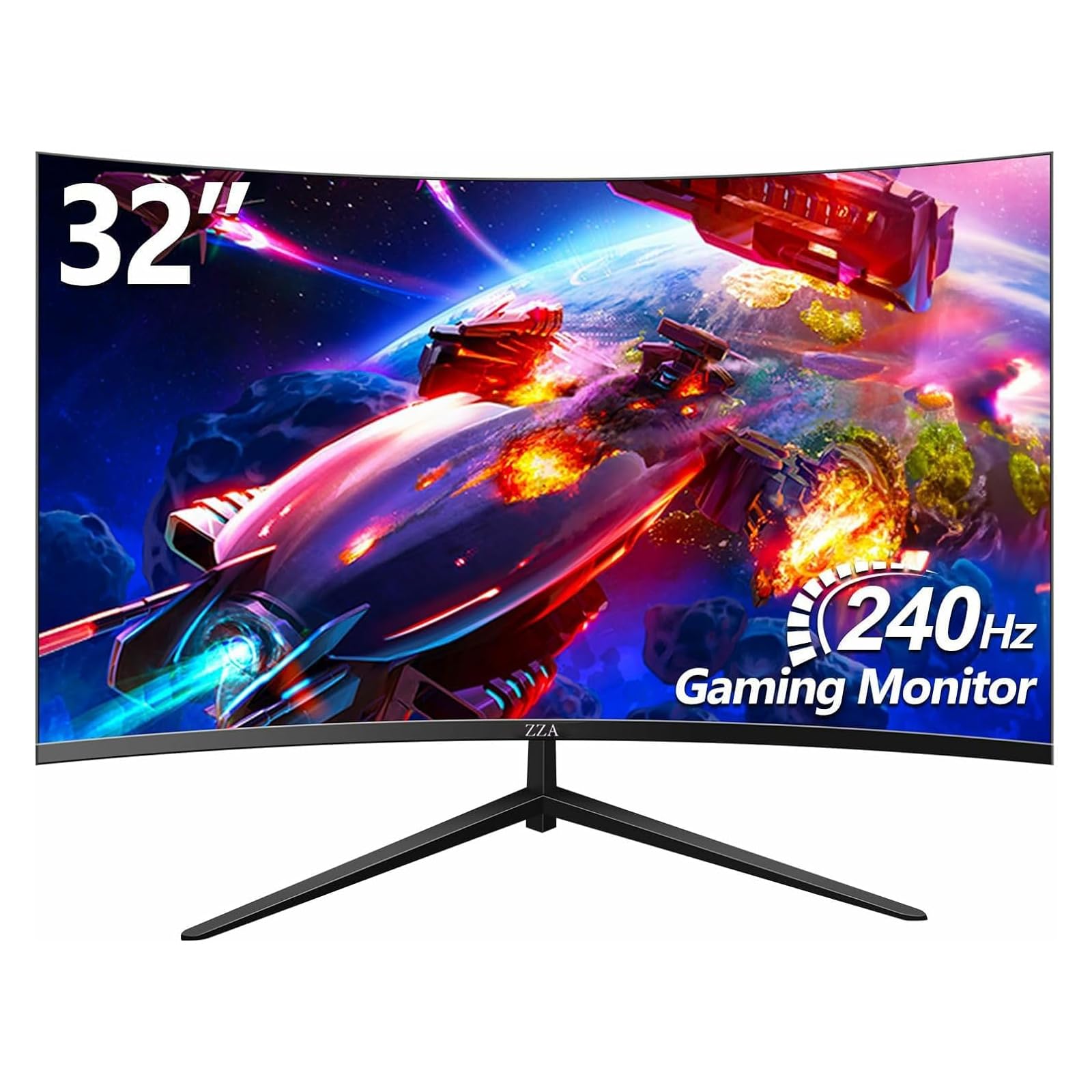
The ZZA 32 Curved Gaming Monitor packs a 240Hz refresh rate with a 1ms GTG response time and HDR600 certification — specifications that normally cost significantly more. The 1500R VA panel delivers a 4000:1 static contrast ratio, which gives HDR content real depth rather than the fake brightness boost you see on budget HDR monitors. The 122% sRGB gamut coverage is wide enough for color-sensitive work.
The frameless design makes multi-monitor setups nearly seamless, and both FreeSync and G-Sync compatibility are advertised. The integrated LED ambient lighting at the back adds a subtle glow that reduces eye strain in dark rooms. The stand is stable and the VESA mount supports standard 100x100mm arms.
The main caveat is that some units ship with non-functional DP ports or HDR that the PS5 doesn’t recognize. These appear to be batch-related rather than a design flaw, but it’s worth testing immediately upon arrival. For the price, the combination of 240Hz, HDR600, and wide color gamut is hard to match.
Why it’s great
- 240Hz 1ms GTG for competitive gaming
- HDR600 with 4000:1 static contrast
- 122% sRGB and ambient LED backlight
Good to know
- Occasional QC issues with DP port functionality
- HDR compliance varies by console
4. KTC 32 Inch FHD 1080p Curved Gaming Monitor

KTC’s 32-inch monitor uses a 1500R HVA (High Vertical Alignment) panel that pushes brightness to 350 cd/m² — noticeably brighter than the 250 cd/m² standard of most budget VA panels. The 122% sRGB gamut and HDR10 support produce vibrant colors without the blown-out highlights typical of lower-tier HDR panels. The 165Hz refresh rate and 1ms MPRT give it the pace needed for competitive shooters.
Adaptive Sync works with both FreeSync Premium and G-Sync, so you get tear-free motion regardless of GPU brand. The GamePlus features (crosshair overlay, black equalizer, and timer) are genuinely useful for FPS titles. The stand offers tilt adjustment between -5° and 15°, and VESA mounting is supported.
The main complaint from users is that out-of-box colors appear slightly washed out and require manual calibration for optimal accuracy. Also, some units shipped without the RGB accent ring shown in marketing, so check the box contents. That said, once calibrated, this is the most color-accurate 32-inch 1080p panel at this price point.
Why it’s great
- 350 cd/m² brightness for HDR content
- FreeSync Premium and G-Sync compatible
- 122% sRGB for color-critical work
Good to know
- Requires manual calibration out of the box
- Aesthetic RGB ring may not be included
5. CRUA 32Inch Curved Gaming Monitor

The CRUA 32Inch Curved Gaming Monitor offers a native 200Hz refresh rate with 1ms GTG response, which is impressive for a monitor at this tier. The 1800R VA panel provides a 120% sRGB gamut and 4000:1 static contrast ratio. The FreeSync support eliminates tearing, and the 178° viewing angles ensure that colors don’t shift drastically when viewed from the side — useful for co-op gaming.
Connectivity includes one HDMI port that supports up to 120Hz and one DisplayPort that supports the full 200Hz. The 3.5mm audio output lets you plug in headphones directly. The stand includes tilt adjustment from -5° to 15°, and VESA mounting is supported. The design is noticeably thin, making it a clean fit on any desk.
The main trade-off is that some users find the menu system confusing without a remote, and the stand assembly can be tricky for larger hands. A few buyers also noted the lack of built-in speakers despite speaker grille-like slots on the rear. However, for pure gaming performance at this price, the 200Hz native refresh provides real motion clarity improvements over 144Hz panels.
Why it’s great
- Native 200Hz at a budget-friendly price
- 1800R curvature with 4000:1 contrast
- Lightweight and easy to wall-mount
Good to know
- No built-in speakers despite grille design
- OSD menu can be confusing to navigate
6. Gawfolk 32 inch Gaming Monitor
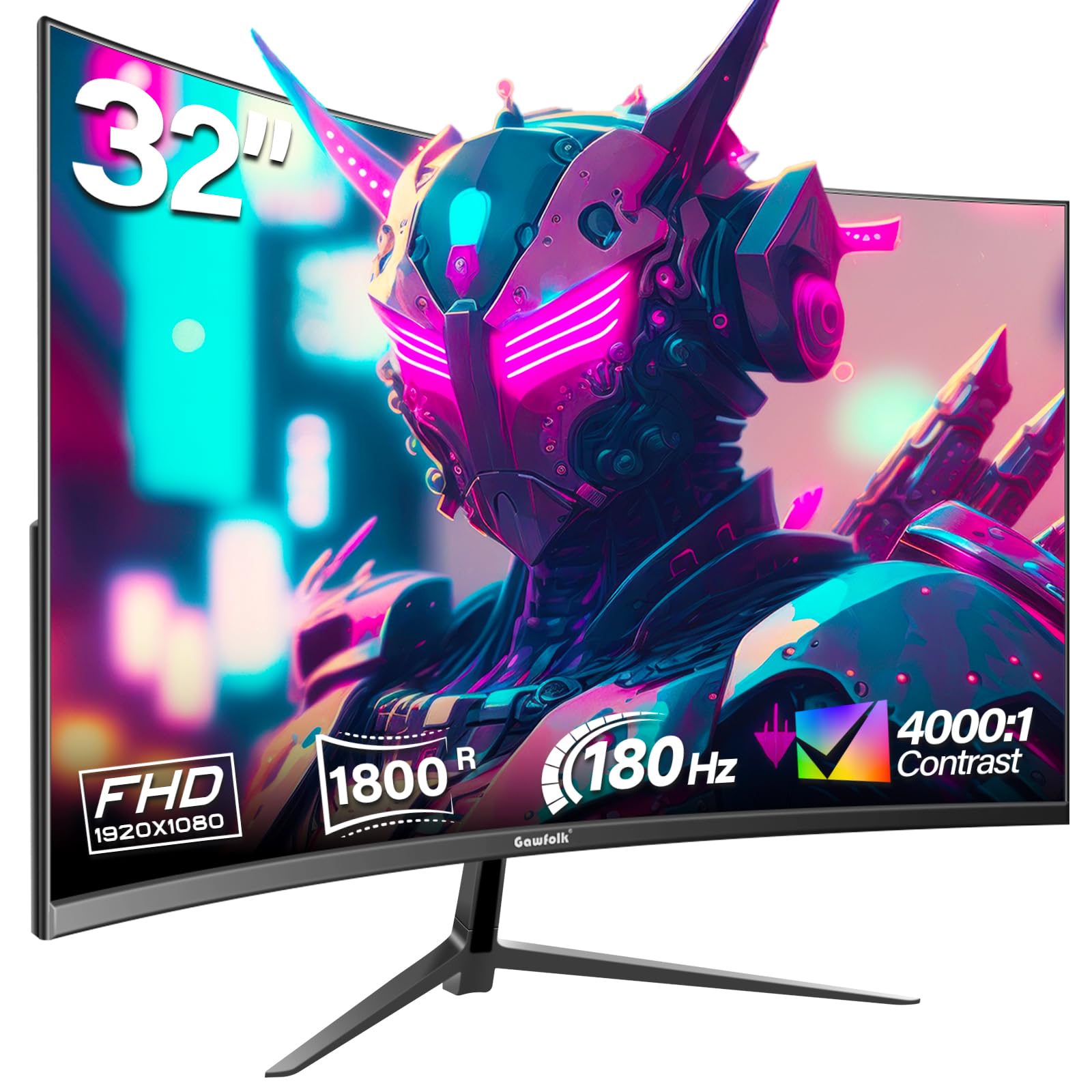
The Gawfolk 32 inch Gaming Monitor delivers a 180Hz refresh rate on an 1800R VA panel with a 4000:1 contrast ratio and 99% sRGB coverage. For under , this combination gives you smooth motion and deep blacks that make games feel more immersive. The FreeSync support handles tear-free gameplay, and flicker-free backlight reduces eye fatigue.
The included DP cable supports up to 180Hz, while HDMI is capped at 144Hz. The stand offers tilt adjustment, and VESA mounting is supported. The monitor includes blue light filter modes that are effective for late-night sessions. The semi-matte finish on the panel reduces glare in brightly lit rooms.
The most common issue reported is random screen cut-outs lasting 1-4 seconds during gaming, which some users solved by replacing the included cables. A smaller number of units exhibited ghosting after the panel warmed up. At this price, expect occasional QC variation, but the majority of buyers report a solid experience that punches above its cost.
Why it’s great
- 180Hz refresh with 4000:1 VA contrast
- Eye care features for long gaming sessions
- Strong value at entry-level pricing
Good to know
- Some units experience random screen drop-outs
- No built-in speakers
7. LG 32MR50C-B Curved Monitor

LG’s 32MR50C-B focuses on what most users actually need: a 100Hz VA panel with a 3000:1 contrast ratio, AMD FreeSync, and features that prioritize eye comfort over raw speed. The 1500R curve improves readability across a wide spreadsheet or document without the head-turning required on a flat 32-inch panel. Reader Mode reduces blue light for comfortable extended document work.
The on-screen control software lets you split the display and adjust basic settings with a mouse instead of fumbling through OSD buttons. The Black Stabilizer brightens dark scenes in videos without crushing the rest of the image. The stand is ergonomic with tilt adjustment, and the VESA mount is standard.
The 100Hz refresh rate is enough for smooth desktop navigation and casual gaming, though competitive players will want higher. Some users with trifocal glasses reported dizziness from the curved panel — test before committing. For office productivity, media consumption, and light gaming, this LG delivers the most polished experience in the category.
Why it’s great
- 3000:1 VA contrast for rich document/work visuals
- Reader Mode and flicker-free for eye health
- OnScreen Control for easy adjustment
Good to know
- 100Hz ceiling limits competitive gaming
- Curve may cause discomfort for some users
8. Real HD 32 Inch FHD 1080P CCTV Security Monitor
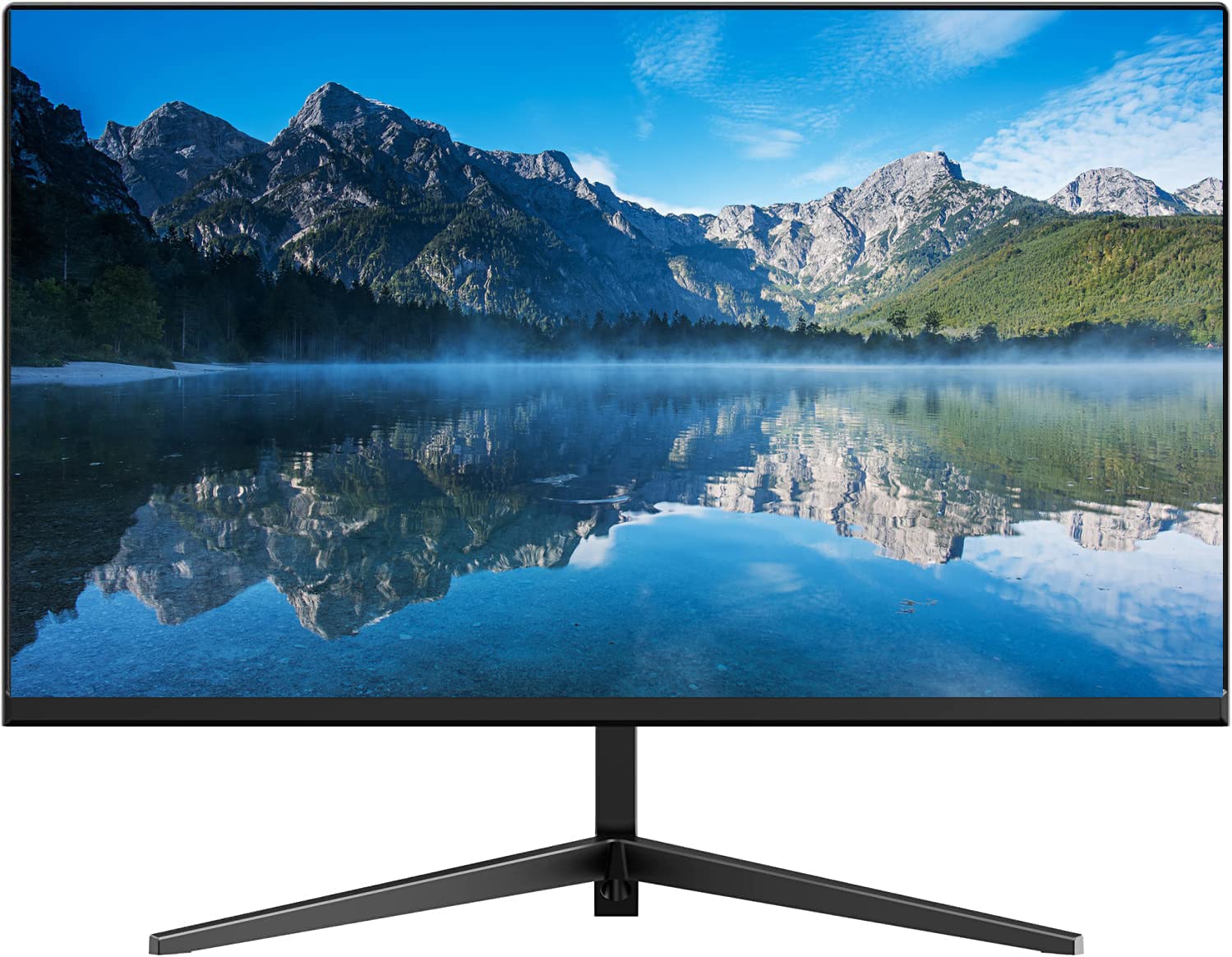
The Real HD LED-32A is purpose-built for 24/7 CCTV monitoring, not general desktop use. It includes dual BNC inputs alongside HDMI and VGA, making it compatible with analog and digital NVR/DVR systems without adapters. The 4000:1 contrast ratio and 16.7 million color support deliver clear, legible surveillance footage with deep blacks that reveal details in dark corners.
The frameless design is only 0.28 inches thick, so it integrates neatly into wall-mounted security racks or command center arrays. The 60Hz refresh rate is standard for surveillance — higher refresh rates add input lag in this context without benefit. It accepts 4K input signals and downscales them, future-proofing for camera upgrades.
This monitor is not designed for gaming or color-critical photo editing. The viewing angles are adequate for a multi-person security desk. If you need a dedicated screen for security camera feeds that runs reliably around the clock, this is the correct tool.
Why it’s great
- BNC inputs for direct CCTV connection
- 24/7 rated for continuous security duty
- Ultra-slim frameless design for rack setups
Good to know
- Not suitable for gaming or design work
- No built-in speakers
FAQ
Is 1080p good enough on a 32-inch monitor?
What refresh rate do I need for a 32-inch 1080p gaming monitor?
Should I choose a curved or flat 32-inch 1080p monitor?
Can I use a 32-inch 1080p monitor for console gaming on PS5 or Xbox Series X?
Final Thoughts: The Verdict
For most users, the 32 inch 1080p monitor winner is the Acer Nitro EDA320Q because it delivers the ideal balance of 180Hz refresh, deep VA contrast, and reliable FreeSync Premium performance without the QC lottery. If you want the fastest possible motion clarity for competitive shooters, grab the Sceptre C325B-FWD240 with its 240Hz panel and built-in speakers. And for a polished, eye-friendly daily driver for work and casual gaming, nothing beats the LG 32MR50C-B.