
Our readers keep the lights on and my morning glass full of iced black tea. As an Amazon Associate, I earn from qualifying purchases.
Specs are compiled from manufacturer listings and verified buyer reviews and can change over time — please confirm the key details on the product page before buying.
You want a 27-inch monitor for your desk, but you don’t want to overspend or end up with a dud. This size is now the balance for spreadsheets, video calls, and side-by-side windows, and you can hit a sensible budget without sacrificing quality. Here are seven specific models that balance sharp images, smooth motion, and practical features for everyday work.
I’m Min — the founder and writer behind Gadgets Feed. This guide is built by comparing the manufacturers’ published specifications and the patterns across verified customer reviews, so you get each pick’s real strengths and trade-offs instead of marketing spin.
The picks here are all sized right for a typical home office setup, giving you a big, clear canvas without demanding a huge footprint or a huge budget. This careful selection of the best 27 inch business monitor under $100 is based strictly on real customer feedback and verified specs.
Our Picks at a Glance

How To Choose The Best 27-Inch Business Monitor For Your Desk
Before you click buy, it helps to know what you are actually paying for. For a 27-inch screen meant for work, the panel type, refresh rate, and available ports do most of the heavy lifting. Once you understand these three basics, comparing models becomes much easier and you are less likely to be swayed by marketing jargon.
Panel Technology: Why IPS Is The Safe Bet
The panel is the screen itself, and its technology dictates how colors look when you are not sitting dead-center. IPS (In-Plane Switching) panels are the standard for office monitors because they keep colors accurate and bright even when you view the screen from an angle. This matters when you are sharing your screen with a colleague or simply leaning back in your chair. Cheaper TN (Twisted Nematic) panels might save a few dollars but can look washed out or shift colors when viewed off-axis.
Refresh Rate: It’s Not Just For Gamers
Refresh rate, measured in Hertz (Hz), tells you how many times the image on the screen updates per second. A standard 60Hz monitor updates 60 times a second, which is fine for typing. A 120Hz monitor doubles that, making the motion of your mouse cursor feel more fluid and reducing eye strain during long periods of editing or scrolling through long documents. It is one of those upgrades you notice immediately, even if you never play a game.
Connectivity: Matching Ports To Your Machine
You need to physically connect your computer to the monitor, so the ports on the back matter. HDMI is the most common and works with nearly any laptop or desktop made in the last decade. DisplayPort is another standard found on many PCs and some monitors, offering similar performance. Before buying, check which connection your current computer actually has. A monitor with both HDMI and VGA offers more flexibility, especially if you are connecting an older machine.
Quick Comparison
| Model | Best For | Screen Resolution | Refresh Rate | Contrast Ratio | Amazon |
|---|---|---|---|---|---|
| Acer SB273 G0bi★ Best Overall | An overall balanced office pick | 1920 x 1080 | 120Hz | 100,000,000:1 | Amazon |
| ArcticPro ADZ27F1Best Value | Budget-friendly color work | 1920 x 1080 | 120Hz | — | Amazon |
| Amazon Basics Monitor | Simple plug-and-play setups | 1920 x 1080 | 120Hz | 1500:1 | Amazon |
| Viewedge Gaming Monitor | Adding a third work screen | 1920 x 1080 | 144Hz | 1500:1 | Amazon |
| KTC H27D9 | Crisper text and more screen space | 2560 x 1440 | 120Hz | 1300:1 | Amazon |
| ViewSonic VS2747-H | Brand-name reliability with a warranty | 1920 x 1080 | 100Hz | 1000:1 | Amazon |
| Samsung S32GF | A sleek, slim screen for a tidy desk | 1920 x 1080 | 120Hz | 1000:1 | Amazon |
In‑Depth Reviews
1. Acer SB273 G0bi
Our pick — over 4.5★ from 300+ verified ratings; the strongest balance of quality and price.
The crowd-pleasing workhorse that pairs a buttery-smooth 120Hz panel with a build quality owners consistently rave about.
Most office screens top out at a basic 60Hz, but the Acer SB273 G0bi punches to 120Hz. That means your cursor glides across the screen with less of that choppy, laggy feel, and scrolling through dense documents is noticeably easier on the eyes. This fluidity is a genuine upgrade for your daily workflow, making it the single biggest reason this screen dominates the best 27-inch monitor conversations.
The picture quality holds up its end too. It is a 1920 x 1080 Full HD IPS (In-Plane Switching) display, so colors stay vivid when you look at it from an angle. Owners note the image is crisp and sharper than they expected for the money. The zero-frame design keeps the bezels slim, which looks clean on a desk and means the screen edge is nearly all picture.
Setting it up is straightforward, and the box includes the HDMI cable you need to get going. The build quality is what wins people over here, and it shows in the rating. One honest note: the ports are limited to HDMI and VGA, and there is no 3.5mm audio jack, so plan to use your computer’s speakers or a separate set.
Why It Leads The List
- Smooth 120Hz refresh rate for fluid everyday use
- Sharp Full HD (1920 x 1080) resolution on an IPS panel
- Slim zero-frame design boost your viewing area
What To Plan Around
- Limited to HDMI and VGA connections
- Lacks a 3.5mm audio jack for speakers
- No height adjustment on the stand
Reach for this if: you want one monitor that does everything well — smooth scrolling, sharp text, and a name you can trust for a daily driver.
A small compromise: the lack of a headphone jack means audio still comes from your computer unless you buy a separate solution.
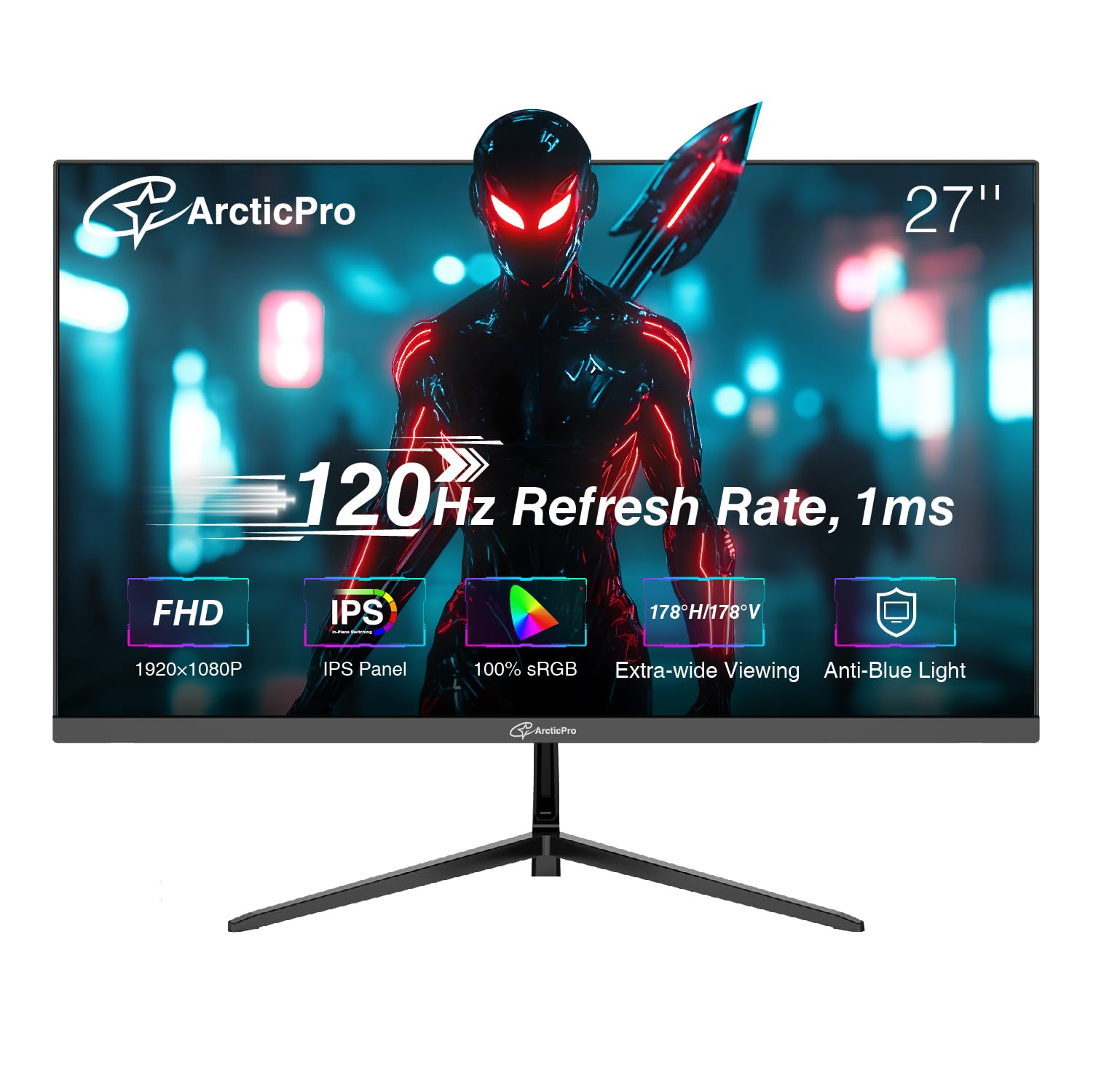
2. ArcticPro 27 Inch Monitor ADZ27F1
A vibrant 1080p IPS screen that delivers surprisingly rich color depth for those watching every dollar.
The first thing people notice about the ArcticPro is not the specs on paper but how the screen actually looks. Buyers describe the image as vibrant and beautiful, with colors that pop well beyond what you expect at this level. That rich look comes from a wide color gamut covering 99% sRGB, which means reds, blues, and greens appear more saturated and true-to-life for photo browsing and design work.
Beyond the color, it runs the same smooth 120Hz refresh rate as more expensive screens, so motion is fluid. It also uses an IPS (In-Plane Switching) panel with 178° viewing angles, meaning you can step to the side and the picture stays consistent. The 3-sided frameless design makes it a good fit if you are building a multi-monitor setup, as the thin bezels keep the gap between screens minimal.
Versatility is the quiet strength here. A 75x75mm VESA (Video Electronics Standards Association) wall mount pattern lets you attach it to an arm or bracket, and it offers tilt adjustment of -5°±2°/15°±2° so you can angle it to reduce glare. If you are outfitting several desks at once, it is an easy screen to recommend.
The Core Appeal: a genuinely vibrant 99% sRGB IPS panel that feels like a steal for the price point.
Who It’s For: budget-conscious buyers who want strong color for mixed work and entertainment without overpaying.
Ideal if: color accuracy and smooth 120Hz motion matter more to you than a big brand name on the bezel.
Look elsewhere if: you require extensive connectivity options beyond the HDMI and VGA inputs provided.
3. Amazon Basics 27-inch Computer Monitor
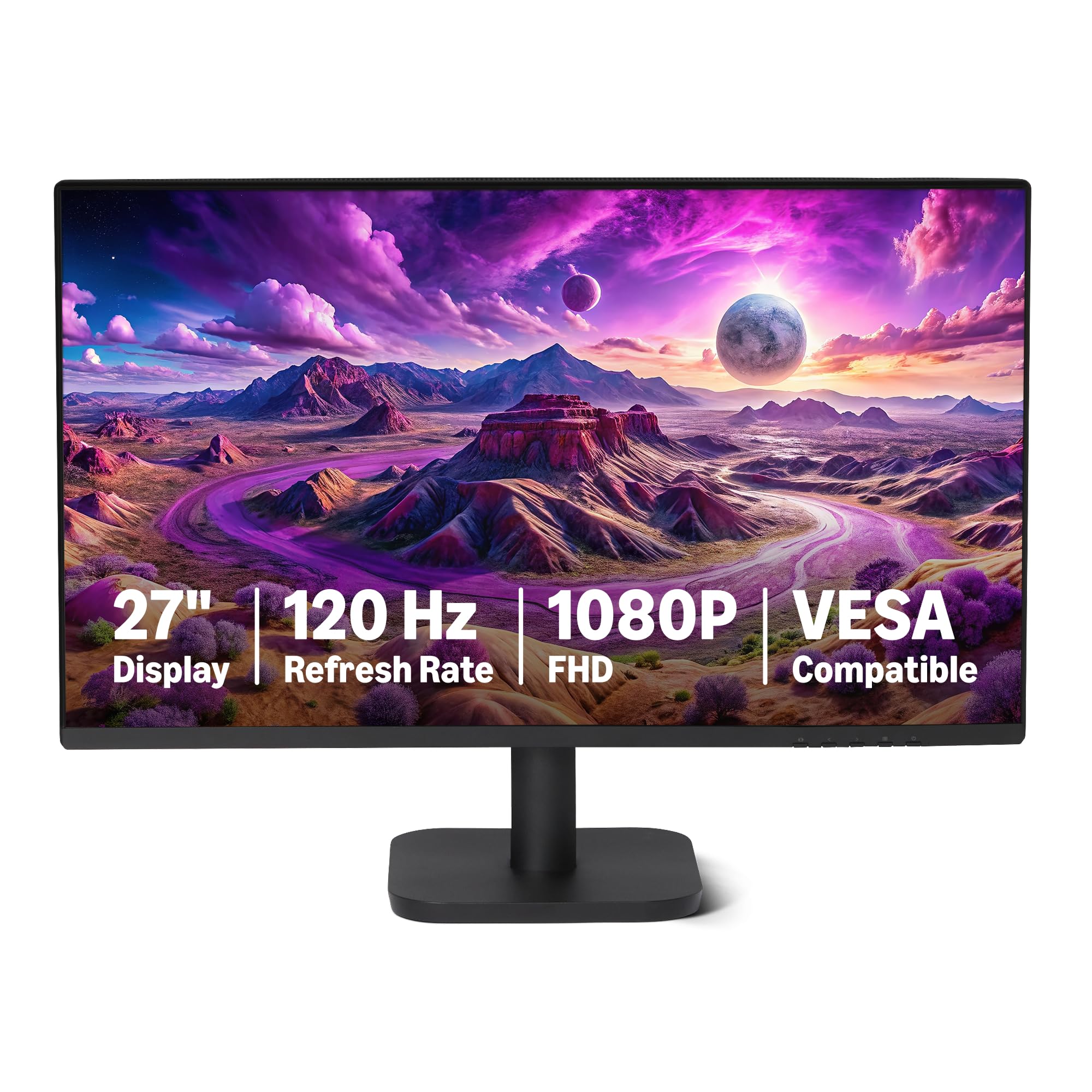
The ultimate plug-and-play screen with a 4-sided slim bezel and a 1500:1 contrast ratio for deeper blacks.
There is something reassuring about a monitor that works the moment you plug it in, and that is exactly the reputation this Amazon Basics model has earned. Buyers report it is “plug and play right from the start,” with no fiddly setup required to get a great picture. That ease of use makes it a fantastic option if you are not interested in tweaking settings and just want your new screen to work.
Picture quality here is anchored by a 1500:1 contrast ratio, which is a higher figure than the standard 1000:1 found on many rivals like the ViewSonic. What that means for you is deeper, richer blacks when watching a movie in a dark room, and more separation between dark and light areas of a spreadsheet. It covers 99% of the sRGB color space as well, so colors appear accurate and clean for general office tasks.
Connectivity is a real strength and a point of difference on this list. It offers both HDMI 1.4 and DisplayPort 1.2 inputs, which gives you flexibility depending on what your computer has. A built-in 3.5mm audio-out port and a pair of 2W speakers mean you can get sound without a separate audio cable running across your desk, though the speakers are modest in output.
Standout Trait: the rare inclusion of both DisplayPort and HDMI alongside built-in speakers makes it the most complete package for a standard office setup.
Balanced View: while some find it a “basic” unit, most appreciate that simplicity for a clean, no-nonsense work screen.
Trust it for: a fuss-free, reliable daily screen that connects to almost any PC or laptop you own.
One thing to know: the 2W speakers are fine for alerts but not for filling a room with music.
4. Viewedge Gaming Monitor 27 Inch
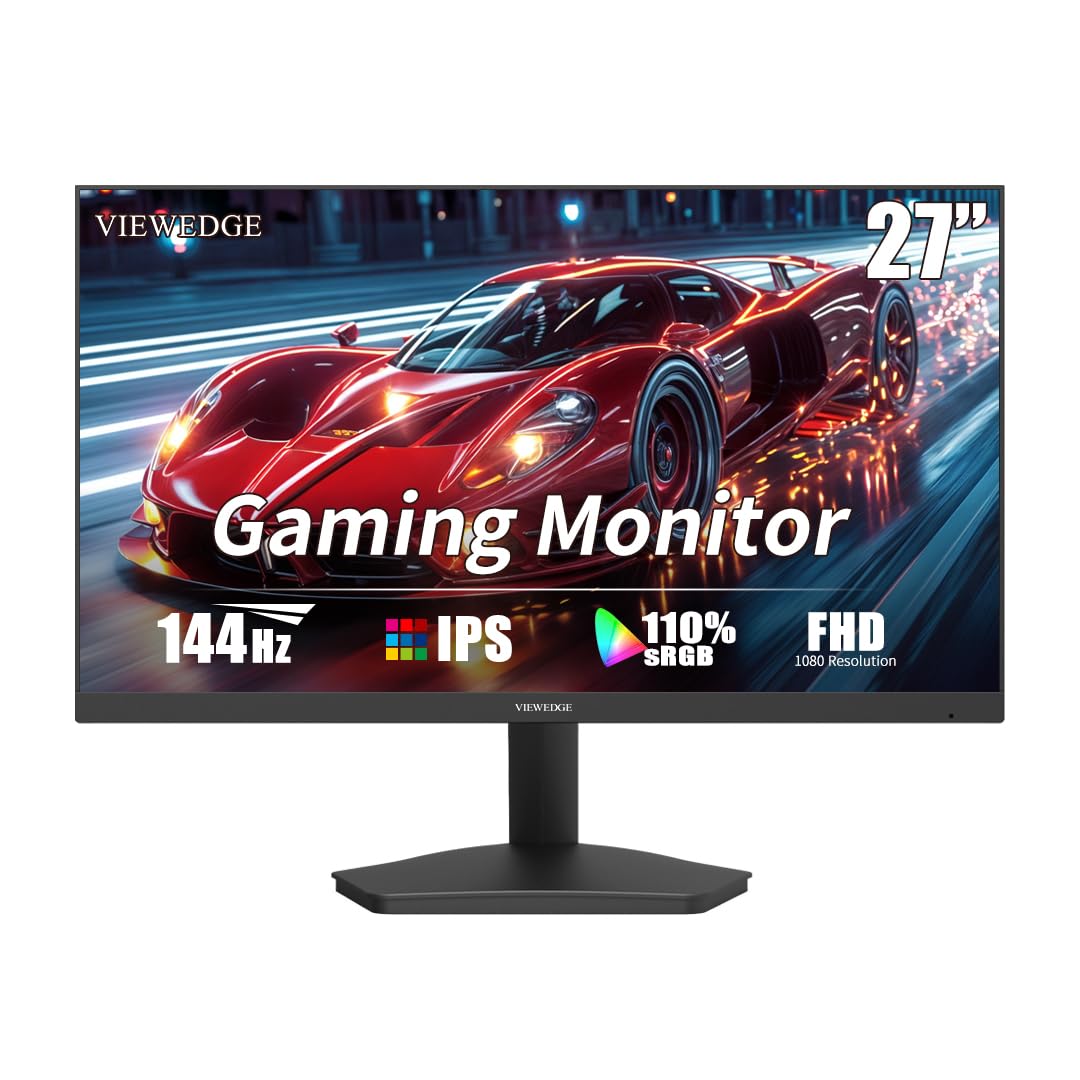
This screen steps past the typical 120Hz crowd with a snappier 144Hz refresh rate that makes every window move feel easy.
This monitor earns its spot with a 144Hz refresh rate (how many times the screen updates per second), the highest on this list. That sounds like a gamer-only feature, but it makes your desktop feel exceptionally responsive. If you notice when a mouse cursor is just a little bit laggy, this pick will feel the most premium in daily use, even if your work never involves a video game.
The panel behind that speed is a quality IPS (In-Plane Switching) unit with a 1920 x 1080 Full HD resolution. It can display 110% of the sRGB color gamut, giving you vivid colors that make photo editing and video watching more enjoyable. Eye protection is built in with flicker-free technology and a blue light filter, which helps if you are staring at spreadsheets for hours on end.
For those upgrading from an old television or a cramped laptop screen, the jump to 27 inches feels massive. The setup process is fast, and it includes everything you need: the monitor, an HDMI cable, a stand, and a power adapter. It is a perfectly capable third screen for work, though note that there is no speaker jack, so you will need separate audio.
The Ace Up Its Sleeve: a 144Hz panel typically found on pricier displays, delivering the smoothest motion of the group.
The Trade-Off: while many units shine, a rare few have arrived with defects, so it is worth checking the screen promptly upon arrival.
Choose it for: the most fluid, responsive desktop experience where the extra speed of 144Hz is genuinely noticeable.
Be aware: without a headphone jack, you will need to rely on your computer or external speakers for sound.
5. KTC H27D9 27 Inch QHD Monitor
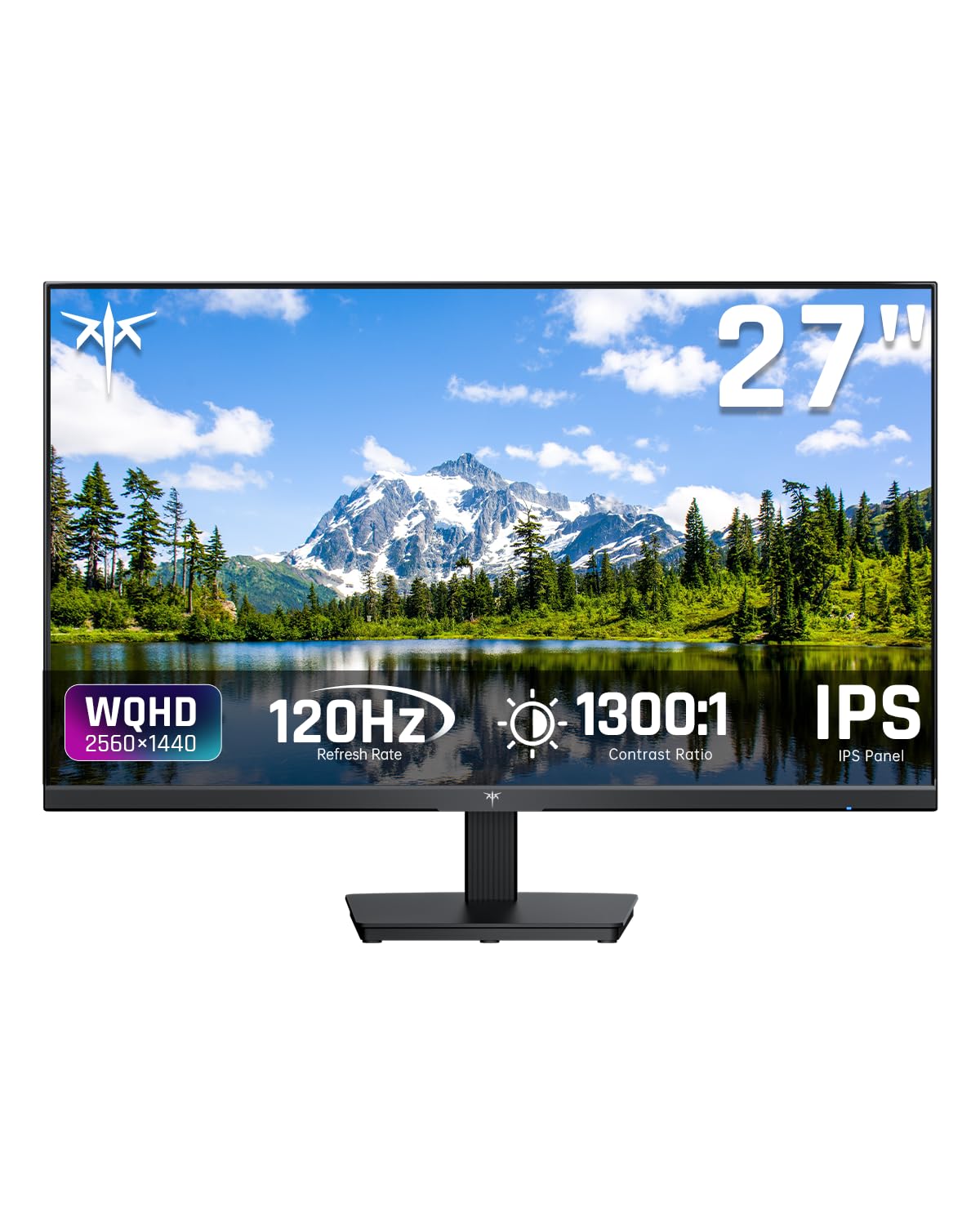
The resolution rebel that gives you 2560 x 1440 pixels, so text looks sharper and you fit more windows on one screen.
Every other monitor on this list runs at 1920 x 1080 Full HD, but the KTC H27D9 steps up to QHD (Quad High Definition) with a resolution of 2560 x 1440. This is the pick for anyone who lives in spreadsheets, code, or design tools. At 27 inches, that extra pixel density makes text look noticeably crisper and gives you significantly more room to arrange windows side-by-side without them feeling cramped.
Under the hood, it combines a fast IPS (In-Plane Switching) panel with a smooth 120Hz refresh rate. The color performance is strong, covering 123% of the sRGB gamut with a brightness of 300 nits and support for HDR 10 (High Dynamic Range) content. Owners consistently praise the display quality and vibrant colors, making it a solid choice for both productivity and entertainment.
Connectivity is future-proofed with two HDMI 2.0 ports and a single DisplayPort 1.4 connection, all capable of hitting the full 120Hz. This flexibility makes it easy to switch between a work laptop and a gaming console. Note that there are no built-in speakers, and while the stand is sturdy, there is no VESA (Video Electronics Standards Association) mount option for an arm.
Its Defining Edge: the jump to 1440p QHD resolution makes it the sharpest text rendering of the bunch.
Configuration Note: the 120Hz mode must be enabled in your system’s display settings after connecting the right cable.
Make this your pick if: you are constantly juggling multiple documents and want the sharpest, most detailed image available in this price range.
Skip this one if: you need to remove the stand and mount the screen to an arm, as it lacks VESA holes.
6. ViewSonic VS2747-H 27 Inch Monitor

You get a frameless 1080p IPS screen (a panel type with wide viewing angles) backed by a 3-year warranty, offering confidence that budget screens rarely match.
There is real value in buying a monitor from a company that has been making displays for decades, and the ViewSonic VS2747-H shows exactly why. It is a 27-inch 1080p (1920 x 1080) IPS monitor that delivers crisp, clear images with consistent color from wide viewing angles. Owners describe the picture quality as excellent and note it is a clear upgrade for aging eyes that need a larger, sharper canvas.
The smart feature here is ViewSonic’s exclusive ViewMode. Instead of digging through menus, you can hit a preset and instantly switch between “Game,” “Movie,” “Web,” “Text,” and “Mono” modes, which tweaks the gamma curve and contrast for whatever you are doing. For a business user, the “Text” mode can make reading documents more comfortable over a long day, while “Web” brightens up browsing.
It is built for comfort with Flicker-Free technology and a Blue Light Filter to reduce eye strain during marathon work sessions. The connectivity covers both HDMI and VGA inputs, which is handy if you are still using an older desktop. The strongest vote of confidence is the industry-leading 3-year limited warranty with access to US-based customer service, a safety net many cheaper monitors lack.
The Security Blanket: a genuine US-backed 3-year warranty is a rarity at this price and speaks to the maker’s confidence.
The One Constant: several buyers have mentioned the quality of the included power cord is a weak point, so handle it with care.
Buy it for the assurance: a trusted brand name, long warranty, and easy setup make this the low-risk choice for a home office.
Think twice if: you need a higher than 100Hz refresh rate for fast-paced action, as this screen tops out there.
7. Samsung 27″ S3 (S32GF) Series Monitor

A super-slim 120Hz IPS panel from a global display leader, blending a modern aesthetic with strong everyday performance.
If the monitor is going to sit in a visible spot, the Samsung S32GF brings the most polished look to your desk. It has a super slim profile with ultra-thin border bezels that give it a sleek, modern appearance. Despite the light, stylish frame, the 27-inch screen delivers bright, clear colors thanks to its IPS (In-Plane Switching) panel, which keeps the image consistent even when you change viewing angles.
Performance keeps pace with a smooth 120Hz refresh rate. Owners mention the picture quality is very good for documents and spreadsheets, with one noting it is an excellent upgrade from a previous 24-inch screen. It is easy on the eyes too, with reduced blue light and screen flicker technology to keep you comfortable during long sessions.
The included long HDMI cable makes setup quick, and the slim design travels well if you need to move it between locations. It is a quality screen for general work, though serious color professionals should note it is better suited for documents than high-precision graphics. Like most on this list, it does not have built-in speakers, so factor in your audio setup.
The Visual Draw: the super-slim chassis and ultra-thin bezels make it look far more expensive than it is.
The Ergonomics Gap: the power button is on the back and requires a firm press, and there is no height adjustment on the stand.
Pick this for: a lightweight, stylish primary screen from a trusted brand that enhances the look of your workspace.
A quick caveat: if you need to raise or lower the screen height, this fixed stand will not let you.
Understanding the Specs
Refresh Rate & Response Time
Refresh rate, measured in Hertz (Hz), is how often your screen redraws the image each second. More is smoother: 120Hz or 144Hz feels fluid for moving your mouse or scrolling, while 60Hz can look choppy. Response time, measured in milliseconds (ms), is how fast a pixel changes color; a faster 1ms time reduces the blur or “ghosting” you might see on fast-moving content.
Color Gamut & Coverage
sRGB (standard Red Green Blue) is a color space that defines a standard range of colors. A monitor covering a high percentage of sRGB, like 99% or more, displays colors that look vibrant, accurate, and close to what the content creator intended. A higher color gamut like 123% sRGB means the monitor can show even more saturated colors than the standard baseline.
FAQ
Is a 1440p QHD monitor better than a 1080p FHD for office work?
Will a 120Hz monitor make a difference if I do not play games?
How do I know if my computer can run a monitor at 120Hz or 144Hz?
What is the difference between HDMI and DisplayPort for a monitor?
What does an IPS panel mean and why should I care?
Is a higher contrast ratio always a better picture?
My monitor has no speakers. What is the simplest way to get sound?
What does it mean to enable 120Hz in my system settings?
Final Thoughts: The Verdict
Most people shopping for a 27 inch business monitor under $100 should start with the Acer SB273 G0bi, because it nails the fundamentals with a smooth 120Hz panel, a sharp 1080p IPS display, and the build quality that earns it the highest satisfaction rating from the largest audience. If you crave the sharpest text for heavy document work, the KTC H27D9 is the standout with its jump to a 2560 x 1440 QHD resolution (four times the pixels of 1080p). And for the smoothest, most responsive desktop feel, the Viewedge ups the ante to a 144Hz refresh rate.
How We Picked
We do not accept paid placement. Every pick is matched to a real buyer and a real use-case; we do not hands-on test units.
Sources & Methodology
Specifications: manufacturer listings and product documentation. Review insights: verified customer reviews, as of September 2026. Pricing: not shown on this page (it changes often); check the current price via the retailer link.
As an Amazon Associate, Gadgets Feed earns from qualifying purchases. This does not affect which products we feature.