
The quest for a gaming laptop under the ceiling is a battlefield of compromises. You are trading raw graphics horsepower for CPU core counts or RAM capacity, and the single most important decision you’ll make is whether that trade leans into an integrated graphics solution or lands a dedicated GPU. A misstep here can lock you out of modern AAA titles entirely, while a smart pick delivers 1080p gaming and excellent productivity for years.
I’m Min — the co-founder and writer behind Gadgets Feed. I’ve spent hundreds of hours parsing benchmark data, cross-referencing real-world frame rates with spec sheets, and studying the power-limit and thermal throttling patterns that separate a usable gaming machine from a frustrating paperweight in this specific budget band.
This guide cuts through the marketing noise to help you find the actual 600 dollar gaming laptop that fits your library and your life without wasting a cent on hype.
How To Choose The Best 600 Dollar Gaming Laptop
The threshold forces a hard choice between the CPU/RAM ceiling and the GPU floor. Your decision hinges on one question: do you need a dedicated graphics card to play modern AAA games, or will powerful integrated graphics and a fast CPU cover your library of esports and older titles? Here’s what actually matters.
The Dedicated GPU vs. Integrated Graphics Tipping Point
At this price, dedicated GPUs like the GTX 1650 or RTX 3050 offer consistent driver support and dedicated VRAM, but they are often paired with an older, slower CPU. On the flip side, modern integrated graphics solutions like the AMD Radeon 680M found in Ryzen 7 7735HS and Ryzen 9 6900HX laptops can match or beat a GTX 1650, while being paired with a faster, more efficient processor. The trade-off is performance consistency over time: dedicated GPUs throttle less under sustained load, while integrated solutions rely on shared system memory and more aggressive power management.
CPU Class: U-Series vs. H-Series in the Budget Zone
An AMD Ryzen 7 5700U (15W TDP) is a capable processor for basic tasks, but its lower power envelope means it will throttle quickly in a sustained gaming session. A Ryzen 5 7535HS (35W TDP) or Intel Core i5-12450H (45W TDP) delivers sustained frame rates because the thermal design allows the chip to stay at its boost clock longer. In this budget bracket, a U-series chip is often a warning sign that the laptop is not built for gaming workloads, regardless of what the product page claims.
RAM Speed and Dual-Channel Configuration
Integrated graphics borrow system RAM, so the difference between single-channel 8GB DDR4 and dual-channel 16GB DDR5 can be a 30-40% swing in gaming frame rates. Even with a dedicated GPU, many budget laptops ship with a single stick of 8GB. Upgrading to 16GB dual-channel is the single most impactful performance boost you can make on a gaming laptop, and you should check whether the RAM is soldered or socketed before buying.
Quick Comparison
On smaller screens, swipe sideways to see the full table.
| Model | Category | Best For | Key Spec | Amazon |
|---|---|---|---|---|
| WVX Ryzen 9 6900HX | Premium Pick | Raw CPU power & integrated graphics performance | AMD Radeon 680M iGPU | Amazon |
| MSI Thin i5-13420H / RTX 3050 | Budget Champion | Best dedicated GPU for the price | RTX 3050 4GB GDDR6 | Amazon |
| HP Victus 15 (Ryzen 5 / RX 6550M) | Best Value | Balanced CPU/GPU combo & 144Hz display | Radeon RX 6550M 4GB | Amazon |
| Acer Nitro V (i5-13420H / RTX 4050) | Premium Pick | Highest frame rates & DLSS 3.5 support | RTX 4050 6GB GDDR6 | Amazon |
| MSI GF63 (i5-10300H / GTX 1650) | Best Value | Entry-level dedicated GPU reliability | GTX 1650 4GB | Amazon |
| HP Victus 15 (i5-12450H / GTX 1650) | Mid-Range | Reliable brand with a dedicated GPU | GTX 1650 4GB | Amazon |
| KAIGERR Ryzen 7 H255 | Best Value | 16-inch IPS display & DDR5 memory | Radeon RX Vega 8 iGPU | Amazon |
| NIMO Ryzen 7 7735HS | Compact Pick | Lightweight 3.8lb build & fast 100W charging | Radeon 680M iGPU | Amazon |
| KAIGERR Ryzen 7 5700U | Entry Level | Budget productivity with light gaming | AMD Radeon Graphics | Amazon |
| Lenovo Ryzen 5 7535HS | Mid-Range | Big brand reliability & support | Radeon 660M Graphics | Amazon |
| ASUS ROG Strix G16 (2025) | Premium Pick | Top-tier performance for future-proof gaming | RTX 5060 8GB GDDR7 | Amazon |
In‑Depth Reviews
1. WVX Ryzen 9 6900HX 16-Inch Gaming Laptop
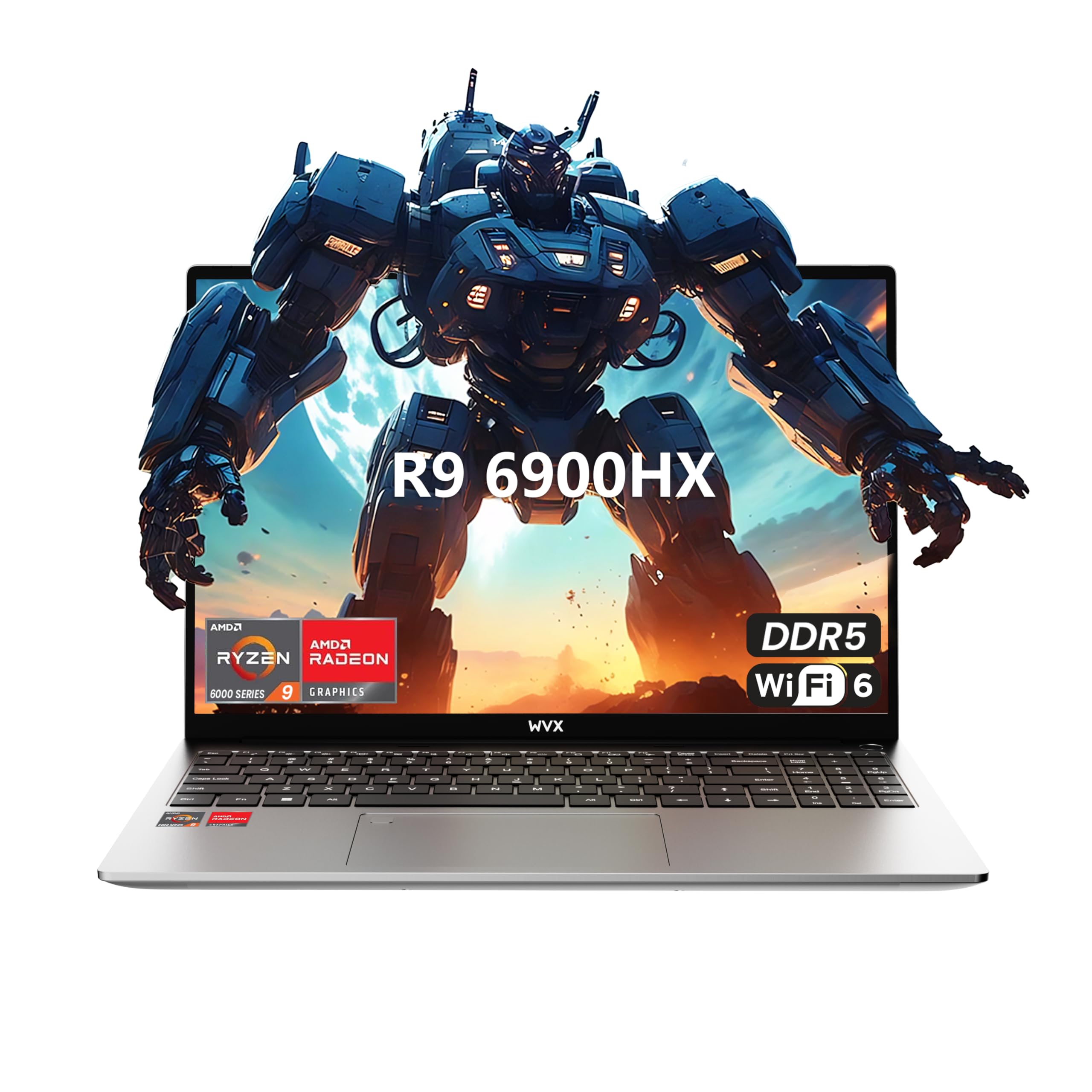
The WVX machine carries the most powerful CPU in this entire price bracket: an 8-core, 16-thread Ryzen 9 6900HX clocked up to 4.9GHz. The real story here is the Radeon 680M integrated graphics, which benchmark directly against a desktop GTX 1050 Ti and beat every integrated solution AMD offered before it. This makes the laptop a serious contender for 1080p esports titles like Valorant, CS2, and Overwatch 2 at high settings, and capable of running lighter AAA games at medium presets.
The 16-inch FHD display provides a spacious workspace, and the 58Wh battery is generous for an integrated-graphics machine, offering around 5-7 hours of mixed use. The DDR5 RAM and PCIe Gen 4 SSD upgrade path (up to 64GB and 2TB) future-proof the build. The downsides are the lack of a dedicated GPU — which will show in more demanding games — and some user reports of low internal speaker volume and missing Windows activation codes that require a quick call to support.
This laptop is ideal for a buyer who wants the highest possible CPU performance for tasks like compiling code, video editing, or running VMs, while also gaming casually at 1080p. If you need a dedicated GPU for AAA titles, look elsewhere, but for pure CPU-driven horsepower at this budget ceiling, the WVX is unmatched.
Why it’s great
- Ryzen 9 6900HX is the strongest CPU in this budget tier
- Radeon 680M iGPU matches a GTX 1050 Ti in many games
- DDR5 RAM and PCIe 4.0 SSD support future upgrades
Good to know
- No dedicated GPU limits modern AAA gaming at higher settings
- Reported speaker volume is low, and some units had audio cracking
- May require manual Windows activation; test on arrival
2. MSI Thin 15.6″ 144Hz i5-13420H / RTX 3050

The MSI Thin is a rare entry-level machine that pairs a dedicated RTX 3050 — backed by 4GB GDDR6 VRAM — with a modern 13th Gen Intel Core i5-13420H. This combination handles 1080p gaming at medium to high settings in titles like Fortnite, GTA V, and Apex Legends, while the 144Hz refresh rate ensures the display can keep up when frame rates climb. The 16GB of DDR4 RAM is a welcome sight at this price, removing the immediate upgrade pressure you feel with 8GB configurations.
The chassis is slim and lightweight for a gaming laptop, but thermal management is a real concern during extended sessions — the top panel gets hot, and the fan noise is noticeable in a quiet room. Battery life is poor at 2-3 hours of light use and barely an hour under load, so this machine lives on a power adapter. The 512GB SSD is standard for the class, and the design is understated enough for office use, with a subtle MSI logo on the lid.
If you want a dedicated GPU and fast RAM without going over budget, the MSI Thin is the best-balanced pick here. Just plan to keep it plugged in and consider a cooling pad for long gaming marathons. It won’t run Cyberpunk 2077 at max, but for competitive esports and older AAA titles, it hits the sweet spot.
Why it’s great
- Dedicated RTX 3050 with 4GB VRAM at this budget is rare
- 144Hz IPS display for smooth competitive gaming
- 16GB RAM out of the box eliminates immediate upgrade cost
Good to know
- Runs hot under load; thermal paste and cooling pad help
- Battery life is poor — expect 1 hour of gaming unplugged
- Build is plastic; lid flex is noticeable when carrying
3. HP Victus 15.6″ 144Hz Ryzen 5 / Radeon RX 6550M
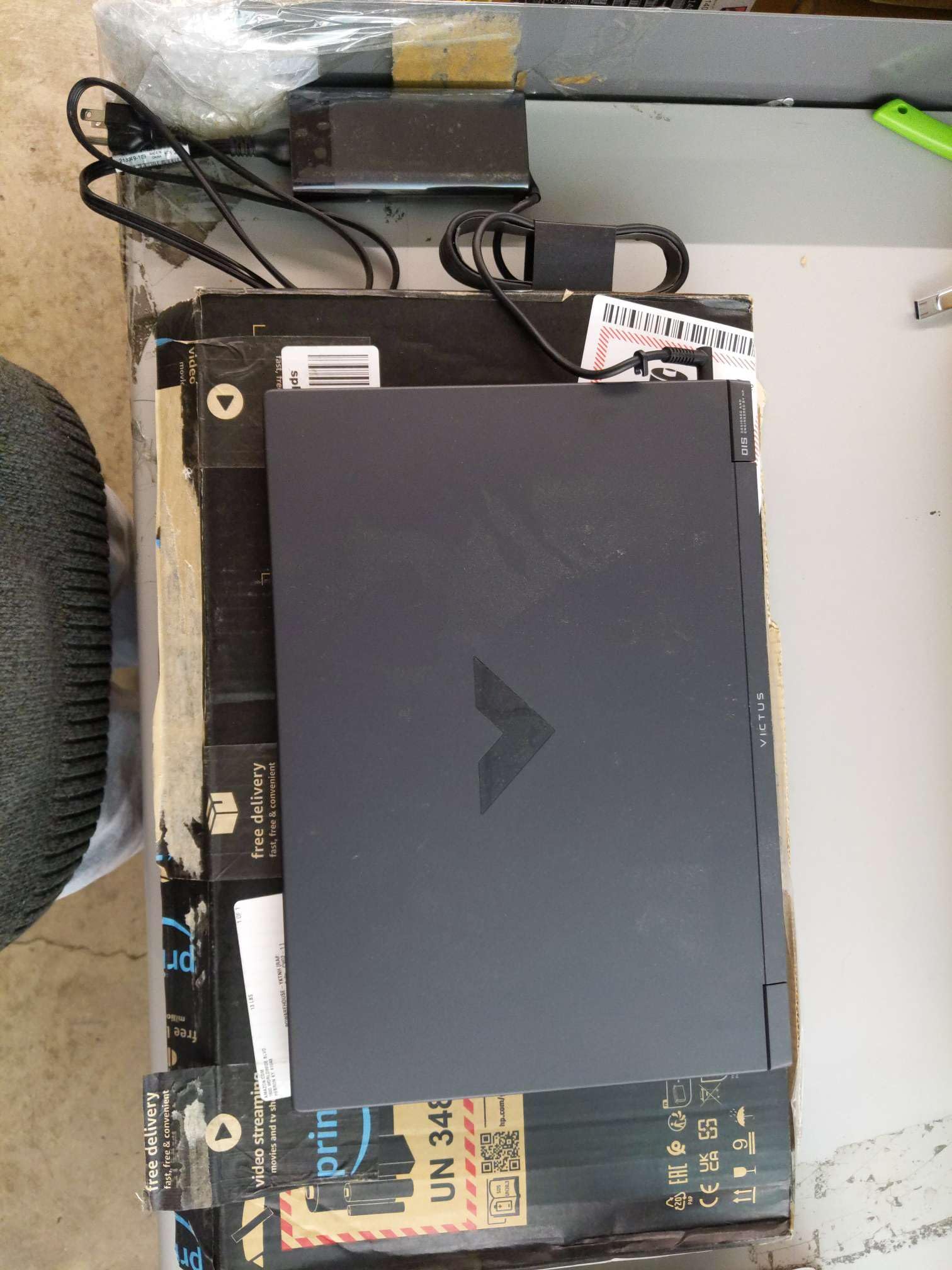
The HP Victus 15 delivers a genuinely impressive package: a 144Hz FHD anti-glare IPS display, a 6-core Ryzen 5 7535HS with a 45W TDP, and a dedicated Radeon RX 6550M GPU that beats the aging RTX 2050 in raw rasterization. The RX 6550M’s 4GB GDDR6 VRAM is enough for 1080p gaming at high settings in titles like Fortnite, Rocket League, and Grand Theft Auto V, and the B&O-tuned dual speakers provide richer audio than most rivals in this class.
The build quality is typical for this price tier: a plastic chassis with good structural rigidity, though the lid flexes under pressure. The battery life is average at around 6 hours of video playback, but you’ll want to stay plugged in for gaming. The 16GB DDR5 RAM is a strong inclusion, and the keyboard — while shallow — includes a backlit feature. One minor downside is the power button is integrated into the keyboard, which can lead to accidental presses during frantic gameplay.
This is the mid-range recommendation for a buyer who wants a dedicated GPU, a fast display, and a balanced CPU/GPU pairing from a major brand with reliable warranty support. It won’t run the latest AAA titles at max, but it handles everything from two years ago with authority.
Why it’s great
- Dedicated Radeon RX 6550M beats the RTX 2050 and GTX 1650
- 144Hz anti-glare display at this budget is a major win
- 16GB DDR5 RAM and B&O audio elevate the experience
Good to know
- Battery life is mediocre; gaming requires being plugged in
- Power button on keyboard can cause accidental presses
- Plastic chassis has some lid flex under pressure
4. Acer Nitro V 15.6″ 165Hz i5-13420H / RTX 4050

The Acer Nitro V is the most powerful laptop you can bring into the conversation, thanks to its GeForce RTX 4050 with 6GB GDDR6 VRAM and DLSS 3.5 support. The 13th Gen i5-13420H is a solid mid-range processor, but the GPU is the star — frame generation and ray tracing performance at 1080p are a generation ahead of the GTX 1650 and RTX 3050 machines. The 165Hz IPS display is the fastest refresh rate on this list, providing an exceptionally smooth competitive gaming experience.
The catch is the 8GB DDR5 RAM, which is simply inadequate for modern gaming and multitasking. You will need to budget for an addition 8GB stick to reach 16GB dual-channel. The chassis runs hot and loud under load, even with the NitroSense cooling profile active. Battery life is approximately 2 hours, which is the worst in this class. The Ethernet jack is a Killer E2600, providing competitive latency management for online play.
This laptop is for the budget buyer who prioritizes raw GPU performance above all else and is willing to spend an extra -40 to upgrade the RAM to 16GB. If you want to play Fortnite, Call of Duty, or Marvel Rivals at high frame rates with DLSS, this is the best foundation at this budget level. The trade-offs in build and battery are real, but the performance floor is the highest here.
Why it’s great
- RTX 4050 with DLSS 3.5 and 6GB VRAM is a generation ahead
- 165Hz display is the fastest refresh rate in this tier
- Thunderbolt 4 port for fast charging and data transfer
Good to know
- Soldered 8GB RAM requires an immediate upgrade to 16GB
- Runs hot and loud under load; a cooling pad is essential
- Battery life is very short at around 2 hours of mixed use
5. MSI GF63 15.6″ i5-10300H / GTX 1650

The MSI GF63 is a veteran of the budget gaming scene, pairing a 10th Gen Intel Core i5-10300H with a dedicated GTX 1650. This combination has been tested across thousands of reviews, and it runs the most popular esports and older AAA titles capably at 1080p medium settings. The IPS display is standard 15.6-inch FHD with a 60Hz refresh rate, which is the limiting factor for fast-paced shooters, but it provides a solid baseline image quality.
The build is sleek for its age, with a brushed metal lid and a clean, non-gamer aesthetic that fits well in an office. The 8GB DDR4 RAM is the bare minimum and will need an upgrade to 16GB for multitasking. The 256GB SSD fills up fast, but the GF63 has an extra M.2 slot and a 2.5-inch SATA bay for expansion. Thermal performance is acceptable with the Dragon Center fan profile, but the laptop gets hot during extended sessions — the single fan design is the bottleneck.
This is a budget-first recommendation for someone who wants a lightweight dedicated GPU laptop from a recognizable brand. The GF63’s longevity is proven; with a RAM and storage upgrade, it remains a functional gaming machine for years. It is strictly for 1080p medium gaming — do not expect 4K or ray tracing.
Why it’s great
- Proven GTX 1650 handles 1080p esports and older games well
- Sleek, professional design fits in office environments
- Expandable with 2.5-inch drive bay and extra M.2 slot
Good to know
- 60Hz display limits competitive gaming performance
- 8GB RAM and 256GB SSD need immediate upgrades
- Single fan cooling leads to thermal throttling over time
6. HP Victus 15.6″ i5-12450H / GTX 1650

HP’s Victus line brings a modern 12th Gen i5-12450H to the budget table, paired with the GTX 1650 for dedicated graphics. The CPU is notably faster than the 10th Gen i5 found in the MSI GF63. The 8GB RAM and 512GB SSD are standard for this tier, with the 512GB offering a welcome bump in storage over the MSI’s 256GB. The 15.6-inch display, however, is 1366×768 at 60Hz — a major weak point that will make games look softer and less immersive than the FHD panels on competitors.
The battery life is notoriously poor — multiple users report under 30 minutes of unplugged use after a few years of charging cycles. The laptop is designed to be plugged in at all times, which limits its portability. On the upside, the build quality is solid for the price, and the fan noise is reasonable under load. The GTX 1650, while dated, runs esports titles and older AAA games at playable frame rates.
This laptop is best suited for a casual gamer who always plays plugged in at a desk and prioritizes a lower price over display quality. The 1366×768 panel is a dealbreaker for competitive shooters and detailed single-player games, but for less demanding titles or for a student who needs a reliable laptop for schoolwork and occasional gaming, it fills a specific niche.
Why it’s great
- Modern i5-12450H is a significant CPU upgrade over older options
- 512GB SSD provides double the storage of budget rivals
- Solid build quality from a reliable major brand
Good to know
- 1366×768 display is a major downgrade for gaming visuals
- Battery life deteriorates quickly; expect under 1 hour after months
- 8GB RAM is the bare minimum and will need upgrading
7. ASUS ROG Strix G16 (2025) i7-14650HX / RTX 5060

The ASUS ROG Strix G16 sits far above the budget ceiling, but its inclusion here is a reality check — it represents what a premium gaming laptop can do when budget is not the primary constraint. Powered by a 14th Gen i7-14650HX with 16 cores and an RTX 5060 with 8GB GDDR7 VRAM, this machine runs modern AAA titles like Cyberpunk 2077 and Baldur’s Gate 3 at high/ultra settings with consistent frame rates. The 165Hz FHD+ display with a 16:10 aspect ratio provides a taller, more immersive viewing experience.
ROG’s Intelligent Cooling system uses a vapor chamber and tri-fan design, keeping the laptop cooler than any budget option under load. The 16GB DDR5 RAM and 1TB Gen 4 SSD are generous, and Wi-Fi 7 future-proofs connectivity. The RGB lightbar and per-key RGB keyboard add aesthetic flair. The main downsides are the price, which is well beyond the entry-level tier, and the battery life, which remains poor at around 2 hours for mixed use.
This laptop is for the reader who is considering stretching their budget or who wants a point of comparison. If you can afford to move into this tier, the experience gap in thermals, build quality, and performance is enormous. For those strictly adhering to the beginner budget, it serves as a benchmark for what you are not getting — and that’s okay.
Why it’s great
- RTX 5060 with 8GB GDDR7 runs any modern game at high/ultra
- Superior vapor chamber cooling prevents thermal throttling
- 165Hz 16:10 display is excellent for immersion and clarity
Good to know
- Price is far above the entry-level gaming budget
- Battery life is still poor at around 2 hours
- Chassis is large and heavy for carrying regularly
8. NIMO 15.6″ Ryzen 7 7735HS / Radeon 680M
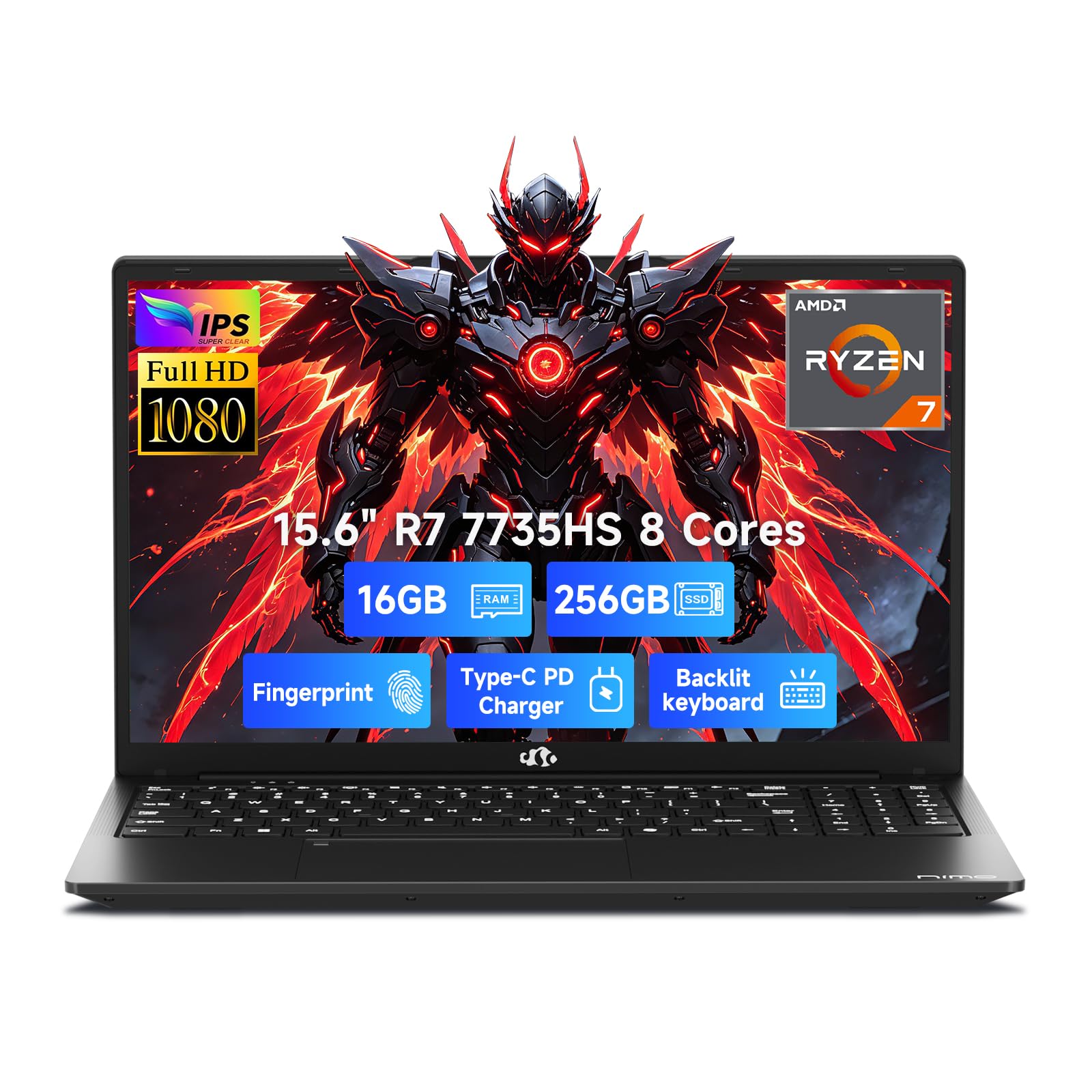
The NIMO laptop is a fascinating entry in this budget: a Ryzen 7 7735HS with the Radeon 680M integrated graphics, all in a 3.8lb chassis. The 680M is the same RDNA 2-based iGPU that impressed in the WVX, offering GTX 1050 Ti-class performance for esports, but with a much lower power draw. This translates into a 54Wh battery that lasts up to 9 hours of light use, and 100W USB-C fast charging that refills it in about an hour — genuinely mobile-friendly specs.
The 256GB SSD is small, but the laptop supports PCIe 4.0 SSDs for upgrades. The 16GB DDR5 RAM is dual-channel, which is critical for integrated graphics performance. The 15.6-inch FHD IPS display is bright and anti-glare. The 180-degree hinge is useful for sharing screens with colleagues. The drawbacks are the 256GB base storage (budget for an upgrade), a sluggish fingerprint reader, and the fact that the integrated GPU cannot match even a GTX 1650 in sustained load.
This is the pick for a student or commuter who needs a lightweight, long-lasting laptop for school and wants to play Fortnite, Valorant, or lighter games on the side. It is not for hardcore AAA gaming, but its blend of portability, battery life, and iGPU performance is unmatched in this weight class.
Why it’s great
- Only 3.8lbs with 9-hour battery life from a 54Wh battery
- Radeon 680M iGPU matches GTX 1050 Ti for esports
- 100W USB-C charging is fast and convenient
Good to know
- 256GB SSD is too small for a serious game library
- Fingerprint reader can be unresponsive on first press
- No dedicated GPU; sustained gaming performance is limited
9. KAIGERR 16.0″ Ryzen 7 H255 / Radeon Vega 8
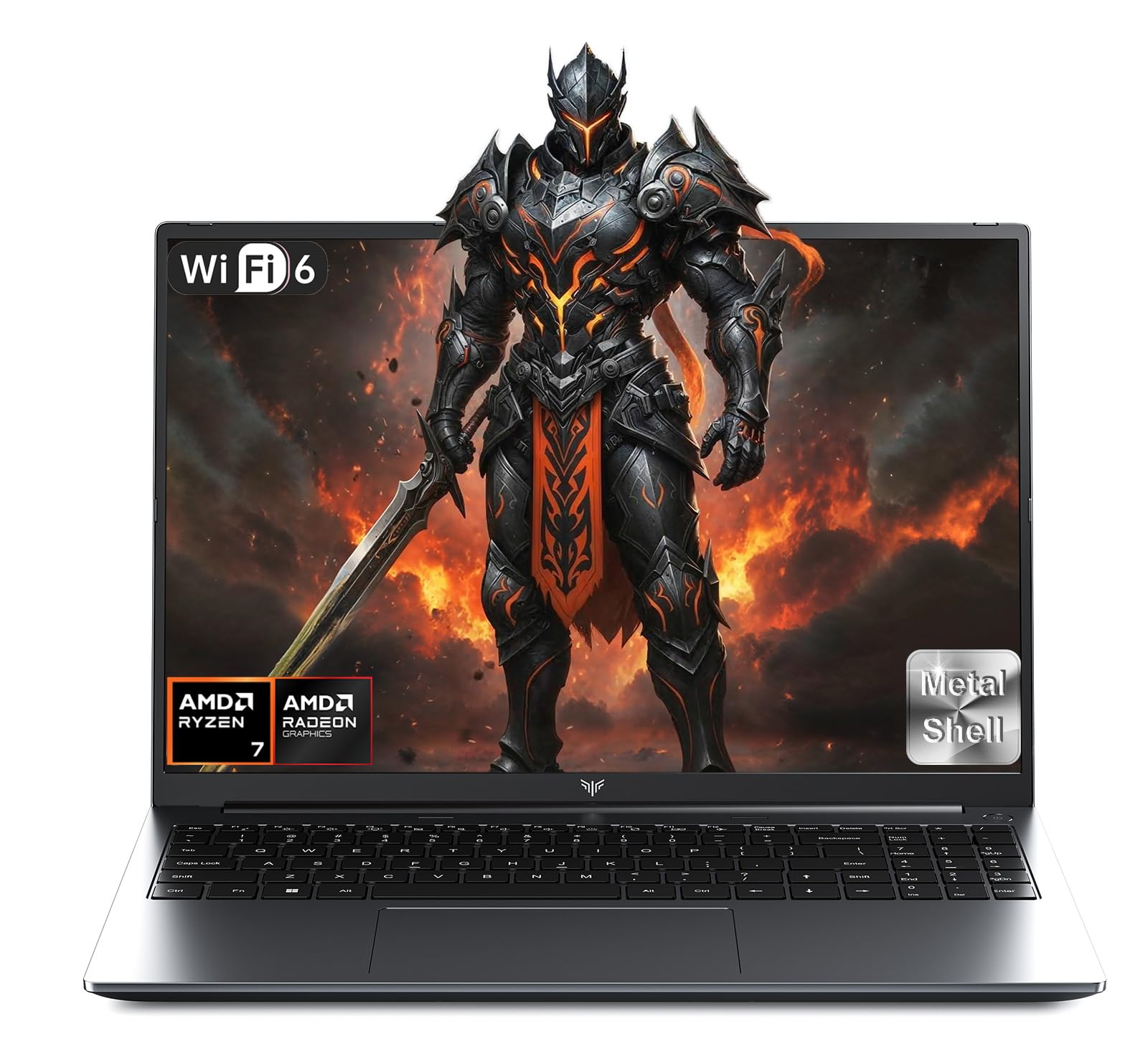
The KAIGERR RX16 is a value-first machine that packs a Ryzen 7 H255 (a rebranded high-frequency SKU) with Radeon RX Vega 8 graphics, plus 16GB DDR5 RAM and a 512GB SSD, all in a 16-inch chassis. The 16-inch IPS display provides a large, immersive canvas for media consumption and productivity. The DDR5 memory is a rare find at this price and provides a small performance uplift for both the CPU and the integrated graphics by increasing memory bandwidth.
The build is a mix of metal and plastic, with a backlit keyboard that feels tactile if a bit shallow. The dual-fan cooling system does an adequate job of keeping the Ryzen 7 chip from throttling during lighter gaming sessions. The main limitation is the Radeon RX Vega 8 iGPU, which is an older Vega architecture that struggles with any game requiring more than low-medium 1080p settings — Fortnite at low settings is playable, but Cyberpunk 2077 is not. Battery life sits around 4-5 hours, and some units arrive with a foggy screen or a non-functional power button.
This is a solid budget productivity laptop that can affordably handle older and less demanding games. It is best for a user who prioritizes screen size, RAM, and storage over raw gaming performance. The build quality and support from KAIGERR are variable, so buy from a source with a good return policy.
Why it’s great
- 16-inch IPS display and 16GB DDR5 RAM at a low price
- 512GB SSD provides generous storage out of the box
- Dual-fan cooling prevents heavy thermal throttling
Good to know
- Older Radeon Vega 8 iGPU is weak for modern gaming
- Build quality is inconsistent across units
- Battery life is average around 4-5 hours
10. KAIGERR 15.6″ Ryzen 7 5700U / Radeon Graphics
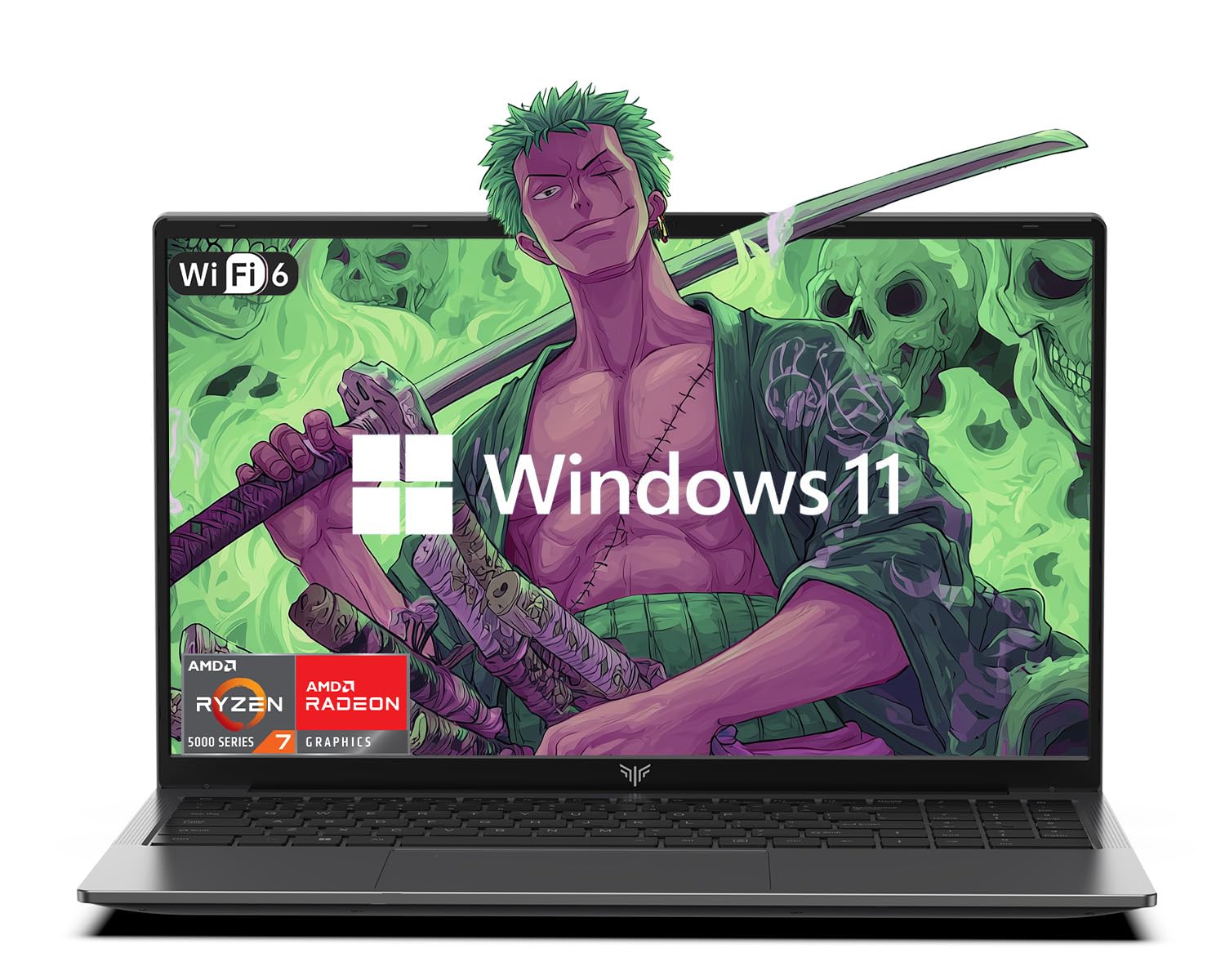
The KAIGERR 5700U laptop targets the absolute floor of the gaming-capable market. The Ryzen 7 5700U is an 8-core, 16-thread processor built on the older Zen 3 architecture, but its 15W TDP limits sustained performance. The integrated AMD Radeon Graphics (Vega-based) is strictly for light gaming — think League of Legends, Minecraft, and CS:GO at low settings. The 16GB DDR4 RAM and 512GB NVMe SSD are generous for the price point.
The 15.6-inch FHD display has thin bezels and a standard 60Hz refresh rate. The chassis is lightweight and portable, with a selection of ports including USB-C, HDMI, and a memory card slot. The real world performance is adequate for office tasks, web browsing, and streaming, but the laptop’s thermal design cannot prevent the CPU from throttling under sustained gaming workloads. The fan noise is moderate, but the chassis does not get uncomfortably hot.
This is a laptop for the most budget-constrained buyer who needs a primary computer for school or work and occasionally plays very light games. It is not a gaming laptop in any meaningful sense, but it can run the most popular competitive titles at low settings. Manage your expectations and you will find good value here.
Why it’s great
- 16GB RAM and 512GB SSD are generous at the entry level
- Thin bezel FHD display looks modern and sharp
- Portable and lightweight for carrying to class or work
Good to know
- 15W TDP U-series CPU throttles quickly under load
- Vega integrated graphics are too weak for modern gaming
- Not a true gaming laptop despite the “gaming” marketing
11. Lenovo 15.3″ Ryzen 5 7535HS / Radeon 660M
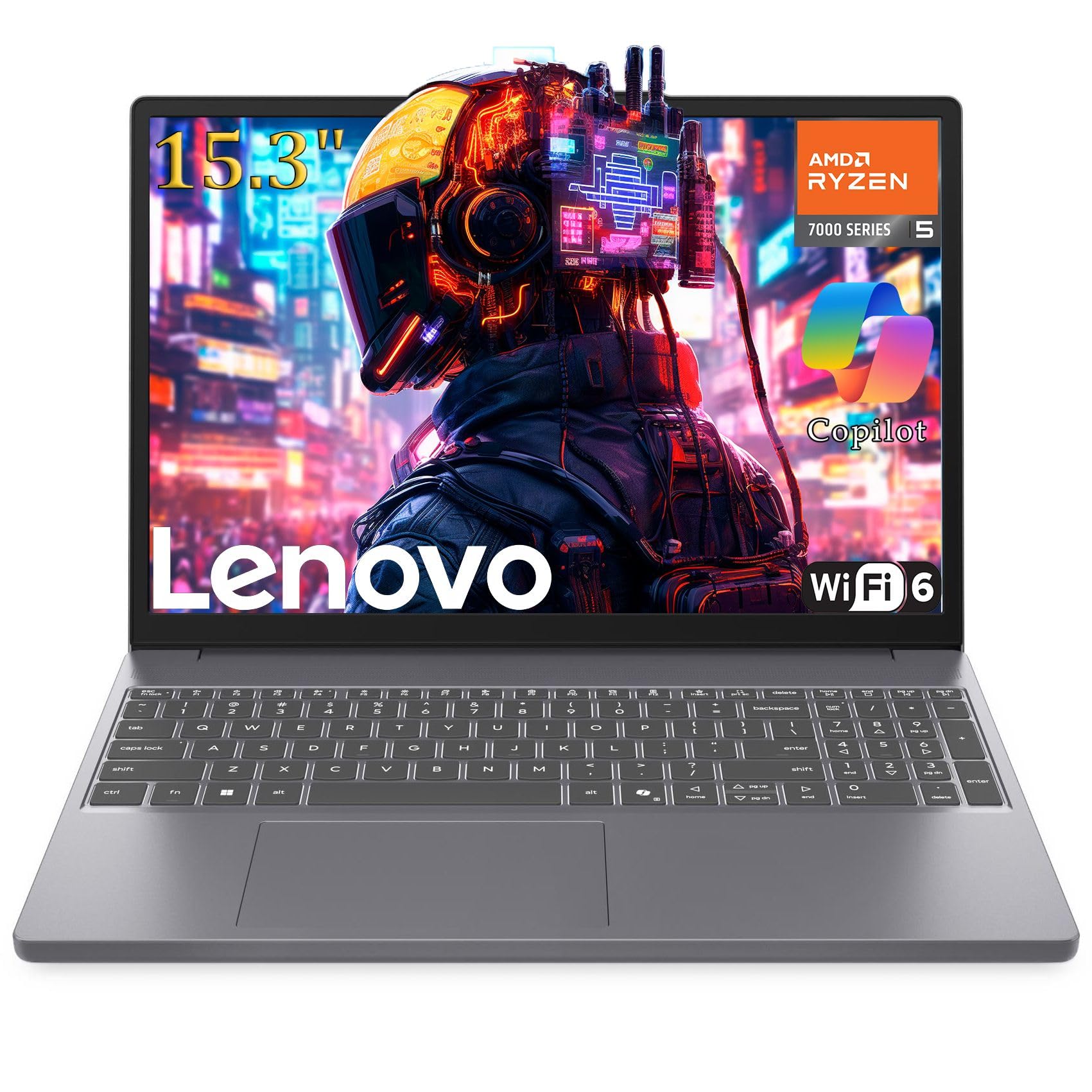
Lenovo’s offering brings a 6-core Ryzen 5 7535HS with the Radeon 660M iGPU, which is a step down from the 680M found in the NIMO and WVX units but still a capable killer of older integrated graphics. The 8GB DDR5 RAM is the major limiting factor here — it is insufficient for modern multitasking and will bottleneck the iGPU in games. The 256GB PCIe SSD is adequate for the operating system and a couple of games but will fill up fast.
The 15.3-inch FHD+ display with a 1920×1200 resolution is a nice surprise, providing extra vertical screen real estate for productivity. WiFi 6 and Bluetooth 5.3 are current-gen standards. The build quality is typical Lenovo — sturdy plastic construction with a firm keyboard. The customer reviews highlight a risk: some units shipped to the US are configured for the Indian market, which voids the local warranty and requires workarounds to activate Windows Pro.
This laptop is for a buyer who values brand accessibility and a slightly taller display over raw gaming performance. The 8GB RAM is a serious bottleneck that demands an upgrade, and the 256GB SSD is tight, but the overall package from Lenovo is reliable if you get a properly licensed unit. It is a productivity-first laptop with decent light gaming capability.
Why it’s great
- FHD+ 1920×1200 display offers extra vertical space for documents
- Ryzen 5 7535HS provides good CPU performance for the price
- Major brand support with better quality control than budget brands
Good to know
- 8GB single-channel RAM cripples integrated graphics performance
- 256GB SSD fills up fast; no storage headroom for gaming
- Risk of receiving an Indian-market unit with warranty issues
FAQ
Is a dedicated GPU necessary in a gaming laptop?
Can a gaming laptop run Fortnite, Valorant, or GTA V?
How much RAM do I really need for gaming on a laptop?
Why is the Acer Nitro V with RTX 4050 more expensive than the other options?
Final Thoughts: The Verdict
For most users, the 600 dollar gaming laptop winner is the WVX Ryzen 9 6900HX because its Radeon 680M integrated graphics and 8-core CPU deliver the best all-around performance for esports gaming, content creation, and productivity at a price that undercuts the dedicated GPU alternatives. If you need a dedicated GPU and a higher refresh rate display, the HP Victus 15 with the RX 6550M is the balanced pick. And for the buyer who prioritizes GPU power above all else and is willing to upgrade the RAM, the Acer Nitro V with the RTX 4050 provides the highest frame rates possible in this budget conversation.