
Our readers keep the lights on and my morning glass full of iced black tea. As an Amazon Associate, I earn from qualifying purchases.
Specs are compiled from manufacturer listings and verified buyer reviews and can change over time — please confirm the key details on the product page before buying.
Working on a 14-inch laptop in a coffee shop or on a train usually means accepting that strangers can read your screen. A privacy filter narrows the viewing angle so only you see what is on the display, while everyone to the side just sees a darkened panel. This guide breaks down the nine best options, explaining each pick’s real strengths and honest trade-offs so you can choose the one that fits your laptop’s aspect ratio and your daily routine.
I’m Min — the founder and writer behind Gadgets Feed. This guide is built by comparing the manufacturers’ published specifications and the patterns across verified customer reviews, so you get each pick’s real strengths and trade-offs instead of marketing spin.
You need a 14 inch laptop privacy filter that fits your screen’s exact width and attaches the way you prefer—adhesive, hanging, or magnetic. Pick the wrong aspect ratio or a flimsy mount, and you will end up with gaps or a filter that falls off, so measure your screen and know what to expect before you order.
Our Picks at a Glance

How To Choose The Best 14 Inch Laptop Privacy Filter
Before you scroll, remember this list uses flexible matching for screen size. The closest sold size that fits the same viewing area serves the same purpose. Always measure your visible screen area before buying.
Match the Aspect Ratio, Not the Diagonals
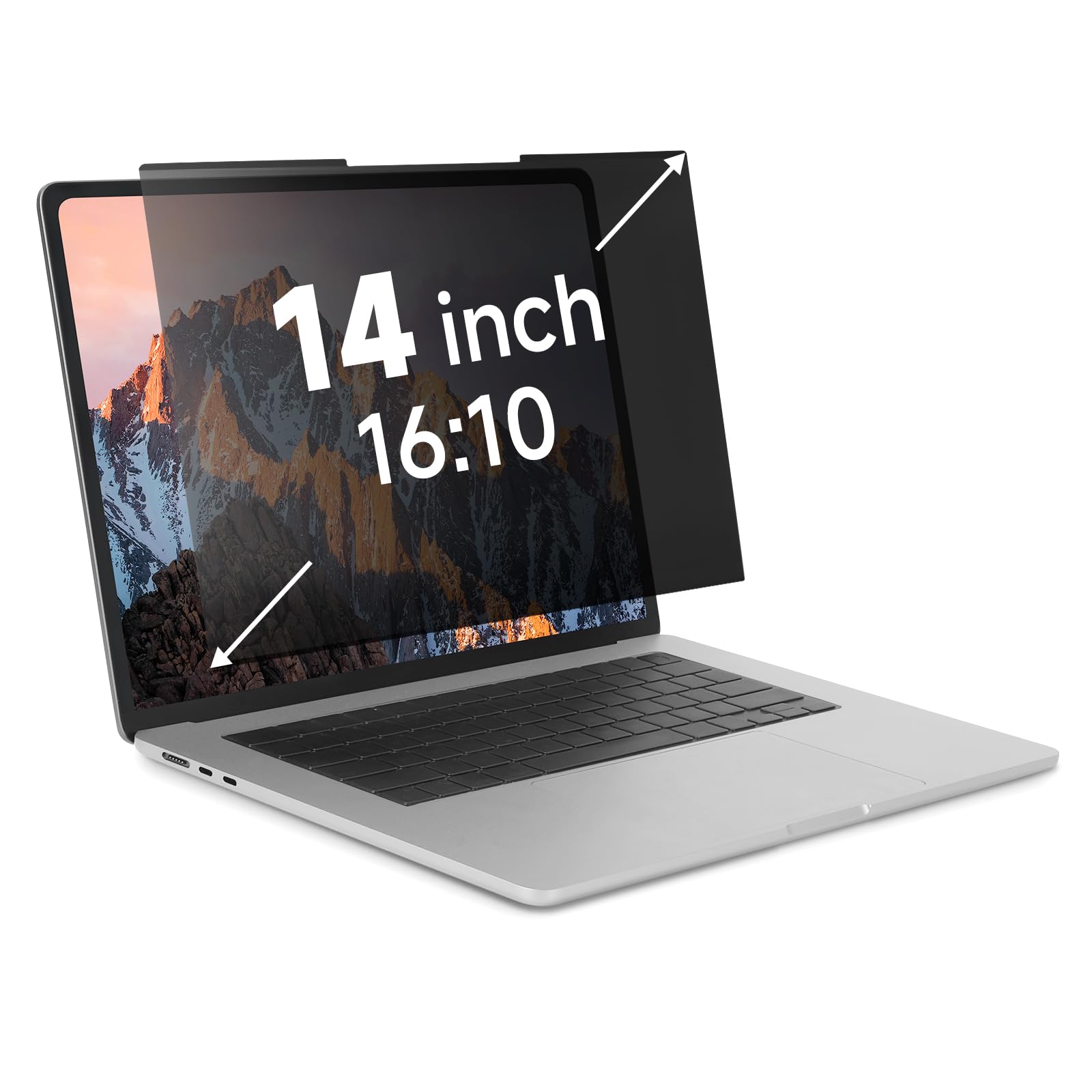
Your laptop’s screen size is a diagonal measurement, which does not tell you its shape. A 14-inch screen can be the wider 16:9 format or the taller 16:10 format. Buying a 16:9 filter for a 16:10 screen leaves gaps, while the reverse may cover part of your display. Measure the width and height of the visible area in inches, then match that to the filter’s stated dimensions.
Decide How You Want to Attach It
Attachment style dictates how easily the filter comes off. Adhesive tabs secure the filter firmly, but are harder to remove and reattach. Slide mounts let you take the filter on and off but work best with raised bezels. Magnetic designs snap on and off quickly, but require the laptop lid to have metal where the magnets sit. Hanging filters hook over the top edge without any sticky residue at all.
Consider the Viewing Angle
The whole reason to buy one is privacy. The viewing angle tells you how far off-center a person must be before the screen fades or blacks out. A typical filter limits the clear view to roughly ±30 degrees from straight ahead, which is usually enough to stop a shoulder-surfer next to you. Note that most of these do not block someone sitting directly behind you.
Quick Comparison
| Model | Best For | Aspect Ratio | Attachment | Hardness | Amazon |
|---|---|---|---|---|---|
| Ceydebne 2-Pack★ Best Overall | Value seekers with multiple laptops | 16:9 | Magnetic & Adhesive | 9H | Amazon |
| Kensington K52793WWTrusted Choice | Office and enterprise use | 16:9 | Tabs & Tape | 9H | Amazon |
| ZOEGAA16:10 Fit | 16:10 widescreen laptops | 16:10 | Tape & Slide Mount | 5H | Amazon |
| ANTOGOO V | Glare reduction on 16:10 screens | 16:10 | Adhesive | 5H | Amazon |
| Halloive Magnetic | Easy on/off on 16:9 MacBooks | 16:9 | Magnetic | — | Amazon |
| IRUYO Nano-Suction | Tool-free, reattachable use on 16:10 | 16:10 | Nano-Suction | — | Amazon |
| J J-Dream Hanging | Residue-free, quick removal | 16:9 | Hanging | 9H | Amazon |
| EZ-Pro | High-end blue light blocking | 16:9 | Adhesive & Slide Mount | 9H | Amazon |
| Mamol Magnetic | Paper-texture enthusiasts | 16:9 | Magnetic | 9H | Amazon |
In‑Depth Reviews
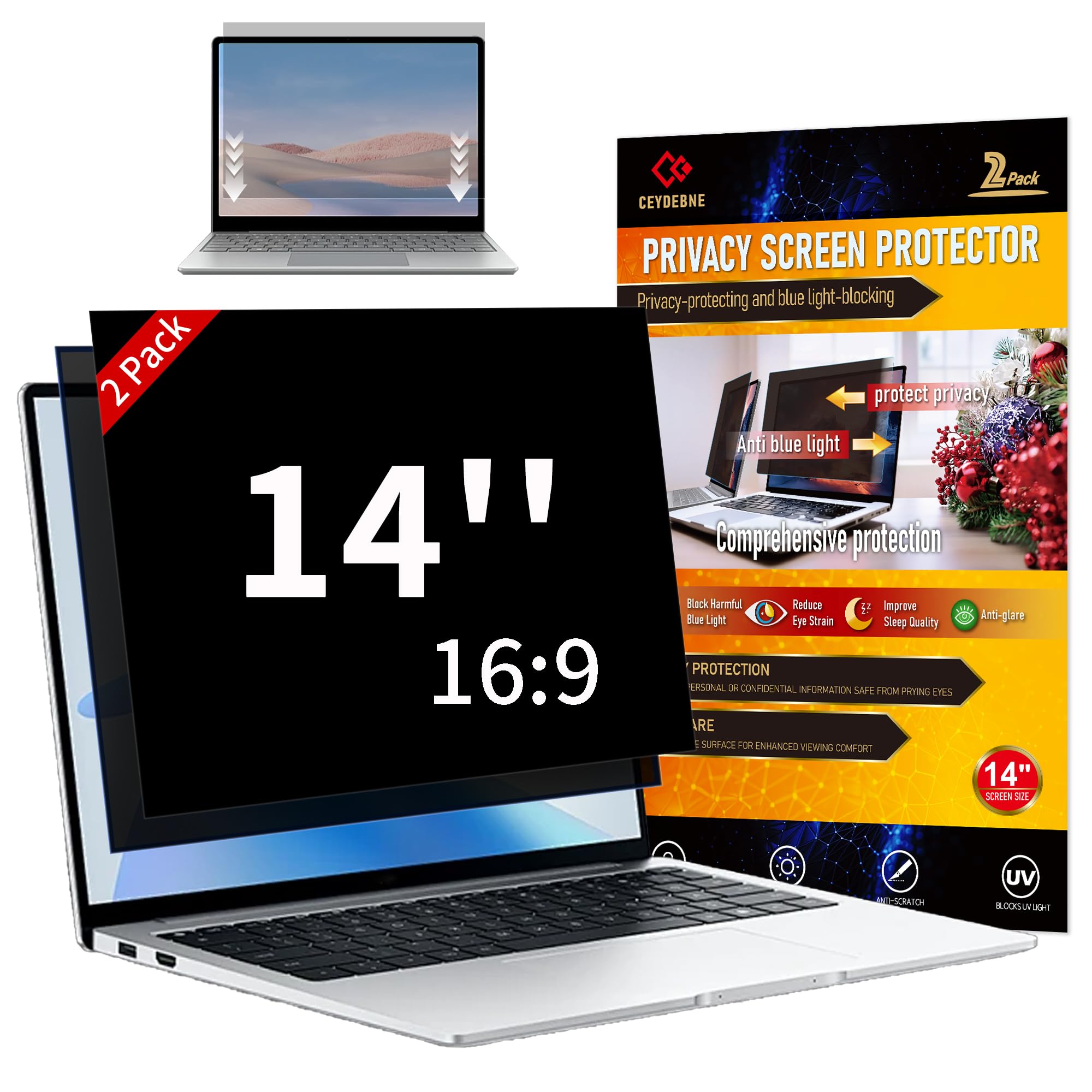
1. Ceydebne 14 Inch Privacy Screen (2-Pack)
Our pick — over 4★ from 900+ verified ratings; the strongest balance of quality and price.
Two privacy shields in the box take the sting out of protecting a second screen.
Getting two filters for the price of one is the headline here, and it is genuinely useful if you run both a work laptop and a personal one. The set uses micro-louver technology to keep the screen readable only from directly in front, which is exactly the shield you want on a crowded commute. Each filter rates 9H on the hardness scale, meaning the surface is built to shrug off scratches and fingerprints during everyday handling.
The dual-sided design stands out — you flip between a matte side that cuts glare in bright rooms and a glossy side that boosts clarity and privacy. Buyers report the installation is simple and the adhesion holds well, with the magnetic attachment earning praise even if the very bottom edge is not magnetically secured. As owners put it: “Absolutely love this privacy screen! It gave what it was supposed to give 💅 Super easy to install, fit perfectly, and the adhesion was great.”
The catch is that the filter darkens your display, so you will likely crank up the brightness and drain the battery a little faster. Some also find the screen slightly too dark for comfortable viewing, and a few note touch sensitivity drops a bit. That is a fair trade for locking down your data in public, especially at this price for two units.
What Wins People Over
- Includes a camera cover for extra webcam privacy
- Choose matte or glossy to match the lighting around you
- Scratch-resistant 9H surface protects against daily wear
What to Watch
- Darkens the screen, pushing you to raise brightness
- Magnets can shift, and the bottom edge lacks a secure hold
Reach for this if: you want two screens covered without breaking your budget, or you like deciding between matte and glossy finishes day to day.
Look elsewhere if: you cannot accept any drop in brightness or you prefer a filter that never touches the screen surface.
2. Kensington Privacy Screen Filter K52793WW
A respected name in office security, built from rigid polycarbonate for firm screen coverage.
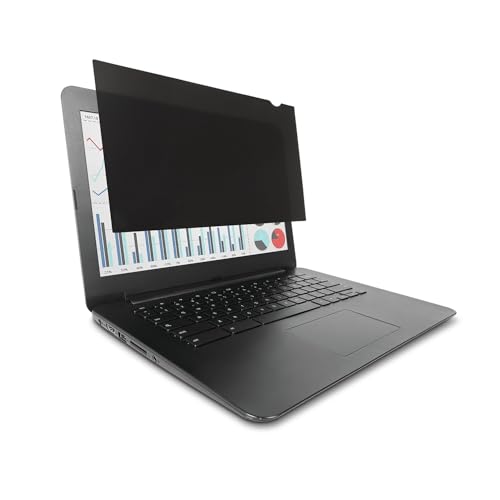
When a filter carries the Kensington badge and is TAA-compliant, you know it is aimed at government and corporate desks where data rules are strict. It limits your viewing angle to ±30 degrees, which is the standard for blocking a shoulder-surfer while keeping the front perfectly readable. The filter cuts up to 30% of blue light and uses an anti-reflective coating, so you get eye relief and glare control in one rigid panel.
Weighing just 1.12 ounces, this is a light addition to your lid, and the polycarbonate material gives it a stiffness that thinner film filters lack. It is reversible between matte and glossy sides, and you attach it with either the included frameless tab holders or double-sided tape. The clarity here reads as 10 against the Ceydebne’s 95, a 9.5x gap that tells you Kensington prioritizes a clear, crisp image over aggressive darkening.
Buyers on ThinkPads report it fits perfectly and works as expected, though the adhesive tabs can be slightly visible from certain angles until you stop noticing them. A handful note real disappointment — the tabs did not hold and the screen kept falling off, which reads as a fit issue for some bezels rather than a universal flaw. For a Dell, HP, or Lenovo workhorse with a standard 16:9 display, this remains a dependable, no-nonsense pick.
Smart fit: This is the filter to choose when your IT department or employer demands a compliant, reputable solution for handling sensitive files in an open office.
Honest check: Think twice if your laptop has an unusually thin bezel or a non-standard frame, since the tab mounting depends on a clean, flat surface to grip.
3. ZOEGAA 14 Inch Privacy Screen Filter
The dedicated 16:10 option with a slide-mount tab for quick screen sharing.
If your 14-inch laptop uses the taller 16:10 widescreen format (a display that is 16 units wide for every 10 units high), this filter is shaped for you. It measures 11.94 inches wide by 7.46 inches high, so it covers the exact visible area of those screens instead of guessing by diagonal size. The multi-layered film blacks out the view from the side while keeping what you see straight-on crisp. It suits healthcare workers, commuters, and students who must protect patient or corporate data in airports and subways.
Its clarity rating of 10 out of 100 (where lower means clearer) beats the Ceydebne’s 95, a 9.5x gap that makes this the more transparent pick. You get both attachment styles: quality tape for the outer edge, plus sliding mounting tabs for screens with raised bezels, so you can pull the filter off when you want to share your screen with a colleague. Owners mention the privacy black-out is surprisingly effective and the slide-in removal is genuinely easy, with one noting it “fits perfectly with my screen, ease of use is awesome, anti-glare is beautiful.”
The main caveat is a mixed reception on fit, with some owners finding it does not work with their Lenovo X1 Carbon and others noting the screen grows too dim on bright settings. The hardness rating sits at 5H, a full 80% softer than the Kensington’s 9H, so this panel is less armored against deep scratches. It is the right call for the tall-screen crowd who value easy removal over maximum rigidity.
Tall-screen friendly: This is the pick for 16:10 laptops where a standard 16:9 filter would leave ugly gaps or cover your display.
Fit matters: Double-check your exact width and height before ordering, because diagonal size alone will not tell you whether this panel matches your screen.
4. ANTOGOO V 14 Inch 16:10 Privacy Screen
A matte specialist that banishes window glare while locking down a narrow ±25° cone of view.
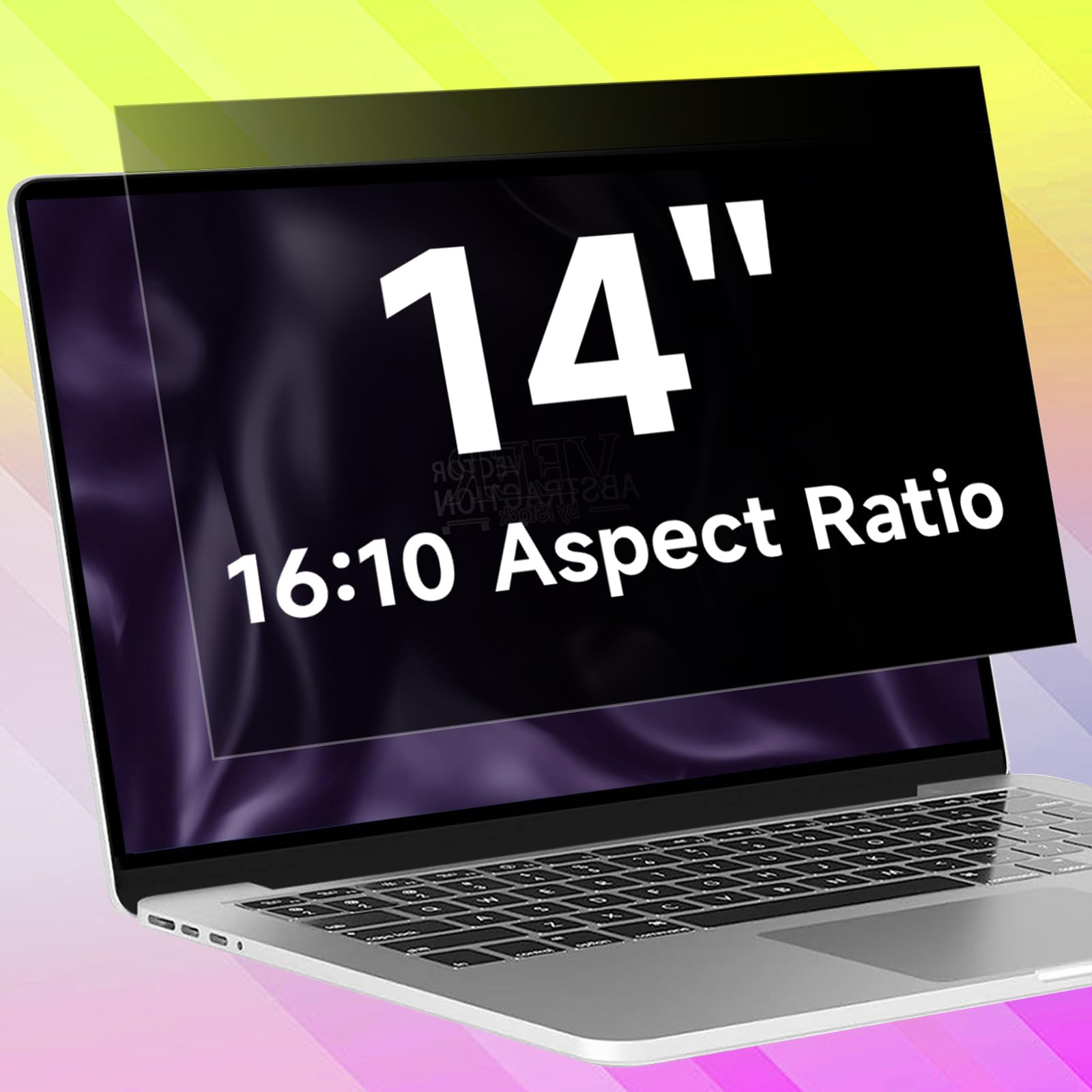
The defining trait here is the tight ±25° viewing angle — noticeably narrower than the ±30° standard, which means a person has to be almost beside you before the screen fades. Designed specifically for 14-inch screens with a 16:10 aspect ratio and a 1920×1200 resolution, it measures 11.85 inches by 7.4 inches to match that viewable area. The matte surface is the star for anyone who works near a window or under harsh office lights, eliminating reflected glare and fingerprints.
The layered design filters harmful blue light to ease eye strain during long sessions, and the maker claims it works on touchscreens with barely any feel after installation. The clarity is rated at 10 against the Ceydebne’s 95, a 9.5x gap that makes this the sharper, less-dim option between the two. Customers say it sticks well, stays bubble-free if you install carefully, and holds up without falling off, making it a favorite for library and open-plan work.
Installation is the honest friction point here. A few customers note the process is tedious and the adhesive is very sticky and effectively permanent, so you want to align it correctly the first time. One rare unit arrived with visible imperfections and tricky bubbles, which is an outlier against the strong consensus on quality and anti-glare performance. It is a firm, matte shield for the 16:10 crowd who rate glare control above all else.
Why It Earns Its Spot
- The tightest ±25° viewing angle in this lineup for maximum anti-peek protection
- Matte face removes glare and fingerprint smudges in bright rooms
- Works on touchscreens with little effect on sensitivity
The Fine Print
- Strong adhesive makes this a set-and-forget install, not a daily removal
- Avoid bending the film during setup, as polarization can leave visible bars
Choose it for: a 16:10 work laptop parked at a sunny desk where glare is the daily enemy and privacy is non-negotiable.
Skip it for: sharing your screen often, since the highly sticky adhesive is not built for repeated removal and reattachment.
5. Halloive Magnetic Laptop Privacy Screen
A magnetic shield you can snap off at home and snap on before you walk out the door.
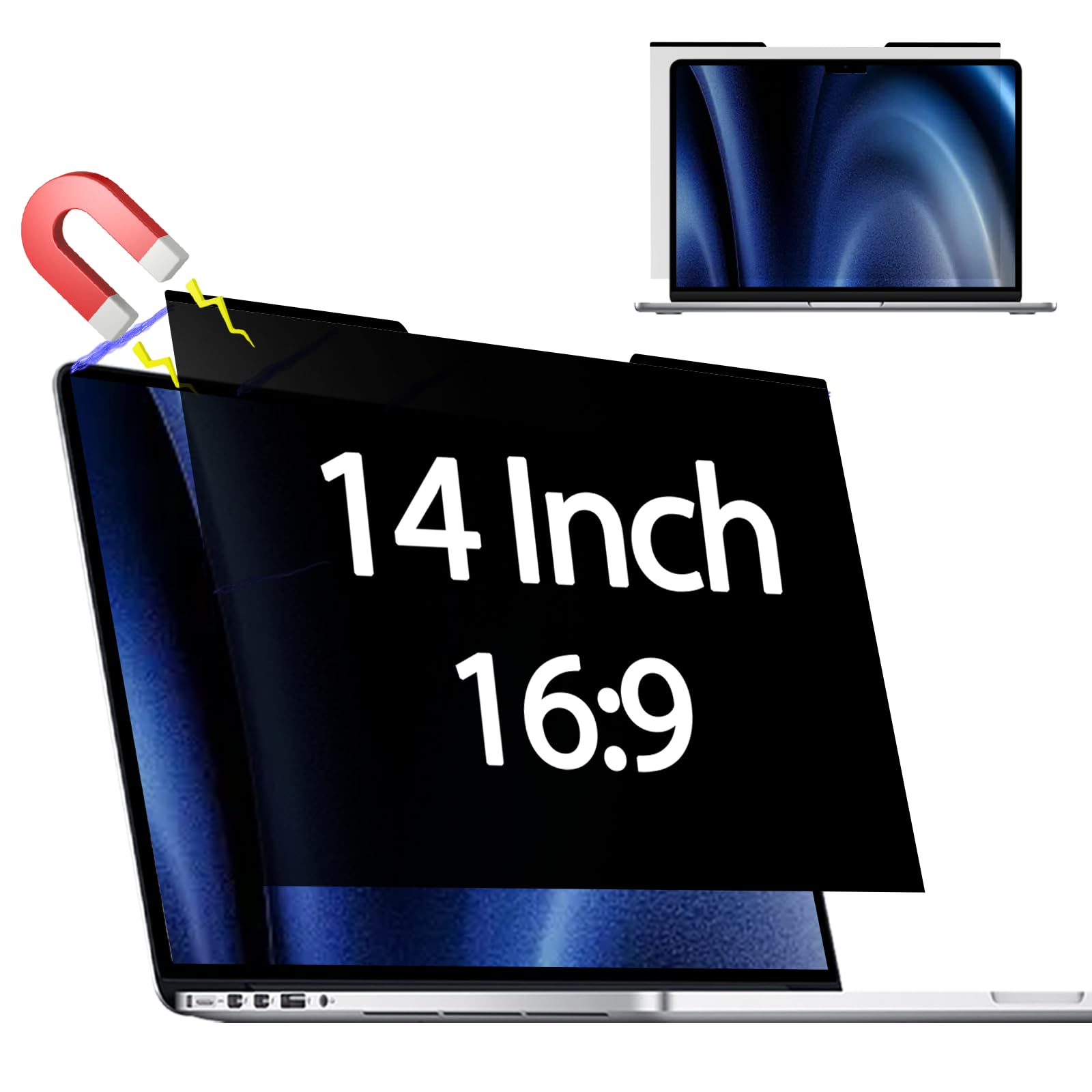
This filter is built around the convenience of magnetic attachment, which means no adhesive ever touches your screen. Owners of MacBooks and MacBook Airs describe it as fitting perfectly and going on and off in a second, which suits anyone whose privacy needs change between the office and the couch. The design limits the viewing angle to ±30 degrees, keeping your data hidden from side glances while you work in cafes, airports, or trains.
The surface treatment separates it: the anti-glare (AG) coating (a layer that scatters reflected light) cuts reflections on one side, while the glossy side keeps the image clear and vibrant. It also filters blue light, reducing exposure by 49% to ease eye fatigue during long work sessions. A full cleaning kit ships in the box—an alcohol wipe, lint sticker, and bubble card—which owners say makes installation a breeze.
The price puts it in the mid-tier for this category, but the trade-off shows up in the reviews. Some reviewers point out the glare reduction is inconsistent and the magnets are not always strong enough to hold the filter firmly, meaning it can detach if bumped. It also softens the sharpness and vibrancy of the screen slightly, per the maker’s own note, so purists may notice a small clarity loss. For a commuter who values fast removal over maximum grip, this is a practical companion.
Commuter’s pick: This is the filter for the laptop bag that goes from a home desk to a coffee shop, where you want to add or remove privacy in seconds.
Grip check: Confirm your laptop lid has enough metal for the magnets to bite, since weak magnetic hold is the most common owner complaint.
6. IRUYO Nano-Suction Privacy Screen
A one-second nano-suction snap that holds for 180 days without a drop of glue.
For a 16:10 laptop — specifically one with a 12-inch wide by 7.5-inch high viewable area — this filter uses nano-suction technology instead of adhesive or magnets. The black layer expels air to create a suction effect that the maker tests to hold for 180 days, even on matte glass. That means you press it on and it stays, with no sticky residue left behind when you finally peel it off. It is explicitly not suitable for MacBooks, so verify your machine before ordering.
The privacy coverage is solid: it blocks peeking beyond ±30 degrees left and right, while delivering 72% front transmittance for a clear head-on image. It also blocks 50% of blue light and 98% of UV rays, reducing eye strain during a full workday. On an ASUS Zephyrus, shoppers say it kills glare, fits perfectly, and installs without bubbles, with a brightness loss of only about 10-20%.
The honest catch is that the “nano-suction” does not always behave as advertised. A few owners say it is actually adhesive strips in disguise rather than a truly removable suction layer, and others report the hold weakens and the screen sits too tall, interfering with the hinges. The adhesion does draw the most mixed feedback of any trait, so treat this as a mostly-permanent install rather than a daily snap-on. For the 16:10 user who wants eye protection and a tool-free setup, it is still a clever option.
Standout Strengths
- Blocks 98% of UV rays and 50% of blue light for eye comfort
- Snaps on with no tools and leaves no residue when removed
- Comes with a storage clip and cleaning cloth
Reality Check
- The nano-suction hold can weaken and is not always truly reusable
- Not made for MacBooks, so a wide slice of laptops are ruled out
Ideal for: a 16:10 ultrabook user who wants UV and blue light defense without the mess of traditional adhesives.
Not for: anyone who plans to remove and reattach the filter daily, since the suction grip is not designed for constant cycling.
7. J J-Dream Hanging Privacy Screen

The hang-over hook design leaves your laptop pristine with zero adhesive or magnets.
This filter skips both glue and metal, instead hanging over the top of your 14-inch 16:9 laptop screen using sturdy plastic hooks. It is the cleanest option for anyone who refuses to stick anything to their display or worries about magnetic interference. The hooks let you slide the filter on and off in seconds without leaving any residue, which owners in open-concept offices love for the way it preserves the machine underneath.
The specs back up the everyday usefulness: a 30° privacy zone blocks side views from nearby coworkers, the anti-glare surface cuts reflections from overhead lights, and the blue light filtering keeps your eyes fresher into the evening. It is compatible with most major 16:9 brands, including Dell, HP, Lenovo, ASUS, Acer, LG, and Samsung. Buyers report it stays on the screen reliably and delivers strong privacy, with one noting they can chart in a shared space without worrying about prying eyes.
The trade-off is that a hanging filter cannot sit perfectly flush like an adhesive one. It covers the bezel slightly and does not block the webcam, which is actually a bonus for video calls. Because it reduces light passing through, you will likely raise your brightness a notch, and the fit can be imperfect if your screen deviates from standard 16:9. It is a simple, low-commitment shield for casual privacy needs rather than a permanent armor.
Low-commitment choice: This suits renters, shared laptops, or anyone who wants privacy at the office without permanently altering the device.
Quick caveat: Expect to raise your screen brightness a notch, and know the fit is snug but not smooth because the mounting hooks sit over the bezel.
8. EZ-Pro Privacy Screen Filter

An AR-coated filter that blocks 98% of UV rays without significantly dimming your display.
For the privacy buyer who also logs long hours staring at a screen, this EZ-Pro filter is engineered around eye protection. It blocks 98% of UV rays and filters out 95% of harmful blue light, aggressive filtering that keeps your eyes comfortable through long workdays. The AR Ultra HD light-transmission layer is the maker’s answer to the classic privacy filter problem: it preserves brightness and high-definition clarity instead of forcing you to max out the backlight.
The micro-louver technology obscures the screen at around 30 degrees and blacks it out completely near 60 degrees, giving you a wide safety margin against side glances. You choose between a glossy side for clarity and privacy or a matte side to cut glare and reflections, adapting to whatever lighting you are in. The hardness sits at 9H, so it resists scratches and fingerprints, and the maker notes it can be washed and reused to keep it looking fresh.
It ships with both adhesive tabs and plastic slide mounts, plus a cleaning cloth and instructions, so it adapts to raised or flat bezels. Owners say it fits perfectly and works well, with one installing it on an LG Gram and praising the glare reduction from the matte side. The honest caveat is a mixed reception on value — some find it not worth the cost and note the viewing angle is wider than pricier rivals, meaning it is not the most aggressive shield in this list.
Eye-care first: Pick this if your workday stretches into the evening and you want maximum UV and blue light blocking without a murky screen.
Balanced view: If you need the absolute narrowest viewing cone, this filter’s wider angle means you trade a little privacy for better clarity.
9. Mamol Magnetic Laptop Privacy Screen

A paper-like matte texture that doubles as a writing surface and a privacy guard.
This Mamol filter is different because buyers keep describing its paper-like feel, which makes it a favorite for anyone who writes or draws on their laptop screen. The automatic snap-on magnetic attachment runs along the top and sides, so you place it and let the magnets pull it into place without touching any adhesive. It narrows the field of vision to ±30 degrees, facing straight-on you see clearly while anyone to the side sees only a darkened panel.
The eye protection is a headline feature: it reduces UV light by up to 97% and blue light by up to 65%, a serious claim for marathon work sessions. The finish type is matte, which cuts glare, and the hardness rating is 9H for scratch resistance. It ships with a cleaning kit, a single-sided adhesive magnet, a storage clip, and a nanofiber cloth, plus the maker backs it with a lifetime service promise.
Owners praise the texture and the way it guards against dirt and scratches, but the installation draws genuinely mixed feedback. Some find it easy to install, while others report it is nearly impossible to apply without bubbles, and adhesion can stop holding over time. The matte coating also picks up fingerprints and gives the screen a slight grain that reduces sharpness, which is the price of that paper-like writing experience. For digital artists or note-takers on a 16:9 laptop, it is a niche but compelling choice.
What Makes It Unique
- Paper-like matte texture is ideal for stylus writing and drawing
- Magnetic snap-on needs no adhesive and removes cleanly
- Strong 9H hardness rating defends the screen from scratches
Where It Struggles
- Application can be tricky, with bubbles hard to avoid for some
- Matte grain reduces text sharpness and attracts fingerprints
Made for: the creative professional who wants privacy plus a surface that feels like paper for sketching or annotating.
Not ideal for: anyone who demands razor-sharp text clarity, since the paper-like coating softens fine details.
Understanding the Specs
Aspect Ratio and Viewable Area
This is the single most important spec, and the one most buyers get wrong. Your laptop’s size is measured diagonally, which does not tell you its shape. A 14-inch screen can be 16:9, the wider format common on Dell, HP, and Samsung, or 16:10, the taller format found on many business ultrabooks. Filters are cut to exact width and height dimensions, so measure the visible glass area of your screen in inches and match it to the filter’s stated size. A 16:9 filter on a 16:10 screen leaves gaps or covers part of the display.
Viewing Angle and Hardness Rating
The viewing angle tells you how far off-center someone must stand before the screen fades. Most filters offer a clear view at ±30 degrees from straight ahead, with a few tighter options at ±25 degrees. The hardness rating, expressed as a number like 9H or 5H, measures scratch resistance — 9H is the tougher standard, shrugging off keys and coins in a bag, while 5H is softer and more vulnerable to deep scratches. A filter that reduces blue light or blocks UV rays adds eye comfort during long sessions, so check the percentage if you work late.
FAQ
Will a 16:9 privacy filter work on my 16:10 laptop screen?
How do I know if my laptop uses the 16:9 or 16:10 aspect ratio?
What is the difference between adhesive, magnetic, hanging, and slide-mount filters?
Does a privacy filter block someone sitting directly behind me?
Will a privacy filter damage my laptop screen or affect the touchscreen?
How much does a privacy filter darken my screen?
What does the hardness rating like 9H or 5H actually mean for me?
Can I remove and reuse a privacy filter on another laptop?
Is blue light blocking on a privacy filter worth it?
Why is my privacy filter not blacking out the screen from the side?
Final Thoughts: The Verdict
The best 14 inch laptop privacy filter for most buyers is the Ceydebne 2-Pack because it delivers two 9H-rated shields with magnetic and adhesive mounting at a price that undercuts single-filter rivals. If you need the taller 16:10 fit and easy screen sharing, the ZOEGAA is the one to reach for. And for the commuter who hates sticky residue, the J J-Dream hanging filter offers clean, tool-free privacy that comes off in seconds.
How We Picked
We do not accept paid placement. Every pick is matched to a real buyer and a real use-case; we do not hands-on test units.
Sources & Methodology
Specifications: manufacturer listings and product documentation. Review insights: verified customer reviews, as of September 2026. Pricing: not shown on this page (it changes often); check the current price via the retailer link.
As an Amazon Associate, Gadgets Feed earns from qualifying purchases. This does not affect which products we feature.