
Our readers keep the lights on and my morning glass full of iced black tea. As an Amazon Associate, I earn from qualifying purchases.
Specs are compiled from manufacturer listings and verified buyer reviews and can change over time — please confirm the key details on the product page before buying.
Finding a genuinely good big-screen TV on a tight budget used to mean accepting washed-out colors and sluggish menus. That trade-off is gone — today’s smart TVs pack serious picture tech into surprisingly affordable packages, but sorting the real upgrades from the marketing noise takes a careful eye.
I’m Min — the founder and writer behind Gadgets Feed. This guide is built by comparing the manufacturers’ published specifications and the patterns across verified customer reviews, so you get each pick’s real strengths and trade-offs instead of marketing spin.
We break down the best 55 inch tv under $300 by focusing on picture quality, smart features, and real-world buyer feedback that matters most.
Our Picks at a Glance


How To Choose The Best 55 Inch TV Under $300
At this price point, every dollar you spend should go toward the two things you will notice every single day: how the image looks and how smoothly the TV responds. Here’s what separates a smart buy from a regretful one.
Don’t judge a TV by its sticker brand
You might assume a big-name brand guarantees a better picture, but that’s not how budget TVs work. A lesser-known brand’s QLED panel can actually produce richer, more accurate colors than a famous brand’s basic LED model at the same price, so it pays to compare the actual display technology in each set.
Look at the panel technology, not just resolution
All 4K TVs have the same pixel count, but the display technology underneath makes a huge difference. QLED adds a special layer that boosts color brightness, while Mini-LED uses thousands of tiny backlights for deeper blacks and brighter highlights, making both noticeably better than a standard LED screen in a bright living room.
Check how many inputs you actually need
Streaming boxes, game consoles, soundbars, and cable boxes all need HDMI ports, and budget TVs often skimp on them. A set with only two HDMI inputs might feel limiting if you juggle multiple devices, so count your gear before you commit to a panel that looks perfect on paper.
Quick Comparison
| Model | Best For | Panel Tech | HDR Support | Refresh Rate | Amazon |
|---|---|---|---|---|---|
| Samsung U8000H★ Best Overall | Upscaled free content | LED | HDR10+ | 60Hz | Amazon |
| TOSHIBA M450Top Performer | AI-enhanced QLED | QLED | Dolby Vision, HDR10+ Adaptive | 60Hz | Amazon |
| Hisense E6 Cinema | Smart features & value | Hi-QLED | Dolby Vision, HDR10+ Adaptive | Motion Rate 120 | Amazon |
| Insignia F70 | Mini-LED contrast | Mini-LED QLED | Dolby Vision | 60Hz | Amazon |
| Westinghouse Xumo | Multiple HDMI connections | LED | Dolby Vision, HDR10 | — | Amazon |
| Samsung M70H | Mini-LED with gaming features | Mini-LED | HDR Optimization | Motion Xcelerator + DLG 120Hz | Amazon |
In‑Depth Reviews
1. Samsung 55-Inch Class U8000H Series Crystal UHD
Our pick — over 4★ from 850+ verified ratings; the strongest balance of quality and price.
The all-rounder that upscales old content to crisp 4K clarity.
This Samsung earns the top spot because it makes everything you watch look better without demanding a premium investment. Its Crystal Processor enhances colors and sharpens details, while 4K upscaling upgrades your favorite shows from lower-quality sources, so even older content appears with incredible clarity on the big screen.
The crowd favorite here isn’t just about specs — it’s the rare budget TV where the quality and picture quality have clearly won people over. Beyond the image, you get the Motion Xcelerator for smooth sports and gaming at up to 4K 60Hz, plus Color Booster to supercharge hues from fiery reds to sparkling blues.
The honest trade-off? Owners find the remote control disappointing and note the Tizen OS can feel a bit laggy. Input switching requires going through the home screen with no direct remote button, and buyers report the Direct TV app wasn’t available to download on this set.
What wins people over
- Sharp, vivid 4K picture with crisp colors right from the start
- Easy setup with a sleek, slim-bezel design
- Built-in Bluetooth 5.3 and free content options
Where it stumbles
- Remote feels poor quality and input switching is clunky
- Only 2 HDMI ports limits multi-device setups
- Picture can need calibration and reds wash out in bright daylight
Reach for this if: you want a trusted brand’s sharp picture with smooth motion for gaming and sports.
Think twice if: you need multiple HDMI inputs or hate navigating through a home screen just to change sources.
2. TOSHIBA 55″ Class M450 Series QLED
The QLED gem that self-tunes for lifelike color and rich sound.
If you want richer, more lifelike color than a basic LED can deliver, this Toshiba’s QLED technology brings every scene to life with stunning realism. It’s powered by the REGZA AI Engine ZRi Gen3, which is fine-tuned by picture experts to deliver images and sound that feel true to how you actually see the world.
You get cinema-style picture and sound together here. Dolby Vision HDR (a high-dynamic-range format that boosts contrast and color) pairs with Dolby Atmos (an object-based surround sound format) so scenes feel rich. The REGZA Power Audio system uses dual clear direct speakers to project sound toward you, making dialogue and effects feel like they happen around you. Owners mention being pleased with how quickly the TV responds and praise its picture quality and color accuracy.
The catch is setup and connectivity. One owner noted the TV needs to be connected via ethernet to be usable, and customers note the factory energy-saving mode dulls the picture until you adjust the settings. It also lacks analog audio out and a headphone jack that some buyers expected.
Game-ready extras: Game Mode supports ALLM (Auto Low Latency Mode) and VRR (Variable Refresh Rate) for smoother gaming.
Smarter scrolling: Fire TV offers smart recommendations and voice control, so you spend less time hunting for shows.
Best for: streamers who want Dolby Vision picture and Dolby Atmos sound without stretching the budget.
Who should pass: you, if you prefer plugging in devices with a simple wired connection or still use older analog audio outputs (like RCA jacks) that this TV does not include.
3. Hisense 55″ E6 Cinema Series Hi-QLED

The feature-packed Fire TV that delivers premium specs at a budget price.
This Hisense is the value king because it crams in premium features that usually cost much more. Its Hi-QLED Color delivers rich, vibrant, true-to-life frames, and the Total HDR Solution supports every major HDR format — Dolby Vision, HDR10+ Adaptive, HDR10, and HLG — for ink-black blacks rather than muddled tones.
You get a lot of features for the price here. The AI 4K Upscaler (which sharpens lower-resolution content to near-4K quality) and AI Smooth Motion with MEMC (motion estimation and motion compensation, which reduces blur during fast scenes) keep sports and action crisp. Wi-Fi 6 (the latest wireless standard) supports faster streaming even with many devices connected. One reviewer noted its picture looked better than a Samsung model that cost twice as much.
The value for money is the thing everyone raves about, but reliability and responsiveness are where opinions split. Some report the TV shutting off unexpectedly or loud audio buzzing, while others find the Fire OS a bit slow to boot — one owner timed a cold boot at 30-60 seconds.
Smart convenience: Press and ask Alexa to find content, check sports scores, or set timers without typing.
Honest warning: the interface can feel cluttered with pre-loaded apps, so some users prefer plugging in a separate streaming stick.
Grab it for: max picture technology and smart features per dollar in the under-$300 class.
Be prepared for: occasional app slowdowns and a cold boot that takes close to a minute.
4. Insignia 55″ Class F70 Series Mini-LED
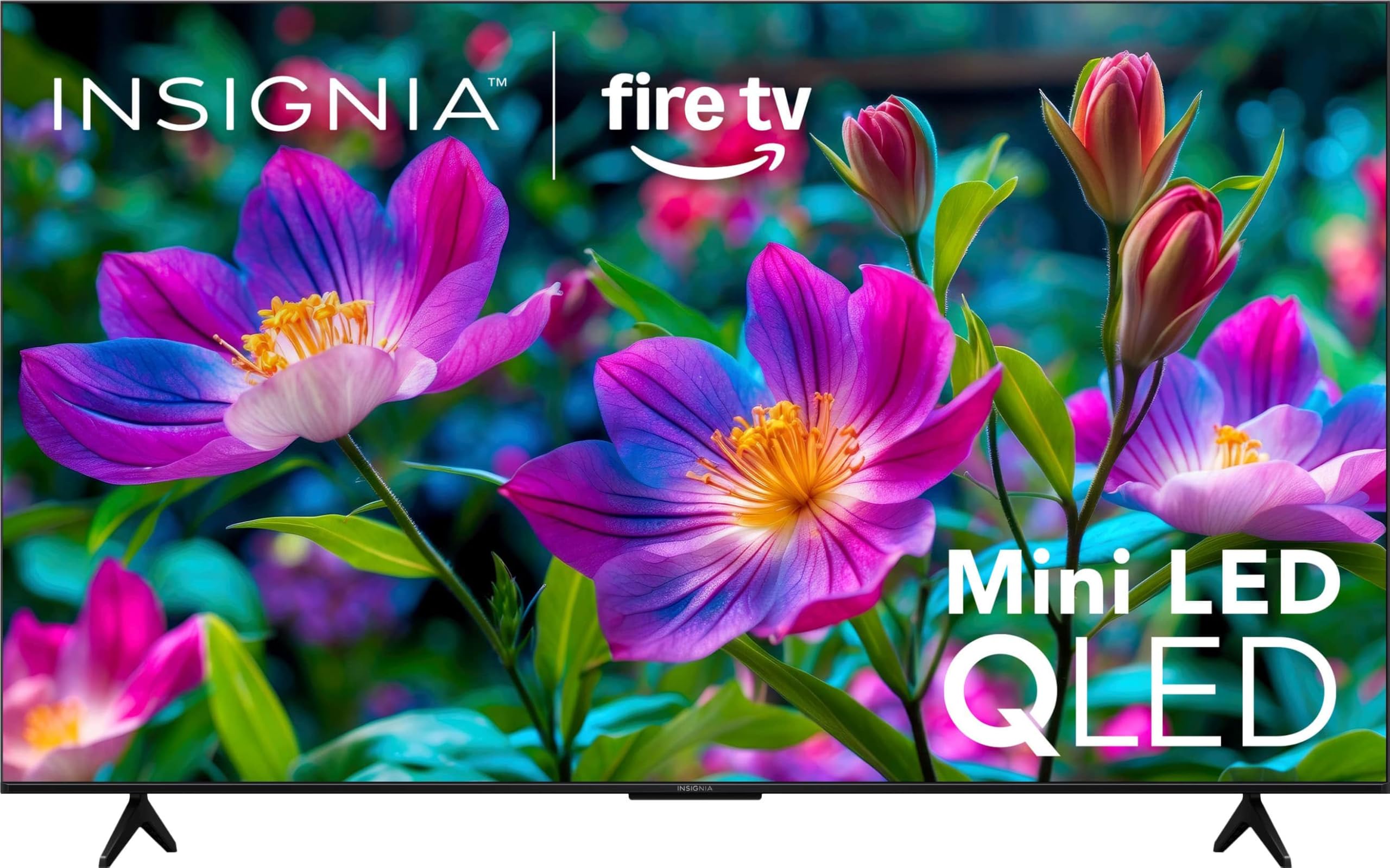
The Mini-LED panel that delivers cinematic contrast and deep blacks at home.
This Insignia is the one to pick if you care about contrast — the difference between deep blacks and bright highlights that makes scenes feel cinematic. Its Mini-LED backlight technology open up dramatic contrast, while Local Dimming delivers deeper blacks and brighter highlights for a stunning picture.
It’s also genuinely bright, with HDR performance reaching up to 650 nits of peak brightness. That makes it a strong choice for well-lit rooms, and the QLED layer ensures colors look brighter, bolder, and more natural. Owners describe the picture quality as amazing — bright, clear, and vibrant, with an easy setup.
The recurring gripe is the Fire TV software itself, which some find miserably slow — one frustrated buyer actually bought a separate Fire Stick to bypass the built-in system entirely. The panel and sound impressed them; the software did not.
Brightness champ: with up to 650 nits peak, HDR content stays vivid even when sunlight hits the screen.
Sound depth: Dolby Atmos Audio delivers clear dialogue and sound that moves with the action.
Choose it for: the best contrast and brightness tech available at this budget.
Expect to work around: sluggish built-in Fire TV software that some owners bypass with an external stick.
5. Westinghouse 55-inch Xumo TV
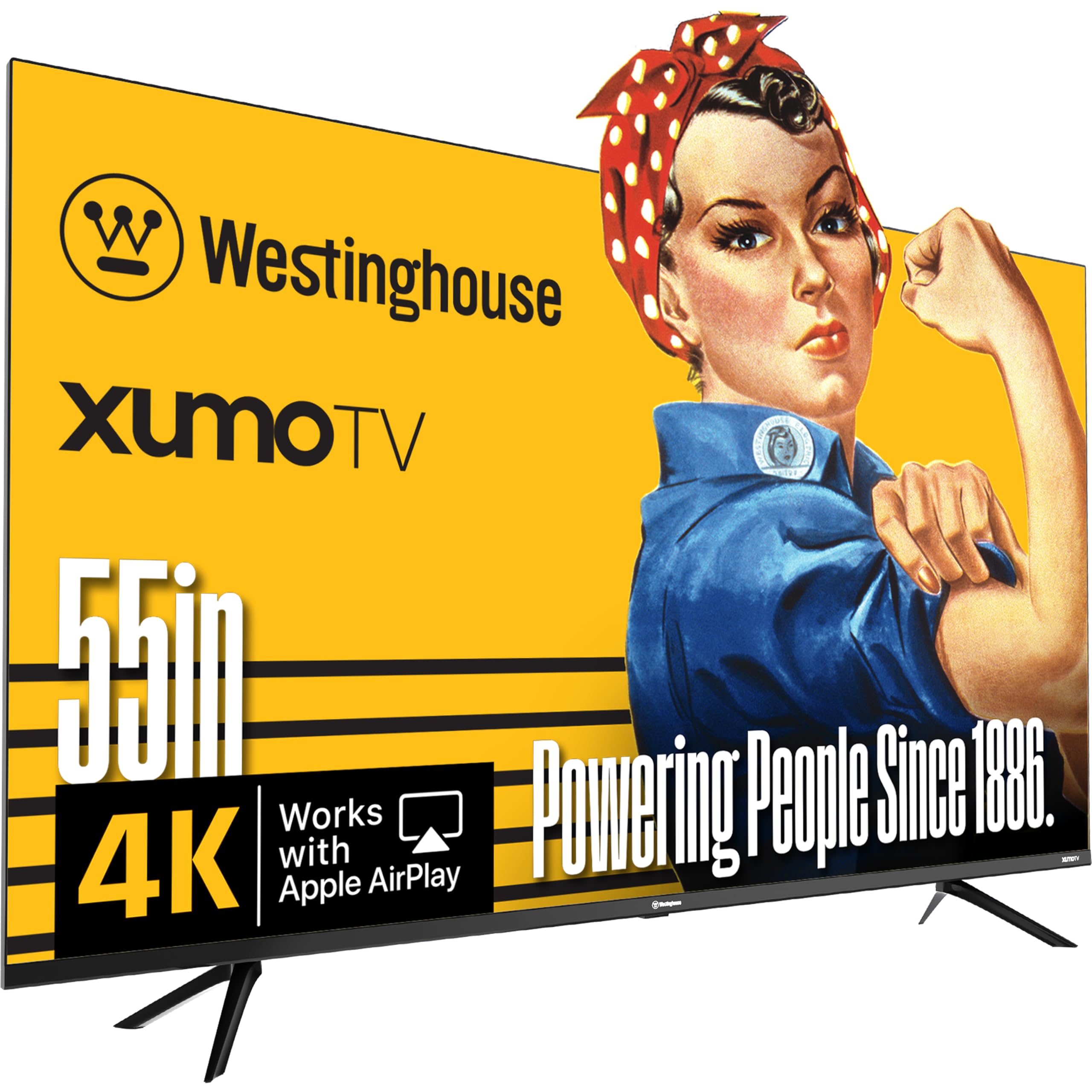
The connectivity king with three HDMI ports and booming built-in speakers.
If you have a lot of gadgets to plug in, this Westinghouse is your best friend. It’s packed with 3 HDMI inputs, 1 USB, 1 Composite Video, and 1 Optical Digital Audio input, giving you maximum flexibility to connect a cable box, game console, streaming stick, sound bar, and DVD player all at once.
The real surprise is the audio. Owners describe the built-in speakers as superior quality with booming, surround-like sound — one listener heard better stereo separation than from a soundbar at volume 22. The 4K UHD display with Dolby Vision and HDR10 delivers razor-sharp detail, and Apple AirPlay lets you mirror content straight from an iPhone or Mac.
Reliability is where opinions split — some report freezing issues, and the Xumo smart platform has drawn mixed feedback over app speed and future support. Damaged screens on delivery are also mentioned occasionally, so inspect yours quickly upon arrival.
Smart search: the voice remote searches across all your apps by title, genre, actor, or keyword — no more app-hopping.
Ecosystem bonus: built-in Bluetooth 5.1 (the latest short-range wireless standard) lets you pair soundbars or headphones without cables, so you can enjoy private or room-filling audio easily.
Ideal for: multi-device households that need three HDMI ports and impressive speakers without a soundbar.
Consider elsewhere: if you want a proven smart platform with a large app library and rock-solid reliability.
6. Samsung 50-Inch Class M70H Mini LED

The sports specialist that clears motion blur and boosts turf greens.
If you watch a lot of sports or action movies, consider this Mini-LED Samsung, even though it is 50 inches rather than 55. Its Motion Xcelerator with DLG 120Hz (a technology that boosts the refresh rate to 120Hz for smoother motion) analyzes and tune each frame to reduce blur. The dedicated Soccer Mode boosts motion clarity by 40% and turf-green vibrancy by 30% during live matches, per Samsung.
The Mini-LED panel is the headline feature here, delivering brighter highlights and deeper blacks than traditional HDR TVs. The Pure Color Spectrum renders one billion lifelike shades for natural, accurate color., and the Gaming Hub brings together your console, cloud, and app games into one central place with personalized recommendations.
The biggest frustration for owners is the remote, which some describe as awful and laggy — no HDMI switching and no input memory. It’s worth knowing this is a 50-inch set that needs two people to lift, and it only has 3 HDMI ports with no optical or RCA outputs.
Built for motion
- Vibrant quantum Mini-LED colors with excellent dark detail
- Fast Netflix and YouTube transitions for snappy app switching
- Soccer Mode tuned specifically for live sports clarity
Built-in annoyances
- Remote is the weakest link — laggy with no input memory
- Only 3 HDMI ports and no optical or RCA output
- Interface forces Pluto TV on startup, frustrating some owners
Made for: sports fans and gamers who want smooth motion and Mini-LED contrast from a trusted brand.
Check your setup first: if you need more than 3 HDMI inputs or hate a frustrating remote, look elsewhere.
Understanding the Specs
QLED vs Mini-LED vs LED
These describe how the TV creates its picture. Standard LED uses regular backlighting, QLED adds a layer that makes colors brighter and more vivid, and Mini-LED uses thousands of tiny backlights for deeper blacks and brighter highlights. If your room is bright or you watch movies at night, the better contrast of QLED or Mini-LED is worth prioritizing.
Refresh Rate and Motion Handling
The refresh rate (measured in Hz) tells you how many times the screen updates per second. A 60Hz panel is standard for TV shows and movies, but sports and gaming benefit from motion-smoothing tech like Motion Xcelerator or Motion Rate 120. These features estimate and adjust frame transitions so fast-moving action stays clear and blur-free.
FAQ
Is QLED really better than regular LED on a budget TV?
What does the 60Hz refresh rate mean for watching sports?
Will a 55-inch TV fit on my stand?
How many HDMI ports do I really need?
Does Dolby Vision matter for streaming services?
What is the best way to stream live TV without cable?
Are built-in TV speakers good enough or do I need a soundbar?
Is Mini-LED technology worth it on a budget TV?
Can I mirror my phone to one of these TVs?
Why does the picture look dull or washed out on my new TV?
Final Thoughts: The Verdict
Across the board, the 55 inch tv under $300 winner is the Samsung U8000H because it pairs a trusted brand with sharp 4K upscaling and smooth motion for everyday viewing. If you want richer QLED color with Dolby Vision and Atmos, grab the TOSHIBA M450. And for the absolute best value with premium features like Wi-Fi 6 and an AI upscaler, the Hisense E6 Cinema is the one to reach for. With the crowd favorite holding a strong 4.2-star average across hundreds of owners,
How We Picked
We do not accept paid placement. Every pick is matched to a real buyer and a real use-case; we do not hands-on test units.
Sources & Methodology
Specifications: manufacturer listings and product documentation. Review insights: verified customer reviews, as of September 2026. Pricing: not shown on this page (it changes often); check the current price via the retailer link.
As an Amazon Associate, Gadgets Feed earns from qualifying purchases. This does not affect which products we feature.