
Our readers keep the lights on and my morning glass full of iced black tea. As an Amazon Associate, I earn from qualifying purchases.
Specs are compiled from manufacturer listings and verified buyer reviews and can change over time — please confirm the key details on the product page before buying.
The real cost of a home printer isn’t the machine — it’s the ink you feed it for years. That’s why this list is built around one question: which all-in-one printers keep per-page costs low enough that you don’t wince every time you hit print? We have ranked seven models that print, scan, and copy, and we focused on those with refillable tanks, high-yield cartridges, or low-cost ink plans so you can actually afford to use them.
I’m Min — the founder and writer behind Gadgets Feed. This guide is built by comparing the manufacturers’ published specifications and the patterns across verified customer reviews, so you get each pick’s real strengths and trade-offs instead of marketing spin.
If you are tired of paying nearly as much for a cartridge refill as you did for the printer itself, this breakdown of the all-in-one printer for home use with cheap ink options will help you match a machine to your real printing habits and budget.
Our Picks at a Glance

How To Choose The Best All-In-One Printer For Home Use With Cheap Ink
Before you compare brands, you need to know which ink system actually saves you money. Printers fall into two camps: those with replaceable cartridges, and those with refillable ink tanks. For heavy home use — school projects, photos, everyday documents — the tank systems win on cost per page, but they cost more upfront.
Know Your Real Print Volume
If you print a few pages a week, a cartridge printer with high-yield options is simpler and cheaper to start. If you print every day or run a home business, a tank system that ships with ink bottles worth thousands of pages will save you far more over a couple of years. Match the machine to your habit, not the marketing.
Check The Ink Math, Not Just The Price Tag
The cheapest printer on the shelf often has the most expensive cartridges. Look for the page yield of each cartridge or bottle — that tells you how many pages you get before you spend again. Some models even include years of ink in the box, which changes the value equation completely.
Speed Only Matters If You Print A Lot
Pages per minute (ppm) is the headline spec, but the gap between 9 and 14 ppm is barely noticeable when you print ten pages a day. It matters far more for a busy household or office. First-page-out time — how long you wait for the very first sheet — often affects your daily experience more.
Quick Comparison
| Model | Best For | Ink System | Print Speed (B&W) | Auto 2-Sided | Amazon |
|---|---|---|---|---|---|
| Canon MegaTank G3270★ Best Overall | Long-term low-cost printing | Refillable Tank | 11 ppm | No | Amazon |
| Canon PIXMA TS4320Best Value | Budget buyers and photos | 2 Cartridges | 14 ppm | Yes | Amazon |
| Epson XP-7100 | Photo quality and creativity | 5 Cartridges | 15.8 ppm | Yes | Amazon |
| HP OfficeJet Pro 8135 | Home office speed | Cartridge + Ink Plan | 20 ppm | Yes | Amazon |
| HP Smart Tank 5003 | Mess-free refills | Refillable Tank | 10 ppm | No | Amazon |
| Brother MFC-J4355DW | Fast compact workhorse | High-Yield Cartridges | 20 ppm | Yes | Amazon |
| Epson WF-7820 | Wide-format printing | Cartridge (Pigment) | 25 ppm | Yes | Amazon |
In‑Depth Reviews
1. Canon MegaTank G3270
Our pick — over 4★ from 850+ verified ratings; the strongest balance of quality and price.
The refillable tank that makes cartridge-buying guilt a thing of the past.
This is the pick for anyone who wants to stop thinking about ink entirely. The Canon MegaTank G3270 comes with up to two years of ink in the box, and a single set of bottles prints up to 6,000 black-and-white or 7,700 color pages. Owners call it the best printer they have ever owned, largely because there are no cartridges to replace and the ink genuinely lasts.
Setup wins people over — the WiFi connection to phones, tablets, and laptops is quick and reliable, which is a relief if your old printer dropped connection constantly. It is slightly slower than some rivals at 11 black-and-white pages per minute versus the PIXMA’s 14, yet most home users find the quality worth the wait. The 1.35-inch square LCD display keeps controls simple.
The trade-off is that this is a single-sided printer, so there is no automatic two-sided printing to save paper. And while the tank system slashes long-term costs, some buyers report the print heads can deteriorate and Canon’s replacement stock ran dry for months in one stretch. For a household that prints steadily and wants near-zero ink stress, this remains the standout value.
What Wins People Over
- Up to 2 years of ink included right in the box
- Tank system prints up to 6,000 B&W / 7,700 color pages per ink set
- Reliable WiFi to phones, tablets, and laptops with no subscription
Where It Compromises
- Single-sided printing only — no auto duplex
- Print heads can streak in some units, and replacements were scarce for months
Reach for this if: you print regularly at home and want years of cheap, cartridge-free ink without subscription fees.
Look elsewhere if: you need automatic two-sided printing or you only print a few pages a month and want the smallest upfront cost.
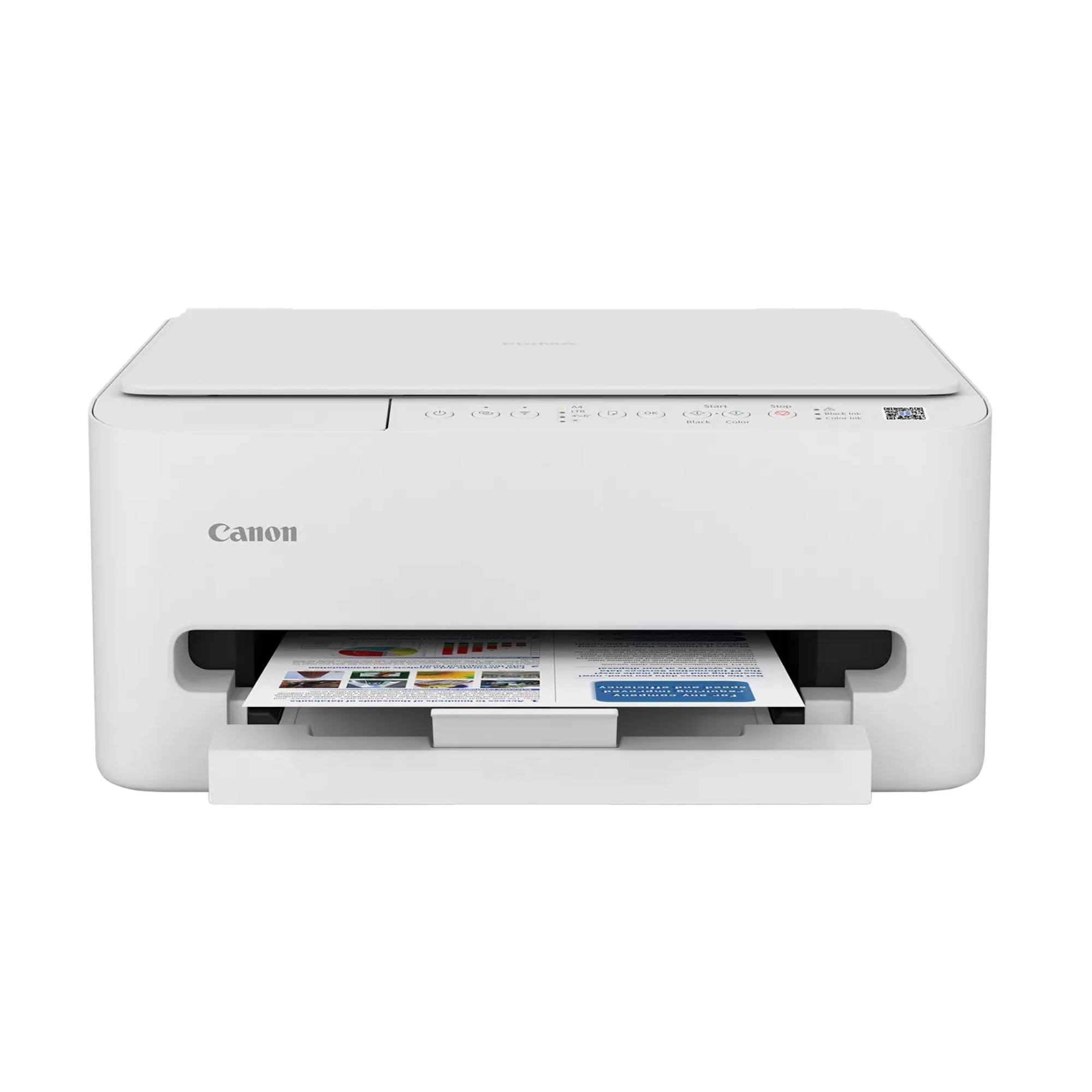
2. Canon PIXMA TS4320
A light, nimble all-in-one that protects your paper budget with auto duplexing.
For a smaller budget, this Canon gives you automatic two-sided printing, which the MegaTank above lacks — a feature that halves your paper use on multi-page jobs. It is the faster of the two Canons at 14 black-and-white pages per minute versus 11, and it prints color at 9 pages per minute. The first page lands in about 9.5 seconds, so you are not staring at a loading screen.
Owners praise the crisp output and easy setup through the Canon PRINT App, Apple AirPrint, or Mopria, and mobile printing from your phone just works. The dual-band WiFi (2.4GHz or 5GHz) keeps connections stable. But the honest caveat is the ink math: as owners mention, the cartridges nearly cost the price of the printer itself, so this is only a cheap-ink pick if you print lightly.
Photo printing up to 8.5 by 11 inches, with or without borders, makes it a decent creative companion. The main gripes in the review pages are occasional connectivity hiccups and some paper jams, so keep the paper tray loaded correctly and treat the setup patiently.
Best for light users: If you print mostly documents and occasional photos, the low entry cost and auto-duplex balance well — just keep your print volume modest to avoid cartridge sticker shock.
Who it isn’t for: Heavy daily printers will burn through 2-cartridge systems quickly, and the replacement cost will outweigh the savings.
The short version: a genuinely affordable machine with smart paper-saving duplex, best enjoyed by occasional printers who accept higher cartridge prices.
One honest limit: the starter cartridges run out fast, and refills approach the cost of the printer — budget for that reality.
3. Epson Expression Premium XP-7100
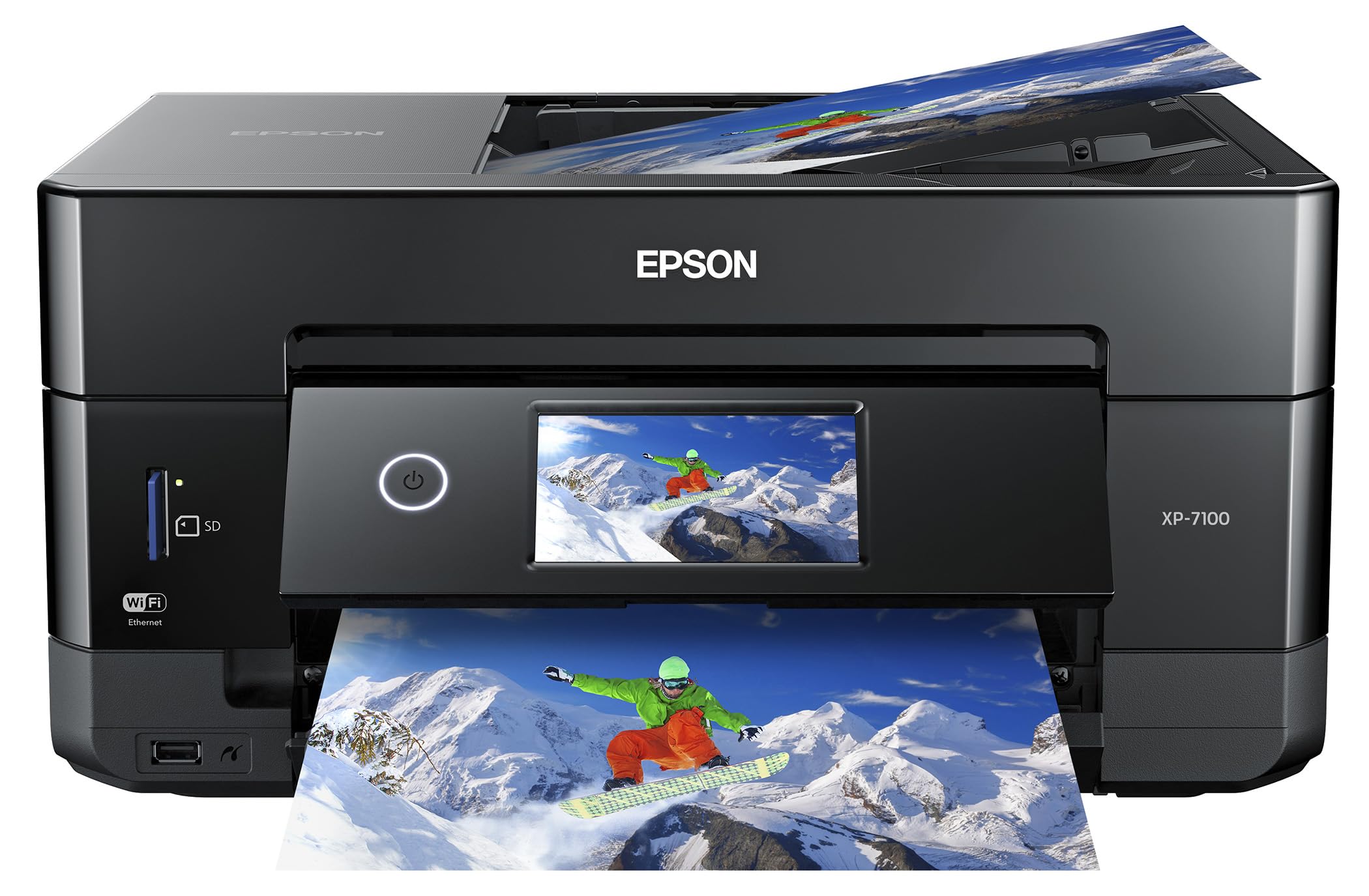
The five-ink photo machine that turns your desk into a print shop.
If vivid, borderless photos matter more than raw speed, this Epson is the creative standout. It uses five Claria Premium ink cartridges — black, photo black, cyan, magenta, and yellow — which is why photo colors come out richer than a standard 2-cartridge printer can manage. You can print borderless photos up to 8 by 10 inches, and even print directly onto compatible DVDs.
The hardware is genuinely versatile: a 30-page auto document feeder, automatic two-sided print/copy/scan, plus a rear media slot and an SD card slot. The large 4.3-inch touchscreen lets you view and edit photos right on the printer before printing, and you can load paper from two different trays. Black text prints at 15.8 pages per minute, the quickest of the consumer-tier models here.
Generous 410-series cartridges mean ink lasts well — owners note supplies still mostly full after weeks of use. The catches are a wobbly power port, trays that feel flimsy, and a touchscreen that sometimes misreads swipes. It is built for light-to-moderate use; heavy printing will drain the smaller cartridges fast and make the cost-per-page climb.
The creative edge: between the five inks, DVD printing, and borderless 8×10 output, this is the most fun machine on the list for crafters and photo fans.
The honest caveat: keep it to light-duty jobs — the small cartridges get costly under heavy use, and the build feels less rugged than a tank printer.
Choose it for: photo quality, dual paper trays, and creative extras like DVD printing that no other pick here offers.
Skip it for: high-volume home offices — you will feel the cartridge costs and the occasional flimsy-feeling tray.
4. HP OfficeJet Pro 8135
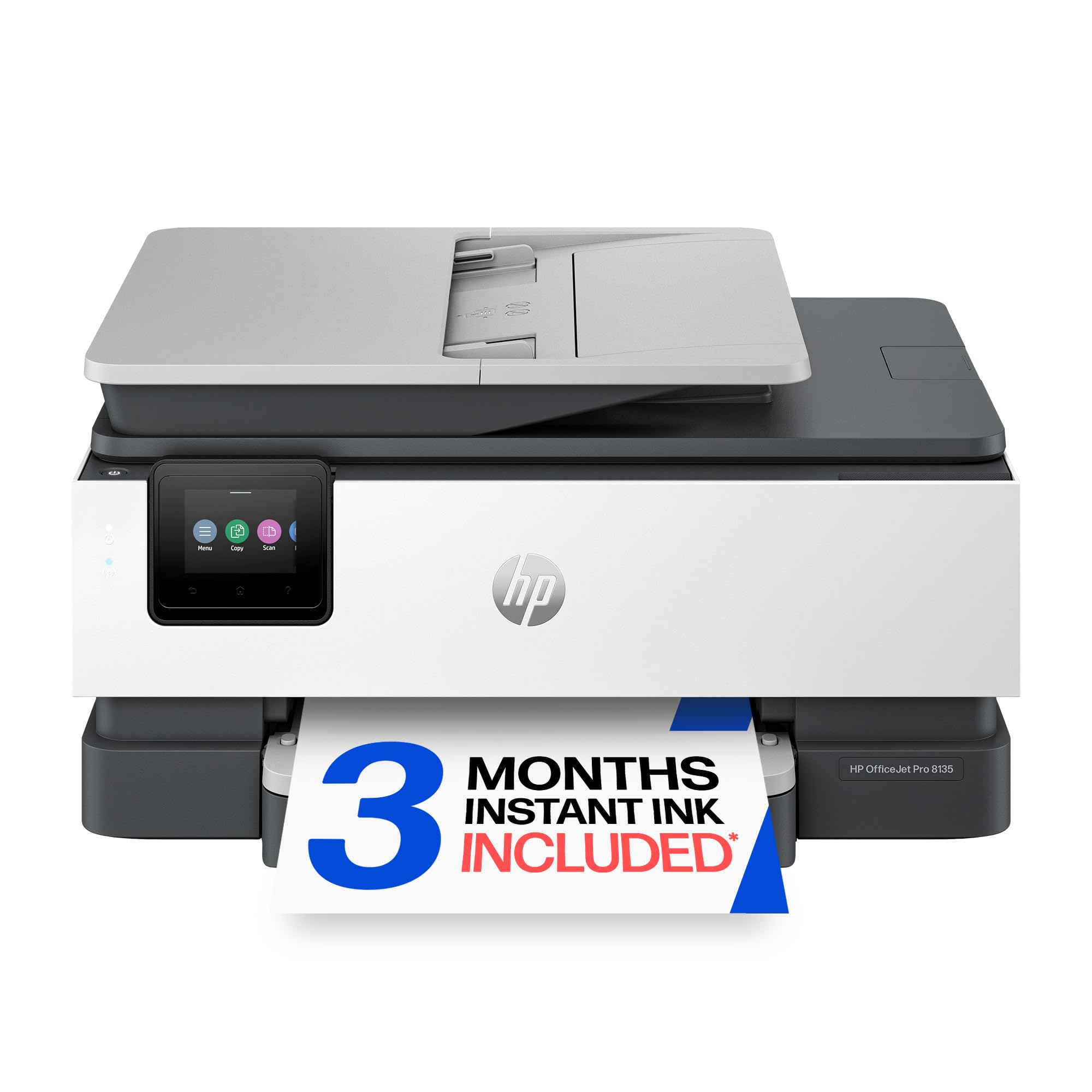
Home-office speed with a 225-sheet appetite and a phone-like touchscreen.
For a busy home office printing reports, flyers, and presentations in color, this HP moves. It prints up to 20 black pages per minute and 10 color pages per minute, and the first page is out in about 18 seconds. A 225-sheet input tray means you are not reloading paper mid-job, and the auto document feeder handles multi-page scanning and faxing without fuss.
The 2.7-inch color touchscreen uses a phone-like interface, and HP’s dual-band WiFi is designed to detect and fix connection issues on its own. Owners call it an everyday workman’s dream, praising the easy setup and build quality for both home and office duty. The thin-profile design is made with more than 45% recycled plastic content.
Cheap ink comes from the included 3-month trial of HP Instant Ink, a delivery service that mails cartridges before you run out — after the trial a monthly fee applies unless you cancel. The honest frustration in the reviews is that HP forces you toward original HP ink, and accessing the cartridges requires nearly breaking open the top on some units. Occasionally a new unit won’t join the WiFi network on the first try, so budget a little patience for setup.
Built For Productivity
- 20 ppm black speed plus a 225-sheet tray for long jobs
- Auto 2-sided printing, fax, and auto document feeder all standard
- Instant Ink trial covers your first 3 months of supplies
Know The Catch
- Locked to original HP cartridges, and the top is hard to open for swaps
- A few units resist WiFi setup initially and need a retry or reboot
Best for: home offices that print fast, in color, and in volume, where the 225-sheet tray and 20 ppm speed earn their keep.
Think twice if: you refuse to use branded ink — HP’s cartridge lock-in is the price of admission here.
5. HP Smart Tank 5003
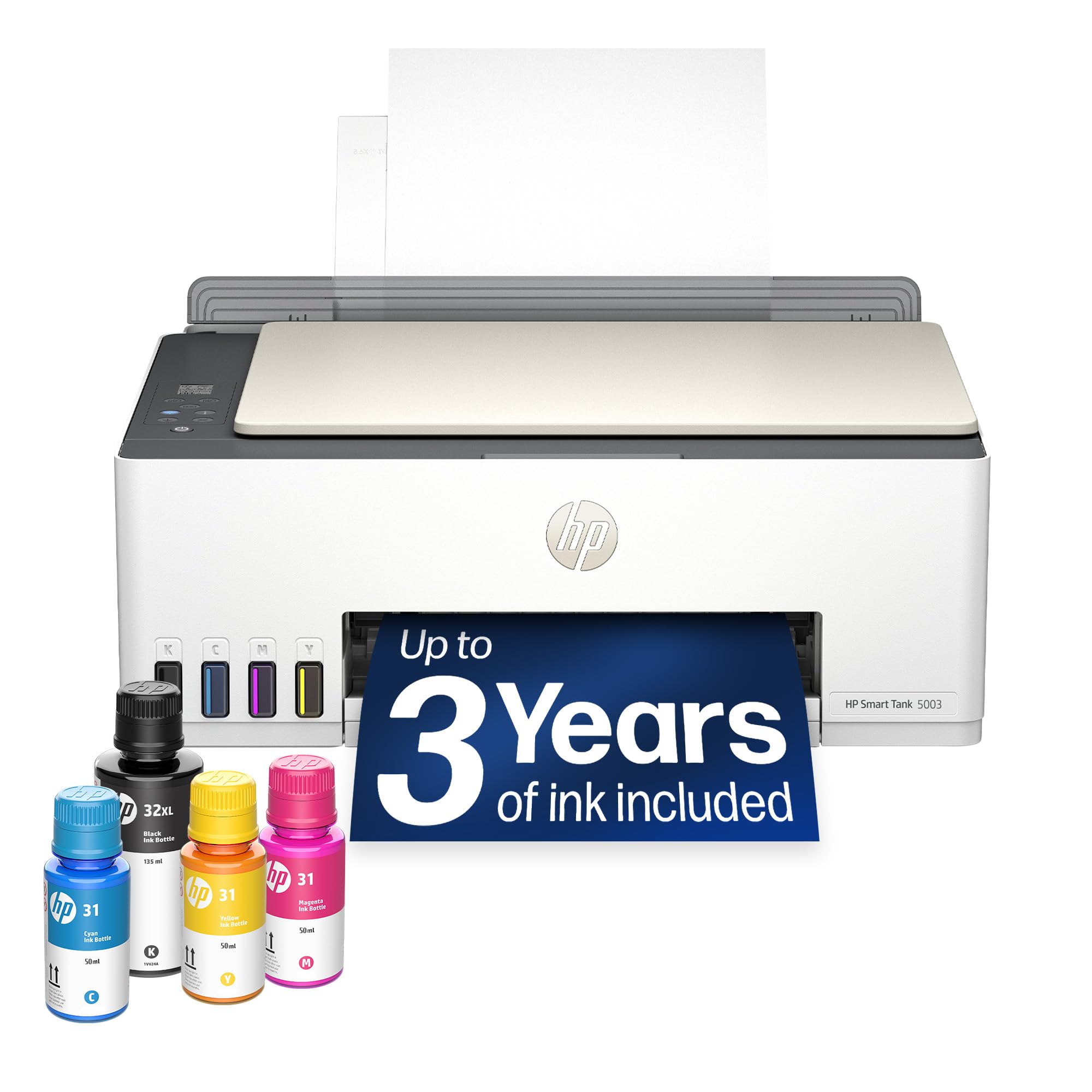
Mess-free ink bottles that drain themselves — no squeezing, no spilling.
HP’s answer to the tank revolution is here, and it ships with up to 3 years of ink in the box. The Smart Tank 5003 is a cartridge-free refillable that prints up to 6,000 color or black pages right from the start, and refills use a mess-free system where you plug the bottle in and let it drain — no squeezing required. For families and DIY projects, owners call it a great long-term value.
It is a genuinely easy machine: setup is quick, the wireless connection to your phone is convenient, and output quality is crisp and vibrant whether you print documents or color images. It is quiet, and the ink genuinely lasts, which is the whole point of a tank printer. You also get borderless printing for photos without white edges.
The two real trade-offs: this is a manual duplex printer, meaning you flip pages yourself for two-sided jobs, and it is notably slow — some owners timed color photos at around five minutes each. The footprint is also large, so measure your desk space first. If speed matters more than savings, this isn’t the one; if you want years of cheap ink with zero mess, it delivers.
Built Around Savings
- Up to 3 years of ink included, printing up to 6,000 pages from the start
- Mess-free refill bottles plug in and drain — no squeezing or spills
- Quiet, crisp output for documents and color prints
Pace Yourself
- Manual duplex only — you flip pages for two-sided printing
- Slow output, with color photos taking around five minutes each
Reach for this if: you want a no-fuss tank printer with years of ink included and you value clean, easy refills over raw speed.
Look elsewhere if: you print fast and often — the slow pace and large footprint will frustrate a busy home office.
6. Brother MFC-J4355DW

The compact inkjet that prints like a laser — 20 pages a minute in black.
Brother built its name on reliability, and this INKvestment model brings serious speed to a small footprint. It prints up to 20 black pages per minute and 19 color pages per minute, with a first page out in about 5.8 seconds — the quickest start of any pick in this roundup. That pace makes it feel closer to a laser printer than a typical home inkjet.
The INKvestment system is the cheap-ink story here: it ships with a high-yield black cartridge rated for 1,800 pages and color cartridges rated for 750 pages each. You also get automatic two-sided printing, a 150-sheet paper tray, and a 20-page automatic document feeder for scanning stacks. Cloud printing works with Google Drive, Dropbox, Box, and OneDrive, and the Brother Mobile Connect app handles printing and scanning from your phone.
Owners appreciate the compact, quiet build and jam-free operation, and many replaced a black-and-white laser with this for the color and duplex scanning. The software quality earns mixed feedback though — some find setup excellent while others hit connectivity walls, and a defective unit can chew up a whole weekend. Patience with the setup app is the honest price of entry.
The speed story: at 20 ppm black with a 5.8-second first-page-out time, this outpaces every other home inkjet here and rivals entry lasers.
The setup reality: most owners connect fine, but a minority wrestle with the software and wireless — be ready to troubleshoot or use a USB cable.
Best for: home offices that want laser-like speed, automatic duplex, and high-yield ink in a compact chassis.
Think twice if: you want a flawless plug-and-play setup without any driver tinkering.
7. Epson WorkForce Pro WF-7820

The big-sheet specialist that prints tabloid size and scans A3 documents flat.
Most home printers cap out at letter size, but this Epson handles up to 13 by 19 inches — the machine for floor plans, posters, and tabloid-size documents. Owners bought it specifically for A3 flatbed scanning and 11×17 output, and they praise the print quality and fast setup. It prints at 25 black pages per minute and 12 color pages per minute, the fastest speeds on this entire list.
The WorkForce Pro line uses PrecisionCore Heat-Free Technology with DURABrite Ultra instant-dry pigment inks, so prints come out professional-grade and resistant to smudging. A 250-sheet paper capacity means fewer reloads on big jobs, and automatic two-sided printing, copying, scanning, and faxing all come standard. The 4.3-inch color touchscreen keeps navigation simple, and you can set it up from your phone using Bluetooth Low Energy.
The wide-format capability is the headline, but ink consumption draws the most criticism — some owners find the cartridges drain quickly and replacement costs add up. Reliable WiFi is also a mixed bag, with several owners recommending a cable for consistent connections. This is a specialist tool: if you genuinely need big sheets, it is the only choice here, but the ink costs mean it is not the cheap-ink champion.
Why It Stands Out
- Prints up to 13×19 inches and scans A3/tabloid flat documents
- Fastest on the list at 25 ppm black with a 250-sheet tray
- Duplex, fax, and 50-sheet auto document feeder all included
The Wide-Format Tax
- Ink consumption is the top criticism — cartridges drain fast under heavy use
- Wireless can be unreliable; a USB or Ethernet cable is the safer bet
Choose it for: true wide-format printing and scanning that no other home all-in-one on this list can match.
Skip it for: budget ink costs — the pigment cartridges are pricey, and heavy use will hit your wallet.
Understanding the Specs
Pages Per Minute (ppm)
This is the speed rating for black-and-white and color printing. A 20 ppm printer will handle a 20-page document in about a minute, while a 10 ppm model takes two. For light home use the gap barely matters, but for a busy office it is the difference between waiting and working. First-page-out time — how long until the very first sheet lands — often shapes your daily experience more than the top speed.
Ink Systems: Tanks vs. Cartridges
Refillable tank printers use bottles of ink that you pour into built-in reservoirs, cutting per-page costs dramatically — some ship with thousands of pages of ink included. Cartridge printers are cheaper upfront but you replace cartridges more often, and high-yield cartridges (like Brother’s rated for 1,800 pages) are the cost-saving option there. Subscription plans mail you ink before you run out, but usually carry a monthly fee after a trial period.
FAQ
What is the cheapest type of printer ink for home use?
Are ink tank printers better than cartridge printers?
How many pages can I print before refilling the ink?
What does auto duplex printing actually do for me?
Is a printer subscription worth it for cheap ink?
Do these printers work with my phone for wireless printing?
What is the difference between pigment and dye ink?
Can I print large documents like tabloid or A3 size at home?
Final Thoughts: The Verdict
For most buyers, the all-in-one printer for home use with cheap ink winner is the Canon MegaTank G3270 because it bundles up to two years of ink and prints thousands of pages per refill, which kills cartridge anxiety for good — the crowd favorite backed by thousands of owners. If you want automatic two-sided printing on a budget, the Canon PIXMA TS4320 is the smart pick. And if your printing runs fast and heavy in color, the HP OfficeJet Pro 8135 with its 20 ppm speed and Instant Ink trial is the one to reach for.
How We Picked
We do not accept paid placement. Every pick is matched to a real buyer and a real use-case; we do not hands-on test units.
Sources & Methodology
Specifications: manufacturer listings and product documentation. Review insights: verified customer reviews, as of September 2026. Pricing: not shown on this page (it changes often); check the current price via the retailer link.
As an Amazon Associate, Gadgets Feed earns from qualifying purchases. This does not affect which products we feature.