
Our readers keep the lights on and my morning glass full of iced black tea. As an Amazon Associate, I earn from qualifying purchases.
Specs are compiled from manufacturer listings and verified buyer reviews and can change over time — please confirm the key details on the product page before buying.
If your car only supports wired Android Auto, you know the drill: you plug in your phone every single trip, the cable loosens, and the connection drops at the worst moment. These little adapters sit in your USB port and broadcast Android Auto wirelessly, so you can toss your phone in the cupholder and keep your eyes on the road.
I’m Min — the founder and writer behind Gadgets Feed. This guide is built by comparing the manufacturers’ published specifications and the patterns across verified customer reviews, so you get each pick’s real strengths and trade-offs instead of marketing spin.
You want an android auto bluetooth adapter that connects fast, stays stable, and fits your car—here is what to check before you buy.
Our Picks at a Glance
How To Choose The Best Android Auto Bluetooth Adapter
Every adapter here does the same basic job: it converts a factory wired Android Auto connection into a wireless one. But they differ hugely in connection speed, heat management, and how reliably they reconnect after a drive. The most important rule is that your car must already have wired Android Auto or Apple CarPlay built in from the factory — these dongles cannot add it to a car that never had it.
Check Your Phone And Port Compatibility First
Most of these require Android 11 or higher on your phone, and the car needs to be a 2016 or newer model with a wired system. You also need to know your USB port type — some adapters come with a USB-C converter, while others are USB-A only. If your car has a low-powered USB port that only charges, these won’t work there; they need a data-capable port.
Heat Is The Hidden Killer
These dongles run constantly while your car is on, so heat management decides whether they last. The best designs use metal shells or rear cooling vents to shed heat. Sealed plastic adapters that overheat can disconnect mid-drive or shut down entirely until they cool, which is exactly the frustration you’re trying to eliminate by going wireless.
Reconnect Speed Matters More Than Boot Speed
A fast first boot is nice, but what you’ll feel daily is how quickly it reconnects when you start your car. Quality units auto-connect in 5 to 30 seconds. Some cheaper models require manual re-pairing every time, which defeats the entire purpose of going wireless in the first place.
Quick Comparison
| Model | Best For | Connector | Connectivity Tech | Phone Requirement | Amazon |
|---|---|---|---|---|---|
| KUKIHO Wireless Adapter★ Best Overall | Best Overall Reliability | USB-A (converter to USB-C) | Dual-band 2.4G + 5G | iOS 10+ / Android 11+ | Amazon |
| CODONOVA Carbon (CA6_Carbon)Premium Pick | Most Reliable Premium | USB-C & USB-A (2.0) | Bluetooth 5.3 + 5GHz Wi-Fi | iOS 10+ / Android 11+ | Amazon |
| ANYFAR C6 MiniCompact Pick | Most Compact Design | USB-A | Dual 5G chips, 5.8GHz | iPhone 6+ / Android 11+ | Amazon |
| CODONOVA Mini (CA6-BL-CKE) | Best Value Compact | USB-A & USB-C | Bluetooth 5.4 + Wi-Fi | iOS 10+ / Android 11+ | Amazon |
| AAWireless Two | Top For Android-Only Households | USB-C | Bluetooth & Wi-Fi | Android 11+ | Amazon |
| Butook 2-in-1 Adapter | Budget-Friendly Entry | USB-C (with USB adapter) | Bluetooth 5 | iOS 10+ / Android 11+ | Amazon |
| ANYFAR D7 Mini | Alloy Shell Durability | USB-C | Bluetooth & Wi-Fi | iOS 10+ / Android 11+ | Amazon |
| OTTOCAST Mini Edge | Multi-Car Households | USB | Bluetooth 4.2 + 5GHz Wi-Fi | iOS & Android | Amazon |
| OTTOCAST Mini Cube 3.0 | Thumbnail-Size Design | USB-A | Dual-band 2.4Ghz + 5Ghz | iOS 10+ / Android 11+ | Amazon |
In‑Depth Reviews
1. KUKIHO Wireless CarPlay Adapter
Our pick — over 4.5★ from 60+ verified ratings; the strongest balance of quality and price.
The steady performer that keeps maps and music flowing with no cable drama.
This pick stands out because it delivers the two things that actually matter for daily driving: a fast, stable link and a simple setup. A dual-core processor powers the connection, and the 2.4G + 5G dual-band transmission means your navigation stays responsive and your hands-free calls stay clear. Buyers report they connected quickly and noticed no lag with Google Maps, and one driver summed up the experience: “Easy to setup, phone connected quickly, excellent sound quality.”
The install is genuinely three steps — plug, pair, and play — and after that first pairing, it reconnects automatically every time you start the car. That reliability is why it earns the top spot here. It runs cool thanks to a mini metal-edge shell, which helps the connection stay stable even on bumpy roads and sharp turns. A USB-A to USB-C converter is included, so it fits both older and newer factory ports.
Where it draws the line is on the older phone requirement: it needs iOS 10+ or Android 11+. It covers 98% of factory-wired CarPlay vehicles, so a small chance remains your car falls outside that range. The two-year warranty provides some security if you hit an issue.
What Wins People Over
- Auto-reconnects every time after the first setup
- Dual-band 2.4G + 5G keeps navigation low-latency
- Metal-edge shell runs cooler than plastic rivals
- Includes a USB-C converter for flexible port fit
The Minor Trade-Off
- A rare buyer reports a 3-second delay on pause and skip commands
- Won’t work in cars without factory wired CarPlay
Grab it for: the blend of fast connection, cool running, and auto-reconnect that makes going wireless feel easy.
Think twice if: your car predates factory wired CarPlay, since this dongle can only convert an existing wired system.
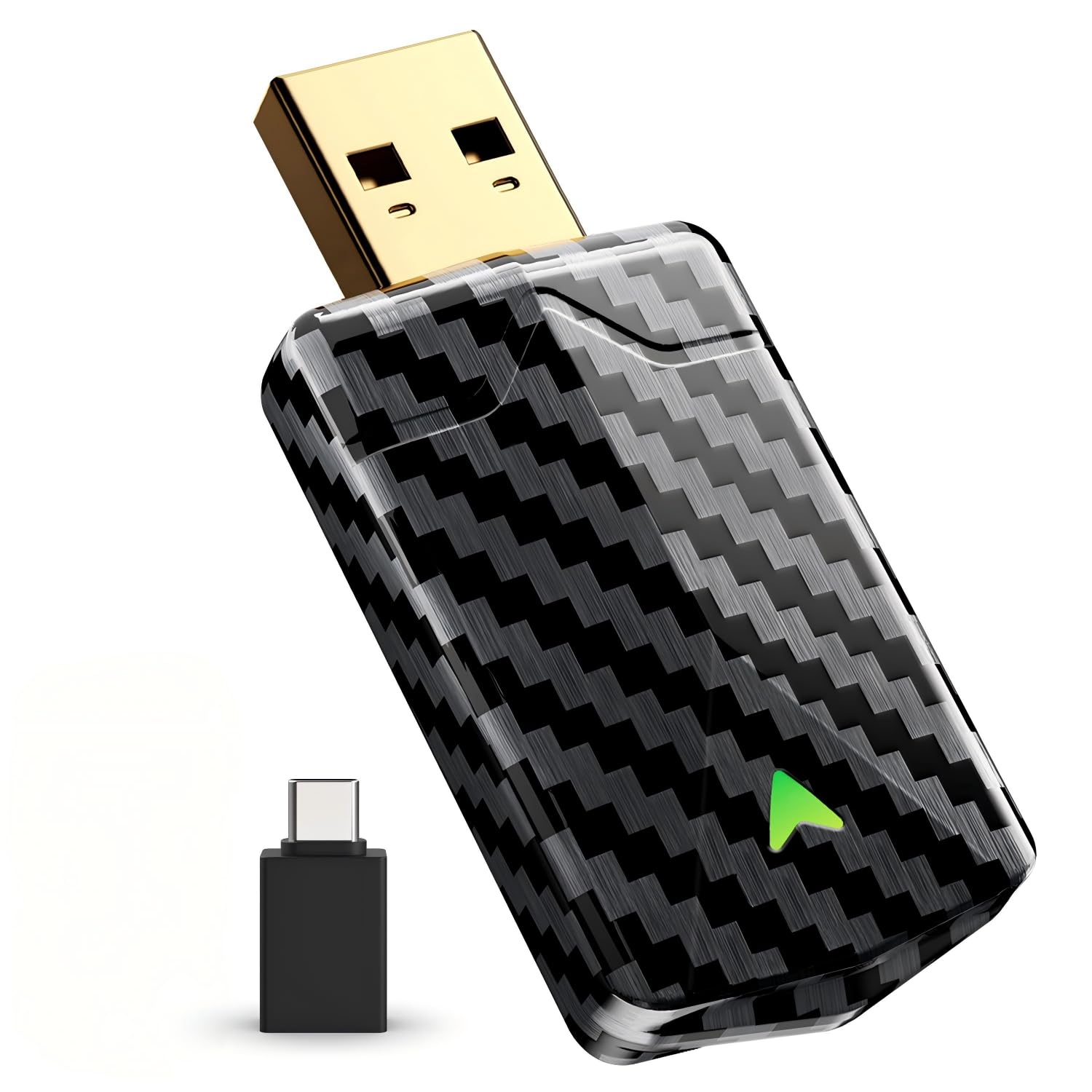
2. CODONOVA Wireless CarPlay & Android Auto Adapter (Carbon)
The gold-plated choice for drivers who want a stable link without a bulky gadget.
This is the adapter for people who treat connection quality as non-negotiable. It pairs Bluetooth 5.3 with 5GHz Wi-Fi and an upgraded dual-core chip, which together keep navigation, music, and calls responsive in city traffic and on the highway. A gold-plated USB connector provides a tighter fit and better signal transmission than standard connectors, so vibration and rough roads are less likely to interrupt your session.
The low-profile body is designed to hide neatly behind your USB port with a carbon fiber finish that looks at home in a premium interior. Unlike some rivals that run hot, it uses tune power management to reduce unnecessary heat during long drives. Dual front and rear LED indicators let you check the connection status from either side without unplugging the unit.
Setup is plug and play with no apps or subscriptions, and it reconnects automatically on your next start. It supports both USB-C and USB-A connections, and works with most vehicles from 2016 onward that have factory wired CarPlay or Android Auto. One detail to note: it deliberately blocks video apps like YouTube while driving for safety, so those streams show audio only.
Reliability first: the recurring story across owner feedback is a month or more of consistent, lag-free performance with auto-connect in seconds.
One caveat: since the USB port may stay powered after the car shuts off, a buyer noted the LED can keep blinking and draw power, which is worth knowing if your car leaves the port live.
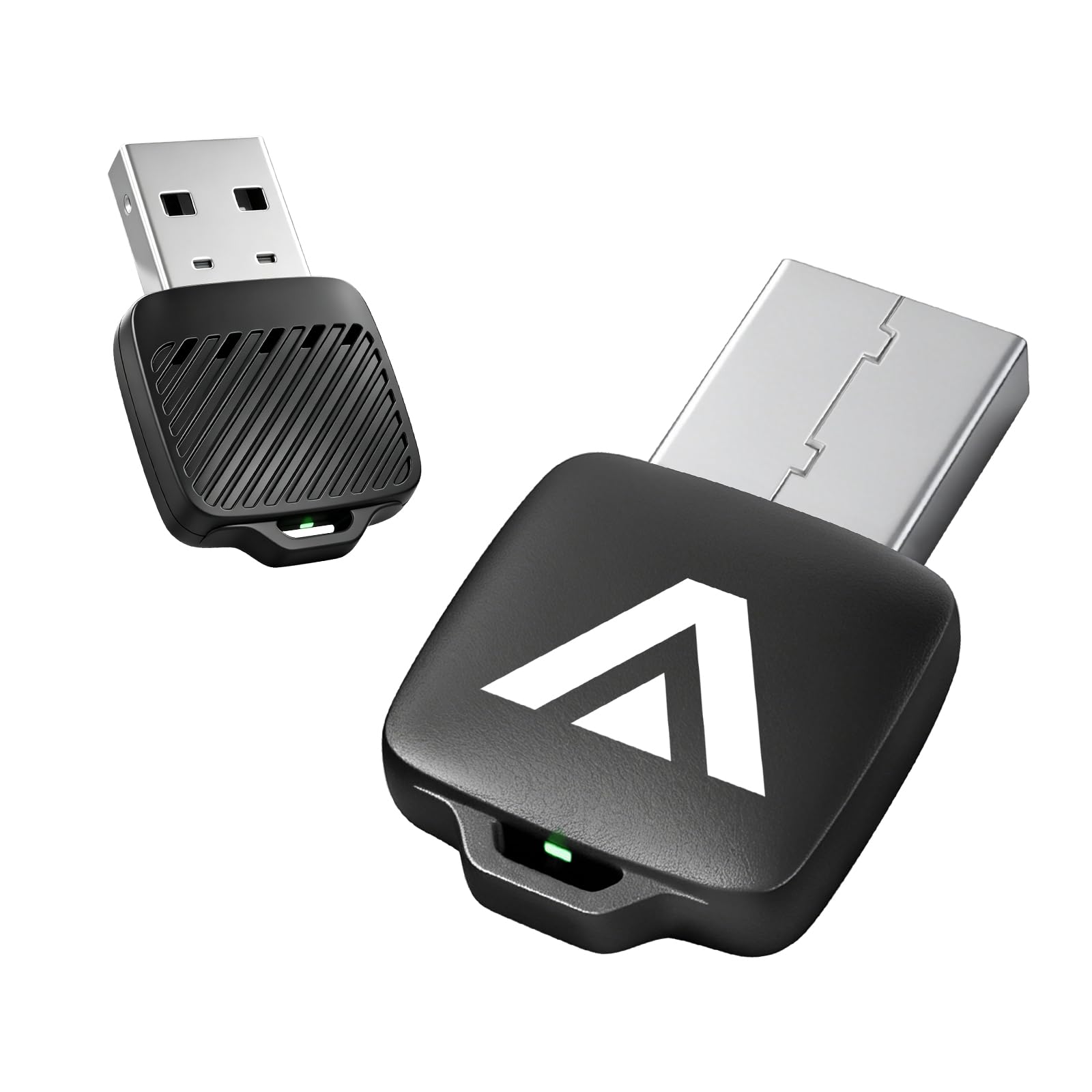
3. ANYFAR C6 Mini Wireless CarPlay Android Auto Adapter
The flash-drive-size dongle that disappears into your console yet survives a 10-hour drive.
If clutter bothers you, this is the one to watch. The C6 is 70% smaller than traditional adapters and 30% more compact than the previous generation, plugging directly into your USB port at just 0.39 x 0.31 x 1.57 inches. Multiple buyers describe it as the smallest adapter they have tested, and it stays neatly out of the way with no dangling cables.
Small size doesn’t mean weak internals. It runs dual 5G chips with 5.8GHz dual-channel signal technology, which filters out interference for clear music and real-time GPS without dropouts. The rear cooling vents are a standout for anyone who has watched a sealed plastic adapter overheat and disconnect — a buyer who drove 10.5 hours straight, including through hot conditions and restarts, reported the drive went flawlessly.
Compatibility spans iPhone 6+ and Android 11+ phones, covering 1000+ vehicles with factory wired CarPlay or Android Auto. It includes lifetime OTA updates to keep firmware current. Note that it will not work with Tesla, BMW, or MINI vehicles, and it requires that your car already has a factory wired connection.
Why It Impresses
- Flash-drive size keeps the console truly clean
- Cooling vents prevent the overheating that plagues sealed dongles
- Dual 5G chips filter interference for lag-free streaming
- Lifetime OTA updates keep it current
Setup Notes
- Android pairing can take about 15 minutes on first setup
- Bluetooth name may display differently than expected
Reach for this if: you want the most discreet install possible and regularly take long drives where heat would cook a lesser adapter.
Look elsewhere if: you drive a BMW, Tesla, or MINI, since this unit is not compatible with those brands.
4. CODONOVA Mini Wireless CarPlay Adapter

A budget-friendly bridge that fixes cable disconnects without replacing your stereo.
This one earns its value label by solving a very specific pain: USB-C data cables that constantly disconnect in the car. It converts factory wired CarPlay or Android Auto to wireless with Bluetooth 5.4 and fast Wi-Fi transmission, so after a one-time pairing it reconnects automatically when the car starts. Owners mention first setup takes about 30 seconds, and after that it connects in seconds.
The gold-plated USB connector is designed for steady data transfer, holding a reliable contact that reduces loose-port interruptions on commutes, highways, and uneven roads. That’s a recurring theme in owner feedback — people who switched from a cable that kept dropping to this dongle report it never disconnects. It keeps your original touchscreen, steering wheel buttons, and voice assistant fully functional.
Compatibility covers most 2016 and newer vehicles with factory wired CarPlay or Android Auto, and it works with iPhones running iOS 10+ and Android phones on Android 11+. At just 8 g, it sits neatly near the USB port without cluttering the dashboard. It is not compatible with Tesla or BMW, and it won’t add CarPlay to a car that never had a wired system.
Best for shared cars: it’s made for iPhones and Android phones alike, which suits family vehicles where drivers switch between iOS and Android. The one note for households with multiple phones: switching drivers requires manually turning off Bluetooth on the previous phone.
5. AAWireless Two – Wireless Android Auto Adapter

The Android purist’s choice with a physical button and an app that puts you in control.
If you only use Android Auto, this adapter is built for you—it skips CarPlay completely and focuses purely on Android. A multifunction button on the device lets you pair and switch between two phones easily, so your work phone and personal phone can both connect without fuss.
Setup is plug and play with no tech skills required, and it supports unlimited phones for road trips where passengers take turns driving. The free companion app handles firmware updates, troubleshooting, and customization, which owners used to update their units on first connection. It even adds an app-level feature for localized Wi-Fi settings to fight external interference from cell towers, hotspots, or dashcams.
One clever touch is the auto-standby feature, which matters if your car keeps USB power on after shutdown. A Jeep Grand Cherokee owner specifically praised it for preventing wireless hijacking from a persistent USB port. Just know the requirements are strict: your phone needs Android 11 or higher and must be on Google’s official Android Auto compatibility list, and your car needs a USB-C port.
What Makes It Special
- Physical multifunction button for easy phone switching
- Companion app allows deep customization and updates
- Auto-standby prevents drain on always-on USB ports
- Made in Europe with a strong ownership base
Fair Caveats
- Android-only — no CarPlay support at all
- An occasional drive can see a brief cutout in heavy interference zones
- Needs a phone on Google’s official compatibility list
Best suited to: Android-only households where a multifunction button and app-level control are worth more than CarPlay compatibility.
skip it if: anyone in the car uses an iPhone, since this dongle ignores CarPlay completely.
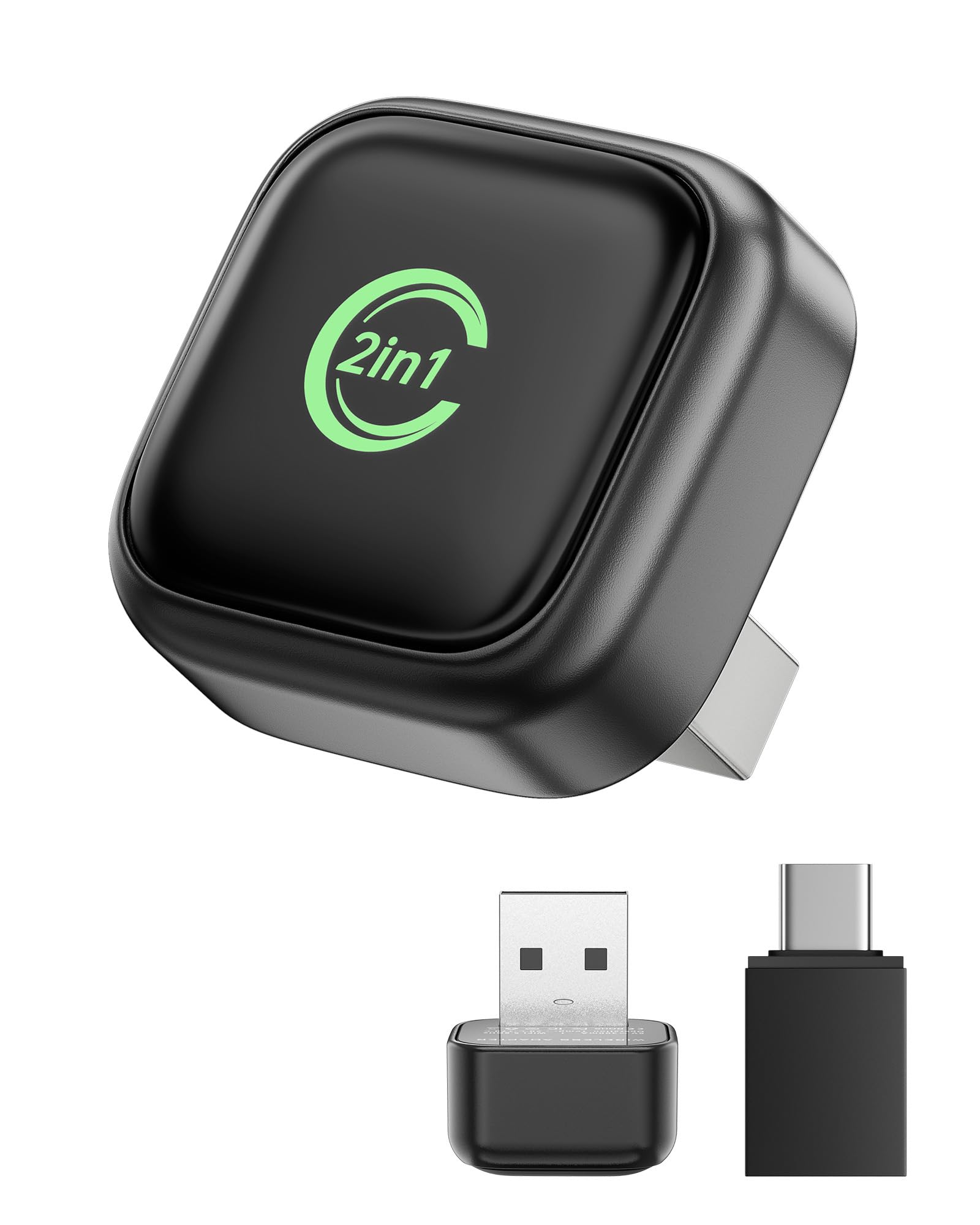
6. Butook 2-in-1 Wireless CarPlay Adapter
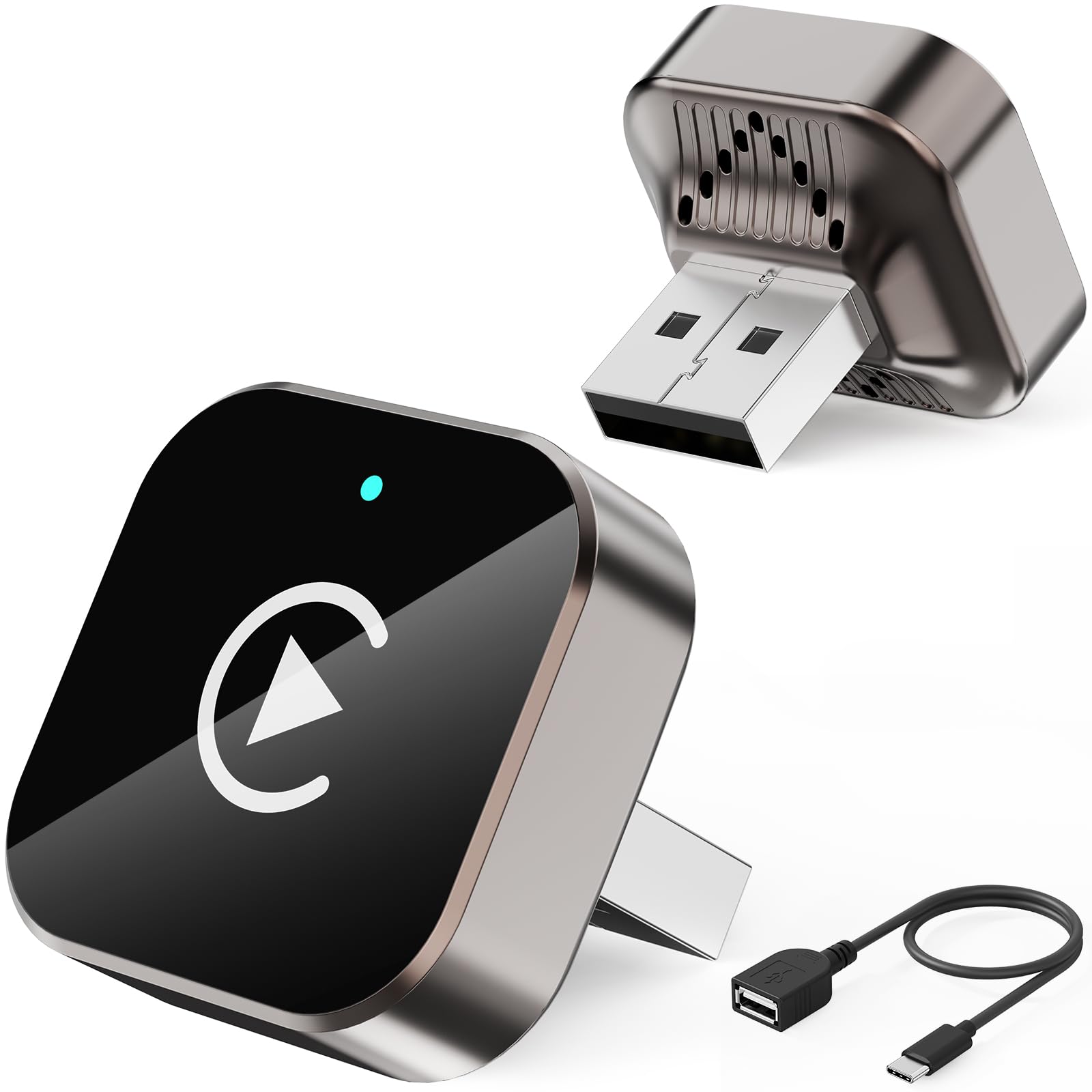
The low-fuss starter dongle that does the wireless conversion while staying affordable.
If you are testing the wireless waters for the first time, this compact adapter keeps the entry cost low while covering both CarPlay and Android Auto. It supports iOS 10 and above on iPhones from the iPhone 6 generation onward, and Android phones running Android 11 or later with the latest Android Auto function. The body is built from ABS and polycarbonate plastic, keeping it light and durable for daily use.
Buyers consistently highlight how easy it is to set up and how small it is once installed. Multiple owners describe a simple pairing, quick connect, and responsive performance with no noticeable delay. The core value pitch is convenience: it lets you drop the cable and focus on the road without having to deal with your phone while driving.
A USB-C adapter is included so it works with both USB and USB-C ports across different vehicles. The honest caveat is that automatic connection is not guaranteed every single time — some customers note it connects automatically on startup, while others find they need to manually connect after turning the car off and on. That makes it a solid budget pick rather than a set-and-forget solution.
Good value start: the compact size and easy setup win most people over, and it eliminates the cable for a genuinely cleaner dash.
Know the limitation: since auto-reconnect is hit-or-miss, treat this as a convenient upgrade rather than a fully hands-off one.
7. ANYFAR D7 Mini USB-C Wireless Adapter
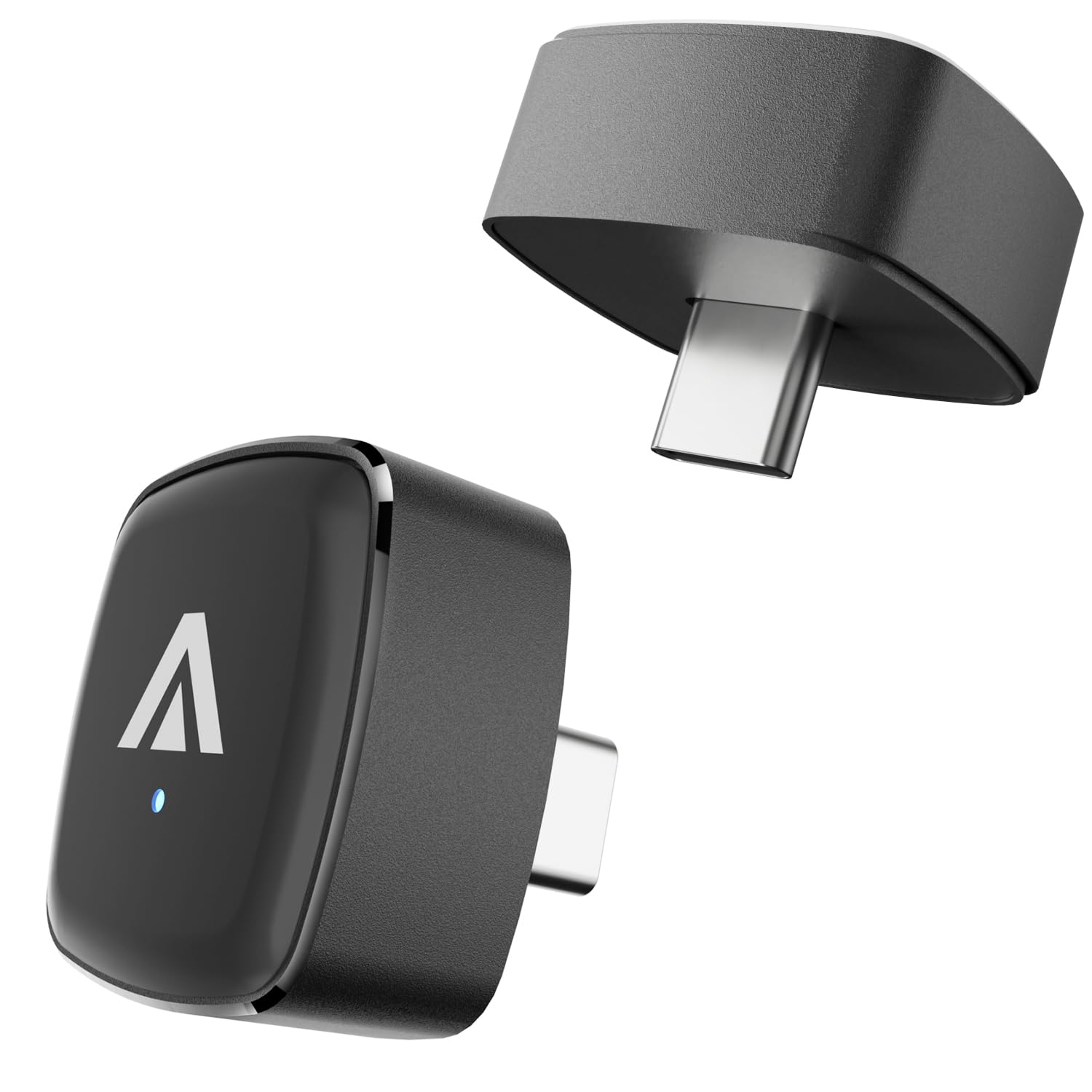
The best-looking dongle here, with a machined alloy body built to handle rough roads.
Some buyers care how the gadget looks in their cabin, and this one delivers. The D7 features a high-strength tempered glass top over a CNC-machined, anodized aluminum alloy body with a matte finish. Beyond looks, that rigid construction prevents the unit from bouncing or shaking on rough roads, protecting the device while keeping your dashboard organized.
The maker claims it stays lag-free in freezing winters or scorching summers. A 2025 Nissan Z owner with a Samsung S25 Ultra reported a fast, stable connection with no lag or drops. One buyer testing it in a new SUV said sound quality matches plugging your phone in directly.
It supports the full functionality of both native CarPlay and Android Auto, including navigation, music, Spotify, audiobooks, and calendar, while retaining your original steering wheel buttons and touchscreen. It needs a car with factory wired CarPlay or Android Auto from 2016 or newer, and it is not compatible with BMW or Tesla. One recurring fit note: if the car sits unused for a few days, a buyer found they need to unplug and replug the adapter to wake the connection.
Where It Shines
- Machined alloy body feels premium and resists road vibration
- Fast, stable Android Auto performance in a 2025 Nissan Z
- Keeps all original car controls working
Worth Knowing
- May need an unplug/replug after the car sits for days
- With two phones paired, it randomly connects to one if both are present
Choose this for: a premium-feeling, ruggedly built dongle when appearance and durability matter as much as function.
Reconsider if: your car is a BMW or Tesla, which this model does not support.
8. OTTOCAST Mini Edge 2-in-1 Adapter
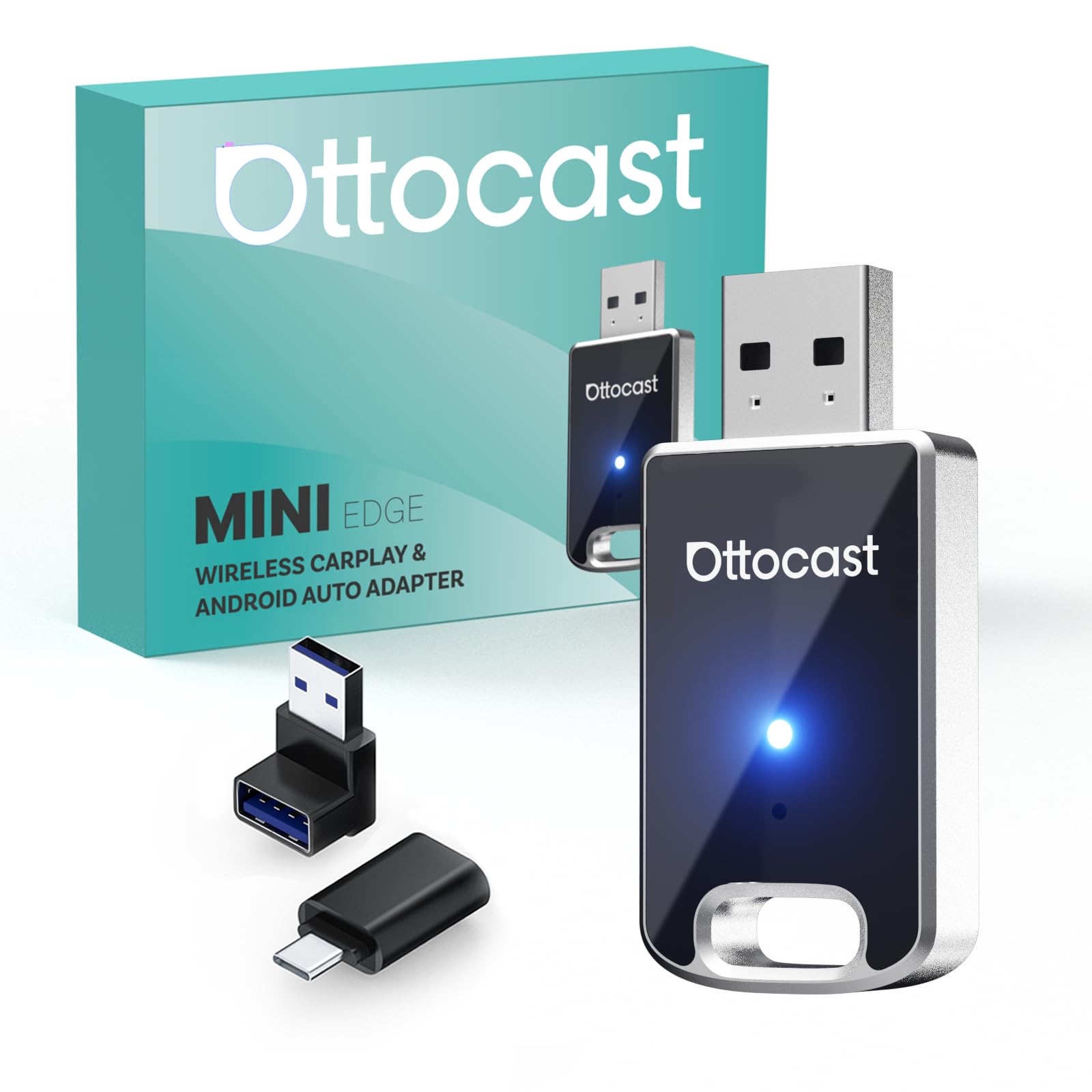
The family-friendly dongle that recognizes which phone is connecting and switches automatically.
If your household shares one car among several phone users, this adapter is engineered for exactly that scenario. It combines Bluetooth 4.2 with 5GHz Wi-Fi for a stable connection, and its all-in-one technology is smart enough to recognize the model of your phone. That means it can switch between wireless CarPlay and wireless Android Auto on its own, making it a natural fit for family cars with mixed iPhone and Samsung devices.
The unit is genuinely tiny at 0.94 x 0.32 x 2.03 inches and weighs just 8 g, so it tucks into a cupholder compartment or behind the dash without blocking storage. A 2025 GR86 owner noted it fits perfectly in that tight compartment. The cordless design drew praise from buyers who were tired of unsightly wires, and the signal is strong enough that one owner reported it connects before they even get in the car when plugged into an always-on port.
Compatibility spans 800+ car models with factory wired CarPlay or Android Auto, including Toyota, Volkswagen, Ford, and Honda. It is not compatible with BMW or Tesla. Support is solid with 24 months of after-sale service and lifetime technical support from the brand. The one durability note from a long-term owner: after roughly six months, the right-angle connector developed a short that caused disconnects over bumps, so it’s worth handling the plug gently.
Family-first design: automatic phone recognition and smooth switching make it the easiest pick for shared vehicles.
The longevity watch: an occasional long-term owner reports the right-angle connector can wear, so treat the plug gently when removing it.
9. OTTOCAST Mini Cube 3.0 Adapter
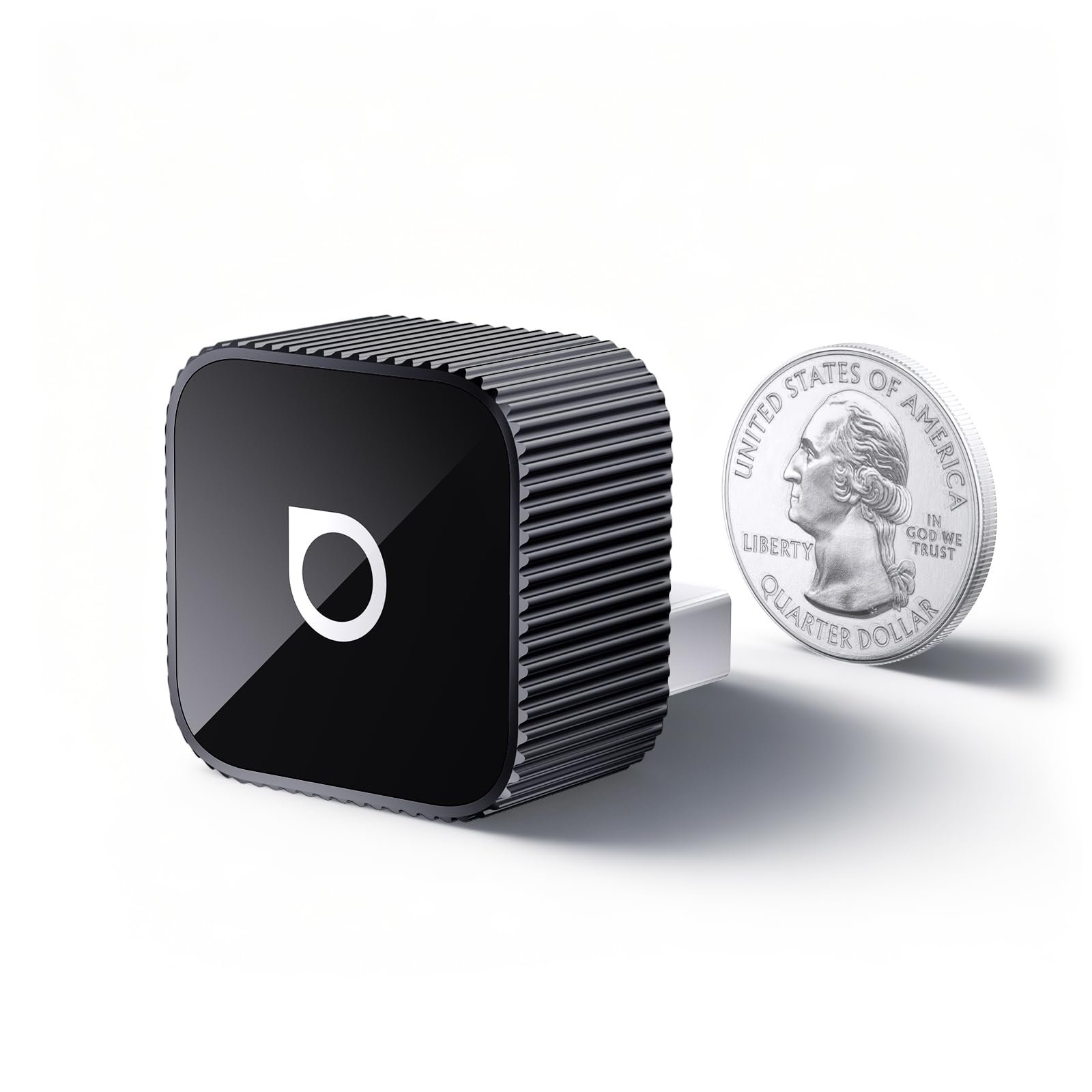
A thumbnail-sized cube that remembers two phones and connects within seconds of ignition.
This is the adapter for drivers who want the smallest possible footprint with the ability to juggle two phones. The Mini Cube 3.0 is 50% smaller than its predecessor — literally around the size of a thumbnail at 0.82 x 0.82 x 0.93 inches. It remembers both your work phone and personal phone, and when you hop in the car you are back online within 5 to 8 seconds.
The 2.4Ghz + 5Ghz dual-band chipset is claimed to keep it running smoothly with zero fuss. Buyers confirm it works well after an initial wired registration followed by a Bluetooth sync, with no lag or glitches reported. A 2020 Mustang GT owner found it a cost-effective wireless addition, appreciating the sound quality once installed. OTA upgrades keep the firmware current, backed by 2 years of OTTOCAST support.
It covers 98% of cars with factory wired CarPlay or Android Auto, from iPhone 6 (iOS 10+) to Android 11+ devices. The physical button and voice control methods keep steering wheel controls working. Two honest caveats: YouTube and Netflix are not supported for video, and the unit can feel warm while running, which the maker says is normal and tested safe. It is also not for BMW or Tesla models.
Why Choose It
- Thumbnail size with a premium grooved grip
- Remembers two phones for quick switching
- Dual-band chipset keeps connections smooth
- OTA updates with 2-year brand support
Honest Limits
- No video playback for YouTube or Netflix
- Unit runs warm during operation
Pick it for: the absolute smallest install with dual-phone memory and fast reconnection, all backed by real brand support.
Not for you if: you want to watch video apps on your car screen, or you drive a BMW or Tesla.
Understanding the Specs
Dual-Band Wi-Fi vs Single-Band
Dual-band means the adapter transmits on both 2.4Ghz and 5Ghz frequencies. The 5Ghz band is wider and faster, which directly reduces lag in navigation and music streaming. The 2.4Ghz band reaches farther and penetrates obstacles better. Adapters with both bands, like the KUKIHO with 2.4G + 5G, can switch to whichever gives the cleanest signal in your driving environment. Anti-interference technology matters because your car is full of competing wireless signals from phones, dashcams, and even passing hotspots.
Bluetooth Version And Why It Matters
Bluetooth handles the initial handshake between your phone and the adapter. Newer versions like Bluetooth 5.3 and 5.4 connect faster and hold a more stable link than older ones like Bluetooth 4.2. After the first pairing, most adapters switch to Wi-Fi for the heavy data transfer of maps and music, using Bluetooth mainly to wake the connection when you start the car. So a higher Bluetooth number generally means quicker auto-reconnect on your daily commute.
FAQ
Will this work in a car that has no built-in Android Auto at all?
What Android version does my phone need?
Do these adapters work with Apple CarPlay too?
My USB port is USB-C. Which adapter should I pick?
Why does my adapter overheat and disconnect?
How long does the connection take after I start my car?
Why does my adapter disconnect when I drive over bumps?
Can I watch YouTube or Netflix through these adapters?
What if my car’s USB port stays powered after I turn the car off?
Final Thoughts: The Verdict
For most drivers, the android auto bluetooth adapter winner is the KUKIHO Wireless Adapter because it pairs a fast dual-band connection with cool metal-shell operation and dependable auto-reconnect after every drive. If you want the smallest possible footprint that still survives marathon road trips, grab the ANYFAR C6 Mini. And for an Android-only household that wants app-level control and a physical pairing button, the AAWireless Two is the one to reach for.
How We Picked
We do not accept paid placement. Every pick is matched to a real buyer and a real use-case; we do not hands-on test units.
Sources & Methodology
Specifications: manufacturer listings and product documentation. Review insights: verified customer reviews, as of September 2026. Pricing: not shown on this page (it changes often); check the current price via the retailer link.
As an Amazon Associate, Gadgets Feed earns from qualifying purchases. This does not affect which products we feature.