
Our readers keep the lights on and my morning glass full of iced black tea. As an Amazon Associate, I earn from qualifying purchases.
Specs are compiled from manufacturer listings and verified buyer reviews and can change over time — please confirm the key details on the product page before buying.
Upgrading to a 3840×2160 PC monitor is about seeing the fine print on a spreadsheet without leaning in, spotting an enemy pixel in a dark game corner, and finally having enough desktop room for three windows at once. The hard part is choosing between IPS, OLED, refresh rates, and ports — so this guide ranks the best options by what they actually do for you daily.
I’m Min — the founder and writer behind Gadgets Feed. This guide is built by comparing the manufacturers’ published specifications and the patterns across verified customer reviews, so you get each pick’s real strengths and trade-offs instead of marketing spin.
Whether you edit photos, game competitively, or just want text that looks printed on paper, the 3840×2160 pc monitor you choose hinges on panel type, refresh rate, and connectivity — here’s how they really compare in daily use.
Our Picks at a Glance


How To Choose The Best 3840×2160 PC Monitor
Every 4K monitor delivers four times the pixels of a 1080p screen, but that is where the similarity ends. To pick the right one, you need to weigh the panel technology against your screen time and hobbies.
Panel type decides your viewing experience
IPS panels offer wide viewing angles and accurate color, making them the standard for office work and photo editing. OLED panels light each pixel individually, producing perfect blacks and infinite contrast that make games and movies look far more dimensional — at a higher cost with burn-in precautions.
Refresh rate measures how smooth motion looks
Standard office monitors run at 60Hz, showing 60 frames per second. Gaming-focused 4K monitors jump to 120Hz, 160Hz, or 240Hz, which makes fast camera pans in games look fluid rather than blurry. If you play competitive shooters, a higher refresh rate gives you a real edge.
Connectivity determines your cable setup
All 4K monitors include HDMI and DisplayPort, but USB-C with power delivery is the standout. One cable can carry video, data, and charge your laptop, replacing a dedicated docking station. Check both the wattage and whether the port supports your laptop’s fast charging.
Color coverage matters beyond the marketing sheet
Percentages like sRGB and DCI-P3 describe the range of colors a monitor can show. A creator working with video needs wide DCI-P3 coverage, while a budget buyer shopping for general use can prioritize sRGB. Factory calibration to a low Delta E means colors are accurate from the start.
Quick Comparison
| Model | Best For | Panel Type | Refresh Rate | Contrast Ratio | Amazon |
|---|---|---|---|---|---|
| Dell UltraSharp U2725QE★ Best Overall | Productivity & Docking | IPS Black | 120Hz | 1000:1 | Amazon |
| Dell S2725QCBudget Champion | Affordable 4K | IPS | 120Hz | 1500:1 | Amazon |
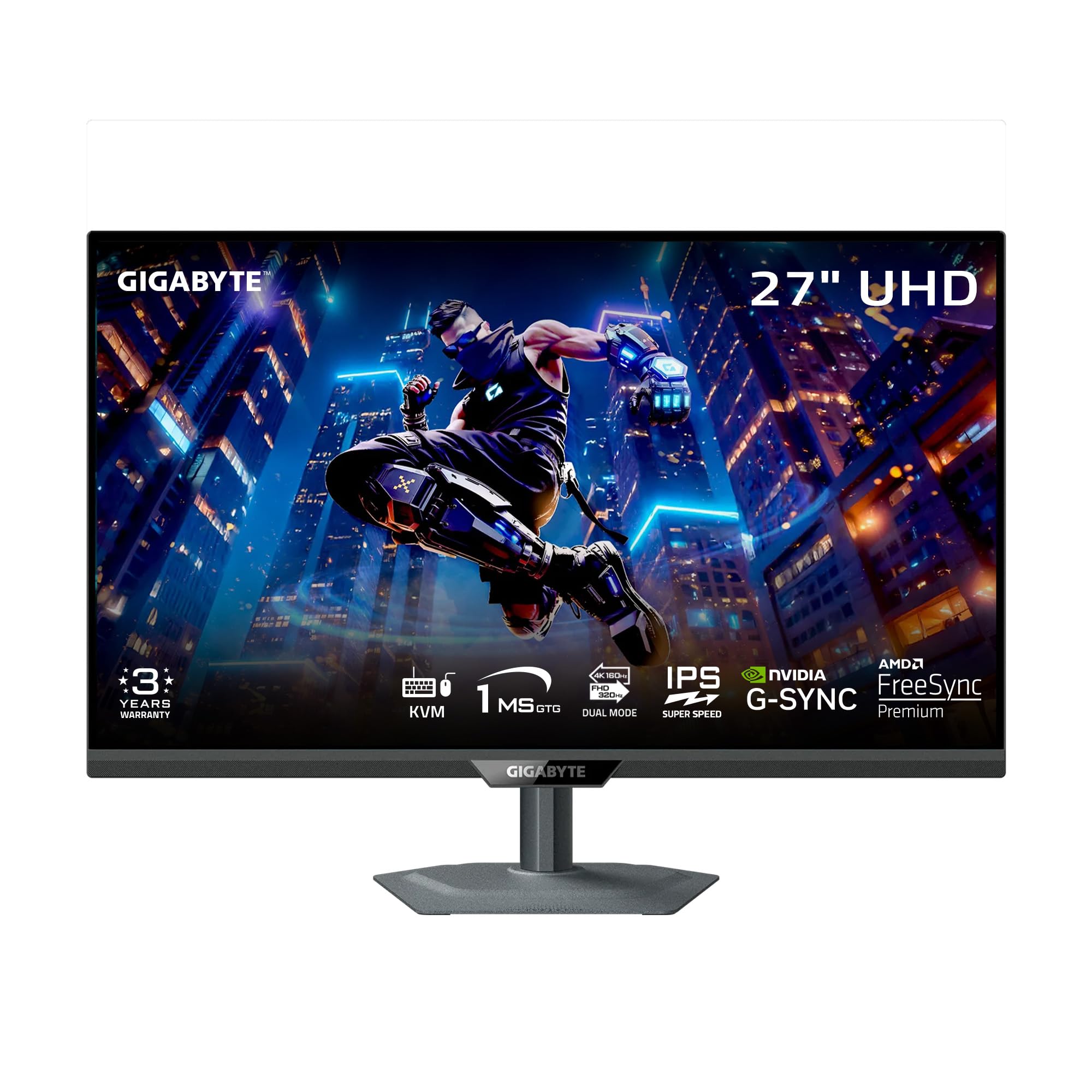
| GIGABYTE M27UP SADual-Mode Pick | Budget Gaming | SuperSpeed IPS | 160Hz | 1000:1 | Amazon |
| ASUS ProArt PA279CRV | Photo & Video Editing | IPS | 60Hz | 3000:1 | Amazon |
| MSI MAG 321CUP | Curved OLED Gaming | QD-OLED | 165Hz | 1500000:1 | Amazon |
| Samsung Odyssey G7 G75F | Large Curved Screen | VA | 165Hz | 3000:1 | Amazon |
| Acer Predator X32 X | High-Refresh OLED | QD-OLED | 240Hz | Very High | Amazon |
| LG 32GX850A-B | Glossy OLED Value | Glossy OLED | 165Hz | 1500000:1 | Amazon |
| ASUS ROG XG32UCWG | OLED Gaming & Work | WOLED | 165Hz | 1500000:1 | Amazon |
| MSI MPG 321URX | Premium All-Rounder | QD-OLED | 240Hz | Extremely High | Amazon |
| LG 32GX870A-B | Ultra-Fast FPS | OLED | 240Hz | 1500000:1 | Amazon |
In-Depth Reviews
1. Dell UltraSharp U2725QE 27-Inch 4K UHD IPS Black Monitor
Our pick — 4.5★ from 250+ verified ratings; the strongest balance of quality and price.
The office desk that doubles as a workstation finds its ideal hub here — one cable runs everything.
You get razor-sharp text and a tidy desk with the Dell UltraSharp U2725QE, our top pick. Its 27-inch IPS Black panel delivers 3840 x 2160 resolution, and factory calibration to Delta E less than 1.5 (a color accuracy score where lower is better) means hues arrive true without you adjusting anything—so what you see on screen matches your print or client work.
This monitor replaces a whole docking setup with a single Thunderbolt 4 cable that carries video, data, and up to 140W of power to your laptop, while supporting daisy chains for two extra 4K monitors. Buyers report it runs silent with no coil whine even after months of use, and its 120Hz refresh rate feels noticeably smoother than a 38-inch ultrawide they used before. The built-in KVM hub is the crowd favorite, letting you share one keyboard and mouse between two computers with easy switching.
At 450 nits brightness and 1000:1 contrast, this is not the most dramatic panel for dark-room movies, but the anti-glare coating keeps it crisp without graininess. ComfortView Plus cuts blue light, and the ambient light sensor adjusts brightness automatically, so marathon work sessions stay easy on the eyes.
The one-cable dream
- Thunderbolt 4 delivers 140W power and data in one cable
- Factory-calibrated color to Delta E < 1.5
- Daisy-chain support for two extra 4K monitors
- Ergonomic height, tilt, swivel, and pivot adjustments
Reality checks
- 1000:1 contrast is modest by OLED standards
- Productivity-focused 5ms response, not for esports
- Premium price for a 27-inch screen
Pick this if: you want a premium all-in-one hub for a laptop-centric desk.
Consider alternatives if: your priority is dramatic contrast for movies rather than clean text and docking convenience.
2. Dell 27 Monitor S2725QC, 4K UHD IPS
The wallet-friendly 4K that still delivers 120Hz smoothness and surprising audio punch.
The S2725QC throws a curveball at the “budget means basic” idea. It pairs a 3840 x 2160 IPS panel with a 120Hz refresh rate and a 1500:1 contrast ratio — that is 50% more contrast than the pricier UltraSharp U2725QE above, which sits at 1000:1. Owners love the deep blacks and crisp text, with one Mac Mini user calling it flawless from the start.
This monitor brings a single USB-C cable that carries video and up to 65W of charging power to your laptop, plus built-in speakers that buyers call a genuine step up from typical monitor audio. The 99% sRGB color coverage and low blue light mode that cuts emissions to ≤35% keep it suitable for both creative work and long reading sessions, all while AMD FreeSync Premium keeps motion tear-free.
The catch here is reliability — a smaller share of owners mention the USB-C docking function failing after months of use. When that happens, HDMI still works, but the convenience of a one-cable setup disappears, and getting warranty support can be frustrating. Treat the USB-C port as a bonus rather than a guarantee.
Grab this for: a sharp, smooth everyday 4K screen that plays well with Macs and PCs at a friendly price.
Look elsewhere if: you depend entirely on USB-C docking reliability for your daily workflow.
3. GIGABYTE M27UP SA 27″ SuperSpeed IPS Gaming Monitor
One monitor that flips between razor-sharp 4K and blazing-fast 1080p esports mode.
The GIGABYTE M27UP SA answers a question gamers often face: do I pick resolution or speed? Its dual-mode design lets you run 3840×2160 at a smooth 160Hz for story-driven games, then hot-switch to 1920×1080 at a rapid 320Hz for competitive shooters where every millisecond counts. The 1ms GtG response time keeps fast motion clear, and customers note the screen clarity rivals a MacBook Pro.
On color, this monitor covers 125% sRGB — a full 26% wider gamut than the Dell S2725QC’s 99% sRGB — delivering vivid, punchy tones for games and media. It also supports both AMD FreeSync Premium and G-Sync Compatible adaptive sync, sturdily built with a metal stand, and includes a KVM feature to control multiple devices with one keyboard and mouse. Owners note the 4K 160Hz mode at this price point is hard to argue with.
The honest trade-offs are its average viewing angles and brightness around 350 nits, which means you should sit roughly centered, and it can look dimmer in very sunny rooms. A few buyers also flag that the HDR is present but not its strongest feature, so treat HDR as a bonus rather than a headline reason to buy.
What wins people over: the 160Hz UHD / 320Hz FHD flexibility plus wide color at a mid-range price.
Who should pass: anyone needing wide viewing angles for collaborative desk setups or serious HDR performance.
4. ASUS ProArt PA279CRV 27 Inch 4K Professional Monitor

A photo editor’s trusted canvas where what you see is what you print — straight from the box.
The ProArt PA279CRV is built for color-critical work, covering 99% DCI-P3 and 99% Adobe RGB so your edits match your final output. It ships Calman Verified and factory pre-calibrated to Delta E < 2, which owners confirm is accurate right from the start — one buyer measured 99.5% sRGB and 99% Adobe RGB after their own checks. The 27-inch 3840 x 2160 IPS panel with a 3000:1 contrast ratio makes it a natural fit for photo and video editing.
Connectivity is tailored to modern creators: a USB-C port delivers 96 watts of power to charge a laptop while carrying the display signal, alongside DisplayPort, HDMI, and a USB hub. DisplayPort daisy-chaining lets you run multiple monitors through one cable. The fully adjustable stand — tilt, swivel, pivot, and height — means you can find a comfortable angle for long sessions. ASUS backs it with a 5-year warranty, extended from 3 years with online registration.
Since this is a 60Hz panel, it is not meant for high-refresh gaming — owners are clear about that. The built-in speakers are weak, and some buyers needed to tweak power-saving settings to prevent sleep issues, describing it as a monitor for those willing to fine-tune. It is a specialist tool aimed squarely at creators who prioritize color fidelity above all else.
Ideal for: graphic designers and video editors who need reliable, factory-accurate color for client work.
skip it if: you want a fast gaming panel or prefer an easy plug-and-play setup without settings tweaks.
5. MSI MAG 321CUP QD-OLED, 32-Inch 4K Curved Gaming Monitor

The curved OLED that makes a 7 p.m. gaming session feel like a trip to the cinema.
The MSI MAG 321CUP delivers the two things gamers obsess over: 165Hz refresh rate and a 0.03ms GtG response time, both backed by a quantum dot OLED panel with a native contrast ratio of 1,500,000:1. VESA DisplayHDR True Black 400 certification and up to 1000 nits peak brightness mean dark scenes stay inky while bright highlights pop, creating the kind of depth that owners describe as the best picture they have ever seen.
The 32-inch screen uses a subtle 1700R curvature that wraps gently around your field of vision, and the 10-bit panel displays over 1 billion colors with Delta E ≤2 accuracy. MSI includes OLED Care 2.0 with features like pixel refresh to protect against burn-in, plus a fanless graphene heatsink for durability. Connectivity covers DisplayPort 1.4a, HDMI 2.1, and USB-C with 15W power delivery.
Most owners are thrilled, but reliability does get mixed feedback — one does report a unit that failed after about a month of use, so treat that as a rare risk rather than the norm. The software and firmware are less polished than the hardware, with some finding the joystick controls and OLED scheduling menus awkward. Buyers also note it works best with a discrete GPU for full firmware features.
The standout feature: OLED’s perfect blacks combined with a 160Hz+ refresh for gaming that feels both gorgeous and fluid.
The qualifying note: check the software experience and consider warranty terms carefully for this premium investment.
6. Samsung 37″ Odyssey G7 (G75F) Series 4K UHD Curved Gaming Monitor

A 37-inch curved window into your games that one owner says provides over four square feet of screen.
Immersion is the whole story with the Samsung Odyssey G7 G75F. Its 37-inch 3840 x 2160 VA panel curves at a sharp 1000R radius (the screen wraps nearly around your field of view), pulling you into cinematic games. Buyers upgrading from a 32-inch 1440p display report the leap to crisp 4K feels dramatic, letting you tile four full-size windows for work or lose yourself in single-player epics.
This monitor carries VESA DisplayHDR 600 certification, a 3000:1 contrast ratio, and a 165Hz refresh with a near-instant 1ms GtG response time, which owners describe as spot-on with no blurriness. It pairs well with consoles too, delivering true 4K at 120Hz on a PS5, and AMD FreeSync Premium Pro keeps motion tear-free for compatible GPUs.
The honest take from owners: this size can feel almost too big for a typical desk, and the matte finish lacks the depth of OLED. One buyer notes better OLED options exist at a similar price, so this is not a pure value play. But if you want maximum screen area with a curve that pulls you in, this panel delivers a presence smaller monitors simply cannot match.
Choose this for: console gaming and rich single-player titles where the sheer 37-inch size transforms the experience—pass on it if you need a flat panel for precise design work.
Think twice if: your desk is compact or your priority is the absolute best contrast available.
7. Acer Predator 31.5in Curved 4K QD-OLED 240Hz Gaming Monitor X32 X

For the frame-counting gamer who wants OLED color and a blazing 240Hz refresh in a curved wrap.
The Acer Predator X32 X sits at the intersection of speed and image quality. Its 31.5-inch curved quantum dot OLED panel runs a 240Hz refresh rate with a 0.03ms GtG response time, technically near-instant pixel transitions that make fast-paced esports feel extraordinarily smooth. VESA DisplayHDR True Black 400 with a minimum 0.0005 nits black level means the contrast is profound, and the 99% DCI-P3 gamut delivers rich, accurate color.
Adaptive ergonomics — tilt, swivel, and height — let you fine-tune the position, while built-in speakers and a thoughtful cable set round out the package. Owners moving from VA or IPS panels describe the OLED blacks as near-flawless and the HDR gaming experience as better than what they had before. The 1700R curve is subtle enough that one owner says you do not notice the bend, only the immersion.
Where buyers diverge is brightness and software: some say the HDR is phenomenal while others found it less punchy than expected before adjusting, and several mention regular on-screen image-retention prompts that need attention every couple of hours. Out-of-the-box color accuracy also gets mixed reviews, so plan to spend a few minutes calibrating. One owner hit an unreliable USB-C display connection and returned the unit, so verify your primary input works for you.
Its edge: 240Hz OLED speed is rare at this level, making it superb for competitive gaming that also looks stunning.
Its caveat: expect to tweak brightness and color, and be patient with OLED care prompts and possible KVM quirks.
8. LG 32GX850A-B 32″ UltraGear 4K UHD Glossy OLED Gaming Monitor

A glossy OLED that ditches gamer styling to make both spreadsheets and shooters look phenomenal.
The LG 32GX850A-B brings a glossy OLED panel to the table for a reason — the glossy finish makes colors look more vibrant and text exceptionally crisp against perfect blacks, a combination owners rave about. Its dual-mode design offers 4K at up to 165Hz for rich story games, or a switch to Full HD at up to 330Hz for fast-paced esports via a hotkey. Micro Lens Array+ technology boosts typical brightness to 275 nits with improved viewing angles.
This monitor is NVIDIA G-SYNC Compatible and AMD FreeSync Premium Pro certified, covering both major GPU ecosystems for tear-free play. It holds VESA DisplayHDR True Black 400 with a 1,500,000:1 contrast ratio and up to 98.5% DCI-P3 gamut. The stand adjusts through height, tilt, swivel, and pivot, and the design is clean enough that a Mac Mini owner uses it for daily work. A triple UL certification for anti-glare, flicker-free, and low blue light helps reduce eye strain during long sessions.
The recurring owner gripe is glare — the glossy finish looks fantastic in a dark room but becomes highly reflective if any light hits the screen, so one buyer recommends it mainly for controlled lighting. A smaller set of reports mention flickering, though many reviewers point out zero flicker, so treat that as a unit variance. If your space has windows or bright overhead lights, matte alternatives will serve you better.
Why owners stay
- Glossy OLED shows vibrant colors and crisp white text on inky black
- Dual-mode 165Hz 4K / 330Hz FHD covers all game types
- G-SYNC and FreeSync Premium Pro both supported
- Full ergonomic stand with height, tilt, swivel, pivot
Why owners hesitate
- Glossy screen picks up strong glare in lit rooms
- Typical brightness of 275 nits is modest
- Occasional reports of flickering units
Get it if: your gaming space is light-controlled and you want vibrant OLED color without gamer aesthetics.
Reconsider if: your monitor faces windows or you play in a bright, naturally lit room.
9. ASUS ROG XG32UCWG 32 Inch 4K 165Hz Glossy OLED Gaming Monitor
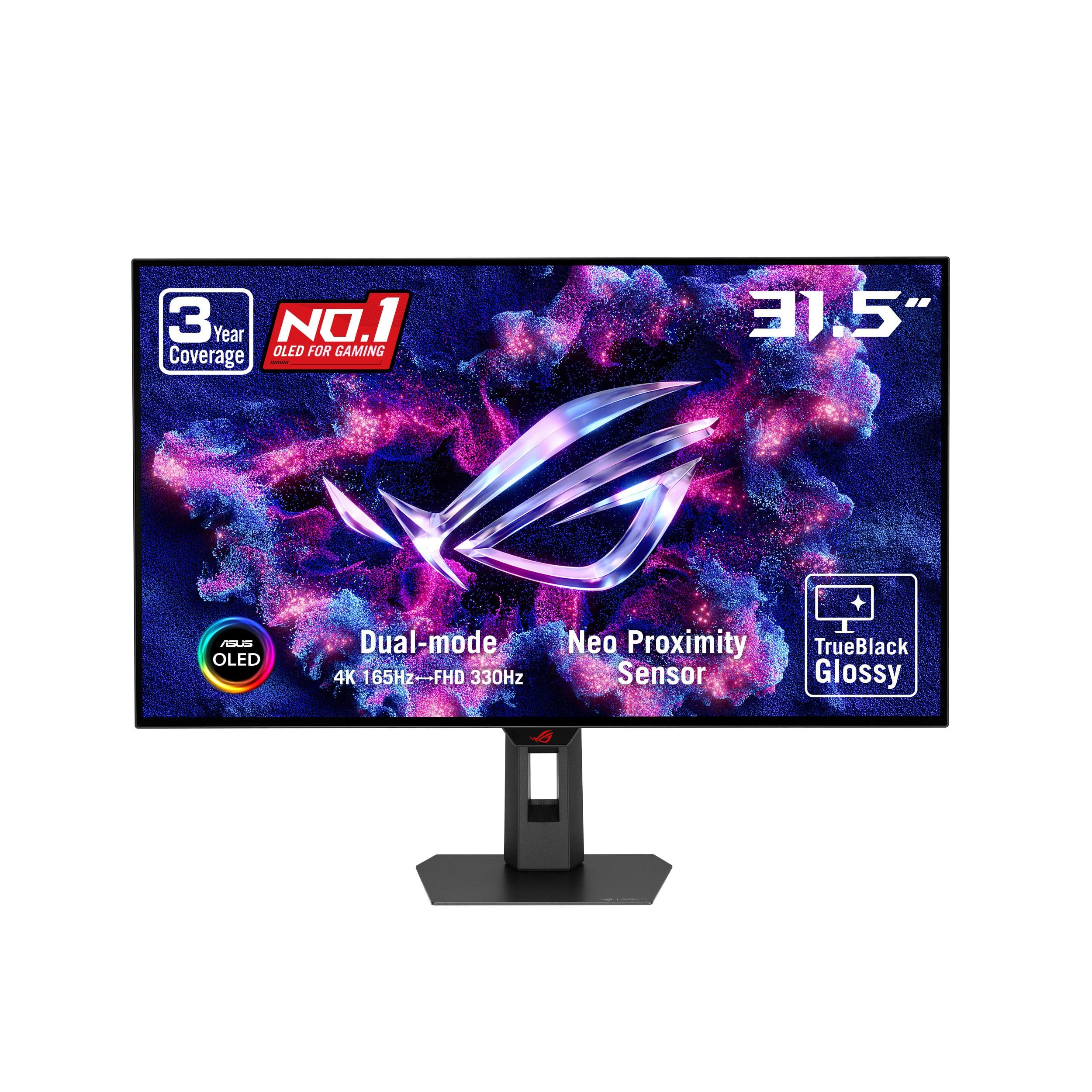
The OLED some owners call the one to beat for its punchy colors and absence of purple tint.
Vivid colors without the gray blacks or purple tint of some OLEDs—that’s what buyers consistently report about the ASUS ROG XG32UCWG, a WOLED (white OLED) panel. Its TrueBlack Glossy coating leaves a zero-haze surface for sharp imagery, and the 32-inch 3840 x 2160 screen switches modes: 4K at 165Hz for story-driven games, or 1080p at 330Hz for fast-paced esports. VESA DisplayHDR 400 True Black and 99% DCI-P3 (a wide color gamut standard) cover both gaming and photo-video editing.
ASUS OLED Care Pro uses a proximity sensor that switches the screen to black when you step away, reducing burn-in risk, and the 3-year warranty includes burn-in coverage. The 0.03ms response time with G-SYNC Compatible support keeps motion fluid, while a USB-C port with 15W power delivery, HDMI 2.1, and DisplayPort 1.4 provide flexible connectivity. Owners praise the build quality and note it performs beautifully across PC, PS5, and Switch 2.
Buyers do flag that the glossy panel is delicate and demands careful handling, and the full-window brightness sits around 250 nits, which is dimmer than high-end VA screens in bright scenes. Text can show slight fringing on OLED subpixels, and one owner found it initially dim compared to a VA monitor before adjustment revealed its superior quality. The on-screen display menu feels dated, but the picture quality wins most people over.
Its praise: perfect black levels with punchy color saturation that makes both games and macOS look stunning.
Its limit: handle the glossy glass with care and budget time for brightness tuning to open up its full potential.
10. MSI MPG 321URX QD-OLED, 32″ 4K UHD Gaming Monitor

The QD-OLED that owners call a breathtaking upgrade, blending 240Hz gaming with professional-grade color.
Games look stunning and office work stays crisp on the MSI MPG 321URX, a 31.5-inch QD-OLED (quantum-dot OLED) panel. It runs 3840 x 2160 at a fast 240Hz refresh with a near-instant 0.03ms GtG (gray-to-gray) response, so motion stays blur-free. Owners say it handles both gaming and spreadsheets beautifully, and with DCI-P3 99% coverage, Delta E ≤2 accuracy, and 1.07 billion colors from a true 10-bit panel, photo edits and HDR movies share the same rich color engine.
Deep blacks are certified by VESA DisplayHDR True Black 400, and MSI’s OLED Care 2.0 (a built-in pixel-refresh routine) helps prevent burn-in. You get HDMI 2.1, DisplayPort 1.4a, and a USB-C port that delivers 90W to charge a laptop while driving the display. A KVM (keyboard-video-mouse switch) lets you control two PCs, plus picture-in-picture, console mode, and a stand that adjusts height, tilt, swivel, and pivot.
Buyers moving from 1440p IPS panels call the motion clarity and color depth transformative, but setup has quirks—Mac users with dual monitors had to disable Display Stream Compression and tweak scan settings, so budget time for configuration. The stand is stable yet wide on a desk, and some find the joystick control finicky. Brightness suits typical rooms but isn’t the brightest OLED you can buy.
What earns the praise
- 240Hz refresh with 0.03ms response for elite gaming
- 99% DCI-P3 and Delta E ≤2 for serious color work
- 90W USB-C power delivery for a one-cable laptop setup
- OLED Care 2.0, KVM, PiP, and console modes included
What demands patience
- Mac dual-monitor setup needs specific tweaks
- Large stable stand uses meaningful desk space
- 240Hz requires a very powerful GPU to fully exploit
Best for: the enthusiast who games hard and edits on the same machine — speed meets color accuracy.
Not ideal if: your GPU struggles past 120Hz or you want a small footprint on a crowded desk.
11. LG 32GX870A-B 32-inch UltraGear 4K UHD OLED Gaming Monitor

The esports OLED with a 480Hz a neat extra that makes FPS games feel almost unfairly responsive.
The LG 32GX870A-B is built for the player who demands both resolution and raw speed. Its dual-mode OLED runs 4K UHD at 240Hz for graphically rich, story-driven games, then flips to Full HD at an extraordinary 480Hz for competitive shooters where frame rate decides the duel. The 0.03ms GtG response time makes input feel near-instant, with owners reporting FPS games feel incredibly responsive.
This monitor features Micro Lens Array+ technology for a peak brightness of up to 1300 nits with a typical 275 nits, making it one of LG’s brightest OLED gaming displays. VESA DisplayHDR True Black 400 with a 1,500,000:1 contrast ratio delivers the perfect blacks owners describe as the best picture they have ever seen. It is both G-SYNC Compatible and FreeSync Premium Pro certified, and future-proofed with DisplayPort 2.1 connectivity.
Built-in speakers divide opinion — some owners call them surprisingly crisp while others find them disappointing for a premium gaming monitor. The matte anti-glare coating helps in bright rooms though a few find it slightly grainy on static pages, and OLED panels are not as bright as QD-OLED in large bright areas. LG offers a 2-year limited warranty covering the OLED panel plus OLED Care pixel-cleaning tools to extend the display’s life.
Its defining strength: a 480Hz Full HD mode that gives competitive players a measurable edge without sacrificing 4K quality.
Its compromise: check whether the speakers and matte finish meet your standards, and plan for OLED’s brightness profile.
Understanding the Specs
Here is how to read the numbers behind a 3840×2160 PC monitor before you spend. These specs determine your daily experience more than the brand name.
Refresh Rate (Hz)
This number tells you how many times the screen redraws the image each second. A 60Hz monitor shows 60 frames per second, which is fine for office work. A 120Hz or 165Hz panel doubles or nearly triples that, making mouse movement feel smoother and fast game scenes appear clearer. Higher is better for gaming but demands more from your graphics card.
Response Time (ms)
This measures how quickly a pixel changes color. A 5ms response is perfectly acceptable for productivity, while a 1ms or 0.03ms response reduces ghosting — the blurry trail behind fast-moving objects in games. OLED panels hit 0.03ms, which is why they feel so crisp during quick camera movements.
Contrast Ratio
Contrast is the difference between the darkest black and brightest white a screen can show. IPS panels typically sit around 1000:1, meaning blacks are dark gray. OLED panels reach 1,500,000:1 because each pixel turns fully off for true black. A 1500:1 or 3000:1 IPS or VA panel sits in the middle. Higher contrast makes dark scenes in movies and games look far more detailed.
Color Gamut (sRGB / DCI-P3)
These percentages describe the range of colors your monitor can reproduce. sRGB is the standard for web content, so 99% sRGB is excellent for general use. DCI-P3 is a wider standard used in video production, making 99% DCI-P3 ideal for photo and video editing. Higher percentages mean richer, more accurate colors.
Brightness (nits)
Brightness is measured in nits or candela per square meter (cd/m²). A 350-nit monitor is bright enough for most offices but can look dim near large windows. A 450-nit monitor handles brighter rooms better. HDR content looks best on monitors with high peak brightness, as it needs headroom to show bright highlights alongside dark shadows.
USB-C Power Delivery
This feature lets one cable carry video, data, and power to your laptop, effectively replacing a docking station. Wattage matters: 65W charges most ultrabooks, while 90W or 96W handles more powerful laptops. The 140W Thunderbolt 4 connection on premium models can even charge high-performance workstations. Check the wattage matches your laptop’s needs.
FAQ
What graphics card do I need for a 3840×2160 monitor?
What is the difference between IPS and OLED panels?
How do I connect my laptop to a 4K monitor?
What refresh rate is ideal for a 4K gaming monitor?
Is a curved monitor better for gaming than a flat one?
Curvature wraps the screen edges slightly toward you, which some find more rich in games and less fatiguing on the eyes since edges sit at a similar distance. Monitor curvature ranges from subtle 1700R to aggressive 1000R. Its benefit is most noticeable on larger screens like 32-inch and up. Many gamers and office users still prefer flat panels, so this is personal taste rather than an objective upgrade.?
How long does an OLED 4K monitor last before burn-in?
What is VESA DisplayHDR True Black 400?
Can I use a 4K monitor for both work and gaming?
What does dual mode mean on a gaming monitor?
What is a KVM switch in a monitor?
What is Delta E color accuracy?
How does G-SYNC compare with FreeSync?
What is the right screen size for 4K?
Final Thoughts: The Verdict
Across the board, the 3840×2160 pc monitor winner is the Dell UltraSharp U2725QE because its Thunderbolt 4 docking, factory-calibrated color, and 120Hz smoothness solve the biggest desk headaches in one elegant package. If you want vibrant OLED contrast for movies and gaming, the MSI MPG 321URX pairs a 240Hz refresh with professional-grade color coverage for the best of both worlds. And for a budget-friendly entry that still feels premium, the Dell S2725QC delivers crisp 4K at 120Hz with strong built-in speakers at a price that leaves room for other upgrades. Whatever your screen time looks like, these picks cover the spectrum — from dependable daily drivers to displays that genuinely change how games and movies feel.
How We Picked
We do not accept paid placement. Every pick is matched to a real buyer and a real use-case; we do not hands-on test units.
Sources & Methodology
Specifications: manufacturer listings and product documentation. Review insights: verified customer reviews, as of September 2026. Pricing: not shown on this page (it changes often); check the current price via the retailer link.
As an Amazon Associate, Gadgets Feed earns from qualifying purchases. This does not affect which products we feature.