
Our readers keep the lights on and my morning glass full of iced black tea. As an Amazon Associate, I earn from qualifying purchases.
Specs are compiled from manufacturer listings and verified buyer reviews and can change over time — please confirm the key details on the product page before buying.
If you want a big-screen movie night without paying big-screen money, the honest answer is this: buy brightness first, then worry about everything else. Most projectors in this price range live or die by one number — how many lumens they throw — and the specs on the box rarely match what you see on the wall. That single gap is why some people unwrap a projector, plug it in, and feel let down within ten minutes, while others get a genuinely cinematic picture for years. The picks below are all true 1080p machines, and every one tells you exactly what it is good at before you buy.
I’m Min — the founder and writer behind Gadgets Feed. This guide is built by comparing the manufacturers’ published specifications and the patterns across verified customer reviews, so you get each pick’s real strengths and trade-offs instead of marketing spin.
Before we start, a quick note on honesty: some picks here are the exact 1080p model you searched for, and others are the nearest same-type match that serves the same purpose. Every pick in this guide is built around a genuine affordable 1080p projector.
Our Picks at a Glance
How To Choose The Best Affordable 1080P Projector
The most common mistake buyers make is trusting the resolution label without checking whether it’s native or merely “supported.” A projector that accepts a 1080p signal but displays it at 720p or 480p will look soft and washed out no matter what you feed it. Every projector in this guide has native 1080p pixels — genuine 1920×1080 resolution — so the picture you get is the picture the spec sheet promises.
Brightness: Why ANSI Lumens Matter More Than Any Other Number
Lumens measure how much light the projector throws onto the wall. The higher that number, the more you can watch with some lights on, and the larger the screen you can fill without the image going dim. A 1200-lumen machine (like the top pick here) stays watchable with curtains open; a 230-lumen unit needs the lights off. Always look for “ANSI lumens” or “ISO lumens” written on the spec sheet — those two standards are measured, while vague claims like “bright and clear” mean nothing.
Here is the real-world guide: for evenings with the lights off, 200–400 lumens works fine on a 60–100 inch screen. For a room with mild ambient light or curtains drawn during the day, 1100 lumens and up is where you want to be. And remember that brightness drops as you push the image larger — a projector rated for 200 inches will look noticeably dimmer at that size than on a 100-inch wall.
Throw Ratio: The Number That Decides Your Room Layout
The throw ratio tells you how far the projector sits from the wall to make a certain screen size. A ratio of 1.5:1 means you need about 1.5 feet of distance for every foot of screen width — so a 100-inch image needs roughly 12 feet of room. A short-throw ratio like 0.8:1 (found on the HP MC475 below) squeezes a big image into a small space, making it the right choice for dorms, apartments, and tight backyards.
Smart OS vs. Streaming Stick: Decide Before You Buy
Some projectors have Google TV, Roku TV, or Android TV built right in — meaning you sign in once and stream everything without an extra dongle. Others ask you to plug in a Fire Stick or Roku stick yourself. Built-in systems are tidier and often come with a voice remote, but they commit you to that platform’s app store. If you already own a streaming stick you love, a projector with a spare HDMI port is just as good a choice.
The Sealed Optical Engine — The Feature Nobody Talks About
Dust is the silent killer of budget projectors. Over months of use, dust drifts into the optical path and lands on the internal LCD panel, producing dark spots or smudges that no amount of lens cleaning can remove. A fully sealed optical engine (like the ones inside the Aurzen Roku D1R and the TCL C1) closes that door entirely — which is why those units are worth paying a little more for if you plan to use the projector outdoors or in a dusty garage.
Quick Comparison
| Model | Best For | Brightness | Resolution | Smart OS | Amazon |
|---|---|---|---|---|---|
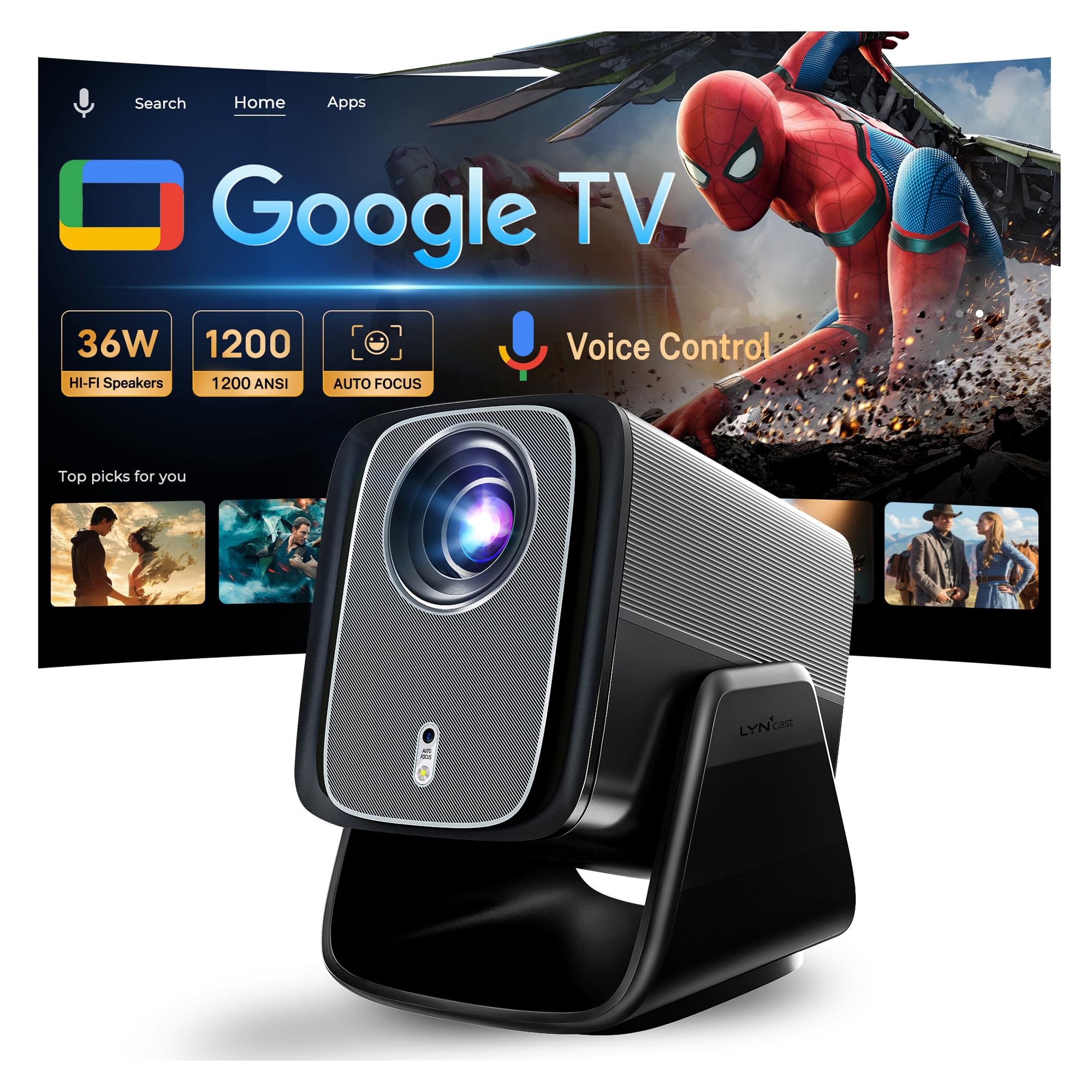
| LYNCAST 1200 ANSI Google TV Projector★ Best Overall | Brightest all-rounder with Google TV built in | 1200 ANSI lumens | Native 1080p | Google TV | Amazon |
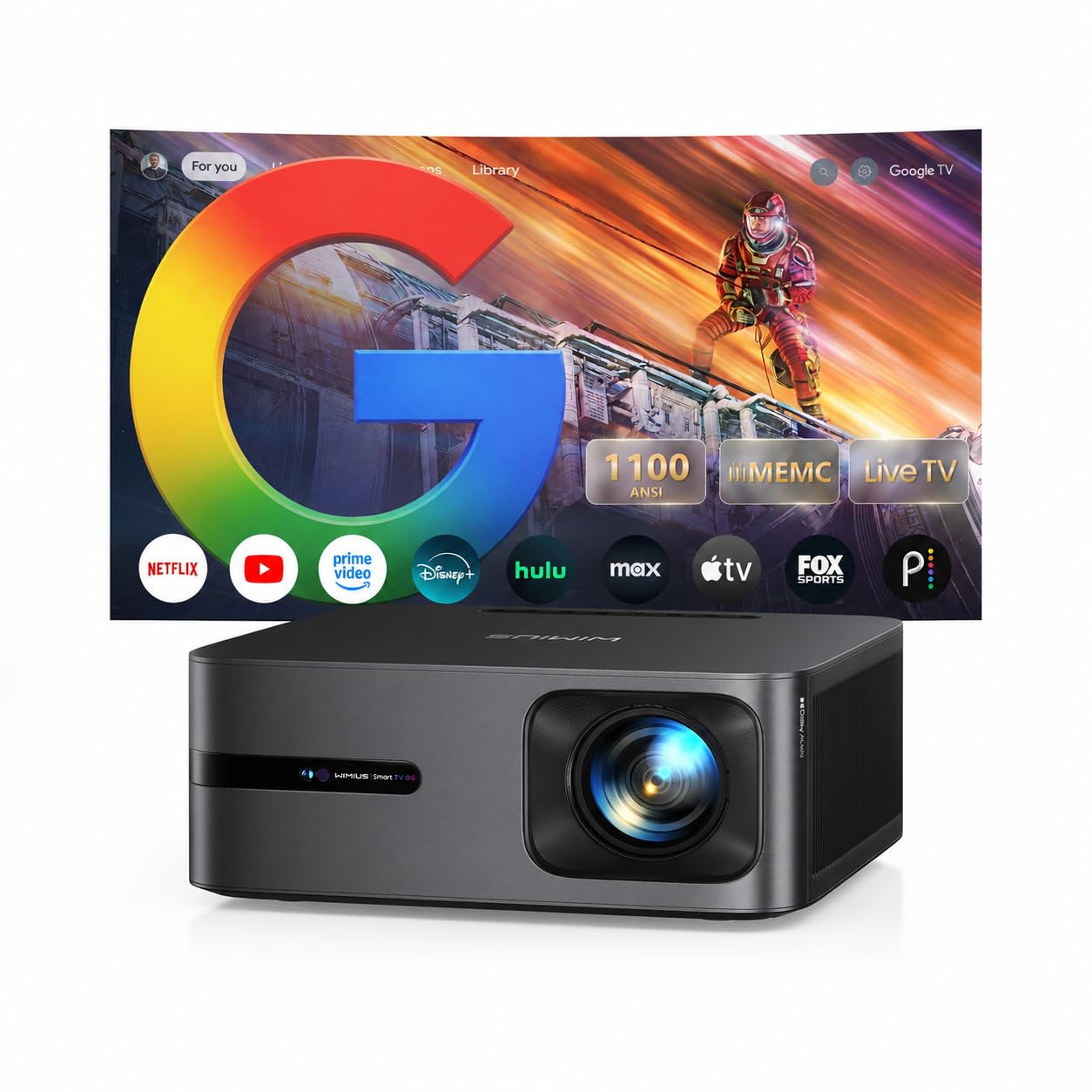
| WiMiUS G2 Google TV 14.0 ProjectorEditor’s Pick | Sports fans who need motion smoothing | 1100 ANSI lumens | Native 1080p | Google TV 14.0 | Amazon |
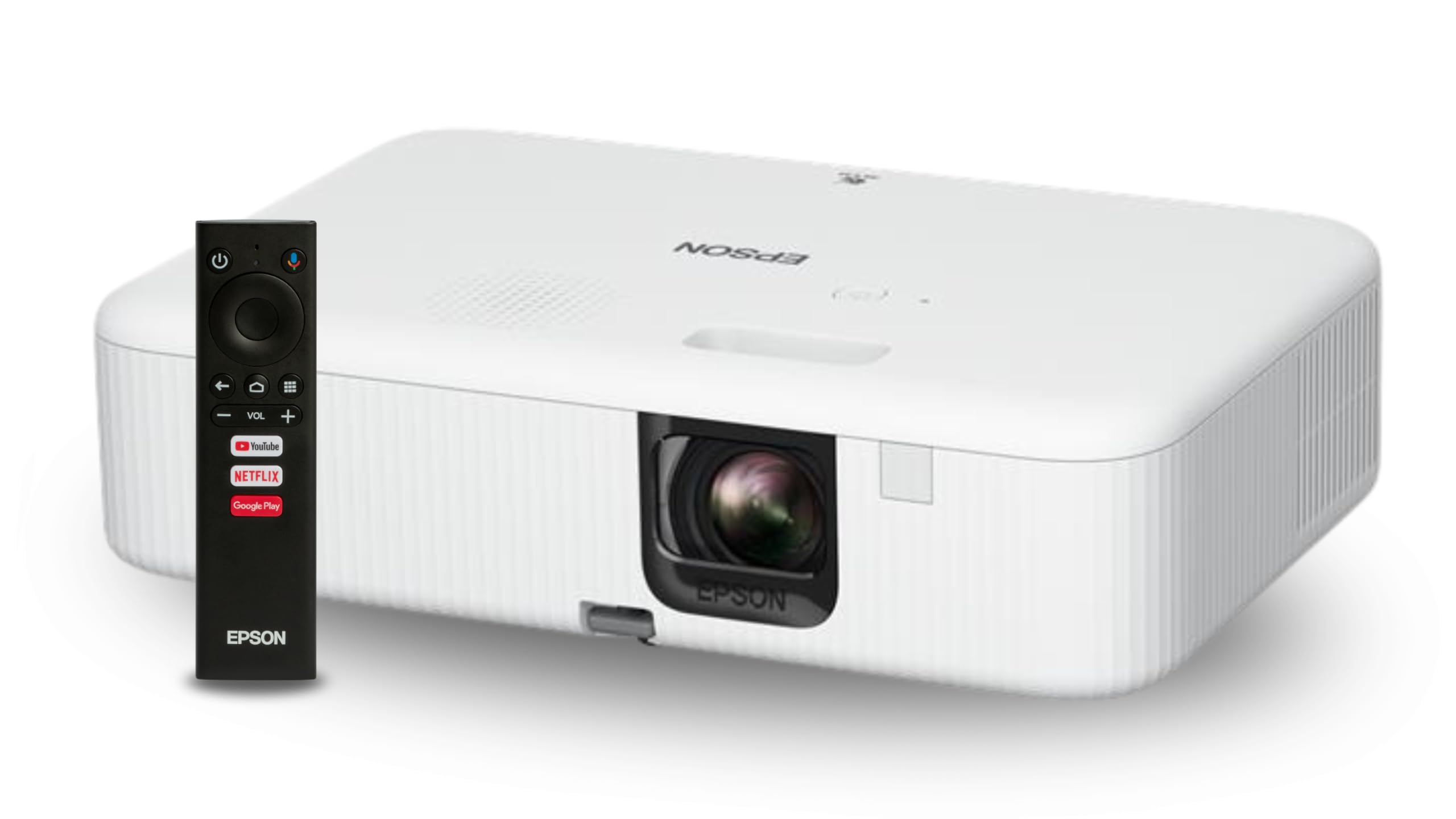
| Epson EpiqVision Flex CO-FH02Brightest Pick | Bright rooms and business presentations | 3000 lumens | Native 1080p | Android TV | Amazon |
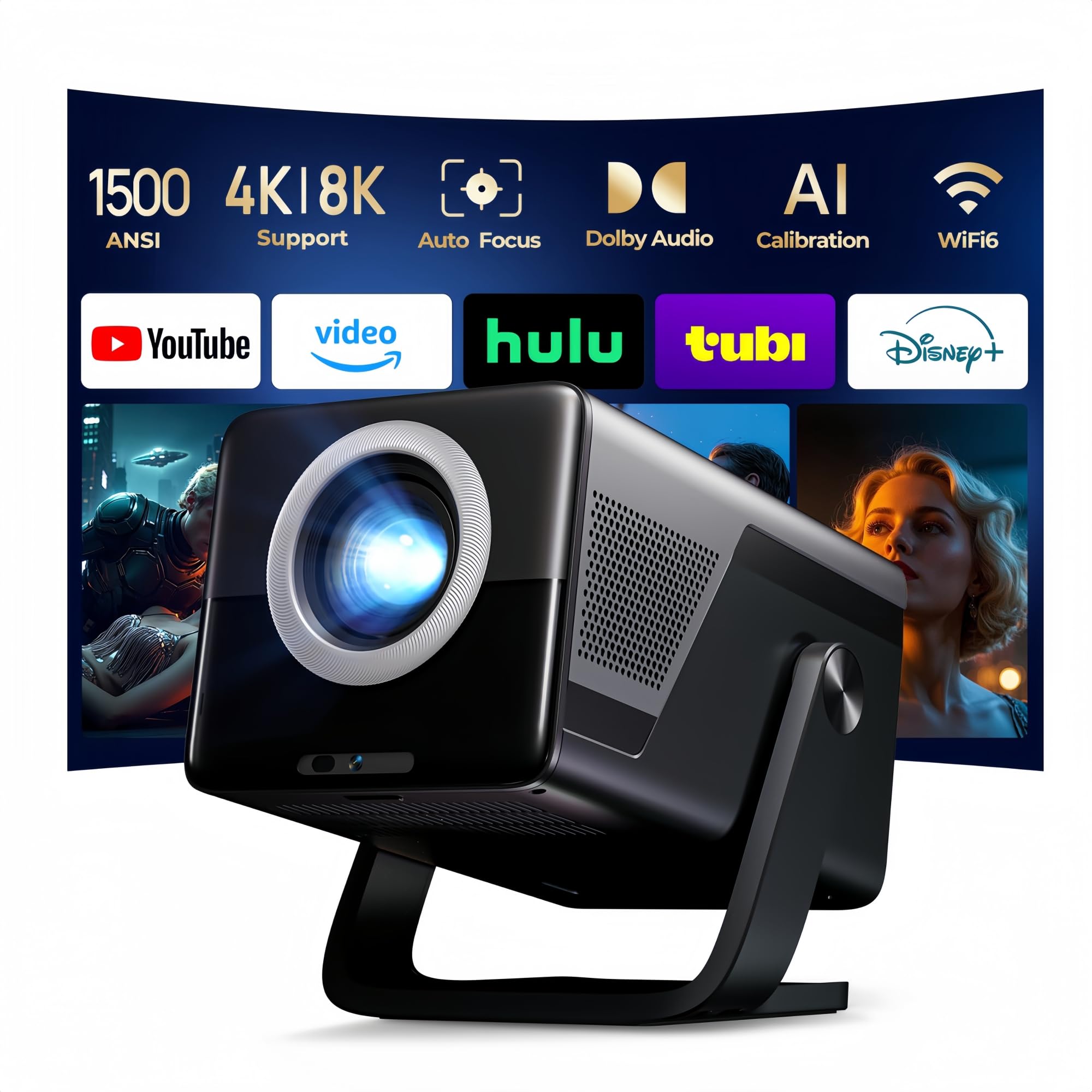
| X7 1500 ANSI Smart Projector | Largest screen, highest raw brightness | 1500 ANSI lumens | Native 1080p | Android TV 14 | Amazon |
| TCL C1 Smart Google TV Projector | Bedroom/ceiling projection on a rotating gimbal | 230 ISO lumens | Native 1080p | Google TV | Amazon |
| TMY Smart Projector with Google TV | Family movie nights with voice remote | High-brightness LED | Native 1080p | Google TV | Amazon |
| HP Projector MC475 | USB-C power bank use and short-throw setups | 200 ISO lumens | Native 1080p | Android | Amazon |
| Aurzen Roku TV D1R Cube | Roku users who want zero-setup streaming | 330 lumens | Native 1080p | Roku TV | Amazon |
| Aurzen BOOM Air Google TV | Portable outdoor use with USB-C power | 300 ANSI lumens | Native 1080p | Google TV | Amazon |
In‑Depth Reviews
1. LYNCAST 1200 ANSI Google TV Projector
Our pick — over 4.5★ from 350+ verified ratings; the strongest balance of quality and price.
The brightest pick on the list, and the one that handles daytime viewing without apology.
If you’re tired of fighting the sun every time you want to watch something, this is the one to beat. Its 1200 ANSI lumens is nearly four times the 330 lumens of the Aurzen Roku D1R Cube below — a gap you’ll feel the moment you try to watch with curtains open. That brightness pairs with native 1080p resolution, so the extra light doesn’t come at the cost of clarity. Across a large pool of buyer ratings, it sits at 4.8 stars, and the quality scores that dominate the review pages back that up.
What wins people over is how little fuss it demands. The licensed Google TV system runs Netflix, Prime Video, and YouTube directly — no streaming stick, no second remote, no cable spaghetti behind the couch. The AI voice remote skips letter-by-letter typing entirely; you hold the mic button and say what you want. Setup is equally hands-off: Auto Focus, Auto Keystone, Screen Alignment, and Auto Obstacle Avoidance all run at once, so the projector frames a clean rectangle and routes around wall outlets and hanging decor on its own. Wi-Fi 6 keeps casting from an iPhone or Android phone smooth, and Bluetooth 5.4 lets you pair headphones for late-night viewing without waking the house.
Buyers report that “built-in speakers exceed expectations,” and dual 36W drivers with certified Dolby Audio back that up — no soundbar needed. The honest catch: some review summaries reference dual 10W speakers filling a 12×14 ft room, which suggests speaker configuration may vary by unit or listing revision. There’s also a practical note worth flagging: the smart remote needs two AAA batteries that aren’t in the box. On the audio side, the amplifier is there; on the battery side, plan a quick trip to the drawer before movie night.
Where It Pulls Ahead
- 1200 ANSI lumens — usable in daylight, ideal after dark
- Licensed Google TV with 10,000+ apps, zero dongles required
- 4-in-1 auto adjustment (focus, keystone, alignment, obstacle avoidance) for near-instant setup
- Dual 36W Dolby Audio speakers that owners mention exceed expectations
- Wi-Fi 6 and Bluetooth 5.4 for lag-free casting and private listening
What To Know Before You Buy
- Remote batteries (2× AAA) not included
- Some review summaries cite 10W speakers, so audio configuration may vary
- At 200 inches max, brightness tapers at full extension
Pick this if: you want a single box that handles Google TV, decent audio, and daytime viewing without a soundbar or streaming stick.
Look elsewhere if: you need USB-C power bank operation for camping — this one runs on wall power.
2. WiMiUS G2 Google TV 14.0 Smart Projector
For anyone who watches live sports, MEMC is the feature that changes everything.
Football, basketball, hockey, racing — the stuff that turns to mush on a cheap projector — stays fluid here thanks to MEMC (Motion Estimation and Motion Compensation, which is a processing trick that inserts extra frames to smooth fast movement). Combined with 1100 ANSI lumens and native 1080p, this is the projector that makes a 120-inch game feel like a stadium seat. The MT9660 processor with 2GB RAM and 32GB storage runs Google TV 14.0 without the sluggish menus that plague cheaper smart systems, and Google Gemini AI handles personalized recommendations.
The audio story is genuinely impressive: 30W Dolby Audio speakers that customers note rival a soundbar, with 2-way Bluetooth and HDMI ARC so you can pipe sound out to a proper receiver if you want. The setup routine — Auto Focus, Auto Keystone, Obstacle Avoidance, and Auto Alignment — handles oddly shaped rooms without manual fiddling, and there’s a One-Click Dust Removal feature that’s rare at this tier. Wi-Fi 6 and Chromecast built in round out the smart side. On the durability front, WiMiUS backs this with a 3-year repair warranty and a 2-year money-back guarantee.
Where it falls short of the Aurzen D1R above is the honesty of its marketing — Aurzen publishes SGS-certified ANSI/ISO brightness numbers, while WiMiUS leans on the “Real 1100 ANSI” label without third-party certification. It’s a legitimate spec, but it’s self-reported. Still, the picture quality scores dominate buyer feedback, and the picture holds up in dark conditions exactly as promised.
Motion is the draw: MEMC is not a gimmick here — sports and action scenes stay sharp when cheaper projectors would smear them, and 30W Dolby Audio means you can skip the soundbar entirely.
Built for: sports fans and gamers who prioritize fluid motion and loud, clean audio over portability.
Think twice if: you need third-party brightness certification like the Aurzen D1R provides — this one relies on its own spec sheet.
3. Epson EpiqVision Flex CO-FH02
When the lights stay on and the blinds stay open, Epson is the one that shrugs.
At 3000 lumens of both color and white brightness, this machine is in a different category from every other pick here. Buyer feedback confirms it — reviewers repeatedly note watching with the lights on, and one reviewer reports being able to see the image during sunset. That’s a level of ambient-light tolerance the 1200-lumen LYNCAST can’t match, even with its already-strong output. Epson’s 3-chip 3LCD technology also displays 100% of the RGB color signal for every frame, which is why it avoids the “rainbowing” and color-brightness loss that single-chip DLP projectors suffer from.
The Android TV streaming stick arrives in the box with its own remote, and the projector ships with an HDMI cable and mini-USB cable to power the stick. Setup is quick, auto keystone works well, and the compact chassis is genuinely backpack-friendly. Full HD 1080p at up to 300 inches means you can throw a business presentation in a boardroom and a movie in a backyard with the same unit.
Here’s the trade-off worth knowing before you buy: this model shows two remotes — one for the projector and one for the Android TV stick — and only one HDMI port, which is already occupied by the streaming stick. Buyers also report Bluetooth audio only works through the stick, not the projector itself, so your wireless speaker connection depends on the Android TV remote. A few reviews mention reliability issues after extended use, dragging the average rating down to 4.0. It’s a fair caveat sized to a real minority of buyers, not a dealbreaker — but it’s why the price tag sits where it does.
Why Bright Rooms Love It
- 3000 lumens — the only pick here suited to sustained ambient light
- 3-chip 3LCD eliminates rainbow artifacts and color-brightness loss
- Full HD 1080p at up to 300 inches
- Android TV stick and both remotes included in the box
The Practical Limits
- Only one HDMI port, already used by the streaming stick
- Bluetooth audio routes through the stick, not the projector
- Two remotes to juggle for power-on
- Some reviewers point out early reliability failures
Ideal for: daylight viewing, boardrooms, and anyone who can’t reliably dim the room.
Skip if: you want a single-remote, plug-and-play smart experience — the Aurzen D1R does that much more cleanly.
4. X7 1500 ANSI Smart Projector
Ceiling movie nights in a dorm room, courtesy of a 180-degree rotatable body.
1500 ANSI lumens puts this at the top of the brightness ladder for the sub-premium tier — notably above the WiMiUS G2’s 1100 and the LYNCAST’s 1200. It holds up on a 200-inch screen, which matters because that’s exactly the size a dorm or apartment wall can accept. The 180° rotating design means you can swing it to face a ceiling without a tripod, and the short 1.08:1 throw ratio keeps a large image achievable in tight spaces. Native 1080p combines with 10-bit color depth, an 18000:1 contrast ratio, and a 93% color gamut for genuinely saturated color at the size.
Android TV 14 with the built-in Play Store and 800+ free live channels means no external device is needed. The H726 processor is claimed to offer over 30% faster system response — a manufacturer claim, so take it at face value. Wi-Fi 6 supports Miracast, Apple AirPlay, and Apple Wired, so casting from an iPhone or Android phone works without fuss. The 20W HiFi stereo with Dolby Atmos and Hi-Res Audio fills a living room, and bidirectional Bluetooth 5.4 lets it double as a standalone speaker. The Lumina Go app turns your phone into a remote with a QWERTY keyboard, and the bundled remote adds voice and air-mouse control.
The catch, and one worth weighing, is weight: buyers testing this against compact rivals report it comes in heavier than the sub-3-pound alternatives, and one long-form comparison lists it around 4.2 lbs. If you’re moving it between rooms regularly, the bulk is a real consideration. Otherwise, the sealed-lens housing, the 100,000-hour lamp life, and the space-saving design make it a durable choice for a permanent setup.
The brightness ceiling: 1500 ANSI lumens is the highest count in this roundup, and the picture holds at 200 inches — a combination nothing else here offers above 1200 lumens.
Weigh before you buy: that same brightness and projection size comes with a heavier chassis than any portable pick here, so it’s better suited to a fixed spot than a bag.
Choose this when: you want the largest possible image with the brightest non-premium output and a permanent spot to park it.
Not for: frequent travelers — the HP MC475 and Aurzen BOOM Air are lighter alternatives.
5. TCL C1 Smart Google TV Projector
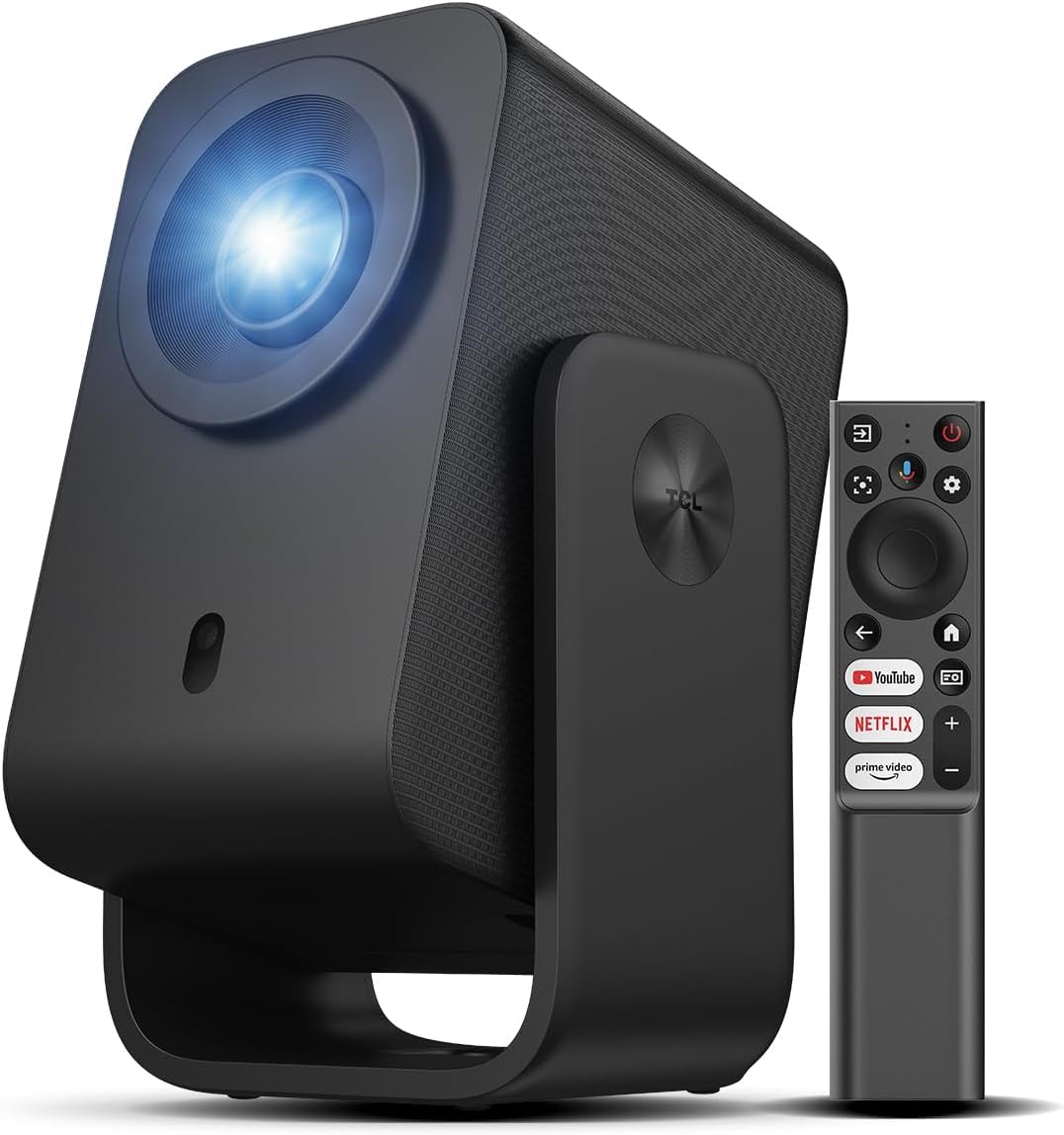
The one you point at the ceiling without needing a single extra accessory.
The 285° rotatable handle stand is the defining feature — swing it to any angle between 40° and 120° without a tripod or mount. That’s what makes it the natural bedroom pick: lie back, aim the lens at the ceiling, and you’re watching in bed. Native 1080p handles the picture with TCL’s ImmersiColor processing, and the rated lamp life climbs to 30,000 hours with the fully sealed optical engine protecting against dust infiltration — a feature the Aurzen BOOM Air below notably lacks.
Google TV with voice control via Google Assistant is built in, so Netflix, Prime Video, YouTube, Hulu, and HBO are all a click away with no Fire Stick required. The 8W Dolby Audio speaker is modest, but fan noise stays below 30 dB — buyers call it virtually silent during quiet scenes. Auto Focus, Auto Keystone, Obstacle Avoidance, and Auto Screen Size adjustment all run automatically, and the intelligent algorithm completes alignment in seconds. Connectivity covers 5G Wi-Fi and bidirectional Bluetooth 5.1 that lets the projector double as a standalone speaker for your phone.
Here’s the honest catch: at 230 ISO lumens — which TCL equates to 2000 ANSI lumens in other brands’ marketing — this is a dark-room projector through and through. Buyers repeatedly note it needs complete darkness to perform well, and even then the contrast degrades at large sizes. If you want a daytime-capable unit, look at the Epson or the LYNCAST instead. If you want a portable bedroom and ceiling machine with a sealed engine, this is the sharper answer.
The Case for the C1
- 285° rotating gimbal handles ceiling and angled projection without a mount
- Sealed optical engine resists dust infiltration — the failure mode that shortens budget projector lives
- 30,000-hour lamp life
- Under 30 dB fan noise for quiet-scene viewing
- Bidirectional Bluetooth 5.1 lets it serve as a standalone speaker
Where It Demands Patience
- 230 ISO lumens — needs a fully dark room
- 8W speaker is modest; pair a soundbar for films with big dynamics
- No battery — requires wall power
This is the one for: bedroom ceiling projection and small-space living where a wall-mounted setup would be overkill.
It’s the wrong call if: you plan to watch with any ambient light — 230 lumens asks for darkness.
6. TMY Smart Projector with Google TV Built-In
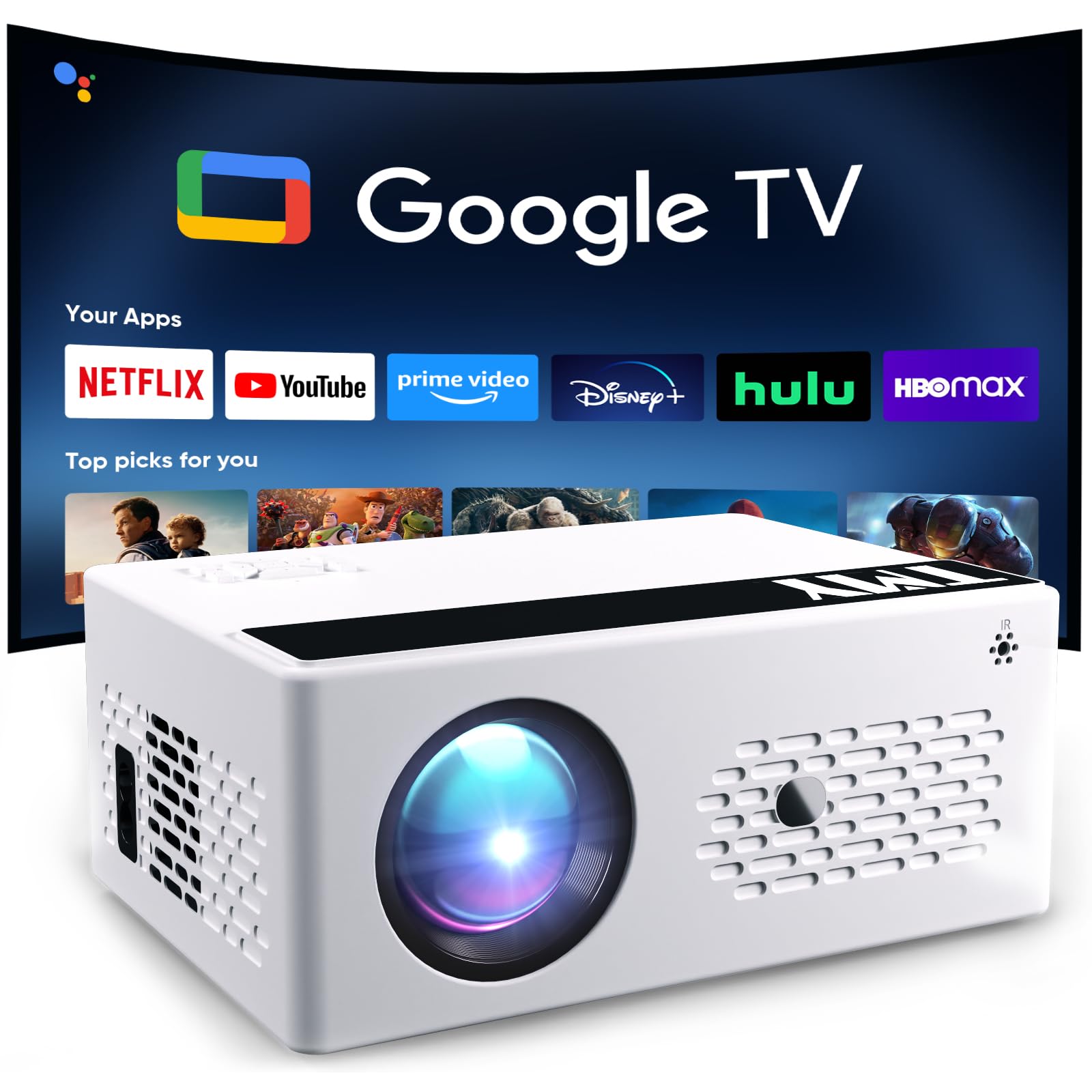
A family-room projector that gets the smart OS and voice remote right at a sensible price.
For a household replacing a TV, the deciding factor is usually simplicity, and this one delivers. Google TV boot straight into an app grid — no external stick, no HDMI dongle, no menu navigation gymnastics. The voice remote adds a dedicated Google Assistant button, so searching for a film is a matter of pressing and talking. Native 1080p with 4K decoding support means anything you throw at it renders at full HD, and the contrast ratio of 10000:1 keeps dark scenes from looking washed out.
Where it earns its keep is the extras. The 15W built-in speaker fills a medium room, and Bluetooth audio out pairs a soundbar for movie-night dynamics without a cable across the floor. Buyers consistently mention the tripod as a bonus that arrives in the box, and the Wi-Fi 6 connection holds up without buffering — confirmed in review summaries noting smooth app performance and no dropouts during streaming. A 100,000-hour rated lamp life means you won’t be replacing anything for a very long time.
Two honest notes. The focus dial is manual rather than automatic, and some buyers describe it as finicky at first — patience pays off once you dial it in. Second, the speaker is capable but not cinema-grade; a good few owners add a soundbar for serious film viewing. Neither is a defect — both are the kind of trade-offs you’d expect from a projector priced to be accessible, and both are easy to work around.
The family-room bargain: full Google TV, voice remote, Wi-Fi 6, and a 100,000-hour lamp life make this a smart long-term choice for a room full of people.
The manual-focus caveat: unlike the auto-focus picks above, this one asks you to dial focus by hand — fine once set, but not as hands-off as the LYNCAST or WiMiUS.
Suits households that want: a straightforward smart projector with apps, voice control, and full HD — without paying for brightness they won’t use.
Less ideal if: you want auto-focus from the start, or a picture that survives daylight viewing.
7. Aurzen Roku TV D1R Cube Smart Projector
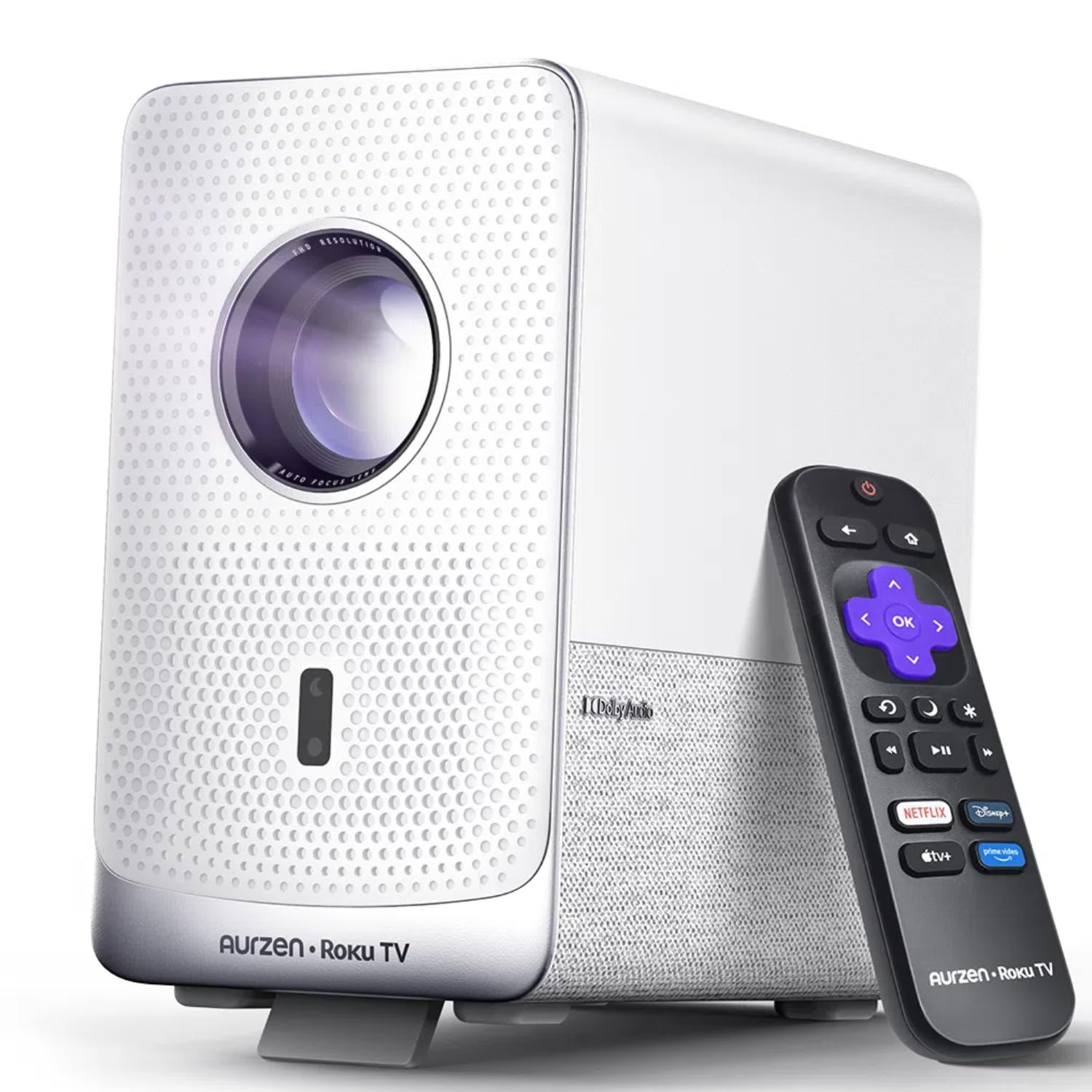
Roku loyalists finally have a projector that treats their account like it matters.
If your house already runs on Roku, this is the only pick here that feels like a natural extension of your setup. The Roku TV home screen boots straight to the same interface you know, with the same remote shortcuts, the same quick search, and the same personalized recommendations. Netflix, Prime Video, Hulu, YouTube, and the Roku Channel are all preloaded — no dongle, no second remote. The Roku mobile app adds a phone keyboard and voice control for anything typing-heavy. Apple AirPlay is also on board for iPhone owners.
The sealed optical engine is a genuine advantage — dust-proof with library-quiet cooling and zero light leakage, which matters if you plan to set this up in a garage or on a patio and leave it there. Native 1080p fills a 40 to 150-inch screen, with autofocus and auto-keystone handling alignment instantly. Bluetooth 5.2 pairs headphones or external speakers, and dual-band Wi-Fi (2.4G and 5G) keeps streams stable. Voice control works with Apple HomeKit, Siri, Alexa, and Google Assistant, so no matter which smart-home hub you already own, it’ll talk to this projector.
Here’s the honest trade-off: at 330 lumens, this is a dark-room projector — three-and-a-half times dimmer than the 1200-lumen LYNCAST at the top. Buyers describe it as “slightly dim but good in a dark room” and note that fan noise requires turning the volume up. That’s an honest reality for a compact sealed unit at this size — if you want daylight viewing, you’ll need to step up in brightness rather than down in size. If what you want is a portable, dust-proof, Roku-native projector that disappears into a backpack, this is exactly right.
Why Roku Owners Click Fast
- Genuine Roku TV interface with the familiar home screen and remote layout
- Sealed optical engine resists dust and keeps the picture clean over years
- Apple AirPlay and HomeKit, Siri, Alexa, and Google Assistant compatible
- Bluetooth 5.2 for wireless headphone or speaker pairing
- Compact, backpack-ready form factor
What You Give Up
- 330 lumens demands a dark room
- Fan noise is audible during quiet scenes
- Activation requires a Roku account and internet connection
Locked in if: your streaming life already revolves around Roku and you want that same experience projected onto your wall.
Not the pick for: daylight movie sessions — at 330 lumens, curtains closed matter.
8. HP Projector MC475 with Netflix and USB-C Power
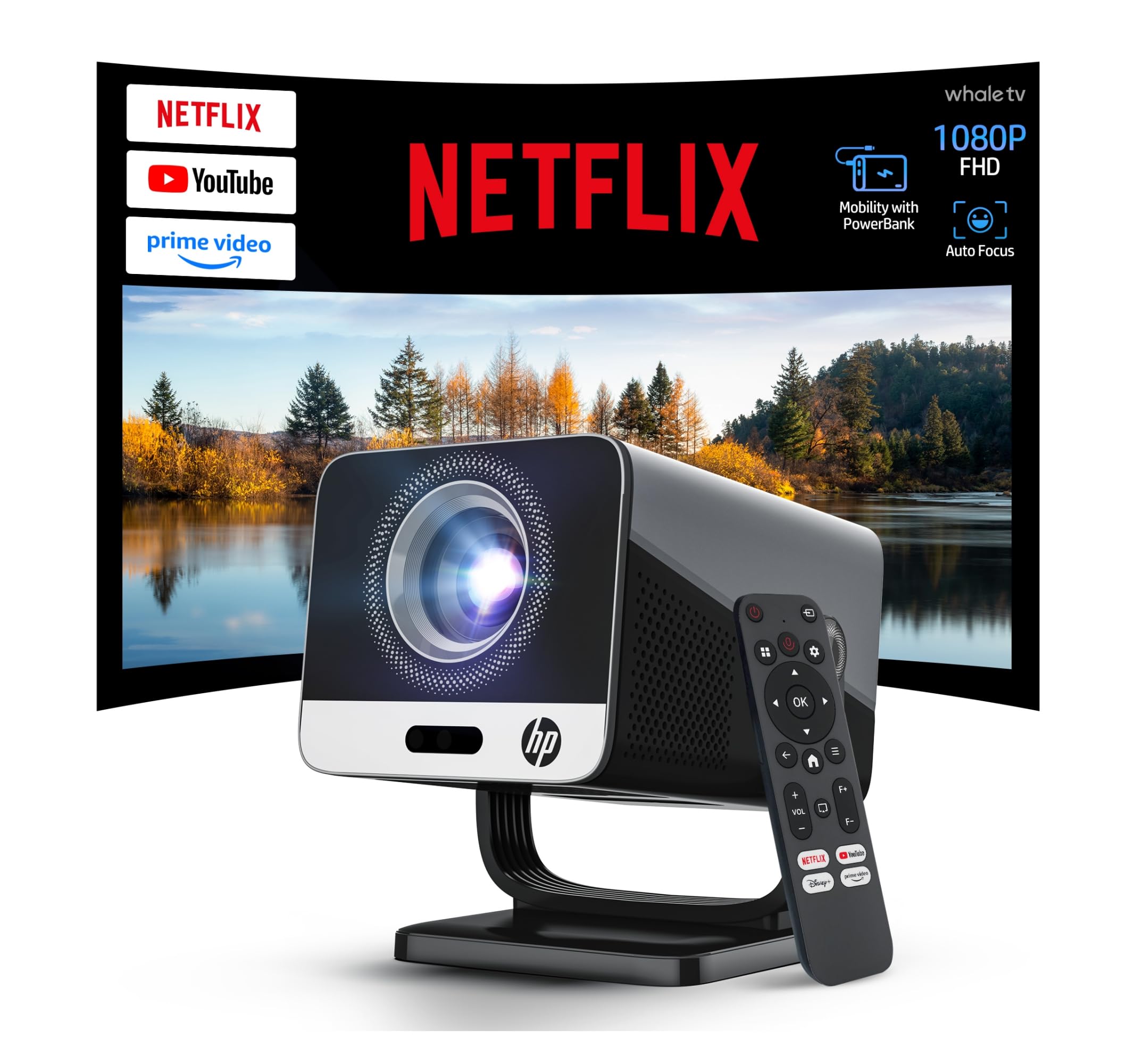
The only pick that runs off a USB-C power bank — camping trips just got a screen.
The 0.8:1 short-throw ratio is the story here. It’s the sharpest throw on this entire list — 60 to 130 inches of image from very little distance, with an 80-inch screen achievable from just 1.4 meters. In a dorm room, a narrow apartment, or the side of a tent, that spacing math is the difference between a workable theater and no theater at all. The 90° rotation design also lets you aim it at a wall or slanted ceiling without a mount. At 200 ISO lumens and native 1080p with 4K support, it holds up in dark conditions, and the auto-focus plus auto-keystone handle alignment in seconds.
The USB-C PD 3.0 input is where the HP genuinely separates itself. It accepts 20V/3.25A power and runs on a compatible power bank rated at 65W or higher, with a 55W operating draw and an efficient thermal design that runs cooler than most. Power banks below 65W simply won’t drive it — so if you own a 45W power bank, don’t expect it to work. Netflix, Prime Video, YouTube, Disney+, and Tubi run natively, and the dual HiFi stereo speakers with Hi-Res Audio handle dialogue cleanly. Wi-Fi 6 and Bluetooth 5.2 make casting and pairing painless.
One thing to flag: 200 ISO lumens is bright enough for a controlled room but it will not hold up to ambient daylight, and the contrast ratio of 10000:1 is decent rather than exceptional. Buyers describe it as compact, quiet, and well-suited to a bedroom — exactly the use case this projector is built for. If your power bank runs on the smaller side, budget for a 65W+ upgrade before you buy.
Cordless freedom is the point: with a 65W+ power bank and a 5A E-Marker USB-C to USB-C cable, this becomes a genuinely cable-free portable — no wall outlet required.
Read the fine print on power: anything under a 65W power bank simply won’t run this projector, and neither the remote batteries nor the power bank are included.
Designed for: campers, travelers, and small-space users who need a projector that runs off a battery and fits into a tight room’s throw distance.
Best to avoid if: you want daytime viewing or don’t already own a 65W+ USB-C power bank.
9. Aurzen BOOM Air Google TV Portable Projector
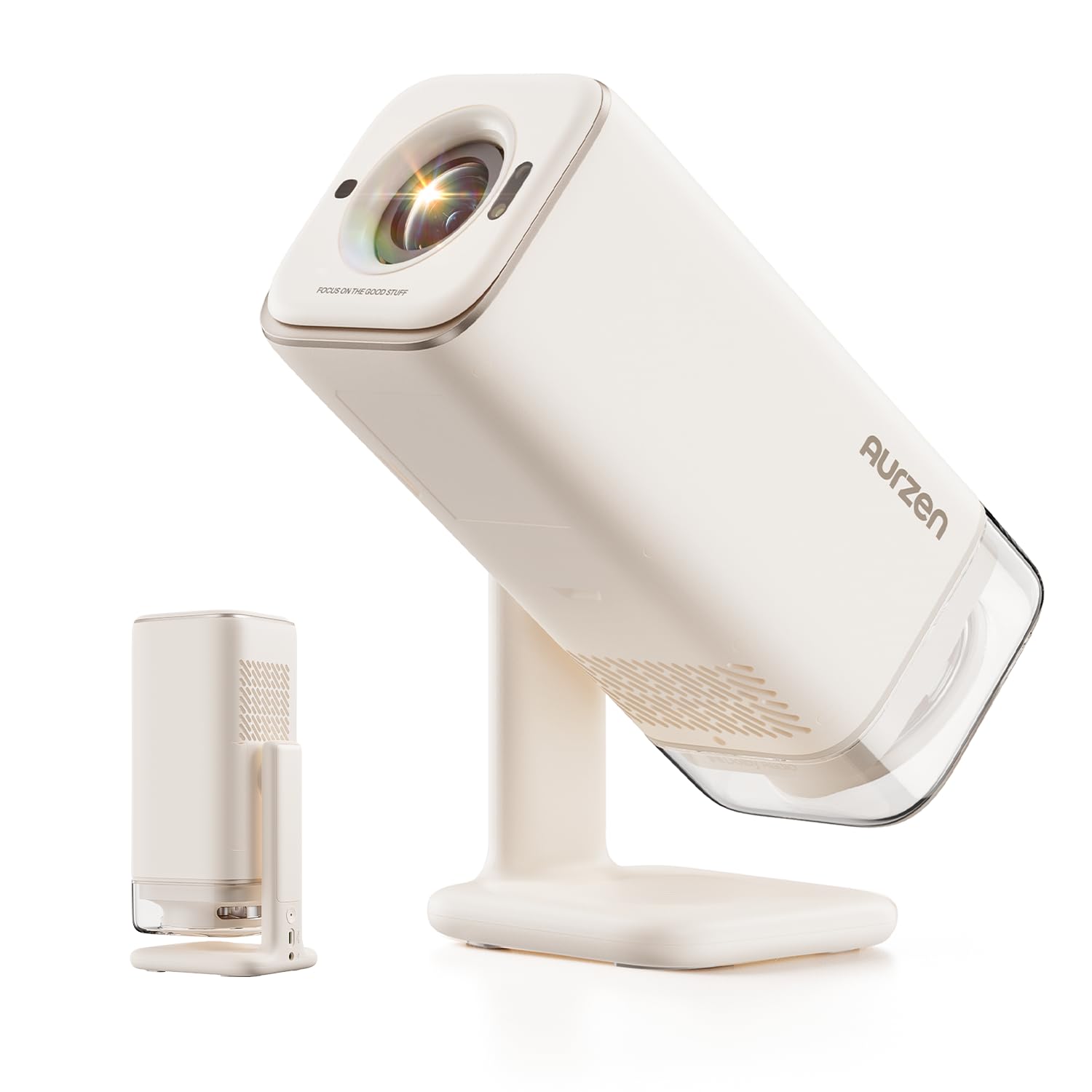
Water-bottle sized, Google TV powered, and it beats a rival on brightness while costing less.
At 300 ANSI lumens and native 1080p with HDR10, this is the brightest sub-300-lumen portable in this roundup — a meaningful step up over the Aurzen Roku D1R’s 330 lumens when you consider it also carries HDR10 and 4K input support. The comparison doesn’t stop there: buyers testing side by side describe the BOOM Air as producing a brighter image than the XGIMI Vibe One and the TCL C1, which is a notable result for a portable this small. The 360° Dolby Audio with visible 10W speakers fills a room without an external speaker, and the tilting gimbal stand angles it without a tripod.
ToF (Time-of-Flight) real-time focus is the signature feature — a sensor keeps the picture sharp in real time as you move the projector, which is a step beyond the autofocus-and-forget approach that cheaper portables use. Google TV is built in with 10,000+ apps and no dongles required, plus Kids Mode for parents who want content filters and screen-time limits. The USB-C power input means you can run it from a 65W+ power bank with a 5A E-Marker USB-C to USB-C cable — same power requirement as the HP MC475, and just as cable-free once you have the setup.
The real drawback — and it shows up across multiple buyer reports — is the non-sealed optical engine. Dust gets inside and needs regular cleaning through a side door, which is more of a nuisance outdoors where particles are everywhere. Sound quality is a mixed aspect in buyer feedback; some describe the internal speaker as working extremely well, while others find it subpar compared to dedicated audio. If you mostly use it in a controlled indoor space, neither is a real issue. If you plan on camping every weekend, plan a cleaning habit.
Punching above its weight: brightness at 300 ANSI lumens plus HDR10 and ToF focus in a package that fits in a water-bottle slot is genuinely compelling at the mid-range tier.
The dust caveat: the non-sealed engine means regular cleaning, especially outdoors — the TCL C1 and Aurzen D1R both seal theirs, so this is the trade-off to weigh.
For portable-first buyers: anyone who wants Google TV and USB-C power in a genuinely packable chassis with strong sound for the size.
Think twice if: you need a sealed engine for a dusty environment or outdoor use without regular maintenance.
Understanding the Specs
Native 1080p vs. “4K Supported”
Native 1080p means the projector’s imaging chip has 1920×1080 physical pixels — one pixel for every pixel in a Full HD signal. “4K supported” or “4K/8K input support” means the projector can accept a 4K or 8K signal and downscale it to 1080p for display; it does not mean you’re watching true 4K. When a projector claims 4K decoding, all content still renders at the native 1080p pixel count. That’s fine — 1080p at theater size looks sharp — but the distinction matters if you’re comparing it to a true 4K projector at a much higher tier.
ANSI Lumens vs. ISO Lumens vs. Marketing Claims
ANSI lumens and ISO lumens are measured brightness standards — they’re standardized enough to compare between brands. Marketing claims like “bright and clear” or freely inflated lumen figures are not. Some manufacturers publish third-party certification (like the SGS ANSI/ISO 21118 certification on Aurzen projectors) which adds a layer of trust. Others rely on in-house measurements. When you see a figure like 200 ISO lumens, treat it as compatible with a genuine 200-lumen output; when you see a figure like “2000 ANSI lumens” from a brand without certification, treat it as a claim.
Auto Keystone Correction and Screen Alignment
Keystone correction digitally reshapes the projected image so a projector sitting off-axis still produces a rectangular picture. Manual keystone requires you to adjust corners yourself; auto keystone handles it with a sensor on startup. Screen alignment goes a step further — some projectors use a built-in camera to detect the boundary of a screen or wall and fit the image to it. Obstacle Avoidance keeps the image from spilling over light switches or wall art. The more of these features a projector has, the less forward-planning your setup demands.
Throw Ratio and Why It Decides Your Room
Throw ratio is the distance from the projector to the wall, divided by the screen width. A 1.5:1 projector needs 1.5 feet of distance for every foot of screen width; a short-throw 0.8:1 needs less than a foot. Long-throw works in a dedicated media room; short-throw works in apartments, bedrooms, and dorms where you can’t rack up distance. If you’re shopping without a dedicated home cinema space, prioritize a lower throw ratio — it buys you flexibility that a bright bulb can’t replace.
Sealed vs. Non-Sealed Optical Engine
The optical engine is the housing around the light source, LCD panel, and lens. A sealed engine blocks dust from entering; a non-sealed engine lets it in over time, and dust landing on the internal LCD panel produces dark smudges that can’t be cleaned from outside. Sealed engines are the single biggest predictor of long-term picture quality in a budget projector. Brands advertise this quietly, so look for it in the spec sheet — Aurzen and TCL both seal theirs.
USB-C Power Bank Operation
Some portable projectors now accept USB-C PD (Power Delivery) input, which means they can run off a power bank instead of a wall outlet. The catch is wattage: a projector that runs on 55W operating power needs a power bank rated at 65W or higher, with a 5A E-Marker USB-C to USB-C cable to handle the current. Anything lower won’t provide sufficient power and the projector won’t operate. It’s a fantastic feature for camping and off-grid setups — but only if your existing power bank can keep up.
FAQ
What is the difference between native1080p and 4K supported on these projectors?
How many lumens do I need for a projector in a room with some light?
Will these projectors work with a USB-C power bank for camping?
How much dark does the room need to be for a 200-300 lumen projector?
Why do a lot of budget projectors get dust spots on the screen?
How close to the wall do I need to place a short-throw projector?
Do these projectors stream Netflix without a Fire Stick or Roku stick?
Can I power these projectors on by voice or with just the remote?
Are these 1080p projectors suitable for gaming on a PS5 or Xbox?
How long do the lamps last in an affordable 1080p projector?
Final Thoughts: The Verdict
For most buyers, the affordable 1080p projector winner is the LYNCAST 1200 ANSI Google TV because it pulls off the hardest trick in this tier — enough real brightness (1200 ANSI lumens) to survive a room that isn’t pitch black, paired with native 1080p and a licensed Google TV system that doesn’t need a streaming stick. Wi-Fi 6, Bluetooth 5.4, and 4-in-1 auto setup round it out, and the 4.8-star rating across hundreds of buyers supports the whole picture. If you watch a lot of live sports and want motion that stays smooth when things get fast, the WiMiUS G2 with its MEMC processing and 30W Dolby Audio is the sharper call. And if brightness is the one thing you refuse to compromise on, the Epson EpiqVision Flex CO-FH02 with 3000 lumens is the pick that laughs at daylight.
One closing nudge worth heeding: the Aurzen Roku D1R sits at 4.6 stars across hundreds of ratings and offers a genuinely sealed optical engine — a detail that quietly extends projector life by years, and one of the few picks that seals against the dust problem that eventually dulls most budget projectors. If you value that durability over raw lumen count, it’s worth a close look before you check out.
How We Picked
We do not accept paid placement. Every pick is matched to a real buyer and a real use-case; we do not hands-on test units.
Sources & Methodology
Specifications: manufacturer listings and product documentation. Review insights: verified customer reviews, as of September 2026. Pricing: not shown on this page (it changes often); check the current price via the retailer link.
As an Amazon Associate, Gadgets Feed earns from qualifying purchases. This does not affect which products we feature.