
Our readers keep the lights on and my morning glass full of iced black tea. As an Amazon Associate, I earn from qualifying purchases.
Specs are compiled from manufacturer listings and verified buyer reviews and can change over time — please confirm the key details on the product page before buying.
Finding a true 13-inch portable monitor is harder than it sounds, because almost nothing sold is exactly thirteen inches — the real shelf is 12.3, 13.3, 13.4, 13.5, and 14 inches, and they all serve the same job. So this list uses flexible, human-like matching: anything from roughly 12 to 14 inches that works as a second screen counts, and we never jump up to a 15.6-inch panel. That means not every pick is the exact number you typed into the search bar, but the nearest same-type size does the same work for a fraction of the hassle.
I’m Min — the founder and writer behind Gadgets Feed. This guide is built by comparing the manufacturers’ published specifications and the patterns across verified customer reviews, so you get each pick’s real strengths and trade-offs instead of marketing spin.
The picks below range from an OLED touchscreen with true blacks to a slim panel built for a Switch, and the goal is simple: a screen that actually earns its place in your bag. That is what separates a genuinely useful 13 inch portable monitor.
Our Picks at a Glance
How To Choose The Best 13 Inch Portable Monitor
A portable monitor is a screen that draws video and often power straight from one USB-C cable, so it turns a laptop, phone, or game console into a two-display setup without a dock or a wall outlet nearby. The tricky part is that two panels can look identical in photos and feel completely different in use.
Panel type changes everything you see
OLED panels light each pixel on its own, so black stays genuinely black and contrast numbers run into the hundreds of thousands to one. IPS panels use a backlight behind the pixels, so black is really dark gray and contrast usually lands near 1500:1 or 1800:1. Neither is wrong — OLED wins for photo and video work, IPS often costs less for the same size.
Brightness in nits decides outdoor use
Brightness is measured in nits (a unit of how much light the screen throws). A 300-nit panel is fine in a dim office and struggles in a sunlit cafe. Push to 400 or 480 nits and the screen stays readable in brighter rooms and near windows.
Resolution density versus a big spec number
A 3840×2400 panel on a 13- or 14-inch screen packs pixels so tightly that text looks like print, but desktop text gets scaled up by the operating system. A lower 1920×1080 or 1920×1280 panel is easier on battery and plenty sharp for spreadsheets and video.
Cables, power, and port count
One full-function USB-C port can carry both video and power, which is the cleanest setup. Heavier or brighter panels often want a second cable into a wall adapter, so count the ports: dual USB-C plus Mini HDMI covers nearly every laptop, phone, and console you own.
Quick Comparison
| Model | Best For | Resolution | Brightness | Panel Type | Amazon |
|---|---|---|---|---|---|
| UPERFECT OLED 14″ 3K Touch★ Best Overall | Creatives and handheld gamers | 2880 x 1800 | 500 cd | OLED | Amazon |
| S123E 12.3″ TouchBest for Switch | Switch and cyberdeck builders | 1920 x 1280 | 300 cd | IPS LCD | Amazon |
| KEEPTIME 13.4″ 4KSharpest Text | Business travel and spreadsheets | 3840 x 2400 | 400 nits | IPS LCD | Amazon |
| OUNSHLI 13.4″ 4K | Design work and desk setups | 3840 x 2400 | 400 lm | IPS LCD | Amazon |
| MAGICRAVEN 13.3″ 4K | Multitasking on the road | 3840 x 2160 | 400 cd | IPS LCD | Amazon |
| Thrygo 13.5″ 3K | Vertical reading and photo review | 3000 x 2000 | 480 nits | IPS | Amazon |
| Intehill 13.4″ 4K IGZO | Mac users who want minimal bezels | 3840 x 2400 | 500 nits | IGZO LCD | Amazon |
| Lenovo ThinkVision M14t Gen2 | No-cable-drama business travel | 2240 x 1400 | 270 cd/m2 | LCD | Amazon |
| Qunub 14″ 4K OLED Touch | Artists, note-takers, color work | 3840 x 2400 | 400 cd | OLED | Amazon |
| G-STORY 14″ 4K Gaming | PS5 and console gaming | 3840 x 2160 | — | IPS | Amazon |
| SOTSU FlipAction Touch 14″ | Build-quality obsessives | 1920 x 1080 | 400 cd | IPS LCD | Amazon |
In‑Depth Reviews
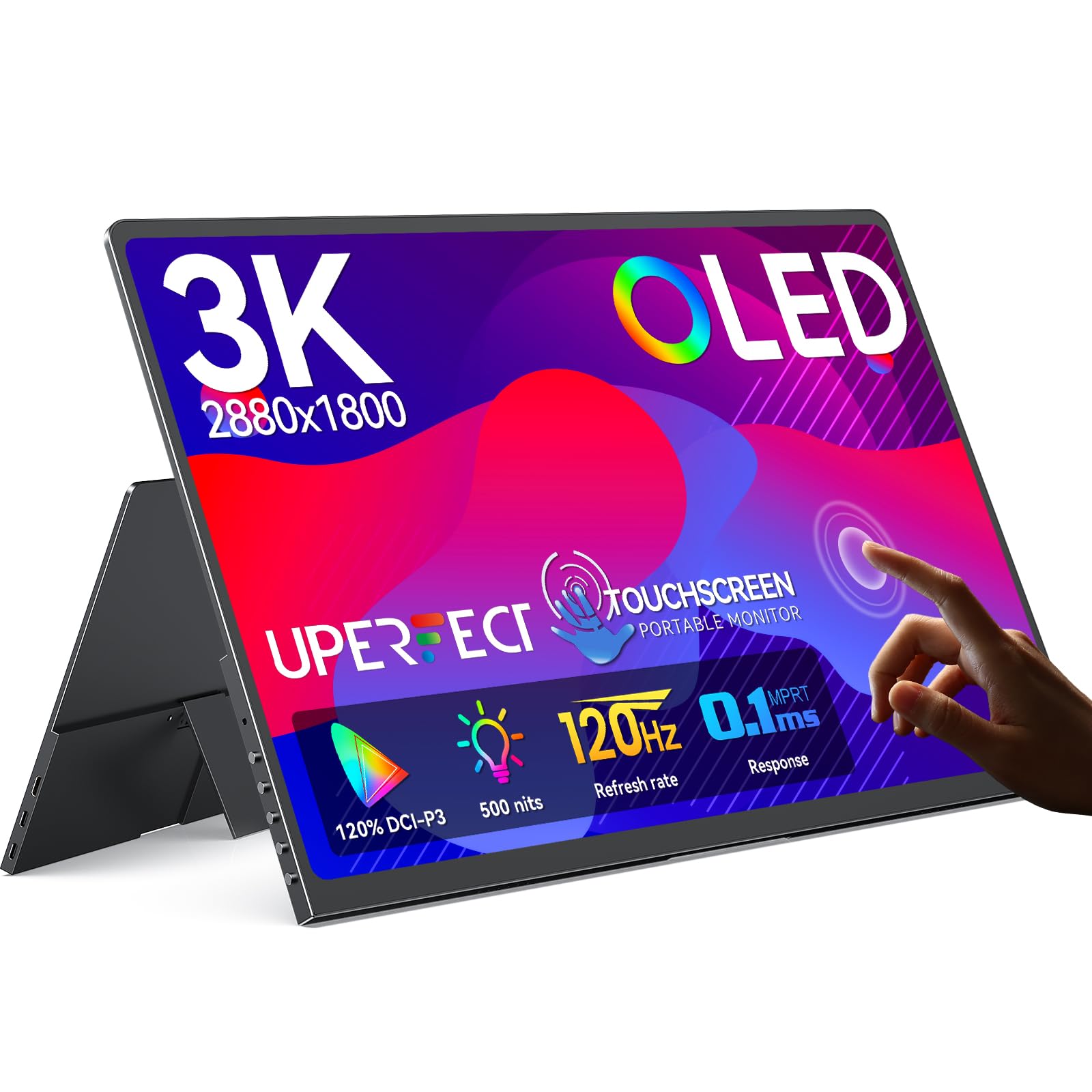
1. UPERFECT OLED Portable Monitor Touchscreen, 14″ 3K 120Hz
Our pick — over 4★ from 2,000+ verified ratings; the strongest balance of quality and price.
A self-lit OLED touchscreen that carries real cinema blacks into a bag you barely notice.
This is the pick for anyone who wants the picture itself to be the reason they bought a second screen, not just an extra rectangle. The 14-inch OLED panel runs 2880×1800, so the resolution genuinely counts as 3K rather than a marketing stretch — individual pixels disappear and photo detail holds up when you zoom in. The 120Hz refresh rate means motion updates 120 times a second, and the 0.1ms response time is how fast a pixel changes color, so fast camera pans and scrolling pages stay sharp instead of smearing.
True black is the headline here, and it comes from OLED pixels that light themselves rather than sitting in front of a backlight. That is why the contrast ratio reads 500000:1 — the deep end of the scale — which is hundreds of times deeper than the 1500:1 on the S123E below. The screen also covers 120% DCI-P3 (a color space wider than standard sRGB) and tops out at 500 nits brightness, so color stays believable in a bright room rather than washing out.
The fit and finish are a step above most rivals at 0.12 inches thin and 1.29 lbs. Buyers report: “14” 3K 120Hz OLED touchscreen: works with PC, Steam Deck, Xbox Ally, Switch, MacBook with full touch.” The touch layer is pixel-accurate with no offset, so tapping small icons lands where you point — though you do need to set it as the main screen. It carries 4.4 stars across 2,300+ owners, the largest review pool in this guide.
Where it pulls ahead
- OLED contrast of 500000:1 and 0.1ms response — a 30x faster pixel change than the S123E’s 3ms
- 2880×1800 at 120Hz, with 500 nits brightness for bright rooms
- 0.12″ thin and 1.29 lbs with a full-metal body and VESA support
Worth knowing before you buy
- 3K resolution only hits 100Hz over HDMI; full 120Hz needs the Type-C connection
- Speakers are on the weak side — plan on headphones or a small speaker
- Brightness drops on bootup, and long sessions want USB-C plus AC power
Led with: the picture-first buyer — colorists, photo editors, and anyone pairing a Steam Deck or handheld with a screen that finally does their games justice.
Second thought: if touch input and a brighter panel already feel like overkill, the S123E does the basics for far less.
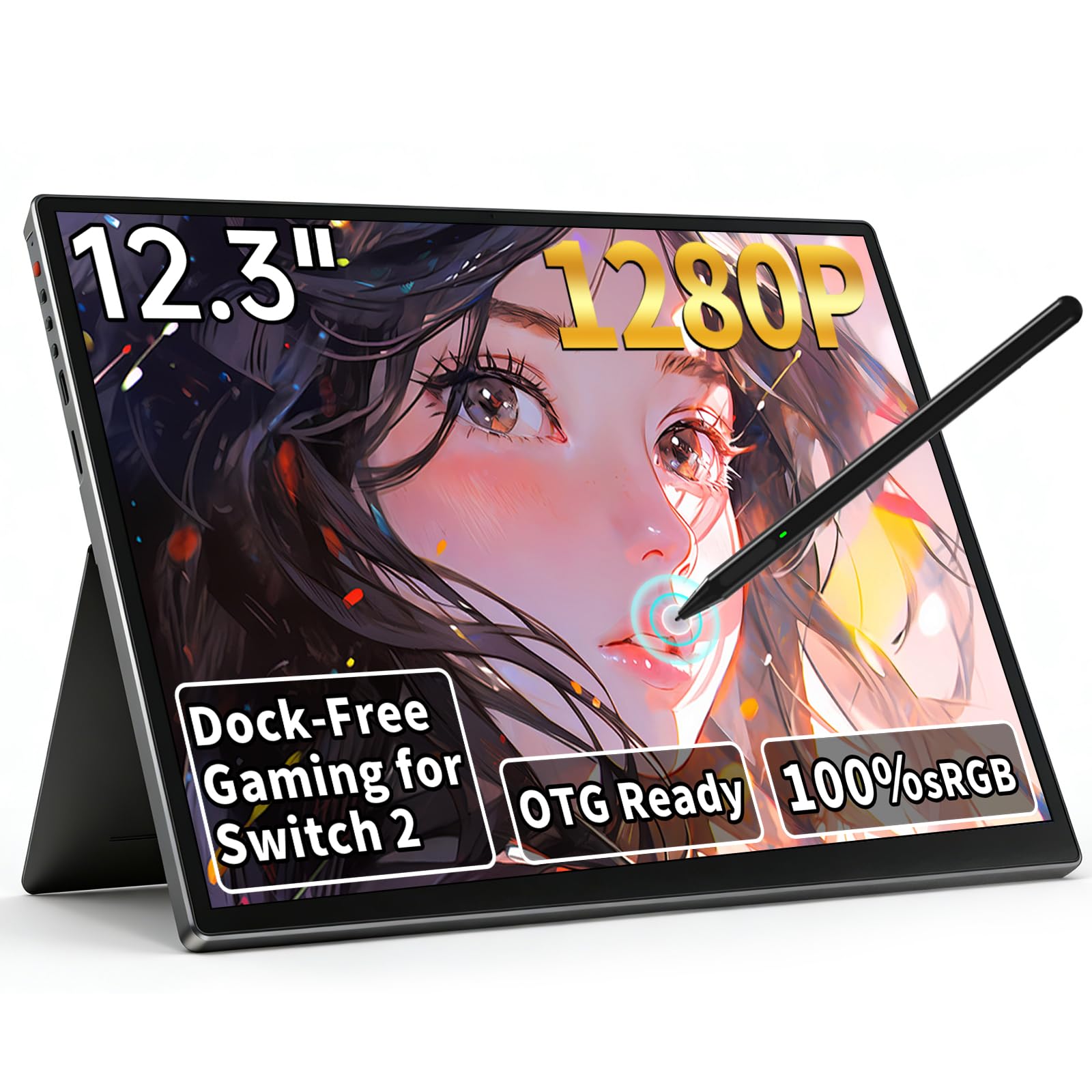
2. S123E 12.3 Inches Portable Monitor Touchscreen
A pocketable touchscreen whose whole reason for existing is plugging straight into a Switch — no dock.
Two things sell this one immediately: it is only 1.22 lbs and 0.43 inches thick, and it lights up from a single USB-C cable shoved into a Switch or Switch 2. No dock, no extra power brick, no setup maze — the gaming happens wherever you set the screen down. The 12.3-inch size is the closest thing on this list to a true 13-inch footprint without paying for a bigger panel.
The 1920×1280 IPS display uses a 3:2 aspect ratio, which is taller than the standard widescreen shape. Brightness of 300 nits and contrast of 1500:1 are modest, and the 3ms response time is quick for a panel at this level. The 10-point capacitive touch layer tracks every swipe and pinch, and a 60Hz refresh keeps everyday motion smooth.
What wins people over is the small-batch fit: a cyberdeck builder put it plainly — “Was looking for a slim and light monitor for a cyber deck build. This one fit perfectly.” The knocks are the on-screen menu, which runs on icons instead of words and takes trial and error to learn, and the lack of a carry case in the box. The screen itself earns plenty of praise for outdoor readability thanks to the 300 nits and wide viewing angles.
Size that pays off: at 1.22 lbs and 0.43″, this is the lightest monitor here that still runs a 1920×1280 resolution on a 3:2 ratio — noticeably more vertical room than the 16:9 panels in the same price band.
Budget-friendly reality: USB-C and Micro-HDMI with FreeSync is a lot of core for the money, and a single cable handles power and video for most laptops.
Reach for this if: you want a Switch companion or a phone-to-workstation screen that travels in the same sleeve as your console.
Think twice if: you rely on on-screen menus — the icon-only interface here is a real learning curve.
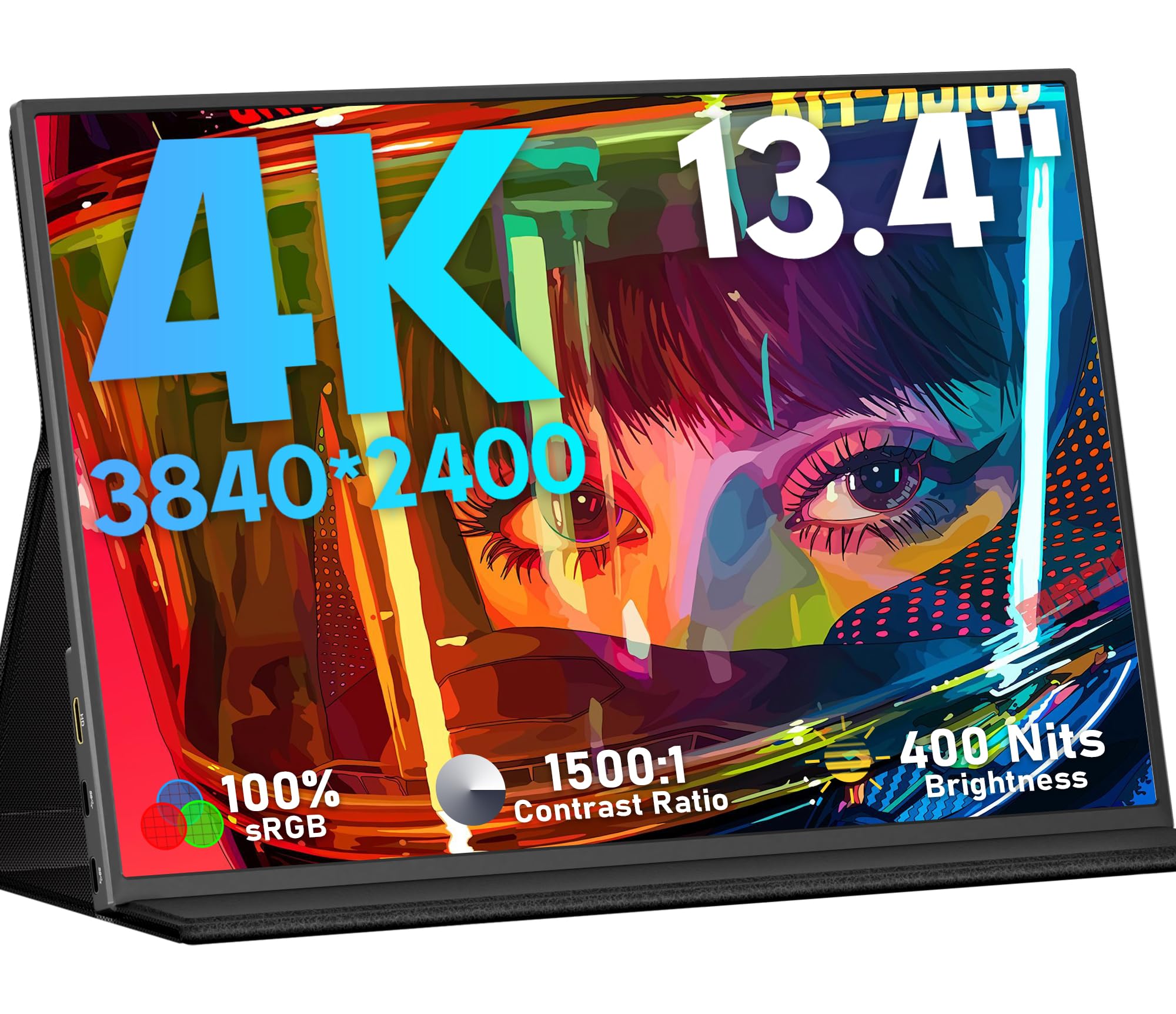
3. KEEPTIME 4K Portable Monitor 13.4″ 3840 x 2400 UHD
A 13.4-inch travel screen with laptop-grade pixel density that keeps PowerPoint lines razor thin.
Business travelers are the audience for this one, and it shows in the details. The 13.4-inch IPS screen runs 3840×2400 on a 16:10 shape, so a full-size spreadsheet or double-page document fits with vertical room to spare. Brightness lands at 400 nits with 1500:1 contrast and 100% sRGB, which means color comes from the start looking close to what you shot — no constant fine-tuning.
What wins people over is how light and portable it feels next to a laptop — all 1.0 lbs in a panel barely 0.2 inches thin — plus the exclusive detachable magnetic stand that folds flat. On Macs, one customer found the balance at 1920×1200 because full native 3840×2400 triggers a pre-Retina user-interface scale in System Settings. Plug-and-play is real here: no driver, just USB-C or Mini HDMI and you are running.
The honest caveat is reliability — it earns mixed reports, which is worth checking against the warranty before you commit. A few owners noted the glossy surface reflecting overhead lights, and there is a documented no-manual-in-the-box situation, so be ready to figure out the menu on your own. HDR also has to be switched off for serious color work according to one reviewer. If you need long-term confidence first, the Intehill below is the safer play.
Pixel density crown: 3840×2400 on 13.4″ — specs above Apple Retina grade, and a touch sharper than the MacBook Pro 14’s own 3024×1964 panel, according to owners who compared them side by side.
Where it stumbles: reliability is genuinely hit or miss, so buy with the return window in mind and test the panel within the first week.
Made for the desk-away-from-desk crowd: consultants, engineers, and anyone whose laptop screen alone can no longer hold the tabs they need.
Skip the upgrade if 4K is overkill for spreadsheets and email — the 12.3″ or 13.3″ panels cover that ground without the reliability gamble.
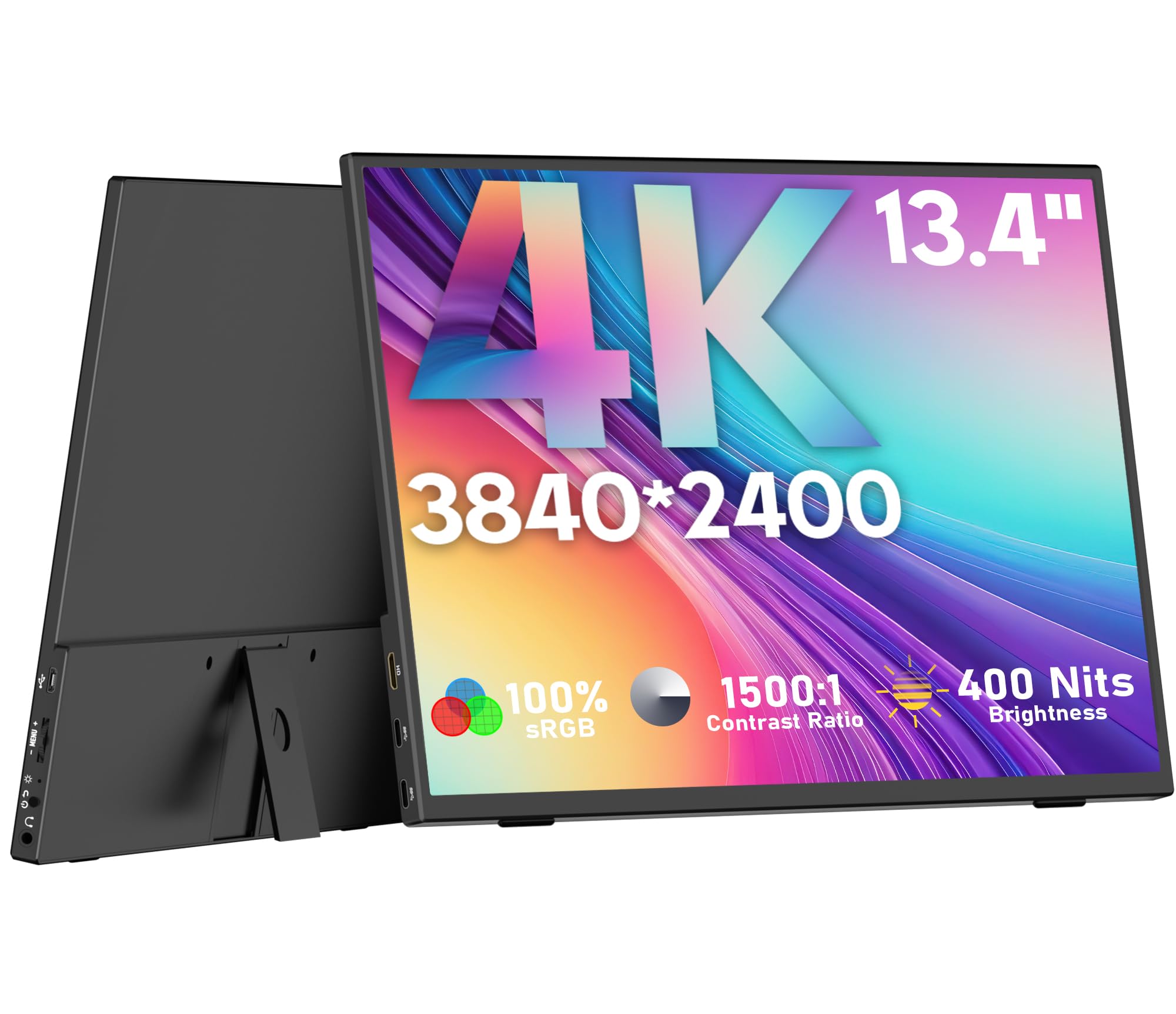
4. OUNSHLI 4K Portable Monitor 13.4″ 3840 x 2400 IPS
The traveling panel that thinks it is a desktop monitor — VESA holes, portrait mode, and a 4x pixel jump over 1080p.
Graphic designers, photo editors, and video cutters who move between desks get the most out of this one. The 13.4-inch IPS display runs 3840×2160, which the spec sheet calls out as four times the resolution of a standard 1080p panel. In practice that means fine detail holds up when you zoom into a raw file or scan a timeline, and the 100% sRGB coverage with 1500:1 contrast and 400 lits of brightness gives you believable color without a calibration rig on hand.
The design is the second reason it earns its spot: at 0.99 lb and 0.17 inches at its minimum, it disappears into a laptop sleeve. The 90-degree rear stand adjusts to your seat position, and standard 75x75mm VESA holes mean it can go on a desk arm in landscape or portrait — a rare flex for a screen this small. Dual USB-C 3.1 ports, HDMI, and a 3.5mm headphone jack round out the connections.
The honest caveat is the onboard menu — no instruction manual in the box and a cryptic on-screen layout eat some of the polish. It also lands on the wrong side of Apple compatibility, so plan on a Windows or Android workstation. Where it thrived was the work-from-home desk: owners describe a dual-monitor setup that finally made spreadsheets readable again. Its 4.3-star rating rests mostly on screen quality.
Why editors like it
- 3840×2160 resolution with 100% sRGB and 1500:1 contrast for accurate color work
- 90° adjustable stand plus 75x75mm VESA holes for portrait or landscape
- 0.99 lb with a slim 0.17″ profile — genuinely bag-friendly for a 4K panel
Small print to flag
- No user manual ships in the box, and menu navigation takes some guessing
- Compatibility with Apple gear runs mixed — Windows-first panel
Fits the multi-monitor desk-and-road life: creatives on Windows who move between home office and hotel room and want the same pixel-level view in both places.
Better elsewhere: those on a strict Mac-only workflow should look at the SOTSU or ThinkVision instead.
5. MAGICRAVEN 13.3″ Portable Monitor USB-C & HDMI
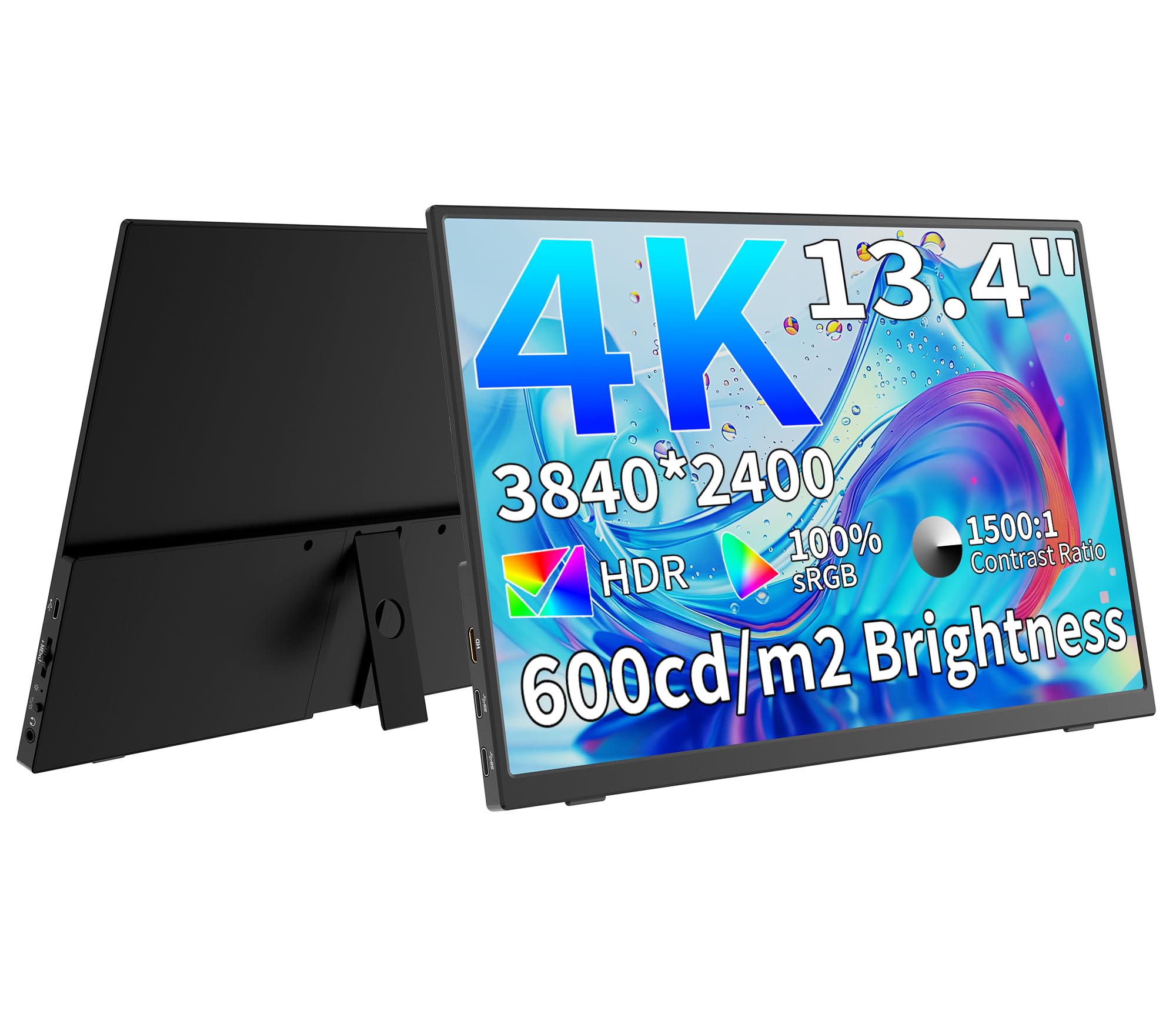
A sub-one-pound 13.3-inch 4K screen that slips into a carry-on and powers up from a single USB-C cord.
This is the pick for the frequent flier who needs a second screen that does not push the bag over the weight limit. It runs 3840×2160 on a 13.3-inch IPS panel with 400 nits brightness, an 1800:1 contrast ratio, 100% sRGB, and a 60Hz refresh rate. The 0.97 lb weight and 0.19-inch minimum thickness are the numbers that matter at the check-in counter — this is the lightest 13-inch class panel here.
Color accuracy is the feature the maker leans on hardest, and owners back it up: the 100% sRGB coverage and 178-degree viewing angle mean the picture stays consistent even when you are sharing the screen across a coffee-shop table. HDR, Low Blue Light, and FreeSync round out the software features. Dual USB-C 3.2, HDMI 2.0, and Thunderbolt 3 compatibility mean laptops, consoles, and phones all connect without adapters.
The trade-off is thin-bezel fragility. One owner’s unit died at 11 weeks: the PC still detected the screen, but the panel stayed black. Others noted a static-electricity reboot when the cable gets bumped and ports that sit on the right side rather than the left as pictured. Where it shines is on long-haul work travel — reviewers working remote call it a genuine productivity leap. The 30-day return, 90-day replacement, and 2-year warranty soften that reliability risk.
Weight win: 0.97 lb against 1.22 lb for the S123E and 1.29 lb for the UPERFECT — the lightest 13-inch-class monitor in this guide.
Thin-bezel trade-off: the same slim build that makes it easy to pack is also why a hard-shell case and gentle cable handling are worth budgeting for.
Built for the carry-on traveler: remote workers and consultants who log real hours on the road and cannot afford a heavy second screen.
Look elsewhere for: a rough-and-tumble pack — this one rewards gentle handling, and the case in the box has a weak magnet.
6. Thrygo 13.5″ 3000×2000 IPS 3:2 Portable Monitor
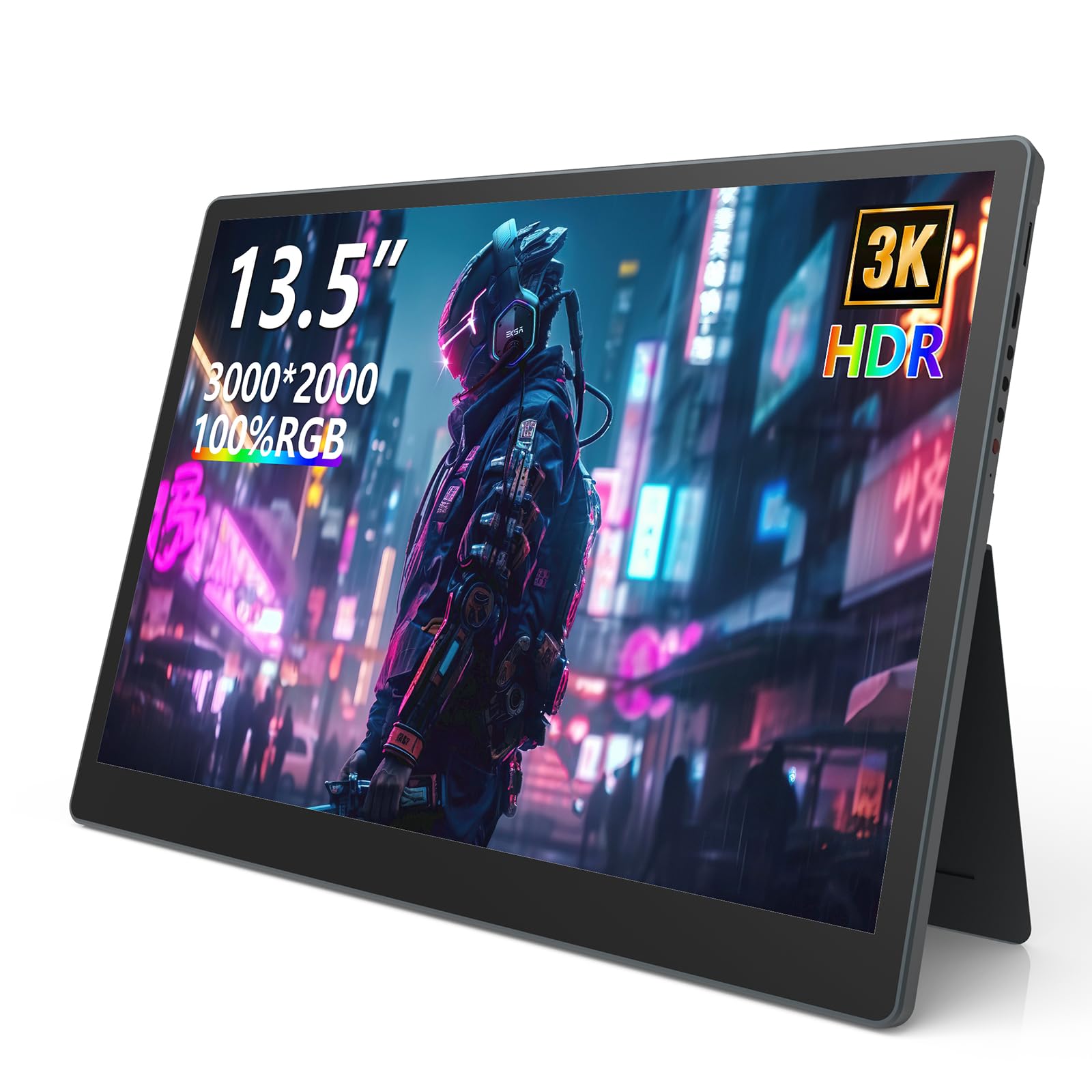
The brightest 13-inch-class panel here, with a 3:2 shape that makes long documents feel wider than they are.
If you work next to a window or in a sunlit cafe, 480 nits is the reason this one deserves first look — noticeably brighter than the 300-nit S123E and the 400-nit panels elsewhere in this guide. The 13.5-inch IPS screen runs 3000×2000 on a 3:2 aspect ratio, which is taller than the widescreen shape most laptops use. That vertical space is a quiet win for coding, spreadsheets, and web reading, and 100% sRGB with 1800:1 contrast keeps colors accurate.
The stand deserves a specific call-out: a built-in damping hinge that tilts from 0 to 85 degrees, so you can angle it just so during a long meeting. The body also carries 75x75mm VESA holes if you want to mount it. Dual USB-C, HDMI, and a bonus OTG port for a mouse or keyboard round out the connections, and dual speakers deliver clear audio without headphones. Owners even reported pushing the refresh rate up to 90Hz — overclocking past the stock spec.
The quirks to plan around: you want the original USB-C cable and 5V3A or PD power source, because third-party cables and underpowered 18W supplies cause trouble. Connecting to an iPhone 16 required both USB-C ports running at once — one for power, one for the phone — plus a wall adapter. There is no screen protector in the box, and for anyone transporting this daily that is worth adding.
Brightness that earns its place: 480 nits — the highest here, so it stays readable in daylight where 300-nit panels start straining.
Setup discipline required: bring the included 90-degree USB-C cable and a proper PD brick, because cheaper cables and weak chargers will not do the job.
Made for the daylight worker: café regulars, outdoor-laptop reporters, and students who need a screen that does not wash out near a window.
Not for the impatient: first-time iPhone pairing takes two cables and a wall adapter, and third-party cables are a losing bet.
7. Intehill 4K Portable Monitor for Laptop, 13.4″ IGZO

An anodized aluminum 4K panel with a glossy finish that makes colors pop like a MacBook screen.
Mac users with a desk aesthetic get the most from this one. The 13.4-inch IGZO panel — a display technology known for efficient power use — runs 3840×2400 in a 16:10 aspect ratio that gives you more vertical room for code, documents, or a browser full of tabs. IGZO also helps the screen stay cool and efficient compared with standard IPS, and the 500-nit brightness tops virtually every other pick in this guide.
The 16:10 shape is the quieter win here. Compared with the widescreen 16:9 panels elsewhere in this guide, 16:10 shows noticeably more content stacked vertically, so a chat window above a code editor just fits. Connectivity covers a Mini HDMI and two multi-function USB-C ports with plug-and-play drivers — Windows, MacBook Pro, Switch, and Steam Deck all connect cleanly. A 20W power adapter, magnetic folio, and every adapter and cable you need are in the box.
The honest caveats match its glossy finish: the panel reflects light in bright rooms, and the built-in speakers are genuinely weak — plan on headphones or external audio for anything serious. Reliability over the long haul is a recurring theme worth weighing, with the usual mix of units that ran for years and others that needed an exchange. Its 4.4-star record across hundreds of owners suggests most units arrive working.
Design-led 4K: glossy IGZO panel, aluminum body with anodized space-gray finish, and 500 nits — the deepest black on an IPS-family screen here comes from that combination.
Get the right setup: Mini HDMI adapters in the box, so older laptops and game consoles plug in without a trip to the electronics store.
Pitched at Mac-centric minimalists: people with an aluminum laptop who want the second screen to match in both look and pixel height.
Do not expect great audio: the built-in speakers are weak, so leave room in the budget for a small external speaker or headphones.
8. Lenovo ThinkVision M14t Gen2 14-inch Portable Monitor
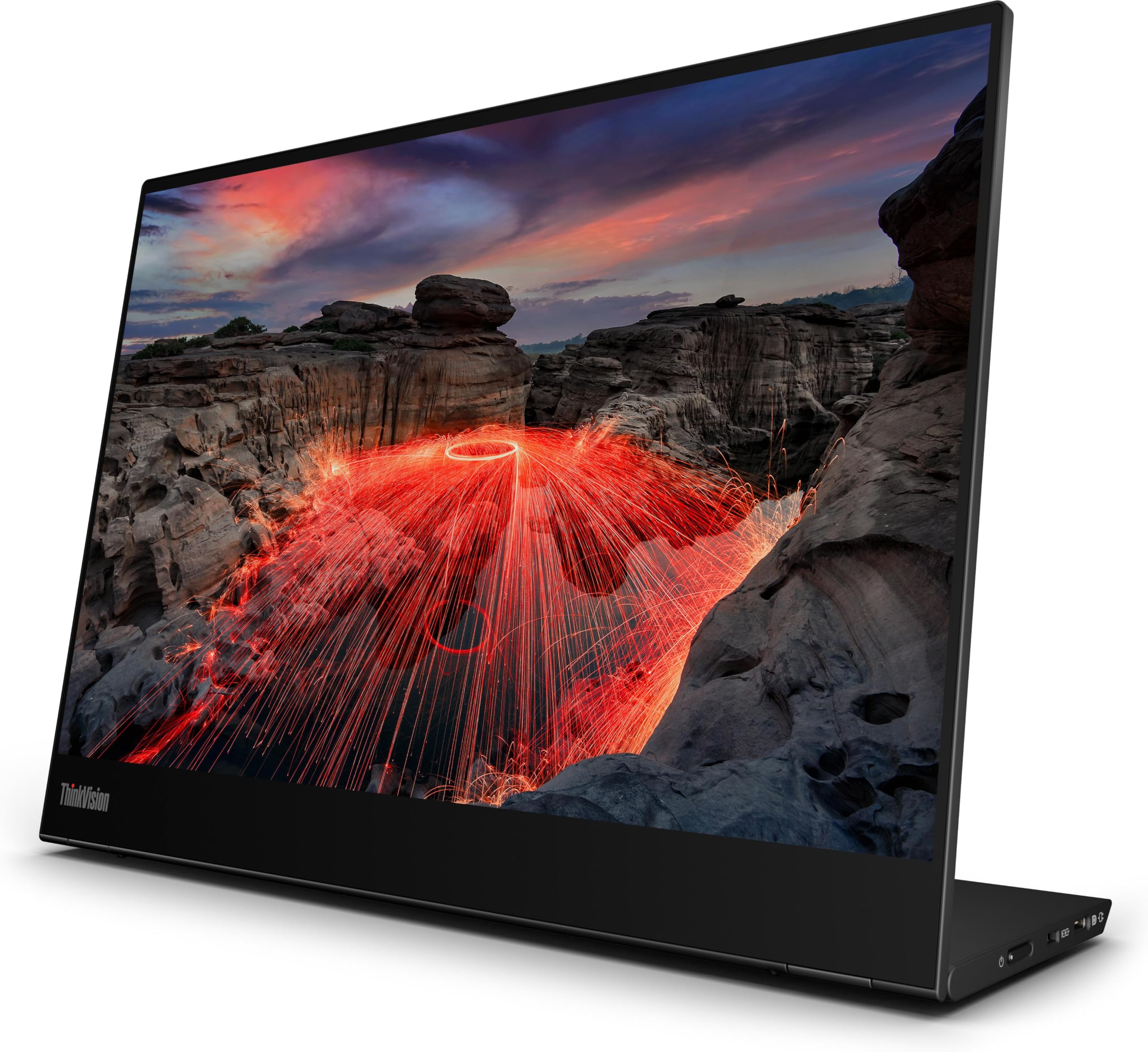
A name-brand travel panel that runs entirely off the laptop — no wall outlet required.
The road warrior who has been burned by flaky panels finally has a safe harbor. The 14-inch screen runs 2240×1400 with a 270 cd/m2 brightness (the metric that measures how much visible light the screen throws) and a 1500:1 contrast ratio, all on a 16:10 shape. The big deal is the power source: it takes every watt from the USB-C cable attached to your laptop, so there is no separate power brick to forget at the hotel.
The build is where owners keep landing. The unit is slim, light, and thin with no measurable compromise to screen resolution or color intensity, and the strong friction hinge holds the panel at whatever angle you set it. The included carrying case means no aftermarket sleeve needed. The 270 cd/m2 brightness is below the 400 and 480 that top the alternatives — so it is best suited to office lighting and hotel rooms rather than open terraces.
The glossy finish can pick up glare, and the hinge durability is genuinely unknown under heavy long-term use. That is where the ThinkVision name and its 4.8-star rating do real work.
True single-cable living: all power from the laptop means no plug hunting at the airport gate and no dead monitor mid-flight.
Brightness heads-up: 270 cd/m2 is on the lower end — great indoors, less punch through a sunny window than the 480-nit Thrygo.
The pick for the calendar-packed professional: frequent travelers who value a screen that just works over one that chases the highest nits.
Skip if you need a pen or touch workflow: the M14t Gen2 here is a traditional panel without touch or stylus input.
9. Qunub 14 Inch 4K OLED Portable Monitor with Stylus
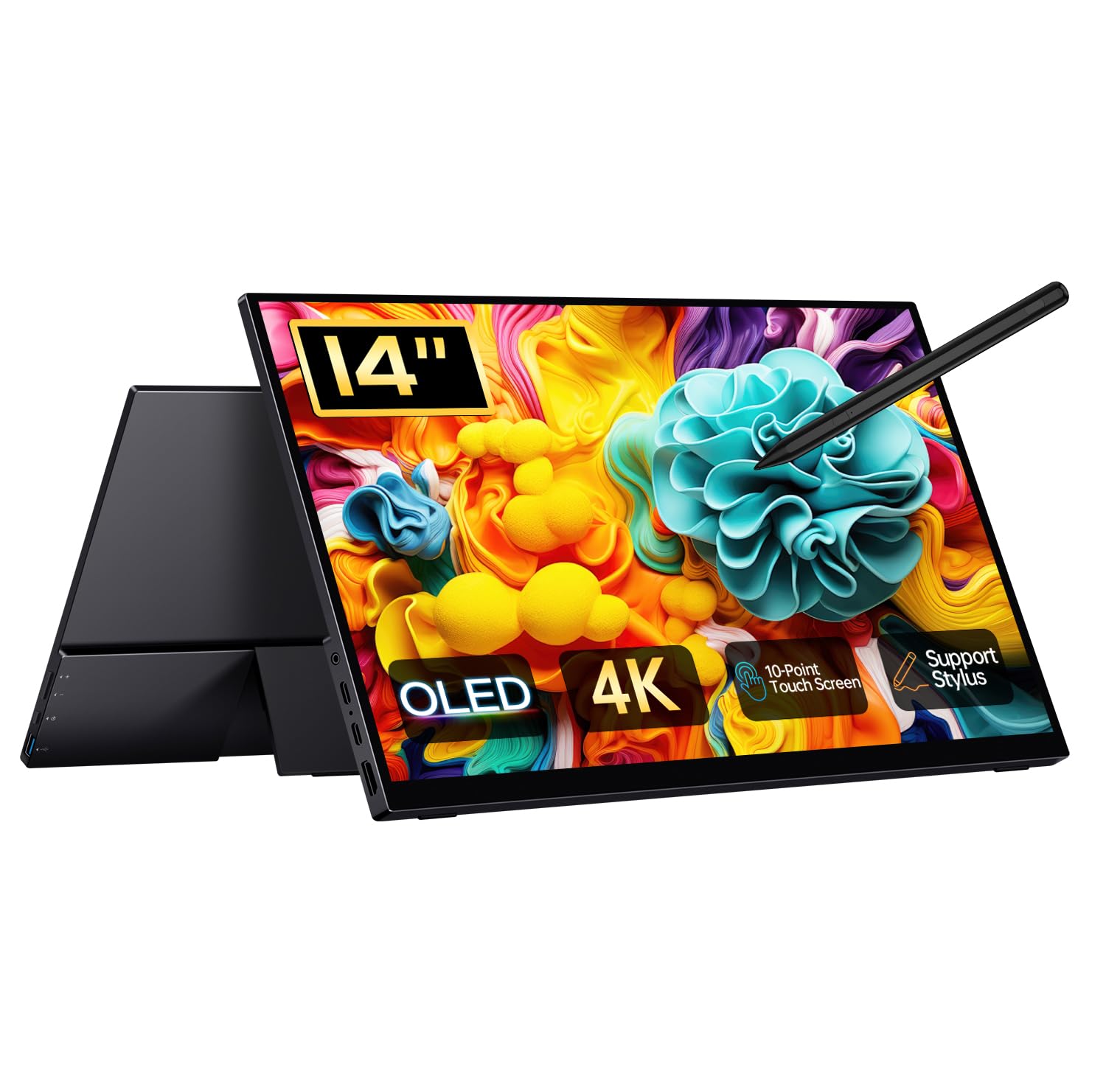
A 4K OLED that doubles as a drawing tablet — an active stylus and a pen-friendly touchscreen in a 1.3 lb slab.
Digital artists and note-takers get the most out of this one, because the active stylus turns a portable screen into a real input surface. The 14-inch OLED panel runs 3840×2400 with a 100% DCI-P3 color gamut — wider than sRGB, and the target space for serious video and photo work. The 100,000:1 contrast ratio delivers the true black a backlit LCD cannot reach.
The out-of-the-box package is unusually complete: a sleeve, cables, the stylus, and a built-in kickstand. Verified owners mention the setup is worth the effort: “The OLED is beautiful, and it was worth the time getting it set up for 10-bit hdr.” That 10-bit path delivers over a billion distinct colors for smoother gradients — the kind of thing photo and video editors actually use.
The honest wrinkles sit in three places. The screen gets warm along the bottom during long drawing sessions, though rotating it 180 degrees sidesteps the issue. The stylus has no magnet attach and occasionally draws wonky lines, so it is not quite on the level of a first-party smart-pen. Heavy games will stutter on this panel — retro and pixel-based titles run fine instead. The included pouch protects against dust and scratches but is not built for a hard drop.
Artist’s all-in-one: 4K OLED with 10-point touch and an active stylus makes this the rare monitor that is also a sketch pad.
Two cables over one: the maker recommends PD 30W power, and pairing the secondary USB-C port with a wall adapter eliminates intermittent flicker.
Fits designers who sketch and edit: illustrators, note-takers, and anyone whose workflow needs a pressure-capable pen surface.
Not the gaming pick: demanding titles drop frames, so pair it with light indie games and leave the AAA stuff to the G-STORY below.
10. G-STORY 14″ IPS 4K 60Hz Portable Gaming Monitor
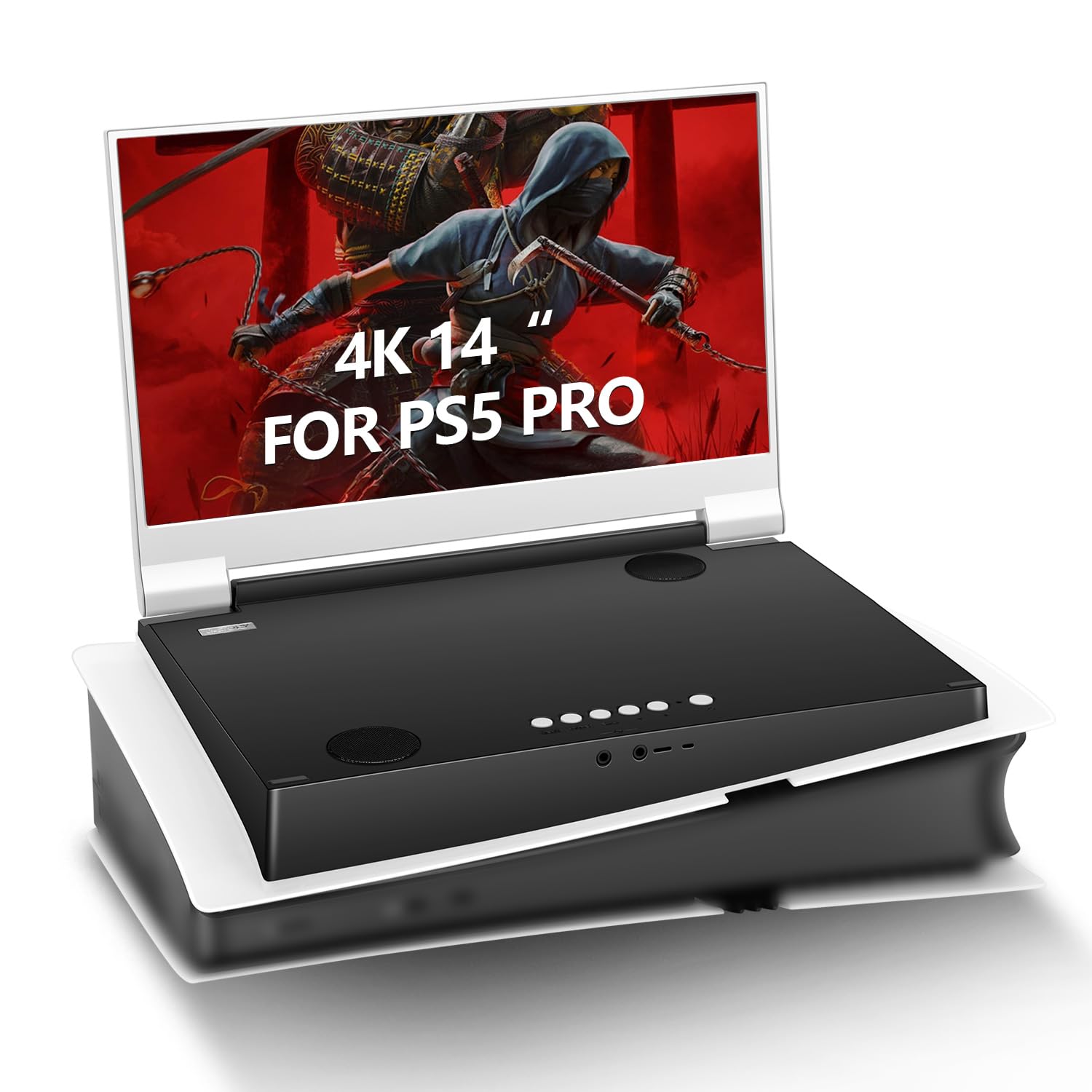
A 4K gaming screen built to match the PS5 aesthetic — closes like a laptop and packs like one too.
Console players are the audience, and the marketing is unusually specific. The 14-inch IPS panel runs 3840×2160 at 60Hz with a 1ms response time (how fast a pixel changes color) and FreeSync variable refresh, all under a 178-degree viewing angle. Accurate 99% sRGB color reproduction and a 4K HDR capability round out the picture side, and a flicker-free backlight plus blue light filter are aimed at multi-hour sessions.
The gaming features are the feature-set story here: FTG mode for the fastest possible response, and an FPS mode that overlays an aiming crosshair on the screen. Dual HDMI ports plus 3.5mm audio jacks give you a clean way to route a console, a laptop, and a headset at once. The white shell was clearly designed to sit under a PS5 without visually clashing.
The catch is reliability, which the aspect data openly flags as mixed. Some units work flawlessly, including for one long-haul trucker who runs it as a daily screen on the road. Others arrived dead or stopped working within weeks. A handful of owners also found the included AC cord too weak to actually power the screen, and a midweight power supply fixed it. Its 4.0-star average comes from a small review pool, so treat it as a coin flip.
Purpose-built for PS5: 4K at 60Hz, dual HDMI, and a 1ms FreeSync panel with console-matching design — the clearest console-first pick in this guide.
Test within the return window: verify the unit powers on with a known-good charger on day one, because the included cord has been a genuine weak point.
Heads up if you game on a console: a portable screen built around PS5 first, with the controls and ports that crowd expects.
Conversely, skip it if a laptop is your main machine: the dual HDMI focus makes more sense on a console than a USB-C workflow.
11. SOTSU FlipAction Touch 14″ Portable Monitor
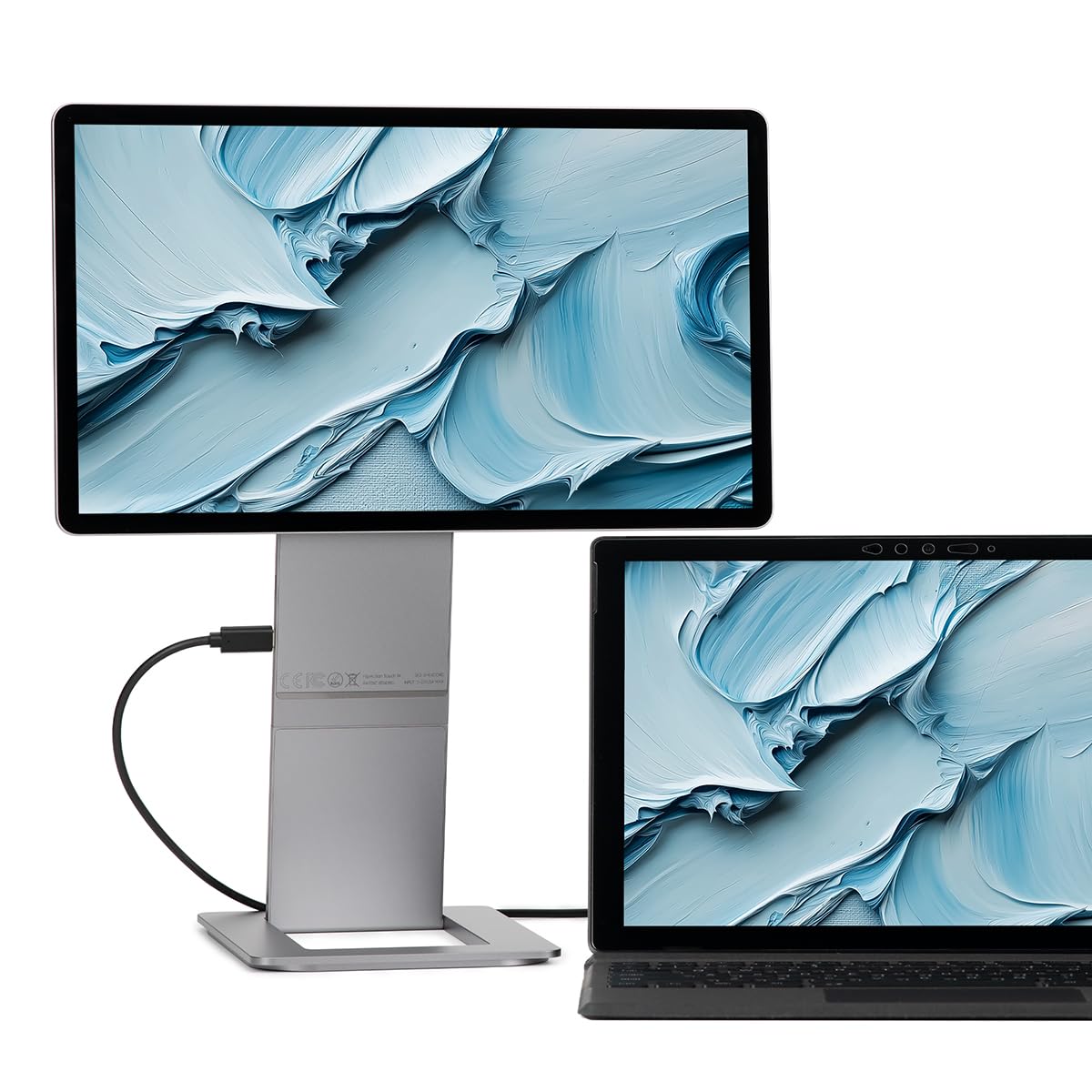
A CNC-machined folding touchscreen with a base that snaps onto the back — the portable monitor that feels like real hardware.
The 14-inch IPS touchscreen runs 1920×1080 at 400 nits with an 1500:1 contrast ratio, 100% sRGB color, and a 16:9 shape. The 10-point multi-touch layer tracks smooth gestures, and MPP2.0 stylus protocol means an active pen will work with it if you bring one.
The base stand is the design gimmick that actually works: it magnetizes onto the back of the screen when collapsed, so the whole thing folds down to just half an inch thick for travel. The hinges allow height adjustment and rotation from 0 to -90, 90, and 180 degrees — so you can raise the screen to match your laptop’s eye line, or flip it vertical for code. Pass-through charging means the laptop’s charger plugs into the monitor and powers both devices from a single outlet.
The honest caveats cluster in two areas. The 1080p resolution shows its limit under close inspection — designers working on fine details will hit the ceiling of what the panel can resolve. And the price tag splits owners, with a handful finding it hard to justify. On the Mac side, some users needed third-party software to fix the small text scaling macOS applies to 1080p screens, and a couple returned it over compatibility complaints. For everyone else, this is the well-built second screen a portable setup deserves.
Where the build earns its keep
- Full CNC-machined aluminum body with anodized finish and tempered glass — the sturdiest portable here
- Folded half-inch profile, base magnetizes flat to the back for travel
- Rotates to portrait and adjusts height with the hinge, plus pass-through charging
Know before you buy
- 1920×1080 resolution is the lowest here — fine for text and video, thin for fine design detail
- Some Mac owners needed third-party scaling tools, and a few returned it over compatibility
- Premium build carries a premium-tier price tag that splits buyer opinion
For the buyer who touches the hardware: frequent travelers who want a 14-inch touchscreen that feels like a laptop accessory, not a plastic panel.
Pass if resolution is the priority: a designer chasing fine detail should look up-list to the 4K picks instead.
Understanding the Specs
Resolution and pixel density
Resolution is the raw pixel count — 1920×1080 is the familiar “Full HD” target, and 3840×2400 pushes closer to 4K UHD. On a 13-to-14-inch screen, higher numbers mean individual pixels vanish and text looks like print, which the KEEPTIME and Intehill make their case on. The trade-off is that desktop text gets scaled by your operating system, so a 4K panel is only sharper than a 1080p panel for content that actually runs at 4K — photos, video, games, and native-output apps.
Brightness, contrast, and color gamut
Brightness in nits (or cd/m2 — the two are the same unit) sets how much light the screen pushes, and 300 nits is the floor for indoor use while 400 to 480 nits keeps text readable near a window. Contrast is the gap between the brightest white and the darkest black: OLED panels reach 500000:1 or 100000:1 because each pixel lights itself, while backlit LCD panels typically land between 1500:1 and 1800:1. Color gamut — 100% sRGB or 100% DCI-P3 — tells you how much of the color space the panel can reproduce, which matters for photo and video work but rarely for spreadsheets.
Connections and single-cable operation
Full-function USB-C carries both video and power, so one cable can light up the whole monitor from your laptop. Mini HDMI handles consoles, cameras, and older laptops but never carries power, so you need a USB-C cable running to a wall adapter alongside it. Count the ports before you buy: dual USB-C plus one HDMI covers nearly every device combination, and a 3.5mm jack is the fallback for audio when the built-in speakers are weak.
Weight, thickness, and stand design
For a screen this small, every ounce matters because it lives in the same sleeve as your laptop. Sub-1-pound panels like the MAGICRAVEN and KEEPTIME disappear into a bag; panels north of 1.2 pounds still travel well but you feel them at the end of a long day. Back-cover stands fold flat and cover the screen in transit; built-in damping hinges let you adjust angle and height like a desktop monitor — knowing which one you prefer is the fastest way to pick between these eleven.
FAQ
Will a 13-inch portable monitor work with my laptop over a single USB-C cable?
How bright does a portable monitor need to be for outdoor use?
Is an OLED portable monitor worth it over a regular IPS panel?
What is the best aspect ratio for a 13-inch portable monitor?
Do these monitors have built-in speakers or do I need headphones?
What power supply does a 13-inch portable monitor need?
Will these portable monitors work with a Nintendo Switch or PS5?
Can I overclock a 60Hz portable monitor to a higher refresh rate?
Does a 4K portable monitor drain my laptop battery faster?
Can a portable monitor be used with an iPhone or iPad?
Final Thoughts: The Verdict
For most people looking for the 13 inch portable monitor, the answer starts with the UPERFECT OLED 14″ 3K Touch because it puts genuine OLED black, 120Hz motion, and touch input into a 1.29-pound panel that slips next to your laptop. The picture quality alone earns the extra spend, and the specs wrap together in a way almost none of the alternatives manage — OLED contrast at 500000:1, a 0.1ms response, and 120% DCI-P3 color at 500 nits of brightness. If you want a lighter, cheaper second screen for a Switch or a light laptop workflow, grab the S123E 12.3″ Touch — it hits the essentials for the lowest cost in the guide. And for the road warrior who cares more about reliability than specs, the Lenovo ThinkVision M14t Gen2 is the pick to reach for, because it powers entirely off your laptop and holds a brand reputation that makes the premium easier to justify.
One last honest nudge: whichever pick fits your workflow, buy from a listing that gives you a real return window and test the screen on day one — a portable monitor earns its keep only when the panel and cables both behave, and one quick test covers both.
How We Picked
We do not accept paid placement. Every pick is matched to a real buyer and a real use-case; we do not hands-on test units.
Sources & Methodology
Specifications: manufacturer listings and product documentation. Review insights: verified customer reviews, as of September 2026. Pricing: not shown on this page (it changes often); check the current price via the retailer link.
As an Amazon Associate, Gadgets Feed earns from qualifying purchases. This does not affect which products we feature.