
Finding a gaming monitor that delivers a genuine 144Hz refresh rate without demanding a premium investment feels like a rare victory. The sub-$100 monitor market is crowded with inflated claims, but a handful of displays genuinely deliver the fluid motion and competitive edge that budget-conscious gamers need.
I’m Min — the co-founder and writer behind Gadgets Feed. I’ve spent hundreds of hours analyzing technical specifications, parsing real user feedback, and comparing panel technologies to identify the monitors that actually deliver on their 144Hz promise without hidden compromises.
This guide breaks down the best options that combine high refresh rate performance, decent color accuracy, and solid build quality. Whether you are building your first rig or upgrading from a standard 60Hz panel, these picks represent the best value in the $100 gaming monitor 144hz category.
How To Choose The Best $100 Gaming Monitor 144Hz
When shopping for a gaming monitor around the $100 mark, the refresh rate is only the beginning. You need to weigh panel technology, connectivity, and ergonomic features to ensure the monitor fits both your GPU and your desk setup. Below are the key factors that separate a great budget gaming display from a frustrating one.
Panel Type: VA vs. IPS vs. TN
The panel type determines color accuracy, contrast, and viewing angles. VA panels offer deeper blacks and higher contrast ratios, making them ideal for dark games and movies. IPS panels provide superior color reproduction and wider viewing angles, which benefit both gaming and content creation. TN panels are rare in this price range but offer the fastest response times at the cost of poor color and viewing angles.
Adaptive Sync and Refresh Rate Verification
Not all 144Hz monitors are created equal. Look for AMD FreeSync or NVIDIA G-Sync Compatibility to prevent screen tearing. Verify that the monitor achieves its advertised refresh rate via DisplayPort, as HDMI connections often cap at lower refresh rates on budget models. Customer reviews frequently reveal whether a panel actually delivers smooth 144Hz performance in real-world use.
Connectivity and Stand Adjustability
Check that the monitor has at least one DisplayPort input for full refresh rate support. HDMI ports are useful for console gaming, but many budget monitors limit HDMI to 120Hz or lower. VESA mount compatibility is a plus if you plan to use an aftermarket arm. Adjustable tilt is standard, but height and swivel adjustments are rare at this price point and add significant ergonomic value.
Quick Comparison
On smaller screens, swipe sideways to see the full table.
| Model | Category | Best For | Key Spec | Amazon |
|---|---|---|---|---|
| Sceptre IPS 24″ 165Hz | IPS Panel | Color Accuracy & Multi-Viewing | 165Hz via DP, IPS, 300 nits | Amazon |
| Samsung Odyssey G3 24″ | Premium | Full Ergonomic Adjustment | 180Hz, VA, Height/Swivel/Pivot | Amazon |
| Acer Nitro KG241Y 23.8″ | VA Panel | High Contrast & Fast Response | 165Hz, 1ms VRB, FreeSync Premium | Amazon |
| LG UltraGear 24G411A 24″ | IPS Panel | Console & PC Hybrid Use | 144Hz OC, G-Sync Compatible | Amazon |
| ZZA 27″ Curved 200Hz | Curved VA | Immersive Gaming & Multi-Tasking | 200Hz, 1500R, 130% sRGB | Amazon |
| KOORUI 27″ Curved 144Hz | Curved VA | Budget Curved Immersion | 144Hz, 1500R, TÜV Eye Care | Amazon |
| ZZA 27″ Curved 144Hz | Curved VA | Entry-Level Curved Gaming | 144Hz, 4000:1 Contrast | Amazon |
| Z-Edge UG27S 27″ 300Hz | High Refresh Rate | Competitive Esports | 300Hz, 1ms, FreeSync | Amazon |
| Acer Nitro KG271U 27″ QHD | QHD Resolution | High-Res Gaming & Work | 180Hz, 1440p, 0.5ms | Amazon |
In‑Depth Reviews
1. Sceptre IPS 24” Gaming Monitor 165Hz 144Hz

The Sceptre E248B-FPT168 stands out for combining an IPS panel with a 165Hz refresh rate at a price point where most competitors use VA technology. The IPS panel delivers consistent color reproduction and sharp visibility from wide viewing angles, making it versatile for both competitive gaming and media consumption. With a brightness of 300 nits and 99% sRGB coverage, the display remains vibrant even in well-lit rooms.
Connectivity is generous for a budget monitor, featuring three HDMI 1.4 ports and one DisplayPort 1.6 input. The three HDMI ports each support up to 144Hz, while the DisplayPort unlocks the full 165Hz refresh rate. AMD FreeSync keeps gameplay smooth across the supported range, and the edgeless design minimizes bezel distraction in multi-monitor setups.
Built-in speakers provide basic audio for conference calls or casual use, though they lack the depth needed for immersive gaming. The stand is functional but offers only tilt adjustment, and its short height may require a riser or VESA mount for comfortable viewing. Minor backlight bleed is reported on dark scenes, but the overall package remains the most balanced option in its class.
Why it’s great
- IPS panel provides superior color and viewing angles over VA competitors
- 165Hz refresh rate via DisplayPort offers headroom above standard 144Hz
- Three HDMI ports enable easy switching between PC, console, and streaming device
Good to know
- Stand is noticeably short and offers only tilt adjustment
- Built-in speakers are weak and tinny for gaming audio
- Thin top bezel feels fragile during handling
2. Samsung 24-Inch Odyssey G3 (G30D)

The Samsung Odyssey G3 G30D brings premium ergonomic features to the budget segment. The stand offers full height adjustment, swivel, tilt, and pivot rotation, which is exceptionally rare at this price point. The 24-inch VA panel delivers a 180Hz refresh rate with a 1ms MPRT response time, making it one of the fastest monitors in its class while maintaining deep contrast with a 3000:1 ratio.
Samsung includes practical gaming features like Black Equalizer for spotting enemies in dark areas, Virtual Aim Point for on-screen crosshairs, and Eye Saver Mode to reduce blue light during extended sessions. The three-sided borderless design makes it ideal for dual-monitor setups, and the intuitive joystick control behind the bezel simplifies menu navigation.
The VA panel produces deep blacks and vivid colors, though viewing angles are narrower than IPS alternatives. Brightness is rated at 250 cd/m², which is adequate for indoor use but may struggle in very bright rooms. Some users report that Eye Saver Mode locks the brightness setting, requiring manual adjustment when switching between gaming and productivity tasks.
Why it’s great
- Full ergonomic stand with height, swivel, tilt, and pivot adjustments
- 180Hz refresh rate with 1ms MPRT for smooth competitive gaming
- Black Equalizer improves visibility in dark game scenes
Good to know
- VA panel has narrower viewing angles than IPS monitors
- Brightness locks when Eye Saver Mode is active
- Limited to 250 cd/m² peak brightness
3. Acer Nitro KG241Y Sbiip 23.8”

The Acer Nitro KG241Y packs a 165Hz refresh rate and 1ms VRB response time into a compact 23.8-inch VA panel. The 100,000,000:1 dynamic contrast ratio delivers deep blacks and vibrant highlights, which translates to immersive visuals in dark game environments. AMD FreeSync Premium ensures tear-free gameplay across the full refresh rate range, reducing stutter in fast-paced titles.
The ZeroFrame design maximizes screen real estate, and the monitor supports VESA mounting with a 100x100mm pattern. Connectivity includes one DisplayPort 1.2 and two HDMI 2.0 ports, providing flexibility for multiple devices. The NTSC 72% color saturation delivers punchy colors, though out-of-the-box calibration may benefit from minor adjustments for accuracy-critical work.
Some users report that the advertised 165Hz refresh rate may not be achievable with certain GPUs, with some units capping at 144Hz over DisplayPort. The stand offers tilt adjustment only, and the 250-nit brightness is adequate but not exceptional. For competitive gamers prioritizing response time and contrast, this monitor delivers strong performance at its price point.
Why it’s great
- 1ms VRB response time minimizes motion blur in fast games
- 100,000,000:1 dynamic contrast ratio produces deep blacks
- Two HDMI 2.0 ports support 120Hz console gaming
Good to know
- Some units may not reach full 165Hz depending on GPU compatibility
- Stand offers only tilt adjustment with no height or swivel
- Brightness limited to 250 nits may struggle in bright rooms
4. LG 24G411A-B 24-inch Ultragear

The LG UltraGear 24G411A features a 24-inch IPS panel with a native 120Hz refresh rate that overclocks to 144Hz, making it a strong choice for console gamers who prioritize color accuracy. The 1ms MBR keeps motion sharp, and HDR10 support with 99% sRGB coverage produces vibrant visuals. NVIDIA G-Sync Compatibility and AMD FreeSync provide flexible tear-free gaming across both PC and console setups.
LG includes Dynamic Action Sync to reduce input lag and Black Stabilizer to enhance visibility in dark scenes. The Crosshair feature places a center reticle on screen for improved accuracy in first-person shooters. The Switch app allows users to split the screen into up to six sections for multitasking, adding productivity value beyond gaming.
The stand is the primary weakness, with multiple users reporting instability and wobble during normal use. The monitor delivers good performance once mounted on a VESA arm or replaced stand. HDMI limits refresh rate to 120Hz, so a DisplayPort cable is recommended for achieving the full 144Hz overclock on PC.
Why it’s great
- IPS panel delivers accurate colors and wide viewing angles
- G-Sync Compatible and FreeSync support flexible GPU pairing
- Black Stabilizer and Dynamic Action Sync improve competitive gameplay
Good to know
- Stand is unstable and causes noticeable wobble
- HDMI limits refresh rate to 120Hz, requiring DP for 144Hz OC
- Brightness and color may need manual calibration out of the box
5. ZZA 27 Inch Curved Gaming Monitor 200Hz
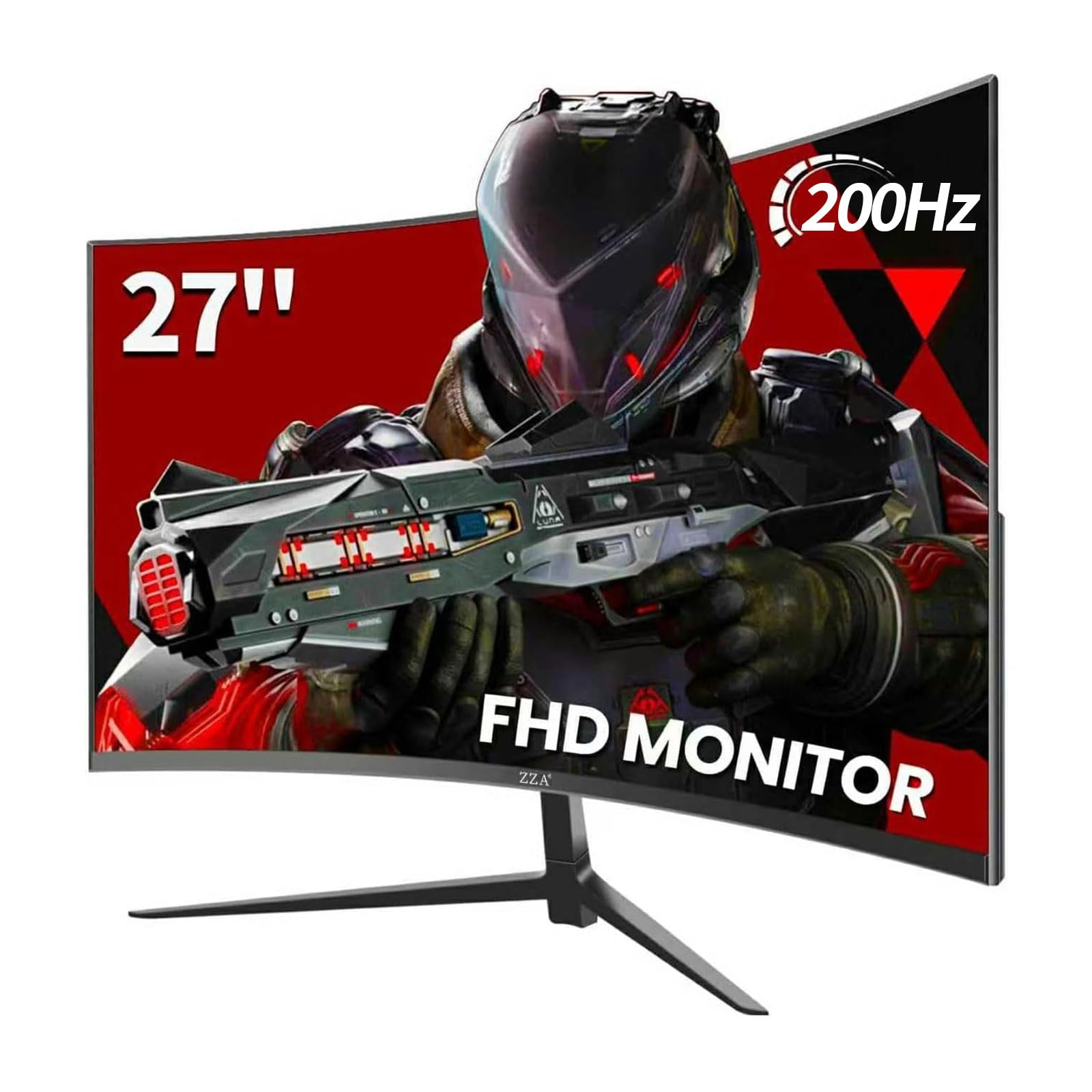
This ZZA model offers a 27-inch curved VA panel with a 1500R curvature and a 200Hz refresh rate, exceeding the 144Hz baseline. The 130% sRGB and 90% DCI-P3 color gamut deliver vivid, punchy colors that suit both gaming and media consumption. FreeSync and G-Sync compatibility keep gameplay smooth, and the 300-nit brightness provides good visibility in most lighting conditions.
The monitor features a full ergonomic stand with tilt, swivel, height, and pivot adjustments — a rarity at this price level. The quick-release stand design simplifies assembly, and VESA 100x100mm compatibility allows for aftermarket mounting. Connectivity includes one HDMI 1.4 and one DisplayPort 1.2, with the DisplayPort required to reach the maximum 200Hz refresh rate.
The VA panel produces excellent contrast with a 1000:1 static ratio, though some units may exhibit slight color shift at extreme angles. The interface uses back-mounted buttons that can be tricky to navigate in multi-monitor setups. A small number of users reported non-functional DisplayPort ports, so testing connectivity immediately upon arrival is recommended.
Why it’s great
- 200Hz refresh rate surpasses standard 144Hz for smoother motion
- Full ergonomic stand with height, swivel, tilt, and pivot adjustments
- 130% sRGB color gamut produces vibrant, saturated visuals
Good to know
- Back-mounted buttons are difficult to reach in multi-monitor setups
- DisplayPort required for 200Hz; HDMI limited to lower refresh rate
- Reported quality control issues with DisplayPort functionality
6. KOORUI 27 Inch Curved Monitor FHD 144Hz
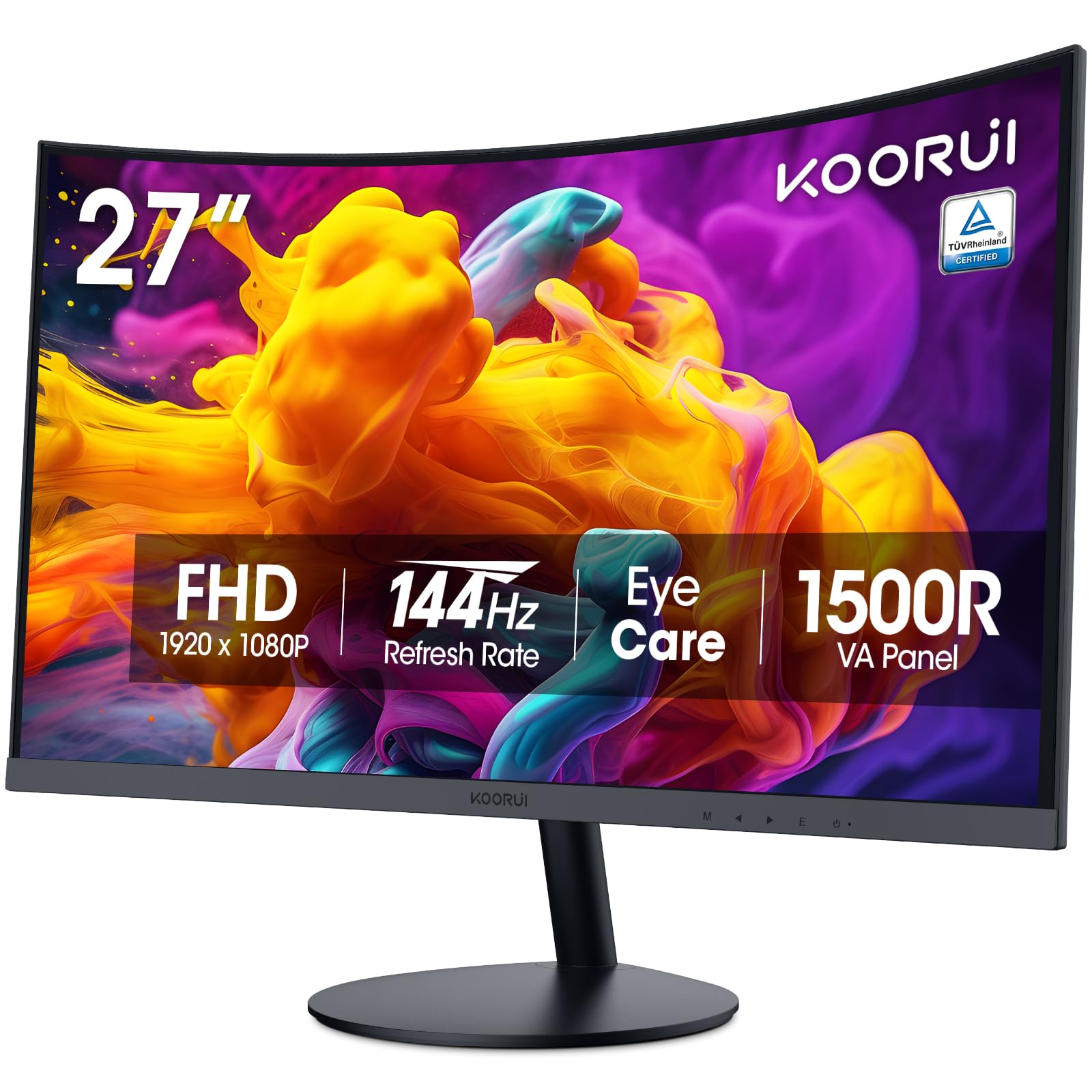
The KOORUI 27-inch curved monitor uses a VA panel with a 1500R curvature and a 144Hz refresh rate, providing an immersive wraparound feel. The 3000:1 static contrast ratio produces deep blacks and vibrant colors, while the 99% sRGB coverage ensures accurate color reproduction. TÜV Rheinland certification confirms the low blue light and flicker-free technology effectively reduce eye strain during long sessions.
The 178-degree wide viewing angles maintain consistent color and image clarity from nearly any position. Connectivity includes HDMI and VGA ports, allowing connection to older PCs or gaming consoles. The tilt-adjustable stand offers 20 degrees backward and 5 degrees forward adjustment, helping users find a comfortable viewing position.
This monitor does not support VESA mounting, which limits upgrade options for users who prefer aftermarket arms. The lack of built-in speakers is noted as a design choice to reduce failure rates, but requires external audio. The single button menu interface can be fiddly to navigate, and the 250-nit brightness is on the lower side for brightly lit rooms.
Why it’s great
- 3000:1 contrast ratio delivers deep blacks and rich colors
- TÜV Rheinland certified for reduced eye strain
- 1500R curve enhances immersion in games and movies
Good to know
- No VESA mount support, limiting mounting options
- No built-in speakers, requiring external audio
- Fiddly single-button OSD menu navigation
7. ZZA 27 Inch Curved Gaming Monitor 144Hz
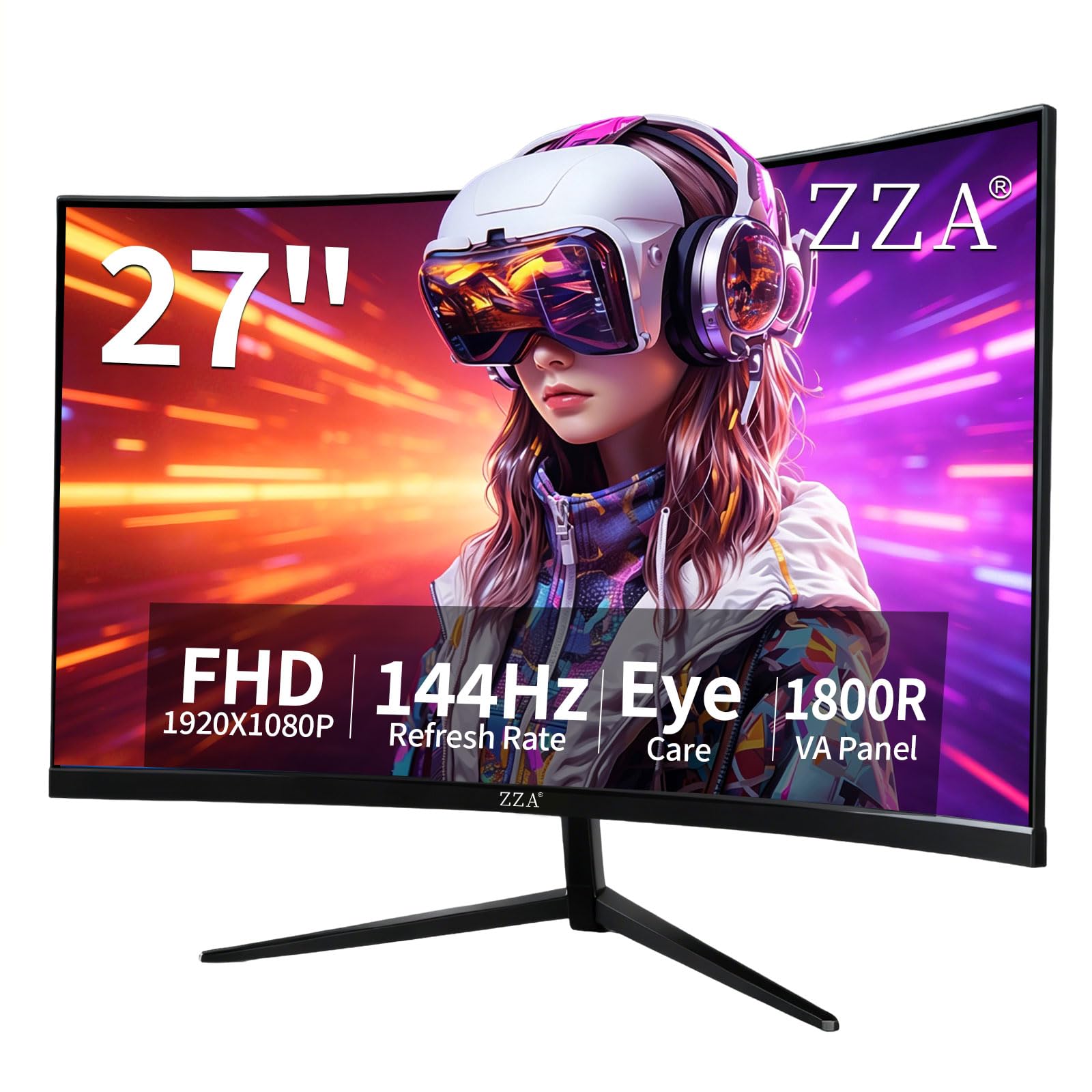
The ZZA 27-inch curved monitor provides a solid entry point into 144Hz gaming with its VA panel and 4000:1 contrast ratio. The 1080p resolution on the 27-inch display delivers a pixel density of about 81 PPI, which is acceptable for gaming but may appear less sharp for text-heavy productivity work. HDR10 support enhances color depth in supported content, making games and movies more visually engaging.
The 1500R curvature wraps the display around your field of view, reducing distortion at the edges and improving immersion. Connectivity is basic with one HDMI and one VGA port, which means achieving the full 144Hz refresh rate depends on your GPU’s HDMI version. The tilt-adjustable stand and VESA 100x100mm mount compatibility provide some ergonomic flexibility.
Customer reviews highlight crystal clear image quality and sturdy build for the price point. The button layout on the back is somewhat annoying to use, and downward-facing ports make cable management tricky in tight desk setups. Long-term reliability is still unproven, but initial impressions are positive for budget-conscious gamers.
Why it’s great
- 4000:1 contrast ratio delivers excellent black levels
- 1500R curvature enhances immersion without excessive distortion
- VESA mount compatible for flexible desk setups
Good to know
- No DisplayPort; 144Hz requires HDMI 1.4 or higher
- Downward-facing ports complicate cable management
- Back-mounted buttons are difficult to access
8. Z-Edge 27 inch Curved Gaming Monitor 300Hz
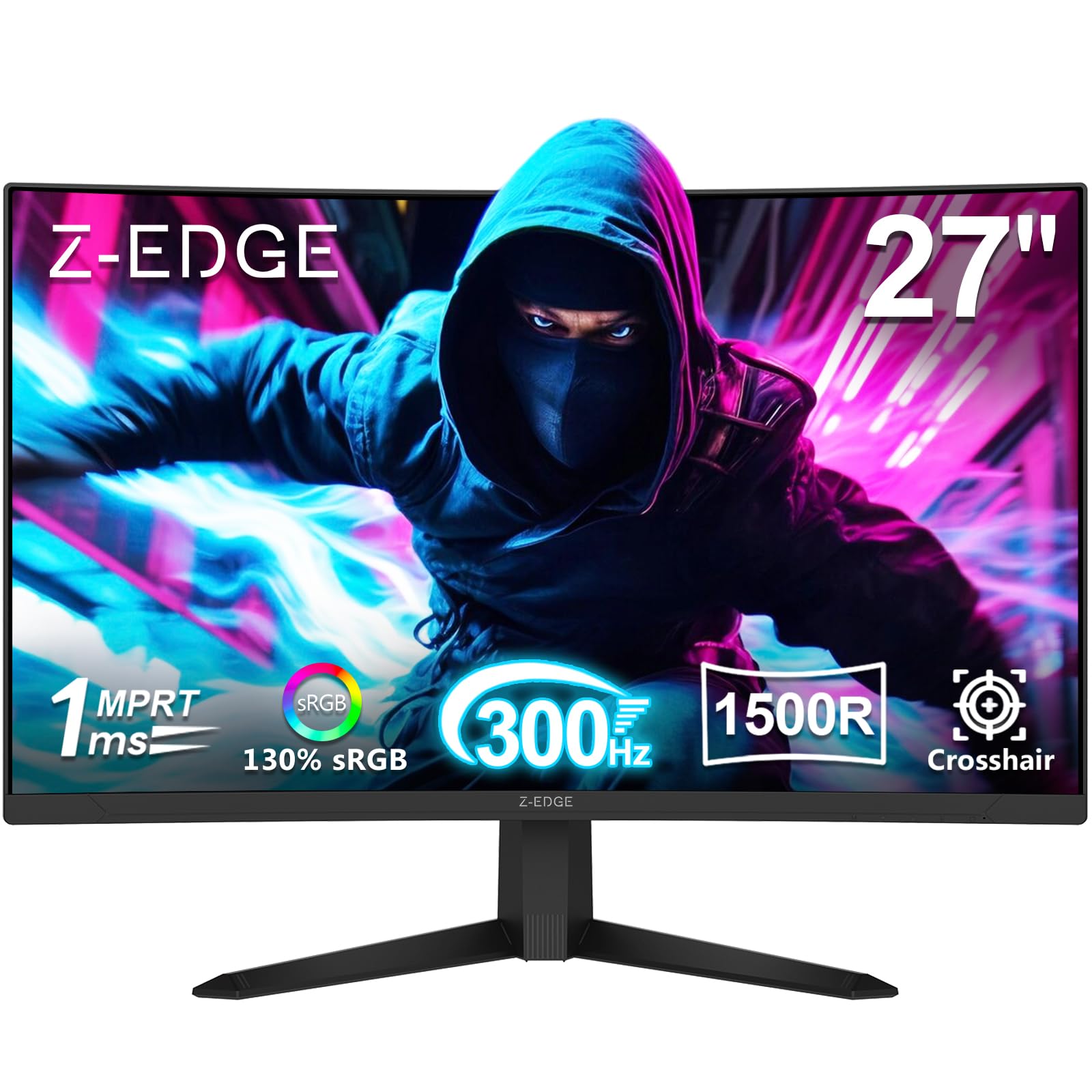
The Z-Edge UG27S pushes refresh rate boundaries with a 300Hz VA panel, making it one of the fastest monitors in its price range. Designed for competitive esports, the 1ms MPRT response time and AMD FreeSync Premium work together to eliminate motion blur and screen tearing. The 4000:1 contrast ratio delivers deep blacks and bright highlights, enhancing visibility in dark game environments.
Connectivity is robust with two DisplayPort and two HDMI ports, giving users flexibility for multi-device setups. The DisplayPort connections support the full 300Hz refresh rate, while the HDMI ports are capped at 240Hz. The 1500R curve and three-sided borderless design create an immersive viewing experience, and standard 100x100mm VESA mounting simplifies desk integration.
The stand is noted as flimsy, and some users report faulty included cables that require replacement for proper boot recognition. The menu interface is basic, and the monitor lacks built-in speakers. Brightness at 300 nits is sufficient for most environments, and HDR support adds pop to compatible content when the settings are properly adjusted.
Why it’s great
- 300Hz refresh rate provides exceptionally smooth competitive gameplay
- Two DisplayPort and two HDMI ports for flexible multi-device use
- 4000:1 contrast ratio enhances visibility in dark scenes
Good to know
- Stand feels flimsy and unstable during use
- Included cables may be faulty and need replacement
- No built-in speakers; external audio required
9. Acer Nitro 27 Inch QHD IPS Gaming Monitor

The Acer Nitro KG271U elevates the category with a 27-inch QHD (2560 x 1440) IPS panel and 180Hz refresh rate. The higher resolution provides significantly sharper text and more detailed game environments than 1080p monitors, while the 0.5ms GTG response time minimizes ghosting in fast-action scenes. DCI-P3 95% color gamut coverage makes this monitor suitable for color-critical work like photo editing and design.
AMD FreeSync eliminates screen tearing across the full refresh rate range, and HDR10 support adds visual depth to compatible content. The zero-frame design maximizes screen real estate, and the display includes built-in speakers for basic audio output. Connectivity features one DisplayPort 1.2 and two HDMI 2.0 ports, with the DisplayPort required for the full 180Hz refresh rate.
The stand is the monitor’s primary weakness, described as flimsy and offering only tilt adjustment. Built-in speakers are mediocre and suitable only for system sounds or casual use. For PS5 gaming, the monitor delivers an excellent 120Hz experience at 1440p, making it a top choice for console gamers who also want a high-resolution display for productivity.
Why it’s great
- QHD 1440p resolution delivers significantly sharper visuals than 1080p
- DCI-P3 95% color gamut suits both gaming and creative work
- 0.5ms GTG response time provides exceptional motion clarity
Good to know
- Stand is flimsy with only tilt adjustment, best replaced with VESA mount
- Built-in speakers are mediocre and lack volume
- HDMI limited to 120Hz; DisplayPort required for 180Hz
FAQ
Can I achieve 144Hz on a budget monitor using an HDMI cable?
Is a 27-inch 1080p monitor good for gaming or will the pixels look blocky?
Does VESA mount compatibility matter for a budget gaming monitor?
Final Thoughts: The Verdict
For most users, the $100 gaming monitor 144hz winner is the Sceptre IPS 24” 165Hz because it combines an IPS panel, genuine 165Hz performance, and versatile connectivity at a price that undercuts the competition. If you want full ergonomic adjustment and a premium brand, grab the Samsung Odyssey G3 24″. And for competitive esports gamers who need the highest possible refresh rate, nothing beats the Z-Edge UG27S 300Hz in this price band.