
Our readers keep the lights on and my morning glass full of iced black tea. As an Amazon Associate, I earn from qualifying purchases.
Specs are compiled from manufacturer listings and verified buyer reviews and can change over time — please confirm the key details on the product page before buying.
Buying a laptop that has to do a bit of everything usually means one compromise hiding somewhere — a screen that washes out, storage that fills up in a month, or a battery that quits by lunch. You will see which machines genuinely carry you through a full day of work, streaming, and video calls, and which specs actually matter when your laptop is your only computer.
I’m Min — the founder and writer behind Gadgets Feed. This guide is built by comparing the manufacturers’ published specifications and the patterns across verified customer reviews, so you get each pick’s real strengths and trade-offs instead of marketing spin.
Every machine here is picked for daily multitasking, matched to your desk, your bag, and your budget. Here is the honest breakdown of the best all purpose laptop.
Our Picks at a Glance


How To Choose The Best All Purpose Laptop
An all purpose laptop lives a harder life than a specialist one. It has to open twenty browser tabs in the morning, sit through a two-hour video call after lunch, and still have enough charge left for a film in the evening. That range of jobs makes battery hours, RAM, and SSD size the specs that matter most here.
Battery life decides how you actually use it
The number to look at is rated battery hours — the manufacturer’s estimate for how long the machine runs away from a wall socket. A longer rating means you can leave the charger at home and work from a café or a lecture hall without hunting for an outlet. A short runtime is the most common reason a laptop ends up tethered to a desk.
RAM and SSD size decide how long it stays fast
RAM is your laptop’s short-term workspace — the more you have, the more apps and tabs stay open at once without stuttering. An SSD is the fast storage that holds your files and boots the machine in seconds. A machine with 16GB of RAM and a 512GB SSD still feels quick years from now; one that fills up early starts to drag.
Quick Comparison
| Model | Best For | Battery Life | Memory | Storage | Amazon |
|---|---|---|---|---|---|
| acer Aspire Go 15★ Best Overall | Everyday basics and light office work | 12.5 hours | 8GB DDR5 | 128GB UFS | Amazon |
| MOONFISH LaptopBudget Champion | Students and budget multitasking | 6 hours | 16GB | 256GB SSD | Amazon |
| HP 17.3 inchBest Big Screen | Big-screen work from home | 7.15 hours | 16GB LPDDR5 | 512GB SSD | Amazon |
| HP 17.3 inch (Core i5) | Desk-first daily driver | 8 hours | 16GB DDR4 | 512GB SSD | Amazon |
| Lenovo IdeaPad 1i | Touch input on a budget | — | 16GB DDR4 | 512GB SSD | Amazon |
| Dell 16″ Touchscreen | Creators who need headroom | — | 16GB DDR5 | 256GB SSD | Amazon |
| Lenovo Business Laptop | Spreadsheet-heavy office days | — | 16GB DDR5 | 512GB SSD | Amazon |
| GEEKOM GeekBook M16 | All-day power users on the move | 24 hours | 16GB LPDDR5 | 512GB SSD | Amazon |
| Microsoft Surface Laptop | Portable Windows on ARM | 23 hours | 16GB | 512GB SSD | Amazon |
| GEEKOM GeekBook X14 Pro | OLED visuals and true portability | 16 hours | 32GB LPDDR5x | 1TB SSD | Amazon |
| Dell XPS 14 | Premium creative work | — | 32GB | 1TB SSD | Amazon |
In-Depth Reviews
1. acer Aspire Go 15 AI Ready Laptop
Our pick — over 4★ from 900+ verified ratings; the strongest balance of quality and price.
The budget machine that quietly outlasts laptops costing far more.
The headline here is endurance. A rated 12.5 hours of battery life means a full workday away from the wall outlet is realistic — you can leave the charger in your bag. That rating is more than double the 6 hours on the budget MOONFISH below, so if unplugged time is your priority, this is the one to beat.
The 15.6-inch FHD IPS display resolves at 1920 x 1080 and refreshes at 60Hz, so text stays crisp and video looks smooth for streaming or movies. Under the hood sits an 8-core Intel Core 3 processor N355 running up to 3.9 GHz, paired with 8GB of DDR5 memory. That combo handles web browsing, office documents, and video calls without drama. The two USB Type-C ports are full-function, which means you can charge the laptop or push a display through either one, and HDMI 2.1 plus Wi-Fi 6 round out the connections.
What wins people over here is performance — it is the aspect owners bring up most, followed closely by value for money. The recurring gripe is storage: 128GB of onboard UFS fills up fast, and buyers report adding a Samsung Evo Plus 970 1TB SSD to make it a real daily driver. A few also note the plastic case scratches easily and that S Mode limits what you can install until you switch it off.
AI ready Aspire
- 12.5-hour battery keeps you unplugged all day
- Dual full-function USB-C ports for charging or display output
- 8-core Intel Core 3 processor N355 at up to 3.9 GHz
- Wi-Fi 6 and HDMI 2.1 on a budget machine
modest build
- 128GB UFS storage runs out quickly
- 8GB RAM leaves less headroom for heavy multitasking
- Plastic chassis marks easily
student pick the lowest outlay that still leaves the charger at home and covers browsing, documents, and calls.
power users you plan to edit video or keep a large photo library locally — the 128GB onboard storage will not hold it.
2. MOONFISH Laptop Computer Windows 11
More memory than its rivals, less runtime — a trade you need to weigh.
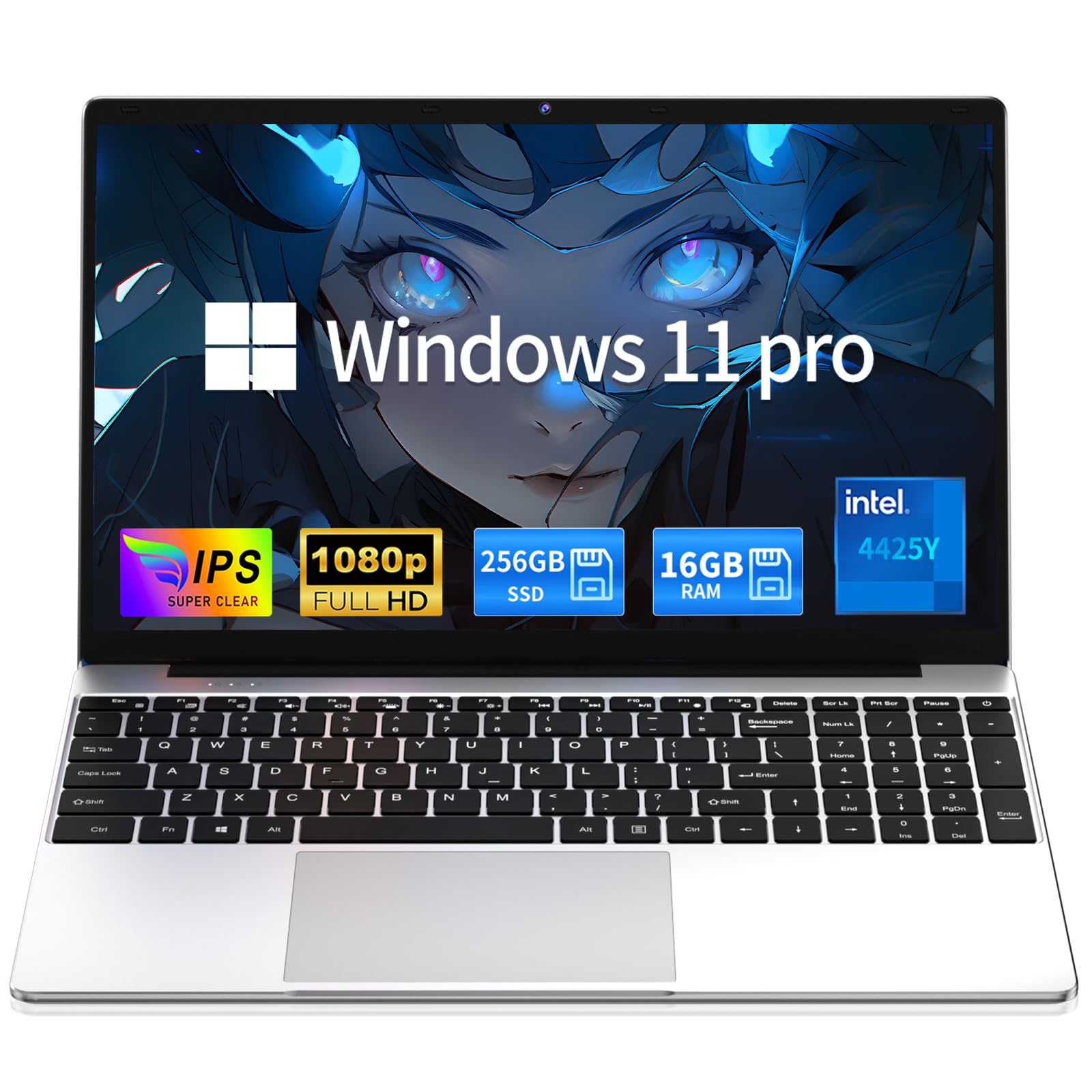
You get 6 hours of rated battery, which is less than half the 12.5 hours the acer Aspire Go 15 delivers. If you work away from outlets, you will be hunting for a socket by mid-afternoon. What you gain is a 15.6-inch FHD IPS display (a screen type with wide viewing angles) at 1920 x 1080 with a 60Hz refresh rate (the screen redraws 60 times per second, fine for documents but not for fast games). A 4425Y processor (an entry-level chip for basic tasks), 16GB of RAM, and a 256GB SSD (solid-state drive, faster than a spinning hard drive) round it out — that is twice the storage the acer ships with from the start.
Windows 11 Pro and lifetime Office 365 come pre-installed, which means you can open a spreadsheet or a document on day one with nothing to buy. The chassis is 0.8 inches thin and weighs 3.5 lbs, so it slips into a backpack without much fuss. Ports cover USB 3.0, Type-C, Mini HDMI, and a TF card slot.
Performance is the thing owners praise most, with value for money right behind it. Software setup earns warm words for being quick, and the screen draws credit for sharp colors. The honest catch is longevity: a small number of owners mention overheating within weeks, followed by sound and charging faults, and reaching support took far longer than it should. Treat this as a machine to buy for school or light office work rather than one to lean on for years of heavy use.
budget Windows rig: the 16GB of RAM and Windows 11 Pro run Office, browsing, and video calls smoothly at a price that undercuts the bigger-name competition.
weak battery: a 6-hour battery is the weak link on a laptop meant to travel, and the minority who hit hardware faults found getting help slow.
light tasks: you want maximum memory and pre-loaded Office on a student budget and mostly work near a power outlet.
heavy gaming: your day covers long stretches unplugged — the acer Aspire Go 15 above lasts far longer on a charge.
3. HP 17.3 inch Laptop (AMD Ryzen 5 7520U)
A 17.3-inch canvas for people who run two windows side by side.
Screen real estate is the reason to pick this. The 17.3-inch anti-glare panel has a low-gloss finish, so you get less reflection when you work near a window or outside. Owners say it is large enough to keep two windows open at once, which turns a spreadsheet plus a document into a genuinely comfortable setup. The AMD Ryzen 5 7520U, 16GB of memory, and 512GB SSD keep all of that responsive.
At 7.15 hours of rated battery, it is a desk-first machine rather than a true road companion — enough for a working day at home, tight if you are out all afternoon. Bluetooth 5.4 is current, and the lift-hinge design raises the keyboard at a slight angle for more comfortable typing over a long session.
Quality is the aspect owners mention most, with value for money coming second. The lift hinge and big screen draw praise, and one-touch Copilot access is a genuine timesaver for drafting. The recurring note is about feel: the plastic casing strikes some as less premium than the photos suggest, and the fan gets loud under pressure — a cooling pad helps, as one long-term owner found. Display quality lands mixed, so expect a usable panel rather than a standout one. This one has the widest spread of owner experience here, so it is the safest bet on the list for a home office.
desk work you want a large, glare-resistant screen and a roomy 512GB SSD for working from home.
portability you need something to carry all day — the 17.3-inch body and 7.15-hour rating suit a desk more than a commute.
4. HP 17.3 inch Laptop (Intel Core i5-1334U)

The Intel twin that trades a brighter panel for backlit-key silence.
Same 17.3-inch footprint as the AMD model above, but a full-HD IPS panel here instead of HD+, with 178-degree viewing angles for when you share the screen. Brightness is the win for daylight work. The 13th Gen Intel Core i5-1334U boosts to 4.7 GHz with 12MB of cache, and 16GB of DDR4 memory with a 512GB SSD matches its sibling on storage.
Battery is rated at 8 hours, and customers note the machine running for ten or more in lighter use — a little more headroom than the AMD version’s 7.15 hours. This is the pick for anyone who spends the day jumping between browser windows, documents, and calls without much idle time. Intel Iris Xe graphics handle photo editing and casual entertainment, though this is not a gaming machine.
Performance is the most-praised aspect, and reliability sits right behind it. Speed, panel size, and quick boot times come up often, and the weight is considered light for a 17-inch machine. Two things to know before you buy: there is no touchscreen, and there is no backlight behind the keys. If you type in dim light or expect to tap the screen, the Lenovo IdeaPad 1i further down fills both gaps.
big Core i5: buyers who want a big, bright IPS screen and eight hours of rated runtime for a home-and-office routine.
slow storage: steady performance over frills — the missing touchscreen and backlit keys are the trade-offs that keep this one priced below the premium tier.
home office a bright 17.3-inch screen and a 512GB SSD are what you need for daily work and streamed film nights.
travel use you want a touchscreen or backlit keys — spend a little more on the Lenovo IdeaPad 1i instead.
5. Lenovo IdeaPad 1i Laptop

Touch control, a fingerprint reader, and S-mode-free Windows in one bundle.
The 15.6-inch touch panel rates 300 nits with 45% NTSC coverage and runs at 60Hz — bright enough for a bright room and responsive under your finger. An Intel Core i5-1235U with 10 cores and 12 threads does the work, backed by 16GB of DDR4 memory and a 512GB SSD. Wi-Fi 6 and a built-in fingerprint reader handle the daily access and connection needs.
You can plug in a monitor, a drive, and a memory card without a dongle (an adapter). The ports cover one USB-C 3.2 Gen 1 (a fast oval connector for data and charging), two USB-A slots of different generations (the older rectangular USB shape), HDMI 1.4 (for an external monitor), an SD card reader, and a headphone jack. Windows 11 Home arrives ready to use.
Value for money and performance are the two things owners bring up most, followed by screen quality and the touch panel. The touchscreen is described as essential rather than a novelty, and the build is called sturdy yet light. Reliability is the honest caveat: it draws mixed notes, and a minority of reviewers point out hardware faults, including RAM failures. The 4.2-star average across 181 ratings reflects a machine most people are pleased with, but the spread is wider here than on the HP models above. This is a smart pick if you want touch input without a premium price.
cheap IdeaPad
- 15.6-inch touchscreen at 300 nits and 45% NTSC
- Fingerprint reader for quick sign-in
- Full-size SD card reader plus USB-C
- 10-core Intel Core i5-1235U at up to 4.5 GHz
plastic feel
- No battery-life figure published, so unplugged time is a gamble
- Reliability notes are mixed across owner feedback
- Speakers are weak, so a Bluetooth set is often needed
basic browsing you want touch input and fingerprint login on a 15.6-inch screen without paying premium prices.
creative work you need a proven all-day battery number before you buy — that spec is not published for this model.
6. Dell 16″ Touchscreen Laptop
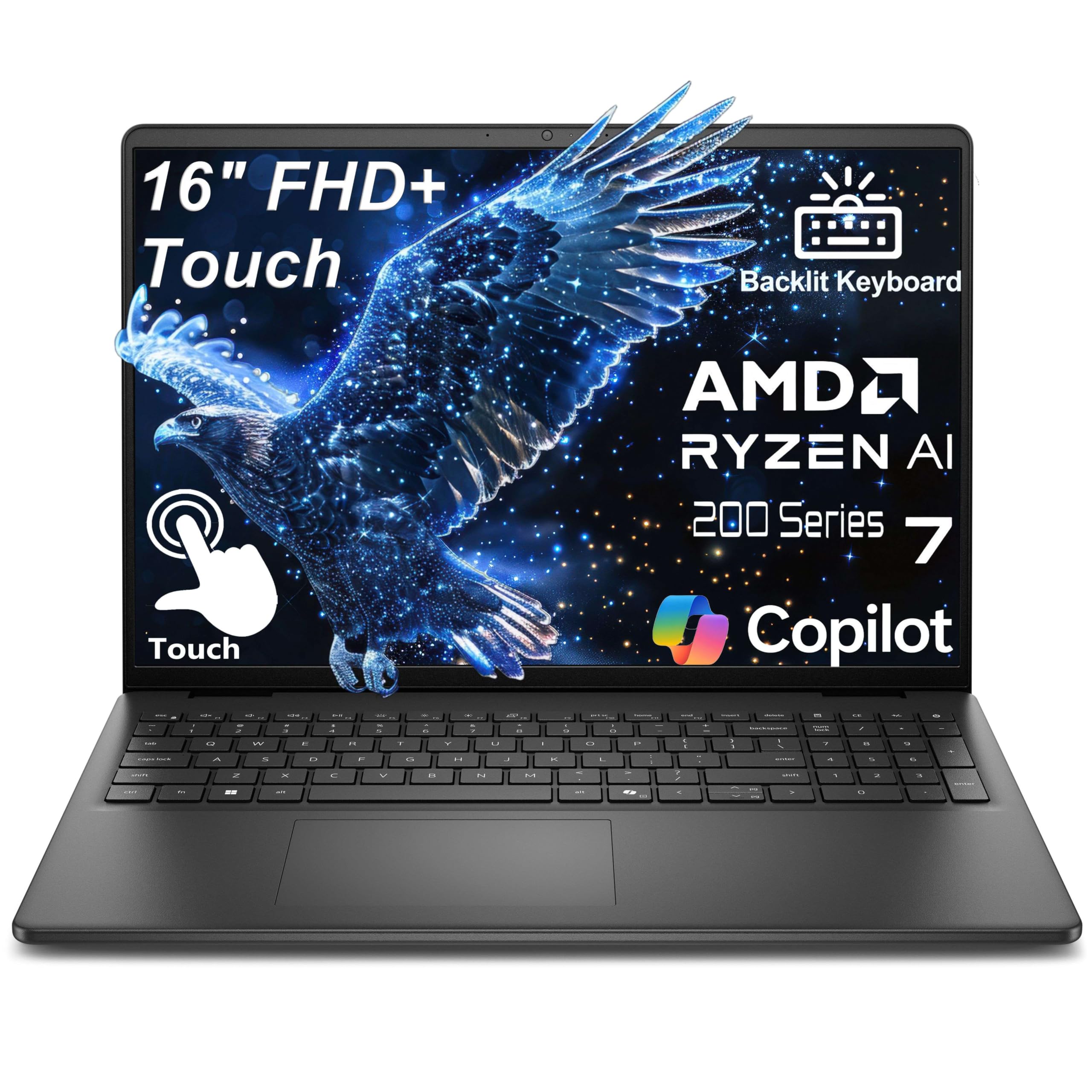
A taller 16:10 touchscreen paired with an 8-core Ryzen 7 for heavier days.
The 16-inch display runs at 1920 x 1200 in a 16:10 shape rather than the standard 16:9 — that extra vertical room gives you more lines of a document or more rows in a spreadsheet before you scroll. It is a touchscreen at 300 nits with IPS viewing angles, and ComfortView cuts blue light for long sessions. The AMD Ryzen 7 250 brings 8 cores at speeds up to 5.1 GHz, matched with 16GB of DDR5 memory and a 256GB SSD.
Ports cover a USB-C with DisplayPort 1.4 and Power Delivery for driving an external 4K monitor and fast charging, two USB 3.2 slots, HDMI 1.4, and a headphone jack. Wi-Fi 6 and Bluetooth 5.0 handle wireless. The 16GB of DDR5 memory and the Ryzen 7’s core count make this the pick for video editing or heavy multi-app days — new territory compared with the ideaPad 1i’s everyday footing.
The trade-offs are worth knowing up front. Storage here is 256GB against the 512GB on the HP 17.3-inch Intel, so you will manage files more carefully. Owners describe the fan running a lot under load, and the integrated graphics are called modest for demanding titles. At 4.18 lbs and 0.78 inches it stays portable for a 16-inch machine, and the backlit keyboard helps in low light — though a few note the keys themselves are not lit, so check what you actually get.
media viewing you want a taller 1920 x 1200 touchscreen and eight Ryzen cores for content work.
outdoor use you need big local storage — the 256GB SSD is half what the 17.3-inch HP pairs with its Core i5.
7. Lenovo Business Laptop
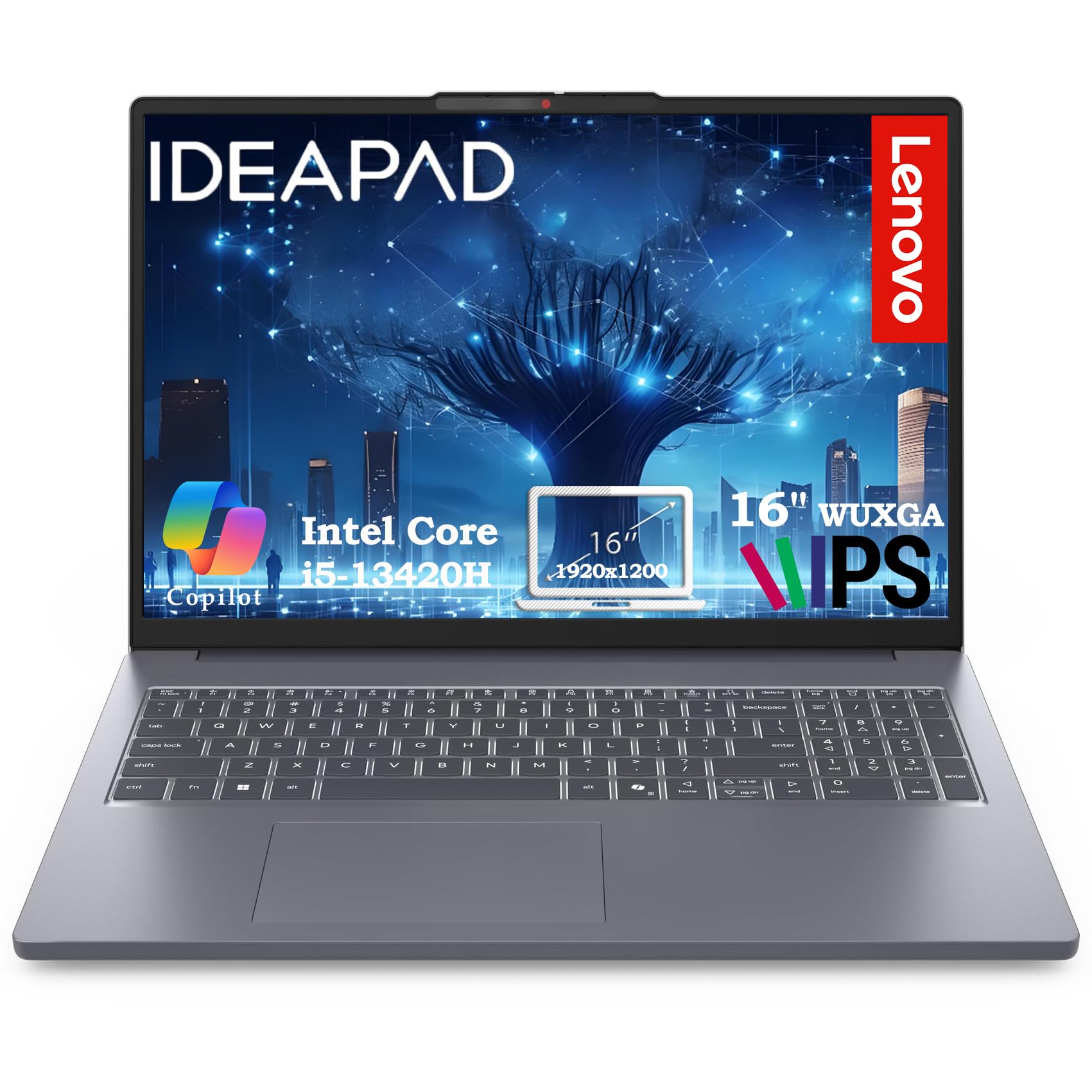
Built for spreadsheet jockeys who want a number pad and a privacy shutter.
You see a full report without scrolling for it, because the 16-inch WUXGA display (1920 x 1200 resolution) gives you more vertical space than a standard 1080p screen. The anti-glare IPS panel at 300 nits (a brightness measure — 300 nits is bright enough for most indoor rooms) keeps reflections down. A full-size keyboard with a numeric keypad is the standout for anyone entering figures all day. An Intel Core i5-13420H with 12 threads (a mid-range chip that handles multitasking) and 16GB of DDR5 RAM (fast memory) handle the load, with a 512GB PCIe SSD (a fast solid-state drive) driving boot times measured in seconds.
Wireless is current: Wi-Fi 6 and Bluetooth 5.2. Ports include two USB-A, a USB-C with Power Delivery and DisplayPort, HDMI 1.4, an SD card reader, and a headphone jack. At 3.70 lbs it is light enough to move between rooms, and an HD 720p webcam with a privacy shutter covers meetings — a small detail that matters if you present client work regularly.
Performance is the aspect owners praise most, with value for money a close second. Speed, light weight, and a balance of size people describe as right all come up often. Functionality is the mixed note, so check that your specific software runs the way you expect before committing. For pure office productivity — calendars, contracts, spreadsheets — this is the most purposeful machine in the mid-range group.
office tasks your work is documents, spreadsheets, and client calls, and a number pad plus a privacy shutter is worth more than a touchscreen.
gaming rig you want to play games or edit video — the integrated graphics here are tuned for work, not for either.
8. GEEKOM GeekBook M16 Laptop

The one that keeps going when every other machine has found an outlet.
Nothing else in this group touches it on runtime. A 99.9Wh battery and rated 24 hours of life mean you can leave the charger at home for days rather than hours. A 10-minute quick charge on the included 100W PD charger buys hours of light office use, and the charger itself is smaller than the standard brick. That is what makes this a genuine travel machine rather than a desk machine.
Powering it is an Intel Core Ultra 9 185H at up to 5.1 GHz with 24MB of cache, running alongside Intel Arc graphics. GeekBook’s Dynamic Tuning keeps the chip at up to 55W even unplugged, so performance does not collapse when the cable comes out — a meaningful difference from laptops that throttle hard on battery. The screen is a 16-inch 16:10 IPS panel, and a 40Gbps USB4 port, HDMI 2.0, and support for up to three external displays give it desktop-grade expansion.
Owners describe it as a serious alternative to far pricier laptops and praise the fast charging, long battery life, and light, sleek build. The catch is quality control: a small number of shoppers say minor cosmetic flaws like a slightly sunken bottom panel, and fans that spin up briefly even at low loads. Neither is a reason to walk away from a machine with this staying power, but new buyers should inspect the chassis on arrival.
M16 GeekBook: a 99.9Wh battery (watt-hours measure capacity — this is near the airline carry-on limit) rated at 24 hours, plus 55W sustained output on battery (it keeps full speed even unplugged). That untethered power is something most rivals cannot match.
loud fans: Wi-Fi 6E opens the 6GHz band for less-crowded networks, and the included 5-in-1 docking station covers the ports you would otherwise buy separately.
daily driver you want a machine that runs for a full day and beyond, with real performance that survives unplugging.
silent rooms build-badge perfection is non-negotiable — a small share of units arrive with cosmetic flaws, so check yours closely.
9. Microsoft Surface Laptop (13″)

The 13-inch Windows machine that runs on ARM and lasts all day doing it.
Rated 23 hours of battery life on a 13-inch machine is a rare combination — that is neck and neck with the GEEKOM M16’s 24 hours, in a far smaller package. The Snapdragon X Plus chip runs alongside an AI engine rated at 45 trillion operations per second, with 16GB of RAM and a 512GB SSD. The result is a Windows laptop that stays cool and quiet because it is built on ARM architecture rather than x86.
A 13-inch PixelSense touchscreen handles the display duties. Windows 11 Home arrives with Microsoft 365 apps preloaded and a 30-day Family trial, plus a Defender app and Xbox app for gaming through the cloud. Bluetooth 5.4 is current.
The 13-inch size is the trade all buyers make. Some find it ideal for portability and school use, while a few prefer something larger for split-screen work. Battery draws mixed feedback, with most getting strong runtime and a small number hitting charging faults. The color is one to check in person — buyers expecting the deep violet shown in the listing find it closer to sky blue in daylight. For portability paired with Windows, nothing else here balances the two as tightly.
commuters you want Windows in the smallest, longest-running package and work mostly in cloud apps and Office.
dock users you rely on x86-only desktop software or need a larger screen for side-by-side windows.
10. GEEKOM GeekBook X14 Pro Laptop

Two pounds of OLED and 32GB of RAM that fit in a thirteen-inch bag pocket.
You get true blacks and rich contrast because the 2.8K OLED screen (organic light-emitting diode — each pixel lights itself, so dark scenes look truly dark) is the reason to look here first. It covers 100% DCI-P3 color (a wide color range for accurate photo and video work) and has a 120Hz refresh rate (the screen redraws 120 times per second, so scrolling and animations stay fluid). At up to 450 nits of brightness, it stays legible in a bright room — screen quality is among the most-praised aspects among owners. The whole laptop weighs just 2.2 lbs and is 0.23 inches thin, made from aerospace-grade magnesium alloy (a strong, light metal).
Under the hood sits an Intel Core Ultra 9 185H with 16 cores, 22 threads, up to 5.1 GHz, and 24MB of cache, paired with Intel Arc graphics. Memory is 32GB of LPDDR5x at 7500MHz and storage is a 1TB PCIe Gen4 SSD — double the RAM and double the storage of the GEEKOM M16 above. A 72Wh battery is rated at 16 hours, and the compact 65W GaN charger reaches up to 80% in roughly an hour. Two 40Gbps USB4 ports, HDMI 2.1, a USB-A slot, and a 3.5mm jack cover connections, with a docking station included.
The recurring gripes are similar across owner feedback: the touchpad feels mediocre, the speakers are weak, and there is no infrared camera, so Windows Hello face sign-in is unavailable — the fingerprint reader works well instead. A few units have arrived with a cosmetic chip on the corner. None of that changes the core appeal here: OLED clarity, 32GB of memory, and genuine featherweight portability together.
X14 Pro power
- 14-inch 2.8K OLED at 120Hz with 100% DCI-P3 coverage
- 32GB LPDDR5x at 7500MHz plus 1TB PCIe Gen4 storage
- Just 2.2 lbs in an aerospace-grade magnesium alloy body
- 72Wh battery rated at 16 hours with a compact 65W GaN charger
premium price
- Touchpad is called mediocre
- Speakers are weak
- No IR camera, so no Windows Hello face sign-in
coding work a genuinely gorgeous OLED panel and 32GB of memory matter more to you than a built-in webcam login.
budget buyers you want Windows Hello face sign-in or use the laptop’s own speakers as your main audio.
11. Dell XPS 14 Premium Laptop

A 3.2K OLED slab of aluminium for creative work that has to look right.
You can edit video timelines, render, and run virtual machines at the same time, thanks to an Intel Core Ultra 7 255H running at up to 5.1 GHz (a fast processor speed) with 24MB of cache (quick-access memory for the chip) and Intel Arc graphics (a built-in graphics chip for creative work), backed by 32GB of memory and a 1TB SSD. The 14.5-inch touch display is the crown here: 3.2K OLED with a variable refresh rate that climbs as high as 120Hz, then dials back when you are looking at static pages to save power. That panel alone is why creators gravitate to this machine.
The chassis is machined aluminium, with Gorilla Glass 3 on the screen and a fingerprint reader built into the backlit keyboard. A 60W USB-C adapter is included. Bluetooth 5.4 is current. This is the most capable machine in the list by raw spec, and the price is set accordingly.
Touch typists should know this before buying: former XPS 13 users describe the flat keys, the tiny function-row lights instead of keys, and the large gap before the spacebar as a real adjustment — some resorted to key stickers to find Home, Delete, and Escape without looking down. If you are upgrading from a smaller XPS, try one in a store first. Otherwise, owners describe it as a great machine with no complaints, and the case for it is straightforward for anyone whose screen and processor need the best.
executive travel you want a 3.2K OLED touchscreen with 32GB of RAM and a 1TB SSD for professional creative work.
value seekers you touch-type instinctively — the flat-key layout takes real relearning on this XPS.
Understanding the Specs
Battery life in hours
This is the manufacturer’s estimate for how long the machine runs unplugged. On an all purpose laptop it decides whether the charger stays home or comes with you. A rating of 12.5 hours — like the acer Aspire Go 15 — lets you work a full day on battery, while something in the 6-hour range suits a desk.
RAM and SSD
RAM is your working space for open apps and browser tabs; an SSD is the fast storage that boots the machine and loads files. More RAM and more SSD storage keep the laptop feeling quick as years pass. Storage is separate from memory — a 512GB SSD is the file cupboard, an 8GB RAM figure is the desk you work at.
FAQ
How much battery life do I actually need on an all purpose laptop?
Is 8GB of RAM enough for everyday work?
Do I need a touchscreen on a laptop that does everything?
Is a 15.6-inch or 17.3-inch screen better for general use?
Can a laptop with integrated graphics handle video editing or gaming?
What is Windows 11 S Mode and should I stay in it?
Does processor generation really matter for a do-everything laptop?
Does it matter if a laptop uses USB-C charging instead of a barrel plug?
How long does an all purpose laptop usually last before it needs replacing?
Should I buy an OLED laptop or a standard IPS screen?
Can I upgrade the RAM or storage in these laptops later?
Final Thoughts: The Verdict
For most people, the all purpose laptop winner is the acer Aspire Go 15 because it delivers a rated 12.5-hour battery, dual full-function USB-C ports, and a bright 15.6-inch FHD IPS screen at the friendliest price in this group. The one owner-cited fix is storage: 128GB of UFS (a type of fast flash storage) fills fast, so budget for an SSD if you keep a large file library.
If you want the longest possible runtime and real unplugged power, the GEEKOM GeekBook M16 leads on a rated 24 hours with a 99.9Wh battery and 55W sustained performance. And for a 17.3-inch home-office machine with a glare-resistant screen and a roomy 512GB SSD, the HP 17.3 inch is the one to reach for.
How We Picked
We do not accept paid placement. Every pick is matched to a real buyer and a real use-case; we do not hands-on test units.
Sources & Methodology
Specifications: manufacturer listings and product documentation. Review insights: verified customer reviews, as of September 2026. Pricing: not shown on this page (it changes often); check the current price via the retailer link.
As an Amazon Associate, Gadgets Feed earns from qualifying purchases. This does not affect which products we feature.