
Our readers keep the lights on and my morning glass full of iced black tea. As an Amazon Associate, I earn from qualifying purchases.
Specs are compiled from manufacturer listings and verified buyer reviews and can change over time — please confirm the key details on the product page before buying.
If your car has a plain radio and no built-in screen, you do not need to spend a fortune at an audio shop. A portable CarPlay Screen adds maps, music, calls and a backup camera to almost any vehicle by plugging into the cigarette lighter socket. The trick is picking one that actually stays on your dash and connects every time you start the engine. This article breaks down exactly that.
I’m Min — the founder and writer behind Gadgets Feed. This guide is built by comparing the manufacturers’ published specifications and the patterns across verified customer reviews, so you get each pick’s real strengths and trade-offs instead of marketing spin.
The pick that suits most drivers is the IIWEY unit, which adds maps, music and a 4K dash cam to almost any older car.
Our Picks at a Glance

How To Choose The Best CarPlay Screen
The whole appeal of a CarPlay Screen is that it upgrades a car you already own without touching the factory stereo. That means you get modern maps and hands-free calling for the cost of an accessory, not a dash rebuild. But the category hides some real differences that decide whether the thing stays useful or ends up in a drawer.
Screen size vs dashboard space
An 11-inch display is glorious for navigation but can block your view in a small car. The IIWEY IK11 ships with a note recommending a suction-cup mount placed away from the windshield so you can angle it downward. That is the honest trade-off: bigger screen, more careful mounting.
Wireless vs wired connection
Wireless CarPlay uses a WiFi radio inside the unit to mirror your phone without a cable. When that radio runs on 5GHz instead of 2.4GHz, pairing is faster and the connection is more stable. Not every screen in this list runs 5GHz, so check before you buy.
Audio routing is the quiet dealbreaker
Most units offer four audio paths — Bluetooth, AUX, FM transmission and a built-in speaker. Older cars without Bluetooth can use FM transmission to push sound through the factory radio. Modern cars with Bluetooth usually sound best piping audio straight to the head unit.
Quick Comparison
| Model | Best For | Screen Size | Wireless Standard | Dash Cam | Amazon |
|---|---|---|---|---|---|
| IIWEY 11″ Wireless CarPlay Screen★ Best Overall | Best all-rounder with dash cam | 11 in | 5GHz WiFi + Bluetooth 5.0 | 4K front / 1080P rear | Amazon |
| Topexplore 9″ CarPlay ScreenBudget Champion | Budget-friendly daily driver upgrade | 9 in | Dual Bluetooth / Wi-Fi | — | Amazon |
| HAUXIY 9″ Wireless CarPlay ScreenBest for Backup | Backup camera and OTA updates | 9 in | Bluetooth 5.0 + Wi-Fi | 1080P rear | Amazon |
| Krunia 10.26″ 60FPS CarPlay Screen | Smooth 60FPS performance | 10.26 in | 5G Wi-Fi + Bluetooth 5.0 | 4K front / HD rear | Amazon |
| Kuayvan 11.5″ CarPlay Screen | Biggest display for full-size vehicles | 11.5 in | Built-in 5GHz WiFi | 4K front / 1080p rear | Amazon |
| IIWEY iK11 11-Inch | Ultraslim profile and 1280×800 display | 11 in | Bluetooth + Wi-Fi mirroring | 4K front / 1080P rear | Amazon |
| CarpodGo T3 Pro | Motion-sickness set-and-forget install | 8.9 in | Bluetooth | — | Amazon |
| Carpuride W125S | Three-camera coverage including cabin | 11.26 in | Bluetooth | 4K front / 1080P infrared / 1080P rear | Amazon |
In‑Depth Reviews
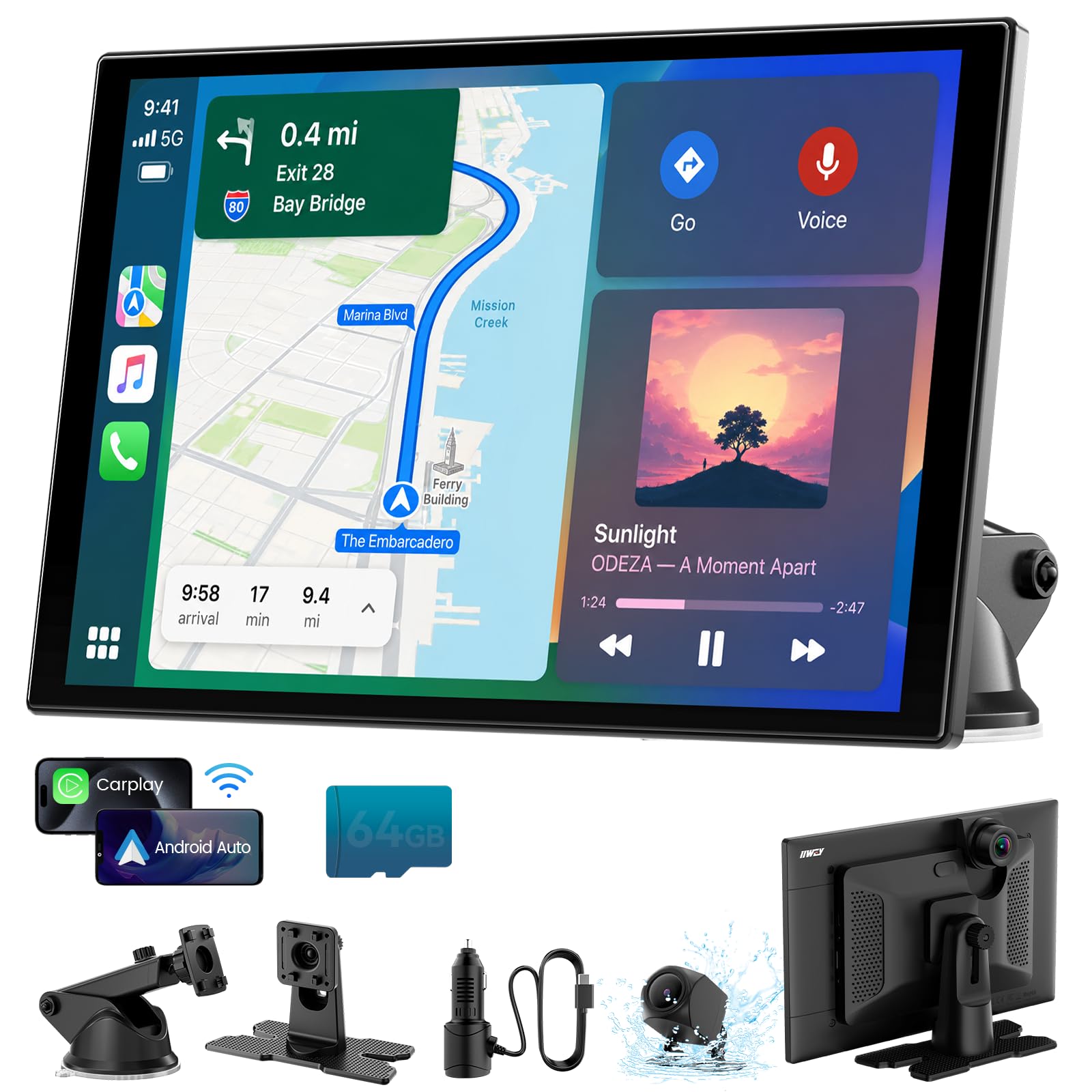
1. IIWEY 11″ Wireless CarPlay Screen with 4K Dash Cam
Our pick — over 4★ from 750+ verified ratings; the strongest balance of quality and price.
The 11-inch screen that pairs on 5GHz WiFi and films the road in 4K while you drive.
You get a fast, stable wireless link: the IK11-PRO connects to your phone over a 5GHz WiFi radio (the fast band, not the slower 2.4GHz one most cheap units use) plus Bluetooth 5.0 (a short-range wireless standard). One-owner feedback describes it as: “Easy wireless CarPlay/Android Auto setup, crisp responsive touchscreen, sharp 4K footage, stable 5GHz WiFi, instant Bluetooth.” Automatic reconnection fires up every time you start the engine, so you are not fussing with a menu at a red light.
The 11-inch HD IPS display uses full-lamination (the touch layer is glued directly to the panel with no air gap, which cuts glare and keeps colors punchy). Owners repeatedly describe the video quality as the standout trait, and the included 1080P rear camera adds parking guidance plus a live view when you shift into reverse.
It ships with a 64GB memory card, loop recording, video lock and audio recording — you can preview and download clips to your phone over WiFi. Compatible with Apple CarPlay and Android Auto, plus AirPlay and Miracast mirroring for parked passengers. One trade-off worth knowing up front: the suction mount angle takes some fiddling to get right, and a 11-inch panel is a lot of glass on a small dashboard.
4K dash cam built in
- 5GHz WiFi for fast, low-latency CarPlay and Android Auto
- 4K adjustable front cam plus waterproof 1080P rear camera
- 64GB card, loop recording and video lock included
bulky 11 inch unit
- 11-inch screen needs dashboard space — mount thoughtfully
- Occasional reports of WiFi settings needing a re-enable on iPhone
- Suction mount angle takes a minute to dial in
need recording too: you want the biggest screen, the flashiest camera and a stable 5GHz wireless link in one box.
tight windshield space: your dash is tight — you may prefer a compact 9-inch unit instead.
2. Topexplore 9″ CarPlay Screen for Car
A 9-inch plug-and-play display that turns any older car into your phone—for the price of a decent dinner out.
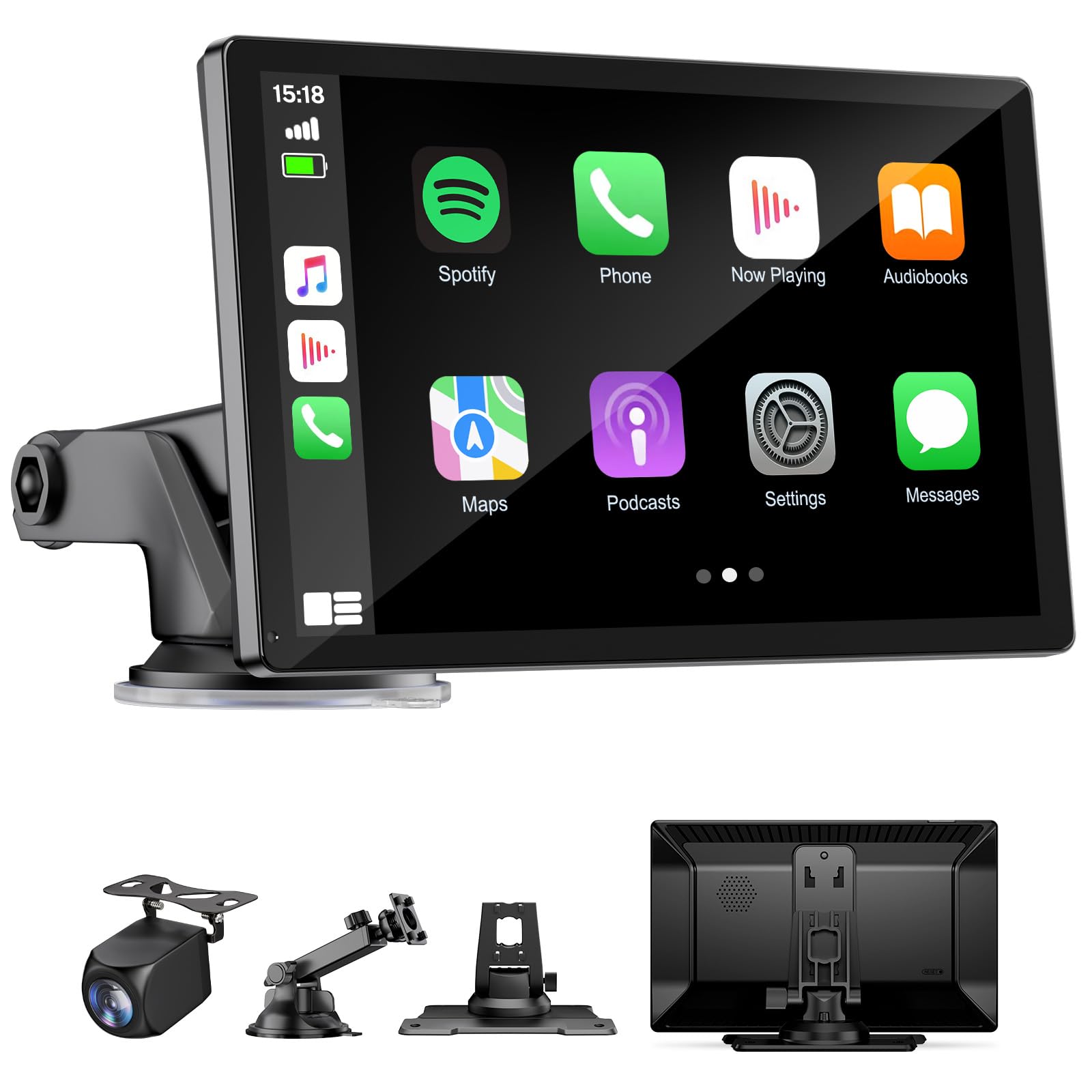
What sets the Topexplore 9″ apart is how far a small panel stretches. The 9-inch LCD runs CarPlay and Android Auto wirelessly over dual Bluetooth and Wi-Fi, with no stereo surgery required. Navigation, calls and messages all live on that screen without any stereo surgery. The suction-cup mount uses a three-layer nano gel base that creates a genuine vacuum seal — handy if your old car has a bumpy ride quality.
Compare the numbers head-to-head: the IIWEY 11″ above holds an 11-inch display versus this 9-inch panel, and the IIWEY commands 791 ratings versus 483 here. That tells you this is the more compact option. It is also the smaller of the two in physical footprint, which suits drivers with limited dashboard real estate.
Four audio paths — Bluetooth, AUX, FM and built-in speakers — cover cars with no factory Bluetooth at all. Reviewers describe plug-and-play setups in everything from a 2003 Camry to a 2024 Ram pickup, and FM audio through the factory radio has worked reliably in those older vehicles. Voice control through Siri or Google Assistant handles hands-free calls and maps.
compact 9 inch fit: 9 inches is not small, but it is the tightest of the group — biggest advantage for narrow dashes, biggest drawback if you want a cinema-sized map.
smaller viewing area: it does not support Huawei or Xiaomi phones, which is unusual to see spelled out and note before you buy.
small car dash: this is your screen — small enough to sit anywhere, big enough to read.
want big screen: look at the 11.5″ pick further down instead.
3. HAUXIY 9″ Wireless Apple CarPlay Screen with OTA Update
A 9-inch display with OTA updates and a night-vision backup camera, built for the long haul.
The 170-degree field of view (how wide the camera sees) and 30 or 60 FPS frame rate are what push this screen past its rivals on the parking side. Night vision keeps that view usable after dark, and the 7-meter rear camera cable length means it stretches to fit most sedans, trucks, vans and pickups. Cable compatibility is the sort of thing buyers only think about after they buy — good that it is sorted.
OTA (over-the-air) firmware updates carry serious weight here — the display keeps receiving new system software without you plugging anything in. That means long-term compatibility with newer phone OS versions stays viable instead of degrading over two years. Voice control through Siri or Google Assistant handles navigation, calls, emails and notifications hands-free.
On audio: Bluetooth to your car’s speakers is the recommended path if your stereo already has Bluetooth. For cars without it, built-in speakers, FM and an AUX port cover the gap. On installation the included mount is the one honest weak spot — some buyers report the provided mount needs a suction windshield alternative for the dash, and the backup camera routing is best done with a drill. The rest of the setup is straightforward.
want easy updates: you want long-term software support and the best rear view in its class.
need video proof: you need a factory-style flush mount from the start.
4. Krunia 10.26″ Wireless 60FPS CarPlay Screen with 4K Dash Cam
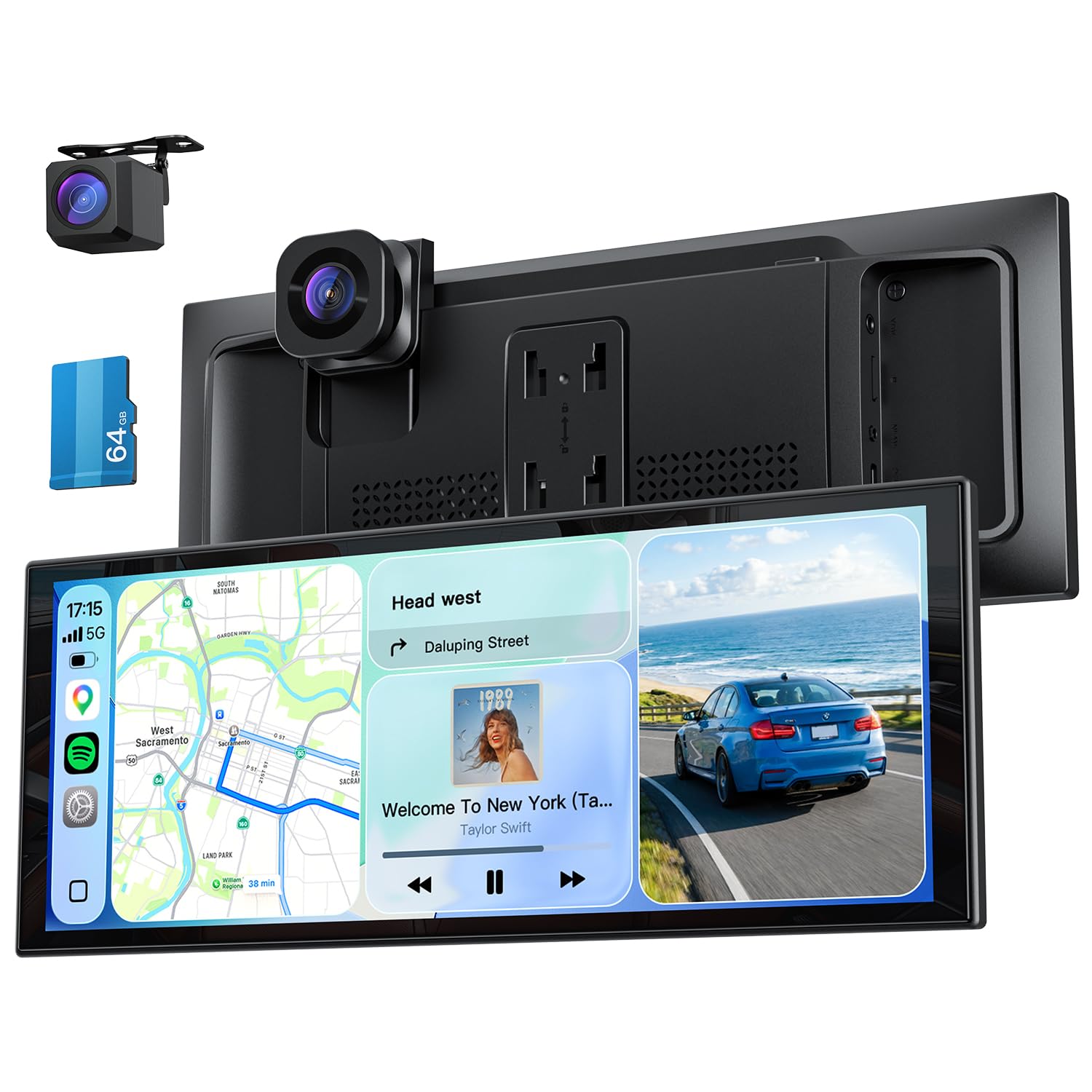
A 10.26-inch 60FPS panel that stays readable in direct sunlight and mounts in five minutes.
The Krunia T52 is engineered for responsiveness. Its 60FPS touch interface is rated up to 25% faster than standard units, so pinch-zooming on complex highway junctions stays fluid. Add 5G Wi-Fi, a flagship-level chip and an IP67-rated waterproof lens on the rear camera and this reads as the smoothest of the mid-range screens.
The 1920×720 resolution display pushes 750-nit peak brightness (a nits rating measures light output — more nits means more visible in daylight). At 750 nits it is one of the brightest here, so map text stays legible in harsh sun. Blue light protection is built in, which softens eye strain on night drives.
Dual 4K front and HD rear lenses record in split-screen — 64GB card included, supports up to 256GB. Smart loop recording auto-overwrites old footage so the card never fills. AI Pedestrian Detection adds voice alerts when people appear in the camera’s field of view, and an IP67 waterproof rating keeps the rear lens working in rain. One thing a few owners flag: the unit can overheat in direct sun and shut down until it cools, which is a real consideration in hot climates. Most buyers describe it as a big upgrade over stock.
60FPS smooth touch: 60FPS fluidity, 750-nit brightness and AI pedestrian alerts are three genuinely premium features in one mid-range package.
mount may wobble: in sun-baked climes the shutdown-on-heat behavior is worth knowing before you commit — mount away from direct glare if you can.
care about fluidity: you want the smoothest scrolling, brightest display and the best dash cam features in this tier.
rough road driving: not the pick for extreme summer parking — think shaded mount placement.
5. Kuayvan 11.5″ Largest Wireless CarPlay Screen
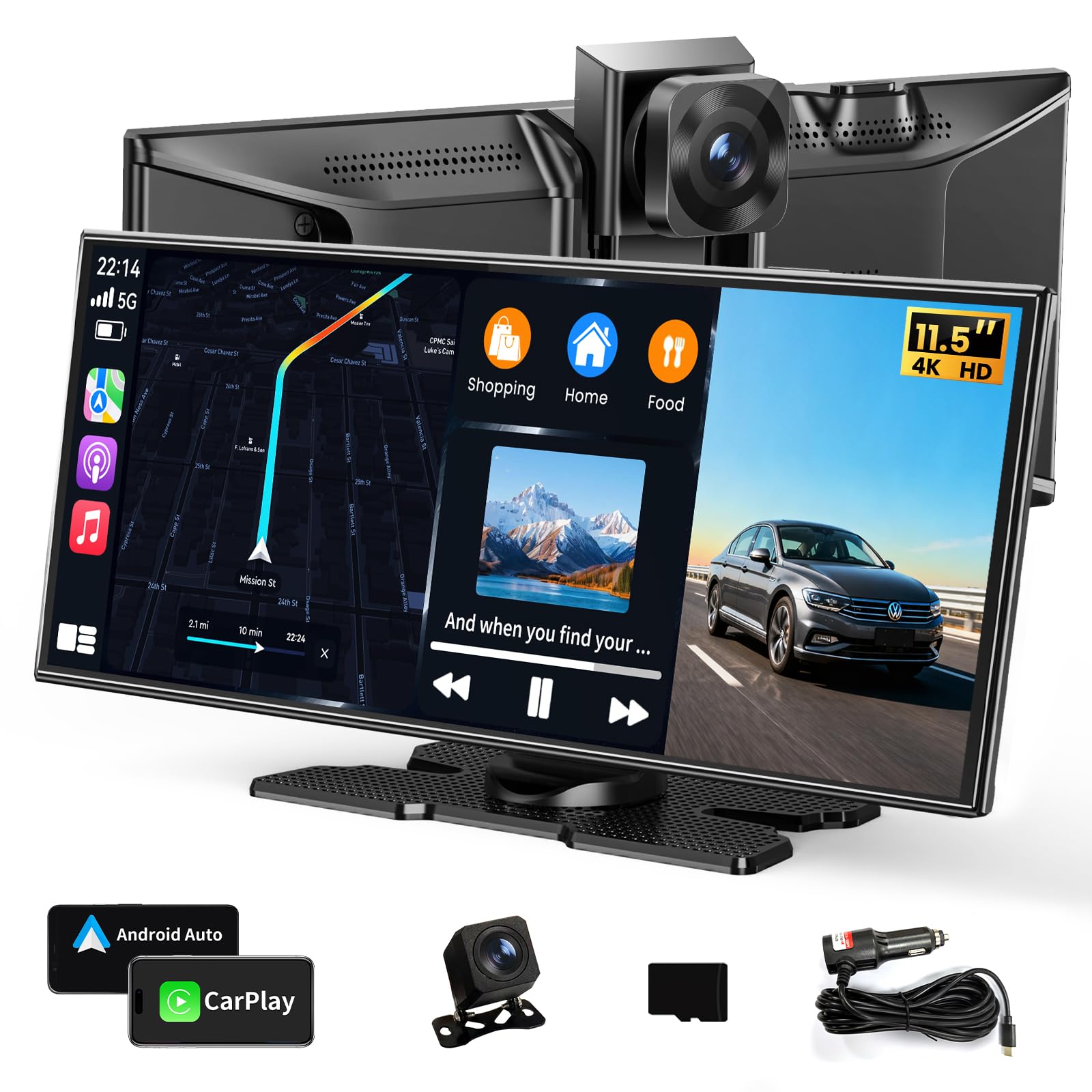
A 11.5-inch 1920×720 display with a free phone app for pulling dash cam clips off the card.
Screen acreage is the headline: 11.5 inches of HD panel designed to sit low on the dash so it does not cut into your windshield view. The width-to-height ratio keeps the panel closer to the dash line than a squarer screen. A free iOS or Android app pairs with the unit so you can preview, download and share dash cam footage from your phone without ever pulling the memory card.
Built-in 5GHz WiFi moves those clips faster than 2.4GHz, and the same radio handles wireless CarPlay and Android Auto. The 4K front camera and waterproof 1080P rear camera record simultaneously, and 64GB of storage handles loop recording — old files overwrite automatically when the card fills. Four audio outputs (speakers, CarPlay/Auto, FM, AUX) mean you can push sound into the factory stereo if you prefer original speakers.
You can mount it and go, with suction or adhesive options, and the phone-free design means one less cable in the cabin. One reviewer noted lag and called the picture quality 720 rather than 1080, though that runs against the broader pattern — the vast majority describe easy setup, smooth connection and a well-priced upgrade. For off-road and side-by-side use, the wide-angle backup camera has been specifically praised for reducing blind spots.
want max display: you want the most screen space for maps and the app for low-maintenance clip retrieval.
small cabin only: you need Android Auto confirmed on every single phone model — check compatibility carefully.
6. IIWEY iK11 11-Inch Wireless Apple CarPlay Screen

An 11-inch screen with a 1280×800 panel and an ultra-slender body that sits flush on the dash.
The iK11 is the highest-resolution pick in this list. Its 1280×800 display tops the 1920×720 panels used elsewhere, and the ultra-slim profile keeps the unit close to the dash. Its wireless CarPlay setup connects in roughly 5 seconds according to long-term users. The auto power system turns the unit on and off with the ignition, so you never have to touch the power switch.
The 4K front dashcam plus 1080P rear camera come with a pre-installed 64GB high-speed card, ready to record from the start. WiFi transfer pulls footage to your phone for review without removing the card. Dynamic parking guidelines on the backup camera can be adjusted for your car’s dimensions — a nice touch for larger vehicles. Audio routes over Bluetooth to your phone, or via FM/AUX straight into the car speakers.
Compact-car owners should take the size note seriously: IIWEY itself warns that the 11-inch panel may block visibility in small vehicles and recommends an extended suction-cup mount to angle it away from the windshield. One buyer mentioned the windshield mount screws loosen in the heat, needing occasional retightening. On the whole, though, owners describe it as a straightforward upgrade, and the picture quality ranks among the best in this price tier.
simple CarPlay setup: drivers who want the sharpest-resolution 11-inch display available and the convenience of auto power on/off.
need recording gear: the 11-inch panel is genuinely large — if you drive a compact, choose the smaller iK7 instead.
7. CarpodGo T3 Pro Portable 60fps Wireless CarPlay Screen

A fully laminated 8.9-inch retina panel with a magnetic base rated to hold 8KG of downward pressure.
The CarpodGo T3 Pro is built around display quality rather than screen acreage. Its 1920×720 retina panel delivers 16.7 million colors and 700 nits of brightness (a nits figure is the standard measure of screen light output — 700 keeps maps readable outdoors). Full lamination removes the air gap between touch layer and panel, and the display supports automatic dark mode that dims itself at night without any intervention from you.
The magnet base uses a strong magnetic coupling rated to hold 8KG of downward pressure and works with a 17mm ball head mount, so you can swap between the included central-control mount and a suction-cup glass mount. Startup to full CarPlay display takes 12 seconds. That is 18 seconds faster than the 30-second wired unit a 2009 Venza owner previously used.
Display-Only Bluetooth Mode is the interesting twist. When activated, the unit hands your phone’s Bluetooth off to the car’s own head unit so maps, music and calls play through the factory speakers, with steering wheel buttons and mic support kept intact. Two honest notes: the mount has been called “flimsy” by one user who found it wiggles on edge presses, and drivers of very old basic cars may still prefer a full head unit swap. For mid-2000s to mid-2010s vehicles this is a near-perfect upgrade.
portable 60fps panel: the laminated retina display, 60FPS scrolling and 8KG magnetic hold are features you feel every time you touch the screen or hit a bump.
premium price tag: the mount feel does not match the display quality — a wobble on edge presses is what a few owners notice first.
move between cars: 2008-2015 vehicles whose factory Bluetooth is too old but whose steering wheel controls still work.
budget shoppers: brand-new base-model cars — you may as well fit a proper head unit.
8. Carpuride W125S 11.26″ Wireless CarPlay Screen with Dash Cam
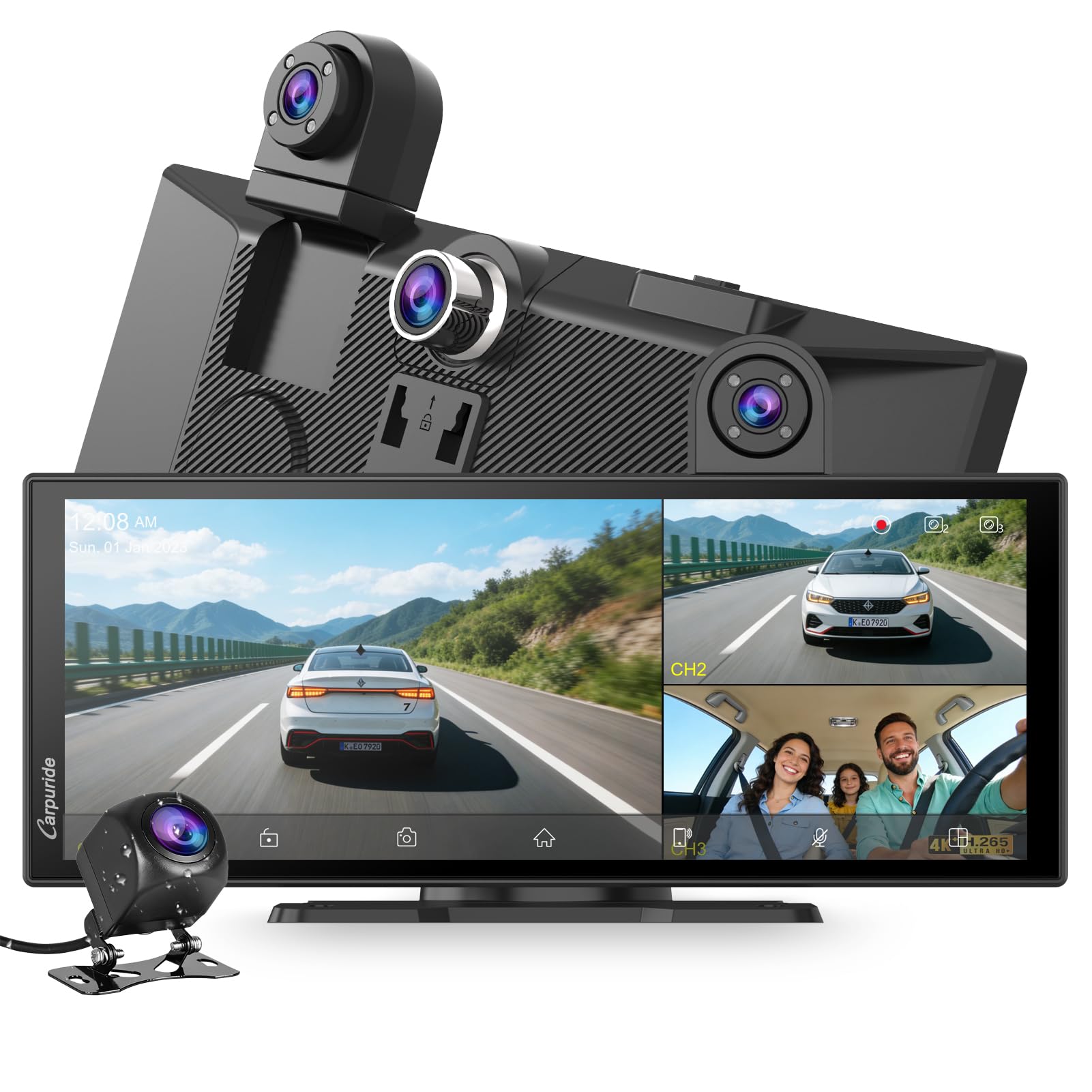
Three cameras plus a 170-degree wide angle means this screen sees the road, the cabin, and your children in the back.
The W125S has the most elaborate camera array in this list. A 4K front camera, a 1080P infrared camera for the cabin, and a 1080P rear camera cover the full drive in color by day and black-and-white infrared at night. The 350-degree rotatable front camera can even swivel to face the backseat to keep an eye on kids in real time. The 170-degree wide angle covers the whole cabin — wider than any other camera setup here.
The screen is a 1920×720 full-touch HD capacitive panel with an anti-glare finish and dynamic brightness that adjusts automatically to ambient light. You can cap or floor that auto brightness between 0% and 100% for personal preference. A 64GB TF card ships pre-installed, and loop recording with a built-in gravity sensor (a motion sensor that detects a bump and locks the relevant clip) keeps accident footage safe from overwrites.
Two things to plan around: the interior infrared camera is designed to record the cabin, so pointing it at the window causes reflections — that is what Carpuride says explicitly. And for Android 16 phones, intermittent disconnection has been noted during Android Auto sessions; keeping the SuperLink app and device firmware on the latest version sharpens stability. For BMW motorcycle riders especially, owners describe smooth integration with the Wonder Wheel controls and instant Bluetooth pairing.
want all in one: families, gig drivers and motorcycle riders who want an all-view camera setup in one unit.
hate cable runs: you run Android 16 and are not up for firmware management — the older mid-range picks sidestep that quirk.
Understanding the Specs
Wireless Standard (5GHz vs 2.4GHz)
Wireless CarPlay sends video from your phone to the screen over WiFi. The 5GHz band (the faster radio wave frequency) delivers lower latency (delay) and quicker pairing than the crowded 2.4GHz band. Look for a unit that names 5GHz specifically — it is the biggest single difference between a screen that starts up instantly and one that lags a second or two behind every command.
Screen Brightness in Nits
A nit measures how much light a display pushes out. A screen rated 700 nits or 750 nits stays readable in direct sunlight, while dimmer panels wash out to a gray blob by mid-afternoon. If you drive west into the sun every evening, brightness matters more than any other spec.
Field of View
Field of view (FOV) is how wide a camera lens sees, measured in degrees. A 170-degree lens catches far more of the road or cabin than a standard 120-degree one — important for parking and for capturing side-swipe incidents. Most of the picks here use 170 degrees.
Audio Output Paths
You can get sound to your speakers four ways: Bluetooth (best on modern cars), AUX (a 3.5mm cable into the factory stereo), FM transmission (broadcasts to the radio, great for older cars with no Bluetooth) and a built-in speaker (audible but normally the weakest link). Pick the path that matches your car’s existing stereo.
FAQ
Will a CarPlay Screen work with Android phones or only iPhones?
Does a CarPlay Screen work without a cable?
Will a portable CarPlay Screen work in a car without Bluetooth?
How much screen will fit on my dashboard?
Do CarPlay Screens come with a backup camera?
Will I be able to keep my factory stereo if I install a CarPlay Screen?
Do CarPlay Screens come with a memory card for dash cam footage?
How long does install take and is it really plug-and-play?
Will a CarPlay Screen overheat in a hot car?
Do I need WiFi in my car for these to work?
Final Thoughts: The Verdict
For most drivers, the carplay screen winner is the IIWEY 11″ Wireless CarPlay Screen with 4K Dash Cam because it delivers the biggest combination of features — 5GHz WiFi, an 11-inch display, 4K front and rear cameras, 64GB storage and OTA updates — in one plug-and-play box. If you want the sharpest screen at this price, the IIWEY iK11 11-Inch takes the crown with its 1280×800 panel. And for a compact car or a first-time upgrade where dashboard space is tight, the Topexplore 9″ CarPlay Screen is the one to reach for.
How We Picked
We do not accept paid placement. Every pick is matched to a real buyer and a real use-case; we do not hands-on test units.
Sources & Methodology
Specifications: manufacturer listings and product documentation. Review insights: verified customer reviews, as of September 2026. Pricing: not shown on this page (it changes often); check the current price via the retailer link.
As an Amazon Associate, Gadgets Feed earns from qualifying purchases. This does not affect which products we feature.