
Our readers keep the lights on and my morning glass full of iced black tea. As an Amazon Associate, I earn from qualifying purchases.
Specs are compiled from manufacturer listings and verified buyer reviews and can change over time — please confirm the key details on the product page before buying.
If you work from a laptop, a second screen is the quickest upgrade you can make to your day — more rows in Excel, more lines of code, fewer alt-tab juggling acts. A 16-inch portable monitor gives you that desk-sized canvas without the desk. The honest catch: “16 inch” is a loose label. Some panels here measure 15.6 inches; a couple stretch to 16.1. All are the right class of screen for laptop-toting work, and every pick below tells you its real size. What separates a great one from a frustrating one is brightness, panel sharpness, how it connects, and whether the stand holds up in a hotel room.
I’m Min — the founder and writer behind Gadgets Feed. This guide is built by comparing the manufacturers’ published specifications and the patterns across verified customer reviews, so you get each pick’s real strengths and trade-offs instead of marketing spin.
Below you’ll find eleven screens sorted by what they actually do well, from bright workhorses to color-accurate panels for creators. if you need 470-nit brightness for a sunlit cafe or a single USB-C cable for a thin laptop, this breakdown covers the differences that decide which 16-inch portable monitor fits your bag and budget.
Our Picks at a Glance
How To Choose The Best 16 Inch Portable Monitor
A portable monitor is a thin panel you plug into your laptop, phone, or game console to get a second screen anywhere. The parts that decide whether you’ll love it aren’t the ones on the box’s biggest font. Here’s what actually matters.
Brightness decides where you can work
Brightness is measured in nits, the unit for how much light a screen emits. More nits means a screen that stays readable when a window is behind you. A 470-nit panel holds up in a bright cafe; a 300-nit one can look washed out there. This single number often matters more to a laptop user than resolution, because a dim screen is unusable no matter how sharp it is.
Resolution and panel type shape text clarity
Resolution is the pixel count of the screen, written like 2560 x 1600 (that’s the width by the height). Higher numbers mean sharper text and finer detail. Panel type matters too: an IPS screen keeps its colors from wide angles, while an OLED panel lights each pixel on its own for deep blacks. If you read a lot of small text, sharpness beats size.
How it connects: USB-C versus HDMI
USB-C can carry both power and video over one cable, so you don’t hunt for a wall outlet. That works only if your laptop’s USB-C port supports “DP Alt Mode” (video-out over USB-C). HDMI always carries video but not power, so those setups usually need the monitor’s own adapter. Check your laptop’s port spec before you count on a one-cable life.
Quick Comparison
| Model | Best For | Resolution | Refresh Rate | Brightness | Amazon |
|---|---|---|---|---|---|
| cocopar 16″ 2.5K QHD★ Best Overall | All-round work and travel | 2560 x 1600 | 144Hz | 470 nits | Amazon |
| VisionOwl 16″ 2.5K 144HzWide Compatibility | Wide compatibility workhorse | 2560 x 1600 | 144Hz | 470 nits | Amazon |
| UPERFECT 16″ 144Hz QLEDTop Performer | Color-rich gaming and media | 2560 x 1600 | 144Hz | 400 nits | Amazon |
| InnoView 16″ 240Hz 2K | Fast, smooth gaming | 2560 x 1600 | 240Hz | 300 nits | Amazon |
| UGREEN 16″ 2.5K Magnetic Stand | Premium work and travel | 2560 x 1600 | 165Hz | 500 nits | Amazon |
| HotYeah 16″ 2.5K 144Hz | Great value gaming screen | 2560 x 1600 | 144Hz | 400 nits | Amazon |
| CAPERAVE 16″ 2.5K 120Hz | Mid-priced color accuracy | 2560 x 1600 | 120Hz | 400 nits | Amazon |
| ARZOPA 16.1″ 180Hz | High refresh on a budget | 2560 x 1440 | 180Hz | 400 nits | Amazon |
| SOTSU FlipAction Pro 16″ Gen 2 | Build-quality and design | 2560 x 1600 | 120Hz | 400 nits | Amazon |
| ViewSonic VX1655-4K-OLED | 4K OLED color and contrast | 3840 x 2160 | — | 400 | Amazon |
| Veout 16″ FHD IPS | Budget travel companion | 1920 x 1200 | — | 300 nits | Amazon |
In‑Depth Reviews
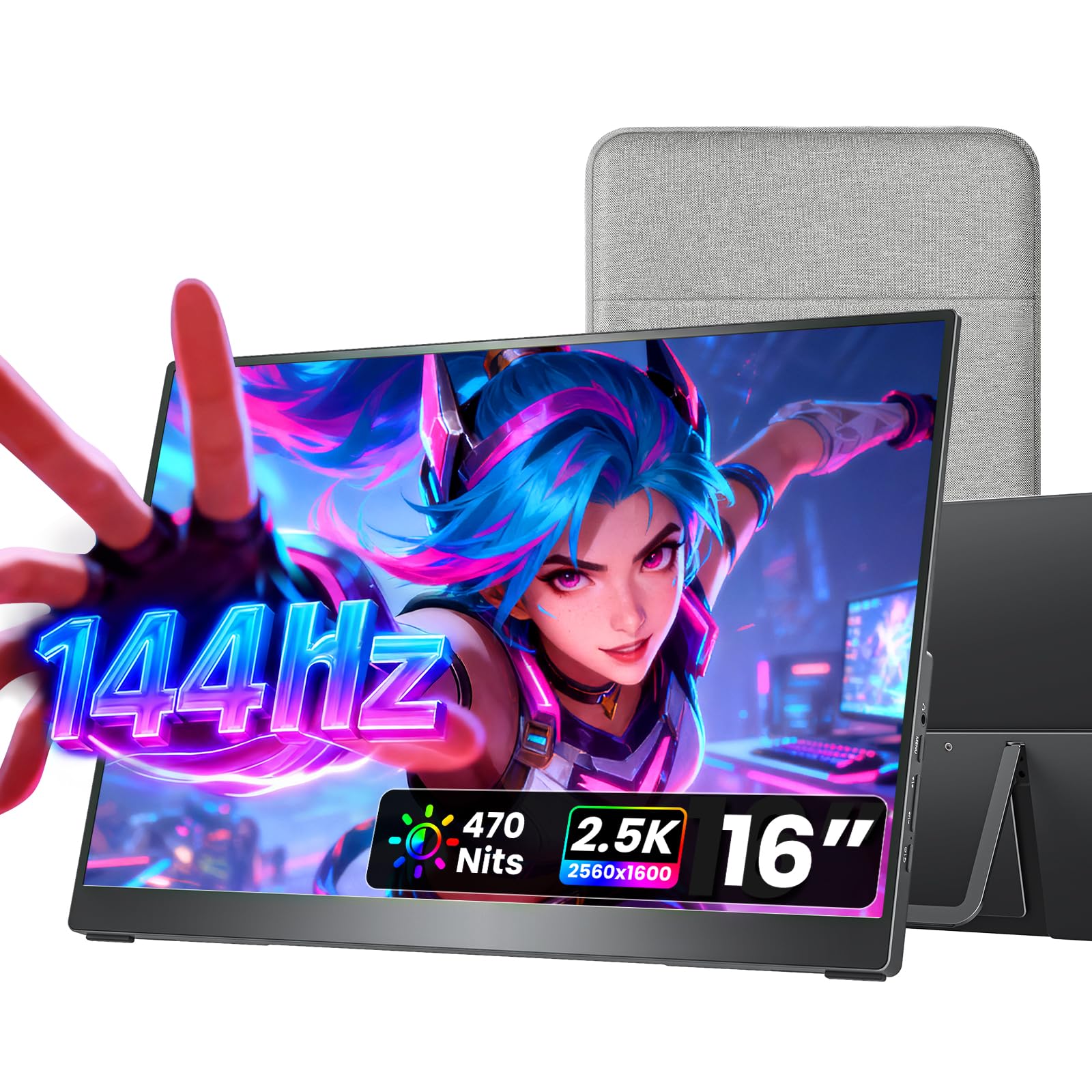
1. cocopar Portable Monitor 16 Inch 2.5K QHD
Our pick — over 4.5★ from 6,000+ verified ratings; the strongest balance of quality and price.
A bright, sharp 16-inch screen that fits an overnight bag and a bright hotel room alike.
For most laptop workers, this is the screen to buy. It balances a sharp 2560 x 1600 resolution with a slim 0.2-inch profile and a travel weight of 1.5 lb — light enough that you forget it’s in the bag until you unfold it. The picture is genuinely bright, rated 470 nits, so a bright window behind you doesn’t turn your email into a gray smear. That’s a real advantage over the Veout budget pick below, which runs at 300 nits — 470 cd versus 300 cd is the difference between working through glare and squinting at it.
If you game on the side, the 144Hz refresh rate (144 screen updates per second) keeps fast motion clean instead of smearing, so you see enemies clearly as they dash across the screen. One buyer who used it for ten-hour sessions reported “good refresh rate, no issues.” It covers 110% of the sRGB color range (a measure of how much of the standard color space the panel can show), so photos and videos look rich and true-to-life. The 1200:1 contrast ratio (a measure of how deep blacks are compared to bright whites) gives you decent black depth for dark scenes. This is also where the cocopar edges out the Veout on color: 110 versus 100 on the sRGB scale, a small but visible gap in how rich the tones look.
What owners rave about
- Build quality and portability are the two things buyers bring up most — thousands of reviews cite each.
- Full metal chassis with a 0°–90° kickstand and dual VESA mounting holes.
- Plug-and-play USB-C with no drivers; two USB-C ports plus HDMI.
- Dual built-in 1.5W speakers for calls and casual audio.
Where it asks you to flex
- The built-in speakers are fine for quiet rooms but won’t fill a noisy space.
- Getting full brightness means using the included power adapter rather than bus power alone.
Best for: anyone who wants one screen that does sharp work by day and smooth gaming by night, without a fussy setup.
Think twice if: you work in near-darkness and want deep OLED blacks — this is an LED panel.
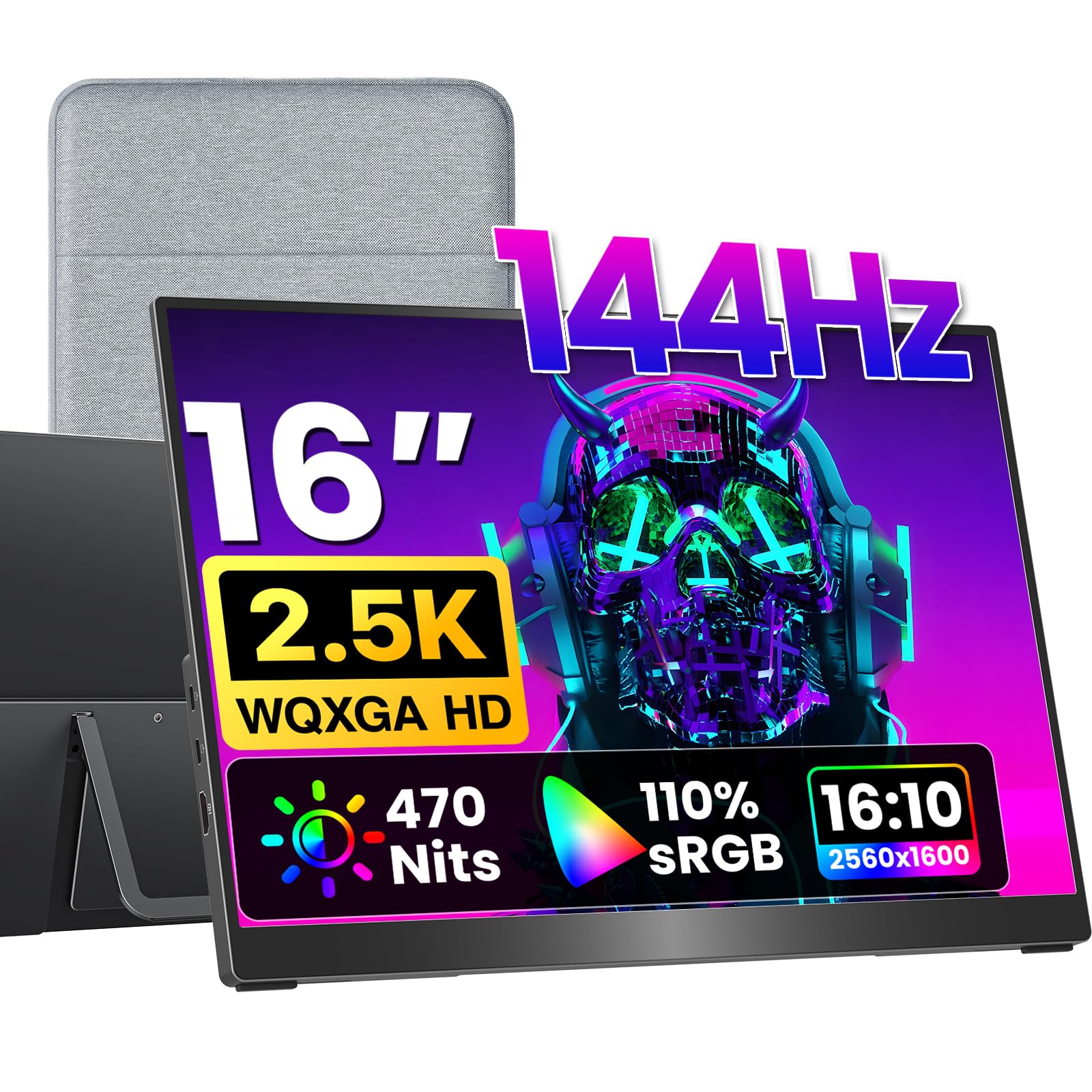
2. VisionOwl Portable Monitor 16 Inch 2.5K QHD 144Hz
The screen that plays nicely with nearly every laptop you already own — and comes with the cable kit to prove it.
If you’ve been burned by “one-cable” promises before, the VisionOwl is for you. Instead of a fragile mini-HDMI port, it gives you a full-size standard HDMI input plus dual USB-C, so older laptops and consoles connect without an adapter hunt. It matches the cocopar on brightness at 470 nits (a unit of screen brightness) and resolution at 2560 x 1600, so you get the same sharp, bright picture. But its real selling point is the box contents: a sleeve case, power adapter, HDMI cable, and two USB-C cables ship together, so you’re not buying accessories after the fact.
Panel quality is where it earns its keep. The 8-bit + 2FRC IPS panel covers 110% sRGB and is rated to show up to 1.07 billion colors, which means smoother color transitions in gradients and photos than a basic 8-bit screen. It’s built from metal at 1.48 lbs and includes dual VESA holes for mounting on an arm. That makes it an easy fit for a home office where the screen sits on a monitor arm most days and travels on weekends.
The compatibility edge: a full-size HDMI port is a genuine advantage over the mini-HDMI connectors many rivals use — no dongle to lose, and a firmer connection in a moving bag.
Worth knowing: build quality and portability are the qualities buyers talk about most, so the daily-carry experience holds up. The flip side is that single-cable power-and-video needs your device to support Thunderbolt 3/4 or DP Alt Mode — a plain USB-C port won’t cut it.
Reach for this if: you own a mix of devices — a work laptop, a PS5, a Switch — and want one cable bundle that covers all of them.
Look elsewhere if: you want the absolute smallest travel footprint; the included kit is generous but adds bulk to a packed bag.
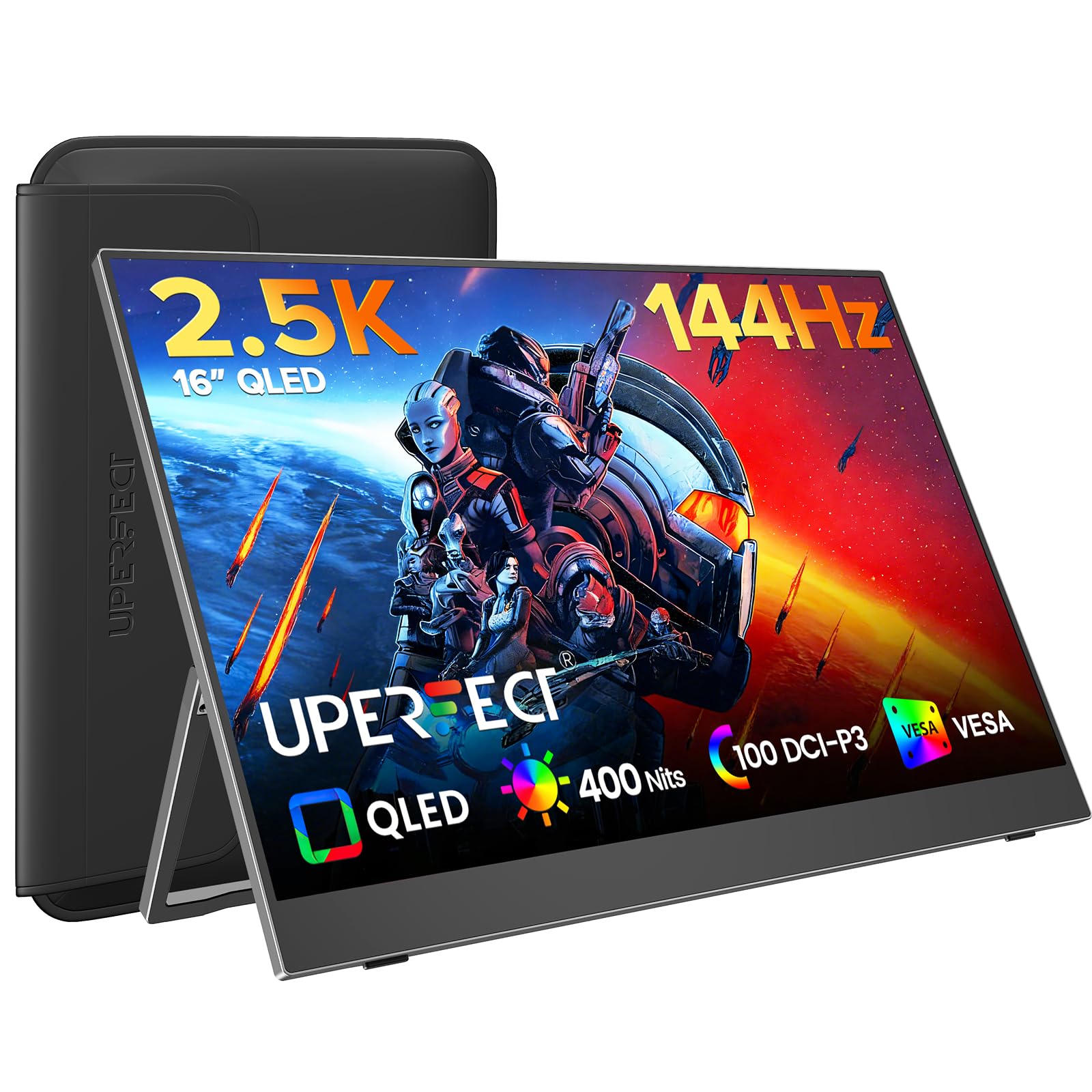
3. UPERFECT Portable Gaming Monitor 144Hz 2.5K
A QLED panel tuned for color depth and fast motion rather than pure glare-fighting brightness.
QLED is a display technology that boosts color volume for purer reds and blues, and it shows here. The 100% DCI-P3 color range — a wider professional color standard than sRGB — gives this panel richer tones than most rivals, and the 2000:1 contrast ratio is the deepest in this roundup for more believable blacks. Combine that with a sharp 2560 x 1600 resolution and a 144Hz refresh rate, and you have a screen that makes games and movies look dimensional rather than flat. The response time is rated an instant 0.1ms, which is the figure that keeps fast-moving objects from leaving ghost trails.
At 400 nits it sits a step below the 470-nit cocopar and VisionOwl, so for pure daylight-on-the-patio use those two have the edge. For indoor work and after-dark gaming, though, that trade favors color quality. The box ships ready to go with two USB-C to USB-C cables, a Mini HDMI to HDMI cable, and a power adapter, and it mounts to 75×75 mm VESA arms. The dual built-in speakers handle casual audio, though a couple of buyers found them quiet for movies.
The color-first pitch: if your work leans on photos, video, or game worlds where deep blacks and rich color matter, the QLED panel is what sets this apart from the standard IPS crowd.
One honest note: reliability is the one aspect with genuinely mixed feedback — most units run flawlessly, but a small number of buyers report the screen giving out over time. The two-year warranty and responsive support are the safety net.
Made for: gamers and media watchers who want the most vivid picture indoors and don’t need maximum daylight brightness.
Not the pick for: anyone who works predominantly in bright outdoor light, where the 400-nit rating trails the brightest options.
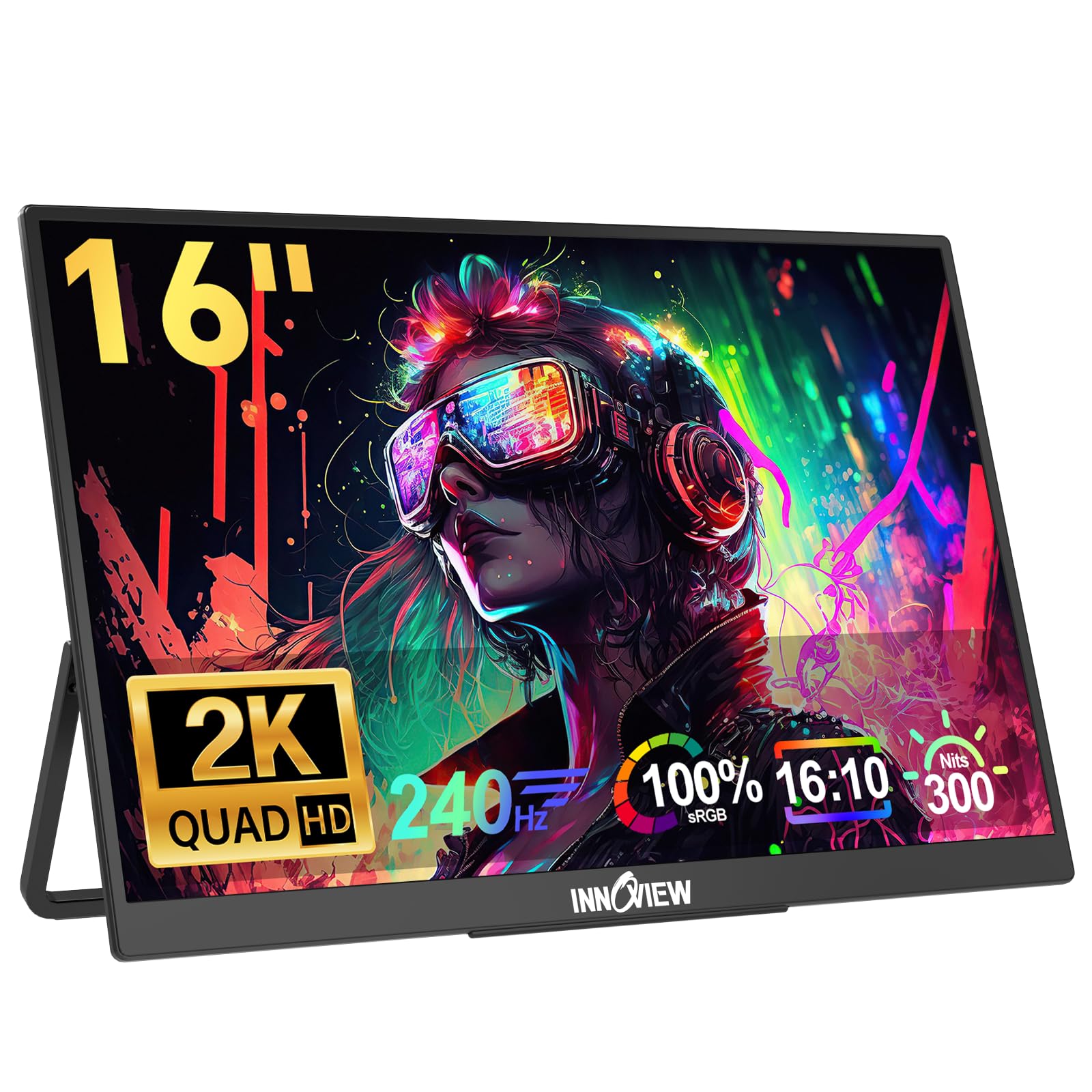
4. InnoView 16″ 240Hz Portable Monitor 2K
The refresh-rate king of this list — built for players who notice the difference between fast and fastest.
Refresh rate is how many times per second the screen redraws, and this panel hits 240Hz versus the 144Hz you’ll find on most picks here. The gap in motion smoothness is real for competitive shooters, where the higher rate cuts screen tearing and input lag. The resolution keeps pace at 2560 x 1600, so sharpness doesn’t suffer for the speed, and the screen covers 100% sRGB for solid color accuracy. There’s an important precondition, though: your source device has to actually push 240Hz and have an HDMI 2.1 port, otherwise the panel downshifts to a lower rate.
Cables are the other real-world wrinkle. This monitor is unusually picky about which USB-C cable it accepts, and the higher refresh rates want a dedicated power source (a 30W-plus supply) to avoid flicker. Brightness sits at 300 nits (a unit of screen brightness), the lower end of this list, so it’s an indoor screen first and foremost. For gaming laptops it’s a natural fit, and owners run them for long stretches as a daily second display without complaint — one summed up the experience simply as “super thin, super light.” The thin profile means you’ll want it in a case, which isn’t included.
What makes it special
- 240Hz refresh rate — the highest in this roundup for the smoothest gaming motion.
- FreeSync support plus 75mm VESA holes and a built-in kickstand.
- Sharp 2560 x 1600 sharpness with 100% sRGB color coverage.
Fine print to weigh
- Cable-sensitive — not every USB-C cord delivers full signal.
- Needs a 30W-plus power supply for high refresh; bus power alone can flicker.
- No carrying case in the box, which is a common gripe.
The right buy for: competitive gamers with a capable gaming laptop who want the smoothest possible motion on the road.
Pass on it if: you mostly do document work or carry a thin-and-light laptop that can’t push high refresh rates anyway.
5. UGREEN 16 Inch 2.5K Portable Monitor with Magnetic Stand

The brightest screen in this roundup, dressed in aluminum and held by a magnet instead of a folding flap.
When midday sun hits your laptop bag, this is the panel that keeps working. Its 500-nit brightness is the highest here, and the difference matters in sunlit cafes or bright offices where a dimmer screen turns to mush. It pairs that with a sharp 2560 x 1600 resolution at a 16:10 aspect ratio — a taller shape that gives you more vertical room for coding and spreadsheets than a wider 16:9 panel. Under the hood, a 165Hz refresh rate keeps scrolling and gaming fluid, though the panel’s adaptive sync is FreeSync.
Build quality is the real story. The chassis is an aluminum unibody at 0.65 cm thick, and a magnetic stand holds the screen steady while letting you flip between landscape and portrait. Speakers are built in but on the tinny side, and the documentation is thin, so expect a little trial and error. There’s an honest quirk worth knowing: HDR only works over the mini-HDMI input and not over USB-C, and full 165Hz needs the right resolution selected. The low review count here reflects how new the product is, not a problem with it — the ratings that exist are strongly positive on the panel itself.
Where it stands out: build quality, brightness, and the magnetic stand are its signature — this is the one that feels like a small premium monitor rather than a budget panel with a kickstand.
What to know before ordering: it isn’t a touch display, the control button is a single multi-function dial rather than easy on-screen buttons, and the protective case fits the screen but not the stand.
Ideal for: professionals who work in bright rooms and want a premium, magnet-mounted second screen that looks the part.
skip it if: you’re on a tight budget or want deep OLED black levels — this is a bright IPS panel, not an OLED one.
6. HotYeah 16″ 2.5K 144Hz Portable Gaming Monitor
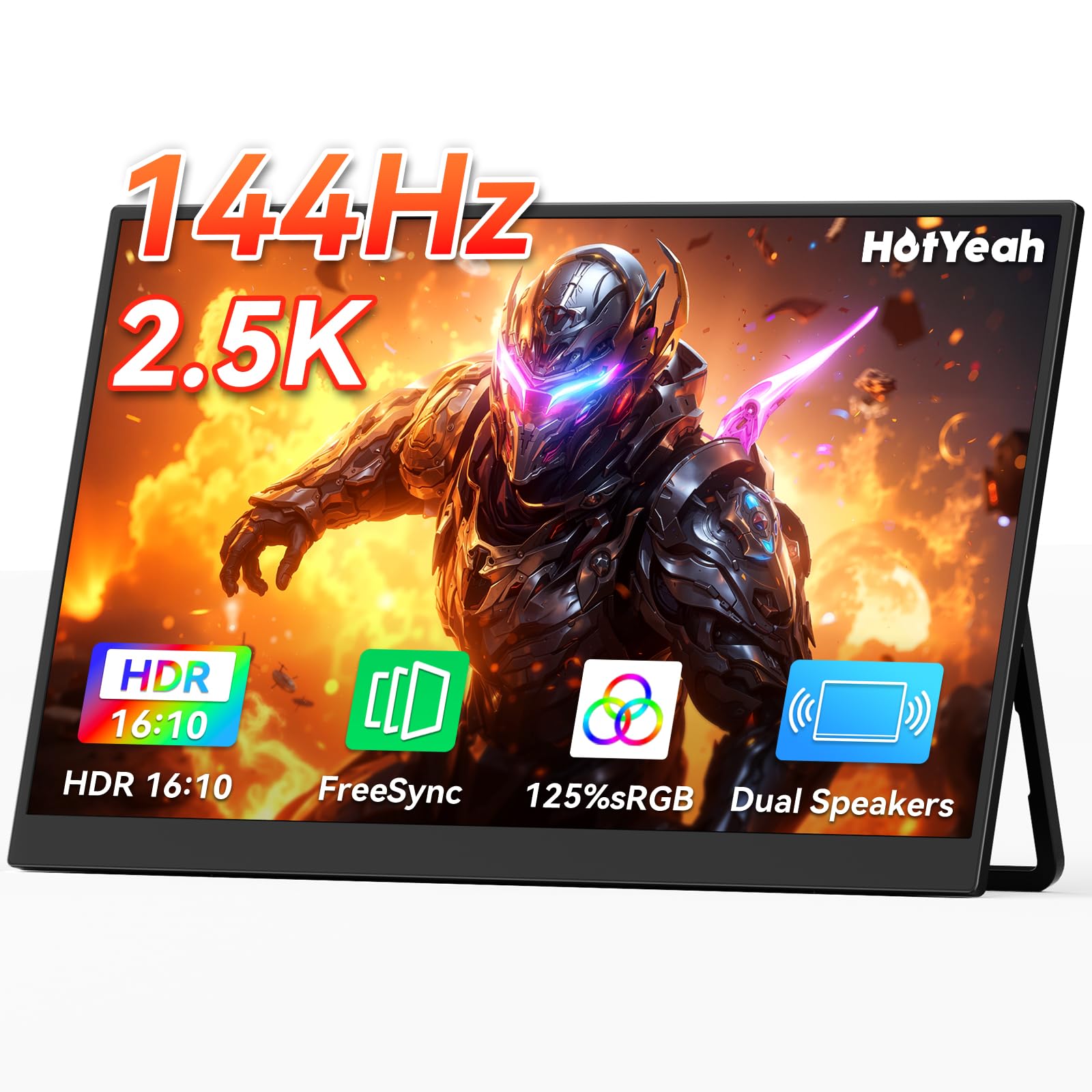
Big on color and refresh, small on price — the screen that punches above its tier for gamers.
The headline here is the color coverage: 125% sRGB, the widest in this roundup, paired with a 10-bit panel that renders 1.06 billion colors. Those numbers are what content creators and gamers chase, and they come at a value-tier price. The panel is a matte A+ LCD IPS rated for a 178-degree viewing angle, so colors hold up from an angle — handy when two people crowd around the screen. A sharp 2560 x 1600 resolution and 144Hz refresh rate round out the gaming spec, backed by FreeSync and a 1200:1 contrast ratio.
Physically it’s a light 1.57 lb with a 180-degree metal kickstand that also lets the U-shaped base hang from a shelf. It connects two ways: two full-function USB-C ports for power-and-video in one cable, and a Mini HDMI for consoles. The box includes two USB-C to USB-C cables, a Mini HDMI to HDMI cable, and a power adapter. It mounts on 75×75 mm VESA hardware too. Buyers get a lot of screen for the money here, and the 2.5K panel is the star of the show.
Standout strengths
- 125% sRGB color gamut — the widest in this roundup.
- 144Hz refresh, FreeSync, and a sharp 2560 x 1600 resolution.
- Two-year warranty and 24/7 support.
Trade-offs to expect
- Some units have stopped working over time — a real risk even if many run fine.
- It’s meant for landscape mostly; you’ll need the right setup for portrait.
Pick this if: you want the richest color gamut and a speed-worthy refresh without climbing into the premium tier.
Reconsider if: long-term reliability tops your list and you’d rather pay more for fewer reports of failures.
7. CAPERAVE Portable Monitor Gaming 2.5K 120Hz
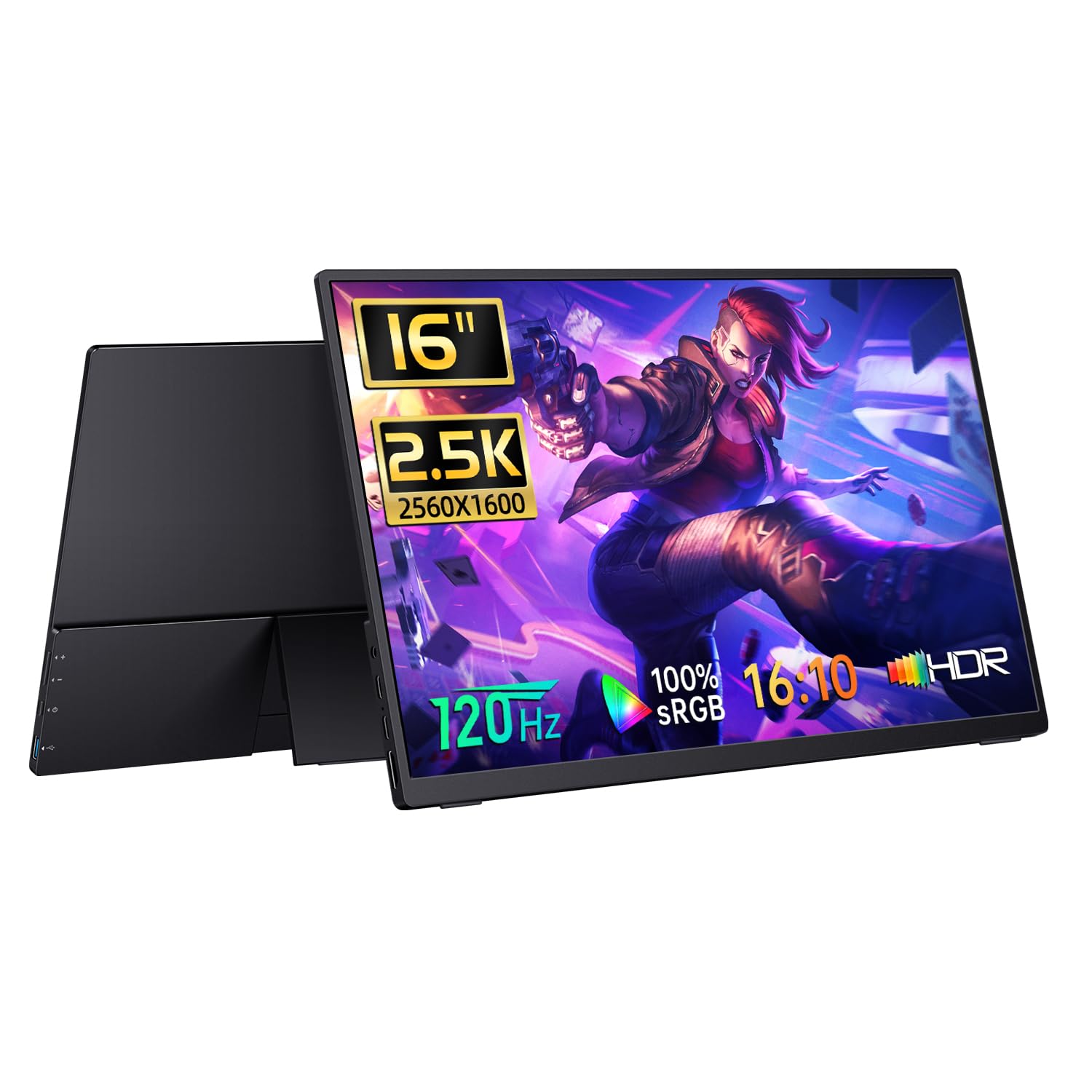
A 120Hz 2.5K screen aimed at creators who care more about true color than raw brightness.
For photo and design work, the spec that matters most is color accuracy, and this panel leans into it with 100% sRGB coverage and a 10-bit color depth that supports over a billion colors. That combination keeps gradients smooth and tones faithful, which is why it’s a reasonable fit for editing on the road. The 2560 x 1600 resolution and 16:10 aspect ratio give you a taller view for documents and timelines, and the 1200:1 contrast ratio holds decent depth. FreeSync and a 120Hz refresh rate keep motion clean, landing a step below the 144Hz picks but comfortably above standard office panels.
The honest caveat is brightness. At 400 nits it matches the HotYeah and UPERFECT but trails the 470-nit cocopar and VisionOwl, and owners mention it’s better suited to controlled lighting than a sunlit table. The chassis is on the thin side at 0.7 inches and the finish is a metallic black. This is a newer model, so the review base is smaller than the veterans on this list — the picture quality gets consistent praise, but there’s less long-term feedback to lean on. If color accuracy for creative work is your priority, that’s the trade you’re making.
The creator’s angle: 100% sRGB accuracy and 10-bit color make this the pick for editors and designers who need faithful tones.
One thing to weigh: brightness is the aspect with the most mixed feedback, so if you often work near windows, the brighter picks above will serve you better.
Suits you if: you edit photos or design graphics and want accurate color over maximum brightness.
Look past it if: glare is your constant enemy — this panel is happier in even light.
8. ARZOPA 16.1″ 180Hz 2.5K Portable Monitor

The second-highest refresh rate here, wrapped in a screen that travels as easily as it plays.
The 180Hz refresh rate is the draw, sitting between the 144Hz standard and the 240Hz top of this list. That higher rate cuts motion blur and input lag, which is exactly what fast-paced games feel. The resolution is a 2560 x 1440 panel with 400 nit brightness and a 1000:1 contrast ratio, a hair under the 1200:1 panels on most picks here. It covers 107% sRGB, so color is solid without being the widest. One important connectivity note: the HDMI cable included is data-only, so for HDMI use you’ll need a USB-C power block alongside it.
This screen has a loyal following among remote workers for its sharp text and packable build. One pointed out it’s “a lifesaver for working on the move,” citing the single USB-C for power and video and the soft case with a cable compartment. It uses two full-function USB-C ports plus a Mini HDMI, and includes a sleeve bag, a power-only USB-C cable, and a full USB-C cable. The built-in kickstand adjusts tilt, and the whole thing stays thin and light for a bag. The soft case has a dedicated spot for your cables, which is a small touch that saves digging.
The good
- 180Hz refresh rate for smooth gaming visuals.
- Sharp 2560 x 1440 resolution and 107% sRGB color.
- Thin, lightweight body with a cable-organized sleeve case.
The less good
- Brightness is the aspect with the weakest feedback — it trails the top panels.
- The included HDMI cable is data-only, so HDMI setups need extra power.
- Settings navigation can feel tedious according to some.
Good match for: gamers and remote workers who want a high refresh rate and a travel-ready body at a mid-tier price.
Not for you if: you need the absolute brightest screen for outdoor or window-facing work.
9. SOTSU FlipAction Pro 16″ Gen 2

The most engineered screen here — a CNC aluminum slab with a magnetic base and a rotating hinge.
If you treat your gear as a tool worth investing in, this is the pick that feels hand-built. It’s machined from aerospace-grade aluminum with an anodized finish, and the magnetic base collapses flat onto the back for a slim 0.5-inch profile that slips into a backpack. The defining feature is the dual-hinge stand, which rotates 0 to 180 degrees so you can raise the screen to your eye level or flip it to portrait for coding. It covers 100% DCI-P3, a professional color standard for photographers and video editors.
The panel is a 2560 x 1600 WQXGA resolution with a 120Hz refresh rate and a 1500:1 contrast ratio, a step above the 1200:1 panels through much of this list. Brightness is 400 nits. There’s a full SD card slot built in, which saves a dongle for camera-card workflows, and it supports MST daisy-chaining so you can run an extra monitor off it. Mac users should note the manufacturer’s own tip about third-party software to fix macOS scaling. This is the most premium pick on the list, and the price reflects the engineering.
What you’re paying for: build quality and image quality are the two qualities buyers cite most, and the CNC body, magnet stand, and pivoting hinge are unlike anything else in this roundup.
The honest caveat: value for money is the aspect with the most mixed feeling — this is a luxury buy, and it’s an IPS panel, so blacks won’t match an OLED. It also has no built-in speakers.
Worth it for: traveling professionals and creatives who want the best-built portable screen and use its stand daily.
Overkill if: you want maximum brightness or OLED contrast for your money, or you rely on built-in speakers.
10. ViewSonic VX1655-4K-OLED 16 Inch 4K UHD OLED

An OLED panel where every pixel lights on its own — the deepest contrast here by a wide margin.
OLED is the one display technology that beats everything else on contrast, because each pixel produces its own light and can switch fully off for true black. That’s what powers this screen’s extraordinary 80,000,000:1 contrast ratio, a figure no standard LCD here can approach. The resolution is a full 3840 x 2160 — 4K UHD, the highest here — and the panel is built for creators who need individually lit pixels and accurate color. It’s exceptionally thin at 0.6 inches and light at 1.5 lbs, and it powers your laptop too, offering 60W two-way power so a single USB-C cable both drives the screen and charges your device.
The honest trade-offs are real. Reliability gets mixed feedback — most units run beautifully, but some customers note theirs failing after a few weeks. Color quality splits opinion too, with some finding the tones excellent and a few calling them dull. Brightness is 400 and gets mixed notes. It uses Mini-HDMI and dual USB-C inputs, comes with a protective cover that doubles as a kickstand, and carries a three-year limited warranty with US-based support — the longest warranty here. Unlike the IPS picks, it’s not the one to grab for daylight glare, but for dark-room color work it’s in a class of its own.
Why OLED wins here
- 4K UHD 3840 x 2160 resolution with an 80,000,000:1 OLED contrast ratio.
- 60W two-way USB-C power charges your laptop while driving the screen.
- Ultra-slim 0.6-inch, 1.5 lb body with a 3-year limited warranty.
The honest fine print
- Reliability is the aspect with the most mixed feedback — some units fail early.
- Some owners find the color dull and the stand fiddly, and built-in speakers are weak.
The one for: creators and Mac users who want true OLED blacks and 4K detail and will work in controlled light.
Think hard if: you need maximum brightness for outdoor use, or want the longest track record of reliability.
11. Veout 16″ Portable Monitor for Laptop
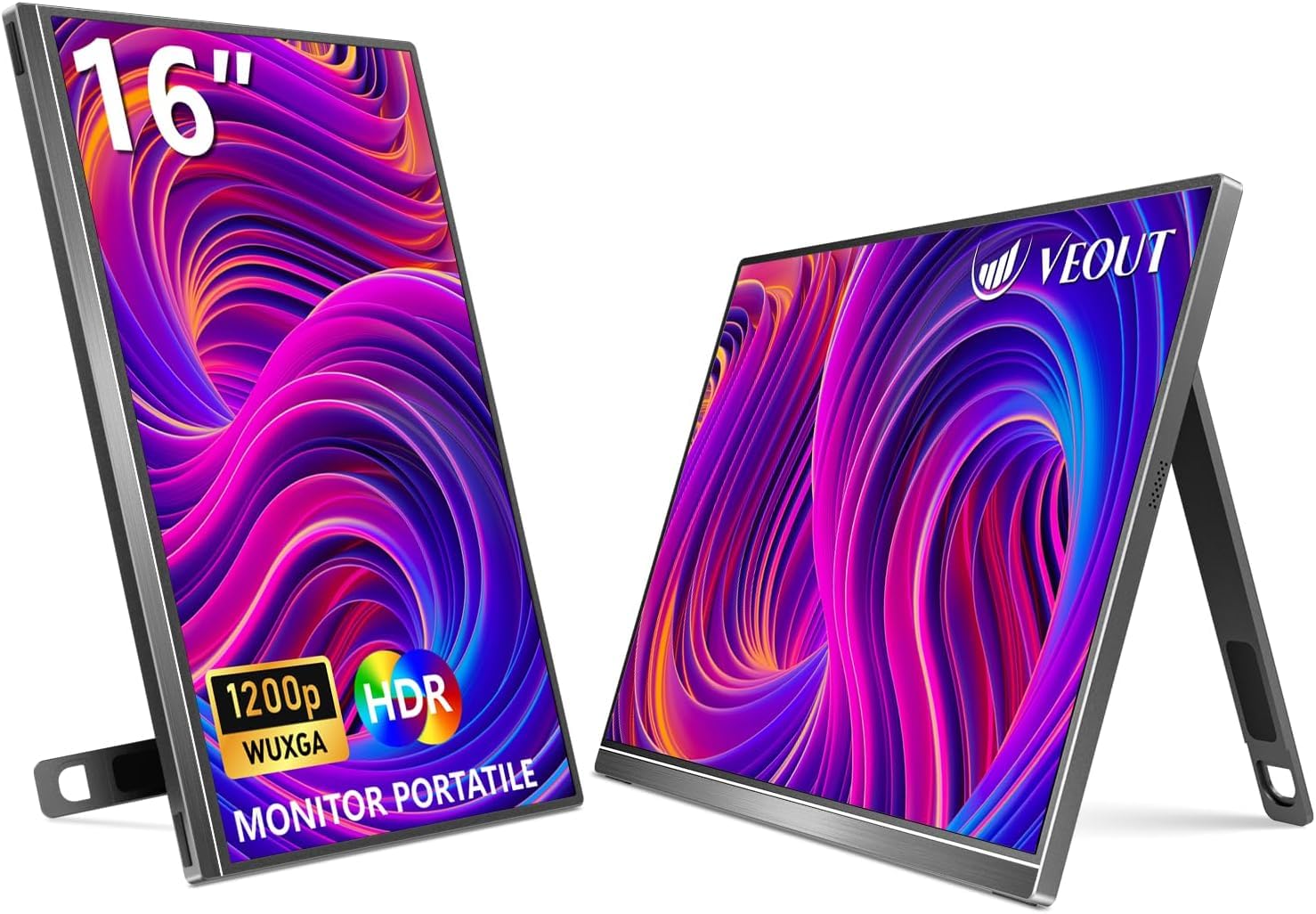
The entry-level pick for squeezing an extra screen into a tight budget and a laptop sleeve.
Budget doesn’t have to mean tiny. This screen offers a full 16-inch IPS display at 1920 x 1200 resolution, giving you 11% more content than a 15.6-inch model — useful when you’re scrolling long spreadsheets or code. The 16:10 aspect ratio and dual USB-C plus Mini HDMI ports mean it plays nicely with laptops, phones, and consoles without drivers. It’s dressed in aluminum with a stand that adjusts from 0 to 75 degrees and supports portrait mode, and it comes in four colors if you want your gear to match your setup.
There are honest reasons it sits at the budget end. Brightness is 300 nits, the lowest here, so it’s an indoor screen through and through — where the 470-nit cocopar or VisionOwl shine, this one fades. It’s also relatively thick at 0.36 inches versus the cocopar’s 0.2-inch profile, and its 100% sRGB color coverage trails the wider gamuts above. Compatibility gets mixed feedback: it works happily with many laptops but a few buyers found it wouldn’t pair with their particular device, so it’s worth a quick compatibility check if your machine is unusual. Buyers rate the screen quality highly for the money.
The value read: screen quality is what buyers praise most, and for an entry-level price you get a genuine 16-inch panel, USB-C plug-and-play, and a stand that covers both landscape and portrait.
Weigh before buying: it doesn’t come with a carrying case, so factor in a sleeve. Power and compatibility options get mixed notes, and one owner’s unit stopped working after about eighteen months — a reminder that budget screens ask for a little patience on longevity.
Right for: students and first-time second-screen buyers who want a large panel at an entry-level price.
Aim higher if: you need bright daylight visibility or a case in the box.
Understanding the Specs
Brightness (nits)
Brightness is measured in nits, the unit for how much light a screen emits. Higher numbers mean a screen that stays readable in bright spaces. A 500-nit panel like the UGREEN holds its image in a sunlit cafe, while a 300-nit screen like the Veout is happiest in even indoor light. For most buyers, this number predicts real-world satisfaction better than resolution does, because a dim screen is a daily annoyance no matter how sharp the pixels are.
Refresh rate (Hz)
Refresh rate is how many times per second the screen redraws, measured in hertz (Hz). A 60Hz screen redraws sixty times a second; a 240Hz screen does it four times as often. For scrolling, video, and especially fast games, a higher rate looks smoother and reduces the blur that trails moving objects. If you mostly read and write documents, 120Hz is plenty; if you play competitive games, the 180Hz and 240Hz picks here deliver a noticeably cleaner motion picture.
FAQ
Will a 16-inch portable monitor work with my MacBook?
Do I need a separate power cable or will USB-C run everything?
Is a 16-inch portable monitor too big to travel with?
What brightness do I need for working outside or near a window?
Is 2.5K resolution worth it over 1080p on a 16-inch screen?
How is OLED different from a regular IPS portable monitor?
Can I use a portable monitor with a game console like a PS5 or Switch?
Will a portable monitor charge my laptop while it runs?
Do these monitors come with a case or stand?
Is a higher refresh rate like 240Hz useful for non-gaming work?
Final Thoughts: The Verdict
For most people, the best 16 Inch Portable Monitor is the cocopar 16″ 2.5K QHD — it pairs a sharp 2560 x 1600 picture and 470-nit brightness with a 144Hz refresh rate and a light 1.5 lb body, and it’s the pick the crowd keeps choosing. If wide compatibility and a full cable kit matter more, the VisionOwl is the one to reach for. And if you want the deepest OLED contrast for creative work, step up to the ViewSonic VX1655-4K-OLED. Whichever you pick, a 16-inch screen turns any table into a two-screen workspace.
How We Picked
We do not accept paid placement. Every pick is matched to a real buyer and a real use-case; we do not hands-on test units.
Sources & Methodology
Specifications: manufacturer listings and product documentation. Review insights: verified customer reviews, as of September 2026. Pricing: not shown on this page (it changes often); check the current price via the retailer link.
As an Amazon Associate, Gadgets Feed earns from qualifying purchases. This does not affect which products we feature.