
A weak Wi-Fi signal in the back bedroom, garage, or upstairs office is a daily frustration that a standard router alone often cannot fix. Enter the AX1500 class — the sweet spot for Wi-Fi 6 extension that balances modern speed with real-world coverage without demanding a premium budget.
I’m Min — the co-founder and writer behind Gadgets Feed. I’ve spent countless hours dissecting AX1500 extender specs, analyzing customer performance reports, and comparing signal throughput patterns to identify which models actually deliver on their coverage claims.
Whether you need to stream 4K in the basement or keep smart home devices responsive in a far corner of the house, finding the right ax1500 wi-fi extender comes down to understanding antenna gain, Ethernet port capabilities, and mesh compatibility — not just the sticker speed.
How To Choose The Best AX1500 Wi-Fi Extender
Not all AX1500 extenders are built the same. While they all share the same theoretical speed ceiling of 1500 Mbps (300 Mbps on 2.4 GHz + 1201 Mbps on 5 GHz), real-world performance depends heavily on antenna configuration, Ethernet port type, and mesh compatibility. Focus on these three factors to avoid buying a box that sits in a drawer.
Antenna Gain and Coverage Pattern
The physical antenna count and gain rating (measured in dBi) directly determine how far the extender can push a usable signal through walls. Models with two 5dBi antennas, like the Tenda A23, provide noticeably better penetration through drywall and floors compared to extenders with internal or lower-gain antennas. For multi-story homes or properties with thick construction, prioritize external high-gain antennas over sleek, compact designs.
Ethernet Port Speed and Wired Backhaul
A Gigabit Ethernet port (10/100/1000 Mbps) is essential if you plan to connect a smart TV, gaming console, or PC directly to the extender. Some budget-tier AX1500 extenders ship with a 10/100 Mbps port, which caps your wired throughput at roughly 100 Mbps — a bottleneck for modern internet plans. If wired backhaul matters, ensure the port is Gigabit and that the extender supports bridge or AP mode without a wireless prerequisite.
Mesh and Seamless Roaming Support
Traditional extenders create a separate SSID or force devices to manually switch between your router and the extender. EasyMesh-compatible units, like the TP-Link RE615X, allow the extender to share a single network name with your main router, letting your phone or laptop roam automatically. If you walk from room to room during video calls, mesh compatibility transforms the extender from a stopgap into a proper whole-home solution.
Quick Comparison
On smaller screens, swipe sideways to see the full table.
| Model | Category | Best For | Key Spec | Amazon |
|---|---|---|---|---|
| TP-Link RE615X | Premium | Mesh roaming & Gigabit wired | AX1800, 2x antennas, Gigabit Ethernet | Amazon |
| TP-Link Deco X15 | Premium | Whole-home mesh replacement | AX1500 mesh, 2.1k sq ft, 2x Gigabit ports | Amazon |
| Xtnder XT1500 | Mid-Range | Large coverage claims | 4x antennas, 13k sq ft, Ethernet port | Amazon |
| AllTough AX1500 | Mid-Range | Tri-mode connectivity | 12.8k sq ft, dual Gigabit ports, bridge mode | Amazon |
| WERCHTAY AX1500 | Mid-Range | Budget-friendly 5.8 GHz band | 5.8 GHz + 2.4 GHz, 1.8k sq ft, Ethernet port | Amazon |
| Cudy RE1500 | Budget | Compact expansion with mesh | AX1500, 10/100 port, Cudy Mesh support | Amazon |
| Tenda A23 | Budget | Best value performance | AX1500, 2x 5dBi antennas, Gigabit port | Amazon |
In‑Depth Reviews
1. TP-Link RE615X AX1800 WiFi 6 Range Extender

The TP-Link RE615X pushes past the AX1500 ceiling with its AX1800 dual-band design, delivering 1201 Mbps on 5 GHz and 574 Mbps on 2.4 GHz. Two high-gain directional antennas with Beamforming focus the signal toward connected devices, and the Gigabit Ethernet port ensures wired devices don’t suffer a speed bottleneck. Its EasyMesh compatibility allows it to pair with compatible routers for a single, seamless network name — a major upgrade over traditional extenders that force manual SSID switching.
Setup through the Tether app is straightforward, and the intelligent signal indicator helps find the optimal placement spot. Users in homes with lathe-and-plaster walls or steel framing report significant coverage improvements in upstairs rooms and backyards up to 100 feet away. The extender handles up to 64 devices concurrently, making it suitable for households with multiple streaming boxes, smart cameras, and IoT sensors.
One quirk: if you plan to use the RE615X in AP mode with an Ethernet backhaul, you must configure it wirelessly first before plugging in the cable — otherwise setup fails. Additionally, the Ethernet port does not support wired backhaul in all firmware versions, so wireless backhaul halves effective throughput. For most users running a single extender node, these are manageable tradeoffs for the reliable performance and mesh readiness.
Why it’s great
- EasyMesh support provides seamless roaming with compatible routers
- Gigabit Ethernet port avoids wired speed bottlenecks
- Beamforming antennas focus signal through walls and floors
Good to know
- Setup order matters for AP mode — wireless configuration required first
- Ethernet port does not support wired backhaul in all firmware revisions
- Larger physical footprint with external antennas may not suit all aesthetics
2. TP-Link Deco X15 Dual-Band AX1500 WiFi 6 Mesh

The Deco X15 is not a traditional extender — it is a mesh node that replaces your router and can be expanded with additional units. Each node covers up to 2,100 square feet and includes two Gigabit Ethernet ports, with support for wired Ethernet backhaul for maximum throughput. The single-pack option discussed here covers a typical three-bedroom home, while multi-pack setups scale to larger properties without the manual SSID switching required by standard extenders.
TP-Link’s Deco app handles setup in minutes, and the AI-powered roaming technology learns your device patterns to optimize band steering. Users report seamless transitions between nodes during video calls and streaming, with no perceptible drops. The hardware also ships with robust parental controls and basic network security via TP-Link HomeShield, adding a layer of protection for IoT devices.
The caveat: TP-Link has discontinued firmware updates for this model shortly after launch, which is a concern for long-term security vulnerability patching. If you plan to use the Deco X15 strictly as an extender behind an existing router, its mesh architecture is overkill — but for those replacing a router and extender combo with a single unified system, it delivers reliable, whole-home coverage at a reasonable entry price.
Why it’s great
- Gigabit ports with wired backhaul support eliminate wireless throughput loss
- AI-powered roaming seamlessly hands off between nodes
- App-based setup with parental controls and network security built in
Good to know
- Firmware updates have been discontinued, raising security concerns long-term
- Single-pack coverage is limited compared to multi-node mesh setups
- Not a plug-in extender — requires replacing or supplementing your router
3. Xtnder XT1500 WiFi Extender AX1500
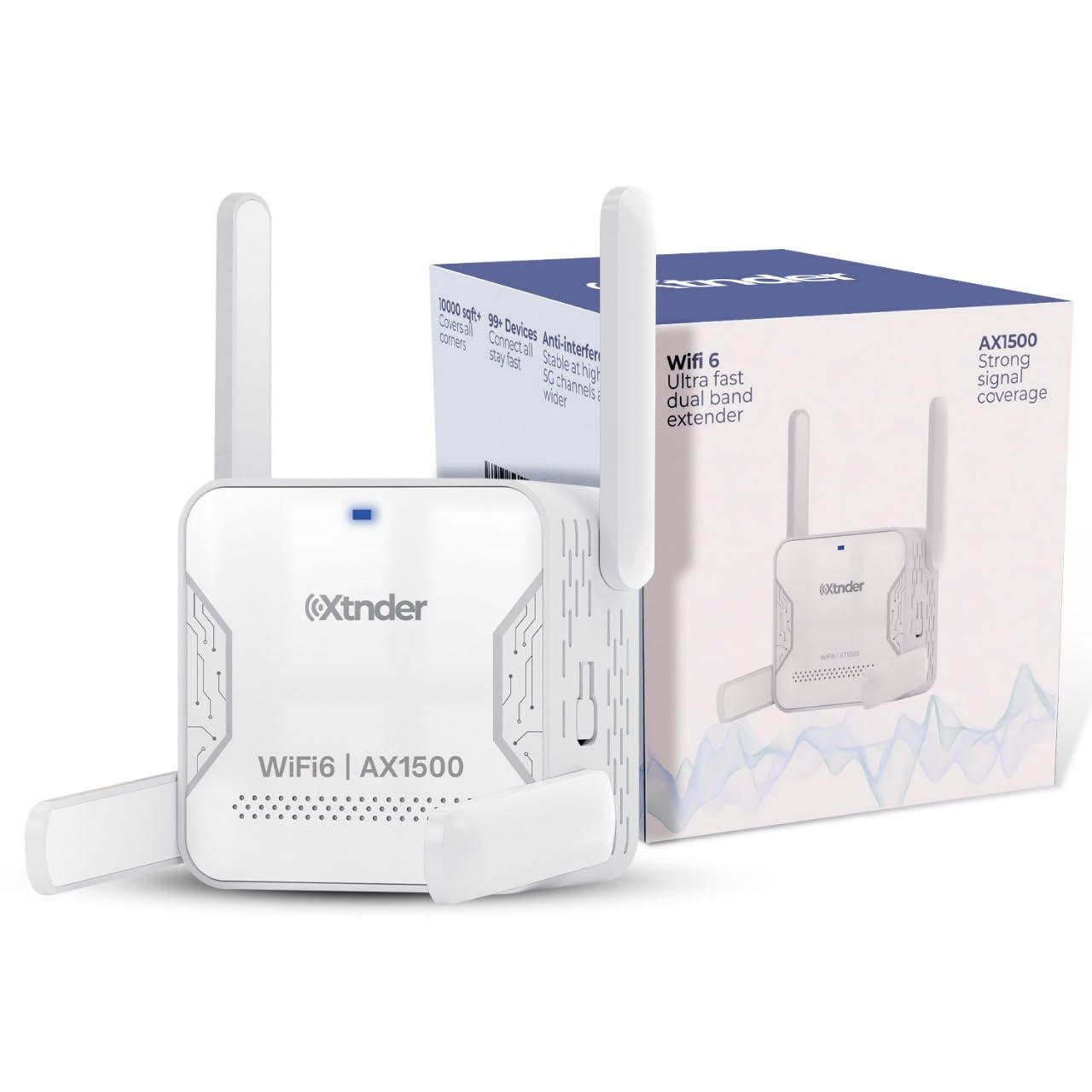
The Xtnder XT1500 is designed for larger properties, advertising coverage up to 13,000 square feet through four external high-gain antennas working in dual-band mode (2.4 GHz and 5.8 GHz). The 5.8 GHz band offers a cleaner spectrum with less interference from neighboring networks compared to standard 5 GHz, which can improve stability in dense residential areas. The extender also includes a built-in Ethernet port for connecting wired devices, though it does not specify Gigabit speeds in its technical data.
Customer feedback highlights impressive real-world throughput: one user with a 300 Mbps fiber plan measured 170-180 Mbps in an outbuilding 75 feet away through two walls — a strong showing for an AX1500-class device. Setup is relatively simple via WPS or browser configuration, and the separate SSIDs for each band allow users to manually select the faster 5.8 GHz band for streaming and the 2.4 GHz band for range-sensitive IoT devices.
The XT1500 supports over 100 devices simultaneously, making it suitable for busy smart homes. However, some users reported difficulty with initial configuration or found the instructions insufficient, and the lack of mesh compatibility means devices must manually switch between router and extender networks. For those needing to cover a large single-story home or workshop without mesh roaming, the XT1500 delivers impressive range at a mid-range cost.
Why it’s great
- Four external antennas provide excellent range through walls
- 5.8 GHz band offers cleaner spectrum with less interference
- Supports 100+ devices for dense smart home environments
Good to know
- Ethernet port may not be Gigabit — wired speeds could be limited
- No mesh or seamless roaming support
- Some users find the initial setup instructions lacking
4. Tenda A23 AX1500 WiFi 6 Range Extender
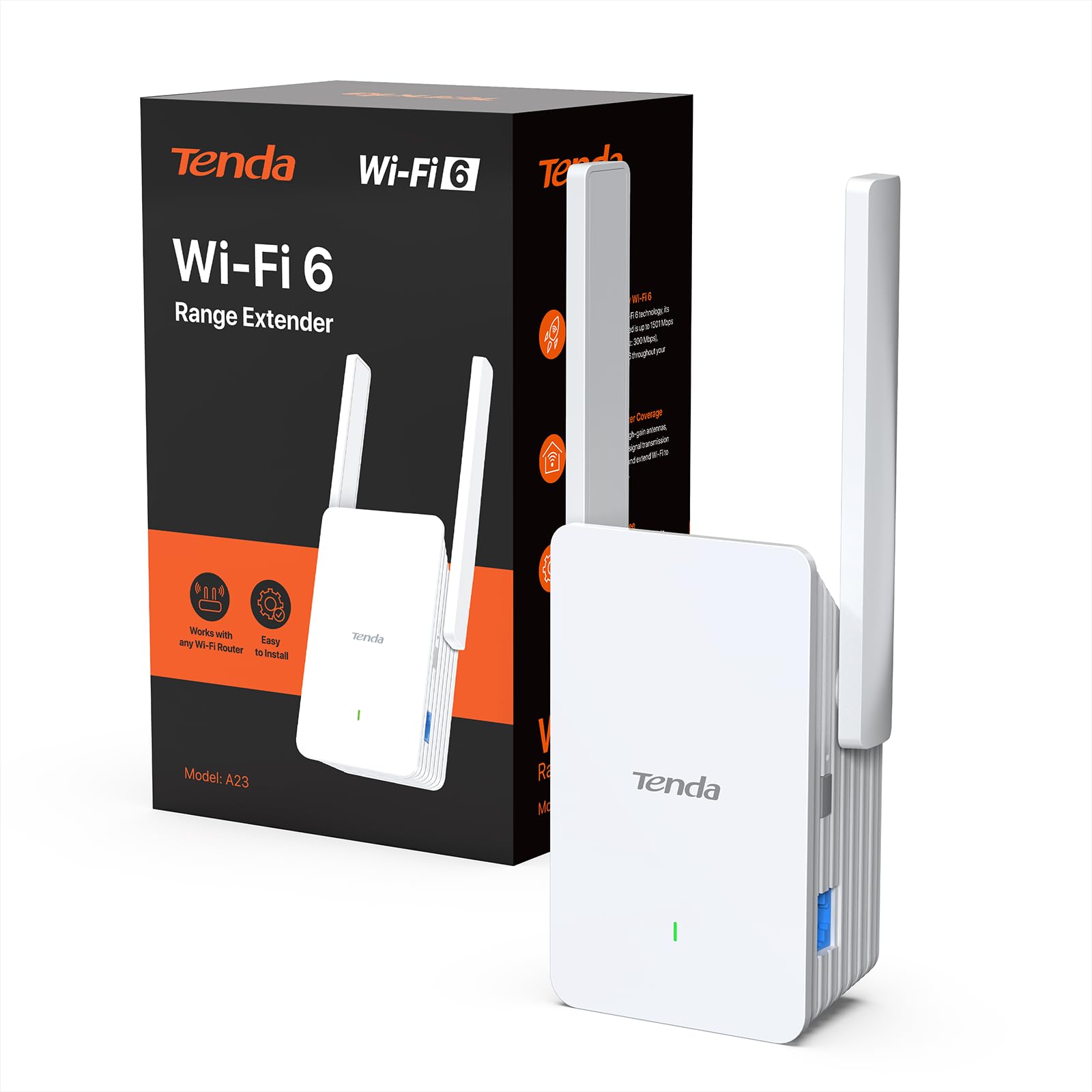
The Tenda A23 punches well above its price tier by including two 5dBi high-gain antennas and a true Gigabit Ethernet port — features typically reserved for more expensive models. With coverage up to 1,500 square feet and support for 30+ devices, it is well-suited for apartments or smaller homes where a single dead zone in a back bedroom or basement needs fixing. OFDMA and MU-MIMO reduce congestion when multiple devices are active simultaneously.
Real-world user reports confirm its effectiveness: one customer saw their Roku speed jump from 1-15 Mbps to 70 Mbps, nearly maxing out their 86 Mbps plan. The extender supports AP mode, allowing it to create a dedicated Wi-Fi network when connected via Ethernet. Setup is handled through Tenda’s automatic browser-based page or WPS, with intelligent LED indicators to guide optimal placement.
The A23 lacks mesh compatibility, so devices will need to manually switch between the main router and the extender’s network. Additionally, the unit’s compact wall-plug design means it may block adjacent outlets. For budget-conscious buyers who need AX1500 performance with a Gigabit wired connection, the Tenda A23 offers the best value proposition in this category.
Why it’s great
- True Gigabit Ethernet port avoids wired speed caps
- Dual 5dBi antennas provide strong signal penetration
- Exceptional price-to-performance ratio for AX1500 class
Good to know
- No mesh or seamless roaming support
- Wall-plug design may block adjacent outlets
- Limited to 30+ devices — less suitable for very dense smart homes
5. AllTough AX1500 WiFi Extender
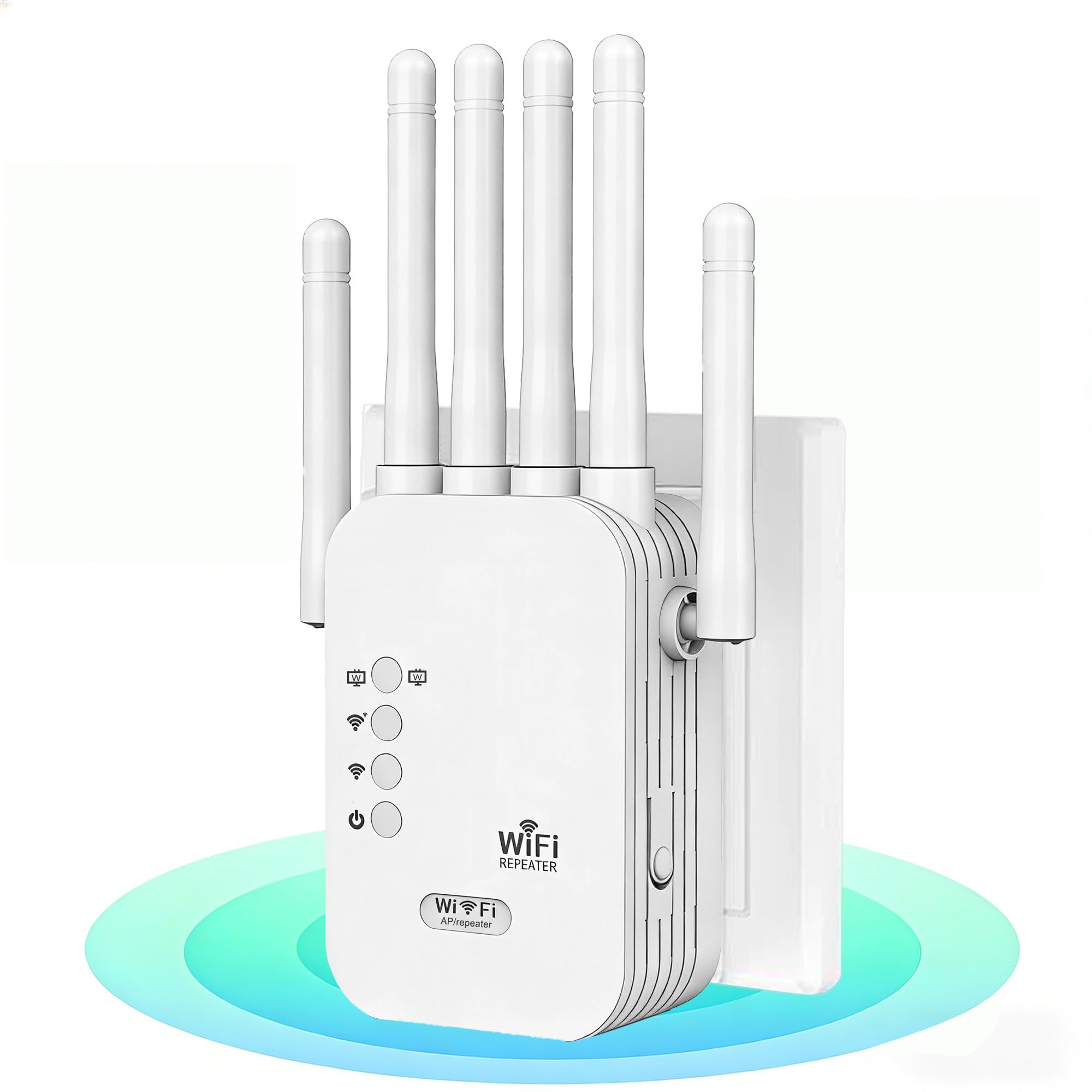
The AllTough AX1500 extender covers up to 12,880 square feet and supports up to 40 devices, with three operating modes: Boost (amplifies existing signal by 300%), AP (creates a new Wi-Fi hotspot via Ethernet), and Bridge (uses dual ports for wired connections). The advertised 5 GHz throughput is 867 Mbps rather than the full 1201 Mbps typical of AX1500, which suggests a different chipset configuration — still sufficient for most streaming and browsing tasks.
Users upgrading from older TP-Link extenders report substantial improvements, with one customer noting their Netflix stream jumped from 5.1 audio to Dolby Atmos/Vision after installation. The extender’s enterprise-grade encryption (WEP/WPA/WPA2) and automatic firmware updates add a layer of security that budget units often neglect. Setup is handled via WPS or browser interface at 192.168.188.1.
The AllTough unit does not support Wi-Fi 6’s full OFDMA implementation, and the claimed 300% boost is a marketing figure rather than a tested throughput metric. Additionally, the device lacks mesh roaming support, meaning your devices will hold onto the extender’s signal until they drop it rather than handing off gracefully. For users needing a feature-rich extender with multiple deployment options in a large home, the AllTough provides solid value at its price point.
Why it’s great
- Tri-mode operation provides flexible deployment (Boost/AP/Bridge)
- Dual Gigabit ports enable wired connections in bridge mode
- Enterprise encryption and automatic firmware updates enhance security
Good to know
- 5 GHz throughput capped at 867 Mbps, below AX1500 spec
- No mesh or seamless roaming support
- 300% boost claim is a marketing figure, not independently verified
6. Cudy RE1500 AX1500 WiFi 6 Range Extender
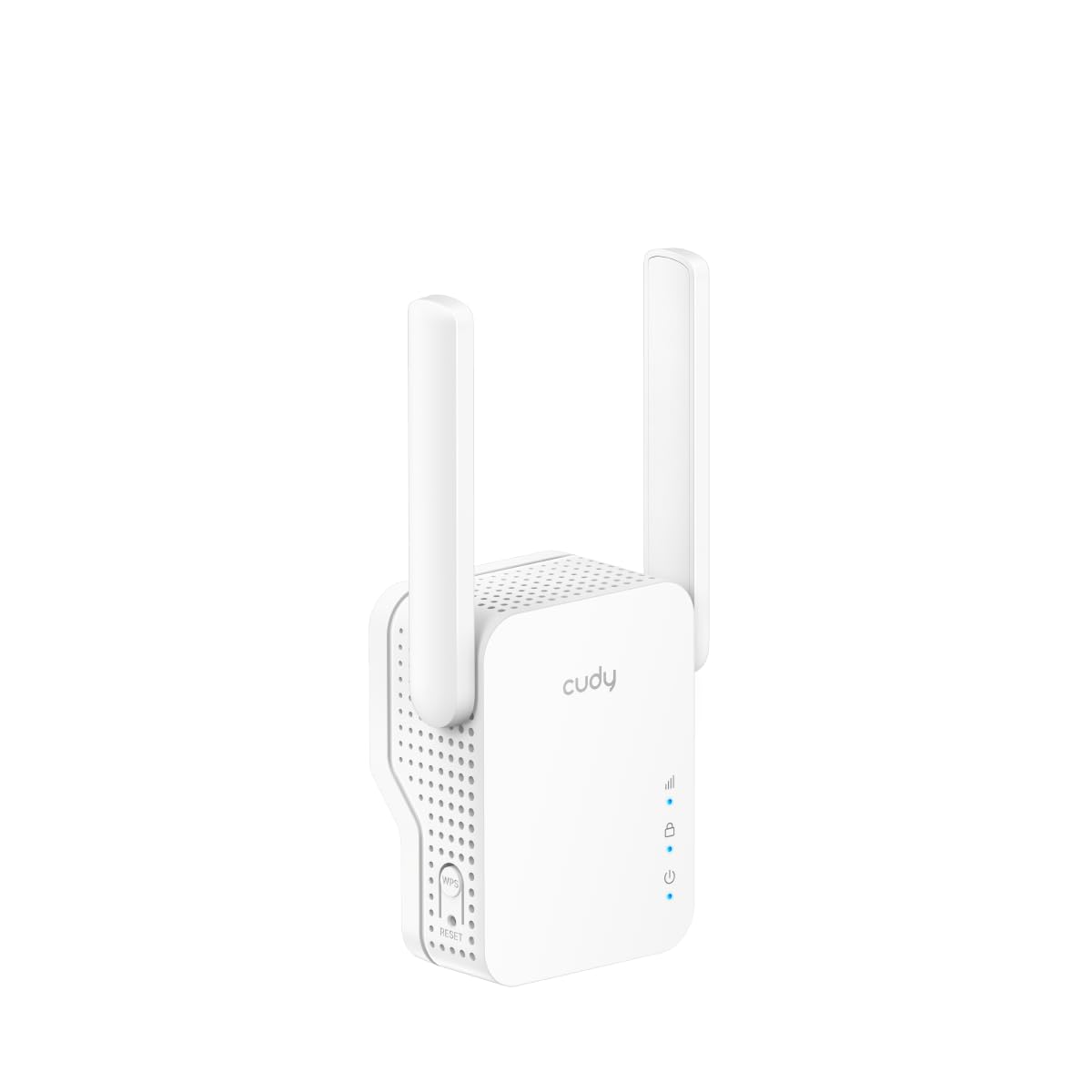
The Cudy RE1500 is a compact, wall-plug extender that supports Cudy’s proprietary mesh protocol, allowing it to pair with other Cudy mesh devices for seamless whole-home coverage. It offers dual-band speeds of 300 Mbps on 2.4 GHz and 1201 Mbps on 5 GHz, along with a 10/100 Mbps Ethernet port for connecting wired devices like smart TVs or game consoles. The small form factor — just 3.15 inches tall — makes it nearly invisible when plugged into an outlet.
Setup is handled via WPS button press or the Cudy App, which offers both local and cloud management. Users report reliable performance in outbuildings and garages, with stable connections for streaming and IoT devices. The signal indicator LEDs help identify the best placement spot without needing a separate app scan.
The 10/100 Mbps Ethernet port is a significant limitation — any wired device connected through this extender will be capped at 100 Mbps, which bottlenecks faster internet plans and defeats the purpose of a wired connection for gaming or 4K streaming. Some users also report that the Cudy mesh protocol’s roaming implementation is not as polished as TP-Link’s EasyMesh, with occasional sticky clients. For users with sub-100 Mbps internet plans who value a compact footprint and mesh expansion capability, the RE1500 works as a low-cost entry point.
Why it’s great
- Compact wall-plug design saves space
- Cudy Mesh support enables seamless roaming with compatible devices
- WPS and app-based setup for quick deployment
Good to know
- 10/100 Ethernet port caps wired devices at 100 Mbps
- Cudy mesh roaming is less polished than EasyMesh
- Some users experience sticky client issues during handoff
7. WERCHTAY AX1500 WiFi 6 Extender
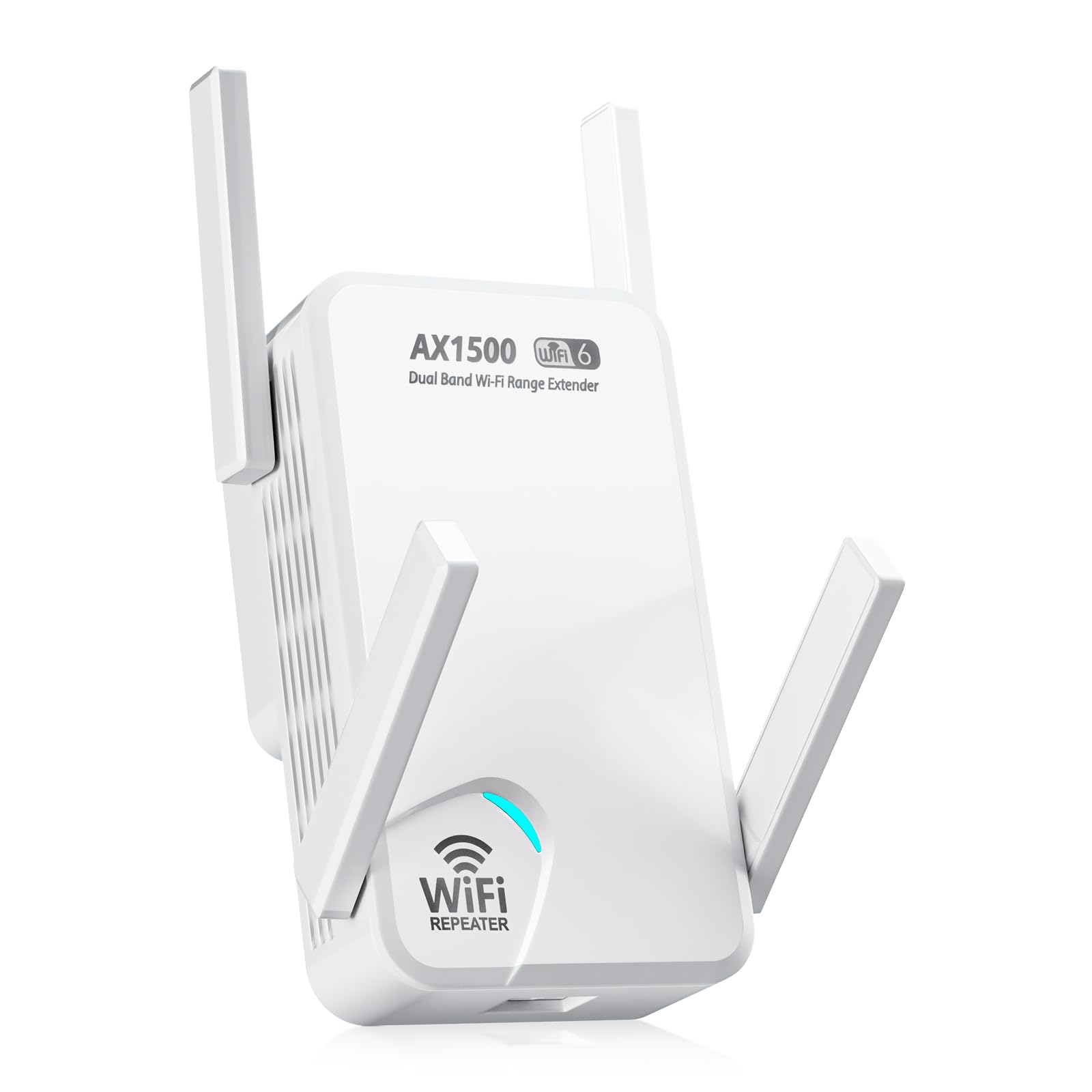
The WERCHTAY AX1500 extender operates on the 5.8 GHz and 2.4 GHz dual bands, covering up to 1,800 square feet and supporting up to 68 devices. The 5.8 GHz band provides a less congested frequency than standard 5 GHz, which can improve stability in apartment buildings or neighborhoods with dense Wi-Fi overlap. The extender includes a built-in Ethernet port for wired connections and can be set up via WPS or through a manual browser configuration.
Customer feedback is mixed but leans positive: users report successful elimination of dead zones in bedrooms, garages, and backyards, with reliable performance for streaming and smart home devices. The extender’s compact wall-plug design includes intelligent LED indicators for optimal placement guidance. WERCHTAY offers a 3-year warranty and 24/7 after-sales support, which is generous for this price tier.
Reliability concerns surfaced in some reviews — power surges can cause the unit to require a full reset, and a few users received faulty units that needed replacement. The Ethernet port’s speed is not clearly specified in the technical data, so it may not be Gigabit. For users on a tight budget who need to cover a moderate-sized home and want the potential benefits of the 5.8 GHz band, the WERCHTAY is a functional entry-level option with solid warranty backing.
Why it’s great
- 5.8 GHz band reduces interference in dense Wi-Fi environments
- 3-year warranty and 24/7 support provide peace of mind
- Supports up to 68 devices for busy smart homes
Good to know
- Power surges may require full reset of the unit
- Ethernet port speed not confirmed as Gigabit
- Some units shipped with defects requiring replacement
FAQ
Will an AX1500 extender increase my internet speed?
What is the real-world difference between AX1500 and AX1800 extenders?
Can I use an AX1500 extender with a non-Wi-Fi 6 router?
Final Thoughts: The Verdict
For most users, the ax1500 wi-fi extender winner is the TP-Link RE615X because it combines EasyMesh roaming, a true Gigabit Ethernet port, and Beamforming antennas in a single reliable package. If you want whole-home mesh coverage with seamless roaming, grab the TP-Link Deco X15. And for the best performance per dollar spent, nothing beats the Tenda A23.