
The Android laptop computer landscape is full of devices that run the Chrome OS or Android operating system but deliver wildly different experiences—and the choice between a clamshell Chromebook and a large-screen Android tablet with a keyboard case often comes down to how much raw processing power and screen real estate you actually need. The real market today spans everything from entry-level Chromebooks with Intel N-series processors to massive 15- and 16-inch Android tablets packing MediaTek Helio G99 and Snapdragon chips, all capable of running Android apps, browsing, document editing, and media streaming.
I’m Min — the co-founder and writer behind Gadgets Feed. I’ve spent hundreds of hours comparing processor benchmarks, display resolutions, battery capacities, memory configurations, and real-world user experiences across the full Android laptop category to separate the genuinely capable devices from the underpowered ones.
Whether you need a lightweight school machine or a large-screen productivity beast, this guide ranks the best contenders for a true android laptop computer that balances performance, display quality, and battery life for everyday work and play.
How To Choose The Best Android Laptop Computer
Choosing the right Android-based laptop or tablet comes down to understanding how the operating system, processor, memory, and display work together for your specific use case. Unlike traditional Windows laptops, Android laptops rely heavily on efficient ARM or low-power x86 processors, and the user experience depends on RAM availability and screen quality.
Processor Performance and Memory
The processor determines how smoothly apps launch and how many tabs you can keep open. Entry-level Intel Celeron N4500 and Pentium chips handle basic browsing and document editing, while MediaTek Helio G99 and Snapdragon X series deliver snappy multitasking, gaming, and video editing. RAM is even more critical — 4GB is the absolute minimum for light use, but 8GB or 16GB (physical or with virtual expansion) is necessary for serious multitasking. Virtual RAM expansion, which uses storage as additional memory, can help but isn’t a substitute for physical RAM.
Display Size, Resolution, and Refresh Rate
Screen size directly affects productivity. A 14-inch WUXGA or FHD display is standard for Chromebook-style devices, while 15.6-inch and 16-inch panels offer more room for split-screen multitasking, sheet music, or document comparison. Higher resolution (WUXGA 1920×1200 or 2.4K) provides sharper text, and a 90Hz or 120Hz refresh rate makes scrolling feel fluid. For reading and drawing, a matte or anti-glare finish reduces eye strain significantly.
Battery Capacity and Charging Speed
Battery life varies hugely — a 42Wh battery in a thin Chromebook might last 8 hours, while a 12000mAh cell in a large Android tablet can push 11 hours of continuous use. Fast charging matters too; 20W to 30W charging can get you from empty to 60% in under an hour. If you travel frequently or use the device for full workdays, prioritize higher battery capacity and fast-charging support.
Quick Comparison
On smaller screens, swipe sideways to see the full table.
| Model | Category | Best For | Key Spec | Amazon |
|---|---|---|---|---|
| Lenovo Idea Tab Plus | Android Tablet | Students and creative note-takers | 12.1″ 2.5K 90Hz Display | Amazon |
| TCL TAB A1 Plus | Android Tablet | Multimedia and AI productivity | 12.2″ 2.4K 120Hz Display | Amazon |
| acer Chromebook Plus 514 | Chromebook | Productivity and cloud work | 14″ WUXGA Touchscreen 8GB RAM | Amazon |
| acer Aspire 16 AI | Copilot+ PC | AI-powered productivity and media | 16″ 120Hz Touchscreen Snapdragon X | Amazon |
| HOOGEE Large Android Tablet | Android Tablet | Sheet music and elderly users | 15.6″ FHD 12000mAh Battery | Amazon |
| HP Omnibook 5 16 AI | Copilot+ PC | Power users and light gaming | 16″ 2K Touchscreen Ryzen AI 7 | Amazon |
| Lenovo 2026 Business Laptop | Windows Laptop | Coding and data analysis | Ryzen 5 7535HS 24GB DDR5 | Amazon |
| ASUS Vivobook Go Slim | Windows Laptop | Budget entry-level computing | 15.6″ FHD 4GB RAM | Amazon |
| HP Chromebook 14 | Chromebook | Basic browsing and web apps | 14″ HD 4GB DDR5 | Amazon |
In-Depth Reviews
1. Lenovo Idea Tab Plus

The Lenovo Idea Tab Plus is the most balanced Android tablet-laptop hybrid in this lineup, pairing a 12.1-inch 2.5K IPS display with a 90Hz refresh rate for smooth scrolling and sharp text. Powered by the MediaTek Dimensity 6400 processor and 8GB of physical RAM, this device handles split-screen multitasking, note-taking with the included Lenovo Tab Pen, and media streaming without lag. The quad Dolby Atmos-tuned speakers deliver rich audio that fills a room, making it ideal for both study sessions and entertainment.
At just over a pound, the thin Luna Grey chassis slips easily into a backpack, and the included folio case provides immediate protection. The 2.5K resolution at 2560×1600 pixels offers noticeably more vertical space than standard FHD panels — perfect for reading documents and scrolling through web pages. Lenovo also preloads Notepad, Squid, Nebo, and MyScript Calculator, which integrate seamlessly with the active pen for handwritten notes and sketches.
The 13-hour battery life from the lithium polymer cell is genuinely all-day capable, and the 20W fast charging gets you back to full quickly. For anyone seeking a primary Android productivity device with a premium display, included accessories, and reliable performance, the Idea Tab Plus is the complete package at a mid-range price point.
Why it’s great
- Sharp 2.5K 90Hz display with 800 nits peak brightness
- Includes active pen and folio case out of the box
- Quad Dolby Atmos speakers provide excellent audio
Good to know
- No expandable storage via microSD on this model
- Stylus lacks tilt sensitivity for advanced drawing
2. TCL TAB A1 Plus
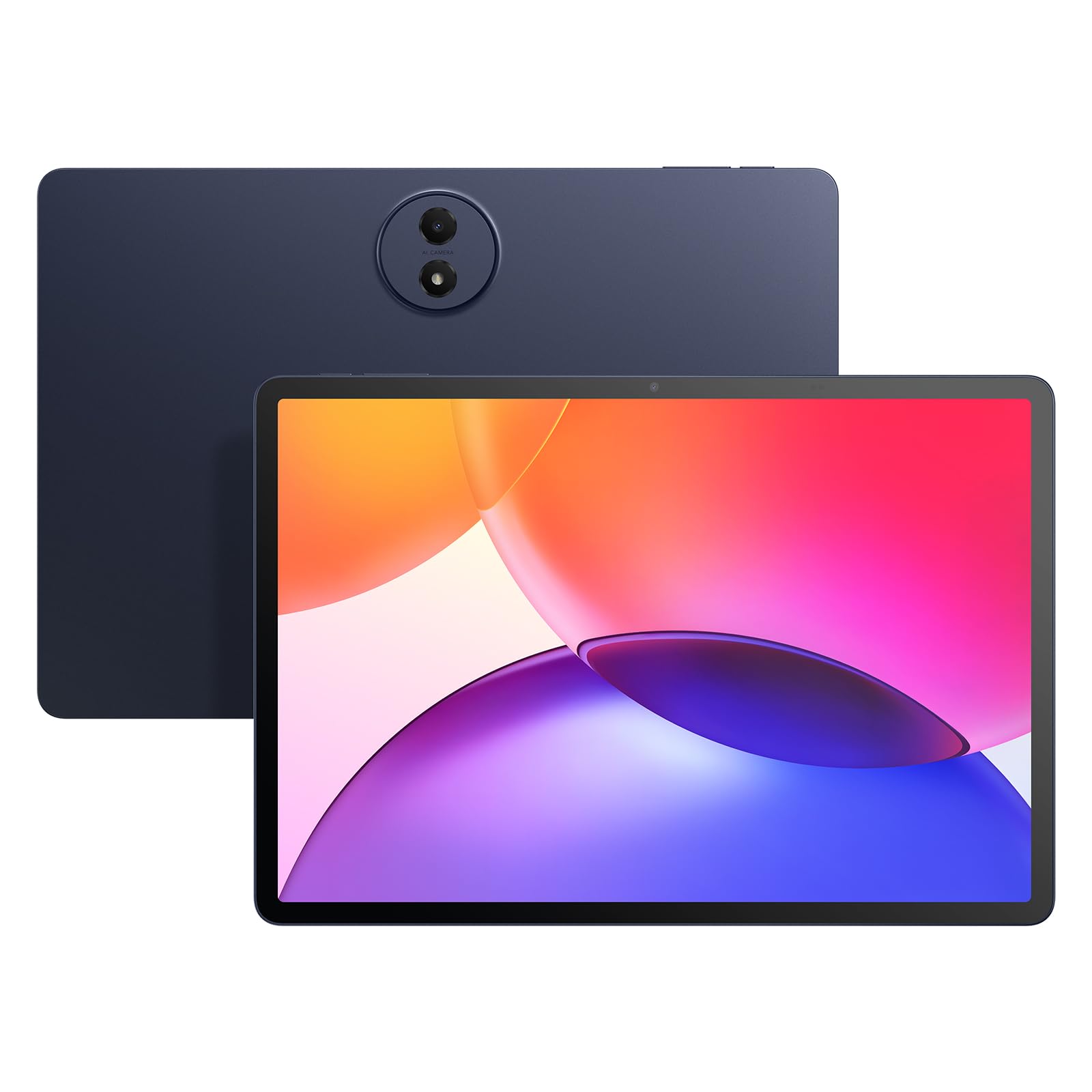
The TCL TAB A1 Plus delivers the highest refresh rate in this roundup at 120Hz on its 12.2-inch 2.4K display, creating an exceptionally fluid experience for scrolling through documents, reading sheet music, and navigating Android 16. The Snapdragon 4 Gen 2 chip paired with 6GB of physical RAM plus 10GB of virtual expansion (16GB total) ensures that even heavy multitasking with multiple split-screen apps remains responsive. The 3:2 aspect ratio provides a more natural reading posture compared to standard 16:9 tablets.
TCL NXTVISION technology enhances color accuracy and contrast dynamically, and the 100% sRGB coverage makes this a viable secondary display for photo review. AI tools like Circle to Search, Writing Assist, and Smart Translator are baked into Android 16, which reduces friction when researching or taking notes. The 8000mAh battery sustains 11 hours of mixed use, and 20W fast charging minimizes downtime.
The slim metal unibody design at 6.7mm thick feels premium in hand, and the IP54 dust and splash resistance adds durability for classroom or coffee shop use. Quad stereo speakers produce clear audio for video calls and media, while the 5MP front camera handles online classes adequately. The TCL TAB A1 Plus is the best choice for users who prioritize a buttery-smooth high-refresh display and AI-enhanced productivity.
Why it’s great
- 120Hz 2.4K display with 3:2 aspect ratio for reading
- 16GB total RAM via virtual expansion for smooth multitasking
- IP54 splash resistance and slim metal build
Good to know
- No microSD expansion on this specific model
- Stylus quality is basic with no tilt support
3. acer Chromebook Plus 514 CB514-6HT-368E
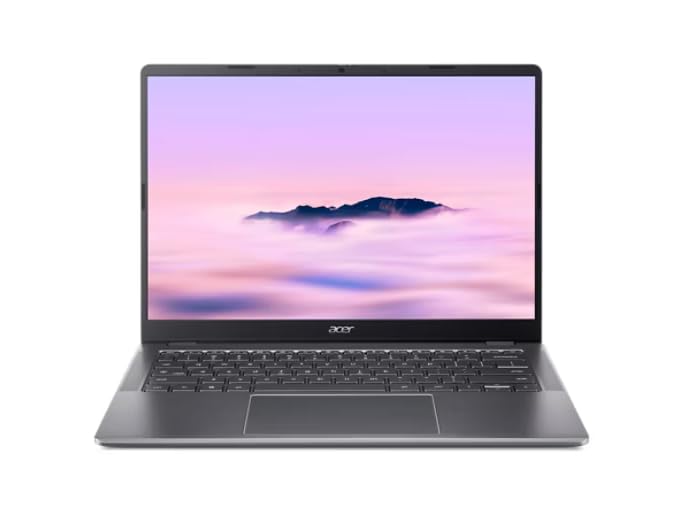
The acer Chromebook Plus 514 is a renewed device that delivers genuine Chromebook Plus performance with an Intel Core i3-N355 processor and 8GB of LPDDR5X memory, a significant step above budget Chromebooks that typically ship with Celeron chips and 4GB RAM. The 14-inch WUXGA (1920×1200) IPS touchscreen provides extra vertical resolution compared to standard 1080p panels, which is noticeable when browsing documents or using split-screen layouts. The backlit keyboard and 1080p webcam with privacy shutter make it suitable for professional video calls.
Connectivity is class-leading for this price tier: Wi-Fi 6E and Bluetooth 5.3 ensure fast, stable wireless connections, while the USB-C and USB-A ports plus HDMI output cover most peripheral needs. The 128GB UFS storage is significantly faster than traditional eMMC, resulting in snappier boot times and app launches. Battery life reaches up to 14 hours on a single charge, which comfortably covers a full workday or extended classes.
Weighing just over 3 pounds, the silver chassis is portable enough for daily commuting. Chrome OS with Google Play Store access means all Android apps run natively, and the Chromebook Plus designation unlocks AI features like enhanced Google Photos editing and Gemini integration. For users who want a traditional laptop form factor with touchscreen convenience and robust processing power, this is the standout value pick in the Chromebook category.
Why it’s great
- Fast i3-N355 processor with 8GB LPDDR5X memory
- WUXGA touchscreen with backlit keyboard
- Wi-Fi 6E and Bluetooth 5.3 for modern connectivity
Good to know
- Renewed unit may have minor cosmetic blemishes
- No SD card slot for easy storage expansion
4. acer Aspire 16 AI Copilot+ PC

The acer Aspire 16 AI is powered by the Qualcomm Snapdragon X X1-26-100 processor with an integrated NPU capable of 45 TOPS, making it a certified Copilot+ PC that unlocks advanced AI features like Recall, improved Windows Search, and Click to Do. The 16-inch WUXGA 120Hz multi-touch display delivers vibrant visuals with 100% sRGB coverage, and the 120Hz refresh rate makes every scroll and transition feel incredibly smooth. The aluminum chassis stays cool even under load, thanks to the efficient ARM-based Snapdragon architecture.
Battery life is the standout feature here — users report up to 18 hours in eco mode, and even under standard usage, 8 to 10 hours is typical. This makes the Aspire 16 AI one of the longest-lasting devices in this lineup, ideal for travelers and remote workers who need all-day computing without hunting for an outlet. The 16GB of LPDDR5X RAM and 512GB PCIe Gen 4 SSD handle multitasking effortlessly, and Wi-Fi 7 ensures the fastest possible wireless speeds.
The backlit keyboard with a full numeric pad is comfortable for extended typing sessions, and the touchscreen supports intuitive navigation. AcerSense software provides intelligent AI settings for optimizing video presence and system performance. For users who want a premium Windows laptop with Android app compatibility via the Amazon Appstore, outstanding battery endurance, and next-gen AI features, the Aspire 16 AI is a compelling premium choice.
Why it’s great
- Exceptional 18-hour battery life in eco mode
- Snapdragon X processor with 45 TOPS NPU for AI tasks
- 16-inch 120Hz touchscreen with 100% sRGB
Good to know
- Standard battery life is 6-8 hours outside eco mode
- Occasional screen flicker reported when zooming images
5. HOOGEE Large Android Tablet
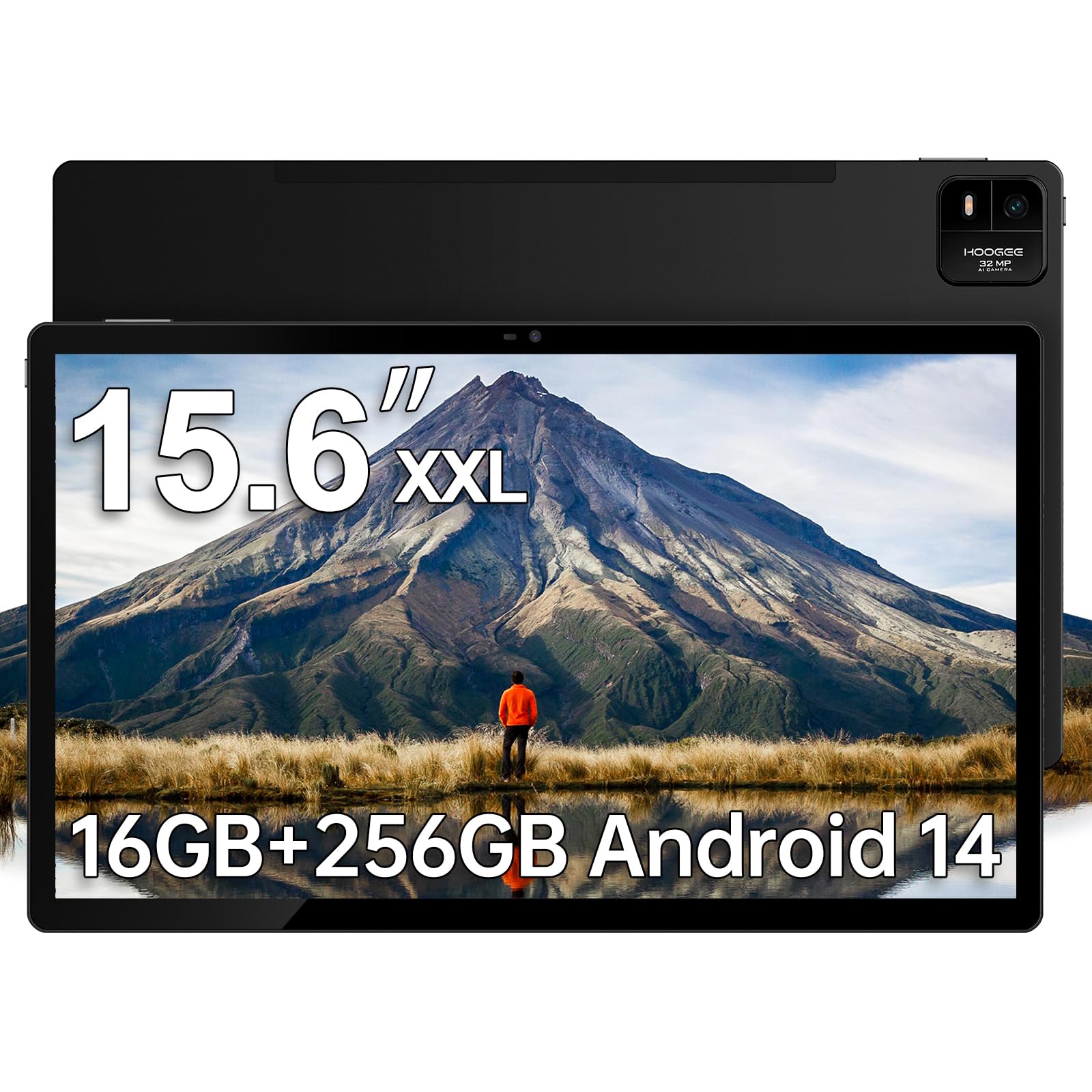
The HOOGEE Large Android Tablet is unmistakably built for one primary use case — displaying full-size sheet music on stage. The 15.6-inch FHD 1920×1080 display offers 96 percent more viewable area than a standard 10-inch tablet, which means musicians can read two pages of sheet music side by side without squinting or scrolling mid-performance. The MediaTek Helio G99 Octa-Core processor paired with a transparently verified 16GB RAM architecture (8GB physical plus 8GB virtual expansion) handles the large digital file formats musicians use without stuttering.
The 12000mAh battery is the largest in this roundup, delivering up to 11 hours of continuous use — enough for an entire day of rehearsals, performances, and travel. The 30W fast charging reduces downtime significantly compared to the 20W charging found on most competitors. Android 14 with split-screen mode allows simultaneous display of sheet music and a metronome or notes app. The lightweight chassis despite the large screen size makes it portable enough for gig bags.
The 15.6-inch Pro FHD display has a 16:9 aspect ratio that matches screen resolutions of most digital sheet music apps perfectly. The built-in Meswao Support Application provides one-click diagnostic troubleshooting for less tech-savvy users. For musicians, elderly users who need large text, or anyone who values maximum screen area for reading, the HOOGEE tablet is the specialized solution that standard 10- or 11-inch tablets simply cannot match.
Why it’s great
- Massive 15.6-inch display for full-size sheet music
- 12000mAh battery with 30W fast charging
- Genuine 16GB RAM architecture for smooth multitasking
Good to know
- No stylus or protective case included in the box
- Heavier and bulkier than standard 10-inch tablets
6. HP Omnibook 5 16 AI Laptop
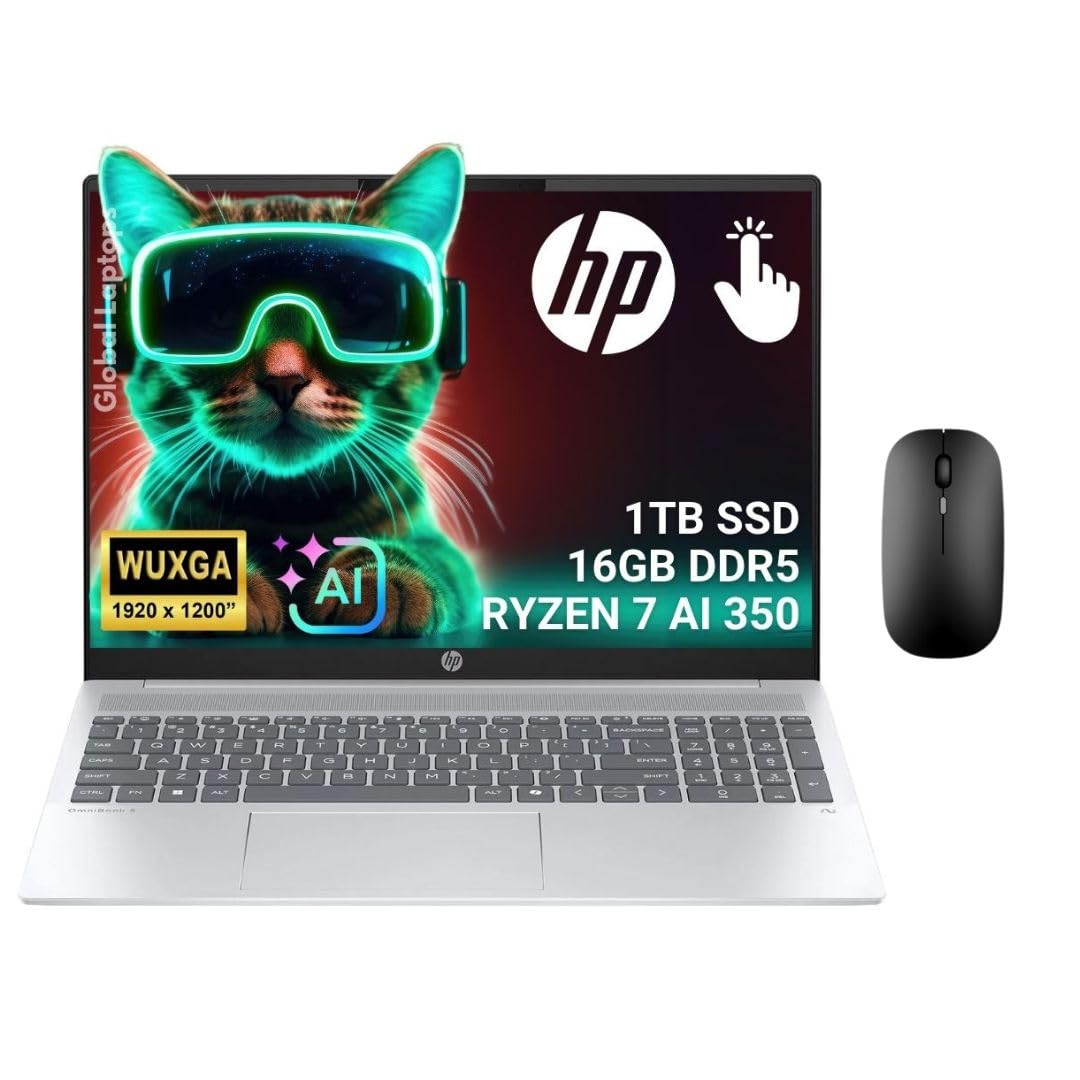
The HP Omnibook 5 16 AI is the most powerful Windows laptop in this selection, equipped with the AMD Ryzen AI 7 350 processor featuring a 50 TOPS NPU specifically designed for AI workloads. The 16-inch 2K (1920×1200) IPS touchscreen with a 16:10 aspect ratio provides more vertical screen real estate than standard 16:9 displays, which is a significant productivity boost for coding, spreadsheet work, and document editing. The 16GB of LPDDR5x-7500 memory and 1TB PCIe Gen4 SSD ensure that even the most demanding multitasking scenarios feel instantaneous.
The AMD Radeon 860M integrated graphics are capable enough for light gaming at 1080p medium settings, with users reporting performance that exceeds the Steam Deck in CPU-bound tasks. Battery life reaches 7 hours on mixed web browsing, and the system runs cool with temperatures between 32-45°C under normal use. The aluminum chassis feels premium, and the anti-glare 300-nit display is readable even in bright environments.
Connectivity is comprehensive with dual USB-C, USB-A, HDMI, and Wi-Fi 6E. The Copilot+ PC designation unlocks Windows Studio Effects and other AI-accelerated features. The default screen calibration has a slight yellow tint, but a quick RGB adjustment to 90/75/65% resolves this. For professionals who need raw CPU and GPU horsepower in a premium build with a large high-resolution touchscreen, the Omnibook 5 is a top-tier investment.
Why it’s great
- Ryzen AI 7 350 with 50 TOPS NPU for AI tasks
- 16:10 2K touchscreen provides extra vertical workspace
- Radeon 860M graphics capable of light gaming
Good to know
- Default screen has a yellow tint requiring calibration
- No SD card slot for easy photo transfer
7. Lenovo 2026 Premium Business Laptop
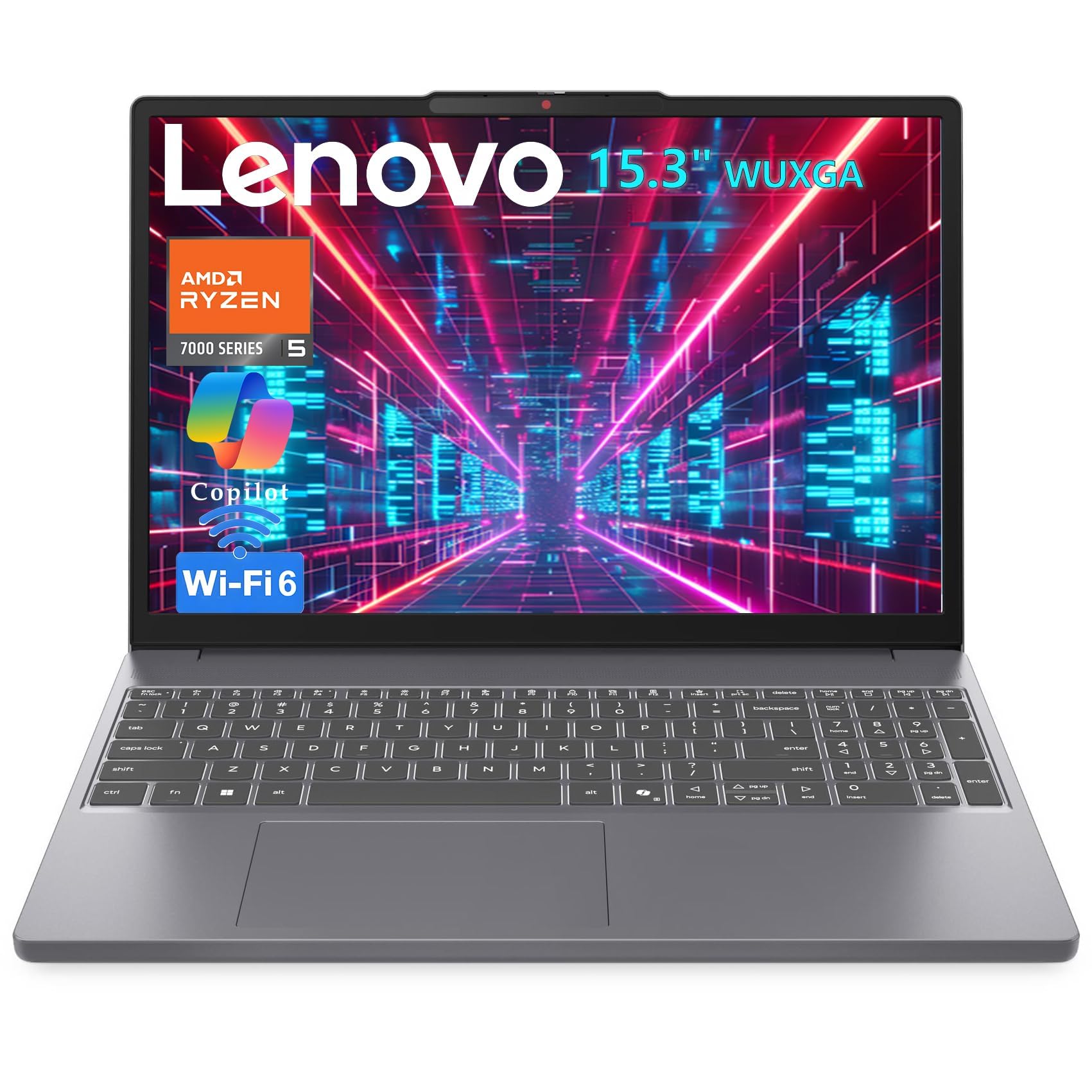
The Lenovo 2026 Business Laptop delivers desktop-class performance in a portable package with the AMD Ryzen 5 7535HS processor — a Zen 3+ 6-core, 12-thread chip that rivals Intel i7-1355U performance in multithreaded tasks. The 24GB of DDR5 RAM is the highest memory configuration in this roundup, making this laptop ideal for running virtual machines, Docker containers, large Excel files, and multiple IDEs simultaneously. The integrated Radeon 660M graphics can handle League of Legends, DOTA 2, and Genshin Impact at 40-60fps at 1080p.
The 15.3-inch WUXGA (1920×1200) IPS display uses a 16:10 aspect ratio, which shows 11 percent more vertical content than standard FHD panels — a meaningful advantage for developers reading code and data analysts viewing spreadsheets. The anti-glare coating reduces reflections in brightly lit environments. The 1TB PCIe NVMe SSD provides ample storage for projects and media. Connectivity includes USB-C with Power Delivery and DisplayPort, HDMI, and an SD card reader, eliminating the need for dongles.
At just 3.51 pounds and 0.67 inches thin, this is genuinely portable despite the large screen. Windows 11 Home with Copilot AI is pre-installed. The privacy shutter on the HD webcam adds security for video calls. For developers, data analysts, and power users who need maximum memory and fast storage at a mid-range price point, the Lenovo business laptop offers an unbeatable performance-to-cost ratio.
Why it’s great
- 24GB DDR5 RAM for heavy multitasking and VMs
- Ryzen 5 7535HS outperforms many i7 chips
- Lightweight 3.51 lb design with 16:10 display
Good to know
- Plastic chassis feels less premium than metal alternatives
- Occasional long POST time on boot
8. ASUS Vivobook Go Slim Laptop

The ASUS Vivobook Go Slim is the entry-level Windows laptop that offers a full 15.6-inch FHD display at a budget-friendly price point, making it a viable alternative to Chromebooks for users who need Windows compatibility. The Intel Celeron N4500 dual-core processor works well for basic tasks like web browsing, document editing, and video playback, and the 4GB of DDR4 RAM handles a handful of tabs in Microsoft Edge without immediate lag. The 128GB eMMC storage is limited but sufficient for cloud-centric workflows.
Display quality is a highlight at this price — the 1920×1080 60Hz panel delivers sharp text and decent color reproduction, though brightness peaks at 220 nits, making outdoor use challenging. The 42Wh battery provides up to 8 hours of light use, and the 45W fast charging via USB-C gets you to 60% in 49 minutes. ASUS includes SonicMaster audio tuning, which produces above-average speaker volume for a budget device. The full-size keyboard feels spacious, though backlighting is not included on this model.
Users who install Linux on this hardware report excellent compatibility and improved performance over Windows 11 in S Mode. The USB-C, USB-A, HDMI, and headphone jack provide solid connectivity. Performance limitations are real — Windows updates can take hours, and multitasking with more than 5 tabs becomes sluggish. For users who need a secondary machine for basic tasks or a kids’ first laptop, the Vivobook Go Slim delivers adequate functionality at the lowest entry cost.
Why it’s great
- Full 15.6-inch FHD display at an entry-level price
- 45W fast charging via USB-C reaches 60% in 49 minutes
- Runs Linux well for advanced users
Good to know
- Celeron N4500 is very slow for multitasking
- Display brightness is limited to 220 nits
9. HP 2026 Lightweight Chromebook 14
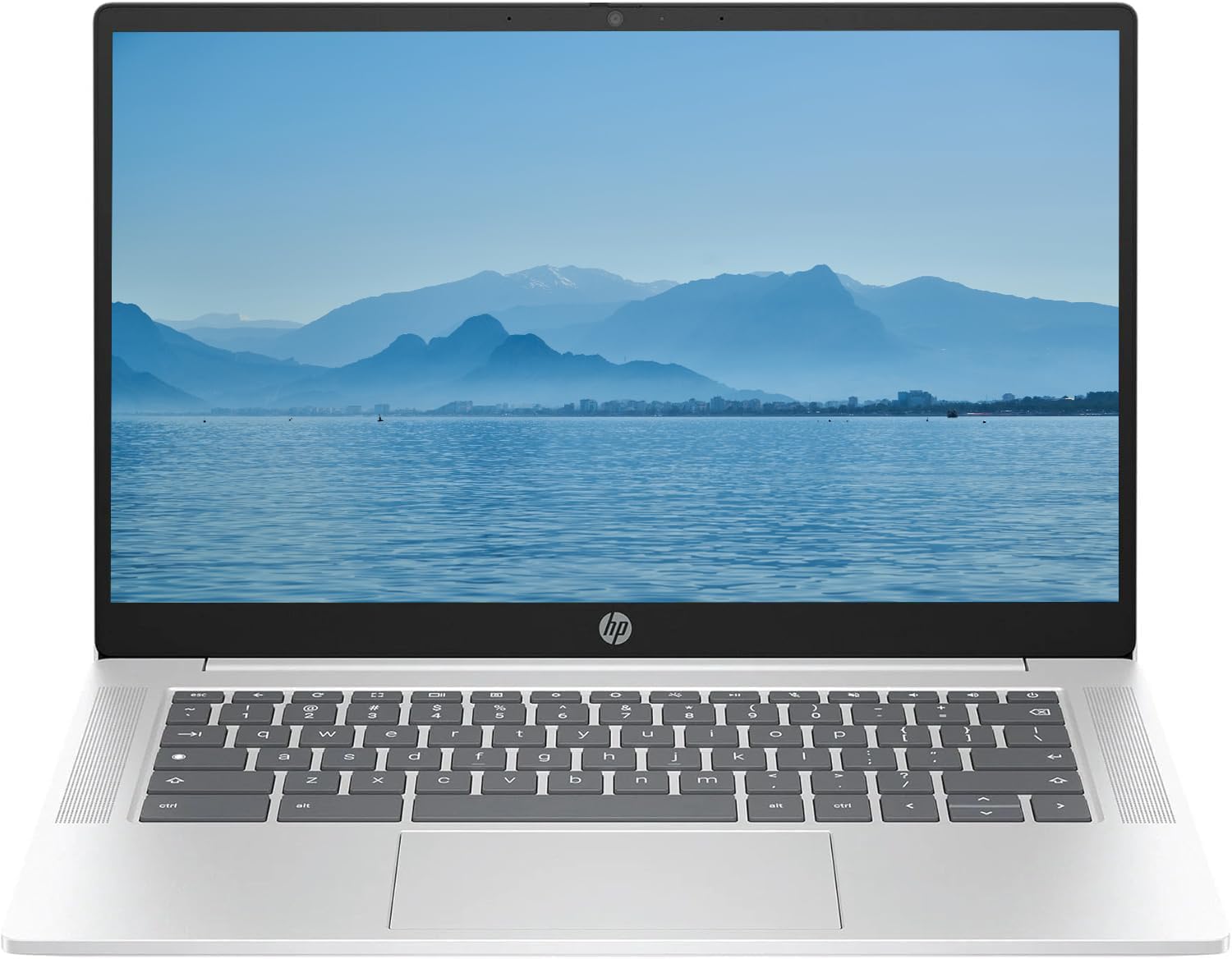
The HP 2026 Chromebook 14 is a renewed clamshell Chromebook that provides the most affordable entry point into the Chrome OS ecosystem. Powered by an Intel Quad-Core N-series processor (Pentium-class) clocked up to 3.70GHz, paired with 4GB of DDR5 RAM and a 128GB SSD, it handles web browsing, Google Docs, YouTube, and Android apps from the Google Play Store without significant slowdown. The 14-inch HD (1366×768) IPS display is sufficient for indoor use, and battery life is respectable at around 8-10 hours depending on workload.
This Chromebook is notably lightweight and portable, making it a strong candidate for students or users who need a secondary device for on-the-go note-taking and media consumption. The renewed units that customer reviewers received have consistently arrived in near-perfect condition, with fast setup and immediate functionality. Connectivity includes USB-C, USB-A, and a headphone jack, plus Wi-Fi 6 for faster wireless speeds. The pastel silver finish is clean and modern.
The 128GB SSD is a significant upgrade over the eMMC storage found in many budget Chromebooks, resulting in faster boot times and app loading. The HD webcam is adequate for video calls. Performance is strictly entry-level — this is not a machine for heavy multitasking, video editing, or gaming. For users who simply need a reliable web-based computing device for email, browsing, and streaming at the lowest possible cost, this HP Chromebook is a functional and well-reviewed option.
Why it’s great
- SSD storage provides faster boot and app loading
- Lightweight and portable for daily carry
- Wi-Fi 6 for improved wireless performance
Good to know
- 1366×768 display is lower resolution than FHD competitors
- 4GB RAM limits heavy multitasking
FAQ
Can a large Android tablet replace a Windows laptop for productivity?
What is the difference between a Chromebook and an Android laptop?
How much RAM do I need for an Android laptop computer?
Is a 15.6-inch Android tablet too big for everyday use?
What does the “Copilot+” designation mean for these laptops?
Final Thoughts: The Verdict
For most users, the android laptop computer winner is the Lenovo Idea Tab Plus because it delivers the best balance of display quality, performance, included accessories, and battery life at a mid-range price. If you want a high-refresh 120Hz display for buttery-smooth scrolling and AI-powered features, grab the TCL TAB A1 Plus. And for maximum battery endurance and a premium Windows productivity machine with Android app support, nothing beats the acer Aspire 16 AI.