
Our readers keep the lights on and my morning glass full of iced black tea. As an Amazon Associate, I earn from qualifying purchases.
Specs are compiled from manufacturer listings and verified buyer reviews and can change over time — please confirm the key details on the product page before buying.
You want the deep blacks, the bright highlights, and the rich color that Dolby Vision promises — without paying flagship money for it. That is genuinely possible now, because Mini-LED backlighting and QLED color have reached the value tier. The trick is knowing which specs actually matter and which ones are just noise on the box.
I’m Min — the founder and writer behind Gadgets Feed. This guide is built by comparing the manufacturers’ published specifications and the patterns across verified customer reviews, so you get each pick’s real strengths and trade-offs instead of marketing spin.
Every pick here supports Dolby Vision, and most add Mini-LED local dimming and a 144Hz panel on top. The list below explains which of these Budget TV With Dolby Vision options fits your room, your console, and your patience for setup.
Our Picks at a Glance


How To Choose The Best Budget TV With Dolby Vision
Dolby Vision is a premium HDR format (a way to show brighter highlights and deeper shadows), but a cheap panel can support it and still look flat. What separates a good budget TV from a bad one is what sits behind the format: how bright the screen gets, how many dimming zones (areas that dim independently for deeper blacks) control the light, and how smoothly the set handles motion.
Local dimming is the spec that decides your night scenes
Local dimming means the TV can darken parts of the screen while keeping other parts bright. Without it, a starfield looks grey and a movie letterbox glows at the edges. Mini-LED backlighting shrinks the individual lights, so the TV can fit many more of them and control contrast far more precisely. A set with hundreds of dimming zones will handle a dark thriller noticeably better than one with none, even if both claim the same HDR format.
Refresh rate matters the moment you plug anything in
Refresh rate is how many times per second the picture updates, measured in hertz. A native 144Hz panel redraws the screen 144 times a second, which keeps a fast camera pan or a racing game from smearing. If you never game and only watch shows, a 60Hz set is perfectly fine and often cheaper. If a console or gaming PC is part of your plan, look for HDMI 2.1 ports and variable refresh rate support, which lets the TV match the frame rate of whatever is plugged in.
Quick Comparison
| Model | Best For | Screen Size | Refresh Rate | Backlight | Amazon |
|---|---|---|---|---|---|
| Roku 55-Inch Plus Series★ Best Overall | Roku fans wanting big-screen value | 55 inches | — | Mini-LED / QLED | Amazon |
| VIZIO 43-inch V-SeriesCompact Pick | Small rooms and compact setups | 43 inches | — | Full Array LED | Amazon |
| Westinghouse 50 Inch Mini LEDBest Value | Bedroom and bedroom-sized rooms | 50 inches | — | Mini-LED / QLED | Amazon |
| TCL 55-Inch F7D Series | Everyday streaming with Alexa | 55 inches | 60Hz | QLED LED | Amazon |
| iFFALCON 55″ MiniLED | Consoles and 144Hz gaming | 55 inches | 144Hz | Mini-LED | Amazon |
| TCL 55-Inch QM64L | Bright rooms and sports | 55 inches | 144Hz | QD-Mini LED | Amazon |
| Toshiba 55″ Z670R | Gaming plus upscaled sound | 55 inches | 144Hz | Mini-LED / QLED | Amazon |
| Hisense 55″ U6 Pro | Glare-heavy rooms and bass | 55 inches | 144Hz | Hi-QLED Mini-LED | Amazon |
| Hisense 50″ E7 Cinema | Cinema-style movie nights | 50 inches | 144Hz | Hi-QLED Mini-LED | Amazon |
In‑Depth Reviews
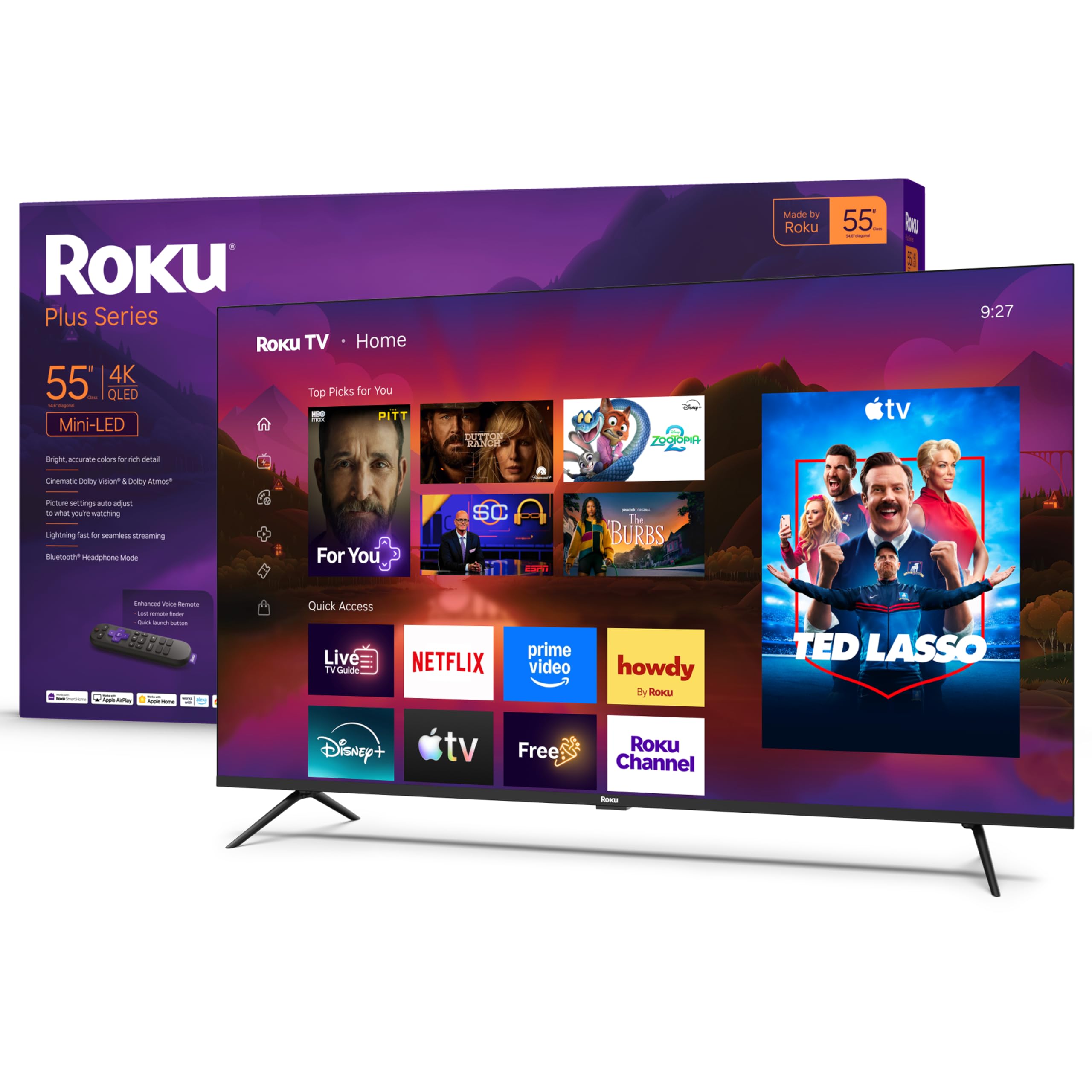
1. Roku 55-Inch Plus Series Smart TV – 4K QLED Mini-LED TV – RokuTV
Our pick — 4.5★ from 700+ verified ratings; the strongest balance of quality and price.
Big-screen Mini-LED punch and a lost-remote finder, without the flagship price tag.
Here is the set to pick if you want a 55-inch Mini-LED screen and you would rather not think about the menu ever again. Mini-LED backlighting means the TV uses thousands of tiny lights behind the panel, so bright highlights and dark corners can coexist on the same screen. QLED plus Dolby Vision handles the color, and the whole package is built around Roku’s famously simple home screen.
The picture work here is what wins people over. If you want to know how owners actually judge a TV, the review pages sum it up: “Great picture quality and great for gaming! Both on Xbox and PlayStation.” That is the shape of most of the feedback — bright, clear images, deep blacks, and a setup that takes minutes rather than an afternoon.
Sound is more sorted than most thin panels, thanks to Dolby Atmos support and a built-in subwoofer. Bluetooth Headphone Mode lets you listen late without waking the house, and you can even turn the display off and keep the audio running. The Enhanced Voice Remote can be paged from your phone or triggered by a button, which is a small thing until the remote vanishes into the sofa.
Two things are worth knowing. The screen has a clear glass finish rather than a matte texture, so a bright window directly behind you will show up in reflections at certain angles. And on the software side, the functionality picture is genuinely mixed — most owners have no trouble, but a handful report the set quitting months in. Neither is a reason to walk away from a screen this well-reviewed at this size; both are reasons to buy from a seller with a straightforward return window.
Where it pulls ahead
- Mini-LED plus QLED plus Dolby Vision in one 55-inch panel
- Dolby Atmos with a built-in subwoofer — no soundbar needed to start
- Roku’s home screen and setup take minutes, not menus of menus
- Voice control works with Roku Voice, Siri, Alexa, or Google Assistant
Points to weigh first
- Clear glass screen reflects a window or lamp at some angles
- Functionality feedback is mixed — a few units stopped working months in
- Annual energy use runs 175 kilowatt-hours per 1000 hours of viewing
Reach for this if: you want the biggest, brightest value screen and an interface anyone in the house can drive without a manual.
Look elsewhere if: your seating faces a big window and you cannot add a curtain, or you specifically need a matte finish.
2. VIZIO 43-inch V-Series 4K LED HDR Smart TV w/Dolby Vision, WiFi 6E, Bluetooth Headphone Capable, AMD FreeSync & Alexa Compatibility, V435M-K04
A 43-inch Dolby Vision set for the corner it has to fit in, not the wall you wish you had.
Small-space buyers get the short end of the HDR stick, which is what makes this one worth a look. At 43 inches it slots into a dorm, kitchen, spare room, or desk setup where a 55-inch panel simply will not go. You still get Dolby Vision HDR with HDR10+, a Full Array LED backlight for contrast, and Active Pixel Tuning on top of VIZIO’s IQ Active Processor for sharper processing and quicker app loading.
The screen-size gap against the Roku above is real — 55 inches versus 43 inches — and the smaller panel is the entire point here rather than a compromise you can fix later. Connectivity is where VIZIO leans in: WiFi 6E is the newer, less crowded wireless band, so your streaming traffic has more room, and Bluetooth 5.2 works with wireless headphones when you want the room to stay quiet.
This pick has the most divided feedback in the group. Some owners settle in immediately and stay happy for years, with one long-term user reporting daily use for several hours with no issues at all. Others run into friction, and the recurring theme is the software rather than the panel: it is a streaming-first TV, so getting straight back to an antenna channel takes more taps than it should, and a few buyers found the network setup fussier than expected.
Gamers get a useful extra in AMD FreeSync support, which cuts screen tearing on an Xbox or a compatible PC. Bluetooth headphones are supported, and the voice remote is included with the batteries in the box.
Who this size suits: anyone with a tight footprint who still wants a genuine Dolby Vision panel and modern WiFi rather than an older dual-band set.
The trade-off to go in knowing: this is a streaming-first smart TV, so if your routine starts with a cable box or an antenna, expect extra button presses to get there.
Best fit: bedrooms, dorms, kitchens, and desks where 43 inches is the ceiling and Dolby Vision is the goal.
Think twice if: you mainly watch over-the-air channels and want the TV to boot straight to them — this one is built around apps first.
3. Westinghouse 50 Inch Mini LED 4K UHD Roku TV, Dolby Vision HDR, QLED Quantum Color, Local Dimming, MEMC Motion, Apple HomeKit & AirPlay 2
Ninety-three percent DCI-P3 color coverage in a 50-inch set most people will mistake for a much dearer one.
The number that earns this set its place is color coverage: QLED Quantum Dot technology delivers up to 93% DCI-P3, which is the color range filmmakers master to. More coverage means the greens in a football field and the reds in a stage-lit concert come through looking like something rather than a washed approximation. Behind that sit Mini-LED local dimming zones, which brighten highlights and deepen shadows independently for a contrast ratio of 100000:1.
Fast action stays clear thanks to MEMC (motion smoothing that reduces blur and judder on fast content). The 3840×2160 4K resolution (four times the detail of 1080p) and a 50-inch panel make this a strong bedroom or spare-room size where a 55-inch would crowd the wall. The connectivity list is generous for a value pick — four HDMI 2.1 ports with eARC (a single-cable audio return channel for soundbars), plus USB, Ethernet, and Optical Digital Output, so a soundbar and a console and a streaming stick can all live on the panel at once.
Apple households get real value here. HomeKit and AirPlay 2 let you cast from an iPhone, iPad, or Mac, and control the TV from the same app you already use for your lights. Roku TV sits underneath, with a huge app selection and access to a broad slate of free channels.
Two honest caveats. The built-in speakers are loud but the mid-range is muddy, so a soundbar is a reasonable addition if dialogue clarity matters to you. And the activation wizard has caused real headaches for a few buyers, with registration emails that expire faster than they arrive — a slow, careful first setup saves most of that pain.
An easy yes for: Apple-ecosystem households and anyone pairing a 50-inch Mini-LED with a soundbar.
One thing to plan for: give yourself a quiet half hour for the first-time activation rather than rushing it before a big game.
4. TCL 55-Inch F7D Series QLED 4K UHD Smart TV (55F7D) | Dolby Vision & Dolby Atmos, DTS | Voice Remote with Alexa | Motion Rate 240, Game Accelerator 120, Auto Game Mode
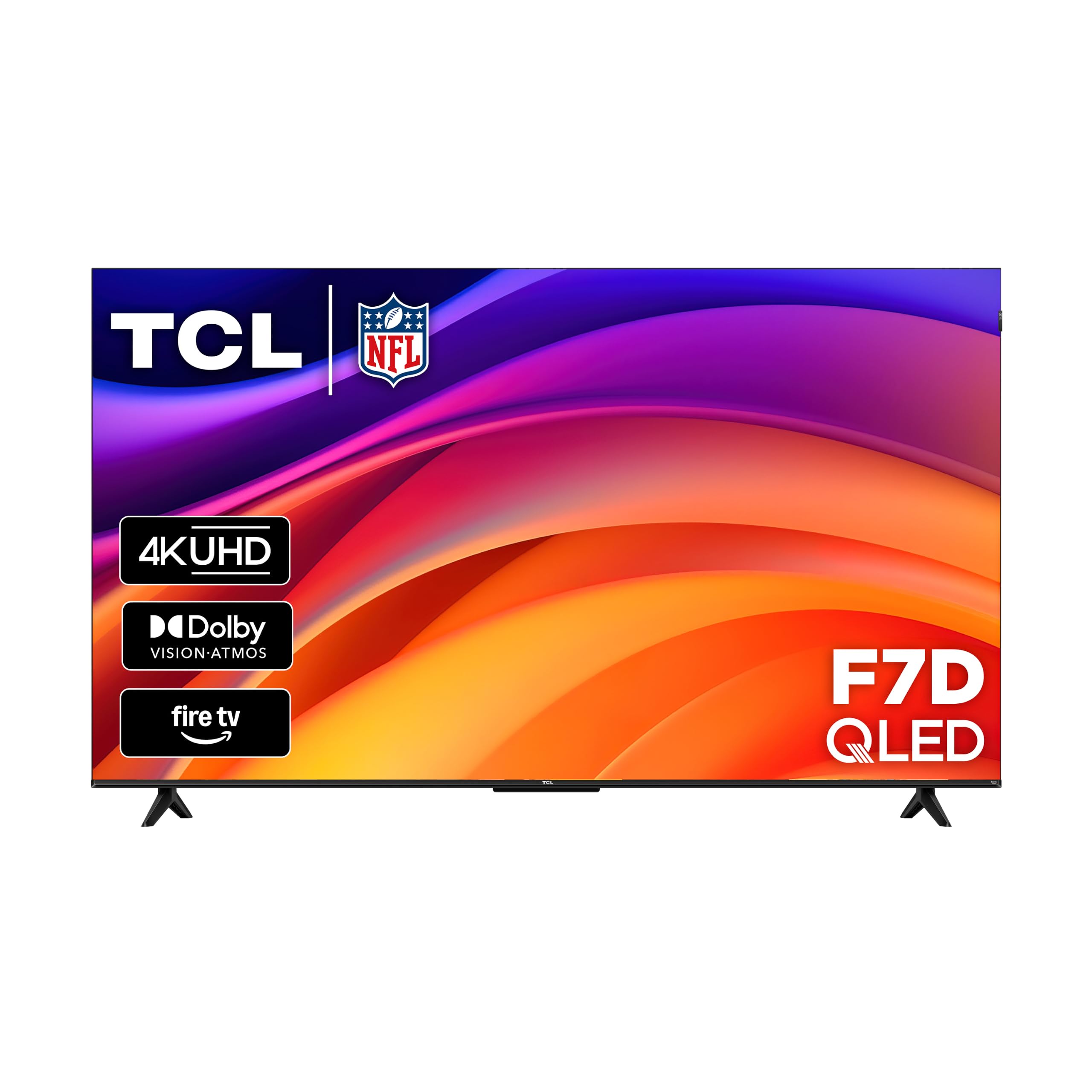
Quantum Dot color, four HDR formats, and both major surround sound standards on one 55-inch panel.
Support for both Dolby Atmos and DTS:X is what separates this TCL from most value sets, which pick one audio language and ignore the other. If you already own a soundbar or a receiver, the odds are good it speaks one of those two formats — this panel speaks both, plus DTS Virtual:X for a virtual surround effect without extra speakers.
Where it lands short of the iFFALCON above is motion: this is a 60Hz panel with Motion Rate 240 image processing, so it refreshes 60 times a second rather than the 144Hz the pricier gaming picks run. For movies, streaming series, and casual sports that is perfectly adequate. For competitive shooters, it is a clear step behind. The upside is that 60Hz panels often cost less, and Game Accelerator 120 with Auto Game Mode still strips out extra latency when you switch to a console.
HDR coverage is unusually broad for this tier — Dolby Vision, HDR10+, HDR10, and HLG, so whatever your streaming service sends, the TV can read it. Alexa voice control is built into the remote, and Apple AirPlay 2 plus HomeKit mean you are not locked into one smart-home camp.
The recurring story in the feedback is straightforward: picture quality and value come out ahead, and the reason to look elsewhere is reliability. A minority of units arrive with a fault, and one unfortunate owner described a broadcast audio conflict that required unplugging the set. That pattern is worth knowing about, not a reason to write off the entire model — a healthy return window covers it.
The reason it is here: picture quality and value lead the feedback, and Dolby Vision genuinely shows up in movies rather than just on the spec sheet.
The counterpoint to carry in: reliability feedback is mixed, and the 60Hz refresh rate puts it behind the 144Hz picks for serious gaming.
Pick this one for: a living-room streamer where the whole household watches shows and the occasional game.
Pass on it if: you are shopping specifically for a 144Hz gaming panel — two picks below beat it clearly there.
5. iFFALCON 55″ 4K MiniLED Smart TV | PS5 & Xbox Ready, 4X HDMI 2.1 | Hotel, Home & Office Use | 144Hz VRR 240Hz, Dolby Vision Gaming, Dolby Atmos, IMAX Enhanced, Google TV, Alexa | 55U85

Four HDMI 2.1 ports and a native 144Hz panel — console gear that rarely shows up this low on the stack.
If you own a console, the port count is the story. Four HDMI 2.1 inputs let you leave a PS5, an Xbox, a PC, and a soundbar connected at once, with two of those ports running 4K at 144Hz (144 frames per second for smoother motion) and the other two handling 4K at 60Hz for streaming boxes and disc players. Auto Low Latency Mode (ALLM) flips the TV into its low-lag game mode the moment a console wakes up, so you are not digging through menus between rounds.
Motion is where it separates itself from the TCL F7D above: a native 144Hz panel with Variable Refresh Rate running 4K at 48 to 144Hz, and up to 240Hz at lower resolutions. Between them sits FreeSync Premium Pro, which smooths out the stuttery frame pacing a 60Hz screen exposes. Peak brightness reaches up to 1000 nits for HDR content, alongside local dimming and a 6000:1 contrast ratio.
HDR coverage is unusually complete for the money: Dolby Vision IQ, which reads your room’s light and adjusts the picture, Dolby Vision Gaming with zero setup, HDR10+, and IMAX Enhanced certification. Sound comes from a 2.1-channel system — two 15W tweeters paired with a 20W woofer — with Dolby Atmos passthrough and DTS Virtual:X if you would rather keep the audio in the chassis.
One feature here is genuinely rare at this level: built-in hotel mode with an IR blaster and IP control, letting you lock menus, set a default input, and manage the set remotely. That makes it a fit for an Airbnb, a waiting room, or a small office as much as a living room. The recurring complaints are housekeeping items — a vague setup guide and one owner noting the stand feet can be mounted backwards if you skip the manual.
What is genuinely rare here
- Four HDMI 2.1 ports with two running 4K at 144Hz
- Dolby Vision IQ plus Dolby Vision Gaming — a format combo few sets at this level offer
- 1000-nit peak brightness with local dimming for HDR punch
- Hotel mode, IR, and IP control built in for commercial installs
Worth checking before you commit
- Setup guide is thin — read the manual before you attach the stand legs
- Google TV interface is not everyone’s favorite streaming platform
- Functionality and connectivity feedback is mixed; some buyers report app slowdown over time
Target buyer: console owners and PC gamers who want 144Hz and Dolby Vision Gaming without paying flagship prices.
Not the pick for: anyone who only streams shows and would rather have the simpler platform below this one.
6. TCL 55-Inch QM64L Series | Mini LED QLED 4K HDR Gaming TV for Sports & Movies | 55QM64L | 144Hz VRR, Dolby Vision Atmos, Alexa+ Voice Remote, Amazon Exclusive Smart Fire TV
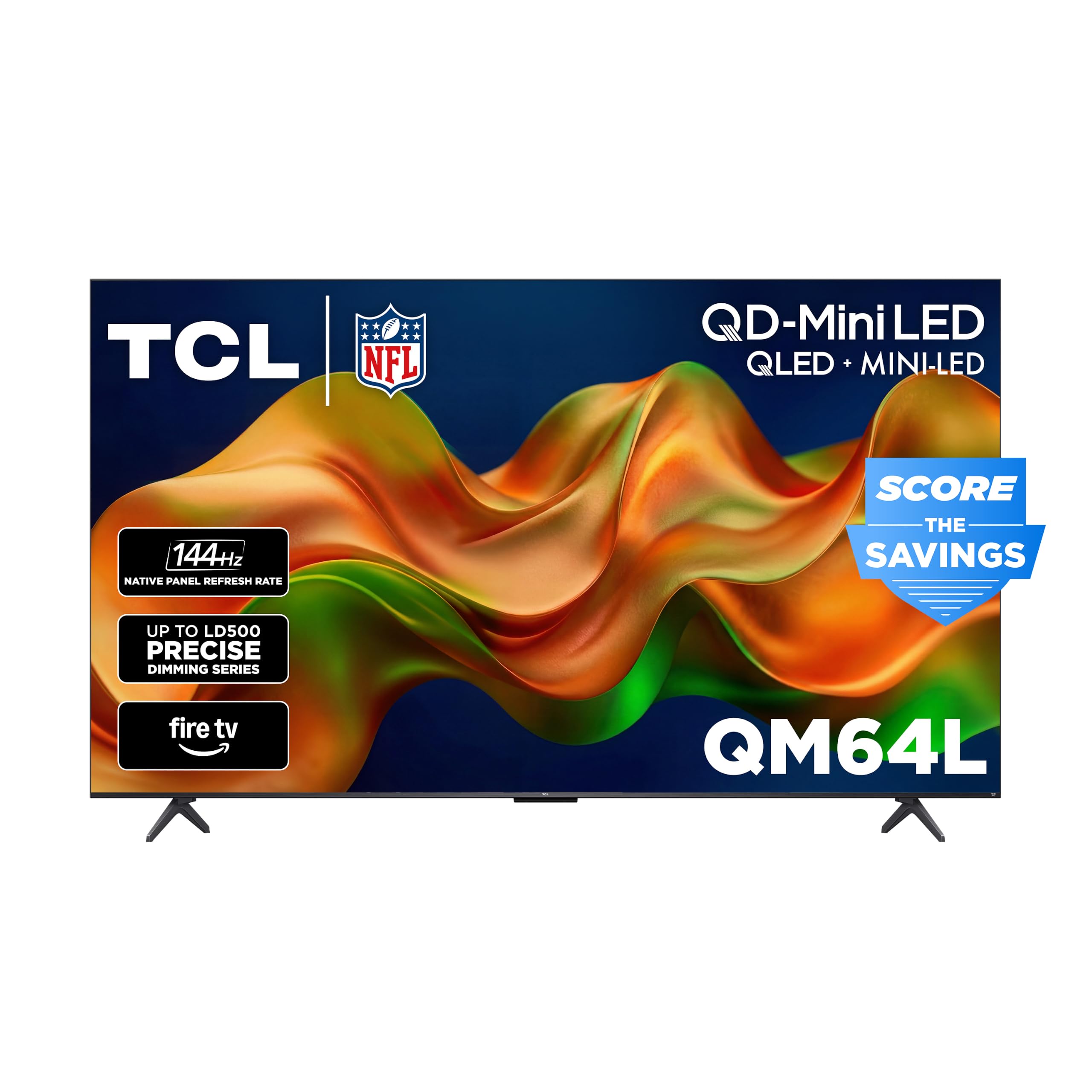
Up to 500 local dimming zones and an Onkyo speaker system that argues against buying a soundbar.
Dimming zone count is the spec that quietly decides whether a Mini-LED set looks expensive or looks like a disguised LED. TCL’s Halo Control System runs up to 500 precisely controlled local dimming zones, which darkens the black areas and brightens the highlights independently for deeper blacks and less blooming around bright objects. Many competing Mini-LED screens at this level offer no local dimming at all, which is the difference between a starfield and a grey smudge.
Brightness is engineered specifically for HDR content so detail survives in a sunlit room, and the HVA panel holds a 178-degree viewing angle — side seats in a wide living room still see a usable picture. Color is handled by QD-Mini LED with Quantum Dot color across 1.07 billion colors. Motion comes from a 144Hz native refresh rate with Motion Rate 480, Game Accelerator 240, VRR, and ALLM, which covers both a fast break in a live game and a competitive console match.
The included audio is better than most at this tier. An Onkyo 2.1 system — two 10W drivers plus a 20W unit — carries Dolby Atmos, DTS Virtual:X, and DTS-X passthrough, so a soundbar is a choice rather than a necessity. Fire TV sits underneath, with Alexa+ for hands-free and push-to-talk voice control.
The honest catch is the platform rather than the panel. The picture and brightness draw consistent praise, but the native Fire TV interface is the recurring frustration — sluggish app loading, unpredictable button placement, and one owner describing restarting the set to clear a stuck stream. A cheap streaming stick fixes most of that, and the panel underneath is worth the workaround.
Best for: bright, wide living rooms where the side seats matter and you want the panel to carry the picture, not a soundbar.
Consider the hardware caveat: if you dislike Fire TV’s interface, plan on adding a streaming stick — the panel itself will reward it.
7. Toshiba 55″ Z670R Series Mini-LED 4K UHD Smart Fire TV (55Z670R) – QLED, Native 144Hz, HDR10+, Dolby Vision IQ, REGZA Engine Zri, Dolby Atmos, Game Mode Pro, Alexa Built-in, Japan Quality
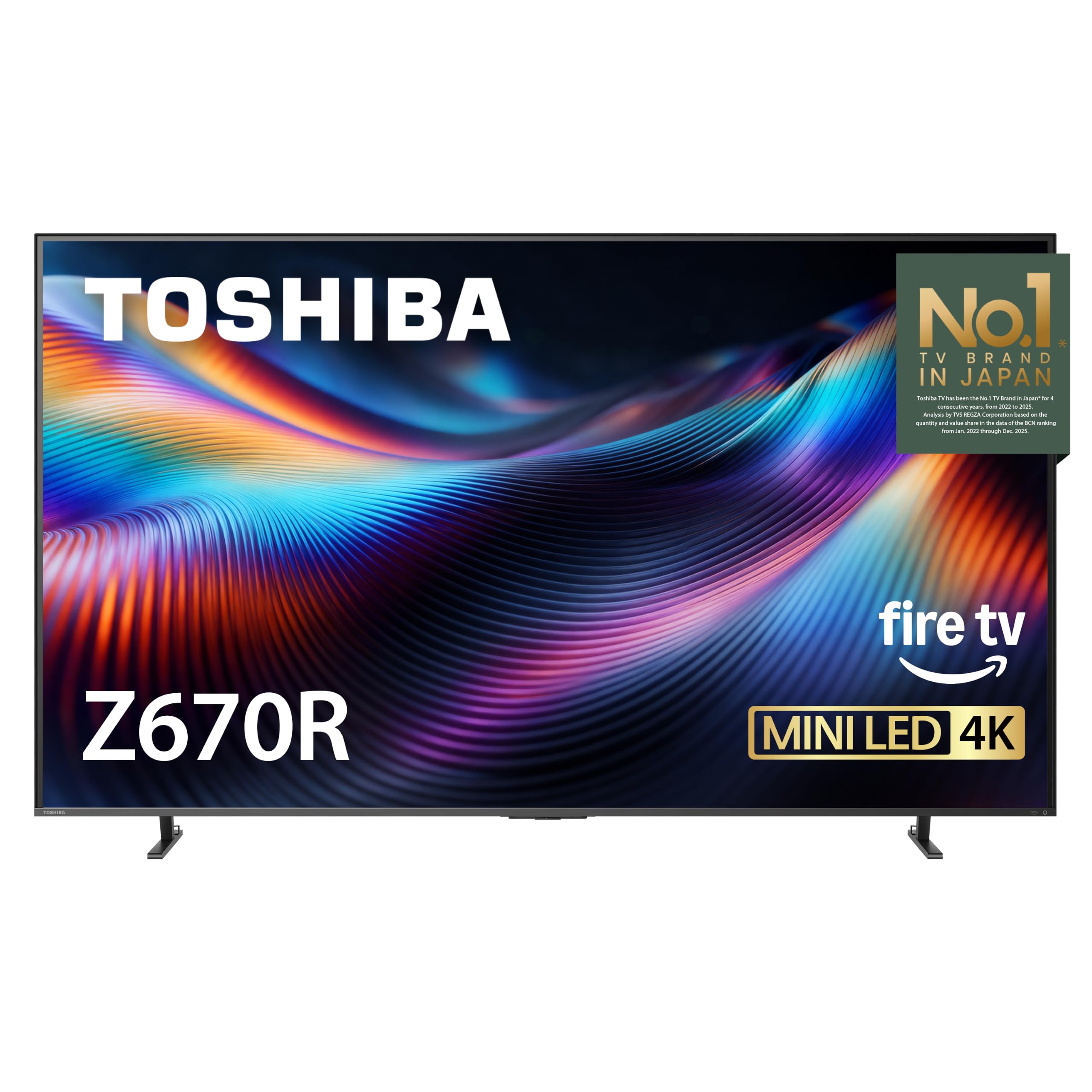
AI picture processing tuned in Japan, a bass woofer, and a native 144Hz panel doing the heavy lifting.
Toshiba’s pitch here is processing rather than raw panel numbers, and the spec that carries it is REGZA Engine ZRi Gen3 — an AI picture and sound processor that tune clarity, contrast, and audio scene by scene. Pair it with Mini-LED backlighting and Full Array Local Dimming, and the set works harder than most to make whatever you are watching look intentional rather than accidental. QLED color covers over a billion shades.
For gaming, this one lines up with the top of the stack: native 144Hz with AMD FreeSync Premium (a technology that syncs the TV’s refresh rate to your graphics card to prevent screen tearing), VRR at 144Hz (variable refresh rate for smooth motion), and ALLM, plus four HDMI 2.1 ports and Game Mode Pro for lower input lag on a console or PC. That puts it alongside the iFFALCON above on refresh performance while adding a more heavily processed picture and a stronger audio stack.
Sound is where Toshiba pulls ahead of most of this list. REGZA Power Audio Pro pairs a dedicated bass woofer with tuned amplifiers and dual clear direct speakers, so vocals stay distinct while low-end content carries weight. Dolby Atmos sits on top of that, and the AI Light Sensor Pro adjusts brightness and color to the room’s lighting to keep night viewing comfortable.
The HDR format spread is wide — Dolby Vision IQ, HDR10+, HDR10+ Adaptive, and HLG, so whatever your source sends should be readable. The recurring complaint is reliability: a small number of owners mention the set failing within a month, which is a story worth knowing about given the price. Most units arrive and stay healthy, but a generous return window is a smart add-on for a purchase this size.
The standout spec: REGZA Engine ZRi Gen3 pairs with a bass woofer and native 144Hz to make this the most heavily processed panel in the group.
The honest caveat: reliability feedback includes a few early failures, and the built-in Fire TV home screen runs a bit crowded for some tastes.
The case for it: you want premium picture processing, real bass without a soundbar, and 144Hz gaming in one package.
The case against rushing: at this price, buy from a seller with an easy return policy in case your unit has an early fault.
8. Hisense 55″ U6 Pro Series Mini‑LED ULED 4K UHD HDR Gaming AI Smart Fire TV (55U6SF Pro) – Hi-QLED, Native 144Hz, Motion Rate 480, Dolby Vision IQ, Atmos, HDR10+, Glare-Free, Alexa+

The glare-free panel for rooms where every other TV turns into a mirror at noon.
Windows are the enemy of a good picture, and this Hisense attacks that directly. Anti-reflection and glare-free coating keeps the image clean in a bright room where a plain glass panel would wash out, so you stay locked onto the show instead of the reflection of your own couch. Behind that sits a Hi-QLED Mini-LED backlight with hundreds of precise light zones for contrast across the frame.
The step up from the 55-inch TCL QM64L is in the audio and the coating. Both run 144Hz native with Dolby Vision IQ (an advanced HDR format that adjusts to room lighting) and HDR10+ Adaptive (another dynamic HDR format), but this set adds a built-in subwoofer for low-end rumble without a soundbar, plus PANTONE-validated color accuracy — that means the reds and greens have been checked against a color reference for realism. The Hi-View AI Engine adjusts the picture automatically across movies, sports, and gaming, so you are not constantly tweaking sliders.
Gaming gets the full treatment: native 144Hz with Motion Rate 480 (a motion-smoothing feature that reduces blur), plus Dolby Vision IQ and Dolby Atmos (an audio format that places sound around you). IMAX Enhanced certification brings DTS-powered rich audio to compatible streaming titles. Fire TV runs underneath with Alexa+, and the slim unibody design keeps the bezels thin enough that the frame basically disappears on a wall.
What buyers consistently call out is the anti-glare performance — the room can be bright and the picture still reads. A few note that the 480p and 720p upscaling is the weakest part of the picture, and the included remote feels cheap against the price. Neither outweighs the glare-free panel for a living room with real windows.
Why it earns its spot
- Anti-reflection and glare-free coating keeps a bright room readable
- Built-in subwoofer plus Dolby Atmos for real bass without extra gear
- PANTONE-validated color for realistic reds, greens, and skin tones
- Native 144Hz with Motion Rate 480 for smooth motion in games and sports
Note before you buy
- Lower-resolution content upscaling (480p, 720p) is not this TV’s strength
- Included remote feels cheap against the price of the set
- Panel may benefit from a color calibration for accurate out-of-the-box viewing
Worth it for: any living room where windows, glass doors, or overhead lights hit the screen and reflections have been a problem before.
Look at the pick below instead if: you mostly stream older SD content — the E7 aims more of its budget at upscaling and cinema color.
9. Hisense 50″ E7 Cinema Series Hi-QLED Mini-LED 4K UHD Smart Fire TV (50E7SF) – Native 144Hz, AI Picture, Dolby Vision IQ · Atmos, FALD, MEMC, HDR10+ Adaptive, Alexa+

Filmmaker Mode and an AI 4K upscaler for the movie buff who still owns a shelf of discs.
The single feature that defines this set is Filmmaker Mode, which locks the aspect ratio, color, frame rate, and sound to the way the director mastered the film. If you care about watching a movie the way it was shot rather than the way a processor thinks it should look, that mode is the reason to choose this one. Behind it sits an AI 4K Upscaler that uses deep-learning models to sharpen details, reconstruct textures, and reduce noise on lower-resolution content — the exact weak point on the U6 Pro above.
Mini-LED backlighting with Full Array Local Dimming drives the contrast, and the panel runs native 144Hz for smooth sports and gaming motion. The AI Picture engine analyzes each scene and adjusts brightness, contrast, and color automatically, while AI Smooth Motion with MEMC cuts blur on fast movement. AI Sports Mode recognizes live sport and boosts picture clarity and crowd audio the moment it detects the category.
HDR coverage hits Dolby Vision IQ, HDR10+ Adaptive, HDR10, and HLG, which is the broadest format spread on this list alongside the Toshiba. Dolby Atmos handles the audio, and an AI Light Sensor adapts the backlight to your room’s ambient light so the picture stays comfortable day or night.
At the price, one honest note: motion gets the most divided reaction of any attribute here, with some owners finding higher refresh rates still leave fast pans a little blurry and one noting VRR and FreeSync can make things worse rather than better in certain content. Most of the feedback centers on the picture and value, and the reliability picture is mixed but not alarming.
The reason to pick it: Filmmaker Mode plus the AI 4K Upscaler make it the set for viewers who still watch discs and older content regularly.
The realistic downside: motion smoothing needs tuning for some viewers, and higher refresh rates do not solve every scene for every taste.
For the movie-first household: Filmmaker Mode, AI upscaling, and the widest HDR format spread on the list.
Not the target buyer if: all of your viewing is modern 4K streaming with no older content — the U6 Pro above aims its budget more at glare handling.
Understanding the Specs
Local dimming zones and why the count matters
Local dimming means the TV can brighten one part of the screen while darkening another, which is what makes a starry sky look black instead of grey and a bright highlight look crisp instead of washed out. Mini-LED backlighting uses much smaller individual lights than a standard LED TV, so a manufacturer can fit more of them and control the picture more precisely. A set with hundreds of dimming zones will handle a dark thriller noticeably better than one with none, even if both claim the same HDR format. That difference shows up most in night scenes and letterboxed movies, where poor dimming turns black bars a soft grey.
Dolby Vision, HDR10+, and what the format actually does
HDR stands for high dynamic range, and Dolby Vision is one of the premium versions. It uses dynamic metadata — information sent alongside the video that tells the TV how to adjust brightness and contrast frame by frame rather than scene by scene. HDR10+ is a competing format that does something similar. The practical result is more detail in shadows and brighter highlights without the picture looking overblown. If your TV supports only one of these and your streaming service sends the other, the set falls back to a simpler version of HDR, which is still watchable but noticeably less punchy.
FAQ
What is the difference between Dolby Vision and HDR10+ on these TVs?
Do I need 144Hz if I only watch shows and movies?
How many HDMI 2.1 ports do I actually need for a console?
Will Dolby Vision work over the built-in streaming apps or only with external devices?
Is Mini-LED better than OLED for a budget TV?
How much does a 55-inch budget TV weigh and can I mount it myself?
Do these budget Dolby Vision TVs come with a soundbar or do I need one?
Will these TVs work with an Apple TV, Roku, or Fire Stick plugged in?
How long do these budget TVs typically last?
What is Filmmaker Mode and is it worth turning on?
Do I need a special HDMI cable for 4K at 144Hz?
Final Thoughts: The Verdict
The winner for most people is the Roku 55-Inch Plus Series. It gives you a 55-inch Mini-LED QLED panel with Dolby Vision, Dolby Atmos with a built-in subwoofer, and Roku’s famously simple interface for a price that keeps it in reach of the average household. It earns the top spot by pairing that Mini-LED picture with Roku’s simple interface, so nobody in the house needs a manual.
If you want a smaller screen for a bedroom or dorm, look at the VIZIO 43-inch V-Series — its 43-inch footprint still supports Dolby Vision, and WiFi 6E gives it a more future-proof wireless band. For Apple households, the Westinghouse 50-Inch Mini LED is the pick, thanks to HomeKit and AirPlay 2 support alongside its 93% DCI-P3 color coverage.
If a console is the center of your setup, the iFFALCON 55″ MiniLED leads on raw port count and refresh rate with four HDMI 2.1 inputs and a native 144Hz panel. And for a bright room where glare has always been the problem, the Hisense 55″ U6 Pro delivers a glare-free screen with a built-in subwoofer. If Filmmaker Mode and an AI 4K upscaler matter more than port count, the Hisense 50″ E7 Cinema is the one to reach for.
How We Picked
We do not accept paid placement. Every pick is matched to a real buyer and a real use-case; we do not hands-on test units.
Sources & Methodology
Specifications: manufacturer listings and product documentation. Review insights: verified customer reviews, as of September 2026. Pricing: not shown on this page (it changes often); check the current price via the retailer link.
As an Amazon Associate, Gadgets Feed earns from qualifying purchases. This does not affect which products we feature.