
Our readers keep the lights on and my morning glass full of iced black tea. As an Amazon Associate, I earn from qualifying purchases.
Specs are compiled from manufacturer listings and verified buyer reviews and can change over time — please confirm the key details on the product page before buying.
Your laptop feels slow because the drive inside it is a spinning hard disk, and a 2.5-inch solid state drive is the cheapest cure that actually works. You unplug the old clunker, drop in a slab of flash memory the size of a phone, and Windows gets to the welcome screen in about 35 seconds instead of a minute-plus. The tricky part is that every 2.5 SSD on a shelf quotes almost the same headline speed, so the real differences sit in endurance ratings, cache behavior, and whether your particular machine recognizes the thing on the first boot.
I’m Min — the founder and writer behind Gadgets Feed. This guide is built by comparing the manufacturers’ published specifications and the patterns across verified customer reviews, so you get each pick’s real strengths and trade-offs instead of marketing spin.
What follows is a plain-English read on nine drives that all slide into the same SATA bay, sorted by who should buy which. The Samsung 870 EVO earns its slot on 4.5+ stars across 45,000+ owners, and the Crucial BX500 1TB matches that score. If you want the short version: pick capacity first, then endurance, then cache — 2.5 ssd shopping gets a lot simpler once you stop reading the boost numbers.
Our Picks at a Glance


How To Choose The Best 2.5 SSD
A 2.5 SSD replaces the mechanical hard drive inside a laptop or desktop and plugs into the same SATA port and power cable. There is no soldering and no adapter — you clone or reinstall, screw it into the drive caddy, and close the lid. Because the physical fit is the same across almost every drive in this category, your decision really rests on four things: how much room you need, how much writing the drive will absorb over its life, how it behaves when the cache runs dry, and whether your machine is old enough to need a compatibility check.
Capacity comes first, because 240GB shrinks fast
A 240GB drive formats to roughly 222GB of usable space, as one owner measured on a Crucial BX500. That leaves you barely enough room for Windows, a browser, and a couple of game installs. If this is a boot drive for a general-use laptop, 1TB removes the constant uninstall-and-reinstall cycle. Buy the 240GB class only when the machine is a secondary unit or a rescue box for an old Dell.
The endurance number on the warranty tells you how long it will take the abuse
TBW stands for terabytes written — the total data the maker will warrant you to write before the warranty runs out. A higher figure suits video editing, virtual machines, and anything that churns files constantly. A modest figure suits web browsing and light office work. This is the spec that separates two drives with identical read/write headlines, so read it before you compare prices.
Cache behavior decides whether the drive feels fast after the first five minutes
SLC cache is a fast buffer area that absorbs a burst of writes before the drive slows to its steady rate. Copying a film across finishes inside the buffer and feels instantaneous. Copying a 200GB backup does not. If your daily work is small-file browsing and app launches, cache barely matters. If you move large project folders, it matters a great deal.
Quick Comparison
| Model | Best For | Capacity | Seq. Read | Seq. Write | Amazon |
|---|---|---|---|---|---|
| Samsung SSD 870 EVO 1TB★ Best Overall | Best overall for heavy daily use | 1 TB | Up to 560 MB/s | Up to 530 MB/s | Amazon |
| Crucial BX500 1TBBest Value 1TB | Best value in the big-capacity tier | 1 TB | Up to 540 MB/s | — | Amazon |
| SANDISK SSD Plus 1TBBest for Desktops | Best for a simple desktop upgrade | 1 TB | Up to 545 MB/s | Up to 515 MB/s | Amazon |
| ADATA Ultimate SU650 1TB | Best for mixed laptop and console duty | 1 TB | Up to 520 MB/s | Up to 450 MB/s | Amazon |
| TEAMGROUP T-Force Vulcan Z 1TB | Best for gamers moving big installs | 1024 GB | Up to 550 MB/s | Up to 500 MB/s | Amazon |
| PNY CS900 1TB | Best for reviving an old slow computer | 1 TB | Up to 535 MB/s | Up to 515 MB/s | Amazon |
| Silicon Power A55 1TB | Best for slim ultrabook swaps | 1 TB | 500 MB/s | — | Amazon |
| Kingston A400 240GB | Best budget boot drive | 240 GB | — | — | Amazon |
| Crucial BX500 240GB | Best entry-level second-life drive | 240 GB | Up to 540 MB/s | — | Amazon |
In-Depth Reviews
1. Samsung SSD 870 EVO SATA III 2.5” 1TB
Our pick — 4.5+★ from 45,500+ verified ratings; the strongest balance of quality and price.
The drive that hits the SATA ceiling and then promises to keep doing it for years.
If you write to your drive hard — video files, VMs, big photo libraries — the number to anchor on here is 600 TBW. That is the terabytes-written allowance under the 5-year limited warranty, and it is the reason this drive sits at the top of the list rather than in the value pile. Everything you read from it tops out at 560 MB/s sequential, with writes up to 530 MB/s, which is essentially the limit of what a SATA III connection can carry.
Against the PNY CS900, the gap is 560 MB/s versus 535 MB/s on reads, and against the TEAMGROUP Vulcan Z it is 530 MB/s versus 500 MB/s on writes. Small margins on paper, but the 870 EVO also carries a larger variable buffer, which is how Samsung keeps write speeds from collapsing once you push past the cache. Owners describe boot times around 35 seconds to the welcome screen, and the drive drops into a standard 2.5-inch SATA bay on a desktop or laptop, with Samsung’s migration software handling the clone.
Compatibility is the place to slow down. This drive is reported to work with mid-2012 Macs and gets picked up immediately by Windows 10, but some machines refuse to recognize it on the first attempt — a handful of setups need a BIOS check or a different port. The reliability conversation is likewise mixed rather than spotless, which is normal for a drive selling in these volumes. Check your machine’s SATA generation and your current drive’s thickness before you order, and you sidestep most of the friction.
Where it earns the top spot
- 600 TBW endurance under a 5-year limited warranty — the highest write allowance on this list
- Updates up to 560 MB/s read and 530 MB/s write, right at the SATA III ceiling
- A larger variable buffer holds write speed steadier during long transfers
- Samsung Magician software monitors drive health and pushes firmware updates
- Full-disk encryption support including AES 256-bit and TCG/Opal
What to plan around
- Compatibility is the recurring snag — a few systems need a BIOS tweak before they see the drive
- You pay premium-tier money for a SATA drive when PCIe alternatives exist
- No capacity options below 1TB in this listing
Built for: anyone whose machine writes constantly and who wants one drive to last through it — editors, workstation owners, NAS builders.
Think twice if: your PC has a history of ignoring new drives, or you only need a cheap boot disk for a spare laptop.
2. Crucial BX500 1TB 3D NAND SATA 2.5-Inch
A full terabyte at the friendly end of the premium shelf, and the same 4.5+ score as the winner.
Crucial builds this one around a simple pitch: flash memory is why your phone feels snappier than your computer, so put flash in the computer. The BX500 hits up to 540 MB/s sequential reads over a SATA connection, which is enough headroom that you will not notice the difference from a 560 MB/s drive in ordinary use. Where it lands in real life is Windows installs — Buyers run a fresh Windows 10 setup in around 12 minutes and report sequential writes reaching 510 MB/s.
What sells this drive to laptop owners is the physical fit. It uses the 2.5-inch 7mm height that desktops and laptops with a 7mm SATA bay accept, so it slides into the same caddy your old hard drive came out of. Games and large media files get the room they need at a full terabyte, and the drive earns strong marks for value in exactly that role. Compared to the Samsung above it, you give up the 600 TBW endurance allowance and the Magician software suite, and you get the same form factor and a lower shelf position.
The honest catch is the warranty window: 3 years limited, against the 5 years the 870 EVO carries. That shorter horizon is the trade for the price, and for a laptop doing browsing, documents, and a few game installs it will never become the limiting factor. It is a strong fit if you want maximum storage and do not intend to hammer the drive with constant large writes.
Why it undercuts the winner: same 4.5+ rating and the same 7mm SATA footprint, with a shorter 3-year warranty and no vendor dashboard software to manage health.
The one number to weigh: 540 MB/s read against 560 MB/s on the Samsung — a difference you will feel in file copies, not in daily browsing.
Pick this one when: you want a terabyte of flash for a general-purpose laptop and prefer to spend the savings elsewhere.
Pass if: you need the longest possible endurance warranty for a machine that writes all day.
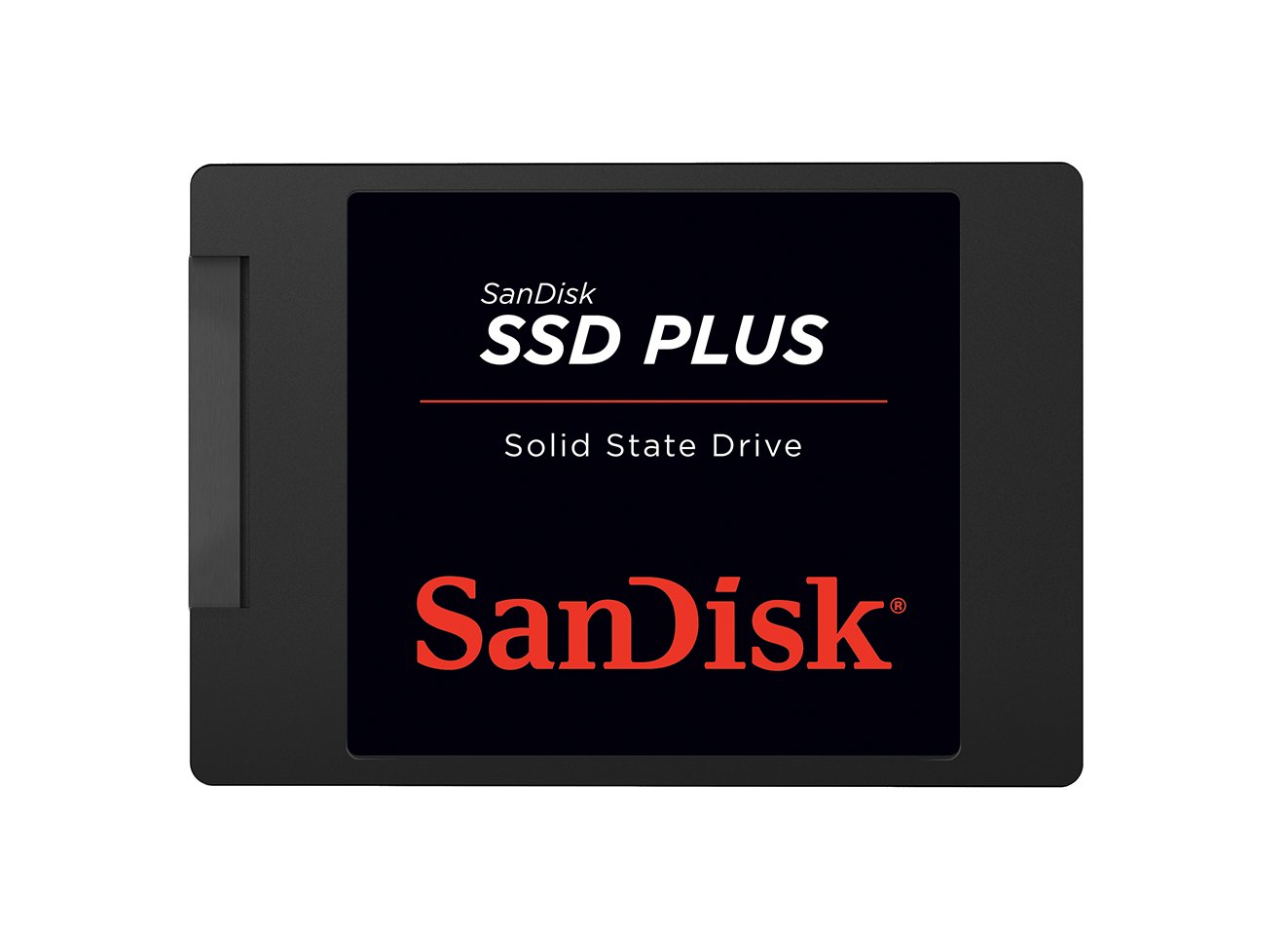
3. SANDISK SSD Plus 1TB Internal Solid State Drive
A straightforward box-to-bay upgrade for a tower that still boots off a spinning platter.
The SSD Plus quotes 545 MB/s sequential reads and 515 MB/s writes over SATA III at 6 Gb/s, and it sits in a 2.5-inch 7mm shell that drops into both desktops and laptops. Those speeds read as ordinary in this company, and honestly they are — the difference here is temperament. This is a drive built for the person replacing a hard drive in a family desktop, not for the person benchmarking a workstation.
SanDisk calls out shock resistance as the durability story, with the point being that a drop will not kill it the way it kills a spinning disk with a read head hovering microns off the platter. Where this drive earns its keep is the moment an older machine stops waiting on the platter: cold boots shorten, applications open without the churn of a mechanical arm hunting for data, and the large media files that used to crawl across the bus now move at flash speed. The 1TB capacity gives you room for an application library plus a media collection.
Set expectations on the review side: this listing carries fewer ratings than most drives here, which tells you it is a newer entry rather than a proven veteran — the feedback that exists centers on quality and value rather than anything dramatic. What it does not offer is a performance ceiling above the others, so if raw speed is your reason to buy, the Samsung beats it 560 MB/s to 545 MB/s.
The case for a SanDisk
- 545 MB/s reads and 515 MB/s writes over SATA III at 6 Gb/s
- 2.5-inch 7mm height fits desktops and laptops alike
- Shock resistance removes the drop-anxiety that comes with a hard drive
- 1TB of room for applications and large media files
Where it trails
- Slower on paper than the Samsung — 545 MB/s read versus 560 MB/s
- Thinner review history than the established drives on this list
- No cache or endurance figure quoted to compare against rivals
Suits the family PC: a desktop or laptop that needs a reliable, cheap-to-own flash swap with nothing exotic going on.
Look past it if: you are chasing the fastest read figure available on SATA.
4. ADATA Ultimate SU650 1TB 2.5″

Quiet, cool, and vibration-proof — the drive for a laptop that gets carried around.
ADATA’s pitch here is about the parts you do not see running. The SU650 pairs 3D NAND flash with a high-speed controller for up to 520 MB/s reads and 450 MB/s writes, and the drives work is done silently with no moving parts to rattle. Vibration resistance and low power consumption are the practical wins for a machine that lives in a backpack. There is also LDPC error correcting code — a low-density parity check that catches and repairs corrupted bits before they become a bad file.
Against the TEAMGROUP Vulcan Z below, this one gives up ground on the write side: 450 MB/s versus 500 MB/s, a gap that shows up when you move a large folder rather than when you open an app. What you get in return is a slightly broader hardware reach. The SU650 lists compatibility with desktops and with the Xbox Series S, so it can pull double duty between a PC and a console game library. ADATA also offers free download of its SSD file management and data migration software, which saves you from buying a cloning utility.
One note on the listing quirks: the drive is labeled “Waterproof” among its features, which is not a rating you should bank on for a bare internal drive sitting inside a case — treat it as a bonus, not a promise. The rest of the package is sensible, with 1TB of capacity and a straightforward install. If you want a quiet drive that will not rattle in a laptop bag, this earns its place.
The quiet-drive angle: no moving parts means no spin noise and no head chatter — the only sound from your machine becomes the fan.
Where it gives ground: 450 MB/s writes trails the 500 MB/s TEAMGROUP drive for anyone copying large project folders regularly.
The right buy for: a laptop or console that travels and needs storage that shrugs off bumps.
Not for: video editors dumping huge writes daily — the slower write ceiling will show.
5. TEAMGROUP T-Force Vulcan Z 1TB SLC Cache 3D NAND

SLC cache and 550 MB/s reads, aimed squarely at shrinking game load screens.
Gamers feel a drive in exactly one place: the loading bar. TEAMGROUP targets that with a built-in SLC cache holding read and write speeds up to 550 MB/s and 500 MB/s respectively, and the stated purpose is cutting game loads and system lag on a machine that is otherwise fine. The 2.5-inch 7mm shell fits most laptops and desktops as a plug-and-play SATA III replacement for an old hard drive.
Where this drive genuinely moves ahead of the ADATA above is burst writing — 500 MB/s against 450 MB/s. And if you are comparing it to the Samsung, you are looking at 500 MB/s writes versus 530 MB/s, so it lands just under the top pick rather than embarrassing itself. The feature that separates it from most of this list is console support: the listing names the Xbox Series S, Xbox Series X, and PlayStation 5, which is a rare explicit claim in this category and note if you are expanding a console’s storage rather than a laptop’s.
Two things to plan for. First, compatibility complaints cluster around Windows 10 — most systems pick the drive up without a fight, but a stubborn build can need a second look at the boot order or the SATA mode. Second, the durability conversation is uneven rather than glowing, so avoid treating this as a drive for a machine that writes constantly. Registered capacity reads 1024 GB, so you get the full terabyte.
Why gamers reach for it
- SLC cache keeps burst read/write speeds steady at up to 550/500 MB/s
- Named compatibility with Xbox Series S, Xbox Series X, and PlayStation 5
- Shock and vibration resistant with no moving parts, so it survives a knock
- 1024 GB registered capacity and a 3-year or TBW limited warranty
Set your expectations
- Windows 10 recognition is the usual friction point on some builds
- Write speed of 500 MB/s sits below the Samsung’s 530 MB/s
- Durability feedback is mixed rather than consistently positive
Made for the loading screen: a gamer moving a large install library off a hard drive, or a console owner adding storage.
Skip it for: a work machine that writes all day — endurance is not this drive’s strong suit.
6. PNY CS900 1TB 2.5″ SATA III Internal SSD

The drive that takes a machine everyone gave up on and makes it usable again.
If you have an old laptop sitting in a drawer because it takes four minutes to show the desktop, this is the swap that fixes it. The CS900 quotes 535 MB/s sequential reads and 515 MB/s writes, and buyers running Windows 10 installs report finishing in less than 5 minutes. That is the whole pitch: the drive is not the fastest here, but the jump from a spinning disk is large enough that the difference between 535 and 560 MB/s disappears behind the novelty of a machine that responds.
What it brings beyond raw speed is a low-power design that suits laptops on battery and backwards compatibility with SATA II at 3GB/sec — useful if the machine you are rescuing predates SATA III. The contrast against the Kingston below is stark on the transfer figure: 535 MB/s against 350 MB/s. On storage, 1TB gives you real breathing room where a 240GB drive would have you juggling installs.
The honest side of the CS900 is a mixed reliability record and a cluster of negative feedback that shows up in reviews — buyers describe slow load improvements rather than miracles, and some report the drive just did not deliver. That makes this a strong pick for a second-life machine and a weaker one for anything holding irreplaceable work. Clone your data before the swap either way.
The resurrection effect: a Windows 10 install in under 5 minutes and boot times that cut a slow laptop’s agony down to seconds.
Read the fine print: reliability feedback is uneven and some buyers see only modest load improvements — fine for a backup machine, riskier for primary storage.
Buy it for: a neglected laptop or desktop that needs a cheap, dramatic speed lift and holds nothing critical.
Not the one for: a primary work drive where you cannot afford a hiccup.
7. Silicon Power 1TB SSD 3D NAND A55 SLC Cache
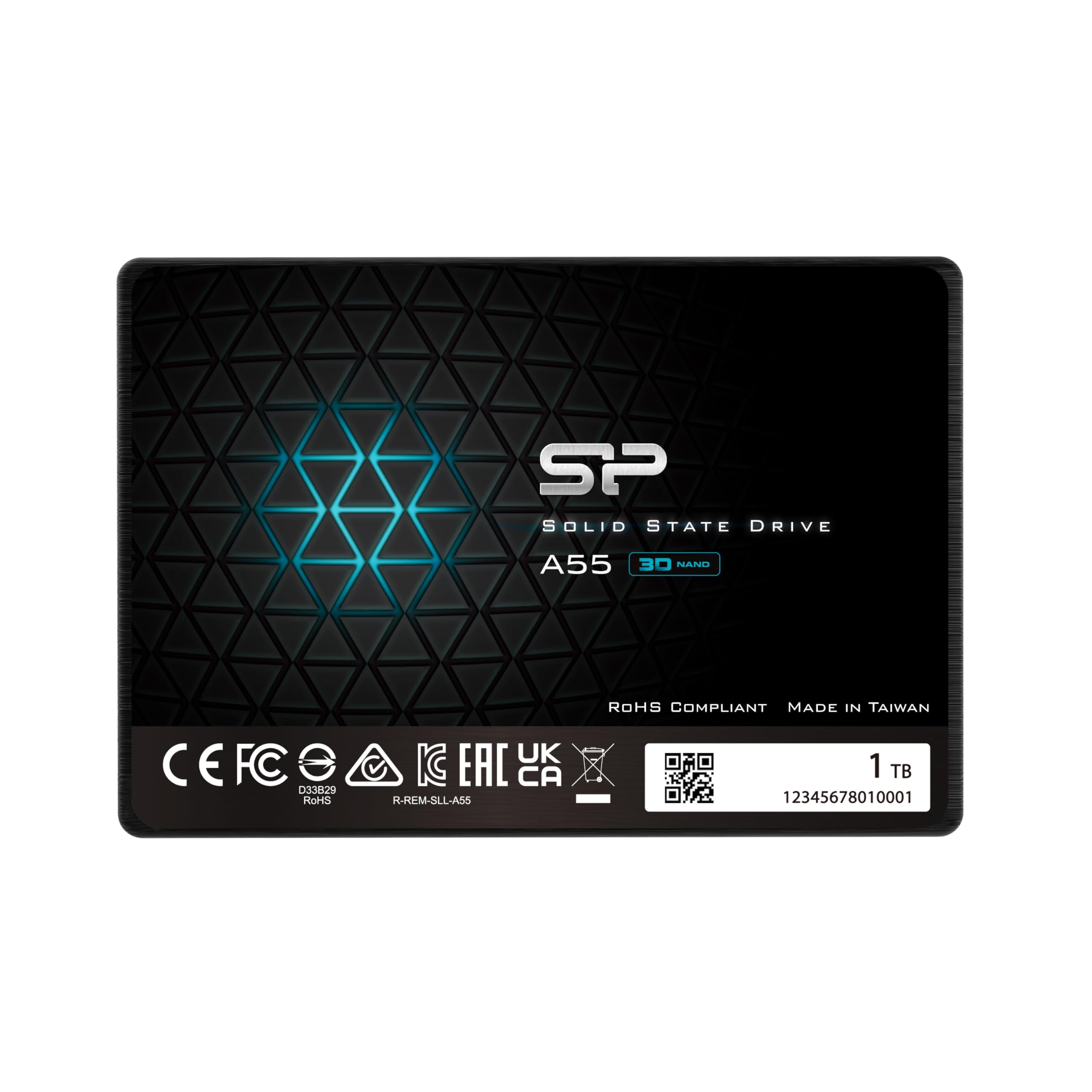
A 7mm slab built for the tightest laptop bays, with SLC cache for the speed bursts.
Slim laptops are a different animal to a desktop tower. The A55 is 7mm thick — under three-tenths of an inch — which is the measurement that matters when your ultrabook’s drive bay is stacked under a soldered battery and every millimetre counts. It quotes a 500 MB/s data transfer rate across the SATA connection, and the advanced SLC cache on board is the mechanism for boosting performance and stretching the drive’s lifespan.
Silicon Power applies 3D NAND flash here, which is the modern stacked-cell design rather than the older flat-cell type, and the drive is described as shock resistant — sensible for a machine that gets tossed in a bag. Owners describe it as a system drive that works cleanly for years without drama, with fast boots and smooth running once installed. That is exactly the job you are hiring it for. Compared to the larger-capacity drives around it, you are trading raw speed for the slim form factor: 500 MB/s against the Samsung’s 560 MB/s reads.
The caveat is warranty friction. The A55 carries a 3-year limited warranty, but you have to register the product on Silicon Power’s website to get the full manufacturer service and support. Skip the registration and your coverage is shorter than it looks. Do that one step and the drive is a tidy fit for a slim notebook.
What makes it fit
- 7mm thickness slides into ultrabook and ultra-slim laptop bays
- 500 MB/s transfer rate and SLC cache for burst performance
- 3D NAND flash built for endurance over time
- Shock resistant and dependable as a system drive
Before you buy
- Full 3-year warranty coverage requires registration on Silicon Power’s site
- 500 MB/s is the lowest read figure among the 1TB drives here
- Shorter review history than the heavyweight drives on this list
The slim-bay answer: an ultrabook owner who needs a drive thin enough to close the case without a fight.
Measure first: if your bay takes a full-height drive, you can spend the same money on a faster read figure.
8. Kingston 240GB A400 SATA 3 2.5″ Internal SSD

The cheapest way to put a failing laptop back in service as a boot drive.
There is a specific job for the A400, and it is narrow: take the ancient laptop that will not boot from its dying platter and turn it into something you can use for email and browsing again. At 240GB it is a boot drive plus a little breathing room — Windows and a browser and not much else. Kingston also lists backwards compatibility and a stainless steel enclosure, and prices this as an entry-level part.
On raw figures it trails badly: 350 MB/s transfer rate against the PNY’s 535 MB/s. That is a real-world gap you will notice on large file moves, though not so much on the boot-up that is the actual point of buying this drive. The 240GB capacity is the other limit, and the storage capacity feedback around this drive is mixed — buyers hit the ceiling sooner than expected. Kingston also lists a PlayStation 4 compatibility, which is note if you are refreshing a console rather than a PC.
Where the A400 shines is reliability in the role it was built for. For aging machines, the standalone call-out is that the drive brings new life to older Dell Inspiron 15 laptops, and installations of Windows 10 run through cleanly. That makes it a strong fit if you have a stack of old office machines to revive and want to spend as little as possible per unit. Do not buy it expecting to hold a game library.
The budget math: a boot drive that works and nothing more — 240GB, backwards compatible, and priced to revive an old machine.
Know the ceiling: 350 MB/s transfer rate is the slowest on this list, and 240GB fills faster than you think.
Right for the rescue job: a spare or aging laptop that needs a working boot drive with the smallest possible spend.
Wrong for storage: a game library, a media collection, or anything that needs more than a system partition.
9. Crucial BX500 240GB 3D NAND SATA 2.5-Inch

A small drive built to make an aging laptop feel responsive again.
Crucial built the 240GB BX500 for laptops that are too old to deserve more storage but too useful to throw out. Crucial rates it as more energy efficient than a typical hard drive, which means less battery drain on a laptop, and faster than a hard drive, which shows up as quicker boots and file loads. Micron’s 3D NAND sits behind it, from a maker with 40 years in memory and storage.
On speed it matches the larger drives more closely than you would expect for an entry part: up to 540 MB/s, and Buyers report reads reaching 541 MB/s with apps launching instantly. A Linux installation runs through in about 12 minutes, the operating system picks up the drive immediately, and it fits desktops and laptops that accept 2.5-inch 7mm SATA drives. Against the A400 above, this drive quotes the higher read ceiling — 540 MB/s versus the Kingston’s 350 MB/s transfer figure.
The limit you will meet is space: 222GB of usable capacity after formatting, which is a system partition and not much more. Some buyers see booting feedback that is mixed, so expect normal boot behavior rather than a dramatic transformation. For a secondary laptop or a machine that just needs to work again, the combination of efficiency and compatibility is genuinely strong.
The small-drive payoff
- More energy efficient than a typical hard drive — good news for laptop battery
- Up to 540 MB/s reads, matching the bigger drives in this category
- Fits desktops and laptops with a 2.5-inch 7mm SATA bay
- OS recognizes it immediately, and installs run in minutes
- 3-year limited warranty
The space reality
- 222GB usable after formatting is a system disk, not a storage disk
- Boot behavior is described as normal rather than a leap
- 240GB fills up quickly with modern games and media
The right shape of buy: a laptop used for browsing and documents, where efficiency and a clean boot matter more than capacity.
Look elsewhere if: you install games or store a media library — 222GB will not hold it.
Understanding the Specs
Sequential read and write speed
Sequential speed is the rate for reading or writing one long, uninterrupted file — a film, a backup archive, a big installer. It is quoted in megabytes per second, written MB/s. The 560 MB/s figure on the Samsung is at the SATA III ceiling, and it tells you the fastest the drive can move a large single file. It does not describe how quickly your laptop will feel, because that depends on thousands of small random reads during a boot. Use sequential speed to compare drives against each other, not to predict the sensation of using one. Random access, which is not quoted on most listings here, is the reason any of these drives beats a hard drive by a wide margin.
TBW and the warranty window
TBW, or terabytes written, is the total amount of data the maker warrants you to write to the drive over its life. The 600 TBW on the 870 EVO is the highest figure on this list and is paired with a 5-year limited warranty. The 3-year limited warranty on the Crucial and Silicon Power drives is the more common arrangement in this category. For a laptop used for browsing and documents, you will never approach either figure. For a machine that writes video or runs virtual machines constantly, the endurance allowance becomes the number that decides when you replace the drive, so buy the biggest one you can justify.
SLC cache and steady-state speed
SLC cache is a fast buffer area that soaks up bursts of writing. When you copy a folder of photos across, that data lands in the cache and moves at the drive’s headline speed. When you copy something larger than the cache can hold, the drive drops to its steady-state rate and the transfer becomes much slower. The TEAMGROUP drive calls its cache out explicitly; the Samsung uses a larger variable buffer for the same purpose. If your work is small-file browsing and app launches, cache is background detail. If it is large project folders, the cache size is what determines whether the drive feels fast after the first few minutes of work.
The 2.5-inch 7mm form factor
Every drive here uses the same physical standard: 2.5 inches across and 7mm tall. That is the size of a laptop drive bay and the 2.5-inch mounting point inside a desktop case. You screw it into a caddy, attach the SATA data and power cables, and you are done. 7mm is the slim variant, and it is the safe one — a 7mm drive fits bays built for 7mm and 9.5mm alike, while a 9.5mm drive can be too tall for an ultrabook. Check your bay’s connector type before you buy: these are all SATA drives, so they will not fit an M.2 slot, even though the M.2 slot on many modern boards looks superficially similar.
FAQ
Will a 2.5-inch SSD fit my laptop?
Is a 2.5 SSD faster than a hard drive for everyday use?
Does a 2.5 SSD work in a desktop PC?
What does TBW mean on an SSD listing?
How much usable space does a 240GB SSD actually give me?
Can I clone my old hard drive onto a 2.5 SSD?
Why does my PC not recognize a new 2.5 SSD?
Is SATA III fast enough or should I move to NVMe?
What is SLC cache and does it matter for my use?
Can I use a 2.5 SSD in a PlayStation or Xbox?
Final Thoughts: The Verdict
For most people buying a 2.5 ssd, the Samsung 870 EVO 1TB is the one to get, because 600 TBW of endurance under a 5-year limited warranty and 560 MB/s reads are the strongest combination on this list. If storage is your priority and you would rather not pay premium-tier money, the Crucial BX500 1TB gives you a full terabyte at up to 540 MB/s with the same 4.5+ rating. And if you are reviving an old laptop that just needs to boot again, the Kingston A400 240GB handles that job with the smallest spend. One honest note before you close the tab: the Samsung carries 45,000+ ratings against the Crucial’s 36,000+, and the Samsung’s higher endurance allowance is what you are buying at the top of this list. Buy the drive that matches how hard you write, not the one with the biggest number on the box.
How We Picked
We do not accept paid placement. Every pick is matched to a real buyer and a real use-case; we do not hands-on test units.
Sources & Methodology
Specifications: manufacturer listings and product documentation. Review insights: verified customer reviews, as of November 2026. Pricing: not shown on this page (it changes often); check the current price via the retailer link.
As an Amazon Associate, Gadgets Feed earns from qualifying purchases. This does not affect which products we feature.