
Our readers keep the lights on and my morning glass full of iced black tea. As an Amazon Associate, I earn from qualifying purchases.
Specs are compiled from manufacturer listings and verified buyer reviews and can change over time — please confirm the key details on the product page before buying.
If you are shopping for a budget NVMe SSD, the answer is simpler than the listings make it look: buy a Gen4 drive from a brand that publishes its speeds honestly, and spend your money on capacity rather than on headline numbers you will never feel. Every drive below slides into an M.2 2280 slot (the long, thin connector on your motherboard that takes gum-stick-shaped storage), and every one of them will cut boot times and app launches on a five-year-old laptop.
I’m Min — the founder and writer behind Gadgets Feed. This guide is built by comparing the manufacturers’ published specifications and the patterns across verified customer reviews, so you get each pick’s real strengths and trade-offs instead of marketing spin.
What separates a good cheap drive from a bad one is rarely the peak read figure — it is how the drive behaves once the cache runs dry and how honestly the maker quotes its endurance. Below you will find the drives worth your money, sorted by what they actually do well, so keep reading for the budget nvme ssd picks that hold their speed without draining your wallet.
Our Picks at a Glance


How To Choose The Best Budget NVMe SSD
The trap with cheap NVMe drives is that the biggest number on the box tells you the least about daily use. A drive that reads at 7,100MB/s and one that reads at 3,500MB/s both boot Windows in a handful of seconds, because booting is a small-file job, not a giant-file job. What you actually feel day to day is whether the drive keeps its speed once you have copied 50GB onto it in one go.
Check your slot before you check the speed
Every drive here is M.2 2280 — 22mm wide and 80mm long, the standard gum-stick size. Most modern laptops and desktops take it, but slim machines sometimes only accept a single-sided drive, which is one reason the WD Green SN3000 exists in the shape it does. Open your machine or look up your model’s spec sheet first; a drive that does not fit is a drive that costs you a return label.
Understand what the cache does for you
Cheap drives use a slice of fast SLC cache (a temporary speed buffer) to hit their headline write figure. Once that buffer fills, write speed drops to whatever the raw NAND can sustain. For a games-and-documents drive this almost never matters. For a drive you fill with 4K video in one sitting, it matters a lot, and the drives that handle it best mention their cache strategy in the listing.
Spend on capacity, not on a bigger read number
Dollar for dollar, more gigabytes buys you more real-world benefit than another 1,000MB/s of peak read. A drive you can keep your games installed on, without uninstalling one to make room for another, means you play what you want when you want. A faster drive you have to manage storage on every week does not buy you that.
Quick Comparison
| Model | Best For | Capacity | Interface | Rated Read | Amazon |
|---|---|---|---|---|---|
| Kingston NV3 500GB★ Best Overall | Fast everyday upgrade | 500 GB | PCIe Gen4 x4 | Up to 5,000 MB/s | Amazon |
| WD Green SN3000 500GBBest for Thin Laptops | Thin laptops | 500 GB | PCIe Gen4 | Up to 5,000 MB/s | Amazon |
| PNY CS2241 500GBBudget Entry | Budget boot drive | 500 GB | PCIe Gen4 x4 | Up to 4,700 MB/s | Amazon |
| SANDISK Optimus GX 7100 500GB | Laptop battery life | 500 GB | PCIe 4.0 | Up to 7,250 MB/s | Amazon |
| Patriot P400 Lite 1TB | Big storage, thin build | 1 TB | PCIe Gen4 x4 | Up to 3,500 MB/s | Amazon |
| Crucial P310 1TB | Handheld gaming consoles | 1 TB | PCIe Gen4 NVMe | Up to 7,100 MB/s | Amazon |
| Silicon Power UD90 1TB | Data protection extras | 1 TB | PCIe Gen4.0 | Up to 5,000 MB/s | Amazon |
| Acer Predator GM7 1TB | Fastest reads here | 1 TB | PCIe Gen4 x4 | Up to 7,400 MB/s | Amazon |
In‑Depth Reviews
1. Kingston NV3 500GB M.2 2280 NVMe SSD
Our pick — 4.5+★ from 14,500+ verified ratings; the strongest balance of quality and price.
The drive that makes an aging laptop feel new for the price of a 500GB Gen4 upgrade.
The Kingston NV3 500GB posts up to 5,000MB/s reads and 3,000MB/s writes over a Gen 4×4 NVMe connection (four lanes of PCIe 4.0 traffic, the fast lane your motherboard reserves for storage). In plain terms, that is enough speed that Windows loads before you have finished sitting down, and apps open the moment you click them. The 500GB capacity is the practical part: room for your operating system, a decent game library and a few years of photos without a second thought.
What wins people over is build confidence rather than raw benchmark bragging — quality is the thing owners bring up far more than anything else, and the drive is backed by a 5-year limited warranty plus Acronis cloning software in the box.
The honest catch is a split in how owners find compatibility. The drive fits desktops, laptops and even a PS5 for plenty of buyers, but a subset hit issues on specific machines, so check your board’s M.2 slot generation before you commit. Kingston rates this as an ideal high-speed, low-power part, and it is backward compatible with older Gen3 slots — useful if your machine is a generation behind. It is the highest-rated pick here at 4.5+ stars across 14,000+ ratings, the largest owner base of any drive on this list.
Where it earns its keep
- Up to 5,000MB/s read and 3,000MB/s write over Gen 4×4 NVMe
- 5-year limited warranty with Acronis cloning software bundled
- Backward compatible with older Gen3 M.2 slots
Before you commit
- Compatibility varies by motherboard — verify your slot first
- 500GB fills quickly if you keep several large games installed
Take this one: the safest first NVMe upgrade for a desktop or laptop that still boots from an older drive.
Look past it: if you already know you need a full terabyte of game storage in one go.
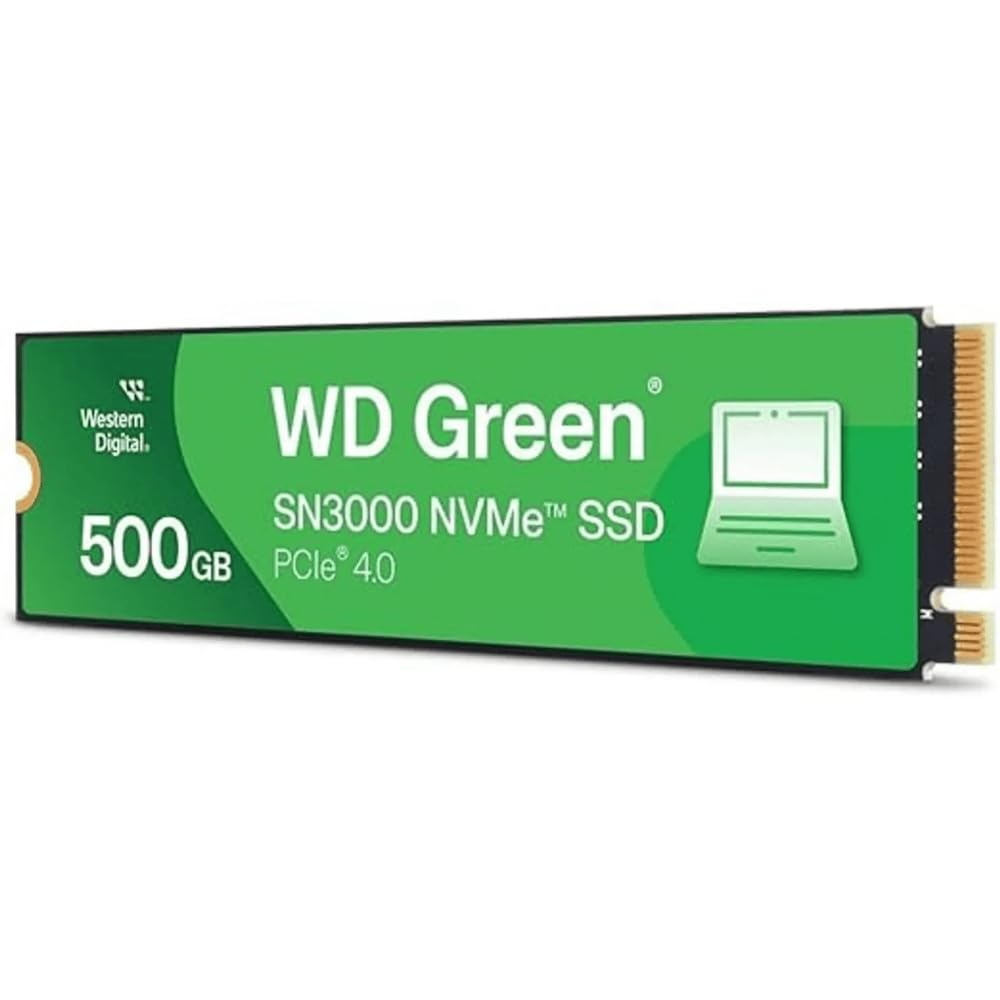
2. Western Digital 500GB WD Green SN3000 NVMe Internal SSD
Built single-sided so it slides into the cramped laptops other drives cannot.
Start with the shape, because that is the whole point here. The WD Green SN3000 uses a single-sided M.2 2280 design — all the memory chips sit on one face of the board — which is what lets it fit thin laptops and small-form-factor PCs where a double-sided drive physically will not seat. If you have ever opened a slim ultrabook and found a shallow slot with almost no clearance above it, this is the drive that respects that constraint.
Speed is the same 5,000MB/s rated read as the Kingston above, delivered over PCIe Gen4, and the listing is careful to note that figure is based on internal testing with real-world results varying by host device and capacity. Owners describe boot and app launches as the payoff, and it is the kind of drive where the difference is obvious on day one: your old machine boots and launches apps without the wait. Western Digital’s nCache 4.0 technology is the caching layer that keeps small-file work snappy, and free Acronis True Image software handles the data migration.
The trade-off is scale of evidence — this is a newer listing with a modest review history compared with the Kingston, and the reported storage ceiling elsewhere in the range reaches 2TB while this specific model is 500GB. Buy it for the fit, not for a track record. It shares the 4.5+ star rating tier of the top pick, and for a laptop upgrade that is exactly the profile you want.
Fit is the feature: a single-sided M.2 2280 board is what makes this usable in slim machines, and that constraint alone decides the purchase for a lot of laptop owners.
What you give up: a shorter public track record than the established picks, plus 500GB rather than a terabyte.
The right call if: your laptop’s M.2 slot is shallow and you have already ruled out thicker drives.
Think twice if: you have a roomy desktop slot and would rather buy on proven volume of owner experience.
3. PNY CS2241 500GB PCIe Gen4 x4 NVMe M.2 2280 Internal SSD
The entry-level Gen4 drive that tells you its write speed honestly.
Here is the number most budget listings hide: the PNY CS2241 is rated for up to 4,700MB/s sequential read and 1,700MB/s sequential write. That write figure is the slowest of any drive on this list, and it is worth understanding what it means in practice. Installing a large game or exporting a video file will take noticeably longer than on the Crucial P310, whose write rating runs to 6,000MB/s. Ordinary work — opening apps, loading levels, saving documents — you will not feel the gap.
Where this drive is refreshingly straightforward is the spec sheet. PNY states plainly that the enhanced bandwidth of NVMe over SATA (the older, slower cable-based standard) is the reason to buy, and it backs the drive with a 5-year limited warranty or TBW rating plus 24/7 US-based technical support. The drive also lists a data recovery service as an included feature, which is unusual at this end of the market.
The catch is consistency. Quality is what owners agree on, but functionality is genuinely mixed in the feedback — some units work exactly as promised while others run into problems, and with a small review base you are reading a shorter book. That is not a reason to write the drive off; it is a reason to buy it from a seller with an easy return path and to test it properly in the first week. At 4.5+ stars, it sits a notch below the top pick.
Read the write number: 1,700MB/s sequential write is the honest figure, and for a boot-and-browse machine it is entirely sufficient.
Buy with a return window: functionality feedback is mixed, so a no-fuss return policy is part of the purchase.
Worth it for: a cheap, clearly specced Gen4 boot drive in a desktop where writes are never the bottleneck.
Pass if: you regularly move large video files and need the write speed to keep up.
4. SANDISK Optimus GX 7100 500GB NVMe SSD
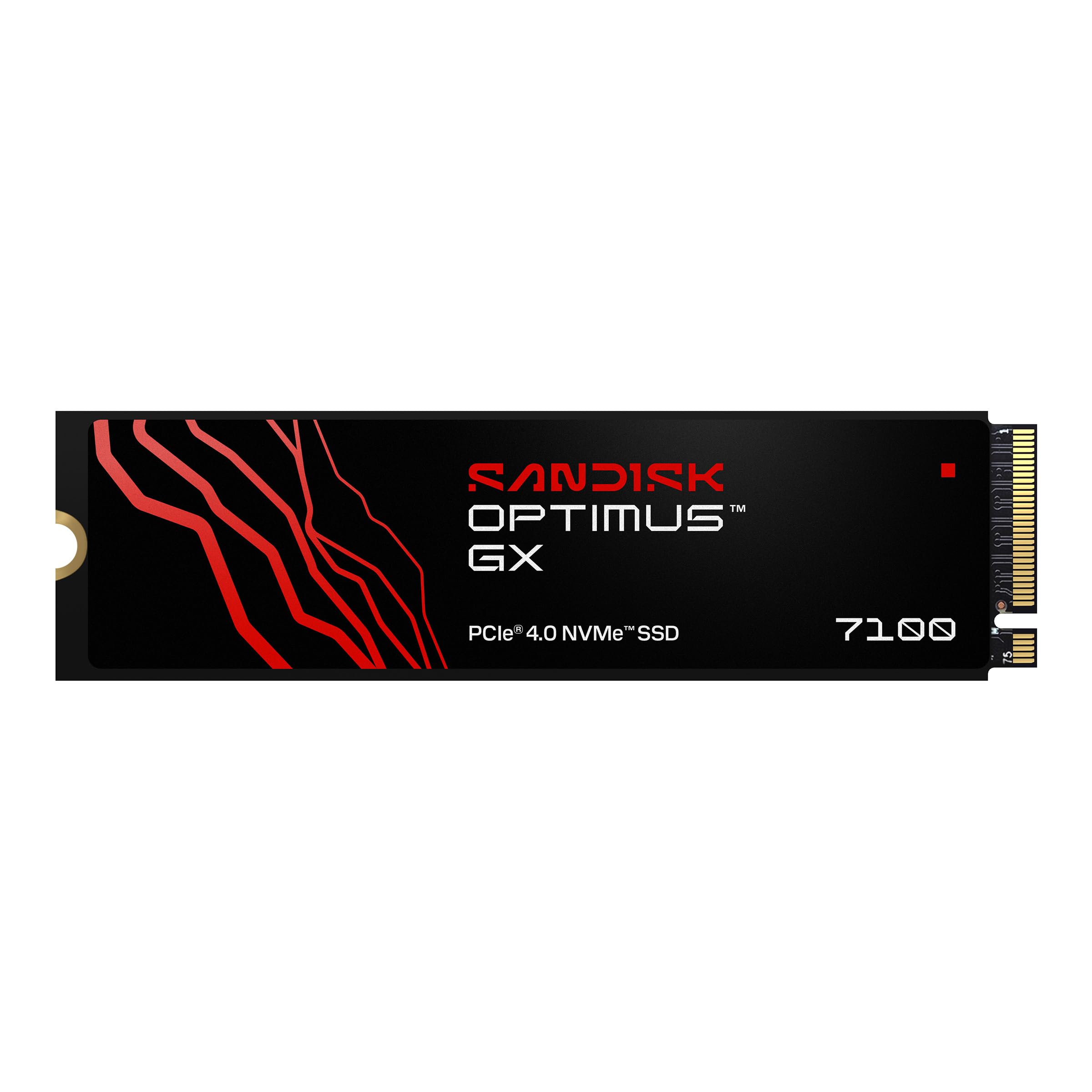
Desktop-class read speeds squeezed into a power-sipping laptop drive.
The Optimus GX 7100 is rated up to 7,250MB/s sequential read and 6,900MB/s sequential write — but the listing is specific that those figures apply to the 1TB and 2TB models, and this is the 500GB version. Treat the headline as the family ceiling rather than a promise for this exact drive. What you do get here is the same architecture: an 8th-generation Sandisk BiCS TLC 3D CBA NAND (the memory layer that stores your data) and integrated nCache technology.
Where this one separates itself from the Kingston and WD drives above is efficiency. The listing describes a power-efficient architecture designed so you can finish a project or hit a checkpoint before the battery gives out, and it explicitly names the PlayStation 5 and Xbox Series S as compatible consoles alongside desktops and laptops. It also lists Microsoft DirectStorage support, which matters if you play games built to stream assets straight from the drive.
The recurring gripe is value, not performance — many owners are happy with the drive and a chunk of feedback finds it costlier than they would like relative to the speed they measure. Performance and ease of installation are what the feedback praises. If you are buying on raw speed per dollar, the Crucial P310 a few spots down is the harder sell to beat. If you want laptop battery to last through a work session, this drive’s whole design brief is aimed at that.
Speed without the wall plug: a power-efficient architecture and DirectStorage support make this a laptop-first drive rather than a desktop trophy.
Know which size you are buying: the 7,250MB/s figure is quoted for the 1TB and 2TB models, so judge the 500GB on its architecture.
The pick for you if: you work unplugged and would rather protect runtime than chase a benchmark.
Skip the upgrade if: you are already running a fast Gen4 drive and just want more capacity.
5. Patriot P400 Lite 1TB PCIe Gen 4 x4 SSD

A full terabyte of cheerful storage with a slim heat spreader on top.
The P400 Lite makes the reverse trade of every 500GB drive here: it doubles the capacity and dials the speed back. Sequential reads are rated up to 3,500MB/s and writes up to 2,700MB/s on the ATTO benchmark, which is roughly half the read figure of the Crucial P310’s 7,100MB/s. For a games-and-media drive that is a fair deal — you will not notice the difference in load times nearly as much as you will appreciate not uninstalling something every time a new title arrives.
The hardware details are what make it a considered buy rather than just a big one. Patriot built it around the latest PCIe 4×4 controller with end-to-end data path protection, meaning the drive checks data integrity along the whole route from controller to memory. It ships with a slim graphene heatshield (a thin thermal layer that spreads heat off the drive), which keeps it cool enough for tight laptop and small-case installs.
The speed feedback splits — a lot of owners measure faster performance than rated, while some run into read performance that degrades over time. That variance is the one thing to weigh before committing. Buy from somewhere with a straightforward return policy and run a benchmark in your first week to confirm you got a good unit. Performance is the trait the feedback praises most, and the drive is rated 4.5+ stars.
Capacity per dollar is the win: 1TB at these read speeds is the sensible choice for a game library rather than a benchmark chip.
Test it early: read-speed consistency varies between units, so verify yours inside the return window.
Best matched to: a machine that needs room for games and media more than it needs a speed record.
Not the one for: a workstation where sustained read performance is critical day in, day out.
6. Crucial P310 1TB SSD, PCIe Gen4 NVMe M.2 2280
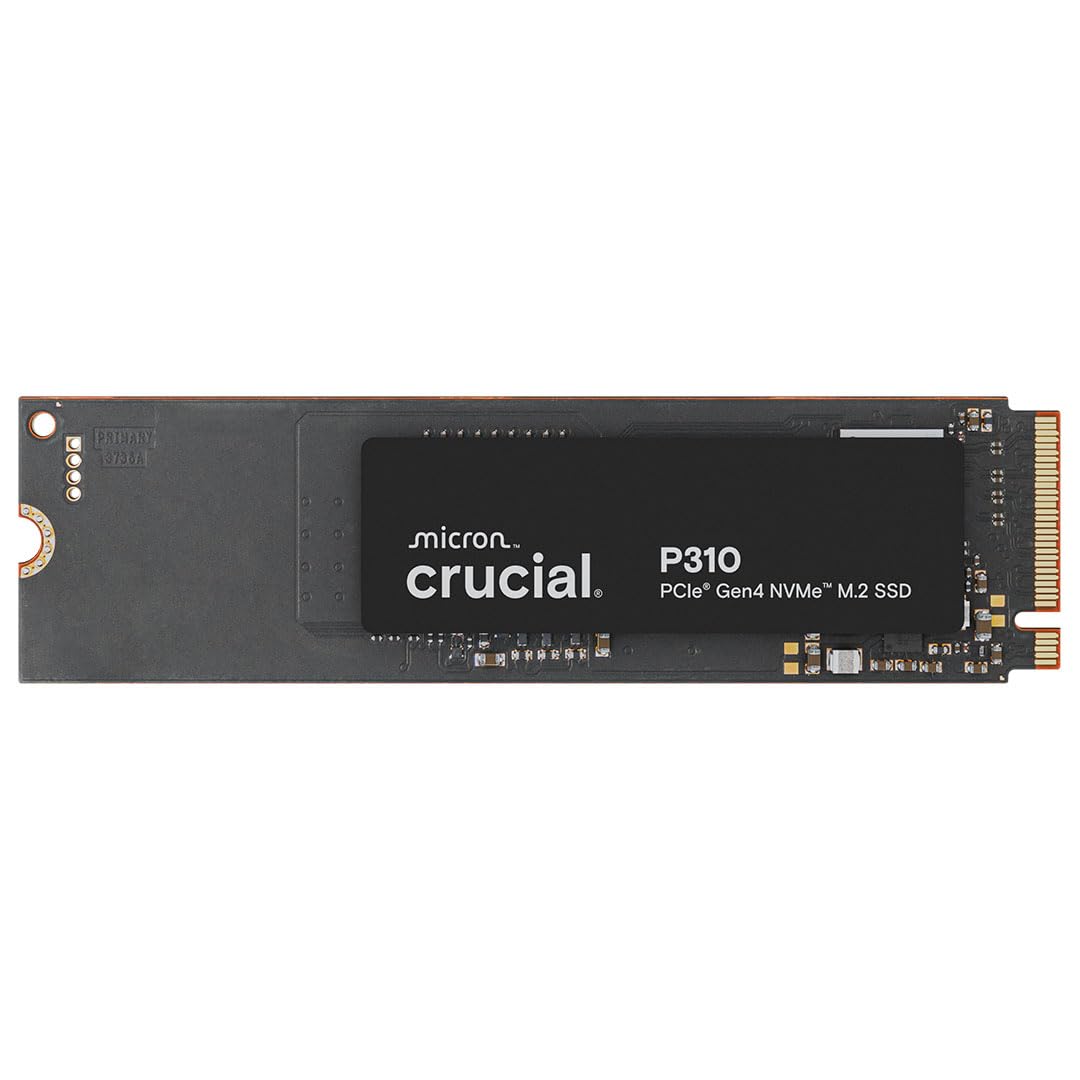
A full terabyte of Gen4 speed, sized for the handheld in your bag.
The Crucial P310 is the drive this list would be incomplete without. It delivers up to 7,100MB/s read and 6,000MB/s write over PCIe 4.0, and it carries a full 1TB of space — meaning you get both the fastest tier of speed and the capacity to put it to use. The write rating here is where it decisively outpaces the PNY CS2241, at 6,000MB/s against 1,700MB/s, so large file transfers finish in a fraction of the time.
The compatibility list is unusually specific and that specificity is a feature, not filler. Crucial names the ROG Ally X, Lenovo Legion Go and AYANEO Kun as supported handhelds alongside laptops, desktops and a Valve Steam Deck listing, and the drive is backward compatible with Gen3 systems for older machines. If you own a handheld gaming PC, this is one of the few drives on this list that tells you outright that it will work in yours. It also ships with a month of Adobe Creative Cloud and Crucial’s Storage Executive software.
Value is what the feedback praises most, and with this much speed and capacity in one drive, that makes sense. Reliability feedback is genuinely mixed — a minority hit issues — so the usual advice applies: install, run CrystalDiskMark, and confirm the drive behaves before your return window closes. Built on Micron G8 NAND with thermal control, it is rated 4.5+ stars across 11,000+ ratings, the largest owner base of any 1TB drive here.
Where it wins outright: 7,100MB/s read and 6,000MB/s write across a full 1TB, with the Steam Deck and ROG Ally X both named in the compatibility list.
Do the install properly: thermal control on a Gen4 drive this fast means you should seat it correctly rather than rush.
Buy this one if: you want a terabyte at the fastest speed tier that still fits a handheld or a slim laptop.
Don’t buy it if: a 500GB drive already covers your storage needs — this is more capacity than a boot-only machine will use.
7. Silicon Power 1TB UD90 NVMe 4.0 Gen4 PCIe M.2 SSD
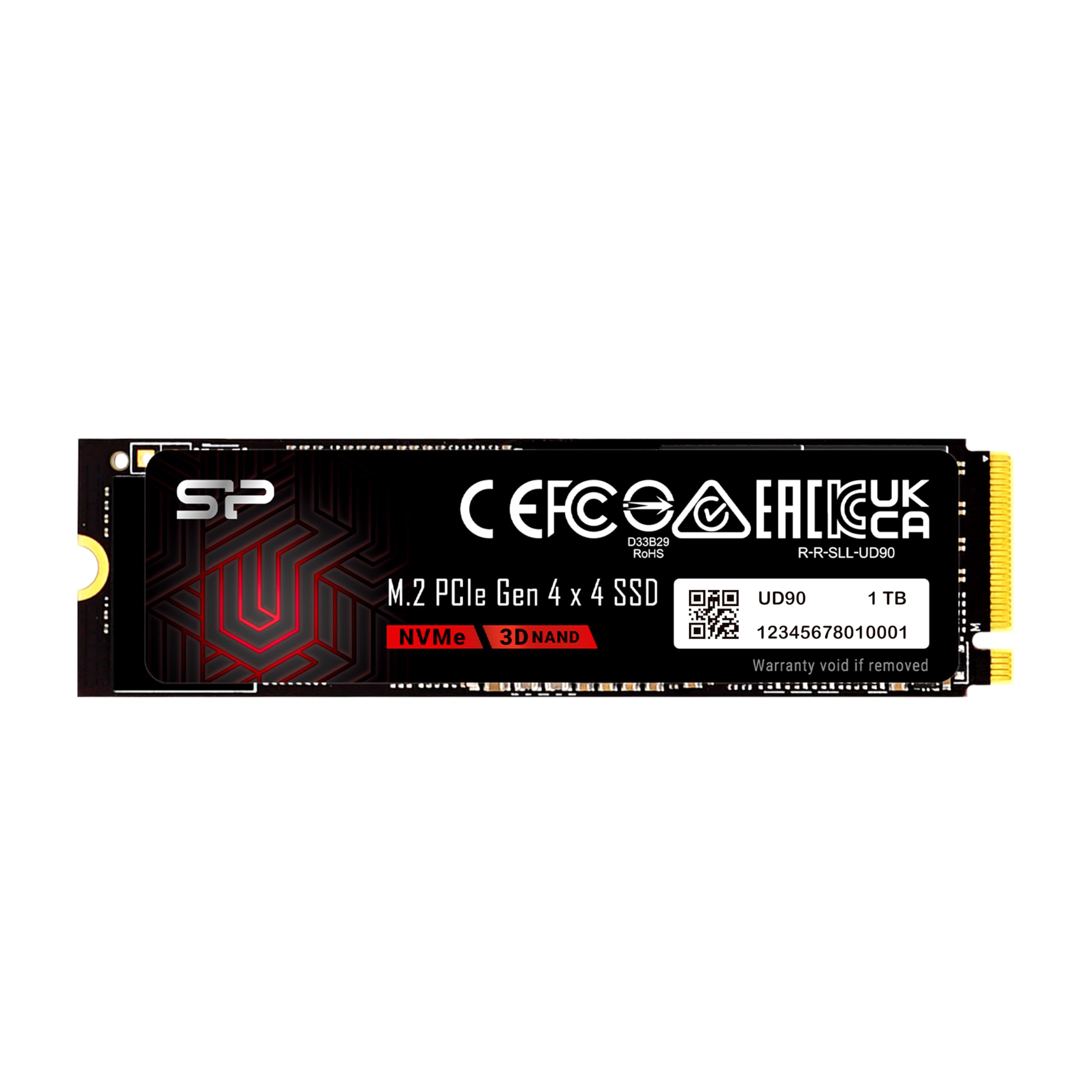
The 1TB drive that spends its money on data integrity instead of headline speed.
Silicon Power rates the UD90 at up to 5,000MB/s read and 4,800MB/s write on a PCIe 4.0 slot, which is solidly mid-pack for this group. What it does with the extra engineering budget is the reason to buy: SLC Caching for burst writes, LDPC coding (low-density parity check — an error-correction scheme that catches data corruption during transfer) to ensure accuracy in transmission, and built-in end-to-end data protection. For a budget drive, that is a genuinely careful spec sheet.
The feature most budget drives skip entirely is RAID support — the UD90 is built to work in a RAID array, which is the setup where two or more drives work together and can survive one drive failing. If your desktop runs a RAID configuration, or you plan to mirror your data across drives, this is the drive out of the whole list that names it. It also ships with a 5-year limited warranty.
The honest limit is review scale and speed. At 4.0+ stars, it is the lowest-rated drive here, and the read rating of 5,000MB/s trails the 7,400MB/s of the Acer Predator GM7. There is essentially no published owner feedback to lean on compared with the Kingston’s 14,000+ ratings. Buy it for the data-protection feature set and the warranty, not for benchmark bragging rights or third-party reassurance.
Protection features you rarely see: end-to-end data protection, LDPC error correction and RAID support at this price tier are the real selling points.
Where it sits in the pack: 5,000MB/s reads and a thinner public review history than the leaders.
Choose it when: your build runs RAID and you want a drive that lists data-integrity features up front.
Choose something else when: you want the reassurance of a huge owner base behind the purchase.
8. Acer Predator GM7 1TB SSD
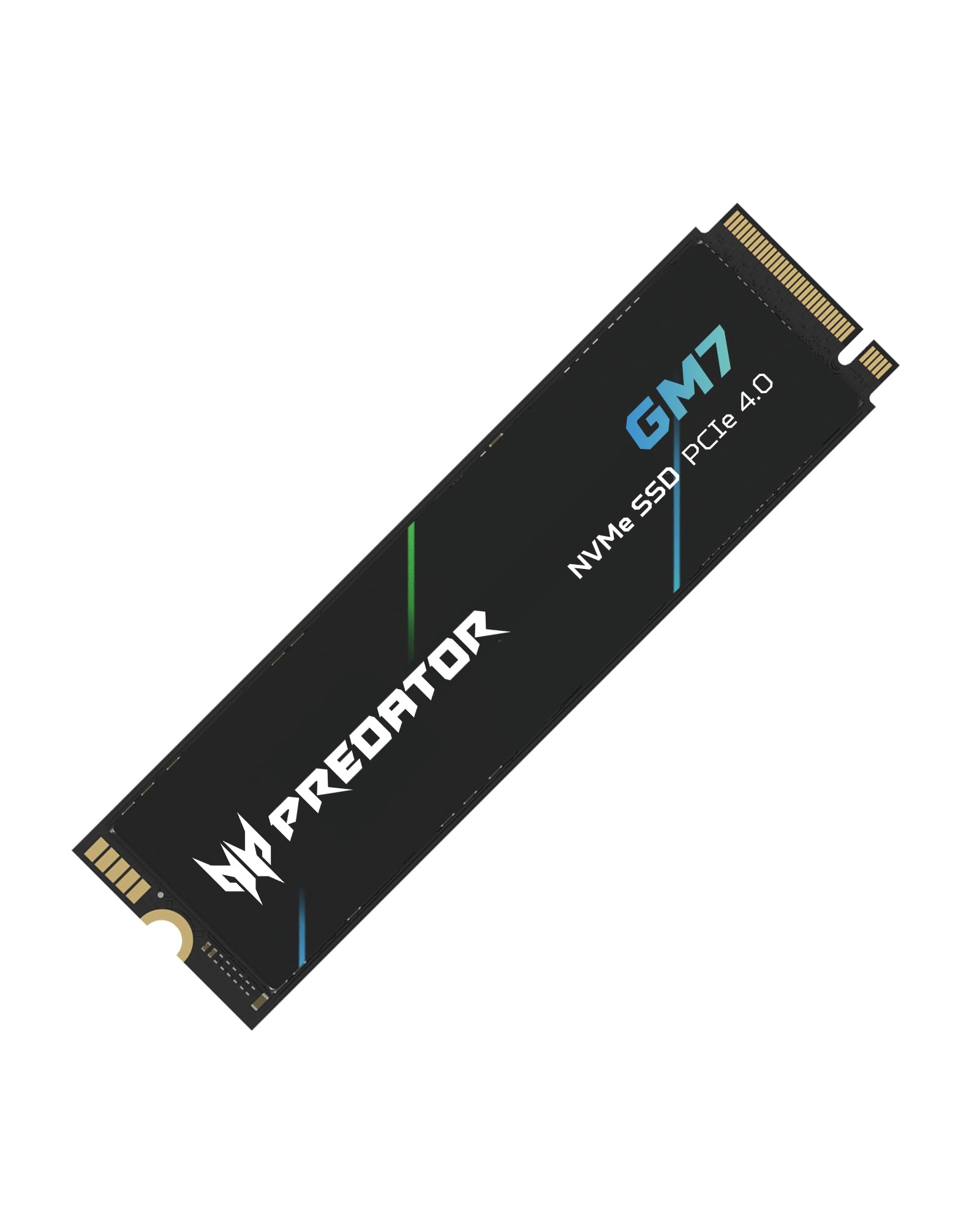
The read-speed king of the list, wrapped in heat management that earns its keep.
On the numbers, nothing here reads faster. The Predator GM7 is rated up to 7,400MB/s read and 6,500MB/s write across PCIe 4.0 with NVMe 2.0, and it carries a full 1TB. Compare that to the Silicon Power UD90’s 5,000MB/s read and the gap is visible in large sequential transfers — a 4K video file or a big game install simply moves faster. The GM7 also supports HMB (Host Memory Buffer, where the drive borrows a slice of your system RAM to accelerate access) alongside SLC caching.
Heat is where cheap fast drives fall over, and this one is built to avoid that. Acer specifies thermal throttling and power management for automatic temperature control, which means the drive dials itself back deliberately rather than cooking under a heavy workload. The controller and flash are chosen for performance at lower power consumption, creating less heat in the first place. Biwin Intelligence software handles performance testing, data migration and drive cloning if you want to move your old install across.
The one thing to weigh is that this is the highest-priced drive on the list for a terabyte, and the review base is a few hundred owners rather than thousands. Performance is what the feedback consistently praises, with speed and ease of installation following. If you want the fastest read figure here and you are willing to pay for it, this is the drive — just remember that a Gen3 machine will not let you use that speed at all.
Top of the speed chart: 7,400MB/s read and 6,500MB/s write make this the fastest drive on this list, backed by real thermal management.
The price of speed: the highest spend per terabyte here, and no benefit at all in a Gen3 slot.
Right for: a Gen4 desktop or PS5 where you want the fastest sequential read this list offers.
Wrong for: a budget build where the money would be better spent on capacity.
Understanding the Specs
Sequential Read and Write Speed
Sequential speed is how fast the drive moves one big, continuous file — measured in MB/s, or megabytes per second. A rating of 5,000MB/s means the drive can move five thousand megabytes of data every second under ideal conditions. This is the number printed largest on every box, and it is the number that matters least in daily use. Booting Windows and opening apps are small-file jobs, where a drive that reads at 3,500MB/s and one that reads at 7,100MB/s feel nearly identical. Sequential speed becomes visible when you copy huge files: a 6,000MB/s write rating (the Crucial P310) will finish a large video export far sooner than a 1,700MB/s write rating (the PNY CS2241).
PCIe Generation and M.2 2280 Fit
PCIe generations are the versions of the connection between your drive and your motherboard. Gen4 moves more data per lane than Gen3, which is why Gen4 drives can quote higher read figures — but a Gen4 drive in a Gen3 slot runs at Gen3 speed, and that is not a fault, just a ceiling. The M.2 2280 figure is the physical size: 22mm wide, 80mm long, the size of a stick of gum. All eight drives here are M.2 2280 and NVMe (the protocol storage uses over PCIe). Check your machine’s spec sheet for the slot’s generation and clearance before you buy, especially in a slim laptop where a single-sided drive like the WD Green SN3000 may be your only option.
FAQ
Will a budget NVMe SSD work in my older laptop with a Gen3 slot?
Does the M.2 2280 size fit every laptop and desktop?
Will a Gen4 NVMe SSD work in a PlayStation 5?
Is a 500GB NVMe SSD enough, or should I buy 1TB?
What happens to write speed when the SLC cache fills up?
Do I need cloning software to move Windows onto a new drive?
How long should a budget NVMe SSD last?
Will a Gen4 SSD make my Gen3 laptop faster?
Does a faster NVMe SSD drain a laptop battery quicker?
Can I use two of these drives together in RAID?
Final Thoughts: The Verdict
For the money, the budget nvme ssd that earns the top spot is the Kingston NV3 500GB — 5,000MB/s reads over Gen 4×4, a 5-year warranty with cloning software included, and the longest track record on this list at 4.5+ stars. It boots Windows and opens apps without a hitch, which is all an everyday upgrade needs to do. If you need a terabyte with the fastest speed on offer, the Crucial P310 1TB delivers 7,100MB/s read and 6,000MB/s write and is the one the handheld owners will want. And for a laptop with almost no clearance above the M.2 slot, the single-sided WD Green SN3000 is the one that actually fits.
How We Picked
We do not accept paid placement. Every pick is matched to a real buyer and a real use-case; we do not hands-on test units.
Sources & Methodology
Specifications: manufacturer listings and product documentation. Review insights: verified customer reviews, as of November 2026. Pricing: not shown on this page (it changes often); check the current price via the retailer link.
As an Amazon Associate, Gadgets Feed earns from qualifying purchases. This does not affect which products we feature.