
Our readers keep the lights on and my morning glass full of iced black tea. As an Amazon Associate, I earn from qualifying purchases.
Specs are compiled from manufacturer listings and verified buyer reviews and can change over time — please confirm the key details on the product page before buying.
You do not need a powerhouse to write emails, join video calls, and stream a show. You need a laptop that boots without drama, has enough ports to plug in a mouse and a monitor, and does not die halfway through a work session. The picks below are sorted by what actually matters for everyday work: screen clarity, memory for multitasking, storage speed, and battery.
I’m Min — the founder and writer behind Gadgets Feed. This guide is built by comparing the manufacturers’ published specifications and the patterns across verified customer reviews, so you get each pick’s real strengths and trade-offs instead of marketing spin.
Some favor a touchscreen, some prioritize a long battery, and others focus on a full HD panel for sharper text. Here is how to choose a basic laptop computer that matches your daily routine and budget.
Our Picks at a Glance


How To Choose The Best Basic Laptop Computer
A basic laptop lives or dies on three things: what the screen shows you, how many things you can have open at once, and whether it still has a charge when you need it. Everything else — the graphics chip name, the processor generation number — matters far less at this tier than the spec sheet boxes people argue about online.
Screen resolution has a bigger daily impact than you think
A 1920 x 1080 panel (often called Full HD) fits far more text on screen at a readable size than a 1366 x 768 display. If you spend your day inside spreadsheets, PDFs, or long emails, that extra room is the single upgrade you will notice every single minute. A touchscreen is a nice extra for scrolling and tapping, but it is not a substitute for resolution.
RAM and storage: get the numbers right, not the marketing
Memory (RAM) is your desk space — more of it means more browser tabs and apps open at once without stutter. Storage is your filing cabinet, and an SSD (a storage drive with no moving parts) opens documents and boots the machine much faster than an old spinning hard drive. A basic machine with 8 GB of RAM and a 128 GB SSD covers browsing, office work, and video calls comfortably.
Quick Comparison
| Model | Best For | Screen | RAM | Storage | Amazon |
|---|---|---|---|---|---|
| HP 15.6 inch Laptop, HD Touchscreen, Ryzen 3★ Best Overall | Everyday touchscreen work | 1366 x 768 HD touch | 8 GB | 128 GB SSD | Amazon |
| Dell Latitude 5400 (Renewed)Sharpest Value | Sharp screen on a tight budget | 1920 x 1080 FHD | 8 GB | 256 GB SSD | Amazon |
| 15.6 Inch Laptop, Pentium Gold 6500Y, 256GBStorage Bargain | Storage without the markup | 1920 x 1080 FHD IPS | 8 GB | 256 GB SSD | Amazon |
| Laptop 15.6 Inch, 12GB RAM 128GB SSD | Heavy multitaskers | 1920 x 1080 FHD IPS | 12 GB | 128 GB SSD | Amazon |
| Samsung 14″ Galaxy Chromebook Go | Students on ChromeOS | 14″ HD | 4 GB | 64 GB | Amazon |
| HP Chromebook 14 inch, N100 | Fast boot, cloud-first work | 14″ HD anti-glare | 8 GB | 128 GB UFS | Amazon |
| Acer Aspire Go 15 (Ryzen 3) | Full HD everyday all-rounder | 1920 x 1080 FHD IPS | 8 GB | 128 GB SSD | Amazon |
| Acer Aspire Go 15 (Intel Core 3 N355) | Long battery work sessions | 1920 x 1080 FHD IPS | 8 GB | 128 GB UFS | Amazon |
| HP 14 inch, Core i3-N305, 256GB | Smaller bag-friendly machine | 14″ HD anti-glare | 8 GB | 256 GB SSD | Amazon |
| Lenovo 15.6″ FHD Everyday Laptop | Students and office multitasking | 1920 x 1080 FHD anti-glare | 8 GB | 128 GB UFS | Amazon |
| Dell 15.6 Laptop, FHD, Core 3 100U | Comfortable typing all day | 1920 x 1080 FHD | 8 GB | — | Amazon |
In‑Depth Reviews
1. HP 15.6 inch Laptop, HD Touchscreen Display, AMD Ryzen 3 7320U
Our pick — 4.0+★ from 1,500+ verified ratings; the strongest balance of quality and price.
You get the most responsive everyday chip in this group, wrapped in a touchscreen you will actually use.
The HP 15.6 inch touchscreen leads because of its processor. An AMD Ryzen 3 7320U with a 4.1 GHz maximum clock (how fast each core can sprint) is more headroom than most budget laptops carry. In plain terms, your browser tabs, email, and a video call running together should not make the machine stutter. That is the part owners praise most across its large review base, and it is the single biggest reason this one holds the top spot.
Opening programs and files is quick here because of the storage type. You get a 128 GB PCIe NVMe M.2 SSD — a storage drive with no spinning parts — and HP rates it up to 15x faster than a traditional hard drive, so boot-ups and app launches feel immediate. Memory is 8 GB of LPDDR5 RAM, the power-efficient kind that keeps the machine responsive without draining the battery as hard as older memory would.
The screen is the trade-off to understand. It is a 15.6-inch HD touchscreen at 1366 x 768, a resolution where text is noticeably less sharp than a 1920 x 1080 panel like the one on the 15.6 Inch Pentium Gold model below. What you get in return is pinch-and-swipe control, a full-size keyboard with a numeric keypad, a physical camera shutter, and a dedicated microphone mute button. The battery rating is 12 hours on standby, though plenty of buyers point at charging as the recurring weak spot — treat the 12-hour figure as a ceiling, not a promise.
What carries it to first place
- Ryzen 3 7320U at up to 4.1 GHz gives real multitasking headroom
- 128 GB NVMe SSD means near-instant boot-ups and app loads
- Touchscreen plus camera shutter and mic mute button
Where it asks you to compromise
- 1366 x 768 screen is softer than Full HD rivals
- Charging consistency is the recurring gripe
Reach for it when: you want the snappiest everyday performer in this lineup and a touchscreen you will use for web and documents.
Look elsewhere when: sharp text on spreadsheets matters more to you than tapping and swiping.
2. Dell Latitude 5400 Laptop (Renewed)
The one renewed pick here, and it hands you the highest top speed in the whole lineup at a budget-tier spend.
Here is the number to hold onto: the Dell Latitude 5400 pairs an 8th Gen Core i5-8365U with 4 cores at a 4.1 GHz maximum. That is a 21% higher top speed than the 3.4 GHz the 15.6 Inch Pentium Gold 6500Y model reaches, pulled from a business-class machine rather than a consumer shell. It is a renewed unit, meaning it was cleaned and resold by a refurbisher — and the condition is what wins people over, with buyers describing it as arriving like new.
The 14-inch 1920 x 1080 FHD panel is the other reason to shortlist it. You get a sharper, roomier view than any 1366 x 768 screen in this group, so long documents and multi-window work feel less cramped. Storage is a 256 GB SSD and memory is 8 GB, which covers office apps and browsing. Windows 11 Pro comes preloaded, giving you the business-tier system rather than the cut-down S Mode some entry machines ship with.
Reliability is the honest caveat, and it comes from both camps. Buyers report mixed experiences — some describe it as a solid system for the price, while others mention it only works about 45-50% of the time. Battery life splits the same way, and the keyboard is the most-disliked element. If you buy renewed, check the return window before you rely on it for anything critical.
Screen-first economics: a renewed 5400 gets you Full HD plus Pro-tier Windows for less than most new HD machines here.
The renewed risk: reliability and battery are the two things that split opinion, so treat the return policy as part of the purchase.
Best for the refurb-open-minded: buyers who want a sharp 1920 x 1080 screen and a 4.1 GHz Core i5 without paying new-laptop money.
Price of admission: it is renewed, so inspect the unit quickly and keep the receipt handy.
3. 15.6 Inch Laptop with Pentium Gold 6500Y, 8GB RAM, 256GB SSD
Twice the storage of most rivals without paying twice the price — and a Full HD IPS panel on top.
Storage is where this ZRASU-built machine separates itself. The 256 GB SSD is a 4.0x gap over the Samsung Galaxy Chromebook Go’s 64 GB, so you can hold far more downloaded files, photos, and offline video before you think about cloud space. The screen matches that value story: a 15.6-inch 1920 x 1080 IPS panel (IPS means wide viewing angles and steadier colour from off-centre) is a clear step up in sharpness from the 1366 x 768 HP touchscreen pick above.
The processor is a Pentium Gold 6500Y running up to 3.4 GHz with 8 GB of RAM and dual SO-DIMM slots, so the memory layout can be swapped or upgraded later — unusual at this level. It is built for web browsing, office applications, video streaming, and light multitasking, which is exactly the daily routine most people bring to a basic laptop. Weighing in at 1.72 kg, it slips into a bag without a second thought, and the 5000 mAh battery is rated for 4–5 hours of typical use.
That 4–5 hour figure is the honest limit worth naming. It covers a class session or a work block, not a full travel day, and the unit leans on Type-C fast charging to top up between tasks. Owners here tend to be a small, satisfied group who see it as dependable and good value — the kind of quiet machine that does its job if you charge it on schedule.
Why it earns the slot
- 256 GB SSD doubles the storage of most budget rivals
- Full HD 1920 x 1080 IPS screen with wide viewing angles
- Dual SO-DIMM slots leave room to add memory later
Plan around this
- Rated 4–5 hours of typical use, so bring the charger for long days
Suits the storage-hungry: anyone downloading large files or keeping media offline who still wants a sharp Full HD panel.
Think twice if: untethered all-day battery is non-negotiable for how you work.
4. Laptop 15.6 Inch, 12GB RAM 128GB SSD, Pentium Gold 6500Y
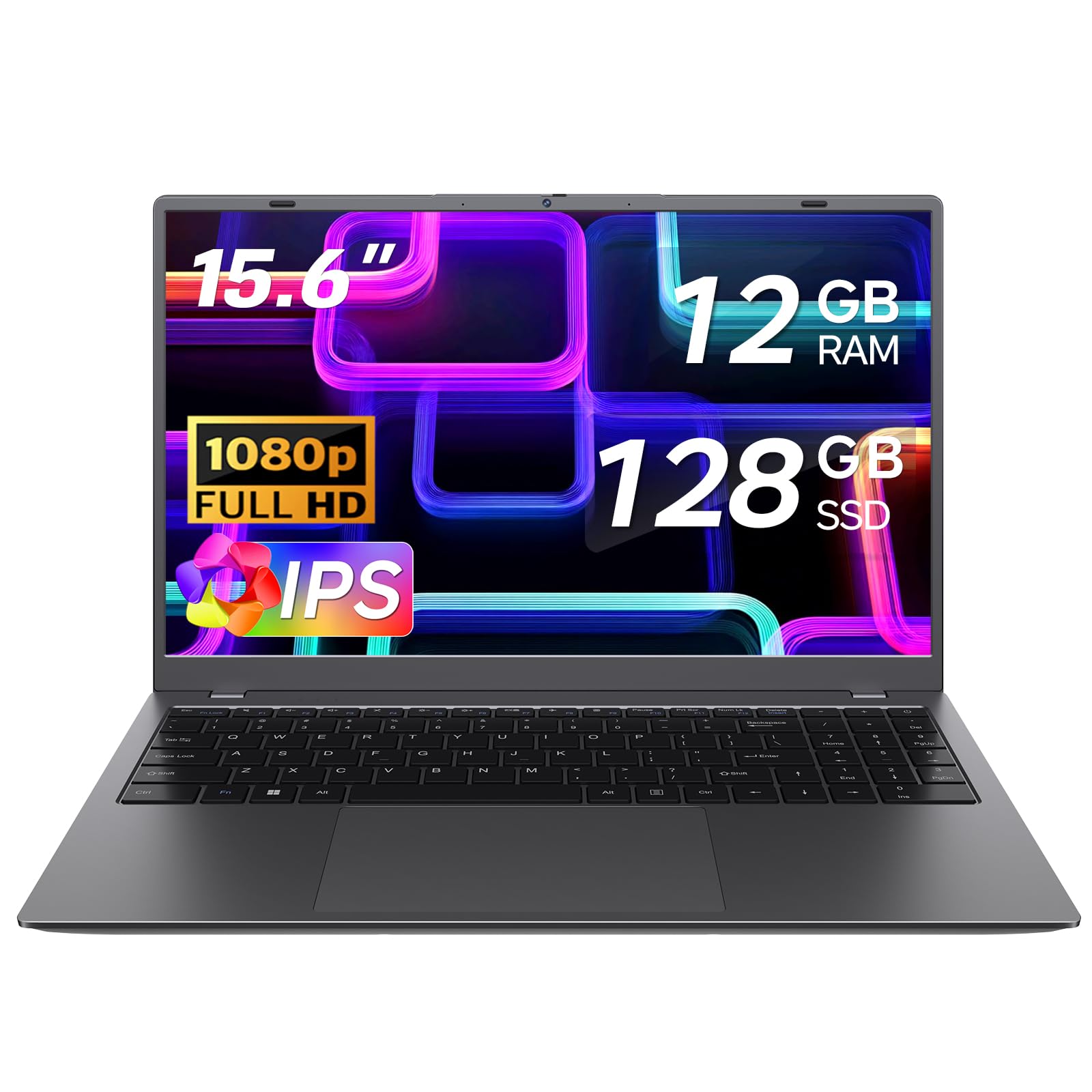
Twelve gigabytes of memory is the headline — the biggest RAM figure in this entire lineup.
If your laptop stutters because too many tabs are open, this is the pick built around that exact problem. The 12 GB of RAM is a 3.0x gap over the Samsung Chromebook Go’s 4 GB, and the maker states it runs up to 1.5× faster than entry-level 8GB laptops when multitasking or streaming video. Pairing that with the 1920 x 1080 FHD anti-glare IPS screen — a panel that cuts reflections so you can see it near a window — makes it a genuinely comfortable machine for long document sessions.
Everyday performance is centered on the Pentium Gold 6500Y processor at up to 3.4 GHz with a 7W TDP (a low power draw that keeps heat and fan noise down). Storage is a 128 GB SSD for quick boot-ups. Ports are unusually generous for a thin machine: 2× USB 3.2, 1× USB 2.0, a full-function USB-C, a charging-only USB-C, HDMI, a TF card slot, and an audio jack, so you can plug in a monitor and peripherals without buying adapters.
For portability the chassis measures 0.8″ thin and 3.5 lbs, and there is a physical camera privacy slider for video calls. The full-size keyboard includes a numeric keypad, which speeds up spreadsheet entry. Performance and functionality are the two things owners highlight, and this TRHRO machine comes set up and easy to get running.
Where it wins outright: 12 GB of RAM against the 8 GB most rivals carry, so more tabs and apps stay open without stutter.
What to check before buying: this is the machine to pick specifically for memory, not for screen glamour or premium build feel.
Made for the tab-hoarder: students and home workers who routinely keep a dozen windows alive at once.
Not the one for: buyers who mainly want a big battery or a featherweight frame over raw memory.
5. Samsung 14″ Galaxy Chromebook Go
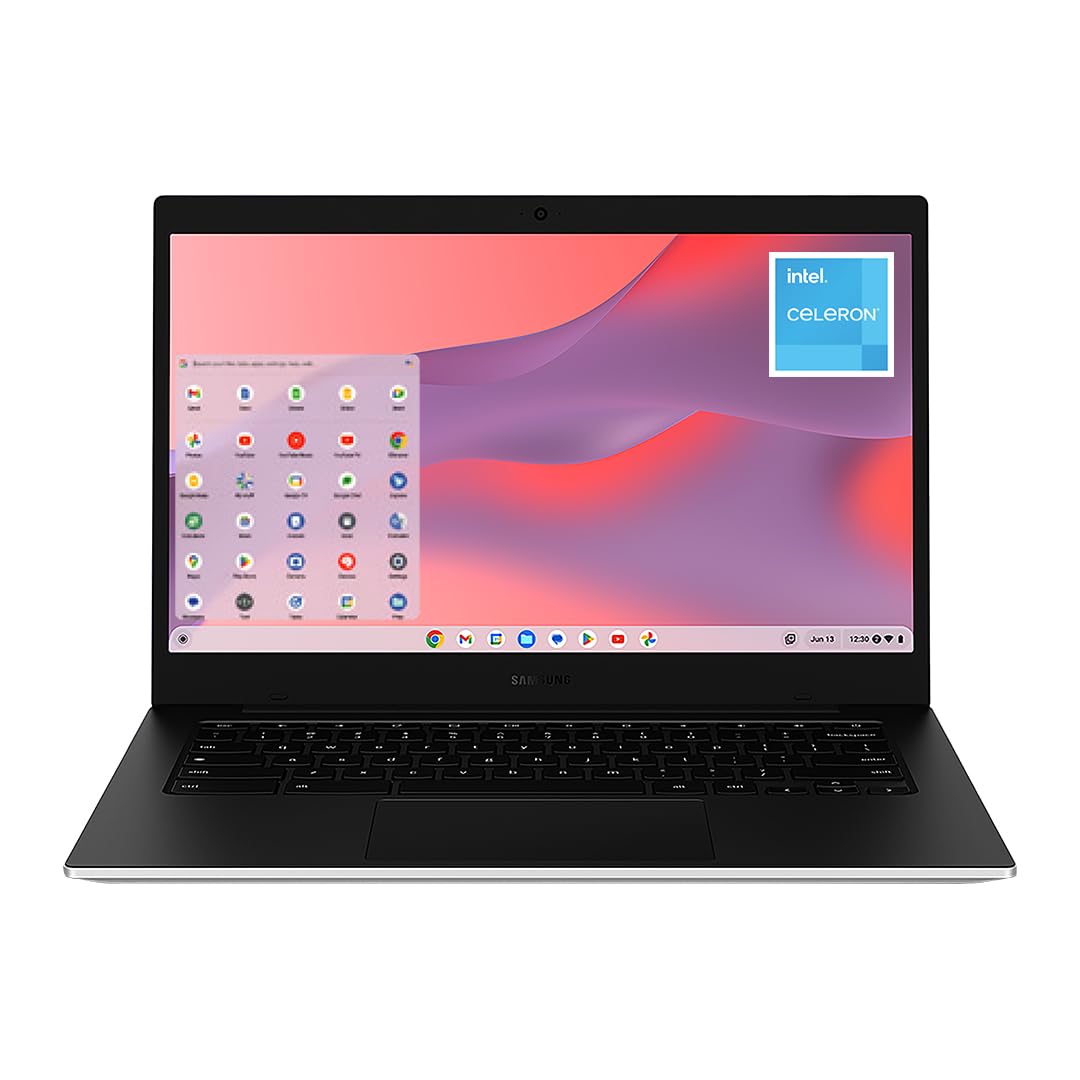
A 12-hour battery and a military-tough shell built for school bags and campus days.
Samsung built this one for the school routine. The 12-hour rating covers a full day of classes on a single charge. It runs ChromeOS, Google’s laptop system, which leans on web apps and cloud storage rather than heavy installed software. That keeps things simple for students who mostly live in a browser, email, and documents.
The trade-offs are baked into the spec sheet and worth knowing up front. Memory is 4 GB of RAM and storage is 64 GB — the leanest figures in this group, and 64 GB is exactly the 4.0x gap the 15.6 Inch Pentium 6500Y model doubles. The Intel Celeron N4500 tops out at 2.8 GHz, so heavier multitasking will feel the pinch. On the practical side, a 14-inch frame slips into smaller bags, and buyers widely praise the build quality and ease of use as the standout strengths.
Performance is the split opinion here — some find it quick for basic tasks while others find it slow, which tracks with a Celeron-class chip. Buy it as a lean, tough writing-and-browsing machine and you will be satisfied; expect it to replace a full desktop and you will feel the ceiling. The keyboard and mouse bundled in the box make it a true out-of-the-box starter.
Why students gravitate here
- 12-hour battery covers a full school day
- Military-tough build rated for drops and dings
- 14-inch frame fits smaller bags and backpacks
The numbers to accept
- 4 GB RAM and 64 GB storage is the leanest in this lineup
- Light tasks only — heavier multitasking will feel strained
Ideal for a browser-first student: someone who lives in Google apps and needs a day of battery in a tough, light shell.
Skip the multi-app grind: if you run several heavy programs at once, look at the 12 GB pick instead.
6. HP Chromebook 14 inch Laptop, Intel Processor N100

ChromeOS with real memory behind it — 8 GB of RAM and 128 GB of fast storage on a budget chassis.
This HP Chromebook solves the common Chromebook complaint: not enough memory. It carries 8 GB of LPDDR5 RAM — double the 4 GB on the Samsung Chromebook Go above — so a stack of browser tabs and a video call coexist far more comfortably. Storage is 128 GB of UFS, a fast flash memory type that keeps the system feeling light while you work from the cloud.
The Intel Processor N100 handles web, learning, and streaming apps, and Intel UHD Graphics are listed as able to smoothly stream 4K content. The 14-inch HD display uses a non-reflective anti-glare panel so glare is reduced when you are near a window or outside. ChromeOS itself is the selling point for simplicity: Google says it automatically keeps everything up to date and has apps for most things, with files living in the cloud rather than on the drive.
What to weigh honestly: ChromeOS is not Windows, so if you need a specific desktop program — a heavy accounting suite, say — check that a web or Android version exists first. For email, docs, streaming, and remote browsing, it is a clean, fast, low-maintenance machine. The 60 Hz LED display is standard for smooth everyday scrolling.
The upgrade over cheap Chromebooks: 8 GB RAM and 128 GB UFS lift it well above the 4 GB / 64 GB baseline of entry models.
Know the system: Windows-only software is the real limit here, not the hardware.
Great for the cloud-native user: anyone happy in a browser who wants more memory than the cheapest Chromebooks carry.
Wrong tool if: your daily work depends on a Windows desktop program ChromeOS cannot run.
7. Acer Aspire Go 15 AI Ready Laptop, Ryzen 3 7320U
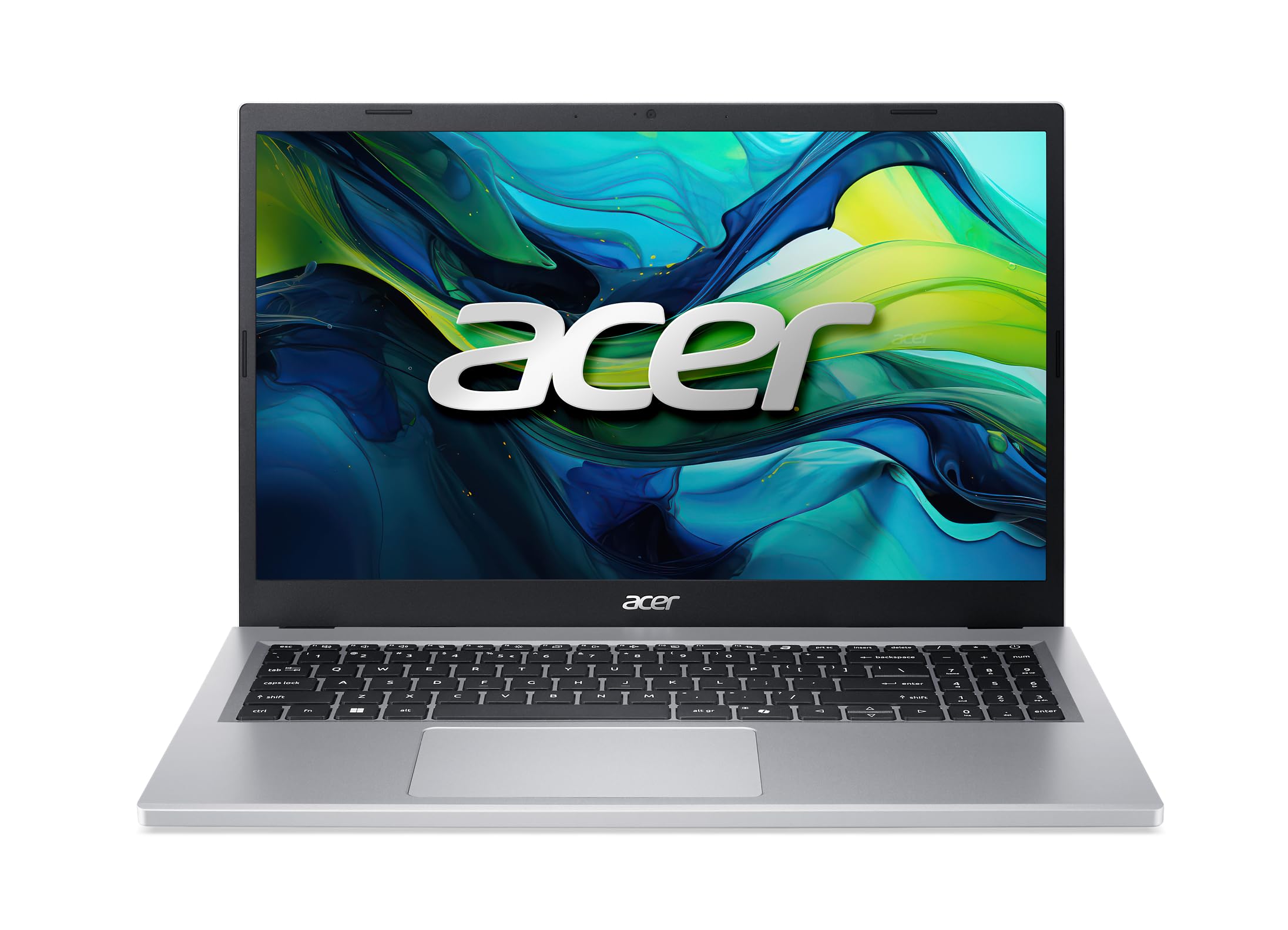
Full HD, dual USB-C, and Wi-Fi 6 in one balanced package that handles the whole daily grind.
The Acer Aspire Go 15 wraps a Ryzen 3 7320U running up to 4.1 GHz and 8 GB of LPDDR5 memory around a 15.6-inch 1920 x 1080 Full HD IPS display. That combination — sharp screen plus a capable everyday chip — is the one most buyers actually want from a basic laptop. The narrow-bezel design keeps the frame tight around the panel, and Acer BluelightShield lowers blue light levels for longer viewing sessions.
Connectivity is a real strength. You get dual full-function USB Type-C ports, so charging and plugging in accessories do not fight for space, plus Wi-Fi 6 (the newer, faster Wi-Fi standard) and HDMI 2.1. There is also Copilot access from a single key for AI assistance across apps, and AcerSense, a one-button panel for managing battery, storage, and apps.
People buy it for straightforward everyday work — browsing, word processing, streaming — and it earns its place there. The honest limit is that 128 GB of storage fills up fast if you keep lots of local files, and 1080p video editing or gaming is out of scope for a Ryzen 3 with Radeon 610M graphics. For the daily routine, though, it is a composed, well-connected laptop.
Balanced where it counts: Full HD IPS plus raw Ryzen 3 speed and dual USB-C make it a safe everyday default.
Mind the ceiling: 128 GB storage and entry-level Radeon 610M graphics suit documents and streaming, not heavy creation.
A solid everyday default: if you want a sharp screen, fast Wi-Fi, and enough ports to stop juggling adapters.
Pass it over if: you plan to edit video or store a large local media library.
8. Acer Aspire Go 15, Intel Core 3 Processor N355
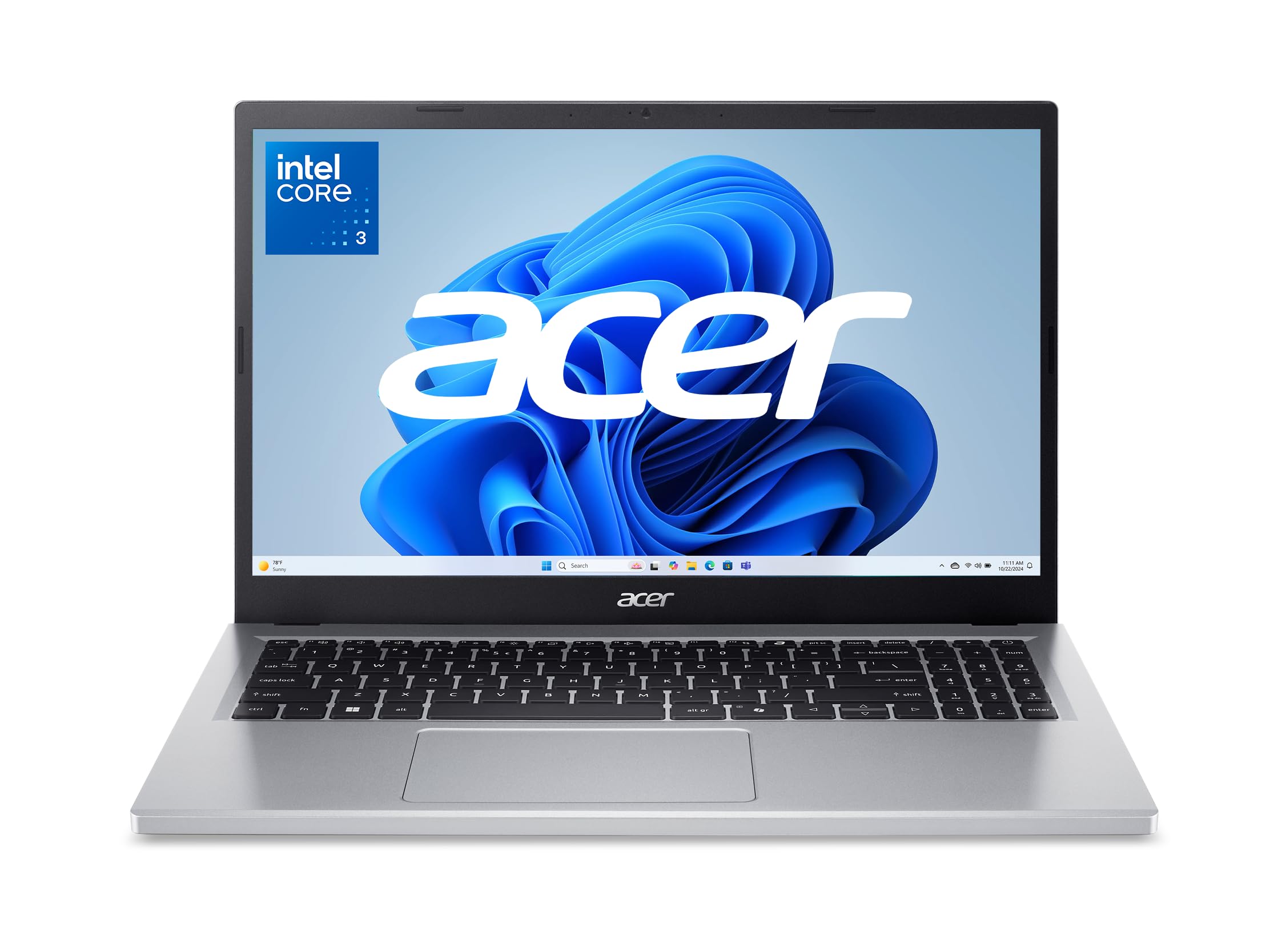
The 12.5-hour rating is the longest in this lineup, paired with an 8-core chip.
Acer puts an 8-core Intel Core 3 processor N355 running up to 3.9 GHz inside this Aspire Go 15, paired with 8 GB of DDR5 memory and 128 GB of UFS storage. Eight cores means more simultaneous tasks get their own lane, so switching between a browser full of tabs and a document window stays smooth. On top sits a 15.6-inch 1920 x 1080 Full HD IPS display for crisp text and comfortable movie viewing.
The 12.5-hour rating is the longest in this lineup for anyone working away from an outlet. Owners praise its speed for multitasking and call it good value, but the battery is the one area where opinion splits — some say it runs for hours while others find it discharges quickly. Treat the 12.5-hour rating as the best case and keep the charger close for long days.
Ports are generous: dual USB Type-C with charging up to 45W, two USB 3.2 ports, HDMI 2.1, and a headphone jack. Wi-Fi 6 keeps wireless steady, and AcerSense handles battery, storage, and app management from one button. Durability and compatibility are the areas buyers push back on most, so a protective sleeve is a sensible add-on.
Where it stands out
- 8-core Intel Core 3 N355 up to 3.9 GHz for steady multitasking
- 12.5-hour battery rating, the longest here
- Dual USB-C, HDMI 2.1, and Wi-Fi 6 all included
Keep an eye on
- Real-world battery results vary a lot across owners
- Durability draws the most criticism of any feature here
Built for the mobile worker: students and commuters who want the longest rated battery and a full HD screen.
Look at others if: a rugged-feeling build matters more to you than endurance.
9. HP 14 inch Laptop, Intel Core i3-N305, 256 GB SSD
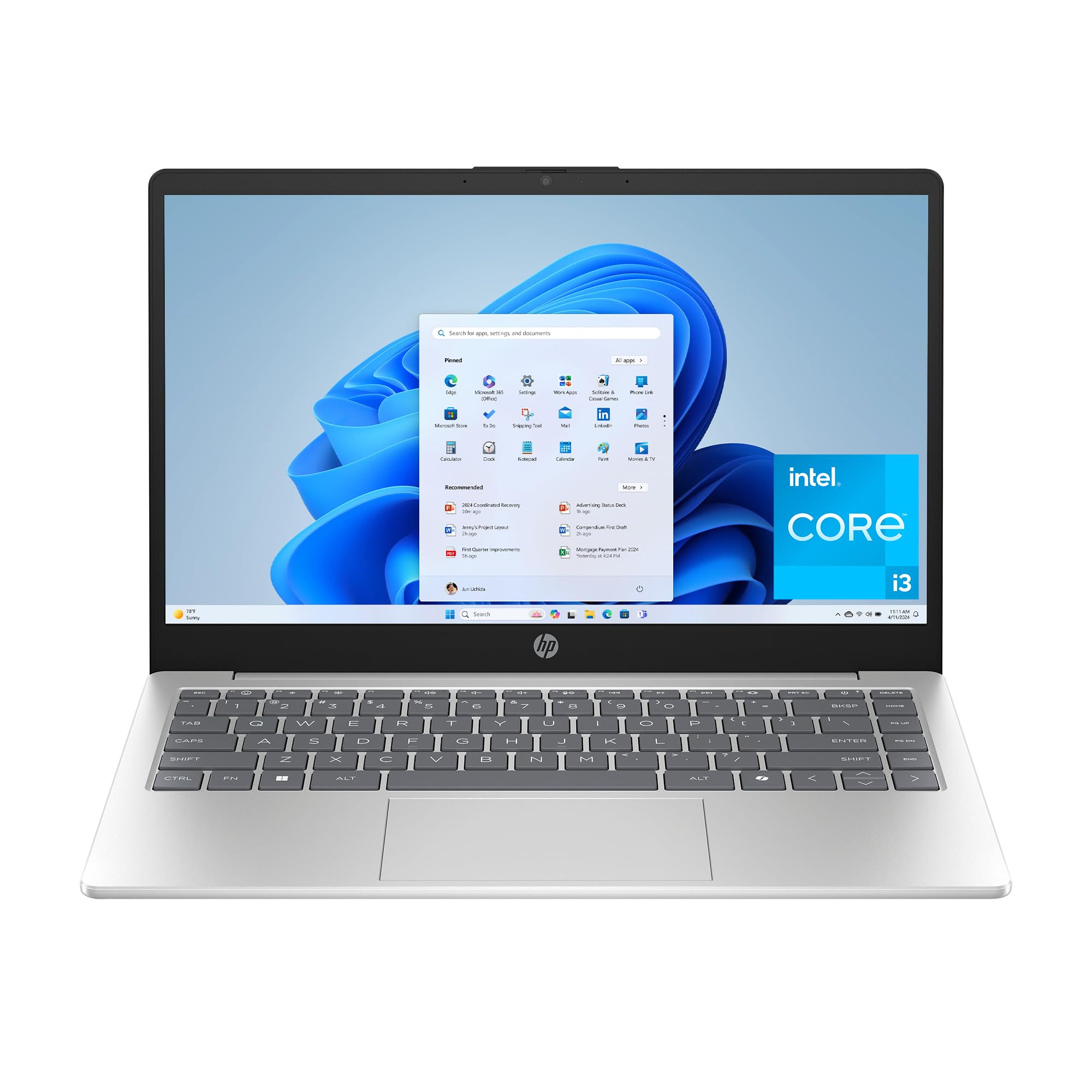
A 14-inch frame that trades screen size for bag space, powered by an 8-core Intel chip.
Not everyone wants a 15.6-inch slab in their backpack, and that is exactly where this HP fits. The 14-inch HD anti-glare display keeps the machine compact while still giving you a million pixels — HP’s phrasing for its high-definition detail — and a low-gloss panel that reduces reflections outdoors. An 8-core Intel Core i3-N305 up to 3.8 GHz with 8 GB of DDR4 RAM handles daily browsing, documents, and streaming.
Storage is a genuine strength here: 256 GB PCIe NVMe M.2 SSD, the largest SSD capacity in this group, matching the 15.6 Inch Pentium 6500Y model’s 256 GB. HP rates it up to 15x faster than a traditional hard drive, so boot-ups are quick and files open on demand. Battery life is listed at 8.45 hours, and HP Fast Charge is listed to reach 0 to 50% in about 45 minutes, which softens the shorter rating.
Privacy touches are a nice detail: a physical camera shutter and a dedicated microphone mute button with an LED indicator. Owners tend to be a happy group overall, praising the build quality and the value, with several finding it ideal for college and travel. The 8.45-hour rating is the one figure to size up honestly — it covers a class day or a flight, not a full unplugged weekend.
The compact-storage combo: 256 GB of SSD in a smaller 14-inch body is a rare pairing at this tier.
What the size costs: an HD panel and 8.45-hour battery mean less screen room and less endurance than the larger Full HD machines.
For the compact-and-capacious buyer: anyone carrying a smaller bag who still wants 256 GB of fast storage.
Better elsewhere if: you want a Full HD screen or a longer-rated battery for all-day use.
10. Lenovo 15.6″ FHD Everyday Laptop, Intel Core 3 N355

An everyday machine aimed at students and office multitasking, with the widest port list in this group.
Lenovo built the IdeaPad Slim 3i around the Intel Core 3 N355 — 8 cores and 8 threads up to 3.9 GHz with a 6 MB Intel Smart Cache (fast on-chip memory that speeds up recurring tasks). Backed by 8 GB of LPDDR5-4800 memory and 128 GB of UFS 2.2 storage, it is tuned for browsing, schoolwork, and everyday tasks. The 15.6-inch FHD 1920 x 1080 anti-glare panel at 250 nits (a measure of screen brightness) keeps reflections down for long reading sessions.
The port selection is the standout. You get 2× USB-A at 5Gbps, 1× USB-C at 5Gbps with power delivery and DisplayPort 1.2, HDMI 1.4, a headphone/mic combo jack, and an SD card reader — handy for pulling photos off a camera. Wi-Fi 6 and Bluetooth 5.2 keep the connection stable, and stereo speakers tuned with Dolby Audio give clearer sound for calls and streaming.
Buyers describe it as a workhorse that runs Windows 11 and Office without issue and handles school and business multitasking smoothly. The honest caveat is that quality and battery are where opinion splits, with some reporting battery issues — worth factoring if you go long stretches unplugged. At 1.55 kg (3.42 lbs), it is easy to move between home, school, and the office.
Where it shines
- Widest port selection, including an SD card reader
- 8-core Intel Core 3 N355 for steady multitasking
- Full HD anti-glare panel with Dolby Audio speakers
Factor this in
- Battery reports split, so plan around the charger for long days
Right for the plugged-in multitasker: students and office users who value ports, an SD reader, and a sharp FHD screen.
Reconsider if: maximising unplugged runtime is your top priority.
11. Dell 15.6 Laptop, FHD, Intel Core 3 100U
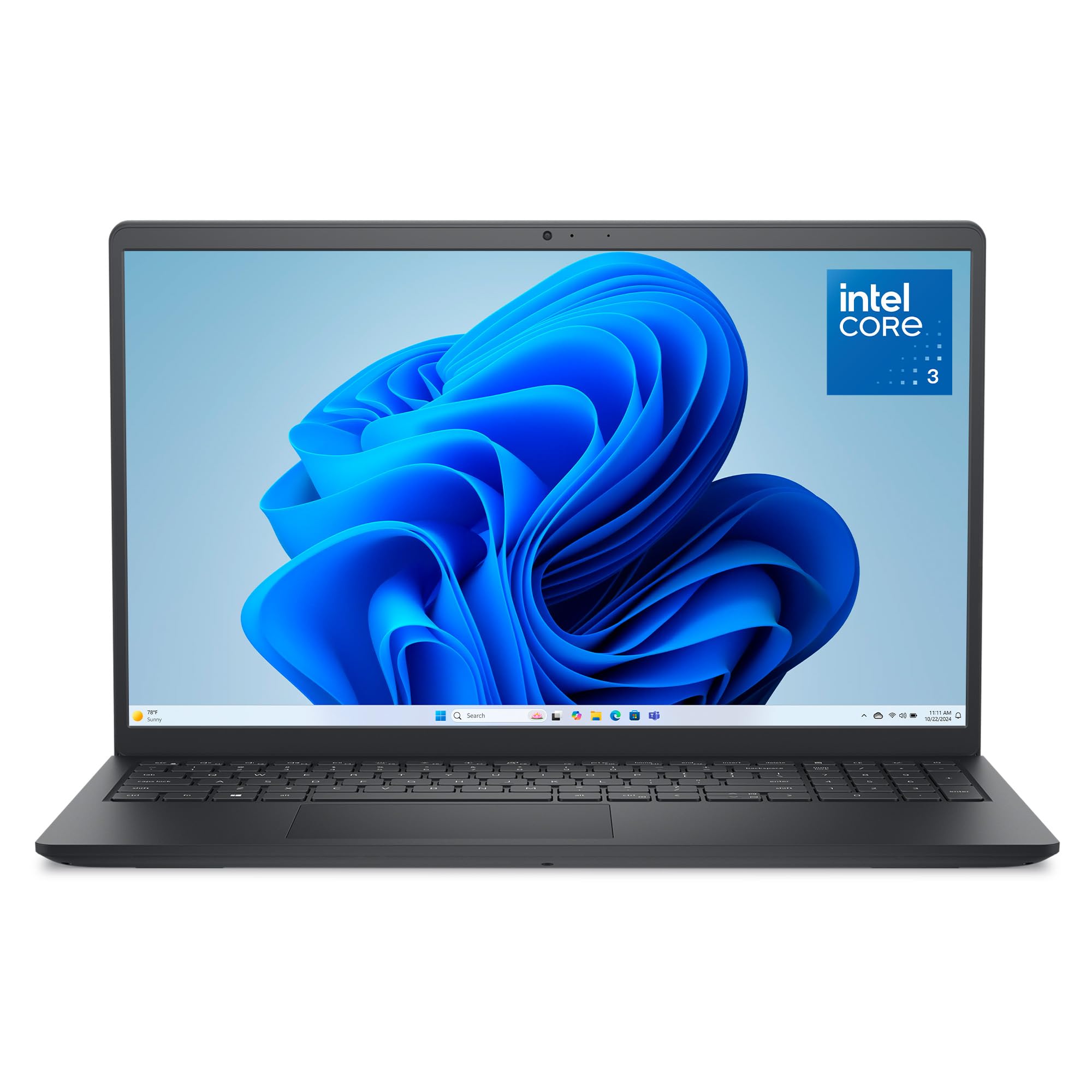
Designed around typing comfort, with a numeric keypad and lifted hinges for a better wrist angle.
Dell’s 15.6 machine wins on the details you feel every hour. Lifted hinges angle the keyboard toward you for a more comfortable wrist position, and the roomy keypad includes a separate numeric keypad and a calculator hotkey for data entry. A 15.6-inch 1920 x 1080 FHD panel keeps text crisp, and Dell ComfortView software helps reduce blue light for long viewing sessions.
Under the hood is an Intel Core 3 100U with a 4.7 GHz maximum speed and 8 GB of RAM running Windows 11 Home — the highest clock speed in this lineup, and enough to keep everyday work flowing. Bluetooth 5.3 handles wireless accessories. Express Charge support is included to extend your focus, and a McAfee 30-day trial is bundled for online protection.
Two limits to weigh. There is no fingerprint reader, so you log in with a password or PIN instead of a biometric scan. And unlike the SSD-equipped picks above, storage is not listed in the spec sheet — confirm the drive capacity on the listing before you commit. For pure desk work and typing-heavy days, those gaps rarely bite.
Built for the typist: the angled keyboard, numeric keypad, and comfort-focused screen make long work sessions easier.
Verify before checkout: no fingerprint reader and no listed storage figure — check the drive size on the page.
For heavy keyboard users: anyone logging long typing and spreadsheet hours who prioritises comfort over flash.
Look on if: you want a biometric login or need the storage capacity spelled out on the spec sheet.
Understanding the Specs
Screen resolution and panel type
A 1920 x 1080 panel packs in far more detail than a 1366 x 768 one, so text stays sharp and you fit more on screen. IPS (a panel type with wide, stable viewing angles) keeps colours steady when you tilt the lid. Anti-glare coatings cut reflections so the screen stays readable near windows or outdoors.
Processor speed, RAM, and storage
The processor’s maximum clock (in GHz) is how fast each core can run, and core count is how many tasks get their own lane at once. RAM is your workspace for open apps, and an SSD or UFS drive is flash storage that opens files far faster than an old spinning drive. Check both the memory figure and the storage type, not just the capacity.
FAQ
Is Full HD really worth it on a basic laptop?
How much RAM do I need for everyday use?
Is a Chromebook a real replacement for a Windows laptop?
Is a renewed laptop like the Dell Latitude 5400 safe to buy?
How long does the battery actually last on these laptops?
Do I need an SSD or is regular storage enough?
Which laptop here is best for a college student?
Will these laptops handle video calls and streaming?
What ports should a basic laptop have?
Can I open these laptops up to add more storage or memory?
Final Thoughts: The Verdict
For most people, the basic laptop computer winner is the HP 15.6 inch Touchscreen because its Ryzen 3 7320U at up to 4.1 GHz keeps everyday multitasking smooth, and its 128 GB NVMe SSD makes boot-ups feel instant — rated 4.0+ stars across 1,600+ ratings. If a sharp screen is your priority, reach for the 15.6 Inch Pentium Gold model with its Full HD IPS panel and 256 GB SSD. And for students who want the longest rated battery and a ChromeOS setup, the Acer Aspire Go 15 with the Intel Core 3 N355 is the one to grab.
How We Picked
We do not accept paid placement. Every pick is matched to a real buyer and a real use-case; we do not hands-on test units.
Sources & Methodology
Specifications: manufacturer listings and product documentation. Review insights: verified customer reviews, as of November 2026. Pricing: not shown on this page (it changes often); check the current price via the retailer link.
As an Amazon Associate, Gadgets Feed earns from qualifying purchases. This does not affect which products we feature.