
A 17-inch computer monitor sits in a specific sweet spot — large enough to offer a genuine workspace upgrade over a standard laptop screen, yet compact enough to not dominate a small desk or backpack. Whether you are pairing it with a security DVR, adding a secondary display for productivity, or building a portable workstation, this size category demands careful attention to resolution, connectivity, and intended use case because the hardware options vary dramatically.
I’m Min — the co-founder and writer behind Gadgets Feed. I’ve spent countless hours dissecting the specifications and user feedback across dozens of models in this exact 17-inch category to identify which units deliver real-world performance without hidden compromises.
After analyzing the resolution, panel technology, port selection, and refresh rate data, the following guide breaks down the top contenders to help you find the ideal best 17 computer monitor for your specific setup, whether it sits on a desk or travels in your bag.
How To Choose The Best 17 Computer Monitor
The 17-inch monitor market splits into two distinct use cases: fixed desktop monitors (often with 5:4 or 4:3 aspect ratios used for security or POS systems) and portable monitors (16:9 widescreen panels designed for travel and laptop pairing). Your first decision point is understanding which world your needs fall into, because the hardware priorities are completely different.
Resolution and Panel Technology
The most common resolution for 17-inch fixed monitors is 1280 x 1024 (5:4 aspect ratio) or 1366 x 768 (16:9). These are adequate for surveillance camera feeds, POS terminals, and basic office documents, but they lack the pixel density for detailed photo editing or modern productivity. Portable 17-inch models almost exclusively use 1920 x 1080 IPS panels, which deliver significantly sharper text and wider 178-degree viewing angles. If you plan to read fine text or edit spreadsheets, a 1080p IPS panel is non-negotiable.
Connectivity and Power Delivery
Fixed monitors typically include HDMI, VGA, and sometimes AV ports — ideal for connecting DVRs or older computers. Portable monitors rely on USB-C for both video signal and power delivery, with a mini-HDMI port as a backup. The crucial spec here is whether a portable monitor supports single-cable USB-C operation from your laptop or requires a separate power adapter. If you value desk simplicity, prioritize models that draw power and signal from a single USB-C cable connected to a laptop with a full-featured USB-C port.
Refresh Rate and Response Time
Most 17-inch monitors are capped at 60 Hz, which is fine for office work and video playback. However, a growing number of portable gaming monitors now offer 144 Hz refresh rates. If you plan to play fast-paced shooters or racing games on a secondary screen, the jump from 60 Hz to 144 Hz dramatically improves motion clarity. Just remember that achieving 144 Hz requires a laptop or console capable of outputting that frame rate, and you will need a compatible USB-C or HDMI connection.
Quick Comparison
On smaller screens, swipe sideways to see the full table.
| Model | Category | Best For | Key Spec | Amazon |
|---|---|---|---|---|
| ZSCMALLS 144Hz | Portable Gaming | High-refresh gaming on the go | 144 Hz / 1080p IPS | Amazon |
| ARZOPA A1M | Portable IPS | Color-accurate portable work | 103% sRGB / 1080p IPS | Amazon |
| Yodoit 17.3″ | Portable Standard | Travel productivity and media | 400 cd/m² / 1080p IPS | Amazon |
| SKitphrati Touch | Touchscreen | POS and interactive displays | 10-point touch / 1280×1024 | Amazon |
| ZOSHING Security | Security Monitor | CCTV and DVR monitoring | 1366×768 / 170° viewing | Amazon |
| Jexiop Security | Security Monitor | Budget CCTV display | 1600×900 / 4:3 aspect | Amazon |
| Acer V173 Djb | Desktop Standard | Reliable office or legacy use | 1280×1024 / 5ms response | Amazon |
In‑Depth Reviews
1. ZSCMALLS Portable Monitor 17.3 Inch 144Hz
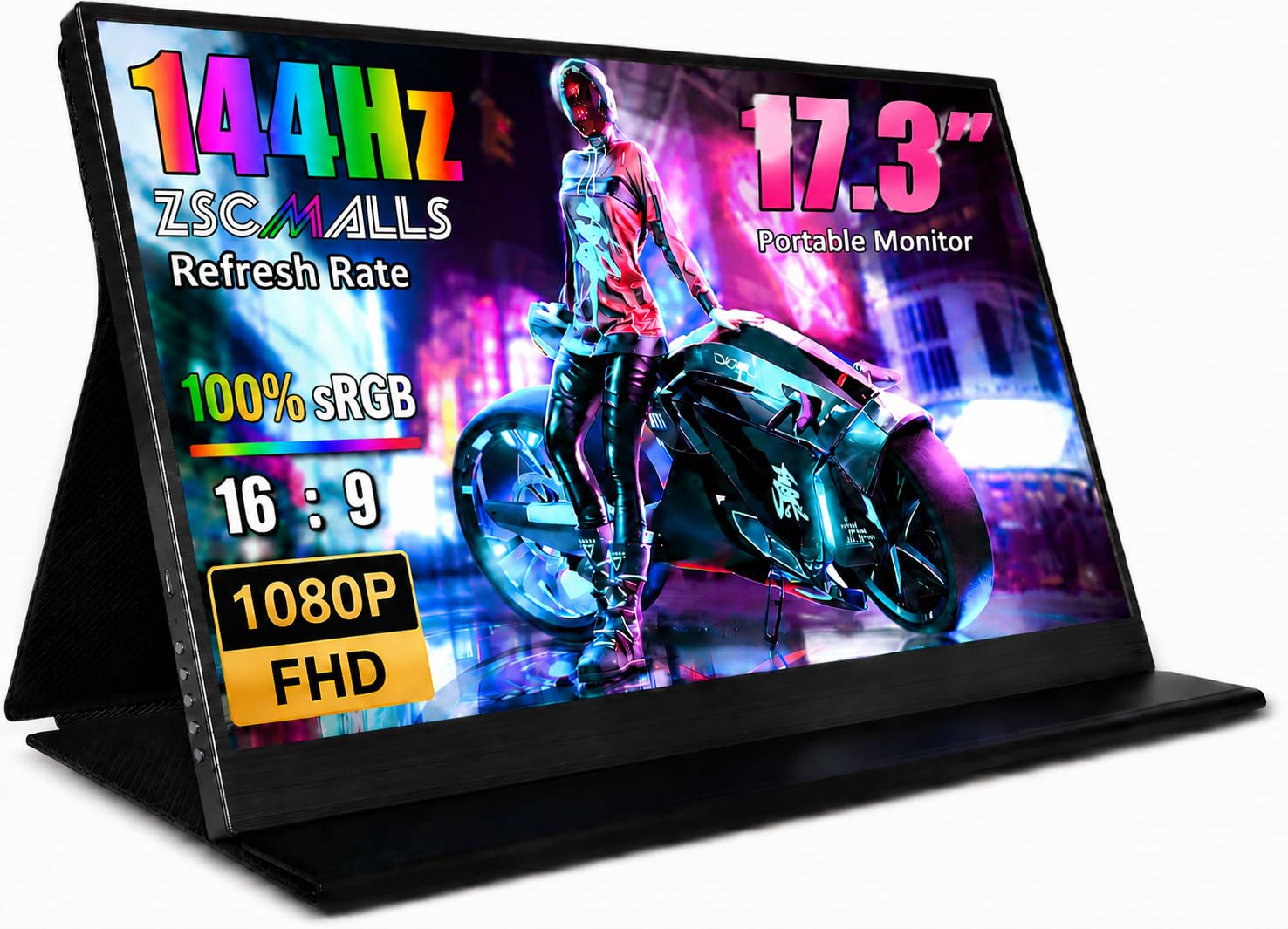
The ZSCMALLS 144Hz portable monitor is the standout performer in the 17-inch category because it delivers a 144 Hz refresh rate at 1080p resolution — a combination rarely found in this form factor. The IPS panel provides 178-degree viewing angles and supports HDR, making fast-moving games and video content noticeably smoother than any 60 Hz alternative. The included smart cover doubles as a stand and protective case, while the monitor weighs roughly half as much as a standard laptop, which genuinely matters when you travel.
Connectivity is robust with two USB-C ports (one for power, one for video), a mini-HDMI input, and a 3.5mm audio jack. The plug-and-play setup requires no driver installation on Windows, macOS, or Chrome OS. Gamers will appreciate the FreeSync adaptive sync support, which reduces screen tearing when paired with a compatible graphics source. The resolution stays at 1080p, so older laptops without modern GPUs can still drive it easily.
User reviews consistently praise the crisp image quality and lightweight build, with several remote workers noting it fits comfortably inside a standard briefcase alongside a laptop. The only consistent critique involves the included kickstand, which some find a bit flimsy compared to dedicated monitor arms. For the price, however, the combination of high refresh rate, portability, and IPS color performance makes this the best-balanced choice for most buyers.
Why it’s great
- 144 Hz refresh rate eliminates motion blur in games and fast scrolling
- True IPS panel with 1080p resolution and solid color reproduction
- VESA mount compatible for custom desk setups
Good to know
- Kickstand cover feels less sturdy than premium competition
- Reaching 144 Hz requires a USB-C or HDMI source that can output that frame rate
2. ARZOPA 17.3″ Portable Monitor A1M
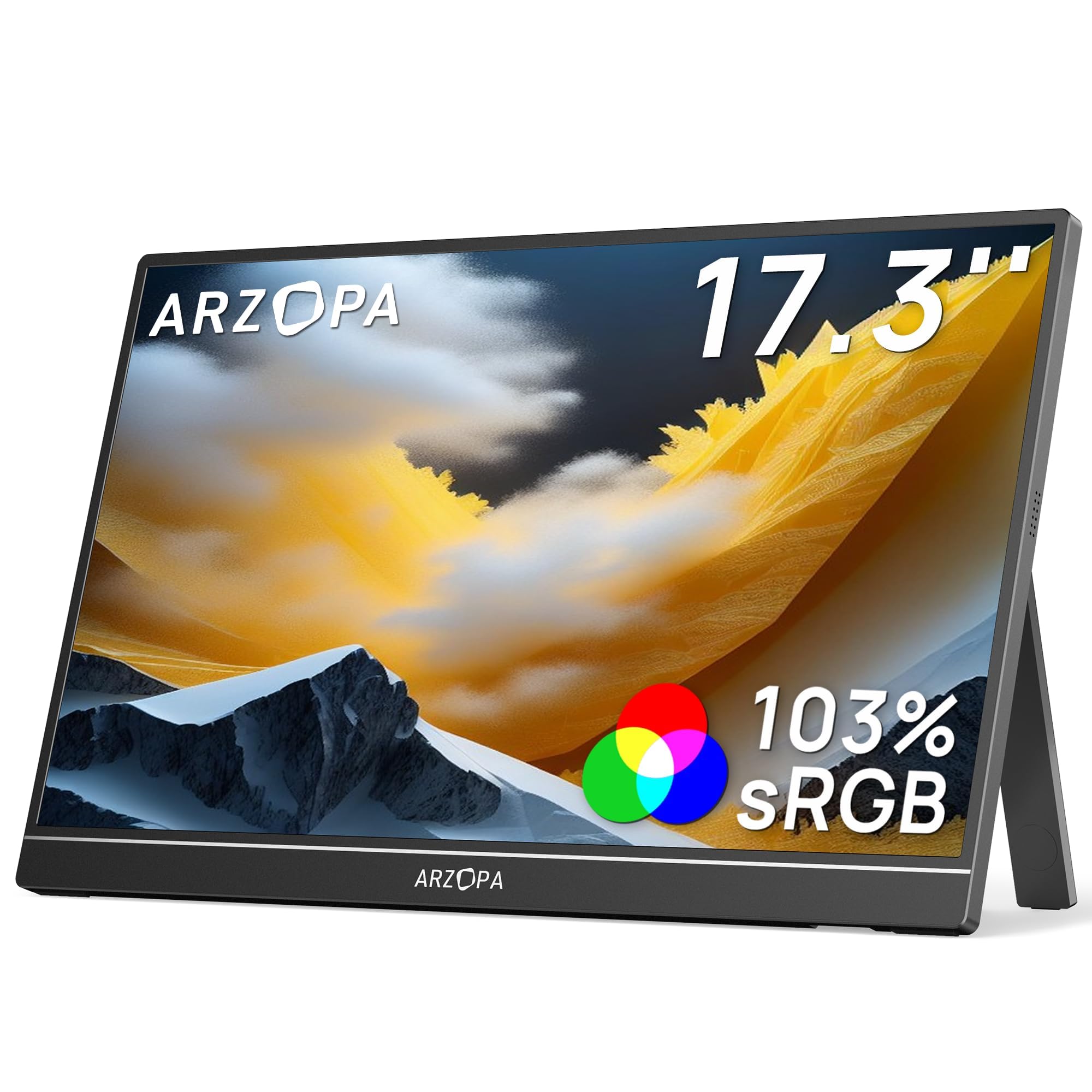
The ARZOPA A1M distinguishes itself with a 103% sRGB color gamut coverage and a matte screen finish — a rare combination in portable monitors. The matte coating significantly reduces glare in bright environments like coffee shops or airplane windows, while the wide color gamut ensures photos and design work look accurate. The IPS panel delivers 178-degree viewing angles, so off-axis viewing does not wash out the image.
Setup is genuinely single-cable: a USB-C connection provides both video and power when paired with a full-featured USB-C laptop port. The built-in kickstand allows landscape and portrait orientation switching, which is useful for coding or reading documents. The 300 cd/m² brightness is adequate for indoor use, though outdoor visibility remains limited. The monitor also supports three display modes: duplicate, extend, and second screen only.
Users highlight the lack of glare as the defining advantage over glossy portable monitors, and several reviewers use it as a permanent second screen in RV or van-living setups. The main tradeoff is the 60 Hz refresh rate, which is fine for productivity but not ideal for competitive gaming. If color accuracy and glare reduction are your priorities, this is the strongest option in the 17-inch portable category.
Why it’s great
- Matte screen eliminates distracting reflections in bright rooms
- 103% sRGB coverage provides punchy, accurate colors out of the box
- Single USB-C cable handles both video and power delivery
Good to know
- 60 Hz refresh rate capped, not suited for high-frame-rate gaming
- Built-in speakers are functional but not loud
3. Yodoit Portable Monitor 17.3″ FHD

The Yodoit 17.3-inch portable monitor stands out for its high brightness rating of 400 cd/m² — noticeably brighter than the 250-300 cd/m² typical of most portable panels. This extra brightness headroom makes a real difference when using the monitor near a window or in a well-lit office. The IPS panel delivers 178-degree viewing angles and a 1500:1 contrast ratio, which gives dark scenes more depth than the standard 1000:1 panels.
The monitor features a full metal chassis with a sleek texture and a unique folding stand cover that protects the screen during transport. It includes two full-featured USB-C ports, so you can daisy-chain or plug in from either side. The mini-HDMI input provides an alternative connection for consoles or older laptops. HDR support is included, though the 60 Hz panel limits the HDR experience to static content and video rather than gaming.
Customer feedback focuses heavily on the ultra-thin profile, with many travelers confirming it slides easily into a personal-item bag alongside a laptop. The main complaint is a small number of units failing within hours, which suggests some quality control variance. If you get a good unit, the brightness and build quality are best-in-class for this price point.
Why it’s great
- 400 cd/m² brightness outperforms most portable monitors for indoor use
- Metal build feels premium and durable for frequent travel
- Dual USB-C ports offer flexible cable routing on either side
Good to know
- Reported early failures suggest inconsistent quality control
- 60 Hz refresh rate limits gaming potential
4. SKitphrati 17″ Square Touch Screen Monitor

The SKitphrati 17-inch touch monitor uses a 5:4 aspect ratio with 1280 x 1024 resolution — a classic format still widely used in POS systems, industrial kiosks, and inventory management. The 10-point multi-touch capacitive touchscreen is responsive and works with Windows out of the box, though macOS and Linux compatibility requires extra configuration and may not be fully supported. The 75 Hz refresh rate is a slight upgrade over standard 60 Hz, providing marginally smoother cursor movement.
Connectivity includes HDMI, VGA, and a USB Type-B port for the touch signal. The 75mm VESA mount on the back allows wall or arm mounting, which makes it easy to integrate into a fixed workspace. The stand offers +5 to -20 degrees of tilt adjustment, but multiple users report it is extremely stiff and hard to adjust without lifting the monitor. The power cable is hardwired and short, which limits placement flexibility.
Long-term owners who use this as a secondary touch display for digital calendars or POS replacements report reliable performance after months of daily use. The main downsides include a glossy screen that reflects overhead lights and the inability to adjust brightness via standard drivers on many operating systems. For dedicated touch use in a Windows environment, it delivers solid value.
Why it’s great
- 10-point capacitive touch works smoothly for POS and interactive kiosk use
- 75 Hz refresh rate provides slightly smoother motion than typical 60 Hz panels
- 75mm VESA mount compatible for flexible installation
Good to know
- Stand is very stiff and power cable is hardwired and short
- Touch functionality not well supported on macOS or Linux
5. ZOSHING 17inch Security Monitor

The ZOSHING 17-inch security monitor is purpose-built for CCTV and DVR systems, featuring a 1366 x 768 resolution and a 170-degree viewing angle that works well when mounted on a wall or positioned above eye level. The LCD panel with LED backlighting produces a 1000:1 dynamic contrast ratio, which is adequate for distinguishing details in security camera feeds. The glossy screen finish helps maintain contrast in dim surveillance rooms.
Port selection is the priority here: HDMI, VGA, AV input, and a USB port for media playback from a flash drive. Two built-in speakers provide audio from connected DVRs without external speakers, and the included remote control makes switching inputs convenient for non-technical users. The mount supports standard VESA wall mounting, and the power adapter connects via a barrel jack.
User reviews confirm the monitor works reliably with security camera systems, though one reviewer noted the color temperature runs cool, which is typical for surveillance panels designed to emphasize contrast over color accuracy. The main limitation is the 1366 x 768 resolution, which will look noticeably softer than a 1080p panel if used for general computing. For its intended role as a dedicated security display, it performs exactly as expected.
Why it’s great
- 170-degree viewing angle works well for wall-mounted surveillance installations
- Includes remote control and built-in speakers for convenient operation
- Multiple legacy ports (AV, VGA) connect easily to older DVR systems
Good to know
- 1366 x 768 resolution is lower than standard 1080p monitors
- Color temperature runs cool, which is fine for security but not general use
6. Jexiop 17inch Security Monitor
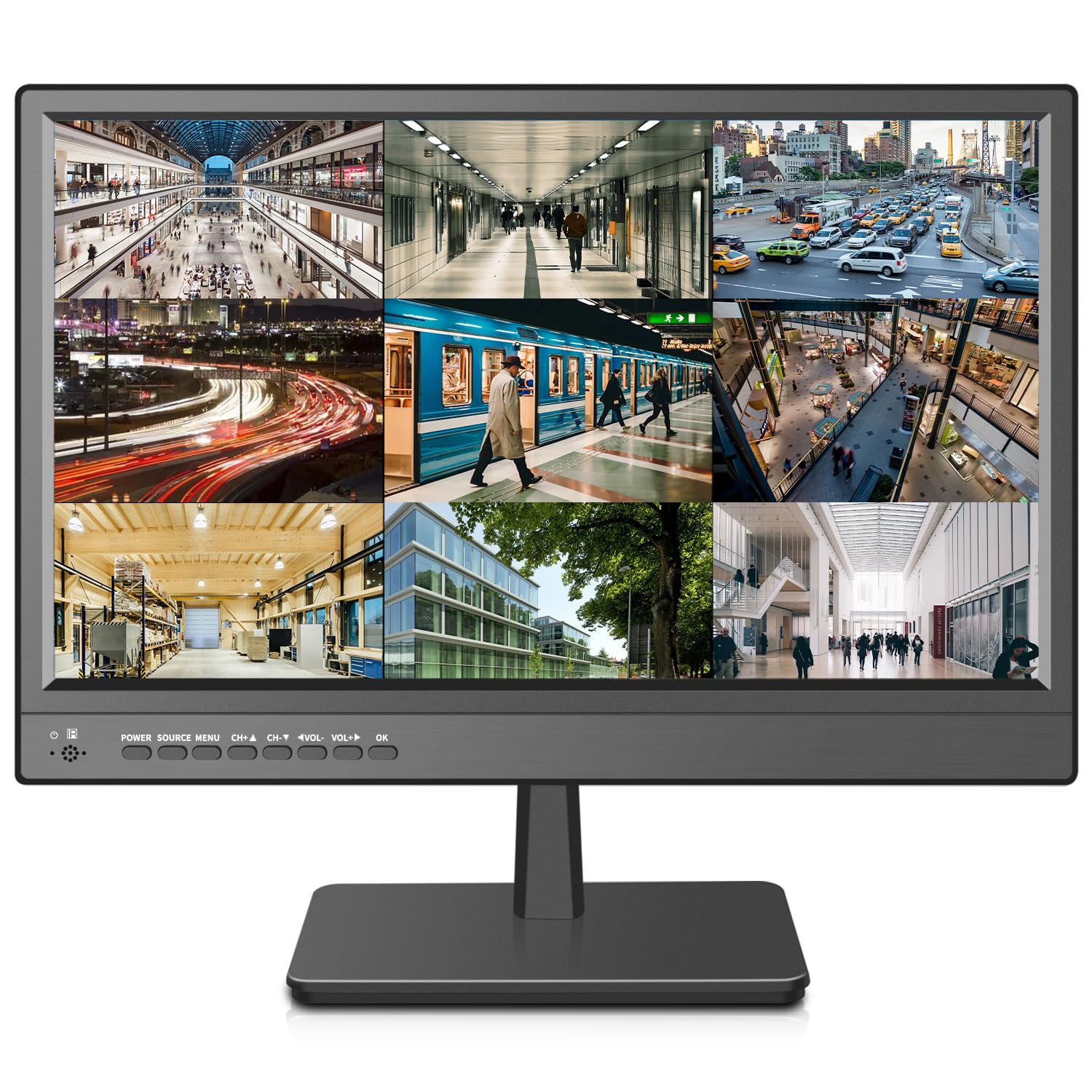
The Jexiop security monitor offers a 1600 x 900 maximum resolution in a 4:3 aspect ratio, which provides slightly more vertical pixels than the 1366 x 768 panel found in the ZOSHING. This extra resolution can make a small difference when viewing multiple camera feeds on a single screen. The LED-backlit panel delivers 200 cd/m² brightness and a 1000:1 contrast ratio, which is standard for the security monitor category.
Connectivity includes HDMI, VGA, and AV inputs, plus a USB port for media playback. The built-in stereo speakers are surprisingly clear and loud according to user feedback, and the remote control features large buttons that are easy to use in a dark security room. The monitor is extremely thin at 0.6 inches deep, which makes it easy to wall-mount flush against a surface.
Customer reviews are generally positive, with users praising the sharp picture when used as a secondary computer display via HDMI. The main limitation reported is that the included power adapter may not have the correct plug type for all regions, so verify compatibility before ordering. For a dedicated security monitor that doubles as a basic computer screen, this is a capable entry-level choice.
Why it’s great
- 1600 x 900 resolution offers more vertical pixels than standard security monitors
- Slim 0.6-inch profile sits nearly flush when wall-mounted
- Stereo speakers receive positive feedback for clarity and volume
Good to know
- Brightness at 200 cd/m² is low for brightly lit rooms
- Power adapter plug type may not match all regional outlets
7. Acer V173 Djb 17-Inch LCD Monitor

The Acer V173 Djb is a legacy desktop monitor with a 1280 x 1024 SXGA resolution in a 5:4 aspect ratio. This is the classic office monitor form factor, and it includes Acer’s Adaptive Contrast Management (ACM) technology that dynamically adjusts the contrast ratio up to 2000:1, making text and icons appear sharper against different backgrounds. The 5ms response time is fast enough for smooth video playback and light gaming without visible ghosting.
Connectivity is limited to a single VGA input — there is no HDMI or DVI port. This makes the monitor compatible with older desktop computers and legacy systems, but it will require an adapter for modern laptops or consoles. The ComfyView technology reduces glare by diffusing ambient light, and the stand offers tilt adjustment. The 0.264mm pixel pitch provides reasonably sharp text at native resolution.
User feedback is overwhelmingly positive for reliability, with several buyers noting the monitor still works perfectly after years of daily use in office environments. The lack of digital inputs and the relatively low resolution are the only real drawbacks. If you need a reliable drop-in replacement for an old 5:4 monitor or a basic screen for a secondary office computer, the Acer V173 is a proven workhorse.
Why it’s great
- Proven reliability with years of positive user feedback for daily office use
- 5ms response time delivers smooth video and casual gaming performance
- Adaptive Contrast Management improves text clarity dynamically
Good to know
- Only VGA input, no HDMI or DVI for modern connections
- 1280 x 1024 resolution is low for productivity and web browsing
FAQ
What resolution should I look for in a 17-inch monitor for office work?
Can I use a portable 17-inch monitor with my smartphone?
What does the 103% sRGB rating on the ARZOPA monitor actually mean?
Final Thoughts: The Verdict
For most users, the best 17 computer monitor winner is the ZSCMALLS 144Hz Portable Monitor because it combines a 144 Hz refresh rate with a crisp 1080p IPS panel in a lightweight, travel-ready package that works for both productivity and gaming. If you need a matte screen for working in bright environments, grab the ARZOPA A1M. And for dedicated security camera monitoring, nothing beats the ZOSHING Security Monitor with its wide viewing angle and remote control convenience.