
The 1500R curvature is the sweet spot of monitor design — aggressive enough to pull your peripheral vision into the action, yet subtle enough to avoid the distortion that plagues tighter bends. Whether you are lining up a headshot in a competitive shooter or managing three spreadsheets across an ultrawide canvas, the 1500R radius wraps the display around your natural field of view instead of forcing your eyes to adjust. The difference between a flat panel and this specific curve is the difference between watching events unfold on a screen and feeling like you are inside the scene itself.
I’m Min — the co-founder and writer behind Gadgets Feed. I’ve spent countless hours digging into panel technologies, refresh rate ceilings, and color gamut coverage to separate real performance gains from marketing fluff, so you get a monitor that actually delivers on its specs.
This guide cuts through the noise to find the best 1500r curved monitor for your specific setup, whether you need blistering competitive speed or cinematic immersion for single-player worlds.
How To Choose The Best 1500R Curved Monitor
Choosing a 1500R curved monitor isn’t just about the bend. You need to match resolution, refresh rate, panel type, and connectivity to your specific hardware and use case. A monitor that sings on a high-end PC can feel sluggish on a console, and a budget panel might wash out colors in a bright room.
Resolution and Screen Size
A 34-inch 3440×1440 ultrawide (21:9) is the classic 1500R pairing, offering width for multitasking and gaming immersion without the pixel density drop of 1080p. For 32-inch 16:9 models, 2560×1440 delivers a sharp image, while 1920×1080 at this size results in a noticeably less crisp picture. 4K (3840×2160) on a 32-inch 1500R panel provides incredible detail but demands a powerful GPU to drive high frame rates.
Refresh Rate and Response Time
180Hz is a high-performance standard for smooth motion in fast-paced titles, while 240Hz gives a slight competitive edge. For casual or story-driven games, 144Hz to 165Hz is more than sufficient. Response time matters too: a 0.5ms MPRT or 1ms GTG rating eliminates ghosting, but VA panels can show dark-level smearing, so look for “MPRT” or “overdrive” ratings if you are sensitive to motion blur.
Panel Technology
VA panels dominate the 1500R curved space for their deep contrast (3000:1 or higher) and strong black levels, making them ideal for dark, atmospheric games. OLED offers superior color and contrast but comes at a premium and may require burn-in management. Always check the DCI-P3 color coverage percentage — 90 percent or above ensures vibrant, game-ready imagery.
Quick Comparison
On smaller screens, swipe sideways to see the full table.
| Model | Category | Best For | Key Spec | Amazon |
|---|---|---|---|---|
| LG 34GX900A-B | Premium | Elite OLED gaming | 240Hz OLED 800R | Amazon |
| ASUS ROG Strix XG34WCDG | Premium | QD-OLED color & speed | 175Hz QD-OLED | Amazon |
| Samsung Odyssey G7 G75F | Premium | 4K immersive gaming | 165Hz 4K VA 1000R | Amazon |
| Alienware AW3425DWM | Premium | Balanced ultrawide immersion | 180Hz VA 3440×1440 | Amazon |
| Z-Edge AG34P | Mid-Range | High refresh budget ultrawide | 240Hz VA 3440×1440 | Amazon |
| ASUS TUF Gaming VG32WQ3B | Mid-Range | 1440p 180Hz value | 180Hz VA 2560×1440 | Amazon |
| AOC CU34G4V | Mid-Range | Best value ultrawide | 180Hz VA 3440×1440 | Amazon |
| MSI G32C4X | Budget | High Hz 1080p gaming | 250Hz VA 1920×1080 | Amazon |
| CRUA 32″ 4K | Budget | Entry-level 4K curved | 160Hz VA 3840×2160 | Amazon |
In‑Depth Reviews
1. LG 34GX900A-B
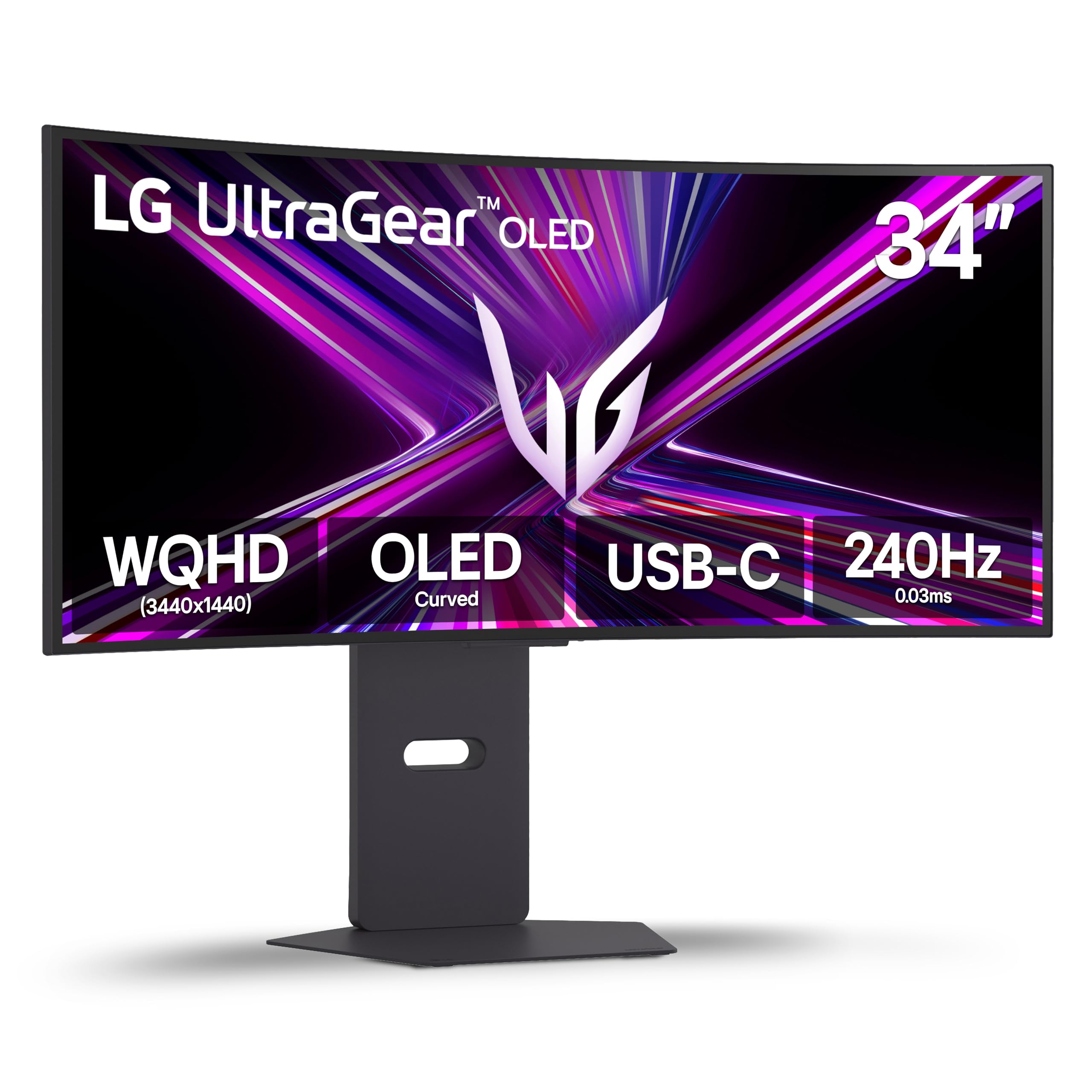
The LG 34GX900A-B combines an 800R curve (tighter than 1500R for even deeper immersion) with a 34-inch WQHD OLED panel running at 240Hz and a 0.03ms response time. That’s peak OLED speed — motion clarity is absolute, and the 1.5M:1 contrast ratio delivers the inky blacks and explosive highlights that make HDR content truly leap off the screen.
Color accuracy hits 98.5% DCI-P3 out of the box, and the VESA DisplayHDR True Black 400 certification ensures deep black levels without crushing shadow detail. The USB-C port with 65W power delivery simplifies cable management for laptop users, and the anti-glare coating earns multiple UL certifications for low flicker and blue light.
The 800R curvature is more dramatic than a standard 1500R — some users find it excellent for single-player immersion but slightly aggressive for productivity work like photo editing where straight lines are critical. The glossy coating also reflects light noticeably in bright rooms, so you will want controlled lighting.
Why it’s great
- 240Hz OLED with near-zero motion blur
- Excellent 98.5% DCI-P3 color coverage
- USB-C with 65W power delivery
Good to know
- 800R curve is more aggressive than typical 1500R
- Glossy panel reflects ambient light
- Premium price tier
2. ASUS ROG Strix XG34WCDG

The ASUS ROG Strix XG34WCDG uses a 34-inch QD-OLED panel at 3440×1440 with a 175Hz refresh rate and a staggering 0.03ms response time. Quantum Dot technology pushes the DCI-P3 gamut to 99.3%, and the true 10-bit color depth with Delta E < 2 calibration makes this monitor equally suited for competitive gaming and professional creative work.
ASUS includes its OLED Care Pro suite with a Neo Proximity Sensor that detects when you step away and blacks out the screen to prevent burn-in — a genuine concern for any OLED monitor used as a daily driver. The VESA DisplayHDR 400 True Black compliance confirms the deep blacks and high contrast that QD-OLED is known for, and the 1.5 million-to-one contrast ratio makes every scene look dimensional.
The 1500R curvature here strikes a more traditional balance than the LG’s 800R, making it easier to handle productivity tasks. The monitor lacks built-in speakers, and the 3.5mm analog output is unreliable for high-quality audio passthrough, so factor in external speakers or a headset.
Why it’s great
- Stunning QD-OLED colors at 99.3% DCI-P3
- Burn-in prevention with Neo Proximity Sensor
- True 10-bit color with factory calibration
Good to know
- No built-in speakers
- Analog audio output is unreliable
- HDR compatibility clarity could be better
3. Samsung Odyssey G7 G75F

The Samsung Odyssey G7 G75F delivers a 37-inch 4K UHD (3840×2160) panel with a 1000R curve that is tighter than typical 1500R monitors. The VA panel reaches 3000:1 contrast and supports VESA DisplayHDR 600, delivering deeper blacks and brighter whites in HDR scenes compared to standard 400-nit monitors.
At 165Hz with a 1ms GTG response time and AMD FreeSync Premium Pro, the G7 handles fast-paced 4K gaming without tearing. The 37-inch size is a unique middle ground between a 32-inch and a 42-inch display, offering pixel density of about 109 PPI — sharp enough for text clarity while avoiding the black bars that come with 21:9 aspect ratios on video content.
The 1000R curve is noticeably aggressive, and some users find it too extreme for general productivity or multi-monitor setups. At its typical retail price point, OLED alternatives with better contrast and HDR performance exist, so value-conscious buyers should wait for sales.
Why it’s great
- Sharp 4K UHD resolution on a large curved panel
- 1000R curve for deep immersion
- VESA DisplayHDR 600 with strong VA contrast
Good to know
- Very aggressive 1000R curve may be divisive
- Competes with OLEDs at its price tier
- Single HDMI port limits console flexibility
4. Alienware AW3425DWM

The Alienware AW3425DWM sits at a 34-inch WQHD (3440×1440) ultrawide with a 1500R curve, 180Hz refresh rate, and 1ms GTG response time. The VA panel achieves a 3000:1 static contrast ratio and 95% DCI-P3 coverage with VESA DisplayHDR 400 certification, delivering rich, punchy colors that elevate both gaming and cinematic content.
AMD FreeSync Premium and VESA AdaptiveSync support ensure tear-free gameplay across both AMD and NVIDIA GPUs. The included ergonomic stand offers height, tilt, and swivel adjustments, and the hardware-based low blue light solution reduces eye strain without washing out color — a meaningful difference from software-based filters that turn the screen yellow.
At its standard price, this monitor is an excellent value for a premium-brand ultrawide, but it is not OLED. If you are coming from an OLED display, the black levels and contrast on this VA panel will look noticeably inferior. Side-by-side comparisons with OLED panels will disappoint, but in isolation, the image quality is solid.
Why it’s great
- Strong 3000:1 VA contrast with good HDR
- 180Hz FreeSync Premium with AdaptiveSync
- Hardware low blue light without color shift
Good to know
- No built-in speakers
- Black levels are not OLED-grade
- 180Hz fixed — no overclock option
5. Z-Edge AG34P
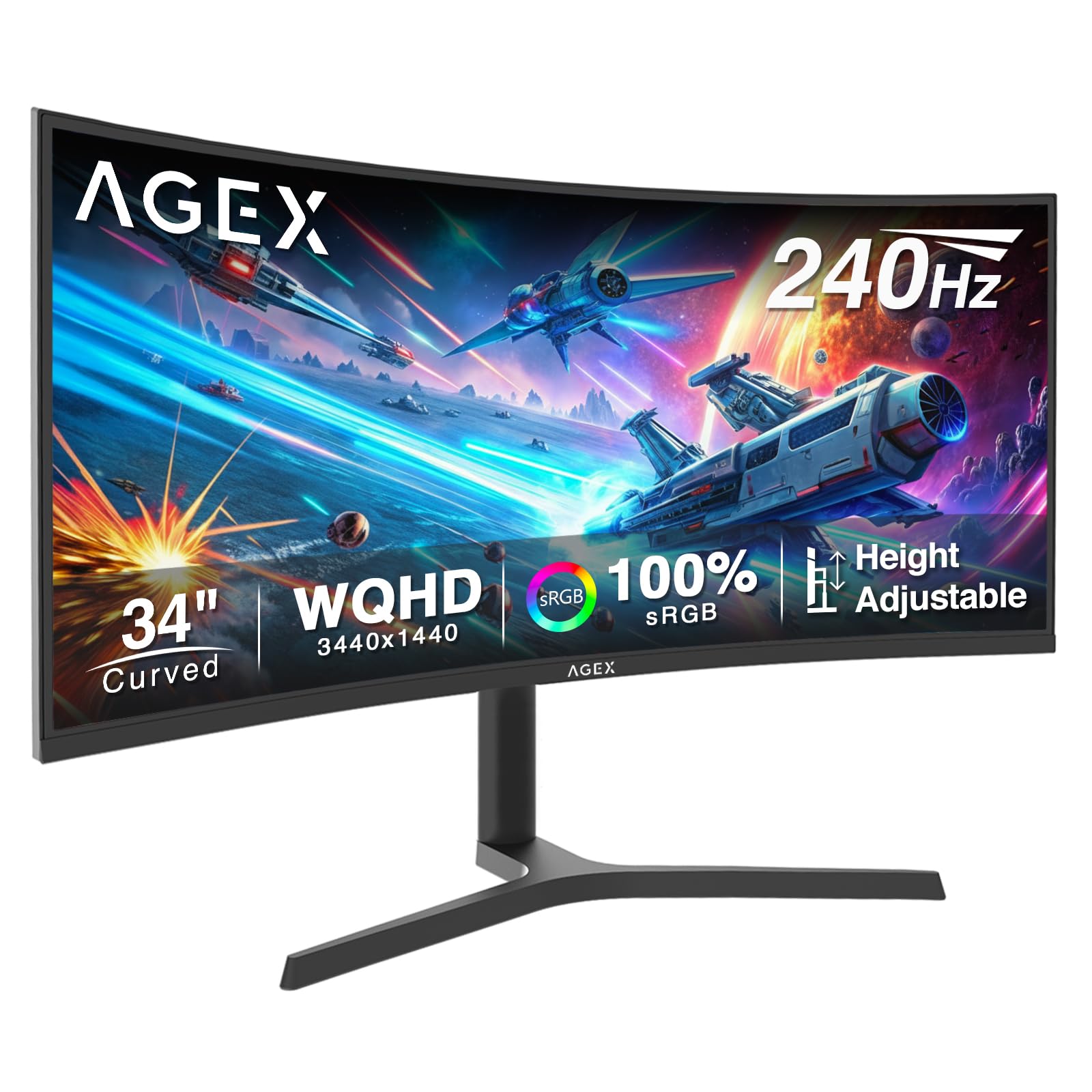
The Z-Edge AG34P pushes into premium territory with a 34-inch 1500R ultrawide that hits 240Hz through DisplayPort 1.4 and maintains a 1ms MPRT response time. The VA panel delivers a 4000:1 contrast ratio and 350 cd/m² brightness, creating deep blacks and punchy visuals that work especially well in dark-room gaming sessions.
FreeSync support synchronizes refresh rates with the GPU to eliminate screen tearing, and the 21:9 aspect ratio provides significant extra screen real estate for creative multitasking. PIP/PBP multi-source display functionality lets you view content from two inputs simultaneously — a rare feature at this price point that streamers and live-monitoring setups will appreciate.
The included stand offers tilt and swivel but no height adjustment, which is a notable omission for an ultrawide monitor that demands specific positioning. Some units have been reported with limited adjustability, and the power plug design is bulky for tight desk setups.
Why it’s great
- 240Hz refresh rate at native WQHD resolution
- PIP/PBP multi-source display support
- Strong 4000:1 VA contrast
Good to know
- No height adjustment on the stand
- Bulky power connector
- No built-in audio passthrough
6. ASUS TUF Gaming VG32WQ3B

The ASUS TUF Gaming VG32WQ3B brings a 31.5-inch 1500R QHD (2560×1440) VA panel with a 180Hz refresh rate and 0.5ms GTG response time. ASUS includes its Extreme Low Motion Blur technology, which backlight-strobes to reduce perceived ghosting — a distinct advantage over standard VA panels that can suffer from dark-level smearing.
The monitor covers 90% DCI-P3 color gamut and supports FreeSync variable refresh rate out of the box. Shadow Boost technology brightens dark in-game areas without overexposing highlights, which is useful for competitive shooters where seeing into shadows gives an edge. The package includes a DisplayPort cable and an L-shaped screwdriver for assembly.
The stand is somewhat short, limiting minimum height, and the monitor requires a dedicated graphics card to output 1440p resolution — integrated graphics may struggle. Some users report long-term reliability concerns with ASUS displays, though the three-year warranty provides coverage.
Why it’s great
- 180Hz 0.5ms with ASUS ELMB anti-ghosting
- Shadow Boost for competitive visibility
- Three-year warranty included
Good to know
- Stand is short with limited vertical range
- Requires dedicated GPU for 1440p
- Long-term quality control concerns reported
7. AOC CU34G4V
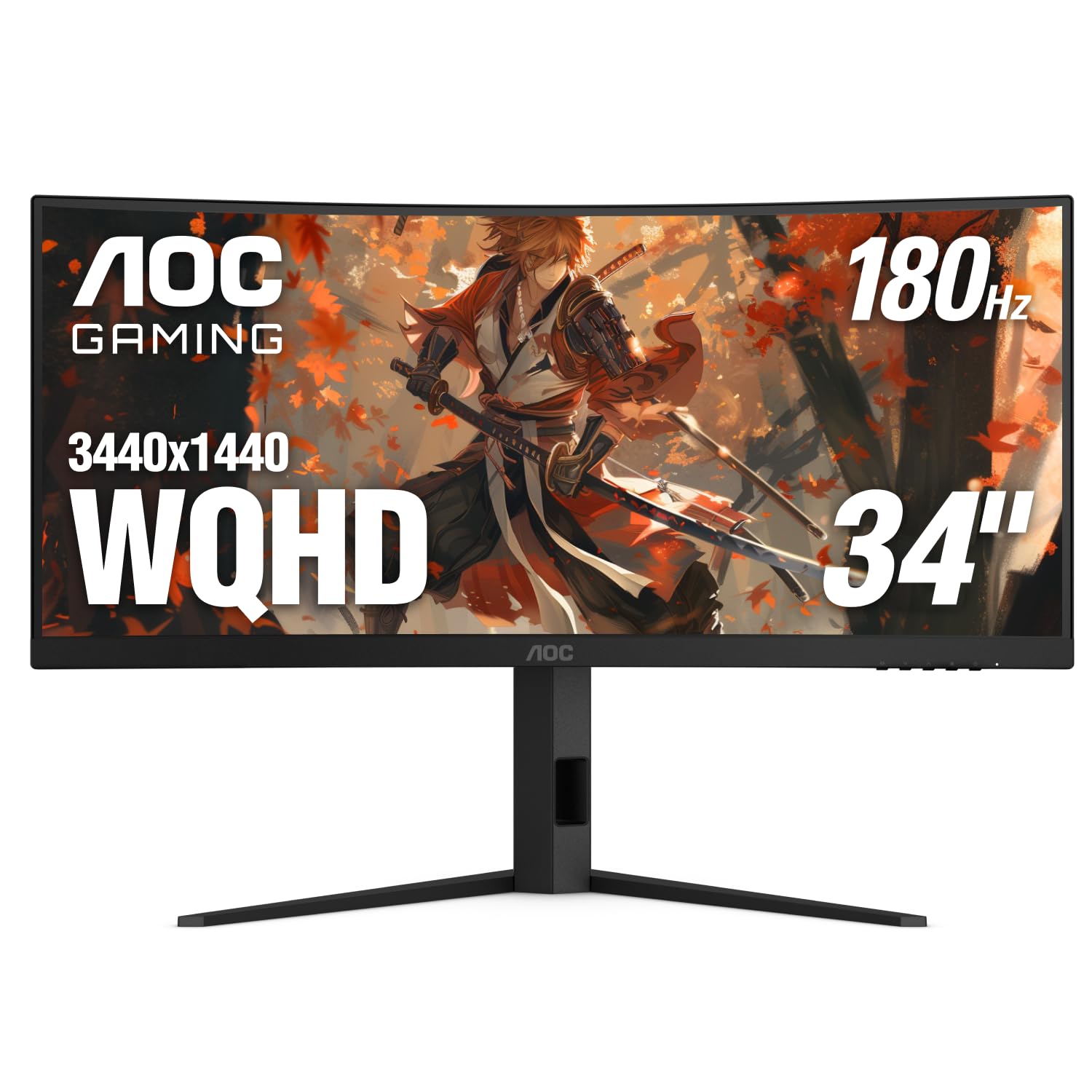
The AOC CU34G4V offers a 34-inch 3440×1440 ultrawide with a 1500R curve, 180Hz refresh rate, and a 0.5ms MPRT response time — specs that would normally command a higher price. The VA panel delivers an 80,000,000:1 dynamic contrast ratio and 300 cd/m² brightness, with FreeSync Premium support for tear-free gameplay on both AMD and NVIDIA systems.
The ergonomic stand provides tilt, swivel, and 130mm height adjustment — a full range of motion that is rare at this tier. The three-sided frameless design works well for multi-monitor setups, and VESA 100x100mm mounting offers flexibility for arm or wall mounting. Connectivity includes one DisplayPort 1.4 and two HDMI 2.0 ports.
The 300 cd/m² brightness is adequate for indoor use but falls short in very bright rooms with direct window glare. The dynamic contrast claims are marketing numbers — real-world contrast is typical of VA panels. Some units may require manual color calibration to achieve accurate whites.
Why it’s great
- Full ergonomic stand with height adjustment
- 180Hz 0.5ms with FreeSync Premium
- Excellent price-to-spec ratio
Good to know
- 300 nits brightness is moderate
- May need manual calibration out of box
- No USB hub included
8. MSI G32C4X

The MSI G32C4X is a 32-inch 1080p (1920×1080) VA monitor with a 1500R curve and a 250Hz refresh rate — one of the highest Hz-to-dollar ratios in the curved monitor space. The 1ms response time and FreeSync Premium support keep motion fluid, and the 3000:1 static contrast ratio provides deeper blacks than IPS panels at this price.
At 1080p on a 32-inch screen, the pixel density sits at roughly 69 PPI, which means text and UI elements appear less sharp than on smaller or higher-resolution displays. However, the 250Hz refresh rate makes this monitor a strong choice for competitive gaming where high frame rates matter more than pixel density, especially with mid-range GPUs that can easily hit 250 fps at 1080p.
The stand is limited to tilt adjustment only — no height or swivel options. Connectivity includes one HDMI and one DisplayPort, which covers standard setups but lacks USB ports or a headphone jack for easy audio routing.
Why it’s great
- 250Hz refresh rate for ultra-smooth gameplay
- Deep 3000:1 VA contrast
- FreeSync Premium support
Good to know
- 1080p on 32-inch is not crisp for text
- Only tilt adjustment on stand
- No USB hub or audio passthrough
9. CRUA 32″ 4K

The CRUA 32″ 4K curved monitor delivers a 3840×2160 VA panel with a 1500R curve and 160Hz refresh rate via DisplayPort 1.4, plus 120% sRGB color coverage and built-in speakers. The 3000:1 contrast ratio and 320 cd/m² brightness are respectable for the category, and the white chassis with RGB lighting targets gamers building a light-colored setup.
Included connectivity covers HDMI 2.1 and DP 1.4, and the 75x75mm VESA mount allows wall or arm installation. The built-in speakers offer convenient audio for casual use and video calls, though audiophiles will still want dedicated speakers for gaming. AMD FreeSync support helps reduce screen tearing when frame rates fluctuate.
Reliability is the main concern here — several reports describe screen failures after three to six months, with the advertised one-year warranty not always honored. The brightness tops out at a modest 320 nits, which struggles against window glare in daylight. This is a capable entry-level 4K curved monitor if you are comfortable with the quality gamble.
Why it’s great
- 4K resolution at 160Hz on a budget
- 120% sRGB for vibrant color
- Includes HDMI 2.1 and DP 1.4 ports
Good to know
- Reliability issues with early failures reported
- 320 nits brightness is dim in bright rooms
- Warranty support is inconsistent
FAQ
Is 1500R better than 1000R for a curved monitor?
Can I use a 1500R curved monitor for professional photo editing?
Final Thoughts: The Verdict
For most users, the best 1500r curved monitor winner is the LG 34GX900A-B because its 240Hz OLED panel delivers motion clarity and color that no VA or IPS can touch, and the 800R curve pushes immersion further than standard 1500R designs. If you want pure QD-OLED color with proven burn-in protection, grab the ASUS ROG Strix XG34WCDG. And for the best value-to-spec ratio in a traditional 1500R ultrawide, nothing beats the AOC CU34G4V.